Community Management Best in category 1 results Automation AI Tool

Popular AI tools in the Automation field of Community Management include Knobi, etc., helping you quickly improve efficiency.

Knobi

Knobi

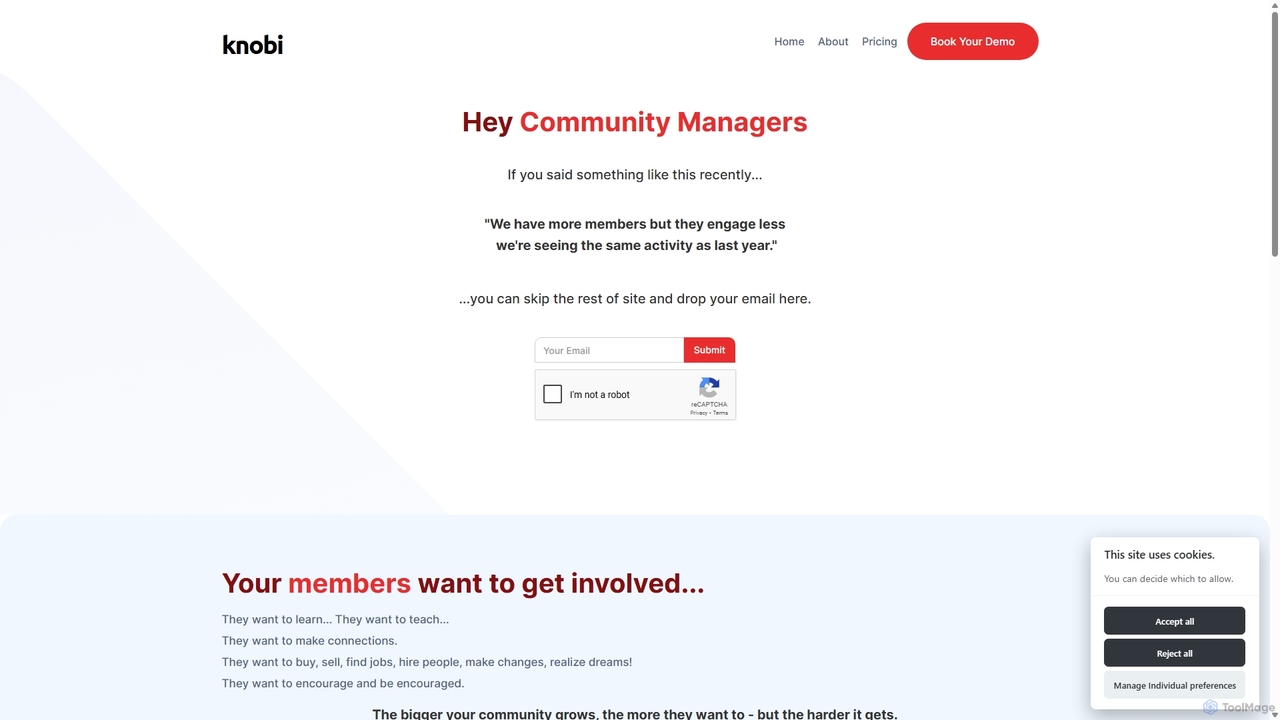
Knobi is an AI-powered suite of bots designed to enhance online community engagement. It features an Intro Bot …

3.1K

About Automation

Automation tools for community management are a class of AI-powered software designed to execute repetitive tasks and workflows without manual intervention. These tools utilize triggers, rules, and pre-defined actions to manage member interactions, content moderation, and routine administrative duties. Their primary value lies in freeing up community managers to focus on strategic engagement and relationship-building, ensuring consistent and timely responses 24/7. This enhances member experience and allows for scalable community growth.

Core Features

  • Rule-Based Workflows: Create custom rules that trigger specific actions, such as automatically assigning roles or sending messages when a new member joins.
  • Auto-Moderation: Automatically detect and remove spam, inappropriate language, or harmful links based on keyword filters and user reputation.
  • Scheduled Content Posting: Plan and schedule posts, announcements, and reminders to be published at optimal times across different platforms.
  • Automated Responses: Set up automatic replies to frequently asked questions or direct messages containing specific keywords.
  • User Activity Triggers: Initiate actions based on user behavior, such as rewarding active members with special roles or badges.

Use Cases

These tools are widely used by community managers for platforms like Discord, Slack, Facebook Groups, and online forums. They are essential for scaling operations in large gaming communities, brand advocacy programs, and online learning platforms where member volume is high. For example, a brand can automate welcome messages, while a gaming community can auto-assign roles based on in-game achievements.

How to Choose

When selecting an automation tool, first evaluate its integration capabilities with your primary community platform. Consider the complexity of the rule engine—does it support simple triggers or multi-step, conditional workflows? Also, assess the scope of available actions, from messaging and moderation to role management. Finally, review the analytics and reporting features to track the effectiveness of your automated processes.

AutomationUse Cases

1

Automated New Member Onboarding

A community manager for a large Discord server uses an automation tool to streamline the welcome process. They set up a workflow where any new user joining the server automatically receives a direct message. This message includes a warm welcome, a link to the community rules, and a guide on how to select interest-based roles. This ensures every new member gets a consistent and informative introduction, saving the moderation team hours of repetitive work each week and improving initial member engagement.

2

Proactive Content Moderation in Forums

An online forum administrator for a financial advice community sets up auto-moderation rules to maintain a safe environment. They create a filter list of prohibited keywords, including spam links and offensive terms. When a user posts content containing these keywords, the tool automatically flags the post for review or deletes it immediately and sends a warning to the user. This proactive approach prevents harmful content from spreading, reduces moderator workload, and upholds the community's quality standards without constant human oversight.

3

Scheduling Regular Community Announcements

A social media manager for a software company's user group on Facebook needs to post weekly updates and event reminders. Using an automation tool, they schedule all recurring announcements—like 'Tip Tuesday' posts or Friday's 'Ask Me Anything' session reminders—at the beginning of the month. The tool automatically publishes the content at the designated times. This ensures consistent communication with the community, maximizes engagement by posting at peak hours, and allows the manager to focus on real-time interaction rather than manual posting tasks.

4

Automated Role Assignment via Reactions

In a large gaming community on Discord, the admin wants to let members self-select roles for different games they play. They set up a message in a specific channel with game names and corresponding emoji reactions. Using an automation bot, they configure a rule where reacting with a specific emoji automatically assigns the corresponding game role to the user. This empowers members to customize their profile, helps them find others with similar interests, and completely automates the otherwise tedious manual process of role management for thousands of users.

5

Keyword-Based Support Auto-Response

The manager of a SaaS product's community on Slack sets up an automation to handle common support queries. They identify frequently asked questions about 'pricing', 'integrations', and 'reset password'. An automation rule is created to monitor public channels for these keywords. When a message contains one of these terms, the bot automatically replies in a thread with a link to the relevant knowledge base article. This provides instant answers to users, reduces the support team's ticket volume, and allows community managers to focus on more complex user issues.

6

Automated Weekly Activity Reports

An enterprise community manager overseeing a customer feedback portal needs to report on weekly activity to stakeholders. They configure an automation tool to compile key metrics every Friday. The tool automatically generates a report summarizing the number of new members, top contributors, most discussed topics, and newly submitted ideas. This report is then automatically posted in a private channel for the product team. This saves the manager several hours of manual data collection and ensures stakeholders receive consistent, timely updates on community health and engagement.

AutomationFrequently Asked Questions