
KickBot Overview
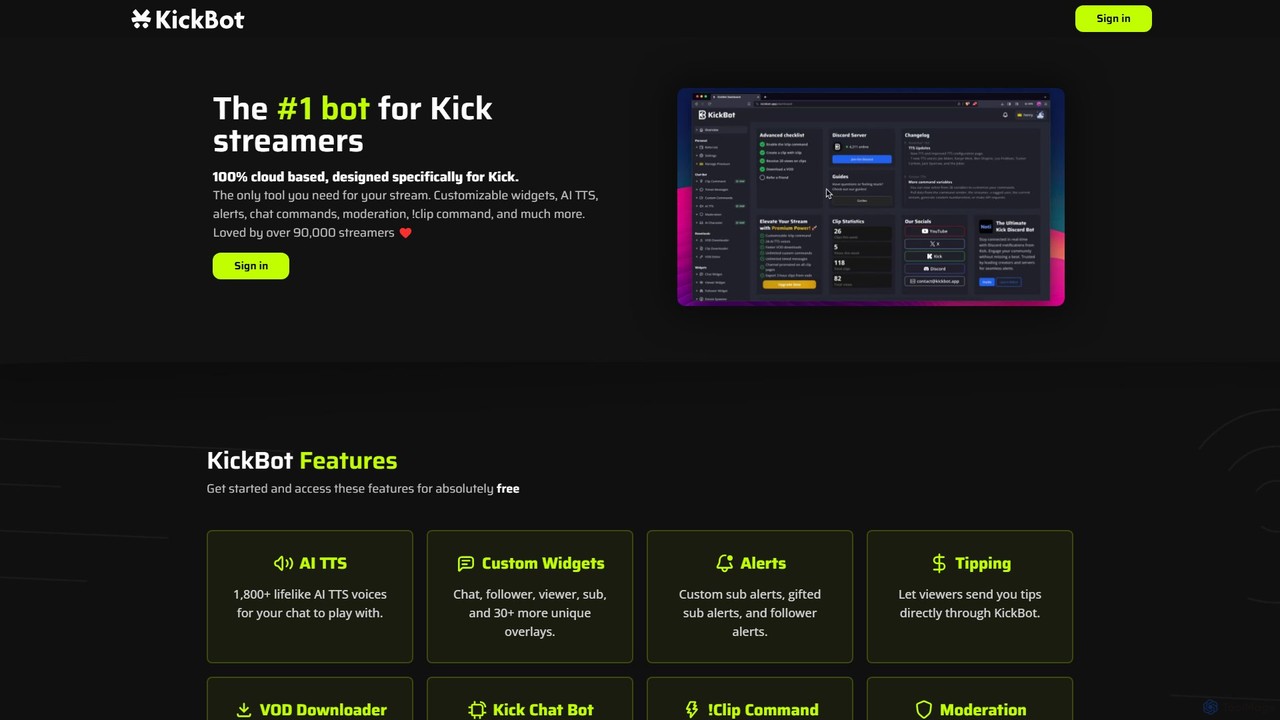
KickBot is the ultimate, all-in-one tool designed to elevate the streaming experience on the Kick platform. As the leading bot for Kick streamers, it is a 100% cloud-based solution, meaning it doesn't consume any of your local computer's resources, ensuring your game and stream performance remain unaffected. Trusted by a massive community of over 90,000 streamers, including top personalities like AdinRoss and n3on, KickBot provides a robust suite of features to manage, monetize, and enhance your live broadcasts.
The platform's core is its powerful chat bot, which automates channel management through custom commands, timed messages, and sophisticated moderation tools. This allows streamers to maintain a healthy and engaging chat environment effortlessly. One of its standout features is the AI Text-to-Speech (TTS) system, which offers over 1,800 lifelike voices, including those of famous personalities, allowing viewers to have their messages read aloud in an entertaining way. Streamers can even clone their own voice for a truly personalized experience, boosting viewer interaction and donations.
How to use KickBot
Getting started with KickBot is designed to be simple and intuitive. Here's a typical workflow:
- Sign In: Visit the KickBot website and sign in using your Kick account. This will securely link the bot to your channel.
- Authorize Access: Grant KickBot the necessary permissions to manage your chat, read follower/subscriber events, and perform actions on your behalf.
- Dashboard Configuration: Once logged in, you'll be directed to your personal dashboard. Here, you can configure all of KickBot's features. Set up custom chat commands (e.g., !socials, !uptime), create timed messages to promote your social media, and configure moderation filters like banned words or character limits.
- Customize Widgets & Alerts: Navigate to the widgets and alerts section. Customize the look and feel of your follower, subscriber, and tip alerts. Set up on-screen overlays like a chat box, viewer count, or follower goals to create a professional-looking stream.
- Integrate with Streaming Software: For each widget or alert, KickBot will provide a unique browser source URL. Copy this URL and add it as a 'Browser Source' in your streaming software (like OBS Studio, Streamlabs, etc.).
- Enable Features: Activate features like AI TTS, the !clip command, and the tipping page from the dashboard to make them available to your viewers.
- (Optional) Install Stream Deck Plugin: For advanced control, download and install the KickBot Stream Deck plugin to manage your stream, trigger commands, and moderate chat with the push of a button.
Core Features of KickBot
- AI Text-to-Speech (TTS): Engage your audience with over 1,800 lifelike AI voices, including celebrities and characters. It also offers a unique voice cloning feature.
- Customizable Widgets: A vast library of over 30 unique overlays, including chat boxes, follower goals, viewer counts, sub trains, and more, to enhance your stream's visual appeal.
- Custom Alerts: Create personalized alerts for new followers, subscriptions, gifted subs, and tips to celebrate and acknowledge your supporters in real-time.
- Cloud Chat Bot: A powerful, cloud-based bot with custom commands, timers, spam filters, and extensive moderation capabilities.
- !Clip Command: Allows you or your viewers to instantly create clips of exciting moments from your stream with a simple chat command, all processed in the cloud to prevent any performance drop.
- Advanced Moderation: Keep your chat clean with tools to ban specific words or phrases, set character limits, and use custom regex for fine-tuned control.
- Direct Tipping: A built-in tipping system that allows viewers to support you directly through KickBot, with on-screen alerts to accompany their donations.
- VOD Downloader: Easily download your past Kick streams (VODs) with a single click directly from the KickBot dashboard.
- Stream Deck Plugin: Seamless integration with Elgato Stream Deck for real-time stream management, clip creation, and chat moderation at your fingertips.
Use Cases for KickBot
KickBot is versatile and can be used to achieve various goals. Streamers use it to increase viewer engagement by letting the chat use funny TTS voices. It's used to create a professional and branded stream layout with custom widgets and alerts. Community managers use it to automate moderation, ensuring the chat remains positive and on-topic. Content creators leverage the !clip command to easily capture and share highlights on social media, growing their audience. It also serves as a monetization tool, providing a direct and easy way for fans to send tips.
Advantages of KickBot
The primary advantage of KickBot is that it is an all-in-one solution specifically tailored for the Kick platform, eliminating the need for multiple disparate tools. Being 100% cloud-based is a major benefit, as it ensures zero impact on your streaming PC's performance. The sheer breadth of features, from the highly entertaining AI TTS to practical tools like the VOD downloader and moderation, makes it incredibly comprehensive. Its ease of use and the fact that it's trusted by the biggest names on the platform provide strong social proof and reliability. The free entry point makes it accessible to streamers of all sizes.
Pricing and Plans
KickBot operates on a freemium model. Streamers can get started and access a vast array of core features—including the chat bot, basic alerts, and many widgets—completely free of charge. This makes it an excellent choice for new and growing channels. For users seeking more advanced capabilities, such as the premium AI voices, voice cloning, unlimited access to all widgets, or priority support, KickBot likely offers premium subscription plans. For the most up-to-date and detailed information on pricing tiers and features, users should visit the official KickBot website.
Traffic
Latest traffic
Status
Monthly traffic trend
- 2025-9: 445.9K
- 2026-1: 380.1K
- 2026-2: 307.5K
- 2026-3: 315.1K
- 2026-4: 278.1K
- 2026-5: 313.7K
Geography
Top 5 countries / regions
- 🇺🇸United States60.0%
- 🇹🇷Türkiye13.2%
- 🇵🇪Peru11.0%
- 🇨🇱Chile8.3%
- 🇨🇦Canada7.5%
Traffic sources
| Source type | Percentage |
|---|---|
Direct | 96.5% |
Referral | 2.8% |
Email | 0.7% |
Top keywords
| Keyword | Cost per click |
|---|---|
| bot kick | $1.64 |
| jollyrancherzoo | $0.00 |
| kick bot | $0.49 |
| kickbot | $4.08 |
| livyalex | $0.00 |
KickBot Videos on YouTube


Social Mentorify
KickBot Alternatives
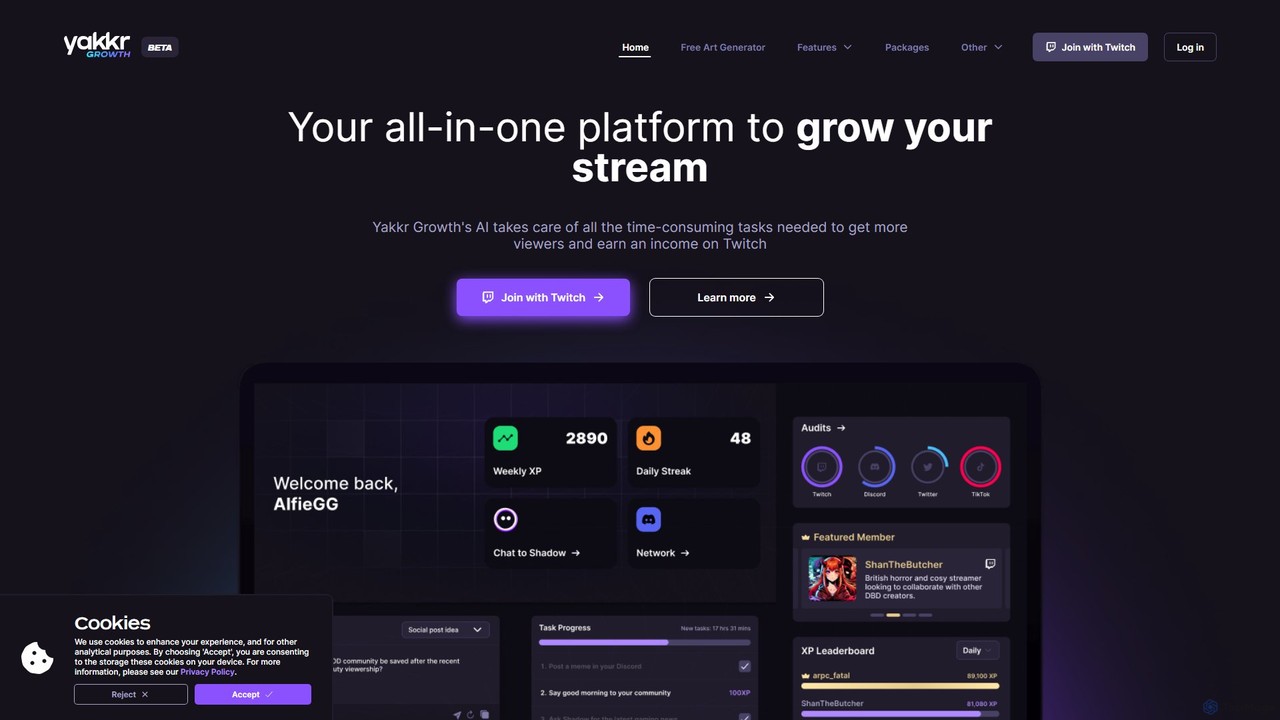
Yakkr Growth
Yakkr Growth is an all-in-one AI-powered platform designed for streamers to accelerate their channel growth. It uses an AI assistant, Shadow, to automate time-consuming tasks like content creation, social media management, and title optimization. The platform also offers asset generation, community features, and expert mentorship to help streamers increase viewership and monetize their content on platforms like Twitch, Kick, and YouTube.
Image Generator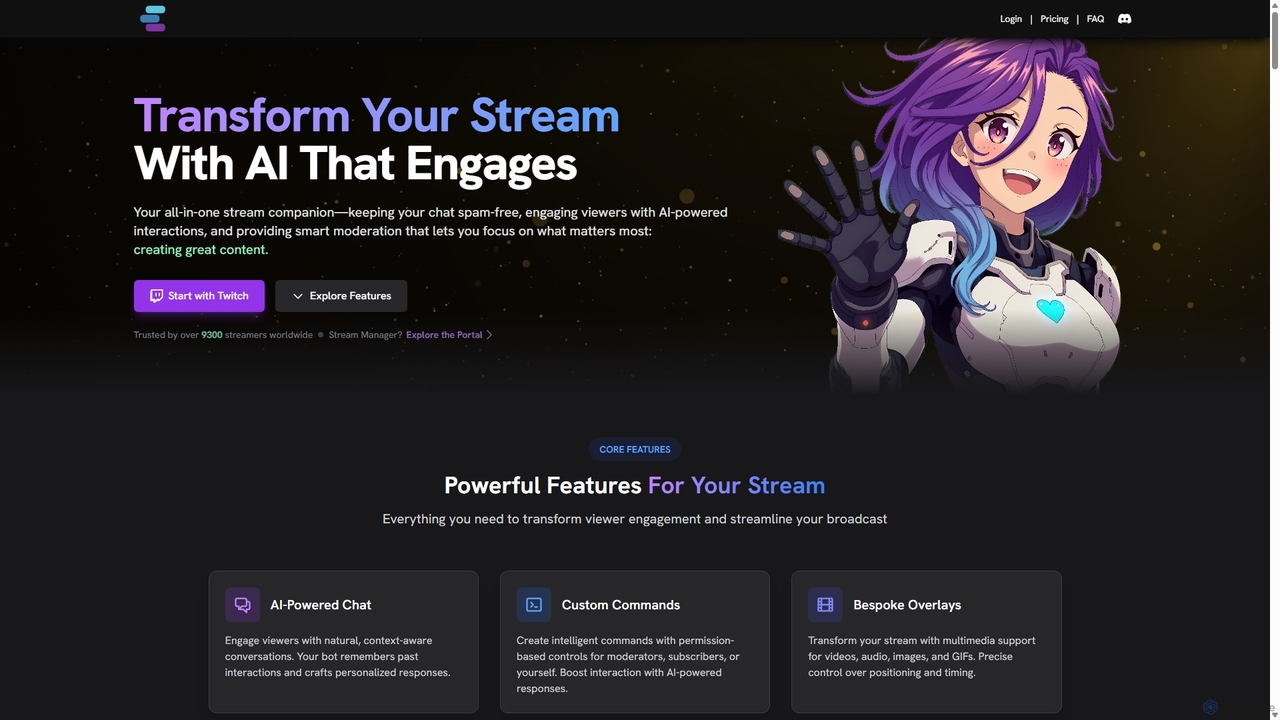
StreamChat A.I.
StreamChat A.I. is an all-in-one AI companion for Twitch streamers. It enhances streams with a customizable AI chatbot that engages viewers, provides smart moderation, automates repetitive tasks like answering FAQs, and generates interactive content like AI images. It's designed to combat quiet chats, reduce streamer workload, and build a safer, more interactive community.
Moderation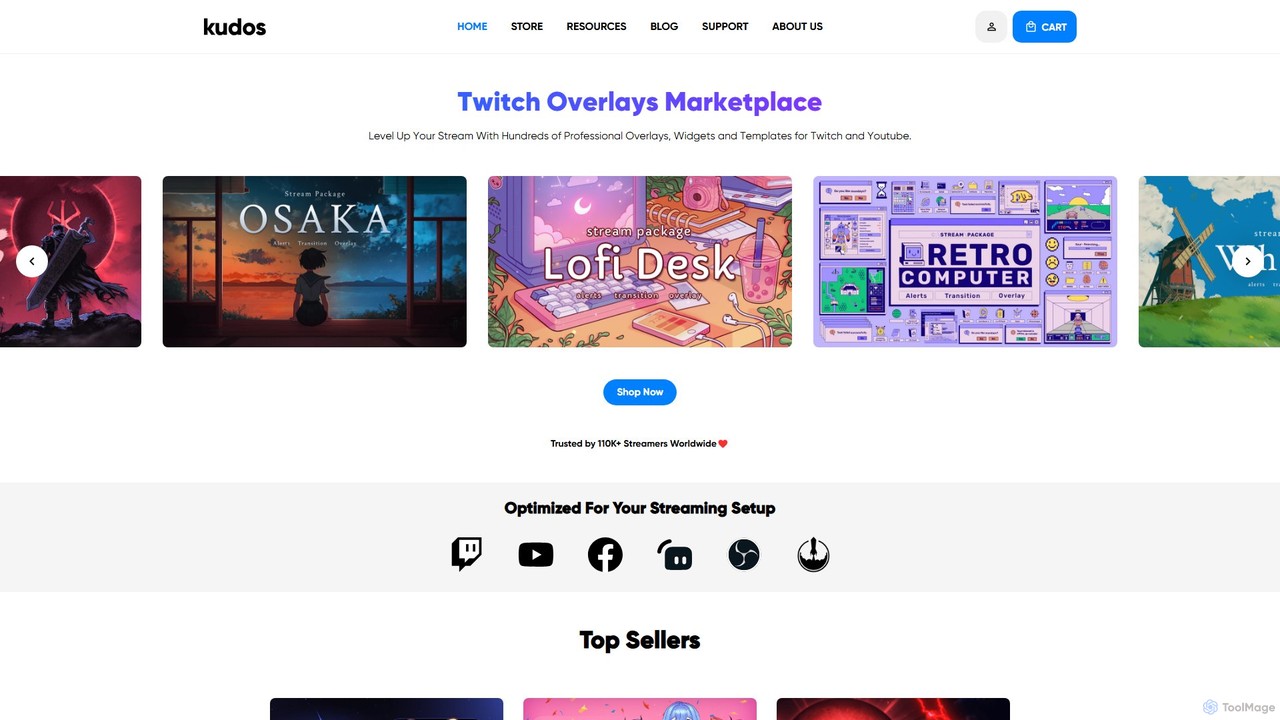
kudos
Kudos is a marketplace offering professional stream graphics for creators on Twitch and YouTube. It provides a vast library of high-quality overlays, widgets, alerts, VTuber models, and templates. Designed for easy setup with OBS, Streamlabs, and other software, Kudos helps streamers enhance their visual appeal, boost viewer engagement, and build a unique brand identity with both premium and free assets.
Graphics
Blabla
Blabla is an AI-powered platform designed to manage social media interactions, transforming comments and DMs into revenue opportunities. It centralizes all conversations, automates responses, filters out hate speech, and helps brands, agencies, and creators grow their audience and engagement 20x faster.
Social Media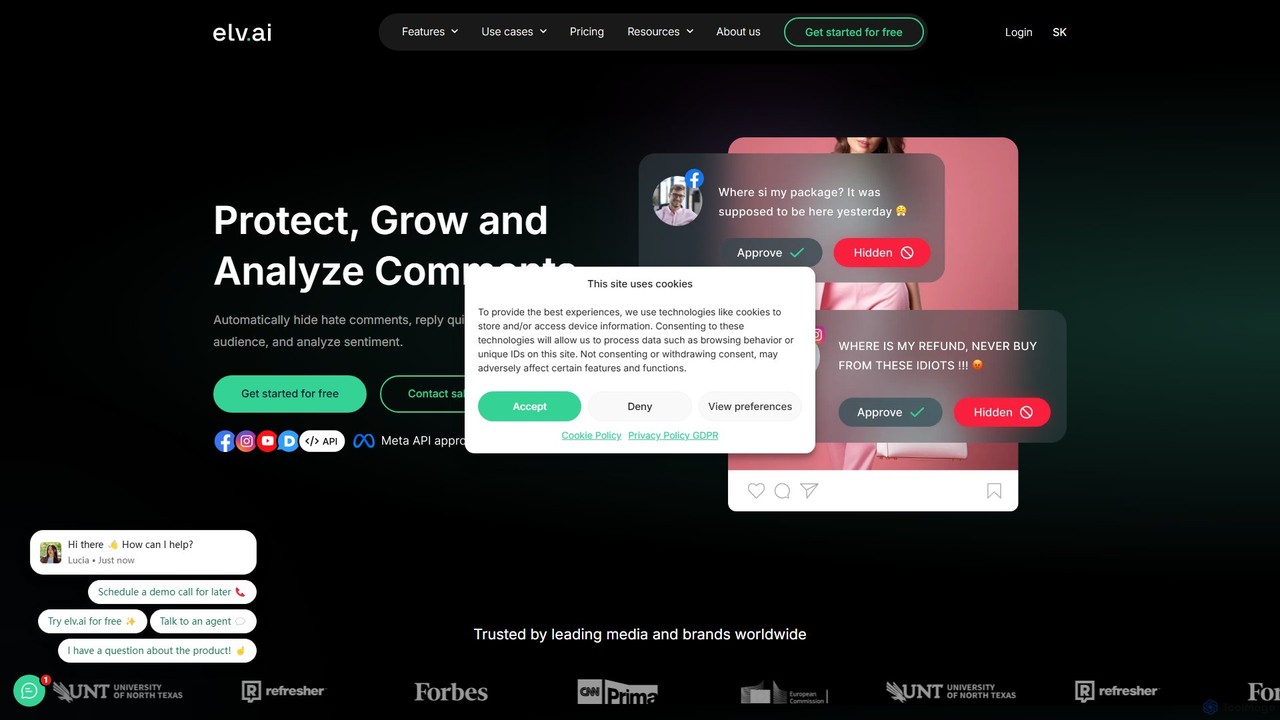
elv.ai
elv.ai is a hybrid content moderation platform that combines AI with human moderators to protect brands on social media. It automatically detects and hides hate speech, spam, and toxic comments 24/7, analyzes audience sentiment, and provides tools to boost engagement. This solution saves time for social media managers and fosters a safer, more positive online community.
Social Media MarketingKickBot Categories
KickBot Embed Widget
Copy this embed code to place the badge on your blog, article, or product site and send readers directly to this ToolMage detail page.

Related AI tools
StreamChat A.I.
StreamChat A.I. is an all-in-one AI companion for Twitch streamers. It enhances streams with a customizable AI chatbot that engages viewers, provides smart moderation, automates repetitive tasks like answering FAQs, and generates interactive content like AI images. It's designed to combat quiet chats, reduce streamer workload, and build a safer, more interactive community.
Moderationkudos
Kudos is a marketplace offering professional stream graphics for creators on Twitch and YouTube. It provides a vast library of high-quality overlays, widgets, alerts, VTuber models, and templates. Designed for easy setup with OBS, Streamlabs, and other software, Kudos helps streamers enhance their visual appeal, boost viewer engagement, and build a unique brand identity with both premium and free assets.
Graphics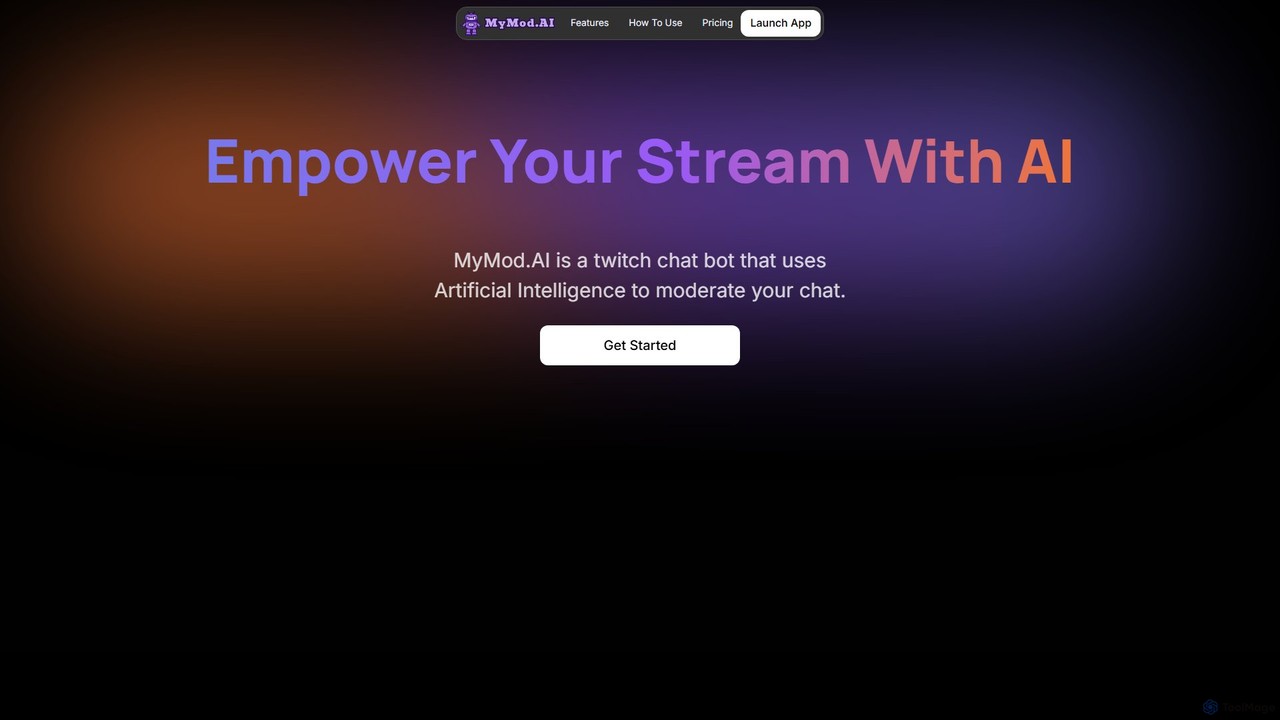
mymod
MyMod is an AI-powered moderation bot designed for live streaming platforms like Twitch and YouTube. It helps creators and community managers maintain a healthy chat environment by automatically detecting and handling rule violations using natural language processing. Features include AI-driven timeouts, customizable commands, and a comprehensive dashboard with detailed chat and ban logs.
Moderation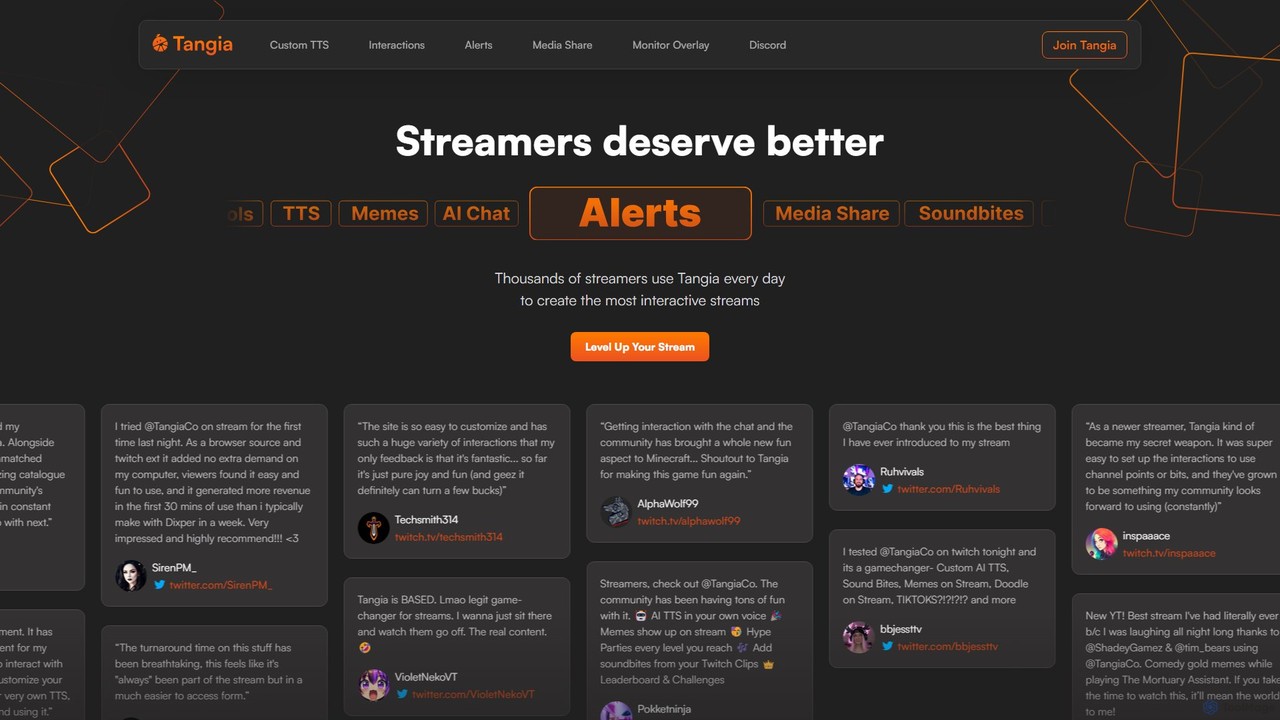
Tangia
Tangia is an AI-powered interactive toolkit for live streamers designed to boost viewer engagement and monetization. It offers a suite of tools including custom AI TTS with voice cloning, interactive AI characters, on-stream memes, media sharing, and games. Integrated seamlessly with streaming software like OBS, Tangia helps creators build a more dynamic and participatory community, turning passive viewers into active participants.
Engagement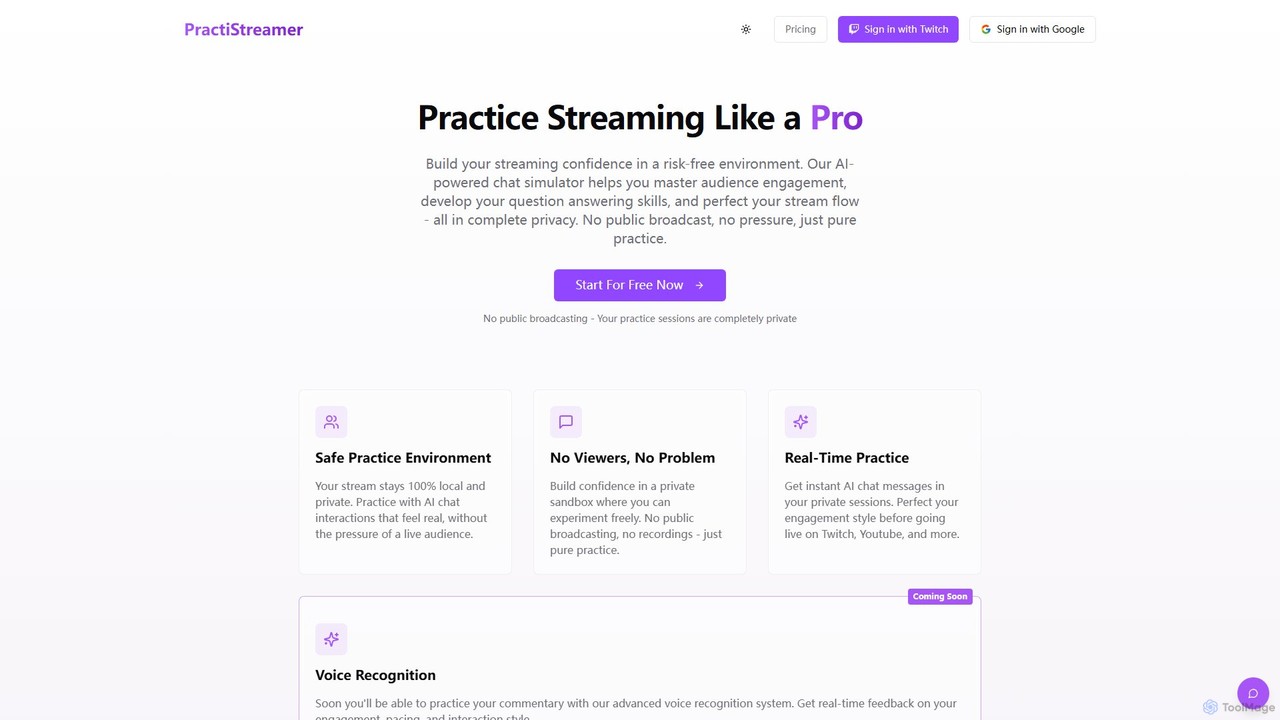
PractiStreamer
PractiStreamer is an AI-powered practice tool for live streamers. It provides a private, risk-free environment with an AI chat simulator to help you master audience engagement, Q&A skills, and stream flow. Build your confidence for platforms like Twitch and YouTube without the pressure of a live audience.
Training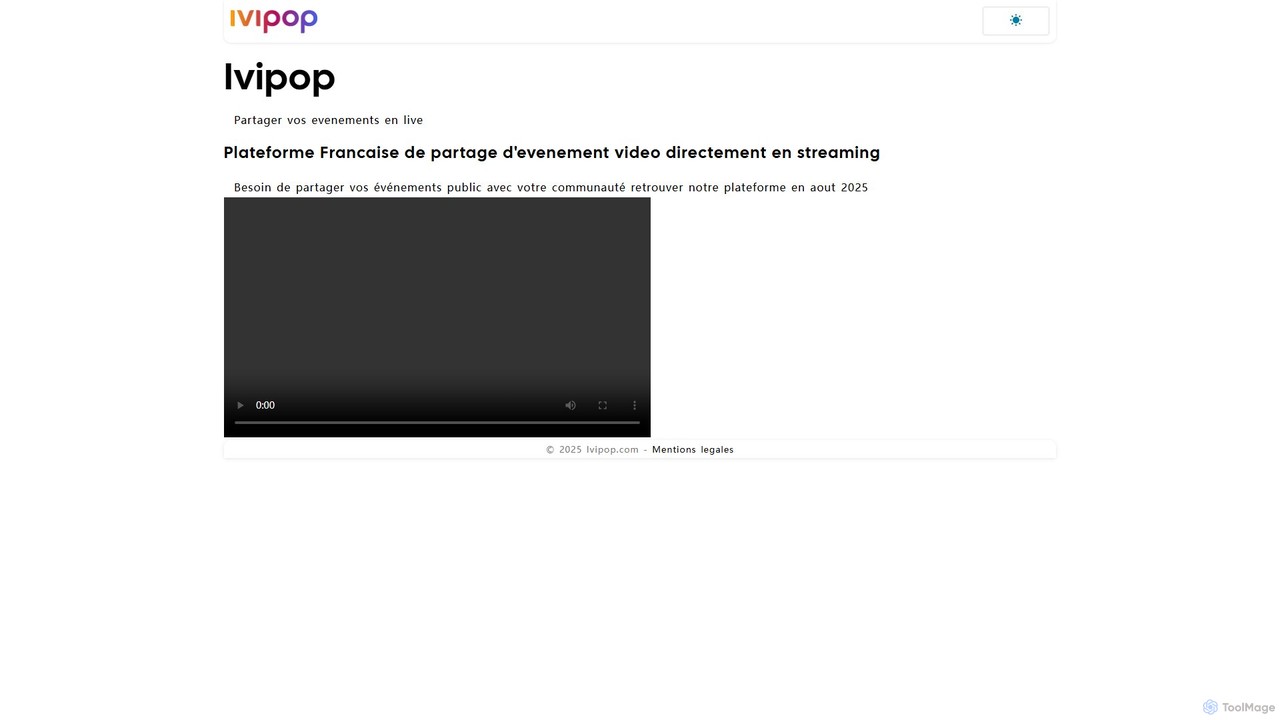
Ivipop
Ivipop is an upcoming AI-powered live event sharing platform from France, designed for creators and businesses to broadcast video streams. It focuses on fostering community engagement through interactive features, real-time translation, and automated content moderation, with a planned launch in August 2025.
Event Management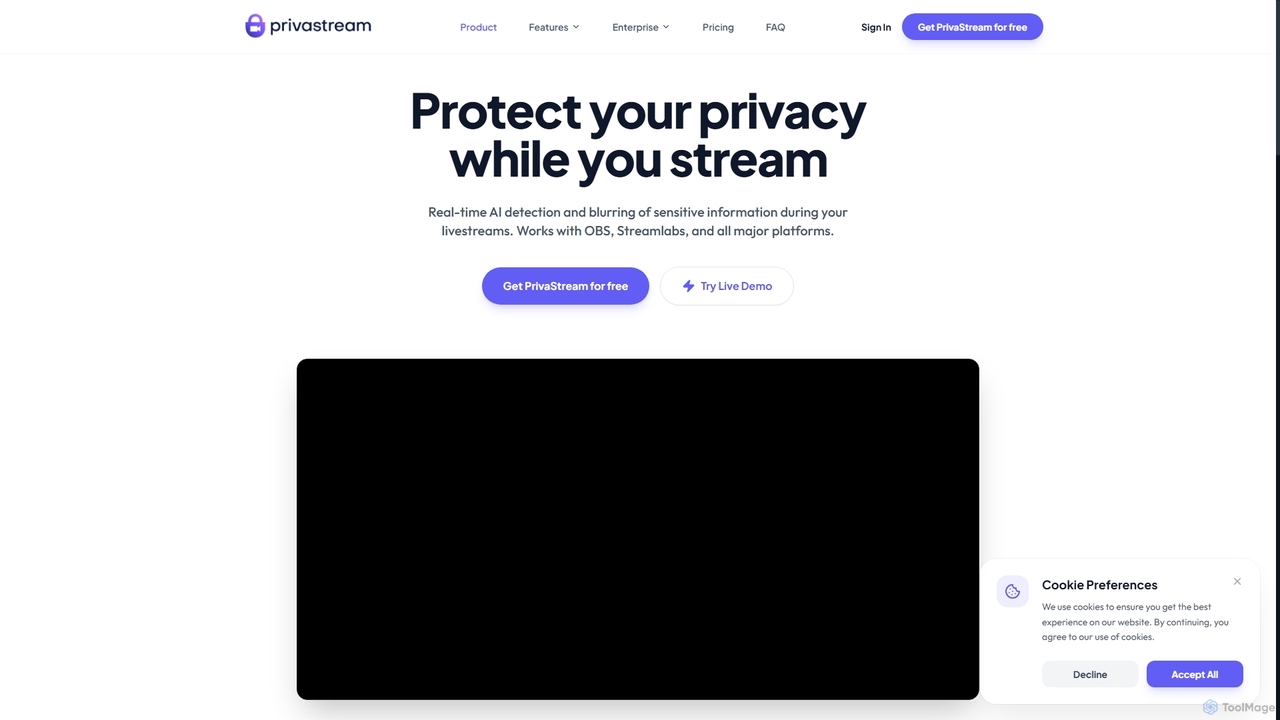
Privastream
Privastream is a real-time AI toolkit designed for streamers and content creators to protect their privacy. It uses on-device Edge AI to automatically detect and blur sensitive information like faces and personal data during livestreams with zero latency, ensuring data never leaves your computer. It integrates seamlessly as a virtual camera with major streaming platforms like OBS, Twitch, and YouTube.
Privacy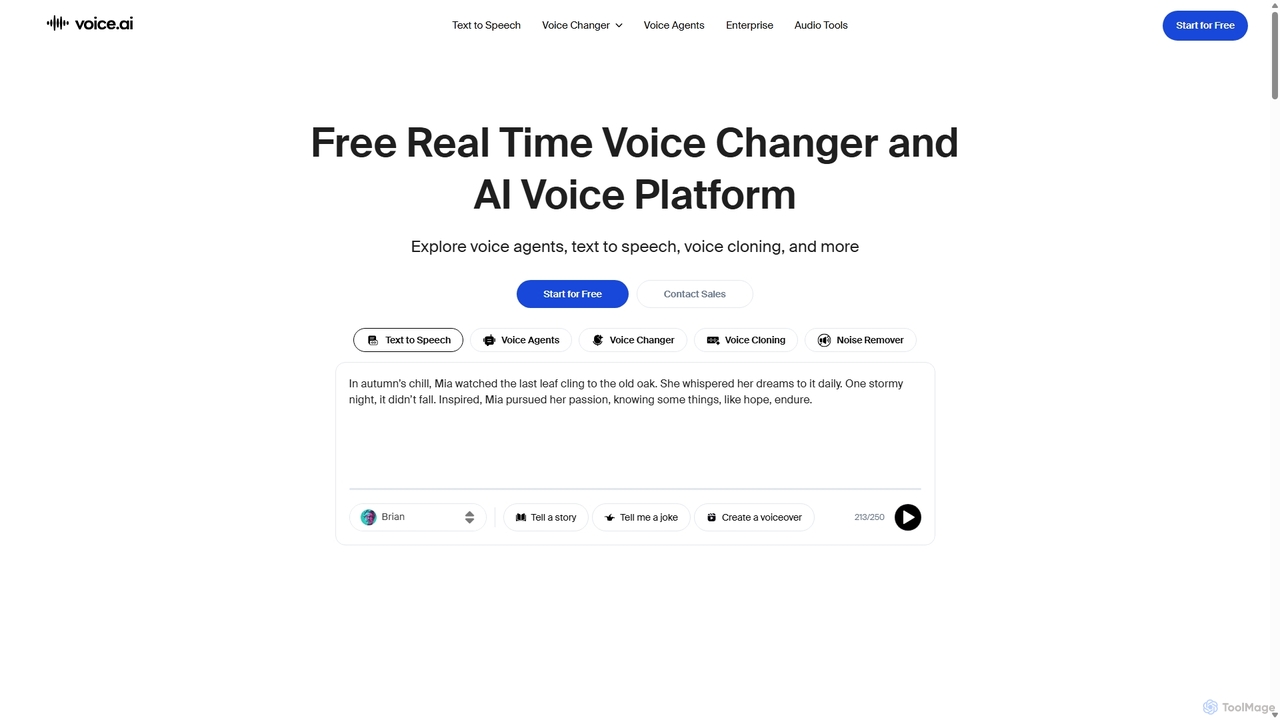
Voice.ai
Voice.ai is a versatile AI voice platform offering a free real-time voice changer, realistic text-to-speech, and precise voice cloning. Designed for gamers, streamers, content creators, and businesses, it features a vast library of user-generated voices, enabling seamless voice transformation across popular apps and games.
Text To Speech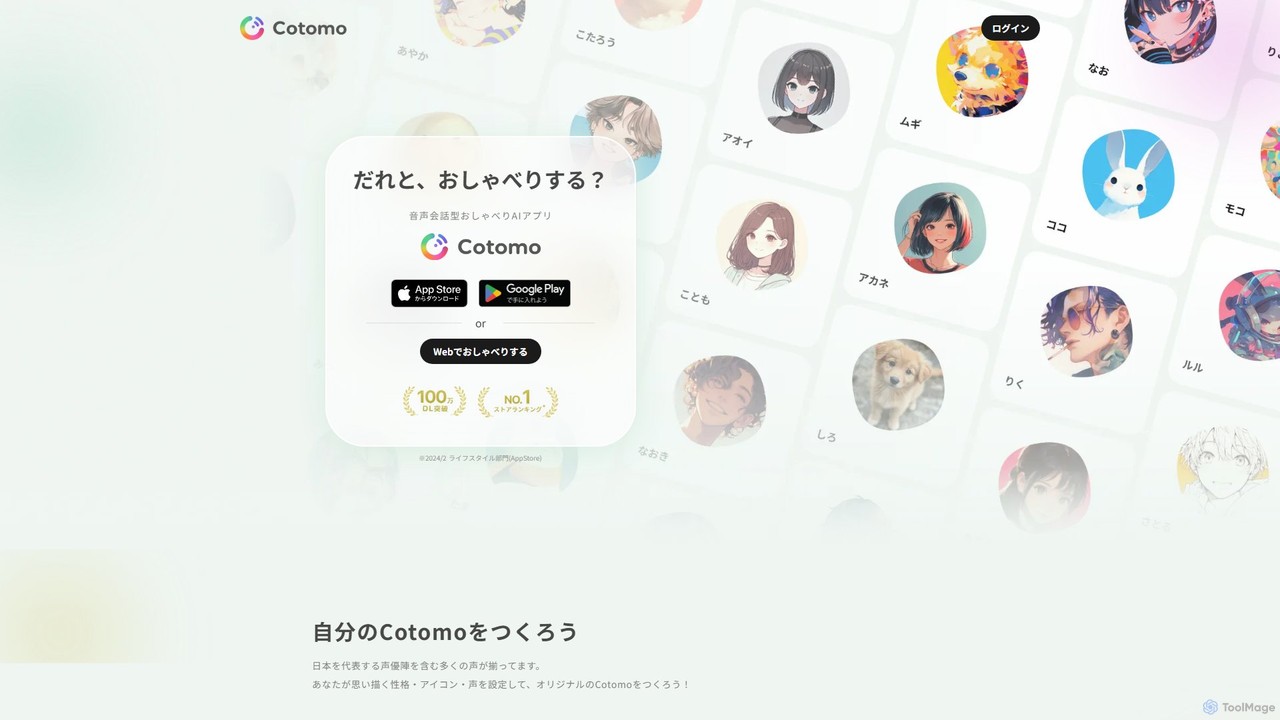
Cotomo
Cotomo is a voice-based conversational AI chat app that allows you to create and talk with a unique AI companion. Customize its personality, icon, and voice, choosing from a wide range of options including those from famous voice actors. It's designed for daily chats, companionship, and as a platform for creators to bring their characters to life.
Character
TTSLabs
TTSLabs is a specialized AI text-to-speech service designed for Twitch streamers. It enhances live streams by enabling custom AI voices for donation alerts, bits, and channel point redemptions. With over 125 voices, sound clip integration, and advanced moderation tools, it boosts viewer engagement and interaction.
Engagement
Frankly AI
Frankly AI is a conversational AI platform for large-scale community and stakeholder engagement. It uses customizable, multi-language chatbots to conduct natural conversations and gather rich qualitative feedback. Powered by advanced NLP, it analyzes responses in real-time to identify key themes, sentiment, and insights, presenting them on a dynamic dashboard. Its mission is to ensure every voice is heard, improving equity in public consultation and decision-making.
Community Engagement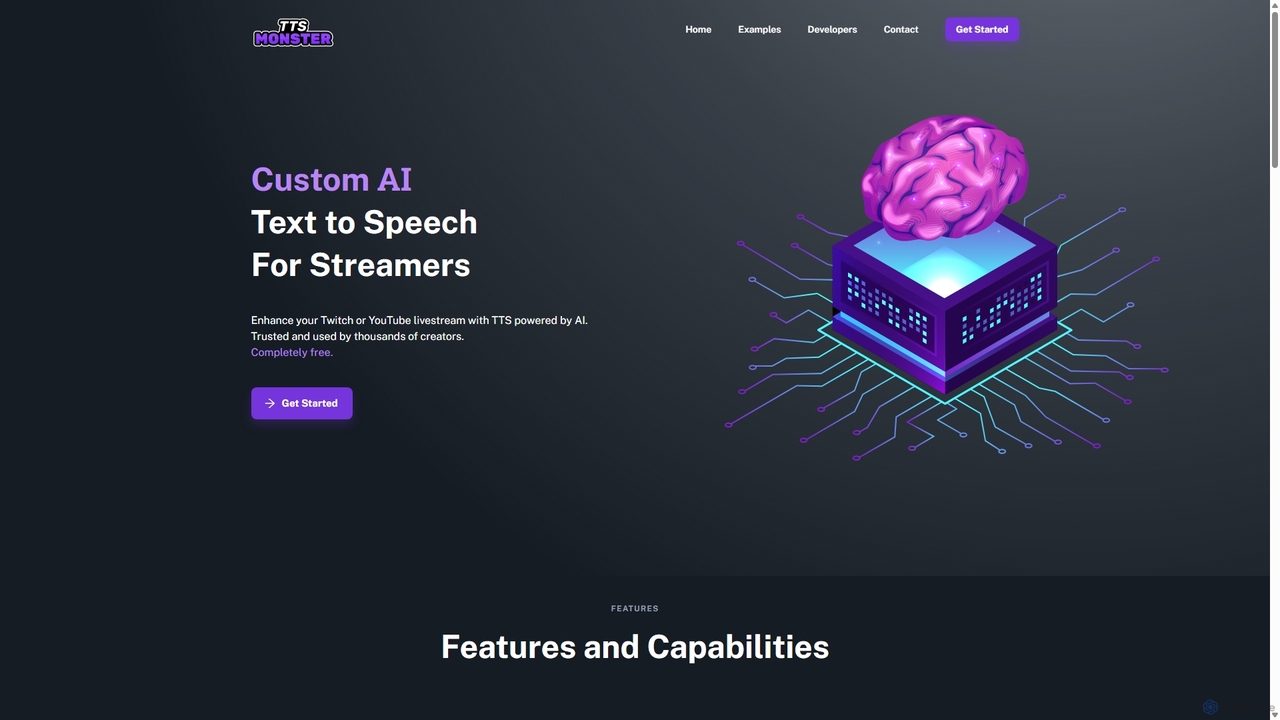
TTS.Monster
TTS.Monster is a free, AI-powered text-to-speech tool designed specifically for streamers. It enhances Twitch and YouTube livestreams by converting donation messages into speech using over 100 unique AI voices and sound bites. It integrates seamlessly with StreamElements, StreamLabs, and Ko-fi, helping creators boost engagement and revenue without taking any commission.
Text To Speech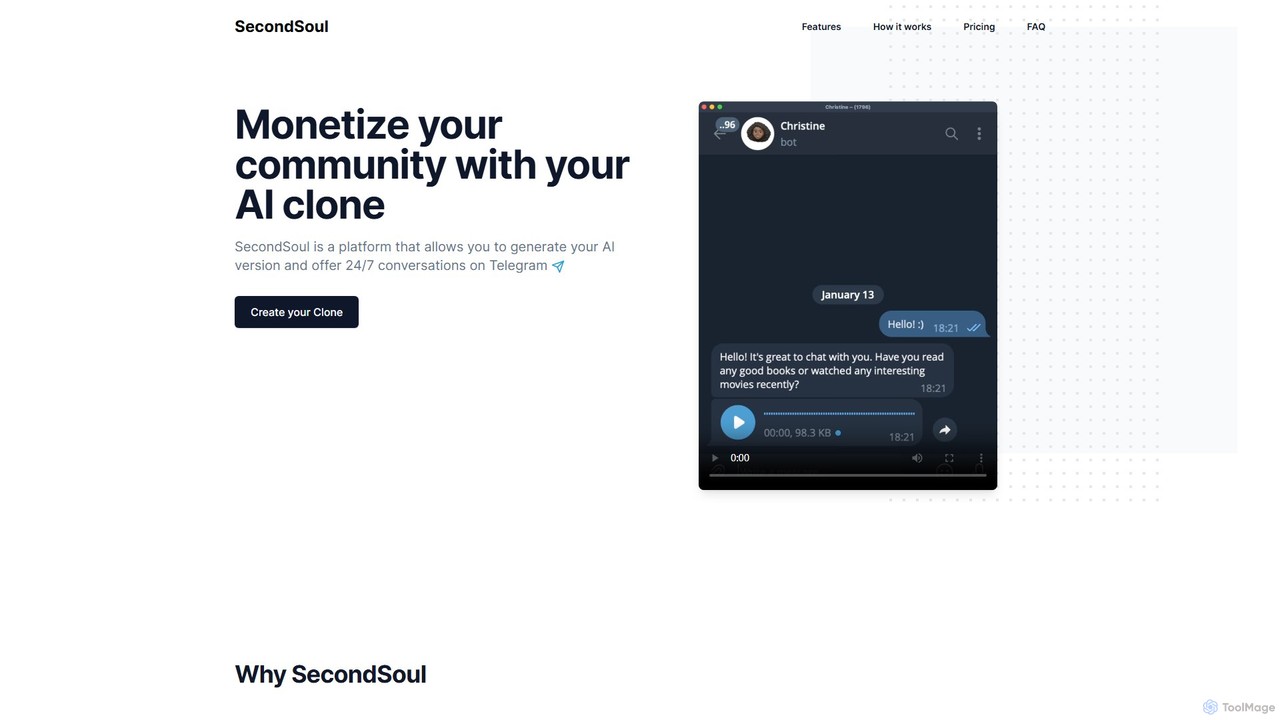
SecondSoul
SecondSoul is a platform that empowers creators and influencers to build and monetize an AI clone of themselves. This AI clone, deployed as a Telegram bot, engages with their community 24/7, offering personalized conversations in over 20 languages. It provides a new, scalable revenue stream and deepens audience connection with zero ongoing work for the creator.
Social Media
SamurAI
SamurAI is a powerful, multi-functional AI assistant designed for Discord. It enhances server engagement and productivity by offering advanced conversational AI, automated moderation, content generation, and utility tools. Seamlessly integrated into your Discord server, SamurAI acts as a community manager, content creator, and support agent, all in one.
Text Generation
Jyek
Jyek is an AI agent platform that understands objectives, creates execution plans, uses tools, and delivers verifiable results for complex, multi-step tasks.
Automation
KickBot Comments (0)
Sign in to comment.
Sign inNo comments yet.