
Customer Support Best in category 2 results Social Media AI Tool

Popular AI tools in the Social Media field of Customer Support include Blabla、Engagebeast, etc., helping you quickly improve efficiency.

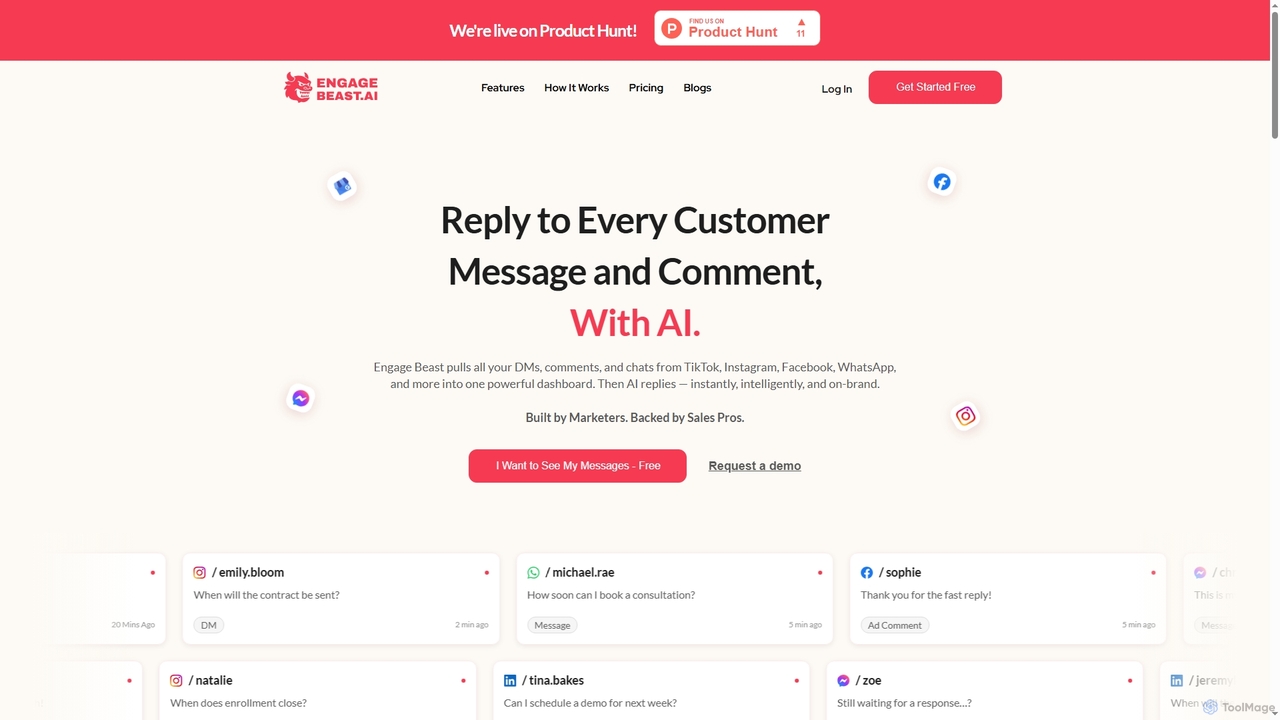
Engagebeast

Engagebeast

Engagebeast is an AI-powered tool that unifies all your social media messages, comments, and chats from platforms like …

3.2K
Blabla

Blabla

Blabla is an AI-powered platform designed to manage social media interactions, transforming comments and DMs into revenue opportunities. …

105.9K

About Social Media

AI Social Media tools for customer support are specialized platforms that use artificial intelligence to manage and analyze customer interactions on social networks. These tools leverage natural language processing (NLP) and machine learning to monitor brand mentions, analyze sentiment, and automate the process of turning public posts or direct messages into support tickets. They enable support teams to provide timely and consistent service directly on channels where customers are most active, transforming social media from a marketing channel into a core support function. This proactive approach helps in resolving issues before they escalate and provides valuable insights into customer sentiment.

Core Features

  • Social Listening & Monitoring: Automatically tracks brand mentions, keywords, and hashtags across multiple social platforms to identify customer service opportunities.
  • Sentiment Analysis: Uses AI to gauge the emotional tone of comments and messages, helping prioritize urgent or negative feedback.
  • Automated Ticketing: Converts social media interactions (comments, DMs, posts) into structured support tickets within a central system.
  • AI-Powered Response Suggestions: Generates relevant and context-aware reply suggestions for agents to speed up response times.
  • Unified Social Inbox: Consolidates all messages and notifications from various social channels into a single, manageable queue for support teams.

Use Cases

These tools are essential for B2C companies, particularly in retail, e-commerce, travel, and telecommunications, where public customer feedback is frequent. Customer support teams, social media managers, and community managers use them to streamline their workflow, ensuring no customer query is missed and maintaining a positive brand reputation online.

How to Choose

When selecting a tool, consider the scope of supported social media channels and their relevance to your audience. Evaluate the accuracy of its sentiment analysis and the intelligence of its ticketing automation. Assess its integration capabilities with your existing CRM or helpdesk software, and consider the analytics features for tracking key support metrics like response time and resolution rate on social platforms.

Social MediaUse Cases

1

Proactively Resolve Customer Complaints on Twitter

A customer support manager for a telecommunications company uses an AI Social Media tool to monitor brand mentions. The tool's social listening feature flags a tweet from a user experiencing a service outage. Sentiment analysis immediately categorizes it as highly negative and urgent. The system automatically creates a high-priority ticket in their helpdesk and assigns it to an available agent. The agent receives the context, including the user's tweet history, and responds directly on Twitter with a personalized apology and a link to a status page, resolving the issue publicly and preventing further escalation.

2

Streamline Support via Facebook Messenger & Comments

An e-commerce brand's support team manages a high volume of inquiries on their Facebook page, ranging from product questions in comments to order issues in Messenger. They use a unified social inbox to consolidate all these interactions. When a customer comments with a pre-sales question, an agent uses an AI-suggested reply to answer quickly. When another customer sends a direct message about a shipping delay, the tool automatically creates a ticket and pulls up the customer's order history from the integrated CRM, allowing the agent to provide a detailed update without switching applications.

3

Analyze Customer Sentiment After a Product Launch

Following the launch of a new software feature, a product marketing manager wants to gauge public reaction. They use an AI Social Media tool to track all mentions of the new feature across LinkedIn, Twitter, and tech forums. The tool's sentiment analysis dashboard provides a real-time overview, showing that 75% of mentions are positive, 15% neutral, and 10% negative. The manager can drill down into the negative comments, which are automatically categorized by themes like 'usability issues' or 'pricing concerns'. This data is then shared with the product and support teams to address bugs and refine future communications.

4

Identify and Engage with Brand Advocates

A community manager for a SaaS company wants to build stronger relationships with their power users. They set up social listening streams to track positive mentions and keywords related to 'love our product' or 'best tool for X'. The AI tool identifies users who frequently post positive feedback and have a high follower count. The community manager then engages with these advocates directly, thanking them for their support, offering them early access to new features, and inviting them to a private user group. This transforms passive fans into active brand ambassadors, strengthening community and generating authentic word-of-mouth marketing.

5

Manage a Crisis by Monitoring Social Media Trends

A food and beverage company faces a potential PR crisis after a negative story goes viral. The crisis management team uses an AI Social Media tool to monitor the situation in real-time. They track the volume of negative mentions, the spread of specific hashtags, and the sentiment shift across different regions. The tool helps them identify key influencers amplifying the negative message. Based on this data, they craft a targeted response, issue a public statement on the most impacted platforms, and instruct their support team to use pre-approved replies for common questions, allowing them to manage the narrative and mitigate damage effectively.

6

Measure Social Customer Care Performance

A head of customer support needs to report on the effectiveness of their social media support channels. Using the analytics dashboard of their AI tool, they track key metrics such as average first response time on Twitter, resolution rate for issues raised on Facebook, and overall customer satisfaction (CSAT) scores from social interactions. They can compare the performance of different agents and identify peak times for inquiries. This data-driven approach allows them to justify resource allocation, demonstrate the ROI of their social care efforts, and identify areas for team training and process improvement.

Social MediaFrequently Asked Questions