ToolMage
Sign in

Best 4 Streaming AI tools for Content Creation

Popular Streaming AI tools in Content Creation include Voicemod, iMyFone MagicMic, Tangia, and TTS.Monster, helping you work more efficiently.

TTS.Monster
Free

TTS.Monster

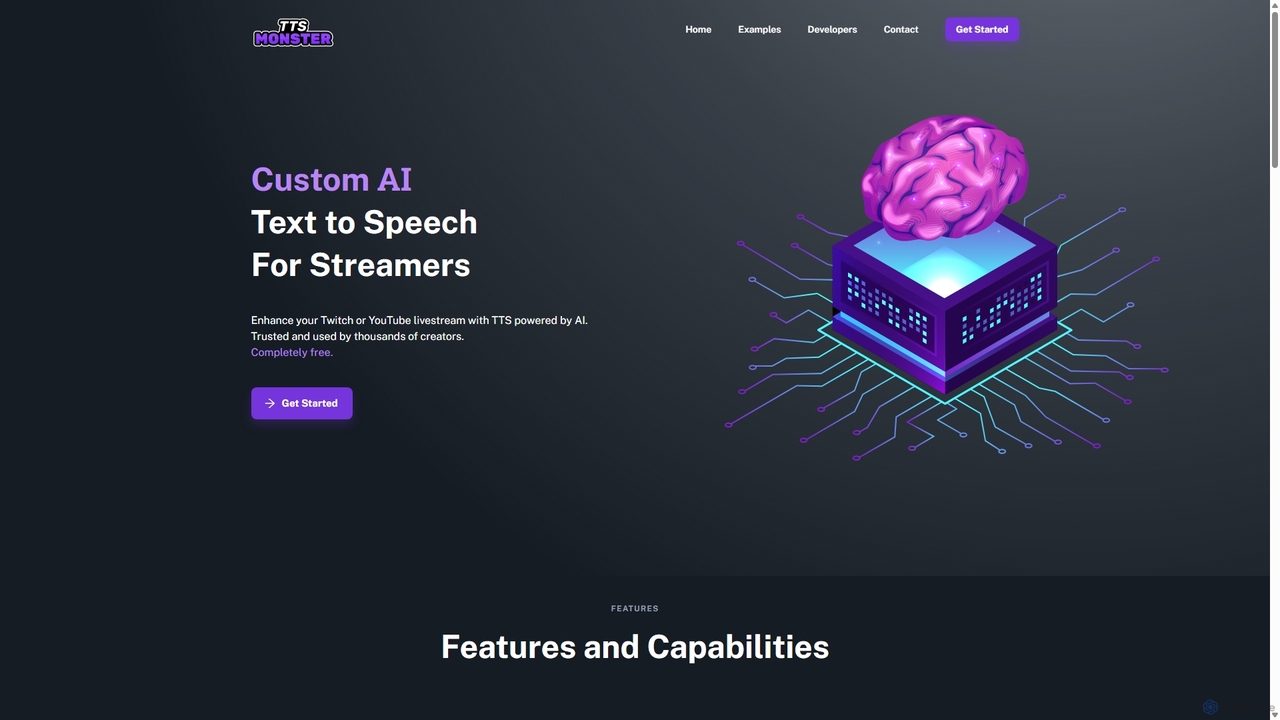
TTS.Monster is a free, AI-powered text-to-speech tool designed specifically for streamers. It enhances Twitch and YouTube livestreams by converting donation messages into speech using over 100 unique AI voices and sound bites. It integrates seamlessly with StreamElements, StreamLabs, and Ko-fi, helping creators boost engagement and revenue without taking any commission.

Text To Speech
Visits 3.8KFavorites 104Likes 105
Voicemod
Freemium

Voicemod

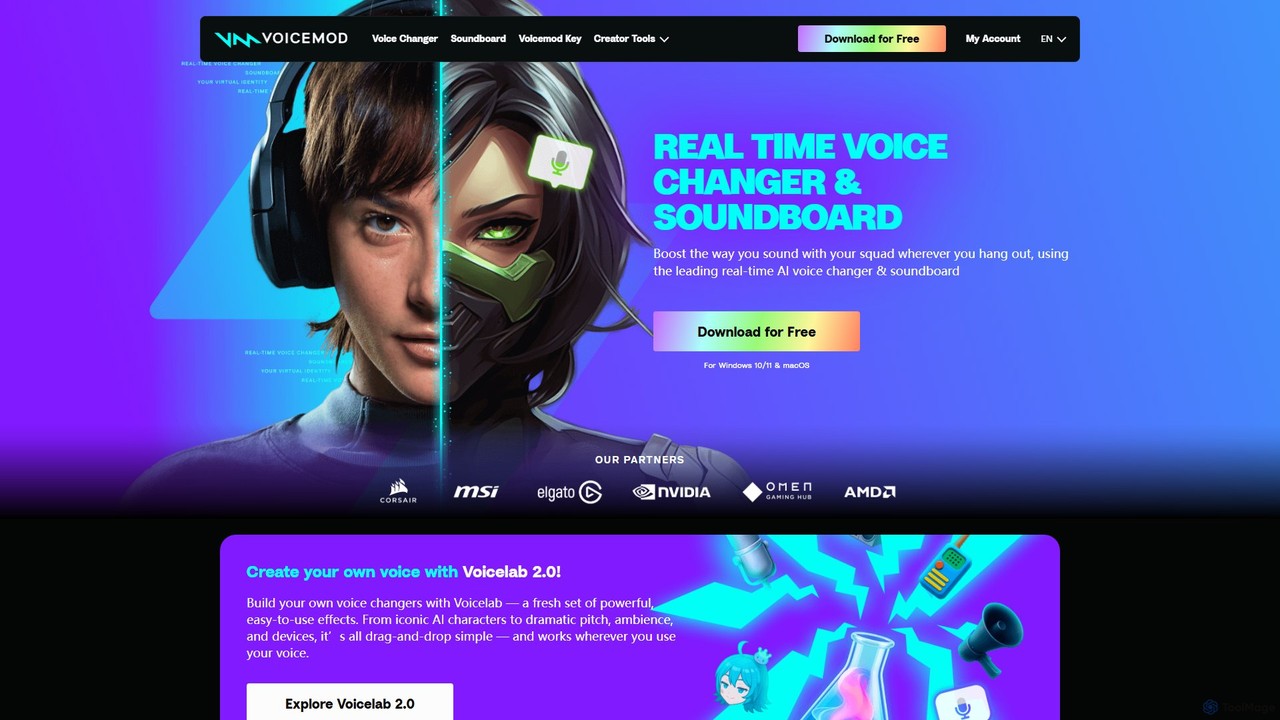
Voicemod is the leading real-time AI voice changer and soundboard for PC and Mac. Designed for gamers, streamers, and content creators, it allows you to transform your voice into anything you can imagine, from a robot to an anime character. With a vast library of voices, sound effects, and the powerful Voicelab for custom voice creation, Voicemod integrates seamlessly with all your favorite games and communication apps like Discord, Zoom, and VRChat.

Voice Modulation
Visits 4.3MFavorites 132Likes 146
iMyFone MagicMic
Freemium

iMyFone MagicMic

iMyFone MagicMic is a real-time AI voice changer with over 225 AI voice filters and 600+ sound effects. It's designed for gamers, streamers, and content creators to modify their voice on platforms like Discord, Fortnite, Twitch, and Zoom. It also features voice cloning and a customizable soundboard.

Voice Changer
Visits 186.7KFavorites 92Likes 107
Tangia
Freemium

Tangia

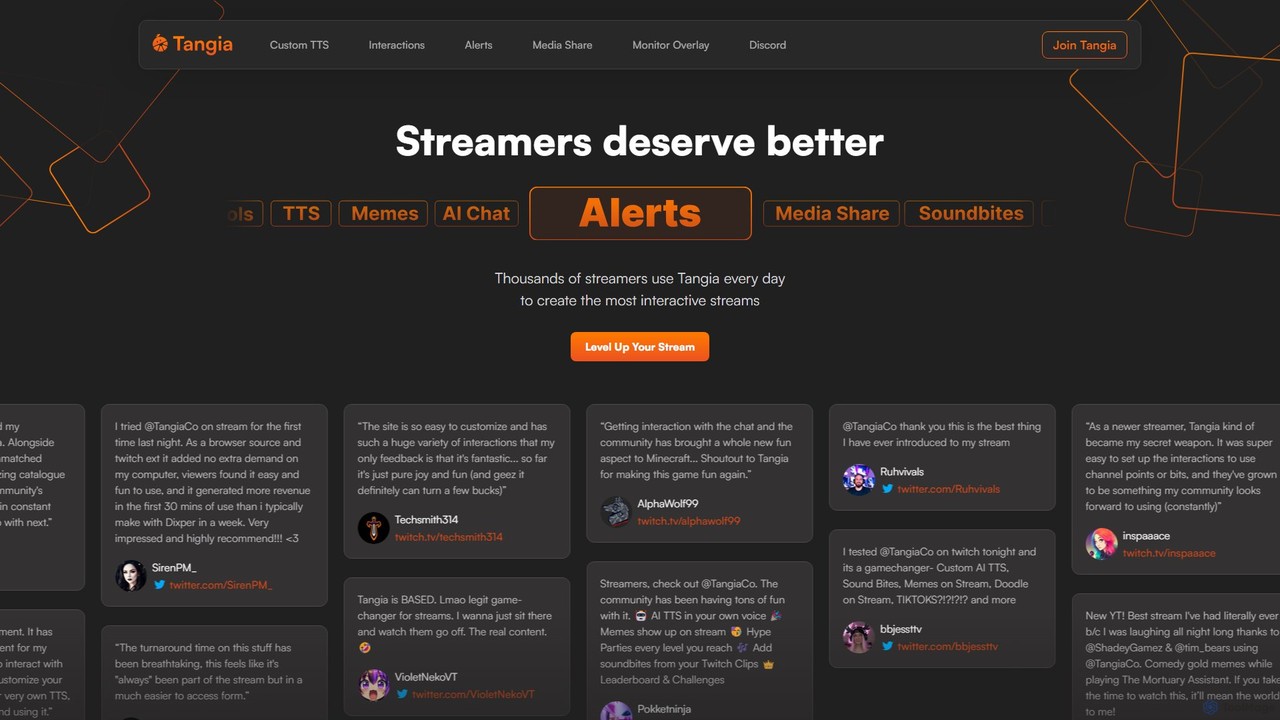
Tangia is an AI-powered interactive toolkit for live streamers designed to boost viewer engagement and monetization. It offers a suite of tools including custom AI TTS with voice cloning, interactive AI characters, on-stream memes, media sharing, and games. Integrated seamlessly with streaming software like OBS, Tangia helps creators build a more dynamic and participatory community, turning passive viewers into active participants.

Engagement
Visits 146.8KFavorites 96Likes 105

About Streaming

AI Streaming tools are a class of software designed to enhance, automate, and analyze live or on-demand video streams using artificial intelligence. These tools leverage machine learning models for real-time video and audio processing, enabling features like automated highlight generation, intelligent chat moderation, and dynamic content overlays. They empower content creators and businesses to produce more professional broadcasts, engage audiences more effectively, and gain deep insights from viewer interactions. The primary value lies in automating complex, time-consuming tasks, allowing streamers to focus on their content and community.

Core Features

  • Automated Highlight Creation: AI analyzes the stream in real-time to identify and clip key moments, such as exciting gameplay or important discussion points.
  • Intelligent Chat Moderation: Automatically detects and filters spam, hate speech, and inappropriate comments to maintain a healthy community environment.
  • Real-time Analytics: Provides data on viewer engagement, sentiment, and key events, offering actionable insights to improve content strategy.
  • AI-Powered Overlays & Effects: Generates dynamic graphics, virtual backgrounds, or applies audio enhancements without manual configuration.
  • Live Translation & Subtitling: Uses speech-to-text and translation models to generate live captions, making streams accessible to a global audience.

Use Cases

These tools are widely used by video game streamers on platforms like Twitch and YouTube to automate clip creation and manage their communities. Businesses utilize them to enhance professional webinars and virtual events with real-time analytics and moderation. Educational institutions also apply this technology to make online lectures more engaging and accessible with live subtitles.

How to Choose

When selecting an AI Streaming tool, consider its integration capabilities with your primary streaming software (e.g., OBS, Streamlabs). Evaluate the specific features you need most—whether it's moderation, analytics, or content repurposing. Assess the tool's performance impact on your system to ensure a smooth broadcast. Finally, review the pricing model and the level of customization available for the AI's behavior.

Featured tool rankings

Streaming use cases

1

Automated Gaming Stream Highlights

A full-time video game streamer on Twitch wants to grow their social media presence on platforms like TikTok and YouTube Shorts but lacks the time to manually review hours of footage. By using an AI Streaming tool, the software automatically analyzes their live broadcast. It identifies high-action moments such as multi-kills, clutch plays, or humorous reactions. After the stream ends, the tool presents a collection of pre-clipped, high-impact videos. The streamer can quickly review, add branding, and export these clips, saving over 80% of the time previously spent on manual editing and allowing for consistent daily content on other platforms.

2

Real-time Webinar Engagement Analysis

A marketing manager hosts a live product demo webinar for hundreds of potential customers. It's difficult to gauge audience reaction in real time. An AI Streaming tool runs in the background, analyzing the chat for sentiment and keywords. It provides the manager with a real-time dashboard showing engagement peaks and dips. For instance, it highlights that engagement spiked when a specific feature was demonstrated. After the webinar, the tool generates a report summarizing key moments and audience questions, allowing the sales team to tailor their follow-up communication based on what resonated most with the audience.

3

Multilingual Live Event Broadcasting

An international non-profit organization is hosting a global online summit with speakers from different countries. To maximize accessibility, they use an AI streaming tool with real-time translation capabilities. As a speaker presents in German, the AI generates accurate English and Spanish subtitles live on the stream. This allows attendees from around the world to understand the content without needing human interpreters for every language combination. The tool significantly reduces the cost and logistical complexity of hosting a multilingual event, thereby expanding their global reach and impact.

4

Intelligent Chat Moderation for Brand Streams

A community manager for a popular consumer brand is running a live Q&A on YouTube. The chat is flooded with hundreds of messages per minute, including spam, trolls, and repetitive questions. An AI moderation tool actively scans the chat. It automatically removes spam links and filters out comments with hate speech based on predefined rules. More importantly, it identifies and flags unique, relevant questions for the host to answer. This allows the community manager to ignore the noise and focus on meaningful engagement with the audience, creating a more positive and productive live session.

5

AI Virtual Backgrounds for Professional E-learning

An online language tutor conducts classes from their home office, which lacks a professional setup. Instead of investing in a physical green screen and lighting, they use an AI streaming tool. The tool's AI can accurately separate the tutor from their background in real-time and replace it with a high-quality virtual classroom setting. It even handles complex details like hair and hand movements smoothly. This elevates the production value of their online classes, creating a more immersive and professional learning environment for students, which helps justify premium pricing for their courses.

6

Automated Content Repurposing for Podcasters

A creator hosts a two-hour weekly live video podcast. To maximize their content's reach, they need to create short-form clips for social media. An AI streaming tool analyzes the entire podcast recording. It identifies distinct topics of conversation, pinpoints engaging questions from the audience, and detects moments with high emotional energy. Based on this analysis, it suggests 10-15 potential short clips, complete with auto-generated titles and summaries. The creator can then quickly select the best ones, make minor edits, and schedule them for release, turning one long stream into a week's worth of social media content with minimal effort.

Streaming FAQ

What are AI Streaming tools?

AI Streaming tools are software applications that use artificial intelligence to enhance and automate live or on-demand video streams. They work alongside standard streaming software (like OBS) to provide advanced capabilities. Key features often include automatically creating highlight clips, moderating chat in real-time to filter spam, analyzing audience engagement, and generating live subtitles. These tools help creators save time, improve broadcast quality, and foster a better community environment without requiring manual intervention for every task.

How to choose the right AI Streaming tool?

Choosing the right tool depends on your specific needs. Consider the following factors:

  • Primary Use Case: Identify your main goal. Do you need automated highlights for gaming, robust chat moderation for a large community, or real-time analytics for business webinars?
  • Platform Integration: Ensure the tool is compatible with your streaming platform (Twitch, YouTube, etc.) and broadcasting software (OBS, Streamlabs).
  • Performance Impact: A good tool should perform its tasks without significantly impacting your computer's performance, which could cause stream lag.
  • Ease of Use and Customization: Look for a tool with an intuitive interface and the ability to customize its AI settings, such as the sensitivity for highlight detection or moderation rules.
What's the difference between AI Streaming tools and standard software like OBS?

Standard streaming software like OBS (Open Broadcaster Software) or Streamlabs are the core engines for broadcasting. Their primary job is to capture your video and audio, encode it, and send it to a platform like Twitch or YouTube. AI Streaming tools are not replacements for OBS; they are enhancements or plugins that work with it. While OBS sends the stream, the AI tool analyzes the content of that stream in real-time to perform tasks like finding highlights, moderating chat, or adding effects. In short, OBS is the truck that delivers the package, while the AI tool is the smart system that inspects and improves the package along the way.

Who can benefit from using AI Streaming tools?

A wide range of users can benefit from these tools. Video game streamers can automate highlight creation and manage busy chat rooms. Businesses and marketers can use them to analyze audience engagement during webinars and live events to gain valuable insights. Educators and online tutors can leverage features like live subtitling to make their content more accessible and use virtual backgrounds to create a professional teaching environment. Essentially, anyone who streams video content and wants to save time on manual tasks, improve production quality, or better understand their audience can find value in AI streaming tools.

Can AI tools fully automate stream management?

AI tools can significantly automate many aspects of stream management, but they don't fully replace the need for human oversight. They excel at repetitive, data-driven tasks like filtering spam, clipping exciting moments based on clear triggers (like a loud cheer or in-game event), and transcribing speech. However, they may struggle with nuance, sarcasm, or complex community in-jokes during chat moderation. Similarly, while AI can suggest great clips, a creator's personal judgment is still key to selecting the content that best represents their brand. Think of these tools as powerful assistants that handle the grunt work, freeing up the creator to focus on strategy, creativity, and genuine community interaction.