ToolMage
Sign in

Best 5 Text Generation AI tools for Productivity

Popular Text Generation AI tools in Productivity include Refont, Amazon Nova, Transcriptik, ttapi.io, and Bevinzey, helping you work more efficiently.

Amazon Nova

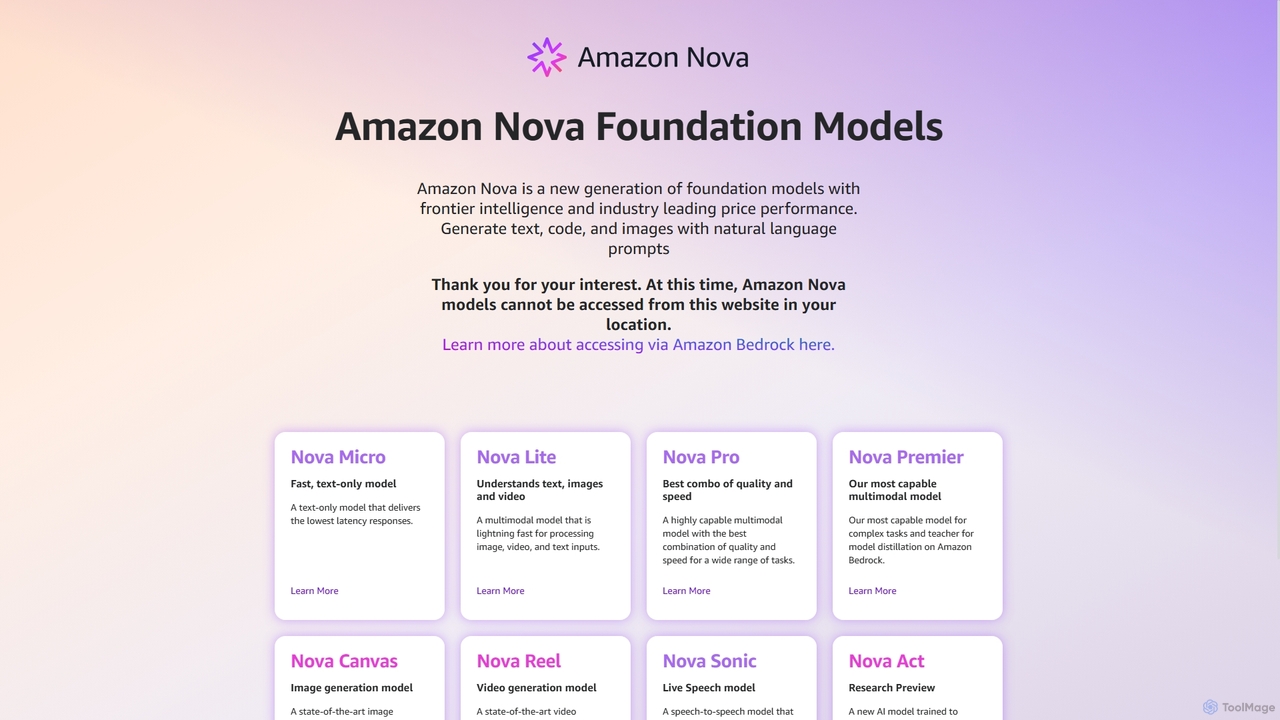
Amazon Nova

Amazon Nova is a suite of next-generation foundation models developed by Amazon. It offers a range of specialized models for generating text, code, images, video, and human-like speech, designed for high performance and cost-efficiency. These models are accessible to developers through Amazon Bedrock.

Foundation Model
Visits 121.7KFavorites 106Likes 117
Transcriptik
Freemium

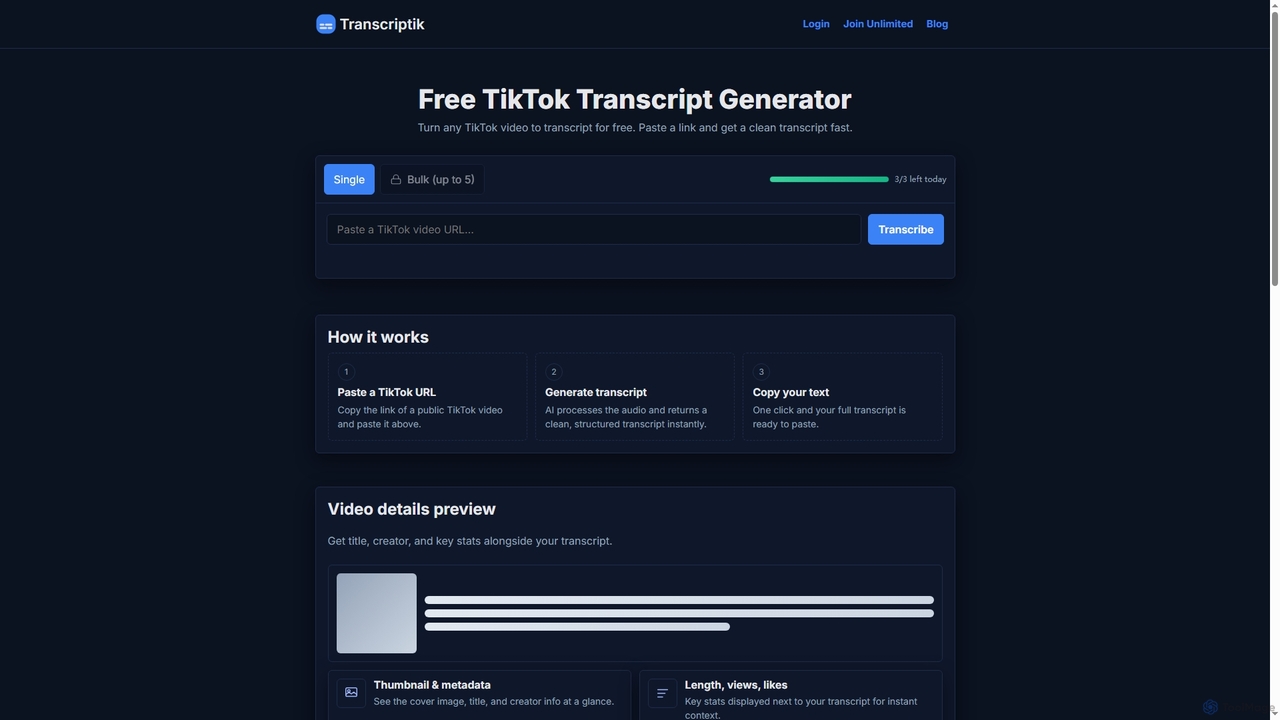
Transcriptik

Transcriptik is a free and fast AI-powered tool designed to generate accurate transcripts from TikTok videos. It supports over 50 languages, allowing users to quickly convert video audio into structured text for various content creation and analysis needs without requiring an account.

Text Generation
Visits 47.4KFavorites 99Likes 111
Refont
Free

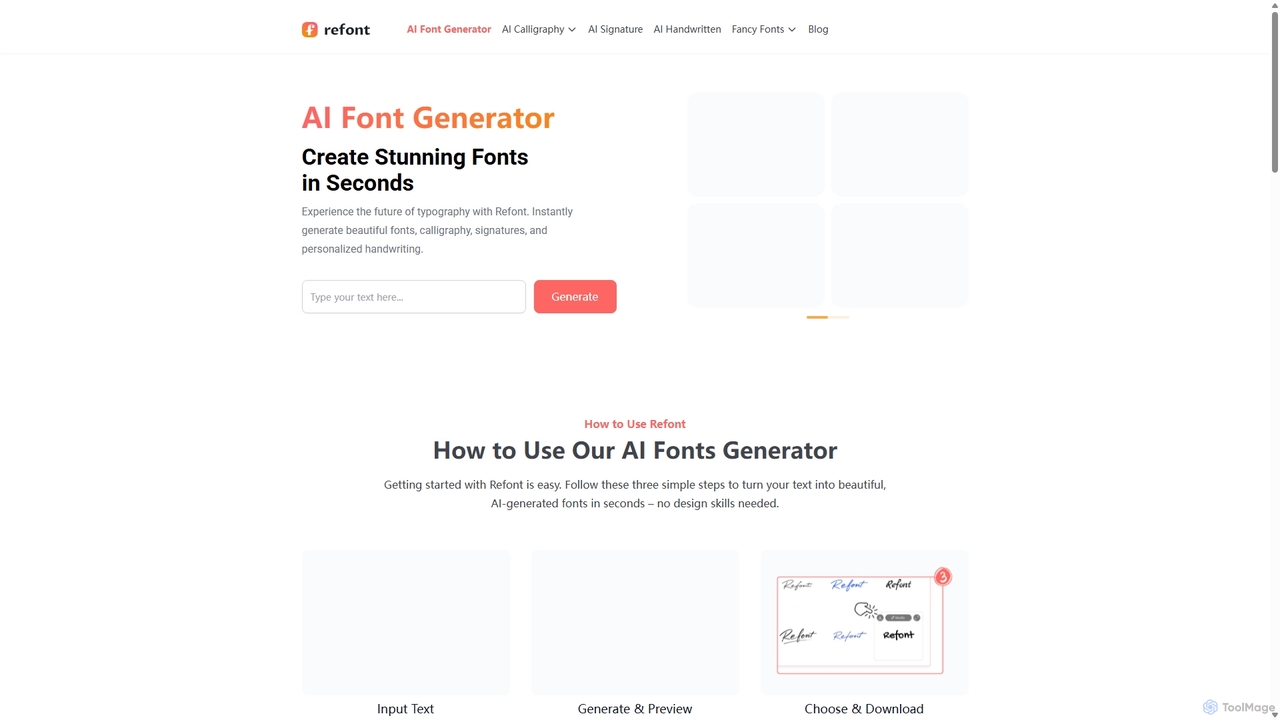
Refont

Refont is a powerful AI font generator that instantly creates stunning calligraphy, personalized signatures, realistic handwriting, and fancy text styles. Ideal for designers, creators, and professionals, it transforms your text into beautiful visual art in seconds, for free and without requiring a login.

Calligraphy
Visits 154.3KFavorites 143Likes 125
ttapi.io
Freemium

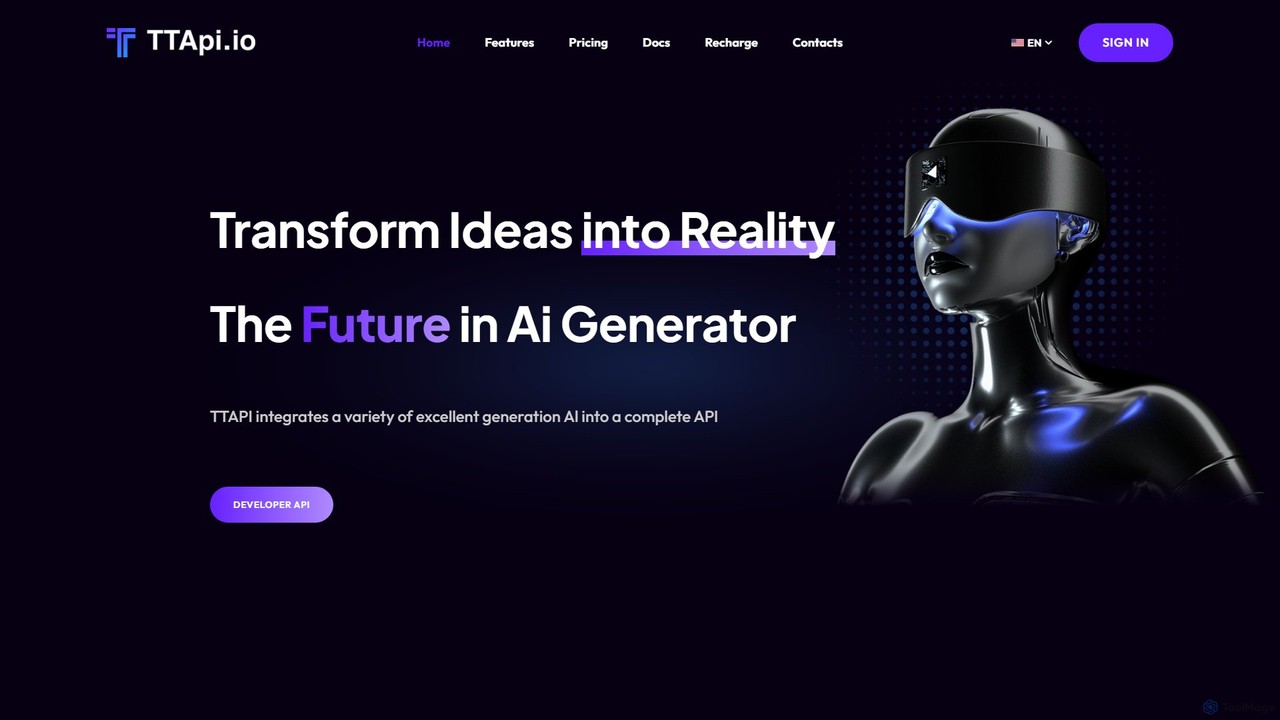
ttapi.io

ttapi.io is a unified API platform providing developers with affordable and fast access to a wide range of generative AI models, including Midjourney, DALL-E 3, Luma for video, and ChatGPT-series LLMs, all through a single integration.

Api Management
Visits 11.3KFavorites 132Likes 134
Bevinzey
Freemium

Bevinzey

Bevinzey is an AI-powered learning platform designed for students and educators. It transforms study materials into interactive learning experiences by automatically generating questions, summarizing long texts, creating study guides, and transcribing audio/video. With features like an AI mentor chatbot and a manuscript generator, Bevinzey aims to help users master any subject faster, improve academic performance, and streamline content creation.

Learning Assistant
Visits 7.4KFavorites 114Likes 135

About Text Generation

Text Generation tools are AI applications that automatically create human-like written content from user prompts. They leverage large language models (LLMs) to understand context, mimic writing styles, and produce diverse outputs from articles to code. These tools are designed to accelerate content creation, overcome writer's block, and enable personalized communication at scale. Their primary value lies in generating original, coherent text for a vast range of productivity and creative tasks.

Core Features

  • Prompt-Based Creation: Generates text based on user-provided instructions, keywords, or outlines.
  • Tone and Style Control: Allows users to adjust the output's voice, from formal and professional to casual and creative.
  • Multi-Format Outputs: Capable of producing various content types, including emails, blog posts, social media updates, and scripts.
  • Content Refinement: Includes features for paraphrasing, summarizing, and expanding on existing text to improve clarity and originality.

Applicable Scenarios

These tools are widely used by marketers, content creators, developers, and customer support teams. For example, a marketing team can generate ad copy variations for A/B testing, a blogger can draft an article outline and initial paragraphs, and a developer can create code documentation or explanations for complex functions.

Selection Criteria

When choosing a Text Generation tool, evaluate the quality and coherence of the generated text. Consider the range of available templates and supported formats, integration capabilities with your existing workflow (e.g., CMS or social media platforms), and the pricing model, such as subscription-based or pay-per-use.

Featured tool rankings

Text Generation use cases

1

Automating Blog Post and Article Creation

Content marketers and bloggers often face pressure to consistently publish high-quality articles to attract and engage an audience. A Text Generation tool streamlines this process. By inputting a topic, target keywords, and a desired outline, the user can generate a comprehensive first draft in minutes. This draft includes an introduction, body paragraphs, and a conclusion. This process can reduce research and writing time by over 70%, allowing creators to focus on fact-checking, adding personal insights, and refining the content for publication.

2

Generating High-Converting Marketing Copy

Digital marketers need compelling copy for advertisements, product descriptions, and landing pages to drive conversions. Using a Text Generation tool, a marketer can leverage proven copywriting frameworks like AIDA (Attention, Interest, Desire, Action). They simply input product features, target audience details, and the desired framework. The tool then generates multiple copy variations for A/B testing. This allows teams to quickly identify the most effective messaging without spending hours on manual brainstorming, leading to improved campaign performance and higher return on investment.

3

Drafting Professional Emails and Communications

Business professionals, from sales representatives to managers, spend a significant amount of time writing emails. A Text Generation tool can act as a writing assistant. For a sales outreach email, a user can input the prospect's name, company, and key value propositions. The AI then composes a personalized and professional email draft. This is also useful for internal communications, such as drafting project updates or announcements. It ensures a consistent tone, reduces grammatical errors, and frees up valuable time for professionals to focus on strategic tasks rather than routine correspondence.

4

Creating Engaging Social Media Content

Social media managers are tasked with maintaining an active presence across multiple platforms. A Text Generation tool can be a powerful ally in filling the content calendar. By providing a link to a new blog post, a product update, or a simple idea, the manager can generate a variety of posts tailored for different platforms like Twitter, LinkedIn, and Instagram. The tool can create concise tweets, professional LinkedIn updates, and engaging Instagram captions from a single prompt. This automates the repetitive task of content adaptation, ensuring a consistent yet platform-appropriate brand voice.

5

Assisting with Academic and Technical Writing

Researchers, students, and technical writers often deal with complex information that needs to be presented clearly. A Text Generation tool can assist by paraphrasing dense paragraphs to improve readability or by summarizing long research papers to extract key findings. For a technical writer, it can generate documentation for code functions by analyzing the code and comments. This not only speeds up the writing process but also helps in maintaining a consistent and clear style across large documents, ensuring the information is accessible to the intended audience.

6

Scriptwriting for Videos and Podcasts

Video creators and podcasters need a solid script to produce high-quality content. A Text Generation tool can help overcome creative blocks and structure ideas. A user can input a video concept, key talking points, and a desired duration. The AI then generates a structured script, complete with an introduction, main segments, and an outro. It can even suggest transitions or calls to action. This provides a strong foundation for the creator to build upon, saving significant time in the pre-production phase and ensuring a more polished final product.

Text Generation FAQ

What are AI Text Generation tools?

AI Text Generation tools are software applications that use artificial intelligence, specifically large language models (LLMs), to create new, original written content. Based on a user's prompt or instructions, these tools can produce a wide variety of text formats, such as articles, emails, marketing copy, and code. Their core function is to automate and assist in the writing process, helping users to generate ideas, draft content quickly, and refine their writing style and tone.

How to choose the right Text Generation tool?

Choosing the right tool depends on your specific needs. Consider the following factors:

  • Output Quality: Test the tool to see if the generated text is coherent, accurate, and natural-sounding for your use case.
  • Features and Templates: Look for tools that offer specific templates (e.g., blog posts, ad copy) or features (e.g., tone adjustment, plagiarism checker) that match your workflow.
  • Ease of Use: The interface should be intuitive, allowing you to generate and refine content efficiently without a steep learning curve.
  • Integration Capabilities: Check if the tool can connect with other software you use, such as your content management system (CMS) or social media scheduler.
  • Pricing Model: Compare pricing structures, such as monthly subscriptions, credit-based systems, or pay-per-word, to find one that fits your budget and usage volume.
What is the difference between Text Generation and Text Summarization?

The key difference lies in their purpose and output. Text Generation creates new, original content from a prompt. It is a creative process where the AI generates text that did not previously exist. For example, writing a new blog post from a title. In contrast, Text Summarization condenses a long, existing piece of text into a shorter version, preserving the main ideas of the original source. It is a process of extraction or abstraction, not creation. One creates something new, while the other makes something existing more concise.

Can AI-generated text be detected?

While AI models are becoming increasingly sophisticated, AI-generated text can sometimes be identified by detection tools. These tools look for patterns, such as overly consistent sentence structures or a lack of personal voice, that can be characteristic of machine-written content. However, high-quality generation tools produce text that is very difficult to distinguish from human writing. It is a best practice for users to always review, edit, and add their own unique perspective to AI-generated drafts to ensure originality, accuracy, and quality.

Who can benefit from using Text Generation tools?

A wide range of individuals and professionals can benefit from Text Generation tools. This includes:

  • Marketers and Copywriters: For creating ad copy, product descriptions, and email campaigns quickly.
  • Content Creators and Bloggers: To overcome writer's block, generate article outlines, and draft content faster.
  • Business Professionals: For drafting professional emails, reports, and presentations efficiently.
  • Students and Researchers: To assist with paraphrasing, summarizing sources, and structuring academic papers.
  • Developers: For generating code documentation, comments, and even simple code snippets.

Essentially, anyone who regularly writes as part of their work or studies can use these tools to enhance their productivity and creativity.