

AutoCut Overview
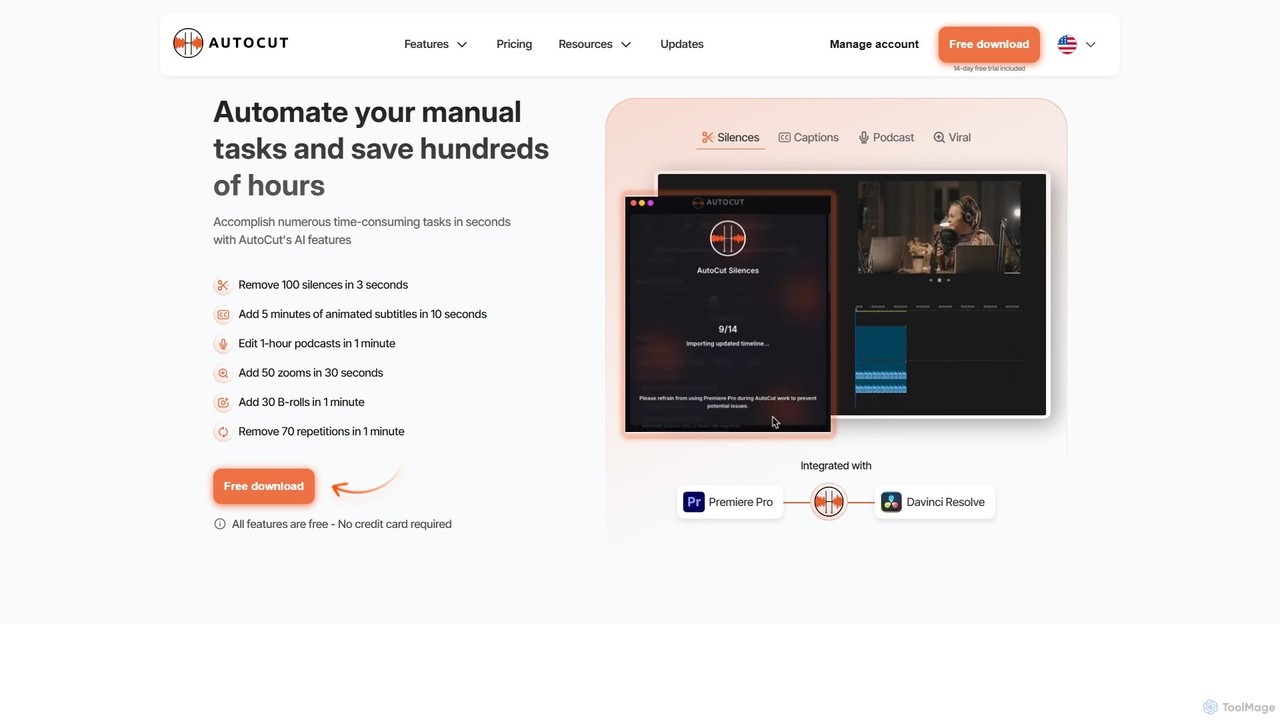
AutoCut is a revolutionary AI-powered plugin designed to dramatically accelerate the video editing process for creators and professionals using Adobe Premiere Pro and DaVinci Resolve. Its core mission is to automate the most repetitive and time-consuming tasks, freeing up editors to focus on the creative and storytelling aspects of their projects. By integrating seamlessly into industry-standard software, AutoCut provides a suite of powerful, one-click solutions that can reduce editing time from hours to mere minutes.
Developed by a passionate team of editors for editors, AutoCut is built on the principles of efficiency, simplicity, and creativity. It addresses common pain points in the editing workflow, such as manually cutting out dead air, transcribing and timing captions, or synchronizing multi-camera footage. The tool is trusted by a global community of YouTubers, podcasters, and professional video editors who praise its accuracy, speed, and intuitive interface.
How to use AutoCut
Using AutoCut is designed to be straightforward and intuitive, integrating directly into your existing editing software. The general workflow is as follows:
- Installation: Download the AutoCut plugin from the official website and install it for either Adobe Premiere Pro or DaVinci Resolve. The process is quick and guided.
- Launch: Open your video editing software and import your footage. You can then launch the AutoCut extension from the software's extension or plugin menu.
- Select a Feature: The AutoCut panel will display its range of AI features. Choose the task you want to automate, such as 'AutoCut Silences' or 'AutoCaptions'.
- Apply and Customize: For a feature like silence removal, you can adjust the sensitivity thresholds before processing. For captions, you can select the language and style. With a single click, AutoCut analyzes your timeline and performs the edits automatically.
- Review and Refine: AutoCut performs the heavy lifting, creating cuts, adding captions, or applying effects directly on your timeline. You can then review the automated edits and make any final creative adjustments, maintaining full control over your project.
Core Features of AutoCut
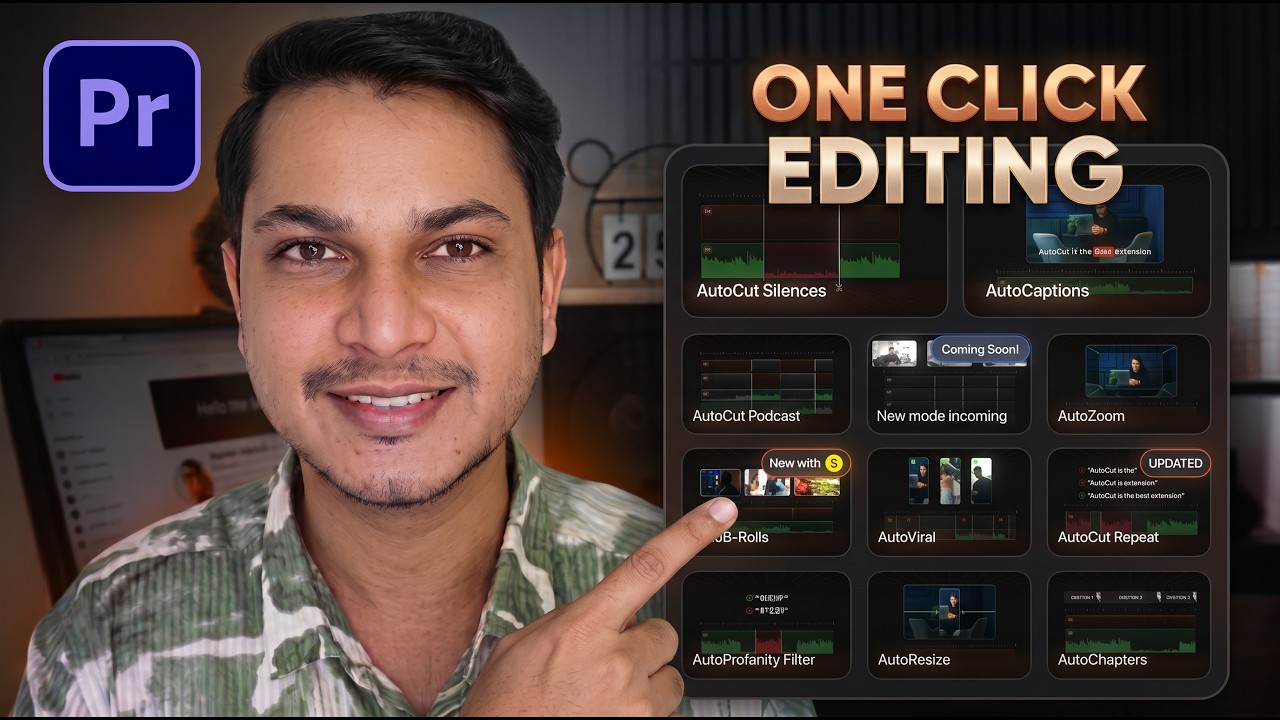
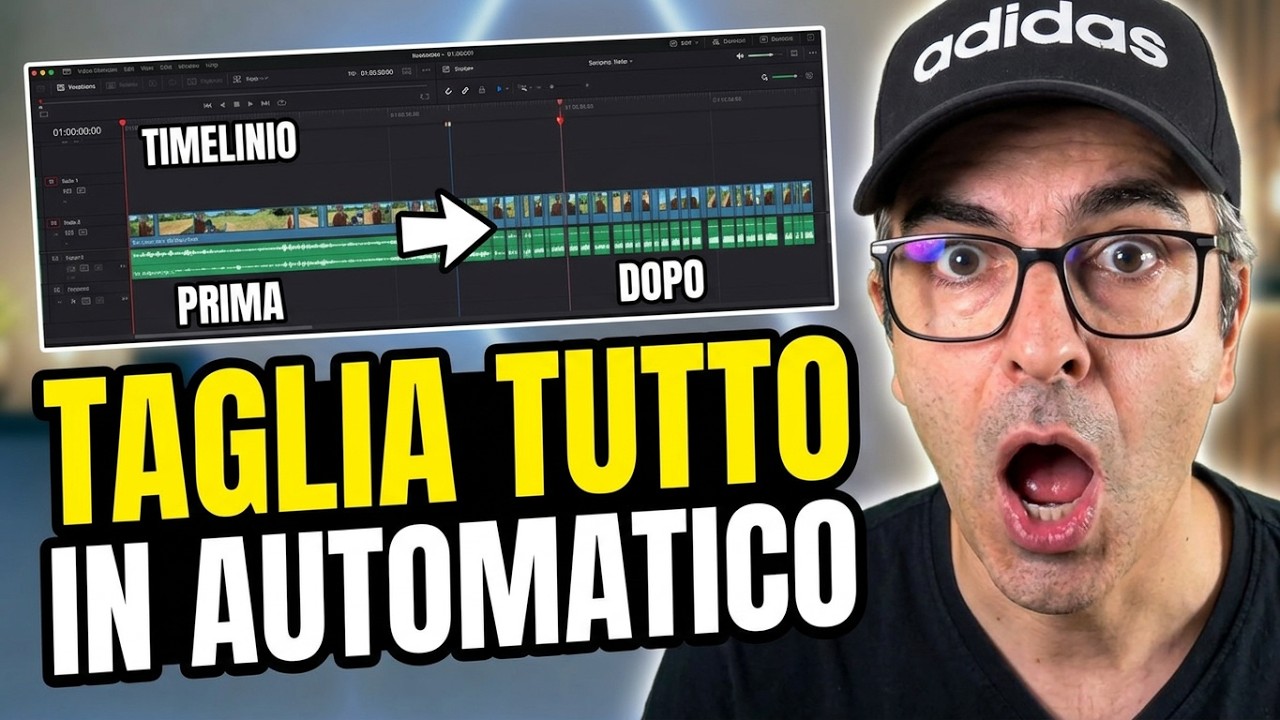
- AutoCut Silences: Instantly detects and removes silent segments from your video, tightening the pace and improving viewer engagement. It can also create automatic J-cuts and L-cuts for a smoother audio flow.
- AutoCaptions: Generates accurate, animated, and easily translatable captions in seconds. This boosts video accessibility and engagement, which is crucial for social media content.
- AutoCut Podcast: Automates multi-camera podcast editing by identifying different speakers and automatically switching between camera angles, transforming a complex task into a one-click process.
- AutoZoom: Intelligently adds dynamic and perfectly timed zooms to emphasize key moments, enhance storytelling, and keep viewers engaged without manual keyframing.
- AutoViral: Analyzes long-form videos to identify the most engaging and shareable segments, allowing you to quickly create viral short-form content for platforms like TikTok, Reels, and Shorts.
- AutoB-Rolls: Uses AI to analyze your dialogue and automatically finds and inserts relevant stock footage (B-roll) to enrich your visual narrative.
- AutoCut Repeat: Scans your footage for repeated takes or phrases and helps you keep only the best one, cleaning up raw footage efficiently.
- AutoResize: Automatically reformats your video sequences for different social media aspect ratios (e.g., vertical, square) while intelligently keeping the main subject centered in the frame.
- AutoProfanity Filter: Automatically detects and bleeps out swear words or other specified profanities with a sound effect, ensuring your content is brand-safe and suitable for all audiences.
- AutoChapters: Segments your long videos into logical sections and generates export-ready chapters for platforms like YouTube, improving navigation for viewers.
Use Cases for AutoCut
AutoCut is a versatile tool for anyone involved in video production:
- YouTubers & Content Creators: Drastically cut down editing time for vlogs, tutorials, and reviews. Use AutoCaptions for better SEO and accessibility, and AutoViral to repurpose content for Shorts.
- Podcast Editors: Effortlessly edit multi-camera video podcasts, saving hours of manual camera switching and synchronization.
- Social Media Managers: Quickly resize videos for different platforms and generate engaging, captioned clips to maximize reach.
- Corporate Video Producers: Streamline the editing of interviews, training materials, and presentations by removing pauses and adding professional touches.
- Filmmakers & Documentarians: Speed up the initial assembly cut process by automatically removing unusable takes and silences from long interviews.
Advantages of AutoCut
The primary advantage of AutoCut is the massive amount of time it saves. Users report reducing editing workflows from over 6 hours to just 30 minutes. This efficiency allows creators to produce more content and avoid burnout. Other key benefits include its seamless integration, user-friendly interface suitable for both beginners and pros, and the ability to enhance video quality with dynamic, professional-looking effects. It empowers editors to focus on creative decisions rather than getting bogged down in repetitive, manual labor.
Pricing and Plans
AutoCut offers a transparent pricing structure with a 14-day free trial to test all features. No credit card is required for the trial.
- Free Trial: Access to all features for 14 days.
- Basic Plan: Priced at approximately $6.6/month (billed annually at $79). This plan primarily includes the AutoCut Silences v2 feature.
- AI Plan: The most popular option, priced at approximately $14.9/month (billed annually at $178.8). This comprehensive plan includes all 10+ AI features: AutoCut Silences, AutoCaptions, AutoCut Podcast, AutoZoom, AutoViral, AutoB-Rolls, and more.
- Enterprise Plan: Custom pricing is available for larger teams and organizations with specific needs.
Both monthly and yearly subscription options are available, with the yearly plan offering a significant discount (equivalent to 3 months free).
Traffic
Latest traffic
Status
Monthly traffic trend
- 2026-1: 192.7K
- 2026-2: 169.7K
- 2026-3: 172.9K
- 2026-4: 179.3K
- 2026-5: 192.8K
Geography
Top 5 countries / regions
- 🇧🇷Brazil28.3%
- 🇮🇳India25.8%
- 🇺🇸United States21.7%
- 🇫🇷France14.8%
- 🇩🇪Germany9.4%
Traffic sources
| Source type | Percentage |
|---|---|
Direct | 86.5% |
Referral | 11.1% |
Email | 2.4% |
Top keywords
| Keyword | Cost per click |
|---|---|
| auto cut | $0.99 |
| autocut | $0.90 |
| autocut premiere | $0.00 |
| auto cut premiere pro | $0.86 |
| autocut premiere pro | $1.38 |
AutoCut Videos on YouTube

AB Animation Studios


David Ulivelli
AutoCut Alternatives
AutoPod
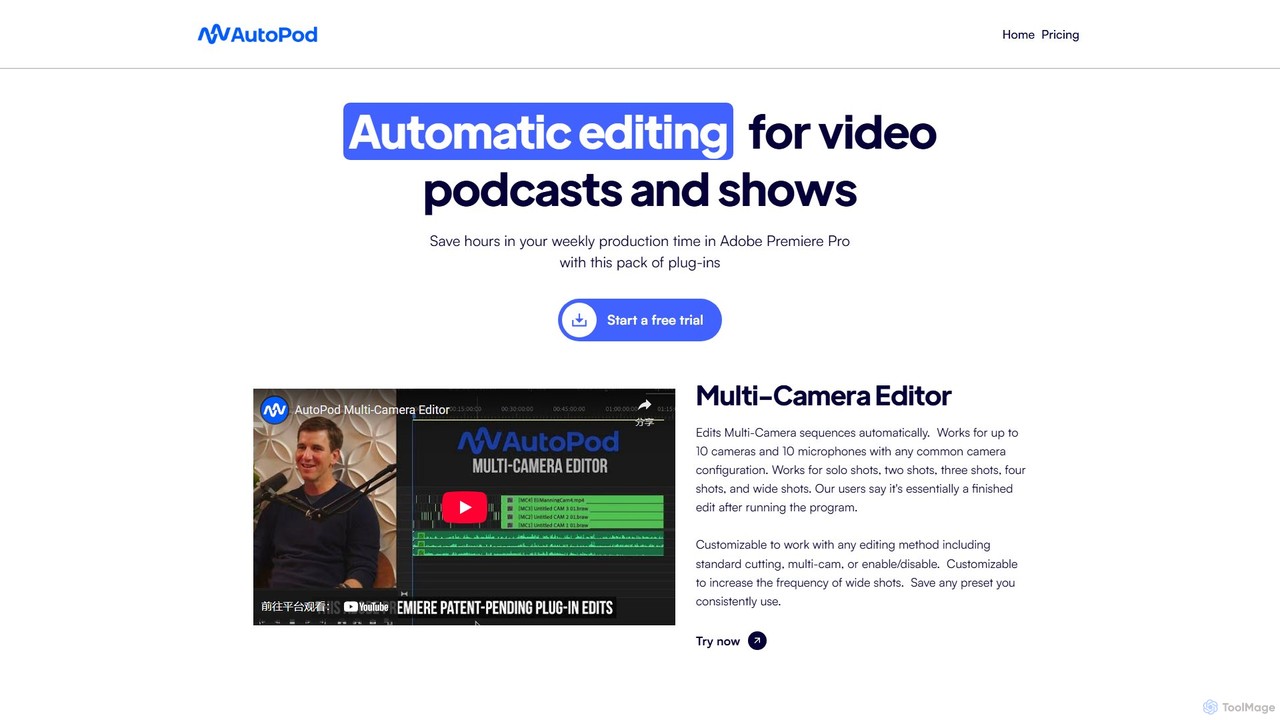
AutoPod is a suite of AI-powered plugins for Adobe Premiere Pro that automates video podcast and show editing. It saves editors hours of work by automatically handling multi-camera edits, creating social media clips, and generating jump cuts based on silence.
Automation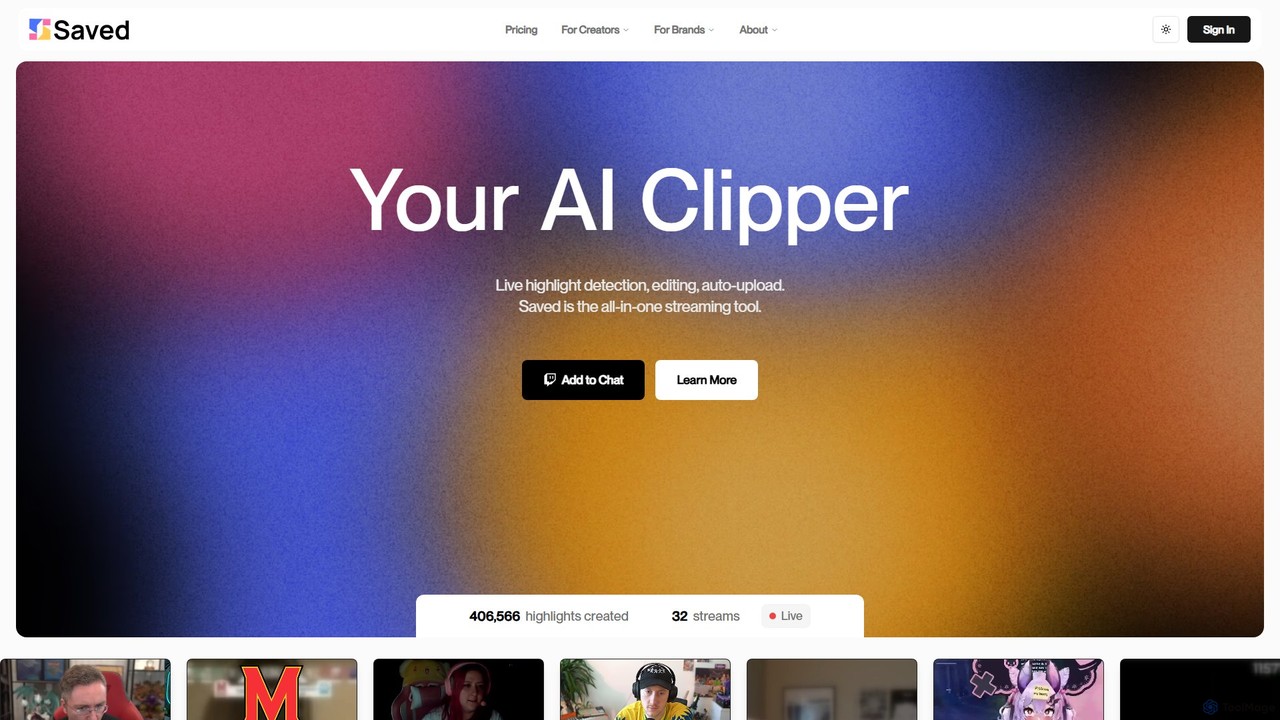
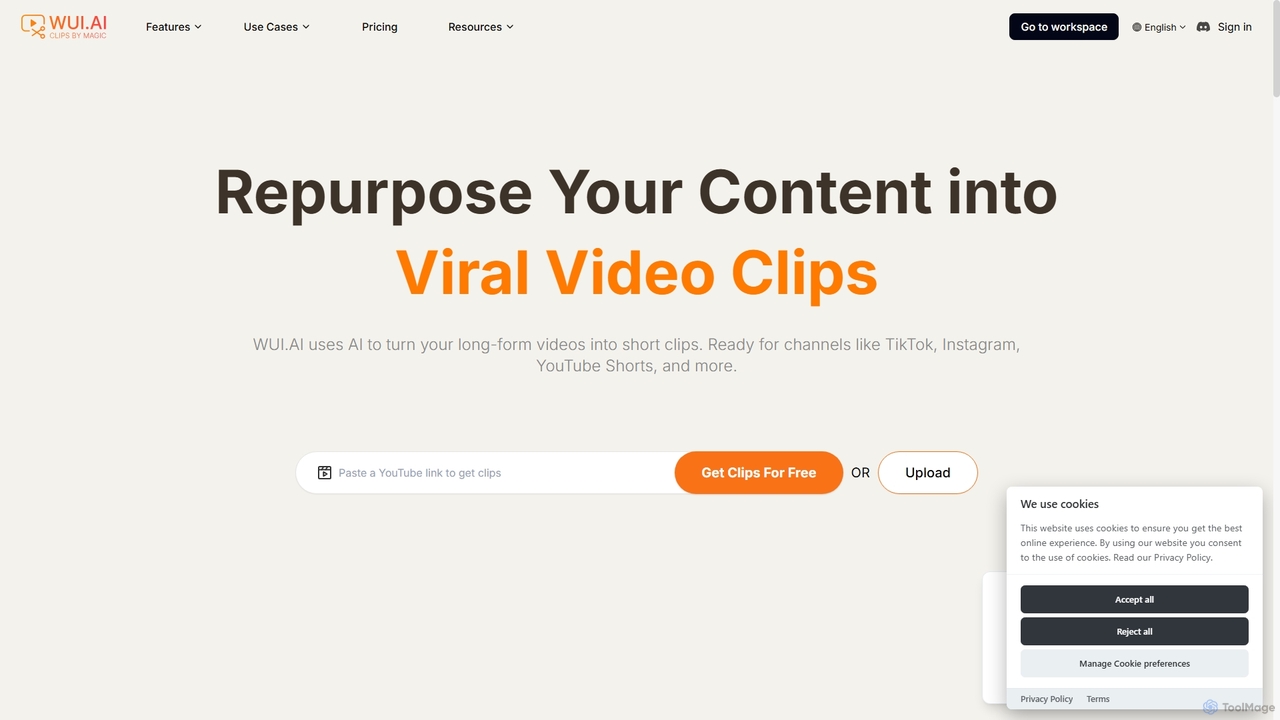
WUI.AI
WUI.AI is an AI-powered platform that transforms long-form videos and podcasts into engaging, viral short clips for social media. It automates highlight detection, subtitling, resizing, and translation, helping creators and marketers save time and maximize their content's reach on platforms like TikTok, Instagram, and YouTube Shorts.
Automation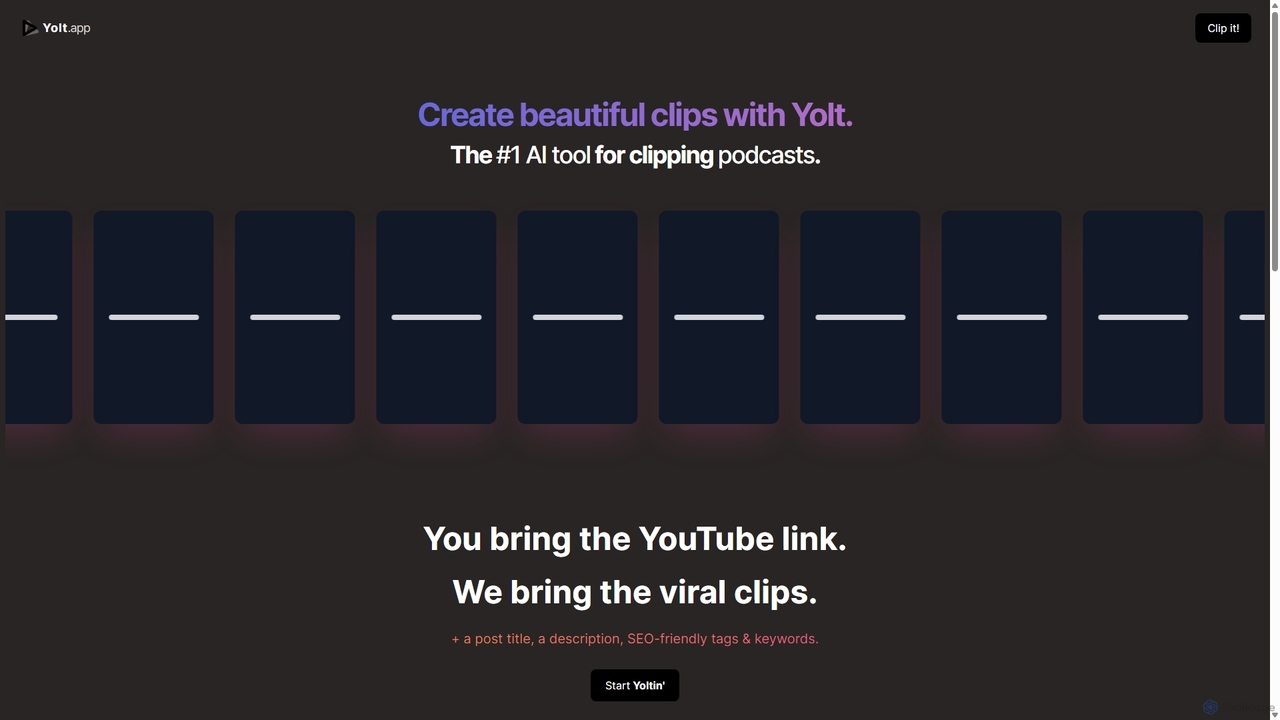
Yolt
Yolt is an AI-powered tool that transforms long-form YouTube videos, especially podcasts, into engaging, short, viral clips for social media. Simply provide a YouTube link, and Yolt's AI identifies the best moments, generates clips with subtitles, and provides optimized titles, descriptions, and SEO tags to maximize your reach and engagement on platforms like TikTok, Instagram Reels, and YouTube Shorts.
Video Marketing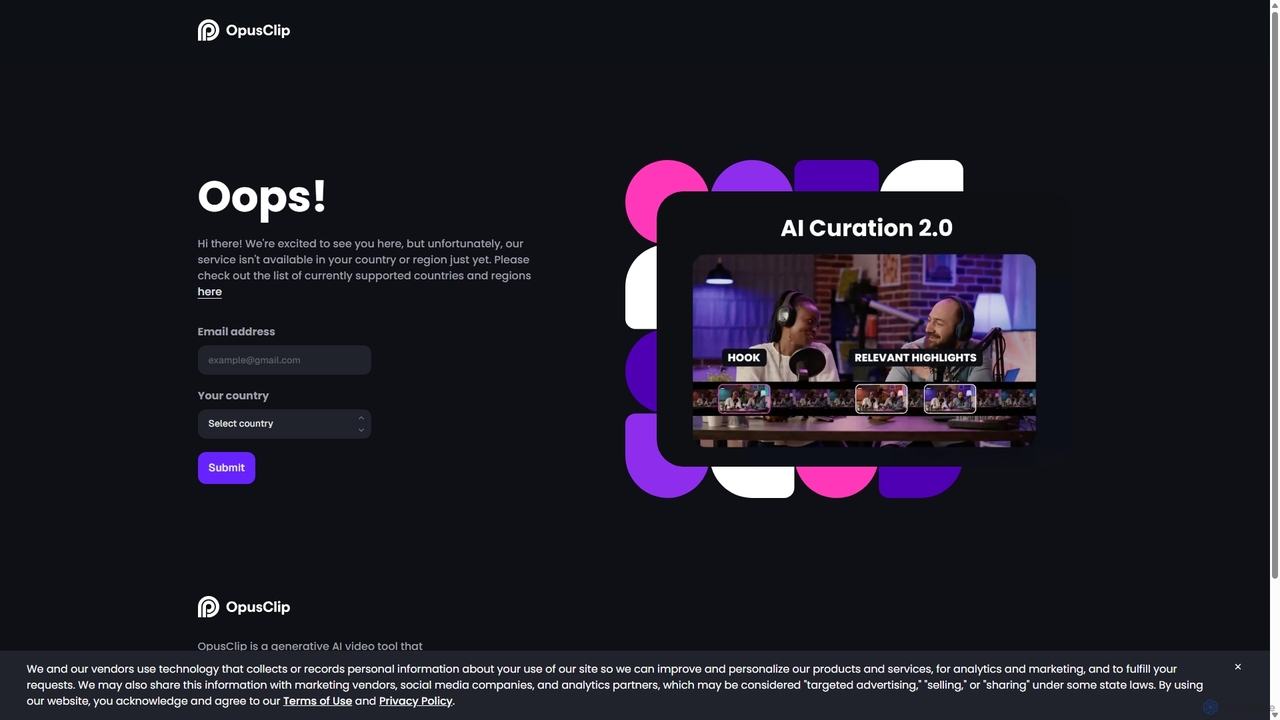
OpusClip
OpusClip is a generative AI video repurposing tool that turns long videos into viral short clips with one click. It automatically identifies the most compelling hooks, reframes the video, adds dynamic captions, and scores clips for virality, streamlining content creation for social media.
Video MarketingAutoCut Categories
AutoCut Embed Widget
Copy this embed code to place the badge on your blog, article, or product site and send readers directly to this ToolMage detail page.

Related AI tools
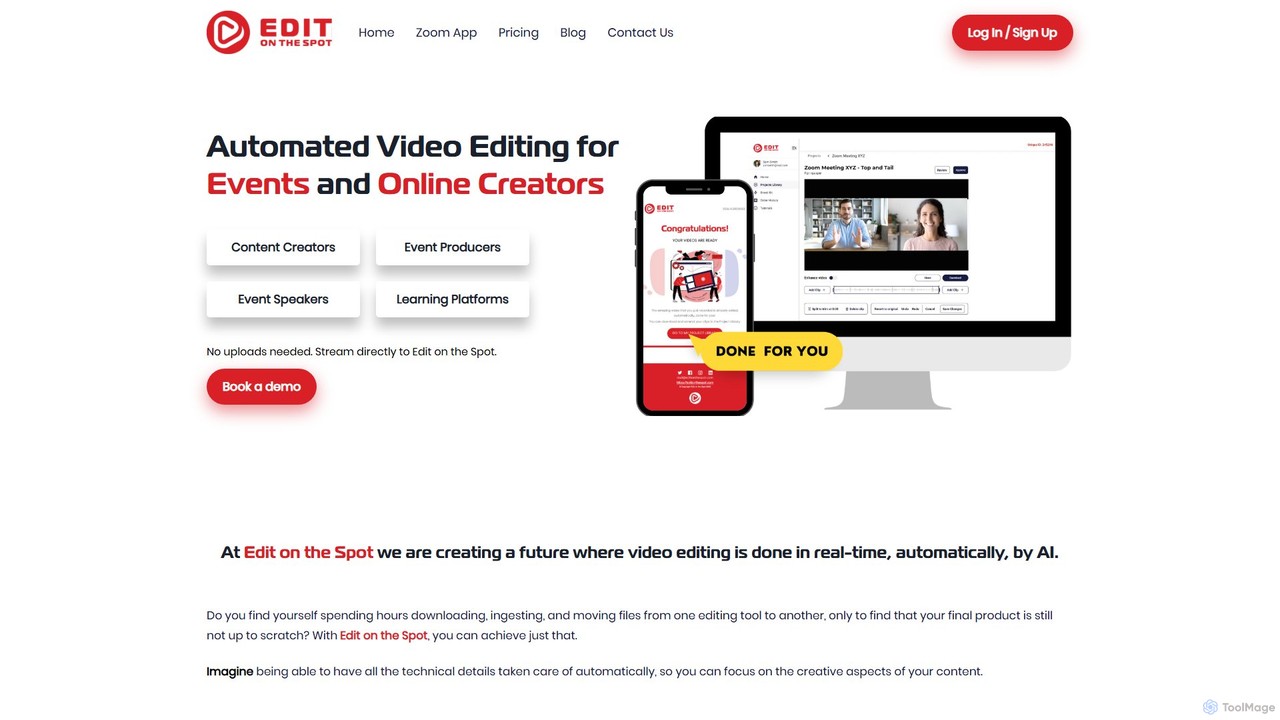
Edit on the Spot
Edit on the Spot is an AI-powered video editing tool designed for online creators. It automatically trims silence from the beginning and end of recordings from platforms like Zoom, MS Teams, and OBS. Users can instantly add custom intros and outros, receiving a download link for a professionally polished, full HD video within minutes of finishing their session.
Content Creation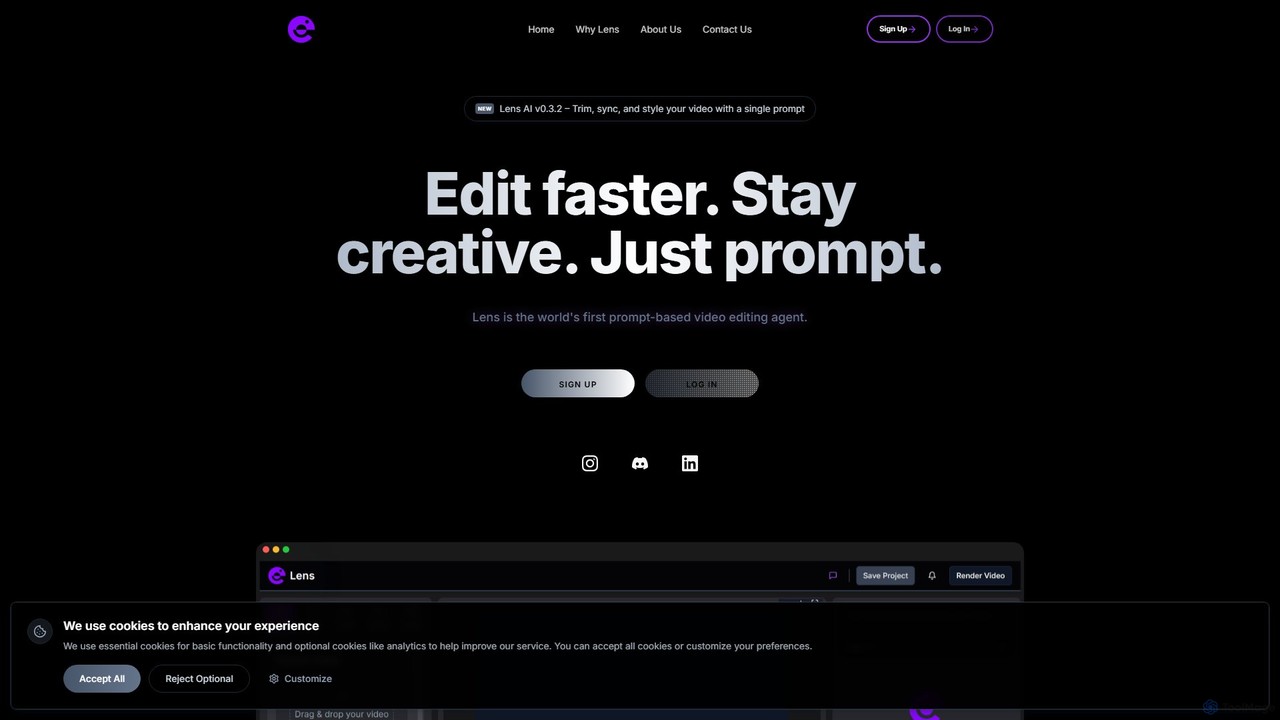
Lens
Lens is the world's first prompt-based video editing agent, designed to revolutionize the editing process. It allows creators to trim, sync, and style videos using simple text commands, eliminating the need for complex timelines and manual tasks. Focus on your creativity while Lens handles the heavy lifting, making video editing faster, more intuitive, and accessible to everyone.
Social MediaAutoPod
AutoPod is a suite of AI-powered plugins for Adobe Premiere Pro that automates video podcast and show editing. It saves editors hours of work by automatically handling multi-camera edits, creating social media clips, and generating jump cuts based on silence.
AutomationWUI.AI
WUI.AI is an AI-powered platform that transforms long-form videos and podcasts into engaging, viral short clips for social media. It automates highlight detection, subtitling, resizing, and translation, helping creators and marketers save time and maximize their content's reach on platforms like TikTok, Instagram, and YouTube Shorts.
AutomationYolt
Yolt is an AI-powered tool that transforms long-form YouTube videos, especially podcasts, into engaging, short, viral clips for social media. Simply provide a YouTube link, and Yolt's AI identifies the best moments, generates clips with subtitles, and provides optimized titles, descriptions, and SEO tags to maximize your reach and engagement on platforms like TikTok, Instagram Reels, and YouTube Shorts.
Video Marketing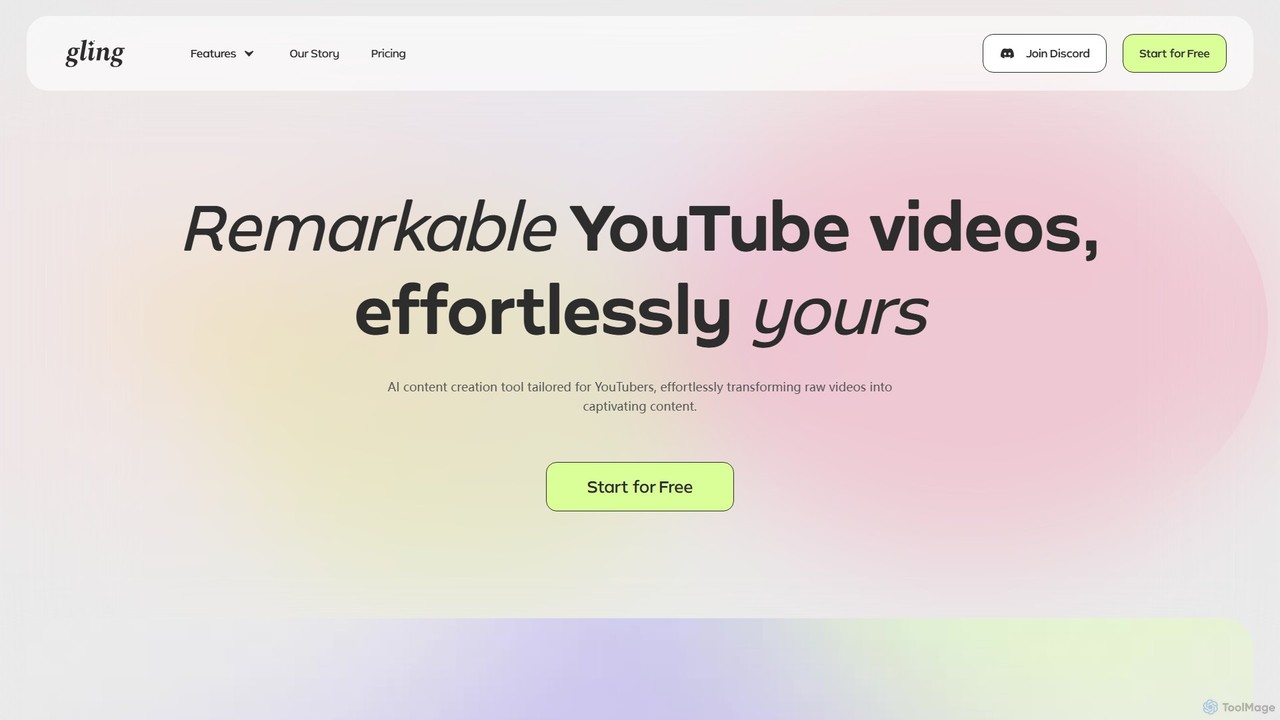
Gling
Gling is an AI-powered video editing software for YouTubers that automatically removes silences, bad takes, and filler words. It uses text-based editing to streamline the workflow, saving creators hours of manual work and helping them produce captivating content effortlessly.
Automation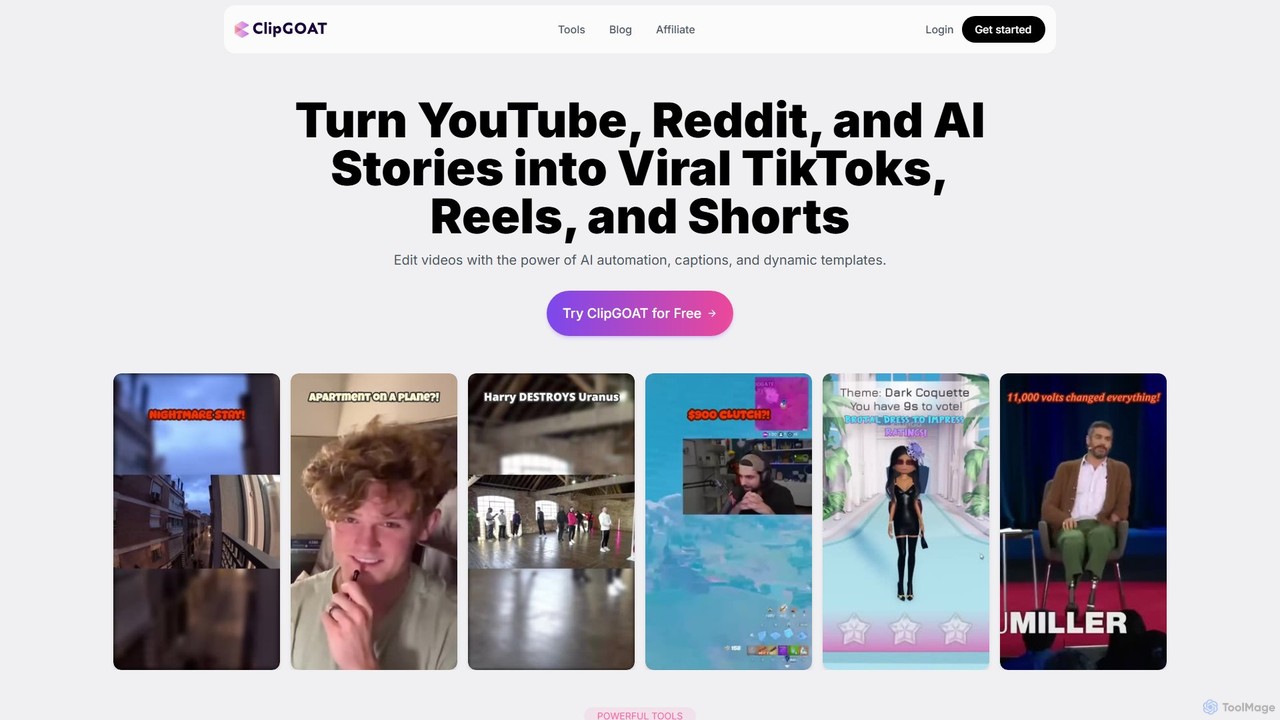
ClipGOAT
ClipGOAT is an AI-powered platform that transforms long-form content like YouTube videos, Reddit threads, and text stories into viral short-form videos for TikTok, Reels, and Shorts. It automates clipping, captioning, and reframing, enabling creators to produce and schedule engaging content in minutes without prior editing experience.
Automation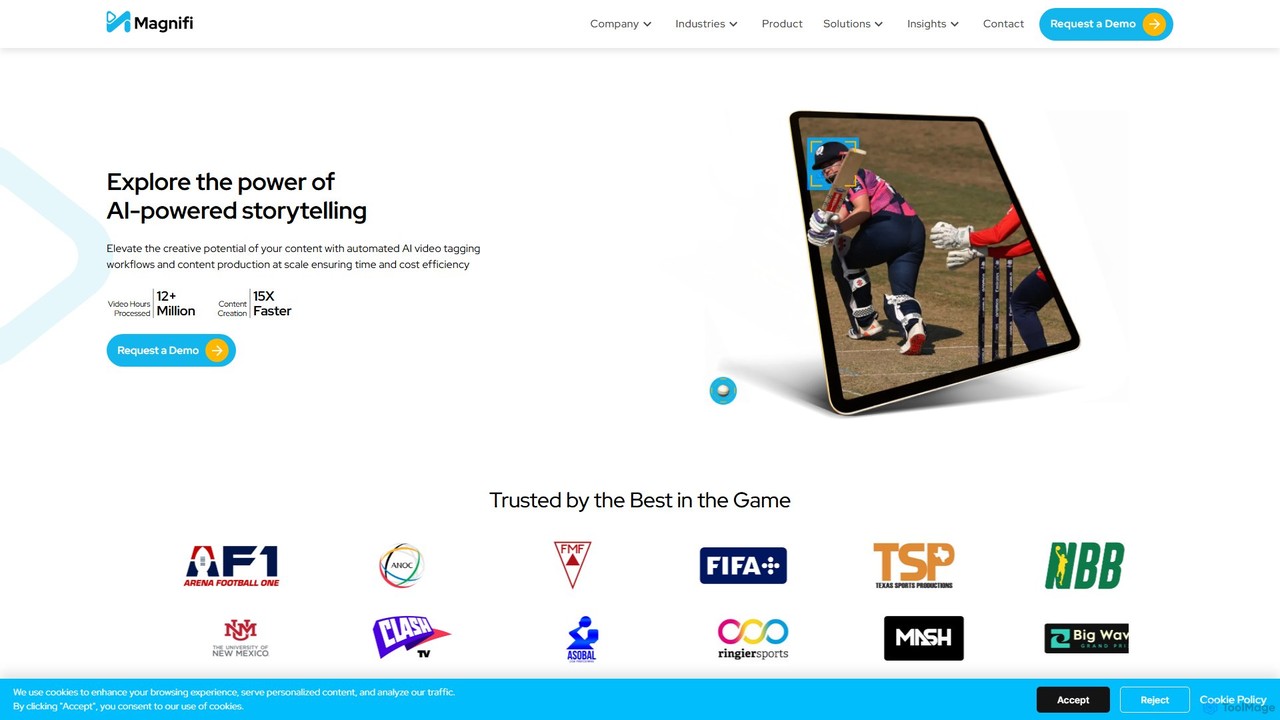
Magnifi
Magnifi is an AI-powered video platform that automates the creation of highlights and summaries from long-form content. Ideal for sports, news, and media broadcasters, it uses AI to detect key moments, automatically generate engaging clips, resize them for social media, and distribute them across multiple channels, saving significant time and cost.
Social Media
OneTake AI
OneTake AI is an autonomous video editing and translation agent that transforms raw talking videos into professional presentations with a single click. It automatically handles transcription, removes filler words, eliminates background noise, adds custom music, and creates engaging visuals. Ideal for content creators, educators, and businesses, it also offers voice-cloned translation and dubbing to reach a global audience effortlessly.
E Learning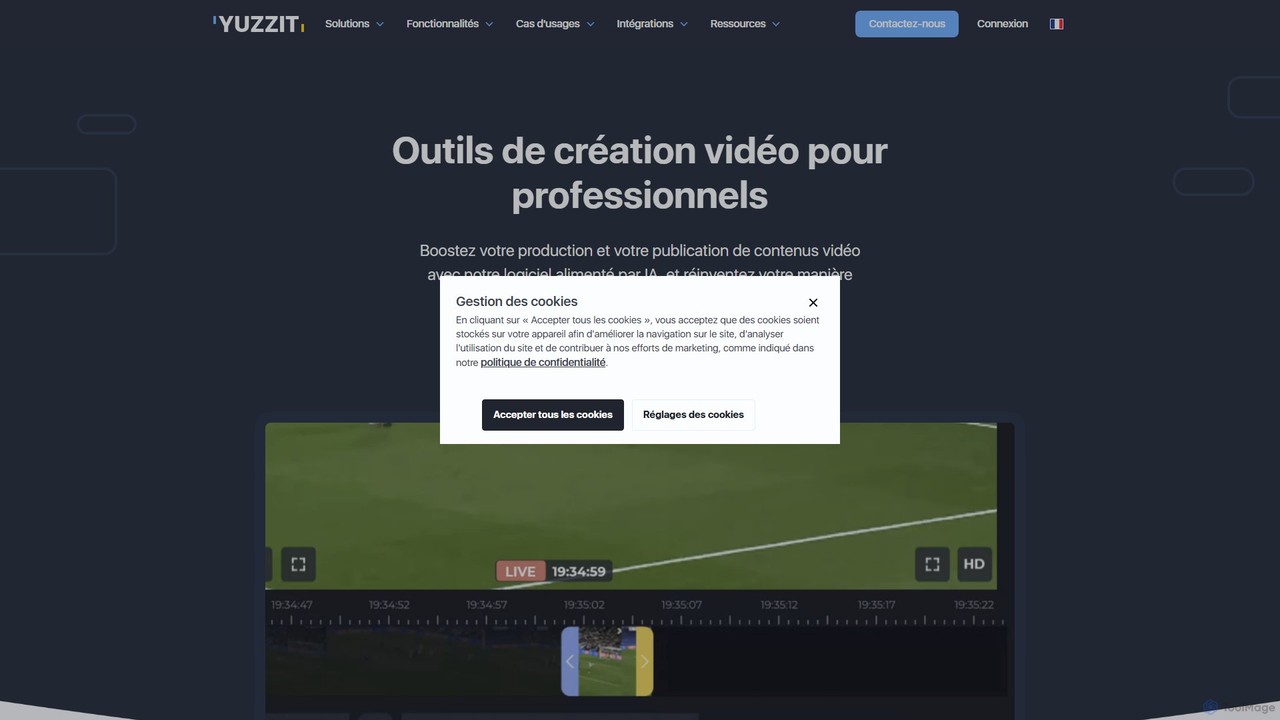
Yuzzit
Yuzzit is an AI-powered online video editing platform for professionals. It specializes in real-time clipping of live streams, automated editing, and multi-platform publishing. Designed for speed and collaboration, it helps media, sports, and marketing teams create and distribute engaging video content effortlessly.
Collaboration
Vivu.ai
Vivu.ai is an AI-powered video editing platform that simplifies and accelerates the video creation process. It uses AI to automatically generate smart rough cuts, index and search video content, and suggest background music, enabling creators of all skill levels to produce professional-quality videos with ease.
Social Media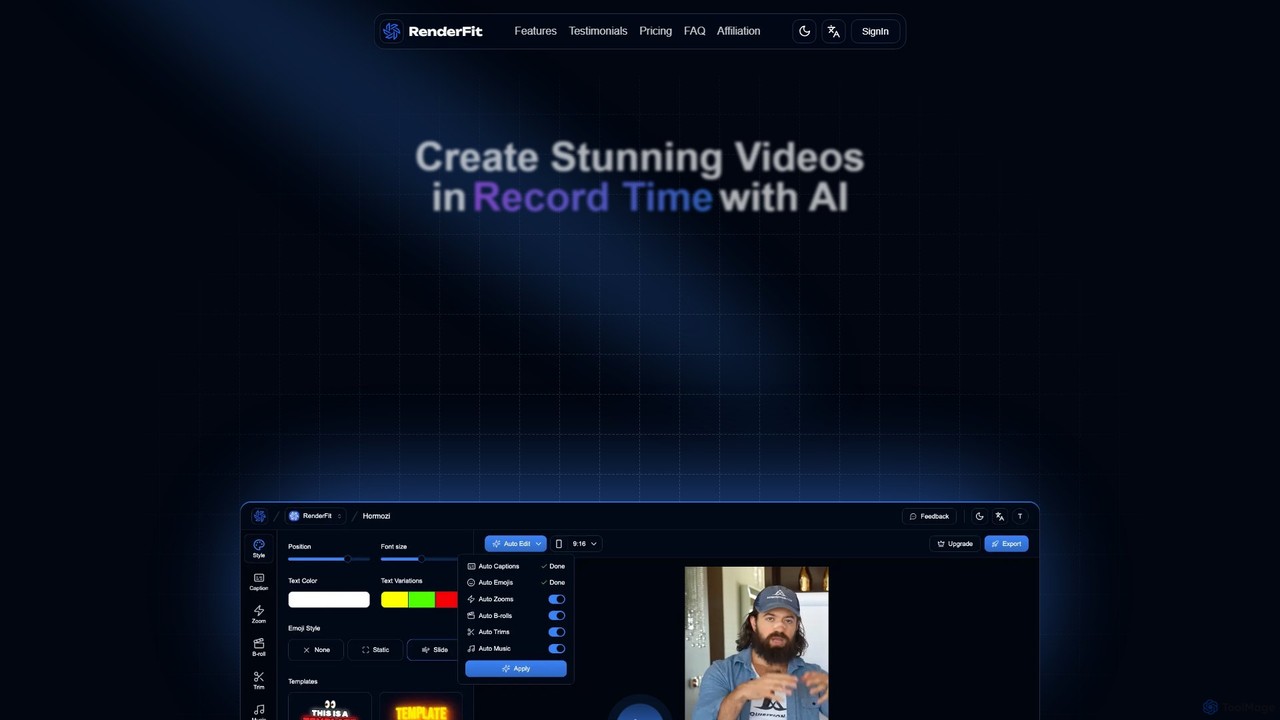
RenderFit
RenderFit is an AI-powered video editing platform that automates and accelerates video creation. It enables users to generate eye-catching subtitles, automatically cut silences, add dynamic B-rolls and music, and create engaging social media content in minutes, without requiring professional editing skills. Ideal for content creators, marketing teams, and agencies.
Video Marketing
Podcut
Podcut is an AI-powered audio and video editing platform designed for podcasters and content creators. It automates tedious editing tasks by allowing you to edit your media by simply editing the text transcript. Automatically remove filler words, long silences, and background noise to produce studio-quality content in minutes, not hours.
3D
Runway
Runway is an advanced AI-powered creative suite for content creation. It offers a wide range of tools, including state-of-the-art text-to-video (Gen-2), video-to-video (Gen-1), image generation, AI-powered video editing, and more. It's designed for filmmakers, artists, and marketers to ideate, generate, and edit content like never before, streamlining complex creative workflows.
Image Generation
AutoCut Comments (0)
Sign in to comment.
Sign inNo comments yet.