

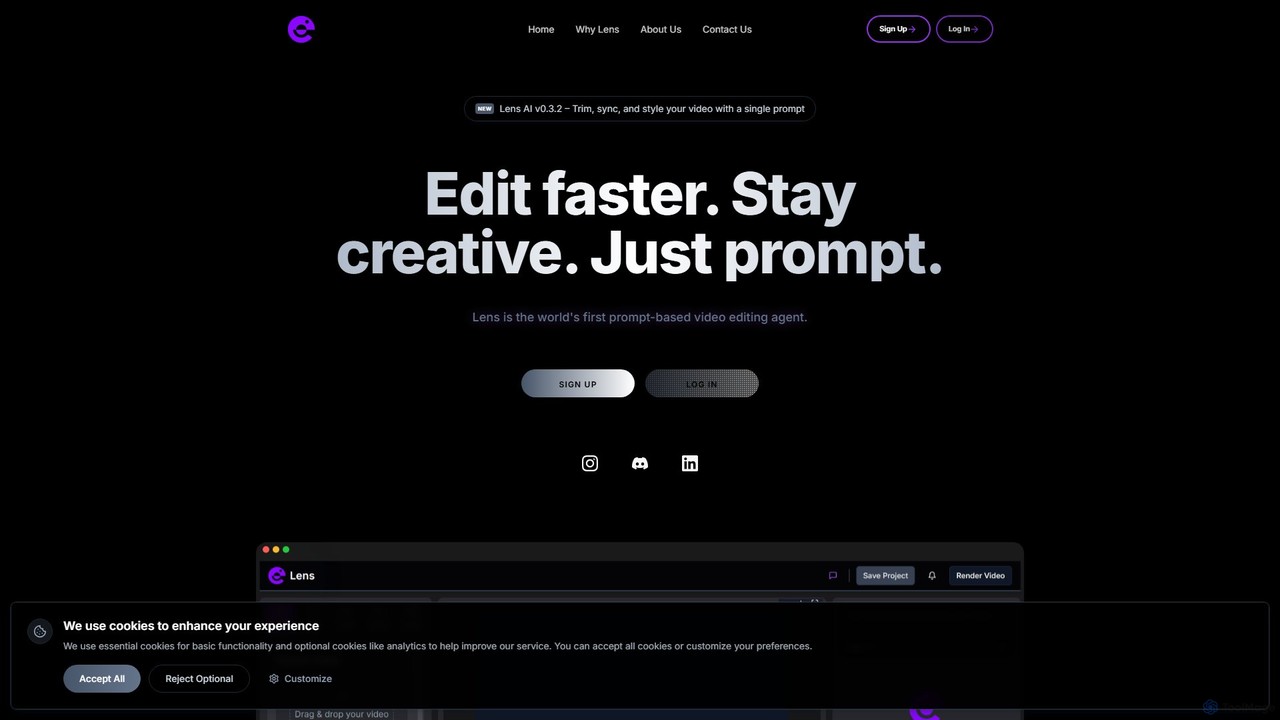
Lens Overview
Lens is a groundbreaking AI-powered video editing platform that is fundamentally changing how creators interact with their footage. Built on the mission to give creators back their time and creative freedom, Lens replaces complex software interfaces and tedious manual tasks with a simple, intuitive prompt-based system. It's designed for content creators, marketers, filmmakers, and anyone who finds traditional video editing to be a drain on their time and creativity. Instead of dragging clips on a timeline, you simply type what you want to do, and Lens executes the edits in real-time.
The core philosophy behind Lens is to bring the concept of "vibe coding" to video editing. Just as developers use AI to write code faster, Lens empowers creators to edit videos by describing their vision in natural language. This approach dramatically accelerates the workflow, allowing users to focus on the narrative and creative aspects of their projects rather than the technical mechanics of editing.
How to use Lens
The editing process in Lens is simplified into an intuitive three-step workflow that feels like a conversation with an editing assistant:
- Prompt: Start by typing natural language instructions. You don't need any technical jargon. For example, you can write commands like "Cut the first 10 seconds," "Sync the captions to the audio," "Add a zoom-in effect on the speaker," or "Apply a vintage film look."
- Watch: As you type your prompt, Lens interprets your command and applies the edits to your video instantly. You can see the changes happen in real-time, providing immediate feedback and allowing for rapid iteration.
- Tweak: You always remain in full control. If the result isn't exactly what you envisioned, you can refine your prompt or make further adjustments. The system allows for stacking commands (e.g., add, stack, blend, remove) to build complex edits through simple steps until your video is perfect.
Core Features of Lens
- Prompt-Based Editing: The flagship feature, allowing users to edit video with natural language commands instead of a traditional timeline.
- Real-Time AI Agent: Lens acts as an intelligent agent that understands creative intent and executes tasks like trimming, cutting, and syncing automatically.
- Timeline Interaction via Prompts: Directly manipulate the video timeline by using commands to add, stack, blend, or remove clips, effects, and transitions.
- Automated Syncing: Effortlessly sync audio tracks, captions, and other elements without manual alignment.
- Instant Styling and Effects: Apply visual styles, color grading, and effects like zooms or pans with a single line of text.
- Creator-Centric Workflow: The entire platform is designed from the ground up to eliminate friction and speed up the content creation process for modern creators.
Use Cases for Lens
Lens is versatile and can be used by a wide range of creators for various purposes:
- Social Media Content Creators: Quickly edit vlogs, tutorials, and short-form videos for platforms like YouTube, TikTok, and Instagram, adding captions, effects, and fast cuts to increase engagement.
- Marketers and Businesses: Produce professional-looking promotional videos, product demos, and testimonials in a fraction of the time, ensuring brand consistency with prompt-based style guides.
- Filmmakers and Artists: Award-winning filmmakers use Lens to speed up the rough cut process, experiment with different editing styles, and get back valuable time to focus on storytelling and cinematography.
- Educators and Podcasters: Repurpose long-form content into engaging video clips, automatically generating and syncing captions to make content more accessible.
Advantages of Lens
Lens offers significant advantages over traditional video editing software:
- Unmatched Speed: Drastically reduces editing time by automating repetitive tasks, turning hours of work into minutes.
- Intuitive and Accessible: No steep learning curve. If you can type, you can edit, making it accessible to beginners and professionals alike.
- Enhanced Creativity: By removing technical barriers, Lens keeps you in a creative flow, allowing you to experiment and execute ideas as quickly as you can think of them.
- Focus on What Matters: Gives time back to creators to focus on shooting, storytelling, and growing their audience, rather than getting bogged down in post-production.
- Community-Driven Innovation: The platform is continuously evolving with feedback from a growing community of creators.
Pricing and Plans
Lens typically offers a tiered pricing structure to cater to different user needs, including a free trial or a limited free plan to get started. While specific details may change, the plans are generally structured as follows:
- Free Plan: Ideal for new creators to explore the platform's core features with certain limitations on export length or features.
- Pro Plan: Aimed at professional creators and freelancers, offering unlimited access to all features, higher resolution exports, and priority support.
- Enterprise/Team Plan: Custom solutions for businesses and creative teams, featuring collaborative workflows, dedicated support, and advanced security.
For the most current and detailed pricing information, please visit the official Lens website.
Lens Alternatives
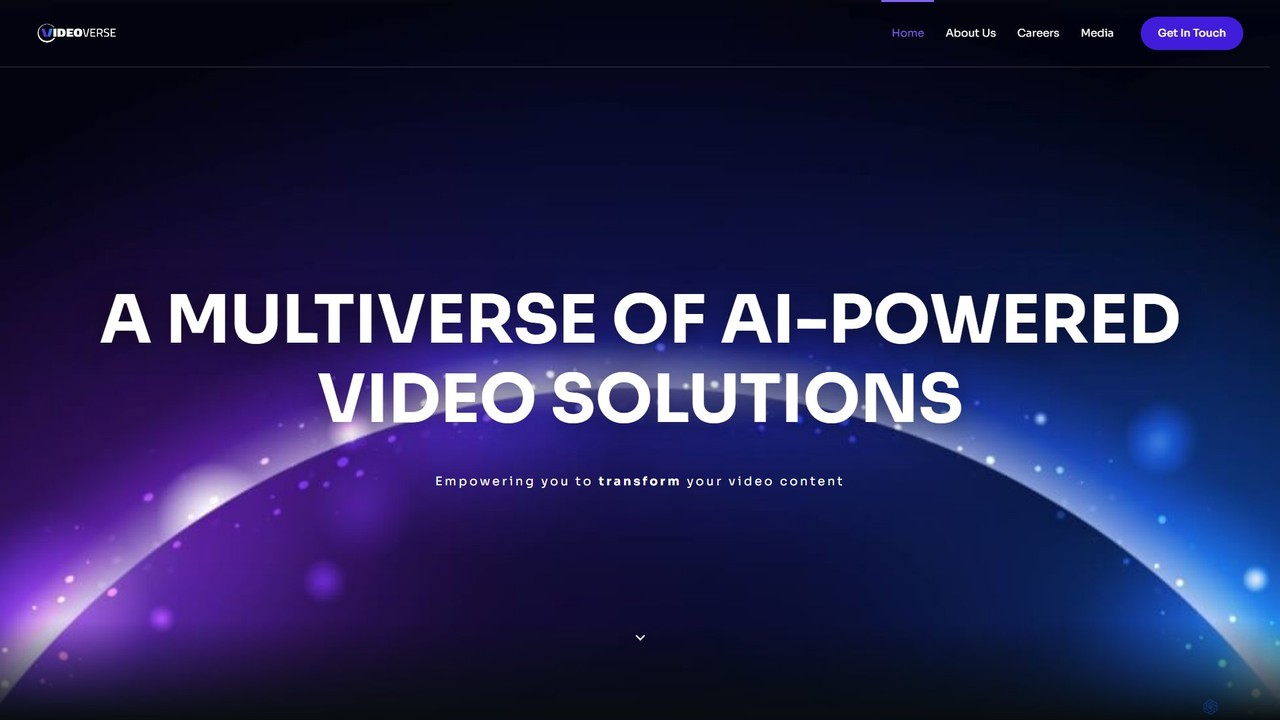
vverse
vverse is an AI-powered video solutions platform for enterprises, broadcasters, and content creators. It automates the creation of engaging short-form video highlights from long-form content like live sports and esports. Using advanced AI, vverse streamlines content production, boosts fan engagement, and opens new monetization avenues with remarkable speed and efficiency.
Social Media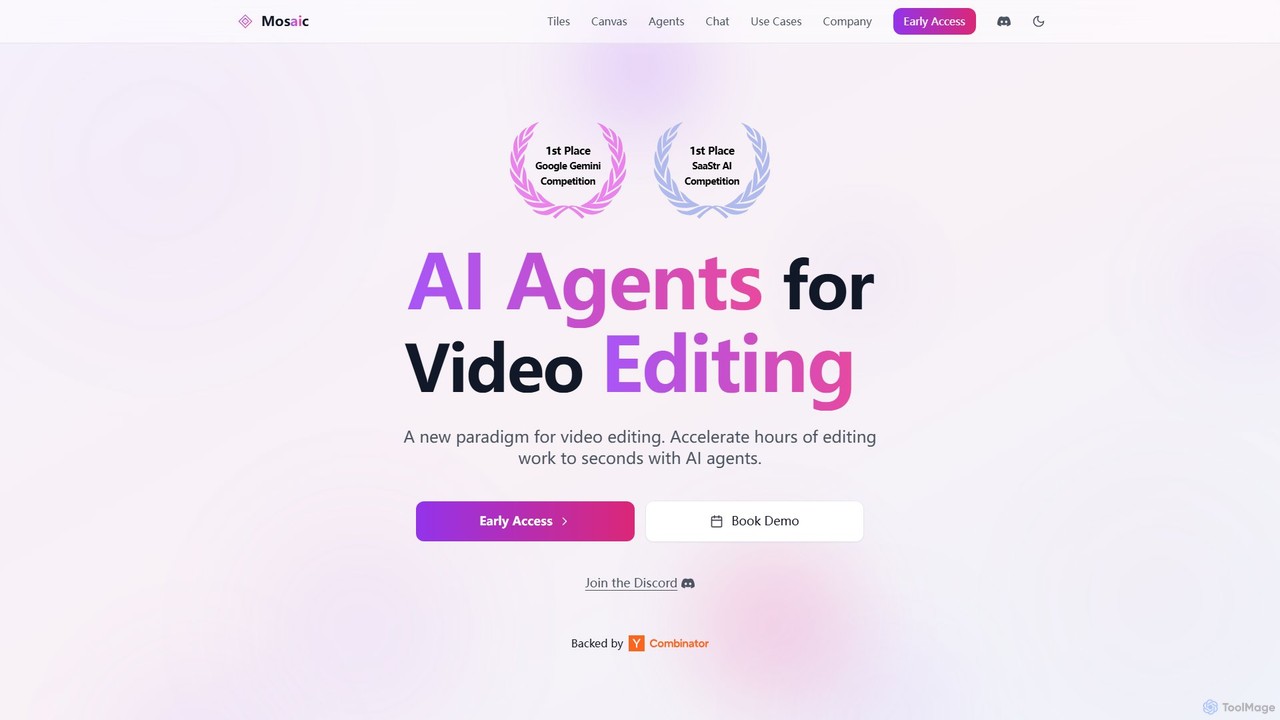
Mosaic
Mosaic is a revolutionary video editing platform that utilizes AI agents to automate complex editing workflows. It transforms hours of manual work into seconds, enabling creators and marketers to generate multiple video variations, localize content, and optimize for engagement at scale.
Translation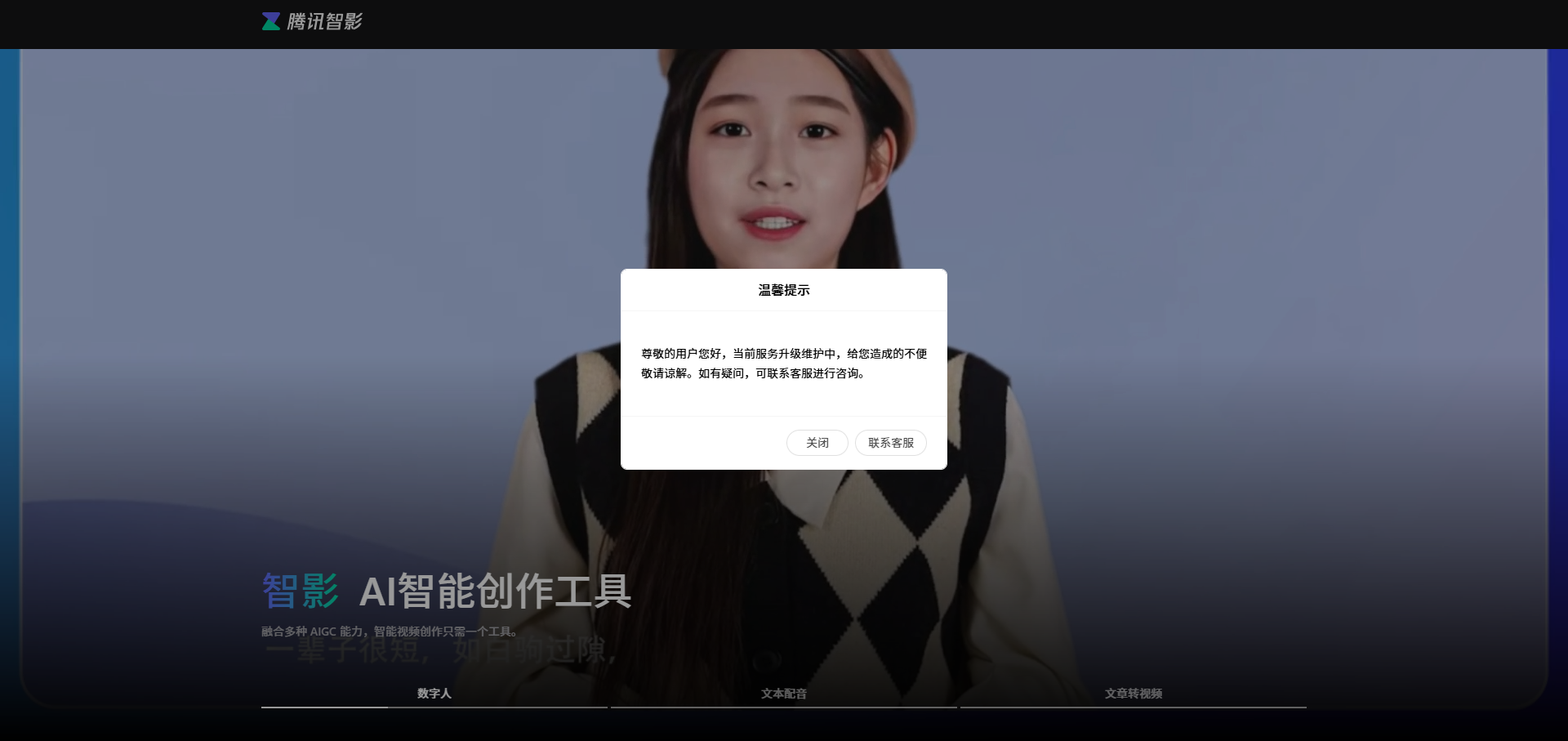
Zenvideo
Zenvideo is an intelligent video creation platform by Tencent, leveraging AI to simplify and automate the entire video production workflow. It enables users to effortlessly generate professional-quality videos from text, create content with digital human avatars, and utilize smart editing tools, making it ideal for marketing, education, and content creation.
Social Media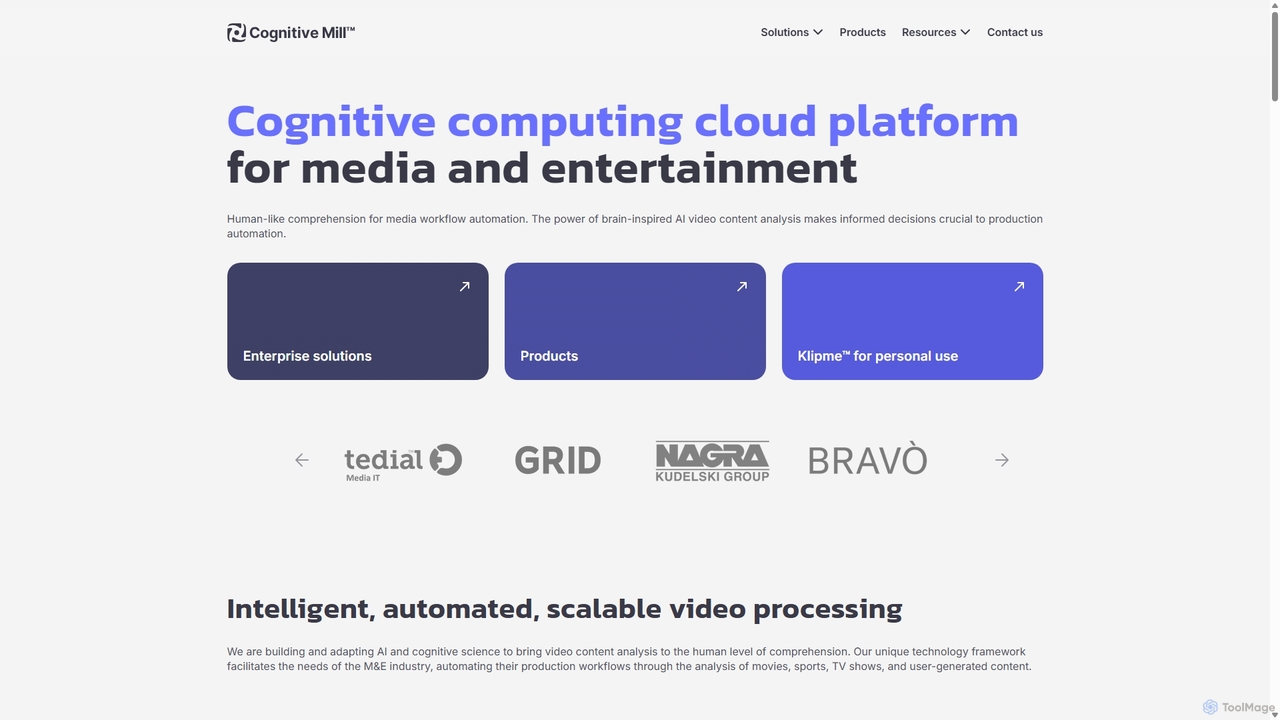
CognitiveMill
CognitiveMill is a cognitive computing cloud platform for the media and entertainment industry. It uses brain-inspired AI to provide human-like video content analysis, automating complex workflows like editing, metadata generation, and content moderation at scale.
Social Media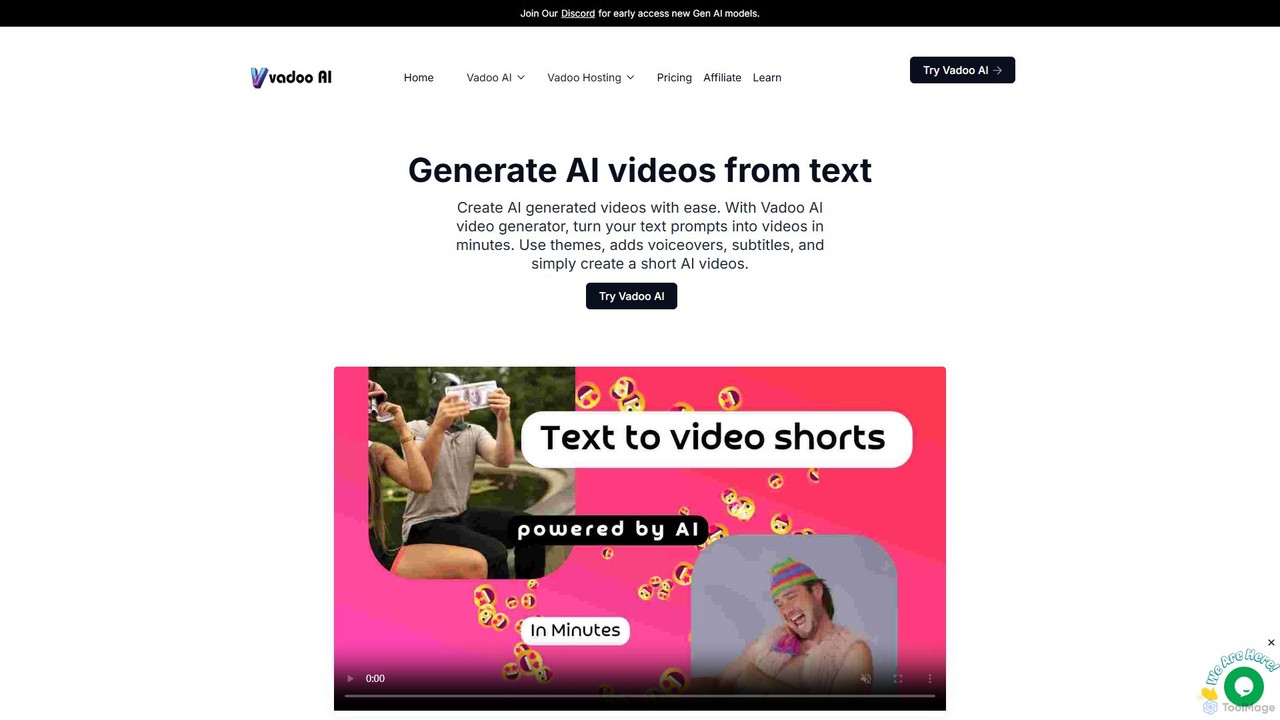
Vadoo AI
Vadoo AI is an all-in-one platform for video creation, editing, hosting, and distribution. It uses AI to generate videos from text, create shorts from long-form content, add voiceovers and captions, and automate posting to social media. It also includes secure, ad-free video hosting.
Social MediaLens Categories
Lens Embed Widget
Copy this embed code to place the badge on your blog, article, or product site and send readers directly to this ToolMage detail page.

Related AI tools

Vivu.ai
Vivu.ai is an AI-powered video editing platform that simplifies and accelerates the video creation process. It uses AI to automatically generate smart rough cuts, index and search video content, and suggest background music, enabling creators of all skill levels to produce professional-quality videos with ease.
Social Mediavverse
vverse is an AI-powered video solutions platform for enterprises, broadcasters, and content creators. It automates the creation of engaging short-form video highlights from long-form content like live sports and esports. Using advanced AI, vverse streamlines content production, boosts fan engagement, and opens new monetization avenues with remarkable speed and efficiency.
Social MediaMosaic
Mosaic is a revolutionary video editing platform that utilizes AI agents to automate complex editing workflows. It transforms hours of manual work into seconds, enabling creators and marketers to generate multiple video variations, localize content, and optimize for engagement at scale.
Translation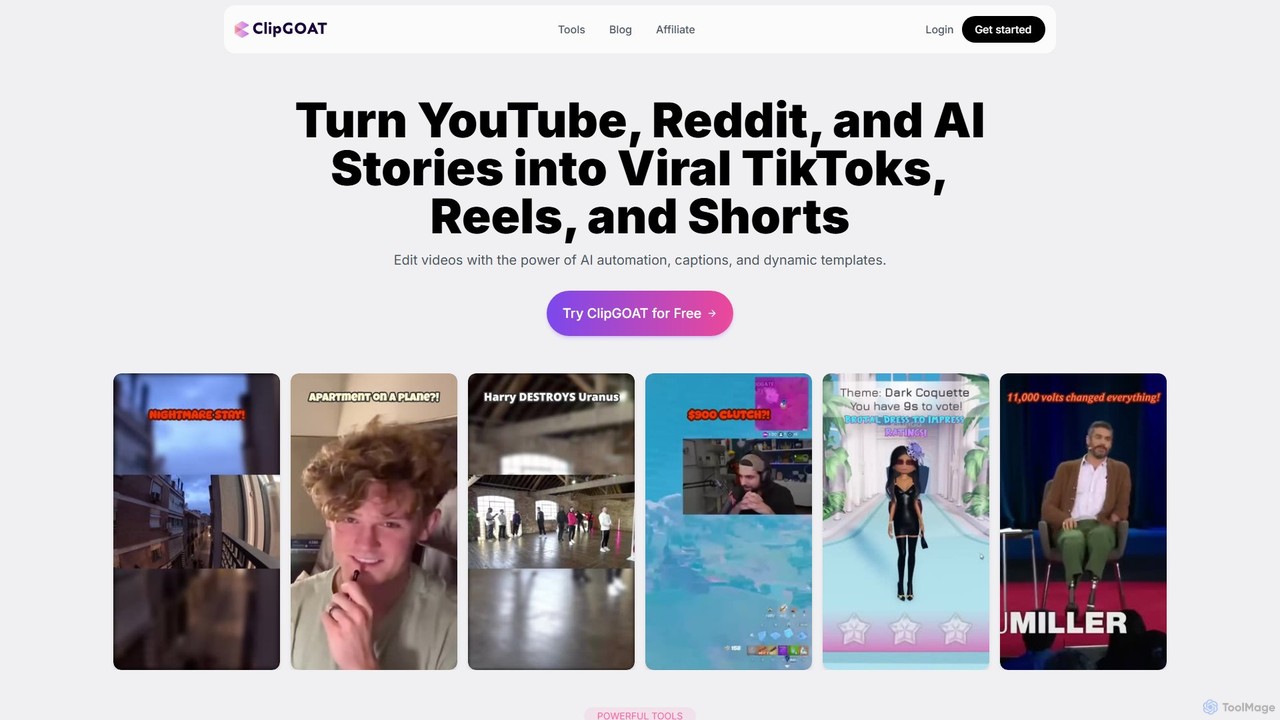
ClipGOAT
ClipGOAT is an AI-powered platform that transforms long-form content like YouTube videos, Reddit threads, and text stories into viral short-form videos for TikTok, Reels, and Shorts. It automates clipping, captioning, and reframing, enabling creators to produce and schedule engaging content in minutes without prior editing experience.
Automation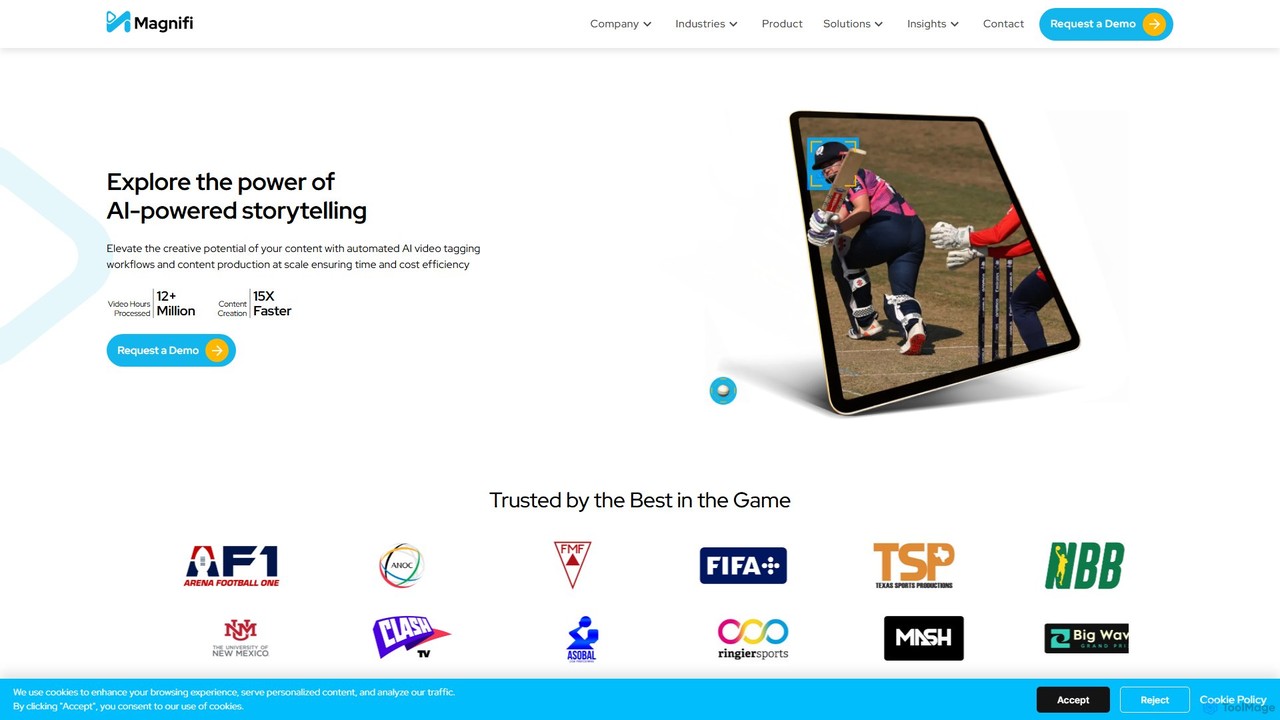
Magnifi
Magnifi is an AI-powered video platform that automates the creation of highlights and summaries from long-form content. Ideal for sports, news, and media broadcasters, it uses AI to detect key moments, automatically generate engaging clips, resize them for social media, and distribute them across multiple channels, saving significant time and cost.
Social Media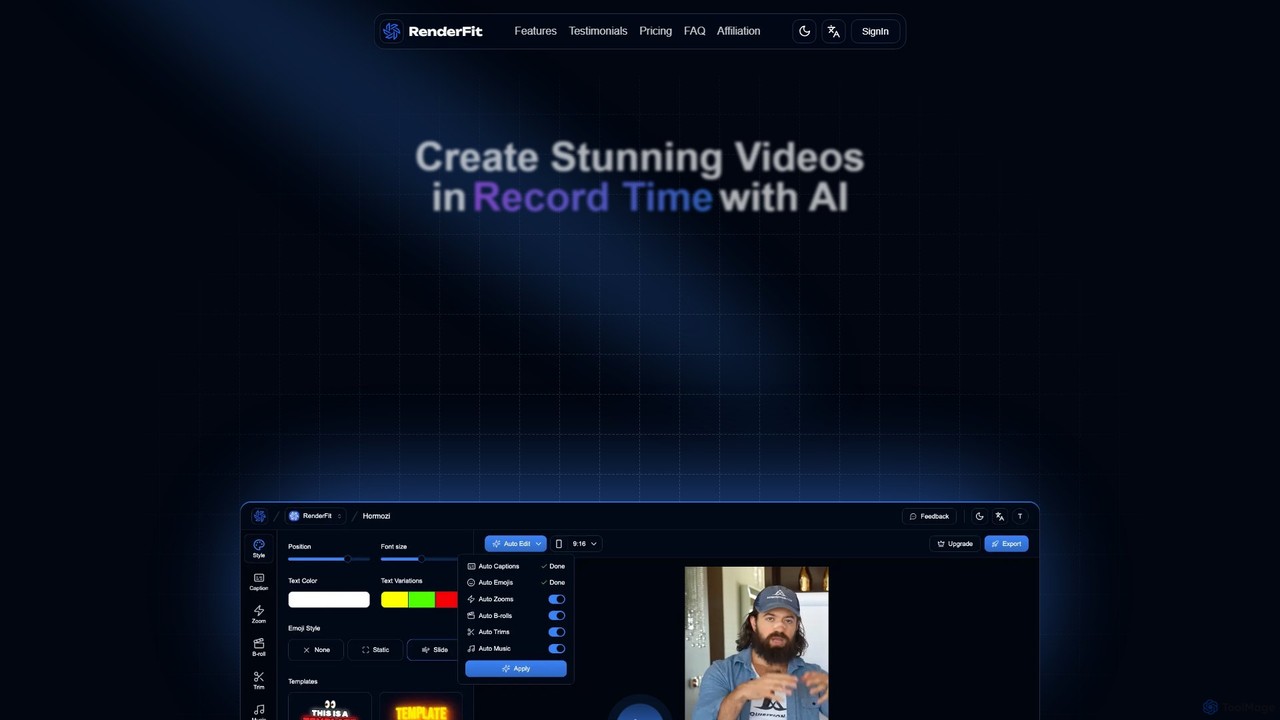
RenderFit
RenderFit is an AI-powered video editing platform that automates and accelerates video creation. It enables users to generate eye-catching subtitles, automatically cut silences, add dynamic B-rolls and music, and create engaging social media content in minutes, without requiring professional editing skills. Ideal for content creators, marketing teams, and agencies.
Video Marketing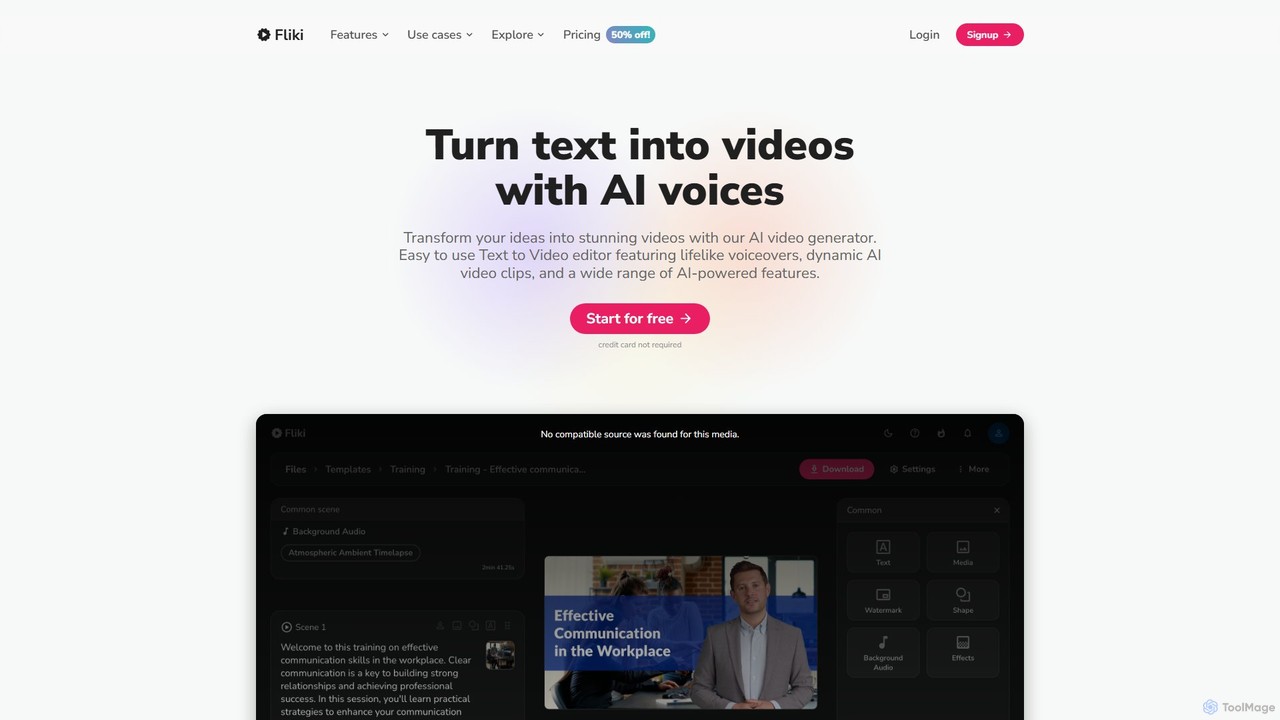
Fliki
Fliki is an AI-powered text-to-video and text-to-speech creator that transforms your text into stunning videos with lifelike AI voices and avatars. Easily convert blog posts, scripts, or ideas into engaging video content for social media, marketing, education, and training.
Text To Speech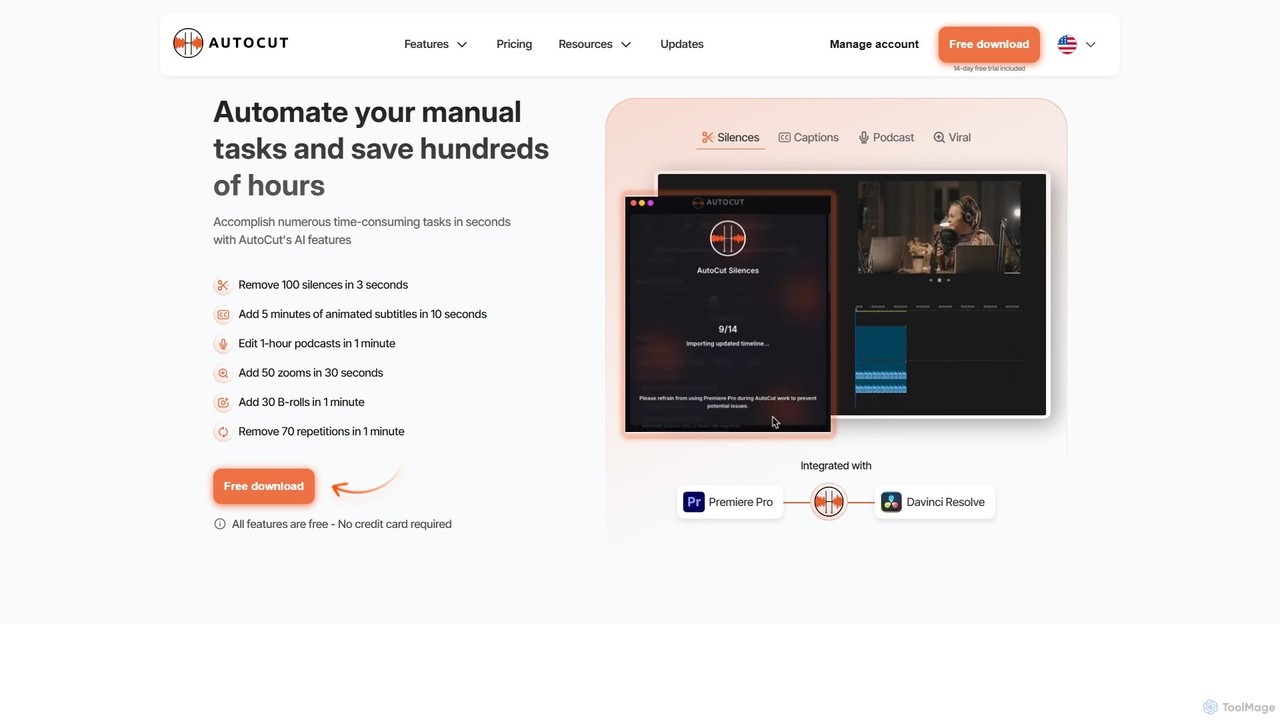
AutoCut
AutoCut is an AI-powered plugin for Adobe Premiere Pro and DaVinci Resolve that automates tedious video editing tasks. It saves editors hours by automatically removing silences, generating animated captions, editing multi-camera podcasts, adding dynamic zooms, and much more, streamlining the entire workflow.
Automation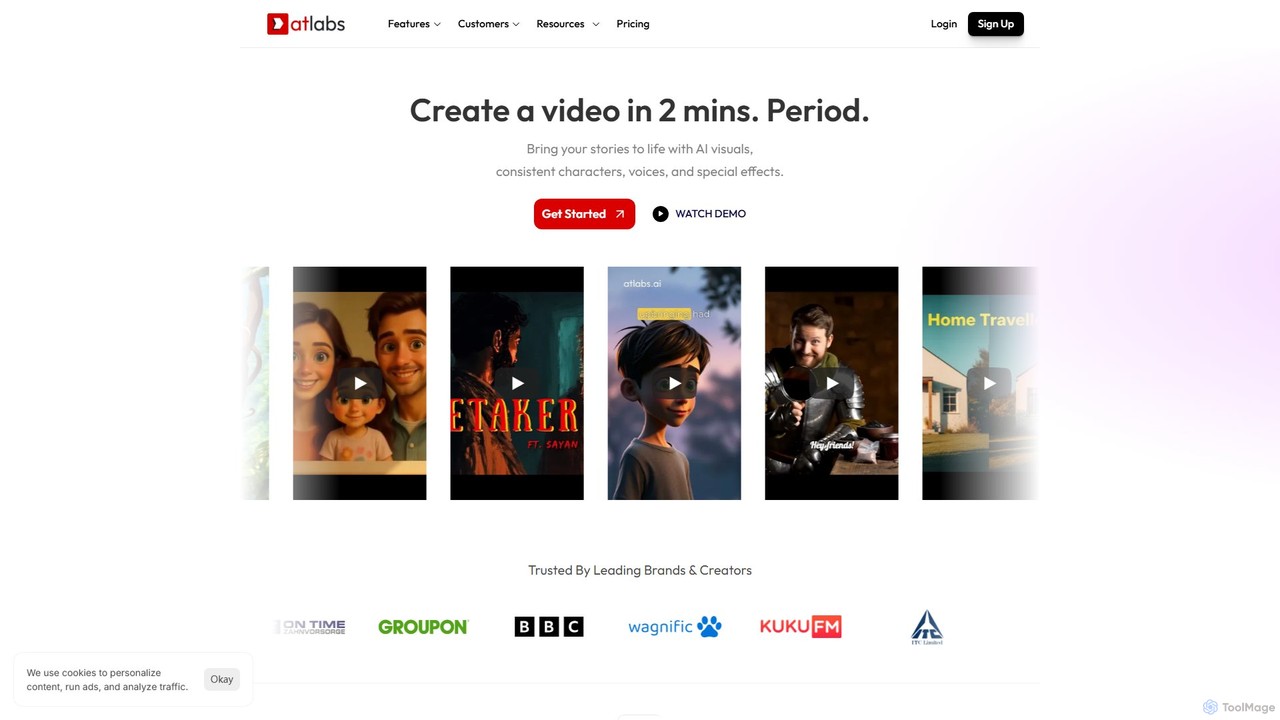
atlabs
atlabs is a powerful AI video generator that transforms text scripts into engaging visual stories in minutes. It features AI-driven scriptwriting, consistent character generation, ultra-realistic voiceovers, and intelligent editing. With support for over 40 languages and various visual styles, it's designed for marketers, creators, and businesses to produce high-quality video content efficiently, from social media clips to full-length series.
Social Media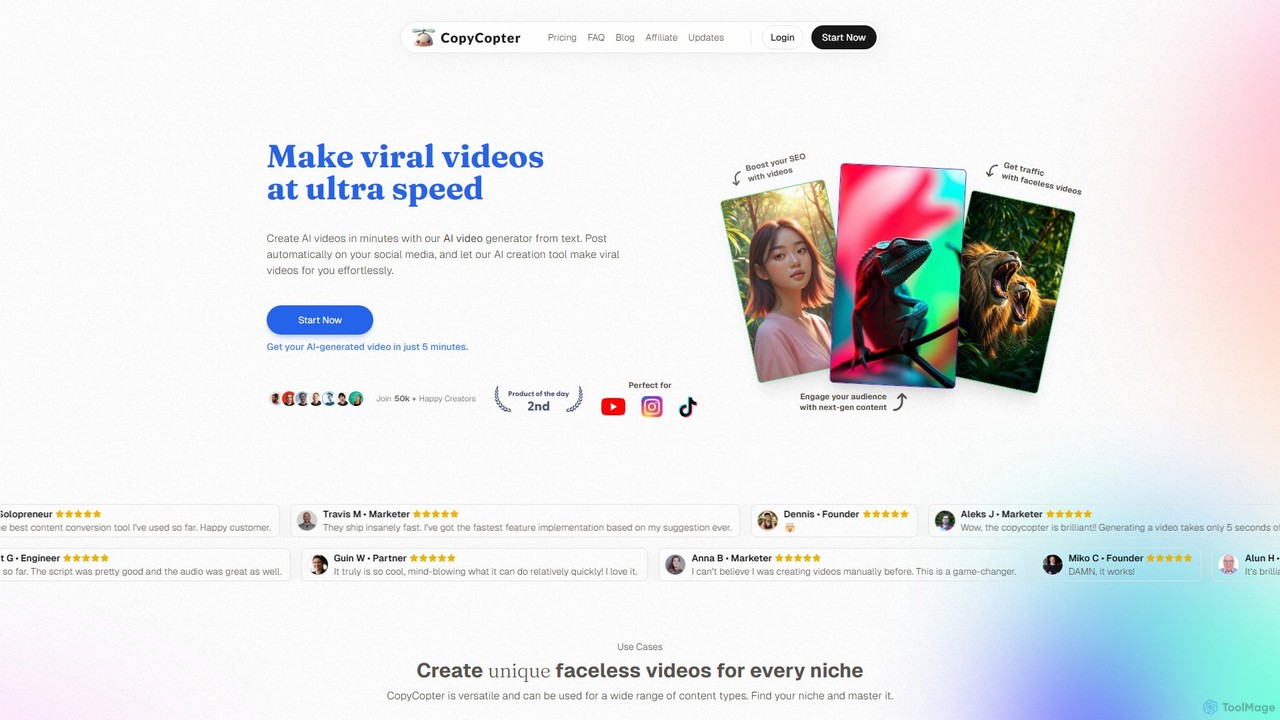
CopyCopter
CopyCopter is an AI-powered text-to-video generator that transforms your ideas, articles, or links into engaging, viral-style videos in minutes. It's designed for creators and marketers to produce faceless content for social media effortlessly, featuring AI-generated scripts, realistic voiceovers, and a mix of stock and AI-generated visuals.
Automation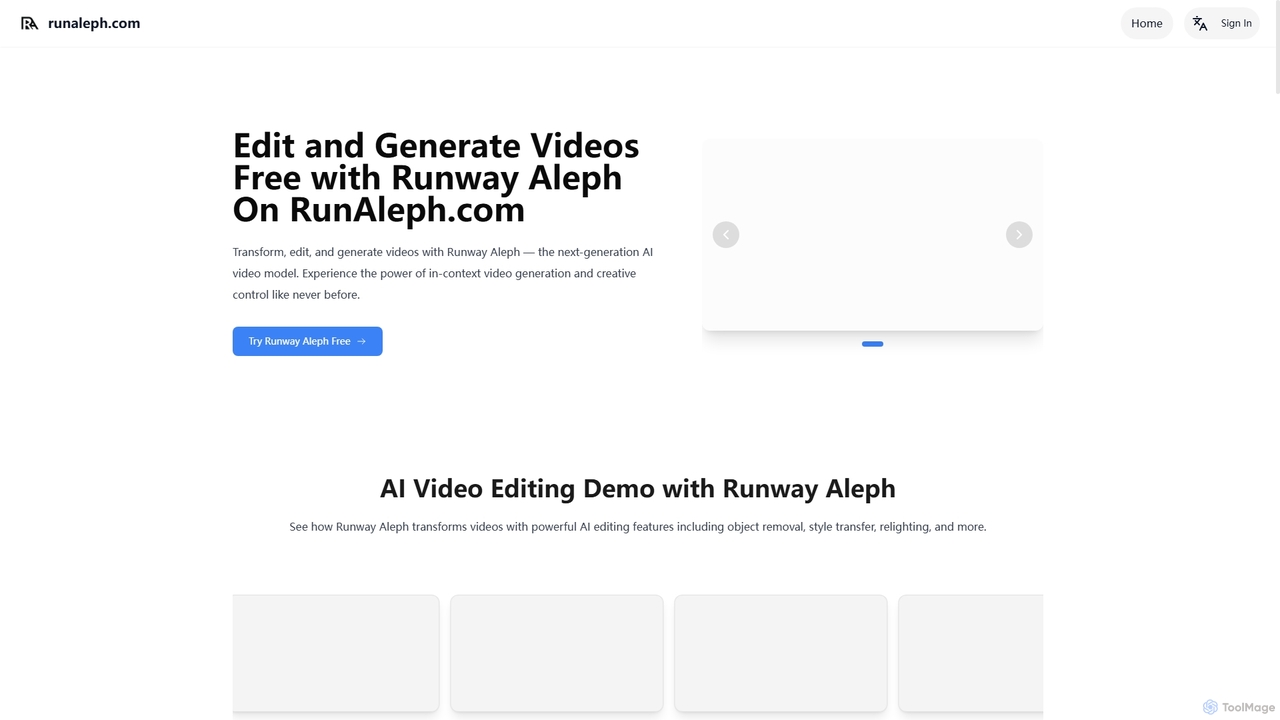
Runaleph
runaleph is a free online gateway to Runway Aleph, a next-generation AI video model. It allows users to edit, transform, and generate videos using simple text prompts. Key features include video-to-video transformation, in-context object manipulation, camera angle generation, and scene restyling without any prior editing experience.
Generative Art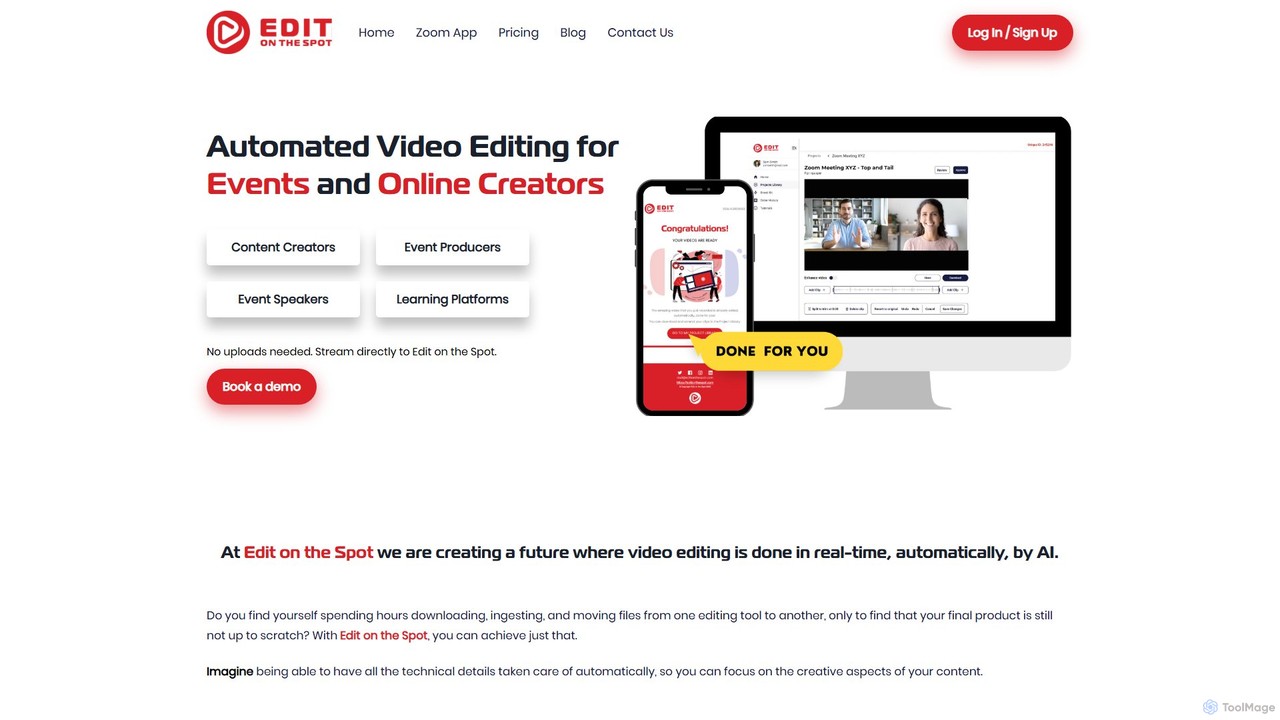
Edit on the Spot
Edit on the Spot is an AI-powered video editing tool designed for online creators. It automatically trims silence from the beginning and end of recordings from platforms like Zoom, MS Teams, and OBS. Users can instantly add custom intros and outros, receiving a download link for a professionally polished, full HD video within minutes of finishing their session.
Content Creation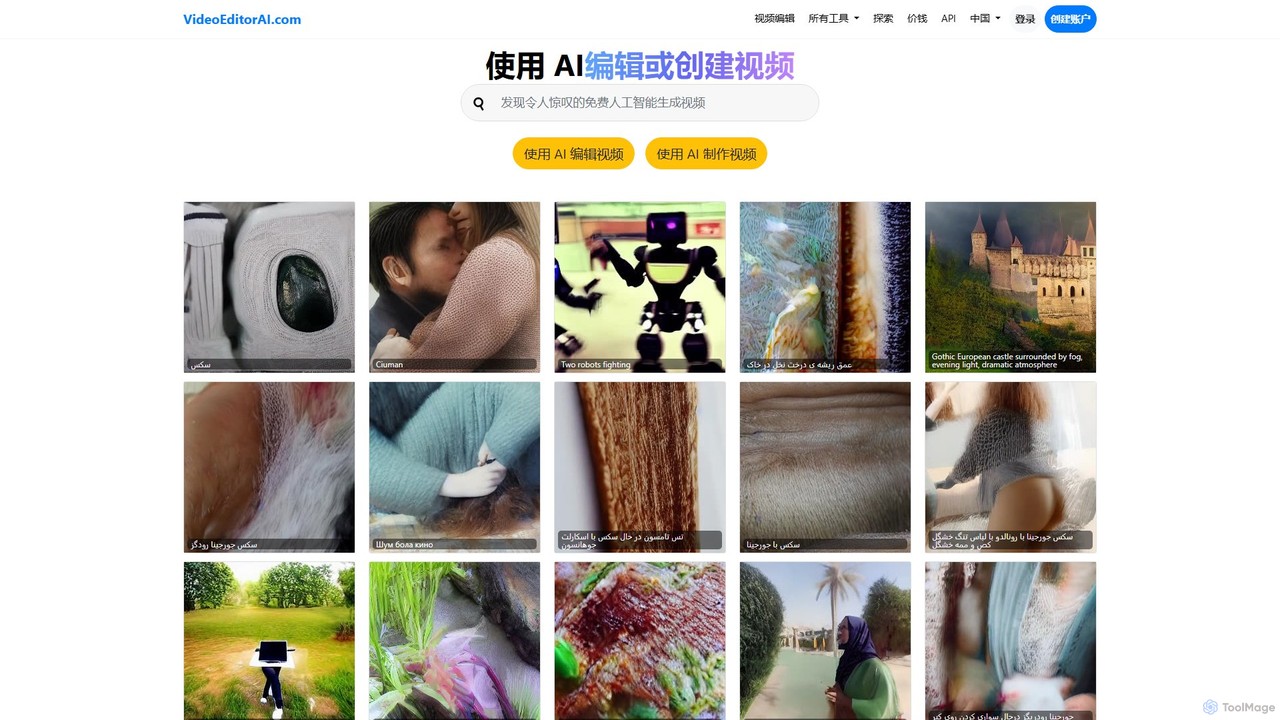
videoeditorai
videoeditorai is a powerful AI-driven platform that simplifies video production. It allows users to either edit existing videos or create new ones from scratch using simple text commands. No complex software or editing skills required.
Content Creation
Fluxvid
Fluxvid is an AI-powered video creation platform that effortlessly transforms text and images into stunning, cinematic videos. Featuring movie-like camera movements and lifelike visuals, it's perfect for marketers, creators, and storytellers. Generate high-quality content for social media, ads, and creative projects in seconds, with support for multiple languages and aspect ratios. Start for free to experience the next generation of video creation.
Social Media
aiplix
aiplix is an AI-powered video generation platform that transforms text, scripts, or articles into professional-quality videos in minutes. It's designed for marketers, content creators, and businesses to effortlessly produce engaging video content with AI voiceovers, stock media, and automated editing, no technical skills required.
Text To Speech
Lens Comments (0)
Sign in to comment.
Sign inNo comments yet.