

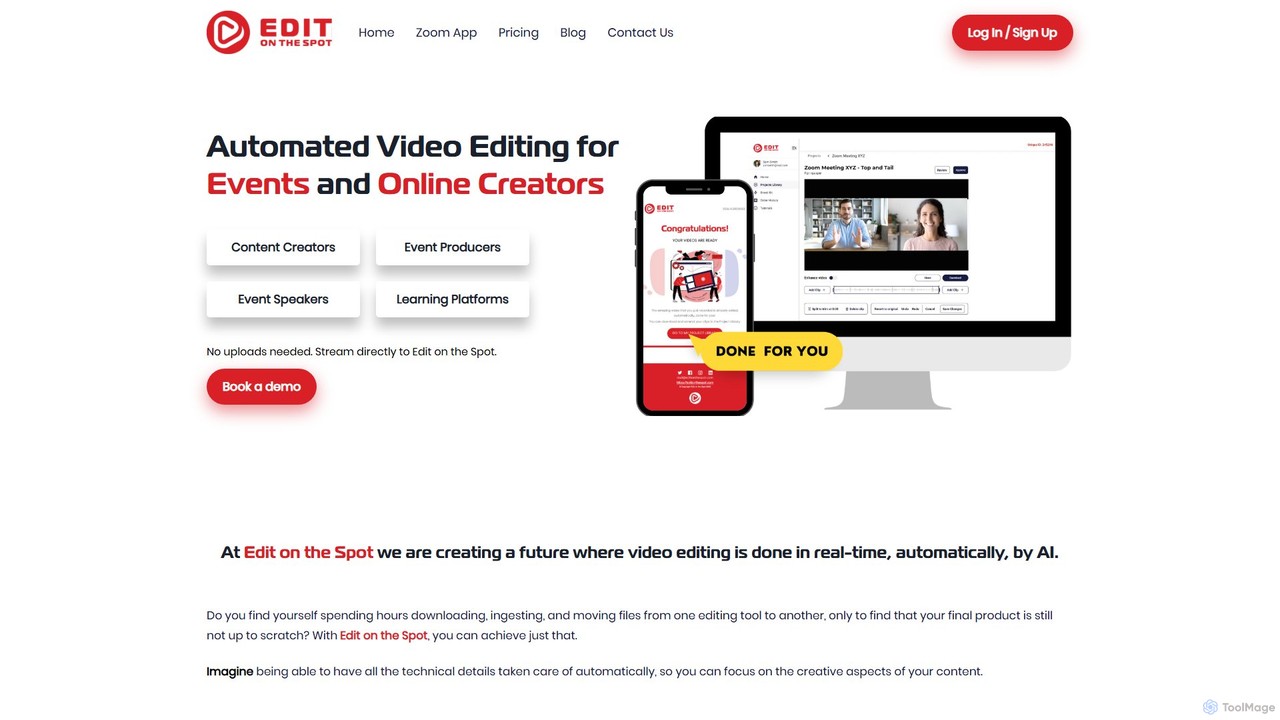
Edit on the Spot Overview
Edit on the Spot is a revolutionary AI-driven video editing service that streamlines the post-production workflow for content creators, podcasters, businesses, and educators. It tackles one of the most tedious aspects of video editing: removing dead air and adding standard branding elements. By integrating directly with popular web conferencing and live streaming platforms like Zoom, Microsoft Teams, Restream, and OBS, it automates the initial editing process, delivering a ready-to-share video almost instantly.
The platform is built on the principle of efficiency, allowing users to bypass complex editing software for routine tasks. As soon as a meeting, webinar, or recording session ends, Edit on the Spot's AI gets to work. It intelligently identifies and trims the silent portions at the start and end of the video, applies the user's pre-configured intro and outro, and renders the final product in full HD. This seamless automation saves significant time and resources, enabling creators to focus on content rather than technicalities.
How to use Edit on the Spot
Getting started with Edit on the Spot is designed to be straightforward and integrate into your existing workflow. Here's a typical process using the Zoom integration:
- Installation: Visit the Zoom Marketplace and add the Edit on the Spot app to your Zoom account (Pro, Business, or Enterprise).
- Configuration: In your Edit on the Spot dashboard, upload your branding assets. This includes your intro and outro videos (MP4) or images (PNG) which form your 'Brand Kit'.
- Streaming: When you start a Zoom meeting or webinar, navigate to the toolbar, click the “...” (More) button, and select “Live on Custom Live Streaming Service”. This will automatically send your video feed to Edit on the Spot for processing.
- Monitoring: A browser tab will open with a playback monitor, allowing you to see the stream in real-time. You can share this link or simply close the tab to avoid audio feedback.
- Processing & Download: Once you end the meeting, the AI automatically processes the recording. You will receive an email with a link to your project library. From there, you can review the AI's edits, make minor adjustments to the trim points if needed, and download your finished, branded video in full HD. The same principles apply when using other RTMP-compatible software like OBS or StreamYard.
Core Features of Edit on the Spot
- AI Top and Tail Trimming: Automatically removes dead air and silence from the beginning and end of your video recordings.
- Custom Branding Kit: Easily add personalized intros and outros (in MP4 or PNG format) to all your videos for consistent branding.
- Multi-Platform Integration: Seamlessly connects with Zoom, Microsoft Teams, Restream, OBS, StreamYard, vMix, and other RTMP-enabled platforms.
- Instant Delivery: Receive an email with a download link to your edited video just minutes after your recording or live stream concludes.
- Full HD Downloads: All processed videos are available for download in high-definition quality.
- Automatic Editable Transcription: Generates a text transcript of your video that you can edit and use.
- Video Upload & Segmentation (Pro): Pro users can upload existing videos for editing and create multiple smaller clips or segments from a single long recording.
- Branding Overlays (Pro): Add persistent branding elements like logos or lower-third titles over your video content.
Use Cases for Edit on the Spot
Edit on the Spot is versatile and valuable for various professionals:
- Podcasters and Interviewers: Instantly clean up recordings by removing pre-roll and post-roll chatter, and add standard show intros/outros.
- Online Course Creators: Efficiently produce a series of branded video lessons without spending hours on repetitive editing for each module.
- Corporate & Event Tech: Quickly turn webinars and virtual meetings into polished, on-demand content for internal training or external marketing.
- Live Streamers: Repurpose long live streams into concise, shareable Video on Demand (VOD) clips for platforms like YouTube or social media.
- Marketing Professionals: Create consistently branded video content for campaigns, product demos, and customer testimonials with a rapid turnaround.
Advantages of Edit on the Spot
The primary advantage is a massive increase in productivity. By automating the most common editing steps, it frees up hours of manual work. It's incredibly user-friendly, requiring no prior video editing experience. This accessibility democratizes professional-looking video production. Furthermore, it ensures brand consistency across all video outputs and is a cost-effective alternative to hiring video editors or purchasing expensive software for basic editing needs.
Pricing and Plans
Edit on the Spot offers a flexible pricing structure to suit different needs:
- Free Plan: This plan is always free and includes the core AI Top and Tail editing, the Branding Kit for intros/outros, free Zoom Integration, and full HD video downloads.
- Pro Plan ($49.95/month): Includes everything in the Free plan, plus the ability to create multiple segments per video, upload existing videos for editing, add branding overlays (logos/titles), and access cloud storage and social media integrations upon request. A 20% discount is available with annual billing.
- Enterprise Plan (Custom Pricing): Tailored for large organizations, this plan offers custom integrations, multi-seat licenses, multiple streaming servers, custom cloud-to-cloud outputs (e.g., AWS S3, Dropbox), influence on the tech roadmap, and a personalized account manager.
Traffic
Latest traffic
Status
Monthly traffic trend
- 2025-9: 826
- 2026-1: 0
- 2026-2: 489
- 2026-3: 307
- 2026-4: 498
- 2026-5: 858
Geography
Top 5 countries / regions
- 🇮🇳India70.6%
- 🇺🇸United States29.4%
Top keywords
| Keyword | Cost per click |
|---|---|
| edit content | $0.00 |
| editonthesport | $0.00 |
| edit on the spot claymont de | $0.00 |
| edit where is my edit | $0.00 |
| eidtonthespot | $0.00 |
Edit on the Spot Alternatives
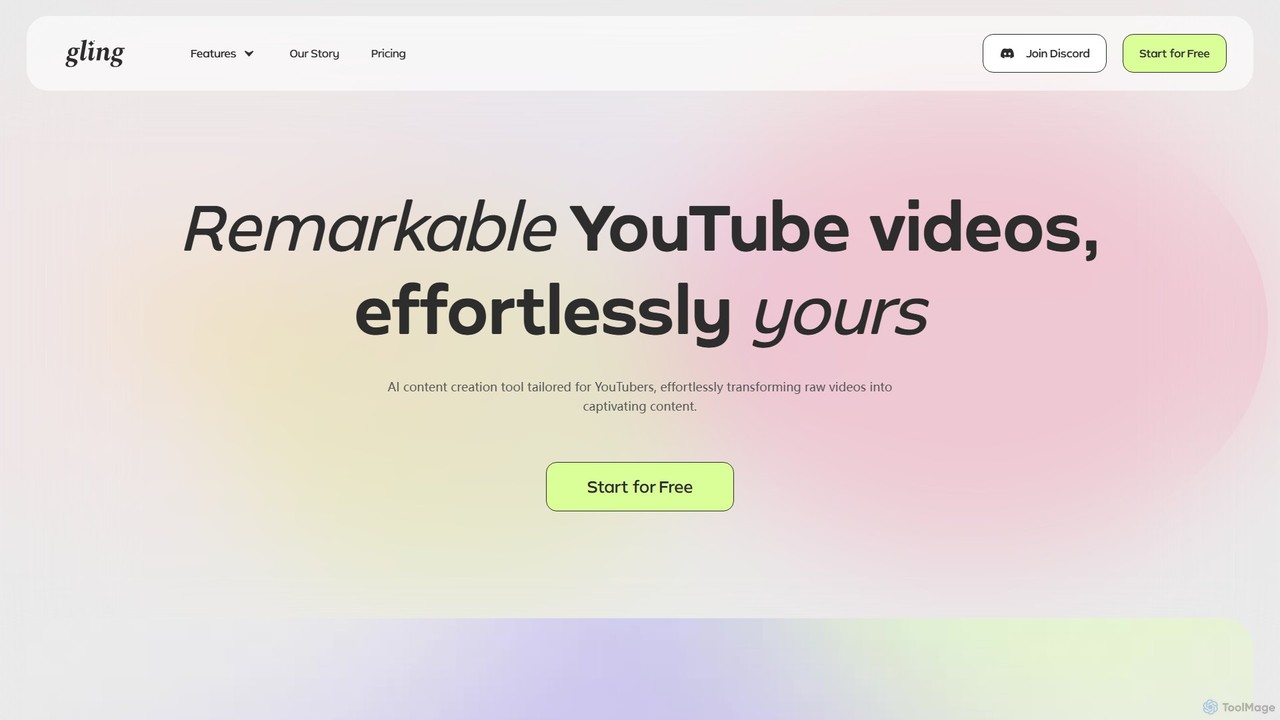
Gling
Gling is an AI-powered video editing software for YouTubers that automatically removes silences, bad takes, and filler words. It uses text-based editing to streamline the workflow, saving creators hours of manual work and helping them produce captivating content effortlessly.
Automation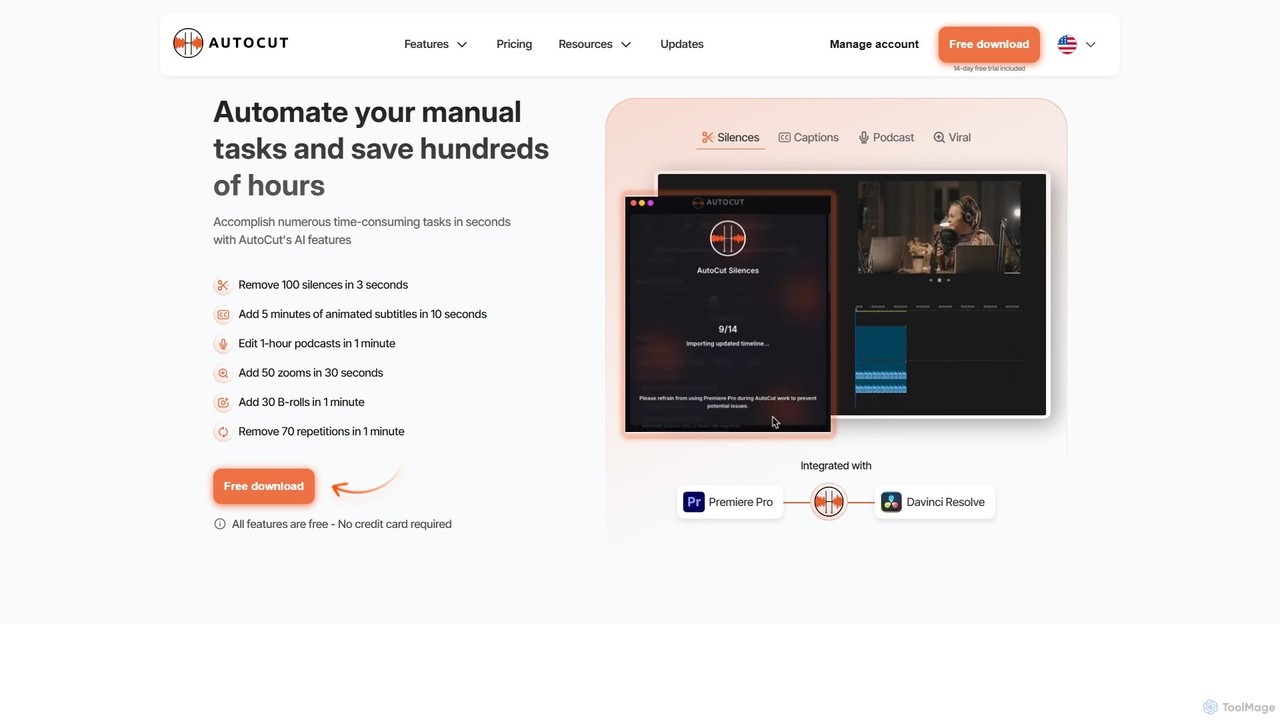
AutoCut
AutoCut is an AI-powered plugin for Adobe Premiere Pro and DaVinci Resolve that automates tedious video editing tasks. It saves editors hours by automatically removing silences, generating animated captions, editing multi-camera podcasts, adding dynamic zooms, and much more, streamlining the entire workflow.
Automation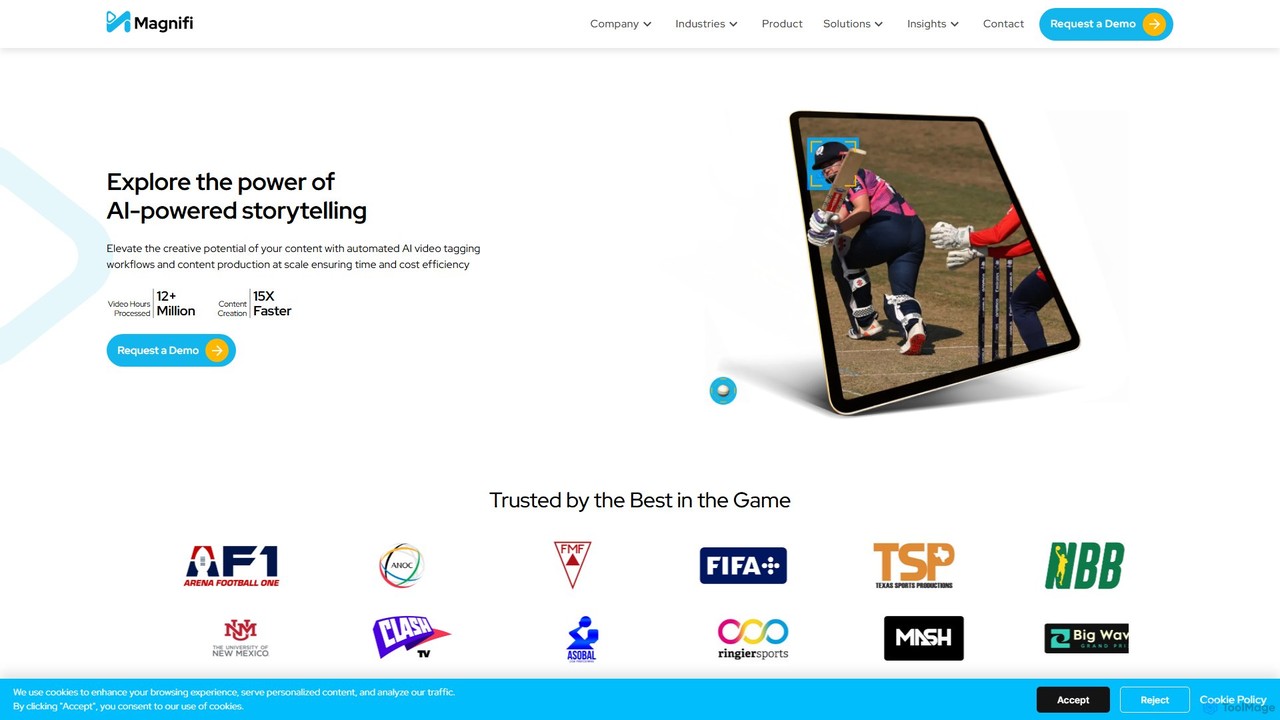
Magnifi
Magnifi is an AI-powered video platform that automates the creation of highlights and summaries from long-form content. Ideal for sports, news, and media broadcasters, it uses AI to detect key moments, automatically generate engaging clips, resize them for social media, and distribute them across multiple channels, saving significant time and cost.
Social Media
OneTake AI
OneTake AI is an autonomous video editing and translation agent that transforms raw talking videos into professional presentations with a single click. It automatically handles transcription, removes filler words, eliminates background noise, adds custom music, and creates engaging visuals. Ideal for content creators, educators, and businesses, it also offers voice-cloned translation and dubbing to reach a global audience effortlessly.
E Learning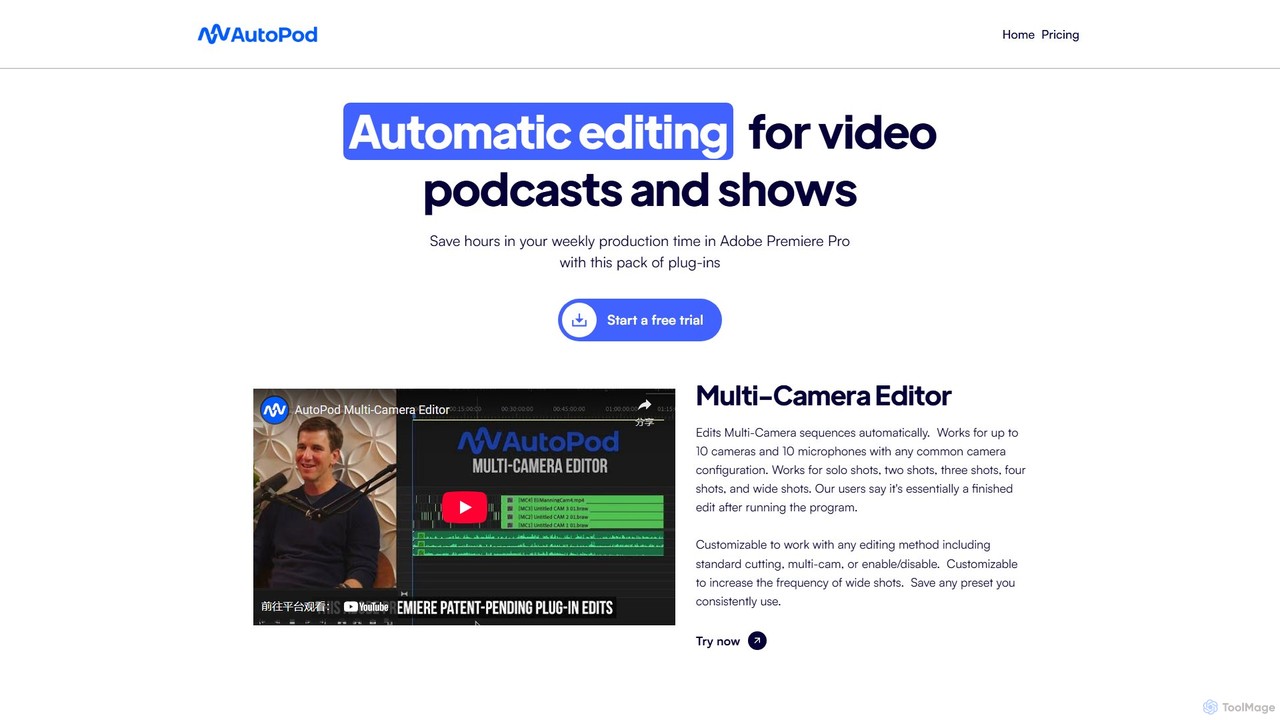
AutoPod
AutoPod is a suite of AI-powered plugins for Adobe Premiere Pro that automates video podcast and show editing. It saves editors hours of work by automatically handling multi-camera edits, creating social media clips, and generating jump cuts based on silence.
AutomationEdit on the Spot Categories
Edit on the Spot Embed Widget
Copy this embed code to place the badge on your blog, article, or product site and send readers directly to this ToolMage detail page.

Related AI tools
Gling
Gling is an AI-powered video editing software for YouTubers that automatically removes silences, bad takes, and filler words. It uses text-based editing to streamline the workflow, saving creators hours of manual work and helping them produce captivating content effortlessly.
AutomationAutoCut
AutoCut is an AI-powered plugin for Adobe Premiere Pro and DaVinci Resolve that automates tedious video editing tasks. It saves editors hours by automatically removing silences, generating animated captions, editing multi-camera podcasts, adding dynamic zooms, and much more, streamlining the entire workflow.
AutomationMagnifi
Magnifi is an AI-powered video platform that automates the creation of highlights and summaries from long-form content. Ideal for sports, news, and media broadcasters, it uses AI to detect key moments, automatically generate engaging clips, resize them for social media, and distribute them across multiple channels, saving significant time and cost.
Social MediaOneTake AI
OneTake AI is an autonomous video editing and translation agent that transforms raw talking videos into professional presentations with a single click. It automatically handles transcription, removes filler words, eliminates background noise, adds custom music, and creates engaging visuals. Ideal for content creators, educators, and businesses, it also offers voice-cloned translation and dubbing to reach a global audience effortlessly.
E Learning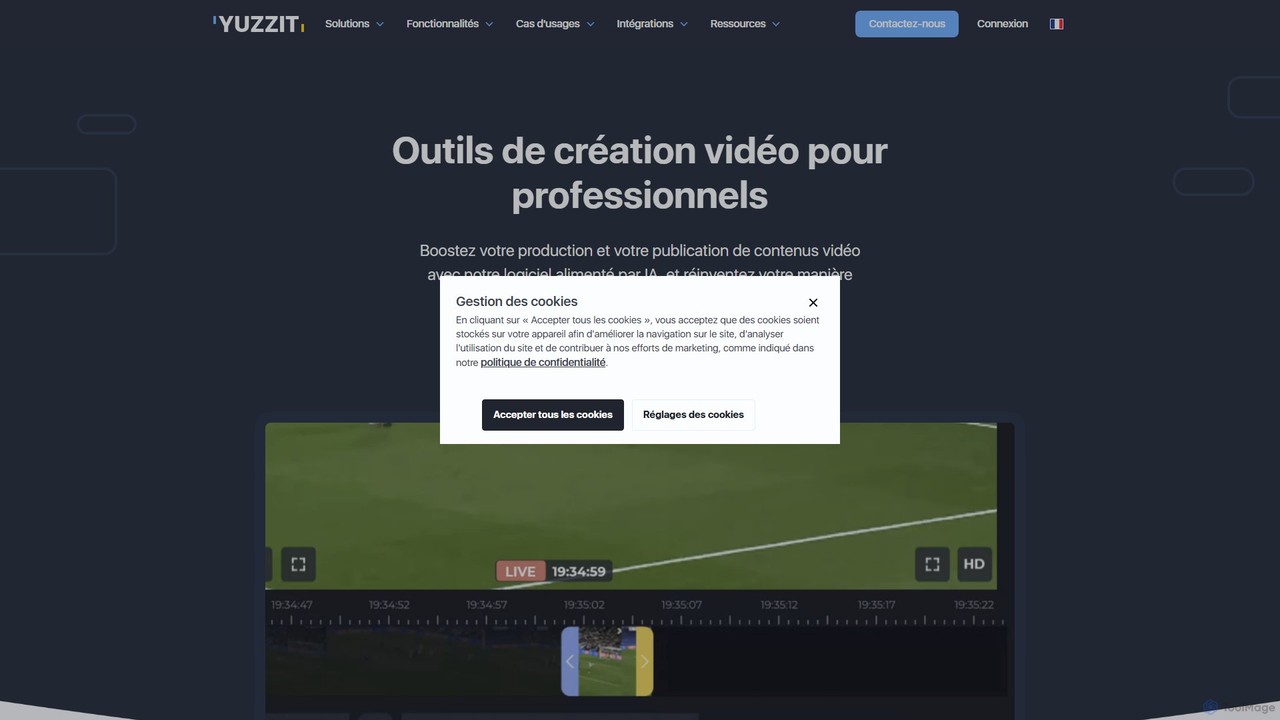
Yuzzit
Yuzzit is an AI-powered online video editing platform for professionals. It specializes in real-time clipping of live streams, automated editing, and multi-platform publishing. Designed for speed and collaboration, it helps media, sports, and marketing teams create and distribute engaging video content effortlessly.
Collaboration
vverse
vverse is an AI-powered video solutions platform for enterprises, broadcasters, and content creators. It automates the creation of engaging short-form video highlights from long-form content like live sports and esports. Using advanced AI, vverse streamlines content production, boosts fan engagement, and opens new monetization avenues with remarkable speed and efficiency.
Social Media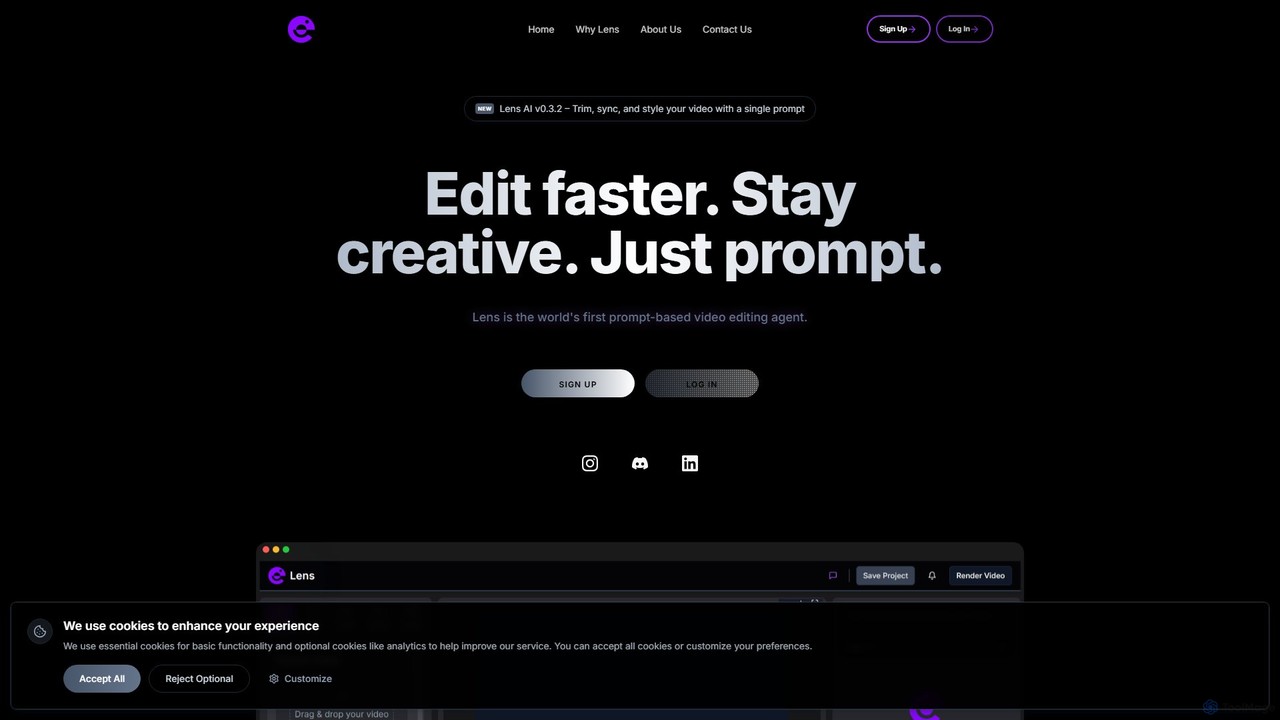
Lens
Lens is the world's first prompt-based video editing agent, designed to revolutionize the editing process. It allows creators to trim, sync, and style videos using simple text commands, eliminating the need for complex timelines and manual tasks. Focus on your creativity while Lens handles the heavy lifting, making video editing faster, more intuitive, and accessible to everyone.
Social MediaAutoPod
AutoPod is a suite of AI-powered plugins for Adobe Premiere Pro that automates video podcast and show editing. It saves editors hours of work by automatically handling multi-camera edits, creating social media clips, and generating jump cuts based on silence.
Automation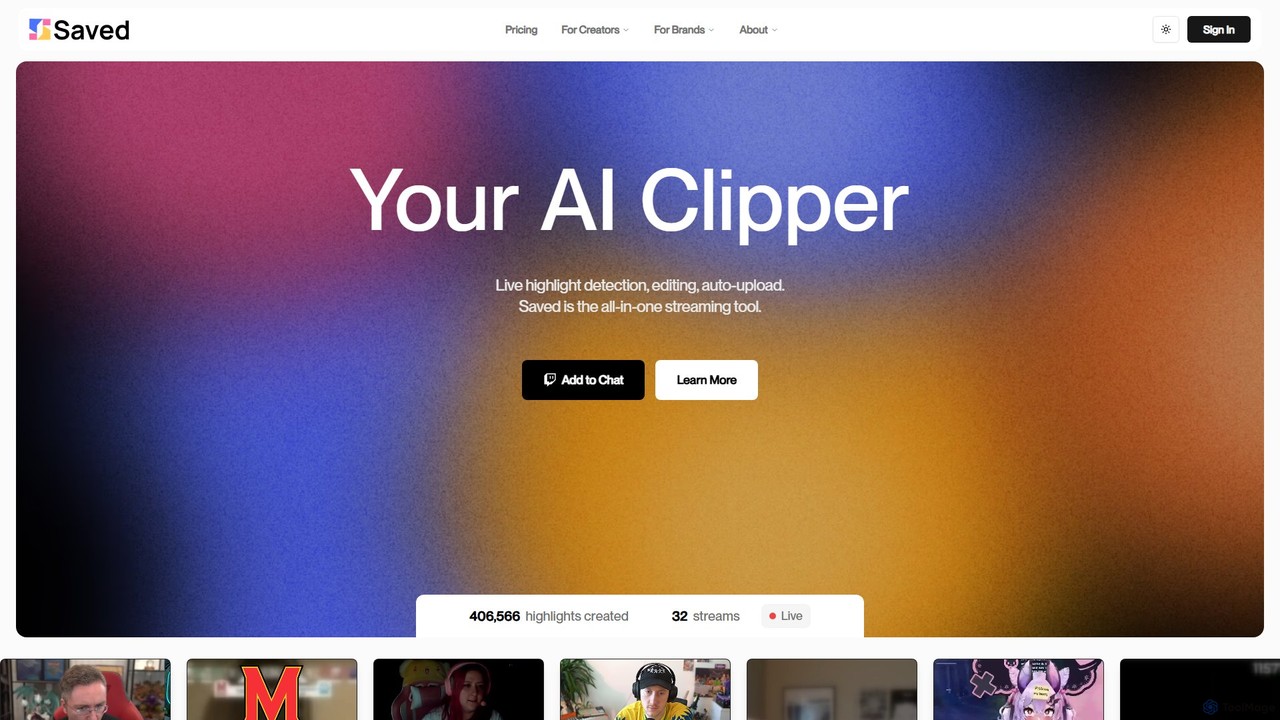

Vivu.ai
Vivu.ai is an AI-powered video editing platform that simplifies and accelerates the video creation process. It uses AI to automatically generate smart rough cuts, index and search video content, and suggest background music, enabling creators of all skill levels to produce professional-quality videos with ease.
Social Media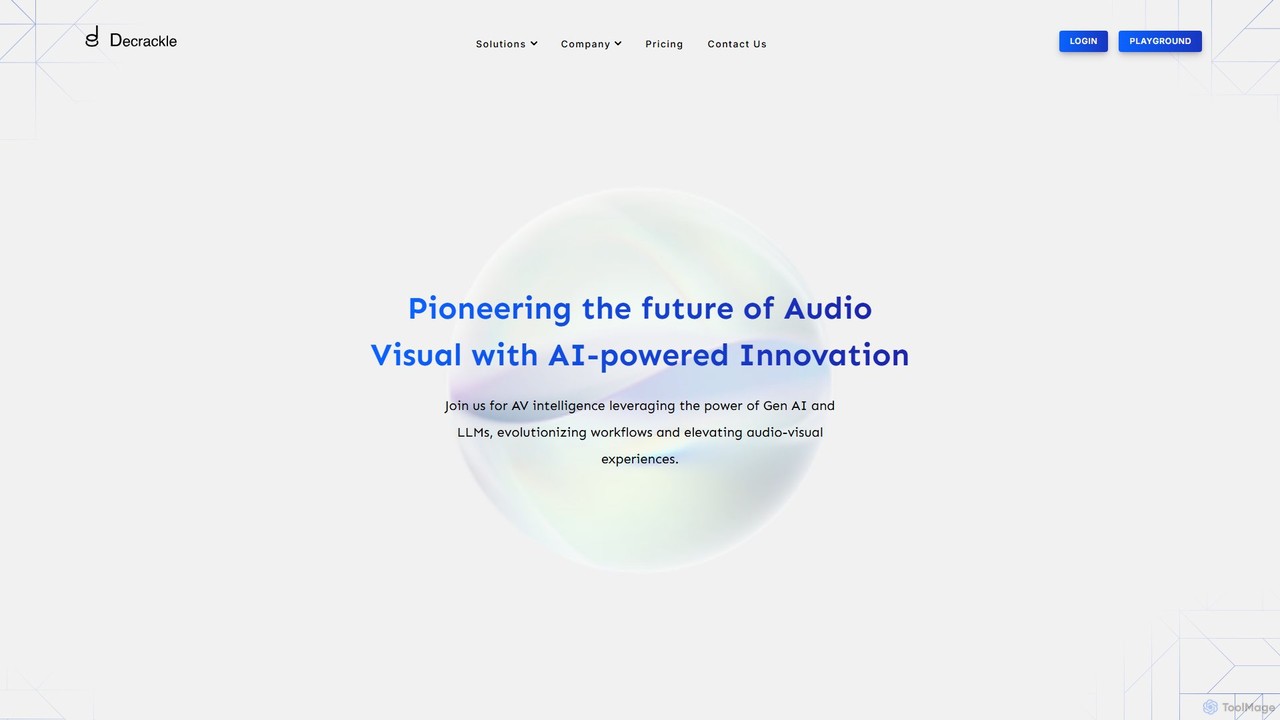
Decrackle
Decrackle is an AI-powered multi-suite platform for audio-visual innovation. It offers a Content Creator Suite for video editing and podcasting, a Conversational Intelligence Suite for call analysis, and an API for developers. Enhance audio, transcribe, summarize, and streamline your entire AV workflow.
3D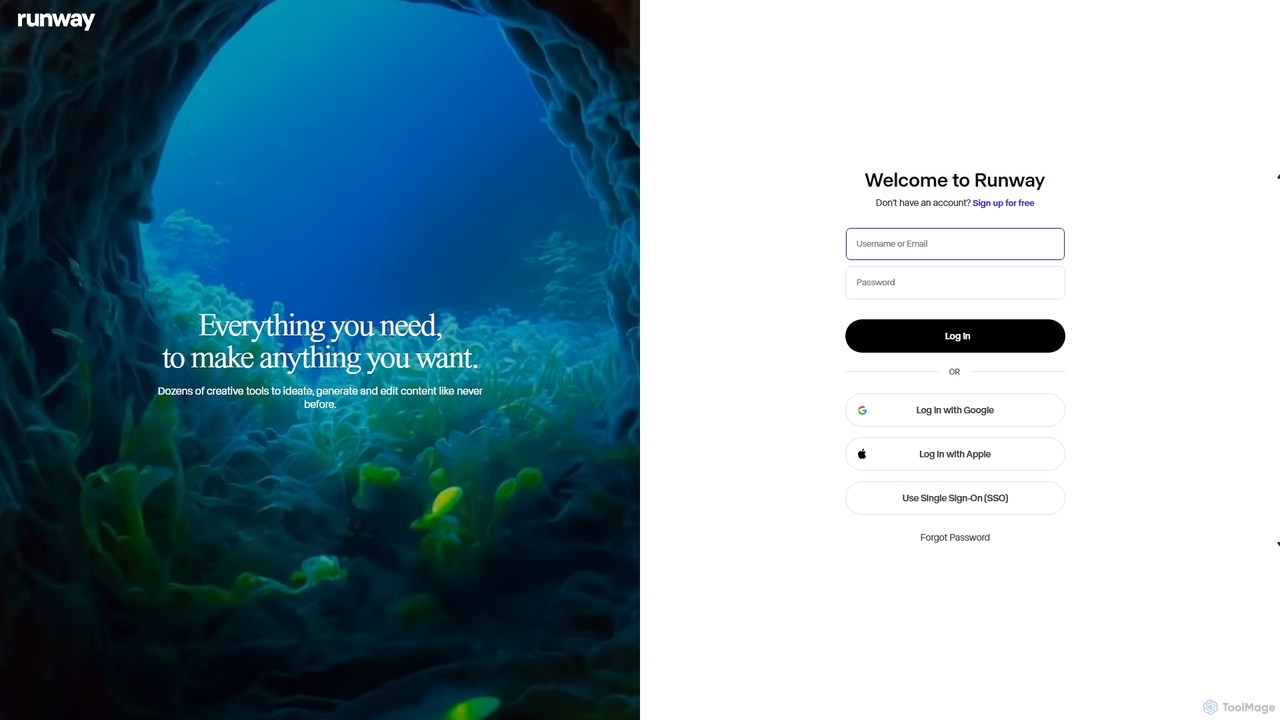
Runway
Runway is an advanced AI-powered creative suite for content creation. It offers a wide range of tools, including state-of-the-art text-to-video (Gen-2), video-to-video (Gen-1), image generation, AI-powered video editing, and more. It's designed for filmmakers, artists, and marketers to ideate, generate, and edit content like never before, streamlining complex creative workflows.
Image Generation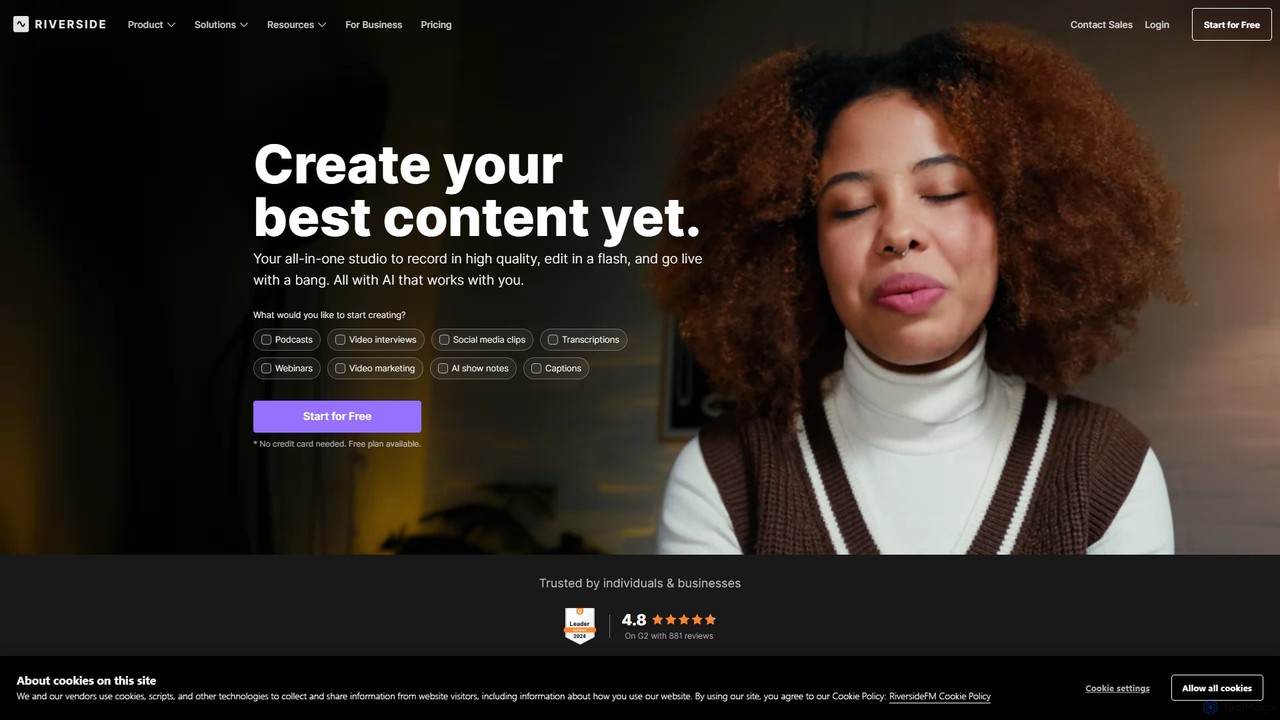
Riverside
Riverside is an all-in-one platform for podcast and video creation, leveraging AI to streamline recording, editing, and live streaming. It offers studio-quality local recording, text-based video editing, and automatic transcriptions, helping creators and businesses produce professional content effortlessly.
Podcasting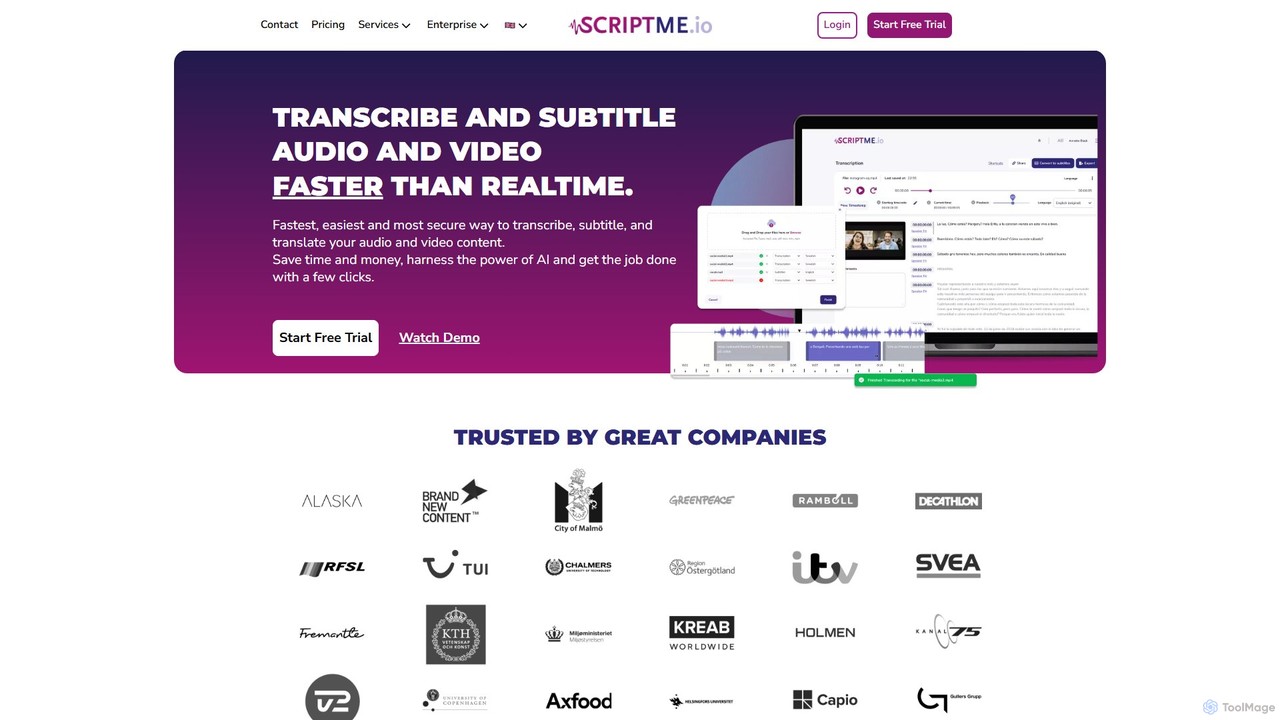
ScriptMe
ScriptMe is an AI-powered platform for fast and accurate automatic transcription of audio and video files. It also provides tools for generating and editing subtitles, making it ideal for content creators, journalists, researchers, and media companies looking to streamline their workflow and improve content accessibility.
Transcription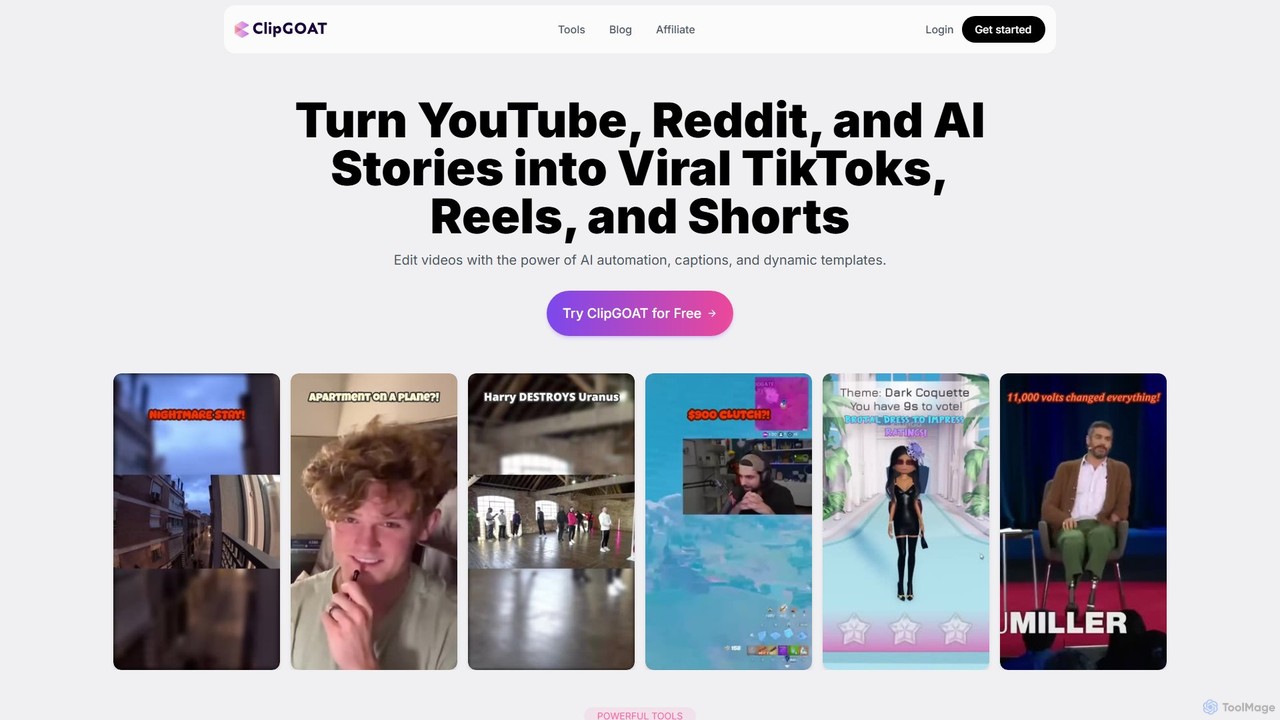
ClipGOAT
ClipGOAT is an AI-powered platform that transforms long-form content like YouTube videos, Reddit threads, and text stories into viral short-form videos for TikTok, Reels, and Shorts. It automates clipping, captioning, and reframing, enabling creators to produce and schedule engaging content in minutes without prior editing experience.
Automation
Edit on the Spot Comments (0)
Sign in to comment.
Sign inNo comments yet.