ToolMage
Sign in

Best 9 Transcription AI tools for Audio & Video

Popular Transcription AI tools in Audio & Video include TurboScribe, Gladia, ScriptMe, Whisper API, Honeybear.ai, vid2txt, Apprendo, gettxt.ai, and Seymour Events, helping you work more efficiently.

Apprendo
Freemium

Apprendo

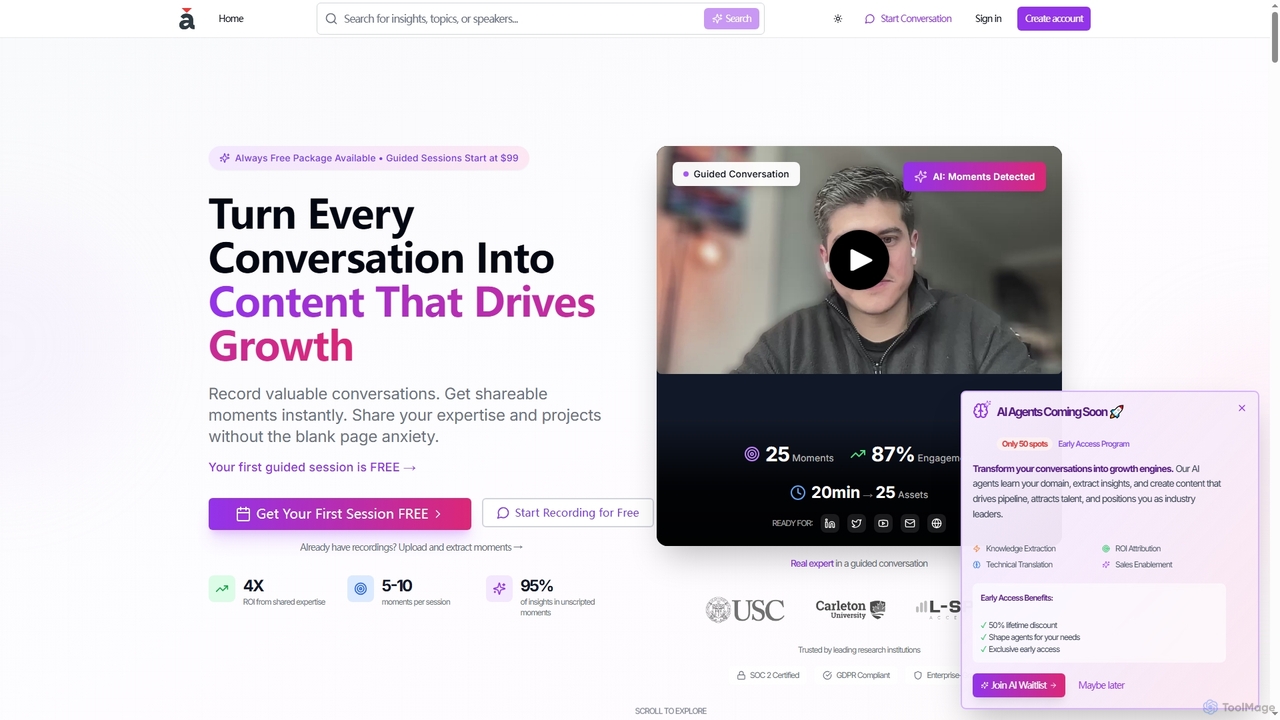
Apprendo is an AI-powered platform that transforms team conversations, meetings, and existing recordings into high-impact content. Designed for R&D teams and experts, it captures valuable insights, extracts shareable moments, and helps disseminate expertise across various platforms to drive growth, talent acquisition, and thought leadership, all while ensuring enterprise-grade security and compliance.

Recording & Editing
Visits 7.3KFavorites 144Likes 142
gettxt.ai
Freemium

gettxt.ai

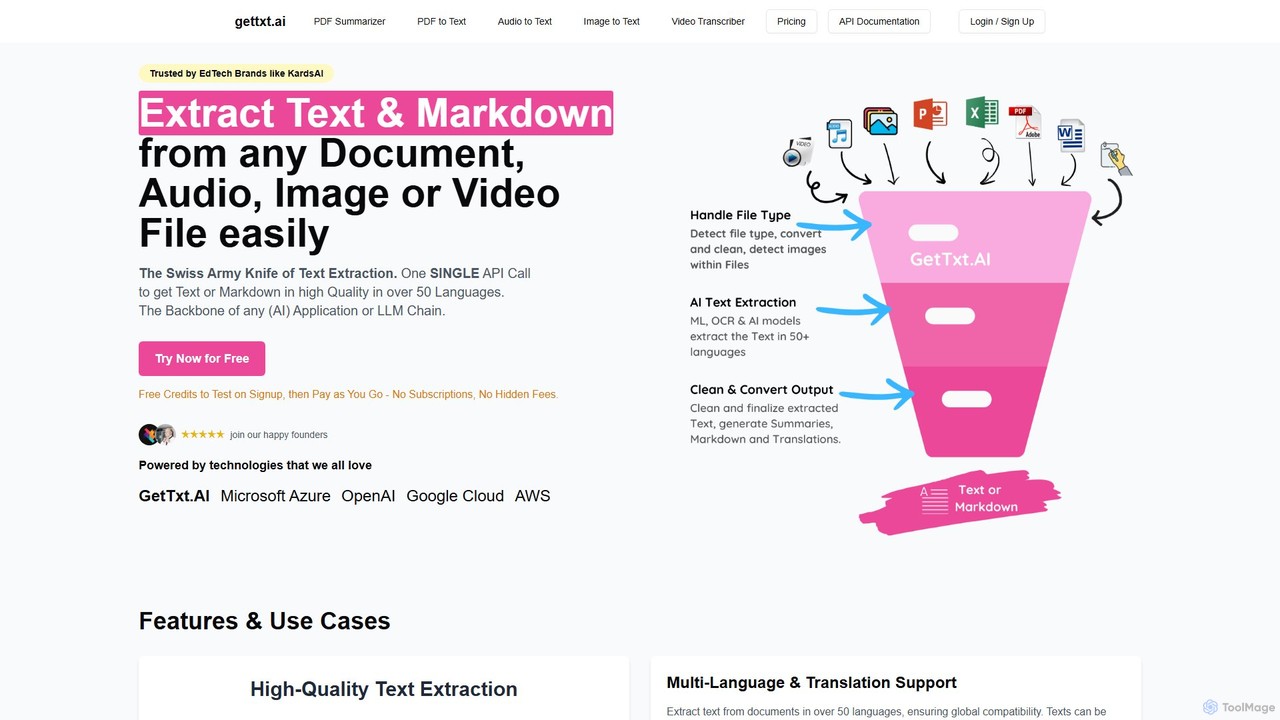
gettxt.ai is a unified API and online toolset for extracting text, markdown, summaries, and translations from any document, audio, image, or video file. It simplifies data processing for developers and users with a single, powerful solution.

Transcription
Visits 6.8KFavorites 152Likes 152
Seymour Events
Freemium

Seymour Events

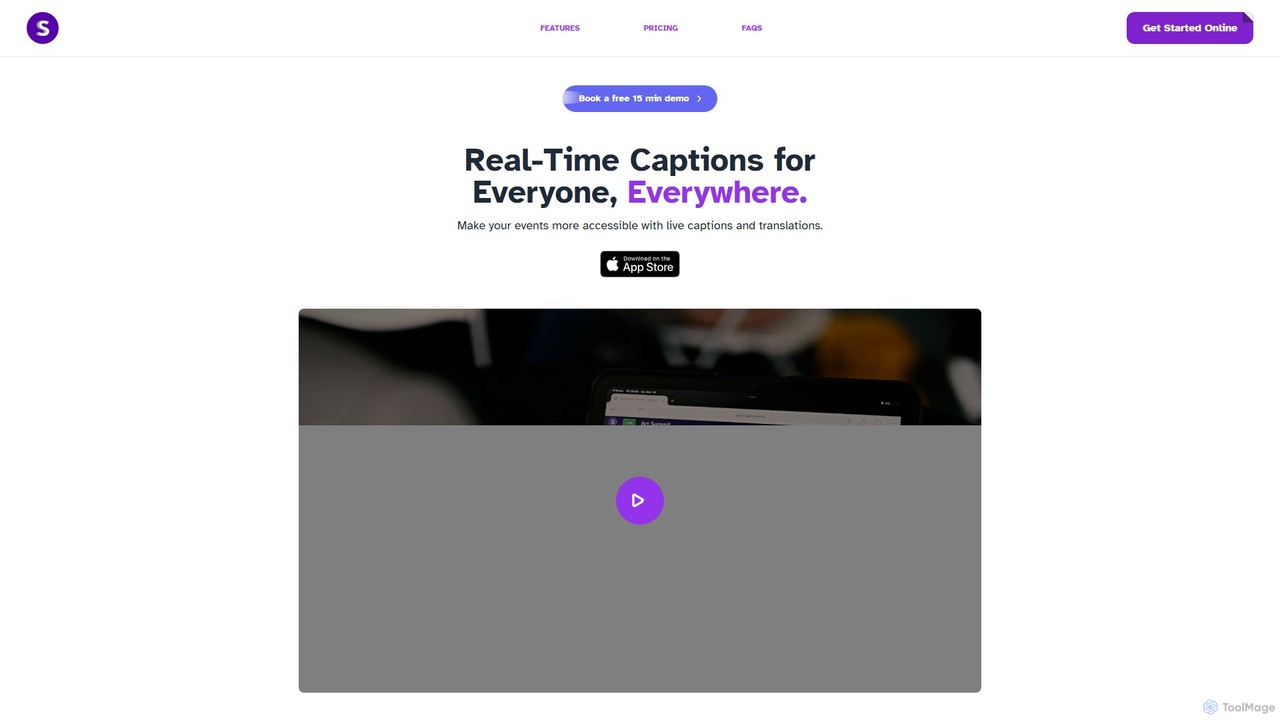
Seymour Events provides AI-powered real-time captions and multi-language translations for live events. Designed for inclusivity, it makes conferences, meetings, and performances accessible to Deaf, Hard of Hearing, and language-diverse audiences. The platform is easy to use for sound technicians, requires no special hardware, and offers a seamless viewing experience for attendees on any device via a simple link.

Hearingimpairment
Visits 5.7KFavorites 131Likes 146
Whisper API
Paid

Whisper API

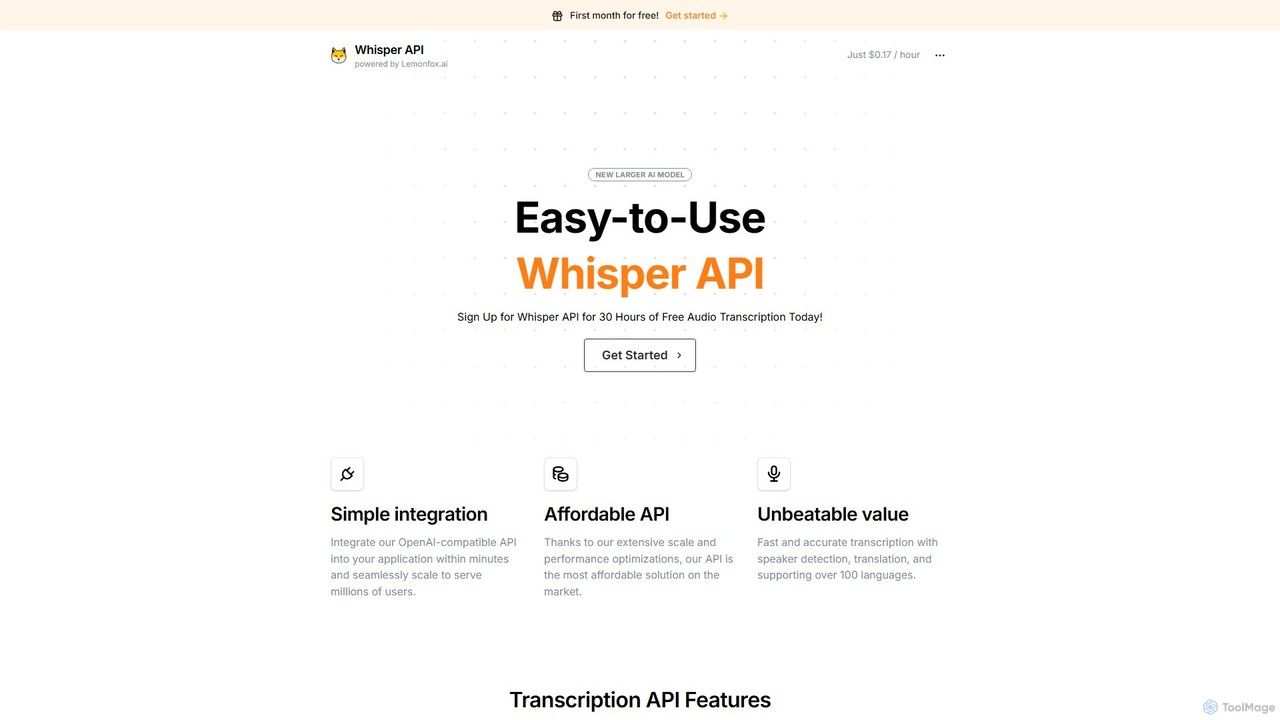
An affordable, developer-focused transcription API powered by OpenAI's Whisper v3. It offers high-accuracy speech-to-text, speaker diarization, translation, and support for over 100 languages. Its OpenAI-compatible structure allows for seamless integration and scaling for millions of users.

Transcription
Visits 40.5KFavorites 125Likes 108
Gladia
Freemium

Gladia

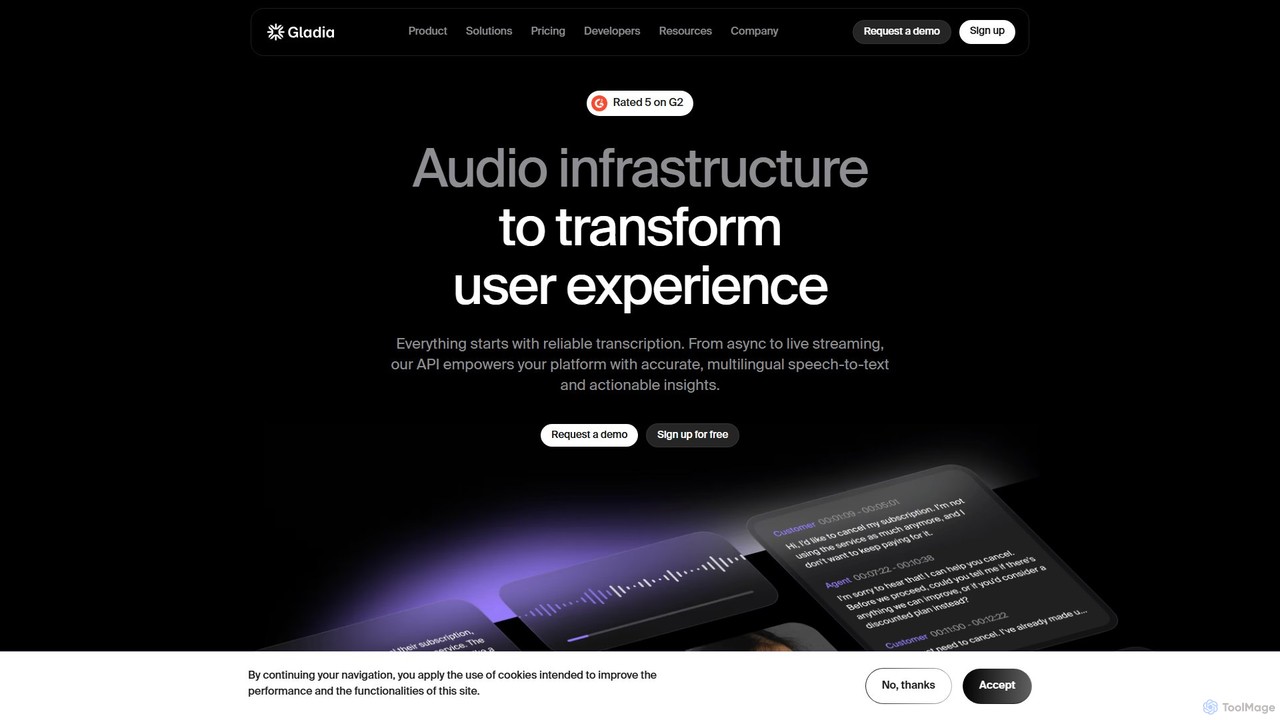
Gladia is an advanced audio transcription API offering both real-time streaming and asynchronous speech-to-text services. It delivers high accuracy, low latency, and near-zero hallucinations across 99 languages, making it ideal for developers building solutions for contact centers, media, sales, and meeting assistance.

Transcription
Visits 216.9KFavorites 113Likes 118
TurboScribe
Freemium

TurboScribe

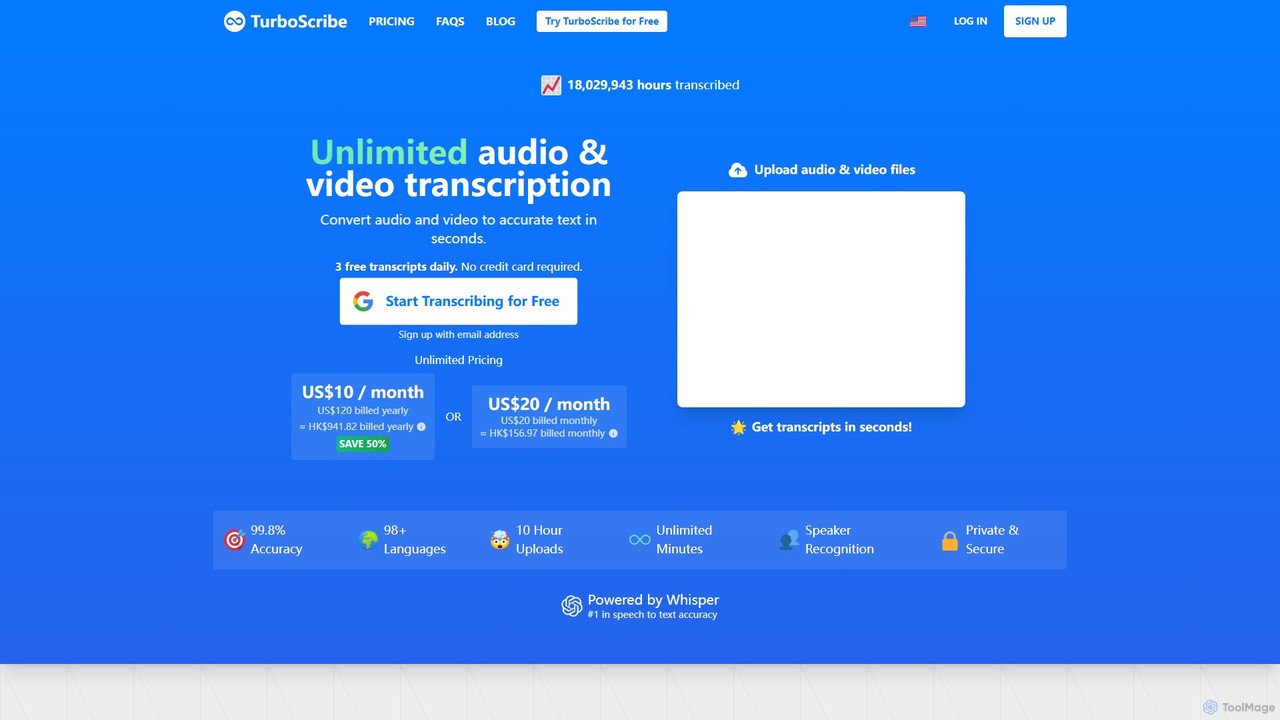
TurboScribe is an AI-powered transcription service that converts unlimited audio and video files to highly accurate text in seconds. Powered by Whisper, it supports over 98 languages, features speaker recognition, and offers built-in translation to 134+ languages. Ideal for transcribing meetings, interviews, podcasts, and videos with up to 99.8% accuracy. It offers a generous free plan and an affordable unlimited plan.

Transcription
Visits 29.1MFavorites 150Likes 146
ScriptMe
Freemium

ScriptMe

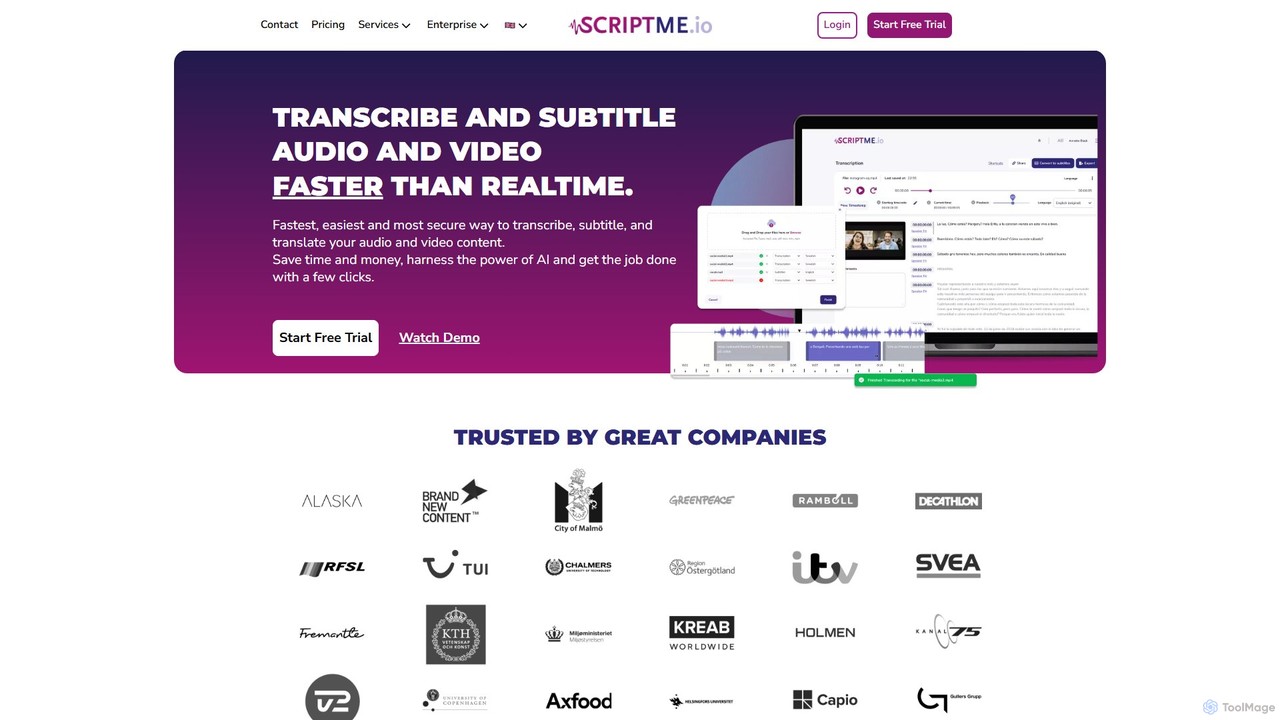
ScriptMe is an AI-powered platform for fast and accurate automatic transcription of audio and video files. It also provides tools for generating and editing subtitles, making it ideal for content creators, journalists, researchers, and media companies looking to streamline their workflow and improve content accessibility.

Transcription
Visits 177.3KFavorites 152Likes 140
Honeybear.ai
Freemium

Honeybear.ai

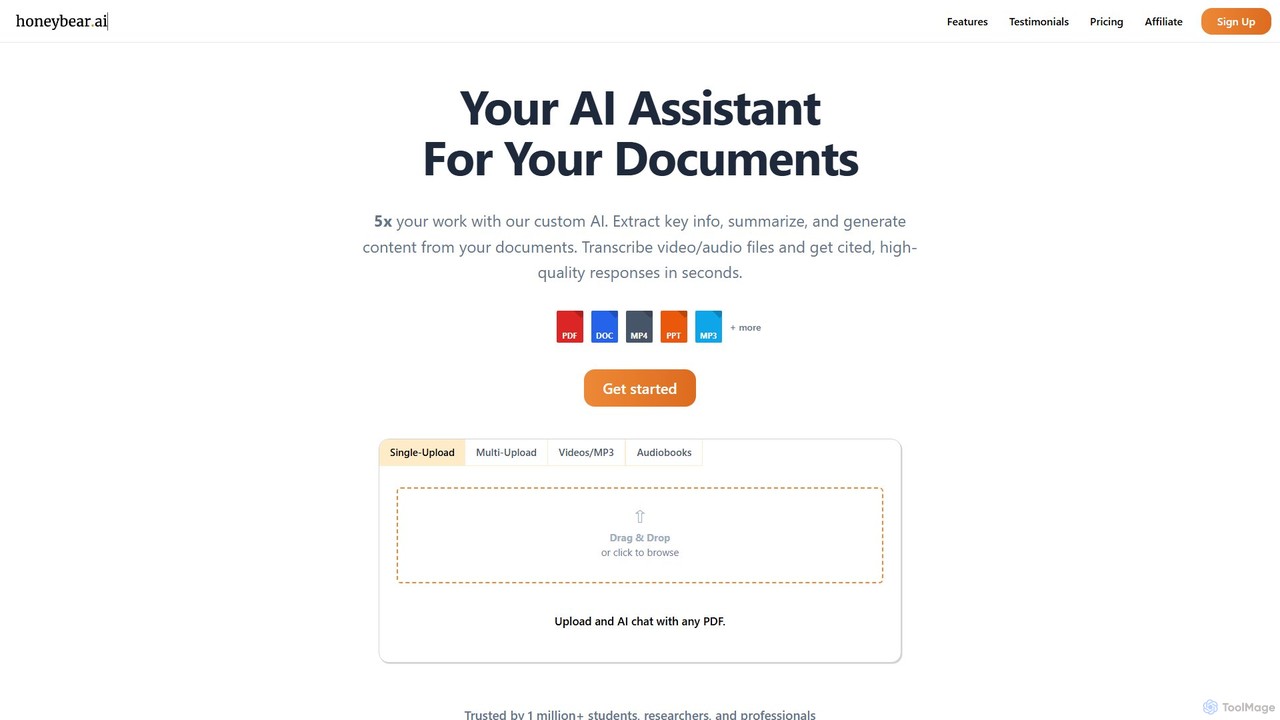
Honeybear.ai is an AI assistant that revolutionizes how you interact with documents, videos, and audio files. It extracts key information, provides instant summaries, and generates content from multiple sources simultaneously. Featuring clickable citations, OCR for scanned documents, and accurate transcription, it's an essential tool for students, researchers, and professionals looking to boost productivity and deepen their understanding of complex materials.

Transcription
Visits 20.1KFavorites 148Likes 139
vid2txt
Paid

vid2txt

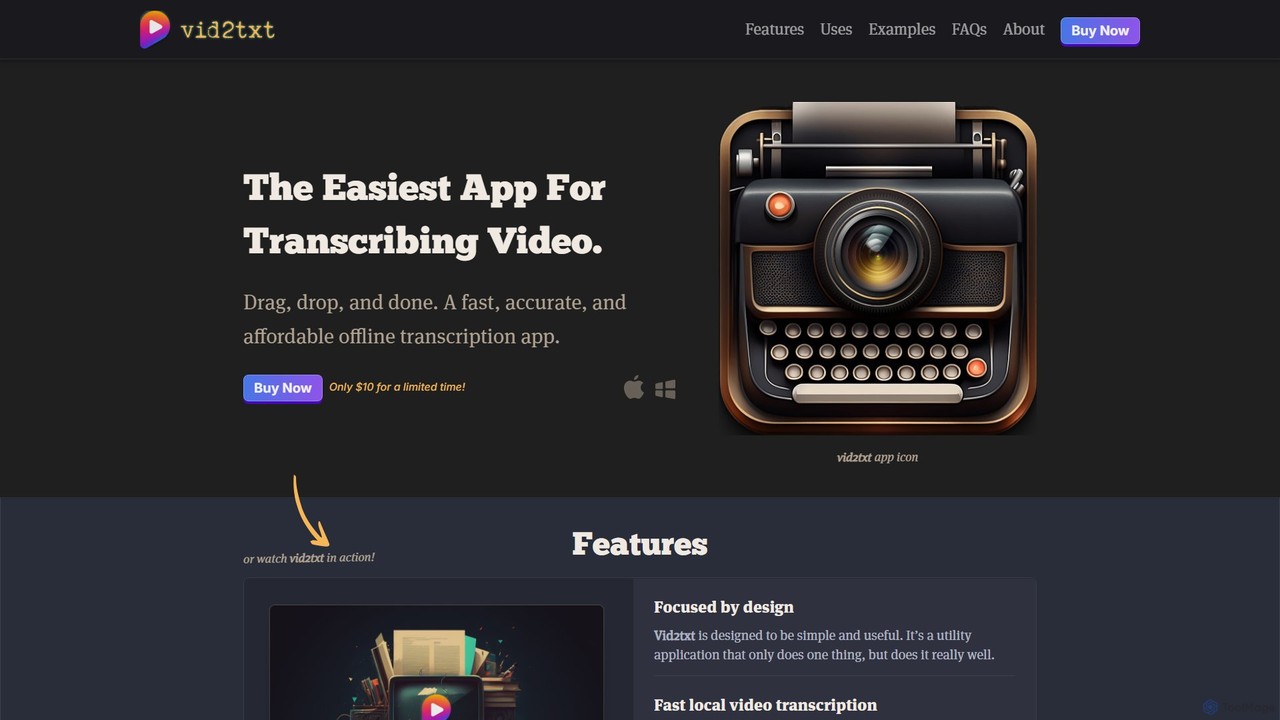
vid2txt is a fast, accurate, and affordable desktop application for transcribing video and audio files. It operates 100% offline, ensuring your data remains private. With a simple drag-and-drop interface, it supports numerous formats and generates .txt, .srt, and .vtt files. It's available for a one-time purchase, offering an anti-subscription model for unlimited transcriptions.

Transcription
Visits 7.4KFavorites 145Likes 141

About Transcription

AI Transcription tools are a class of software that automatically converts spoken language from audio or video files into written text. Leveraging advanced automatic speech recognition (ASR) technology, these tools can identify different speakers, add precise timestamps, and handle various accents and languages with high accuracy. They are essential for creating searchable, editable records of meetings, interviews, lectures, and media content, significantly reducing the time and cost of manual transcription. Many advanced tools also offer features like summary generation and keyword extraction, turning unstructured audio data into actionable insights.

Core Features

  • Automatic Speech Recognition (ASR): Provides high-accuracy conversion of spoken words into text, forming the foundation of the tool.
  • Speaker Diarization: Identifies and labels different speakers within the same audio file, attributing text to the correct person.
  • Timestamping: Adds time codes to words or paragraphs, allowing for easy navigation and synchronization with the original audio or video.
  • Multi-language & Accent Support: Capable of transcribing content in numerous languages and accurately interpreting diverse regional accents.
  • Custom Vocabulary: Allows users to add specific industry jargon, names, or acronyms to a custom dictionary to improve transcription accuracy.

Use Cases

These tools are widely used by journalists for transcribing interviews, by content creators for generating video subtitles and show notes, and by researchers for analyzing qualitative data. In a corporate setting, they automate the creation of meeting minutes and analyze customer support calls. Legal and medical professionals also use them for secure documentation.

How to Choose

When selecting a transcription tool, evaluate its accuracy rate for your specific language and audio quality. Consider the effectiveness of its speaker identification, the variety of export formats (e.g., TXT, SRT, DOCX), and its integration capabilities with other software. Also, assess the pricing model (per-minute vs. subscription) and the platform's security protocols, especially for sensitive information.

Transcription use cases

1

Transcribing Podcasts for SEO and Accessibility

Content creators, such as podcasters and YouTubers, use AI transcription tools to repurpose their audio and video content. By uploading an episode file, they can receive a full, time-stamped transcript within minutes. This text can then be used to create detailed show notes, a full blog post, or social media snippets. This not only makes the content accessible to hearing-impaired audiences but also significantly boosts SEO by making the spoken content indexable by search engines, attracting new listeners through organic search.

2

Automating Meeting Minutes and Action Items

Project managers and team leads in corporate environments use AI transcription to streamline documentation. After recording a virtual or in-person meeting, the audio is processed by the tool to generate a verbatim transcript. Advanced features like speaker diarization clearly attribute comments to each participant. Some tools can even summarize key discussion points and identify action items automatically. This saves hours of manual note-taking and ensures that all team members have a clear, accurate record of decisions and responsibilities, improving project alignment and accountability.

3

Analyzing Qualitative Research Interviews

Academic researchers and market analysts rely on AI transcription to process large volumes of interview data. Instead of spending weeks manually transcribing hours of audio recordings, they can get accurate text versions quickly. This allows them to immediately begin analysis, using text search to find key themes, recurring words, and impactful quotes. The ability to jump to specific moments in the audio via time-stamped text accelerates the coding and analysis phase of qualitative research, leading to faster insights and publications.

4

Generating Subtitles for Video Content

Video editors and social media managers use AI transcription to create accurate subtitles and captions for their videos. This process is crucial for increasing viewer engagement and watch time, as many users watch videos on mute. After generating the initial transcript, they can easily export it in formats like SRT (SubRip Text), which can be directly imported into video editing software. This automates a previously tedious task, ensures accessibility for a wider audience, and improves the video's discoverability on platforms like YouTube and Instagram.

5

Documenting Legal Depositions and Client Meetings

Legal professionals, including lawyers and paralegals, require highly accurate records of depositions, hearings, and client consultations. AI transcription tools with high security standards provide a fast and cost-effective alternative to traditional court reporting services. They can generate a verbatim text record that can be searched for key facts, names, and dates. This allows legal teams to quickly review case details, prepare for trials, and maintain a comprehensive and easily accessible archive of all verbal communications, ensuring accuracy and compliance.

6

Creating Study Guides from Academic Lectures

Students at all levels use AI transcription to enhance their learning process. By recording lectures and seminars, they can obtain a full text transcript to review later. This is especially useful for complex subjects where it's difficult to take notes and fully comprehend the material simultaneously. Students can search the transcript for keywords, highlight important sections, and create more effective study guides without having to re-listen to entire recordings. It also provides an accessible learning aid for students with different learning styles or disabilities.

Transcription FAQ

What is an AI Transcription tool?

An AI Transcription tool is software that uses artificial intelligence, specifically automatic speech recognition (ASR) technology, to convert audio and video recordings into written text. Unlike manual transcription, this process is automated and very fast. These tools often include features like identifying different speakers (speaker diarization), adding timestamps, and supporting multiple languages and accents to produce accurate, readable transcripts.

How do I choose the right AI Transcription tool?

To choose the right tool, consider these factors:

  • Accuracy: Check reviews or test the tool with your specific type of audio (e.g., clear interviews vs. noisy meetings, specific accents).
  • Features: Do you need speaker identification, custom vocabulary for jargon, or timestamping?
  • Integrations: Does it connect with your other tools, like cloud storage (Google Drive, Dropbox) or video editors?
  • Security: For sensitive content, ensure the provider has strong data privacy and security policies.
  • Pricing: Compare per-minute/per-hour rates versus monthly subscriptions to find the most cost-effective option for your usage.
What's the difference between AI transcription and manual transcription?

The main differences are speed, cost, and accuracy. AI transcription is significantly faster and more affordable, capable of transcribing an hour of audio in minutes. It's ideal for large volumes of content and quick turnarounds. Manual transcription, done by a human, is slower and more expensive but can achieve higher accuracy (often 99%+), especially with poor audio quality, complex terminology, or multiple overlapping speakers. AI is best for efficiency, while manual is preferred for situations requiring near-perfect accuracy, like legal proceedings.

Can AI transcription tools handle different languages and accents?

Yes, most modern AI transcription tools are designed to be multilingual. They often support dozens of languages, from common ones like English, Spanish, and Mandarin to many others. Additionally, their AI models are trained on vast datasets of speech, which allows them to recognize and accurately transcribe a wide variety of regional accents and dialects within a language. However, the level of accuracy can vary between languages and accents, so it's often a good idea to test a service with a sample of your own audio first.

How secure are AI transcription services?

Security varies significantly between providers. Reputable services use strong encryption for data both in transit (while uploading) and at rest (while stored on their servers). Many also comply with data protection regulations like GDPR and CCPA. For highly sensitive information (e.g., legal, medical, or corporate strategy), it's crucial to choose a provider that offers enterprise-grade security features, such as zero-knowledge encryption, detailed access controls, and clear data retention policies. Always review a service's privacy policy and security documentation before uploading confidential files.