Audio & Video Best in category 1 results Editing AI Tool

Popular AI tools in the Editing field of Audio & Video include ChatScribe Pro, etc., helping you quickly improve efficiency.

ChatScribe Pro

ChatScribe Pro

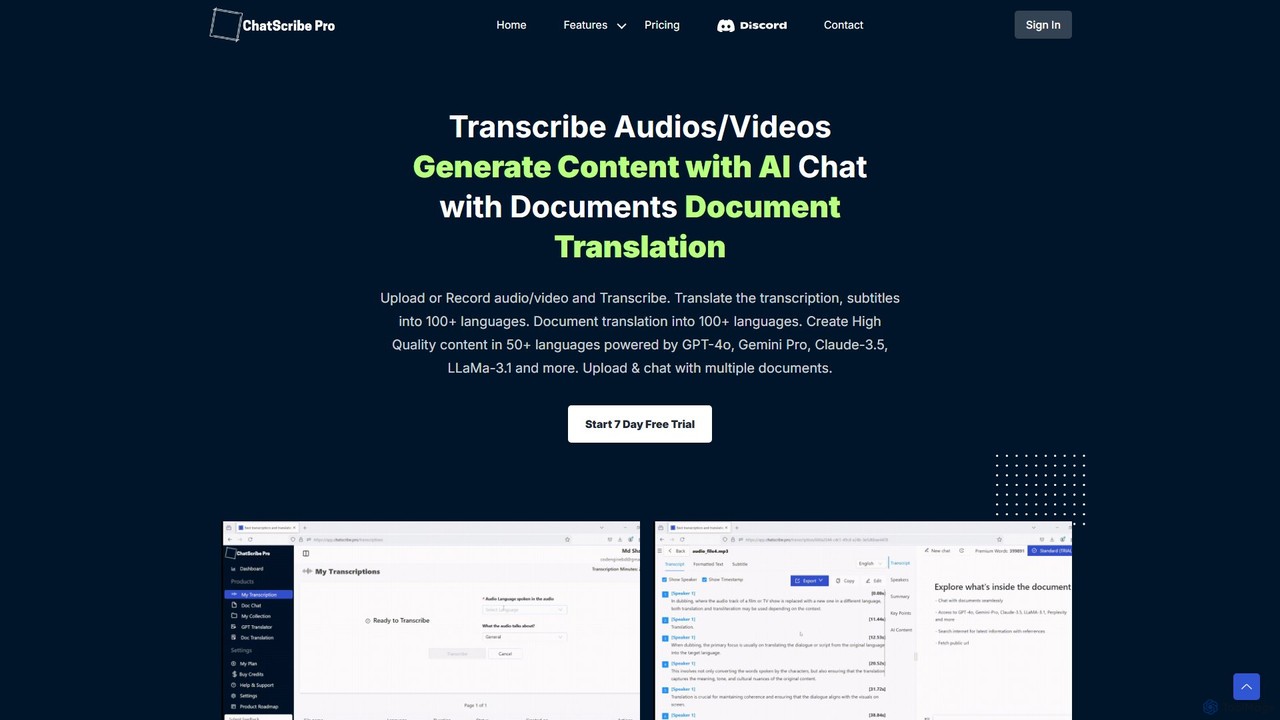
ChatScribe Pro is an AI-powered platform that transcribes, translates, and transforms audio/video content into various written formats. Leveraging …

5.1K

About Editing

AI Editing tools are a class of software that uses artificial intelligence to automate and enhance the post-production of audio and video content. These tools leverage machine learning algorithms to perform complex tasks like identifying silences, removing filler words, enhancing audio quality, and reframing video shots. Their primary value lies in drastically reducing manual editing time, allowing creators to produce professional-quality content faster and more efficiently. Many of these tools can analyze content contextually, performing edits that would be incredibly time-consuming for a human editor.

Core Features

  • Smart Detection & Removal: Automatically identifies and cuts silences, filler words (e.g., 'um', 'ah'), and unwanted retakes from audio and video tracks.
  • AI-Powered Reframing: Intelligently analyzes and crops horizontal video for vertical formats (e.g., TikTok, Reels), keeping the main subject perfectly centered.
  • Audio Enhancement & Cleanup: Uses AI to remove background noise, reduce echo, balance volume levels, and improve overall dialogue clarity.
  • Text-Based Editing: Allows users to edit video and audio by simply editing the auto-generated text transcript, making the process as easy as editing a document.
  • AI Color Correction: Analyzes footage to automatically adjust color balance, contrast, and saturation for a consistent, professional look.

Use Cases

AI Editing tools are widely used by content creators, including podcasters, YouTubers, and social media managers, to streamline their workflow. Marketing teams use them to quickly repurpose long-form content like webinars into short promotional clips. In corporate and educational settings, they are used to clean up training videos and lecture recordings, improving clarity and engagement.

How to Choose

When selecting an AI Editing tool, first consider your primary medium—audio or video—as some tools specialize. Evaluate the specific AI features you need most, such as filler word removal or auto-reframing. Assess its integration capabilities with traditional editing software like Adobe Premiere Pro or Final Cut Pro. Finally, consider the user interface and learning curve; some tools offer simple, automated workflows while others provide more granular control.

EditingUse Cases

1

Automate Podcast Episode Cleanup

A podcast host records a one-hour interview with a guest. The raw audio contains numerous pauses, filler words like 'um' and 'ah', and some background noise from the guest's end. Instead of spending 3-4 hours manually cutting these imperfections, the host uploads the audio to an AI editing tool. The tool automatically generates a transcript, identifies and removes all filler words and long silences in under 10 minutes, and applies an audio enhancement filter to reduce background noise. The result is a clean, professional-sounding episode ready for publishing, saving over 90% of the typical editing time.

2

Repurpose Webinar Video for Social Media

A marketing team has a 60-minute webinar recording in a standard 16:9 landscape format. They need to create multiple short, engaging clips for platforms like Instagram Reels and TikTok, which require a 9:16 vertical format. Using an AI editing tool with auto-reframing, they upload the video. The AI automatically identifies the main speaker and key presentation elements, creating several vertical clips by intelligently tracking the action. The team can then use the text-based editing feature to quickly find impactful quotes and create 30-second highlight clips by simply selecting text. This process turns a single piece of content into ten shareable assets in under an hour.

3

Edit Training Videos by Correcting a Transcript

An HR department creates a series of software training videos. During recording, the presenter occasionally misspeaks or uses incorrect terminology. Instead of re-recording segments or performing complex audio/video cuts, the editor uses a text-based AI editor. The tool transcribes the video, and the editor simply corrects the typos and wrong words in the transcript. The AI then uses voice cloning technology to regenerate the corrected words in the presenter's own voice, seamlessly updating the audio track. This allows for precise corrections without any noticeable audio cuts or changes in tone, saving significant re-recording and editing effort.

4

Enhance Audio Quality of Field Recordings

A documentary filmmaker captures an important interview outdoors, but the recording is plagued by wind noise and distant traffic sounds. Traditionally, cleaning this audio would require specialized software and expertise. By using an AI editing tool, the filmmaker applies an 'Audio Enhancement' function. The AI algorithm intelligently distinguishes the speaker's voice from the background noise and suppresses the unwanted sounds while preserving the clarity of the dialogue. In a few clicks, the audio is transformed from nearly unusable to broadcast-quality, salvaging a crucial piece of content for the film.

5

Create Smooth Cuts with AI Scene Detection

A vlogger has a long, continuous take of them walking through a city and talking to the camera. They want to create a more dynamic video by cutting between different parts of their monologue. An AI editing tool with scene detection can automatically analyze the footage and place cut markers at natural pauses in speech or at moments of significant visual change. This provides the editor with a pre-edited timeline of logical segments. They can then easily rearrange these segments or remove uninteresting parts, creating a well-paced and engaging video without manually scrubbing through hours of footage to find the right cut points.

6

Automatically Color Match Different Video Clips

An event videographer shoots a wedding using multiple cameras and in various lighting conditions (indoor, outdoor, day, night). This results in clips with inconsistent colors and tones. Instead of manually color grading each clip to match, they use an AI editing tool's color match feature. They select one clip as the 'master' reference for the desired look. The AI then analyzes the color profiles of all other clips and automatically adjusts them to match the reference clip's color, saturation, and contrast. This ensures a consistent, cinematic look across the entire video, achieving in minutes what could take hours of meticulous manual work.

EditingFrequently Asked Questions