
vid2txt Overview
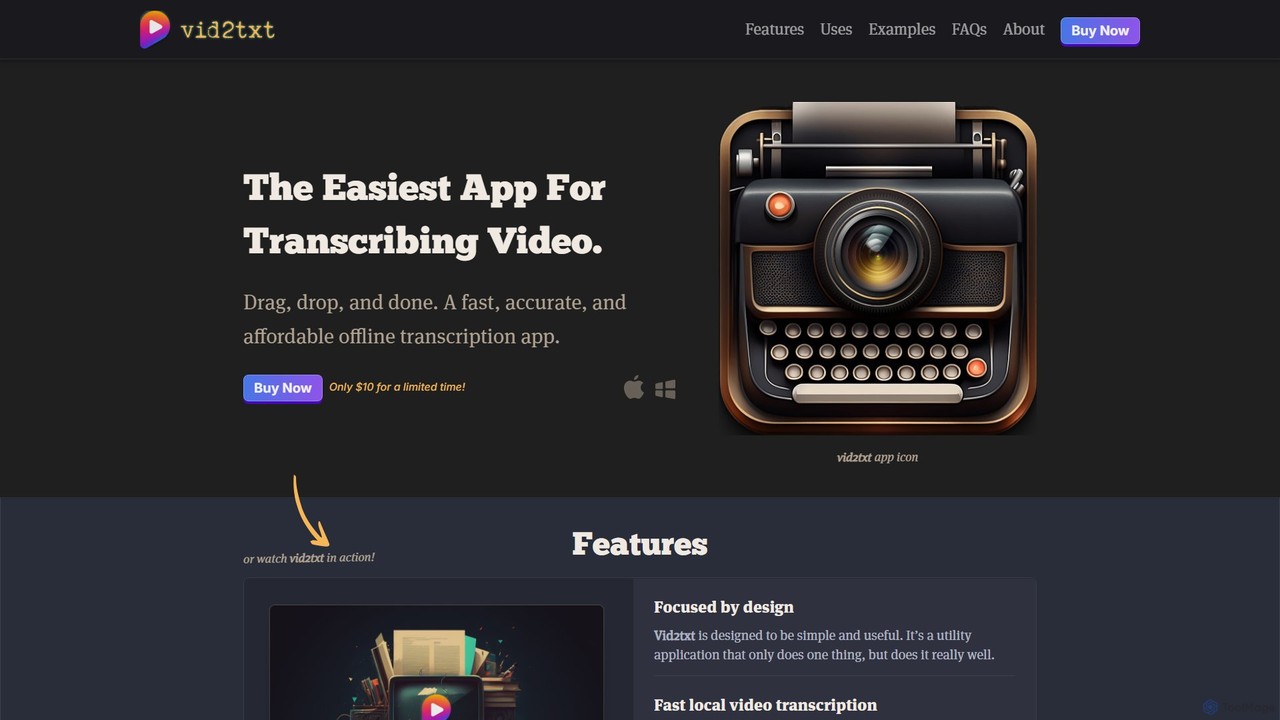
vid2txt is a revolutionary desktop application designed to be the simplest and most efficient way to transcribe video and audio content. Built with a focus on simplicity and utility, it performs one task exceptionally well: converting your media files into accurate text. The entire process is handled locally on your computer (Mac or Windows), which means your files are never uploaded to the cloud, guaranteeing 100% privacy and security. This offline functionality also eliminates the need for an internet connection during transcription, providing lightning-fast results.
The tool stands out with its anti-subscription philosophy. Instead of recurring monthly fees and usage quotas, vid2txt offers lifetime access for a single, affordable one-time payment. This makes it an incredibly cost-effective solution for anyone who needs regular transcription services. Interestingly, the application itself, including its logo and icons, was conceptualized and largely coded with the assistance of AI, showcasing a modern approach to software development.
How to use vid2txt
Using vid2txt is designed to be incredibly straightforward, following a simple three-step process:
- Launch the Application: Open the vid2txt app on your MacOS or Windows computer.
- Drag and Drop: Simply drag your desired video or audio file and drop it into the application window. There are no complicated settings or configurations to worry about.
- Get Your Transcripts: The app immediately begins processing the file locally. Within seconds or minutes, depending on the file length, it will automatically generate and save three types of transcript files in the same folder as your source media: a plain text file (.txt), a SubRip subtitle file (.srt), and a WebVTT subtitle file (.vtt).
Core Features of vid2txt
- 100% Offline & Private: All transcription is processed locally on your device. Your files and data are never sent to the cloud, ensuring complete confidentiality.
- Broad Format Support: It handles a wide variety of common video and audio formats, including MP4, MOV, WMV, MKV, AVI, FLV, WAV, MP3, M4A, and more.
- Multiple Output Files: For every transcription, it automatically generates a plain text (.txt) for easy reading and editing, an SRT file for video captions, and a VTT file for web video captions.
- Fast and Accurate: Leverages powerful local processing to deliver high-quality transcriptions quickly, often transcribing a 30-second clip in just a few seconds.
- One-Time Purchase: Rejects the subscription model. A single payment grants you unlimited, lifetime access to the tool's transcription capabilities.
- Simple User Interface: The minimalist drag-and-drop interface makes it accessible to everyone, regardless of technical skill.
- Cross-Platform Compatibility: Available for both MacOS (13+) and Windows (10+).
Use Cases for vid2txt
vid2txt is a versatile utility for a wide range of users:
- Content Creators: Quickly generate transcripts for podcasts and videos to improve SEO, create closed captions (CC), and make content more accessible.
- Journalists: Transcribe interviews, press conferences, and voice memos rapidly to speed up the writing and reporting process.
- Students & Educators: Convert recorded lectures and academic seminars into searchable text for easier studying, note-taking, and research.
- Business Professionals: Create written records of meetings, webinars, and conference calls for documentation, analysis, and sharing with team members.
- Researchers: Turn hours of video or audio interviews and fieldwork recordings into analyzable text data, simplifying qualitative analysis.
- Hearing Impaired Users: Gain access to spoken content from movies, shows, and personal videos by generating readable transcripts.
Advantages of vid2txt
The primary advantages of vid2txt are its commitment to privacy, simplicity, and affordability. By operating completely offline, it addresses major data security concerns. The one-time fee model is a refreshing alternative to costly subscriptions, offering significant long-term value. Its speed and ease of use remove technical barriers, allowing users to get the text they need without a learning curve. Finally, the automatic generation of multiple file formats (.txt, .srt, .vtt) saves time and makes the output immediately useful for various applications.
Pricing and Plans
vid2txt is offered with a straightforward, one-time purchase model. For a limited time, the application is available for a single payment of $10. This purchase grants the user a lifetime license for unlimited transcriptions on their supported device (MacOS or Windows). There are no hidden fees, monthly subscriptions, or usage limits. The company also offers a satisfaction guarantee, with refunds available if the tool fails to work as expected.
Traffic
Latest traffic
Status
Monthly traffic trend
- 2025-9: 1.0K
- 2026-1: 1.2K
- 2026-2: 3.0K
- 2026-3: 109
- 2026-4: 1.8K
- 2026-5: 1.6K
Geography
Top 5 countries / regions
- 🇦🇿Azerbaijan88.5%
- 🇮🇳India11.5%
vid2txt Alternatives
TurboScribe
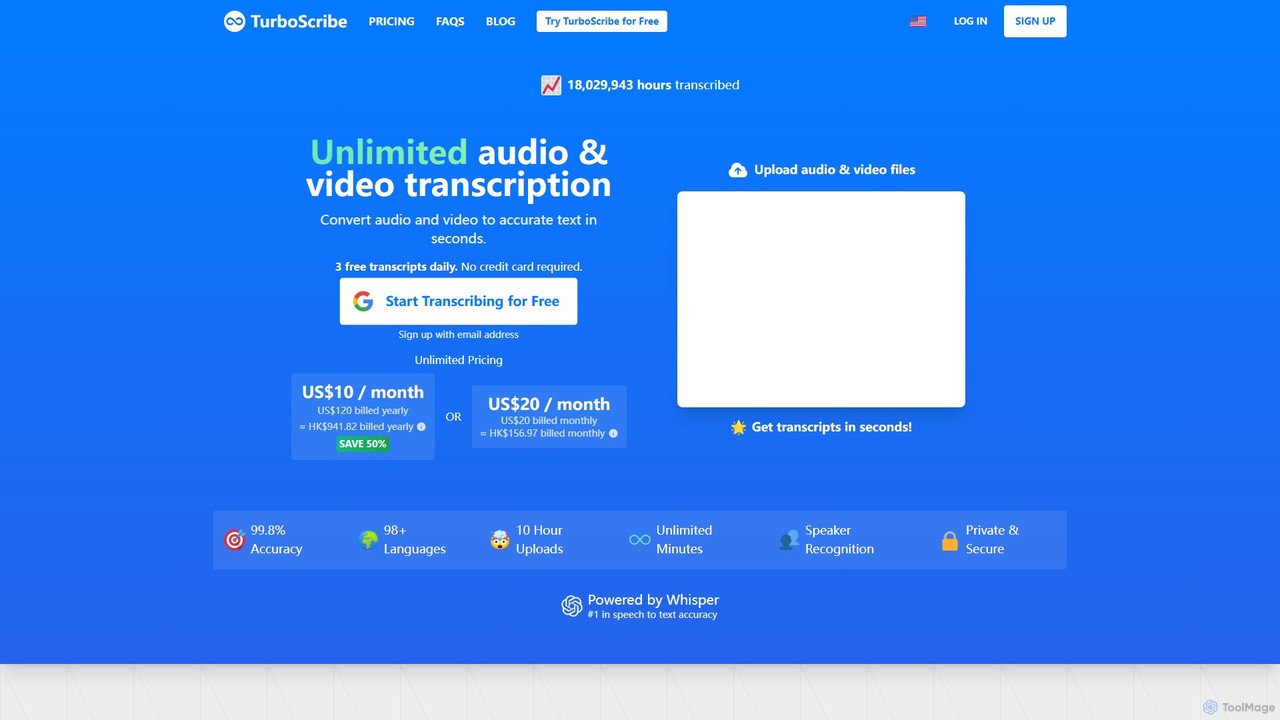
TurboScribe is an AI-powered transcription service that converts unlimited audio and video files to highly accurate text in seconds. Powered by Whisper, it supports over 98 languages, features speaker recognition, and offers built-in translation to 134+ languages. Ideal for transcribing meetings, interviews, podcasts, and videos with up to 99.8% accuracy. It offers a generous free plan and an affordable unlimited plan.
Transcription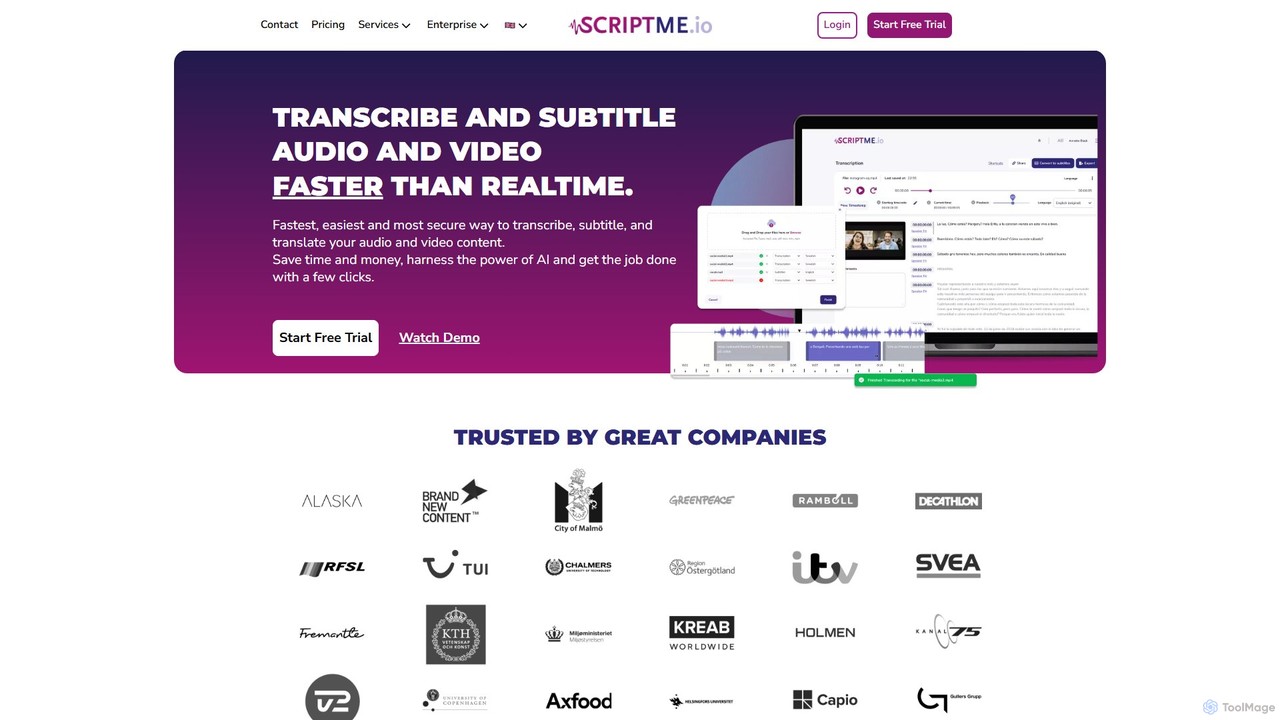
ScriptMe
ScriptMe is an AI-powered platform for fast and accurate automatic transcription of audio and video files. It also provides tools for generating and editing subtitles, making it ideal for content creators, journalists, researchers, and media companies looking to streamline their workflow and improve content accessibility.
Transcription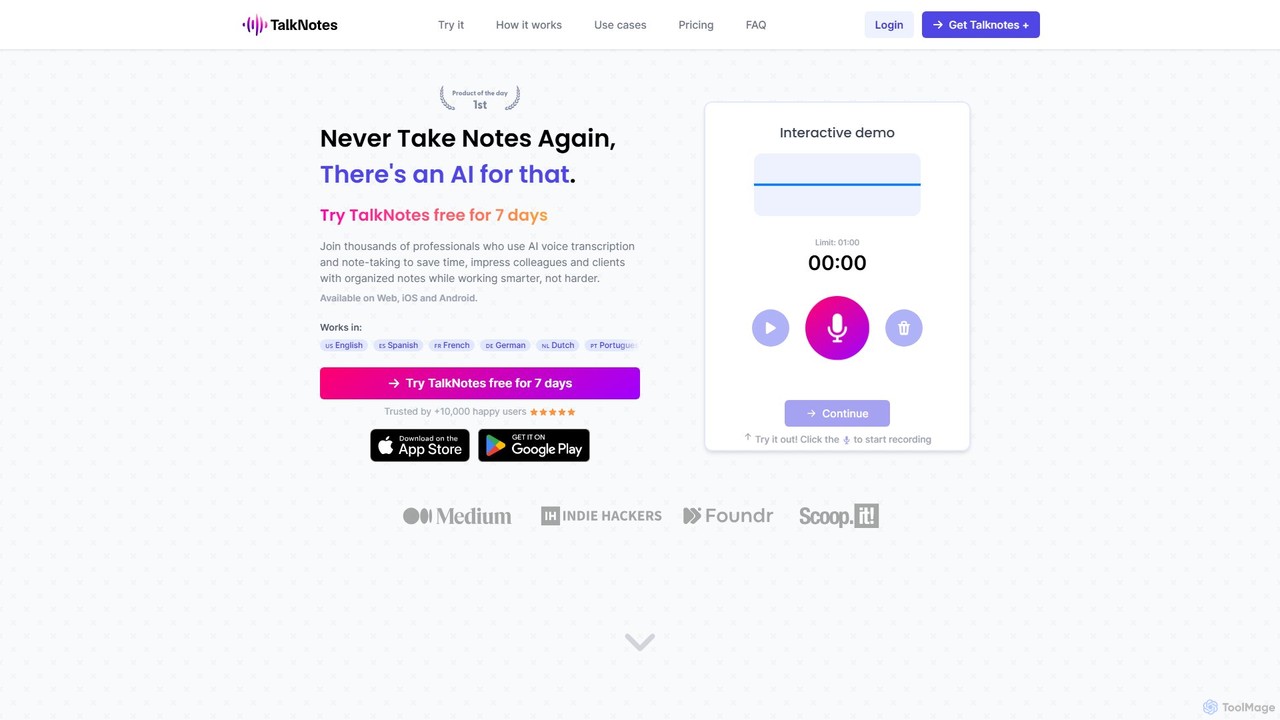
Talknotes
Talknotes is an AI-powered voice note app that transcribes, summarizes, and transforms your spoken words into structured content. Capture ideas, meetings, and lectures effortlessly, and let the AI create organized notes, blog posts, task lists, and more. Available on Web, iOS, and Android, it supports over 50 languages to boost your productivity.
Transcription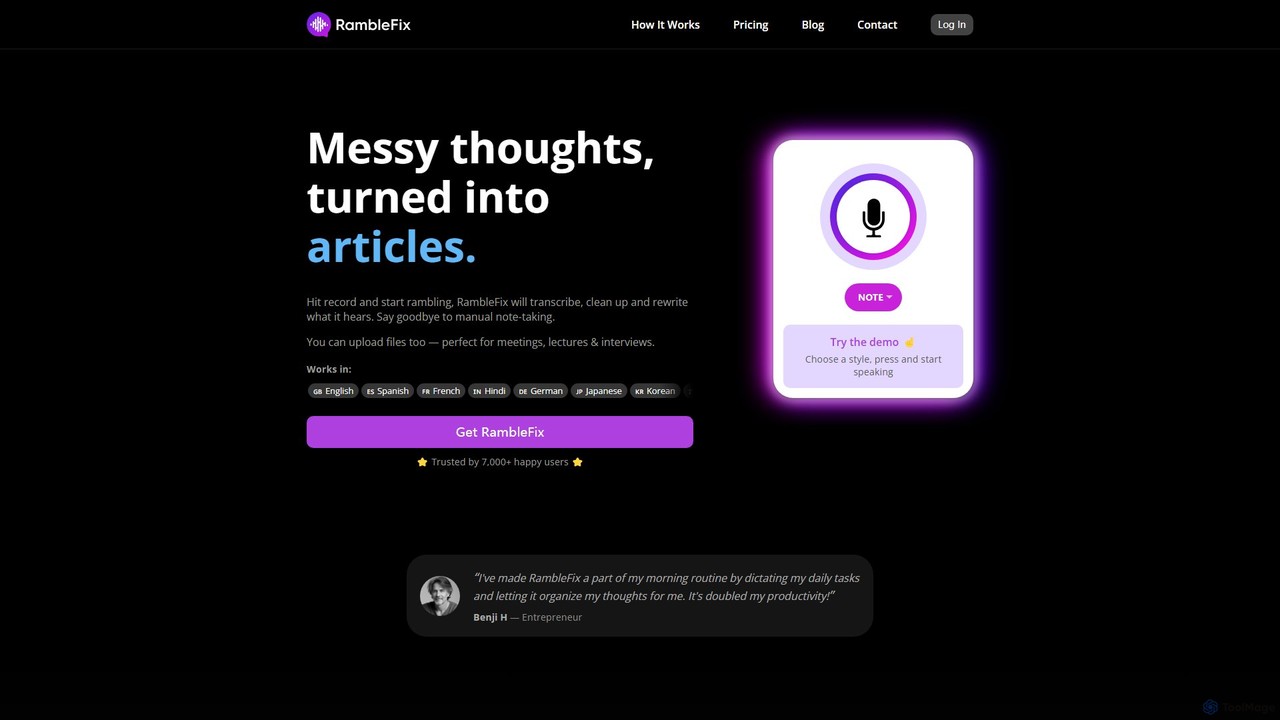
RambleFix
RambleFix is an AI-powered tool that transforms your scattered voice notes and ramblings into structured, polished text. Simply record your thoughts or upload an audio file, and the AI will transcribe, clean up, and rewrite your content into articles, emails, social posts, or organized lists. It supports over 30 languages, making it perfect for boosting productivity, overcoming writer's block, and creating content effortlessly.
Transcription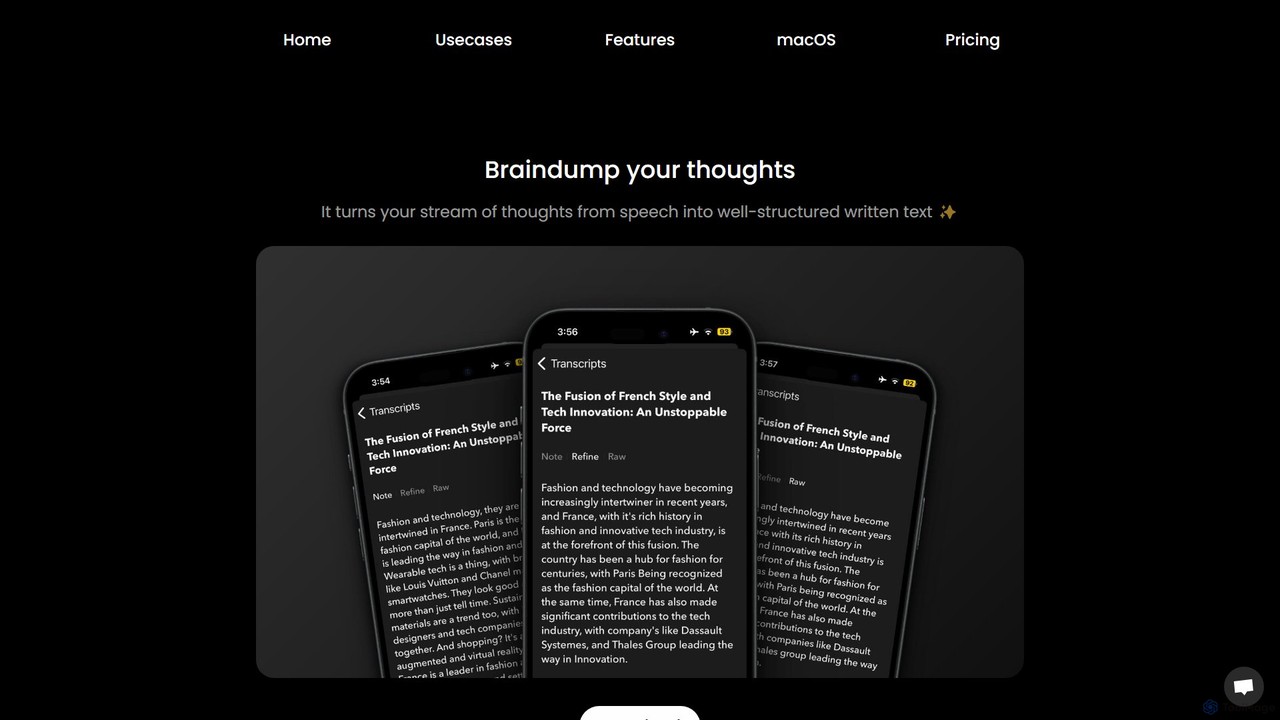
Audio writer
Audio writer is an AI-powered app for macOS and iOS that transforms your spoken thoughts into well-structured, coherent written text. It's designed for brainstorming, journaling, and content creation, turning voice notes into polished articles, emails, and social media posts.
Transcriptionvid2txt Categories
vid2txt Embed Widget
Copy this embed code to place the badge on your blog, article, or product site and send readers directly to this ToolMage detail page.

Related AI tools
listen411
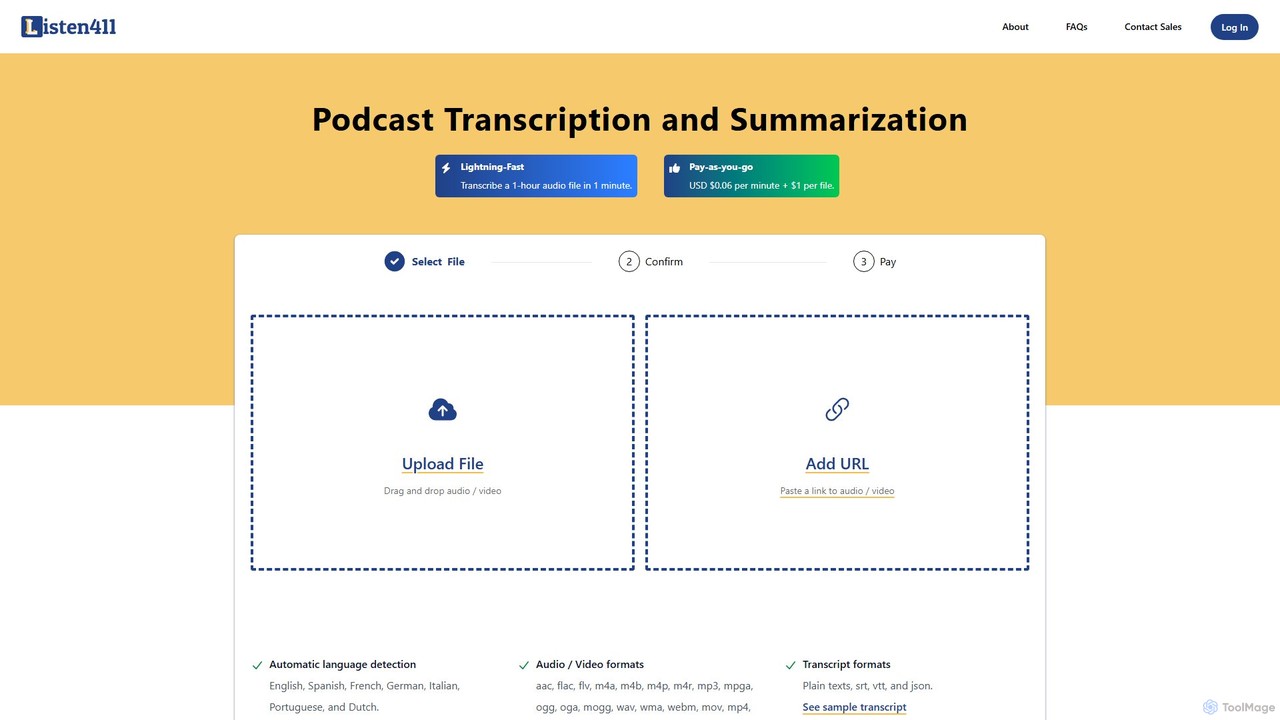
listen411 is a fast, affordable AI-powered service for transcribing and summarizing audio and video files. It supports multiple languages with automatic detection and provides transcripts in various formats like TXT, SRT, and VTT. With a simple pay-as-you-go model, it's ideal for podcasters, content creators, researchers, and anyone needing quick and accurate text from their media files.
Transcription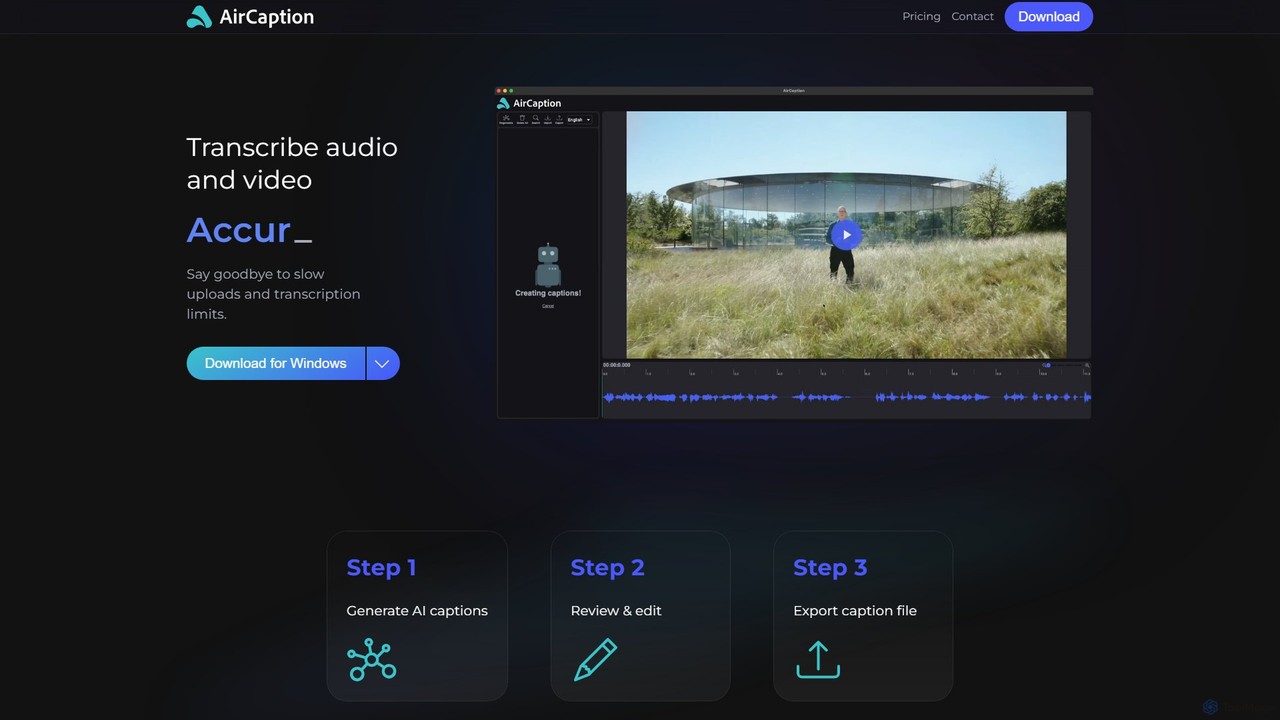
AirCaption
A desktop application for Windows and Mac that provides fast, accurate, and private AI-powered speech-to-text transcription. It generates subtitles for audio and video files in over 60 languages, works entirely offline to protect user data, and offers powerful editing tools for content creators, marketers, and professionals.
Accessibility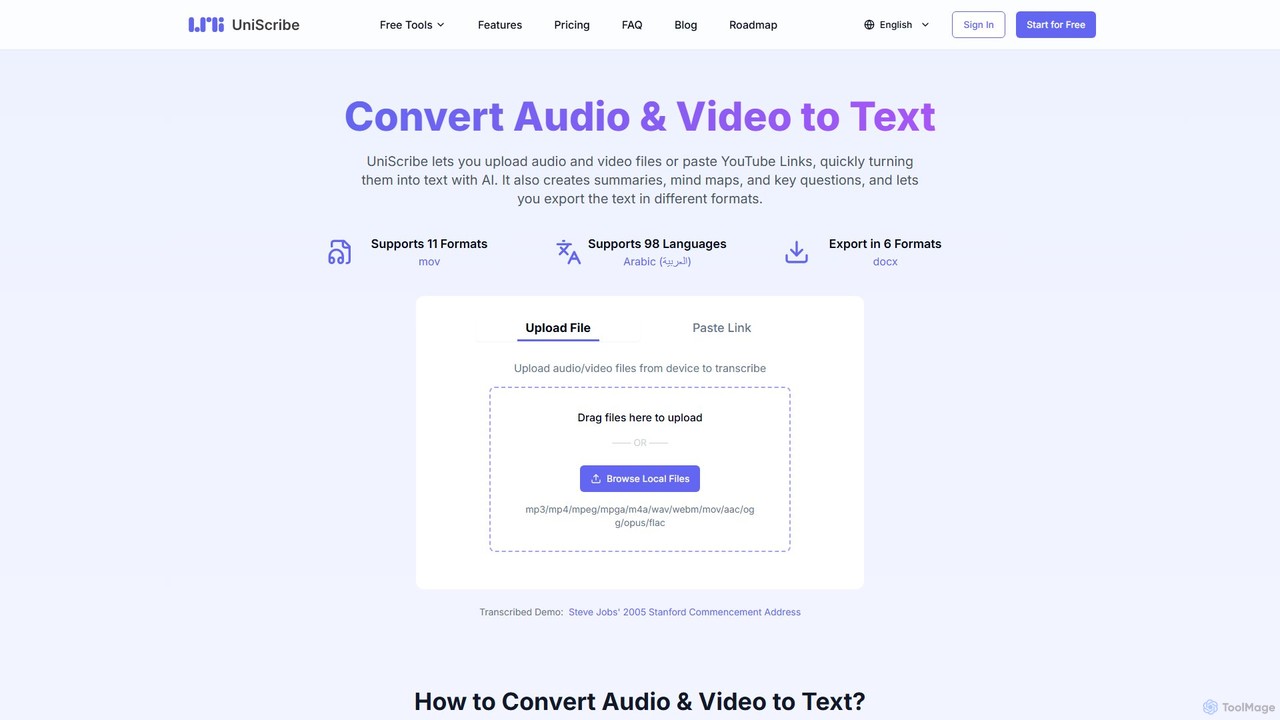
Uniscribe
Uniscribe is an AI-powered transcription service that quickly converts audio and video files into accurate text. It supports 98 languages and various file formats. Beyond simple transcription, Uniscribe automatically generates concise summaries, visual mind maps, and key questions from your content. Users can export transcripts in multiple formats like TXT, SRT, DOCX, and PDF, or share them directly via a link. It's an ideal tool for students, journalists, content creators, and researchers looking to save time and enhance productivity.
Speech To Text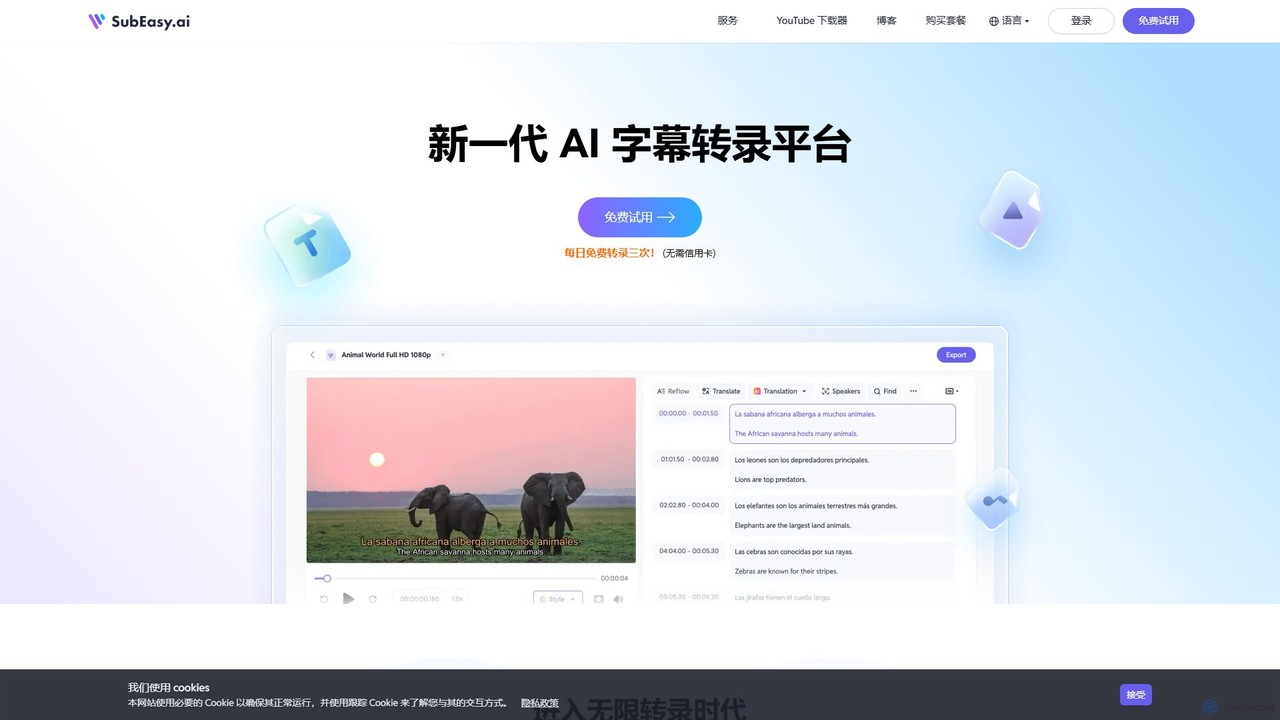
SubEasy
SubEasy is a next-generation AI platform for video and audio transcription, subtitle generation, and translation. Powered by OpenAI's Whisper, it delivers up to 99% accuracy. It supports over 100 languages, offers a unique AI Reflow feature for perfectly timed subtitles, and provides an all-in-one solution from transcription to video export, making it ideal for content creators, educators, and businesses.
Transcription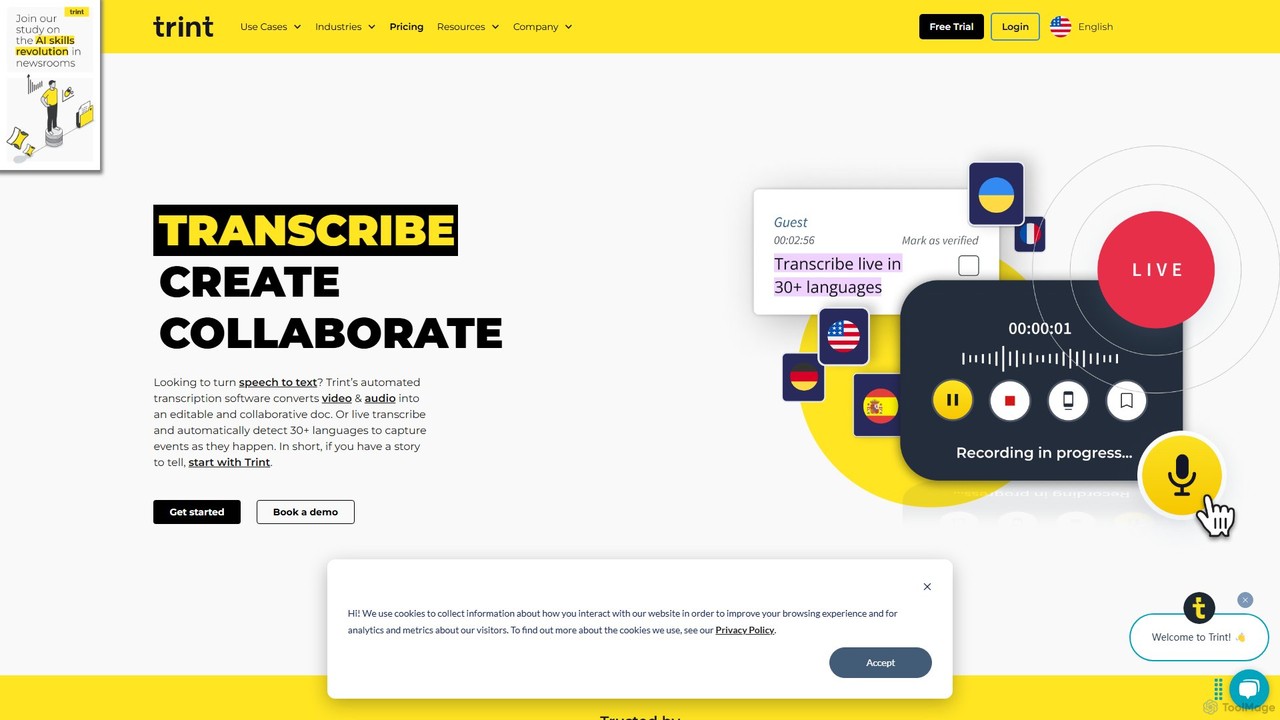
Trint
Trint is an AI-powered transcription platform that converts audio and video to text with up to 99% accuracy. It supports over 40 languages for transcription and 50+ for translation, offering real-time collaboration, an interactive editor, and content creation tools for journalists, marketers, and researchers to streamline their workflow and tell stories faster.
Content Creation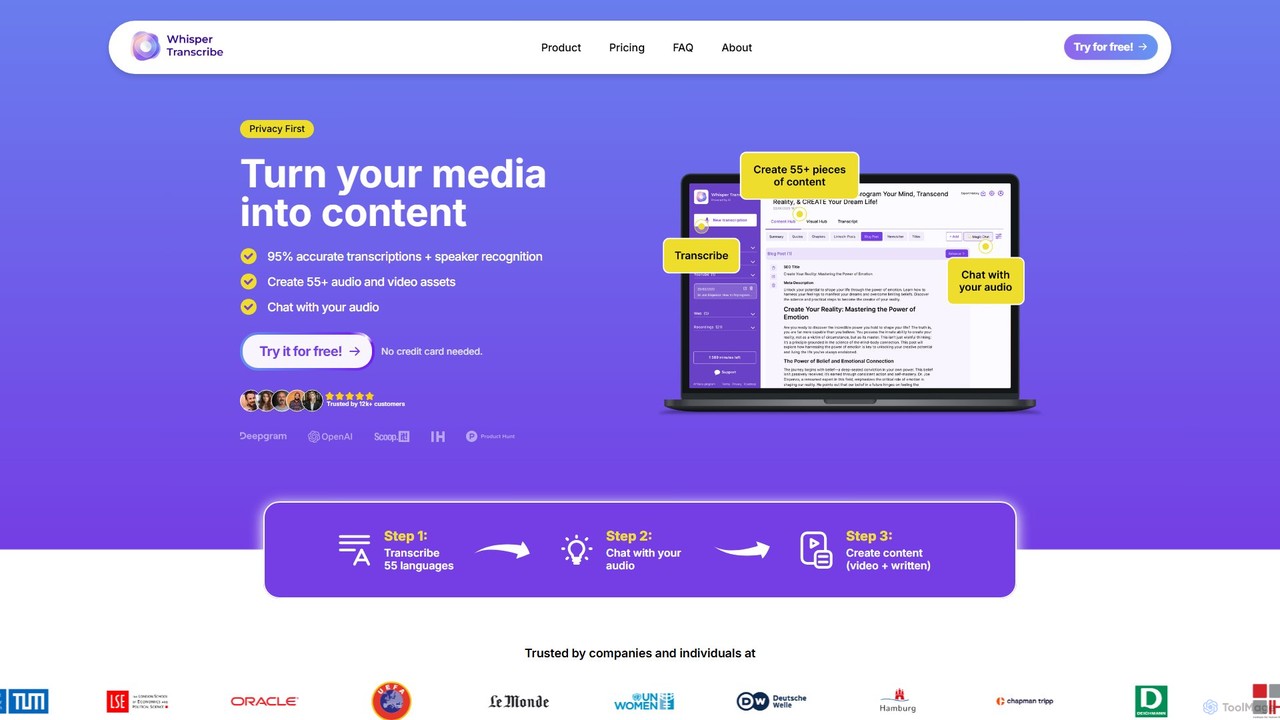
WhisperTranscribe
WhisperTranscribe is an AI-powered platform that transforms audio and video into accurate text transcripts and a wide range of content assets. Leveraging OpenAI's Whisper, it provides 95% accurate transcriptions in 55+ languages, complete with speaker detection. Beyond transcription, it features a 'Magic Chat' to query your audio, and automatically generates over 57 content types, including social media posts, blog articles, summaries, and video clips, all tailored to your unique voice and style. It's an all-in-one solution for content creators, marketers, and researchers.
Content Creation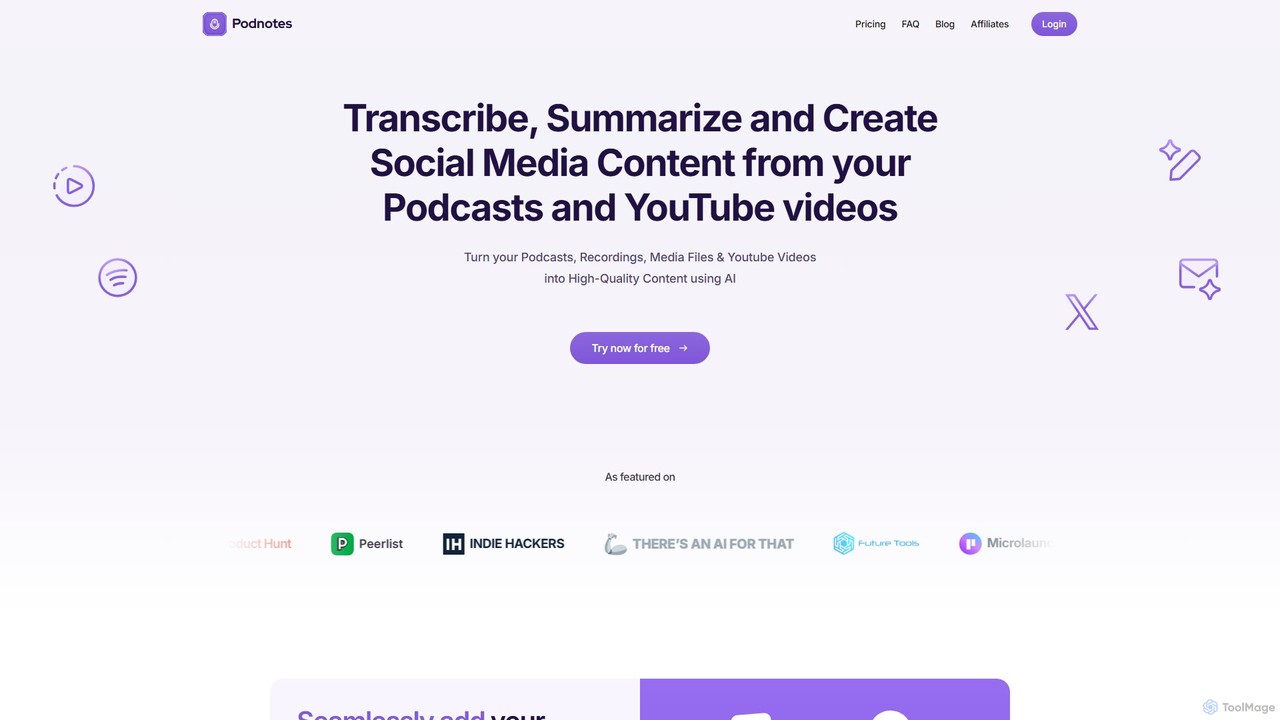
Podnotes
Podnotes is an AI-powered platform that transcribes, summarizes, and repurposes podcasts and YouTube videos into high-quality written content. It helps creators, marketers, and agencies effortlessly generate show notes, blog posts, social media content, and newsletters to expand their audience reach.
Repurposing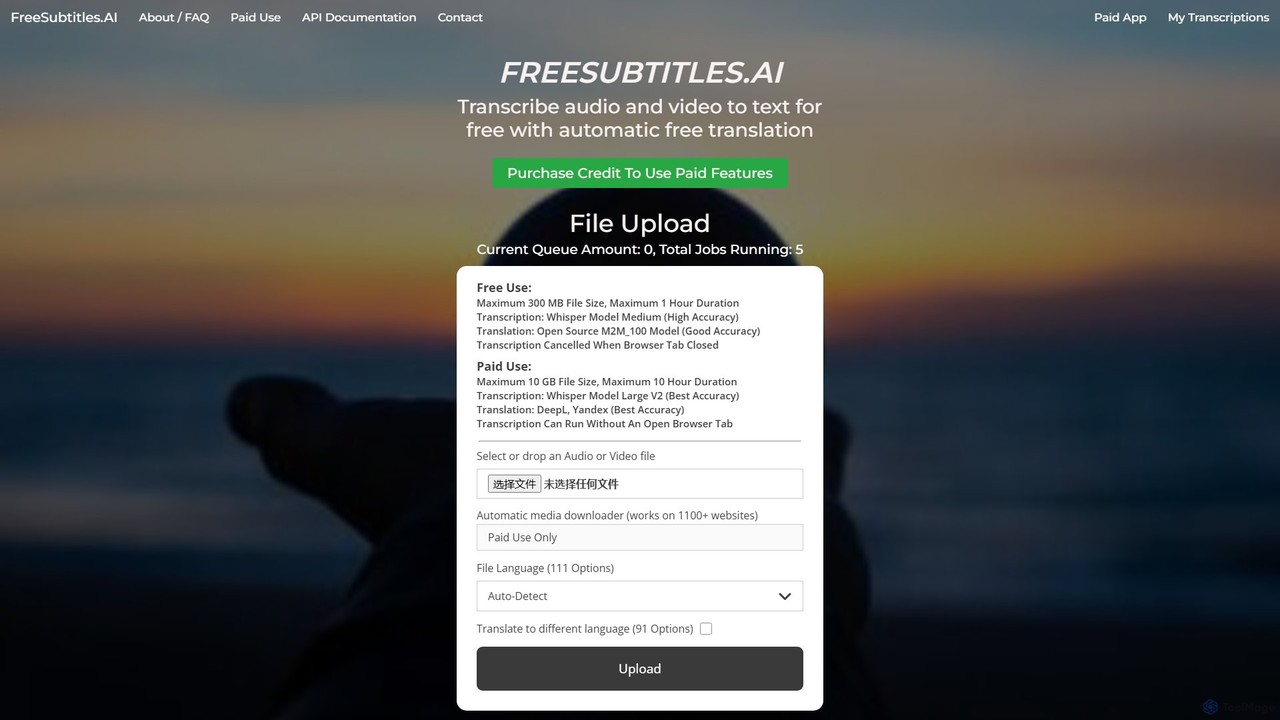
freesubtitles.ai
An AI-powered tool that offers free and paid services for transcribing audio and video into text with high accuracy. It supports over 111 languages for transcription and 91 for translation, utilizing models like OpenAI's Whisper. Paid features include higher limits, API access, and faster processing.
Transcription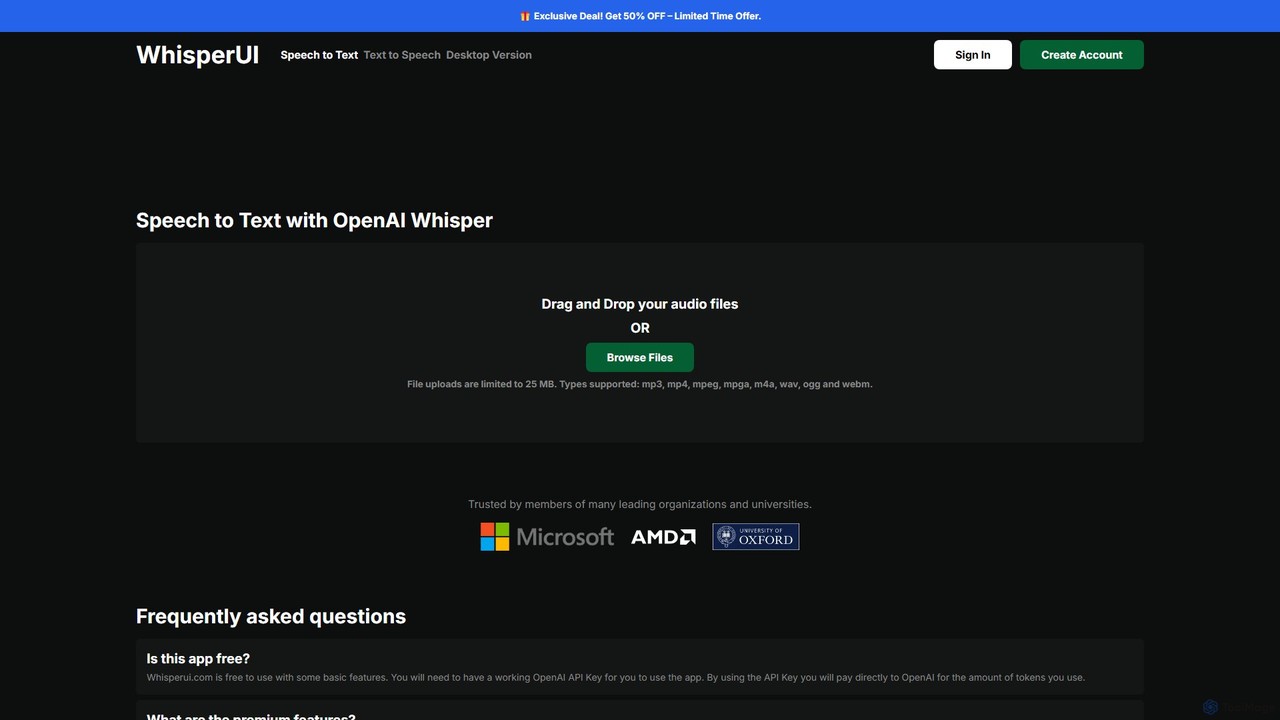
WhisperUI
WhisperUI is a versatile AI-powered suite for speech-to-text and text-to-speech conversion. It offers a web-based interface using your OpenAI API key for affordable transcriptions and voice generation, and a dedicated desktop app for unlimited, private, local processing on Windows and macOS with GPU support.
Text To Speech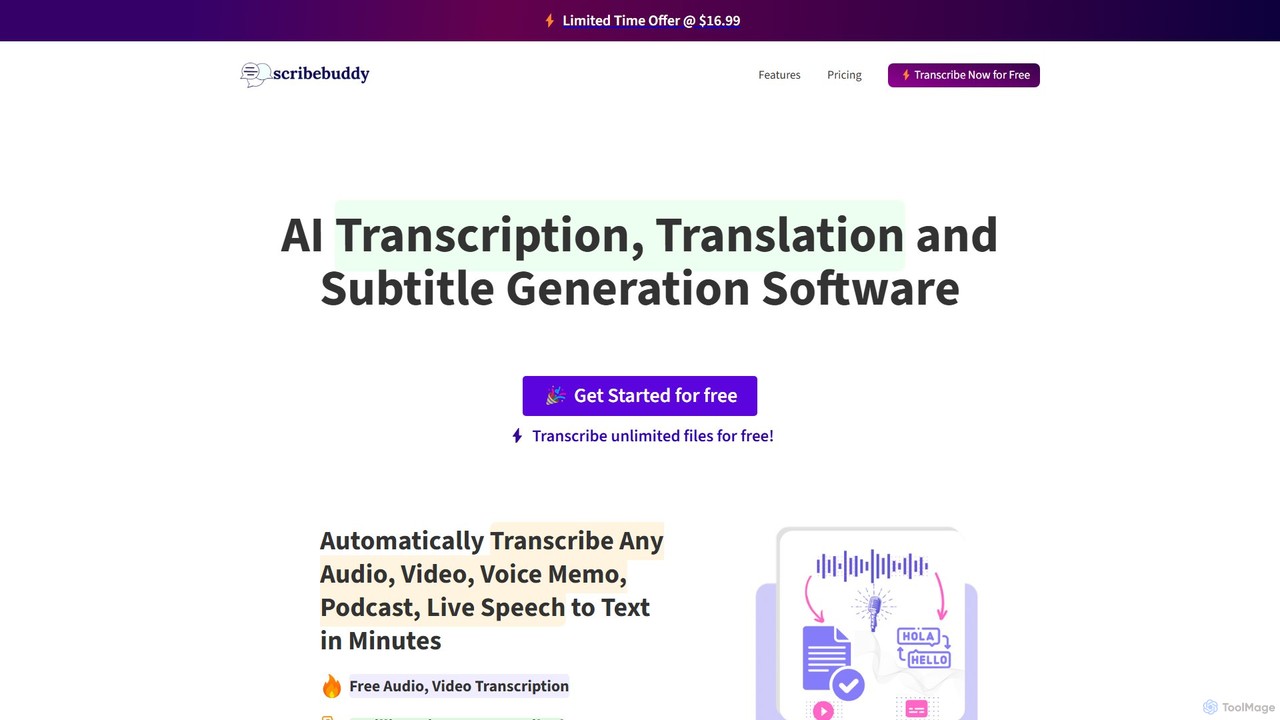
ScribeBuddy
ScribeBuddy is an AI-powered tool offering free, unlimited transcription for audio/video files up to 5 minutes. It supports over 100 languages for transcription and translation, generates accurate subtitles with timestamps, and identifies different speakers. Ideal for content creators, students, and professionals, it provides a fast, accurate, and accessible way to convert speech to text.
Speech To Text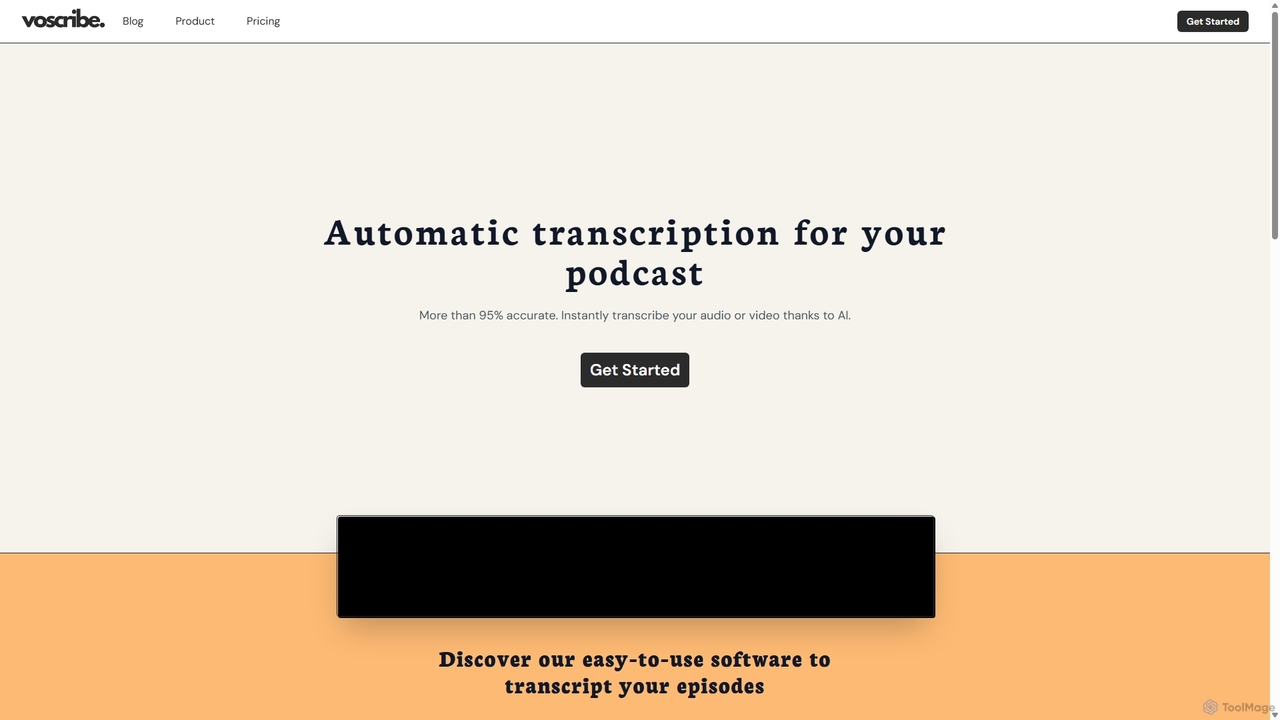
Voscribe
Voscribe is an AI-powered suite for podcasters and video creators, offering highly accurate, fast, and automatic transcription services. It converts audio and video to text in minutes, provides an intuitive editor to sync and edit transcripts, and generates subtitles (SRT) effortlessly. Ideal for content repurposing, enhancing accessibility, and saving valuable production time.
Transcription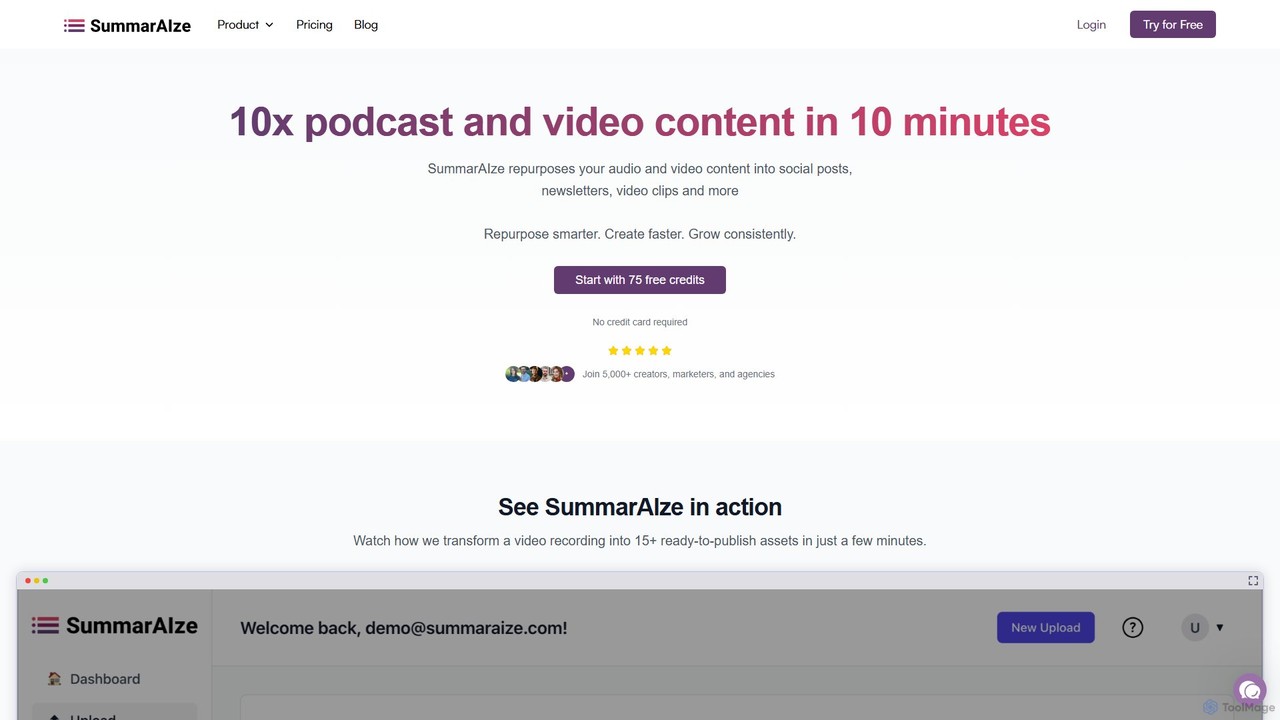
SummarAIze
SummarAIze is an AI-powered platform that repurposes long-form audio and video content into a wide range of ready-to-publish assets. It automates the creation of social media posts, newsletters, blog articles, video clips, and more, helping creators, marketers, and agencies save time and scale their content strategy efficiently.
Transcription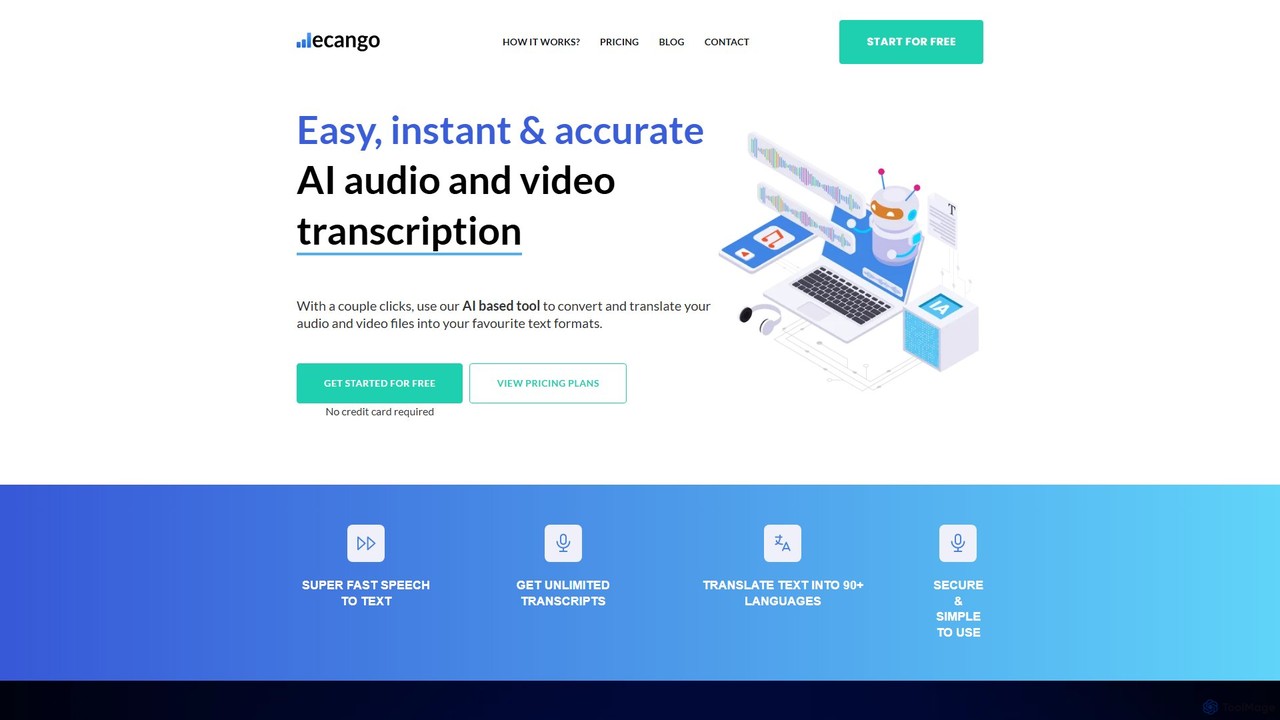
ecango
An AI-powered tool for fast, accurate, and secure transcription and translation of audio and video files. Supporting over 90 languages, it offers speaker identification, an in-browser editor, and multiple export formats. Ideal for legal, medical, academic, and content creation professionals seeking to streamline their workflow.
Speech To Text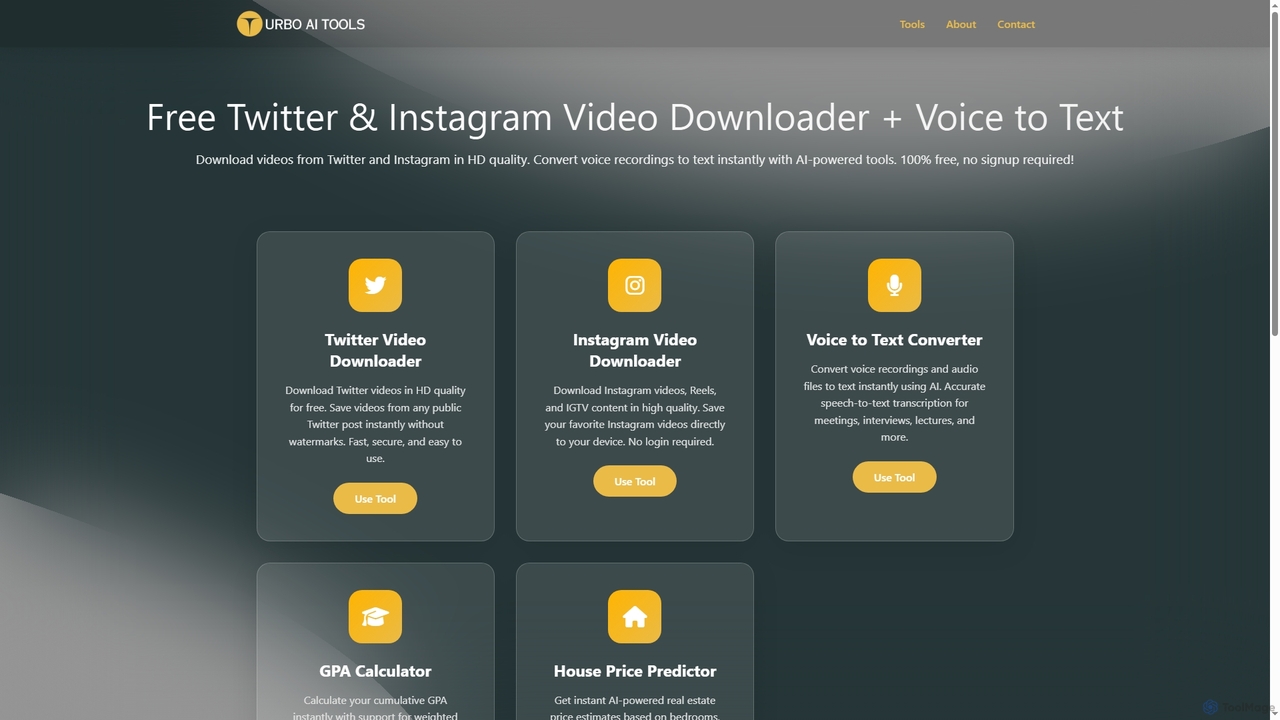
TurboAITools
TurboAITools offers a comprehensive suite of free, AI-powered online utilities designed to simplify digital tasks. It includes tools like Twitter and Instagram video downloaders, an accurate voice-to-text converter, a versatile GPA calculator, and an intelligent house price predictor. Prioritizing user privacy and ease of use, TurboAITools provides fast, registration-free solutions for content creators, students, and real estate enthusiasts alike.
Academic Planning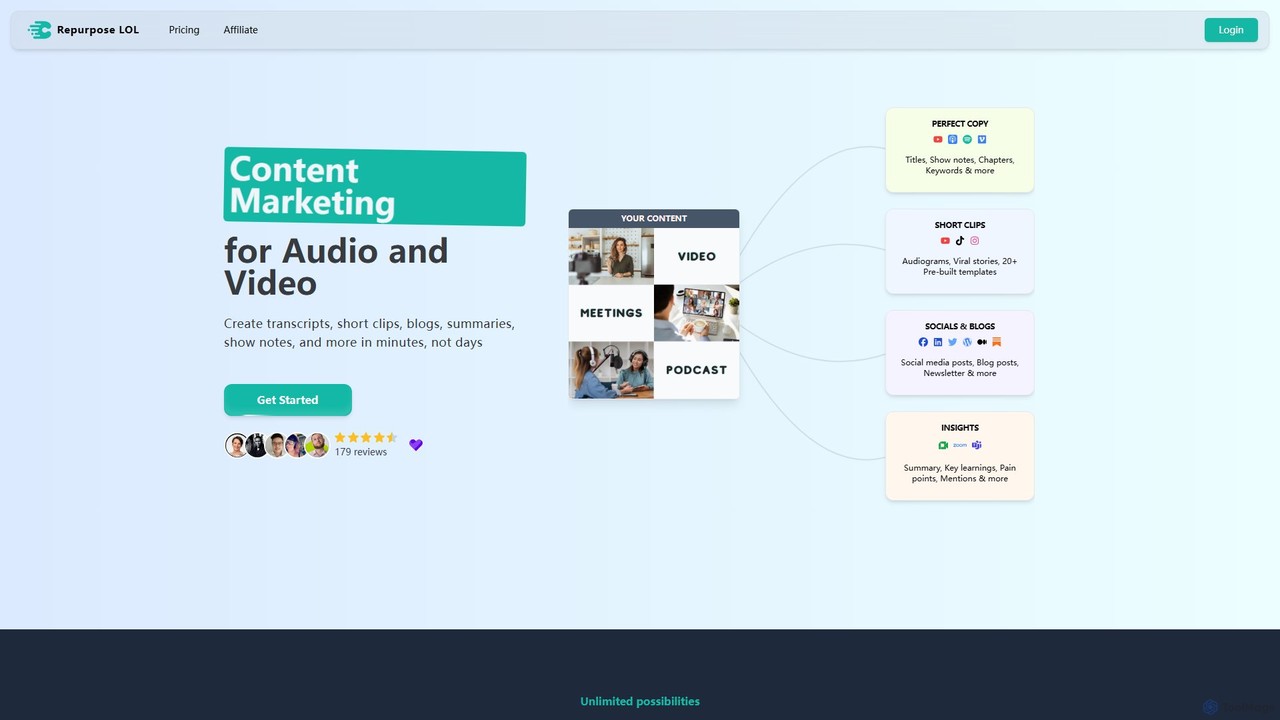
Repurpose LOL
Repurpose LOL is an AI-powered platform that transforms long-form audio and video content into a wide range of marketing assets. It automates the creation of transcripts, short viral clips, blog posts, show notes, and social media content in minutes. Designed for creators, marketers, and agencies, it helps maximize content ROI, save significant time, and grow audiences across multiple channels with ease.
Transcription
vid2txt Comments (0)
Sign in to comment.
Sign inNo comments yet.