

Uniscribe Overview
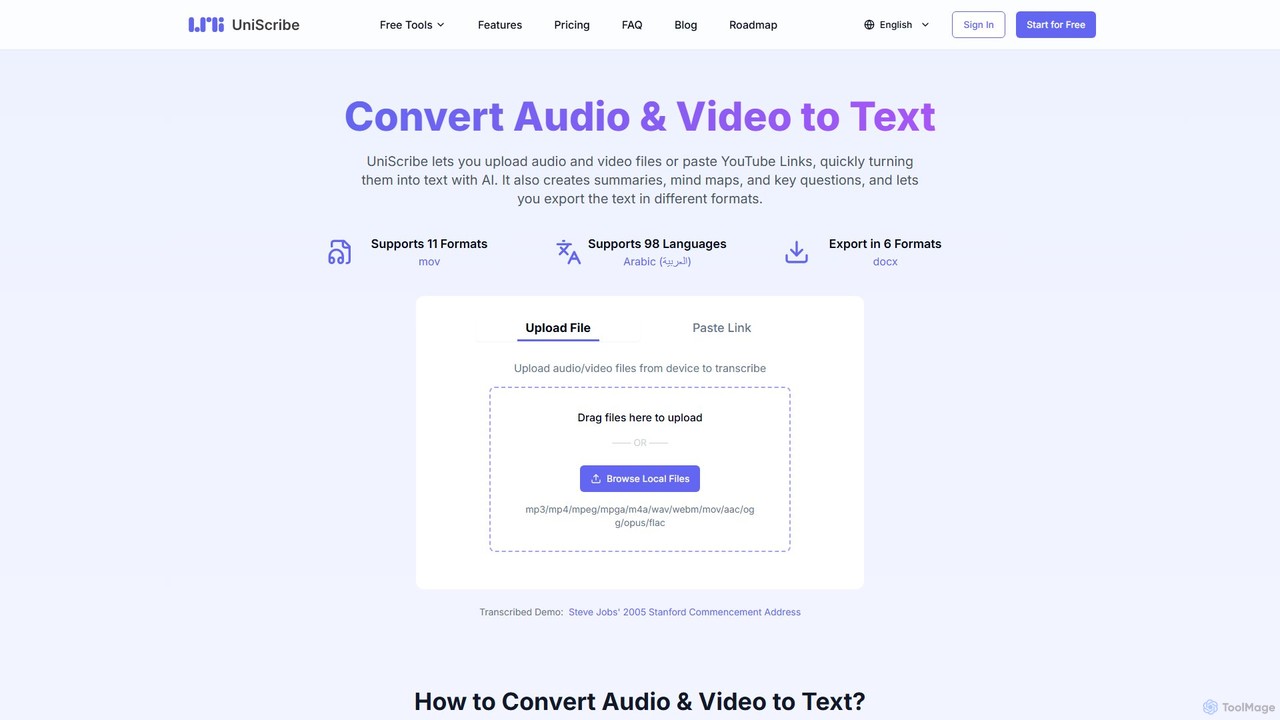
Uniscribe is an advanced AI-powered platform designed to effortlessly convert audio and video content into accurate, readable text. It serves a wide range of users, including students, journalists, content creators, researchers, and professionals, by providing a fast, reliable, and feature-rich transcription solution. By simply uploading a file or pasting a YouTube link, users can receive a full transcript in minutes. The platform goes beyond basic transcription by offering intelligent features such as automatic summarization, mind map generation, and key question extraction, turning raw media into structured, actionable information. Supporting over 98 languages and a multitude of file formats, Uniscribe is a versatile tool for anyone needing to work with spoken content efficiently.
How to use Uniscribe
Using Uniscribe is a straightforward, three-step process designed for maximum efficiency:
- Upload or Paste Link: Begin by either uploading your audio or video files directly from your device (supporting formats like MP3, MP4, WAV, MOV, etc.) or by pasting a link to a YouTube video. The interface is intuitive, allowing for simple drag-and-drop functionality.
- Transcribe to Text: After uploading your media, click the 'Transcribe' button. Uniscribe's powerful AI engine will process the content. The transcription is incredibly fast, typically taking less than a minute to process a one-hour file. The AI automatically handles punctuation and timestamps.
- Export or Share: Once the transcription is complete, you can review the text and then export it in various formats, including TXT, DOCX, PDF, CSV, and subtitle formats like SRT and VTT. Alternatively, you can generate a shareable link to let others view the transcript directly in their browser.
Core Features of Uniscribe
- High-Speed AI Transcription: Converts hours of audio or video into text within minutes with high accuracy.
- Multi-Language Support: Accurately transcribes content in 98 different languages and dialects.
- YouTube Link Transcription: Directly transcribes videos from YouTube by simply pasting the URL.
- AI-Powered Content Analysis: Automatically generates concise summaries, visual mind maps, and a list of key questions and answers from the transcript to help you grasp the core ideas quickly.
- Speaker Identification: Differentiates between multiple speakers in the audio and labels their dialogue accordingly (available in paid plans).
- Multiple Format Support: Accepts a wide range of audio and video file formats, including MP3, MP4, M4A, WAV, MOV, and WEBM.
- Versatile Export Options: Allows exporting transcripts as TXT, DOCX, PDF, CSV, SRT, and VTT files to fit various workflows.
Use Cases for Uniscribe
Uniscribe is a valuable asset for various professionals and individuals:
- Students: Transcribe lectures and seminars to create searchable study notes and review key concepts without re-watching entire recordings.
- Journalists & Researchers: Quickly transcribe interviews and audio notes, saving hours of manual work and allowing for faster analysis and reporting. The summary and Q&A features help identify crucial quotes and data points.
- Content Creators: Generate accurate SRT subtitles for YouTube, TikTok, and other video platforms to improve accessibility, SEO, and viewer engagement, especially since many videos are watched without sound.
- Business Professionals: Create written records of meetings, webinars, and conference calls for easy reference, sharing, and follow-up actions.
- Legal and Medical Professionals: Transcribe depositions, client meetings, or patient notes for accurate record-keeping and easy retrieval of specific information.
Advantages of Uniscribe
Uniscribe stands out with its combination of speed, accuracy, and value-added features. Its ability to transcribe a 1-hour file in under a minute is a significant time-saver. The platform's support for 98 languages makes it a global tool. Unlike basic transcribers, its AI-driven summaries, mind maps, and Q&A extraction provide deeper content insights, transforming a simple transcript into a comprehensive analysis. The generous free plan and affordable premium tiers make it accessible to everyone, from individual users to large teams.
Pricing and Plans
Uniscribe offers a flexible freemium pricing model to suit different needs:
- Free Plan: Ideal for trials and light users, offering 120 minutes of transcription per month, a 3-file-per-day limit, and export in TXT, SRT, and VTT formats. It also includes limited-time access to summary, mind map, and Q&A features.
- Basic Plan: Perfect for regular users. For $6/month (billed annually), it includes 1200 minutes/month, no daily file limits, a premium ultra-fast transcription model, all export formats, and speaker identification.
- Pro Plan: Designed for high-volume users and teams. For $18/month (billed annually), it provides 6000 minutes/month with all the features of the Basic plan and priority support.
- One-Time Packages: For users who need extra minutes without a subscription, Uniscribe also offers one-time purchase options.
Traffic
Latest traffic
Status
Monthly traffic trend
- 2025-9: 668.8K
- 2026-1: 1.3M
- 2026-2: 1.2M
- 2026-3: 1.7M
- 2026-4: 1.5M
- 2026-5: 1.4M
Geography
Top 5 countries / regions
- 🇺🇸United States42.9%
- 🇮🇩Indonesia16.9%
- 🇧🇷Brazil16.2%
- 🇮🇳India12.8%
- 🇬🇧United Kingdom11.3%
Traffic sources
| Source type | Percentage |
|---|---|
Direct | 81.9% |
Referral | 16.5% |
Email | 1.6% |
Top keywords
| Keyword | Cost per click |
|---|---|
| audio to text | $0.44 |
| transcrever video | $0.08 |
| transcribe audio to text | $1.43 |
| uniscribe | $0.58 |
| video to text | $0.31 |
Uniscribe Videos on YouTube

Uniscribe Alternatives
Audiotype
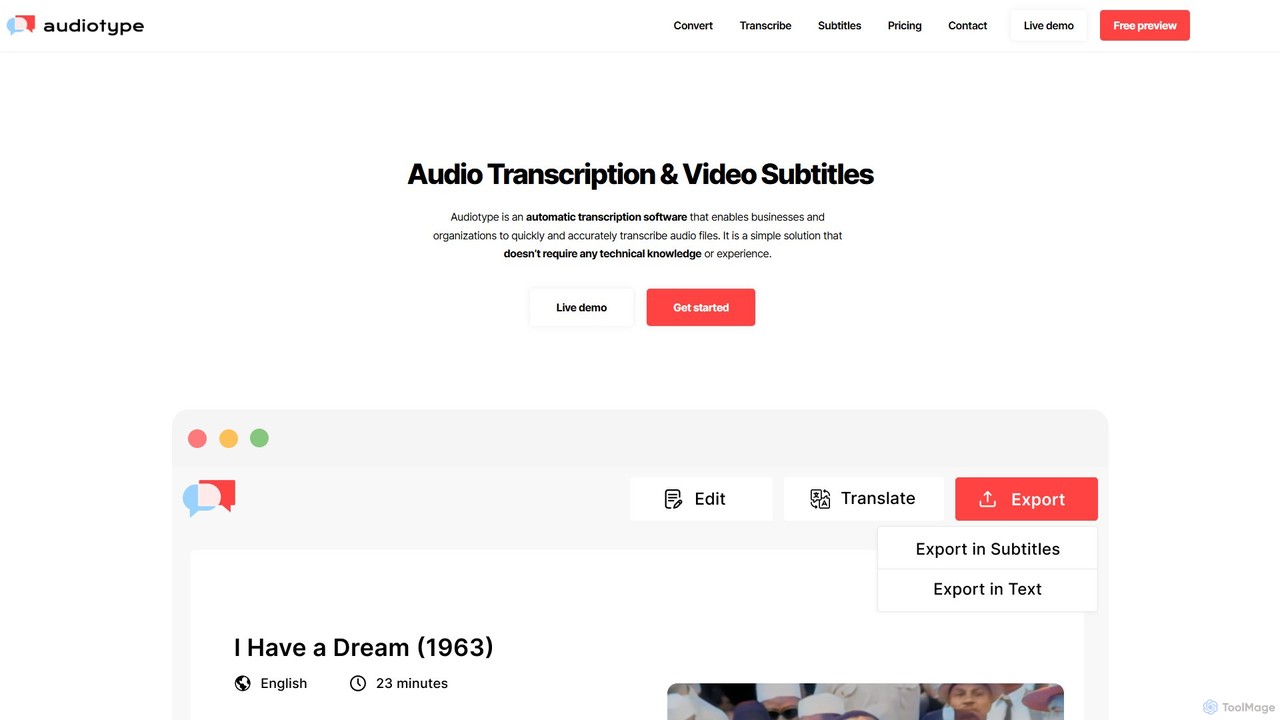
Audiotype is an AI-powered transcription service that automatically converts audio and video files into text and subtitles. It supports over 30 languages with high accuracy (80-95%), ensuring privacy and security. Ideal for journalists, students, and content creators, it offers a simple, no-account-required interface, speaker identification, and multiple export formats, saving hours of manual work.
Speech To Text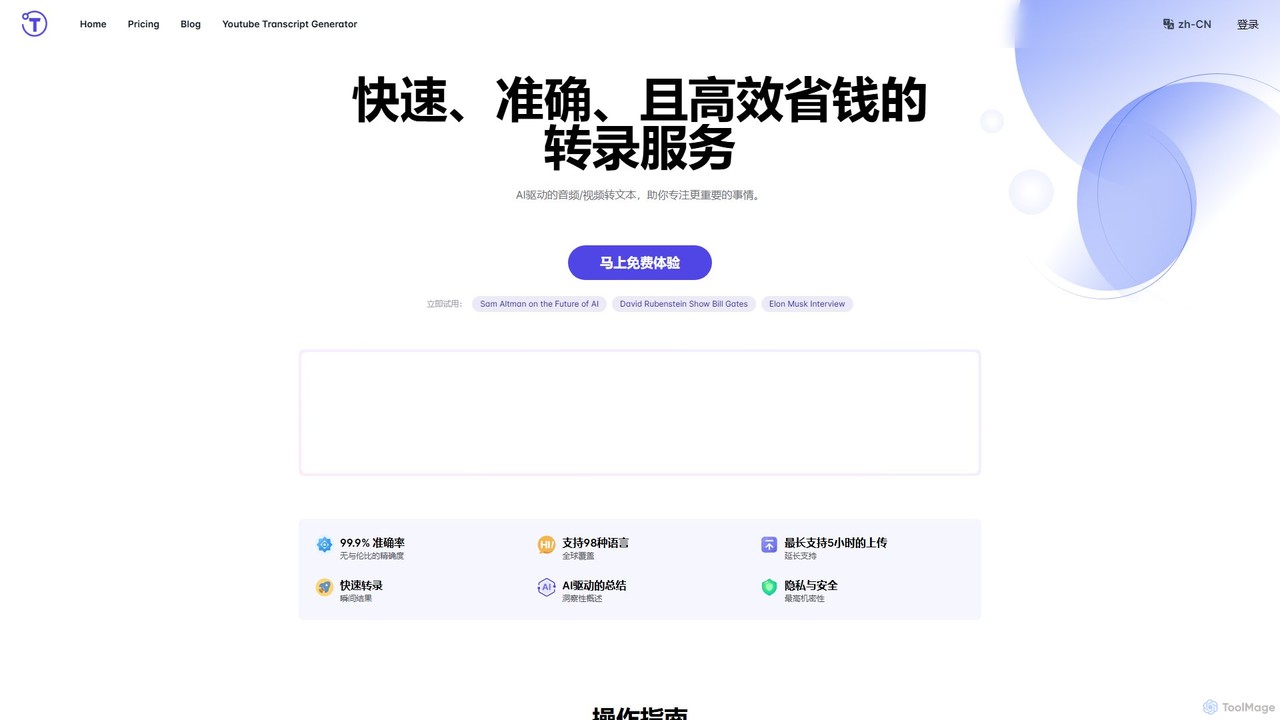
yescribe
yescribe is an AI-powered transcription service that quickly and accurately converts audio and video files into text. Supporting 98 languages, it offers 99.9% accuracy, AI-driven summaries, and speaker identification. Ideal for professionals, researchers, and content creators to streamline workflows, enhance accessibility, and unlock insights from their media content.
Speech To Text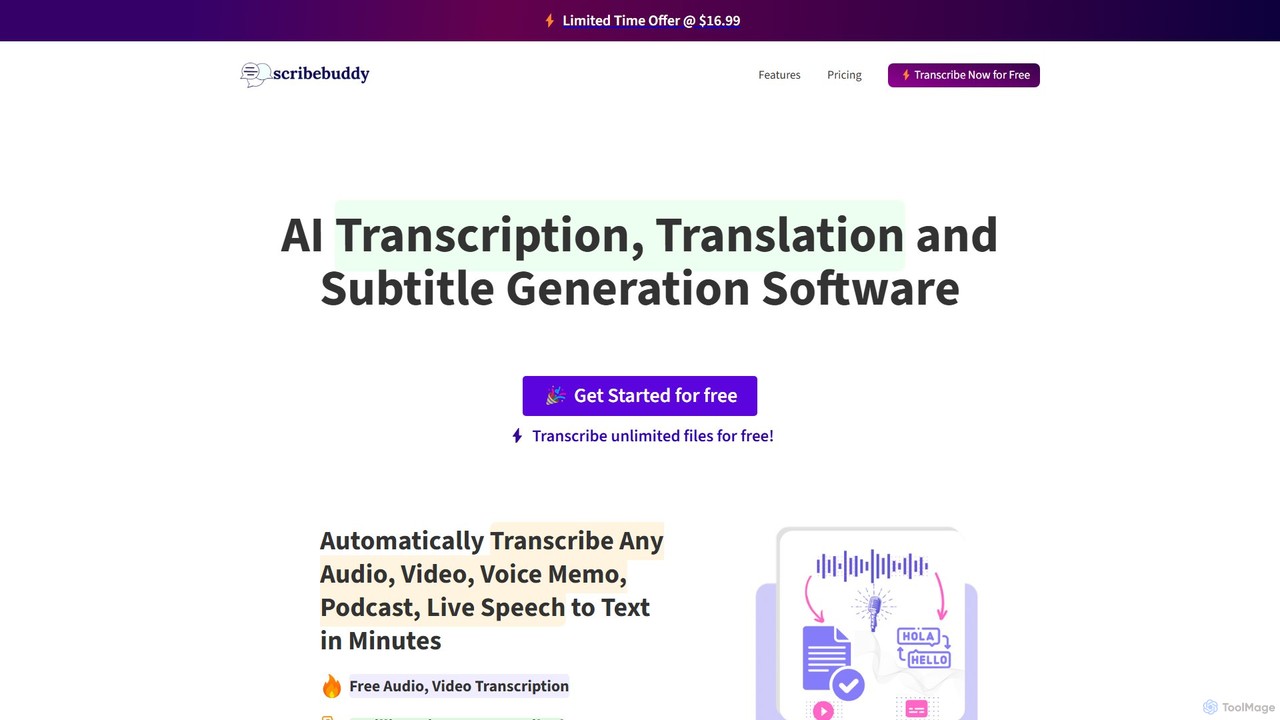
ScribeBuddy
ScribeBuddy is an AI-powered tool offering free, unlimited transcription for audio/video files up to 5 minutes. It supports over 100 languages for transcription and translation, generates accurate subtitles with timestamps, and identifies different speakers. Ideal for content creators, students, and professionals, it provides a fast, accurate, and accessible way to convert speech to text.
Speech To Text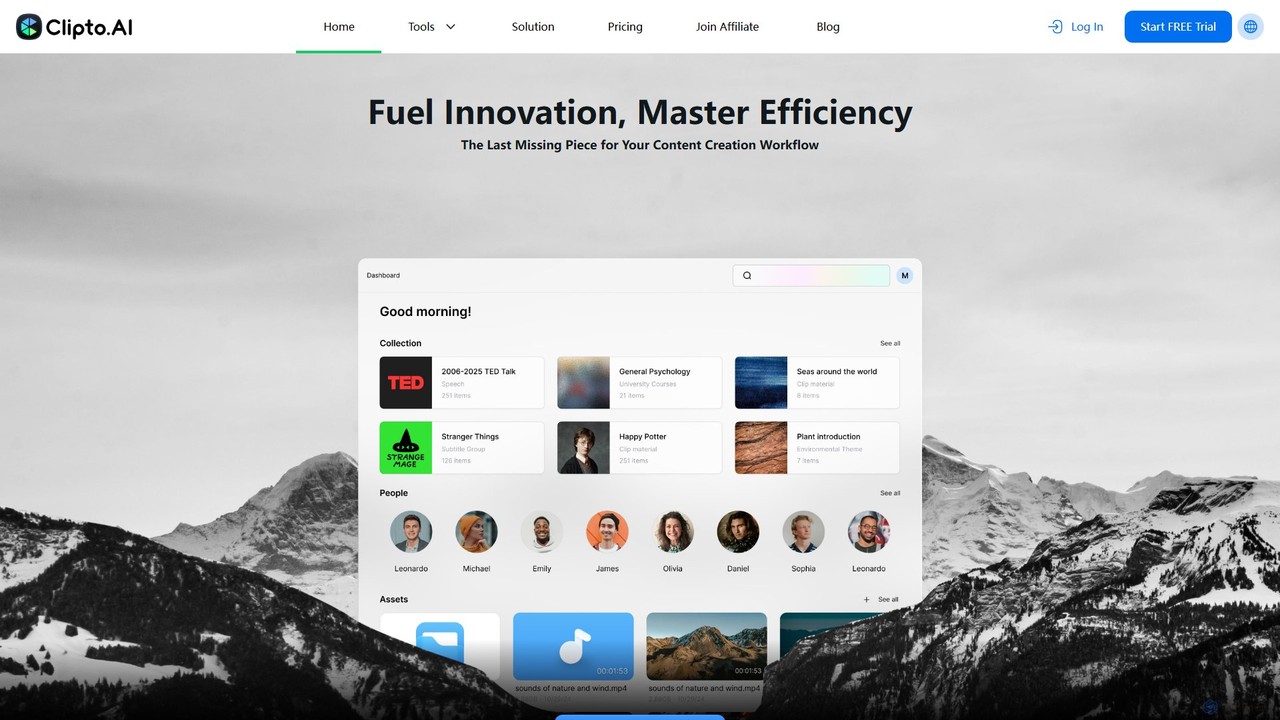
Clipto
Clipto is an AI-powered transcription assistant that accurately converts audio and video files into text and subtitles. Supporting over 99 languages, it offers fast, reliable service with 99% accuracy, speaker identification, and unlimited usage on paid plans. Ideal for content creators, professionals, and students to streamline their workflow, enhance accessibility, and repurpose content efficiently.
Speech To Text
Accuratescribe
Accuratescribe is an AI-powered transcription service that converts audio and video to text with 99.8% accuracy. Powered by Whisper technology, it supports 134+ languages, speaker detection, and large file processing. Ideal for content creators, researchers, and legal professionals, it offers fast, secure, and reliable transcription with flexible export options like SRT, VTT, DOCX, and PDF.
Speech To TextUniscribe Categories
Uniscribe Embed Widget
Copy this embed code to place the badge on your blog, article, or product site and send readers directly to this ToolMage detail page.

Related AI tools
Audiotype
Audiotype is an AI-powered transcription service that automatically converts audio and video files into text and subtitles. It supports over 30 languages with high accuracy (80-95%), ensuring privacy and security. Ideal for journalists, students, and content creators, it offers a simple, no-account-required interface, speaker identification, and multiple export formats, saving hours of manual work.
Speech To Text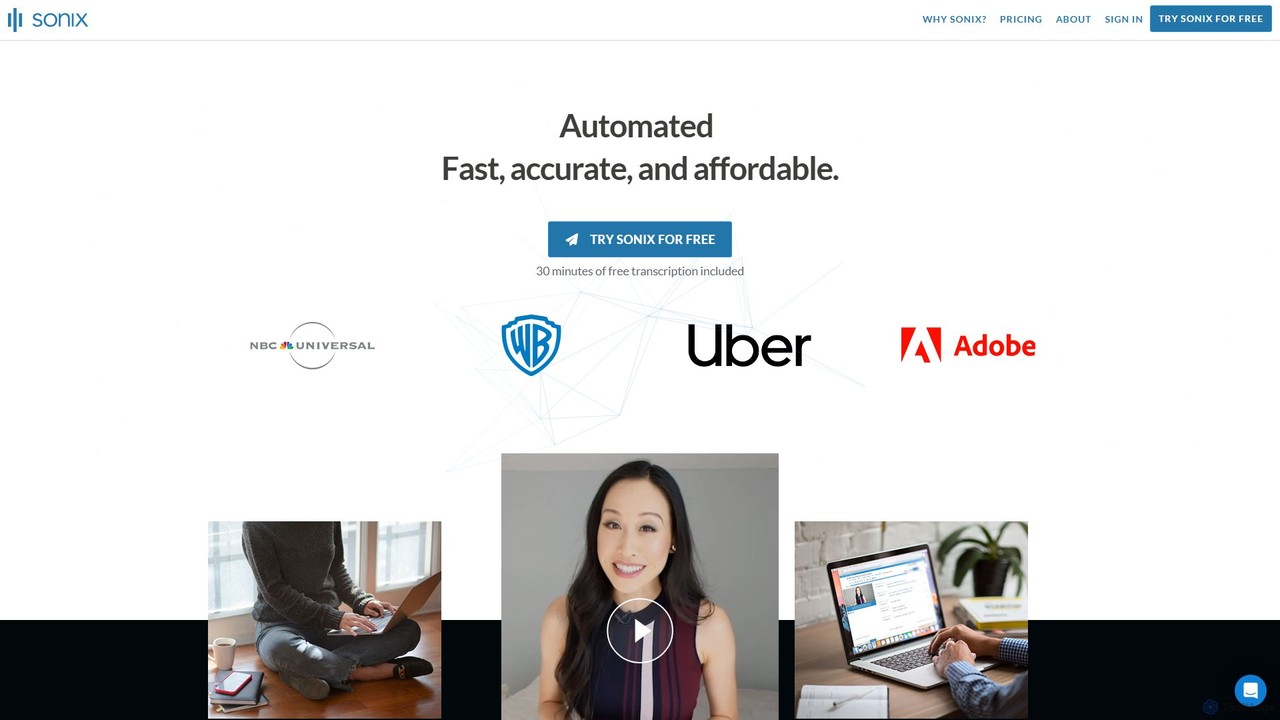
Sonix
Sonix is an advanced AI-powered platform that automatically transcribes, translates, and analyzes audio and video content. It delivers fast, highly accurate speech-to-text conversion in over 53 languages. The platform includes an in-browser editor, automated subtitling, AI-driven summaries, and collaboration tools, making it ideal for journalists, researchers, marketers, and businesses to unlock insights from their media files.
Content Creationyescribe
yescribe is an AI-powered transcription service that quickly and accurately converts audio and video files into text. Supporting 98 languages, it offers 99.9% accuracy, AI-driven summaries, and speaker identification. Ideal for professionals, researchers, and content creators to streamline workflows, enhance accessibility, and unlock insights from their media content.
Speech To TextScribeBuddy
ScribeBuddy is an AI-powered tool offering free, unlimited transcription for audio/video files up to 5 minutes. It supports over 100 languages for transcription and translation, generates accurate subtitles with timestamps, and identifies different speakers. Ideal for content creators, students, and professionals, it provides a fast, accurate, and accessible way to convert speech to text.
Speech To Text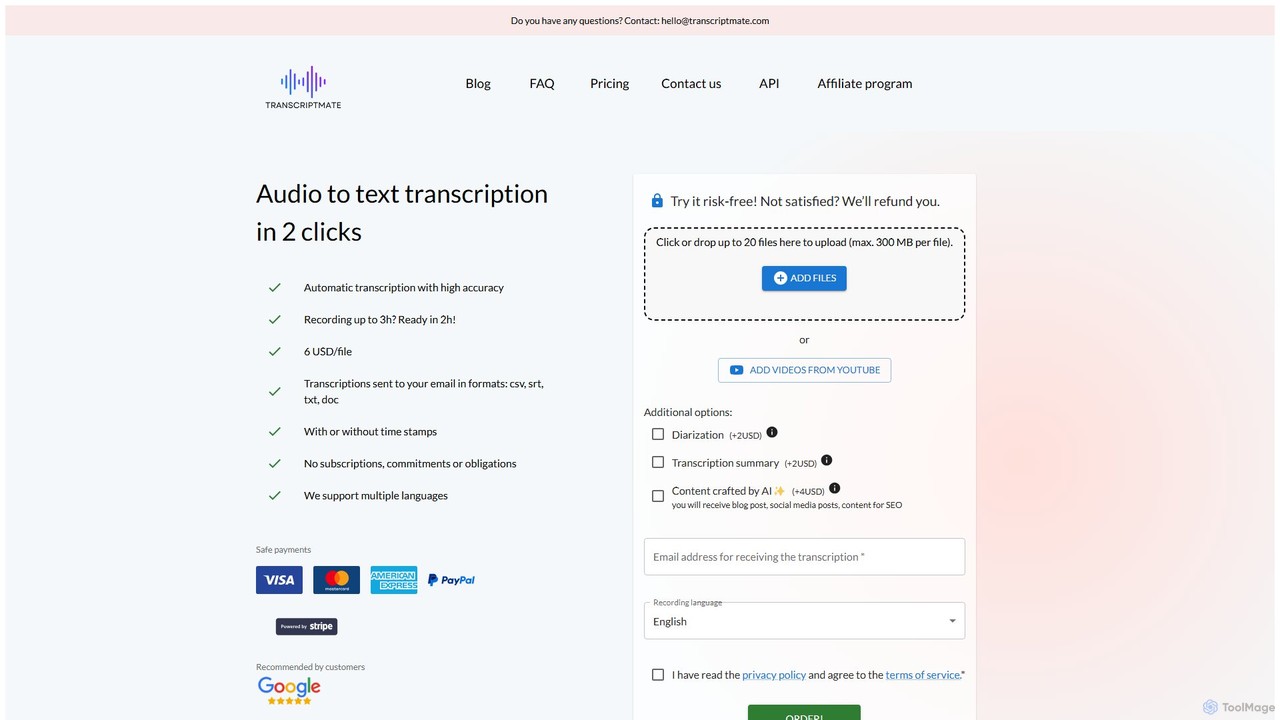
Transcriptmate
Transcriptmate is a simple, pay-as-you-go AI transcription service that converts audio and video files into accurate text in just a few clicks. It supports multiple languages and delivers transcripts in various formats (CSV, SRT, TXT, DOC) directly to your email. With no subscriptions required, it's ideal for one-off projects. Optional add-ons include speaker diarization, AI-generated summaries, and content creation, making it a versatile tool for students, podcasters, researchers, and professionals.
Speech To Text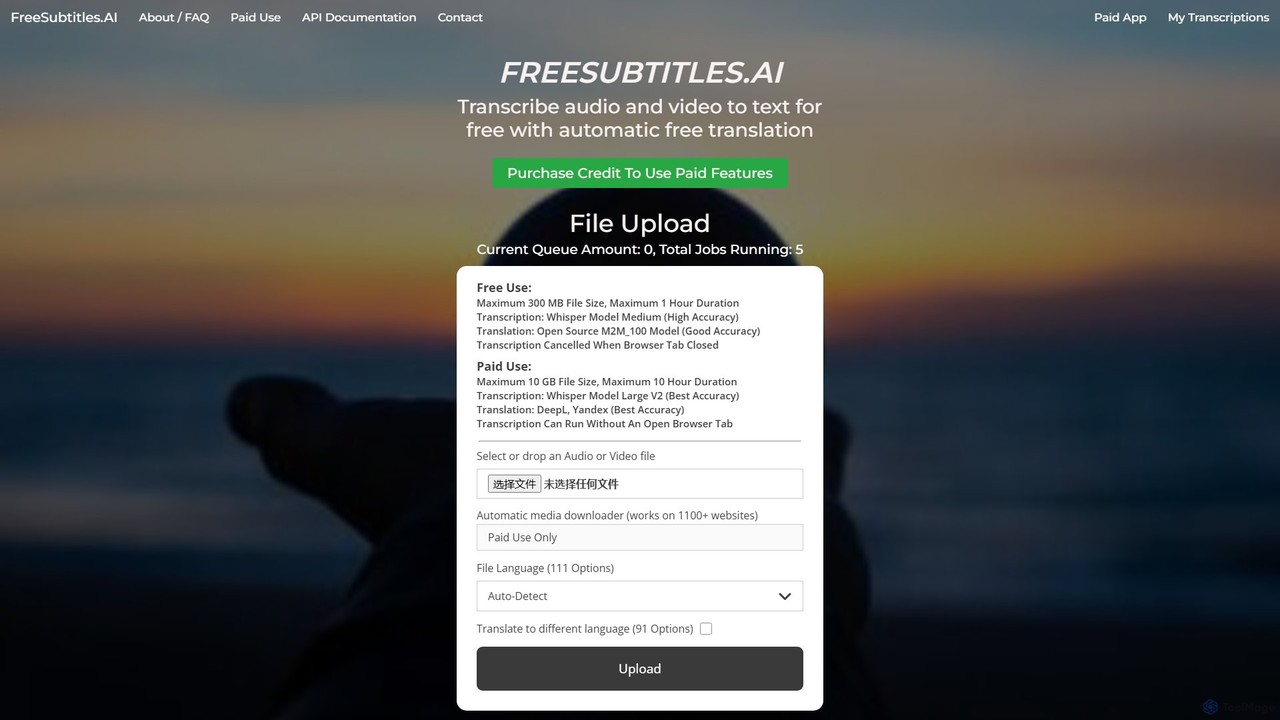
freesubtitles.ai
An AI-powered tool that offers free and paid services for transcribing audio and video into text with high accuracy. It supports over 111 languages for transcription and 91 for translation, utilizing models like OpenAI's Whisper. Paid features include higher limits, API access, and faster processing.
Transcription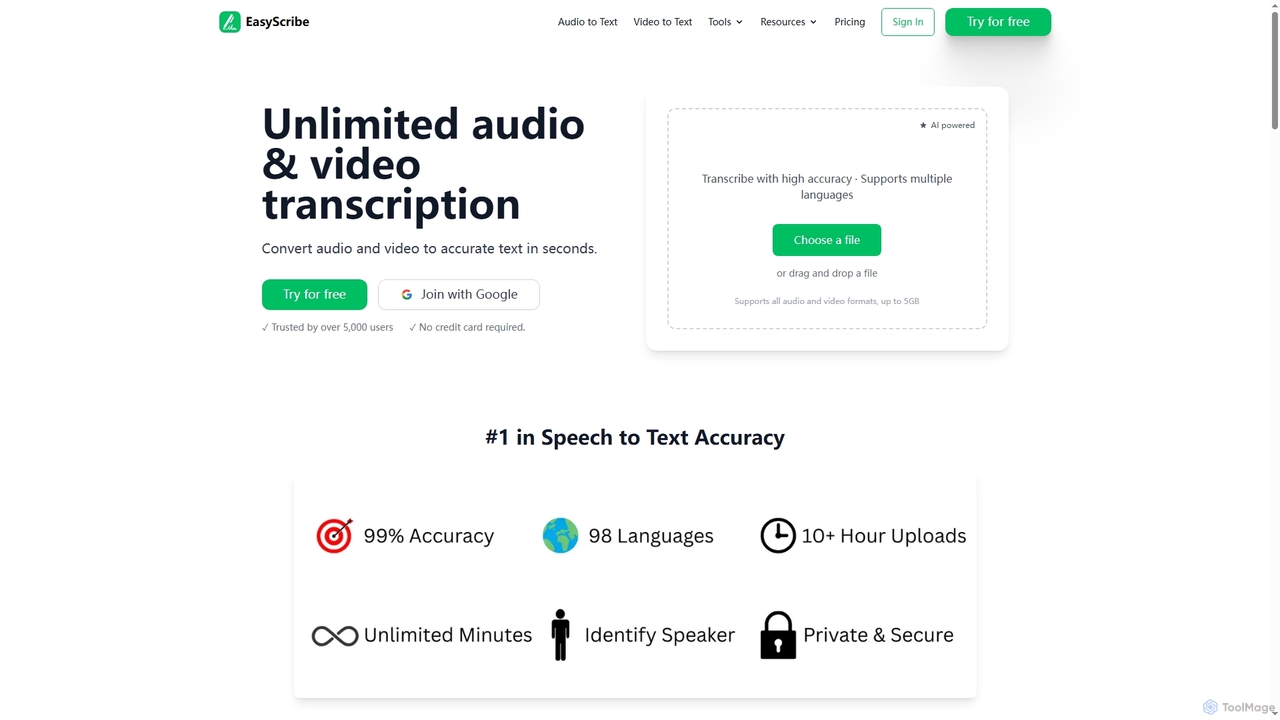
EasyScribe
EasyScribe is an AI-powered transcription tool that converts audio and video files into accurate text in seconds. It supports 98+ languages, offers speaker identification, and allows translation to 134+ languages, making it ideal for global communication and content creation.
Meeting ManagementClipto
Clipto is an AI-powered transcription assistant that accurately converts audio and video files into text and subtitles. Supporting over 99 languages, it offers fast, reliable service with 99% accuracy, speaker identification, and unlimited usage on paid plans. Ideal for content creators, professionals, and students to streamline their workflow, enhance accessibility, and repurpose content efficiently.
Speech To TextAccuratescribe
Accuratescribe is an AI-powered transcription service that converts audio and video to text with 99.8% accuracy. Powered by Whisper technology, it supports 134+ languages, speaker detection, and large file processing. Ideal for content creators, researchers, and legal professionals, it offers fast, secure, and reliable transcription with flexible export options like SRT, VTT, DOCX, and PDF.
Speech To Text
Cockatoo
Cockatoo is an AI-powered transcription service that converts audio and video files into text with blazing speed and up to 99.8% accuracy. It supports over 90 languages, offers various export formats, and includes features like document translation and secure cloud storage. Ideal for professionals, content creators, and teams.
Speech To Text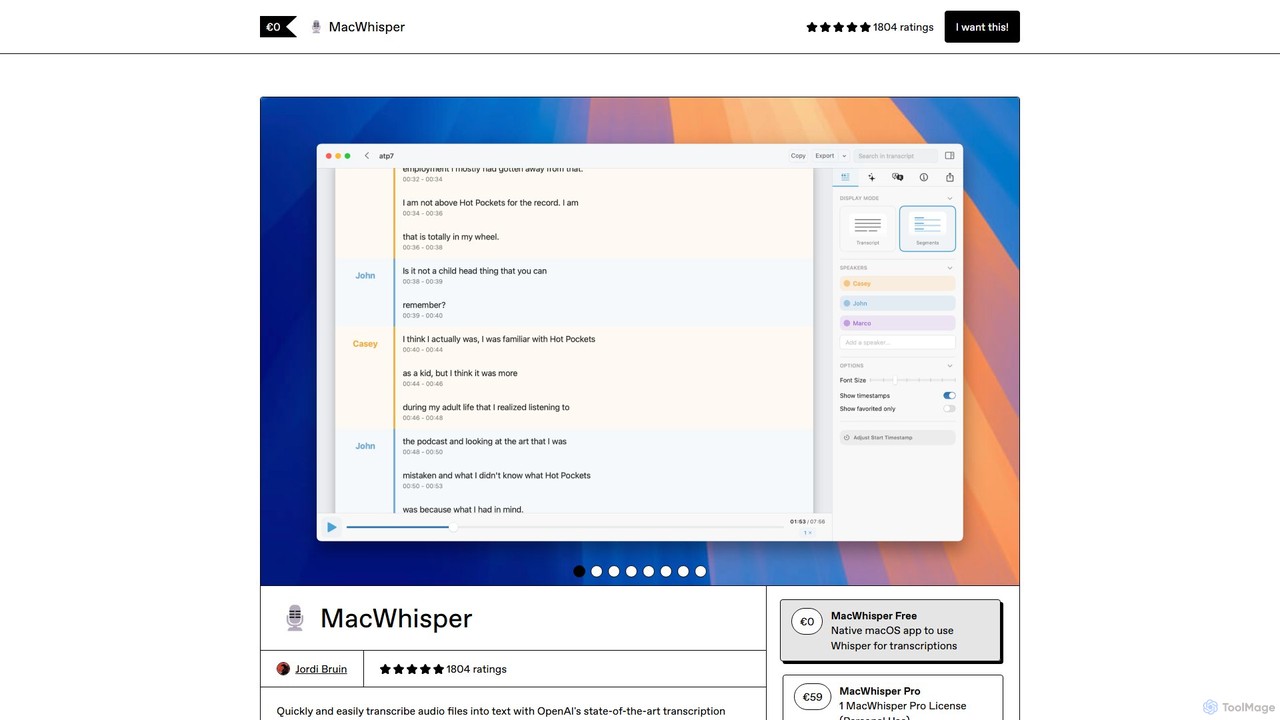
MacWhisper
MacWhisper is a powerful macOS application that leverages OpenAI's Whisper and other advanced models for fast, accurate, and private audio-to-text transcription. It allows users to easily transcribe audio/video files, record meetings, and use system-wide dictation, all processed locally on your device. It offers a free version for basic use and a Pro version with a one-time purchase for advanced features like speaker recognition, batch processing, and translation.
Speech To Text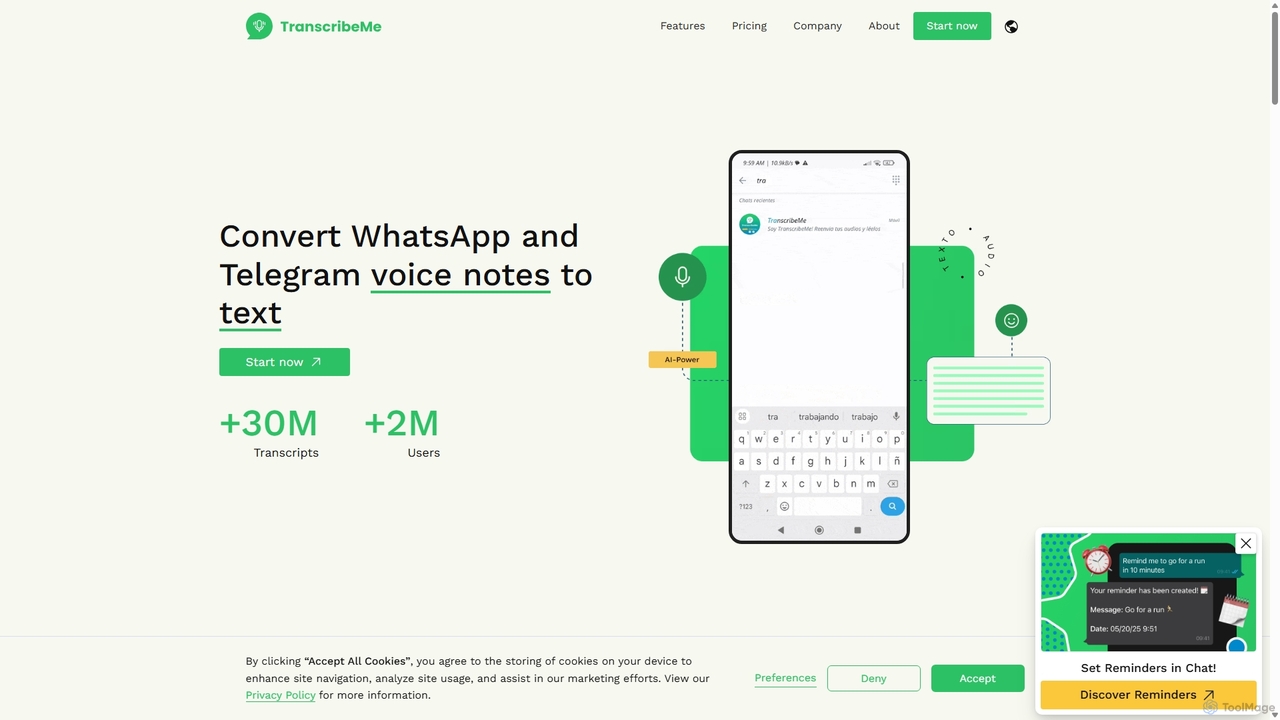
TranscribeMe
TranscribeMe is an advanced AI-powered transcription service that quickly and accurately converts audio and video files into text. It supports multiple languages, identifies different speakers, and provides an intuitive editor for easy review and correction. Ideal for podcasters, journalists, researchers, and students, TranscribeMe streamlines the process of creating searchable, editable transcripts.
Speech To Text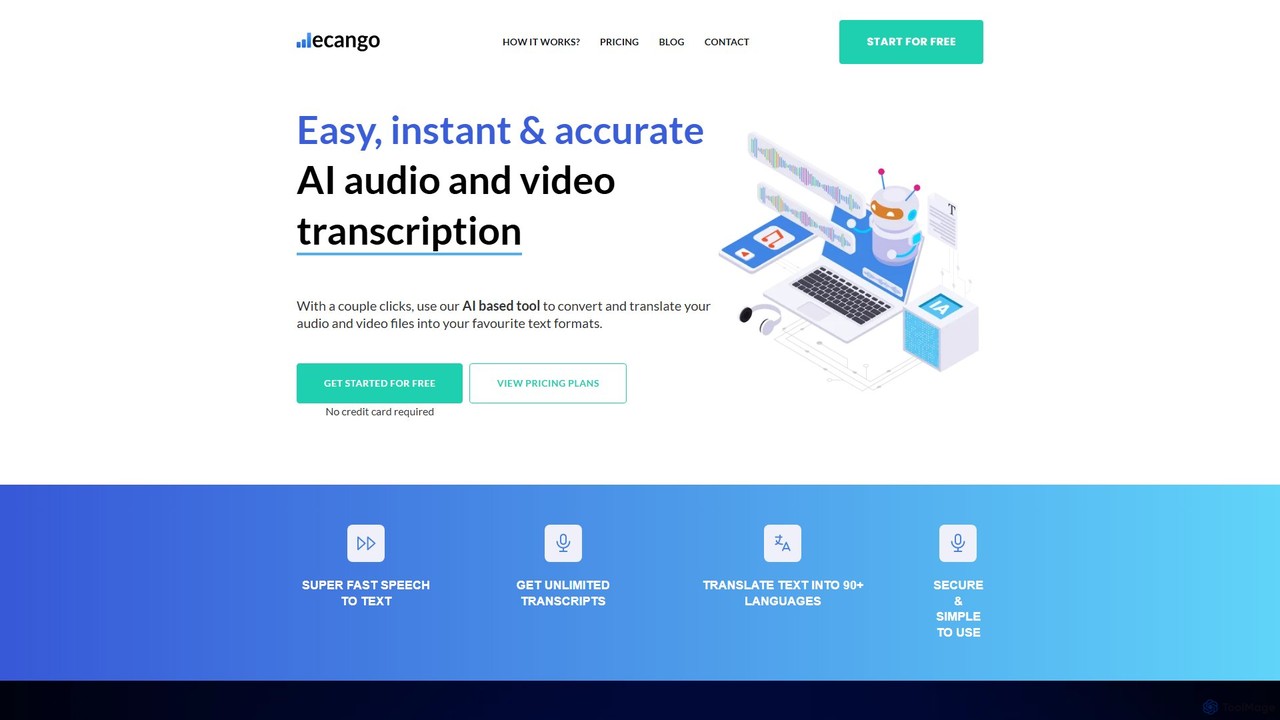
ecango
An AI-powered tool for fast, accurate, and secure transcription and translation of audio and video files. Supporting over 90 languages, it offers speaker identification, an in-browser editor, and multiple export formats. Ideal for legal, medical, academic, and content creation professionals seeking to streamline their workflow.
Speech To Text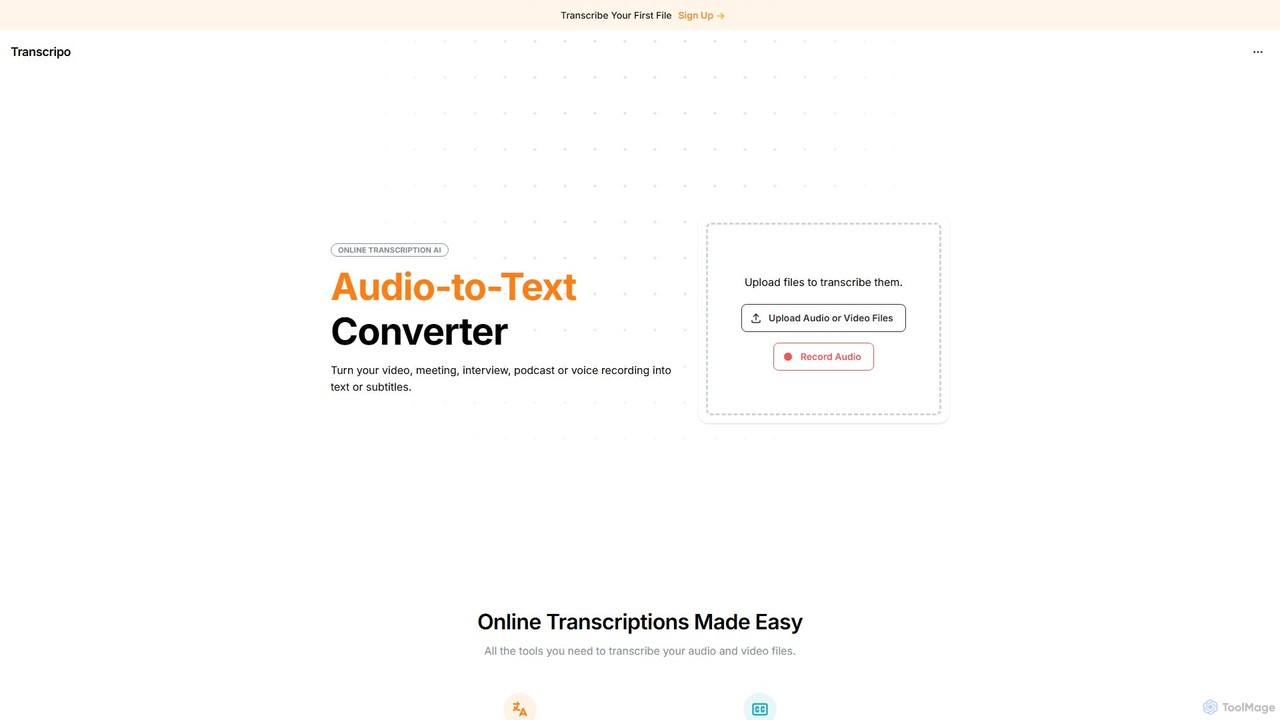
Transcripo
Transcripo is an AI-powered online tool that quickly and accurately converts audio and video files into text and subtitles. It supports over 100 languages, offers AI-generated summaries, and allows users to edit and export transcripts in various formats. Ideal for transcribing interviews, meetings, podcasts, and creating video subtitles to enhance content accessibility and SEO.
Speech To Text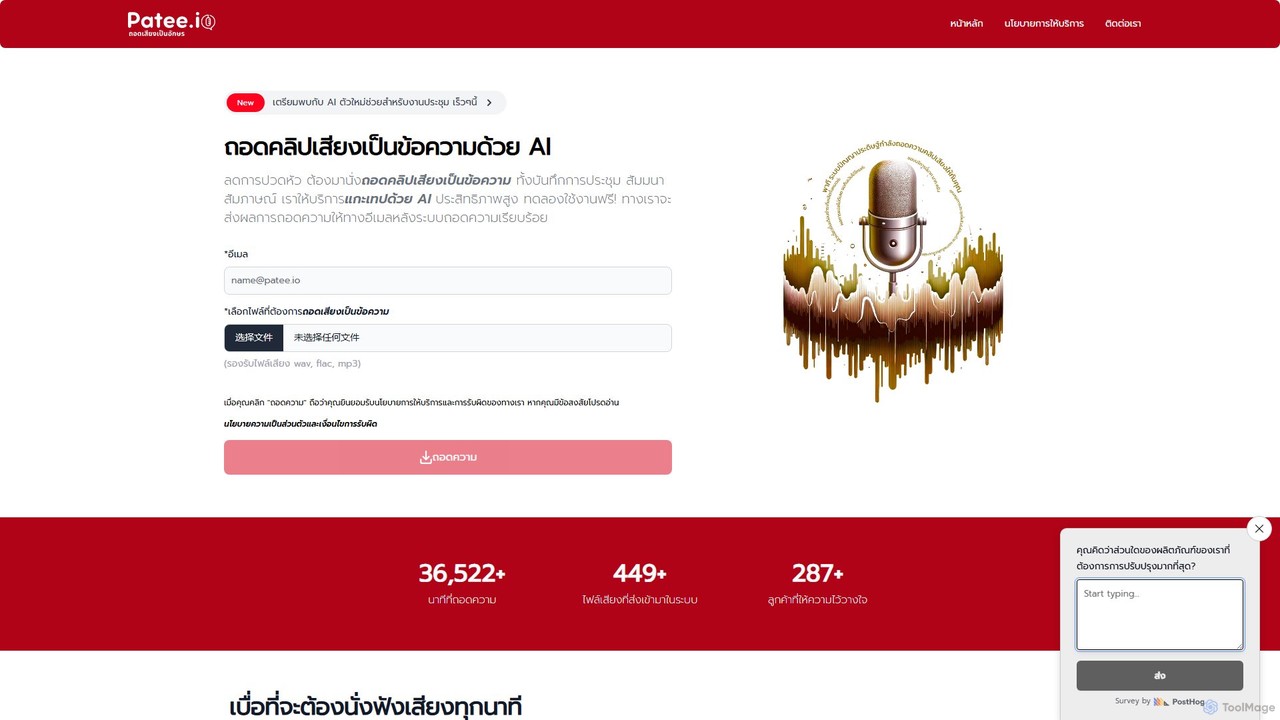
Patee.io
Patee.io is a high-performance AI transcription service that converts audio and video files into accurate text, primarily for the Thai language. It offers fast turnarounds, timestamped transcripts, and a unique 'pay-to-unlock' model, allowing users to preview 25% of the transcript for free before purchasing.
Speech To Text
Uniscribe Comments (0)
Sign in to comment.
Sign inNo comments yet.