

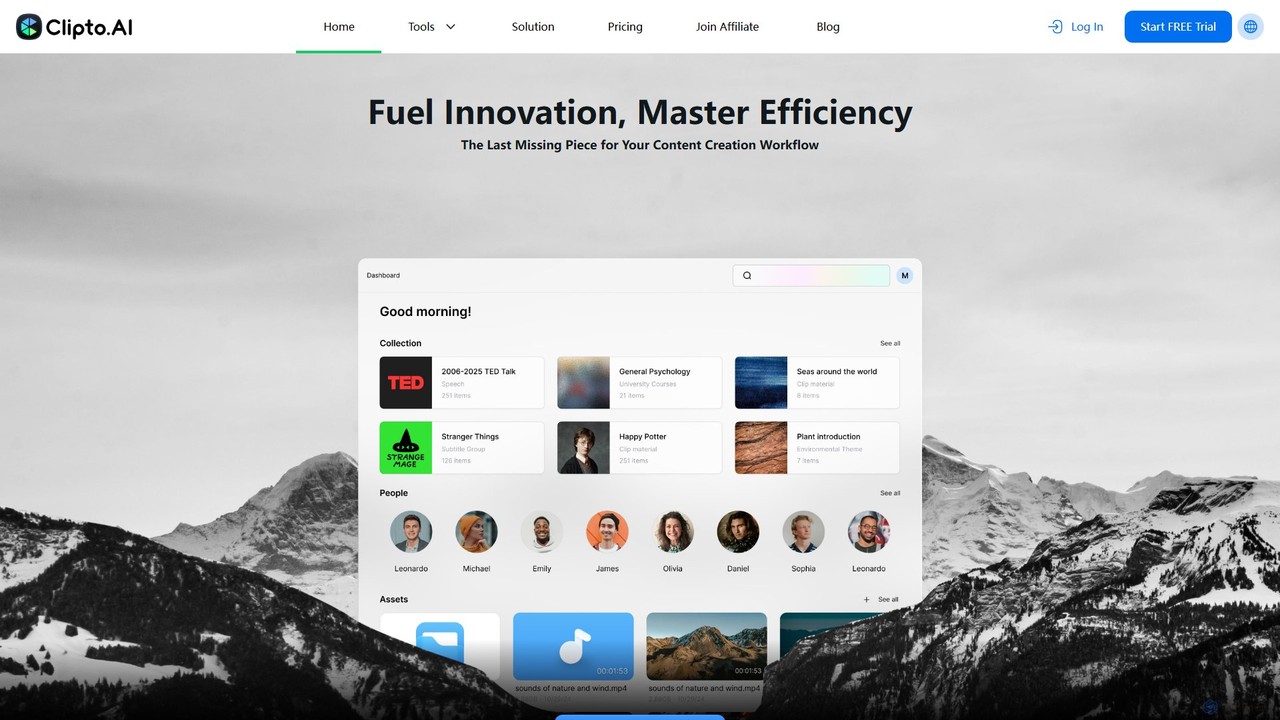
Clipto Overview
Clipto is a sophisticated AI-powered media management and transcription assistant designed to streamline content workflows for a diverse range of users, including professionals, content creators, educators, and students. It excels at converting both audio and video files into highly accurate text transcripts and synchronized subtitles. The platform emphasizes speed, efficiency, and precision, boasting up to 99% transcription accuracy. With support for over 99 languages, Clipto breaks down language barriers, making content globally accessible. A core tenet of the service is its commitment to privacy and security, ensuring all user data is encrypted and securely managed.
How to use Clipto
The user experience with Clipto is designed to be simple and intuitive, requiring just a few steps to get a complete transcription:
- Upload Your Media: Users can either drag and drop their audio or video files directly onto the platform or paste a URL from popular sites like YouTube, TikTok, or Instagram. The system supports large files up to 6 hours in length or 6GB in size.
- AI-Powered Transcription: Once the file is uploaded, Clipto's advanced AI algorithms get to work. The system automatically processes the content, transcribing speech into text. It also includes features like speaker identification to differentiate between multiple voices in the recording.
- Review and Download: Within minutes, the transcription is ready. Users can review the generated text, make any necessary edits, and then download it in various formats, such as plain text or an SRT file for video subtitles.
Core Features of Clipto
- High-Accuracy Transcription: Utilizes advanced AI to achieve up to 99% accuracy in converting speech to text.
- Extensive Language Support: Capable of transcribing and translating content in over 99 languages, including English, Spanish, French, Portuguese, and Chinese.
- Automatic Subtitle Generation: Seamlessly creates synchronized SRT subtitle files from any video or audio input, enhancing video accessibility and SEO.
- Speaker Identification: Automatically detects and labels different speakers in the transcript, making conversations and interviews easy to follow.
- Large File Capacity: Supports the processing of large media files, accommodating uploads up to 6 hours long or 6GB in size.
- Unlimited Usage: The paid subscription plans offer unlimited transcription, providing excellent value for users with high-volume needs.
- Versatile Input Options: Accepts direct file uploads (MP3, MP4, etc.) and links from various online video platforms.
- AI-Powered Summaries: Can automatically distill long recordings like meetings and lectures into concise summaries, highlighting key points and core ideas.
- Secure and Private: All data is encrypted and stored securely on trusted cloud infrastructure (Amazon AWS), with users having full control over their files.
Use Cases for Clipto
Clipto is a versatile tool that caters to various professional and personal needs:
- Content Creators & Marketers: Generate accurate subtitles for videos to improve audience reach, engagement, and SEO. Easily repurpose video and podcast content into blog posts, articles, and social media updates.
- Business Professionals & Teams: Transcribe Zoom meetings, client calls, and corporate webinars to create searchable records, share key insights, and ensure no critical information is missed.
- Researchers & Journalists: Quickly and accurately transcribe interviews, focus groups, and field recordings, significantly speeding up the data analysis and reporting process.
- Educators & Students: Convert lectures, seminars, and online courses into text for better study, review, and note-taking. Create accessible learning materials for all students.
- Legal Professionals: Use for reliable legal transcription of depositions, court hearings, and client consultations.
Advantages of Clipto
Clipto offers a competitive edge through its combination of performance, usability, and affordability. It dramatically reduces the time and effort required for manual transcription, freeing up users to focus on more strategic tasks. The tool makes content more accessible and discoverable, while its simple, user-friendly interface ensures that anyone can use it without technical training. The unlimited usage model on its paid plans makes it a highly cost-effective solution for power users.
Pricing and Plans
Clipto operates on a freemium model, providing a free trial and straightforward subscription plans:
- Free Trial: A 7-day free trial is available, granting full access to all premium features for evaluation.
- Monthly Plan: Priced at $24.99 per month. A special introductory offer is available for the first month at $9.99. This plan includes unlimited transcription, support for large files, 99+ languages, and speaker identification.
- Yearly Plan: Priced at $107.88 per year, which averages out to $8.99 per month. This plan offers a significant discount over the monthly rate and includes all the same premium features.
Subscriptions can be canceled at any time through the user's account page.
Traffic
Latest traffic
Status
Monthly traffic trend
- 2025-9: 4.3M
- 2026-1: 4.9M
- 2026-2: 2.7M
- 2026-3: 1.8M
- 2026-4: 1.8M
- 2026-5: 1.9M
Geography
Top 5 countries / regions
- 🇺🇸United States54.5%
- 🇧🇷Brazil19.1%
- 🇬🇧United Kingdom11.5%
- 🇪🇸Spain9.4%
- 🇮🇳India5.5%
Traffic sources
| Source type | Percentage |
|---|---|
Direct | 86.7% |
Referral | 10.7% |
Email | 2.6% |
Top keywords
| Keyword | Cost per click |
|---|---|
| youtube mp4 | $0.38 |
| youtube to mp4 | $0.52 |
| youtube to mp4 converter | $0.37 |
| youtube to mp4 player | $0.33 |
| yt to mp4 | $0.40 |
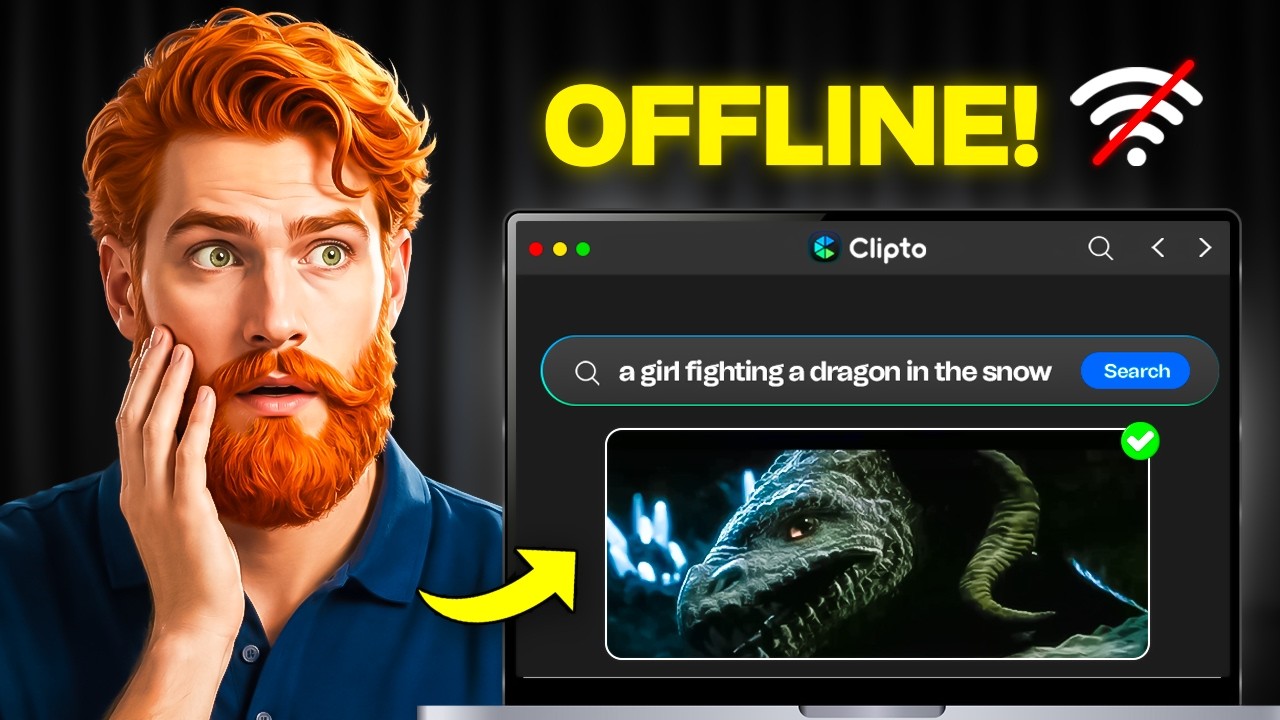
Clipto Videos on YouTube


Daniel Davidson

XStream SmArt Ai

XStream SmArt Ai

Found Ton of Youth

Tech with Ayrass
Clipto Alternatives

Cockatoo
Cockatoo is an AI-powered transcription service that converts audio and video files into text with blazing speed and up to 99.8% accuracy. It supports over 90 languages, offers various export formats, and includes features like document translation and secure cloud storage. Ideal for professionals, content creators, and teams.
Speech To Text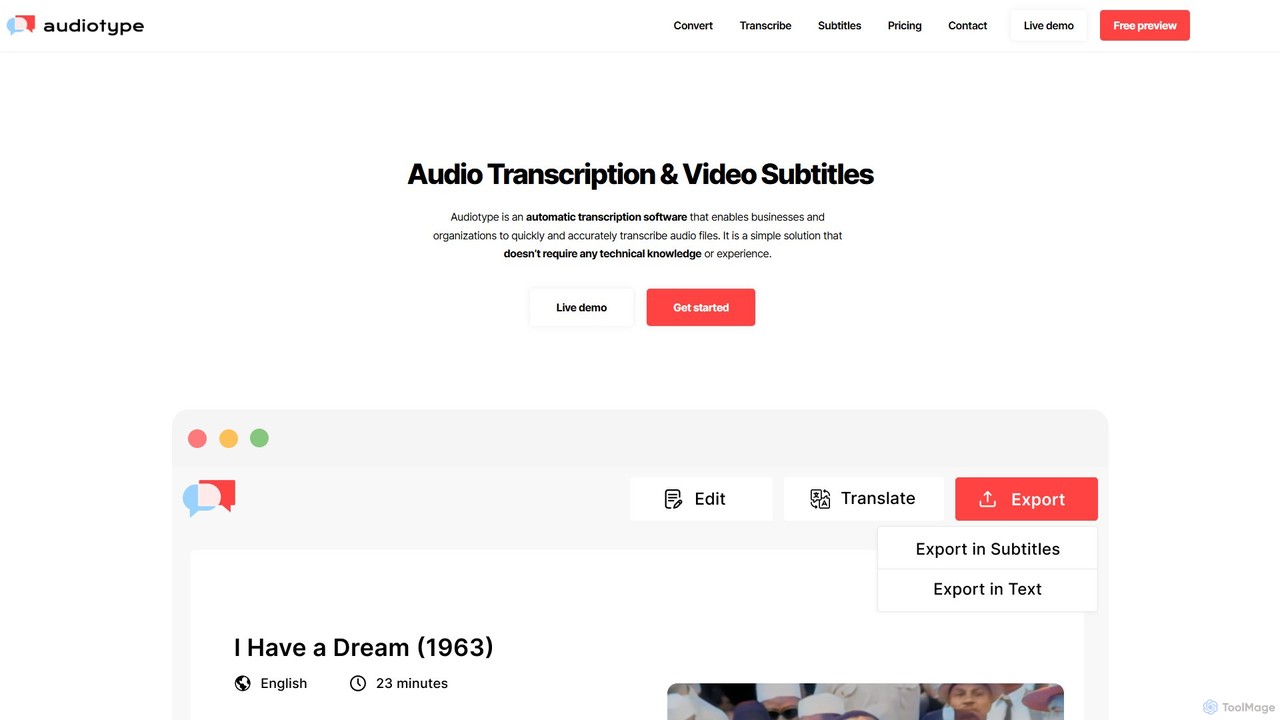
Audiotype
Audiotype is an AI-powered transcription service that automatically converts audio and video files into text and subtitles. It supports over 30 languages with high accuracy (80-95%), ensuring privacy and security. Ideal for journalists, students, and content creators, it offers a simple, no-account-required interface, speaker identification, and multiple export formats, saving hours of manual work.
Speech To Text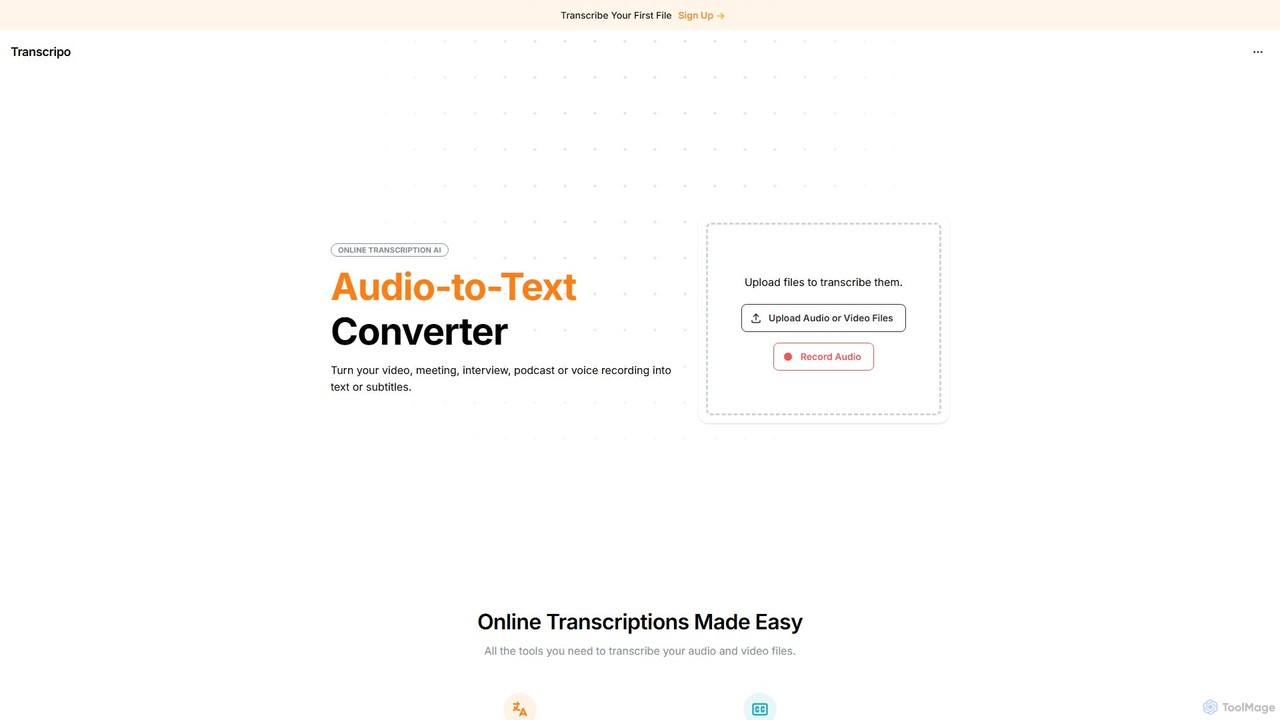
Transcripo
Transcripo is an AI-powered online tool that quickly and accurately converts audio and video files into text and subtitles. It supports over 100 languages, offers AI-generated summaries, and allows users to edit and export transcripts in various formats. Ideal for transcribing interviews, meetings, podcasts, and creating video subtitles to enhance content accessibility and SEO.
Speech To Text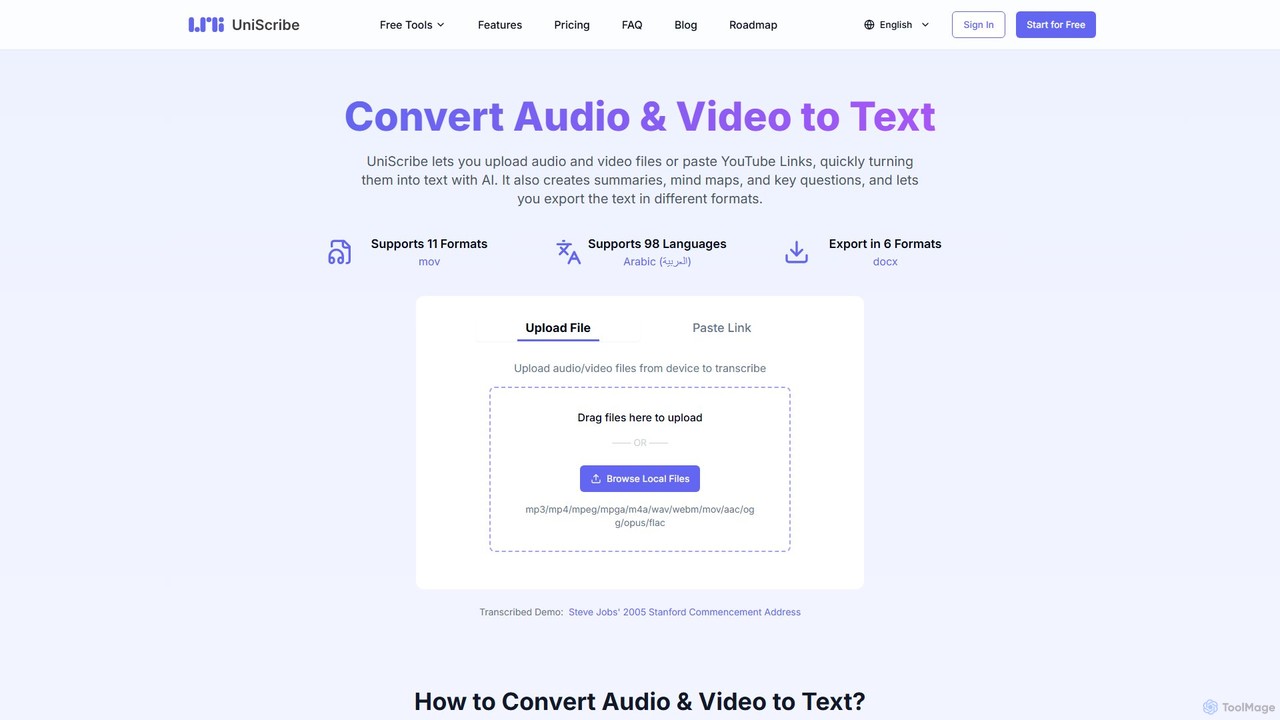
Uniscribe
Uniscribe is an AI-powered transcription service that quickly converts audio and video files into accurate text. It supports 98 languages and various file formats. Beyond simple transcription, Uniscribe automatically generates concise summaries, visual mind maps, and key questions from your content. Users can export transcripts in multiple formats like TXT, SRT, DOCX, and PDF, or share them directly via a link. It's an ideal tool for students, journalists, content creators, and researchers looking to save time and enhance productivity.
Speech To Text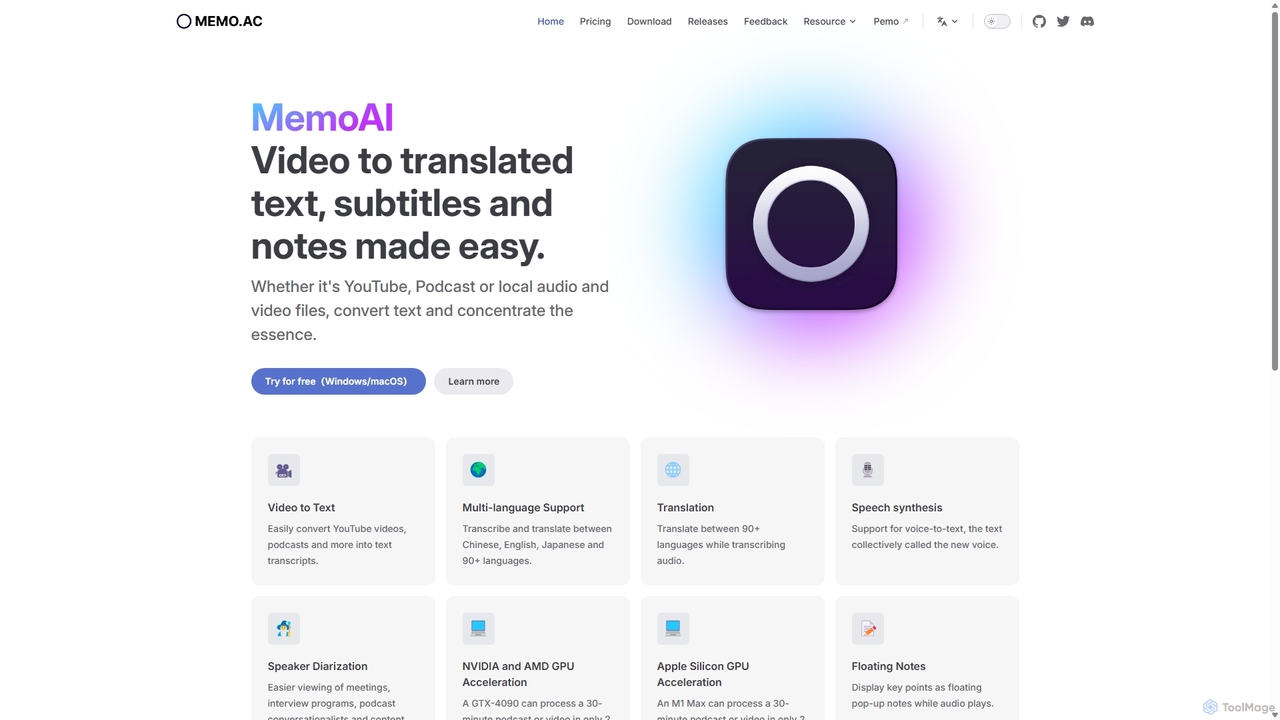
Memo AI
Memo AI is a privacy-focused desktop application for Windows and macOS that provides AI-powered transcription, translation, and summarization for audio and video files. It operates completely offline, leveraging GPU acceleration for fast processing of local files and online content from platforms like YouTube. It supports over 90 languages, speaker diarization, and various export formats.
Speech To TextClipto Categories
Clipto Embed Widget
Copy this embed code to place the badge on your blog, article, or product site and send readers directly to this ToolMage detail page.

Related AI tools
Cockatoo
Cockatoo is an AI-powered transcription service that converts audio and video files into text with blazing speed and up to 99.8% accuracy. It supports over 90 languages, offers various export formats, and includes features like document translation and secure cloud storage. Ideal for professionals, content creators, and teams.
Speech To TextAudiotype
Audiotype is an AI-powered transcription service that automatically converts audio and video files into text and subtitles. It supports over 30 languages with high accuracy (80-95%), ensuring privacy and security. Ideal for journalists, students, and content creators, it offers a simple, no-account-required interface, speaker identification, and multiple export formats, saving hours of manual work.
Speech To TextTranscripo
Transcripo is an AI-powered online tool that quickly and accurately converts audio and video files into text and subtitles. It supports over 100 languages, offers AI-generated summaries, and allows users to edit and export transcripts in various formats. Ideal for transcribing interviews, meetings, podcasts, and creating video subtitles to enhance content accessibility and SEO.
Speech To Text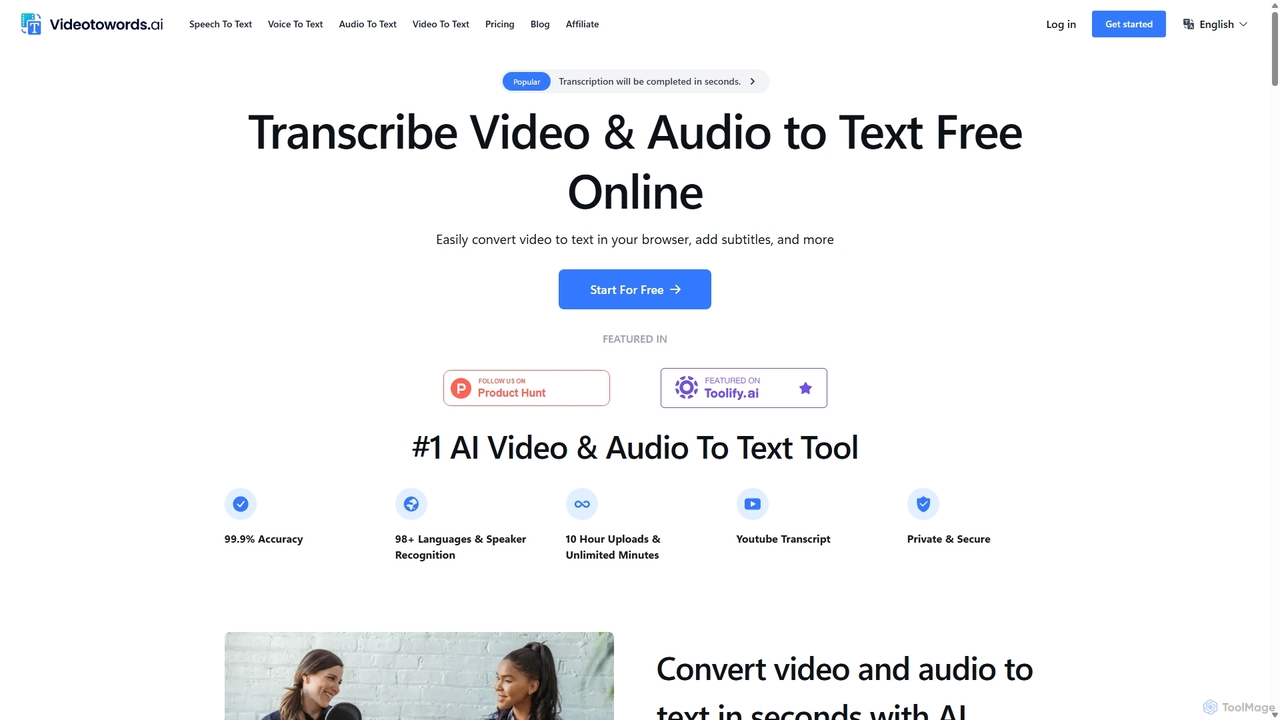
VideoToWords
VideoToWords is an AI-powered transcription tool that accurately converts audio and video files into text in over 98 languages. It offers lightning-fast transcription, speaker recognition, and AI-generated summaries. Ideal for journalists, students, content creators, and researchers, it supports various file formats and provides easy-to-use editing and export options (TXT, DOCX, SRT).
TranscriptionUniscribe
Uniscribe is an AI-powered transcription service that quickly converts audio and video files into accurate text. It supports 98 languages and various file formats. Beyond simple transcription, Uniscribe automatically generates concise summaries, visual mind maps, and key questions from your content. Users can export transcripts in multiple formats like TXT, SRT, DOCX, and PDF, or share them directly via a link. It's an ideal tool for students, journalists, content creators, and researchers looking to save time and enhance productivity.
Speech To TextMemo AI
Memo AI is a privacy-focused desktop application for Windows and macOS that provides AI-powered transcription, translation, and summarization for audio and video files. It operates completely offline, leveraging GPU acceleration for fast processing of local files and online content from platforms like YouTube. It supports over 90 languages, speaker diarization, and various export formats.
Speech To Text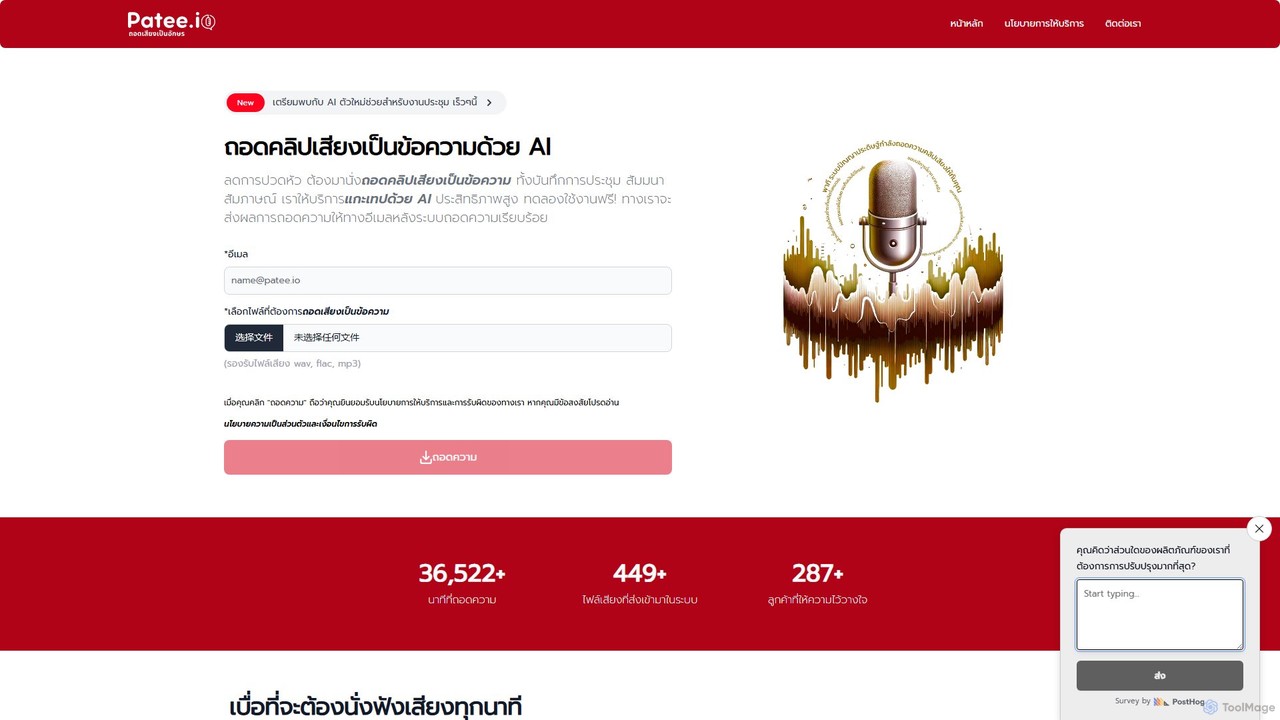
Patee.io
Patee.io is a high-performance AI transcription service that converts audio and video files into accurate text, primarily for the Thai language. It offers fast turnarounds, timestamped transcripts, and a unique 'pay-to-unlock' model, allowing users to preview 25% of the transcript for free before purchasing.
Speech To Text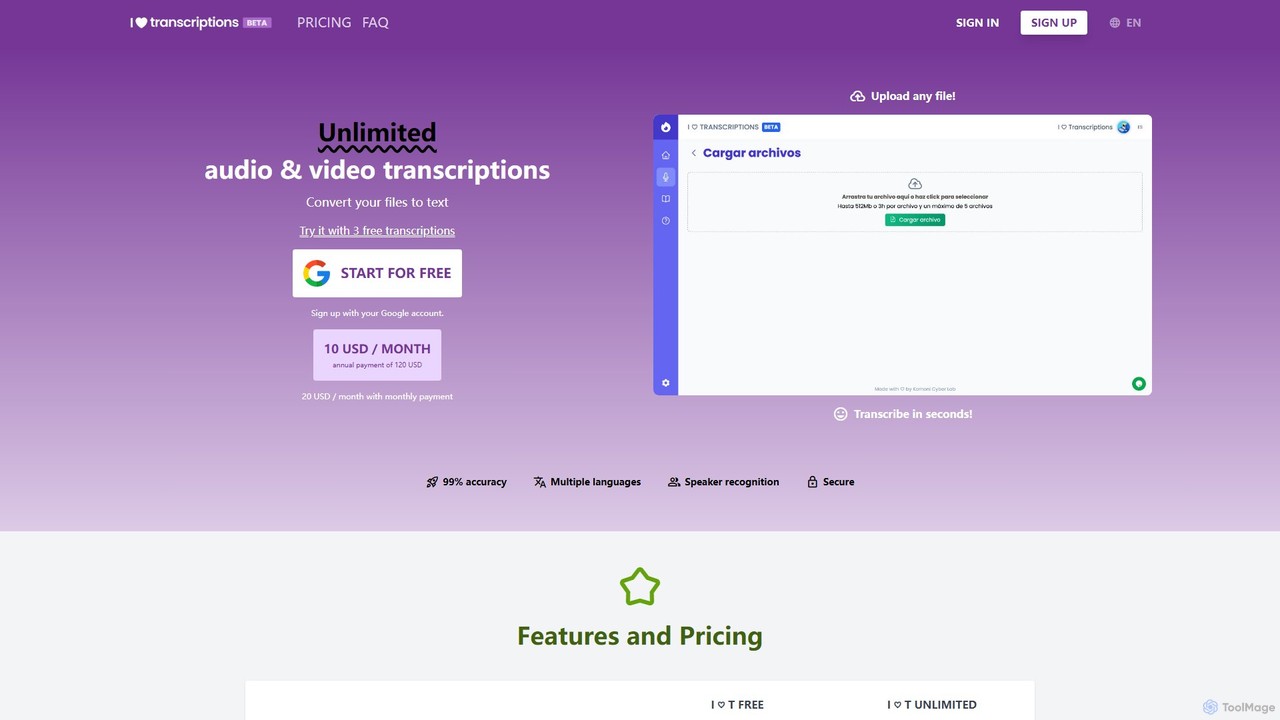
I ♡ Transcriptions
An AI-powered platform for highly accurate audio and video transcription. Leveraging an enhanced version of OpenAI's Whisper, it supports English, Spanish, and Japanese, offers speaker detection, and allows exporting to various formats like TXT, SRT, DOC, and PDF. It's designed for speed, accuracy, and user privacy.
Speech To Text
Jyek
Jyek is an AI agent platform that understands objectives, creates execution plans, uses tools, and delivers verifiable results for complex, multi-step tasks.
Automation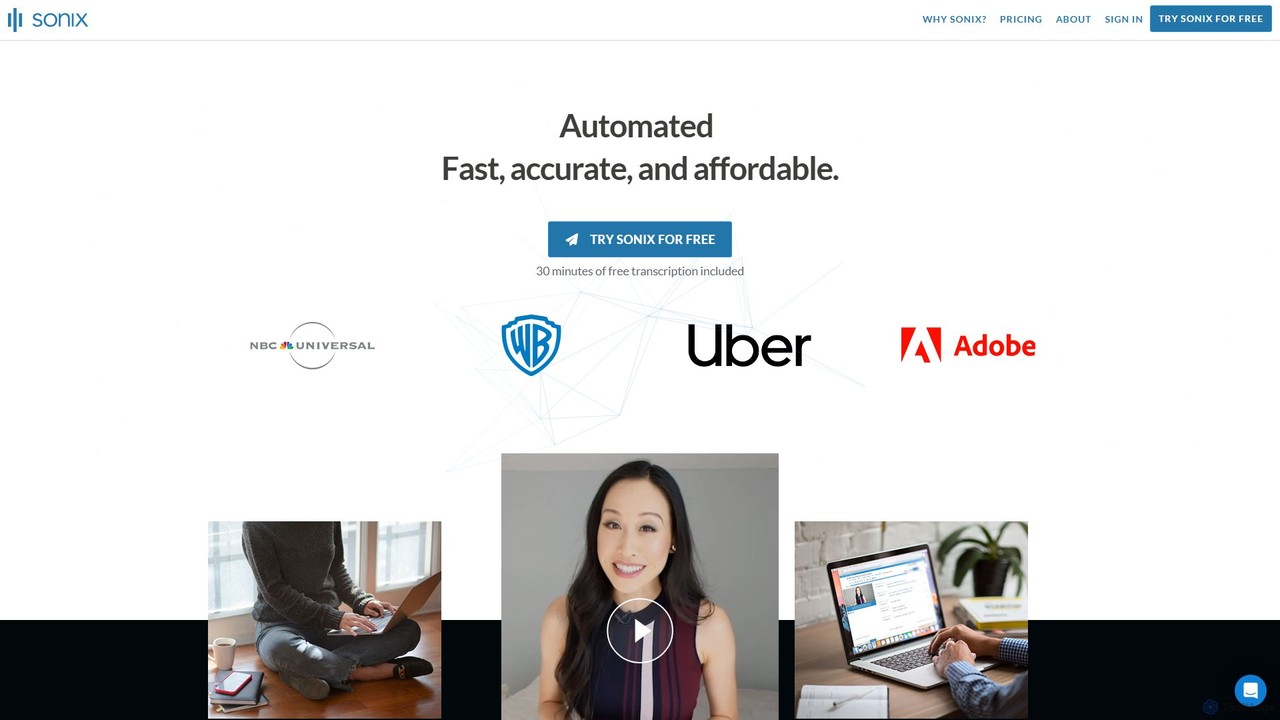
Sonix
Sonix is an advanced AI-powered platform that automatically transcribes, translates, and analyzes audio and video content. It delivers fast, highly accurate speech-to-text conversion in over 53 languages. The platform includes an in-browser editor, automated subtitling, AI-driven summaries, and collaboration tools, making it ideal for journalists, researchers, marketers, and businesses to unlock insights from their media files.
Content Creation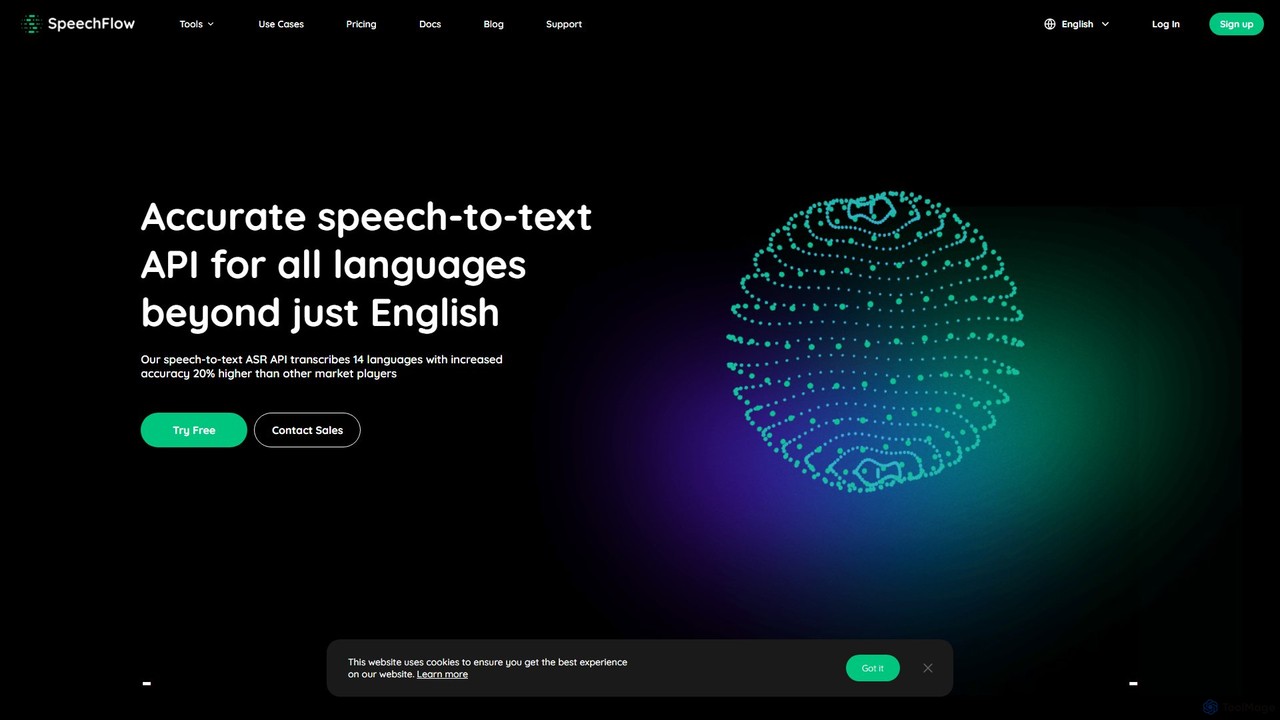
SpeechFlow
A powerful and highly accurate speech-to-text API service for developers and businesses. It supports 14 languages with market-leading accuracy, transcribes 1 hour of audio in under 3 minutes, and offers flexible cloud or on-premise deployment. Features a simple pay-as-you-go pricing model and a generous free tier for testing and small-scale use.
Speech To Text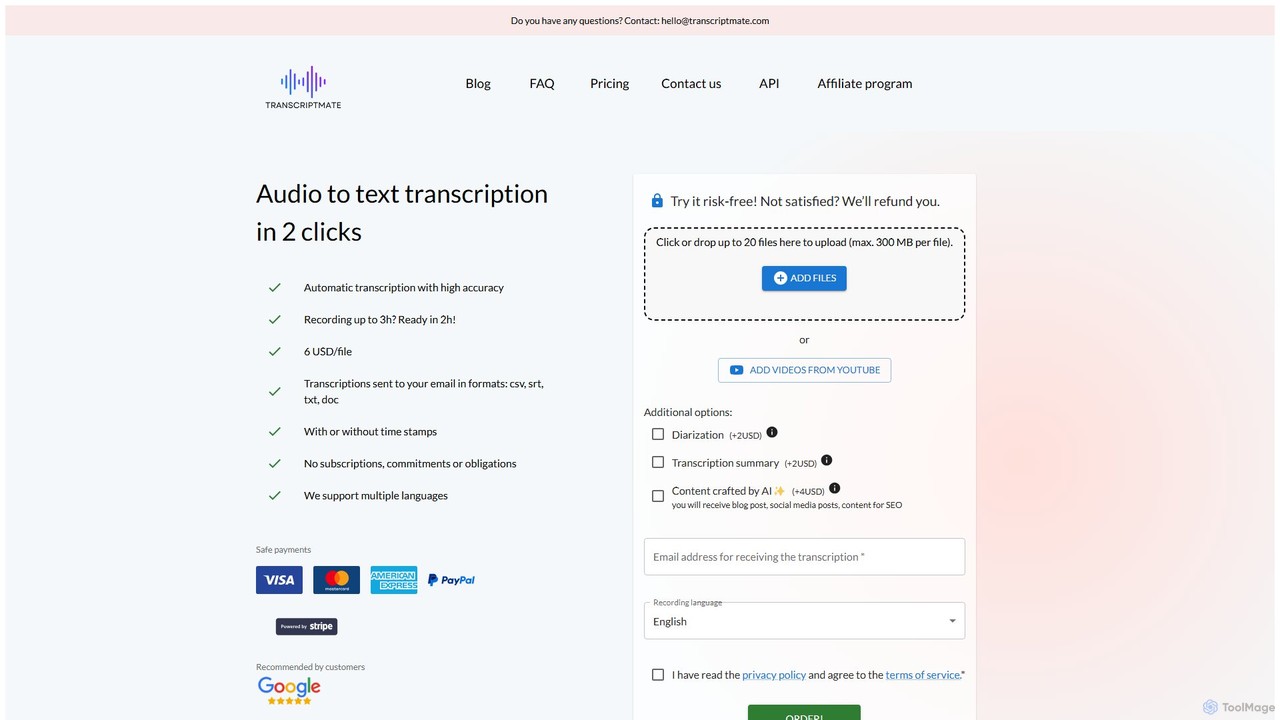
Transcriptmate
Transcriptmate is a simple, pay-as-you-go AI transcription service that converts audio and video files into accurate text in just a few clicks. It supports multiple languages and delivers transcripts in various formats (CSV, SRT, TXT, DOC) directly to your email. With no subscriptions required, it's ideal for one-off projects. Optional add-ons include speaker diarization, AI-generated summaries, and content creation, making it a versatile tool for students, podcasters, researchers, and professionals.
Speech To Text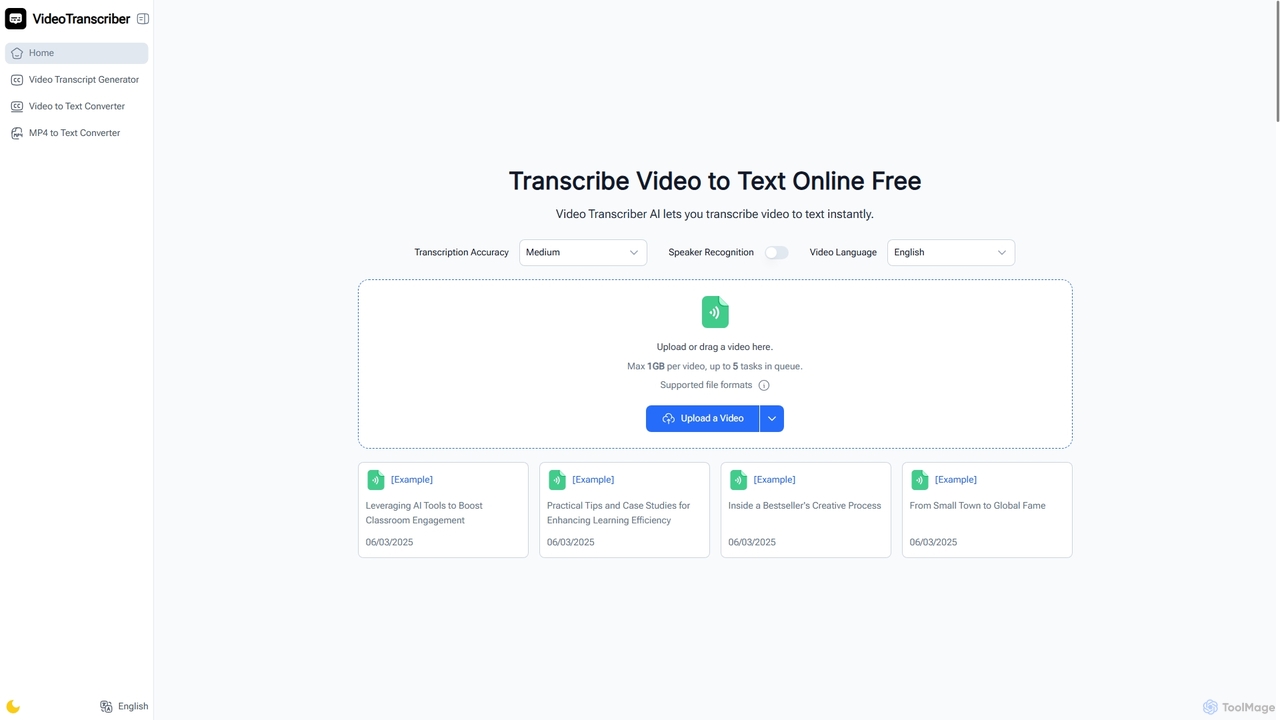
Video Transcriber AI
Video Transcriber AI is a free online tool that instantly converts video content into accurate, readable text. It supports various formats like MP4, YouTube links, and Zoom recordings, making it ideal for students, professionals, and content creators to quickly get transcripts without any sign-up.
Meeting Tools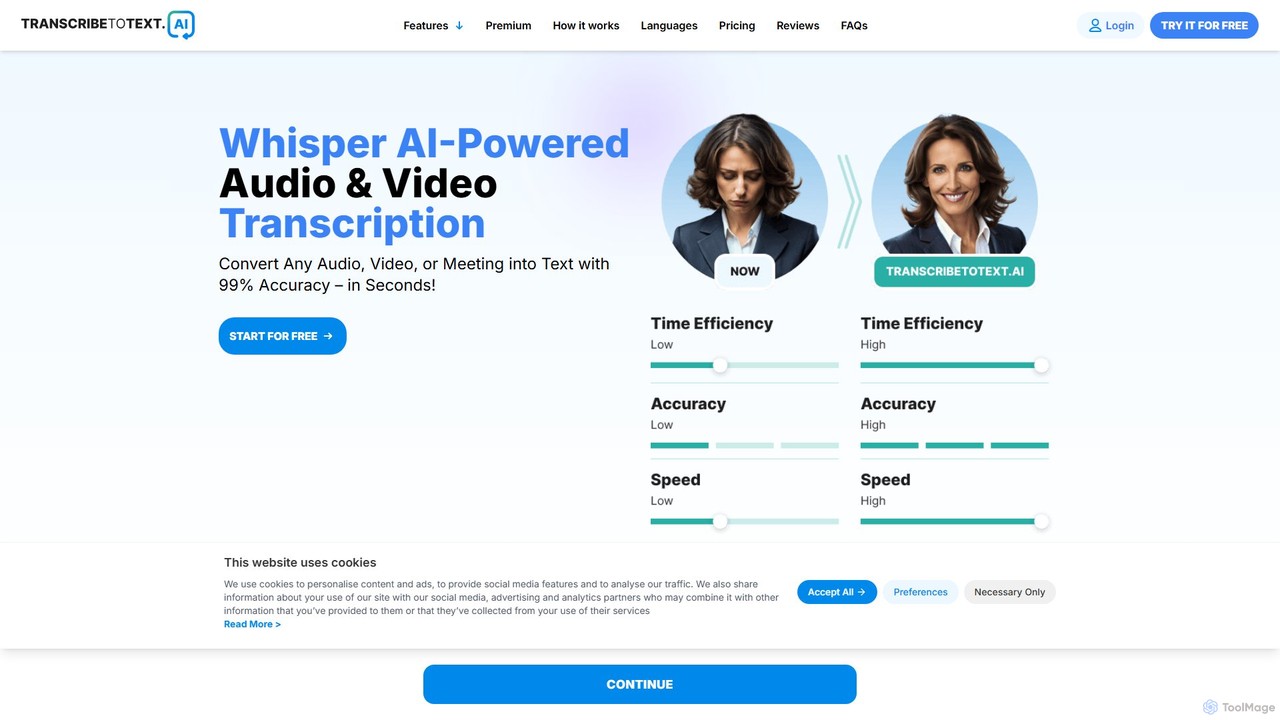
transcribetotext.ai
An AI-powered transcription service that converts audio and video files into accurate text. It offers unlimited transcriptions, supports various formats and sources like YouTube and Zoom, and provides features like speaker diarization and subtitle generation, all powered by Whisper AI for maximum accuracy.
Transcription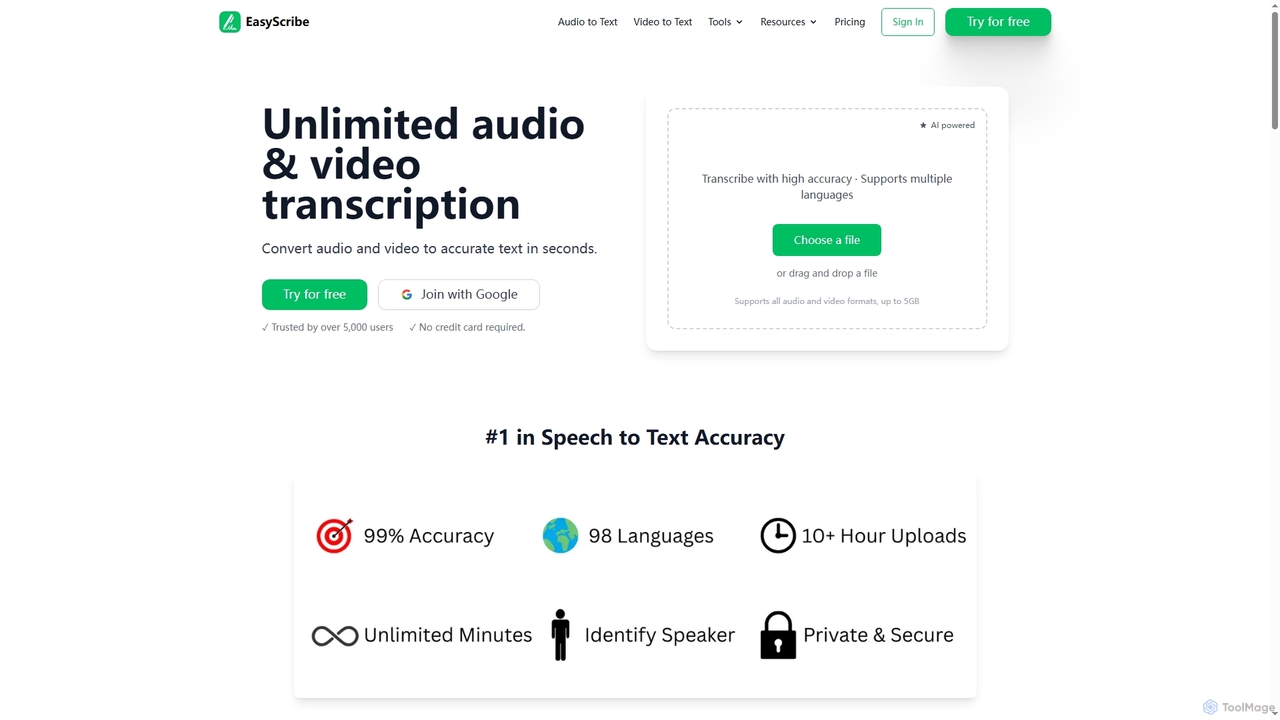
EasyScribe
EasyScribe is an AI-powered transcription tool that converts audio and video files into accurate text in seconds. It supports 98+ languages, offers speaker identification, and allows translation to 134+ languages, making it ideal for global communication and content creation.
Meeting Management
Clipto Comments (0)
Sign in to comment.
Sign inNo comments yet.