

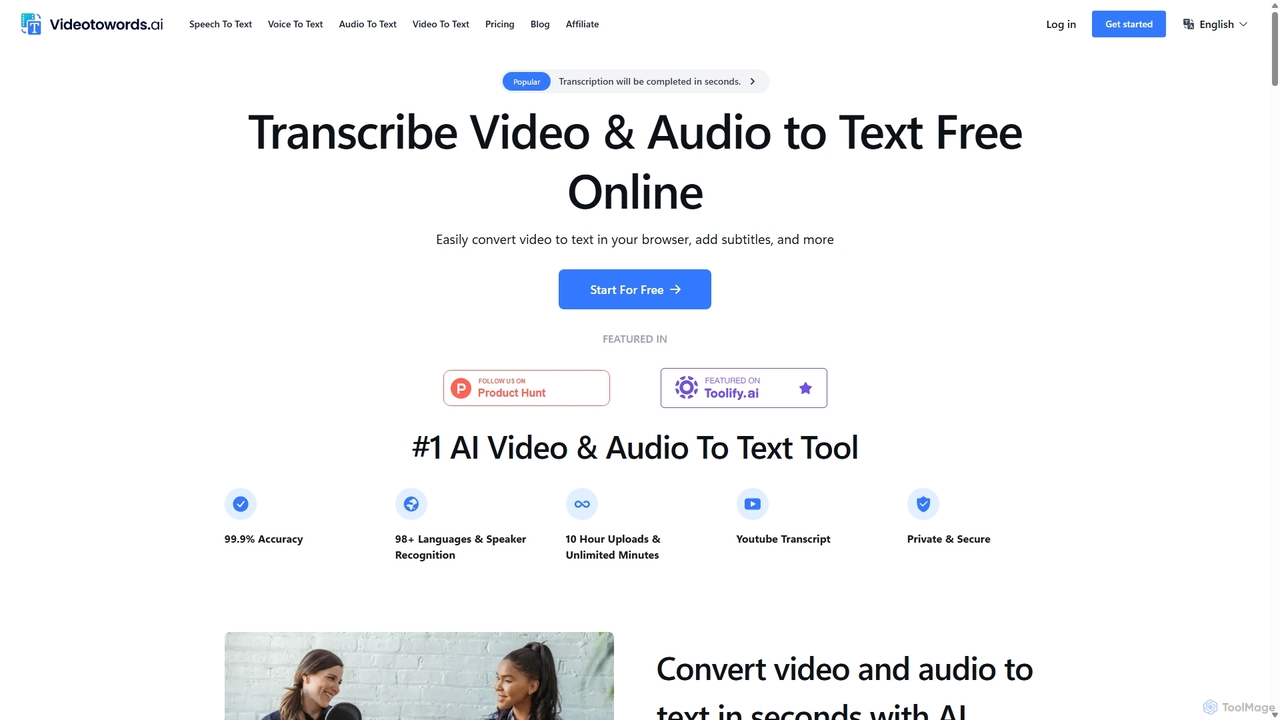
VideoToWords Overview
VideoToWords is a state-of-the-art AI transcription service designed to effortlessly convert spoken words from audio and video files into accurate, readable text. Leveraging advanced speech recognition technology, including models like Whisper, it provides a fast, reliable, and secure solution for a wide range of users. From students transcribing lectures to filmmakers creating subtitles, VideoToWords streamlines workflows and enhances productivity by eliminating the need for time-consuming manual transcription.
The platform is built for efficiency and accessibility. It supports over 98 languages and dialects, making it a truly global tool. With an impressive accuracy rate of up to 99.9%, users can trust the output for professional and academic purposes. The service is entirely web-based, requiring no software installation, and offers a simple, intuitive interface that makes transcription accessible to everyone, regardless of their technical expertise.
How to use VideoToWords
The process of converting media to text is simplified into three straightforward steps:
- Upload a Video/Audio File: Users can upload files directly from their computer or provide a YouTube link. The platform supports a vast array of formats, including MP3, MP4, WAV, M4A, MOV, and more. During this step, you select the original language of the content from a list of over 98 options.
- Automatic Transcription: Once the file is uploaded, the AI engine begins the transcription process automatically. Powered by high-performance GPUs, the conversion is completed in a matter of seconds or minutes, depending on the file's length.
- Edit, Export & Share: After transcription, the text is displayed in a convenient online editor. Here, users can review, make corrections, identify speakers, and format the text. The final transcript can be exported in various formats like DOCX, PDF, TXT, or subtitle files (SRT, VTT) for easy sharing and further use.
Core Features of VideoToWords
- High-Accuracy Transcription: Achieves up to 99.9% accuracy, ensuring reliable text output for professional use.
- Extensive Language Support: Transcribes and translates content in over 98 languages and dialects.
- Speaker Recognition: Automatically identifies and labels different speakers in the audio or video, which is crucial for interviews, meetings, and podcasts.
- AI-Generated Summaries: Provides quick insights by automatically generating concise summaries of the transcribed content.
- Versatile File Support: Accepts a wide range of audio and video formats (MP3, MP4, M4A, MOV, AAC, WAV, etc.) and YouTube links.
- Large File Handling: Supports uploads of files up to 10 hours long or 5 GB in size on paid plans.
- Multiple Export Options: Download transcripts as DOCX, PDF, TXT, and subtitle formats like SRT and VTT.
- Fast Turnaround: GPU-powered engines deliver transcripts in minutes, significantly faster than manual services.
- Secure and Private: All uploaded data is encrypted and stored securely, ensuring user privacy is a top priority.
- Online Editor: A user-friendly editor allows for easy review, editing, and formatting of the generated transcript.
Use Cases for VideoToWords
VideoToWords is a versatile tool perfect for various professionals and individuals:
- Journalists: Quickly transcribe interviews and news reports to meet tight deadlines.
- Students & Educators: Convert lectures and online courses into written notes for easy review and to create inclusive learning materials.
- Podcast Hosts: Generate transcripts to improve accessibility, boost SEO, and provide show notes for listeners.
- Researchers: Transcribe interviews, focus groups, and seminars for qualitative data analysis and archiving.
- Filmmakers: Effortlessly create accurate subtitles and captions to reach a global audience.
- Content Creators: Repurpose video content into blog posts, articles, and social media updates to expand their reach.
- Marketers: Convert video marketing materials into text for email campaigns, blogs, and other content marketing efforts.
- Legal Professionals: Transcribe court hearings, depositions, and client meetings with high precision for official records.
Advantages of VideoToWords
The primary advantage of VideoToWords is its combination of speed, accuracy, and affordability. It liberates users from the tedious task of manual transcription, saving countless hours of work. The support for numerous languages and file formats makes it a highly flexible tool. Furthermore, its robust security measures provide peace of mind, while features like speaker recognition and AI summaries add significant value beyond simple transcription. The generous free plan and cost-effective unlimited plan make it accessible to everyone from individual users to large organizations.
Pricing and Plans
VideoToWords offers a straightforward freemium pricing model:
- Free Plan: Ideal for trial and light usage. Users get 3 free transcripts daily, with each file up to 30 minutes long. This plan includes access to all core features, such as translation to 100 languages, bulk exports, and unlimited storage.
- Unlimited Plan ($19.90/month): Designed for power users and professionals. This plan offers unlimited transcriptions, allows for file uploads up to 10 hours long (or 5 GB), supports batch uploads of up to 50 files at a time, and provides the highest priority processing for the fastest possible turnaround.
Custom plans for specific needs are also available by contacting their support team.
Traffic
Latest traffic
Status
Monthly traffic trend
- 2025-9: 42.7K
- 2026-1: 51.2K
- 2026-2: 51.4K
- 2026-3: 50.5K
- 2026-4: 60.5K
- 2026-5: 55.5K
Geography
Top 5 countries / regions
- 🇺🇸United States36.7%
- 🇳🇬Nigeria19.3%
- 🇸🇪Sweden15.9%
- 🇧🇷Brazil14.5%
- 🇻🇳Vietnam13.7%
Traffic sources
| Source type | Percentage |
|---|---|
Direct | 90.7% |
Referral | 8.6% |
Email | 0.7% |
Top keywords
| Keyword | Cost per click |
|---|---|
| can we make caption file by voice fre | $0.00 |
| free translate video | $0.16 |
| translate video ai free | $0.00 |
| videotowords | $3.16 |
| voice to costum caption | $0.00 |
VideoToWords Alternatives
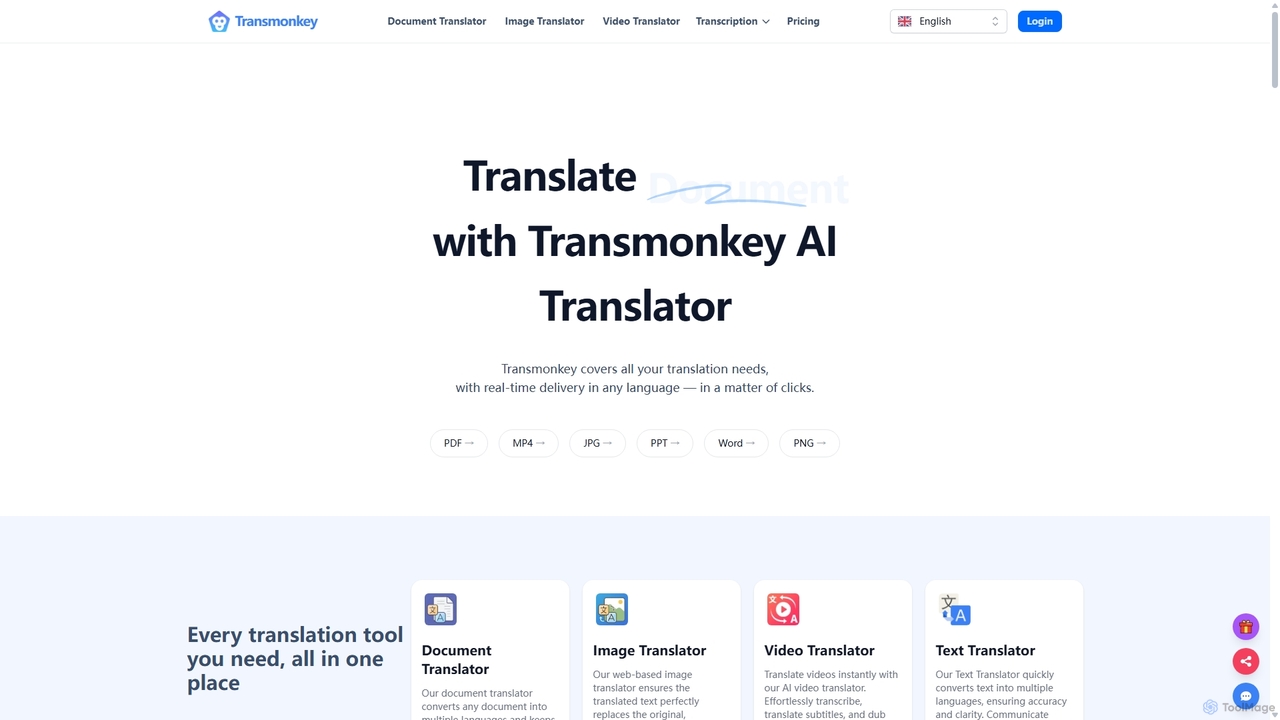
Transmonkey
Transmonkey is an all-in-one AI translation platform powered by advanced LLMs like ChatGPT and Gemini. It translates documents, images, and videos into over 130 languages while perfectly preserving the original layout and formatting. Features include transcription, AI dubbing, subtitle generation, and seamless integrations with Google Workspace and YouTube.
Transcription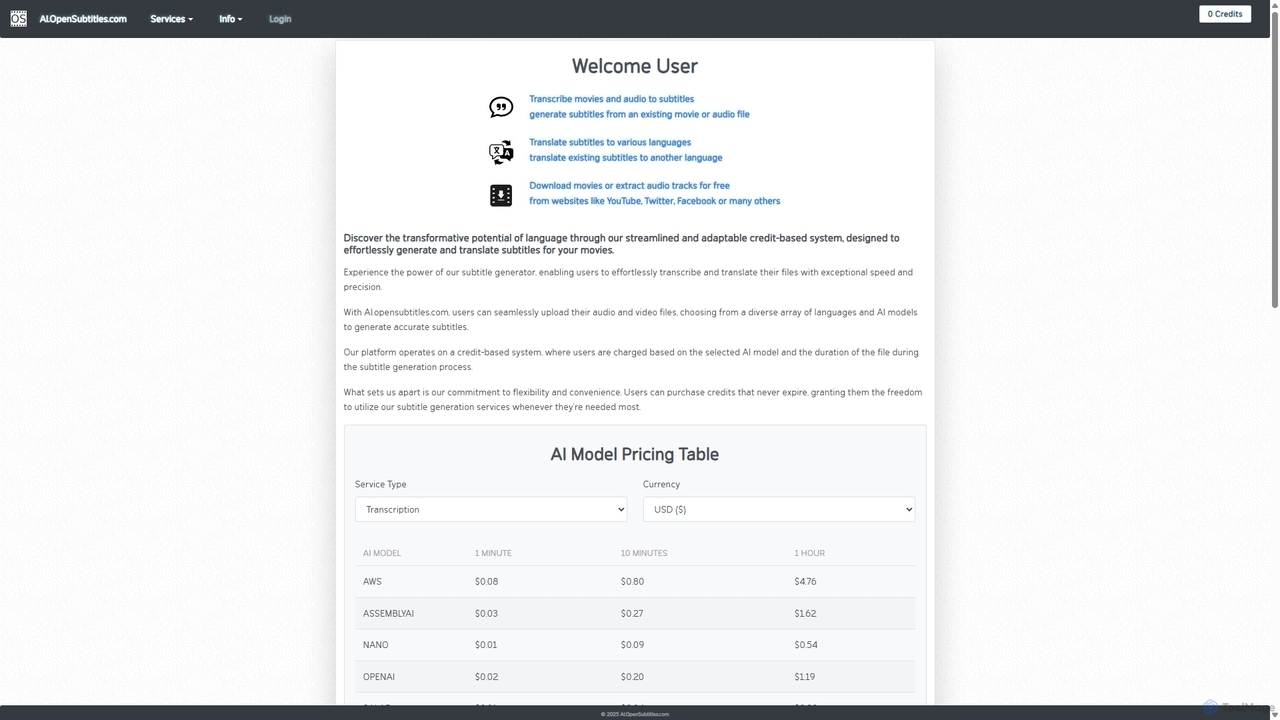
AI.OpenSubtitles.com
AI.OpenSubtitles.com is a powerful platform for AI-driven subtitle generation, transcription, and translation. It allows users to upload video or audio files, choose from various advanced AI models (like AWS, DeepL, OpenAI), and receive accurate subtitles in over 100 languages. Its flexible, credit-based system ensures you only pay for what you use, making it a cost-effective solution for content creators and businesses aiming for a global audience.
Transcription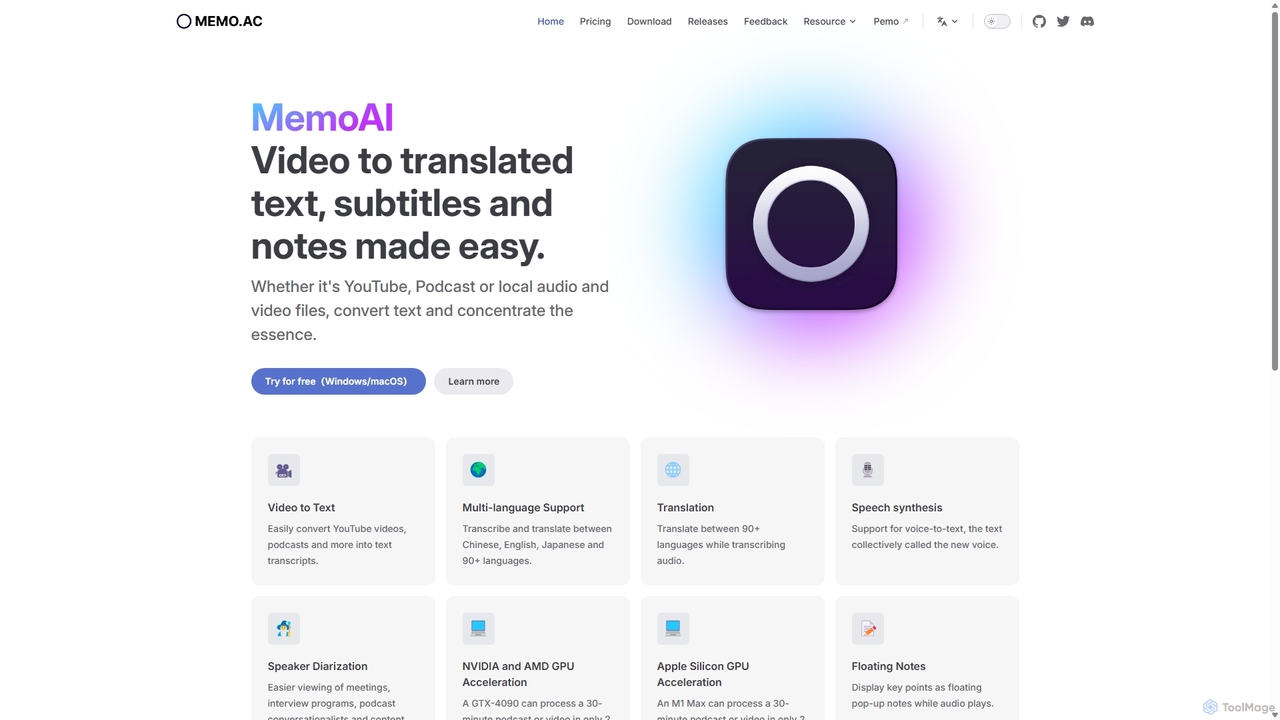
Memo AI
Memo AI is a privacy-focused desktop application for Windows and macOS that provides AI-powered transcription, translation, and summarization for audio and video files. It operates completely offline, leveraging GPU acceleration for fast processing of local files and online content from platforms like YouTube. It supports over 90 languages, speaker diarization, and various export formats.
Speech To Text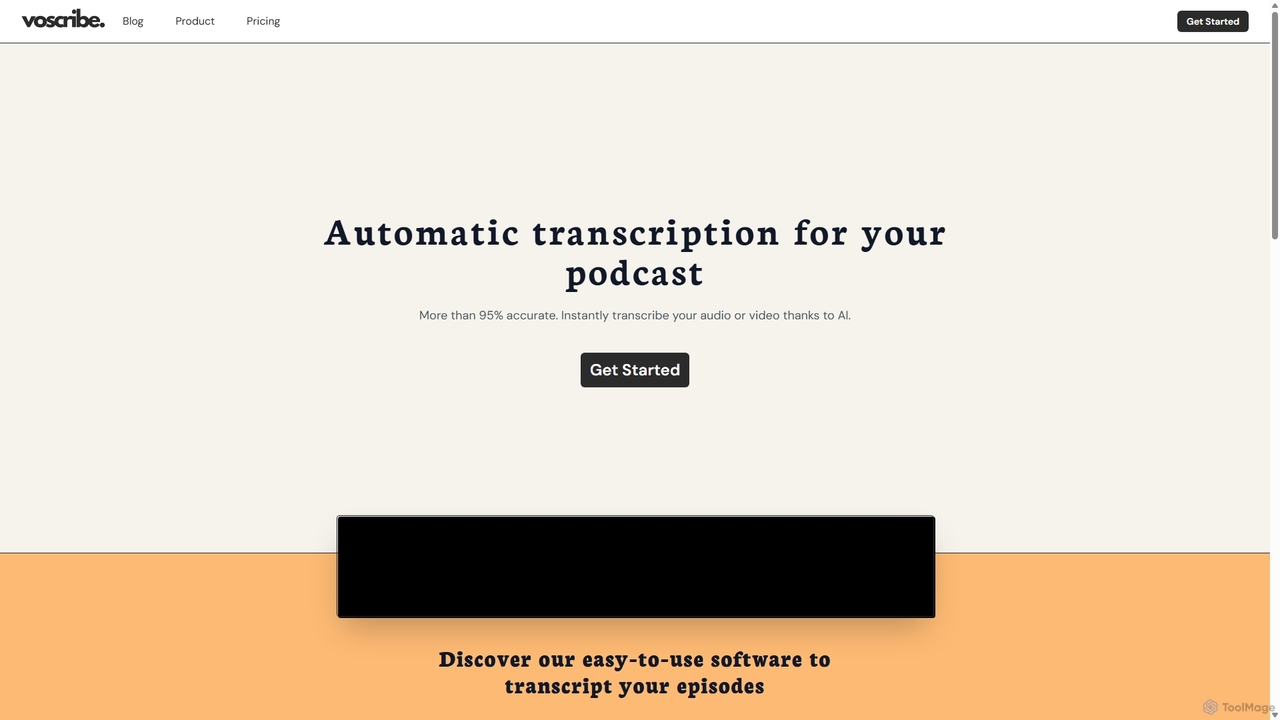
Voscribe
Voscribe is an AI-powered suite for podcasters and video creators, offering highly accurate, fast, and automatic transcription services. It converts audio and video to text in minutes, provides an intuitive editor to sync and edit transcripts, and generates subtitles (SRT) effortlessly. Ideal for content repurposing, enhancing accessibility, and saving valuable production time.
Transcription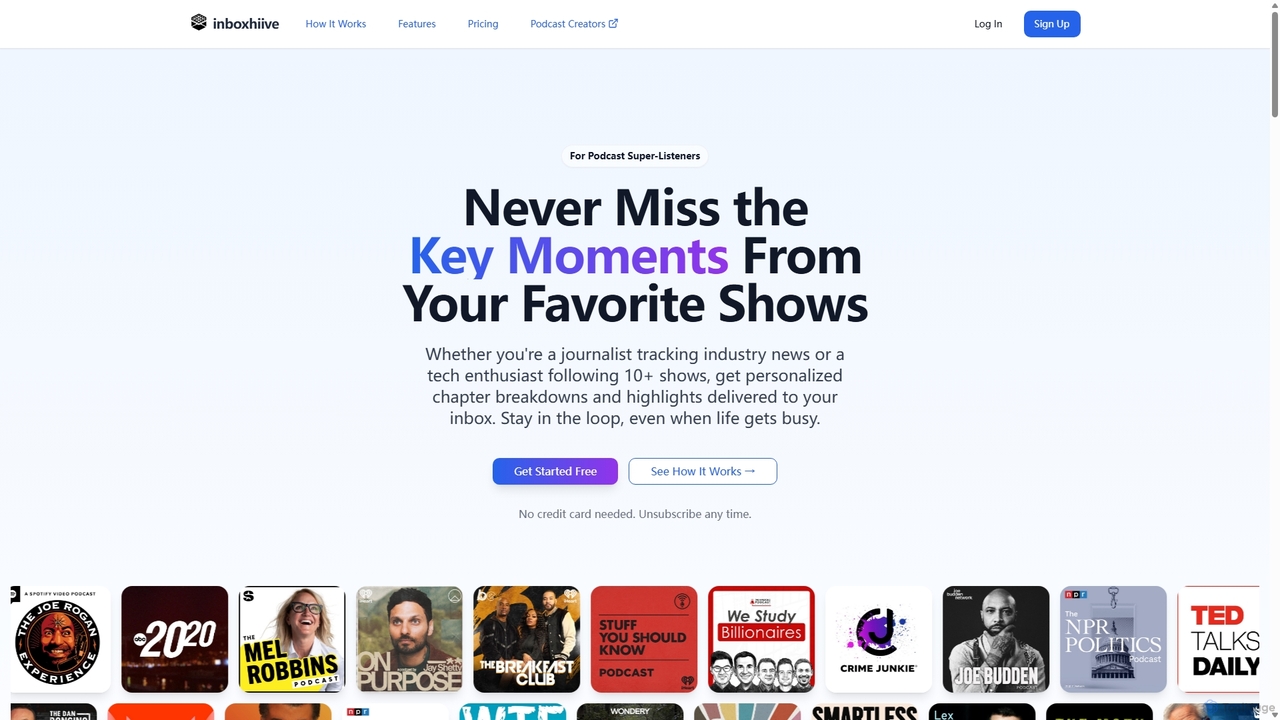
Inboxhiiv
Inboxhiiv is an AI-powered platform for podcast listeners and creators. It delivers personalized summaries, chapter breakdowns, and highlights to listeners' inboxes. For podcasters, it automates content creation by generating transcripts, show notes, newsletters, and social media content from their RSS feed, saving time and boosting audience growth.
PodcastVideoToWords Categories
VideoToWords Jobs
VideoToWords Embed Widget
Copy this embed code to place the badge on your blog, article, or product site and send readers directly to this ToolMage detail page.

Related AI tools
Memo AI
Memo AI is a privacy-focused desktop application for Windows and macOS that provides AI-powered transcription, translation, and summarization for audio and video files. It operates completely offline, leveraging GPU acceleration for fast processing of local files and online content from platforms like YouTube. It supports over 90 languages, speaker diarization, and various export formats.
Speech To Text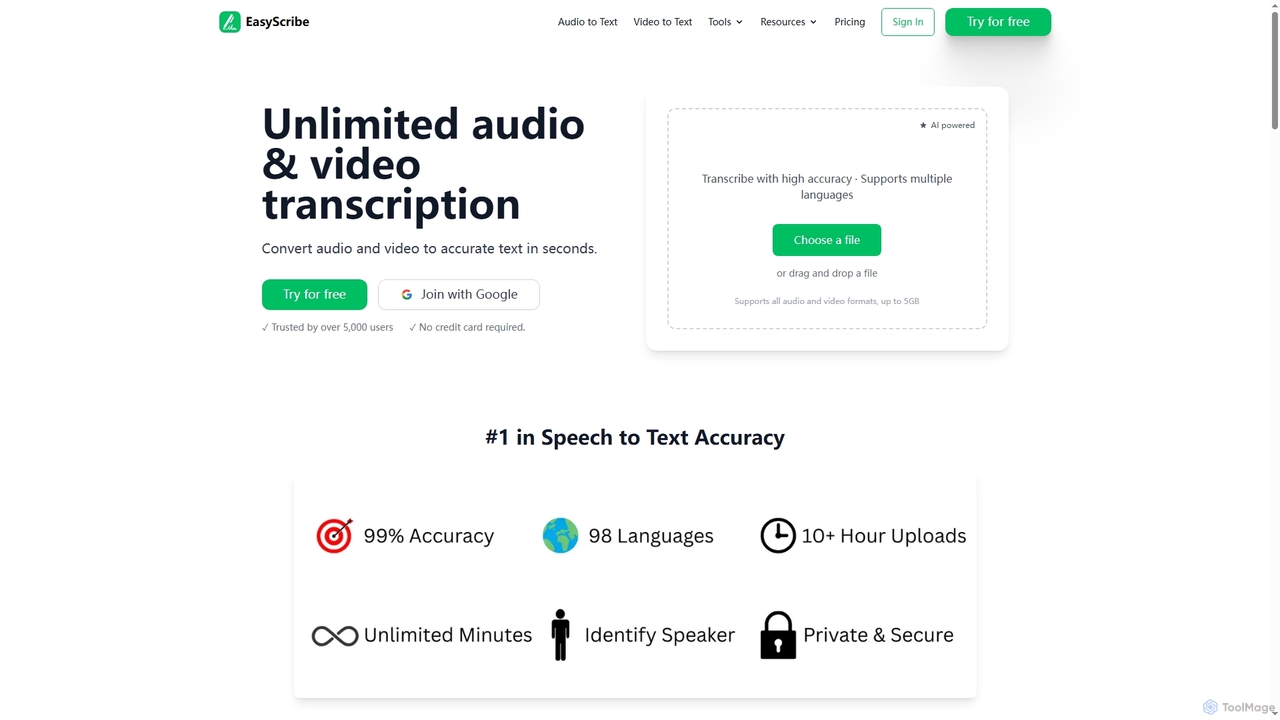
EasyScribe
EasyScribe is an AI-powered transcription tool that converts audio and video files into accurate text in seconds. It supports 98+ languages, offers speaker identification, and allows translation to 134+ languages, making it ideal for global communication and content creation.
Meeting Management
Tubetranscript
Tubetranscript is a free, AI-powered tool that effortlessly generates accurate transcripts and summaries from any YouTube video. It requires no software installation or user registration, providing instant results with timestamps directly in your browser.
Writing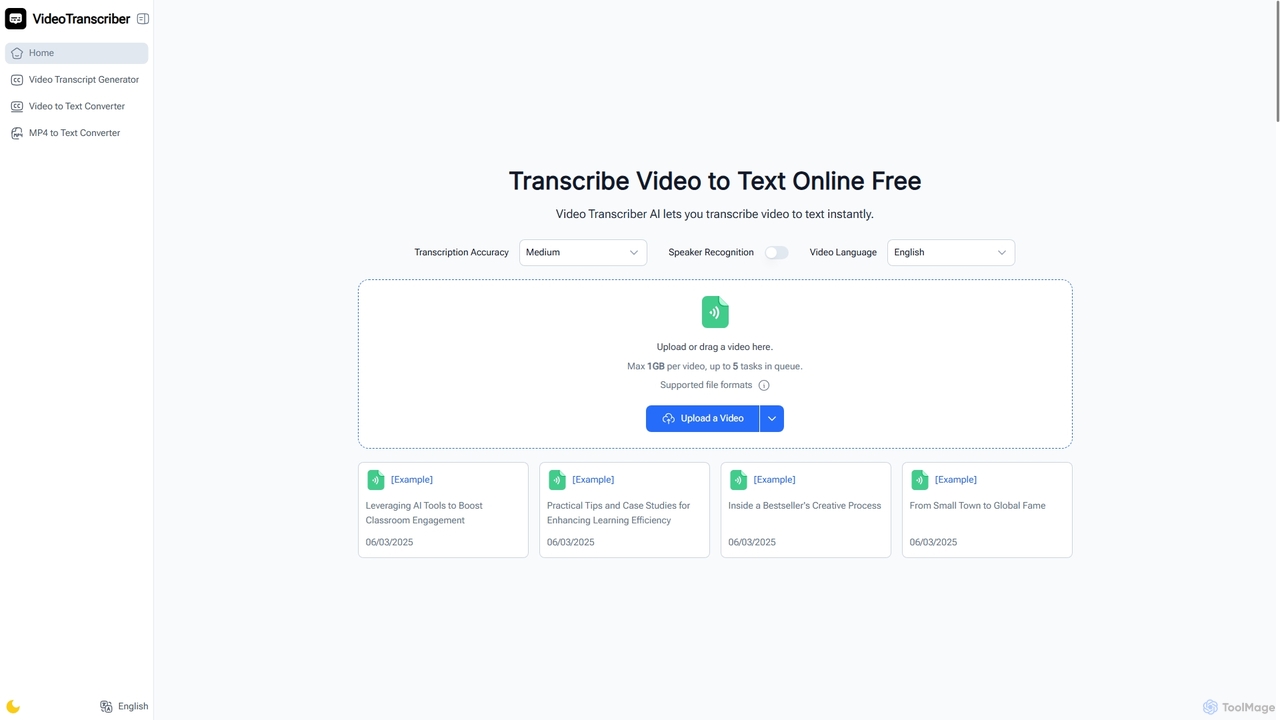
Video Transcriber AI
Video Transcriber AI is a free online tool that instantly converts video content into accurate, readable text. It supports various formats like MP4, YouTube links, and Zoom recordings, making it ideal for students, professionals, and content creators to quickly get transcripts without any sign-up.
Meeting Tools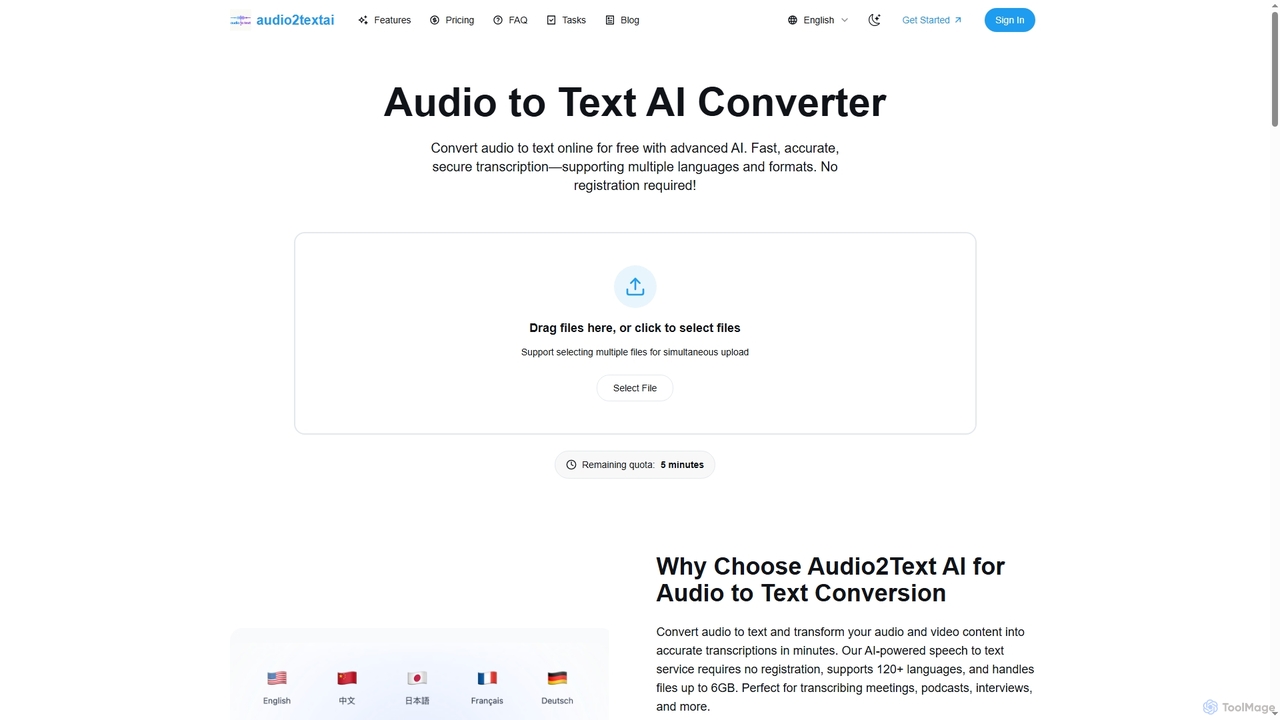
Audio2Text AI
Audio2Text AI is an advanced online AI converter that transforms audio and video files into accurate text transcriptions quickly and securely. Supporting over 120 languages and 21 media formats, it offers enterprise-grade accuracy with speaker identification and timestamps, all without requiring registration for a free 5-minute trial.
Meeting ManagementVoscribe
Voscribe is an AI-powered suite for podcasters and video creators, offering highly accurate, fast, and automatic transcription services. It converts audio and video to text in minutes, provides an intuitive editor to sync and edit transcripts, and generates subtitles (SRT) effortlessly. Ideal for content repurposing, enhancing accessibility, and saving valuable production time.
Transcription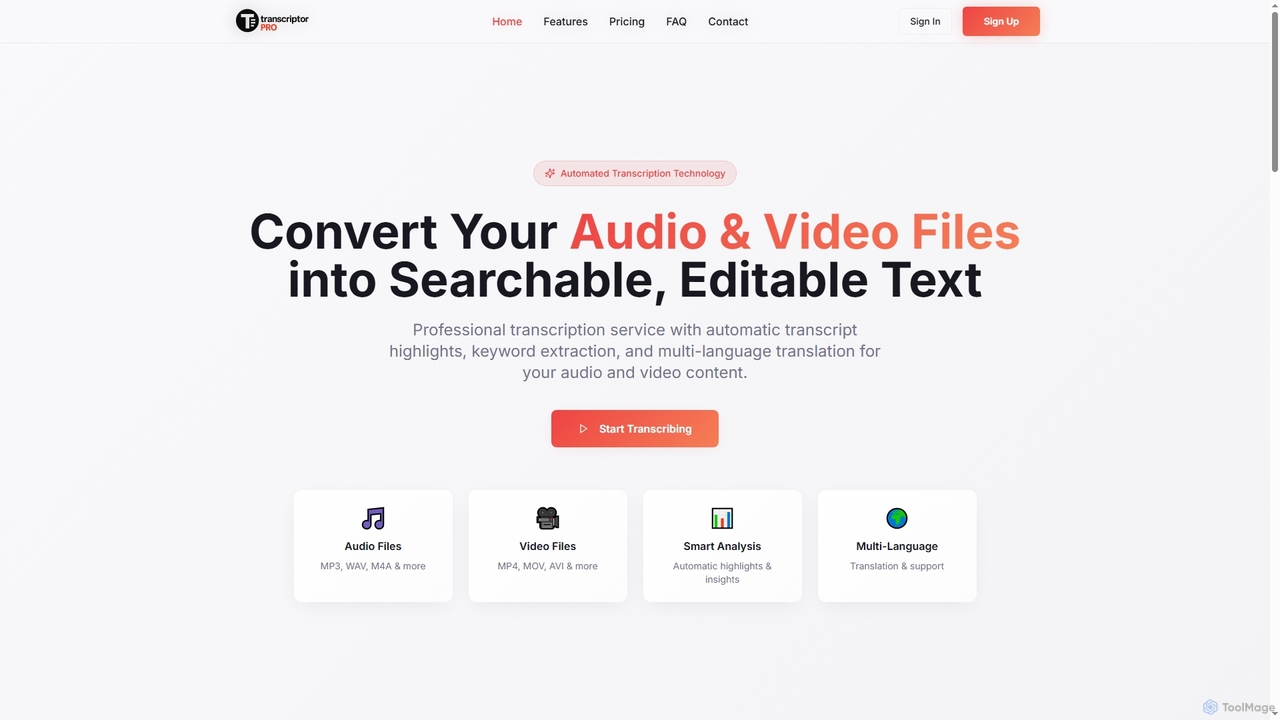
TranscriptorPro
TranscriptorPro is an AI-powered service that converts audio and video files into searchable, editable text. It offers automated transcription with smart highlights, keyword extraction, and multi-language translation, making content accessible and manageable for various professional and personal needs.
Translation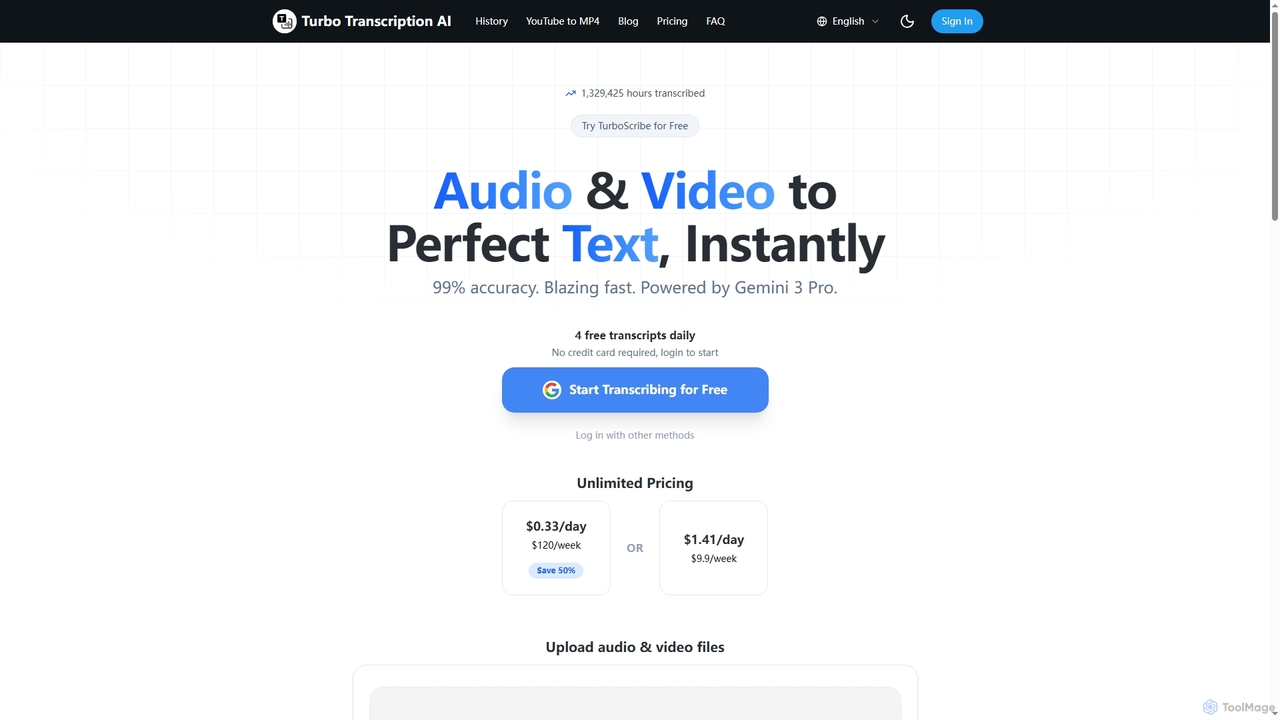
Turbo Transcription
Turbo Transcription is an AI-powered service that rapidly converts audio and video files into highly accurate text. Leveraging Gemini 3 Pro, it boasts 99% accuracy and supports over 98 languages, making it ideal for content creators, journalists, and professionals needing quick, reliable transcription. Users can enjoy 4 free transcripts daily without a credit card.
Transcription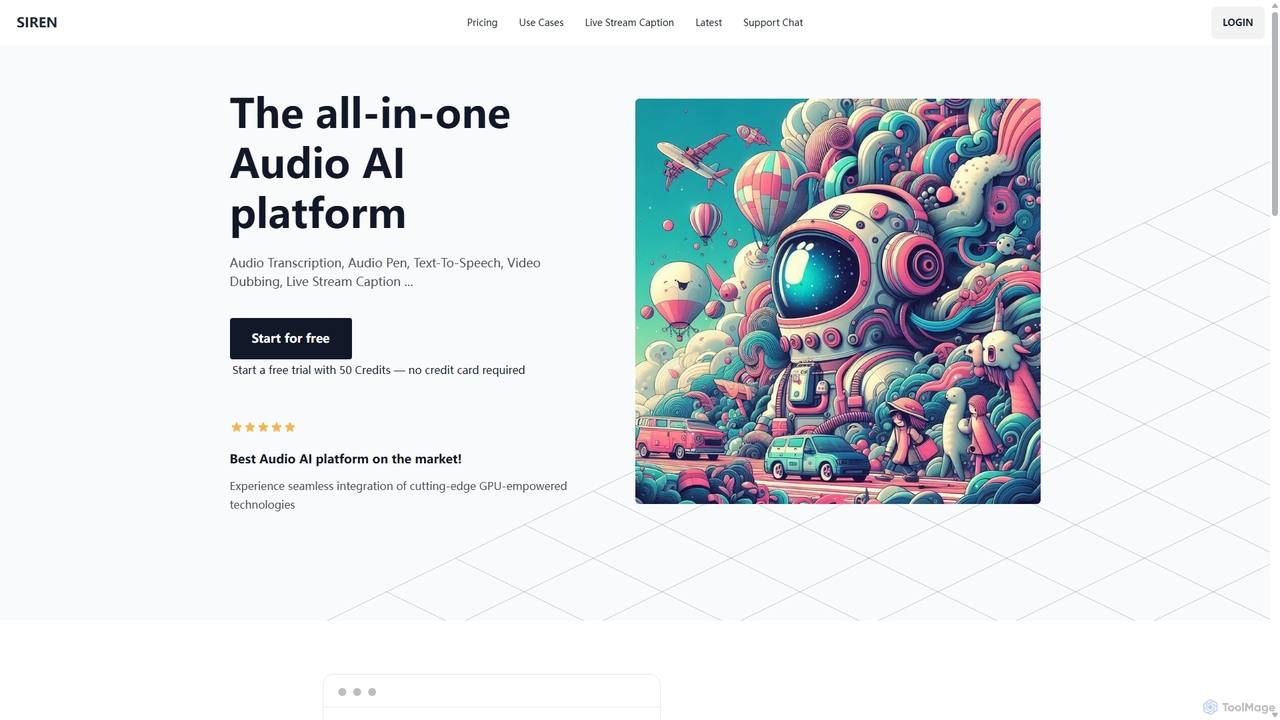
SIREN
SIREN is an all-in-one, GPU-accelerated AI audio platform. It offers high-accuracy audio transcription, natural text-to-speech with 420+ voices, seamless video dubbing in over 100 languages, and real-time live stream captioning. Designed for creators, marketers, and businesses, SIREN simplifies complex audio tasks into a single, efficient workflow.
Text To Speech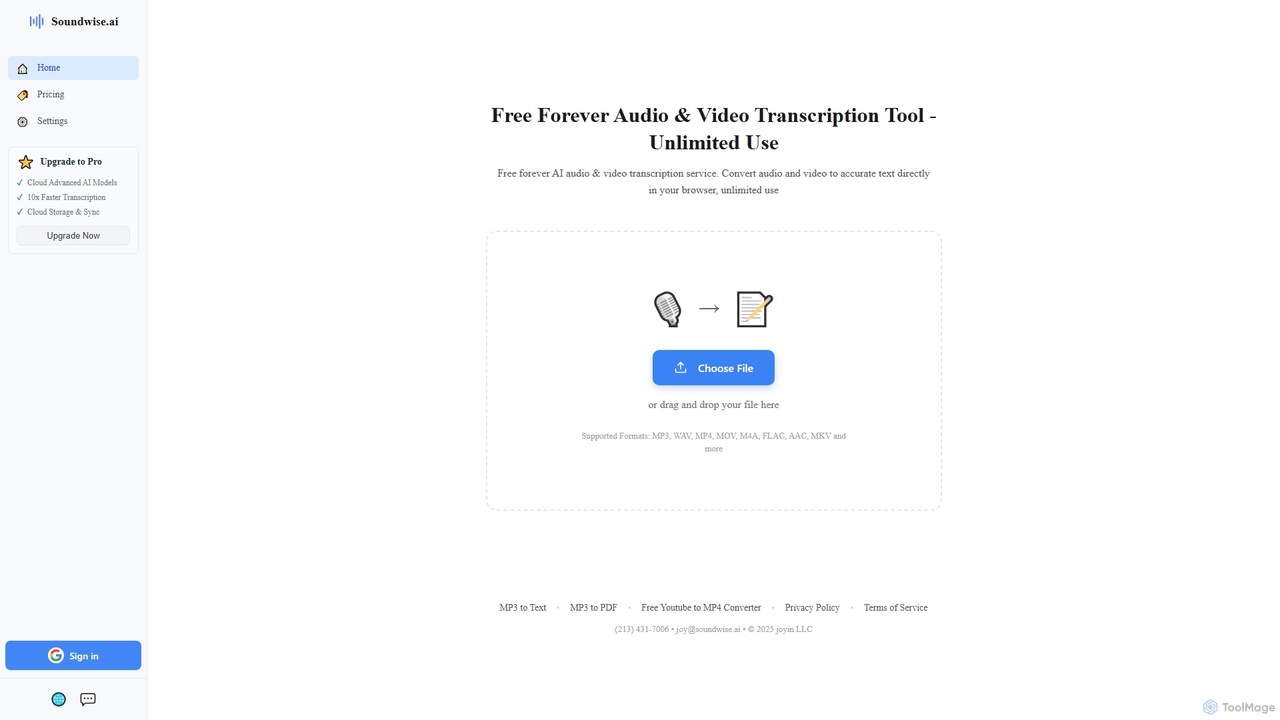
Soundwise
Soundwise is a free-forever AI-powered online tool designed for unlimited audio and video transcription. It accurately converts various media files into text directly within your web browser, offering a convenient solution for anyone needing quick and reliable transcriptions.
Transcription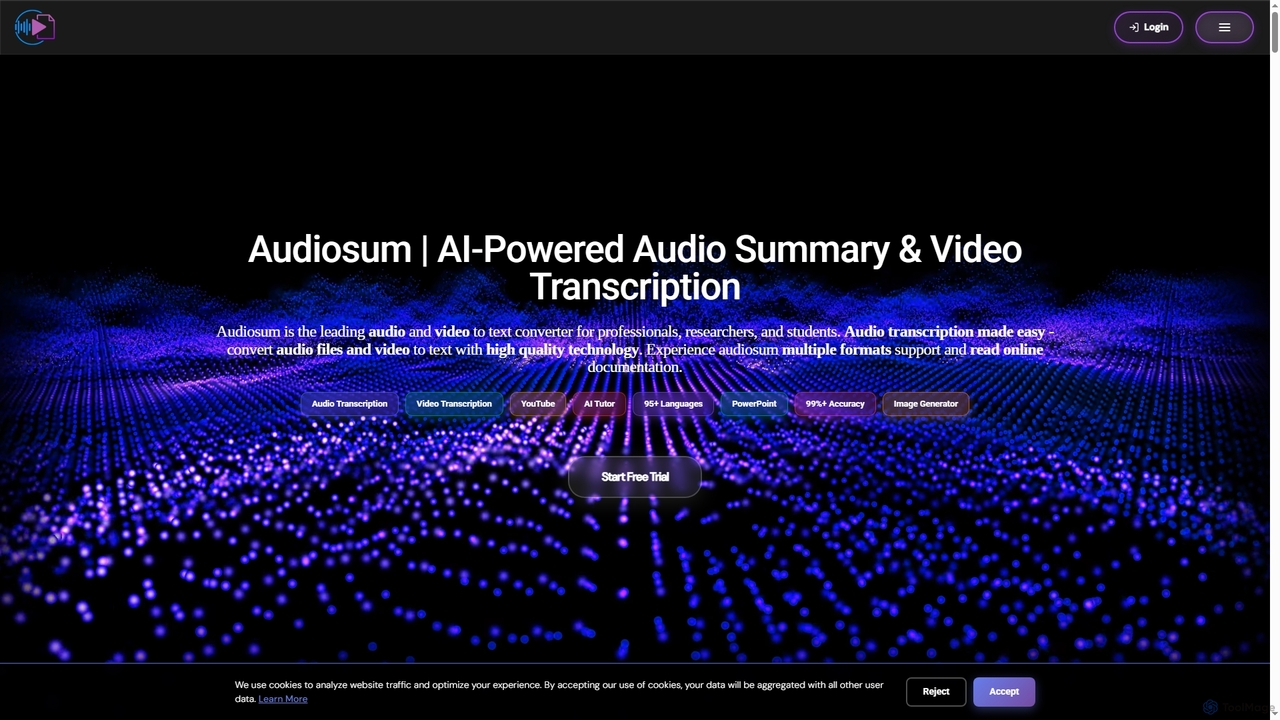
Audiosum
Audiosum is an advanced AI-powered platform designed for professionals, students, and researchers to efficiently process audio, video, and document content. It offers highly accurate transcription, intelligent summarization, and various content generation tools, saving users significant time by transforming lengthy media into concise, actionable insights across over 95 languages.
Meeting Management
Jyek
Jyek is an AI agent platform that understands objectives, creates execution plans, uses tools, and delivers verifiable results for complex, multi-step tasks.
Automation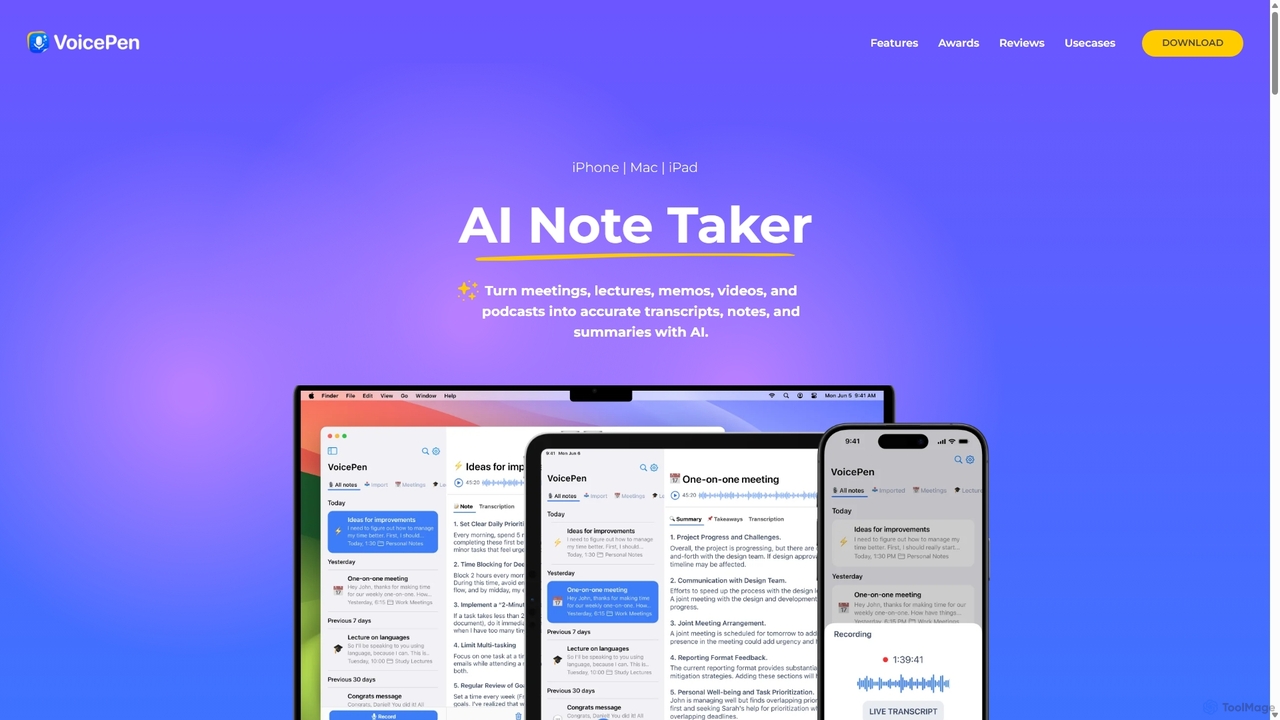
VoicePen
VoicePen is an AI-powered note-taking app for iPhone, Mac, and iPad that transforms meetings, lectures, and any audio/video into accurate transcripts, summaries, and structured notes. It features high-speed transcription, speaker separation, 80+ language support, and over 25 AI rewriting styles to boost your productivity.
Speech To Text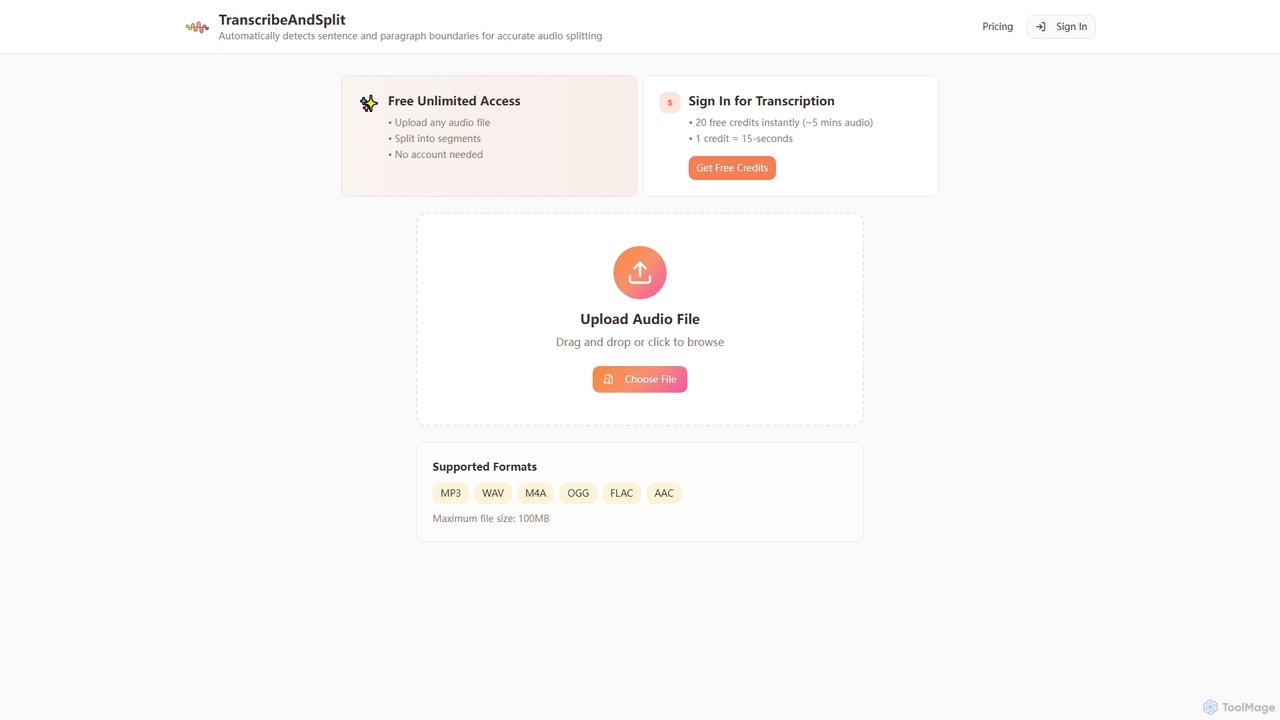
TranscribeAndSplit
TranscribeAndSplit is an AI-powered online tool designed to effortlessly split audio files by sentence or paragraph boundaries and provide transcription services. It offers free unlimited access for audio splitting and generous free credits for transcription, supporting various popular audio formats for efficient content management.
Splitting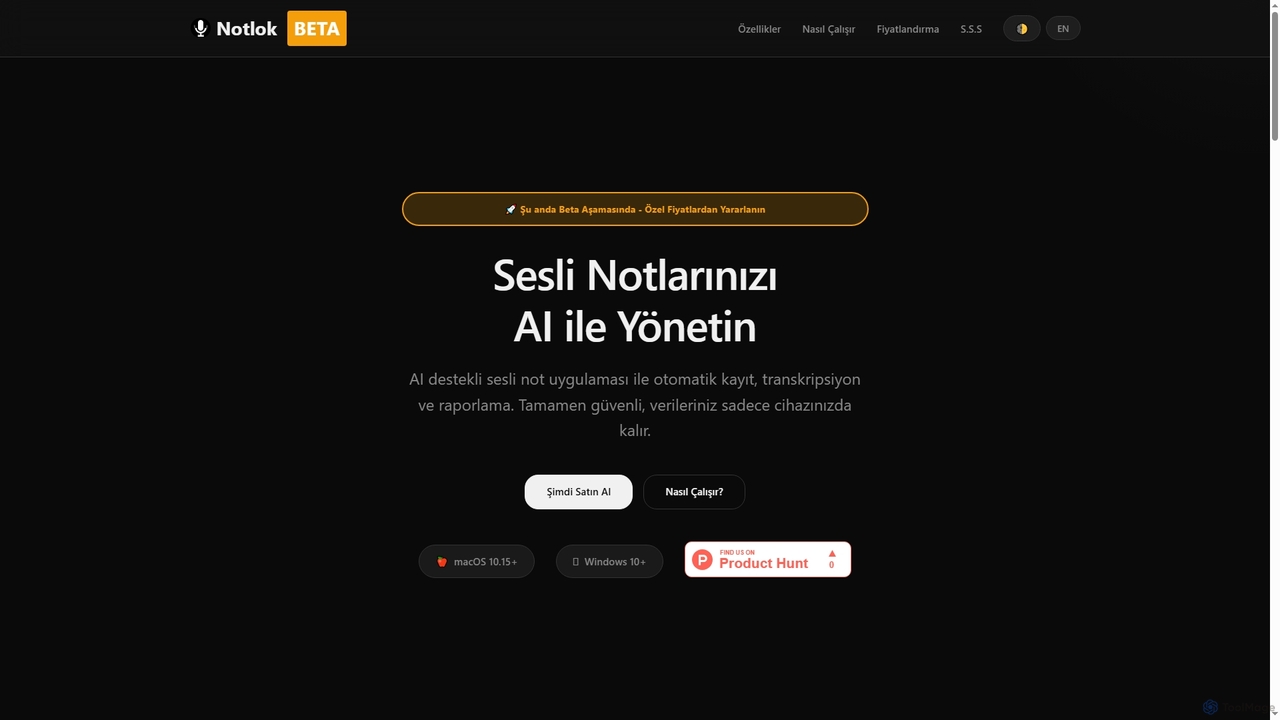
Notlok
Notlok is an AI-powered desktop application for macOS and Windows that provides secure, offline voice note transcription and direct system audio recording. It leverages Whisper AI models to convert spoken content from over 99 languages into text, ensuring user data remains entirely on the local device.
Voice Notes
VideoToWords Comments (0)
Sign in to comment.
Sign inNo comments yet.