
Notlok Overview
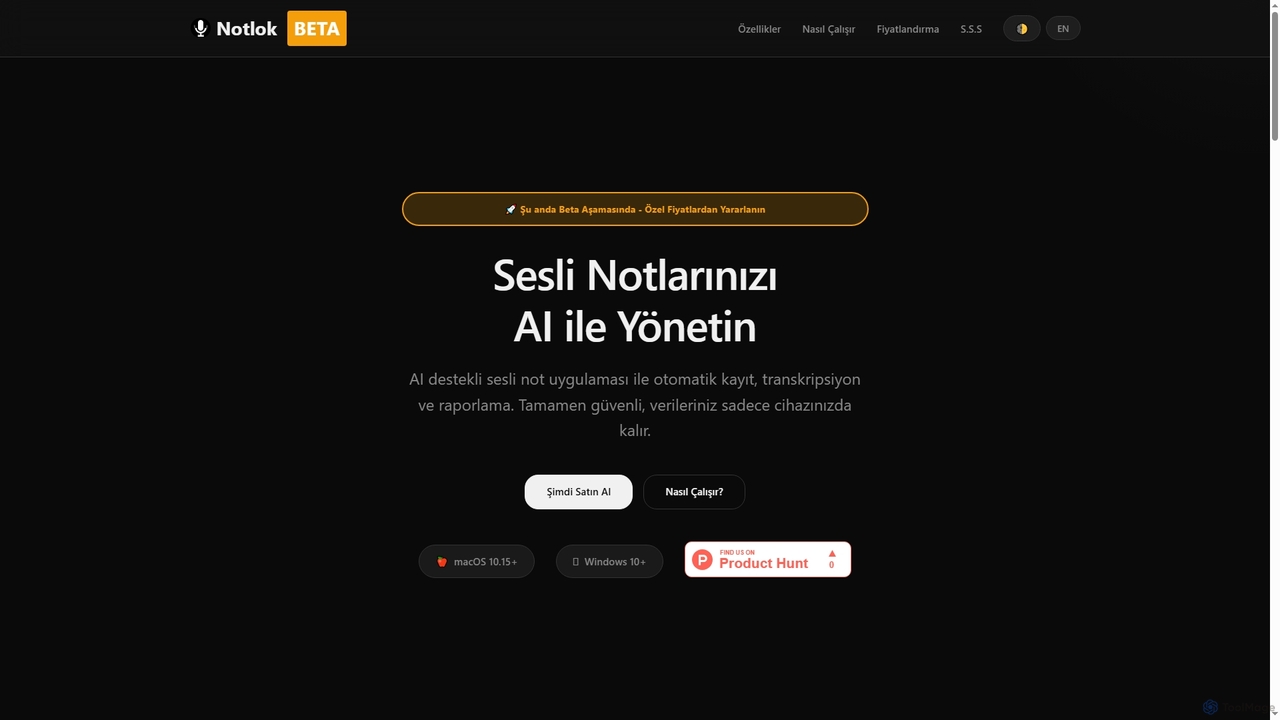
Notlok is an advanced, AI-powered desktop application designed for seamless voice note recording and highly accurate local transcription. Available for both macOS and Windows, Notlok distinguishes itself by prioritizing user privacy and offline functionality. It enables users to capture system audio directly without the need for third-party tools, utilizing ScreenCaptureKit API on macOS and WASAPI technology on Windows. The core strength of Notlok lies in its ability to perform transcription entirely offline, processing all recordings and AI operations on your local device, thus ensuring your data never leaves your computer or is uploaded to the internet. With support for over 99 languages via Whisper AI models, Notlok offers a robust solution for converting spoken content into text, making it an invaluable tool for students, professionals, and content creators alike.
How to use Notlok
To use Notlok, first install the application on your macOS or Windows device. Once installed, you can begin recording system audio directly. For transcription, simply record your audio, and Notlok will process it locally using your chosen Whisper AI model. While transcription is offline, an internet connection is required for initial license activation and for generating AI reports. You can select from various Whisper model sizes (Tiny, Base, Small, Medium, Large V3) based on your accuracy and storage needs, with Whisper Base recommended for new users. An annual license provides full access to all features for one year, with renewal reminders sent before expiration.
Core Features of Notlok
- AI-powered voice note recording and management.
- Completely offline transcription using Whisper AI models.
- Direct system audio capture on macOS (ScreenCaptureKit API) and Windows (WASAPI).
- Support for 99+ transcription languages with automatic detection and manual selection.
- Choice of Whisper AI model sizes (75 MB to 3.1 GB) to optimize performance and storage.
- Secure local data processing; recordings and transcripts never leave your device.
- AI report generation (requires internet connection).
- User interface available in Turkish and English.
Use Cases for Notlok
Notlok is ideal for a wide range of applications where accurate and private audio-to-text conversion is essential. Students can record and transcribe lectures or online courses for easier review and note-taking. Professionals can use it to transcribe meetings, webinars, interviews, or dictations, ensuring all key information is captured accurately and securely. Content creators can convert spoken content from podcasts or videos into text for subtitles, articles, or archives. Researchers can efficiently process spoken data for analysis, while anyone concerned with data privacy will appreciate the local processing of sensitive audio information.
Advantages of Notlok
The primary advantages of Notlok include its unparalleled commitment to data privacy, as all sensitive audio and transcription data remains on your local device. Its offline transcription capability ensures productivity even without an internet connection. The direct system audio recording feature eliminates the need for complex third-party audio routing tools, simplifying the recording process. With support for over 99 languages and the flexibility to choose different Whisper AI model sizes, Notlok offers both versatility and high accuracy. Being in beta, users also benefit from special pricing and contribute to the ongoing development of an actively evolving tool.
Notlok FAQ
Notlok Alternatives
Audiosum
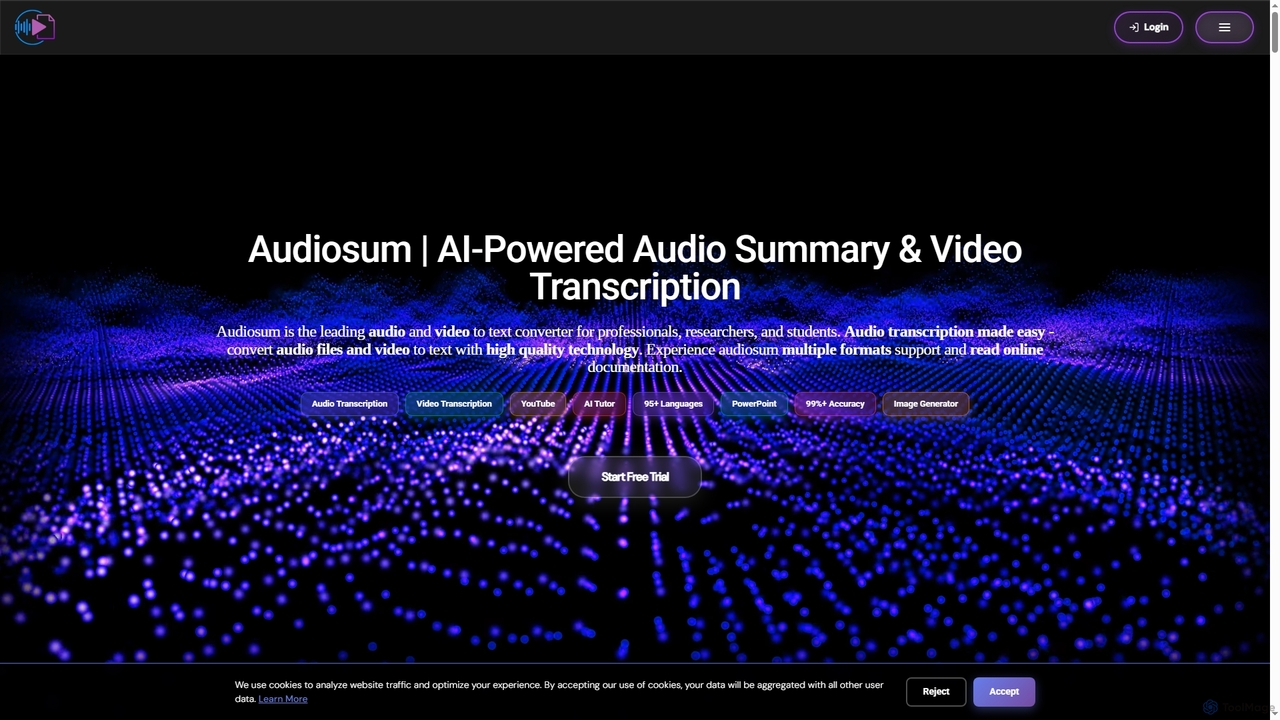
Audiosum is an advanced AI-powered platform designed for professionals, students, and researchers to efficiently process audio, video, and document content. It offers highly accurate transcription, intelligent summarization, and various content generation tools, saving users significant time by transforming lengthy media into concise, actionable insights across over 95 languages.
Meeting Management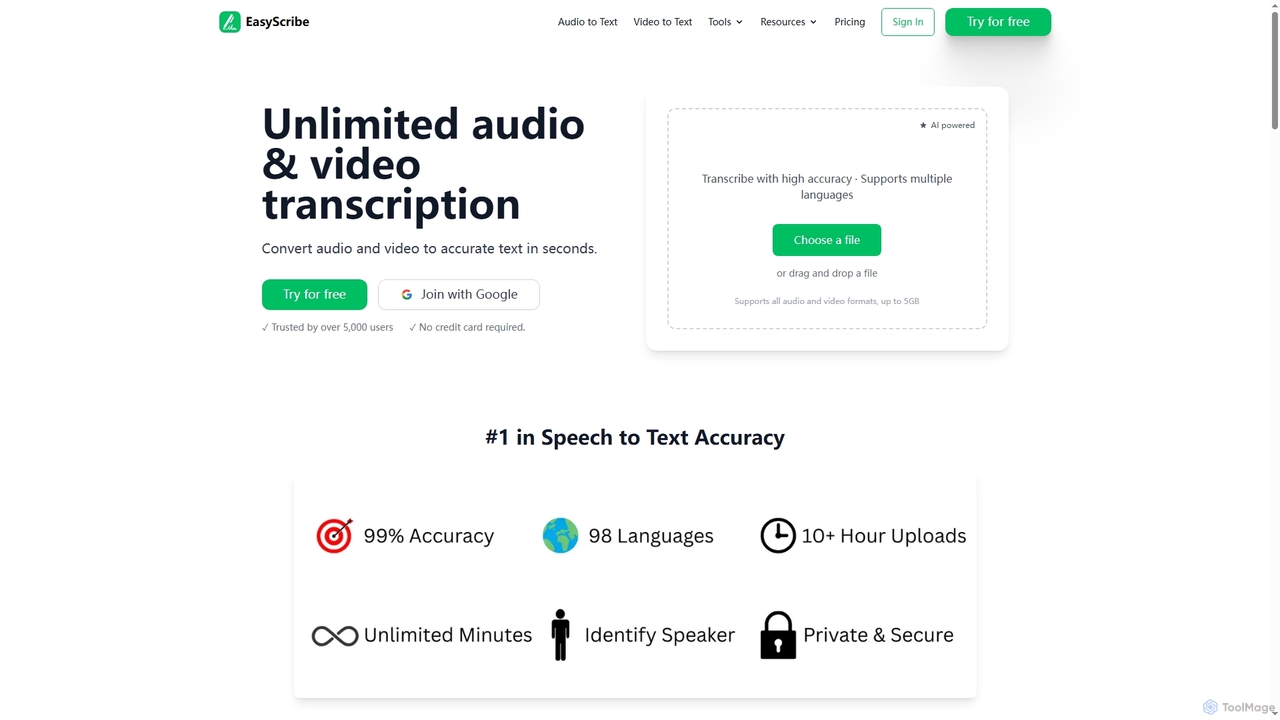
EasyScribe
EasyScribe is an AI-powered transcription tool that converts audio and video files into accurate text in seconds. It supports 98+ languages, offers speaker identification, and allows translation to 134+ languages, making it ideal for global communication and content creation.
Meeting Management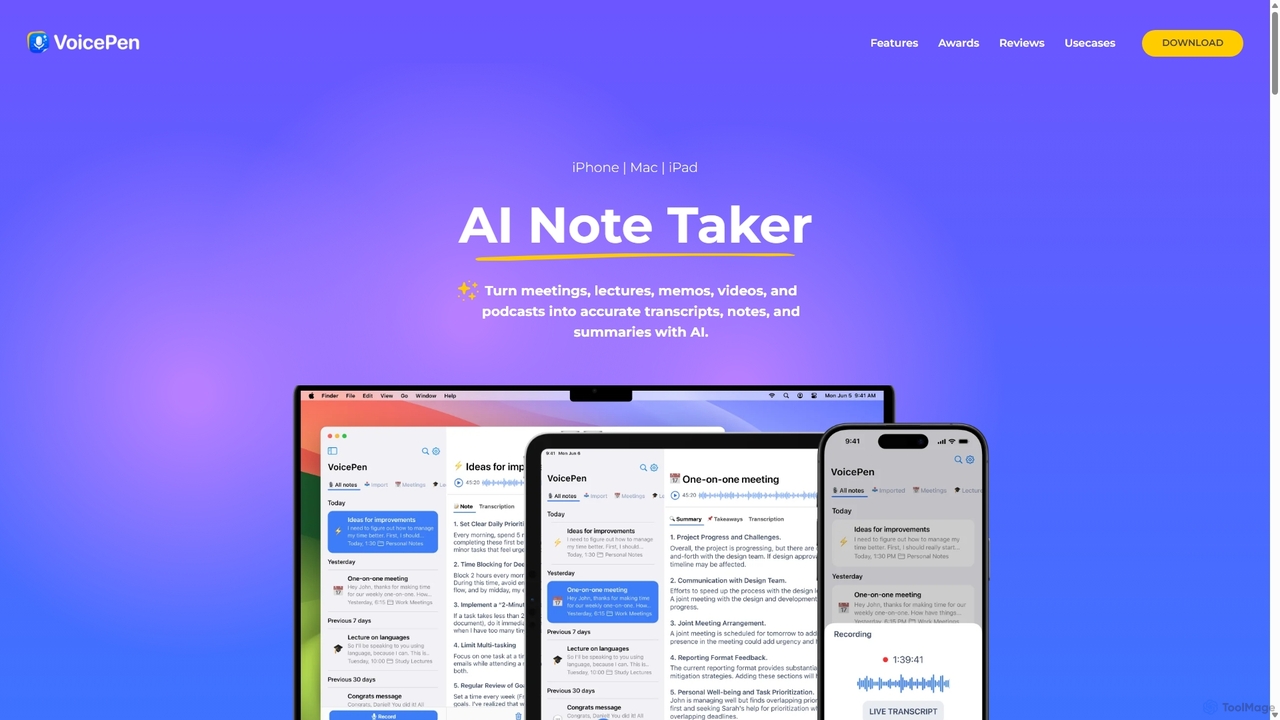
VoicePen
VoicePen is an AI-powered note-taking app for iPhone, Mac, and iPad that transforms meetings, lectures, and any audio/video into accurate transcripts, summaries, and structured notes. It features high-speed transcription, speaker separation, 80+ language support, and over 25 AI rewriting styles to boost your productivity.
Speech To Text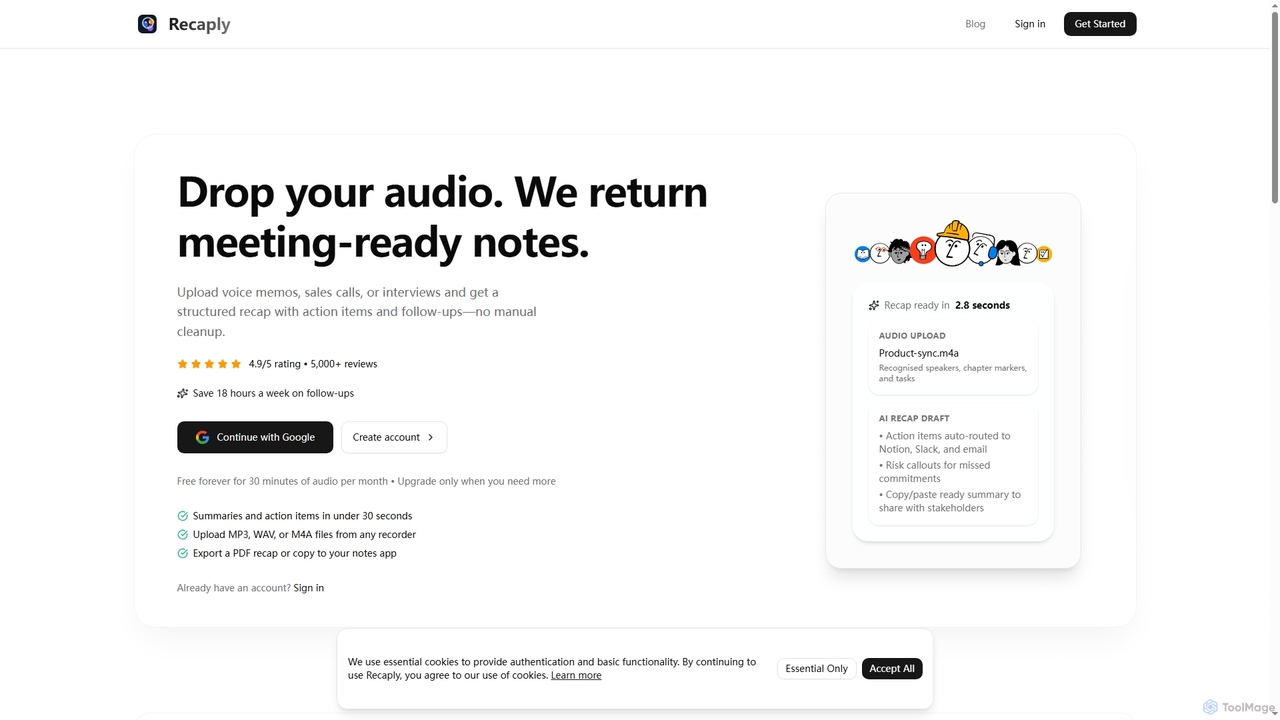
Recaply
Recaply is an AI-powered tool that transforms voice memos, sales calls, and interviews into structured, actionable notes with summaries, action items, and follow-ups. It streamlines post-meeting tasks, saving significant time on manual cleanup and ensuring team alignment.
Sales Enablement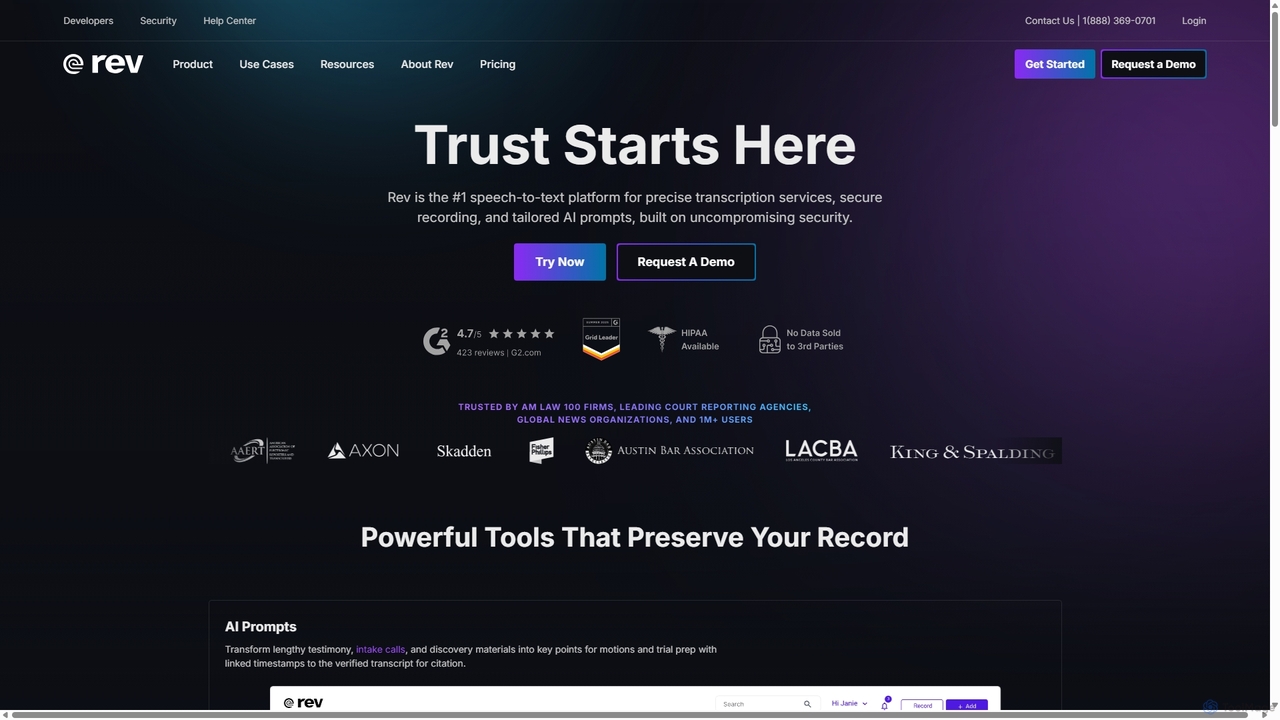
Rev
Rev is a leading speech-to-text platform offering both AI-powered and human-based transcription, captioning, and subtitling services. It's designed for professionals in legal, media, and research, providing industry-leading accuracy (up to 99%+). Rev's suite of AI tools helps users analyze audio/video content to uncover key insights, generate summaries, and streamline workflows, all within a secure and compliant environment.
Speech To TextNotlok Categories
Notlok Jobs
Notlok Embed Widget
Copy this embed code to place the badge on your blog, article, or product site and send readers directly to this ToolMage detail page.

Related AI tools
Recaply
Recaply is an AI-powered tool that transforms voice memos, sales calls, and interviews into structured, actionable notes with summaries, action items, and follow-ups. It streamlines post-meeting tasks, saving significant time on manual cleanup and ensuring team alignment.
Sales Enablement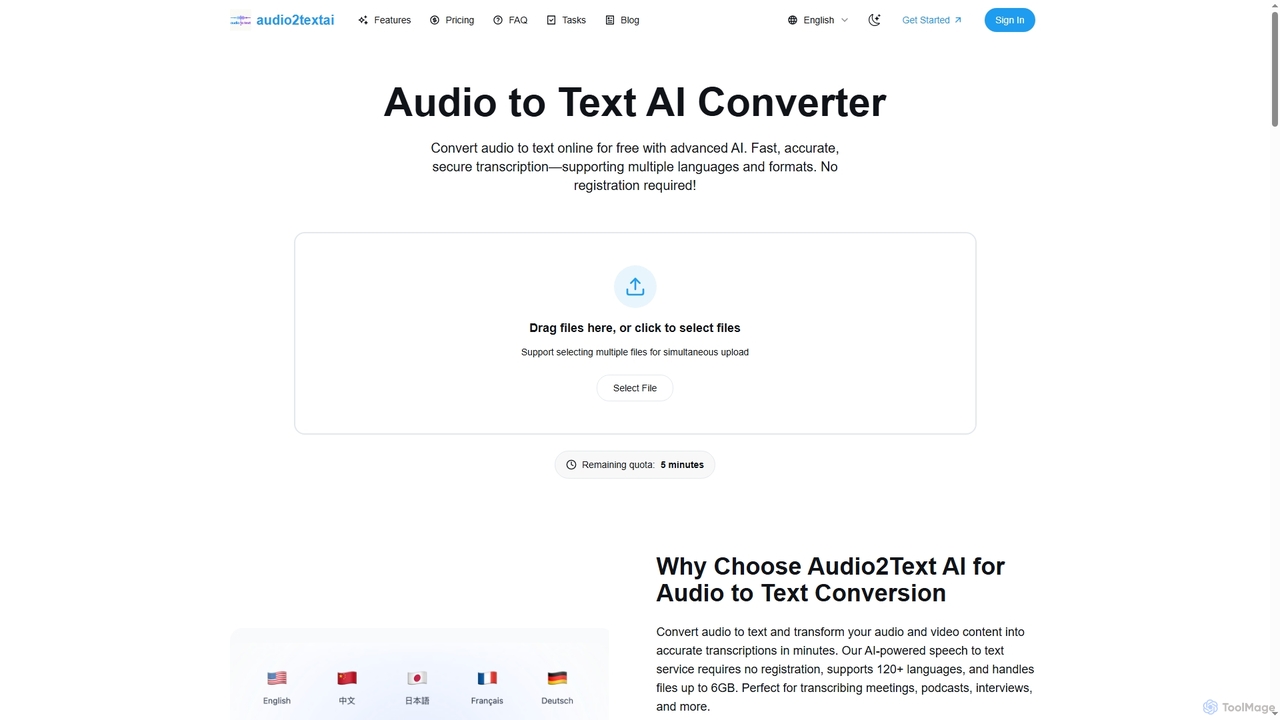
Audio2Text AI
Audio2Text AI is an advanced online AI converter that transforms audio and video files into accurate text transcriptions quickly and securely. Supporting over 120 languages and 21 media formats, it offers enterprise-grade accuracy with speaker identification and timestamps, all without requiring registration for a free 5-minute trial.
Meeting Management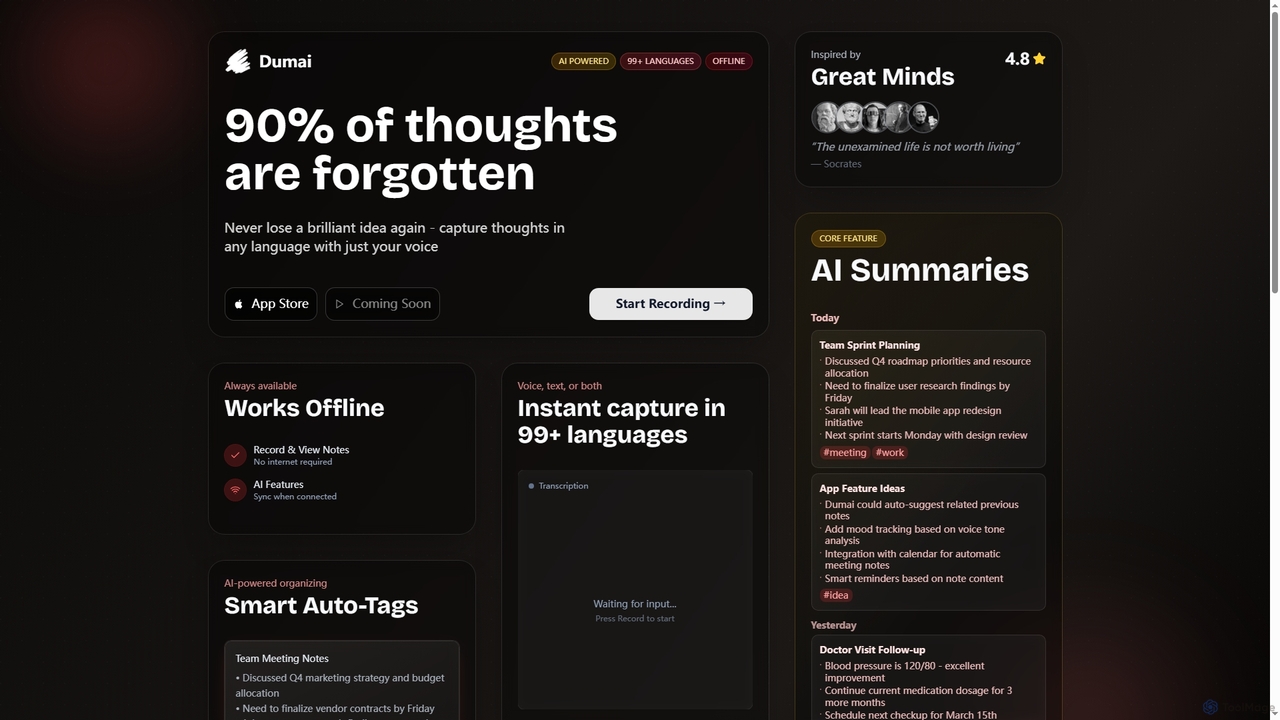
Dumai
Dumai is an AI-powered voice note application designed to capture thoughts, ideas, and conversations instantly in over 99 languages. It offers offline functionality, transcription, AI summaries, and smart auto-tagging to help users organize and retrieve their notes effortlessly.
Meeting ManagementAudiosum
Audiosum is an advanced AI-powered platform designed for professionals, students, and researchers to efficiently process audio, video, and document content. It offers highly accurate transcription, intelligent summarization, and various content generation tools, saving users significant time by transforming lengthy media into concise, actionable insights across over 95 languages.
Meeting ManagementVoicePen
VoicePen is an AI-powered note-taking app for iPhone, Mac, and iPad that transforms meetings, lectures, and any audio/video into accurate transcripts, summaries, and structured notes. It features high-speed transcription, speaker separation, 80+ language support, and over 25 AI rewriting styles to boost your productivity.
Speech To TextEasyScribe
EasyScribe is an AI-powered transcription tool that converts audio and video files into accurate text in seconds. It supports 98+ languages, offers speaker identification, and allows translation to 134+ languages, making it ideal for global communication and content creation.
Meeting Management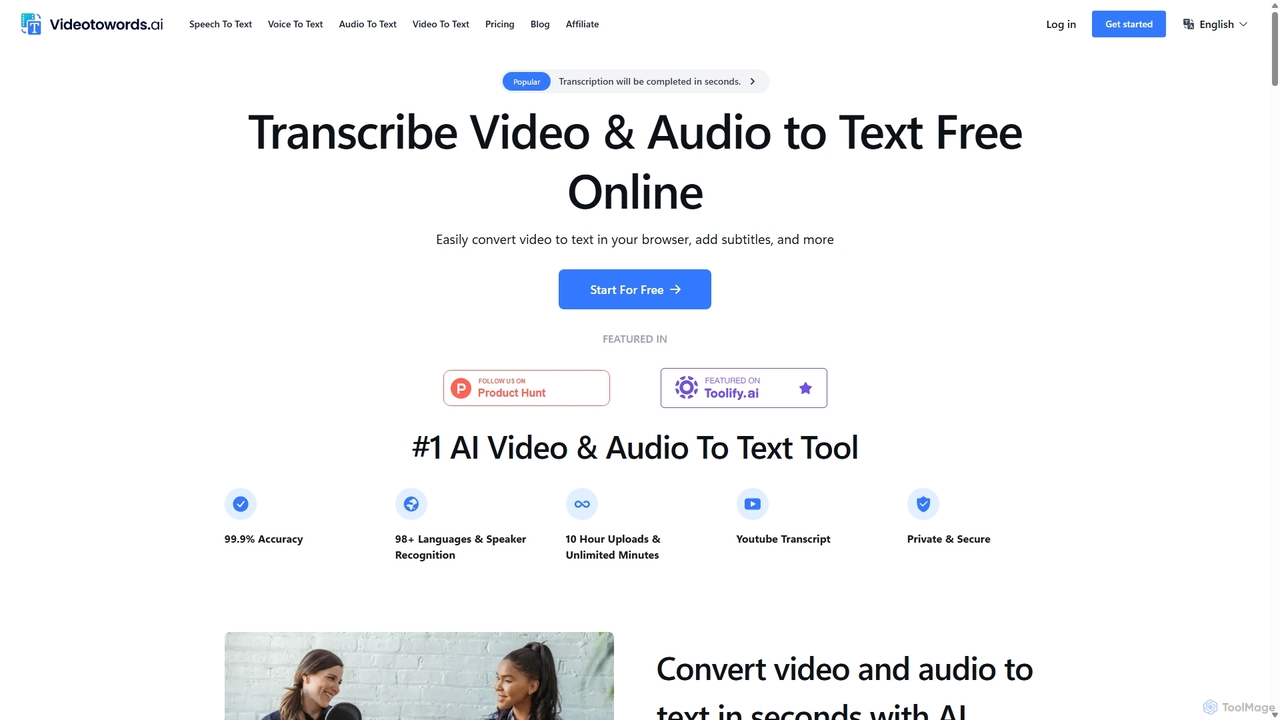
VideoToWords
VideoToWords is an AI-powered transcription tool that accurately converts audio and video files into text in over 98 languages. It offers lightning-fast transcription, speaker recognition, and AI-generated summaries. Ideal for journalists, students, content creators, and researchers, it supports various file formats and provides easy-to-use editing and export options (TXT, DOCX, SRT).
Transcription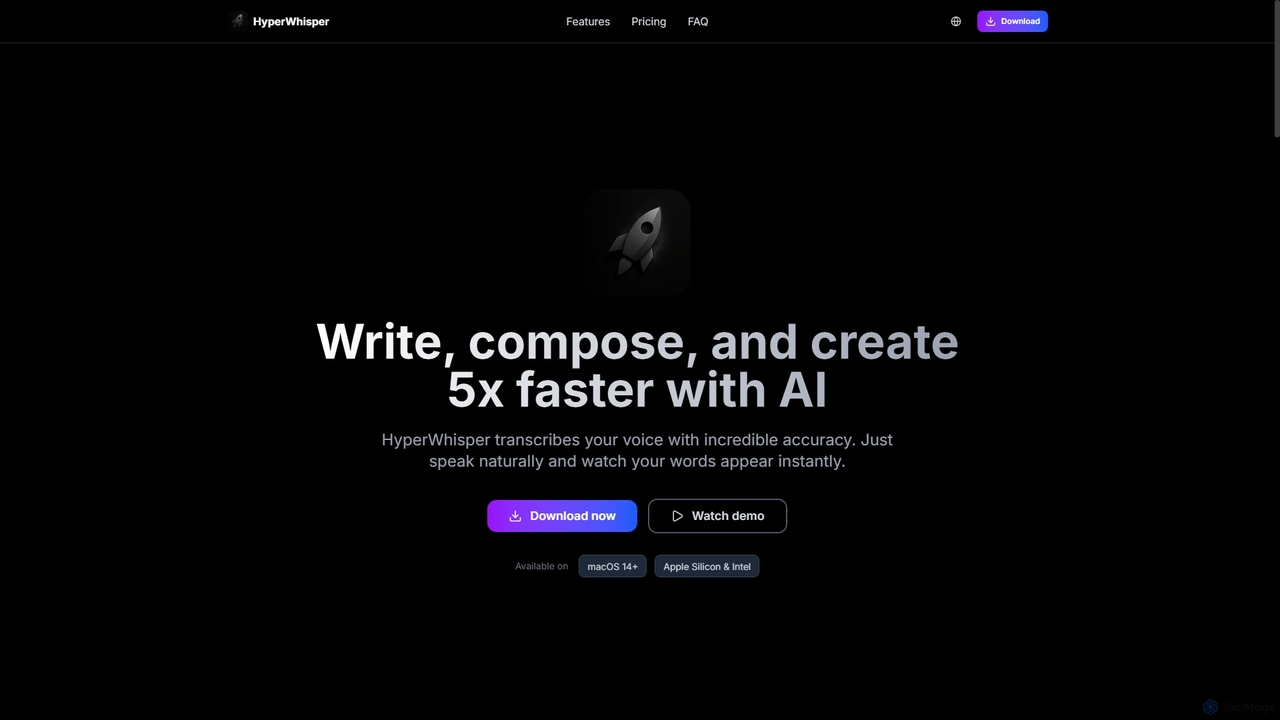
HyperWhisper
HyperWhisper is an AI-powered voice transcription application for macOS, designed to convert spoken words into text with exceptional accuracy and speed. It supports over 100 languages, offers robust offline capabilities, and prioritizes user privacy, making it ideal for professionals seeking efficient content creation and note-taking.
Coding Assistant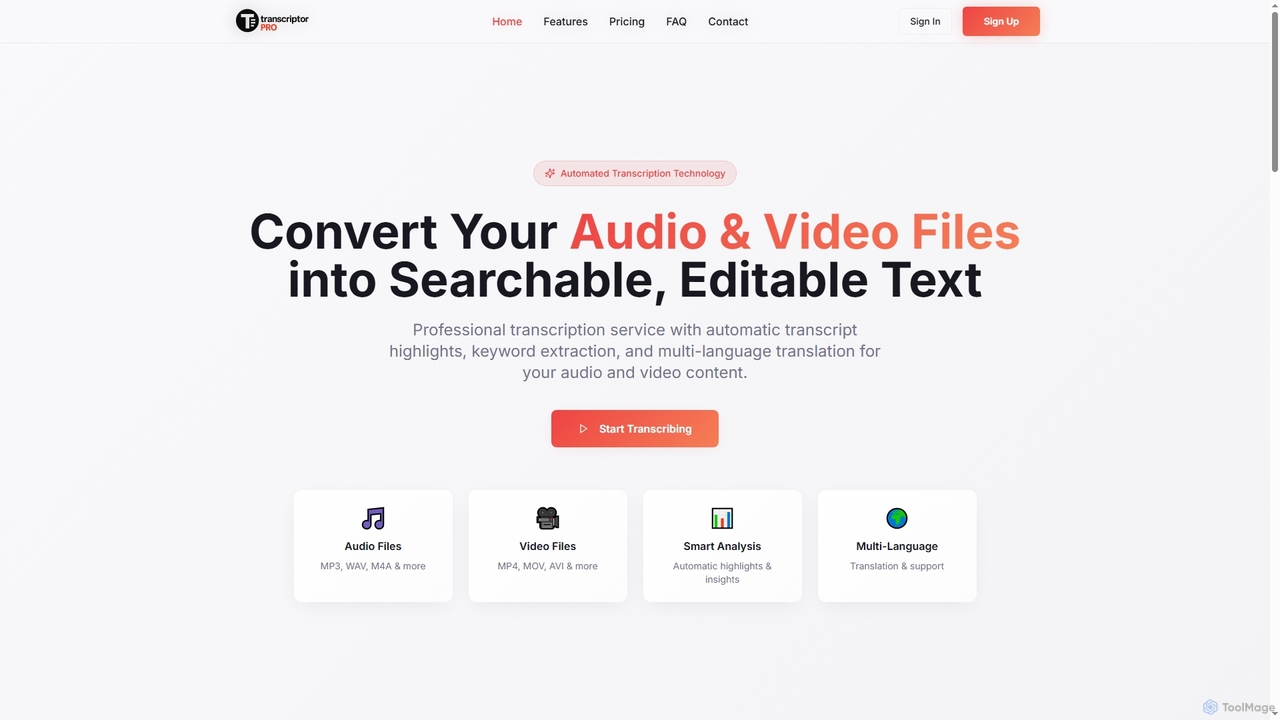
TranscriptorPro
TranscriptorPro is an AI-powered service that converts audio and video files into searchable, editable text. It offers automated transcription with smart highlights, keyword extraction, and multi-language translation, making content accessible and manageable for various professional and personal needs.
Translation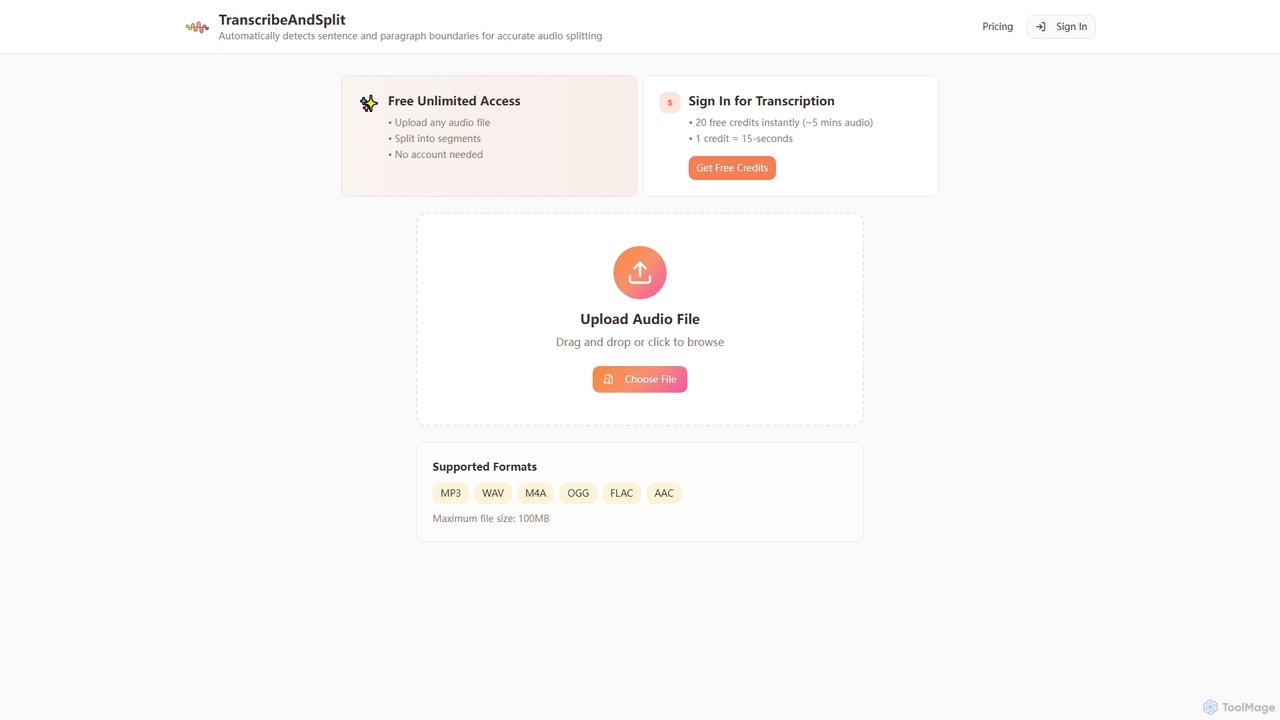
TranscribeAndSplit
TranscribeAndSplit is an AI-powered online tool designed to effortlessly split audio files by sentence or paragraph boundaries and provide transcription services. It offers free unlimited access for audio splitting and generous free credits for transcription, supporting various popular audio formats for efficient content management.
SplittingRev
Rev is a leading speech-to-text platform offering both AI-powered and human-based transcription, captioning, and subtitling services. It's designed for professionals in legal, media, and research, providing industry-leading accuracy (up to 99%+). Rev's suite of AI tools helps users analyze audio/video content to uncover key insights, generate summaries, and streamline workflows, all within a secure and compliant environment.
Speech To Text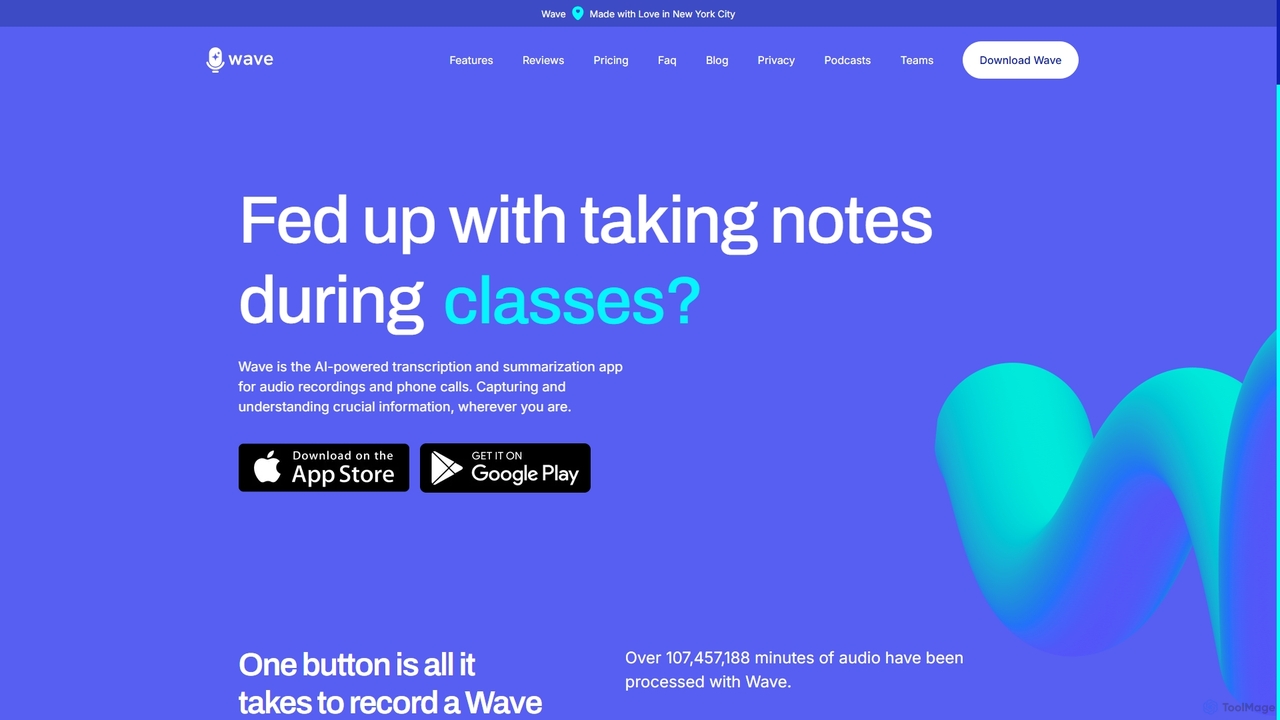
Wave
Wave is an AI-powered note-taker and transcription app for iOS and Android. It effortlessly records audio from meetings, calls, and lectures, providing highly accurate transcriptions and concise, customizable summaries. With features like phone call recording, multi-language support, and cross-device sync, Wave helps you capture and understand crucial information anywhere, anytime, without the hassle of manual note-taking.
Meeting Assistant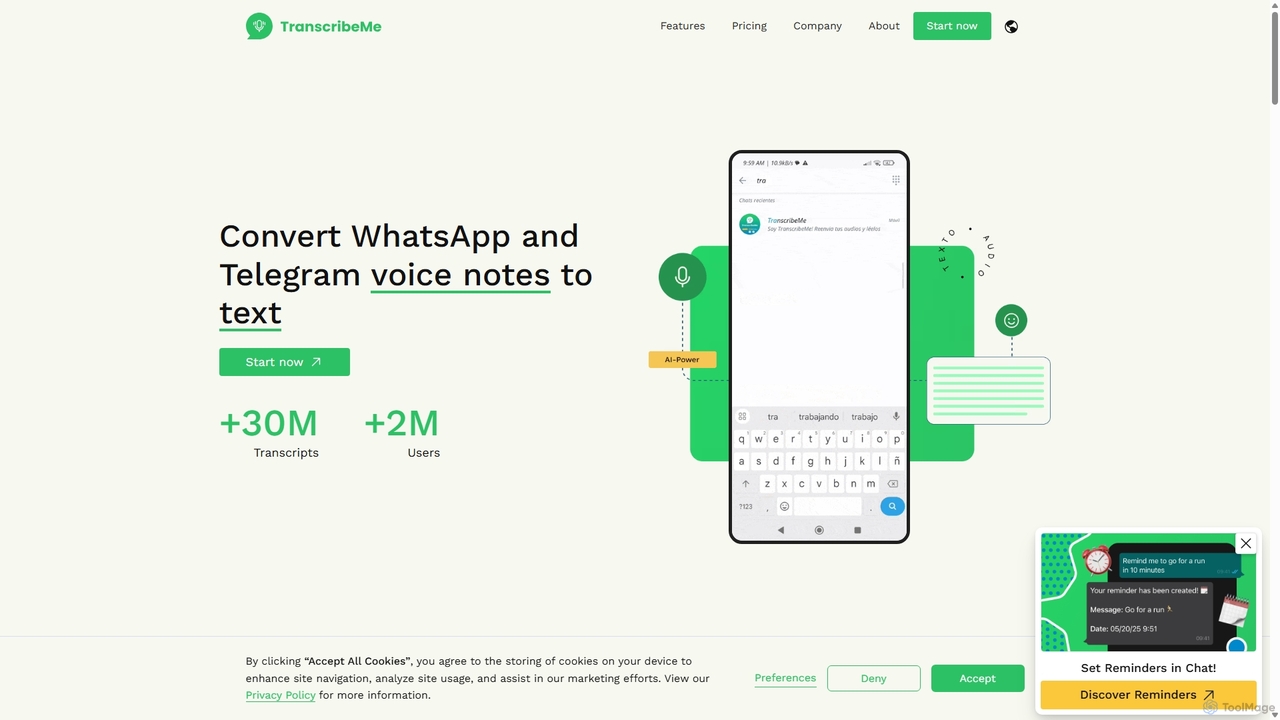
TranscribeMe
TranscribeMe is an advanced AI-powered transcription service that quickly and accurately converts audio and video files into text. It supports multiple languages, identifies different speakers, and provides an intuitive editor for easy review and correction. Ideal for podcasters, journalists, researchers, and students, TranscribeMe streamlines the process of creating searchable, editable transcripts.
Speech To Text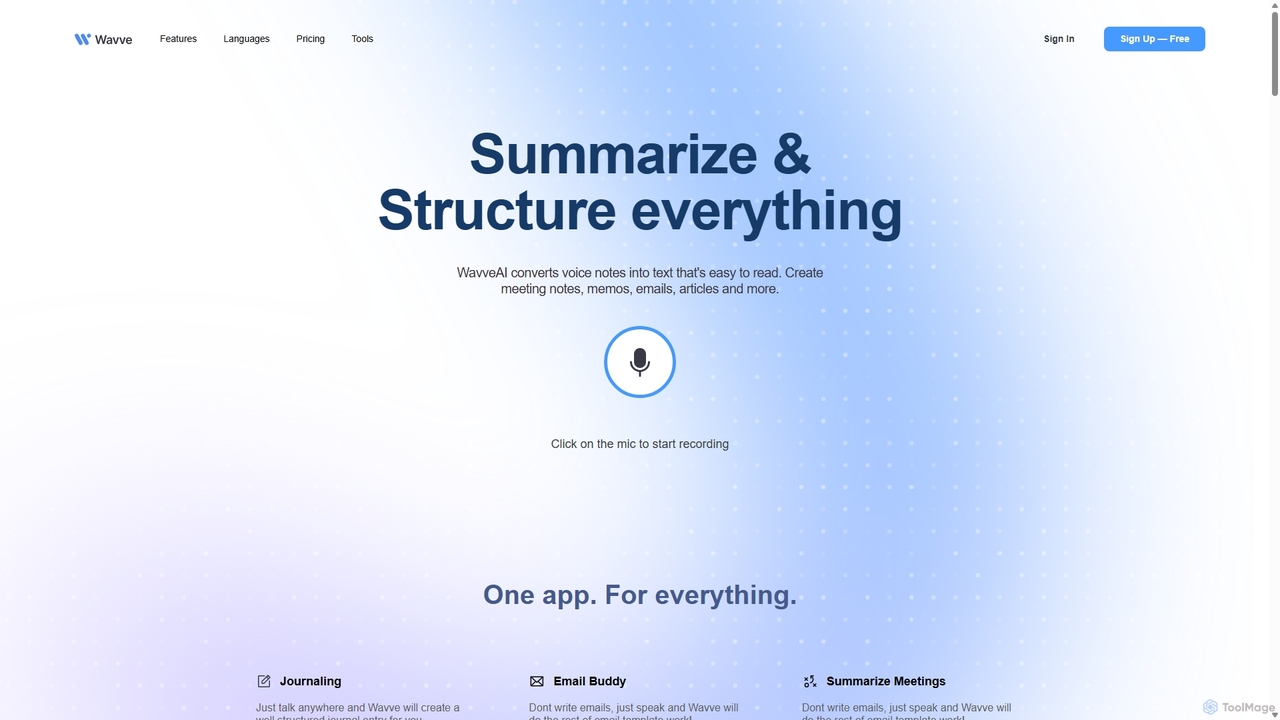
Wavve AI
Wavve AI is an intelligent tool that effortlessly records, transcribes, and summarizes voice notes. It transforms spoken ideas into structured text formats like meeting notes, emails, articles, and social media posts, supporting over 140 languages. Ideal for creators, professionals, and anyone looking to boost productivity by converting voice to content.
Speech To Text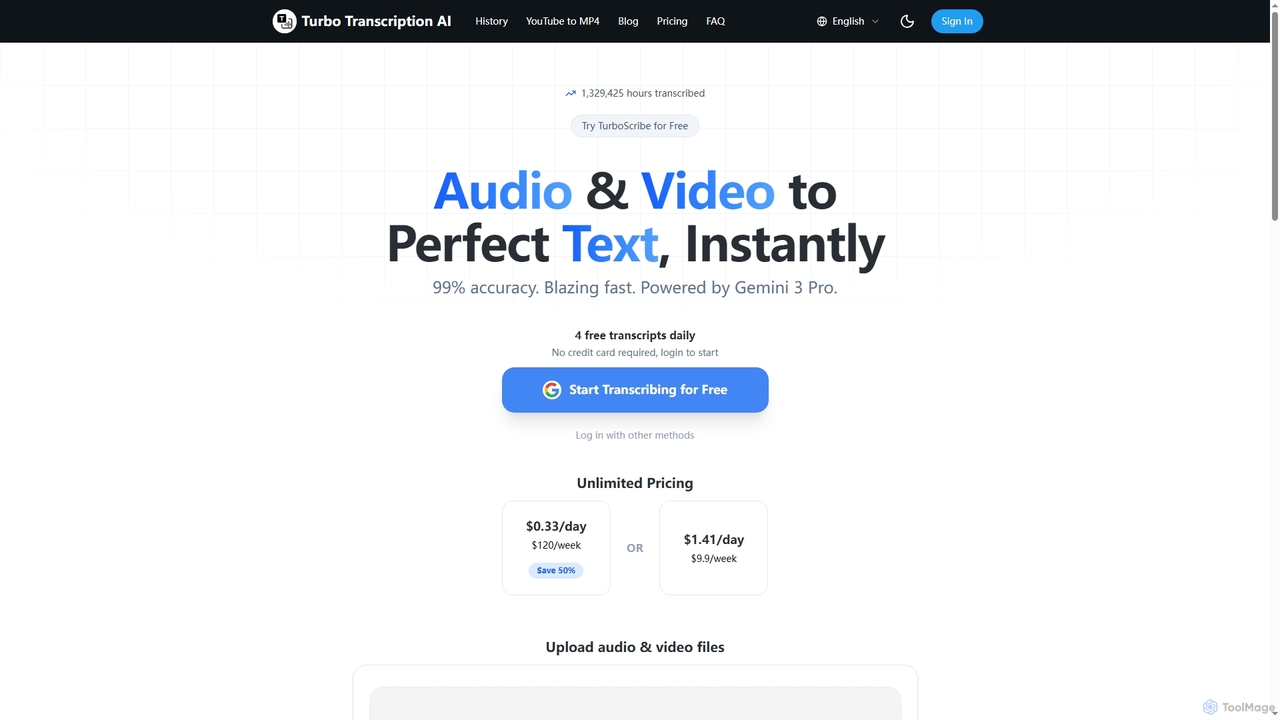
Turbo Transcription
Turbo Transcription is an AI-powered service that rapidly converts audio and video files into highly accurate text. Leveraging Gemini 3 Pro, it boasts 99% accuracy and supports over 98 languages, making it ideal for content creators, journalists, and professionals needing quick, reliable transcription. Users can enjoy 4 free transcripts daily without a credit card.
Transcription
Notlok Comments (0)
Sign in to comment.
Sign inNo comments yet.