ToolMage
Sign in

Best 3 Transcription AI tools for Audio Editing

Popular Transcription AI tools in Audio Editing include Soundwise, Podmod, and Turbo Transcription, helping you work more efficiently.

Turbo Transcription
Freemium

Turbo Transcription

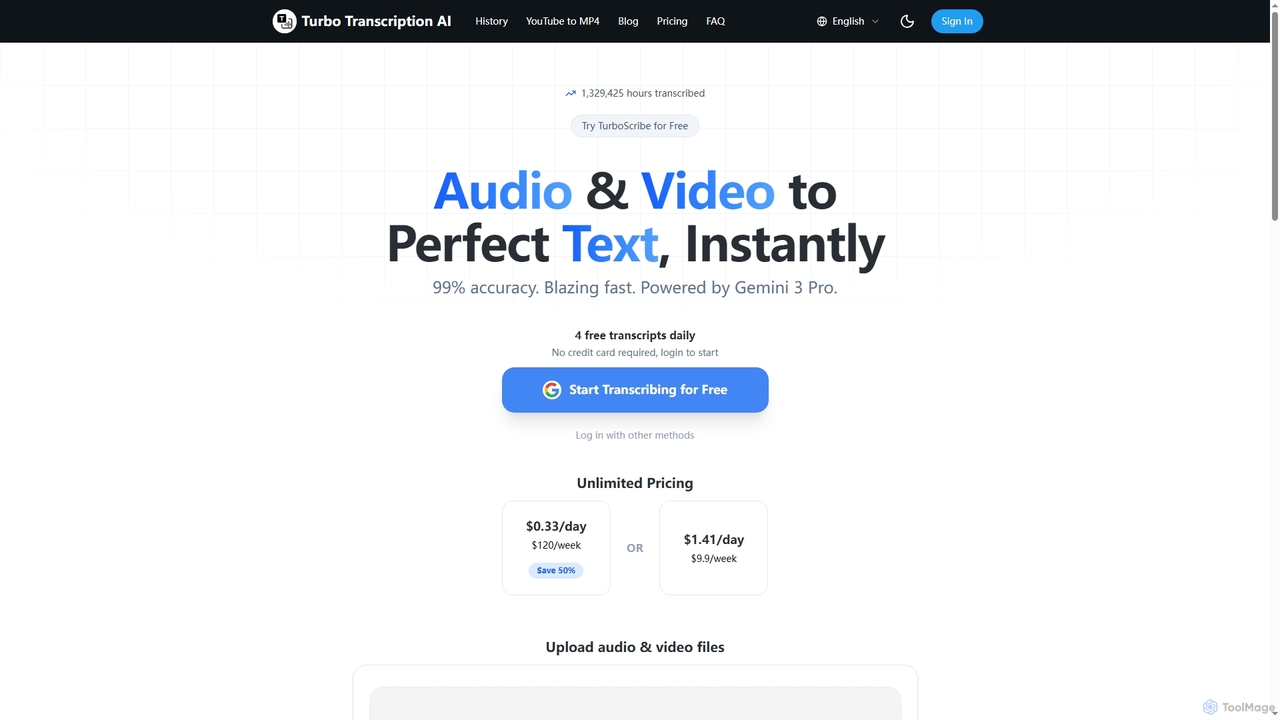
Turbo Transcription is an AI-powered service that rapidly converts audio and video files into highly accurate text. Leveraging Gemini 3 Pro, it boasts 99% accuracy and supports over 98 languages, making it ideal for content creators, journalists, and professionals needing quick, reliable transcription. Users can enjoy 4 free transcripts daily without a credit card.

Transcription
Visits 5.8KFavorites 99Likes 95
Podmod
Paid

Podmod

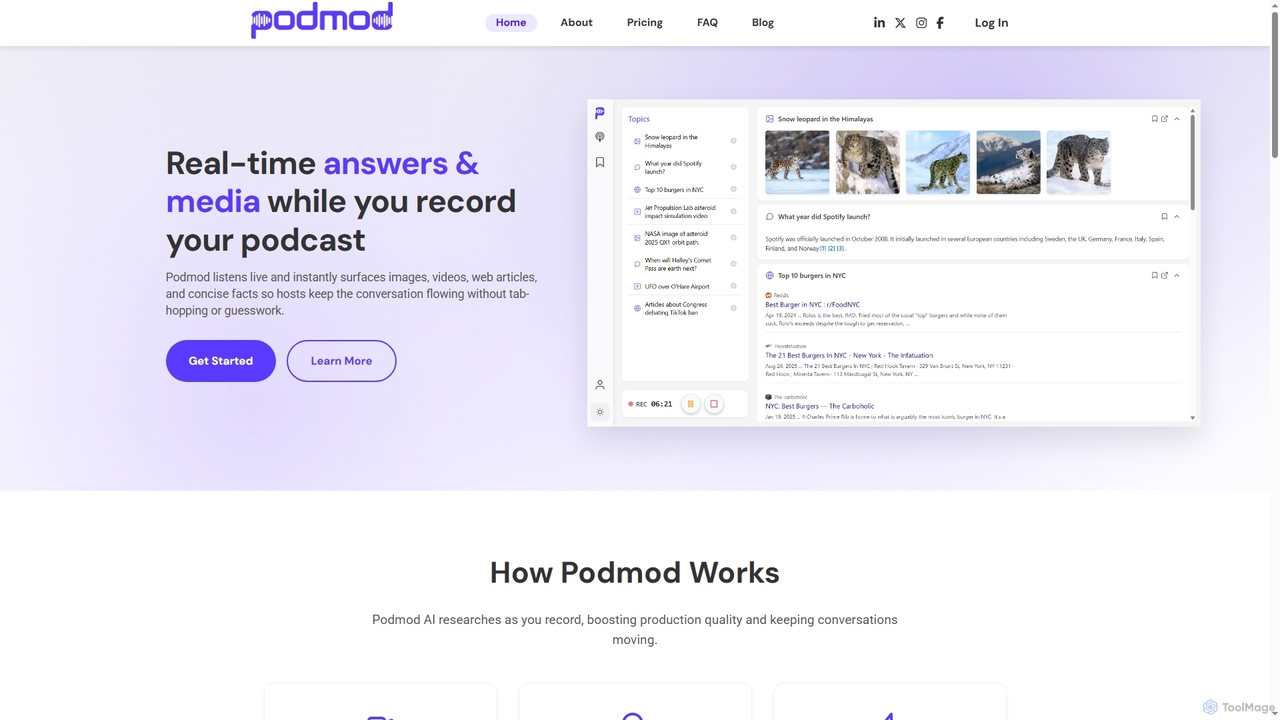
Podmod is an AI-powered podcast assistant that provides real-time research, fact-checking, and content retrieval during live recording sessions. It helps podcasters lead conversations with confidence, surfacing context, sources, media, and on-the-spot answers without breaking the flow. Podmod also automates show notes generation and offers full transcripts, streamlining the entire podcast production workflow.

Transcription
Visits 6.1KFavorites 125Likes 132
Soundwise
Freemium

Soundwise

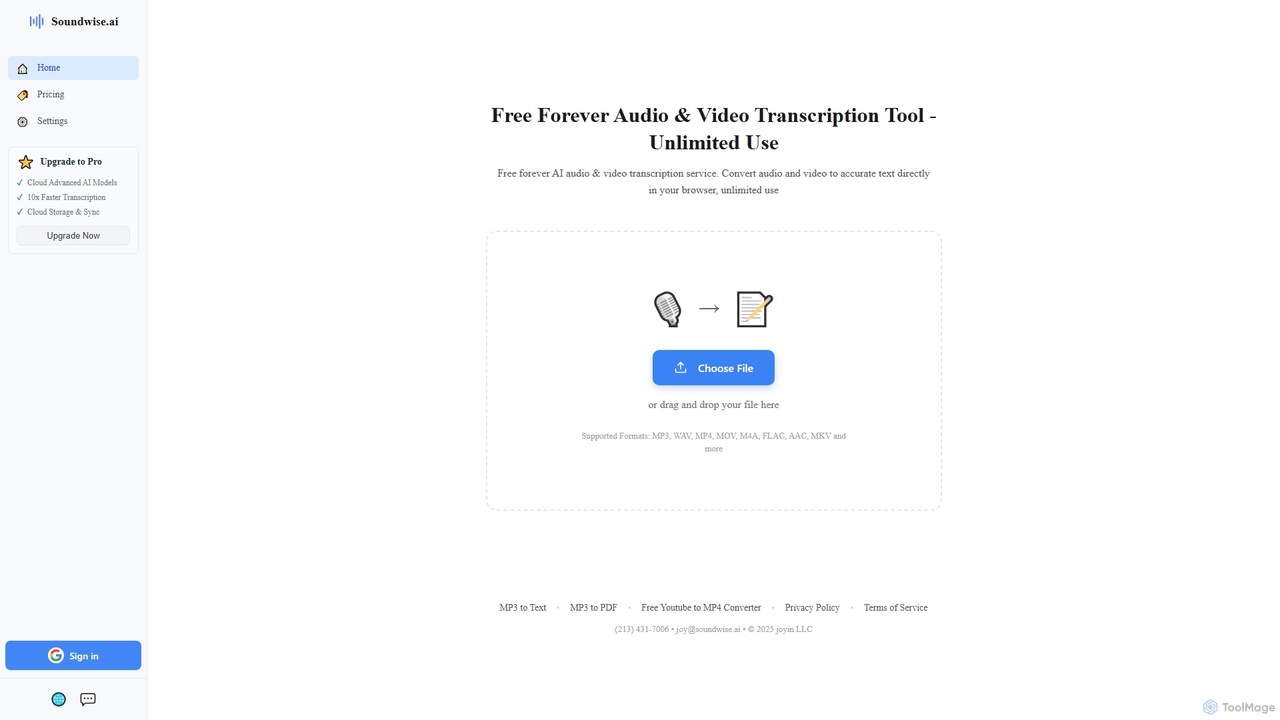
Soundwise is a free-forever AI-powered online tool designed for unlimited audio and video transcription. It accurately converts various media files into text directly within your web browser, offering a convenient solution for anyone needing quick and reliable transcriptions.

Transcription
Visits 185.9KFavorites 124Likes 121

About Transcription

AI Transcription tools are a specialized category of AI-powered software designed to convert spoken language from audio or video recordings into written text. These tools leverage advanced speech-to-text (STT) technology, often powered by deep learning models, to accurately recognize and transcribe human speech. They provide immense value by transforming ephemeral spoken content into searchable, editable, and shareable documents, significantly streamlining workflows in various professional and personal contexts.

Core Features

  • High Accuracy: Utilizes AI to achieve high transcription accuracy, even with varying audio quality and accents.
  • Speaker Identification: Automatically distinguishes and labels different speakers in a conversation.
  • Timestamping: Adds precise time markers to transcribed text, linking it back to the original audio/video.
  • Multi-language Support: Offers transcription capabilities for a wide range of languages and dialects.
  • Custom Vocabulary: Allows users to add industry-specific terms or proper nouns to improve accuracy for specialized content.

Applicable Scenarios

Transcription tools are indispensable for professionals who regularly work with spoken content. Journalists use them to quickly transcribe interviews, researchers for analyzing focus group discussions, and content creators for generating accurate subtitles. They are also vital for legal and medical fields requiring precise documentation of verbal exchanges.

How to Choose

When selecting an AI transcription tool, prioritize accuracy, especially for your specific audio types and accents. Consider the range of supported languages and export formats (e.g., SRT, VTT, DOCX). Evaluate features like speaker diarization and custom vocabulary. Finally, compare pricing models, integration capabilities with your existing workflows, and data security measures to ensure it meets your operational needs.

Transcription use cases

1

Summarize Meetings and Conferences

Business professionals and project managers can utilize AI transcription tools to convert recorded meetings, webinars, and conference calls into searchable text. This allows for quick identification of key decisions, action items, and speaker contributions, eliminating the need for manual note-taking. The result is improved team productivity, accurate historical records, and easy sharing of meeting outcomes, ensuring no critical information is missed.

2

Transcribe Interviews for Journalism and Research

Journalists, academic researchers, and students frequently conduct interviews, focus groups, or record lectures. AI transcription tools provide a fast and accurate way to convert these audio recordings into text, making it easier to analyze qualitative data, extract quotes, and prepare reports. This significantly reduces the time spent on manual transcription, allowing more focus on content analysis and writing, while ensuring the integrity of the original spoken word.

3

Generate Subtitles and Captions for Video Content

Video creators, podcasters, and marketers can use AI transcription to automatically generate accurate subtitles and captions for their video and audio content. This not only improves accessibility for hearing-impaired audiences but also enhances SEO by making content searchable for search engines. By automating this process, creators save significant time and resources, allowing them to reach a wider audience and improve engagement across platforms.

4

Document Legal and Medical Proceedings

Legal professionals and medical practitioners require highly accurate and confidential documentation of verbal exchanges. AI transcription tools can transcribe court proceedings, depositions, client consultations, and patient dictations with speed and precision. This ensures that critical details are captured verbatim, reducing the risk of human error and maintaining compliance with strict regulatory standards. The ability to quickly convert spoken records into text is invaluable for record-keeping and case preparation.

5

Enhance Accessibility for Educational Content

Educators and students can leverage AI transcription tools to make lectures, seminars, and educational videos more accessible. By converting spoken content into text, students with hearing impairments or those who prefer reading can easily follow along. This also aids in note-taking, content review, and creating study materials. The efficiency of AI transcription ensures that educational institutions can quickly provide inclusive learning environments without extensive manual effort.

6

Analyze Customer Service Calls and Feedback

Customer service managers and quality assurance teams can utilize AI transcription to convert recorded customer calls, voicemails, and feedback sessions into text. This allows for in-depth analysis of customer sentiment, identification of common issues, and evaluation of agent performance. By having text-based records, businesses can gain actionable insights to improve service quality, refine training programs, and enhance overall customer satisfaction, leading to better operational efficiency.

Transcription FAQ

What are AI Transcription tools?

AI Transcription tools are software applications that use artificial intelligence, specifically speech-to-text (STT) technology, to convert spoken audio or video into written text. They automatically process human speech, identify words, and generate a text transcript. These tools are characterized by their speed, ability to handle large volumes of audio, and often include features like speaker identification and timestamping, making audio content easily searchable and editable.

How to choose the right AI Transcription tool?

To choose the right AI Transcription tool, consider several key factors. First, evaluate its accuracy, especially for your specific audio quality, accents, and domain-specific vocabulary. Second, check its language support and whether it offers speaker diarization (identifying different speakers). Third, assess the available export formats (e.g., SRT for subtitles, DOCX for documents) and editing capabilities. Finally, compare pricing models, integration options with your existing software, and data security policies to ensure it aligns with your budget and workflow needs.

What features should I look for in an AI Transcription tool?

When evaluating AI transcription tools, look for features that enhance accuracy and usability. Key features include multi-language support for diverse content, speaker diarization to differentiate speakers, and timestamping for easy navigation. Advanced tools often offer custom vocabulary/glossaries to improve accuracy for specialized terms, various export formats (e.g., plain text, SRT, VTT), and an integrated editor for quick corrections. Some also provide sentiment analysis or keyword extraction for deeper insights.

How does AI Transcription differ from general Audio Editing?

AI Transcription is a specific function within the broader field of audio editing. While audio editing encompasses a wide range of tasks like cutting, mixing, enhancing sound quality, and applying effects to audio files, AI transcription focuses solely on converting the spoken content of an audio or video file into written text. Audio editing manipulates the sound itself, whereas transcription extracts and represents the linguistic information. Transcription tools may be integrated into audio editing suites, but their core purpose is distinct: text generation from speech.

How accurate are AI transcription tools?

The accuracy of AI transcription tools varies significantly, typically ranging from 80% to 95% or higher under ideal conditions. Factors influencing accuracy include audio quality (clear vs. noisy), speaker clarity (accents, speaking speed), background noise, and the complexity of the vocabulary. Tools perform best with clear, single-speaker audio in common languages. For optimal results, users can often improve accuracy by providing high-quality recordings, utilizing custom vocabulary features, and performing a final human review and editing pass.