

TranscribeAndSplit Overview
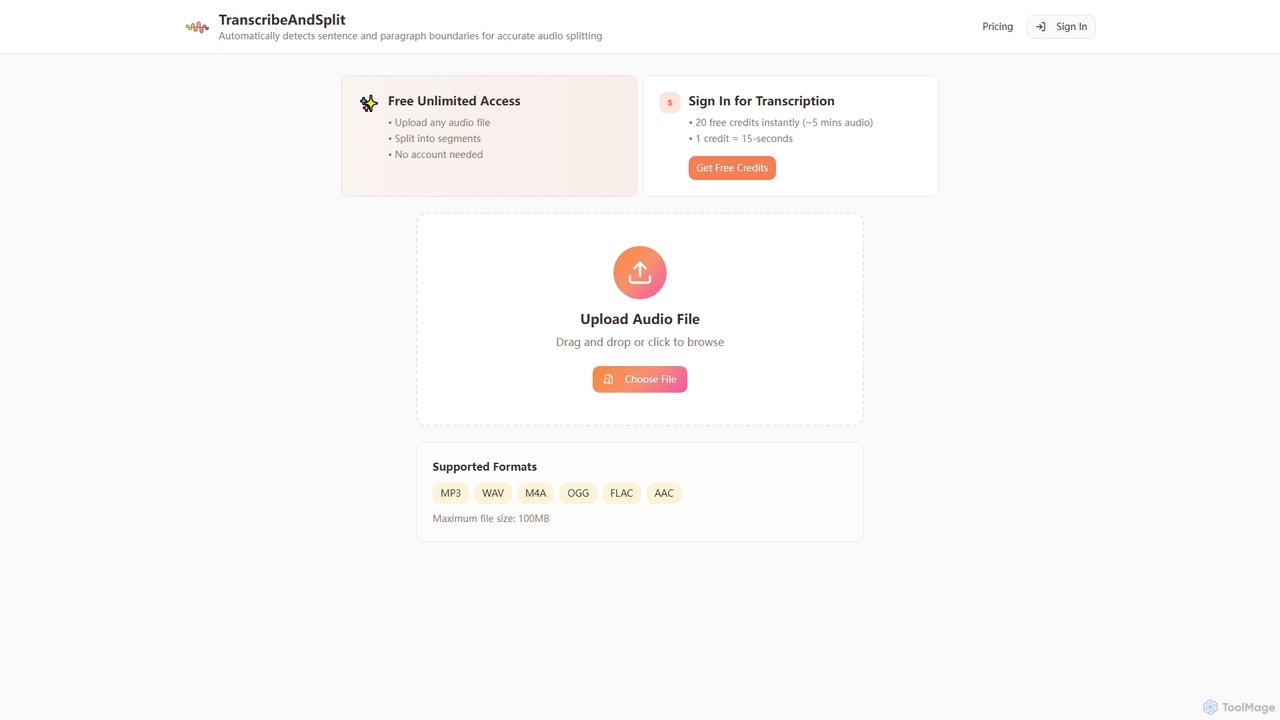
TranscribeAndSplit is an intuitive online AI tool that streamlines the process of managing audio content. It specializes in accurately splitting audio files into manageable segments based on natural sentence or paragraph breaks, making it ideal for editing, analysis, and organization. Beyond its robust splitting capabilities, TranscribeAndSplit also offers a transcription service, converting spoken words into text. The platform is designed for ease of use, allowing users to quickly process audio without complex software installations or extensive technical knowledge.
How to use TranscribeAndSplit
Using TranscribeAndSplit is straightforward. To begin, simply navigate to the TranscribeAndSplit website. You can then upload your audio file by dragging and dropping it directly onto the designated area or by clicking the "Choose File" button to browse your local storage. The tool supports various audio formats, including MP3, WAV, M4A, OGG, FLAC, and AAC, with a maximum file size limit of 100MB. For audio splitting, no account is needed, and you get free unlimited access. If you require transcription, you will need to sign in, which instantly grants you 20 free credits, equivalent to approximately 5 minutes of audio transcription, with each credit covering 15 seconds of audio.
Core Features of TranscribeAndSplit
- Audio Splitting by Boundaries: Automatically segments audio files based on natural sentence or paragraph breaks for precise editing and organization.
- Transcription Service: Converts uploaded audio into text, available upon signing in with initial free credits.
- Free Unlimited Audio Splitting: Users can split any number of audio files without cost or account registration.
- Generous Free Transcription Credits: New users receive 20 free credits instantly upon sign-in, translating to about 5 minutes of transcription. Each credit covers 15 seconds of audio.
- Wide Format Support: Compatible with popular audio formats including MP3, WAV, M4A, OGG, FLAC, and AAC.
- Large File Size Support: Accommodates audio files up to 100MB, suitable for various content lengths.
- No Account Required for Splitting: Enjoy core audio splitting functionality without the need for registration.
Use Cases for TranscribeAndSplit
TranscribeAndSplit is a versatile tool beneficial for a wide range of professionals and individuals. Content creators, such as podcasters and YouTubers, can use it to easily segment their recordings for editing, creating snippets, or preparing for subtitles. Researchers and journalists can leverage its transcription feature to quickly convert interviews or lectures into text for analysis and documentation. Students can use it to break down long lecture recordings into digestible parts or transcribe important discussions for study notes. Anyone dealing with audio content, from marketers creating short promotional clips to educators preparing learning materials, will find TranscribeAndSplit invaluable for efficient audio management and text conversion.
Advantages of TranscribeAndSplit
The primary advantages of TranscribeAndSplit lie in its accessibility and efficiency. It offers free unlimited access to its audio splitting feature, removing financial barriers for users. The ability to split audio by natural boundaries (sentences or paragraphs) provides a level of precision often lacking in simpler tools. Furthermore, the provision of 20 free transcription credits upon sign-in allows users to test the transcription quality without immediate commitment. Its support for multiple audio formats and a substantial file size limit (100MB) ensures broad compatibility. The intuitive drag-and-drop interface and the option for no-account usage for splitting contribute to a seamless and user-friendly experience.
TranscribeAndSplit FAQ
TranscribeAndSplit Alternatives
TranscriptorPro
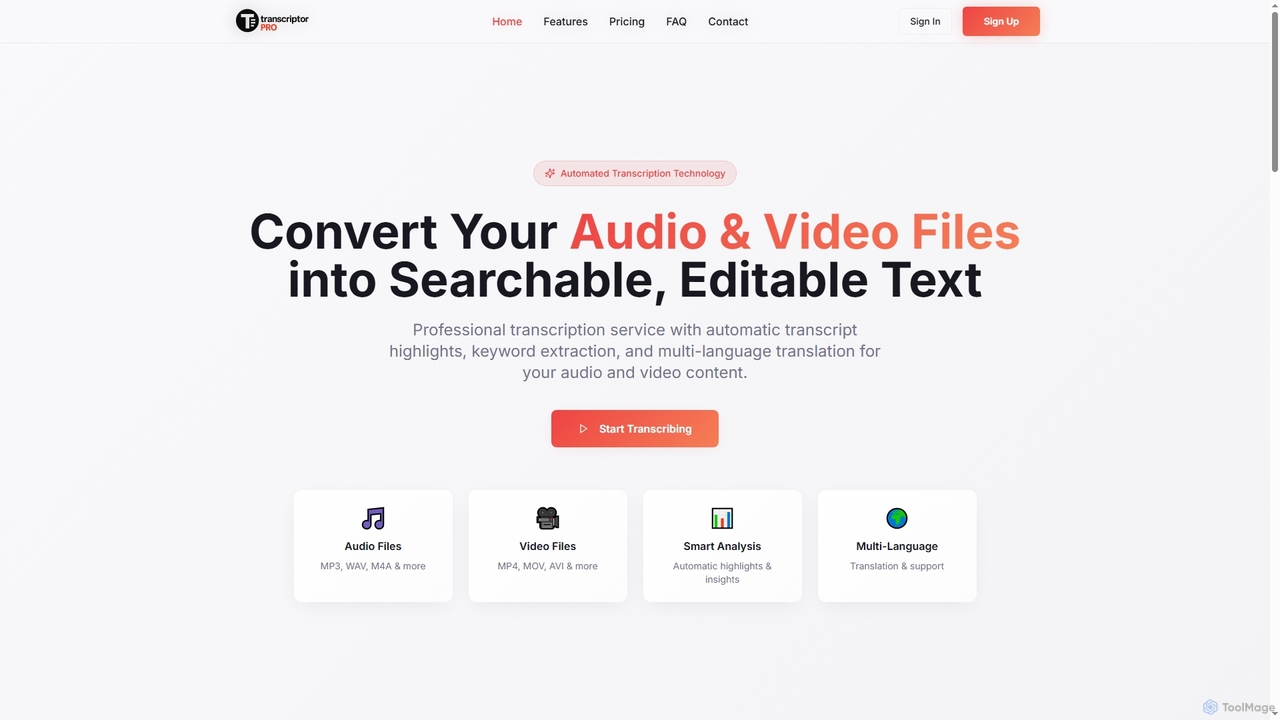
TranscriptorPro is an AI-powered service that converts audio and video files into searchable, editable text. It offers automated transcription with smart highlights, keyword extraction, and multi-language translation, making content accessible and manageable for various professional and personal needs.
Translation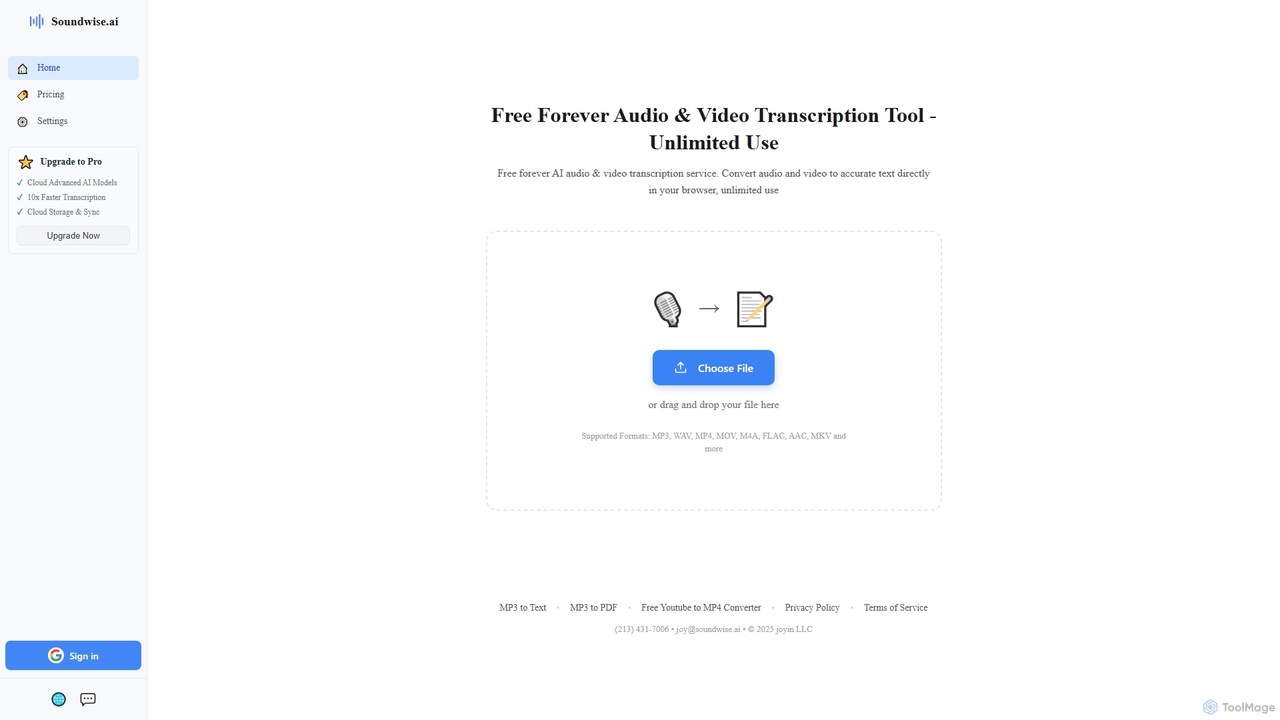
Soundwise
Soundwise is a free-forever AI-powered online tool designed for unlimited audio and video transcription. It accurately converts various media files into text directly within your web browser, offering a convenient solution for anyone needing quick and reliable transcriptions.
Transcription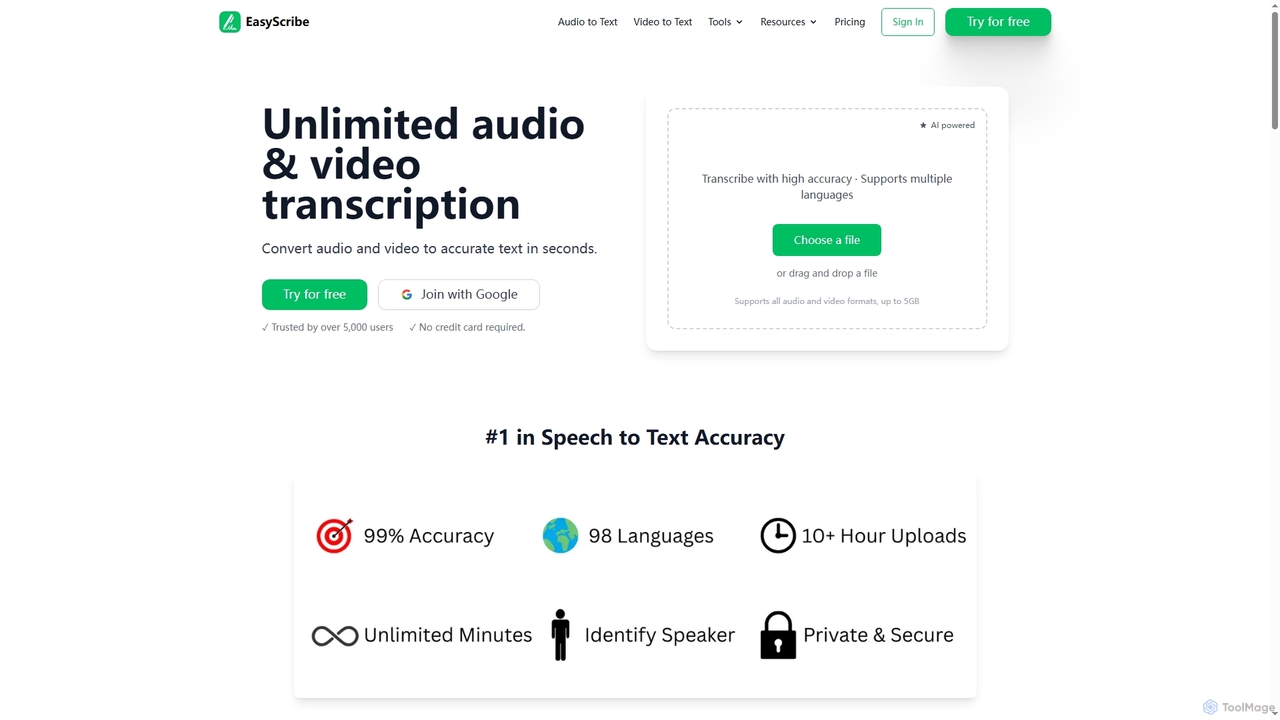
EasyScribe
EasyScribe is an AI-powered transcription tool that converts audio and video files into accurate text in seconds. It supports 98+ languages, offers speaker identification, and allows translation to 134+ languages, making it ideal for global communication and content creation.
Meeting Management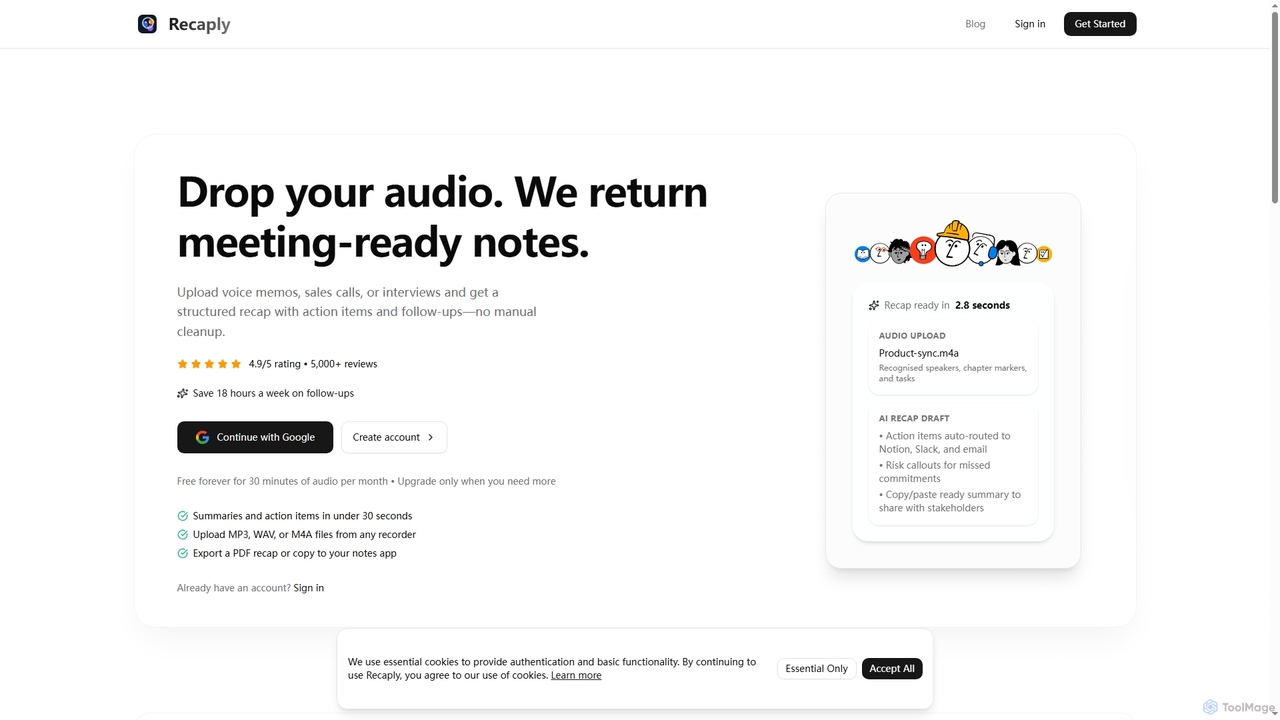
Recaply
Recaply is an AI-powered tool that transforms voice memos, sales calls, and interviews into structured, actionable notes with summaries, action items, and follow-ups. It streamlines post-meeting tasks, saving significant time on manual cleanup and ensuring team alignment.
Sales Enablement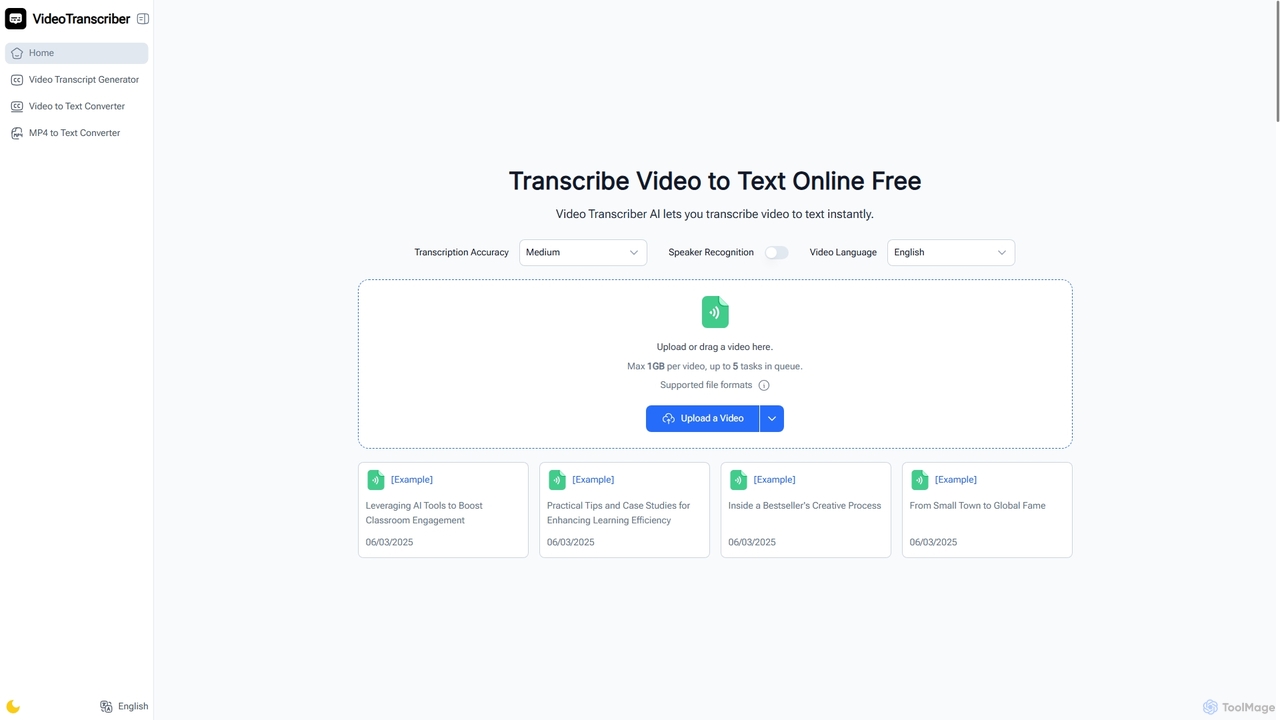
Video Transcriber AI
Video Transcriber AI is a free online tool that instantly converts video content into accurate, readable text. It supports various formats like MP4, YouTube links, and Zoom recordings, making it ideal for students, professionals, and content creators to quickly get transcripts without any sign-up.
Meeting ToolsTranscribeAndSplit Categories
TranscribeAndSplit Jobs
TranscribeAndSplit Embed Widget
Copy this embed code to place the badge on your blog, article, or product site and send readers directly to this ToolMage detail page.

Related AI tools
TranscriptorPro
TranscriptorPro is an AI-powered service that converts audio and video files into searchable, editable text. It offers automated transcription with smart highlights, keyword extraction, and multi-language translation, making content accessible and manageable for various professional and personal needs.
TranslationSoundwise
Soundwise is a free-forever AI-powered online tool designed for unlimited audio and video transcription. It accurately converts various media files into text directly within your web browser, offering a convenient solution for anyone needing quick and reliable transcriptions.
TranscriptionEasyScribe
EasyScribe is an AI-powered transcription tool that converts audio and video files into accurate text in seconds. It supports 98+ languages, offers speaker identification, and allows translation to 134+ languages, making it ideal for global communication and content creation.
Meeting ManagementRecaply
Recaply is an AI-powered tool that transforms voice memos, sales calls, and interviews into structured, actionable notes with summaries, action items, and follow-ups. It streamlines post-meeting tasks, saving significant time on manual cleanup and ensuring team alignment.
Sales Enablement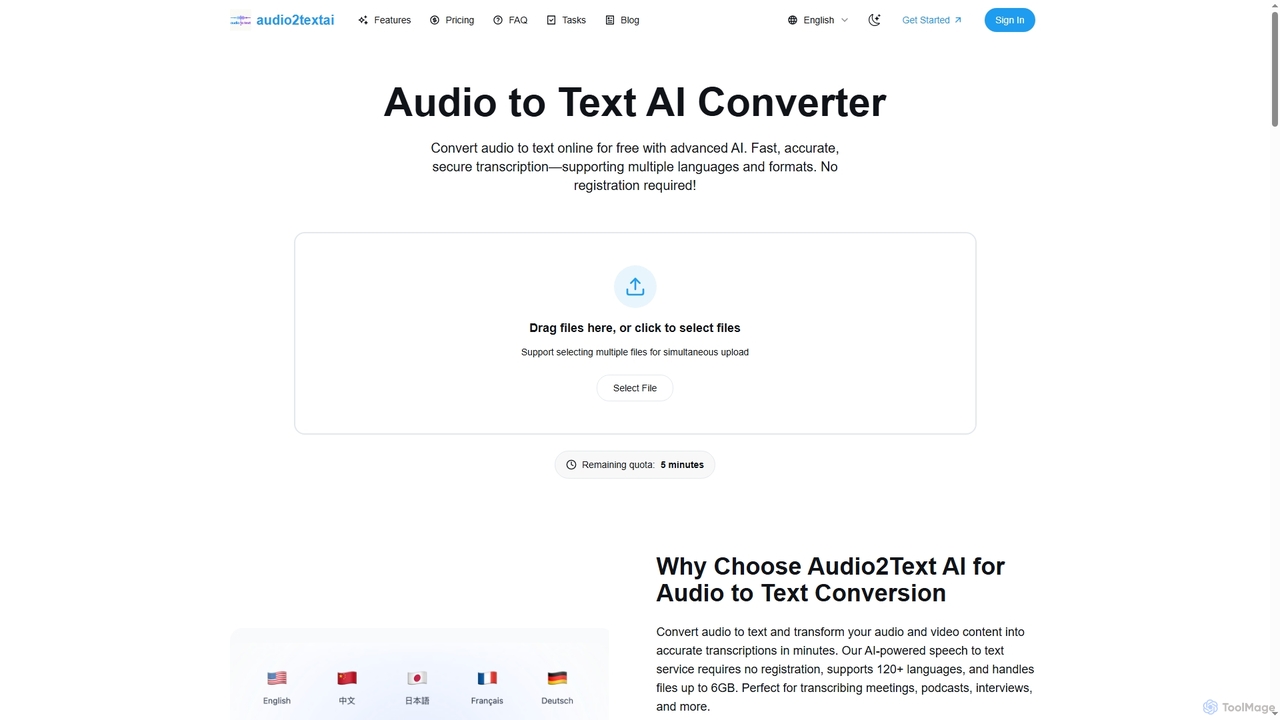
Audio2Text AI
Audio2Text AI is an advanced online AI converter that transforms audio and video files into accurate text transcriptions quickly and securely. Supporting over 120 languages and 21 media formats, it offers enterprise-grade accuracy with speaker identification and timestamps, all without requiring registration for a free 5-minute trial.
Meeting Management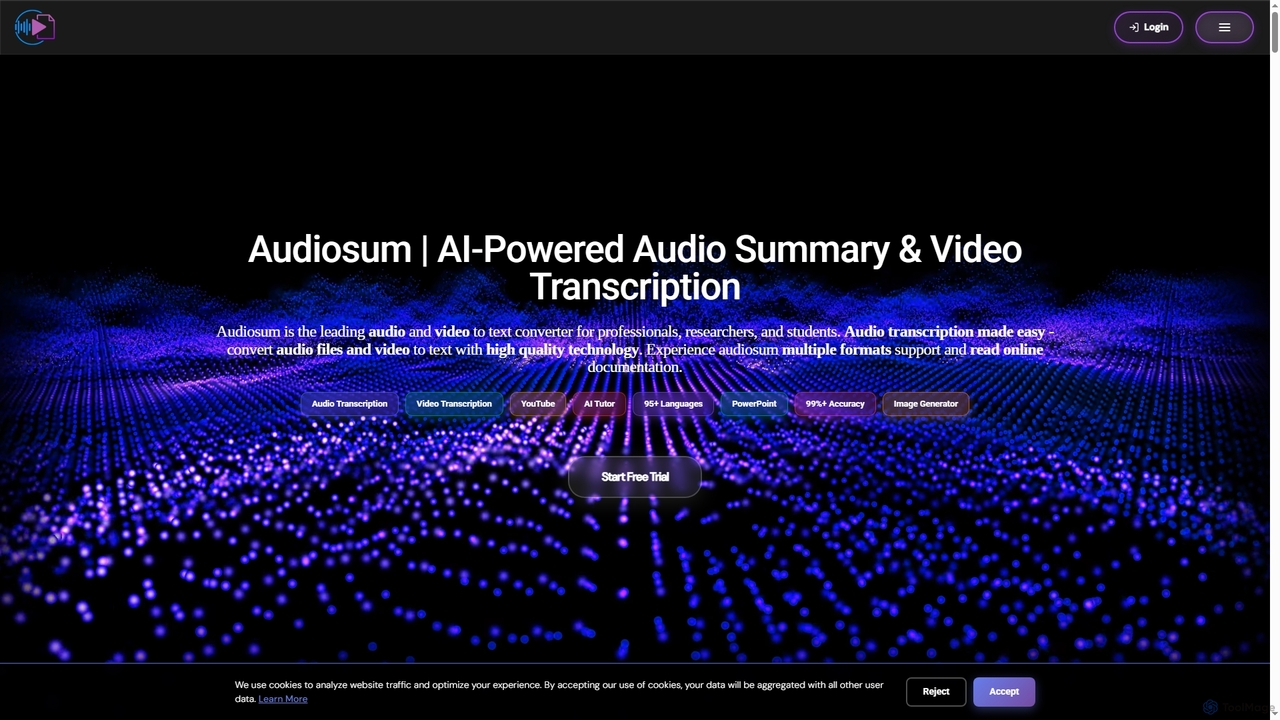
Audiosum
Audiosum is an advanced AI-powered platform designed for professionals, students, and researchers to efficiently process audio, video, and document content. It offers highly accurate transcription, intelligent summarization, and various content generation tools, saving users significant time by transforming lengthy media into concise, actionable insights across over 95 languages.
Meeting ManagementVideo Transcriber AI
Video Transcriber AI is a free online tool that instantly converts video content into accurate, readable text. It supports various formats like MP4, YouTube links, and Zoom recordings, making it ideal for students, professionals, and content creators to quickly get transcripts without any sign-up.
Meeting Tools
Jyek
Jyek is an AI agent platform that understands objectives, creates execution plans, uses tools, and delivers verifiable results for complex, multi-step tasks.
Automation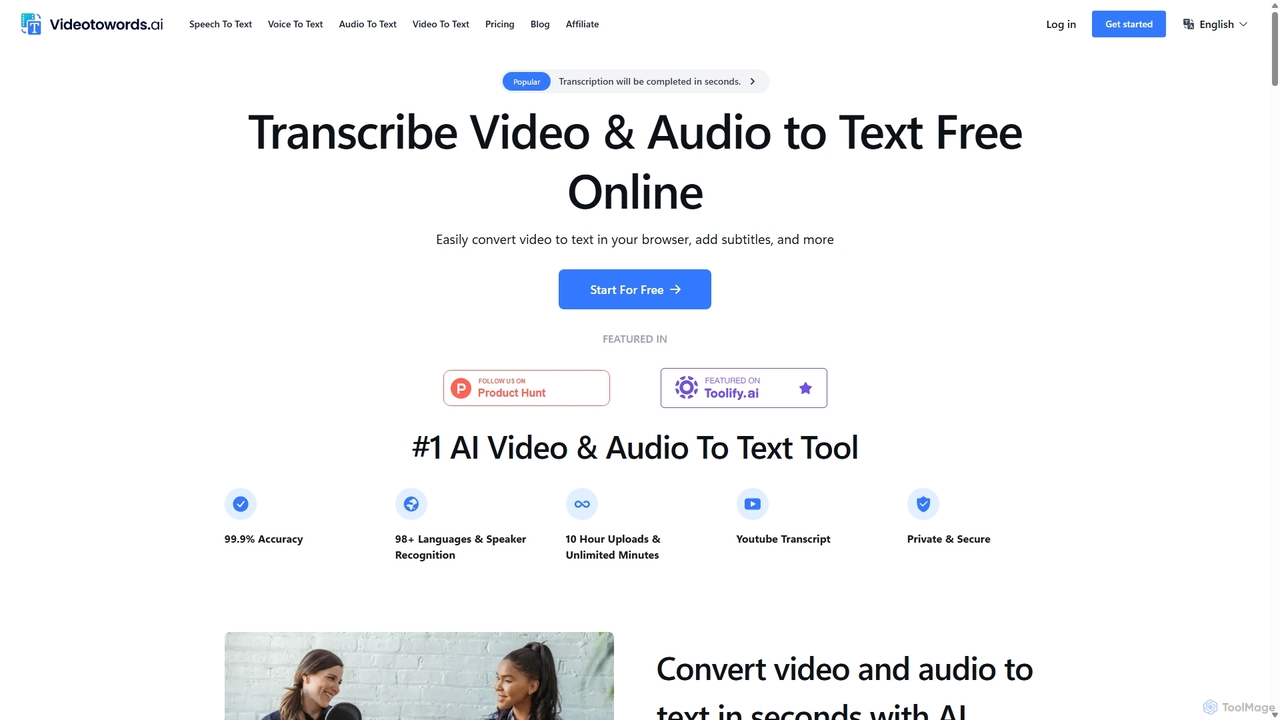
VideoToWords
VideoToWords is an AI-powered transcription tool that accurately converts audio and video files into text in over 98 languages. It offers lightning-fast transcription, speaker recognition, and AI-generated summaries. Ideal for journalists, students, content creators, and researchers, it supports various file formats and provides easy-to-use editing and export options (TXT, DOCX, SRT).
Transcription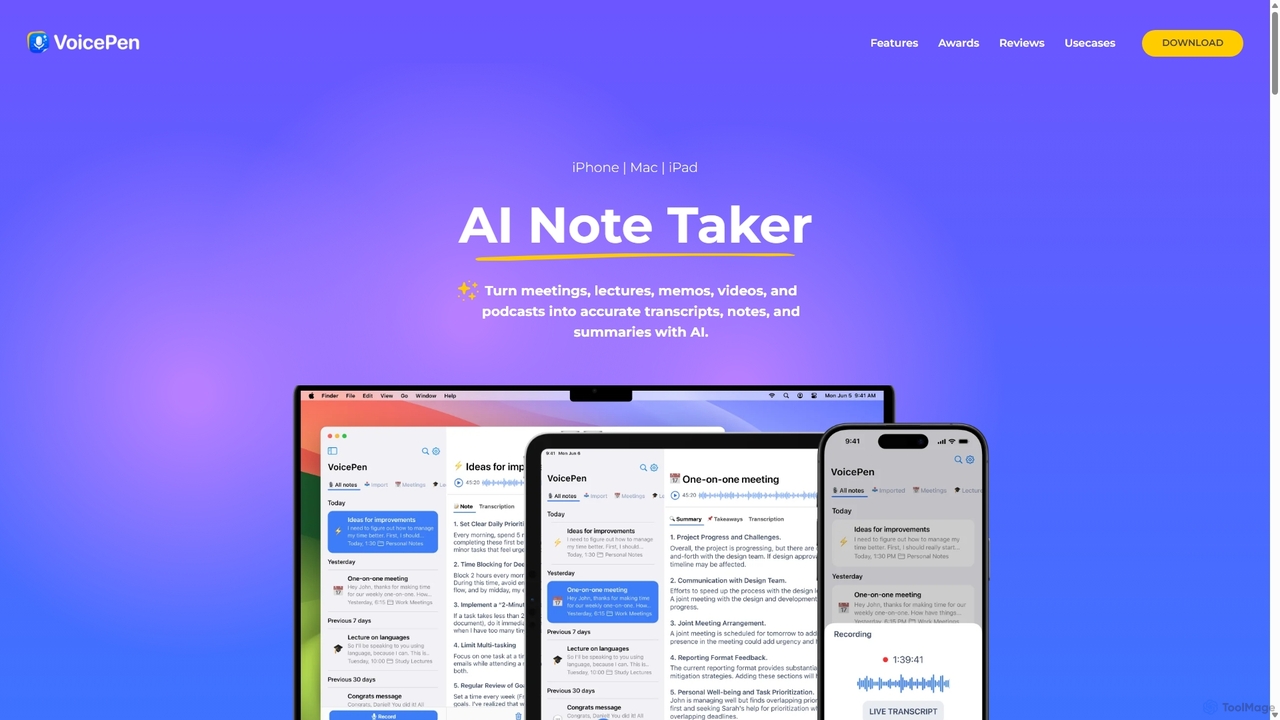
VoicePen
VoicePen is an AI-powered note-taking app for iPhone, Mac, and iPad that transforms meetings, lectures, and any audio/video into accurate transcripts, summaries, and structured notes. It features high-speed transcription, speaker separation, 80+ language support, and over 25 AI rewriting styles to boost your productivity.
Speech To Text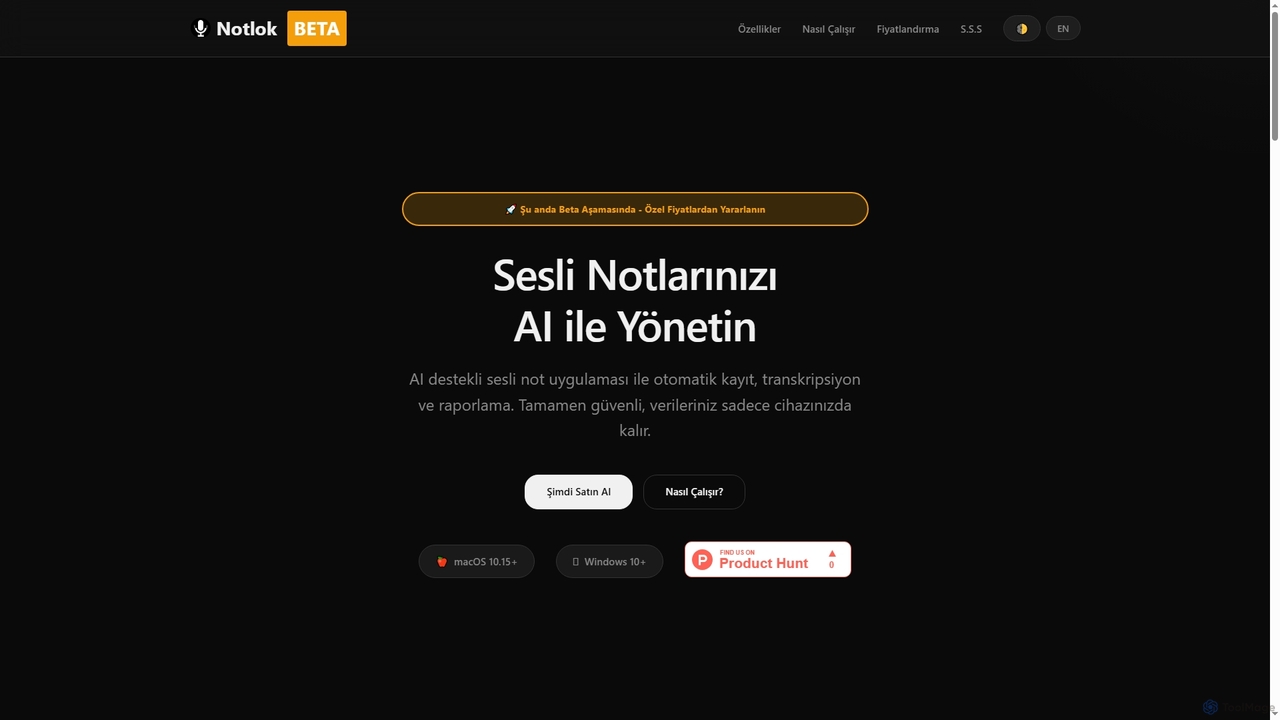
Notlok
Notlok is an AI-powered desktop application for macOS and Windows that provides secure, offline voice note transcription and direct system audio recording. It leverages Whisper AI models to convert spoken content from over 99 languages into text, ensuring user data remains entirely on the local device.
Voice Notes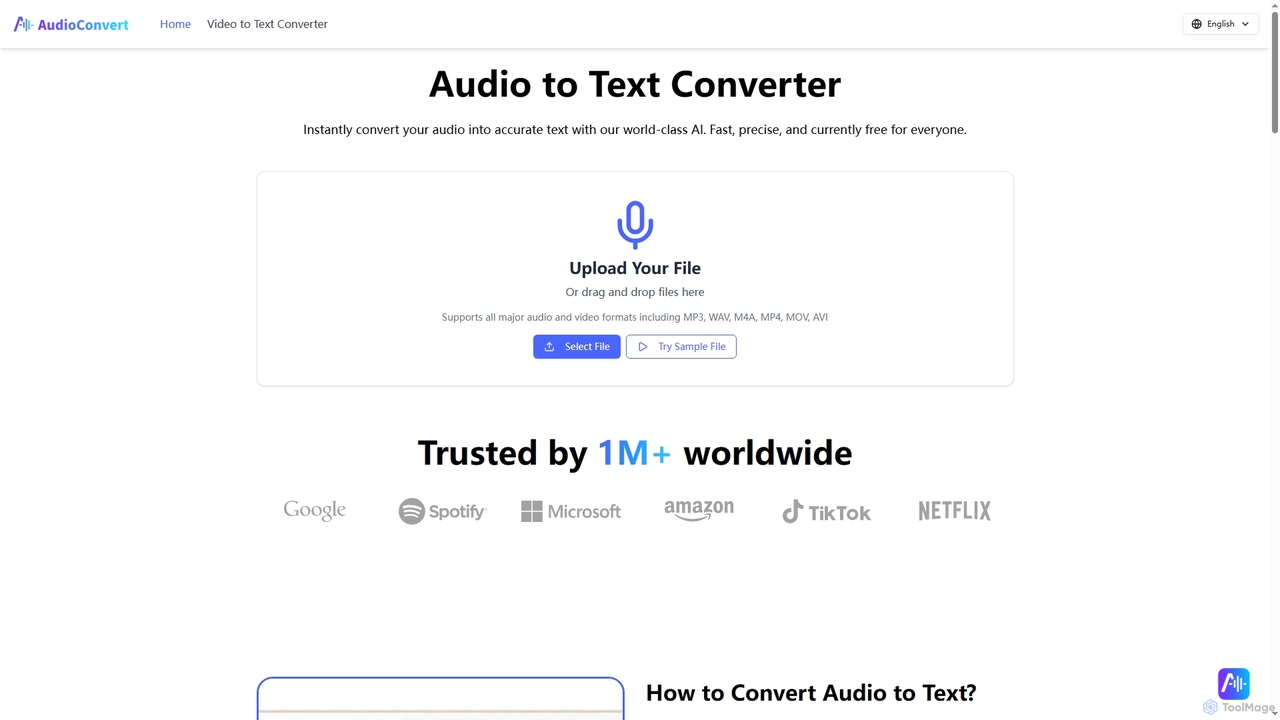
Audioconvert
Audioconvert is an AI-powered tool that swiftly and accurately converts audio and video files into text transcripts. It supports major formats, identifies multiple speakers, provides precise timestamps, and offers various export options like TXT, DOCX, and SRT, all currently available for free.
Meeting Management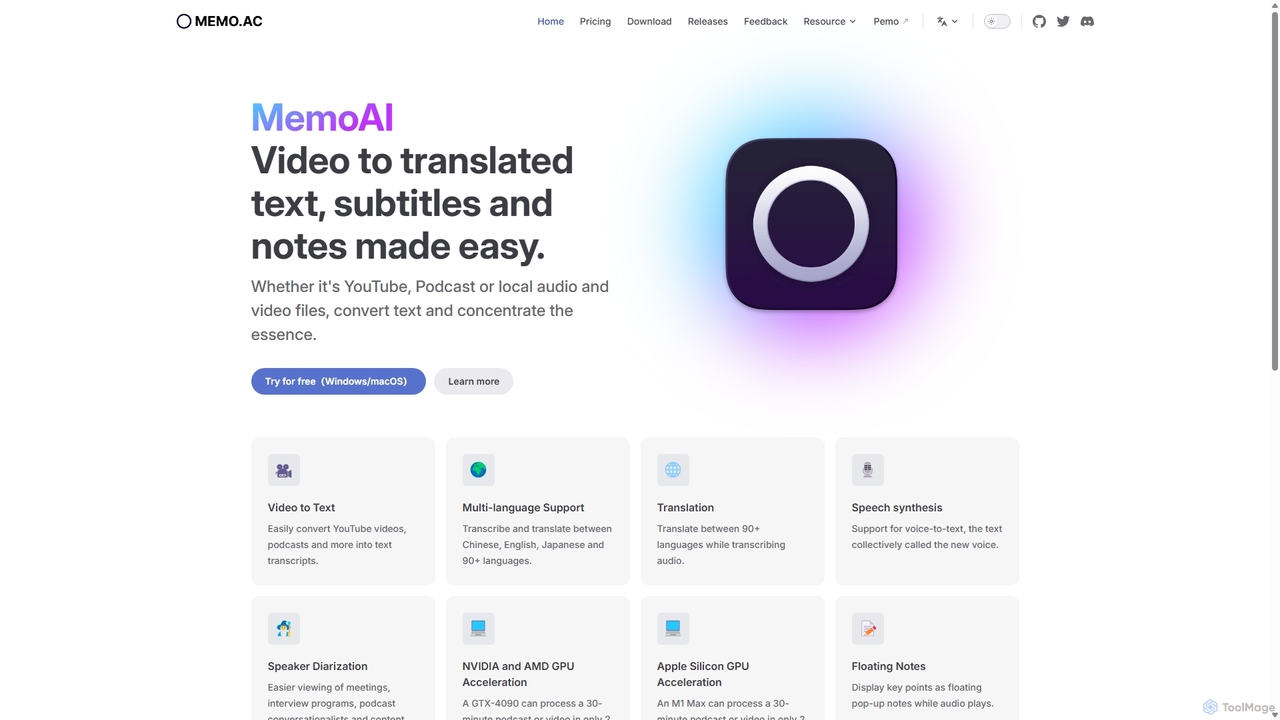
Memo AI
Memo AI is a privacy-focused desktop application for Windows and macOS that provides AI-powered transcription, translation, and summarization for audio and video files. It operates completely offline, leveraging GPU acceleration for fast processing of local files and online content from platforms like YouTube. It supports over 90 languages, speaker diarization, and various export formats.
Speech To Text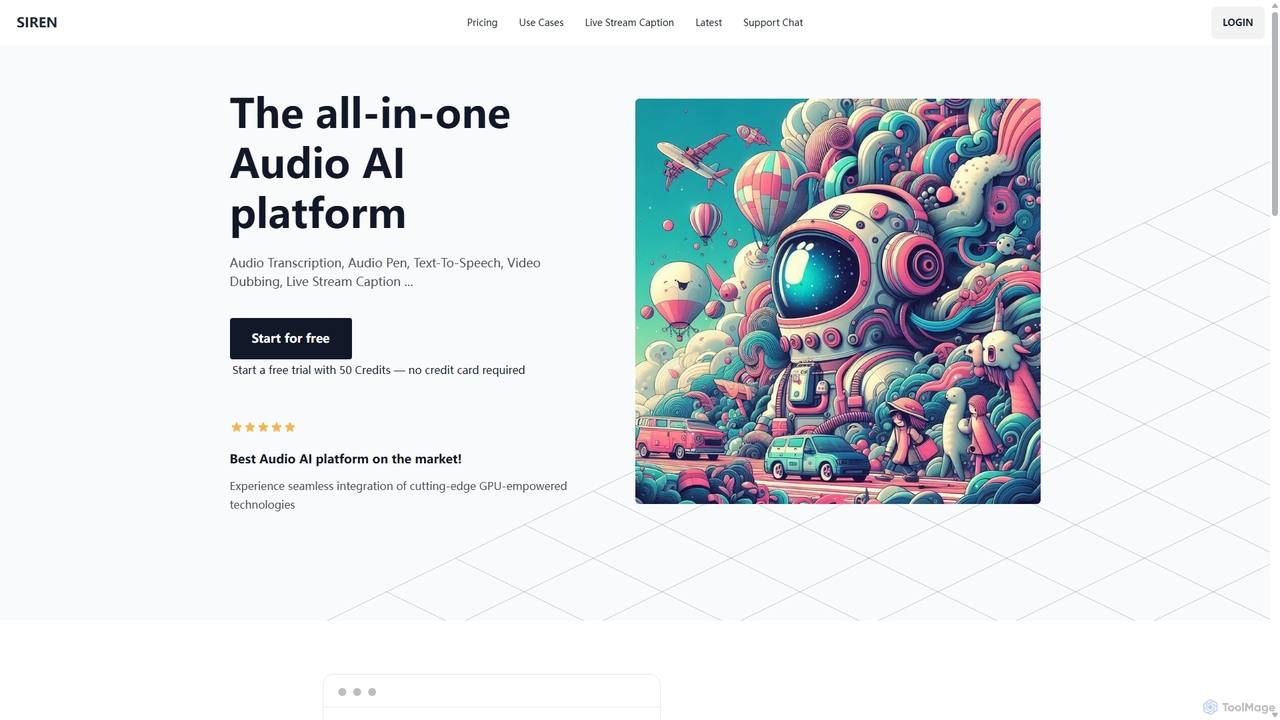
SIREN
SIREN is an all-in-one, GPU-accelerated AI audio platform. It offers high-accuracy audio transcription, natural text-to-speech with 420+ voices, seamless video dubbing in over 100 languages, and real-time live stream captioning. Designed for creators, marketers, and businesses, SIREN simplifies complex audio tasks into a single, efficient workflow.
Text To Speech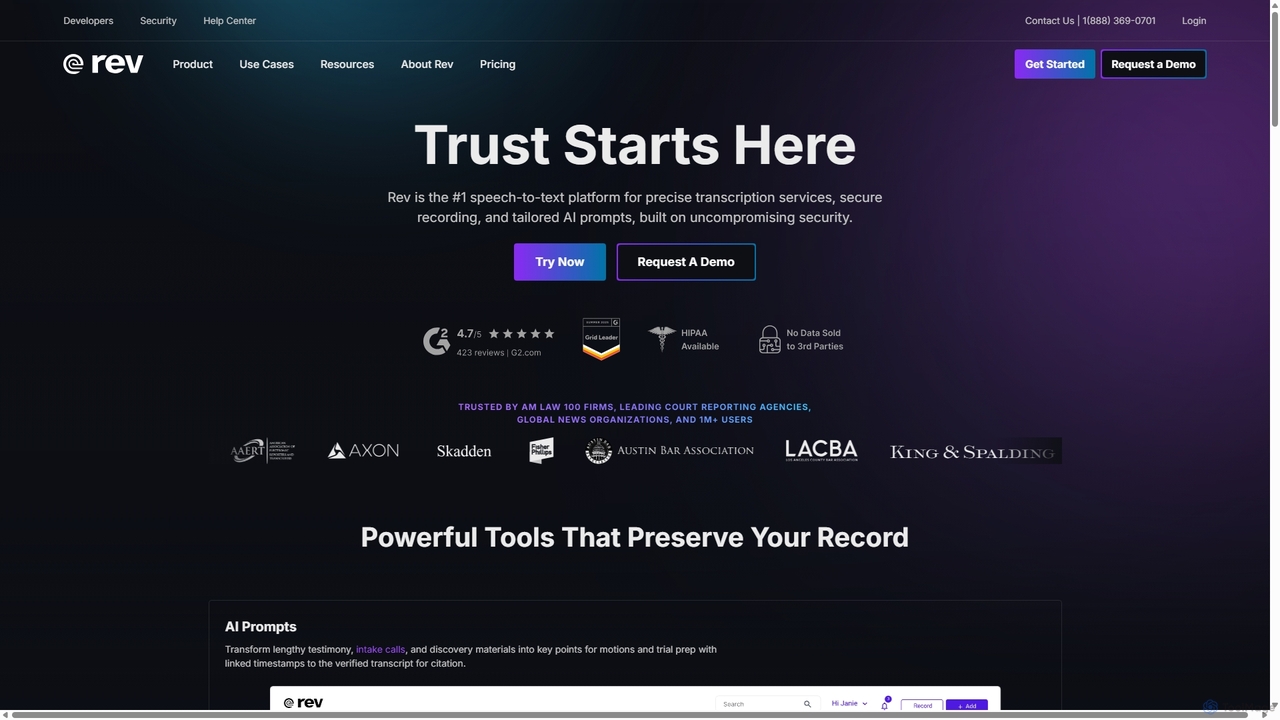
Rev
Rev is a leading speech-to-text platform offering both AI-powered and human-based transcription, captioning, and subtitling services. It's designed for professionals in legal, media, and research, providing industry-leading accuracy (up to 99%+). Rev's suite of AI tools helps users analyze audio/video content to uncover key insights, generate summaries, and streamline workflows, all within a secure and compliant environment.
Speech To Text
TranscribeAndSplit Comments (0)
Sign in to comment.
Sign inNo comments yet.