ToolMage
Sign in

Best 21 Audio Editing AI tools

Popular Audio Editing AI tools include OpenMusic, AIDubbing, Lamucal, Soundwise, SimpleClean, acapella_extractor, Fuser, MusicExtend, AIVideoTranslator, and TuneBlades, helping you work more efficiently.

Freemium

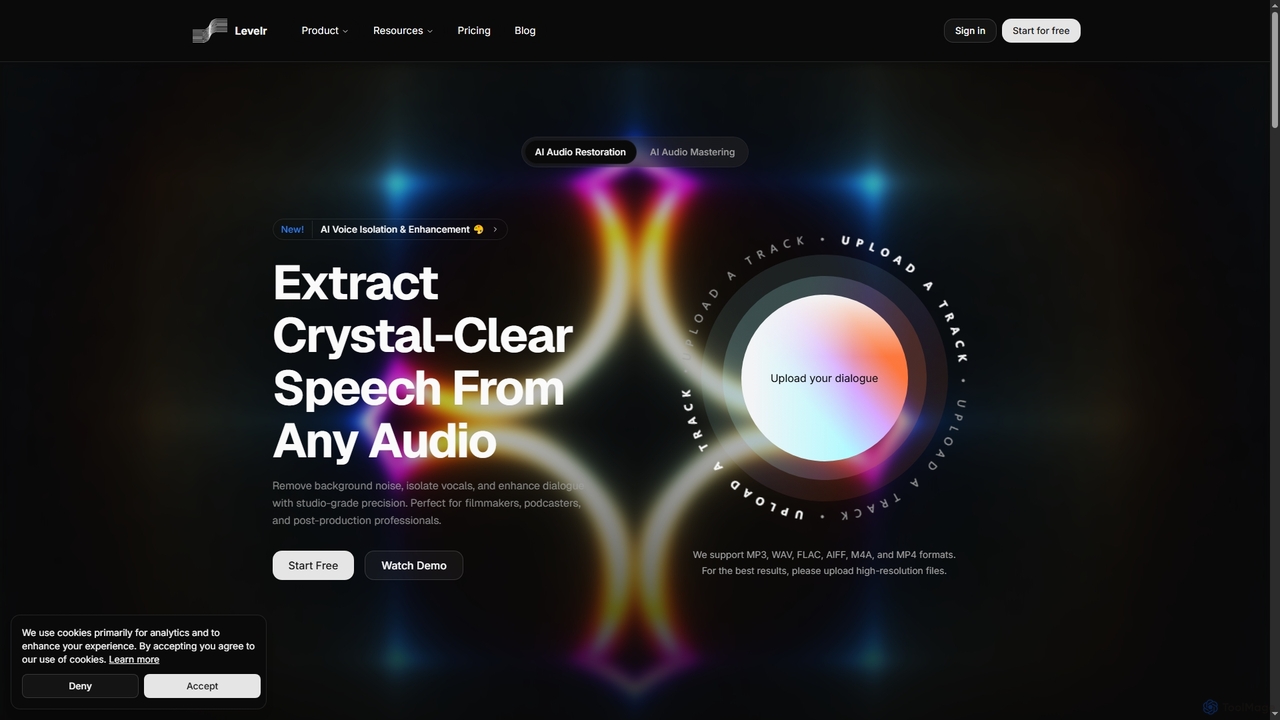
Levelr

Levelr is an AI-powered audio platform offering studio-grade audio restoration, voice isolation, speech enhancement, and professional music mastering. It helps filmmakers, podcasters, music producers, and live streamers achieve crystal-clear sound by removing noise, isolating vocals, and optimizing tracks for release.

Mastering
Visits 3.6KFavorites 45Likes 46
Free

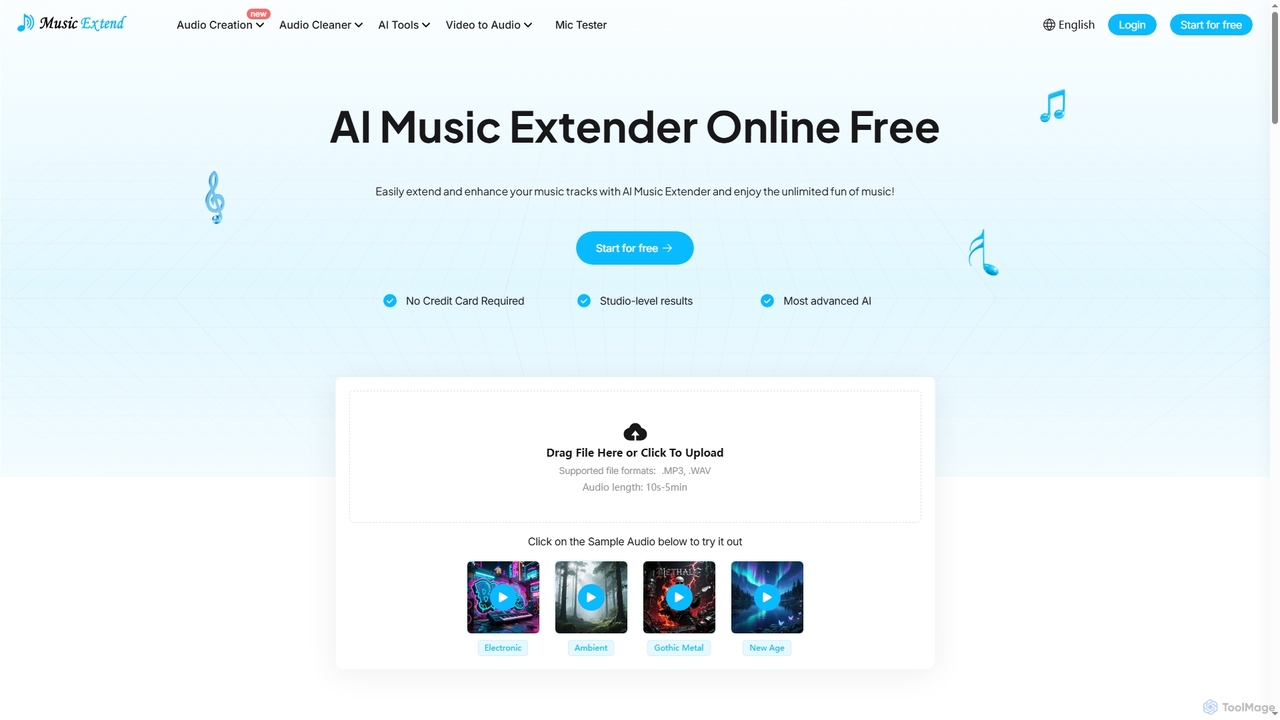
MusicExtend

MusicExtend is an advanced AI-powered online platform offering a suite of audio tools, including music extension, sound effect generation, voice cloning, music mashup creation, BPM detection, and comprehensive audio cleaning. It allows users to enhance, create, and refine audio content with studio-level results, all accessible for free without signup or credit card.

Audio Enhancement
Visits 57.6KFavorites 48Likes 37
Freemium

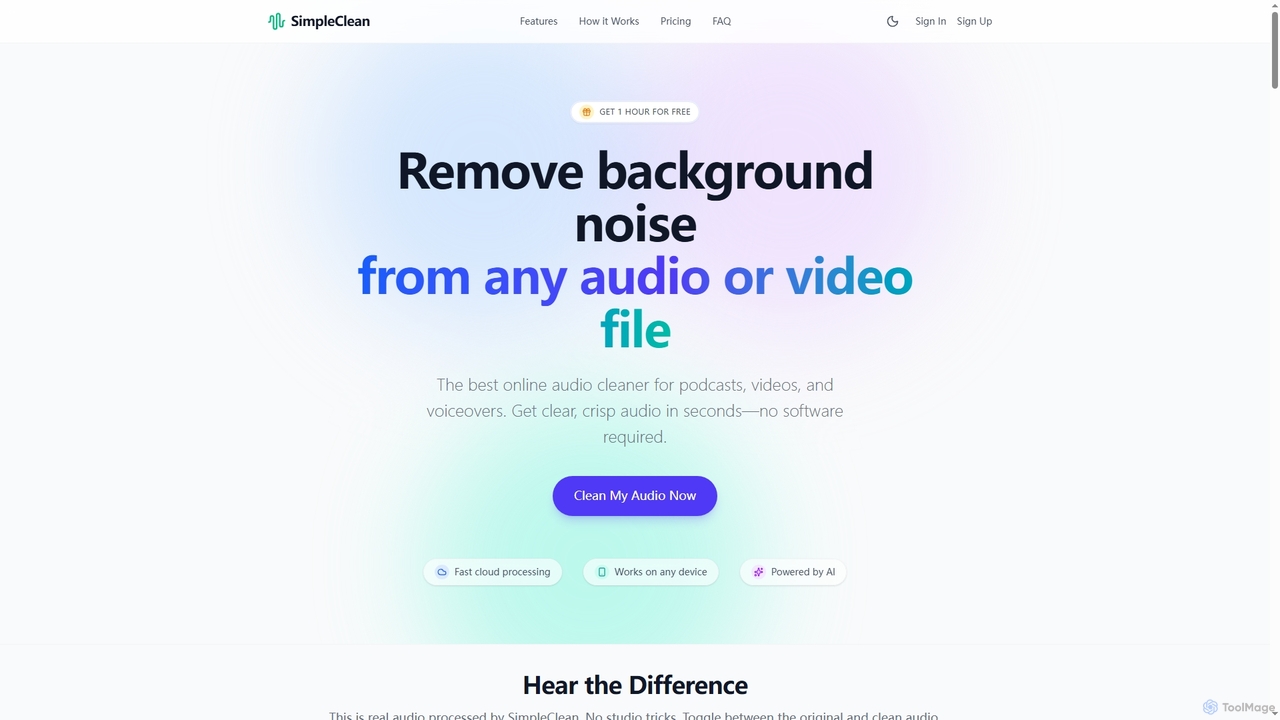
SimpleClean

SimpleClean is an AI-powered online tool designed to remove distracting background noise from audio and video files. It offers a quick, free, and easy solution for creators and professionals to achieve studio-quality speech with just one click, supporting a wide array of popular media formats.

Noise Reduction
Visits 112.6KFavorites 60Likes 51
Free

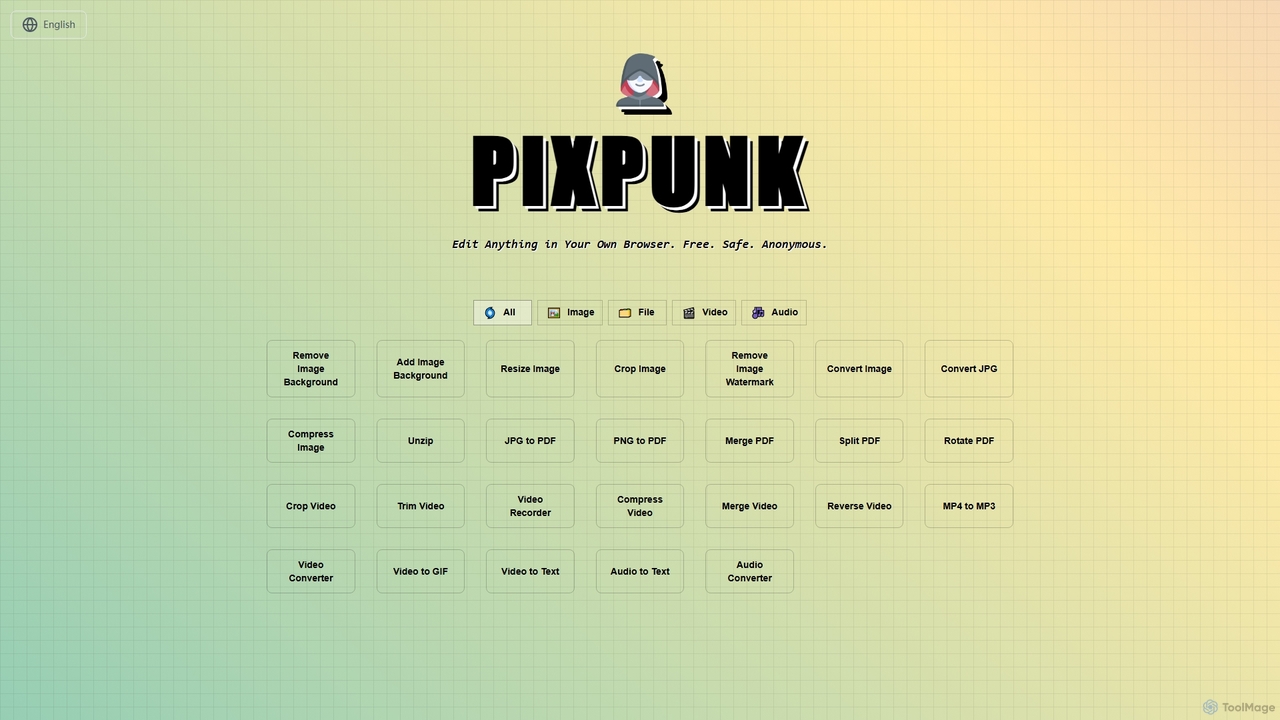
PixPunk

PixPunk is a free, safe, and anonymous online tool that allows users to edit images, convert files, and process videos and audio directly in their browser. It offers a suite of functionalities including background removal, image resizing, cropping, and format conversion, all without uploads or watermarks, ensuring maximum privacy.

Audio Converter
Visits 3.5KFavorites 66Likes 63
Freemium

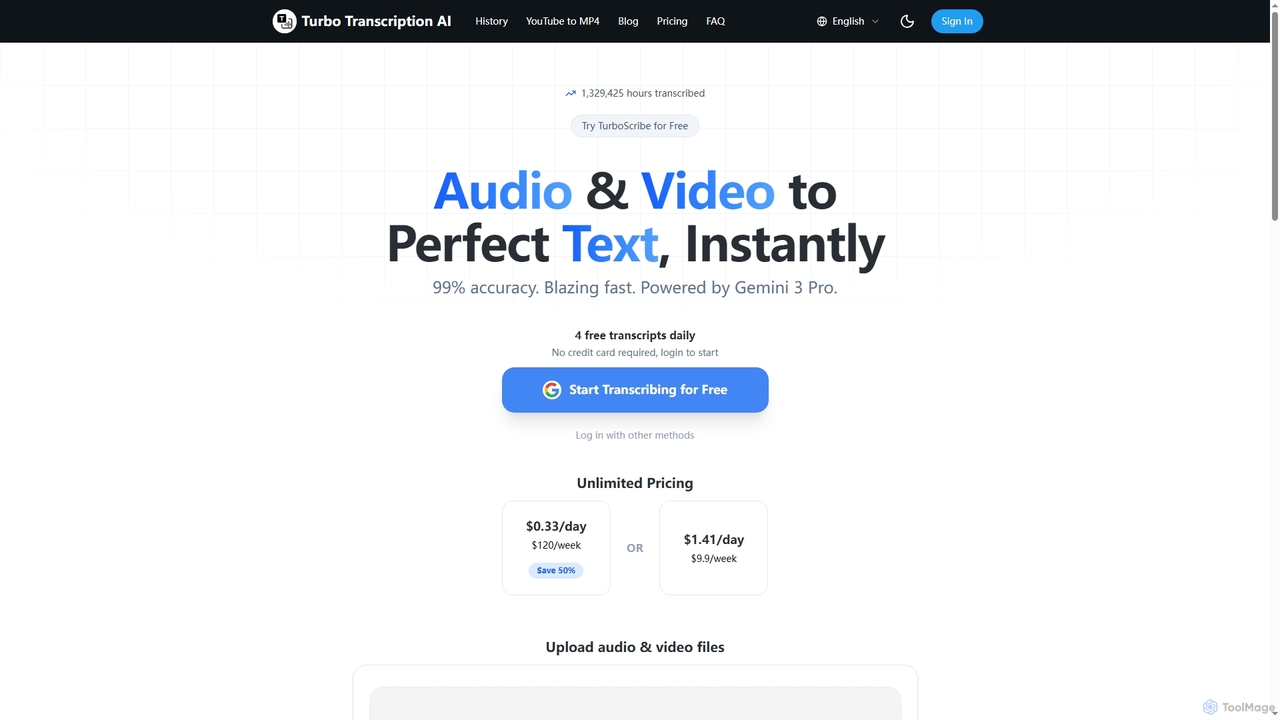
Turbo Transcription

Turbo Transcription is an AI-powered service that rapidly converts audio and video files into highly accurate text. Leveraging Gemini 3 Pro, it boasts 99% accuracy and supports over 98 languages, making it ideal for content creators, journalists, and professionals needing quick, reliable transcription. Users can enjoy 4 free transcripts daily without a credit card.

Transcription
Visits 3.7KFavorites 83Likes 78
Freemium

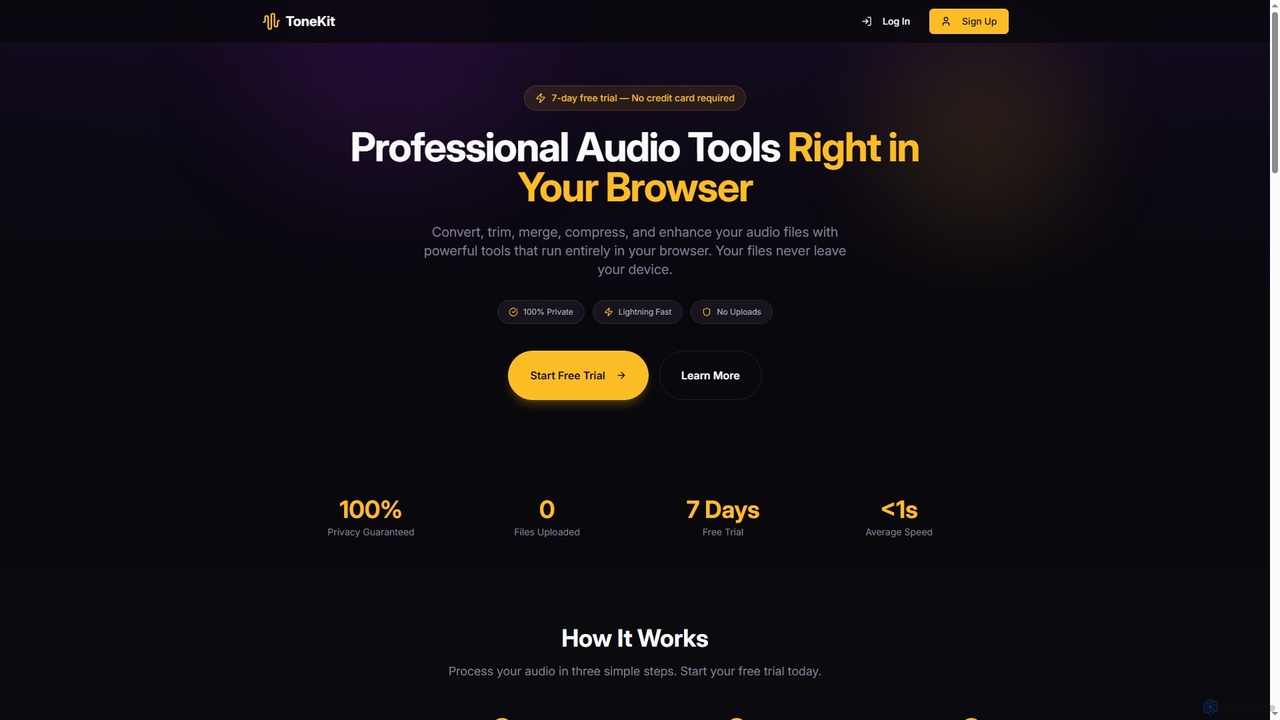
ToneKit

ToneKit is a professional, browser-based audio editing suite that allows users to convert, trim, merge, compress, and enhance audio files with complete privacy. It processes files directly on your device, ensuring no uploads and lightning-fast results, all accessible through a simple, intuitive interface.

Online Editor
Visits 3.4KFavorites 82Likes 95
Freemium

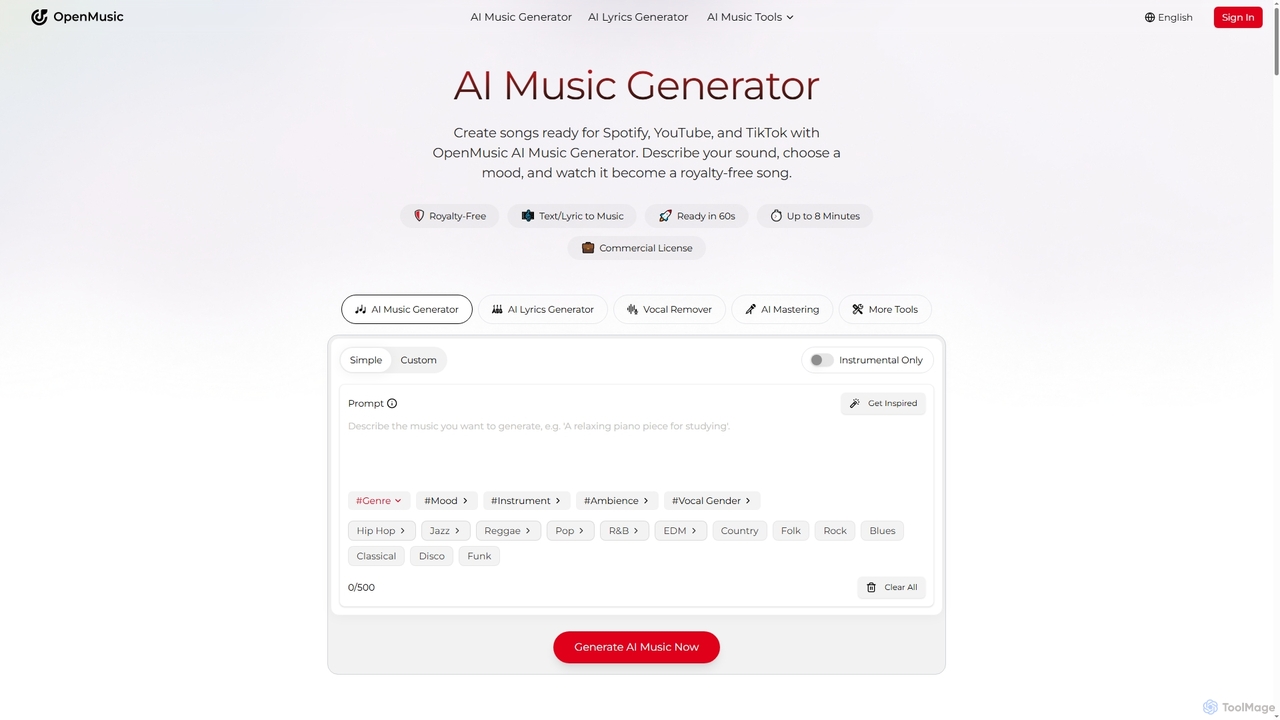
OpenMusic

OpenMusic is an advanced AI music generator and comprehensive toolkit designed for creators of all levels. It enables users to effortlessly create royalty-free, studio-quality music, lyrics, and instrumental tracks for commercial use. From generating full songs from text prompts to splitting stems and mastering audio, OpenMusic streamlines the entire music production workflow, making creativity accessible and monetizable.

Stem Separation
Visits 1.2MFavorites 136Likes 133
Freemium

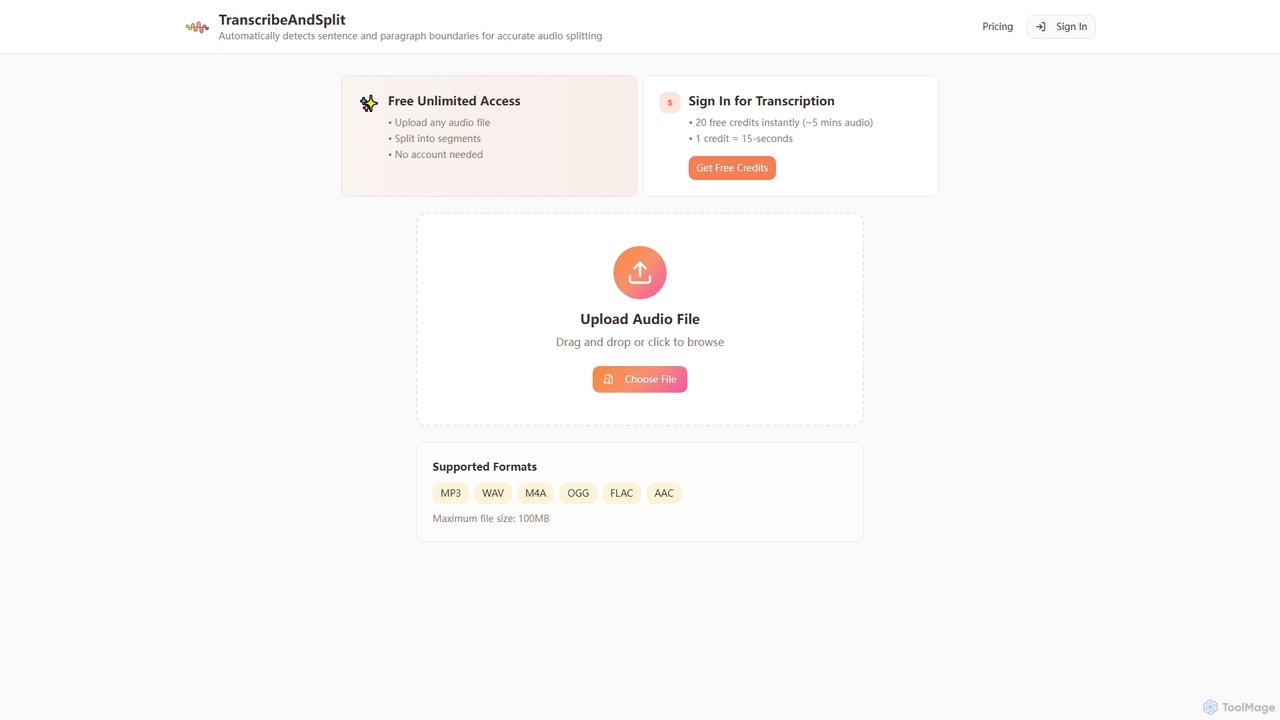
TranscribeAndSplit

TranscribeAndSplit is an AI-powered online tool designed to effortlessly split audio files by sentence or paragraph boundaries and provide transcription services. It offers free unlimited access for audio splitting and generous free credits for transcription, supporting various popular audio formats for efficient content management.

Splitting
Visits 3.5KFavorites 126Likes 129
Freemium

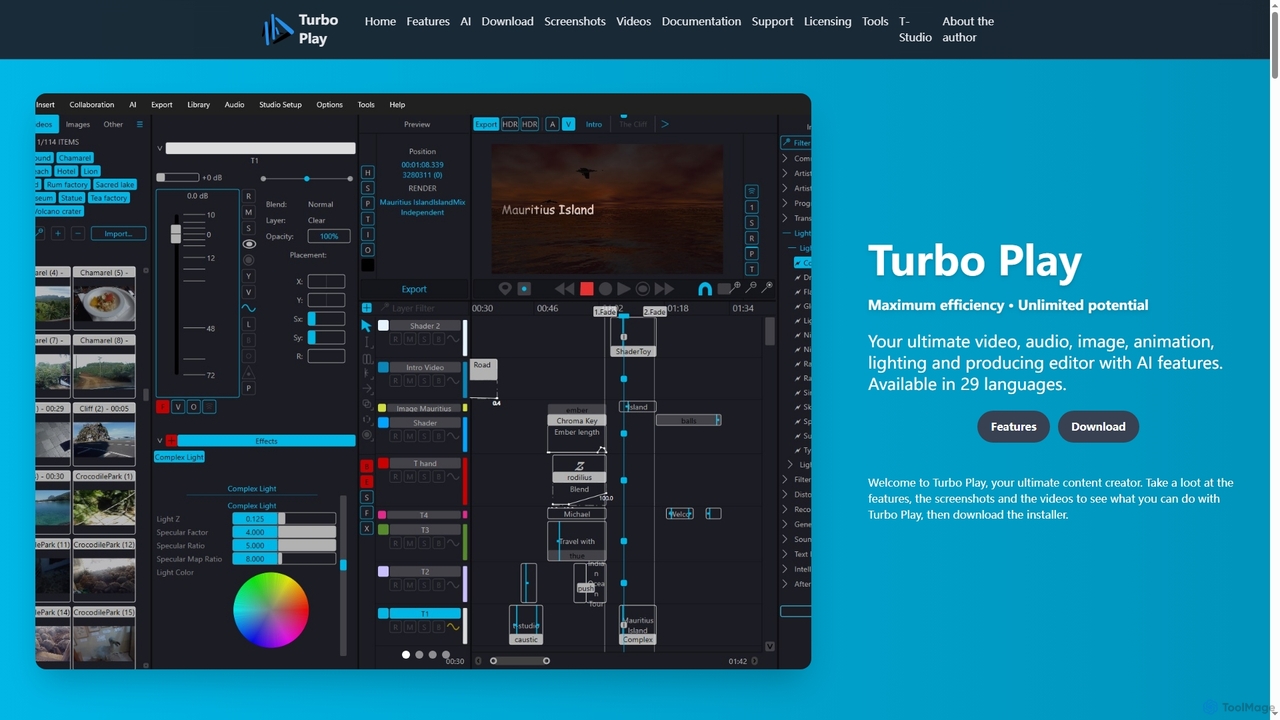
Turbo Play

Turbo Play is an all-in-one AI-powered video, audio, image, and animation editor designed for maximum efficiency and unlimited creative potential. It offers a comprehensive suite of tools for content creation, including advanced AI features for background removal, face swapping, speech separation, and text-to-image generation, catering to both casual and professional users across 29 languages.

3D
Visits 3.4KFavorites 128Likes 133
Freemium

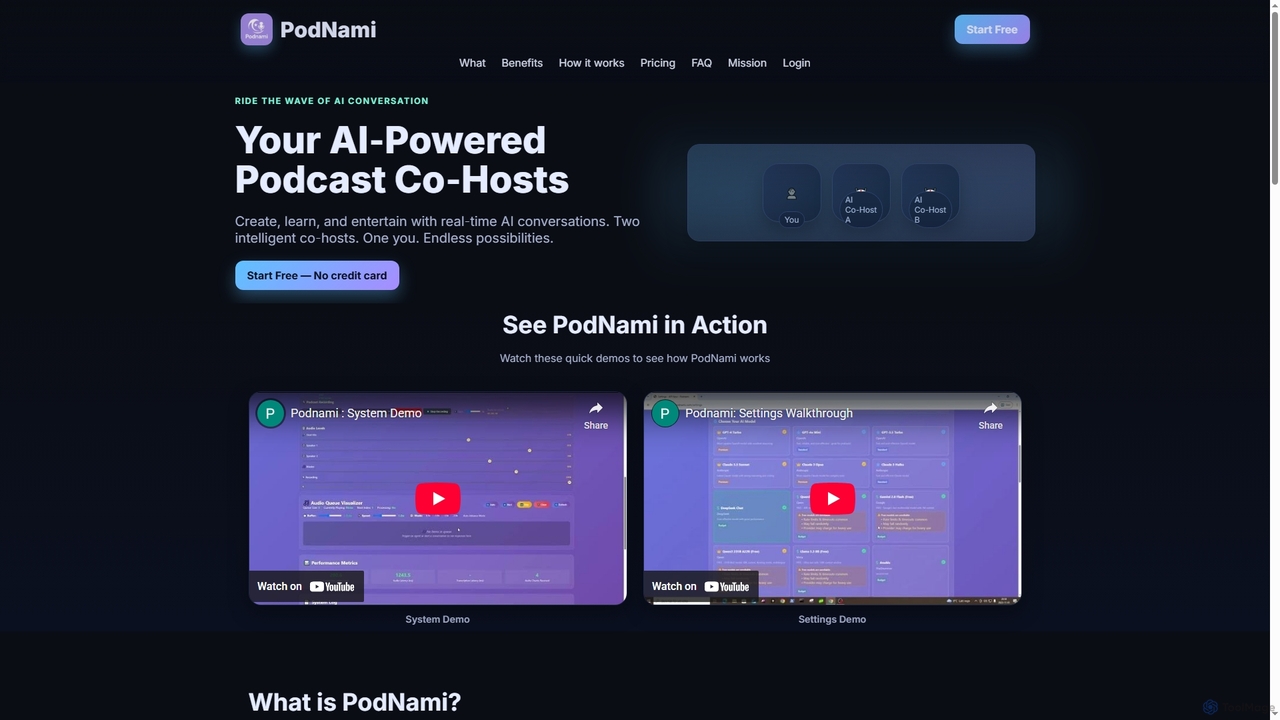
PodNami

PodNami is an AI-powered podcast platform that provides two customizable AI co-hosts for real-time, dynamic conversations. It enables creators, learners, and professionals to generate ideas, learn through discussion, and produce engaging audio content effortlessly, transforming solo sessions into interactive experiences.

Virtual Co Host
Visits 3.4KFavorites 117Likes 105
Freemium

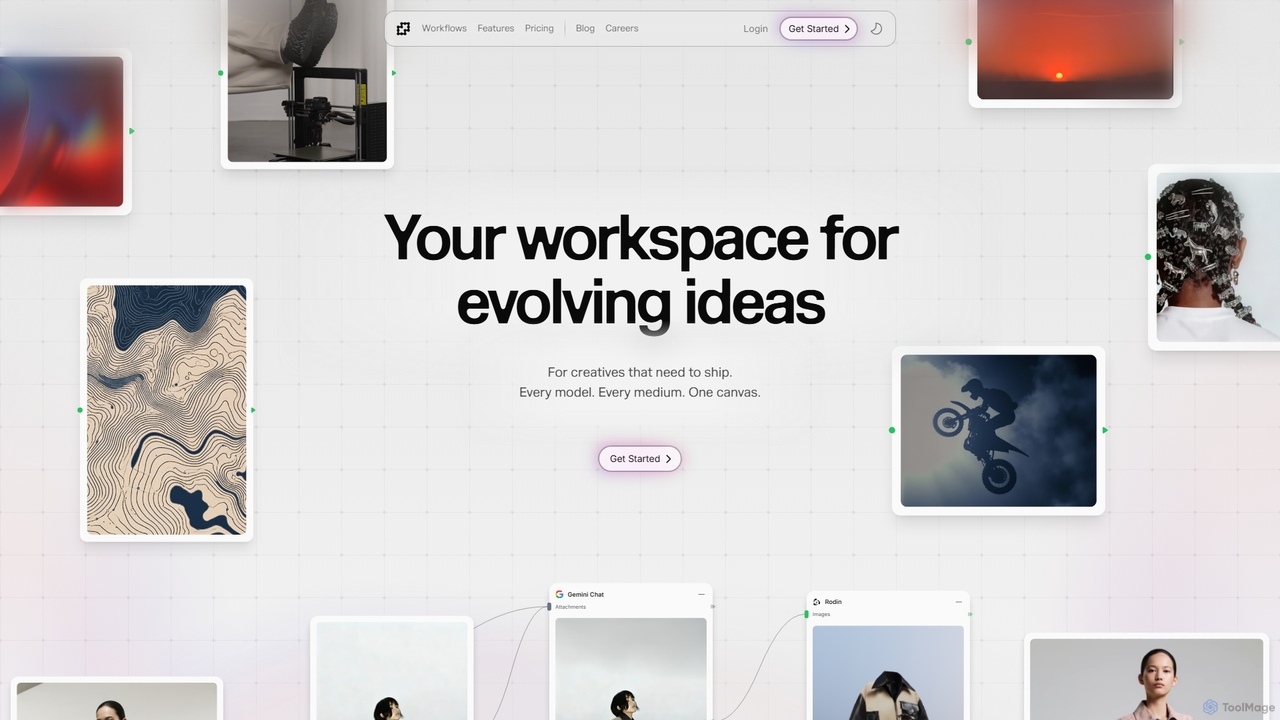
Fuser

Fuser is an innovative AI workspace designed for creatives to evolve ideas across various mediums. It offers a unified canvas to integrate over 160 models and 300 LLMs, facilitating iterative design for text, images, videos, audio, and 3D. Emphasizing process over output, Fuser empowers users to build tailored workflows, manage assets, and connect API keys for seamless creative exploration and production.

Modeling
Visits 76.4KFavorites 100Likes 93
Paid

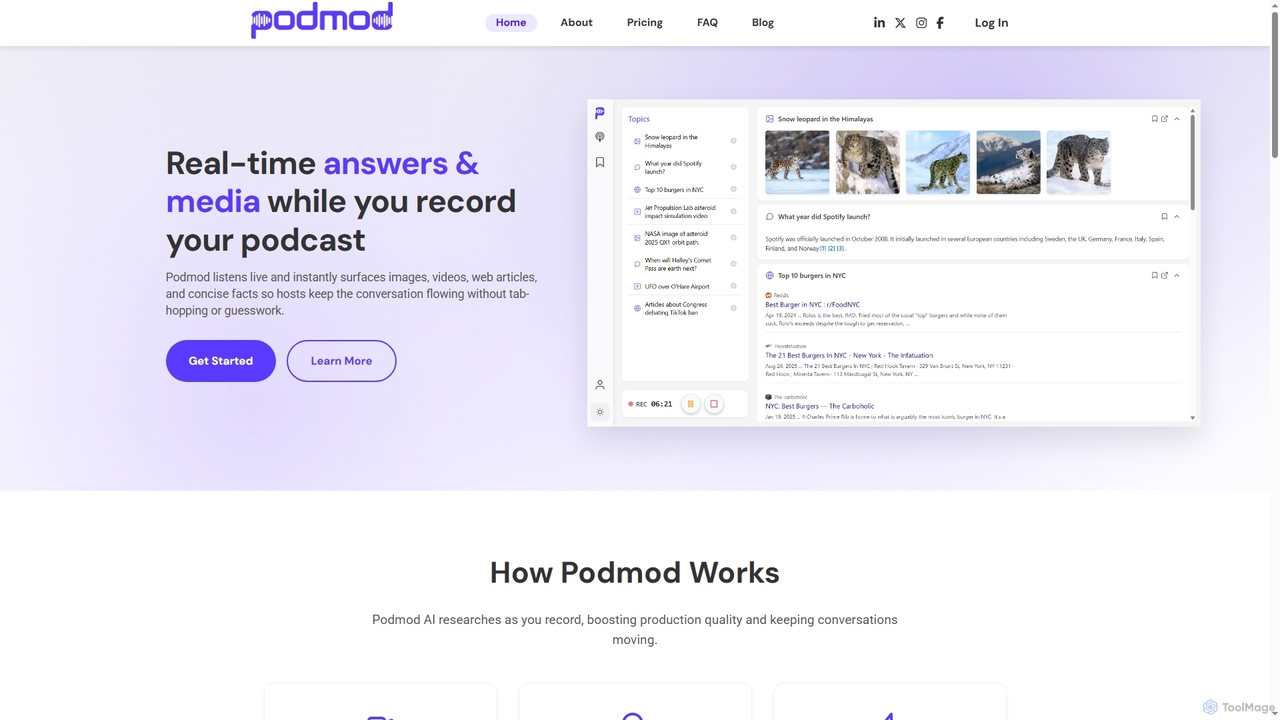
Podmod

Podmod is an AI-powered podcast assistant that provides real-time research, fact-checking, and content retrieval during live recording sessions. It helps podcasters lead conversations with confidence, surfacing context, sources, media, and on-the-spot answers without breaking the flow. Podmod also automates show notes generation and offers full transcripts, streamlining the entire podcast production workflow.

Transcription
Visits 4KFavorites 108Likes 114
Free

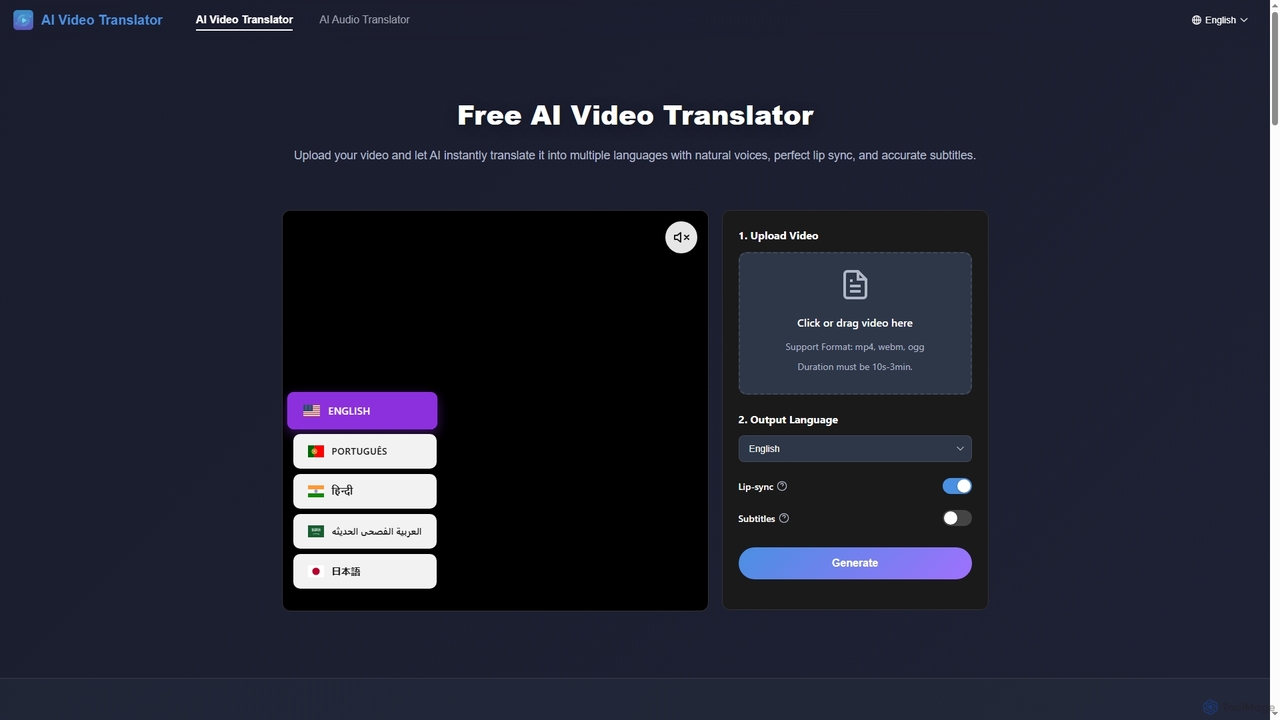
AIVideoTranslator

AIVideoTranslator is a powerful AI tool that instantly translates videos and audio into multiple languages with natural voices, perfect lip synchronization, and accurate subtitles. It helps content creators, businesses, and educators reach a global audience effortlessly, offering fast processing and advanced voice customization without requiring sign-up for video translation.

3D
Visits 34.6KFavorites 127Likes 112
Freemium

Soundwise

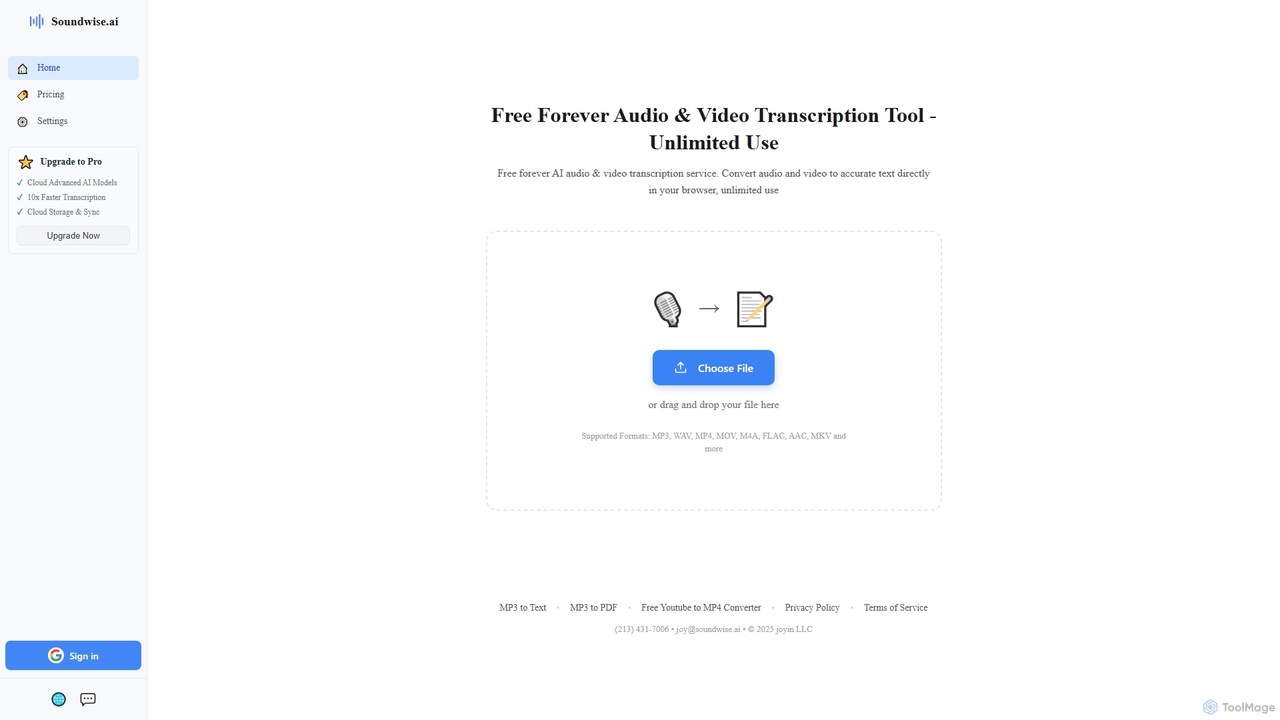
Soundwise is a free-forever AI-powered online tool designed for unlimited audio and video transcription. It accurately converts various media files into text directly within your web browser, offering a convenient solution for anyone needing quick and reliable transcriptions.

Transcription
Visits 183.8KFavorites 107Likes 104
Free

Voice Changer

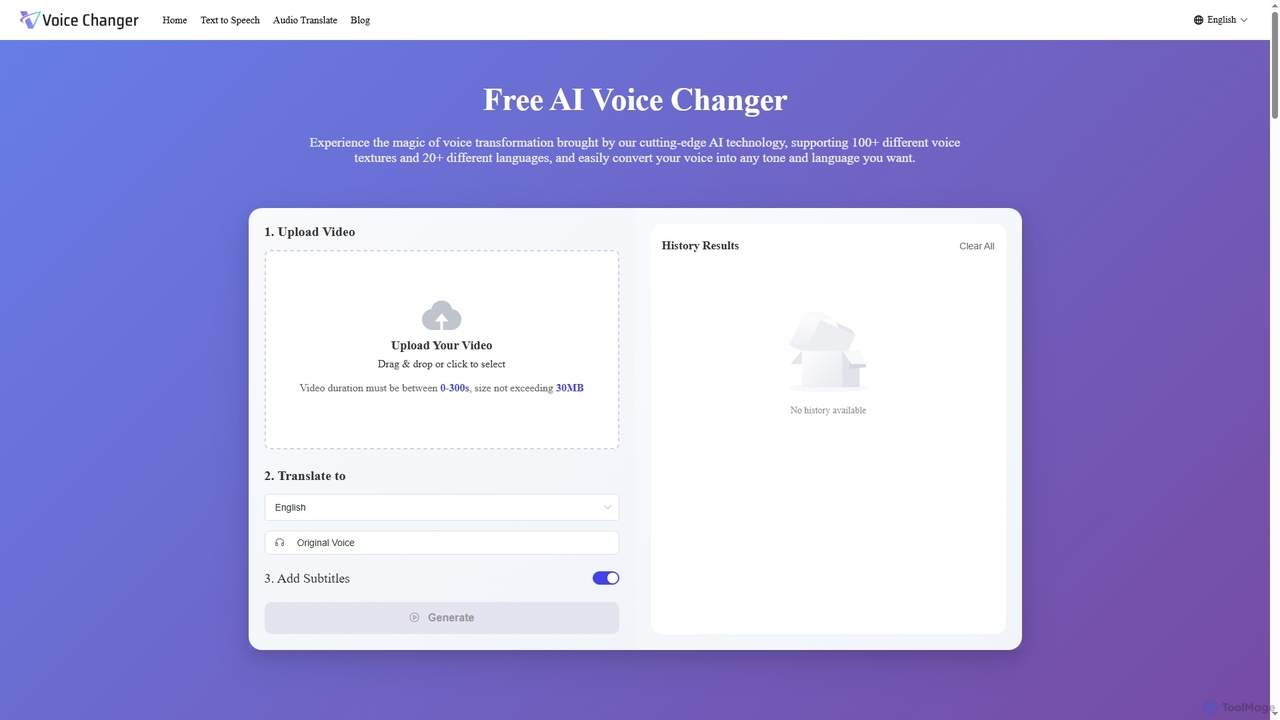
Voice Changer is a versatile AI-powered online tool offering voice transformation, text-to-speech, and audio translation. It enables users to convert voices into over 100 different textures and 20+ languages, generate natural-sounding speech from text in 40+ languages, and translate audio while preserving original voice characteristics across 12+ languages. Designed for content creators, businesses, and educators, it provides a free, no sign-up solution for diverse audio needs.

Voice Transformation
Visits 6.6KFavorites 129Likes 134
Free

AIDubbing

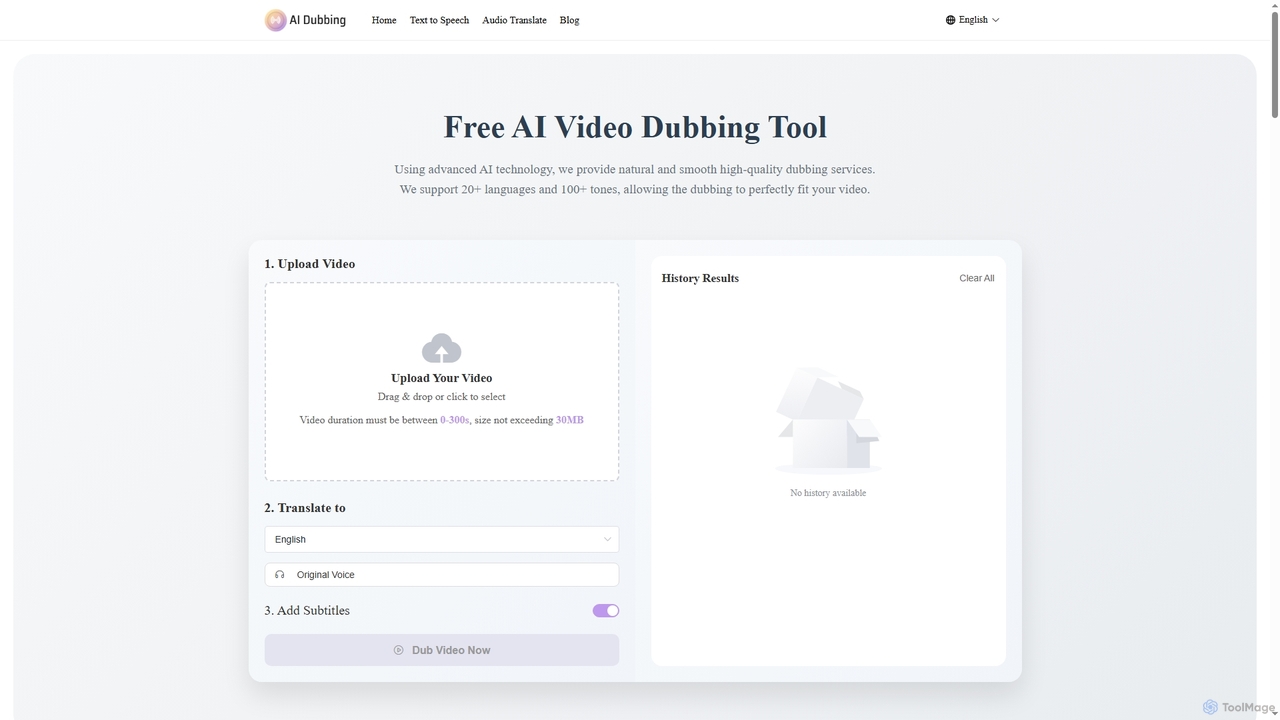
AIDubbing is a free online AI tool for high-quality video dubbing, text-to-speech, and audio translation. It supports over 20 languages and 100+ tones, offering features like emotional expression, parameter adjustment, and voice cloning to create natural and smooth voiceovers without requiring sign-up.

3D
Visits 256KFavorites 92Likes 90
Freemium

Aisong

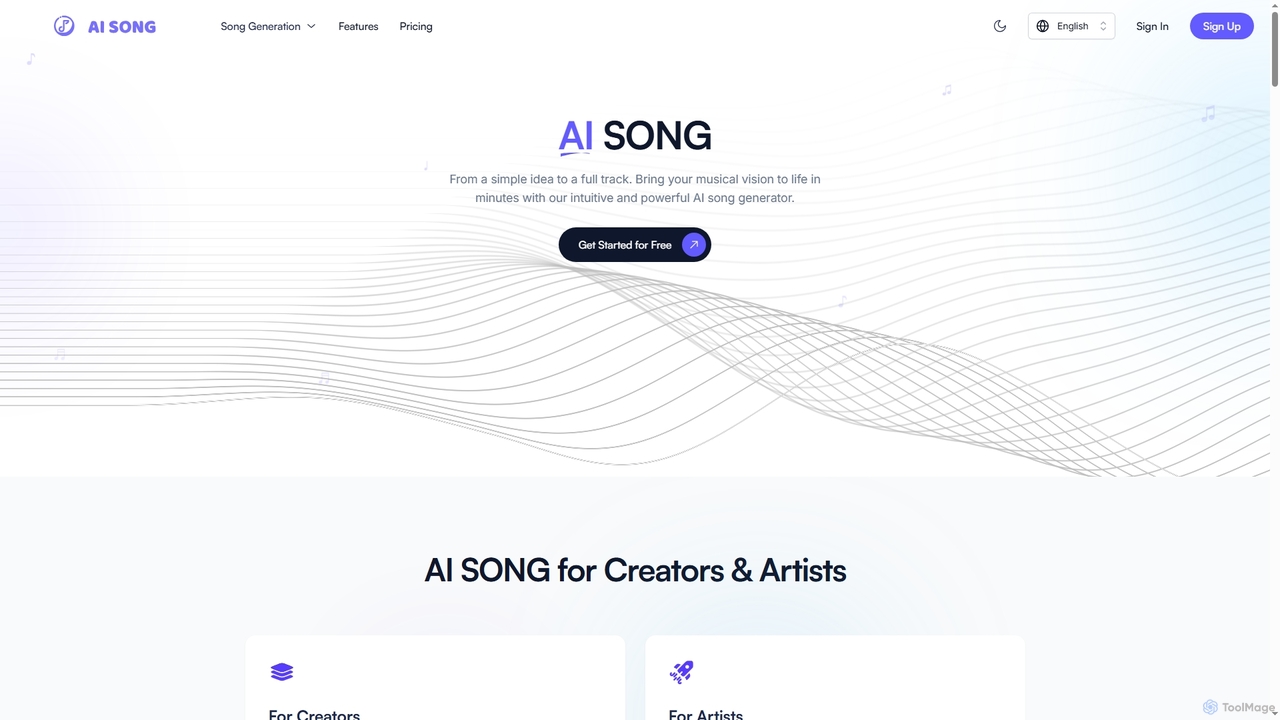
Aisong is an intuitive AI song generator and music production toolkit designed for creators and artists. It enables users to transform simple ideas into full tracks, generate lyrics, remove vocals, and even create music videos, all with the power of artificial intelligence.

Vocal Removal
Visits 3.5KFavorites 88Likes 82
Freemium

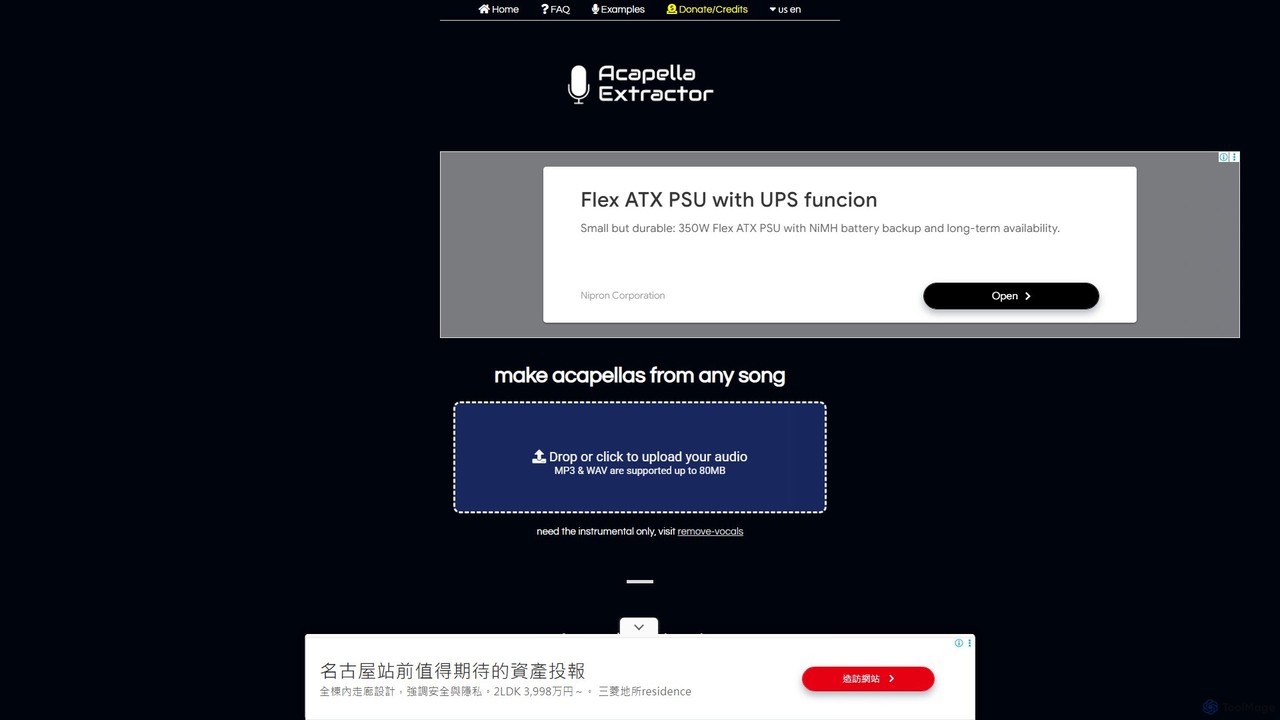
acapella_extractor

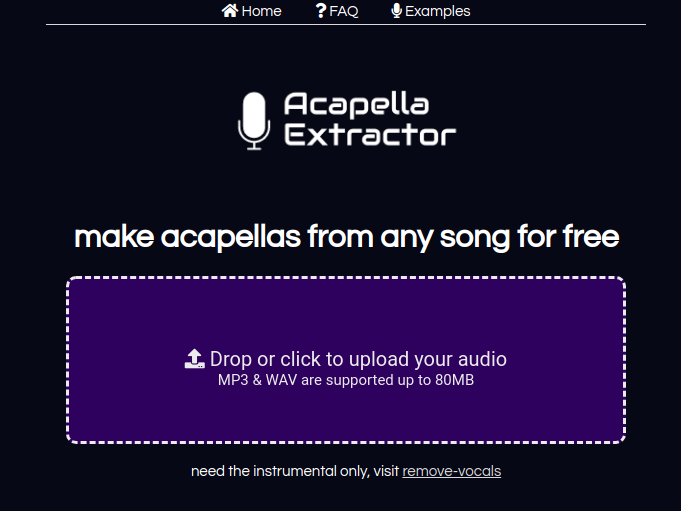
A free, AI-powered online tool that isolates vocals from any song. Simply upload an audio file (MP3 or WAV) to create a high-quality acapella track, perfect for DJs, producers, and karaoke fans. No registration or software installation required.

Source Separation
Visits 99KFavorites 127Likes 104
Freemium

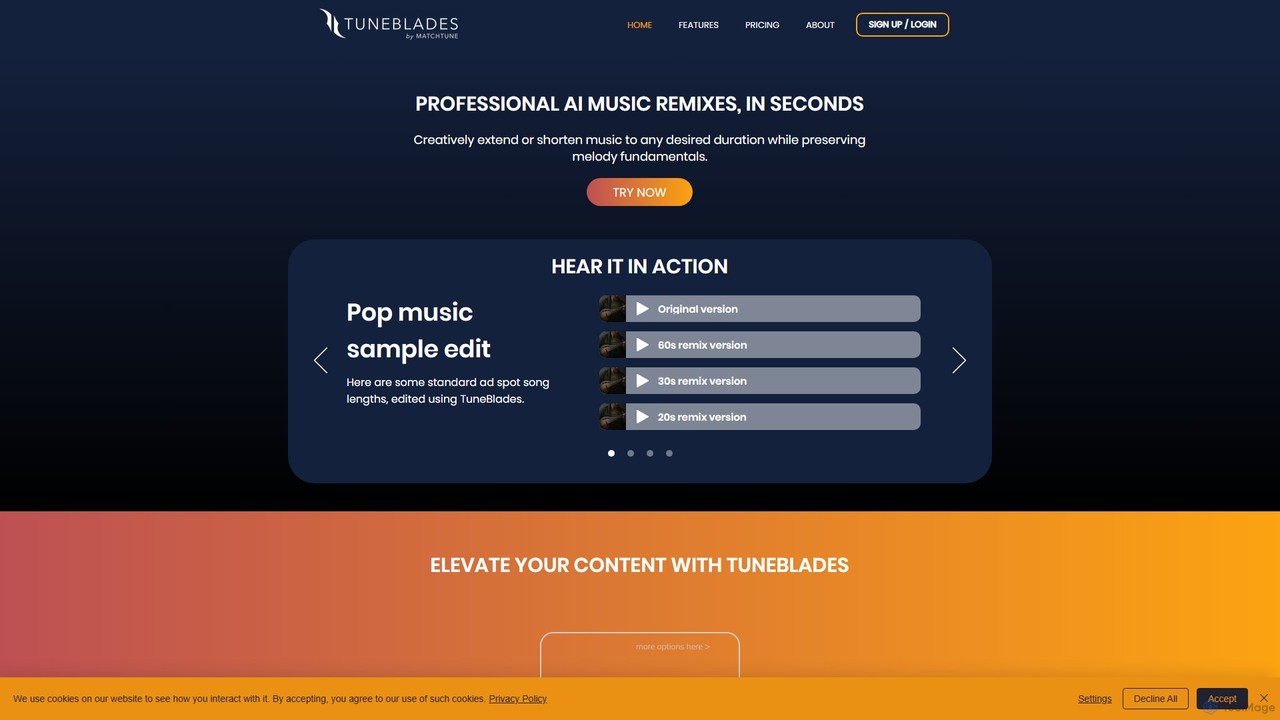
TuneBlades

TuneBlades is an AI-powered music editing tool that automatically remixes, shortens, or extends any song to a specific duration. It preserves the core melody, vocals, and tempo, making it perfect for content creators, video editors, and marketers who need perfectly timed background music in seconds.

Music Remixing
Visits 16.3KFavorites 126Likes 106
Freemium

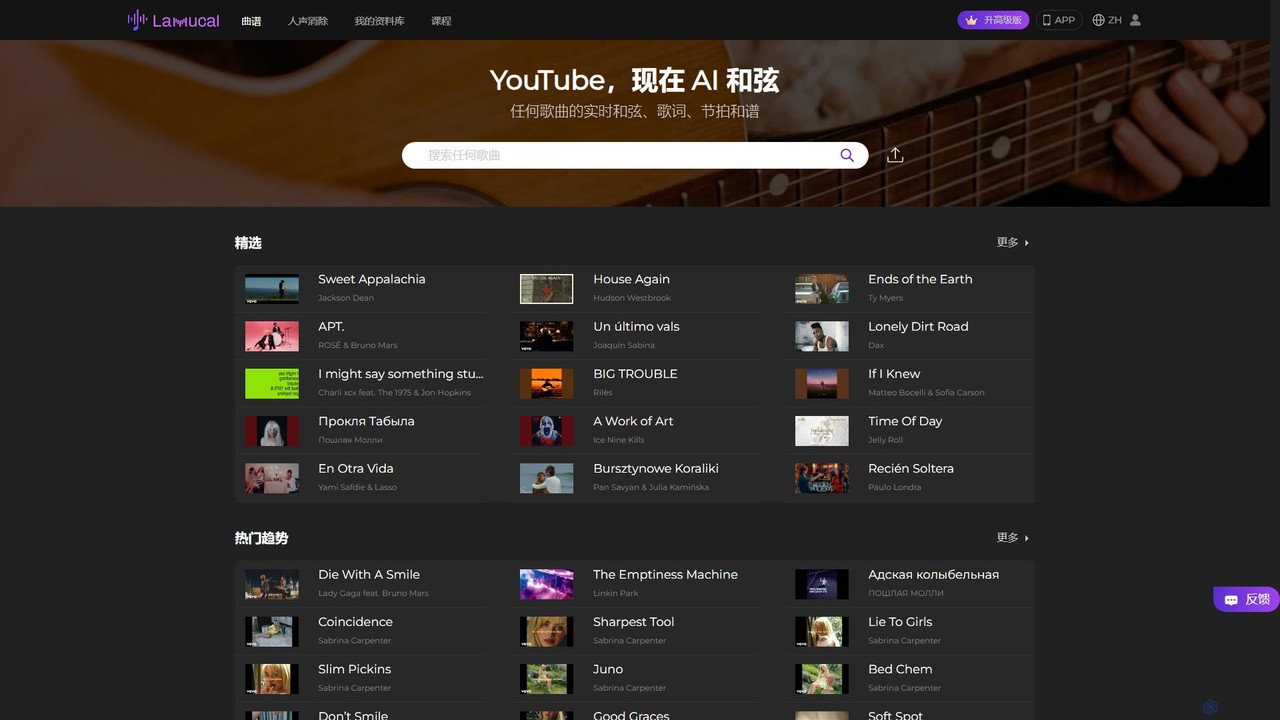
Lamucal

Lamucal is an AI-powered music tool that automatically generates accurate chords and lyrics for any song from audio or video files. It offers advanced features like real-time transposition, tempo control, looping, and AI track separation, making it an essential companion for musicians to learn, practice, and master their favorite songs.

Stem Separation
Visits 211.8KFavorites 102Likes 118
Paid

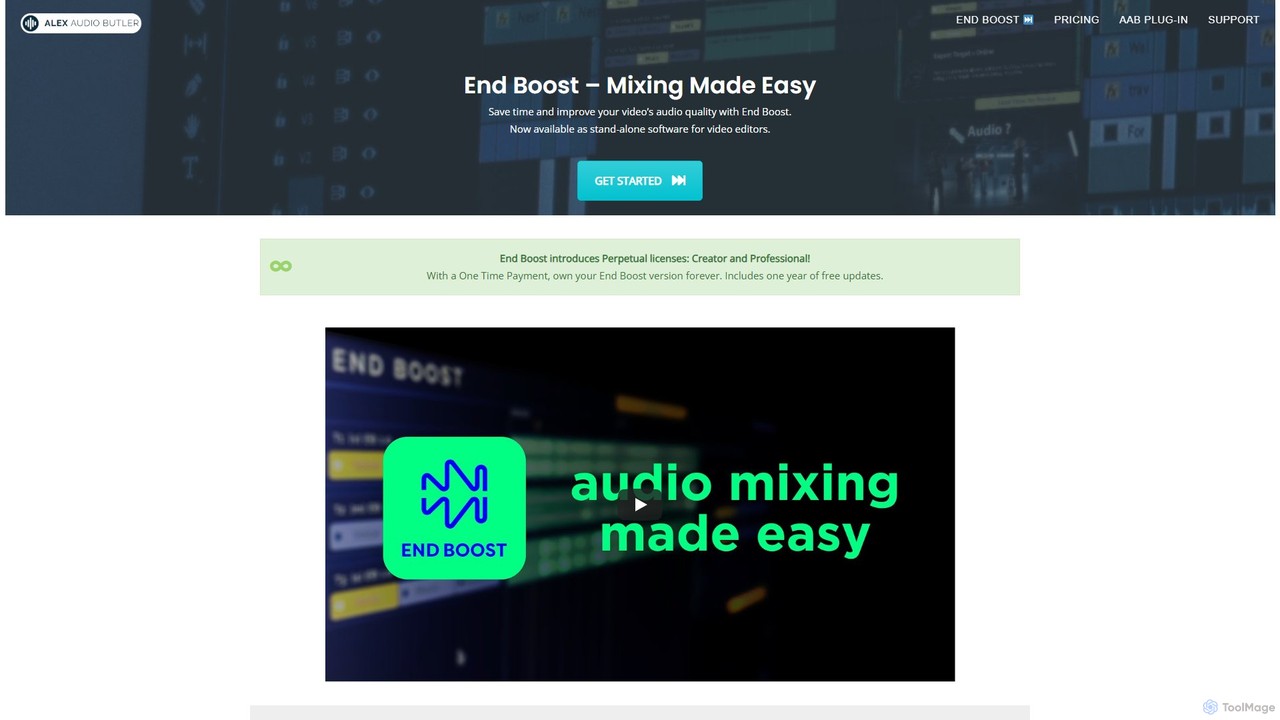
Alex Audio Butler

Alex Audio Butler is an AI-powered audio mixing tool, primarily through its standalone app "End Boost," designed for video editors. It automates complex audio tasks like leveling, ducking, noise reduction, and mastering. By using intelligent presets, it allows creators without audio expertise to achieve professional-quality sound for their videos, saving significant time in post-production. It integrates seamlessly with all major NLEs like Premiere Pro, DaVinci Resolve, and Final Cut Pro.

Mixing & Mastering
Visits 5.1KFavorites 128Likes 119

About Audio Editing

AI Audio Editing tools are a class of software leveraging artificial intelligence to enhance, modify, and process audio content with unprecedented efficiency and precision. These tools utilize advanced machine learning algorithms to analyze sound, identify patterns, and perform complex tasks like noise reduction, vocal isolation, and automatic mastering. They empower musicians, podcasters, video editors, and content creators to achieve professional-grade audio quality, significantly streamlining post-production workflows and opening new creative possibilities.

Core Features

  • Intelligent Noise Reduction: Automatically identifies and removes unwanted background noise, hums, and hisses from recordings.
  • Vocal Isolation & Enhancement: Separates vocals from instrumental tracks or isolates speech from ambient sounds, often enhancing clarity.
  • Automatic Audio Mastering: Applies intelligent equalization, compression, and limiting to optimize overall sound quality and loudness for various platforms.
  • Speech-to-Text Transcription: Converts spoken audio into accurate text, useful for subtitling, documentation, and content repurposing.
  • Audio Style Transfer: Applies characteristics from one audio source (e.g., a specific reverb or instrument sound) to another.

Use Cases

AI audio editing tools are invaluable across various industries. Podcasters use them to clean up interview audio, ensuring clear dialogue for listeners. Musicians leverage AI for stem separation to remix tracks or for intelligent mastering to prepare their songs for release. Video editors rely on these tools to remove distracting background noise from dialogue, improving the overall viewer experience.

How to Choose

When selecting an AI audio editing tool, consider its specific AI capabilities, such as the quality of noise reduction or vocal isolation, and its ease of use for your skill level. Evaluate integration with your existing workflow (e.g., DAW compatibility) and the output quality it delivers. Finally, assess the pricing model and whether it aligns with your budget and usage frequency.

Featured tool rankings

Audio Editing use cases

1

Podcast Audio Enhancement

Podcasters use AI tools to automatically remove background noise, echo, and plosives from interview recordings. This ensures crystal-clear dialogue, improving listener engagement and saving hours of manual editing time, allowing creators to focus on content.

2

Music Stem Separation & Remixing

Musicians and DJs leverage AI to separate individual instruments (vocals, drums, bass, etc.) from mixed tracks. This enables creative remixing, sampling, or isolating specific elements for practice, mastering, or creating instrumental versions.

3

Video Dialogue Cleanup

Video editors utilize AI audio editing to eliminate distracting ambient noise, wind, or hum from on-location dialogue. This significantly enhances speech intelligibility and overall video quality, providing a more professional and immersive viewing experience.

4

Automated Voiceover Generation

Content creators can use AI to generate natural-sounding voiceovers from text scripts in various languages and voices. This accelerates content production for tutorials, e-learning modules, or marketing videos, reducing the need for professional voice actors.

5

Audio Restoration of Old Recordings

Archivists and enthusiasts employ AI to restore damaged or old audio recordings by removing clicks, pops, crackles, and tape hiss. This preserves historical speeches, music, or family recordings, bringing clarity back to valuable sonic artifacts.

6

Real-time Communication Enhancement

Professionals in online meetings or live streamers use AI tools to filter out keyboard clicks, fan noise, or room reverb in real-time. This ensures clearer communication and a more professional presence during virtual interactions and broadcasts.

Audio Editing FAQ

What are AI Audio Editing tools?

AI Audio Editing tools are software applications that use artificial intelligence and machine learning algorithms to automate and enhance various audio processing tasks. They can intelligently identify and manipulate sound elements, performing functions like noise reduction, vocal isolation, and automatic mastering, often achieving results that would be complex or time-consuming with traditional methods.

How do AI audio editing tools differ from traditional audio editors?

Traditional audio editors rely on manual adjustments and user expertise for tasks like equalization, compression, and noise removal. AI audio editing tools, however, automate these processes by analyzing the audio content and applying intelligent algorithms. This allows for faster, often more precise, and less labor-intensive editing, especially for repetitive or complex tasks, making professional results more accessible.

What specific tasks can AI audio editing tools automate?

AI audio editing tools can automate a wide range of tasks. These include intelligent noise and echo reduction, vocal isolation from background music, automatic audio mastering for optimal loudness and clarity, speech-to-text transcription, and even audio style transfer. They can also assist with automatic mixing, sound effect generation, and enhancing specific frequencies.

Who benefits most from using AI audio editing tools?

A diverse group of users benefits significantly from AI audio editing tools. Podcasters and YouTubers can quickly clean up dialogue. Musicians and producers can achieve better mixes and masters. Video editors can improve audio quality in their projects. Journalists and researchers can transcribe interviews efficiently. Essentially, anyone working with audio who seeks to save time, improve quality, or access advanced features without deep technical expertise will find these tools valuable.

How to choose the best AI audio editing software for my needs?

To choose the best AI audio editing software, first identify your primary needs: are you focused on noise reduction, vocal isolation, mastering, or transcription? Evaluate the quality and effectiveness of the AI algorithms for those specific tasks. Consider the tool's ease of use, its compatibility with your existing hardware and software (e.g., DAW integration), pricing, and the availability of features like real-time processing or cloud capabilities. Reading reviews and trying free trials can also be very helpful.