

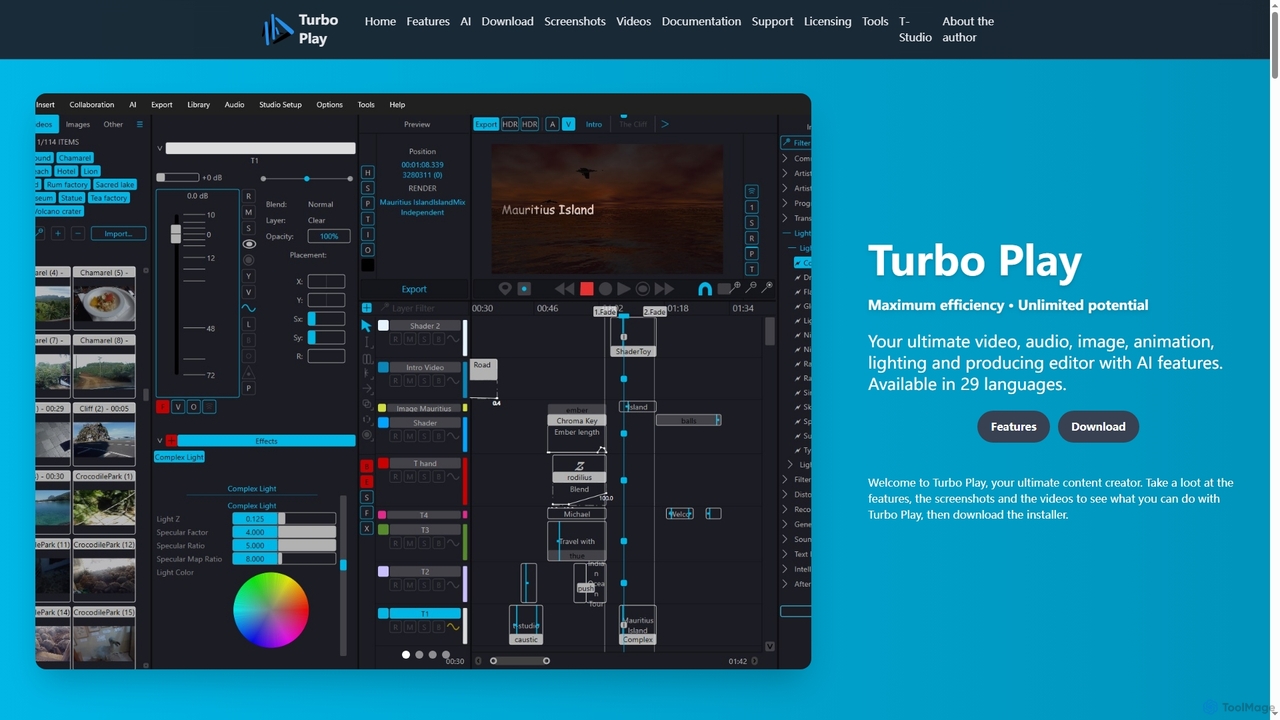
Turbo Play Overview
Turbo Play is a professional-targeted, large-scale multimedia editor and content creator, integrating over 20 years of accumulated knowledge in Digital Signal Processing, Windows Programming, AI, and C++. Conceived as an all-in-one application with AI features, it provides an ultimate suite for video, audio, image, animation, lighting, and producing. Available in 29 languages, Turbo Play empowers users to achieve maximum efficiency and unlock unlimited creative potential with its extensive feature set and over 100GB of downloadable modules, including plugins, AI components, and sound libraries.
How to use Turbo Play
To use Turbo Play, first download and install the application from its official website, the Windows App Store, or Steam. Upon launching, users can explore various workspaces such as the Timeline, Arranger, Bay, and Library for project organization. Content can be imported in numerous media formats. For video editing, utilize GPU-accelerated effects, unlimited layers, and direct publishing to platforms like TikTok and YouTube. Audio projects benefit from ASIO support, VST plugins, and a comprehensive mixer with built-in effects. Image editing offers tools like panorama creation, liquification, and color matching. AI features are integrated throughout, allowing for tasks like automatic background removal, face swapping, and text-to-image generation directly within the workflow. The software also supports collaboration features and remote control for enhanced productivity.
Core Features of Turbo Play
- AI-Powered Editing: Features include automatic background removal, face swapping, auto colorization, content-aware eraser, image/video upscaling, video scene detection, speech separation, voice fix, text-to-image, text-to-sound, and text-to-music generation, leveraging Hugging Face models.
- Comprehensive Video Editing: GPU-based editing/rendering (H264/H265/AV1), 300+ high-quality GPU effects, Lottie support, stabilization, 360-degree video viewer, direct camera capture, mass video converter, unlimited layers, bitmap/clipping masks, multiple blend modes, and direct publish to TikTok/YouTube.
- Advanced Audio Production: ASIO support with CoreASIO driver, VST 3.x, remote control, multitrack import/export, 8+GB orchestra samples/drumkits, drum loop editor, pianoroll, score editor, Byzantine editor, featured mixer with extensive audio effects (compression, EQ, reverb, noise reduction), MIDI learning/mapping, and SoundFont support.
- Robust Image Editing: Ink drawing, primitive drawing, support for various formats (JPG, PNG, SVG, HDR, PSD, RAW camera formats), panorama creation, selection/drawing masks with auto-grabcut, face/body liquification, color matching, and QR code generation.
- Integrated 3D and Text Tools: Handwriting text with animation, 3D text, animatable text with automation lines, Google Font support, 3D object manipulation (OBJ, STL, FXB, CMO), 3D room panning, and 3D lighting.
- Collaboration and Connectivity: Screen sharing collaboration, remote control, OneDrive cloud integration for open/save, DMX and Art-Net support with over 500 DMX fixtures, and integrations with Thingiverse, Lottie, and Musical Artifacts.
Use Cases for Turbo Play
Turbo Play is ideal for a wide range of creative professionals and enthusiasts. Video editors can leverage its GPU acceleration and AI features for efficient post-production, including complex effects, stabilization, and direct social media publishing. Music producers can compose, arrange, mix, and master tracks using its extensive audio tools, VST support, and included orchestra samples. Graphic designers and digital artists can create intricate images, panoramas, and manipulate photos with AI-powered tools like background removal and liquification. Animators can bring ideas to life with Lottie support, 3D text, and object animation. Content creators across various platforms can produce high-quality multimedia content, from educational videos to social media campaigns, benefiting from the all-in-one nature and AI enhancements. Developers can even utilize the Developer License for C++ code access and deep integration.
Advantages of Turbo Play
One of Turbo Play's primary advantages is its all-in-one nature, consolidating video, audio, image, and animation editing into a single powerful application, reducing the need for multiple software subscriptions. Its deep integration of AI features significantly streamlines complex tasks like background removal, face swapping, and content generation, boosting productivity. The software boasts GPU-accelerated performance for both editing and rendering, ensuring a smooth workflow even with demanding projects. With support for 29 languages and a vast library of downloadable modules (over 100GB), it offers extensive customization and global accessibility. The flexible licensing model, including a free personal use version and various commercial plans, caters to a broad user base from casual hobbyists to large companies. Furthermore, the developer's extensive background in AI and DSP ensures a robust and expertly crafted tool.
Pricing and Plans
Turbo Play offers a flexible licensing model, including a free version for personal use and several paid plans:
- Free License: Available from Windows App Store and site download for personal usage with basic features (e.g., 1 scene, minor updates).
- Casual Music: $5.99 USD/year or $60 once. Includes 2 PC licenses, all audio effects, unlimited tracks/parts, all audio formats, and VST 2.x, 3.x support for personal music creation.
- Casual Video: $5.99 USD/year or $60 once. Includes 2 PC licenses, many video effects, transitions, animations, all video formats, and GPU accelerated effects for personal video creation.
- Power user (POPULAR): $15.99 USD/year or $99 once. Includes 3 PC licenses, all audio and video features, all editors, all orchestra, cloud open/save, collaboration, AI features, and automatic site uploads for commercial use by individuals.
- Professional user: $60.99 USD/year. Includes 4 PC licenses, e-mail support, all audio and video features, all orchestra, all effects/editors, cloud open/save, collaboration, AI features, and automatic site uploads for commercial use by companies.
- Developer License: $390.99 USD/year. Includes 5 PC licenses, premium support, all features, C++ code for business, and free lifetime updates for commercial use.
Turbo Play FAQ
Turbo Play Alternatives
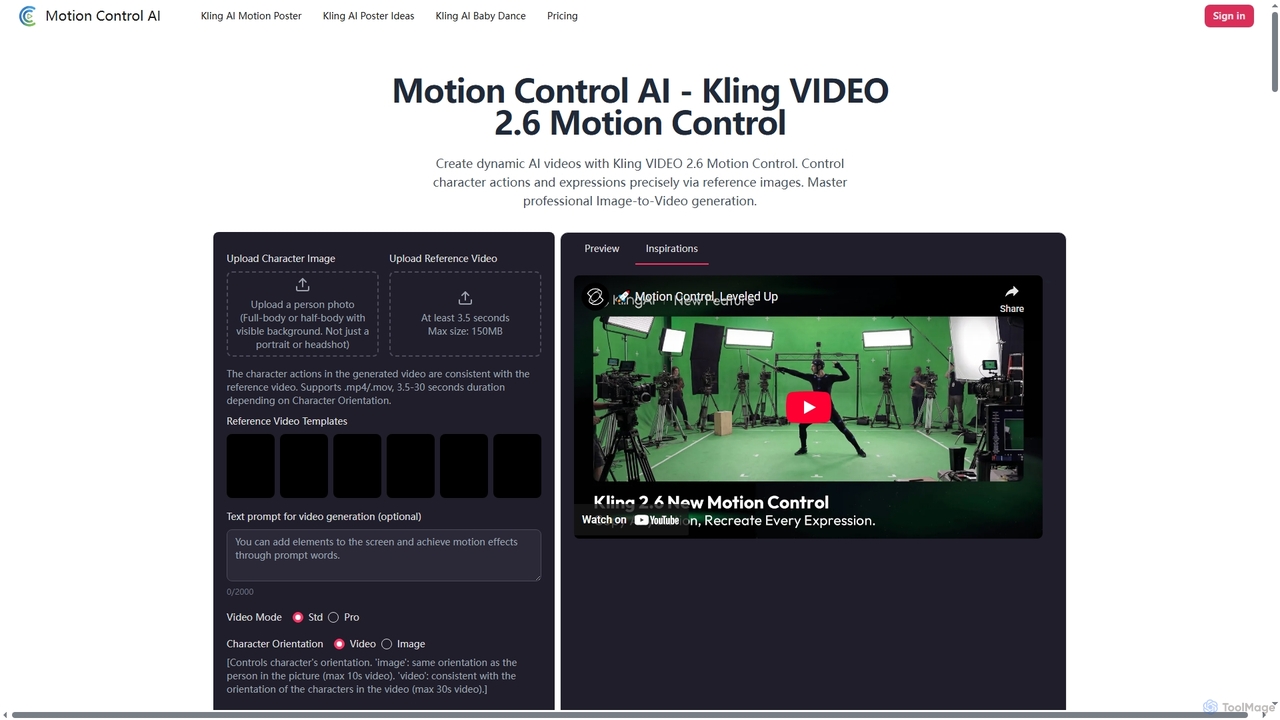
Motion Control AI
Motion Control AI, powered by Kling 2.6, transforms static images into dynamic, high-fidelity videos. It offers precise control over character actions, expressions, and camera movements using reference images and text prompts, enabling professional-grade image-to-video generation for various creative and commercial applications.
3D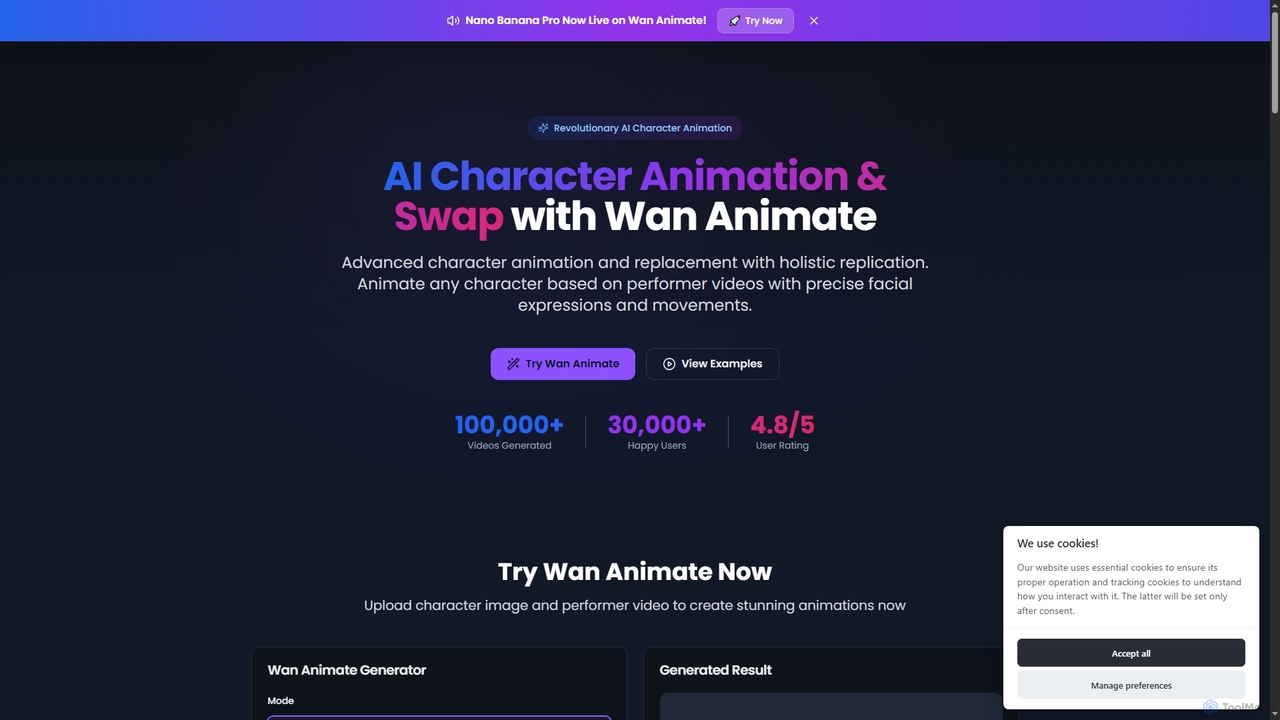
Wan Animate
Wan Animate is a revolutionary AI tool for character animation and video character replacement. It brings any character to life by precisely replicating facial expressions and movements from performer videos, or seamlessly swaps characters in existing footage while maintaining environmental consistency.
3D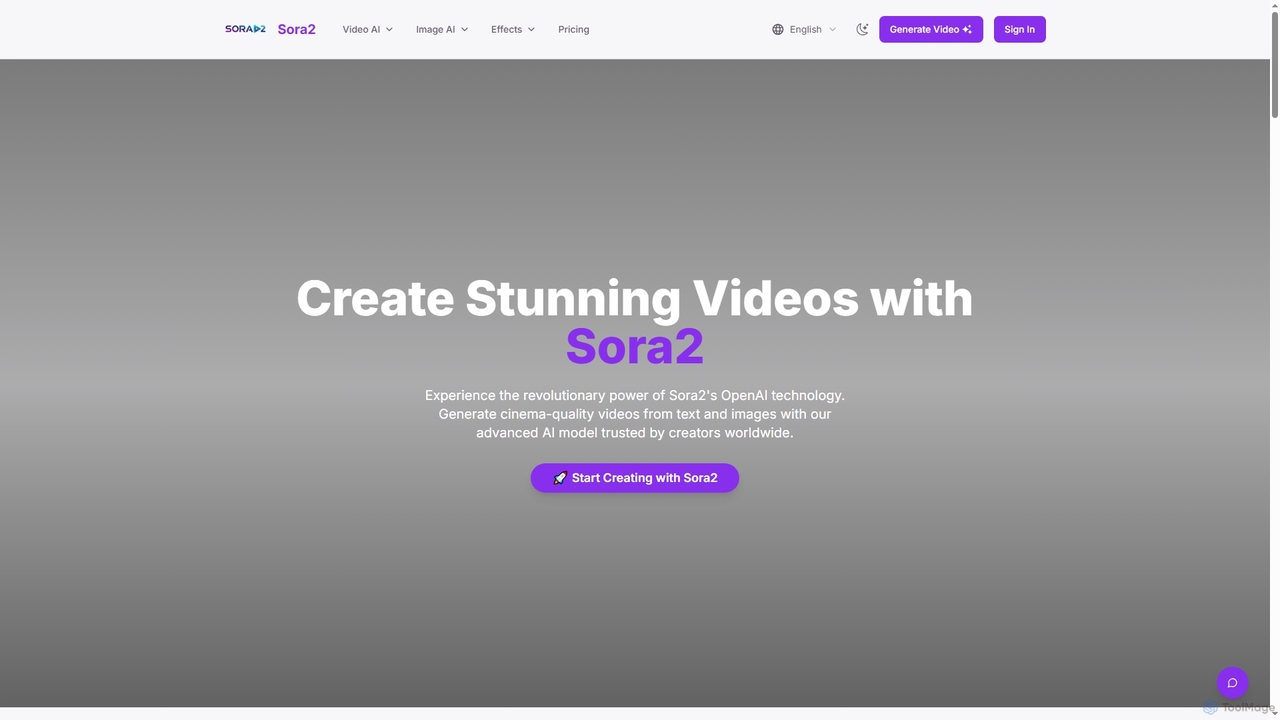
Sora2web
Sora2web is an advanced AI platform offering cinema-quality video and high-fidelity image generation from text and images. Leveraging models like OpenAI's Sora2, Kling, and Nanobanana, it provides creators, marketers, and businesses with powerful tools for diverse content needs, including realistic physics simulations, consistent character appearance, and a wide array of visual effects, all within an intuitive, cloud-based environment.
Content Creation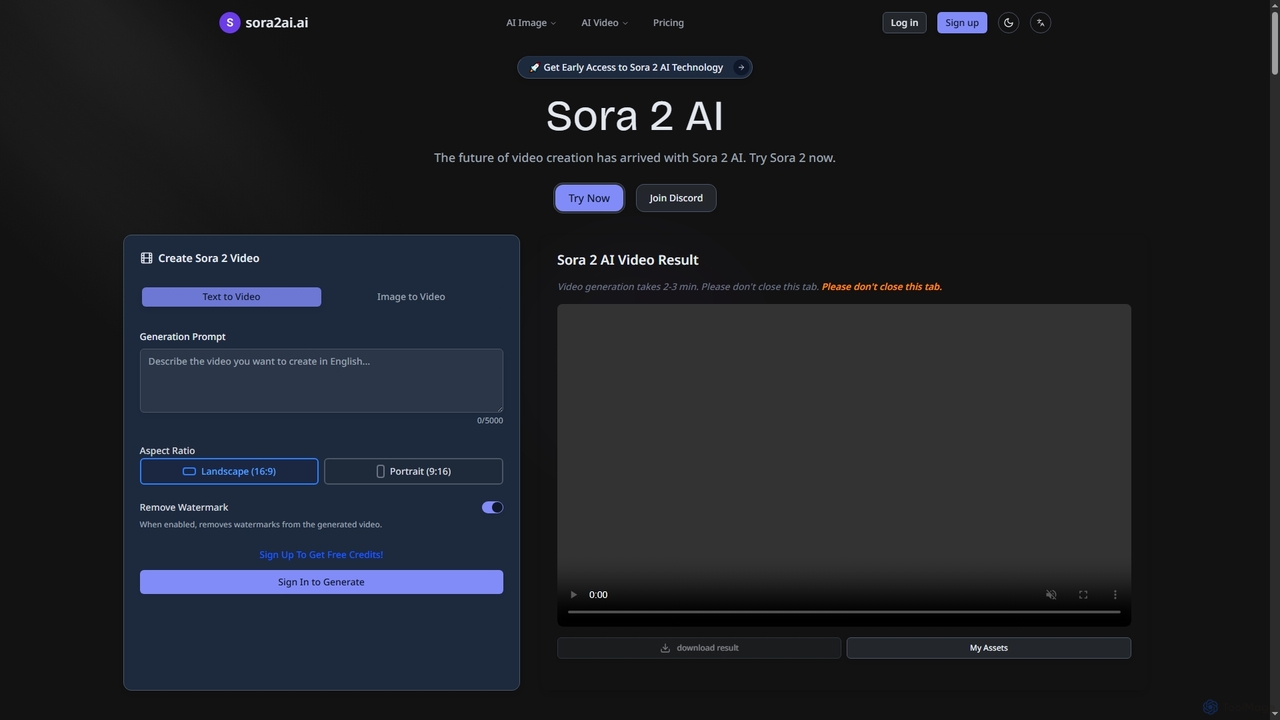
Sora2ai
Sora2ai is a comprehensive AI creative platform offering early access to advanced AI video and image generation. It integrates cutting-edge models like Sora 2 for 20-second continuous video generation with unique cameos and native audio, Google's Veo 3 for cinematic videos, and NanoBanana for powerful image editing, providing a unified workflow for diverse creative needs.
Content Creation
LanHive
LanHive is an all-in-one AI filmmaking platform that integrates top generative AI models for video, image, and audio creation. It empowers creators to rapidly produce high-quality visual and auditory content, streamlining workflows and significantly reducing production costs for various creative and marketing needs.
3DTurbo Play Categories
Turbo Play Jobs
Turbo Play Embed Widget
Copy this embed code to place the badge on your blog, article, or product site and send readers directly to this ToolMage detail page.

Related AI tools
Sora2ai
Sora2ai is a comprehensive AI creative platform offering early access to advanced AI video and image generation. It integrates cutting-edge models like Sora 2 for 20-second continuous video generation with unique cameos and native audio, Google's Veo 3 for cinematic videos, and NanoBanana for powerful image editing, providing a unified workflow for diverse creative needs.
Content CreationSora2web
Sora2web is an advanced AI platform offering cinema-quality video and high-fidelity image generation from text and images. Leveraging models like OpenAI's Sora2, Kling, and Nanobanana, it provides creators, marketers, and businesses with powerful tools for diverse content needs, including realistic physics simulations, consistent character appearance, and a wide array of visual effects, all within an intuitive, cloud-based environment.
Content Creation
Runway
Runway is an advanced AI-powered creative suite for content creation. It offers a wide range of tools, including state-of-the-art text-to-video (Gen-2), video-to-video (Gen-1), image generation, AI-powered video editing, and more. It's designed for filmmakers, artists, and marketers to ideate, generate, and edit content like never before, streamlining complex creative workflows.
Image Generation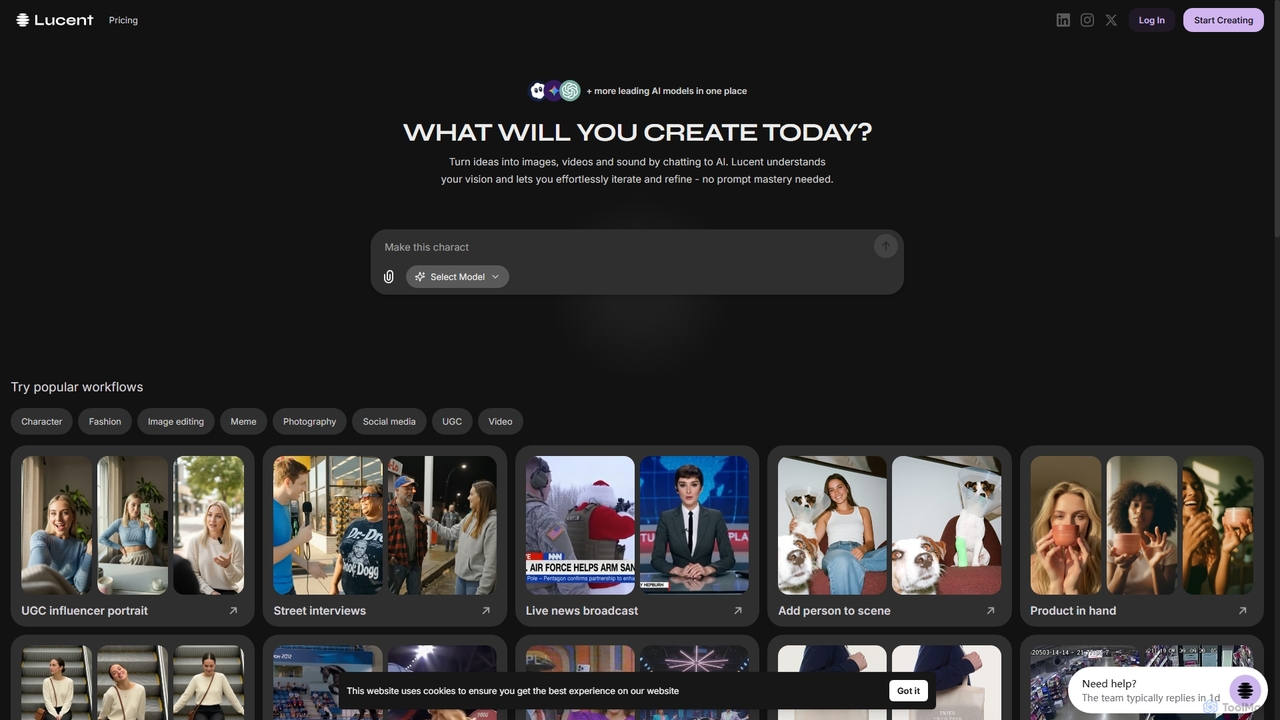
Lucent Chat
Lucent Chat is an all-in-one AI creative workspace specializing in advanced video and image generation and editing. It leverages state-of-the-art AI models like Sora 2, Veo 3.1, Seedream v4.0, and Kling 2.5 to transform text and images into high-quality visual content, offering tools for video creation, image generation, upscaling, and reframing.
Image Generation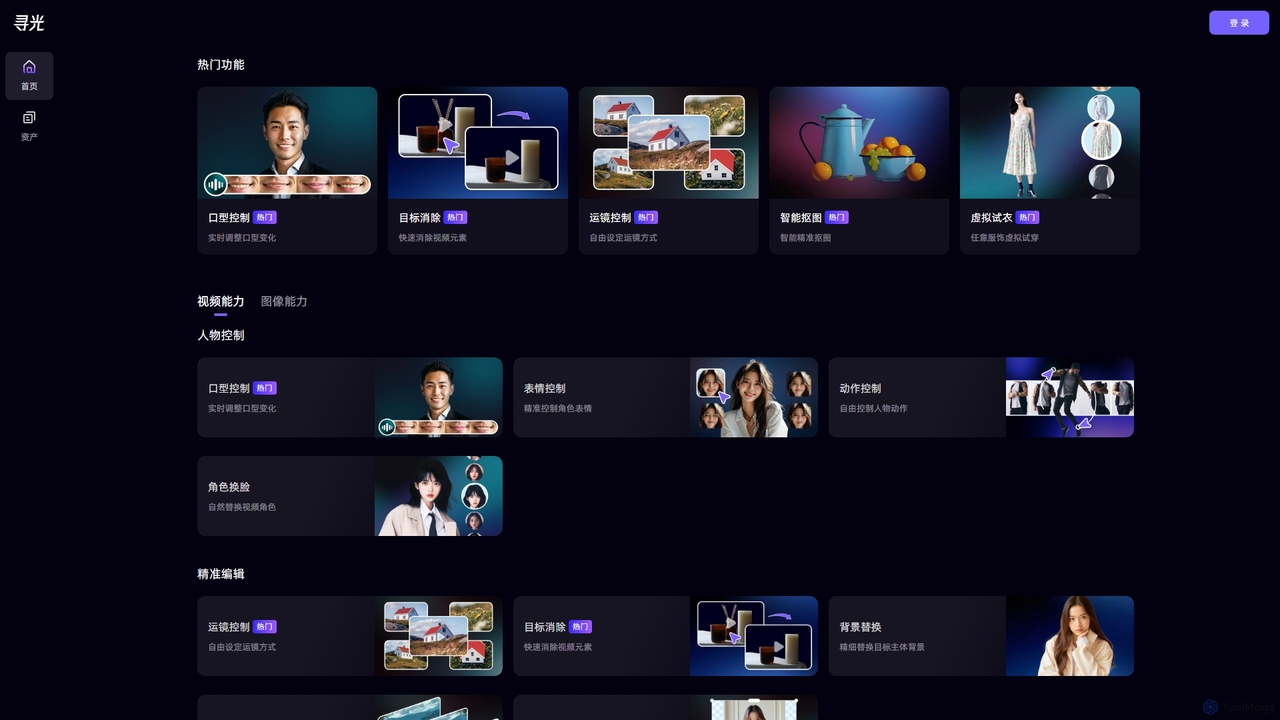
Xunguang AI
Xunguang AI is a powerful, all-in-one AI content creation platform specializing in advanced video and image manipulation. It offers a comprehensive suite of tools, including lip-sync control, object removal, face swapping, and virtual try-on, designed to streamline complex editing tasks and empower creators, marketers, and e-commerce professionals to produce high-quality content with unprecedented ease and efficiency.
Product Visualization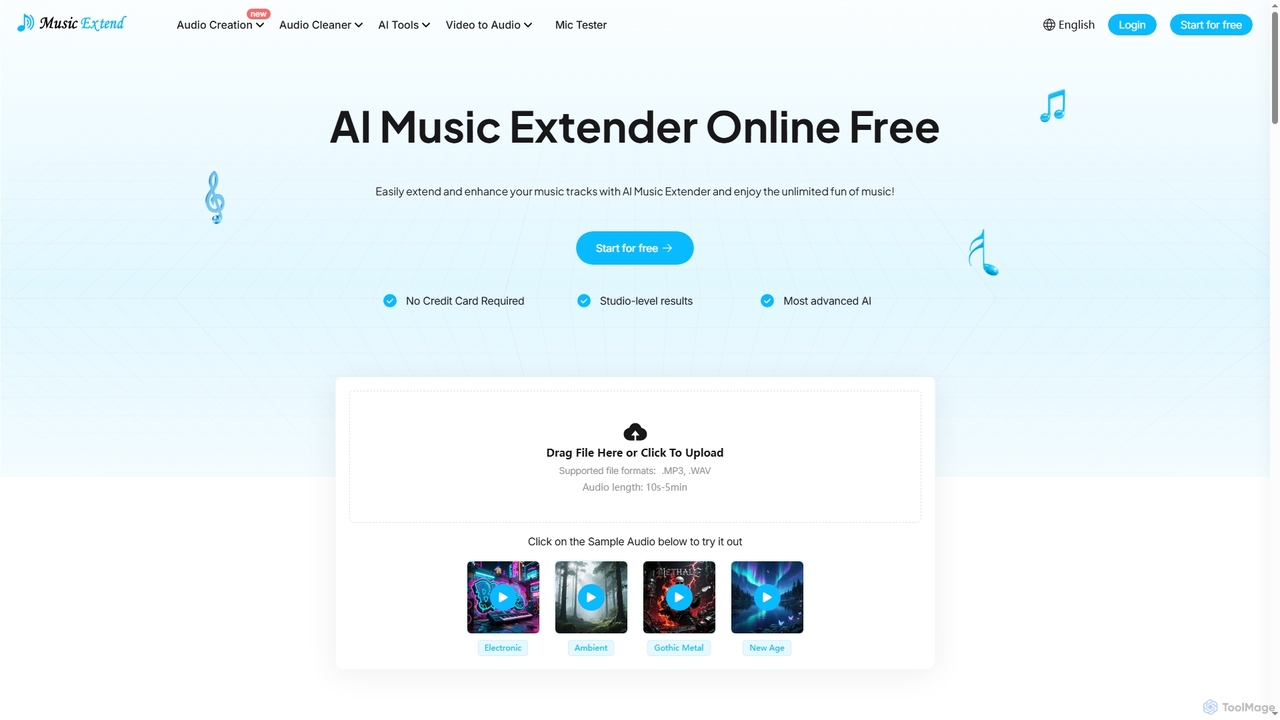
MusicExtend
MusicExtend is an advanced AI-powered online platform offering a suite of audio tools, including music extension, sound effect generation, voice cloning, music mashup creation, BPM detection, and comprehensive audio cleaning. It allows users to enhance, create, and refine audio content with studio-level results, all accessible for free without signup or credit card.
Audio Enhancement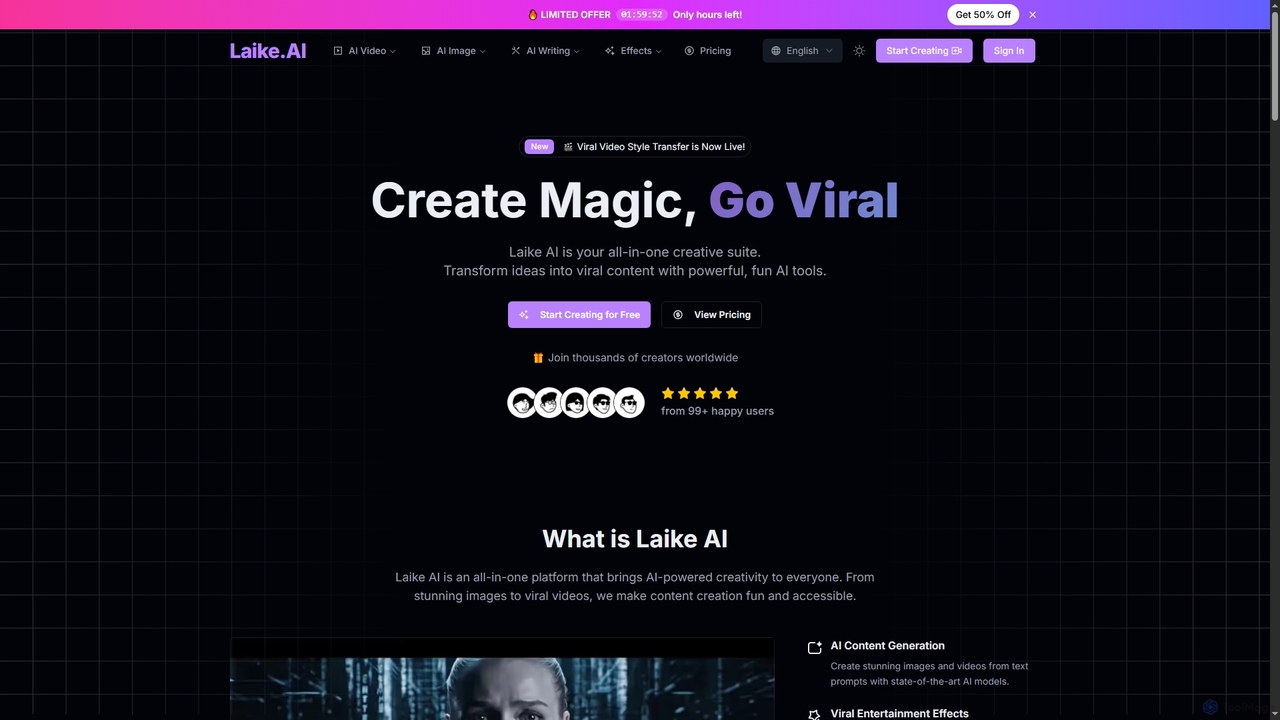
Laike
Laike is an all-in-one AI-powered creative suite designed to transform ideas into viral content. It offers powerful tools for generating stunning images and videos, applying trending entertainment effects, and sharing creations effortlessly across social platforms.
Image Generation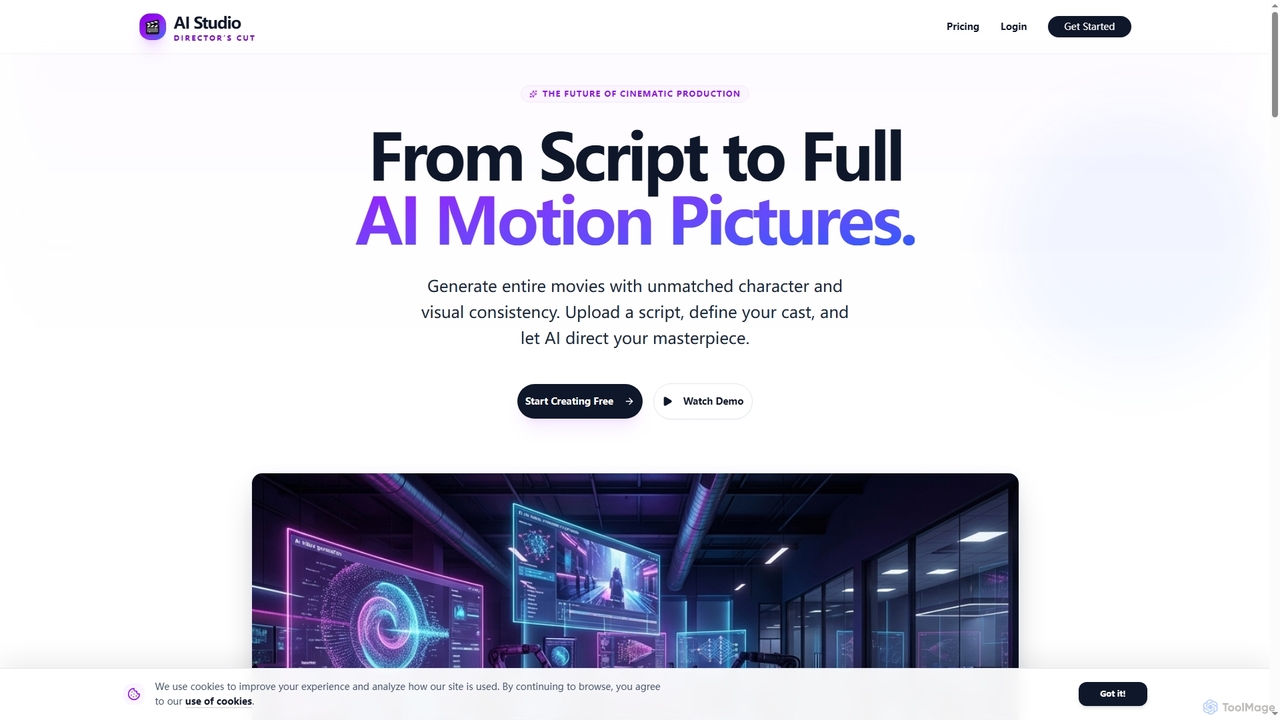
AIStudio247
AIStudio247 is an advanced AI movie generator that transforms scripts into full cinematic productions with unparalleled character and visual consistency. Leveraging Actor Lock™ technology and diverse artistic styles, it empowers creators to produce high-quality videos, from 720p to 4K, without extensive filmmaking or editing expertise.
Movie ProductionMotion Control AI
Motion Control AI, powered by Kling 2.6, transforms static images into dynamic, high-fidelity videos. It offers precise control over character actions, expressions, and camera movements using reference images and text prompts, enabling professional-grade image-to-video generation for various creative and commercial applications.
3D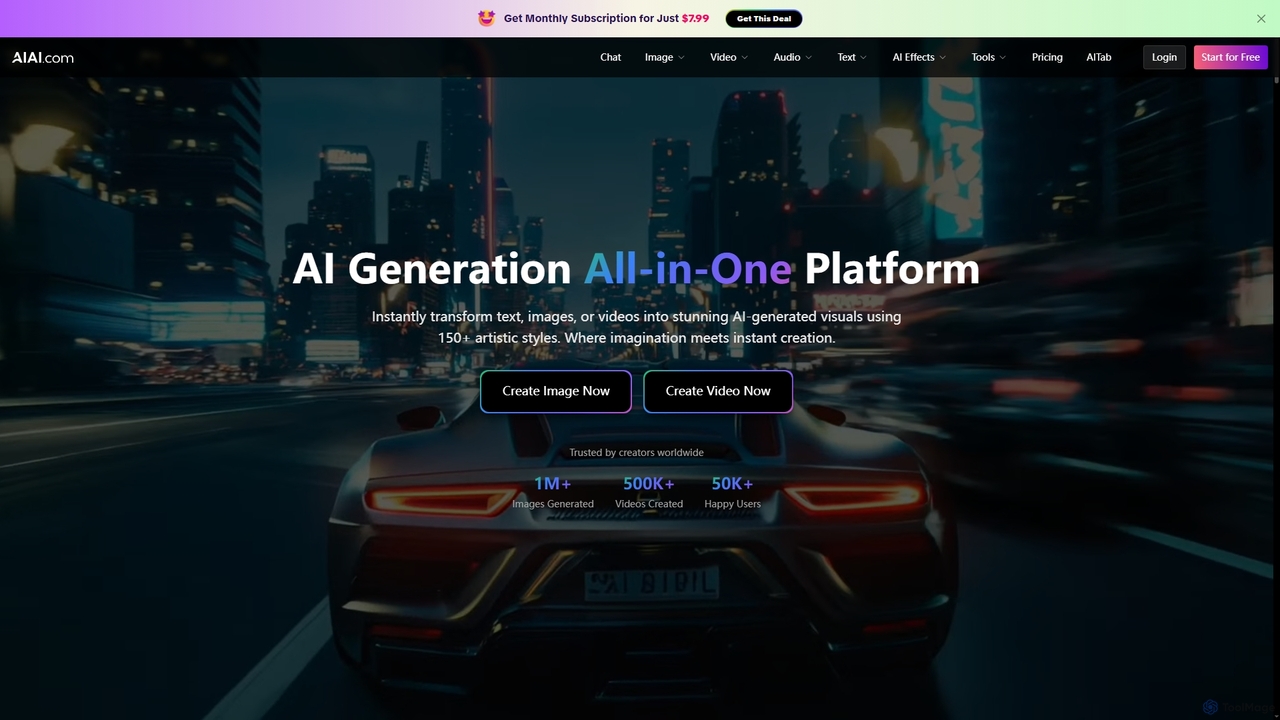
AIAI
AIAI is an all-in-one AI creative suite designed to transform ideas into stunning visuals and provide intelligent assistance. It offers powerful tools for generating images, videos, and text content, alongside specialized features like an AI Homework Helper and a productivity-boosting browser extension.
Homework Assistance
FixArt
FixArt is a comprehensive AI-powered creative hub offering free, unrestricted tools for generating stunning videos and images. Transform static photos into dynamic animations, convert text into captivating videos, reimagine existing images, or create visuals from scratch—all without sign-up or content filters, delivering professional-grade results in 4K.
Digital Art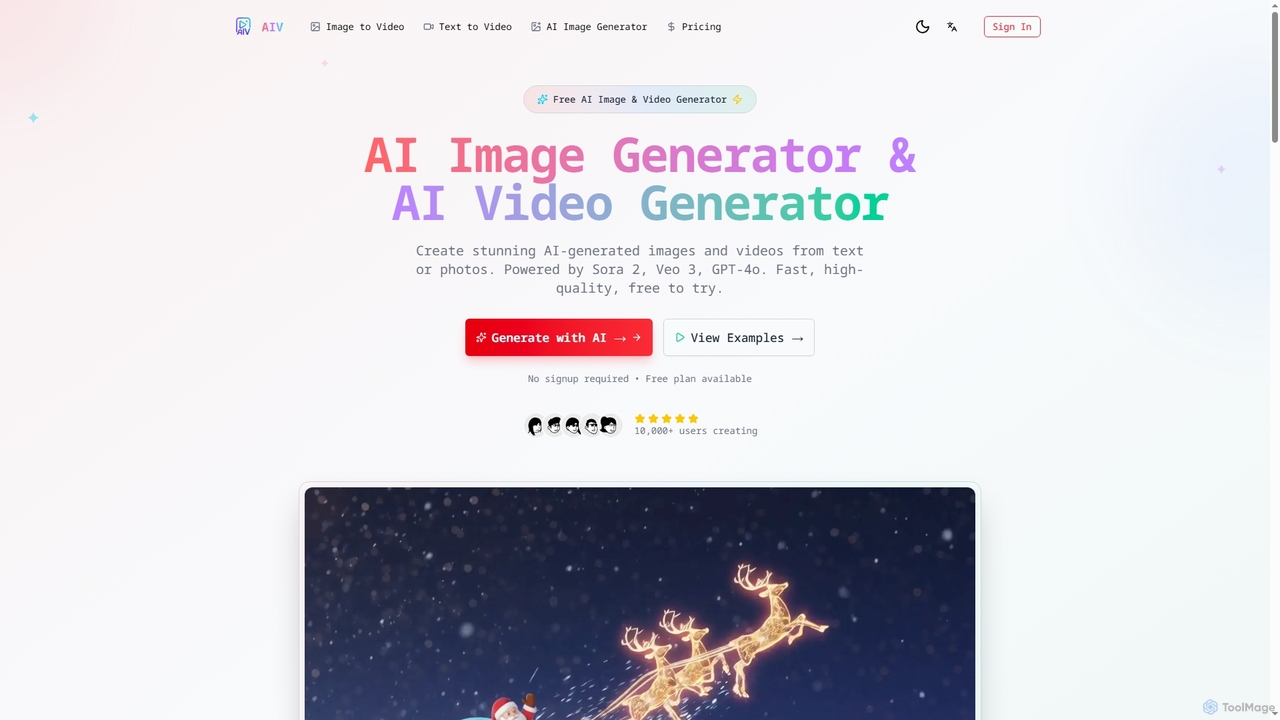
AI Image Video
AI Image Video is a powerful platform that leverages advanced AI models like Sora 2, Veo 3, and GPT-4o to generate stunning images and cinematic videos from text prompts or existing photos. It offers fast, high-quality content creation for various needs, from social media to professional marketing, with an easy-to-use interface and commercial use rights.
Content Creation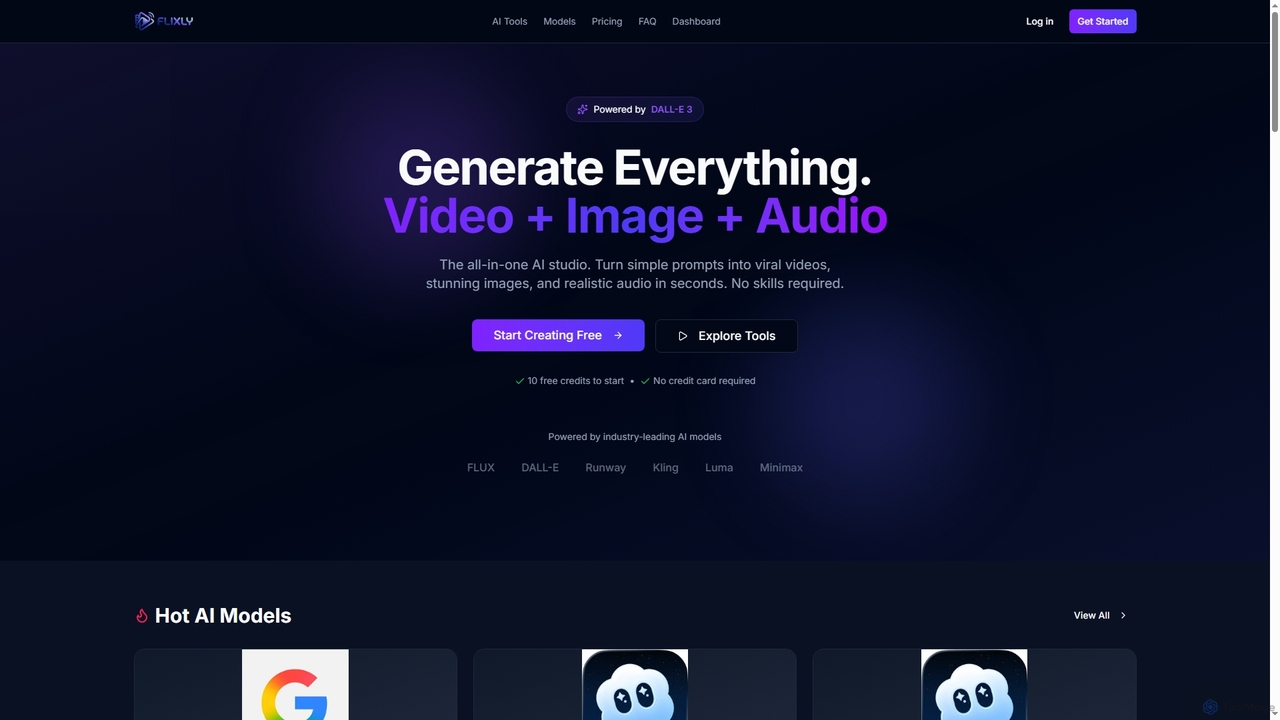
Flixly
Flixly is an all-in-one AI studio that transforms simple text prompts into stunning videos, images, and realistic audio in seconds. Leveraging industry-leading AI models like DALL-E 3 and Sora 2, it offers a comprehensive suite of creative tools for everyone, no technical skills required. Start creating with 10 free credits today.
Ai ArtLanHive
LanHive is an all-in-one AI filmmaking platform that integrates top generative AI models for video, image, and audio creation. It empowers creators to rapidly produce high-quality visual and auditory content, streamlining workflows and significantly reducing production costs for various creative and marketing needs.
3D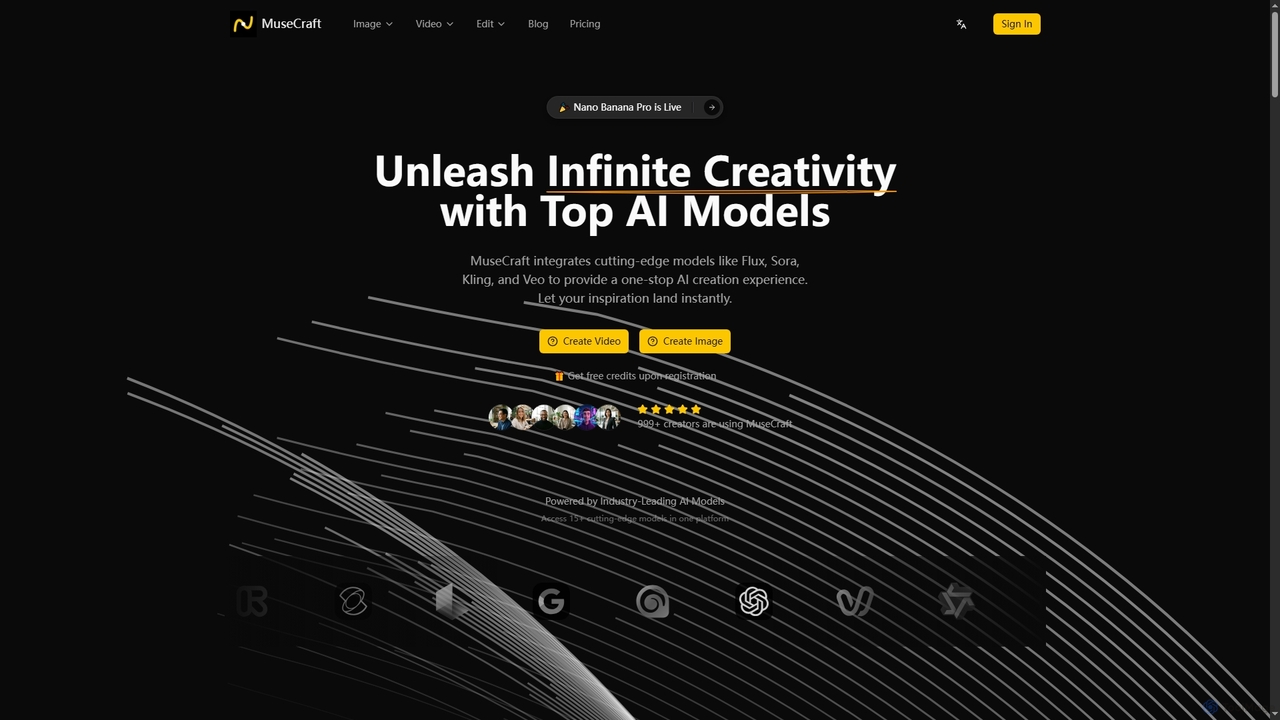
MuseCraft
MuseCraft is an all-in-one AI creative platform integrating over 15 cutting-edge AI models for text-to-image, text-to-video, and image-to-video generation. It also offers powerful AI editing tools like background removal and skin enhancement, streamlining creative workflows and eliminating the need for multiple subscriptions.
Generative Art
Turbo Play Comments (0)
Sign in to comment.
Sign inNo comments yet.