

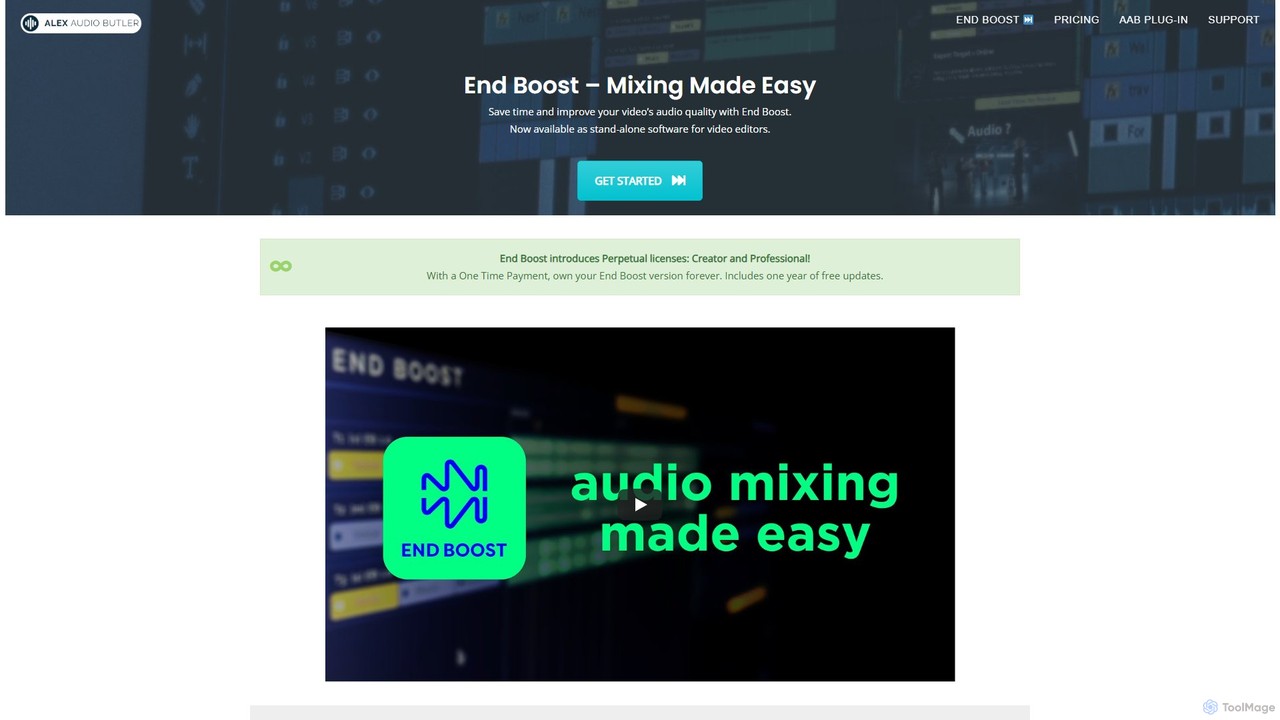
Alex Audio Butler Overview
Alex Audio Butler introduces End Boost, a revolutionary standalone desktop application designed to automate and simplify audio mixing for video editors and content creators. Powered by sophisticated AI algorithms, End Boost takes the complexity out of audio post-production, allowing you to achieve professional, broadcast-quality sound without needing specialized audio engineering skills. It intelligently analyzes your voice, music, and sound effects tracks, applying precise adjustments to create a perfectly balanced and polished final mix. This tool is the successor to the original Alex Audio Butler plug-in, rebuilt as a more stable, powerful, and feature-rich application for Windows and macOS.
How to use Alex Audio Butler
The workflow is designed for maximum efficiency and compatibility with any Non-Linear Editor (NLE).
1. Export Tracks: First, export your individual audio tracks (e.g., dialogue, music, sound effects) as separate WAV files from your video editing software, such as Premiere Pro, DaVinci Resolve, or Final Cut Pro X.
2. Import into End Boost: Launch the End Boost application and import all the exported audio files into the project.
3. Tag and Select Presets: Assign the correct type to each track (Voice, Music, or Sound FX). Then, choose from over 25 smart preset combinations that best match the style of your video. These presets automatically configure the AI for tasks like dialogue enhancement, background music ducking, and sound effect balancing.
4. Automatic Mixing: Let the AI engine work its magic. End Boost will automatically apply custom volume curves, compression, limiting, and intelligent audio ducking by listening to the interactions between your tracks.
5. Review and Export: Preview the mixed audio, with a video preview option available in the Professional plan. Once satisfied, export the final stereo mix.
6. Finalize Your Video: Import the professionally mixed audio file back into your NLE and sync it with your video for the final render.
Core Features of Alex Audio Butler
- AI-Powered Mixing Engine: Utilizes the proven algorithms of Alex Audio Butler to automatically balance levels, apply compression, and create a clean mix.
- Standalone Desktop App: Offers enhanced stability, predictability, and performance on both Windows and macOS compared to traditional plug-ins.
- Universal NLE Compatibility: Works with any video editor that supports WAV file import/export, including Adobe Premiere Pro, DaVinci Resolve, Final Cut Pro X, and Magix Vegas.
- Smart Preset Combos: Over 30 intelligent presets for various combinations of Voice, Music, and Sound Effects, ensuring the right mix for any use case.
- AI Voice De-noising: Cleans up dialogue tracks by removing unwanted background noise, resulting in crisp and clear voice recordings.
- Automatic Audio Ducking: Intelligently lowers the volume of music and sound effects whenever dialogue is present, ensuring speech is always clear and audible.
- Professional Mastering: Masters the final mix to industry-standard loudness levels, including options for online content (YouTube, social media) and broadcast (EBU R128).
- Video Preview: Allows you to watch your video in sync with the new audio mix directly within the app to ensure perfect results (Professional plan).
Use Cases for Alex Audio Butler
Alex Audio Butler is ideal for a wide range of video production scenarios:
Corporate Videos: Quickly produce professional-sounding training videos, promotional content, and internal communications where clear dialogue is paramount.
Content Creators (YouTube, Vlogging): Dramatically speed up the editing workflow and elevate production value by ensuring consistent, high-quality audio across all videos.
Podcasters: Easily balance host voices, guest interviews, intro/outro music, and sound effects for a polished, listenable experience.
Documentary and Interview Production: Ensure interview dialogue is crystal clear while seamlessly blending in background music and ambient sound.
Marketing and Social Media Ads: Create impactful video ads with audio that grabs attention and delivers the message clearly.
Advantages of Alex Audio Butler
The primary advantage is the immense time savings it offers video editors. What would normally take hours of manual tweaking and keyframing can be accomplished in minutes. It democratizes professional audio mixing, making high-end results accessible to creators who are not audio experts. The preset-based system eliminates the need to understand complex concepts like LUFS, dB, and EQ, while the standalone nature of the app ensures a smooth, crash-free user experience.
Pricing and Plans
Alex Audio Butler offers flexible licensing through its End Boost application, with a 14-day money-back guarantee.
- PERPETUAL CREATOR: $159 (One-time payment). Ideal for online content creators. Includes mixing for up to 5 stereo tracks, Voice/Music/SFX presets, and basic voice denoising.
- PERPETUAL PROFESSIONAL: $249 (One-time payment). The best option for all-round video professionals. Includes everything in Creator plus unlimited audio tracks, EBU R.128 broadcast loudness, advanced denoising options, and a video preview feature.
- YEARLY BUSINESS: $249/year. Designed for teams and agencies. Includes all Professional features, priority support, and continuous access to all new updates and versions. Multi-seat licenses are available.
Traffic
Latest traffic
Status
Monthly traffic trend
- 2025-9: 2.3K
- 2026-1: 2.8K
- 2026-2: 2.2K
- 2026-3: 1.4K
- 2026-4: 1.5K
- 2026-5: 1.7K
Geography
Top 5 countries / regions
- 🇺🇸United States100.0%
Top keywords
| Keyword | Cost per click |
|---|---|
| alex audio butler | $0.00 |
| audiobutler | $0.00 |
| end boost | $0.00 |
| endboost | $0.00 |
| premiere pro stable volume plugins | $0.00 |
Alex Audio Butler Alternatives
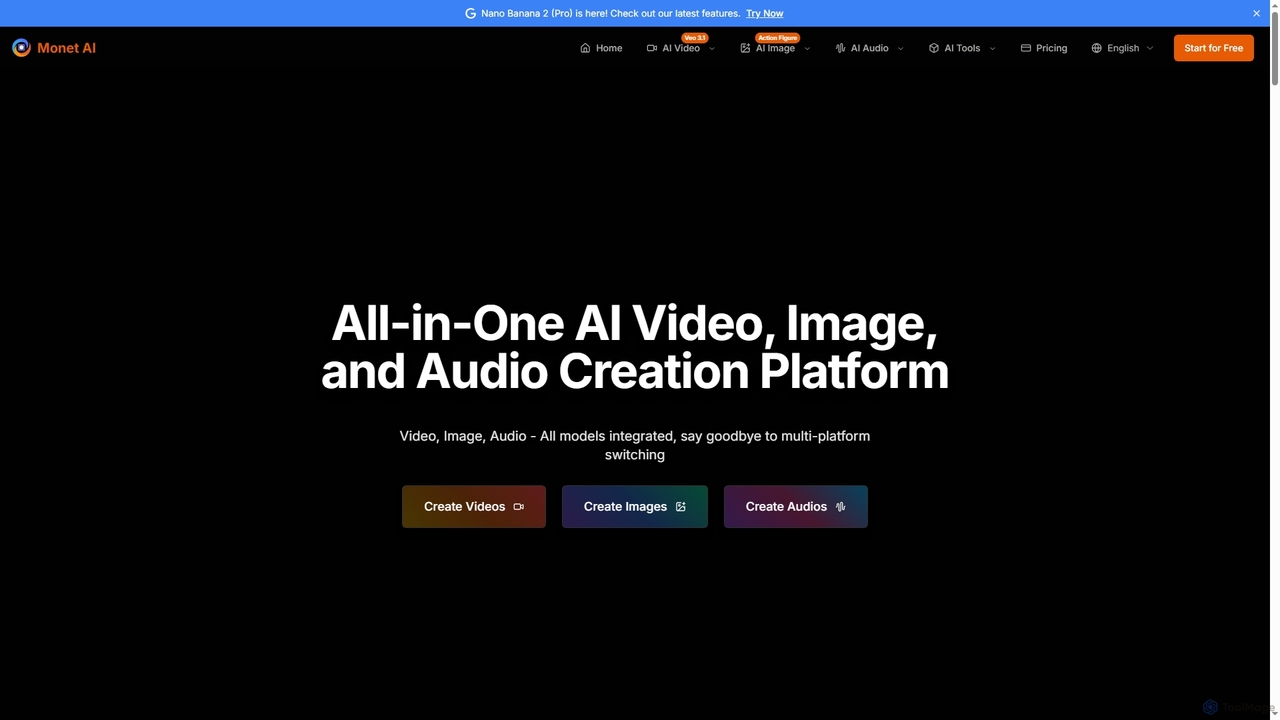
Monet
Monet is an all-in-one AI creation platform that integrates leading AI models for generating high-quality videos, images, and audio. It offers text-to-video, image-to-video, text-to-image, style transfer, and text-to-speech functionalities, streamlining creative workflows for diverse users.
Image Generation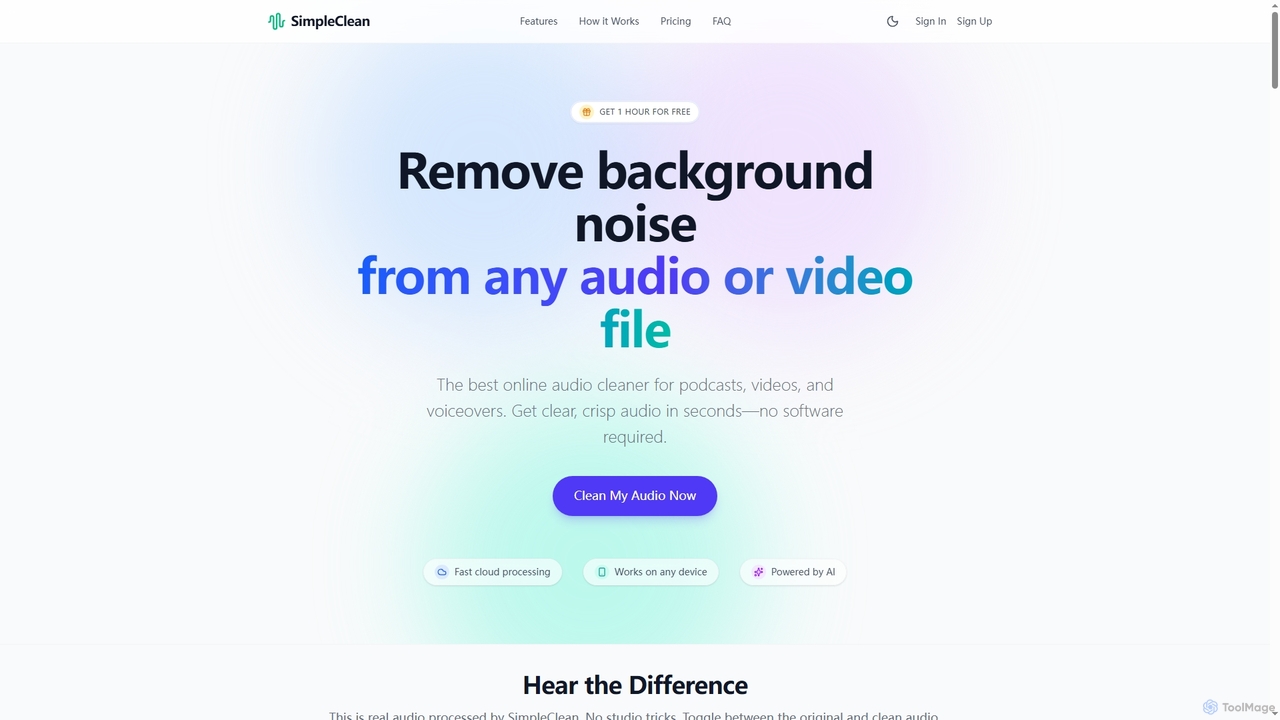
SimpleClean
SimpleClean is an AI-powered online tool designed to remove distracting background noise from audio and video files. It offers a quick, free, and easy solution for creators and professionals to achieve studio-quality speech with just one click, supporting a wide array of popular media formats.
Noise Reduction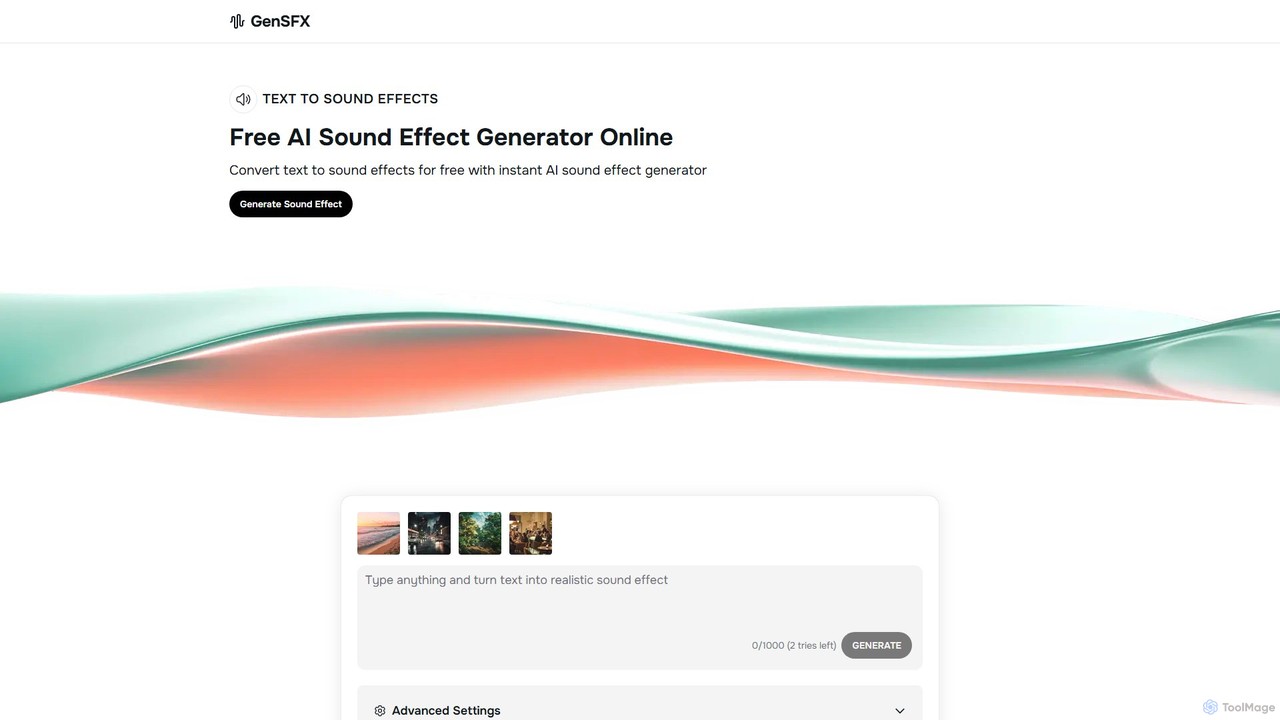
gensfx
gensfx is a free AI-powered sound effect generator that transforms text descriptions into high-quality, unique audio files. Ideal for content creators, game developers, and filmmakers, it allows for instant creation, customization, and download of royalty-free sound effects, eliminating the need for extensive sound libraries.
Sound Generation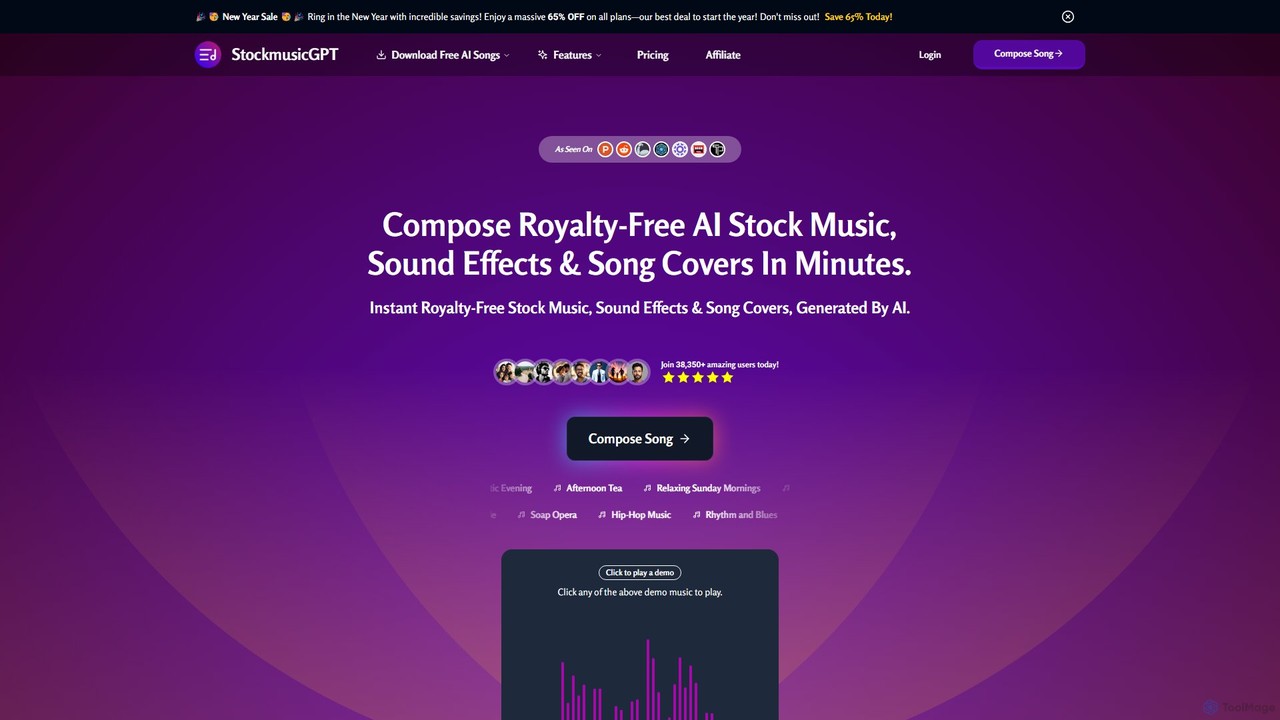
StockmusicGPT
StockmusicGPT is an AI-powered platform for instantly generating royalty-free stock music, sound effects, and song covers. It offers a comprehensive suite of tools, including text-to-music, image-to-music, stem splitting, and AI mastering, designed for content creators, musicians, and producers.
Audio Editing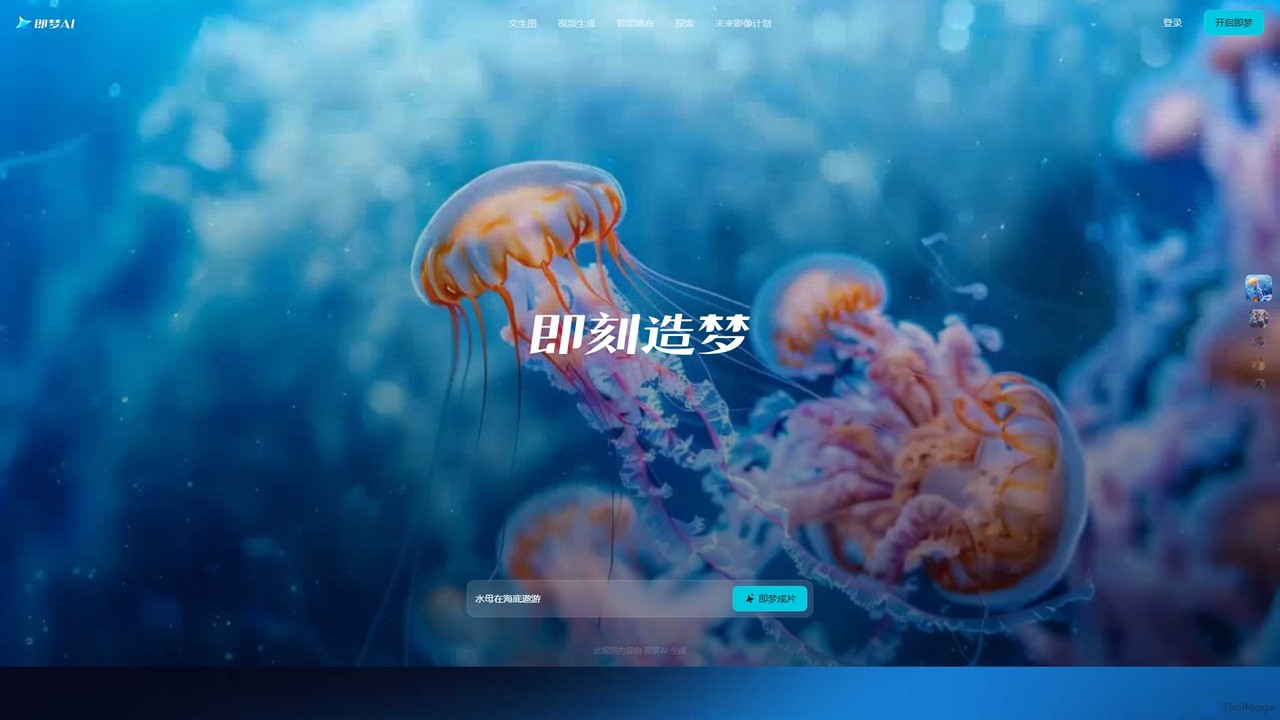
Jimeng
Jimeng is a one-stop AI creation platform by Bytedance (creator of Jianying/CapCut) for generating high-quality images and videos. It features text-to-video, text-to-image, an Intelligent Canvas for advanced editing, and strong support for Chinese language prompts, turning creative ideas into stunning visual content.
Generative ArtAlex Audio Butler Categories
Alex Audio Butler Embed Widget
Copy this embed code to place the badge on your blog, article, or product site and send readers directly to this ToolMage detail page.

Related AI tools
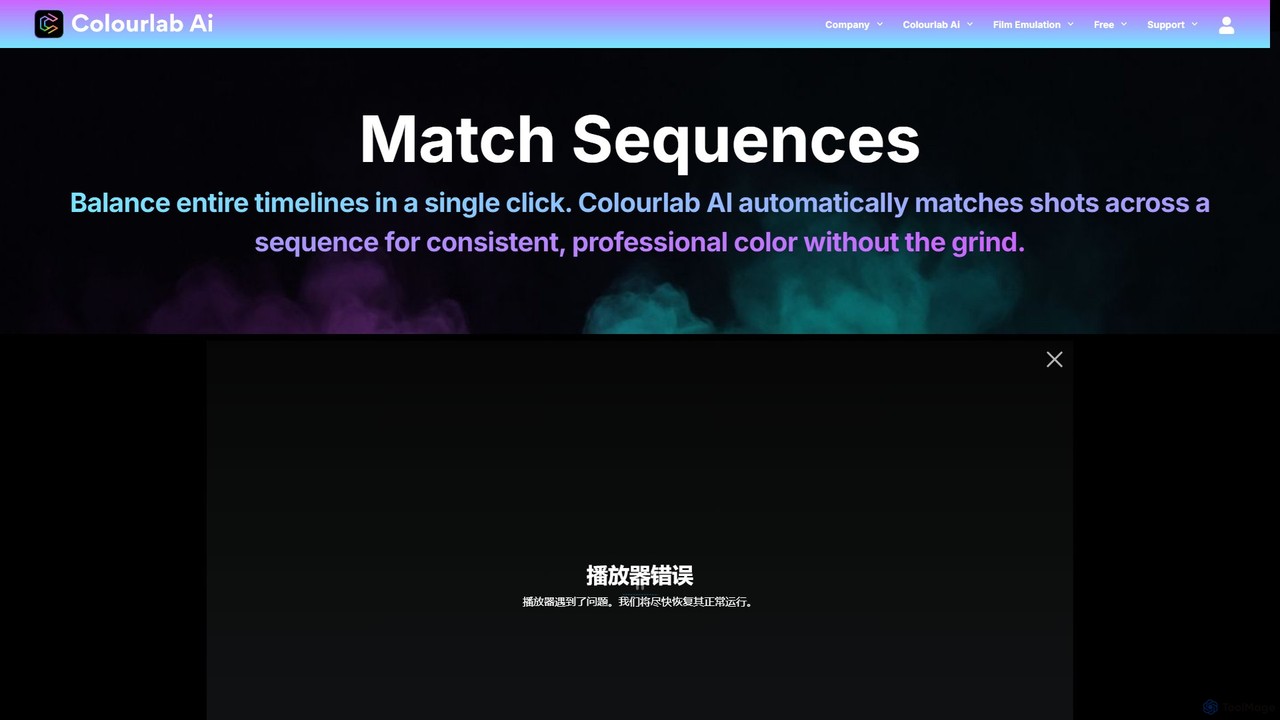
Colourlab.ai
Colourlab.ai is an AI-powered color grading tool that automates and accelerates video post-production. It offers one-click shot matching, auto-balancing, and seamless integration with major editing software like DaVinci Resolve, Premiere Pro, and Final Cut Pro. Designed for filmmakers, editors, and colorists, it dramatically speeds up workflows, ensures color consistency, and provides studio-grade results locally on your device.
Automation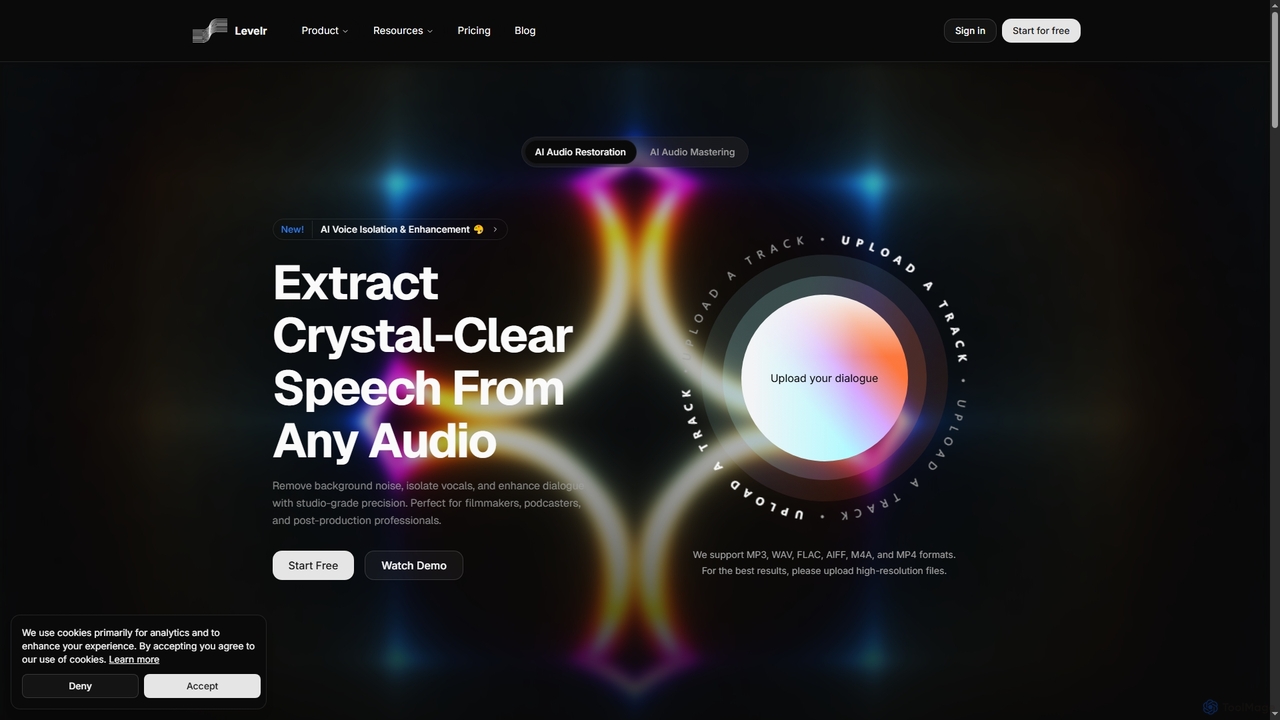
Levelr
Levelr is an AI-powered audio platform offering studio-grade audio restoration, voice isolation, speech enhancement, and professional music mastering. It helps filmmakers, podcasters, music producers, and live streamers achieve crystal-clear sound by removing noise, isolating vocals, and optimizing tracks for release.
MasteringMonet
Monet is an all-in-one AI creation platform that integrates leading AI models for generating high-quality videos, images, and audio. It offers text-to-video, image-to-video, text-to-image, style transfer, and text-to-speech functionalities, streamlining creative workflows for diverse users.
Image GenerationSimpleClean
SimpleClean is an AI-powered online tool designed to remove distracting background noise from audio and video files. It offers a quick, free, and easy solution for creators and professionals to achieve studio-quality speech with just one click, supporting a wide array of popular media formats.
Noise Reductiongensfx
gensfx is a free AI-powered sound effect generator that transforms text descriptions into high-quality, unique audio files. Ideal for content creators, game developers, and filmmakers, it allows for instant creation, customization, and download of royalty-free sound effects, eliminating the need for extensive sound libraries.
Sound GenerationStockmusicGPT
StockmusicGPT is an AI-powered platform for instantly generating royalty-free stock music, sound effects, and song covers. It offers a comprehensive suite of tools, including text-to-music, image-to-music, stem splitting, and AI mastering, designed for content creators, musicians, and producers.
Audio Editing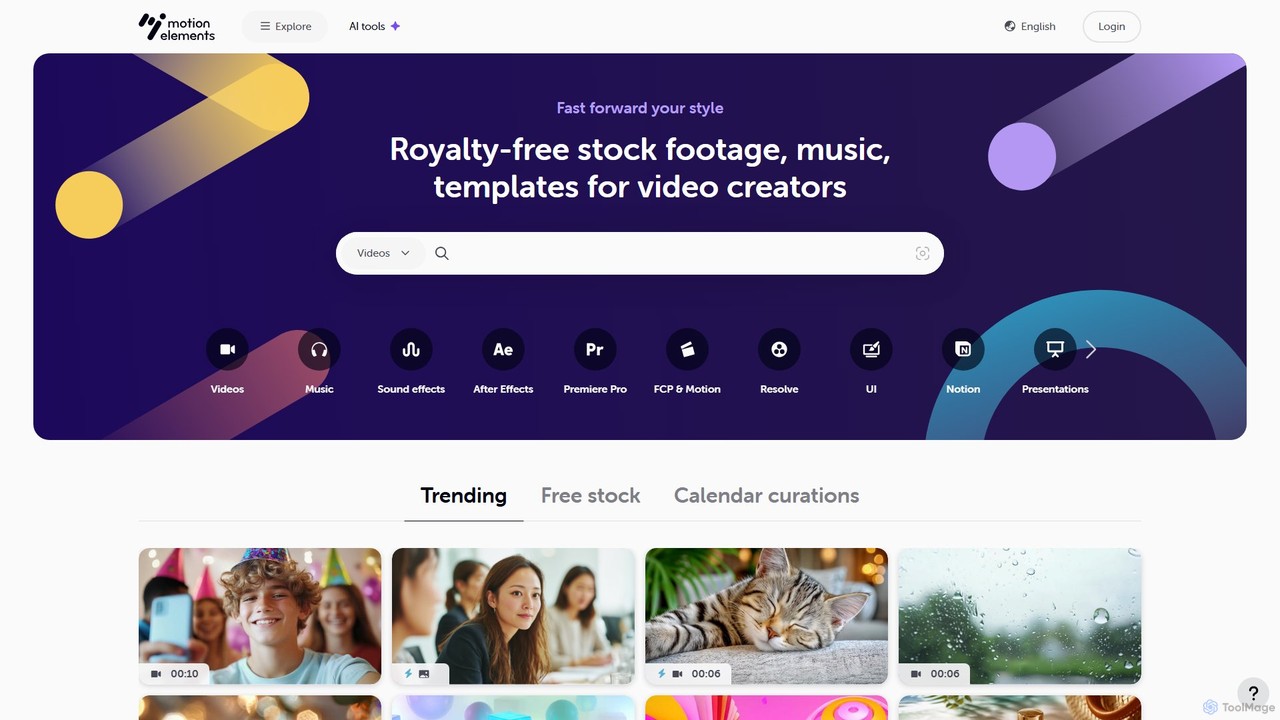
MotionElements
MotionElements is a comprehensive royalty-free marketplace for video creators, offering millions of stock videos, music tracks, sound effects, and video templates. It features powerful AI-powered search tools to help creators find the perfect assets quickly, all under a simple, universal license for any project.
Stock Music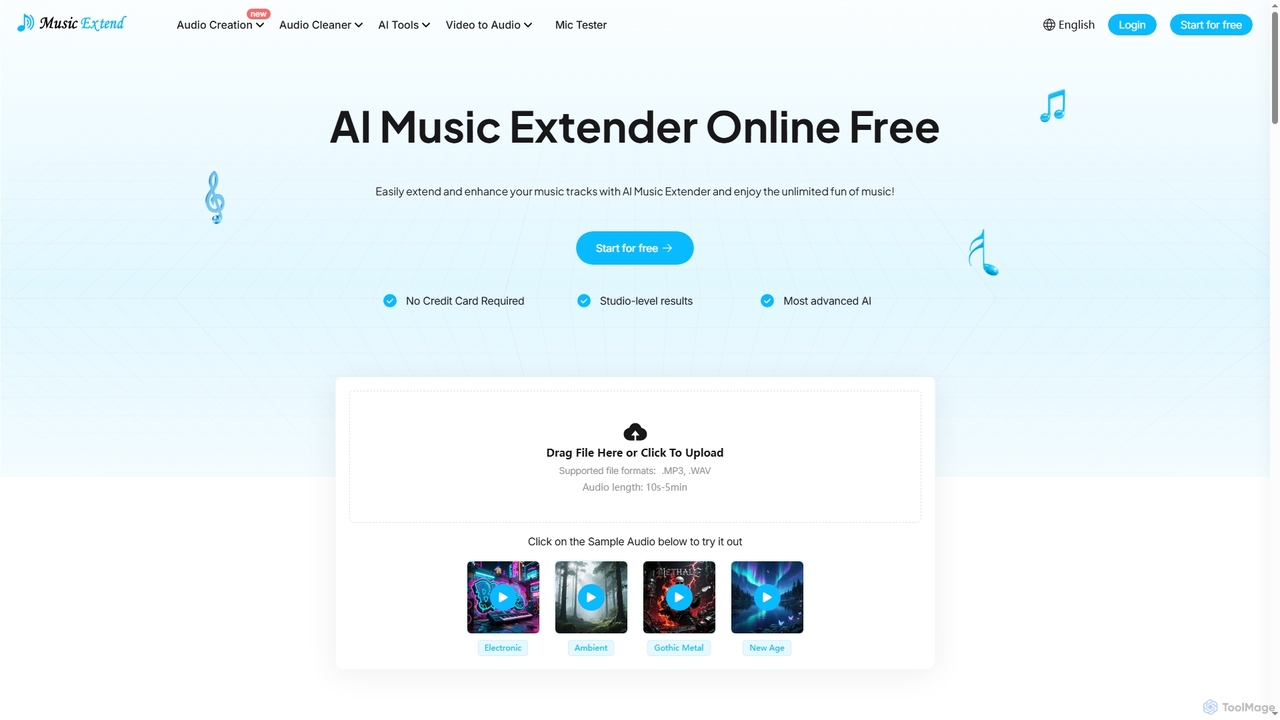
MusicExtend
MusicExtend is an advanced AI-powered online platform offering a suite of audio tools, including music extension, sound effect generation, voice cloning, music mashup creation, BPM detection, and comprehensive audio cleaning. It allows users to enhance, create, and refine audio content with studio-level results, all accessible for free without signup or credit card.
Audio Enhancement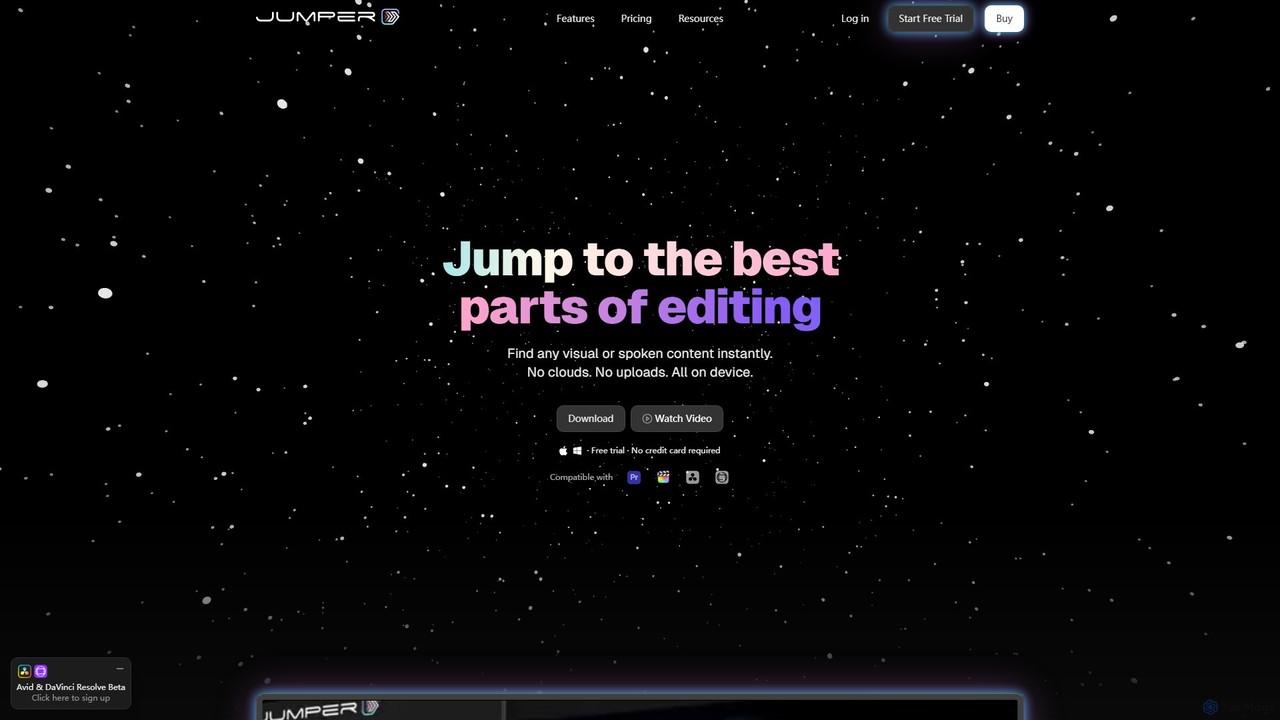
Jumper
Jumper is an AI-powered video editing assistant that integrates with professional editing software. It enables editors to instantly search through hours of footage for any visual or spoken content, all locally on their device. By eliminating cloud uploads, Jumper offers unparalleled speed, privacy, and a streamlined workflow, saving countless hours on every project.
Transcription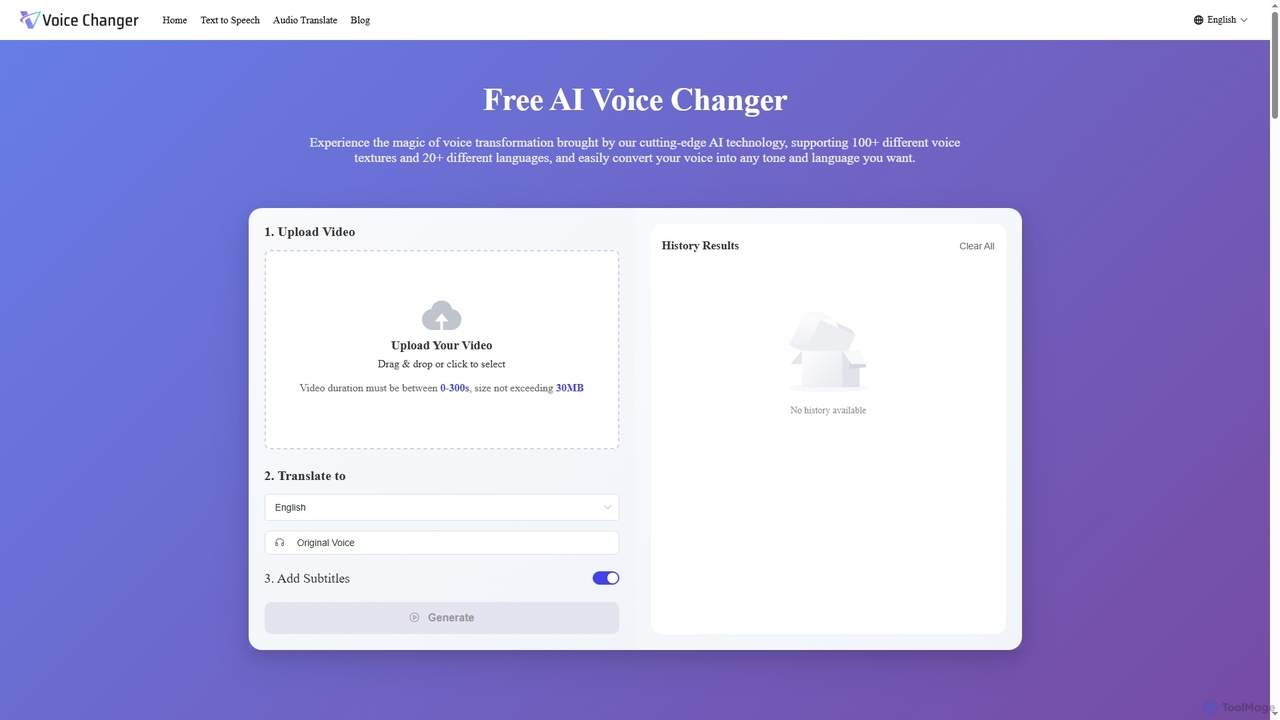
Voice Changer
Voice Changer is a versatile AI-powered online tool offering voice transformation, text-to-speech, and audio translation. It enables users to convert voices into over 100 different textures and 20+ languages, generate natural-sounding speech from text in 40+ languages, and translate audio while preserving original voice characteristics across 12+ languages. Designed for content creators, businesses, and educators, it provides a free, no sign-up solution for diverse audio needs.
Voice Transformation
Podcut
Podcut is an AI-powered audio and video editing platform designed for podcasters and content creators. It automates tedious editing tasks by allowing you to edit your media by simply editing the text transcript. Automatically remove filler words, long silences, and background noise to produce studio-quality content in minutes, not hours.
3D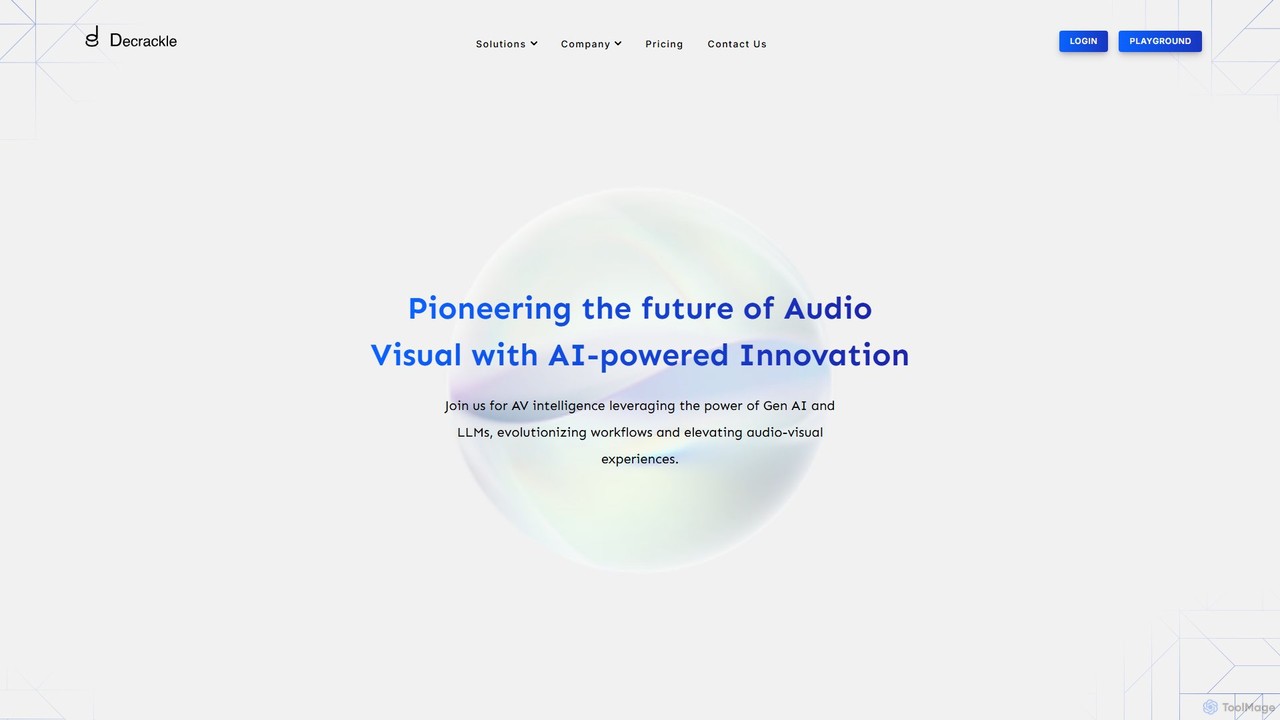
Decrackle
Decrackle is an AI-powered multi-suite platform for audio-visual innovation. It offers a Content Creator Suite for video editing and podcasting, a Conversational Intelligence Suite for call analysis, and an API for developers. Enhance audio, transcribe, summarize, and streamline your entire AV workflow.
3DJimeng
Jimeng is a one-stop AI creation platform by Bytedance (creator of Jianying/CapCut) for generating high-quality images and videos. It features text-to-video, text-to-image, an Intelligent Canvas for advanced editing, and strong support for Chinese language prompts, turning creative ideas into stunning visual content.
Generative Art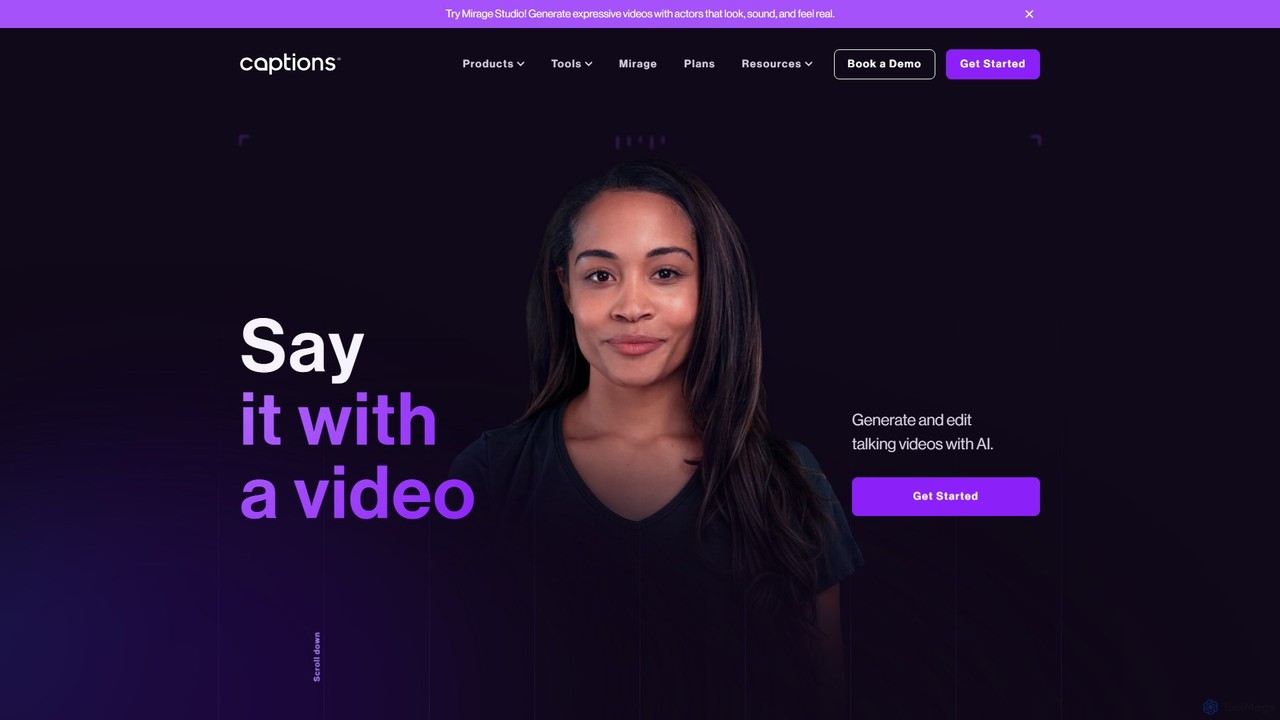
Captions
Captions is an AI-powered creative studio designed for video creators. It automates editing, adds dynamic subtitles, and offers advanced features like AI dubbing, voice generation, and creating a digital twin. It simplifies professional video production, making it accessible for everyone from social media influencers to businesses.
Transcription
Nim
Nim is an all-in-one AI video production platform that consolidates the best AI models and editing tools. It enables users to create full-length videos from text or images with features like text-to-video, lip-sync, upscaling, and a comprehensive clip editor, catering to over 1.5 million creators.
Generative Art
Alex Audio Butler Comments (0)
Sign in to comment.
Sign inNo comments yet.