

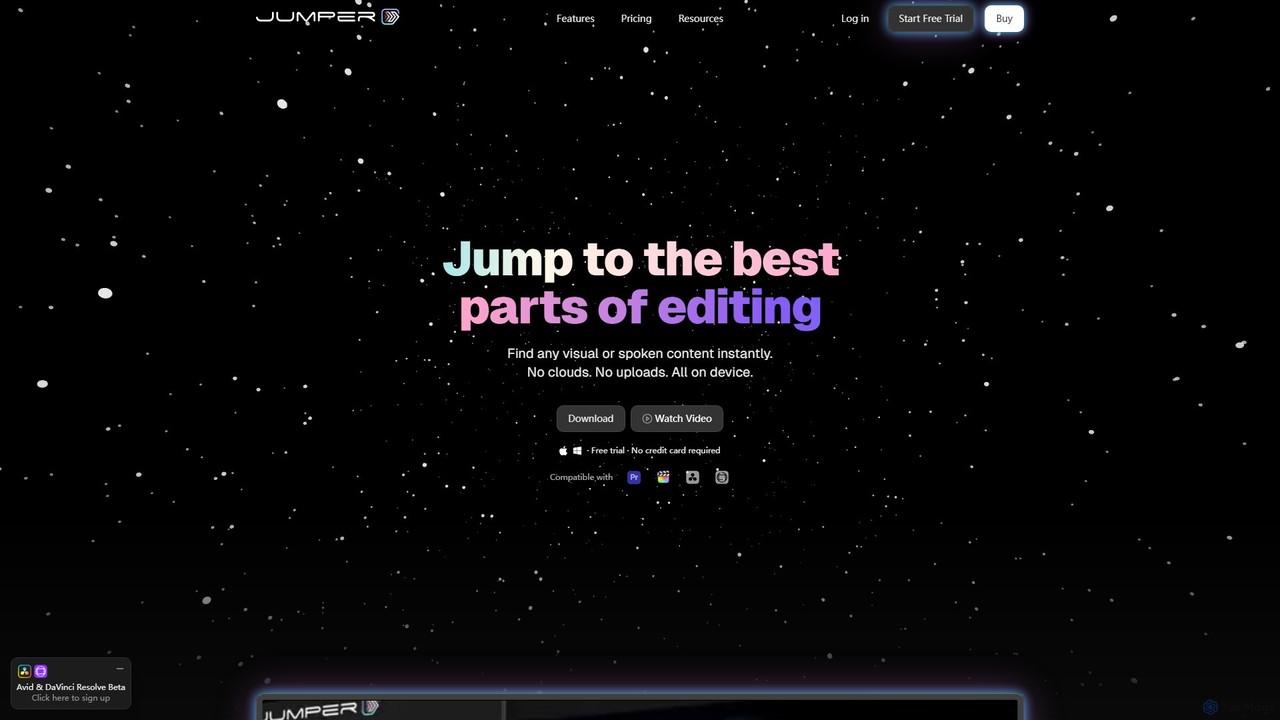
Jumper Overview
Jumper is a revolutionary AI-powered assistant designed to transform the video editing process. It functions as an extension for leading editing software like Final Cut Pro and Adobe Premiere Pro, with support for DaVinci Resolve and Avid Media Composer on the way. Jumper's core mission is to eliminate the most time-consuming part of editing: searching for the right clip. It acts as an intelligent search engine for your entire footage library, allowing you to find any visual element or spoken phrase in seconds, without ever needing to manually tag your media.
What sets Jumper apart is its commitment to privacy and performance. All analysis and searching happens entirely on your local machine. There are no cloud uploads, no server latency, and no concerns about your sensitive footage leaving your control. This offline-first approach not only guarantees maximum security—crucial for projects under NDA—but also delivers lightning-fast results, allowing you to maintain your creative flow without interruption.
How to use Jumper
Using Jumper is designed to be intuitive and seamlessly integrated into your existing editing workflow. First, you download and install the Jumper extension for your preferred editing software (e.g., Final Cut Pro). Once installed, you let Jumper analyze your project's media files in the background. This is a one-time process per project. After the analysis is complete, a search bar becomes available within your editor. You can simply type in keywords for visual objects ('a person smiling', 'a car driving at night') or exact spoken phrases ('welcome to our channel'). Jumper instantly displays all relevant clips on your timeline, allowing you to preview and use them immediately. You can further refine searches using features like 'Find Similar' to discover visually related shots or 'Match Source Monitor' to find clips that match a specific frame.
Core Features of Jumper
- AI-Powered Visual Search: Instantly find clips based on their visual content using natural language keywords, no manual tagging required.
- Instant Speech Search: Pinpoint the exact moment a specific word or phrase is spoken in your footage. Jumper supports over 111 languages for transcription and search.
- Find Similar & Match Source: Discover visually similar clips to one you've selected or find footage that matches a specific frame in your source monitor, sparking creative connections.
- Offline & On-Device Processing: All analysis and search functions run locally on your computer, ensuring maximum speed, privacy, and the ability to work anywhere, even without an internet connection.
- Seamless NLE Integration: Works as a native extension within Final Cut Pro and Premiere Pro, with DaVinci Resolve and Avid support coming soon. It supports complex setups like multicam and synced clips.
- Multilingual Capabilities: Search for spoken words and visual concepts across a vast array of languages, making it a versatile tool for global projects.
- Privacy by Design: Your footage never leaves your device, and Jumper does not train its AI models on your media, guaranteeing confidentiality.
Use Cases for Jumper
Jumper is an indispensable tool for a wide range of video professionals. Documentary filmmakers can instantly locate specific interview soundbites from hours of conversations. Wedding videographers can quickly find key moments like 'the first kiss' or 'cutting the cake'. Content creators and YouTubers can streamline their B-roll sourcing by searching for specific visuals like 'coffee being poured' or 'laptop typing'. Marketing teams can rapidly assemble promotional videos by finding shots that match their campaign's theme. Essentially, any editor working with large volumes of untagged footage will find their workflow dramatically accelerated.
Advantages of Jumper
The primary advantage of Jumper is the immense time savings it offers, turning hours of manual searching into a task of seconds. This allows editors to focus on the creative aspects of storytelling rather than tedious media management. Its offline, on-device architecture provides a crucial advantage in speed and security over cloud-based alternatives. The seamless integration means no context switching, keeping you in the creative zone. Furthermore, its ability to uncover forgotten or overlooked shots can lead to unexpected creative discoveries, enhancing the final product.
Pricing and Plans
Jumper offers a flexible pricing structure to suit different needs, from hobbyists to large enterprises. All plans are available for Final Cut Pro and Premiere Pro, with bundles available.
- Trial Plan: Free forever. This plan includes unlimited video and audio analysis and allows for 100 free searches, making it perfect for trying out the tool.
- Standard Plan: Aimed at individuals and small teams, this plan offers everything in the Trial plus unlimited searches and the ability to search media files outside your editing software. It is available as a monthly or yearly subscription, with a discount for annual billing.
- Pro Plan: Designed for professional teams with advanced needs. It includes all Standard features plus the ability to share the analysis cache between devices (saving time), swarm analysis, and access to all AI models.
- Enterprise Plan: Custom pricing with annual billing for large organizations. This plan offers custom solutions, the ability to fine-tune AI models for specific use-cases, a Service Level Agreement (SLA), premium support, and seat management.
Traffic
Latest traffic
Status
Monthly traffic trend
- 2025-9: 957
- 2026-1: 11.6K
- 2026-2: 14.7K
- 2026-3: 18.2K
- 2026-4: 30.6K
- 2026-5: 24.0K
Geography
Top 5 countries / regions
- 🇺🇸United States64.8%
- 🇻🇳Vietnam11.4%
- 🇮🇳India11.2%
- 🇧🇷Brazil6.5%
- 🇬🇧United Kingdom6.0%
Traffic sources
| Source type | Percentage |
|---|---|
Direct | 94.7% |
Referral | 3.9% |
Email | 1.5% |
Top keywords
| Keyword | Cost per click |
|---|---|
| claude code fcpxml | $0.00 |
| getjumper app update | $0.00 |
| jumper | $0.62 |
| jumper io | $0.00 |
| outjumper in games ai on the web | $0.00 |
Jumper Videos on YouTube


Artificial_ intelligence


Juergen Lunkwitz (Juergs)

EZDZ Skydive

Himangshu Dutta

David Link05
Jumper Alternatives
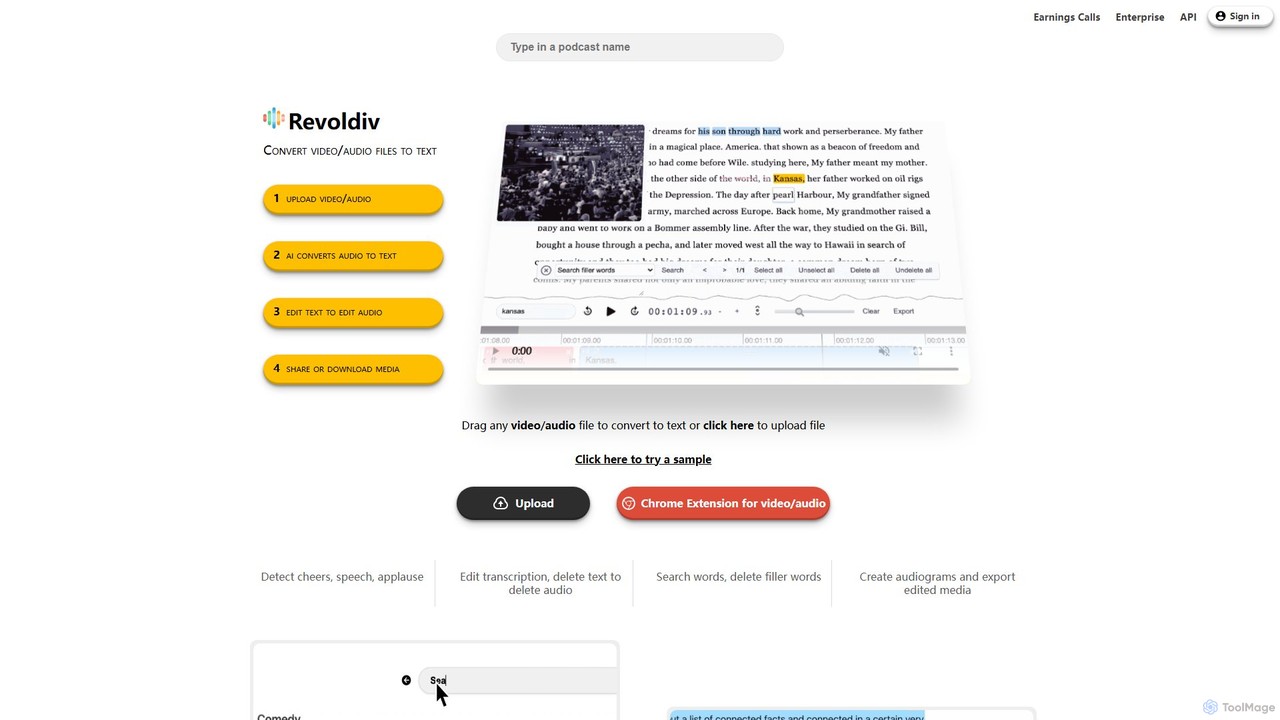
Revoldiv
Revoldiv is an AI-powered platform that transcribes video and audio files into editable text. It revolutionizes content creation by allowing users to edit media by simply editing the text, automatically removing filler words, creating audiograms, and fostering collaboration, making the post-production process fast and intuitive.
Transcription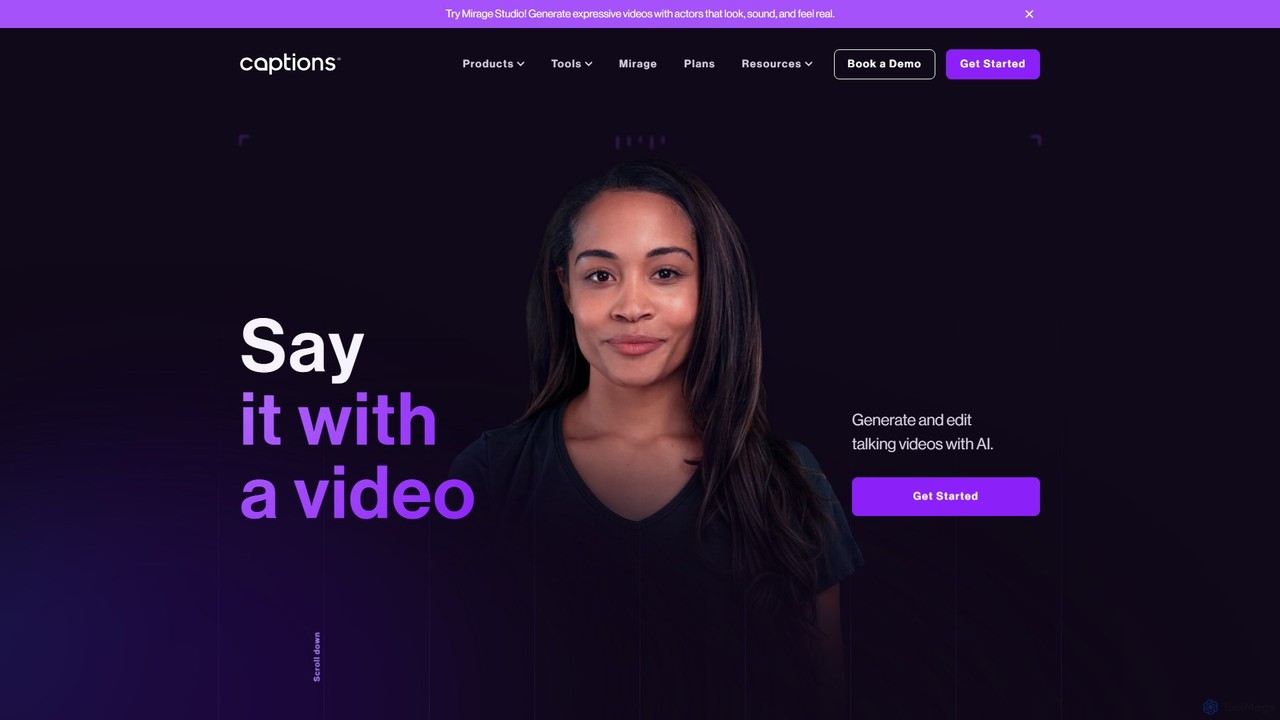
Captions
Captions is an AI-powered creative studio designed for video creators. It automates editing, adds dynamic subtitles, and offers advanced features like AI dubbing, voice generation, and creating a digital twin. It simplifies professional video production, making it accessible for everyone from social media influencers to businesses.
Transcription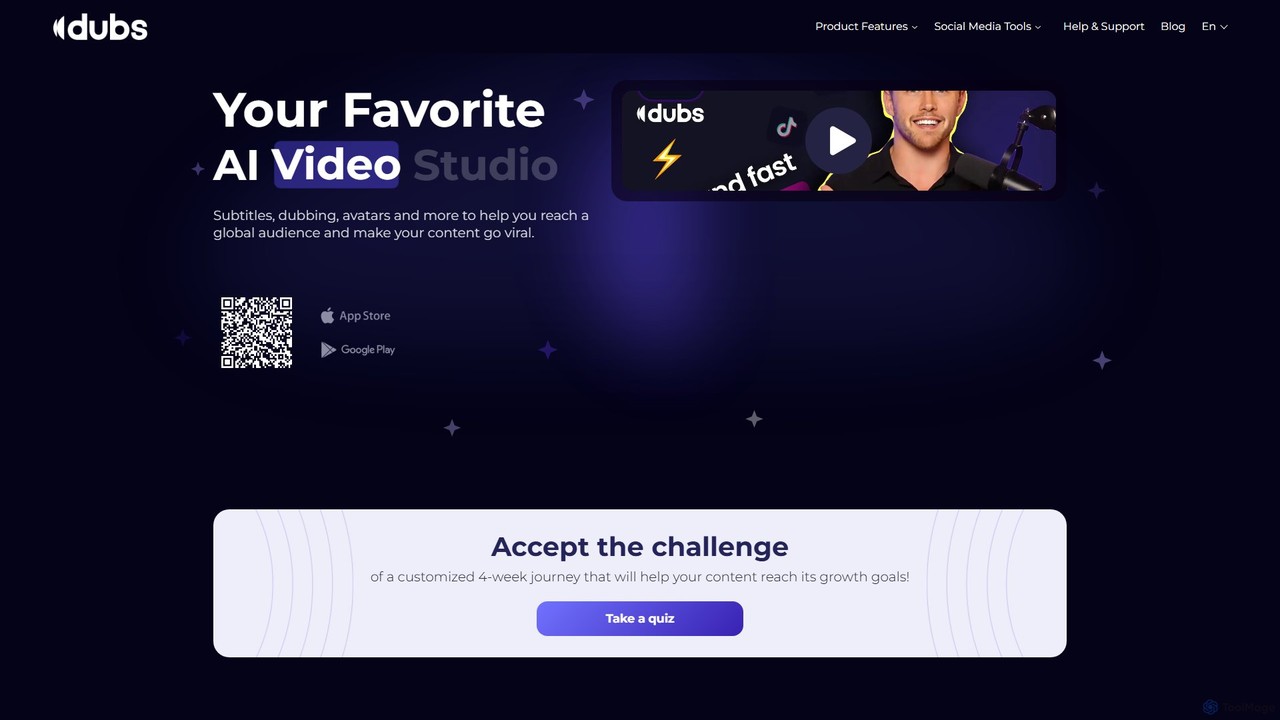
dubs
dubs is an all-in-one AI video studio designed for content creators and businesses. It offers a suite of powerful tools including automatic subtitles in 100+ languages, voice-cloning dubbing, AI avatars, and script generation. Enhance your videos, reach a global audience, and make your content more accessible and engaging with features like a teleprompter, noise removal, and customizable captions.
Transcription
Opera
Opera is an innovative, multi-platform web browser supercharged with Aria, a native AI assistant. It offers a faster, safer, and smarter browsing experience with a free built-in VPN, ad blocker, and specialized versions like Opera GX for gamers. Aria provides real-time web information, image generation, and advanced productivity features, all integrated seamlessly.
Assistant
imaginario.ai
imaginario.ai is a multimodal AI platform for video professionals, enabling them to search, clip, and manage video content as easily as text. It uses AI to analyze dialogue, actions, sounds, and emotions, automatically identifying key moments and generating shareable clips, significantly reducing editing time and enhancing productivity.
Social MediaJumper Categories
Jumper Embed Widget
Copy this embed code to place the badge on your blog, article, or product site and send readers directly to this ToolMage detail page.

Related AI tools
Opera
Opera is an innovative, multi-platform web browser supercharged with Aria, a native AI assistant. It offers a faster, safer, and smarter browsing experience with a free built-in VPN, ad blocker, and specialized versions like Opera GX for gamers. Aria provides real-time web information, image generation, and advanced productivity features, all integrated seamlessly.
Assistant
HyperWhisper
HyperWhisper is an AI-powered voice transcription application for macOS, designed to convert spoken words into text with exceptional accuracy and speed. It supports over 100 languages, offers robust offline capabilities, and prioritizes user privacy, making it ideal for professionals seeking efficient content creation and note-taking.
Coding Assistant
Colourlab.ai
Colourlab.ai is an AI-powered color grading tool that automates and accelerates video post-production. It offers one-click shot matching, auto-balancing, and seamless integration with major editing software like DaVinci Resolve, Premiere Pro, and Final Cut Pro. Designed for filmmakers, editors, and colorists, it dramatically speeds up workflows, ensures color consistency, and provides studio-grade results locally on your device.
Automation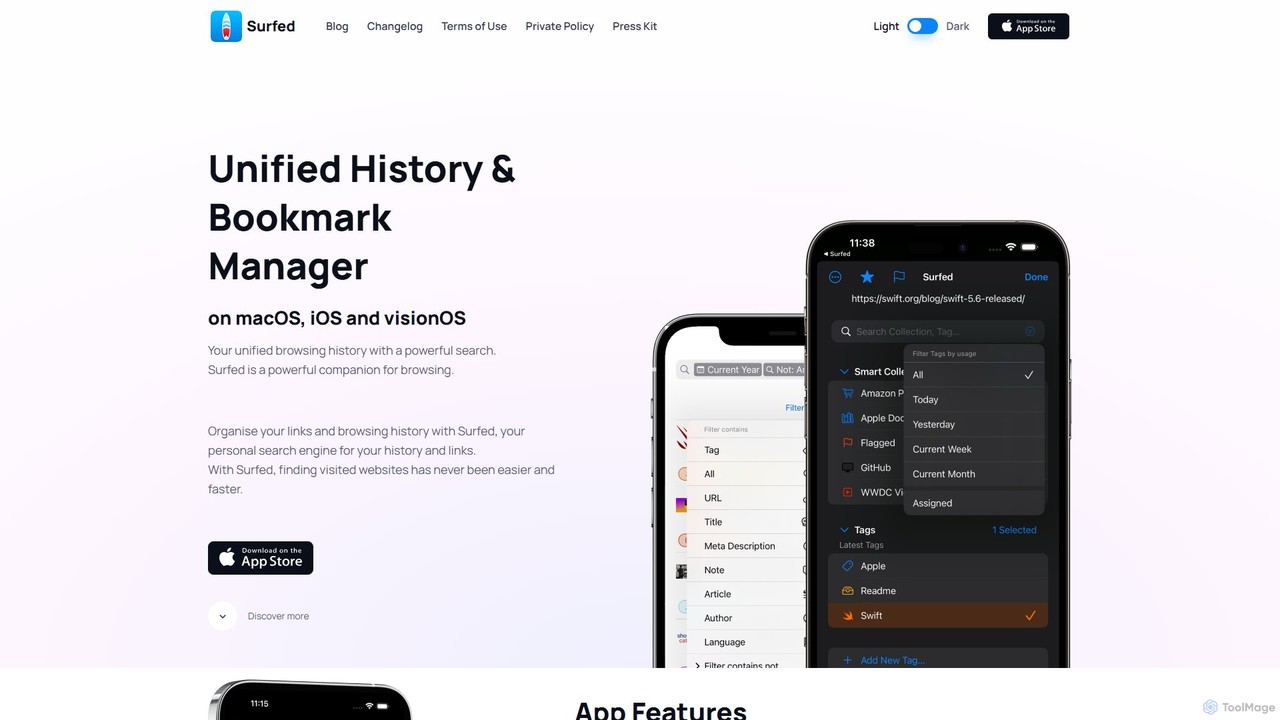
Surfed
Surfed is a powerful, privacy-focused history and bookmark manager for macOS, iOS, and visionOS. It unifies your browsing history from all major browsers, acting as your personal search engine. With features like AI-powered summarization, web automation, read-it-later, and cross-device sync, Surfed transforms how you organize, find, and interact with your web links and content.
Automation
Kagi
Kagi is a premium, user-funded search engine that provides a 100% ad-free, private, and customizable search experience. It enhances productivity with high-quality, unbiased results and an integrated AI Assistant powered by leading large language models. Kagi puts users in control, allowing them to personalize search results and ensuring their data is never sold or used for advertising.
Ai Assistant
Transkriptor
Transkriptor is an AI-powered transcription service that converts audio and video files into accurate, editable text in over 100 languages. It features an AI assistant for summarizing content, identifying speakers, and extracting action items. Ideal for meetings, interviews, lectures, and content creation, it offers up to 99% accuracy and integrates with platforms like Zoom, Google Meet, and Microsoft Teams. Available as a web app, mobile app, and Chrome extension, it streamlines note-taking and creates a searchable knowledge base from your conversations.
Speech To Text
iflyrec
iFlyrec is an AI-powered voice assistant from iFlytek, specializing in high-accuracy speech-to-text transcription, real-time translation, and intelligent document generation. It supports multiple languages and professional domains, offering solutions for meetings, interviews, lectures, and content creation to boost productivity for professionals, students, and enterprises.
Speech To Text
VoiceInk
VoiceInk is a privacy-first, open-source AI dictation app for Mac. It uses local AI models for instant, highly accurate voice-to-text transcription directly in any application. With a one-time payment, it offers system-wide integration, custom dictionaries, and smart modes to boost productivity for writers, coders, and professionals.
Mac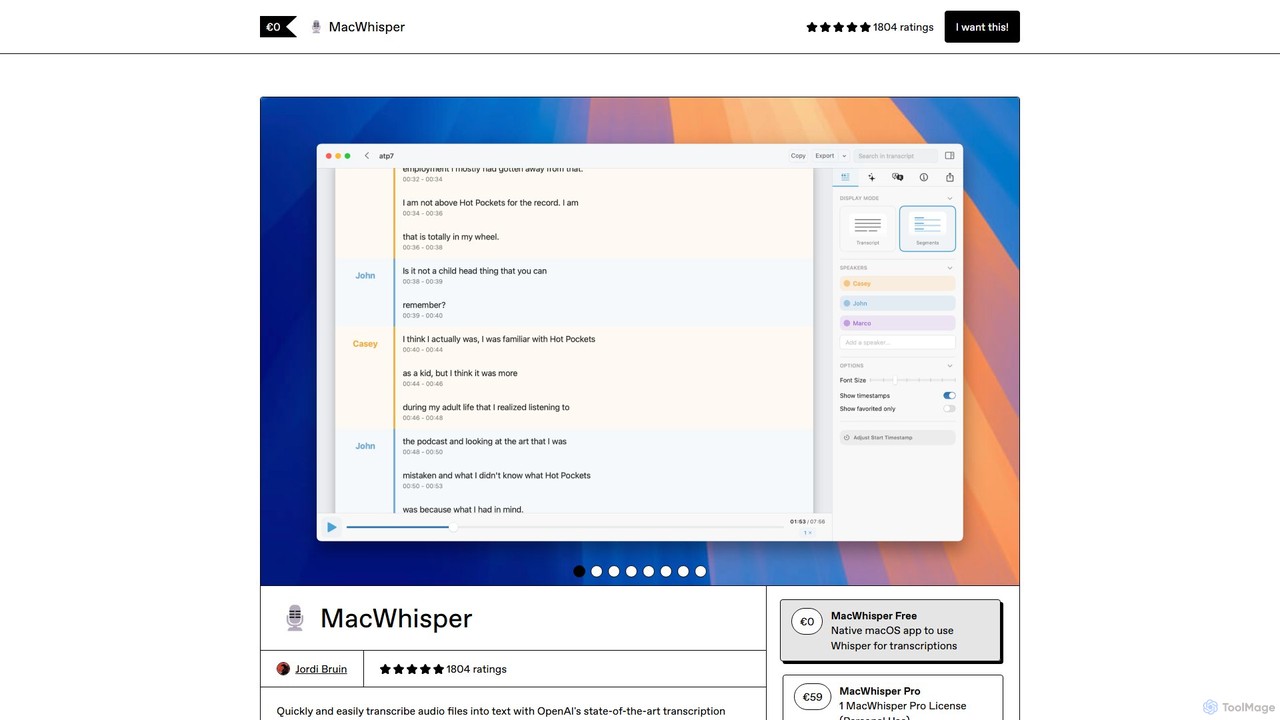
MacWhisper
MacWhisper is a powerful macOS application that leverages OpenAI's Whisper and other advanced models for fast, accurate, and private audio-to-text transcription. It allows users to easily transcribe audio/video files, record meetings, and use system-wide dictation, all processed locally on your device. It offers a free version for basic use and a Pro version with a one-time purchase for advanced features like speaker recognition, batch processing, and translation.
Speech To Text
MacWhisper
MacWhisper is a powerful macOS application that leverages OpenAI's state-of-the-art Whisper technology for fast, accurate, and private audio-to-text transcription. It operates entirely on your device, ensuring your data remains secure.
Speech To Text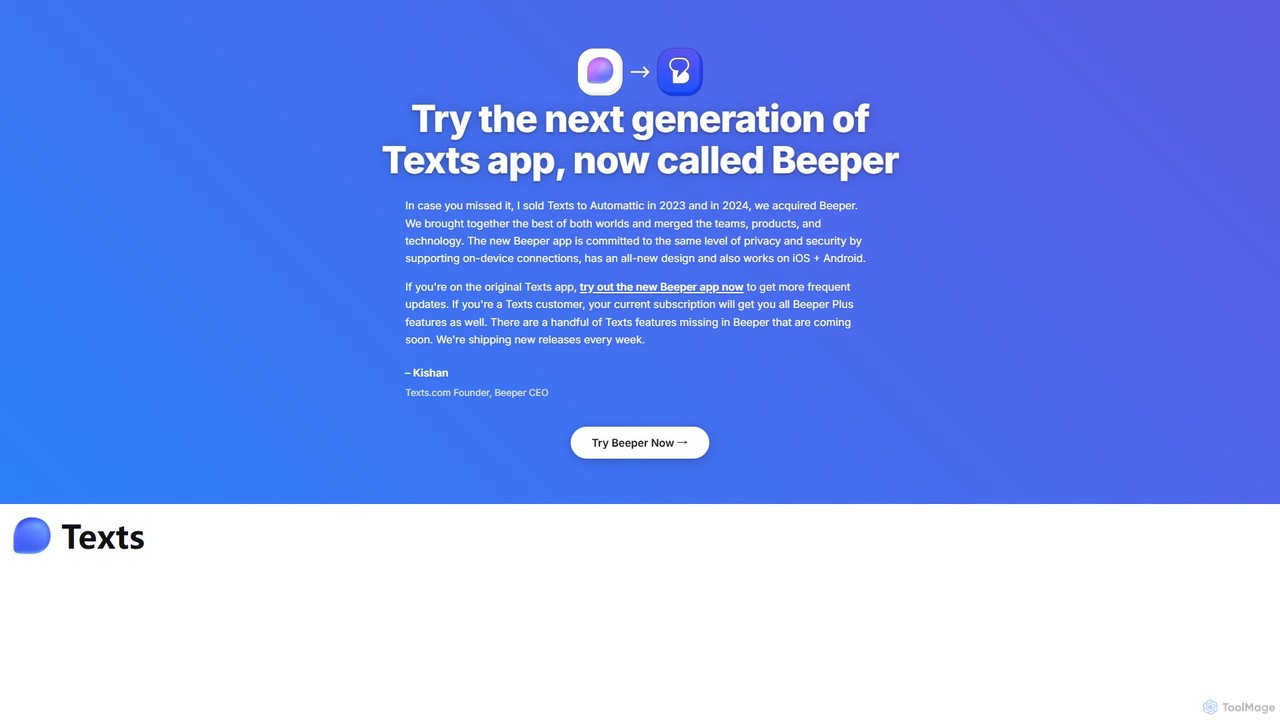
Texts
Texts is a unified messaging application that consolidates all your chats from iMessage, WhatsApp, Telegram, and more into a single, privacy-focused inbox. Boost your productivity with AI-powered features like chat summaries, response drafting, and real-time translation.
Assistant
duckduckgpt
A free, open-source browser extension that enhances DuckDuckGo search with AI-powered chat and summaries. It integrates seamlessly, providing instant answers and concise summaries from the latest LLMs like GPT-4o, right alongside your search results.
Browser Extension
MaxFocus
MaxFocus is a powerful browser extension that enhances productivity by allowing users to preview links without opening new tabs. It offers customizable previews, a distraction-free reader mode, and a dedicated video mode. With its integrated AI assistant, users can get summaries, ask questions about page content, and dive deeper into subjects instantly. It prioritizes user privacy by not tracking browsing history and blocking trackers, providing a secure and focused browsing experience.
Browser Extensions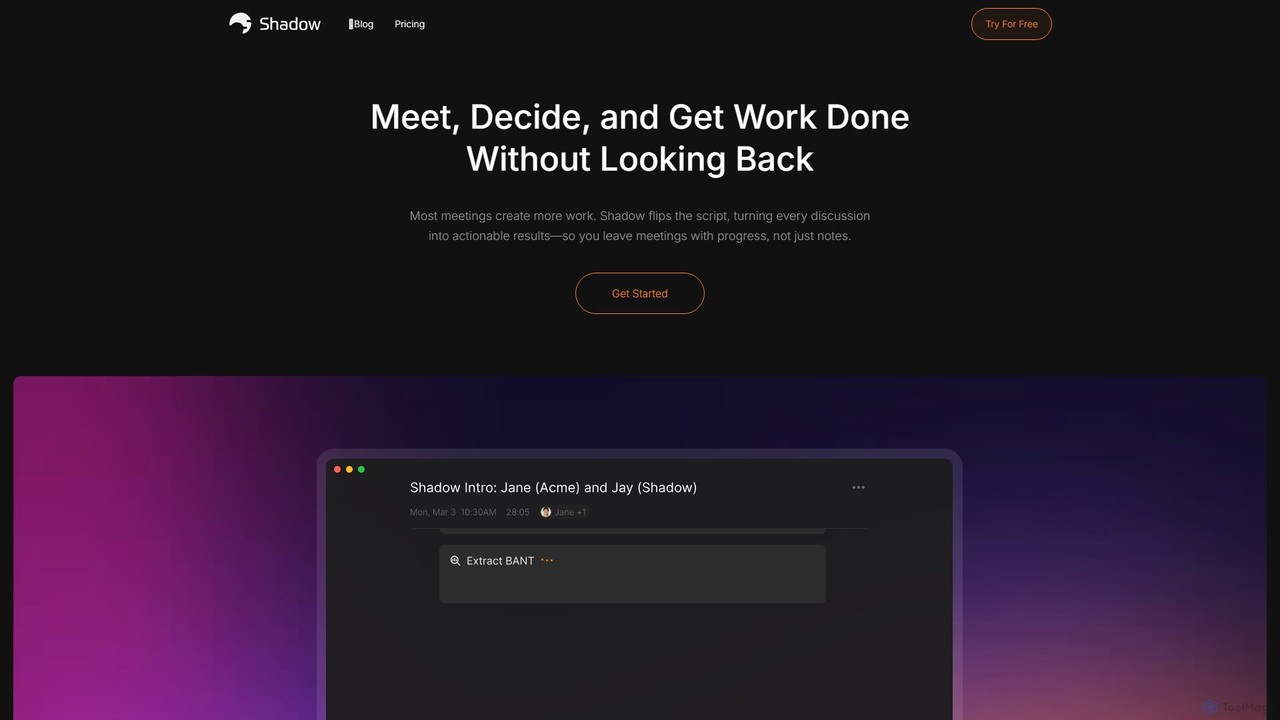
Shadow
Shadow is an AI meeting assistant for Mac that automatically transcribes, summarizes, and transforms discussions into actionable results. It operates in the background, ensuring every meeting becomes a permanent, searchable knowledge asset, with a strong focus on privacy through on-device local processing.
Task Management
Lightkey
Lightkey is an AI-powered text prediction and real-time correction software for Windows. It learns your typing patterns to offer personalized suggestions, boosting writing speed and accuracy across Microsoft Office, browsers, and various web applications, all while functioning completely offline to ensure data privacy.
Windows App
Jumper Comments (0)
Sign in to comment.
Sign inNo comments yet.