

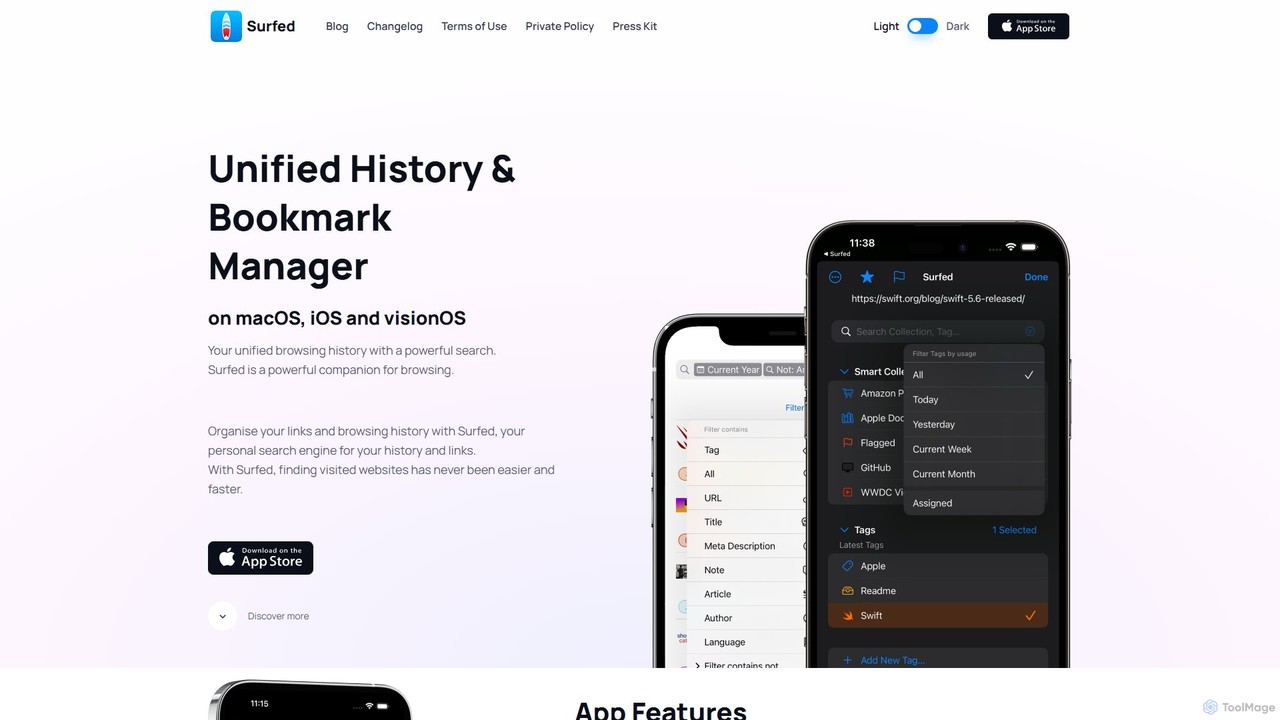
Surfed Overview
Surfed is a sophisticated and privacy-centric application designed for the Apple ecosystem, functioning as a unified history and bookmark manager across macOS, iOS, and visionOS. It fundamentally changes how users interact with their browsing data by creating a single, powerful, and searchable repository for every website they visit, regardless of the browser used on macOS (including Safari, Chrome, Firefox, Edge, Arc, and Brave). This turns your entire browsing history into a personal, private search engine.
At its core, Surfed is built for efficiency and organization. It goes beyond simple history logging by offering advanced tools to manage and utilize your web links. The app is designed with a strong emphasis on privacy, ensuring all your data is stored exclusively on your devices and synchronized securely via iCloud, with no data collection or external analytics. This makes it a trustworthy companion for both casual users and power users who handle sensitive information.
How to use Surfed
Getting started with Surfed is a seamless process designed for quick integration into your workflow:
- Installation and Setup: Download and install the Surfed app from the App Store on your Mac, iPhone, iPad, or Vision Pro.
- History Recording: On macOS, grant Surfed permission to record history from Safari. For other browsers like Chrome, Firefox, and Edge, install the dedicated Surfed browser extension to capture your history from them. On iOS, it integrates directly with Safari.
- Unified Search: Once set up, Surfed automatically begins to build your unified history. You can use the powerful search bar to find any previously visited page using keywords, titles, URLs, or even full-text content of saved articles.
- Organize with Tags and Spaces: Start organizing your links by applying tags for easy categorization. Use the 'Spaces' feature to create separate contexts for different areas of your life, such as 'Work,' 'Research,' 'Personal,' or specific projects. This helps keep your browsing data neatly compartmentalized.
- Leverage Actions: Explore over 80 built-in 'Actions' to be more productive. You can save articles to a 'Read Later' queue, have them read aloud with the 'Listen Later' feature, or use 'AI Actions' to generate summaries and automatically tag content (requires a personal OpenAI API key).
- Automate Your Browsing: Set up 'Web Triggers' to perform automated actions when you visit specific websites. This could be anything from running a script, opening a related app, or automatically assigning a page to a Space.
- Sync Across Devices: With the Pro version, enable iCloud Sync to keep all your history, bookmarks, tags, and spaces perfectly synchronized across all your Apple devices.
Core Features of Surfed
- Unified Browser History: Consolidates browsing history from Safari, Chrome, Firefox, Edge, Arc, and more on macOS into a single, searchable interface.
- AI Actions: Utilizes AI to summarize long articles into concise points or automatically suggest relevant tags for websites, boosting research and content curation efficiency (requires user's OpenAI API key).
- Web Automation (Web Triggers): A powerful automation engine that can execute actions based on browsing events, such as running JavaScript, opening URL schemes, or showing notifications when a specific site is visited.
- Read & Listen Later: Save articles for a clean, distraction-free reading experience, even offline. The 'Listen Later' feature turns articles into a personal podcast, which can be queued and listened to on the go.
- Spaces & Focus Filter: Organize your digital life into distinct contexts (e.g., Work, Home, Projects). The Focus Filter allows you to automatically switch to a specific space or toggle automations based on your current focus.
- Advanced Search & Filtering: Features a robust private search engine with support for multiple filters, full-text search in saved articles, and complex queries to find exactly what you need in seconds.
- Cross-Device Sync: Uses iCloud to seamlessly and privately sync all your data—history, links, tags, spaces, and settings—across your iPhone, iPad, Mac, and Vision Pro.
- Productivity & Integration: Offers over 80 actions, deep integration with Apple's Shortcuts app, home screen widgets for quick access, and a command-line interface (CLI) on macOS for power users.
- Privacy First Architecture: All data is stored locally on your device. Surfed does not collect any analytics or personal data, ensuring your browsing habits remain completely private.
Use Cases for Surfed
Surfed is a versatile tool that caters to a wide range of users:
- Researchers & Academics: Keep track of countless sources, papers, and articles. Use AI Actions to quickly summarize research and use Spaces to organize materials for different studies.
- Developers & IT Professionals: Organize documentation, Stack Overflow threads, and GitHub repositories by project using Spaces. Use Web Triggers to automate tasks related to development environments.
- Content Creators & Writers: Curate links and inspiration for articles or videos. Use the 'Read Later' and 'Listen Later' features to consume content efficiently and never lose a valuable source.
- Students: Organize research for assignments, tag key resources for different subjects, and easily revisit previously found information without having to re-search for it.
- Power Users: Leverage the full suite of automation tools, including Web Triggers, Shortcuts integration, and the CLI, to create highly customized and efficient web workflows.
Advantages of Surfed
Surfed stands out from standard browser tools with several key advantages:
- Centralized Knowledge Base: It breaks down the silos between browsers, creating a single, reliable source of truth for your web activity.
- Enhanced Findability: Instead of relying on fallible memory or cluttered bookmark folders, Surfed's search makes finding past information effortless.
- Intelligent Processing: AI and automation features transform passive history logs into an active, intelligent assistant that saves time and effort.
- Deep Apple Ecosystem Integration: As a native app, it offers a polished and seamless experience with features like iCloud Sync, Widgets, and Shortcuts that feel right at home on Apple devices.
- Uncompromising Privacy: The on-device, privacy-first approach provides peace of mind that your personal browsing data is not being monetized or exposed.
Pricing and Plans
Surfed operates on a freemium model, making its core functionality accessible to everyone while offering advanced features for professionals and power users.
- Free Plan: The free version offers substantial value, including unlimited browser history recording on macOS, the ability to create tags and spaces, powerful search filters, and the article reader view.
- Pro Plan: The Pro version, available as a one-time purchase or subscription, unlocks the full potential of Surfed. Pro features include iCloud Sync across all devices, the 'Listen Later' feature, AI Actions, Web Triggers for automation, unlimited Smart Collections, advanced export options (CSV, PDF), app customization, and priority support. The exact pricing can be found on the App Store.
Traffic
Latest traffic
Status
Monthly traffic trend
- 2025-9: 2.5K
- 2026-1: 1.0K
- 2026-2: 570
- 2026-3: 2.0K
- 2026-4: 1.6K
- 2026-5: 1.8K
Geography
Top 5 countries / regions
- 🇺🇸United States100.0%
Top keywords
| Keyword | Cost per click |
|---|---|
| brave swift search selection | $0.00 |
| download safari bookmarks | $0.00 |
| download safari bookmarks iphone | $0.00 |
| safari export bookmarks | $0.00 |
| surfed it | $0.00 |
Surfed Alternatives
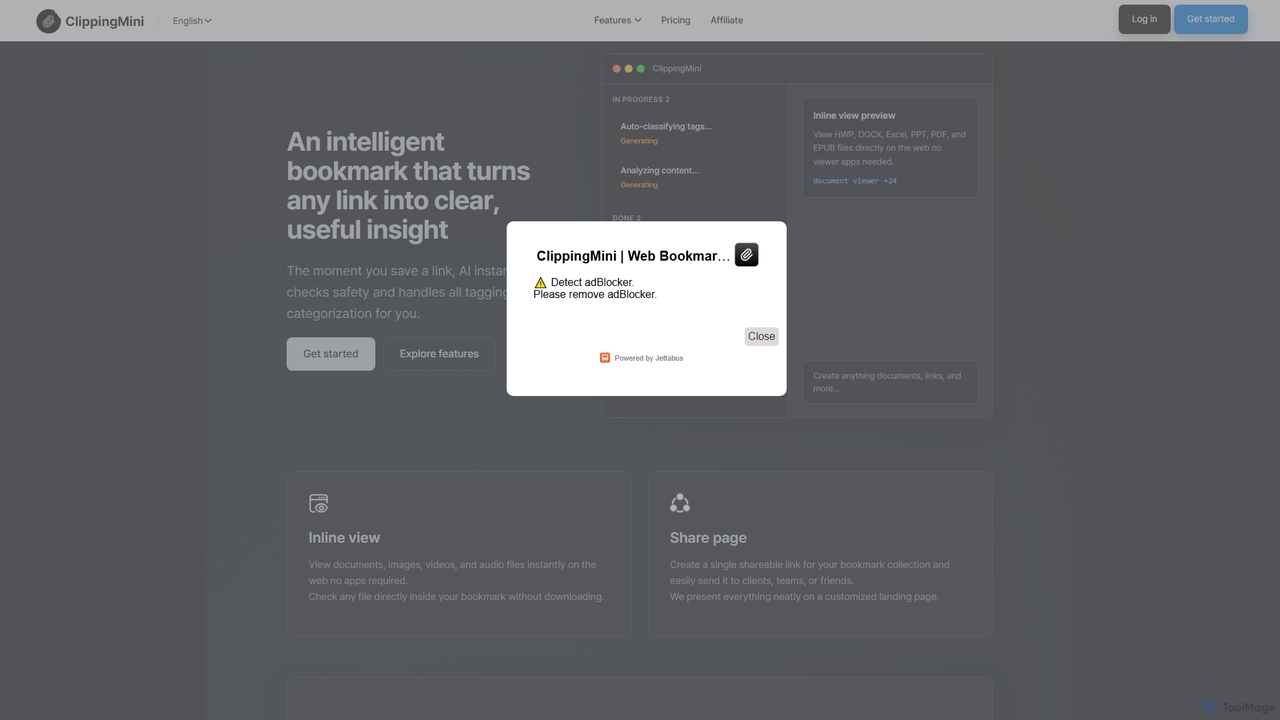
ClippingMini
ClippingMini is an intelligent bookmark manager that uses AI to automatically organize links into a searchable knowledge base. It instantly checks safety, adds tags, categorizes content, and allows inline previews of various file types without downloads.
Information Curation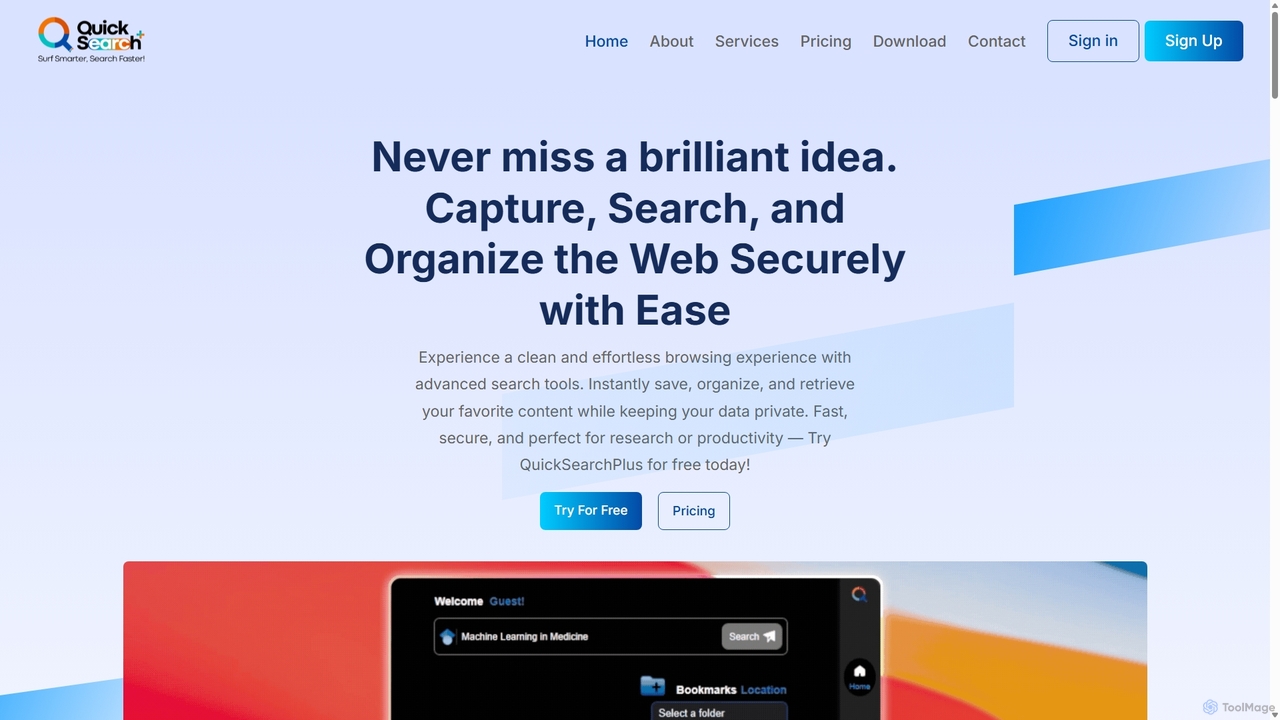
QuickSearchPlus
QuickSearchPlus is an AI-powered productivity suite designed to revolutionize your browsing experience. It functions as a browser extension and web platform, offering intelligent search, advanced bookmark management, web page summarization, secure file storage with CloudDrive, and built-in privacy features like a VPN and incognito mode. Ideal for researchers, students, and professionals, it streamlines workflows, saves time, and keeps your digital life organized and secure across all devices.
Bookmark Manager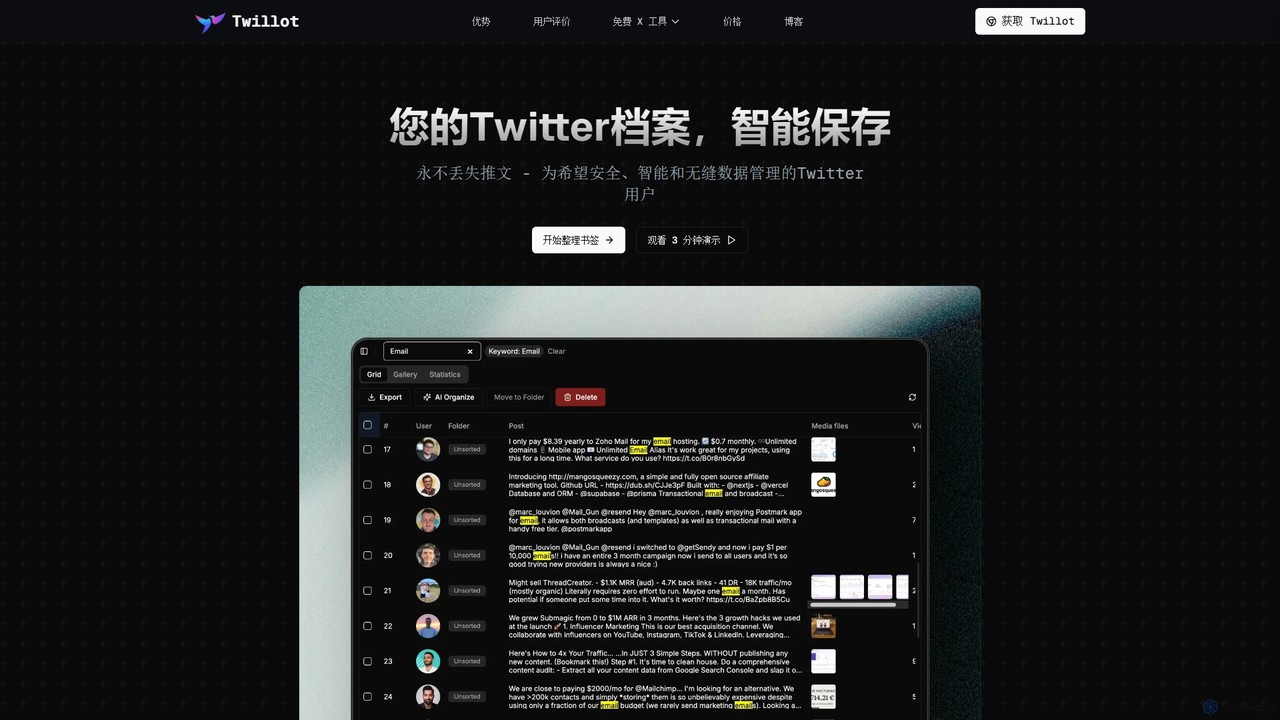
Twillot
Twillot is an AI-powered browser extension for Twitter/X, designed to intelligently save, manage, and search your entire Twitter archive. It helps you organize bookmarks, tweets, likes, and media locally, ensuring privacy and providing powerful tools for data export and analysis.
Archiving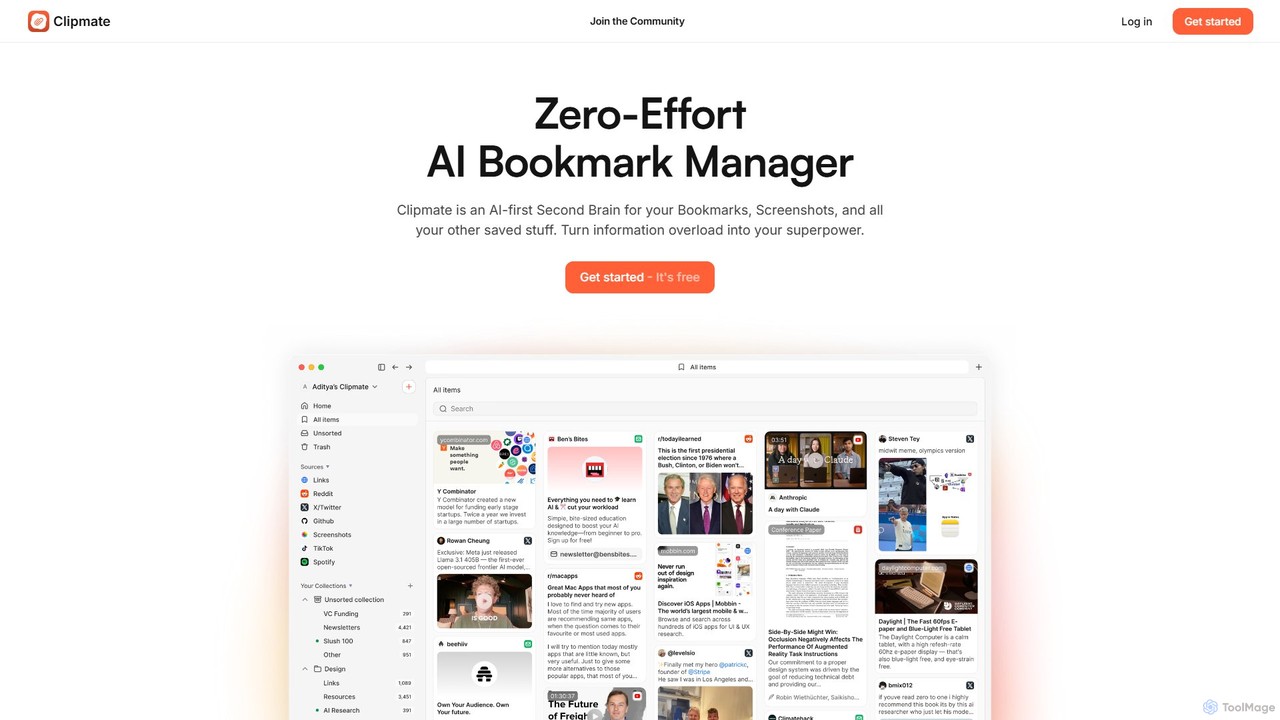
Clipmate AI
Clipmate AI is a zero-effort AI bookmark manager and second brain. It automatically syncs, organizes, and summarizes your bookmarks, screenshots, and links from various platforms, turning information overload into a searchable and intelligent knowledge base.
Second Brain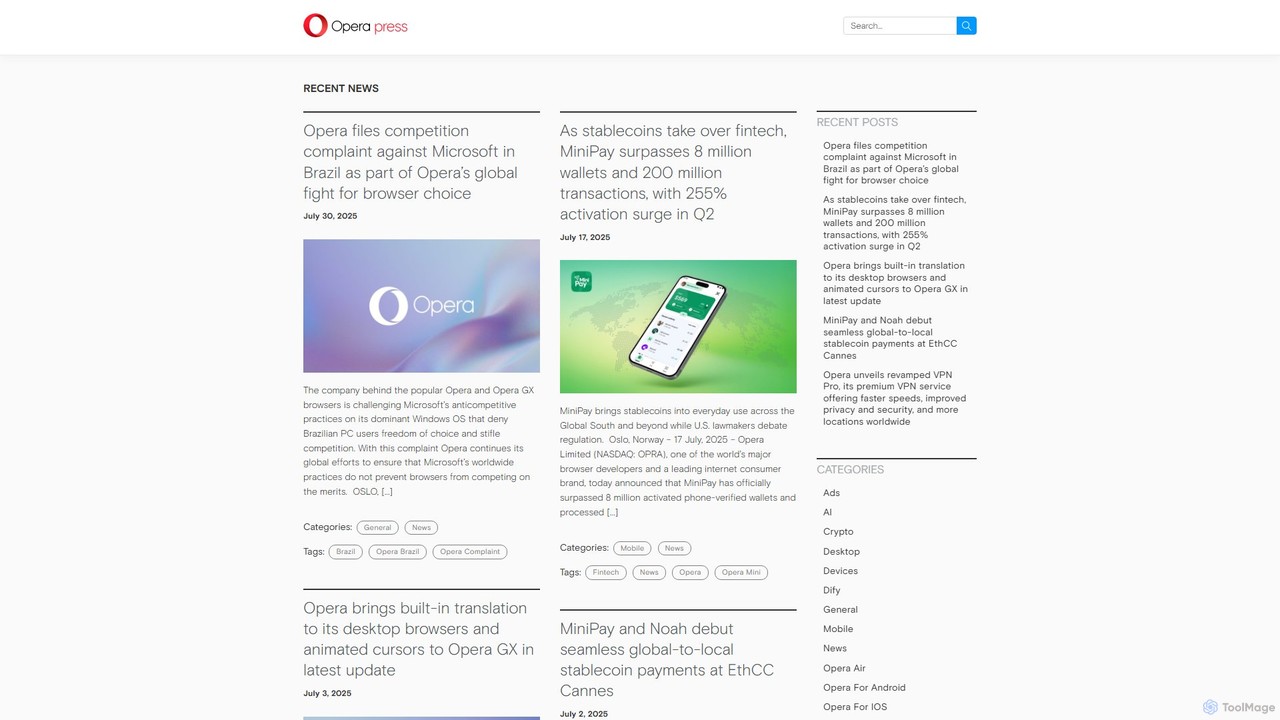
Opera
Opera is an innovative, multi-platform web browser supercharged with Aria, a native AI assistant. It offers a faster, safer, and smarter browsing experience with a free built-in VPN, ad blocker, and specialized versions like Opera GX for gamers. Aria provides real-time web information, image generation, and advanced productivity features, all integrated seamlessly.
AssistantSurfed Categories
Surfed Embed Widget
Copy this embed code to place the badge on your blog, article, or product site and send readers directly to this ToolMage detail page.

Related AI tools

Camp
Camp is an intelligent screenshot management tool for macOS and iOS. It uses AI to automatically title and tag your screenshots, transforming your cluttered capture folder into a searchable, organized library. It's built for privacy with all data stored locally.
InspirationTwillot
Twillot is an AI-powered browser extension for Twitter/X, designed to intelligently save, manage, and search your entire Twitter archive. It helps you organize bookmarks, tweets, likes, and media locally, ensuring privacy and providing powerful tools for data export and analysis.
ArchivingClipmate AI
Clipmate AI is a zero-effort AI bookmark manager and second brain. It automatically syncs, organizes, and summarizes your bookmarks, screenshots, and links from various platforms, turning information overload into a searchable and intelligent knowledge base.
Second Brain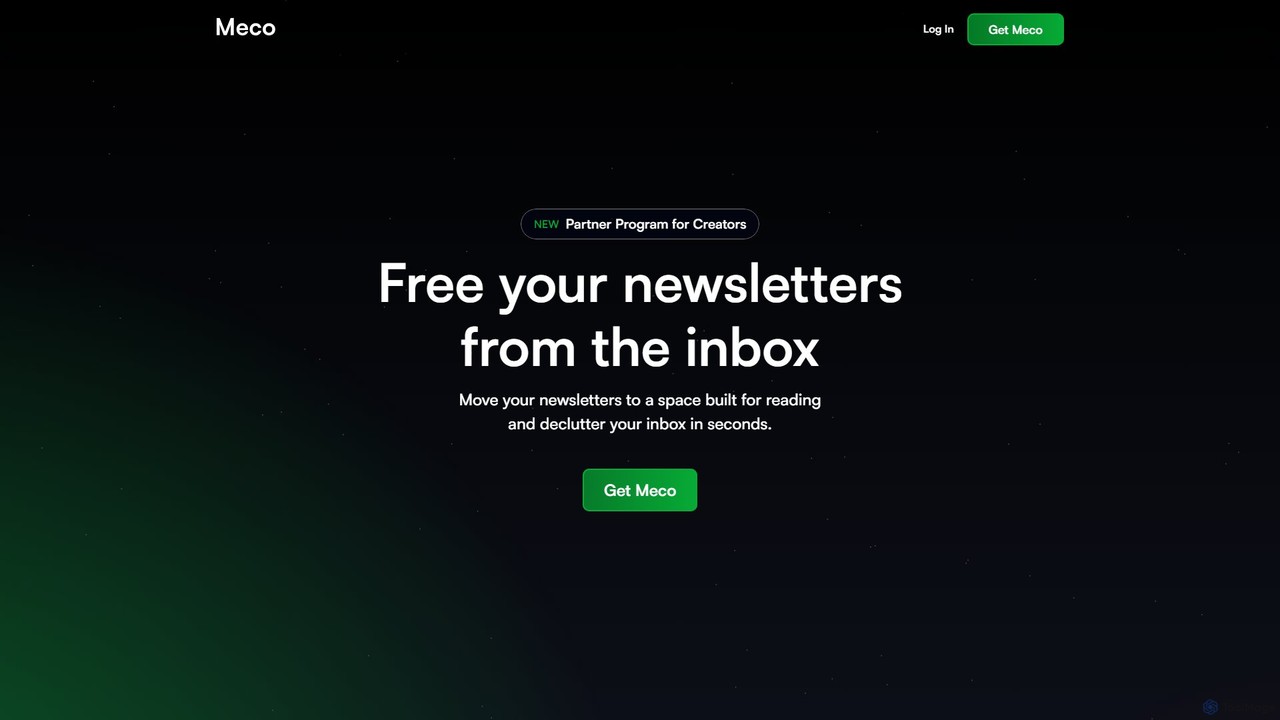
Meco
Meco is an AI-powered newsletter reader and aggregator designed to declutter your inbox. It moves your newsletters to a dedicated, distraction-free reading space, offering features like AI-generated audio roundups and text summaries to help you stay informed efficiently. Organize, discover, and retain knowledge from your favorite subscriptions seamlessly across web, iOS, and Android.
Summarizer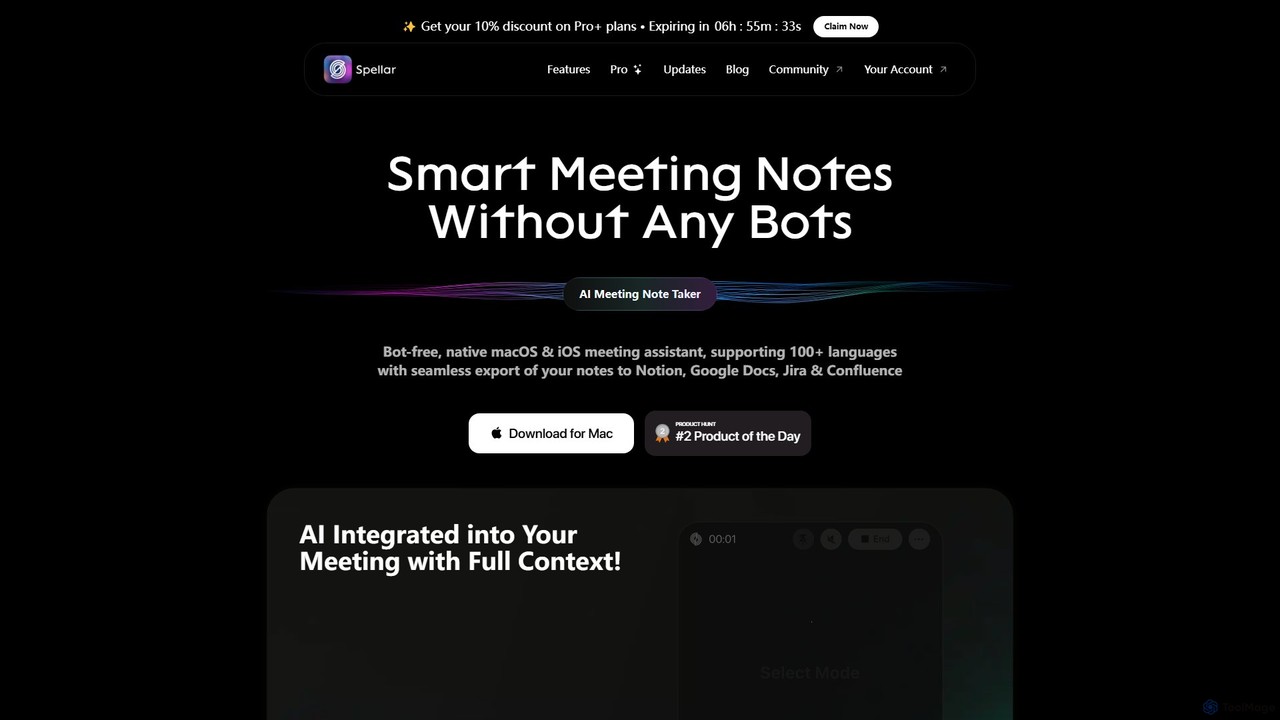
Spellar
Spellar is a bot-free AI meeting assistant for macOS, iOS, and web. It records, transcribes, and summarizes your meetings, providing actionable insights and real-time communication feedback. It integrates seamlessly with tools like Notion, Jira, and Google Docs, supporting over 100 languages to boost your productivity.
Language Learning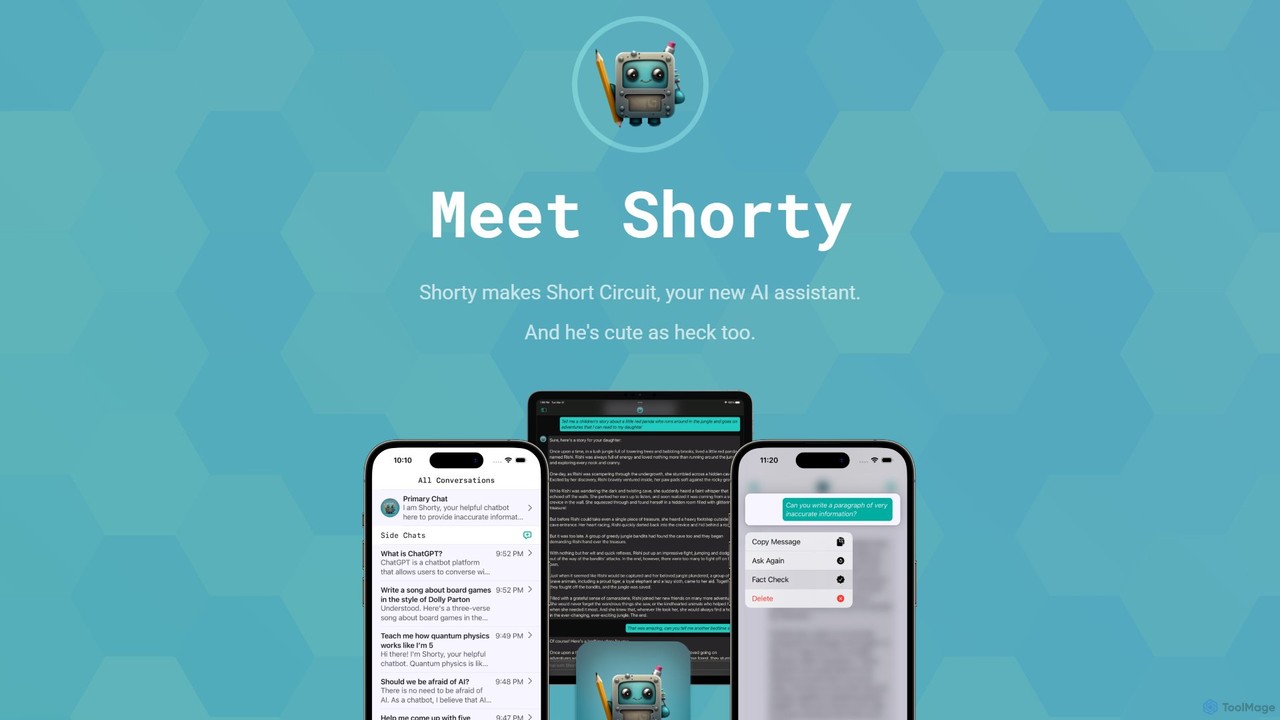
Short Circuit
Short Circuit is a privacy-focused AI assistant for iPhone, iPad, and Mac, powered by ChatGPT & GPT-4. It offers deep integration with the Apple ecosystem, including Siri and Shortcuts. Customize AI personalities for any task, from a math tutor to a code expert. With a strong commitment to privacy and flexible pricing options, including a lifetime unlock with your own API key, Short Circuit provides a premium, secure, and versatile AI experience.
Code Assistant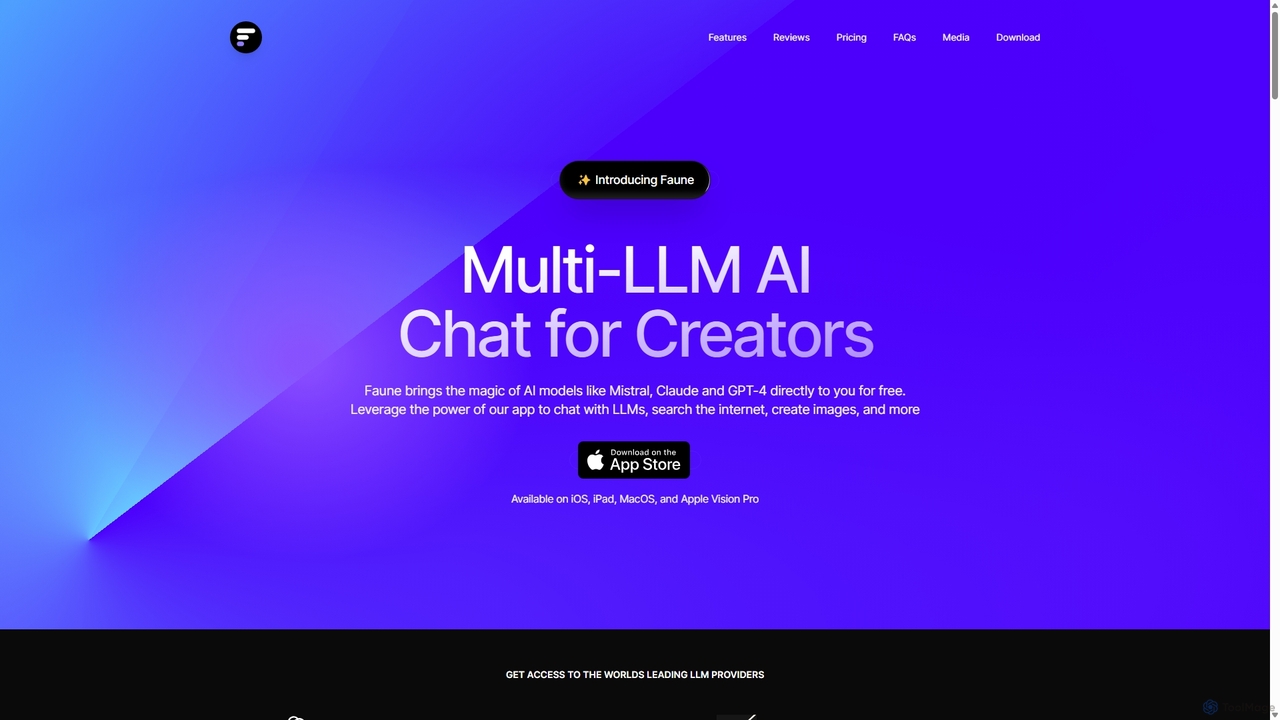
Faune
Faune is a privacy-focused, multi-LLM AI chat application for Apple devices. It offers free access to leading models like GPT-4o, Claude, and Mistral, along with features like internet search, image generation, and a unique chat editor. No account is required, ensuring anonymous and secure conversations.
Multi Model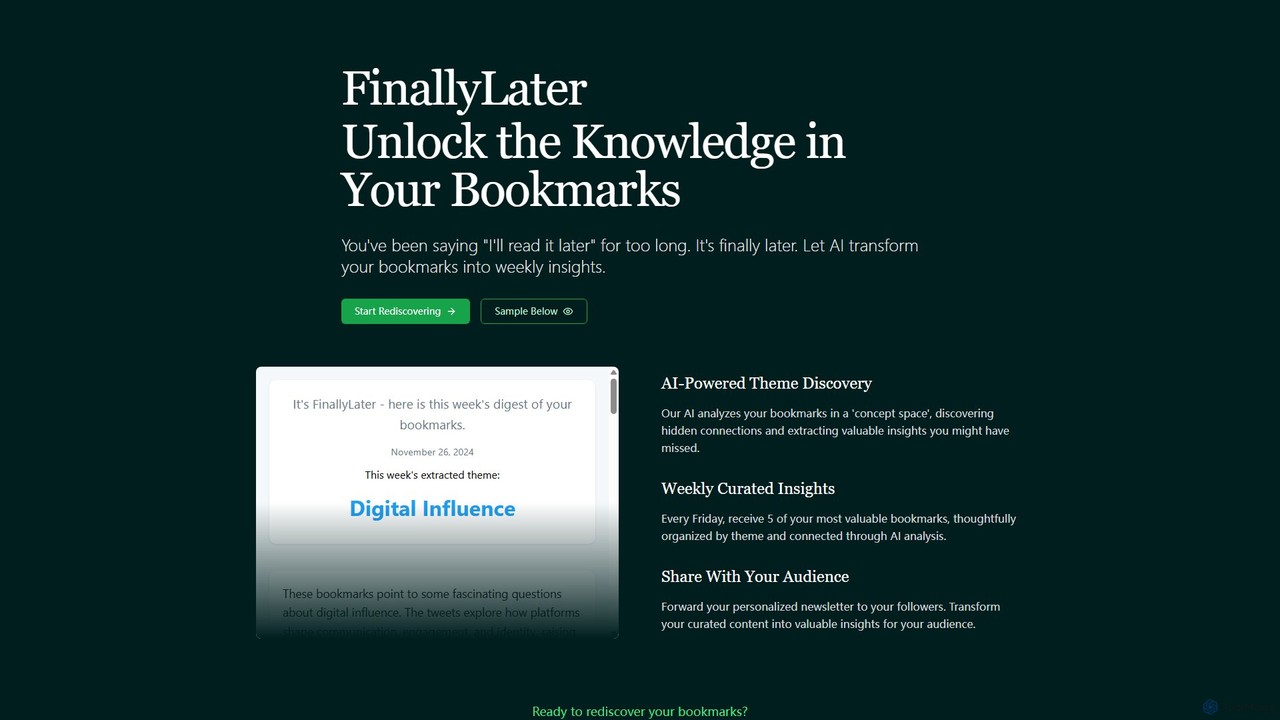
FinallyLater
FinallyLater is an AI-powered service that transforms your cluttered bookmarks into a weekly, curated newsletter. It analyzes your saved links, discovers hidden themes and connections, and delivers five of your most valuable bookmarks as organized insights every Friday, helping you combat information overload and rediscover knowledge.
Learning
Bookmark
Bookmark is an AI-powered knowledge management platform that helps you save, organize, and rediscover digital content. It uses AI to automatically summarize articles, tag content, and enable powerful semantic search, transforming your collection of links into a personal knowledge base or a collaborative team hub.
Study ToolsClippingMini
ClippingMini is an intelligent bookmark manager that uses AI to automatically organize links into a searchable knowledge base. It instantly checks safety, adds tags, categorizes content, and allows inline previews of various file types without downloads.
Information CurationOpera
Opera is an innovative, multi-platform web browser supercharged with Aria, a native AI assistant. It offers a faster, safer, and smarter browsing experience with a free built-in VPN, ad blocker, and specialized versions like Opera GX for gamers. Aria provides real-time web information, image generation, and advanced productivity features, all integrated seamlessly.
Assistant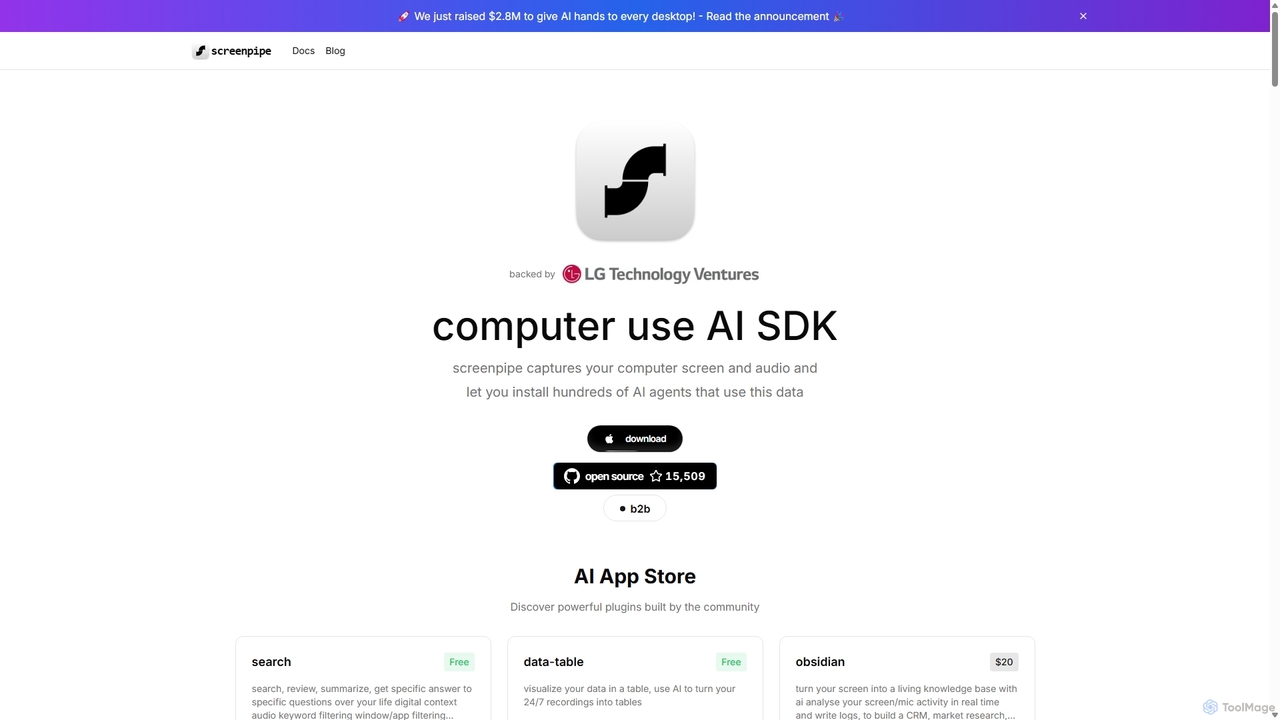
Screenpipe
Screenpipe is an open-source AI SDK that captures your computer's screen and audio 24/7, creating a local, private digital memory. It powers a rich ecosystem of AI agents that can search, summarize, and automate tasks based on your complete digital context, turning your computer usage into a powerful, personalized AI.
Personal Data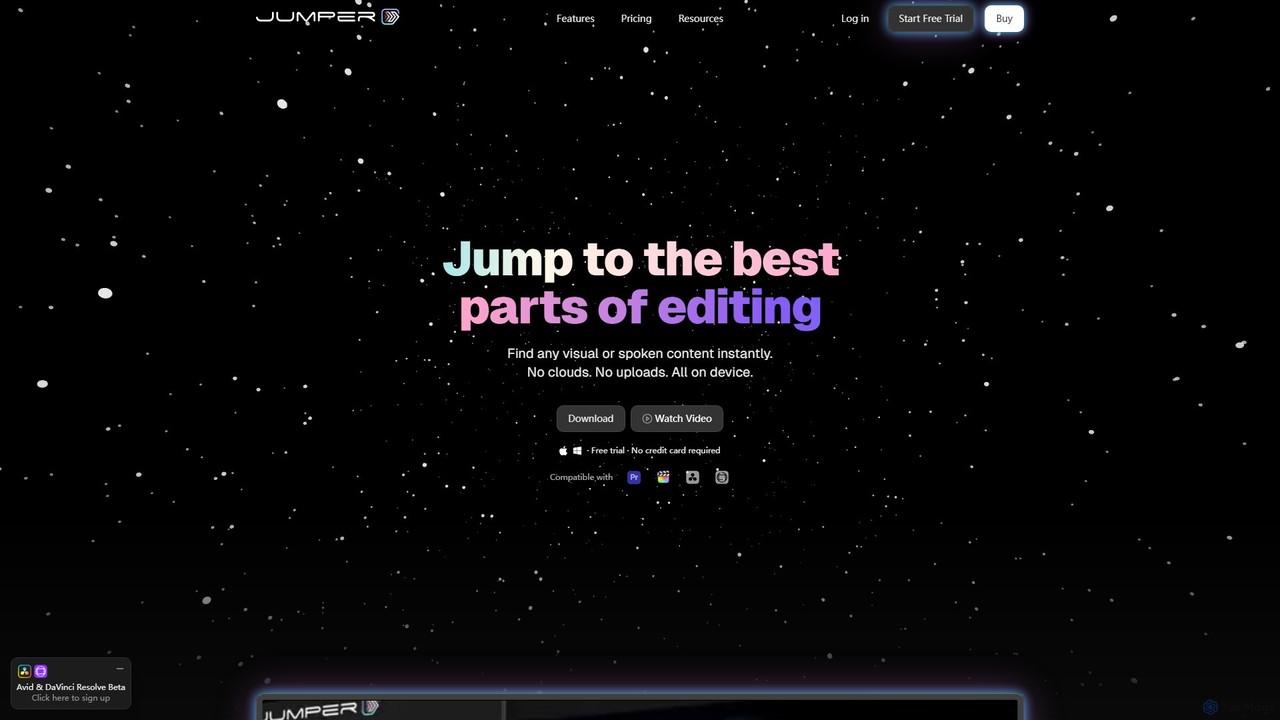
Jumper
Jumper is an AI-powered video editing assistant that integrates with professional editing software. It enables editors to instantly search through hours of footage for any visual or spoken content, all locally on their device. By eliminating cloud uploads, Jumper offers unparalleled speed, privacy, and a streamlined workflow, saving countless hours on every project.
Transcription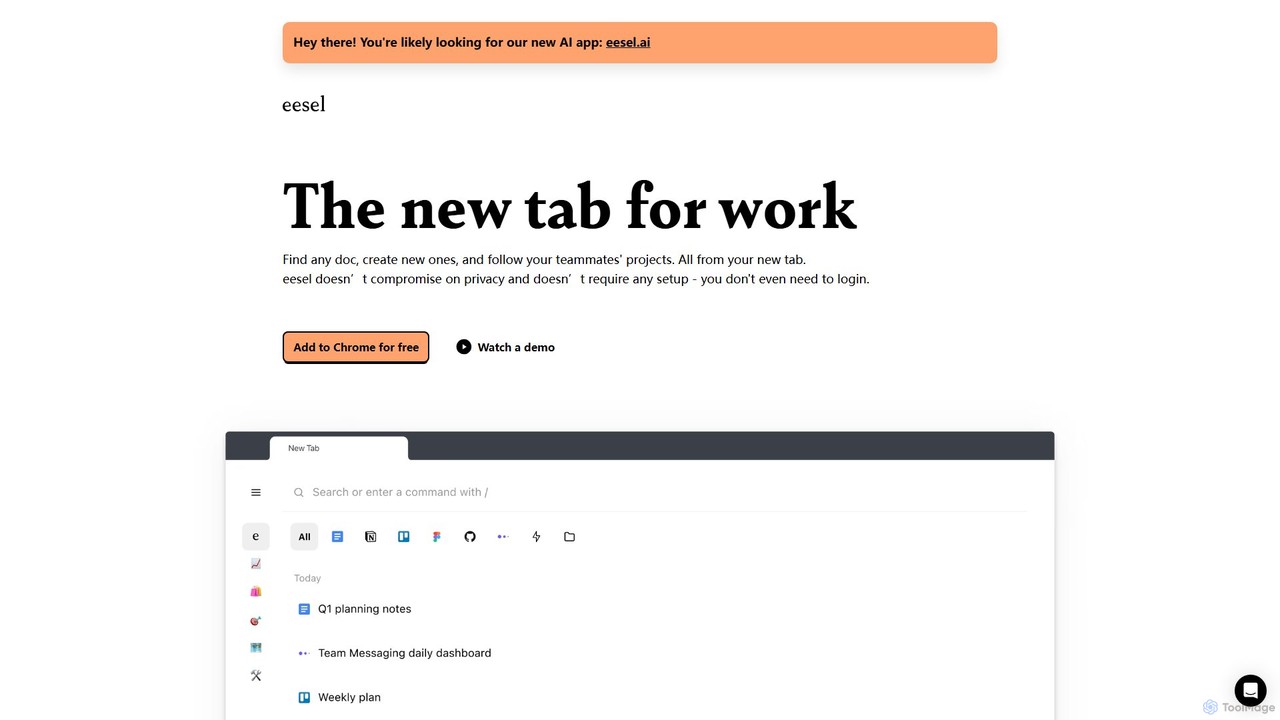
eesel
eesel is a smart browser extension that transforms your new tab into a productivity hub. It automatically organizes your work from all your apps (Google Docs, Notion, Figma, etc.), making every document instantly searchable. With a strong focus on privacy, eesel works locally on your computer, requires no setup, and helps you and your team stay organized and in sync without effort.
New Tab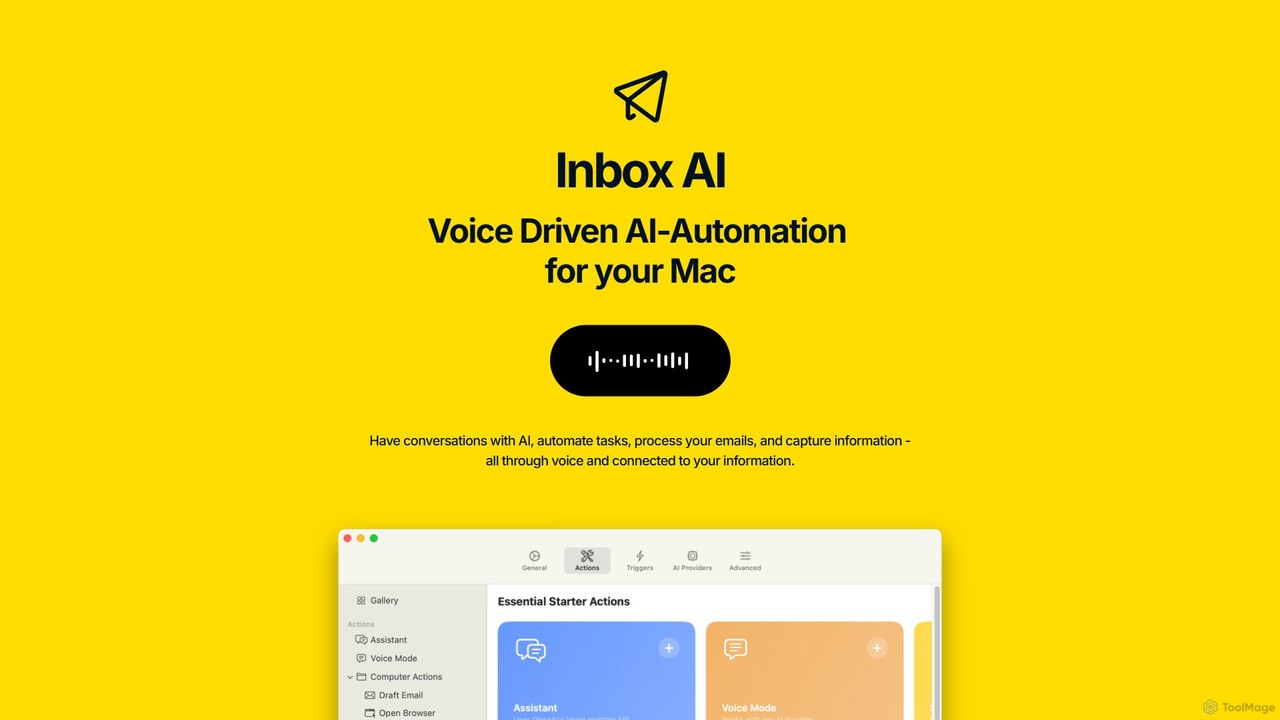
inbox_ai
inbox_ai is a powerful voice-driven AI automation tool for macOS. It allows you to create custom voice commands and build intelligent assistants to streamline your workflow. With features like on-screen quick capture, email filtering, and deep integration with native macOS apps and services like Raycast and PopClip, inbox_ai puts advanced AI capabilities at your fingertips. It operates entirely on-device, ensuring your data remains private and secure, with no login required.
Workflow
Surfed Comments (0)
Sign in to comment.
Sign inNo comments yet.