

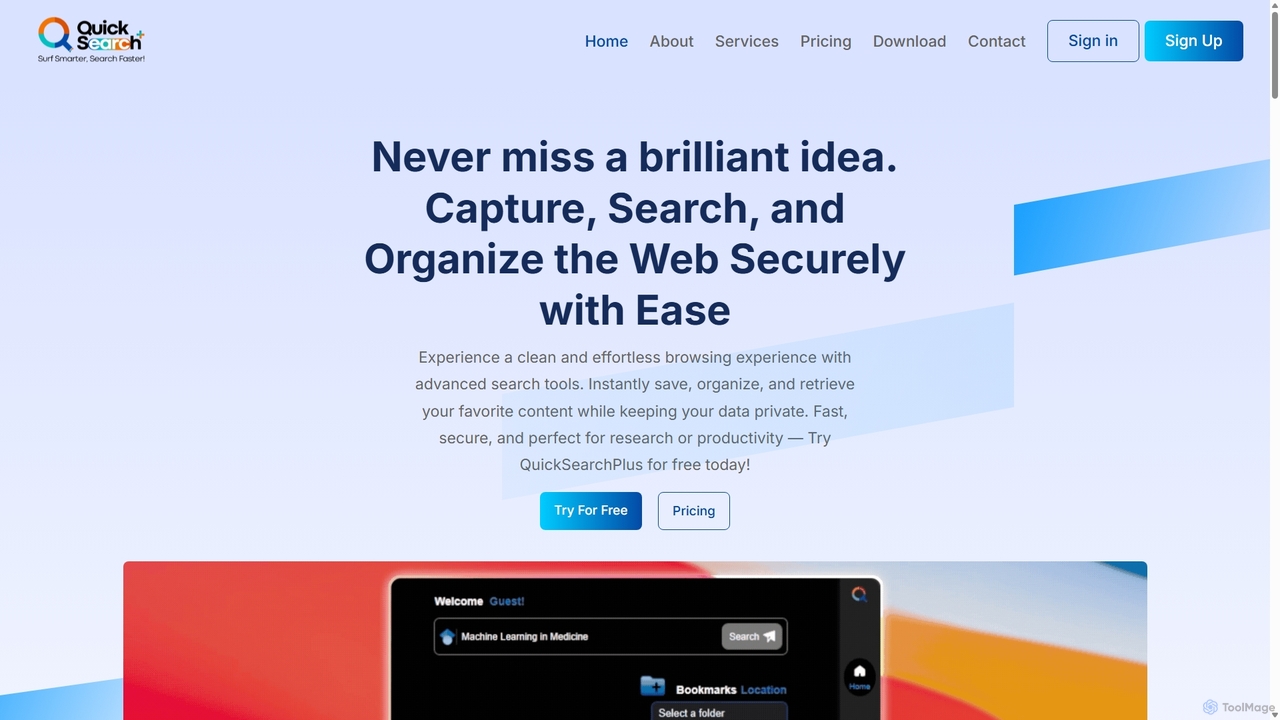
QuickSearchPlus Overview
QuickSearchPlus is a comprehensive, AI-driven tool designed to enhance online productivity, research, and data management. It integrates seamlessly into your browser as an extension, providing a suite of powerful features that transform how you capture, search, and organize web content. At its core, QuickSearchPlus is an intelligent assistant that streamlines your workflow by combining advanced search capabilities, sophisticated bookmark organization, secure cloud storage, and robust privacy tools into a single, user-friendly platform. Whether you're a student conducting academic research, a professional gathering market intelligence, or simply an individual looking to manage online information more effectively, QuickSearchPlus offers a smarter, faster, and more secure way to navigate the web.
The platform's standout feature is its AI-enhanced search, which supports both natural language queries for quick, conversational answers and precise keyword searches for in-depth results. It integrates with multiple AI engines like GPT, DeepSeek, and Perplexity, allowing users to choose the best fit for their needs. This is complemented by unique tools like QuickScan, which provides instant AI-generated summaries of web pages upon hovering over a link, saving valuable time by eliminating the need to click through irrelevant content. Furthermore, its ability to switch between Google and Google Scholar directly within the extension makes it an indispensable tool for academic and professional researchers.
How to use QuickSearchPlus
Getting started with QuickSearchPlus is a simple and straightforward process designed for users of all technical levels:
- Download and Install: Visit the official QuickSearchPlus website or your browser's extension store (e.g., Chrome Web Store) to download the extension. Follow the on-screen instructions to install it in your browser with just a few clicks.
- Configure Your Settings: Once installed, you can customize the extension's settings to suit your preferences. This includes setting your preferred AI search engine, organizing folders for bookmarks, and configuring privacy settings.
- Start Browsing Smarter: Begin using the features immediately. Click the extension icon to perform an AI search, save a webpage to a specific folder with one click, or hover over links to get instant summaries. You can also import existing bookmarks from other managers to centralize your collection. For file management, simply drag and drop files into your CloudDrive via the web portal.
Core Features of QuickSearchPlus
- AI-Powered Dual Search: Switch between natural language queries for instant AI answers and traditional keyword searches for precise results. Integrates with multiple AI models including GPT.
- QuickScan (Web Summary): Get instant, AI-generated summaries of web pages by simply hovering over links, helping you quickly assess content relevance.
- Intuitive Bookmark Organization: Save, categorize, and tag bookmarks into folders and subfolders. The system is designed for easy retrieval, no matter how large your collection grows.
- Multi-Device Sync: Your bookmarks, files, and settings are seamlessly synced across all your devices, ensuring you have access to your information anywhere.
- CloudDrive: Securely upload, store, and manage various file types (documents, images, media) directly within your account. Plans offer up to 50 GB of storage.
- Web Portal with Incognito & VPN: Browse privately and securely with a built-in incognito mode and VPN, protecting your online activity from trackers.
- OCR and Translation: Extract text from images and scanned documents using advanced OCR technology. Translate web pages and text in real-time to overcome language barriers.
- Search Recall: The tool remembers your recent search queries, allowing you to easily revisit and build upon previous research without retyping.
Use Cases for QuickSearchPlus
QuickSearchPlus is versatile and benefits a wide range of users:
- Students and Researchers: Seamlessly switch between Google and Google Scholar, save academic papers into organized folders, get quick summaries of research articles, and use OCR to extract text from PDFs.
- Content Creators and Marketers: Quickly gather research material, organize inspiration and sources, and summarize competitor articles to stay ahead of trends.
- Legal Professionals: Use the secure browsing features for confidential research, organize case files and web evidence, and use OCR to digitize text from legal documents.
- Data Scientists and Analysts: Efficiently manage and recall complex search queries, save technical documentation, and keep research organized across multiple projects.
- General Productivity Enthusiasts: Anyone looking to declutter their digital life can use it to manage bookmarks, save articles for later reading, and browse the web more efficiently and securely.
Advantages of QuickSearchPlus
The primary advantage of QuickSearchPlus is its ability to consolidate multiple productivity tools into one cohesive platform. It saves significant time by providing instant summaries and powerful search. Its enhanced organization capabilities prevent the loss of valuable information. The focus on privacy with a built-in VPN and incognito mode gives users peace of mind. Finally, its multi-device sync and cloud storage make it a centralized hub for all your digital resources, boosting overall productivity and efficiency.
Pricing and Plans
QuickSearchPlus offers a freemium model with plans to suit different needs:
- Basic (Free): Includes keyword-based search, SearchRecall service, up to 30 bookmarks, 5 folders, and limited access to the web portal.
- Standard ($13/month): Offers unlimited bookmarks and folders, ChatGPT integration, QuickScan (50 coins/month), 10 GB of CloudDrive storage, full web portal access with incognito/VPN, and priority email support.
- Premium ($23/month): Includes all Standard features, plus unlimited QuickScan summaries and an increased CloudDrive storage of 50 GB per month.
Discounts are available for bi-annual (20% off) and annual (25% off) subscriptions.
Traffic
Latest traffic
Status
Monthly traffic trend
- 2025-9: 692
- 2026-1: 246
- 2026-2: 360
- 2026-3: 302
- 2026-4: 1.2K
- 2026-5: 315
Geography
Top 5 countries / regions
- 🇺🇸United States100.0%
Top keywords
| Keyword | Cost per click |
|---|---|
| quick search | $0.00 |
| quicksearch | $2.63 |
| quick search ai | $0.00 |
| quick search ia | $0.00 |
| quick search service | $0.00 |
QuickSearchPlus Alternatives
Komo
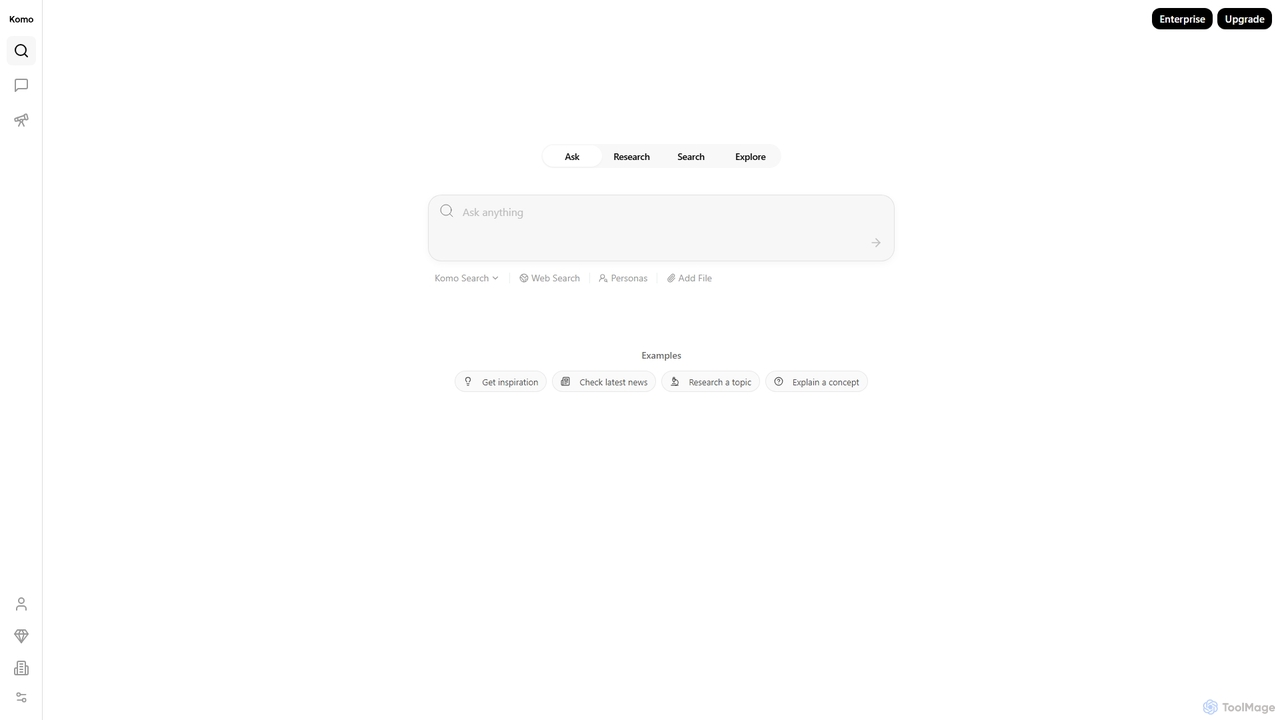
Komo is an AI-powered research companion that revolutionizes information discovery. It integrates advanced web search, knowledge browsing, and AI assistance, providing access to top models like DeepSeek, GPT, Claude, and Gemini. Features include AI-driven search, chat, mind mapping, and fact-checking to help users efficiently research topics, explain concepts, and gain deeper insights.
Search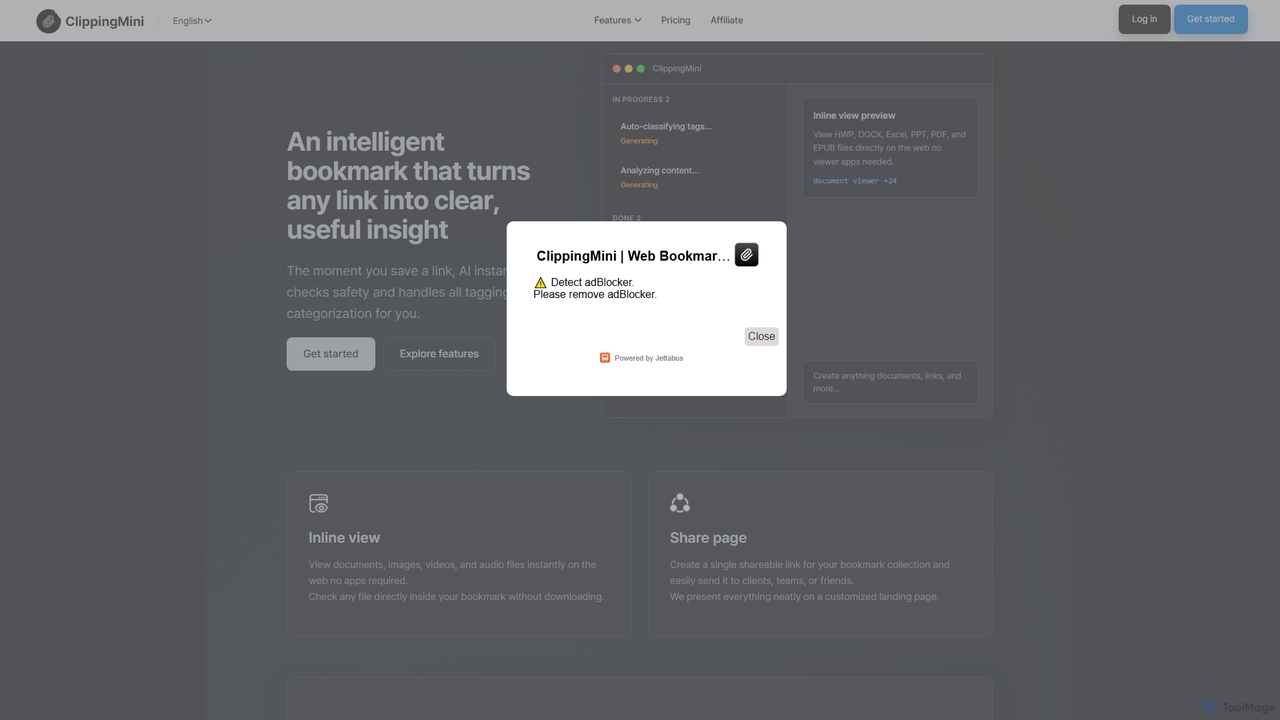
ClippingMini
ClippingMini is an intelligent bookmark manager that uses AI to automatically organize links into a searchable knowledge base. It instantly checks safety, adds tags, categorizes content, and allows inline previews of various file types without downloads.
Information Curation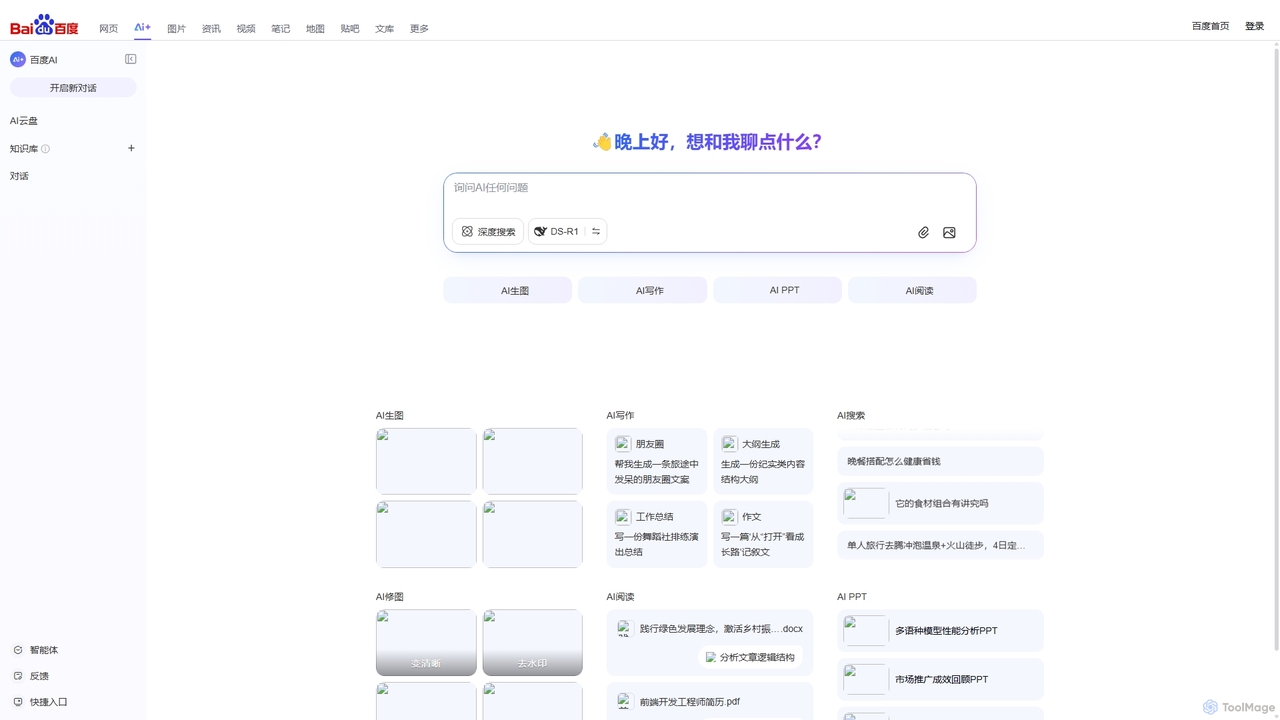
Baidu AI Search
Baidu AI Search is an all-in-one AI-powered platform that integrates conversational search, content creation, document analysis, and image editing. It provides a one-stop solution for work, study, and creative tasks, leveraging Baidu's powerful ERNIE model to deliver comprehensive answers and generate high-quality content.
Writing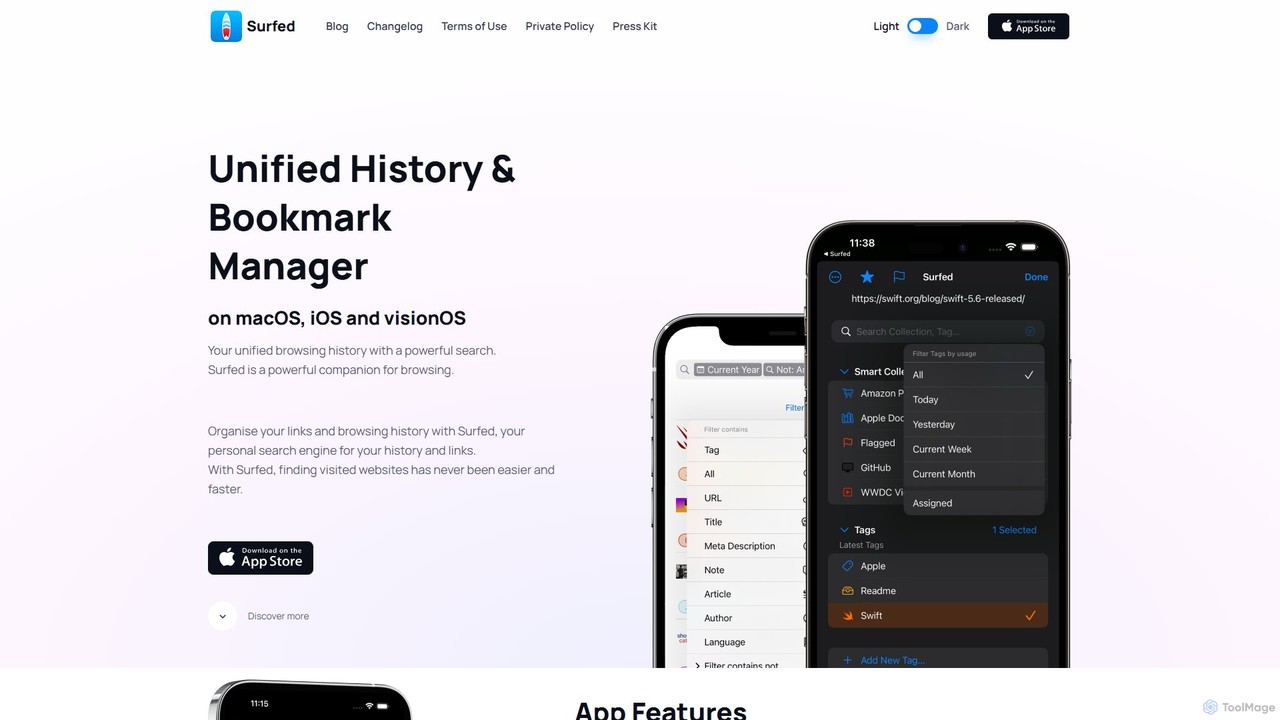
Surfed
Surfed is a powerful, privacy-focused history and bookmark manager for macOS, iOS, and visionOS. It unifies your browsing history from all major browsers, acting as your personal search engine. With features like AI-powered summarization, web automation, read-it-later, and cross-device sync, Surfed transforms how you organize, find, and interact with your web links and content.
Automation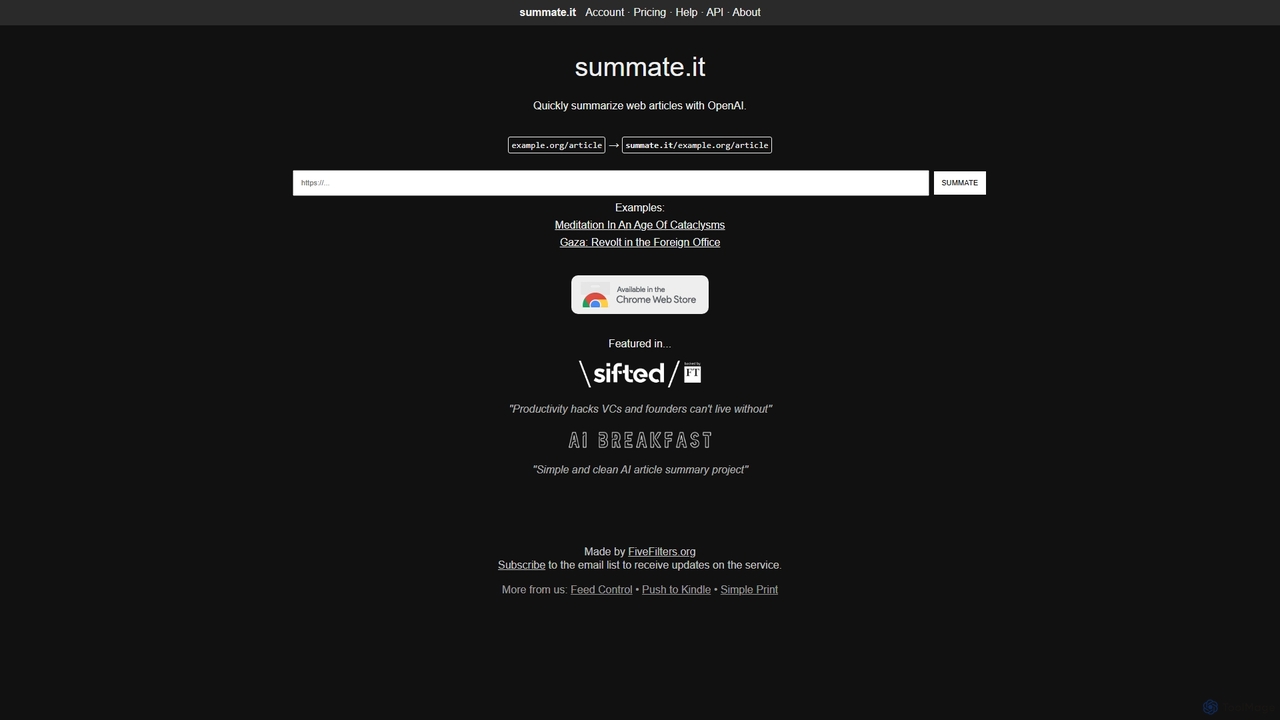
Summate.it
Summate.it is an AI-powered tool that quickly summarizes web articles. Simply provide a URL, and it uses OpenAI to generate concise, easy-to-understand summaries, helping you absorb key information in a fraction of the time. It also offers a Chrome extension, API access, and summary translation.
ResearchQuickSearchPlus Categories
QuickSearchPlus Jobs
QuickSearchPlus Embed Widget
Copy this embed code to place the badge on your blog, article, or product site and send readers directly to this ToolMage detail page.

Related AI tools
Summate.it
Summate.it is an AI-powered tool that quickly summarizes web articles. Simply provide a URL, and it uses OpenAI to generate concise, easy-to-understand summaries, helping you absorb key information in a fraction of the time. It also offers a Chrome extension, API access, and summary translation.
Research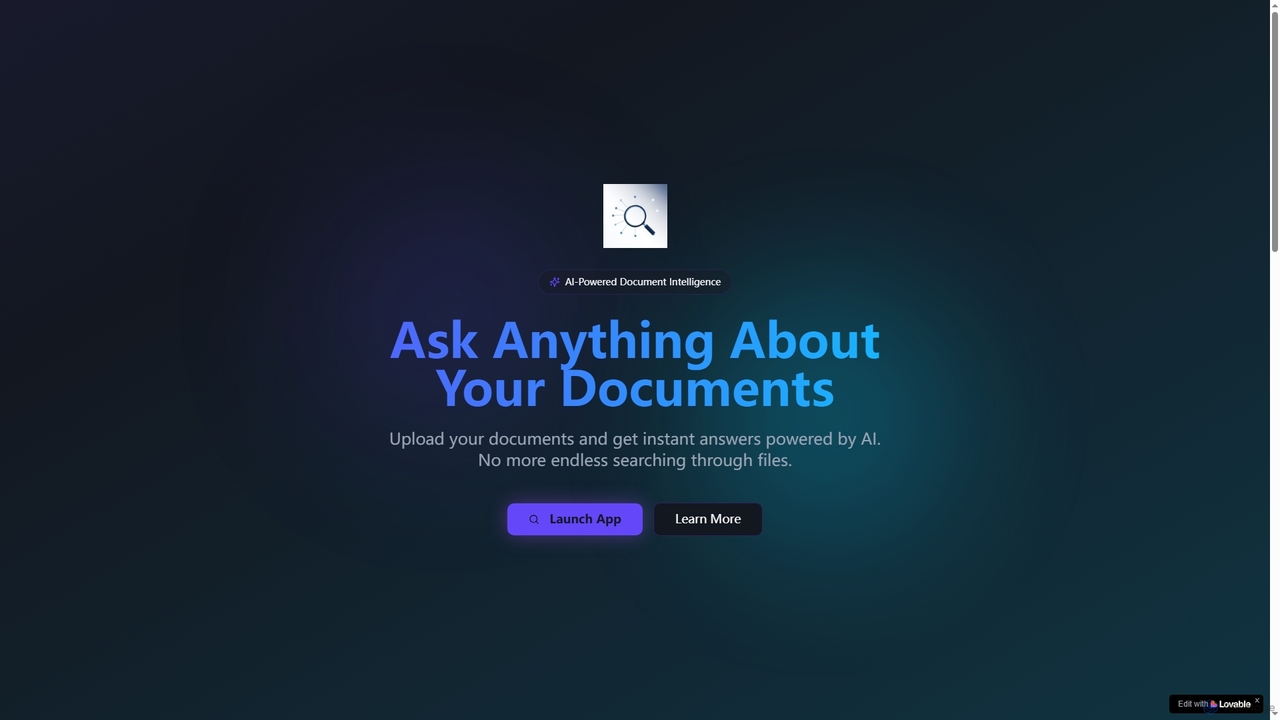
Lookitup AI
Lookitup AI is an AI-powered document intelligence tool that transforms your documents into interactive conversations. Upload PDFs, Word docs, and spreadsheets to get instant, accurate answers to your questions, eliminating manual searching and unlocking hidden knowledge with advanced AI insights.
Natural Language Processing
Nex
Nex is an AI Knowledge Copilot, a Chrome extension that summarizes long YouTube videos and articles. It extracts key takeaways, creates interactive timelines for videos, and highlights essential text, helping you absorb information up to 10x faster and build a personal knowledge base.
Chrome ExtensionsKomo
Komo is an AI-powered research companion that revolutionizes information discovery. It integrates advanced web search, knowledge browsing, and AI assistance, providing access to top models like DeepSeek, GPT, Claude, and Gemini. Features include AI-driven search, chat, mind mapping, and fact-checking to help users efficiently research topics, explain concepts, and gain deeper insights.
SearchClippingMini
ClippingMini is an intelligent bookmark manager that uses AI to automatically organize links into a searchable knowledge base. It instantly checks safety, adds tags, categorizes content, and allows inline previews of various file types without downloads.
Information Curation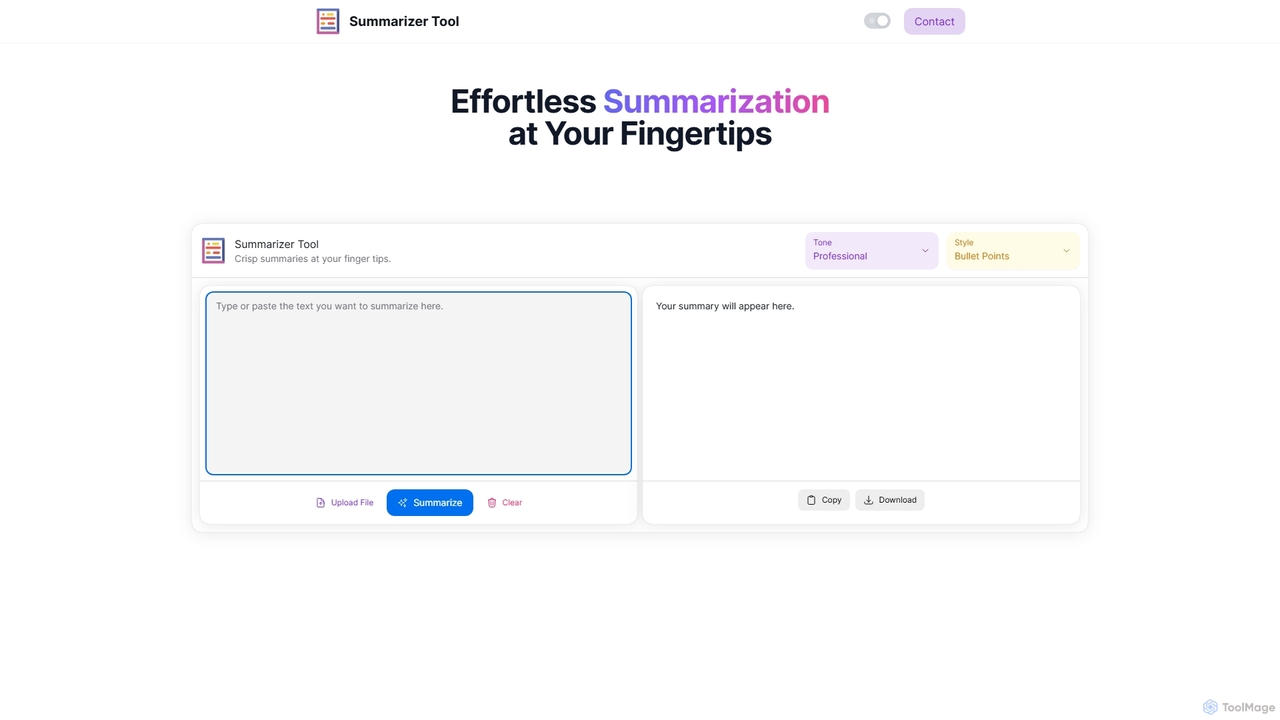
Summarizer Tool
Summarizer Tool is an AI-powered online platform that instantly condenses long texts, articles, or documents into concise, easy-to-digest summaries. It offers customization options for tone (Professional, Friendly, Sarcastic) and format (Paragraph, Bullet Points), supporting both text input and file uploads to enhance productivity for students, professionals, and writers.
Research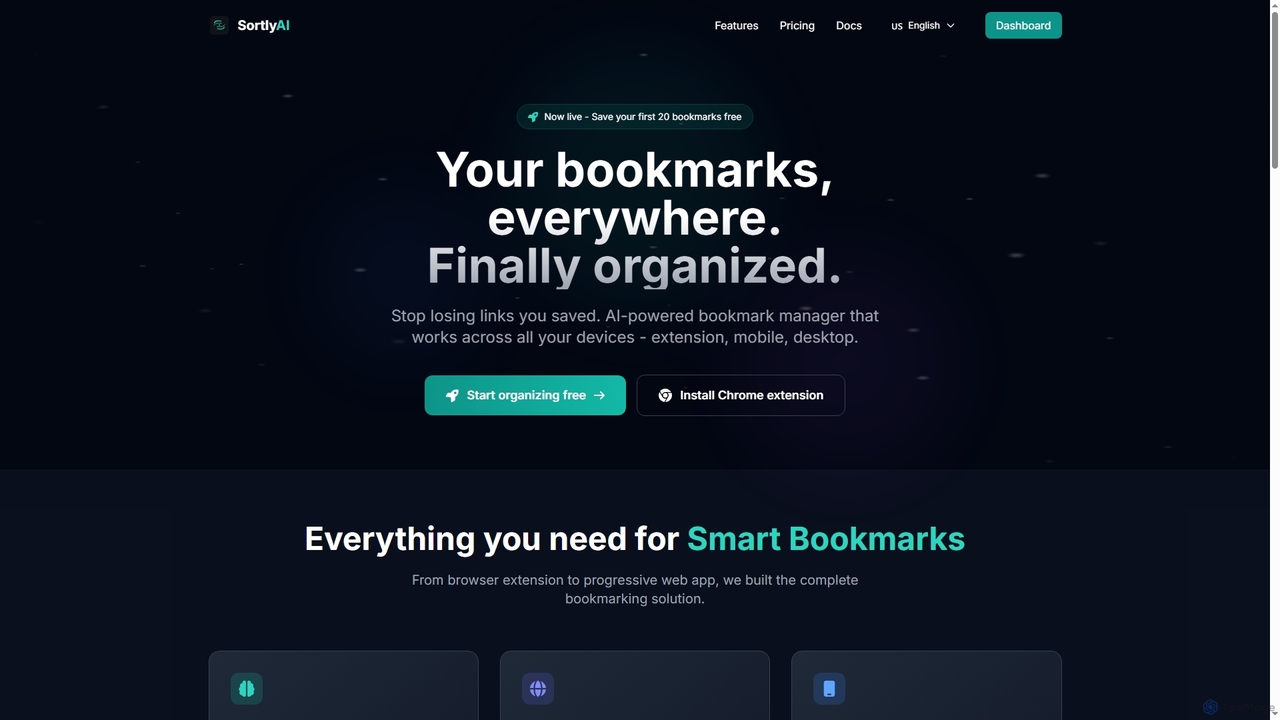
SortlyAI
SortlyAI is an AI-powered smart bookmark manager that organizes your saved links across all devices. It features auto-tagging, smart descriptions, and AI summaries, ensuring you never lose important web content again and can easily find what you need.
Research Tools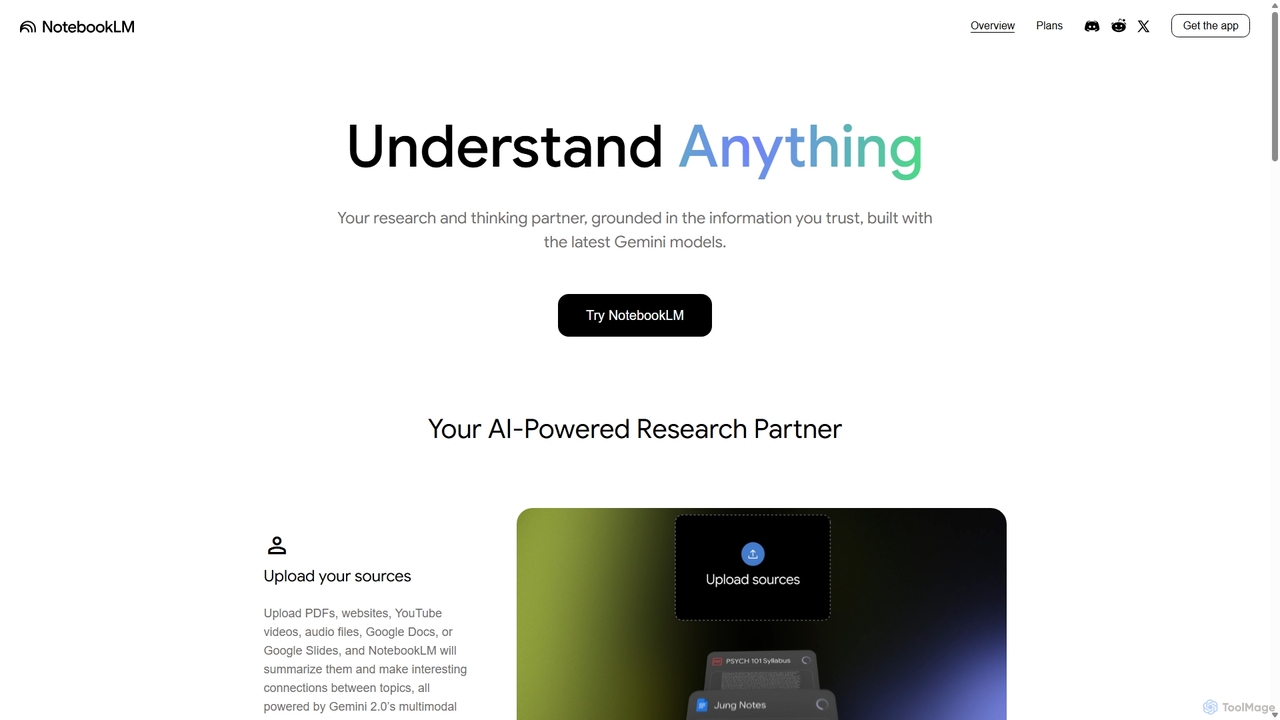
NotebookLM
NotebookLM is an AI-powered research assistant and thinking partner from Google. It helps you understand, synthesize, and generate insights from your own documents. Upload PDFs, Google Docs, websites, and more to create a personalized knowledge base, then ask questions, get summaries, and brainstorm new ideas, with all responses grounded in your source material.
Knowledge Management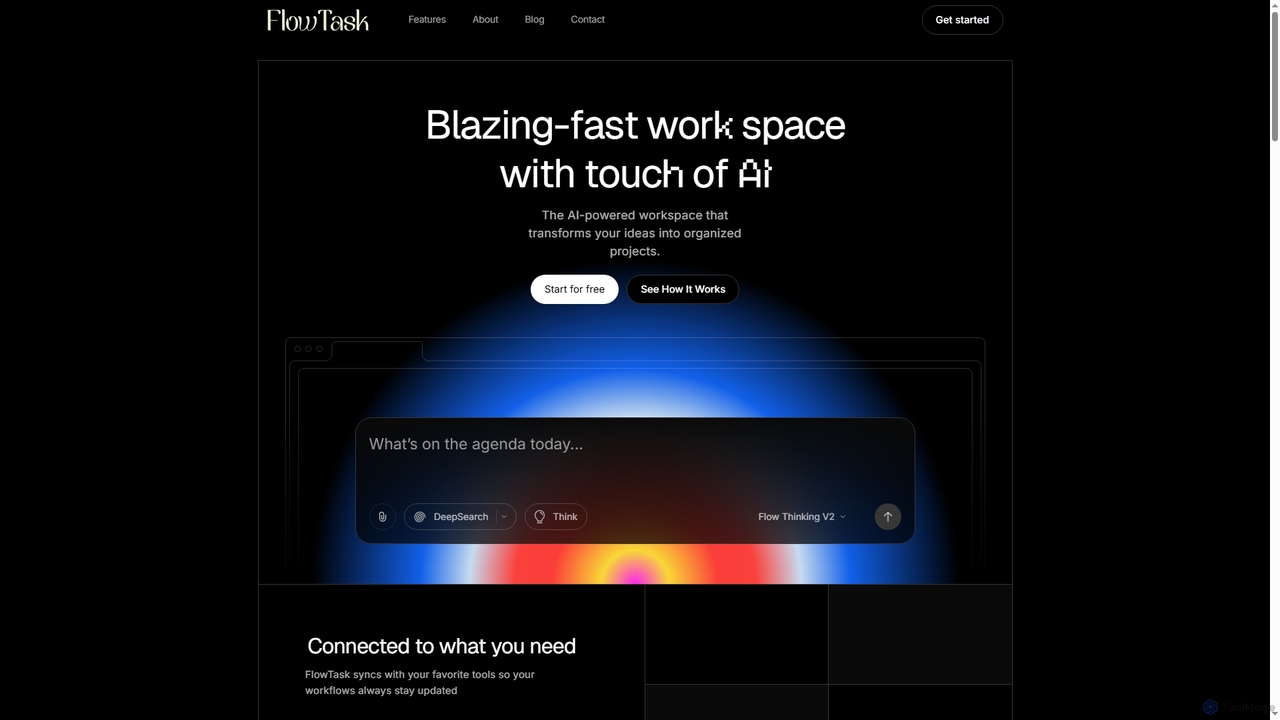
FlowTask
FlowTask is an AI-powered workspace designed to automatically structure projects, tasks, and documents in real-time. It transforms simple prompts into organized workflows, detects tasks and deadlines as you type, and provides instant summaries and cross-workspace search, streamlining productivity for individuals and teams.
Document Generation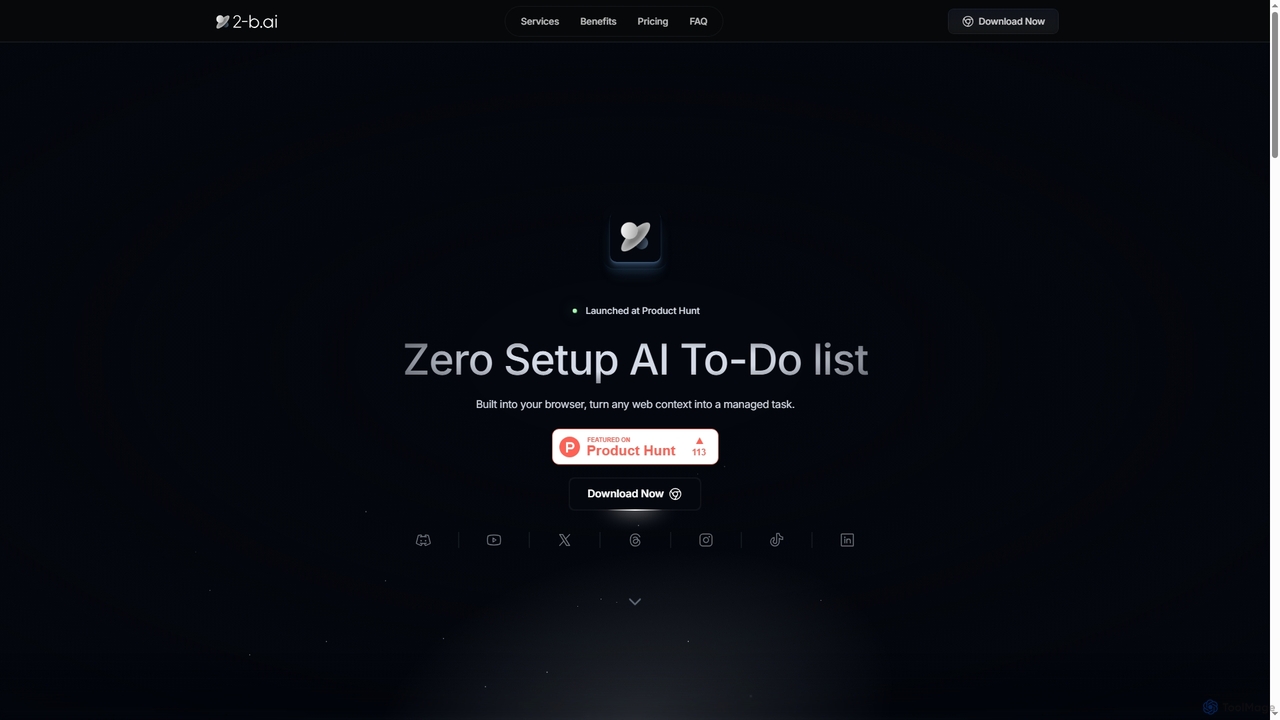
2-b.ai
2-b.ai is a browser-based AI To-Do list extension that seamlessly transforms any web context into manageable tasks. It offers AI-powered task creation, breakdown, and an AI chat for workflow organization, integrating with Google Calendar to enhance productivity directly within your browser.
Workflow Automation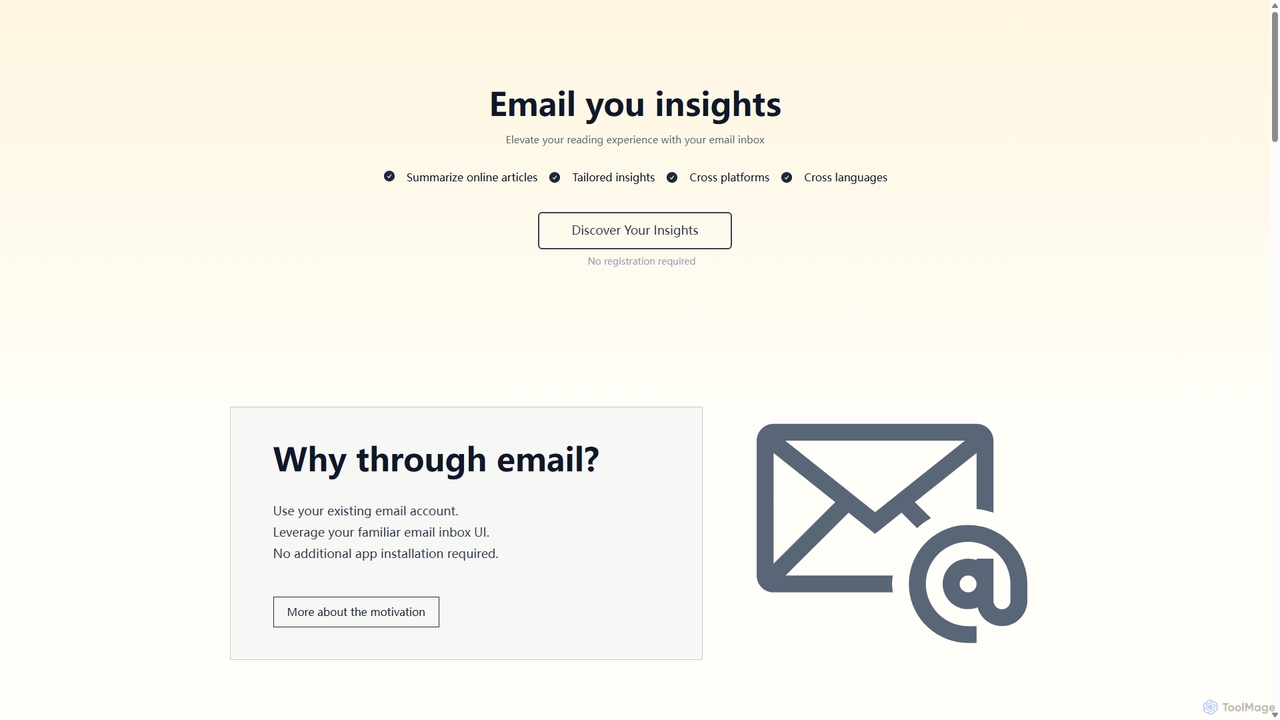
Wuko
Wuko is an AI-powered insight engine that works entirely through your email. Send any URL—articles, PDFs, or YouTube videos—to receive an instant summary. Dive deeper by replying with questions to get tailored insights, all without leaving your inbox. No registration or new apps needed.
Learning Assistant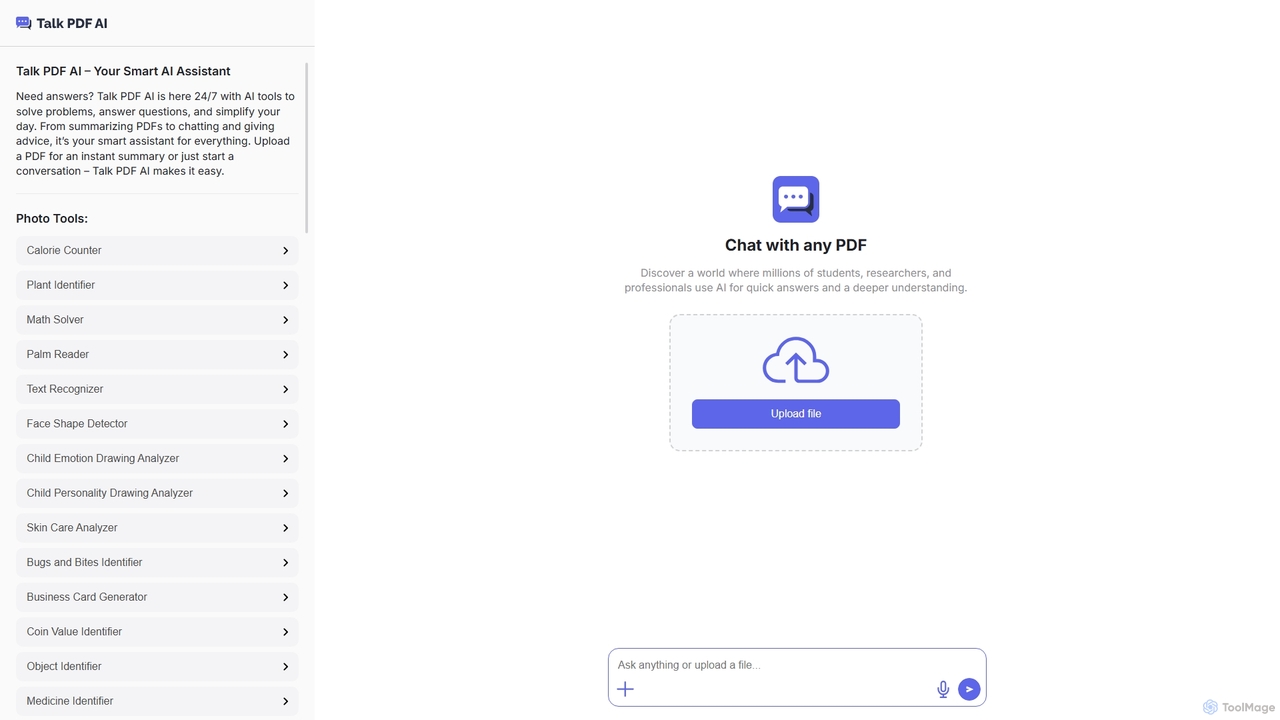
TalkPDF
TalkPDF is an intelligent AI assistant designed to simplify daily tasks by offering a wide array of tools. It excels at interacting with PDFs, providing instant summaries, answering questions, and facilitating conversations. Beyond PDF capabilities, it integrates numerous AI-powered photo, text, and audio tools for diverse needs.
Writing Assistant
SummarizeYT
SummarizeYT is an AI-powered browser extension that uses ChatGPT to generate concise summaries of YouTube videos. It helps you save time by quickly grasping the key points of any video without watching it in its entirety, integrating seamlessly into the YouTube interface.
Learning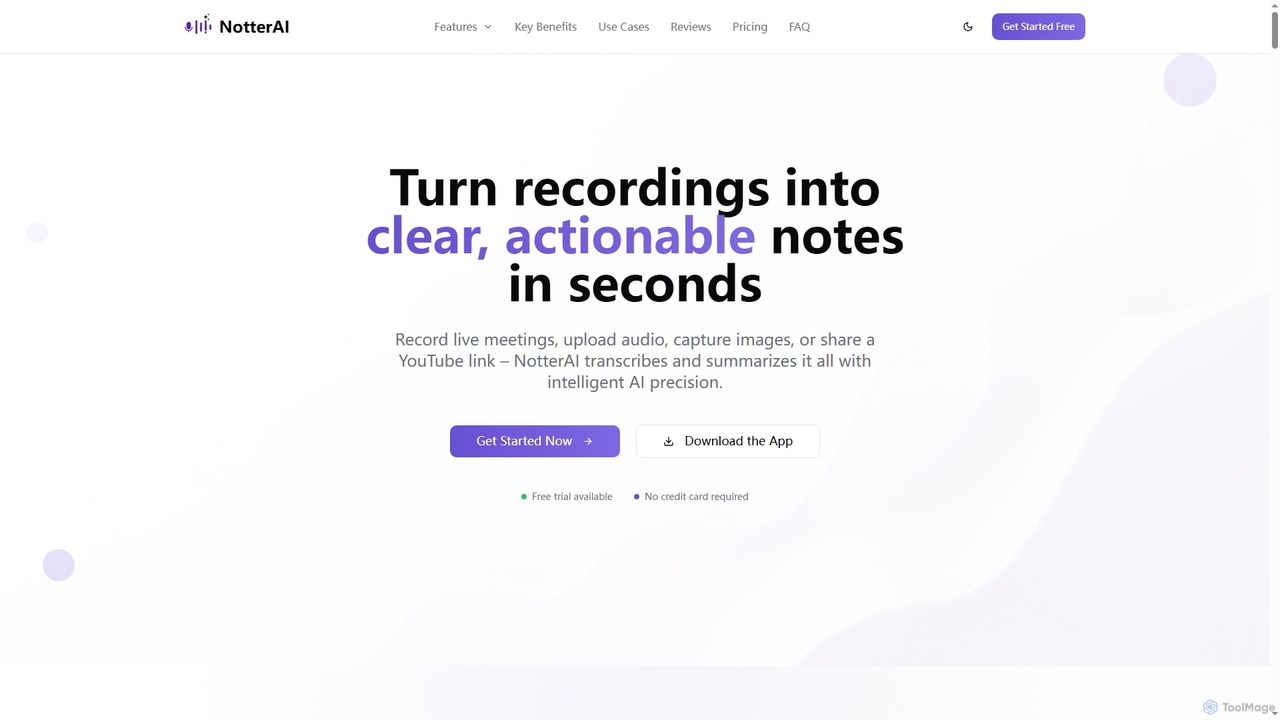
Notterai
Notterai is an AI-powered note-taker that transforms recordings, audio files, images, PDFs, and even YouTube videos into clear, actionable notes. It offers real-time transcription, intelligent summaries, and multi-language support to boost productivity for students, professionals, and creators.
Study Tools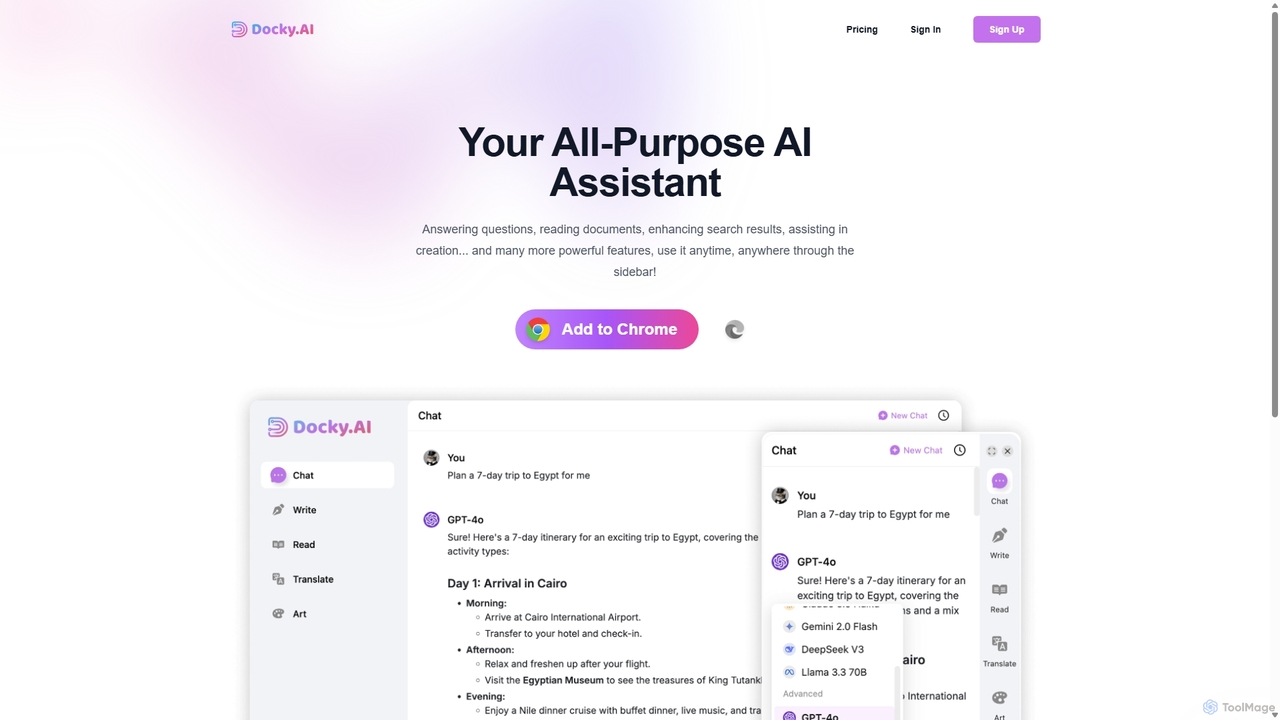
Docky.AI
Docky.AI is a powerful all-in-one AI sidebar for your browser. It integrates leading models like GPT-4, Claude, and DALL-E, allowing you to enhance search results, read documents, assist with writing, and generate content seamlessly on any webpage. Boost your productivity without ever switching tabs.
Search Assistant
QuickSearchPlus Comments (0)
Sign in to comment.
Sign inNo comments yet.