
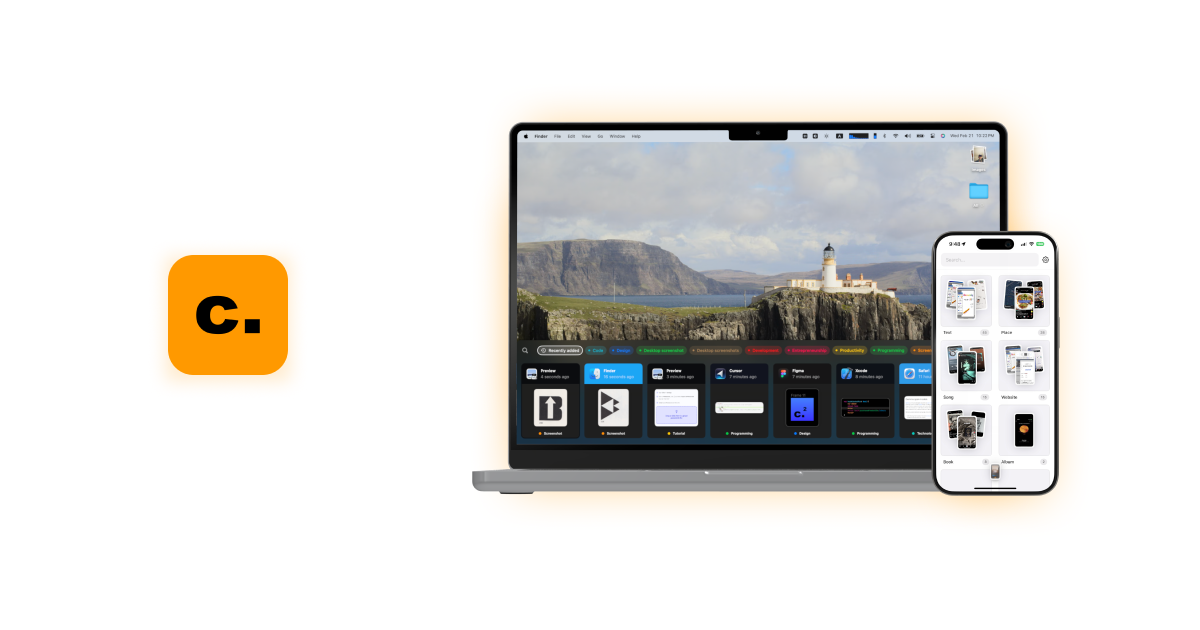

Camp Overview
Camp is a revolutionary screenshot management application designed to conquer the chaos of your screen captures. Built for macOS and iOS, it redefines how users interact with their visual information. At its core, Camp leverages artificial intelligence to automatically analyze, title, and tag every screenshot you take. This eliminates the manual, tedious process of organizing files, allowing you to focus on capturing inspiration and information. It transforms a messy folder of generically named files into a powerful, searchable database of your visual knowledge, all while prioritizing your privacy by keeping all data stored securely on your local device.
How to use Camp
Getting started with Camp is designed to be seamless and intuitive, integrating directly into your existing workflow. Here’s a typical user journey:
- Installation: Download and install the Camp application from the official website or the Apple App Store for your macOS or iOS device.
- Capture: Take a screenshot using the native system shortcuts (e.g., ⌘ + Shift + 4 on Mac). Camp automatically detects and imports the new screenshot into its library.
- AI Organization: In the background, Camp's AI engine gets to work. It uses OCR (Optical Character Recognition) to read text within the image and image recognition to understand the context. Based on this analysis, it generates a relevant title (e.g., 'Stripe Pricing Page') and adds smart tags (e.g., 'pricing', 'saas', 'web design').
- Search & Retrieval: To find a screenshot, simply open Camp and use the instant search bar. You can search for any keyword, text contained within the screenshot, or the tags Camp has assigned. The search is incredibly fast and accurate.
- Advanced Workflow: For power users, Camp offers hotkey support (e.g., ⌘ ⌥ V) for quick access. You can also pin your most important or frequently used screenshots to the top for immediate access.
- Cross-Device Access: With both macOS and iOS apps, your organized screenshot library can be synced (likely via iCloud) and made available across your Apple devices, ensuring your inspiration is always at hand.
Core Features of Camp
- AI-Powered Auto-Tagging and Titling: The standout feature. Camp intelligently analyzes the content of each screenshot to automatically assign descriptive titles and relevant tags, saving you hours of manual organization.
- Instant Full-Text Search: A powerful search engine that lets you find screenshots based on any text they contain, even if it's just a single word in a paragraph.
- Local-First Privacy: All your screenshots and their associated data are stored exclusively on your local device. No cloud servers, no data mining, ensuring complete privacy.
- Keyboard-Optimized Controls: Designed for efficiency, Camp provides a suite of keyboard shortcuts to supercharge your workflow, allowing you to navigate, search, and manage screenshots without leaving the keyboard.
- Pin Favorites: Keep essential screenshots at your fingertips by pinning them. Perfect for temporary references, to-do lists, or key inspirations.
- Multi-Device Support: Available for both macOS and iOS, allowing you to capture and access your organized library whether you're at your desk or on the go.
- Sleek and Intuitive Interface: A clean, minimalist design that makes browsing and managing your visual library a pleasure, not a chore.
Use Cases for Camp
Camp is a versatile tool that benefits a wide range of professionals and creatives:
- Designers & Artists: Capture and build a library of UI/UX inspiration, color palettes, typography examples, and design patterns from across the web. The automatic tagging makes it easy to find references later (e.g., search for 'dashboard' or 'button').
- Developers & Engineers: Save screenshots of code snippets, error messages, API documentation, and terminal outputs. The full-text search allows you to find a specific error code or function name you saved weeks ago.
- Writers & Researchers: Collect quotes, statistics, charts, and data points from articles, PDFs, and research papers. Camp acts as a visual research archive.
- Students: Capture important slides from online lectures, key passages from digital textbooks, and research materials for assignments.
- Product Managers & Marketers: Keep track of competitor websites, user feedback from social media, and marketing campaign ideas.
Advantages of Camp
Camp offers significant advantages over traditional screenshot methods:
- Effortless Organization: It turns a passive, chaotic activity (taking screenshots) into an active, organized knowledge base with zero extra effort.
- Massive Productivity Boost: By automating organization and providing lightning-fast search, it dramatically reduces the time spent looking for information.
- Enhanced Creativity: Makes it easy and enjoyable to collect and revisit inspiration, fostering a more creative workflow.
- Complete Privacy and Control: The local-first approach gives users peace of mind that their visual data remains private and under their control.
Pricing and Plans
The official website does not explicitly list pricing information. Typically, applications of this nature in the Apple ecosystem follow one of two models: a one-time purchase on the App Store or a freemium model where core features are free and advanced capabilities require a subscription or a 'Pro' upgrade. Prospective users should check the official Mac App Store and iOS App Store pages for the most current pricing details and to see if a free trial is available.
Camp Alternatives
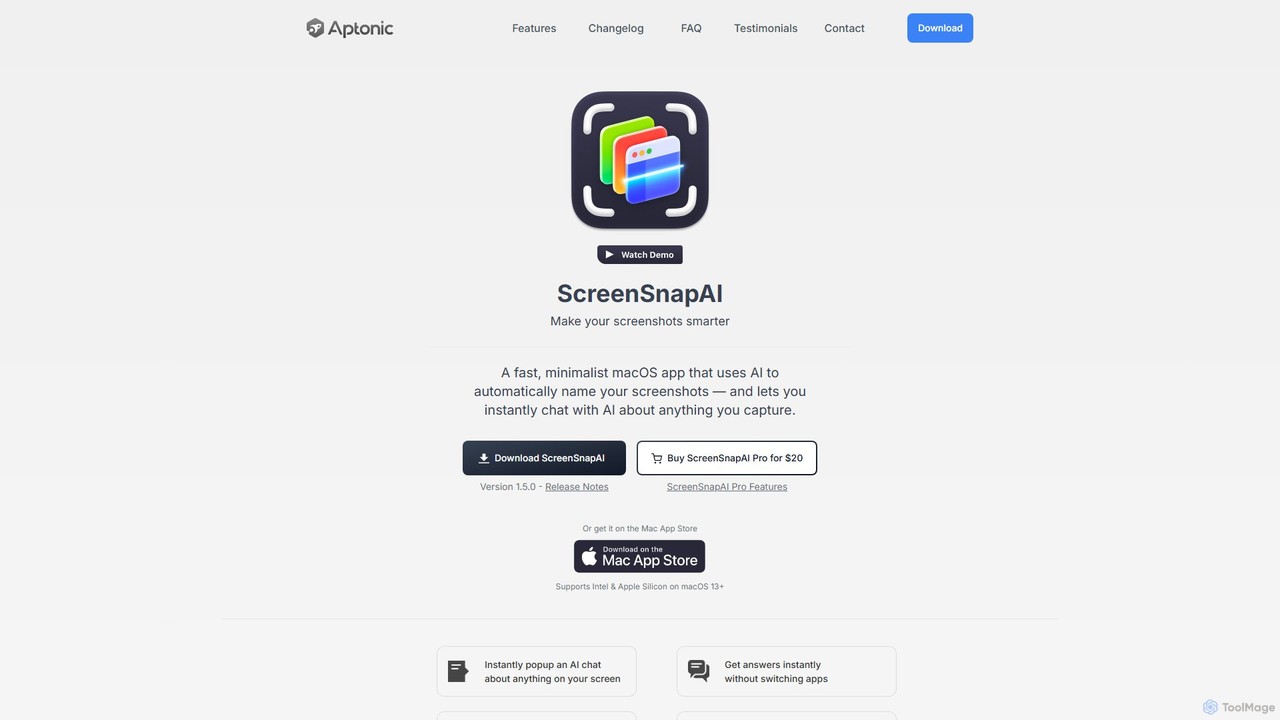
ScreenSnapAI
ScreenSnapAI is a smart macOS application that uses AI to automatically rename, tag, and organize your screenshots. It features an integrated AI assistant that allows you to instantly chat about, translate, or extract text and code from any captured image, dramatically improving productivity and workflow efficiency.
Code Assistant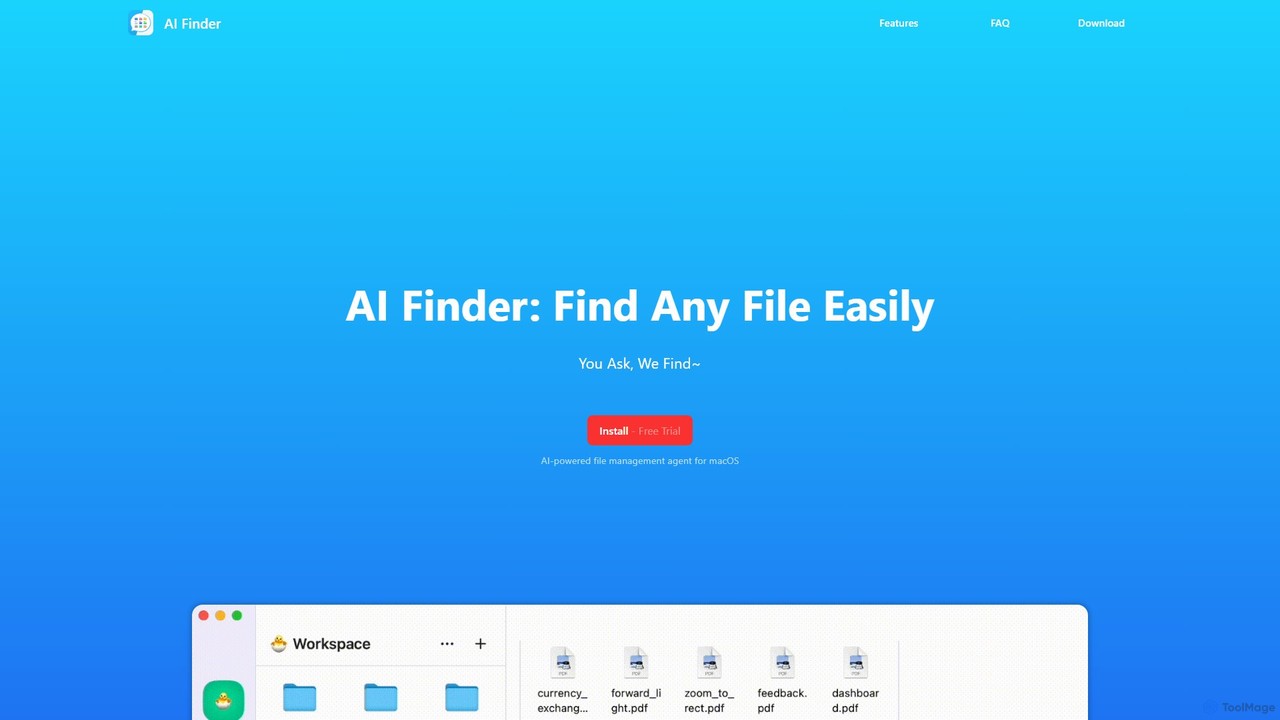
AI Finder
AI Finder is an intelligent file management agent for macOS that revolutionizes how you find files. Using natural language, you can search files by content, creation date, or even vague descriptions. It also features a 'Talk to PDF' function, allowing you to chat with, summarize, and extract key insights from your documents. All processing is done locally, ensuring your data remains private and secure.
Analysis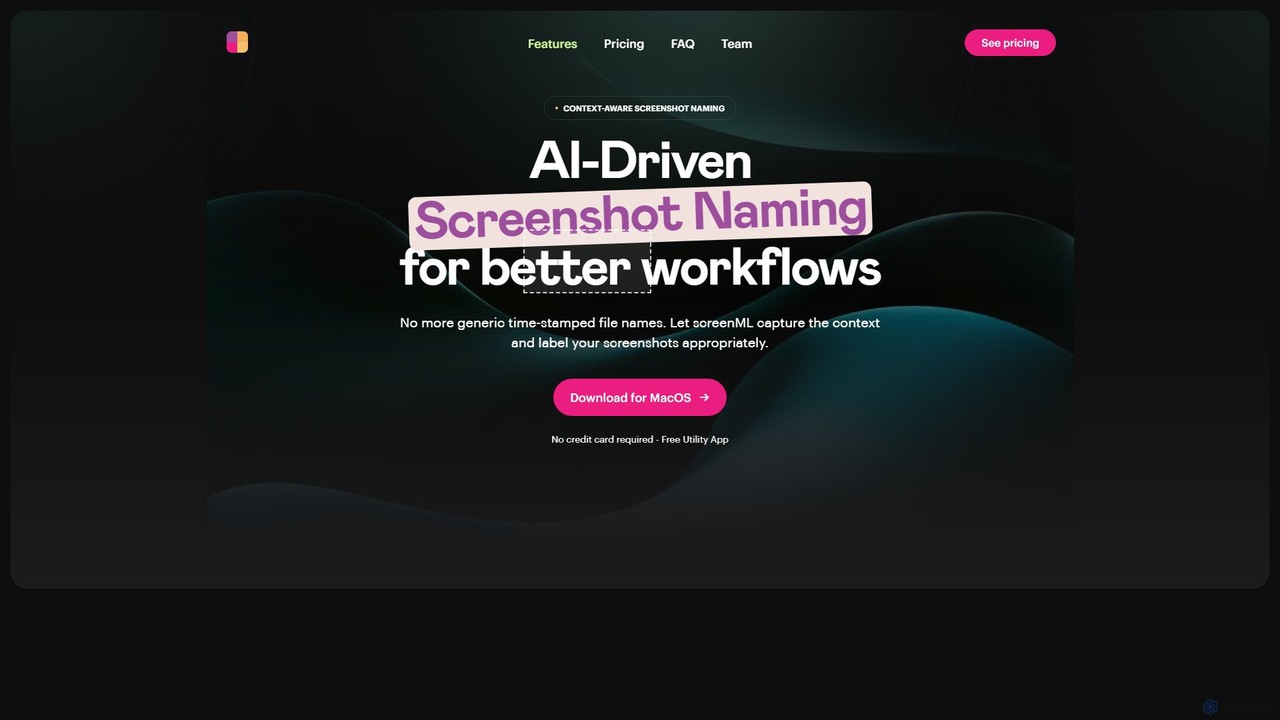
ScreenML
ScreenML is an AI-powered MacOS utility that automatically renames your screenshots with context-aware, descriptive filenames. It eliminates cluttered desktops and timestamped file names, making your screenshots organized, searchable, and easy to manage, streamlining your entire workflow.
Screenshot Tool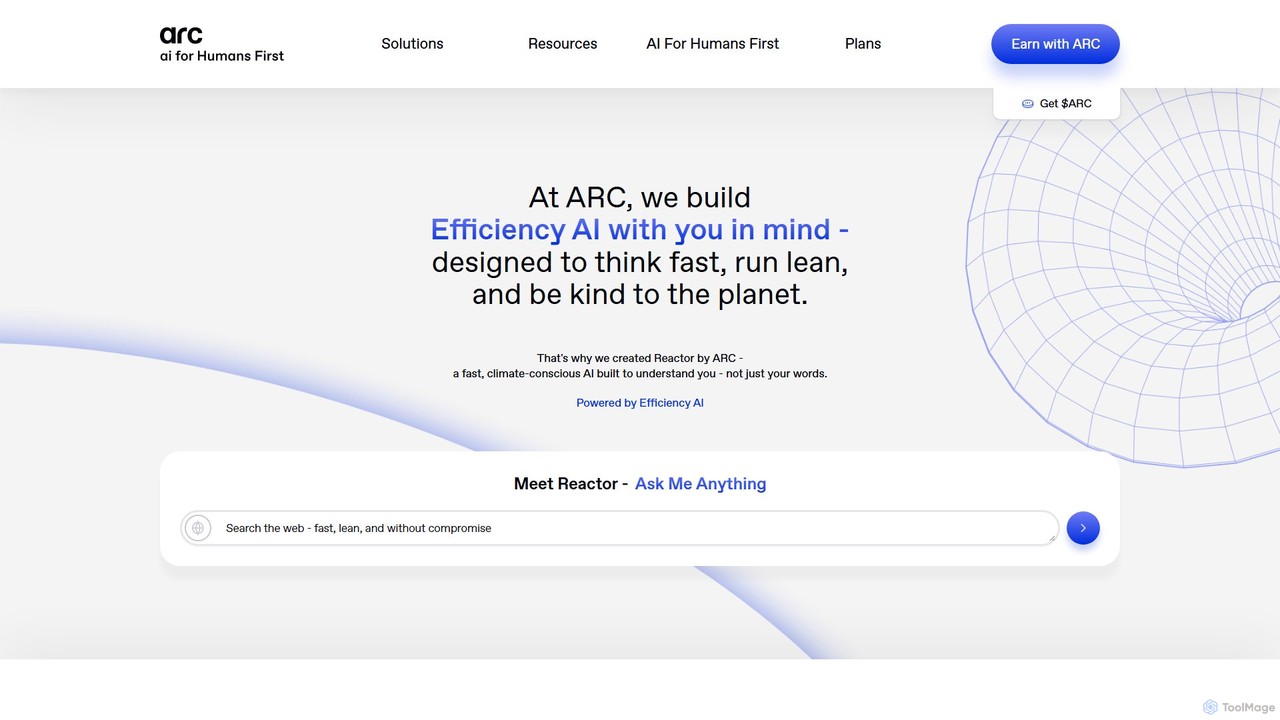
Arc
Arc is a revolutionary browser by The Browser Company, designed to be a smart, organized, and private alternative to Chrome. It integrates AI features to enhance productivity, offers unique organization tools like Spaces and Split View, and provides a seamless, ad-free experience across desktop and mobile.
Search Assistant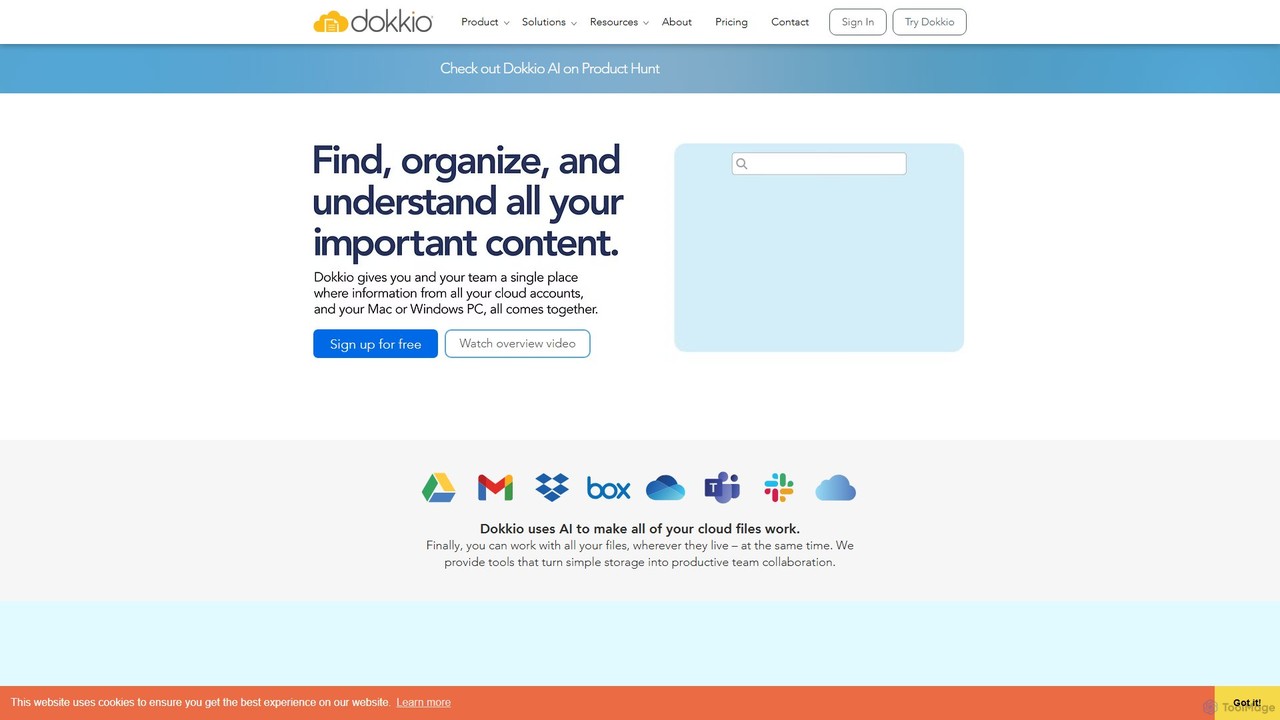
Dokkio
Dokkio is an AI-powered platform that unifies all your files from various cloud services like Google Drive, Dropbox, and Slack. It intelligently finds, organizes, and helps you understand your content, transforming scattered files into a centralized, searchable knowledge base for enhanced productivity and team collaboration.
TeamworkCamp Categories
Camp Embed Widget
Copy this embed code to place the badge on your blog, article, or product site and send readers directly to this ToolMage detail page.

Related AI tools
Arc
Arc is a revolutionary browser by The Browser Company, designed to be a smart, organized, and private alternative to Chrome. It integrates AI features to enhance productivity, offers unique organization tools like Spaces and Split View, and provides a seamless, ad-free experience across desktop and mobile.
Search Assistant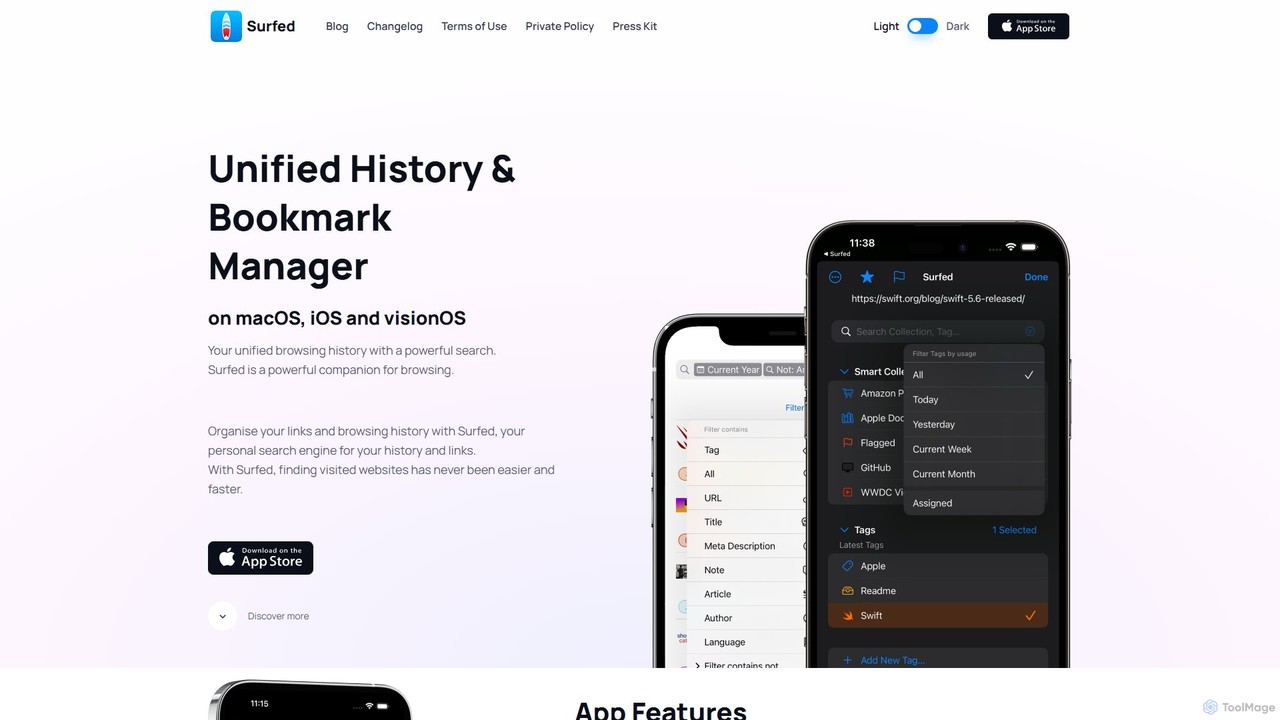
Surfed
Surfed is a powerful, privacy-focused history and bookmark manager for macOS, iOS, and visionOS. It unifies your browsing history from all major browsers, acting as your personal search engine. With features like AI-powered summarization, web automation, read-it-later, and cross-device sync, Surfed transforms how you organize, find, and interact with your web links and content.
Automation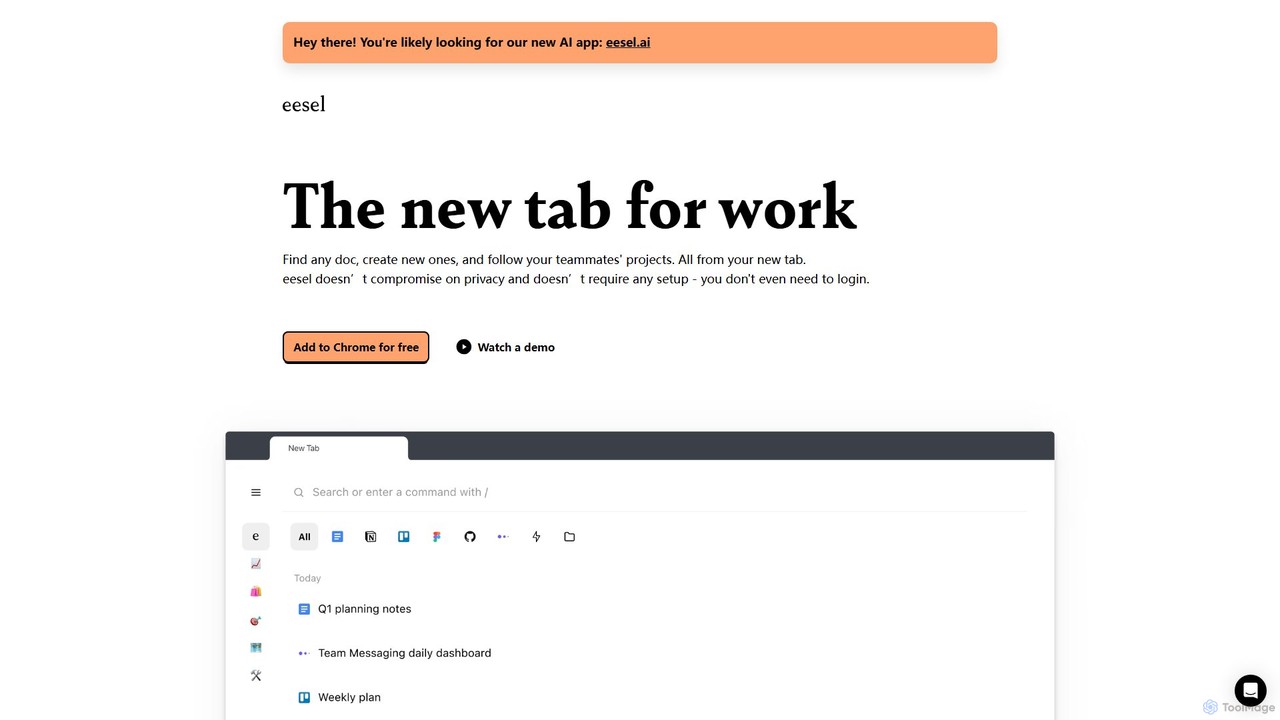
eesel
eesel is a smart browser extension that transforms your new tab into a productivity hub. It automatically organizes your work from all your apps (Google Docs, Notion, Figma, etc.), making every document instantly searchable. With a strong focus on privacy, eesel works locally on your computer, requires no setup, and helps you and your team stay organized and in sync without effort.
New Tab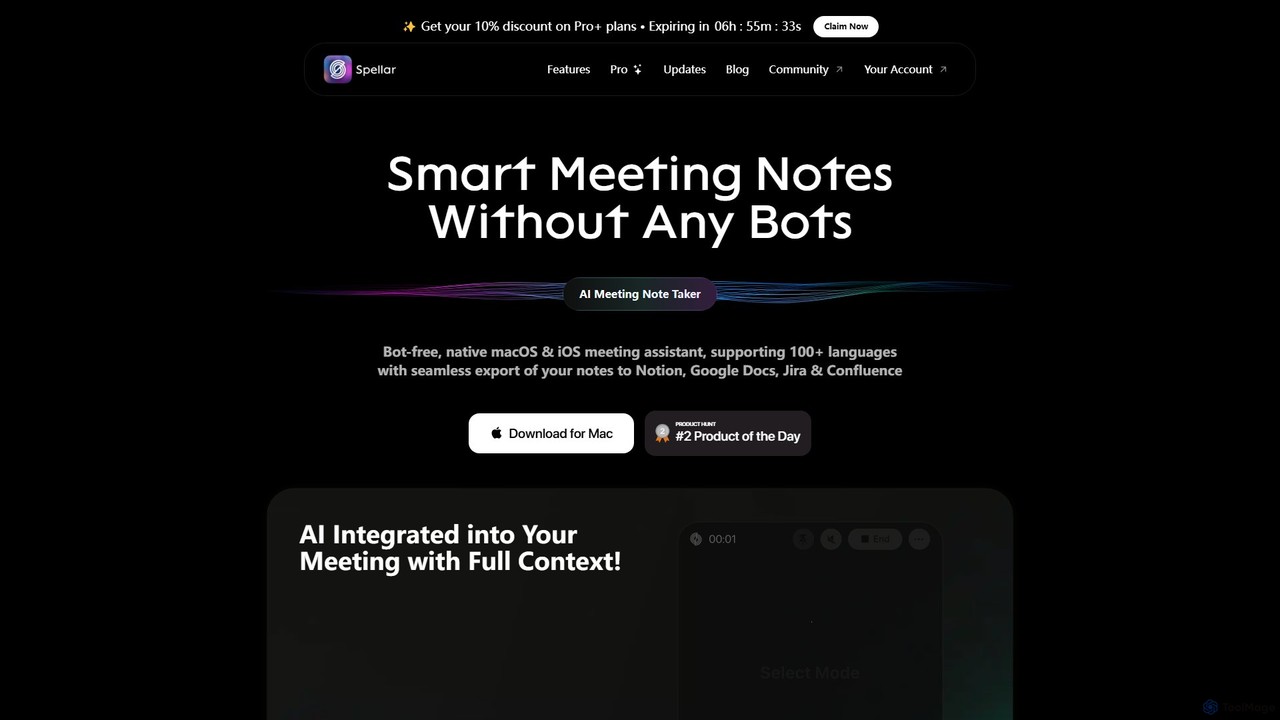
Spellar
Spellar is a bot-free AI meeting assistant for macOS, iOS, and web. It records, transcribes, and summarizes your meetings, providing actionable insights and real-time communication feedback. It integrates seamlessly with tools like Notion, Jira, and Google Docs, supporting over 100 languages to boost your productivity.
Language Learning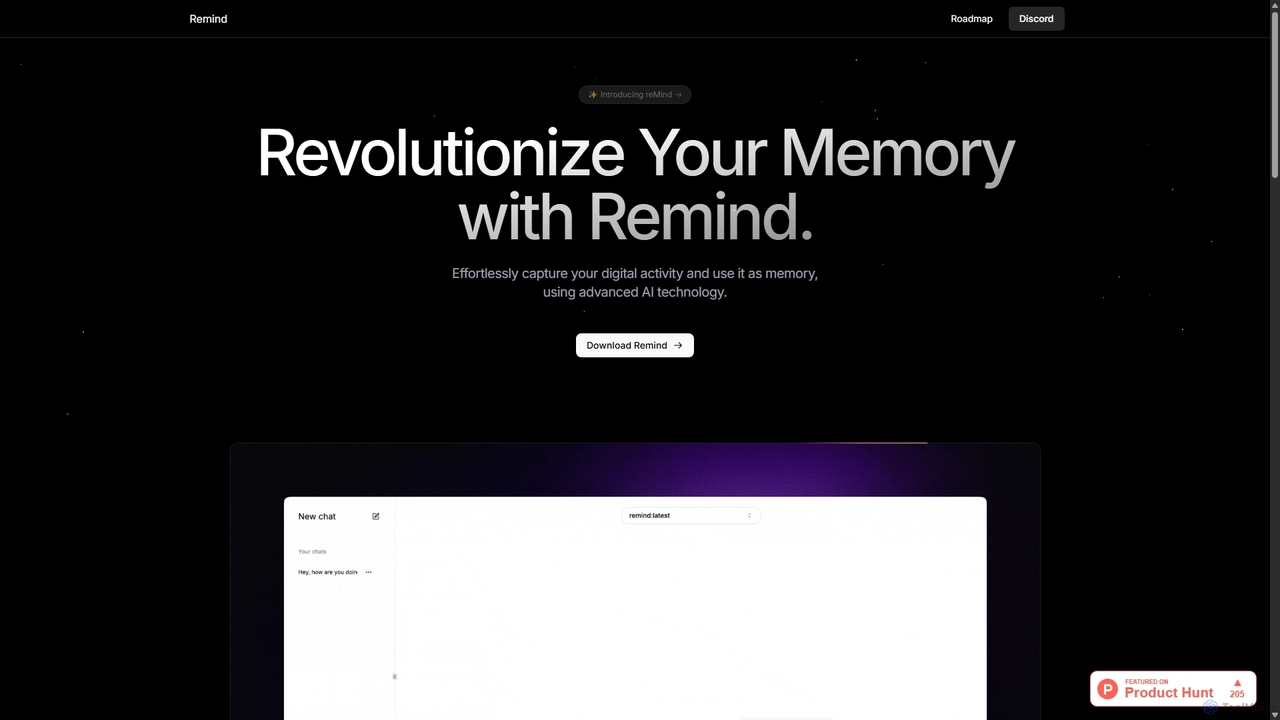
ReMind
reMind is an open-source, privacy-first AI tool that acts as your personal memory. It captures your digital activity locally, allowing you to search and recall anything you've seen or done on your computer using natural language. It runs entirely on your machine for maximum security.
Utilities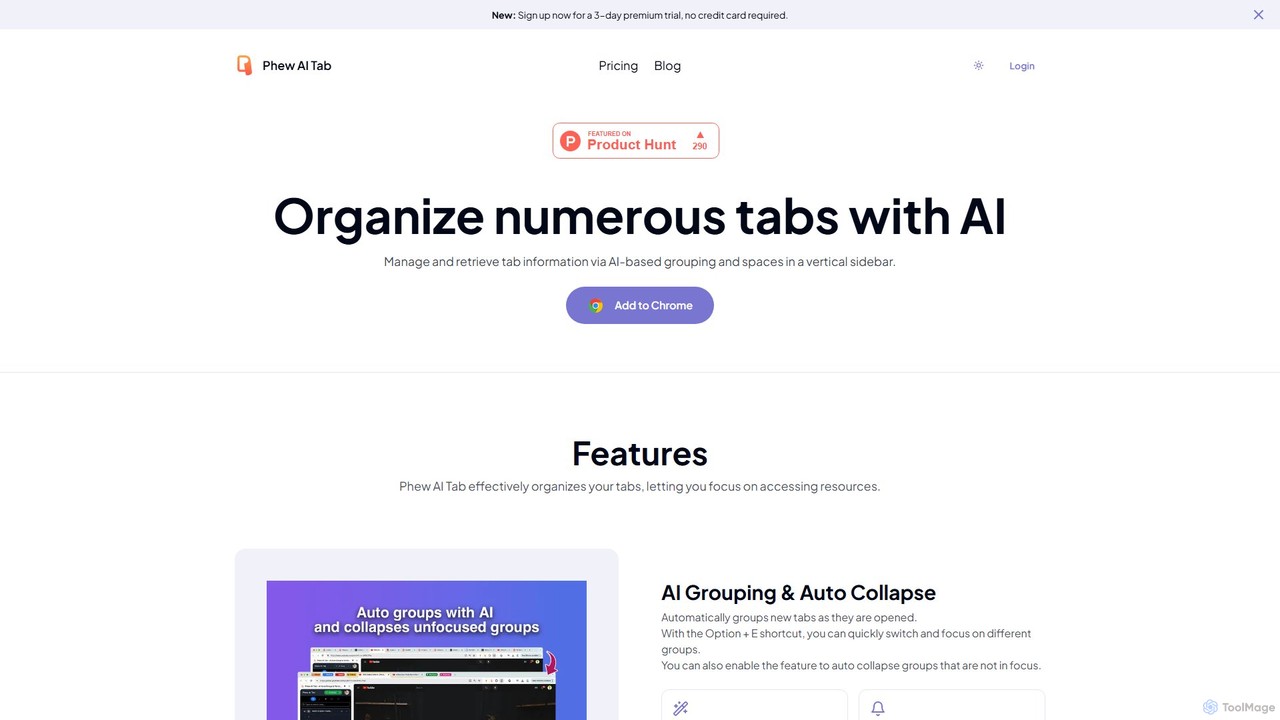
Phew AI Tab
Phew AI Tab is an intelligent browser extension that revolutionizes tab management. It uses AI to automatically group, analyze, and summarize your tabs, transforming them into a searchable knowledge base. With features like cloud-synced "Spaces," vertical tabs, and robust privacy protection including local encryption and self-hosting options, Phew AI Tab helps you stay focused, organized, and productive across all your devices.
Personal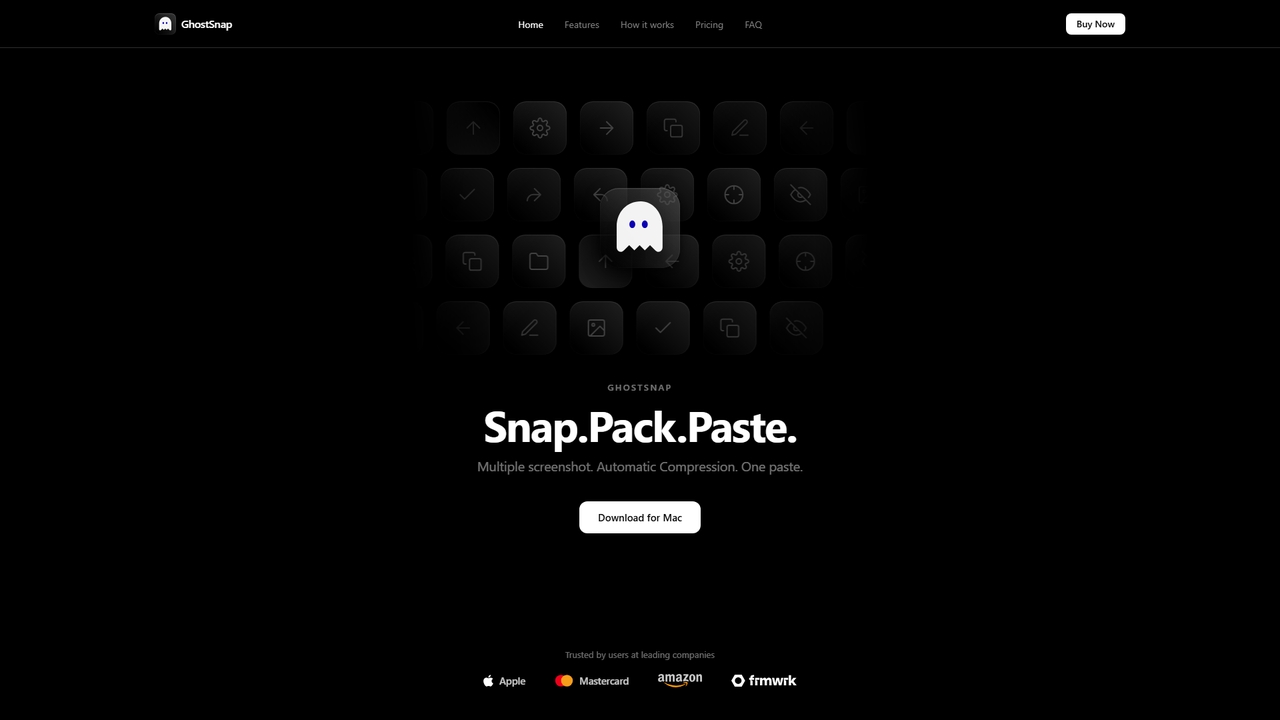
GhostSnap
GhostSnap is a macOS productivity tool that streamlines screenshot workflows. It allows users to capture multiple screenshots, automatically compresses them to save space and reduce token usage in AI tools, and pastes them all with a single command. It also features on-device OCR text extraction and image annotation.
Image ToolsScreenSnapAI
ScreenSnapAI is a smart macOS application that uses AI to automatically rename, tag, and organize your screenshots. It features an integrated AI assistant that allows you to instantly chat about, translate, or extract text and code from any captured image, dramatically improving productivity and workflow efficiency.
Code AssistantAI Finder
AI Finder is an intelligent file management agent for macOS that revolutionizes how you find files. Using natural language, you can search files by content, creation date, or even vague descriptions. It also features a 'Talk to PDF' function, allowing you to chat with, summarize, and extract key insights from your documents. All processing is done locally, ensuring your data remains private and secure.
AnalysisScreenML
ScreenML is an AI-powered MacOS utility that automatically renames your screenshots with context-aware, descriptive filenames. It eliminates cluttered desktops and timestamped file names, making your screenshots organized, searchable, and easy to manage, streamlining your entire workflow.
Screenshot Tool
Raycast
Raycast is a blazingly fast, extendable launcher for macOS that supercharges your productivity. It replaces Spotlight with a powerful command-line interface to control your tools, search files, run scripts, and automate tasks. With an integrated AI assistant, a vast store of community-built extensions, and features like Clipboard History, Snippets, and Window Management, Raycast centralizes your workflow, saving you time and context-switching.
Workflow Automation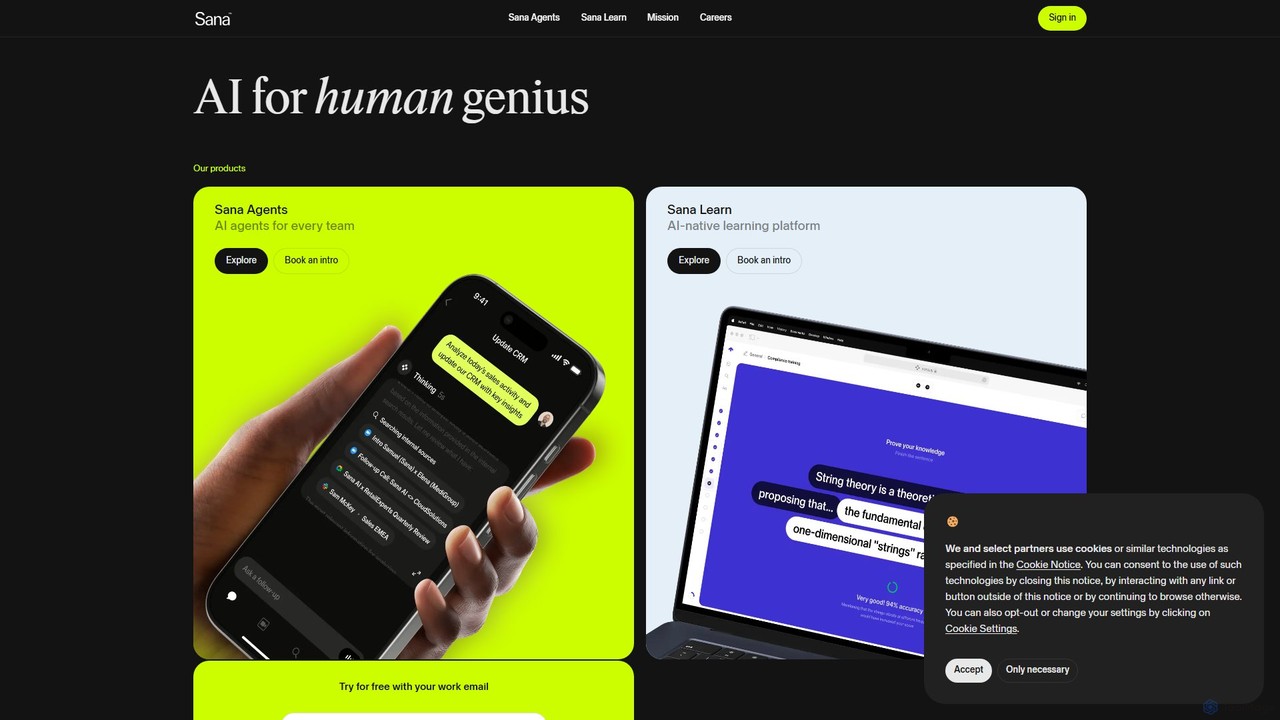
Sana
Sana is an all-in-one AI platform designed for the workplace. It combines a powerful knowledge assistant with an AI-native learning platform, enabling teams to find information, automate tasks, and accelerate learning. By connecting to all your company's apps, Sana acts as a central intelligence layer to unlock your organization's collective genius.
Ai Assistant
superwhisper
superwhisper is an AI-powered dictation and transcription tool for macOS and iOS. It offers high-accuracy speech-to-text conversion, intelligent formatting modes for different contexts (emails, notes), and supports over 100 languages. It prioritizes privacy with offline, on-device processing and works seamlessly in any application.
Speech To Text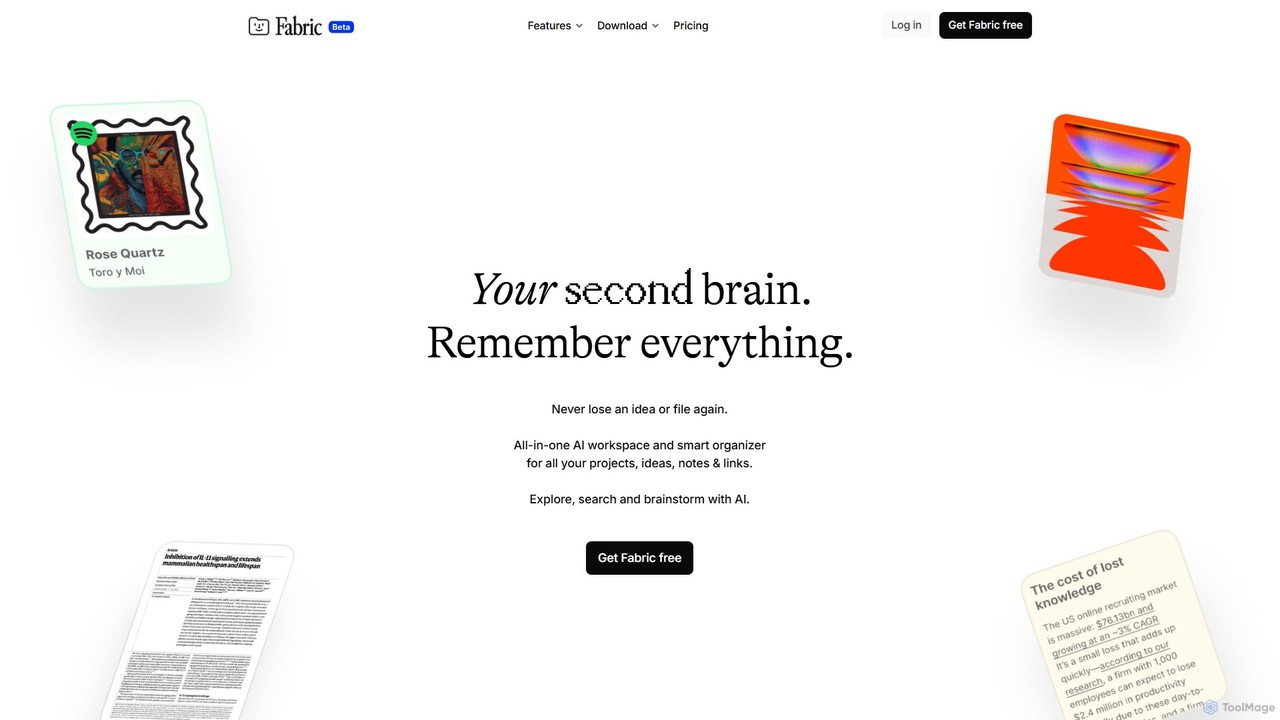
Fabric
Fabric is an AI-powered workspace and smart organizer that acts as your second brain. It automatically centralizes and connects all your notes, files, links, and ideas, eliminating the need for manual organization. Search your entire digital library with natural language and collaborate with an intelligent AI partner.
Personal Assistant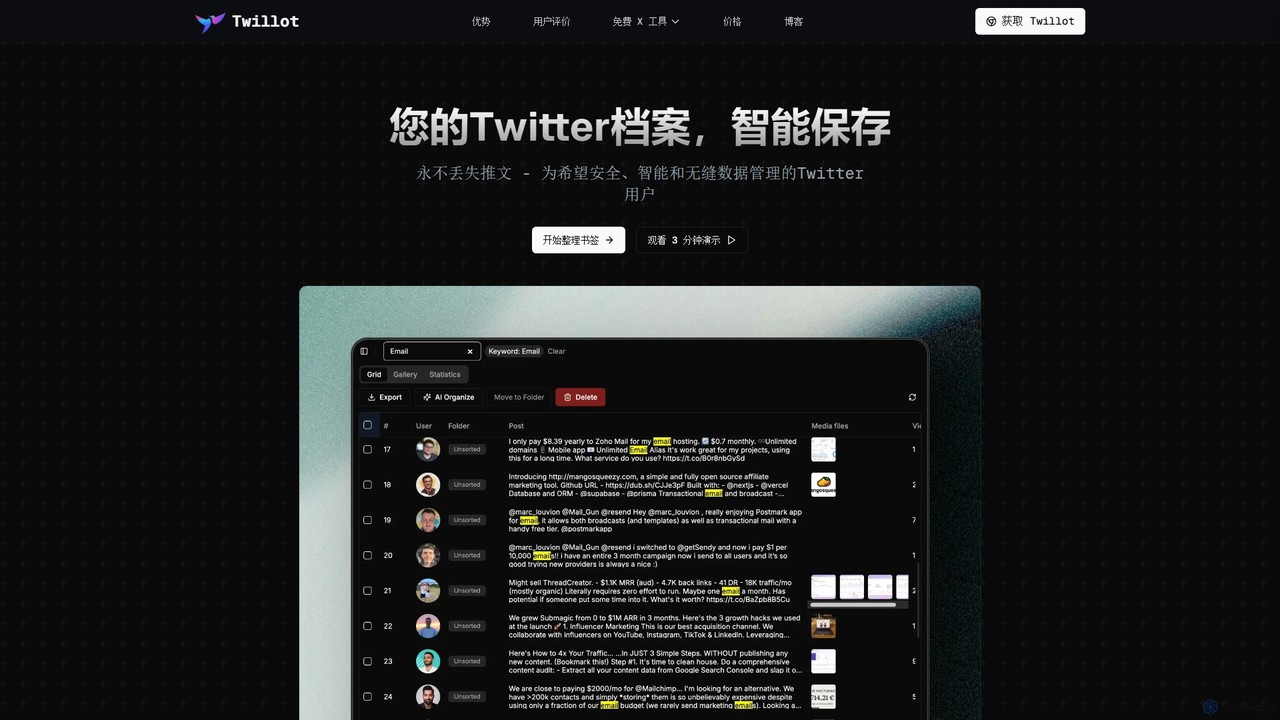
Twillot
Twillot is an AI-powered browser extension for Twitter/X, designed to intelligently save, manage, and search your entire Twitter archive. It helps you organize bookmarks, tweets, likes, and media locally, ensuring privacy and providing powerful tools for data export and analysis.
Archiving
Camp Comments (0)
Sign in to comment.
Sign inNo comments yet.