

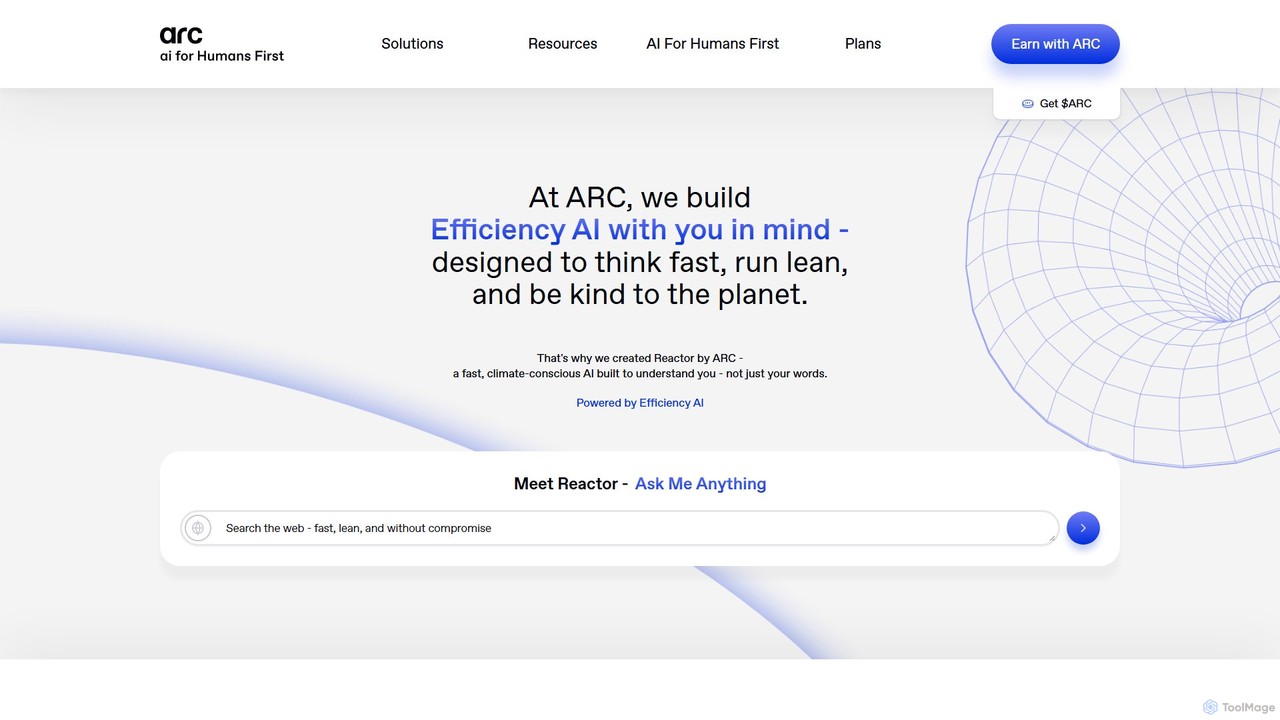
Arc Overview
Arc by The Browser Company is a revolutionary web browser that redefines how we interact with the internet. It's not just a replacement for Chrome but a complete reimagining of the browsing experience, designed to be cleaner, smarter, and more personal. Arc integrates powerful AI features seamlessly into your workflow, transforming the browser into an intelligent assistant for work, study, and daily life. It organizes your digital world with innovative features like Spaces and Split View, all while prioritizing your privacy and security.
How to use Arc
Getting started with Arc is simple and intuitive. First, download the application for your operating system (macOS or Windows) or the Arc Search app for your mobile device (iOS or Android). The initial setup includes a one-click import tool that transfers all your bookmarks, passwords, and history from your previous browser in under a minute. Once installed, you can begin organizing your tabs into 'Spaces'—dedicated areas for different aspects of your life, like 'Work,' 'University,' or 'Hobbies.' Use the vertical sidebar to manage your tabs, pin your favorites for quick access, and let Arc automatically archive old tabs to keep your workspace tidy. To leverage its AI capabilities, simply use 'Browse for Me' in the mobile app for summarized search results, or highlight text on any webpage and use 'Ask on Page' to get quick answers and explanations. Customization is also key; explore 'Boosts' to change the look and feel of any website to your liking.
Core Features of Arc
- AI-Powered Browsing (Arc Max): A suite of AI tools including 'Browse for Me' which generates custom web pages summarizing search results, 'Ask on Page' for contextual Q&A, and AI-powered renaming for tabs and downloads.
- Spaces and Profiles: Effortlessly organize your tabs and online activities into distinct, focused workspaces. Each Space can have its own theme and profile, keeping your work, study, and personal life separate but accessible in one window.
- Split View: View and interact with up to four tabs simultaneously in a single window, perfect for multitasking, research, and comparison tasks.
- Easels: A built-in digital whiteboard for capturing ideas, creating mood boards, and collaborating on projects directly within your browser.
- Privacy First: Arc is built from the ground up to be private. It blocks ads, trackers, and pop-ups by default and does not track the websites you visit or your search queries.
- Arc Sync: Seamlessly sync all your tabs, Spaces, Easels, and notes across all your devices, including Mac, Windows, and iOS/Android.
- Boosts and Customization: Personalize your browsing experience by changing the colors, fonts, and even removing sections of any website with Boosts. Choose from various themes to make the browser truly yours.
- Arc Search (Mobile): A dedicated mobile browser focused on speed and AI-driven search. It features 'Browse for Me' for instant answers and a built-in ad and tracker blocker.
Use Cases for Arc
Arc is versatile and caters to a wide range of users. Students can create a separate Space for each class, keeping notes, research, and assignments organized. They can use Split View to write an essay while referencing sources and use 'Ask on Page' to quickly understand complex academic papers. Professionals and developers can manage multiple projects in different Spaces, separating client work from internal tasks. Split View is invaluable for comparing code, viewing documentation, or participating in a video call while taking notes. Researchers can leverage 'Browse for Me' to get quick, comprehensive overviews of topics and use Easels to collate findings and visual data. For casual users, Arc offers a decluttered, ad-free, and aesthetically pleasing way to browse the web, with the added benefit of smart organization that anticipates their needs.
Advantages of Arc
Arc's primary advantage is its user-centric design that blends productivity, organization, and AI into a cohesive experience. Unlike traditional browsers that have become cluttered over time, Arc offers a clean, intuitive interface that reduces cognitive load. Its vertical tab management and Spaces are a significant improvement for anyone who juggles multiple tasks. The integration of practical AI features like 'Browse for Me' and 'Ask on Page' saves users significant time on research and information synthesis. Furthermore, its strong commitment to privacy is a key differentiator in an era of data surveillance. The seamless cross-platform synchronization ensures that your browsing context moves with you, from desktop to mobile, making it a truly modern and holistic internet tool.
Pricing and Plans
Arc is currently available completely free of charge. The Browser Company has not introduced any paid plans, making all of its powerful features, including the AI suite, accessible to all users on supported platforms (macOS, Windows, iOS, and Android).
Traffic
Latest traffic
Status
Monthly traffic trend
- 2025-9: 1.1M
- 2026-1: 872.5K
- 2026-2: 763.1K
- 2026-3: 820.8K
- 2026-4: 774.8K
- 2026-5: 750.0K
Geography
Top 5 countries / regions
- 🇺🇸United States54.7%
- 🇨🇳China12.3%
- 🇩🇪Germany11.4%
- 🇮🇳India11.0%
- 🇬🇧United Kingdom10.7%
Traffic sources
| Source type | Percentage |
|---|---|
Direct | 82.2% |
Referral | 12.5% |
Email | 5.3% |
Top keywords
| Keyword | Cost per click |
|---|---|
| arc | $1.29 |
| arc browser | $1.40 |
| arc browser download | $2.89 |
| arc download | $3.41 |
| arc search | $1.28 |
Arc Videos on YouTube

Pawan Satoshi




ImTheChef

Julian Goldie SEO
Intel Technology
Arc Alternatives
Ulaa Browser
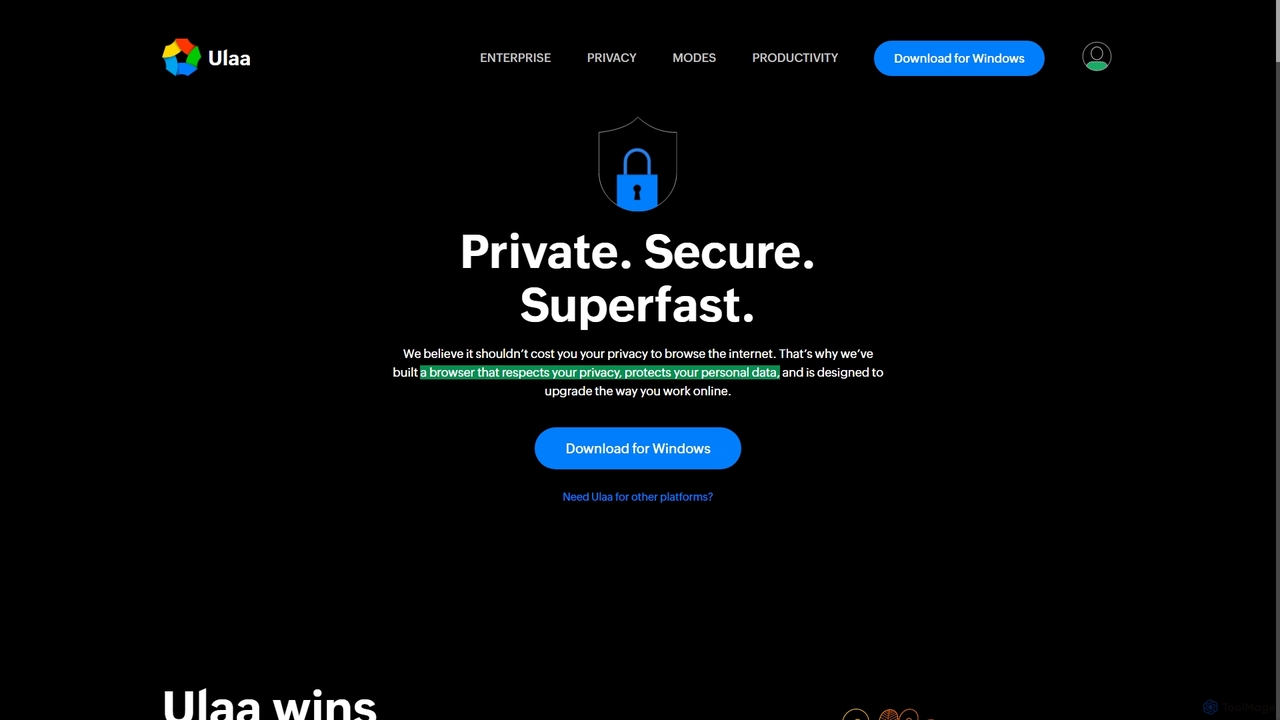
Ulaa Browser, by Zoho, is a privacy-first, Chromium-based web browser designed for individuals and enterprises. It champions security with a built-in ad blocker, phishing protection, and unique browsing "Modes" to isolate work, personal, and other contexts. For businesses, Ulaa Enterprise offers advanced data loss prevention, centralized management, and AI-powered intelligence by Zia to create a secure and productive browsing environment.
Enterprise Software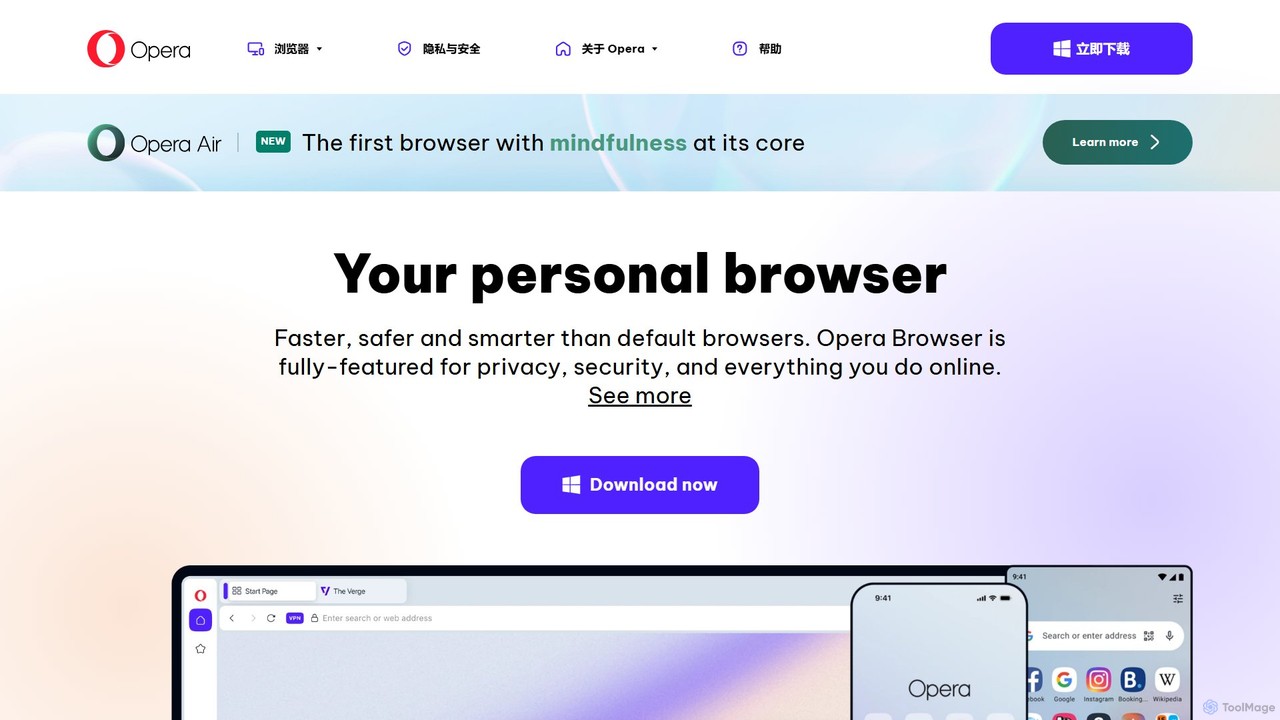
Opera
Opera is a smart, secure web browser with a native AI assistant, Aria. It offers innovative features like Tab Islands for organization, a free built-in VPN, and an ad blocker. Designed for speed and privacy, Opera provides a more productive and distraction-free browsing experience.
Browser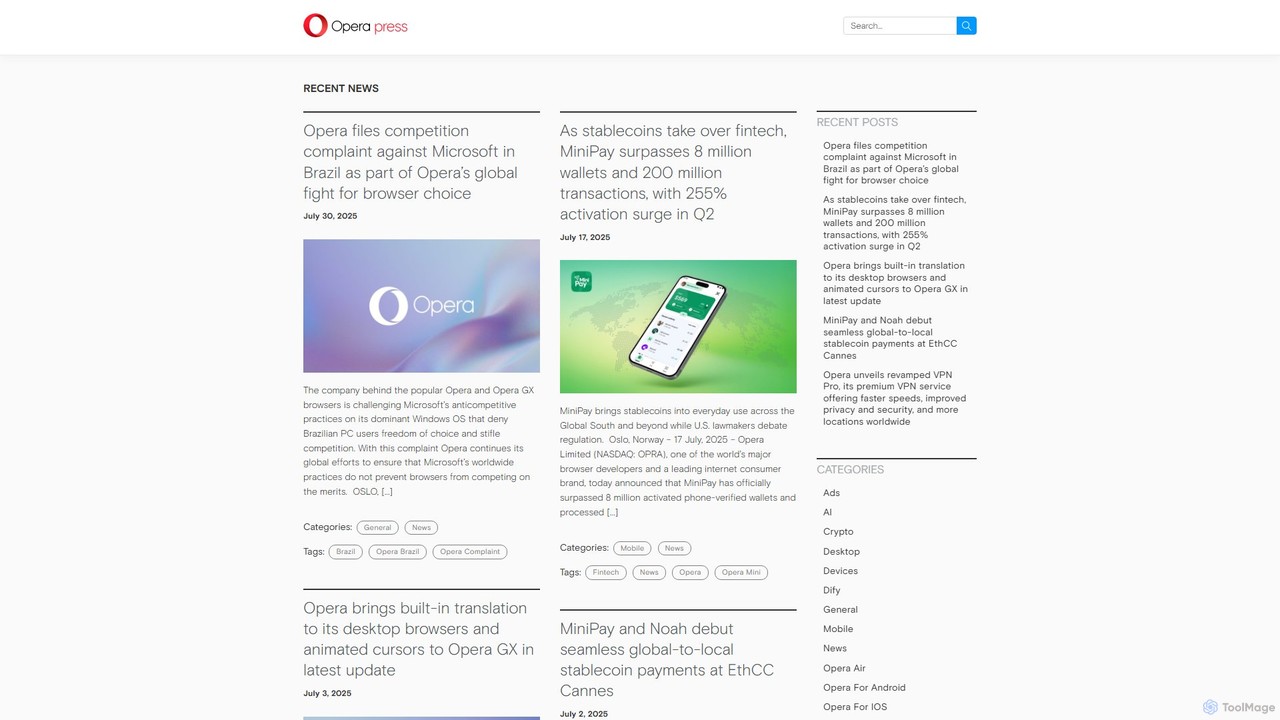
Opera
Opera is an innovative, multi-platform web browser supercharged with Aria, a native AI assistant. It offers a faster, safer, and smarter browsing experience with a free built-in VPN, ad blocker, and specialized versions like Opera GX for gamers. Aria provides real-time web information, image generation, and advanced productivity features, all integrated seamlessly.
Assistant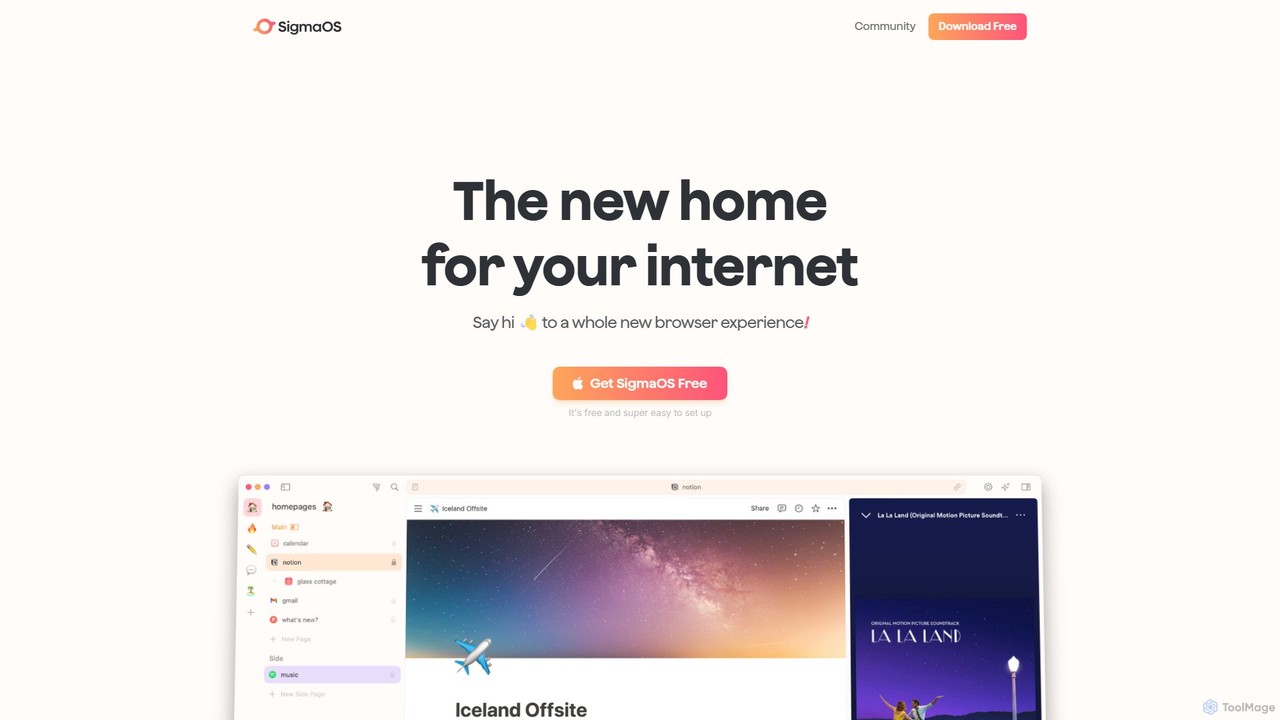
SigmaOS
SigmaOS is a revolutionary AI-powered web browser designed for work and productivity on macOS. It reimagines the browsing experience with features like workspaces for organization, vertical tabs managed as tasks, and an integrated AI assistant named Airis. It combines the speed and security of Safari's WebKit engine with the versatility of Chrome extensions, creating a focused, efficient, and intelligent environment for students, founders, and creatives.
Search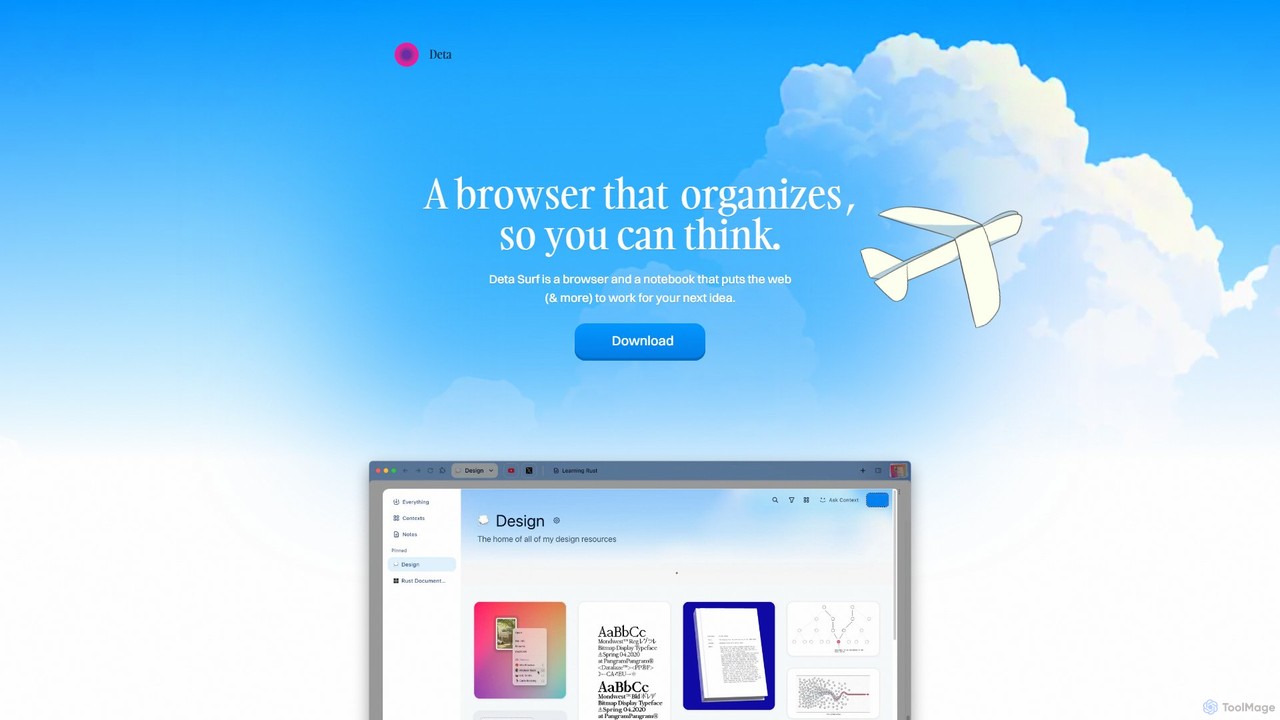
Deta Surf
Deta Surf is an intelligent browser and notebook that organizes your web experience. It uses AI to help you collect, remember, and synthesize information, all while keeping your data private and local on your device. It's designed to reduce context switching and enhance your thinking and creativity.
BrowserArc Categories
Arc Embed Widget
Copy this embed code to place the badge on your blog, article, or product site and send readers directly to this ToolMage detail page.

Related AI tools

Camp
Camp is an intelligent screenshot management tool for macOS and iOS. It uses AI to automatically title and tag your screenshots, transforming your cluttered capture folder into a searchable, organized library. It's built for privacy with all data stored locally.
InspirationUlaa Browser
Ulaa Browser, by Zoho, is a privacy-first, Chromium-based web browser designed for individuals and enterprises. It champions security with a built-in ad blocker, phishing protection, and unique browsing "Modes" to isolate work, personal, and other contexts. For businesses, Ulaa Enterprise offers advanced data loss prevention, centralized management, and AI-powered intelligence by Zia to create a secure and productive browsing environment.
Enterprise Software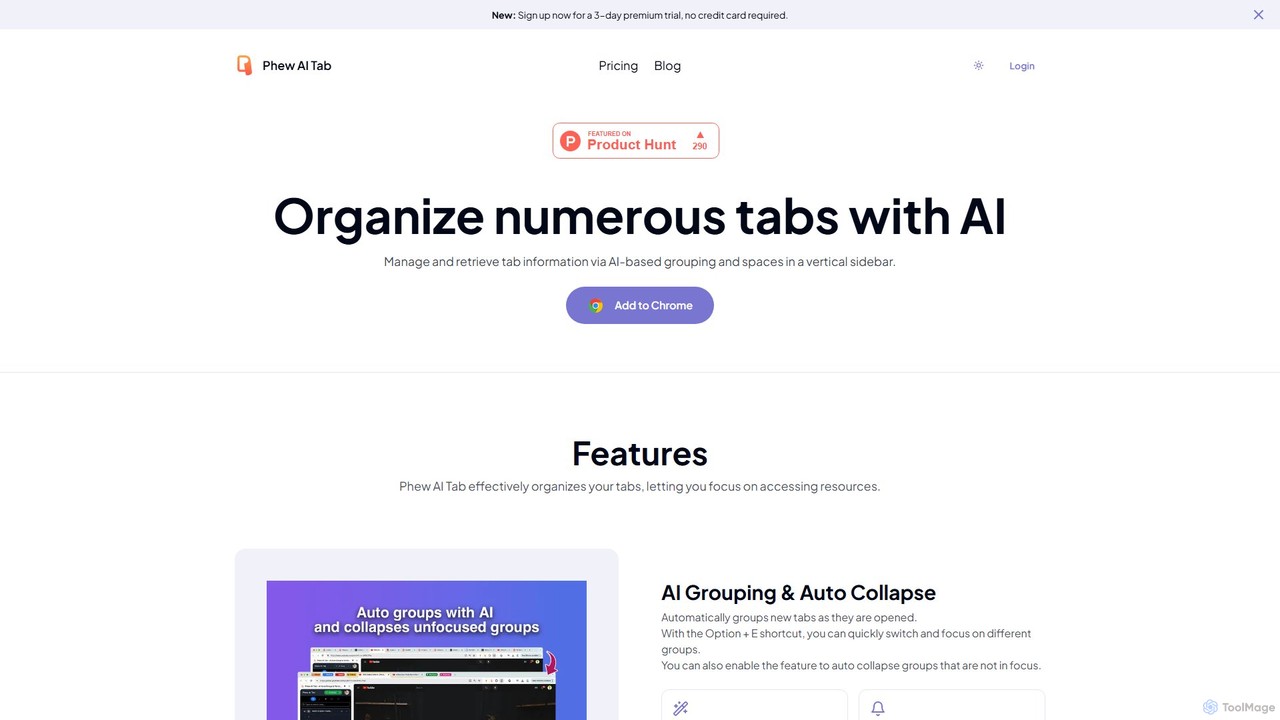
Phew AI Tab
Phew AI Tab is an intelligent browser extension that revolutionizes tab management. It uses AI to automatically group, analyze, and summarize your tabs, transforming them into a searchable knowledge base. With features like cloud-synced "Spaces," vertical tabs, and robust privacy protection including local encryption and self-hosting options, Phew AI Tab helps you stay focused, organized, and productive across all your devices.
Personal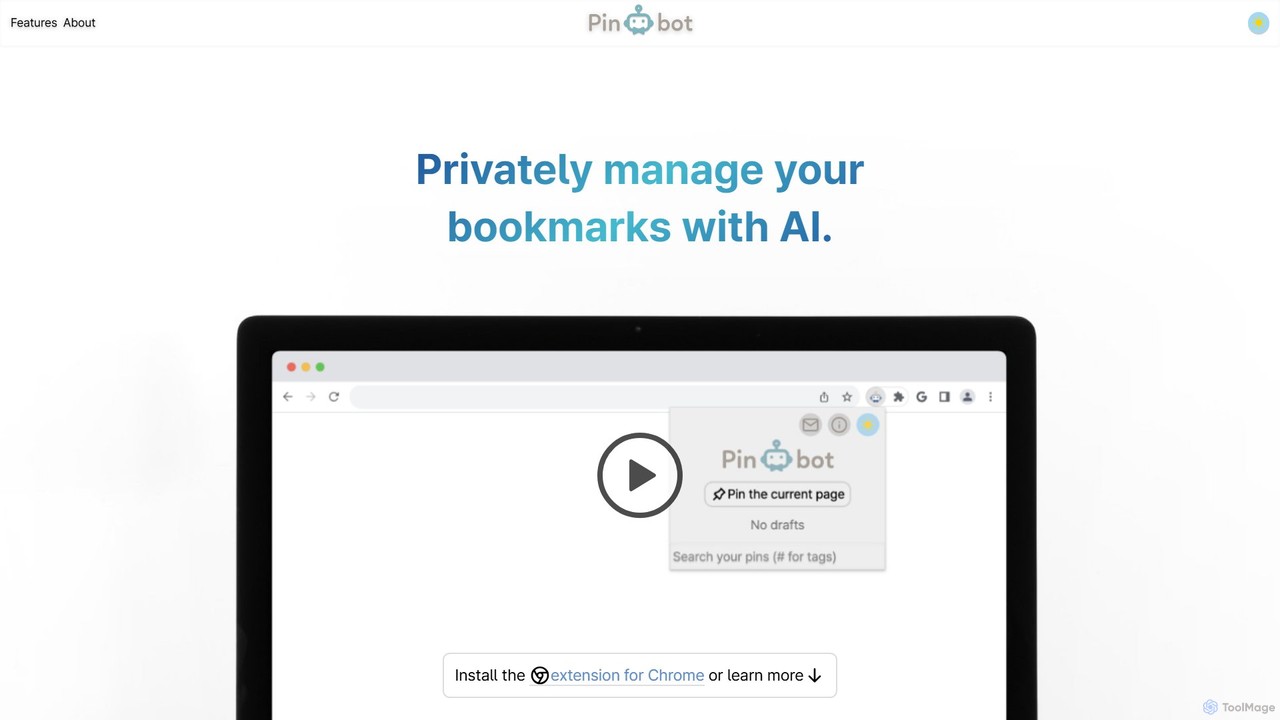
Pinbot
Pinbot is a privacy-focused, AI-powered bookmark manager that works as a Chrome extension. It automatically summarizes web pages, suggests relevant tags, and allows you to search your bookmarks using natural language. All data is stored and processed locally on your device, ensuring complete privacy.
ChromeOpera
Opera is a smart, secure web browser with a native AI assistant, Aria. It offers innovative features like Tab Islands for organization, a free built-in VPN, and an ad blocker. Designed for speed and privacy, Opera provides a more productive and distraction-free browsing experience.
BrowserOpera
Opera is an innovative, multi-platform web browser supercharged with Aria, a native AI assistant. It offers a faster, safer, and smarter browsing experience with a free built-in VPN, ad blocker, and specialized versions like Opera GX for gamers. Aria provides real-time web information, image generation, and advanced productivity features, all integrated seamlessly.
AssistantSigmaOS
SigmaOS is a revolutionary AI-powered web browser designed for work and productivity on macOS. It reimagines the browsing experience with features like workspaces for organization, vertical tabs managed as tasks, and an integrated AI assistant named Airis. It combines the speed and security of Safari's WebKit engine with the versatility of Chrome extensions, creating a focused, efficient, and intelligent environment for students, founders, and creatives.
SearchDeta Surf
Deta Surf is an intelligent browser and notebook that organizes your web experience. It uses AI to help you collect, remember, and synthesize information, all while keeping your data private and local on your device. It's designed to reduce context switching and enhance your thinking and creativity.
Browser
MindMap AI
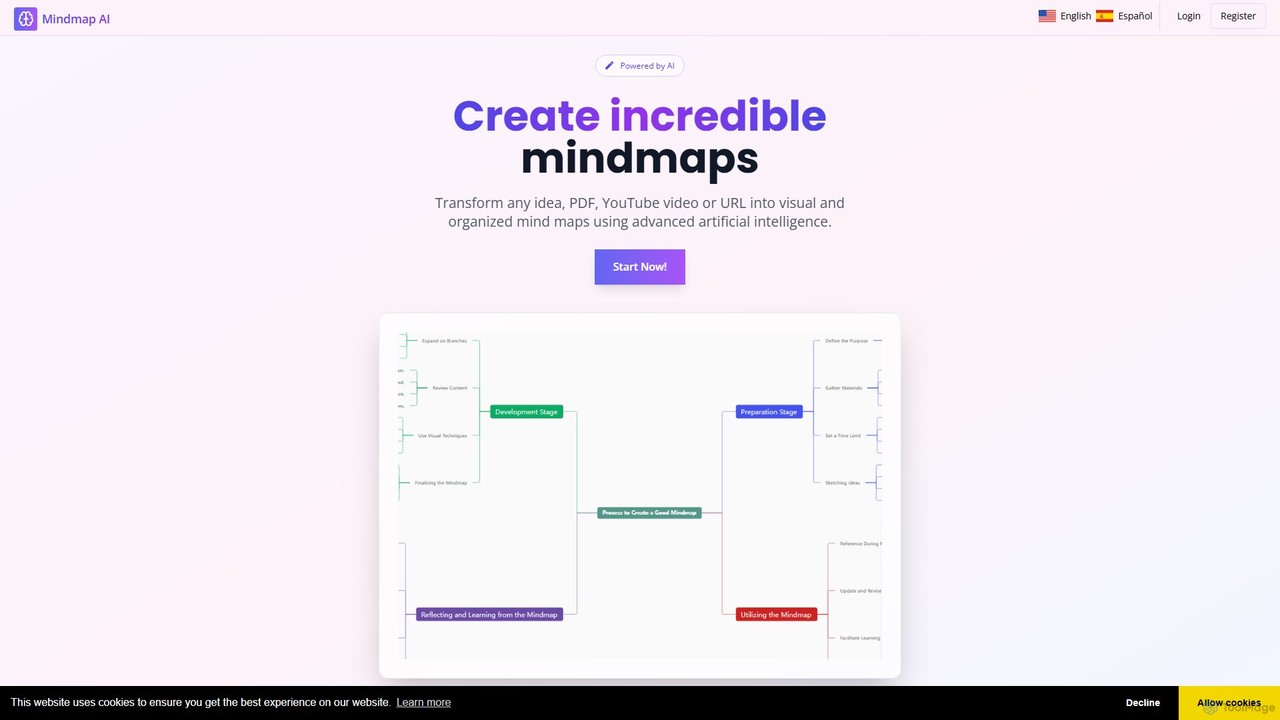
MindMap AI is an intelligent tool that instantly transforms your ideas, documents, and multimedia files into structured mind maps. Featuring an interactive AI Copilot, it facilitates dynamic brainstorming, idea expansion, and visual organization. It supports a wide range of input formats, including text, PDF, audio, and video, making it a versatile solution for students, professionals, and creatives to visualize and structure information effortlessly.
Brainstorming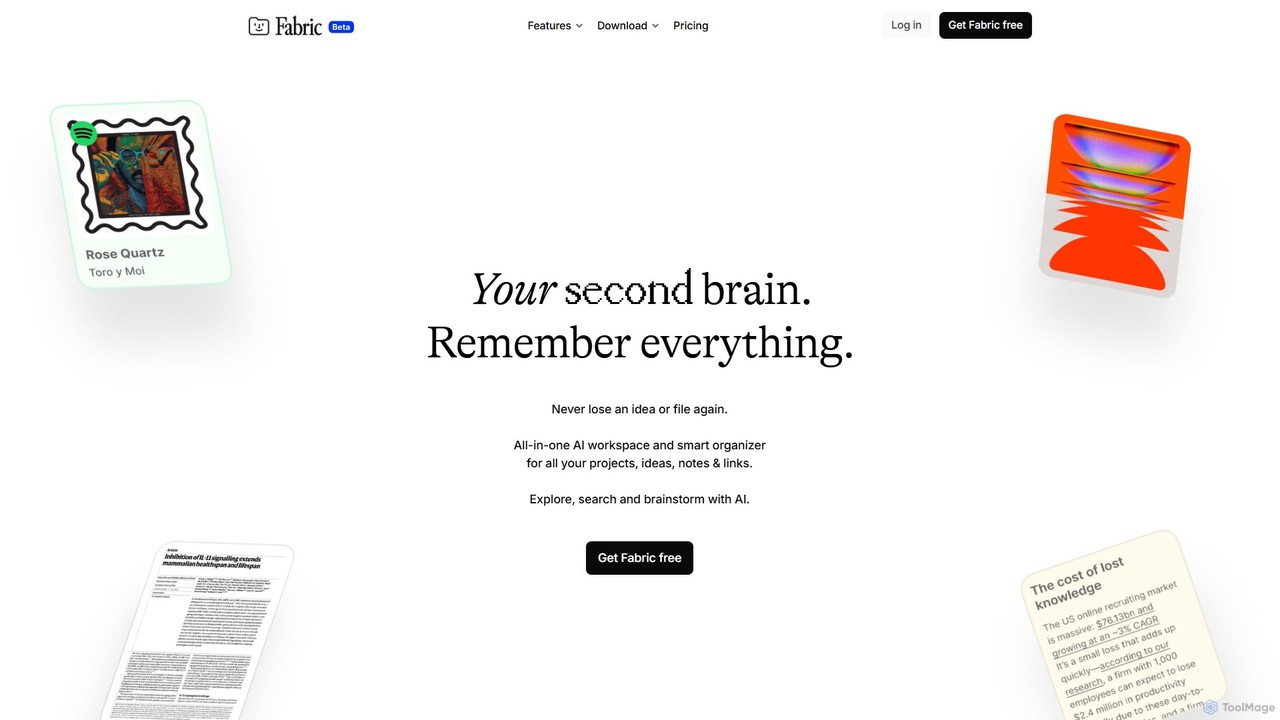
Fabric
Fabric is an AI-powered workspace and smart organizer that acts as your second brain. It automatically centralizes and connects all your notes, files, links, and ideas, eliminating the need for manual organization. Search your entire digital library with natural language and collaborate with an intelligent AI partner.
Personal Assistant
Jyek
Jyek is an AI agent platform that understands objectives, creates execution plans, uses tools, and delivers verifiable results for complex, multi-step tasks.
Automation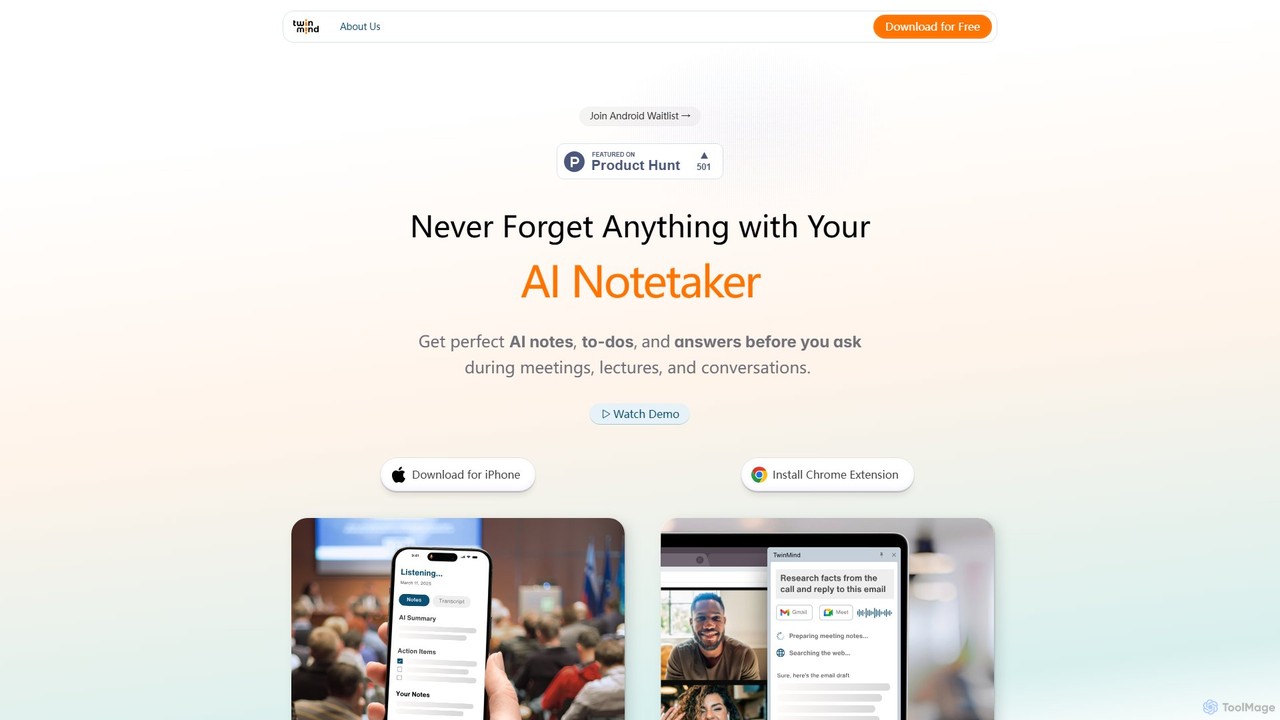
TwinMind
TwinMind is an AI-powered second brain that acts as a memory vault and life copilot. It captures, transcribes, and summarizes your meetings, lectures, and conversations in real-time. With a strong focus on privacy, it provides proactive insights, automates tasks, and helps you remember everything, available on iPhone and as a Chrome extension.
Study Tools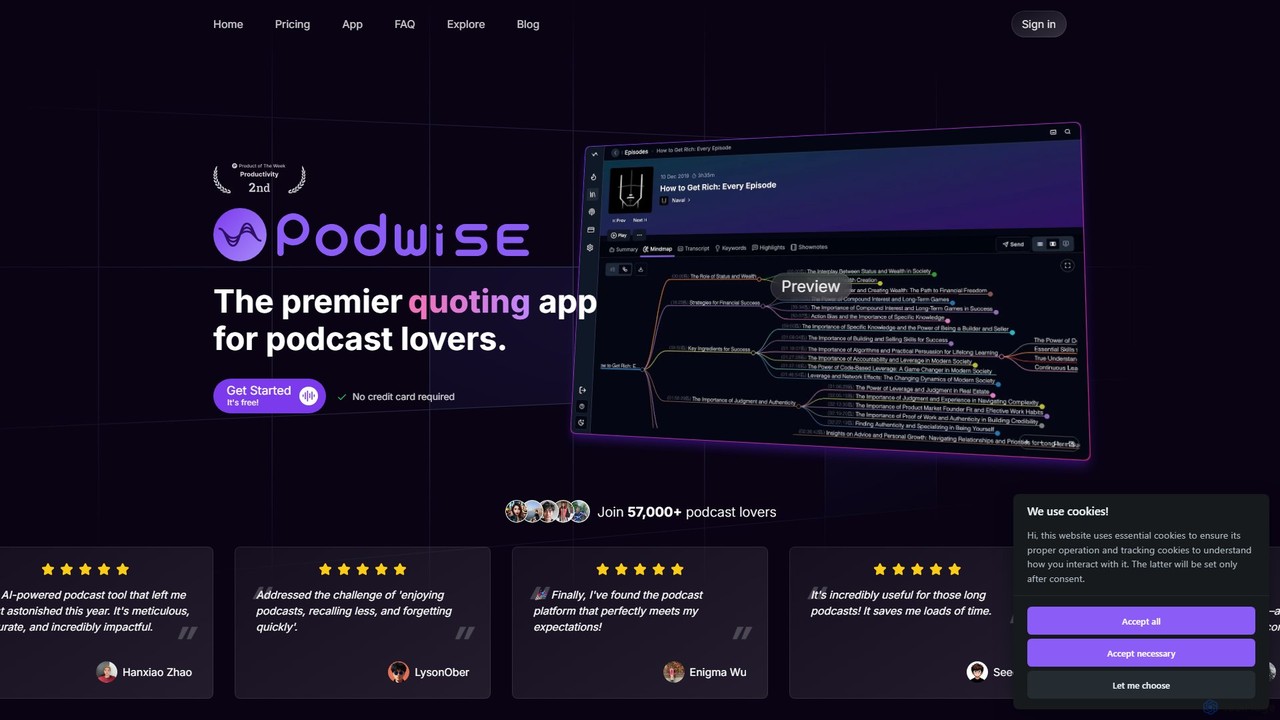
Podwise
Podwise is an AI-powered tool for podcast listeners to extract structured knowledge at 10x speed. It generates summaries, outlines, mind maps, and transcripts from podcast episodes and YouTube videos. Seamlessly integrate with your knowledge management tools like Notion and Obsidian to build your second brain and never lose valuable insights again.
Podcast Tools
Mem
Mem is an AI-powered, self-organizing workspace designed to act as your personal knowledge base. It captures your notes, ideas, and meeting transcripts, then uses AI to connect related information, summarize content, and help you generate new insights without manual organization.
Personal
Arc Comments (0)
Sign in to comment.
Sign inNo comments yet.