

Opera Overview
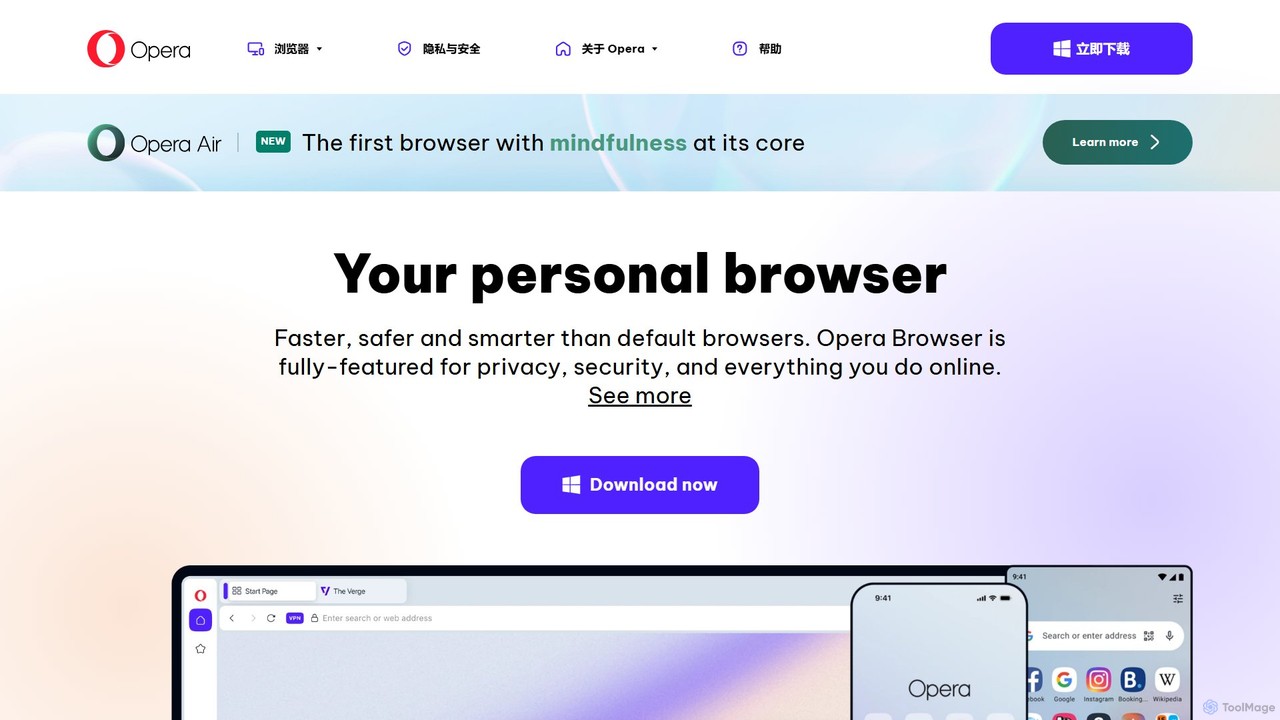
Opera is a pioneering web browser that redefines the online experience by integrating cutting-edge AI, robust security features, and unparalleled organizational tools. For over 25 years, Opera has been at the forefront of browser innovation, and its latest version, Opera One, continues this legacy. It is designed for users who demand more than just a simple window to the web; it's a comprehensive tool for productivity, privacy, and intelligent information discovery. At its core is Aria, a free and native browser AI that enhances your browsing with smart capabilities, directly accessible from the sidebar.
Unlike standard browsers that come pre-installed on devices, Opera is a choice made by millions for its superior performance and rich feature set. It challenges the defaults like Chrome, Safari, and Edge by offering a complete, all-in-one web experience. From its unique modular design to its smooth animations, every aspect of Opera is crafted to be intuitive, efficient, and forward-thinking, providing a glimpse into the future of the web with integrated AI and Web3 technologies.
How to use Opera
Getting started with Opera's advanced features is simple and intuitive. First, download and install the Opera browser from the official website. Once installed, you can immediately begin to explore its capabilities:
- Activate Aria AI: Click the Aria icon in the browser's sidebar or use the keyboard shortcut (Ctrl+/ on Windows, Cmd+/ on Mac) to open the AI chat. You can ask questions, request summaries of the current webpage, generate text or code, and get instant, up-to-date answers powered by live web access.
- Organize with Tab Islands: Simply drag one tab onto another to create a 'Tab Island'. This automatically groups related tabs, which you can collapse or expand, keeping your workspace tidy and contextually organized.
- Enhance Privacy and Speed: Navigate to Settings to enable the free, built-in VPN and Ad Blocker. These features work seamlessly in the background to protect your privacy and load pages faster without annoying ads.
- Sync Across Devices with Flow: To connect your desktop and mobile browsers, open Flow in the sidebar and scan the QR code with your phone's Opera browser. This allows you to securely send files, links, notes, and images between your devices instantly.
Core Features of Opera
- Aria Browser AI: A free, built-in AI assistant powered by OpenAI's GPT technology and enhanced with live results from the web. Aria can compose emails, write code, answer questions, summarize articles, and more, directly within the browser.
- Tab Islands: A revolutionary tab management feature that automatically groups tabs based on context, creating neat, collapsible islands. This helps reduce clutter and makes it easy to switch between different tasks.
- Free VPN: A no-log, built-in Virtual Private Network that enhances your online privacy and security by masking your IP address, with no subscription required.
- Ad Blocker: A native ad blocker that speeds up page loading and provides a cleaner, distraction-free browsing experience by blocking intrusive ads and trackers.
- Integrated Messengers: Access popular services like WhatsApp, Telegram, Instagram, and more directly from the sidebar, allowing you to chat and browse simultaneously without switching apps.
- Modular Design: Opera One features a clean, uncluttered, and modular interface that adapts to your needs, keeping the focus on the web content.
Use Cases for Opera
Opera's versatile features cater to a wide range of users:
- Students and Researchers: Use Aria to quickly summarize academic papers, explain complex concepts, and gather up-to-date information for research projects. Tab Islands help organize sources for different assignments.
- Content Creators and Marketers: Leverage Aria to brainstorm blog post ideas, generate social media copy, and rephrase content. The distraction-free environment helps maintain focus during creative work.
- Developers: Utilize Aria for generating code snippets, debugging, and understanding programming concepts without leaving the browser.
- Privacy-Conscious Users: Benefit from the free VPN and built-in ad/tracker blocker for a more secure and private online experience.
- Power Users and Multi-taskers: Manage dozens of tabs effortlessly with Tab Islands and stay connected with integrated messengers, creating the ultimate productivity hub.
Advantages of Opera
Opera stands out from other browsers with several key advantages. Its primary strength is the seamless integration of a powerful, free AI assistant, Aria, which eliminates the need for third-party extensions. The innovative Tab Islands feature provides a superior tab management system that no other major browser offers natively. Furthermore, by bundling a free VPN and a highly effective ad blocker, Opera delivers an all-in-one solution for a faster, safer, and more private web experience right out of the box. This user-centric approach, combined with over two decades of innovation, makes Opera a smarter and more powerful choice than default system browsers.
Pricing and Plans
The Opera browser, including its core features like the Aria AI assistant, Tab Islands, the built-in Ad Blocker, and the standard Free VPN, is completely free to download and use.
For users seeking enhanced protection, Opera also offers a premium service: VPN Pro. This is a subscription-based, device-wide VPN service that provides access to more server locations and protects your entire device, not just the browser traffic.
Traffic
Latest traffic
Status
Monthly traffic trend
- 2026-1: 77.0M
- 2026-2: 58.2M
- 2026-3: 73.5M
- 2026-4: 74.0M
- 2026-5: 94.2M
Geography
Top 5 countries / regions
- 🇺🇸United States57.5%
- 🇮🇳India15.8%
- 🇧🇷Brazil13.6%
- 🇬🇧United Kingdom6.9%
- 🇫🇷France6.2%
Traffic sources
| Source type | Percentage |
|---|---|
Direct | 73.8% |
Referral | 25.9% |
Email | 0.3% |
Top keywords
| Keyword | Cost per click |
|---|---|
| discord | $0.93 |
| $1.12 | |
| opera | $0.32 |
| opera browser | $0.38 |
| opera gx | $1.29 |
Opera Videos on YouTube

Install Mania

Open Geospatial Solutions


GadgetGlow Podcast

TinyTechGuy
Opera Alternatives
Ulaa Browser
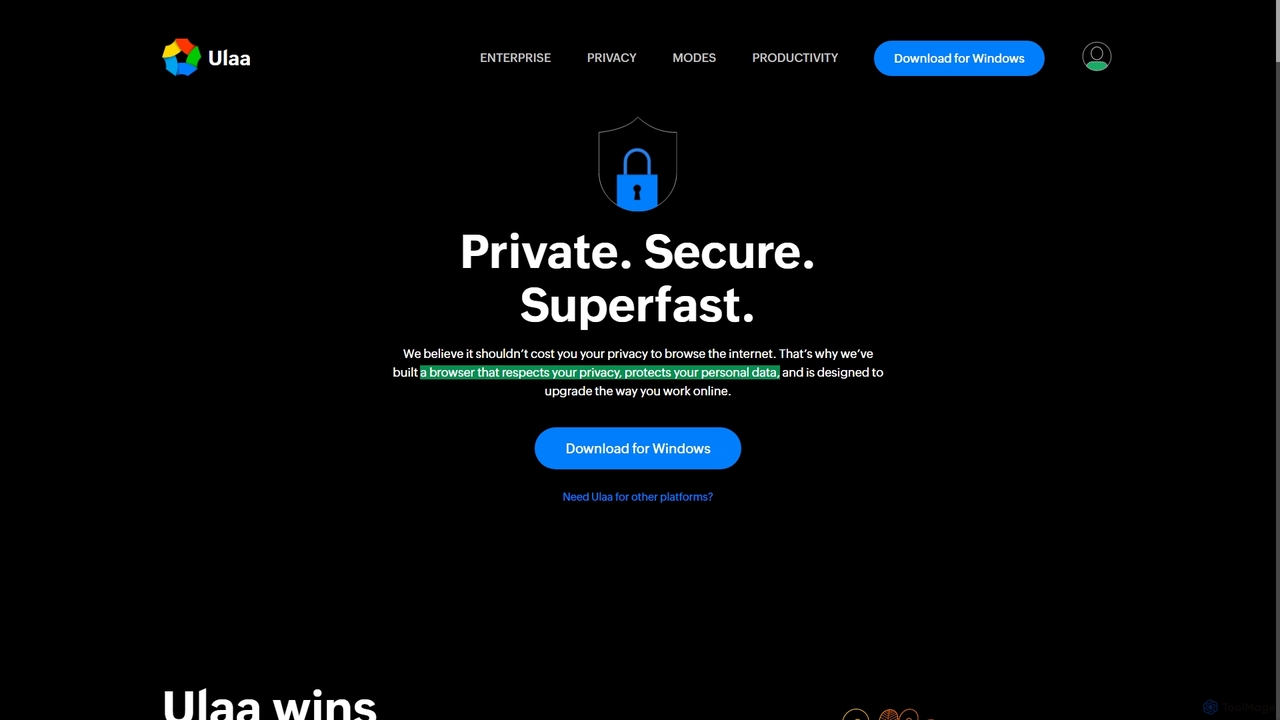
Ulaa Browser, by Zoho, is a privacy-first, Chromium-based web browser designed for individuals and enterprises. It champions security with a built-in ad blocker, phishing protection, and unique browsing "Modes" to isolate work, personal, and other contexts. For businesses, Ulaa Enterprise offers advanced data loss prevention, centralized management, and AI-powered intelligence by Zia to create a secure and productive browsing environment.
Enterprise Software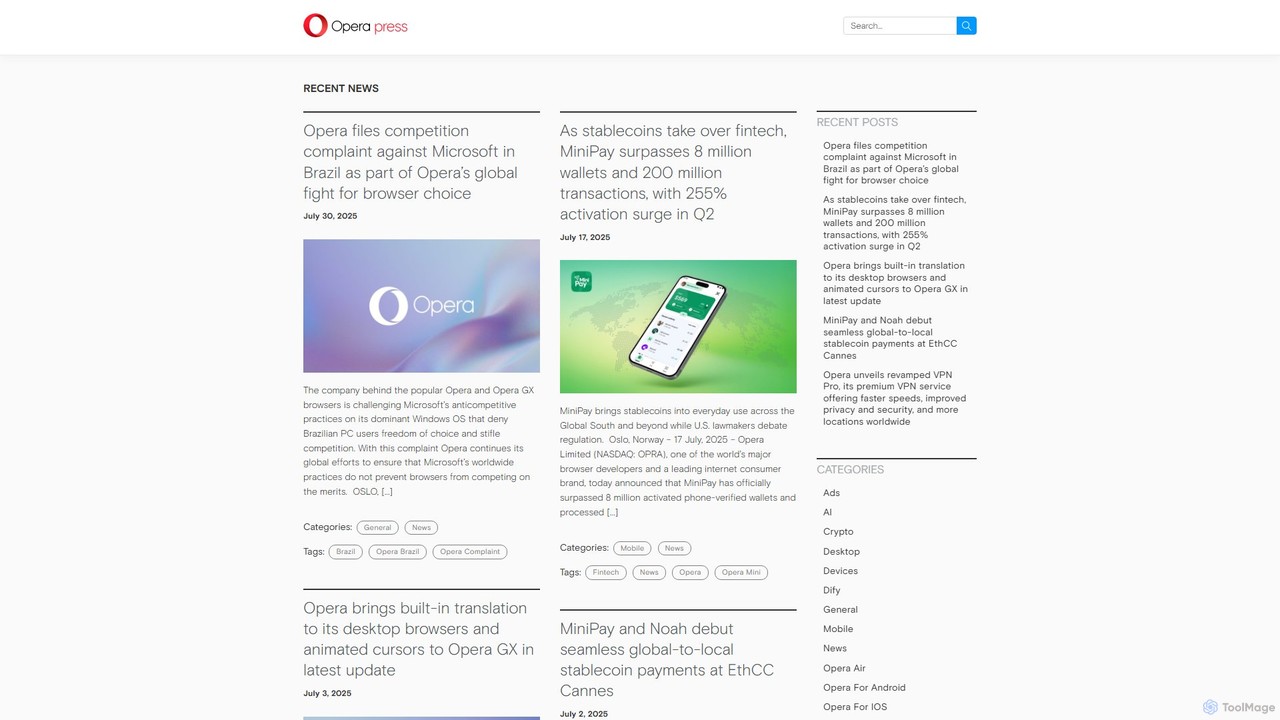
Opera
Opera is an innovative, multi-platform web browser supercharged with Aria, a native AI assistant. It offers a faster, safer, and smarter browsing experience with a free built-in VPN, ad blocker, and specialized versions like Opera GX for gamers. Aria provides real-time web information, image generation, and advanced productivity features, all integrated seamlessly.
Assistant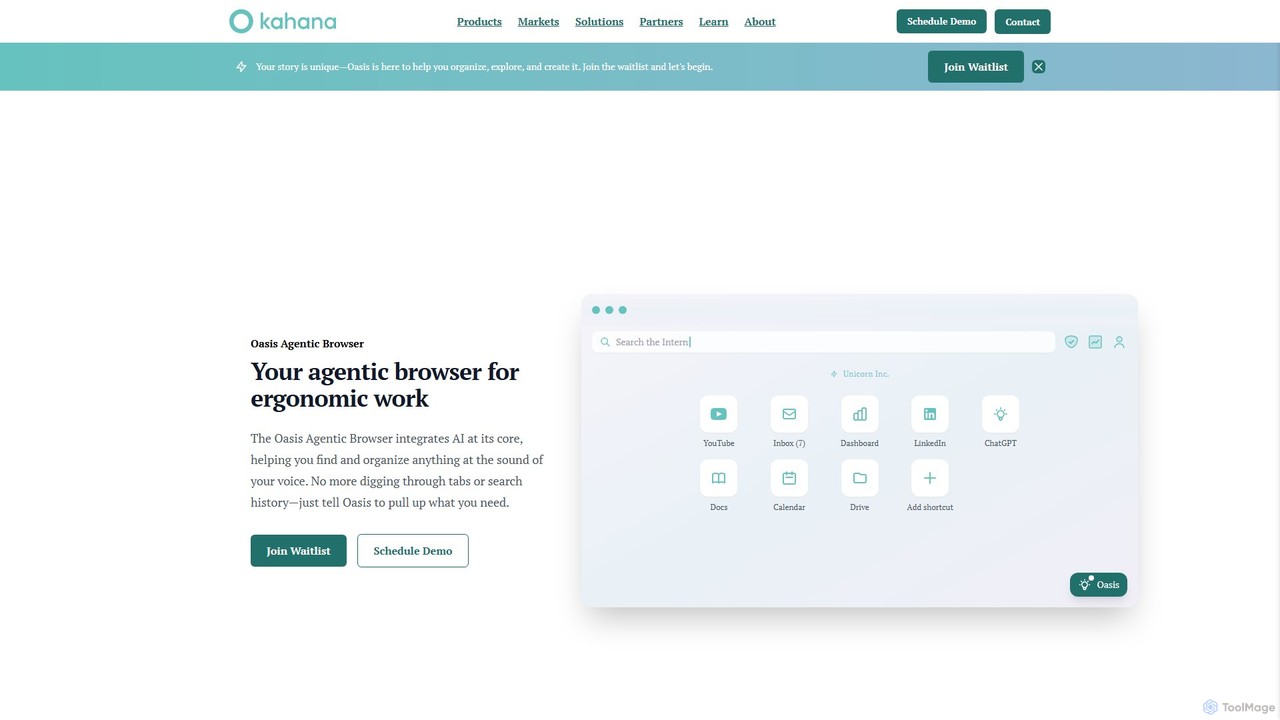
Kahana
Kahana is an AI-powered agentic browser designed to enhance productivity, organization, and security. It replaces the chaos of modern browsing with an intelligent, voice-controlled workspace. Automate workflows, organize ideas into focused hubs, and collaborate securely, all within a browser that acts as your personal productivity companion.
Browser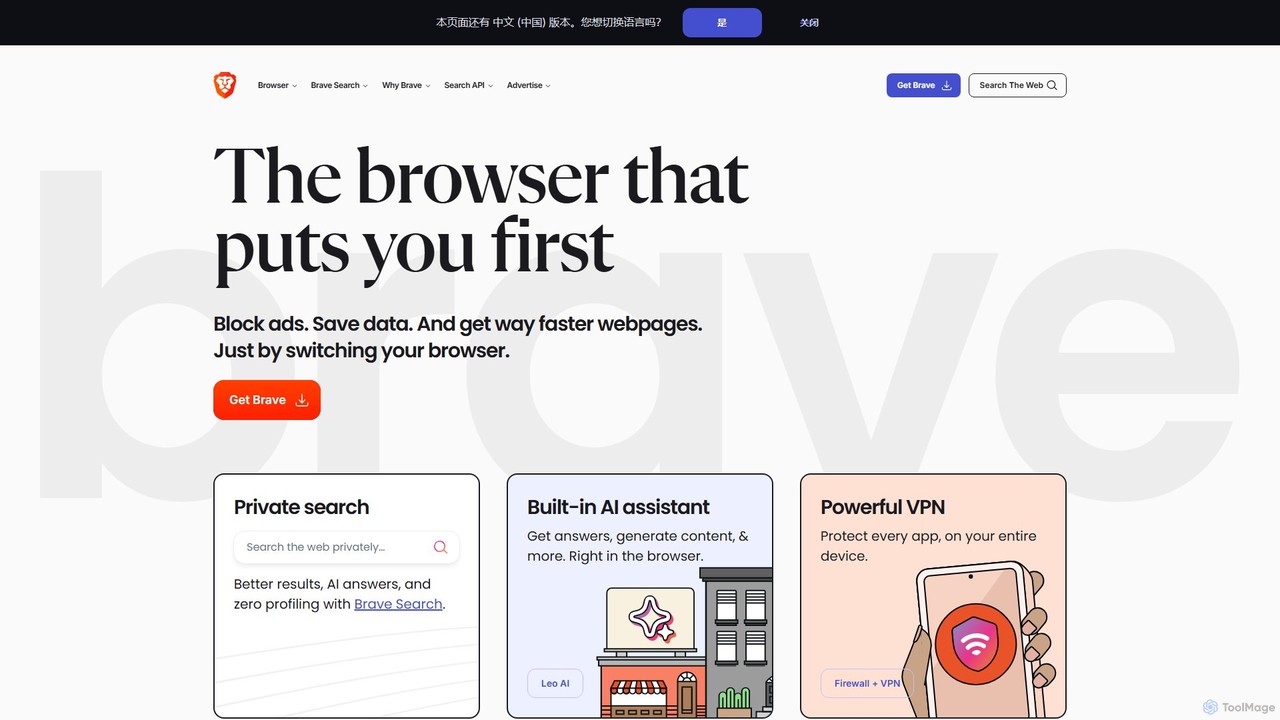
Brave
Brave is a privacy-first web browser that automatically blocks ads and trackers. It offers a faster, more secure browsing experience, complete with an independent search engine, a built-in crypto wallet, and an AI assistant named Leo. Users can also opt-in to earn cryptocurrency (BAT) for viewing privacy-respecting ads.
Crypto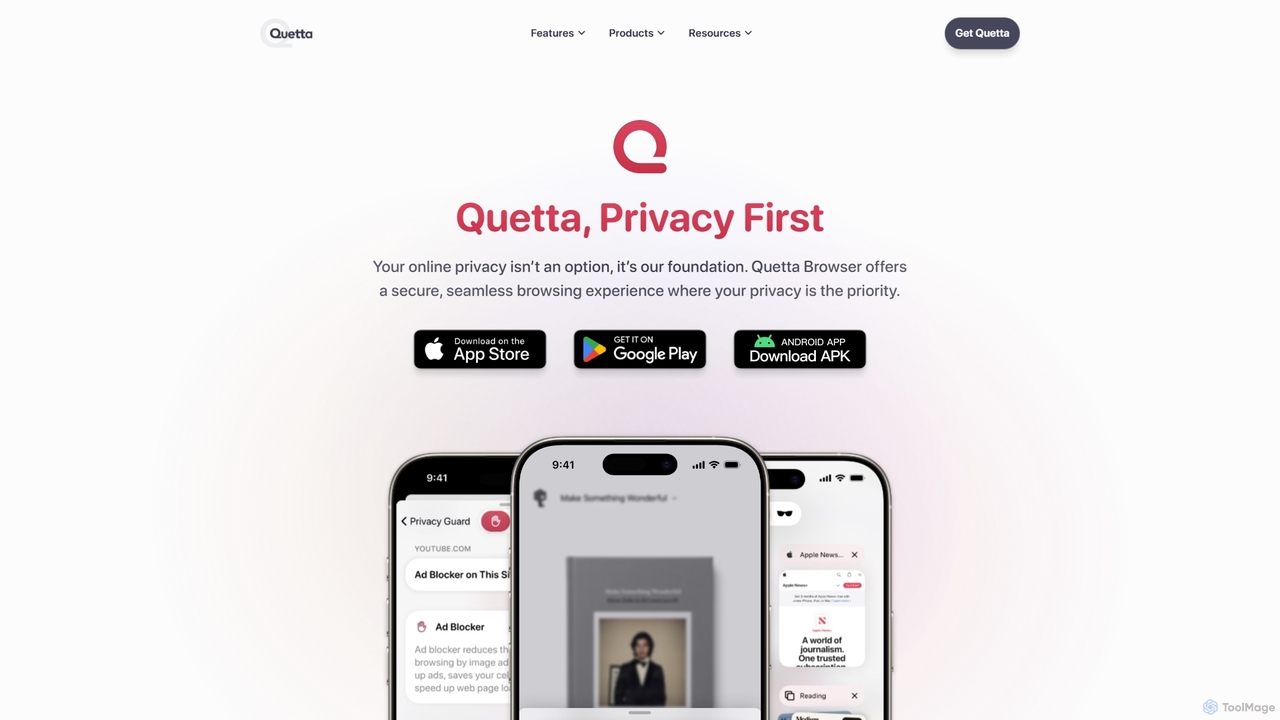
Quetta
Quetta is a private mobile browser featuring a powerful AI-powered ad blocker, full extension support, and advanced privacy protection. It offers a fast, clean, and secure browsing experience with unique utilities like a video downloader, offline playlist, and magazine-style reader mode, all within a minimalist, user-friendly interface.
BrowserOpera Categories
Opera Embed Widget
Copy this embed code to place the badge on your blog, article, or product site and send readers directly to this ToolMage detail page.

Related AI tools
Ulaa Browser
Ulaa Browser, by Zoho, is a privacy-first, Chromium-based web browser designed for individuals and enterprises. It champions security with a built-in ad blocker, phishing protection, and unique browsing "Modes" to isolate work, personal, and other contexts. For businesses, Ulaa Enterprise offers advanced data loss prevention, centralized management, and AI-powered intelligence by Zia to create a secure and productive browsing environment.
Enterprise SoftwareOpera
Opera is an innovative, multi-platform web browser supercharged with Aria, a native AI assistant. It offers a faster, safer, and smarter browsing experience with a free built-in VPN, ad blocker, and specialized versions like Opera GX for gamers. Aria provides real-time web information, image generation, and advanced productivity features, all integrated seamlessly.
AssistantBrave
Brave is a privacy-first web browser that automatically blocks ads and trackers. It offers a faster, more secure browsing experience, complete with an independent search engine, a built-in crypto wallet, and an AI assistant named Leo. Users can also opt-in to earn cryptocurrency (BAT) for viewing privacy-respecting ads.
Crypto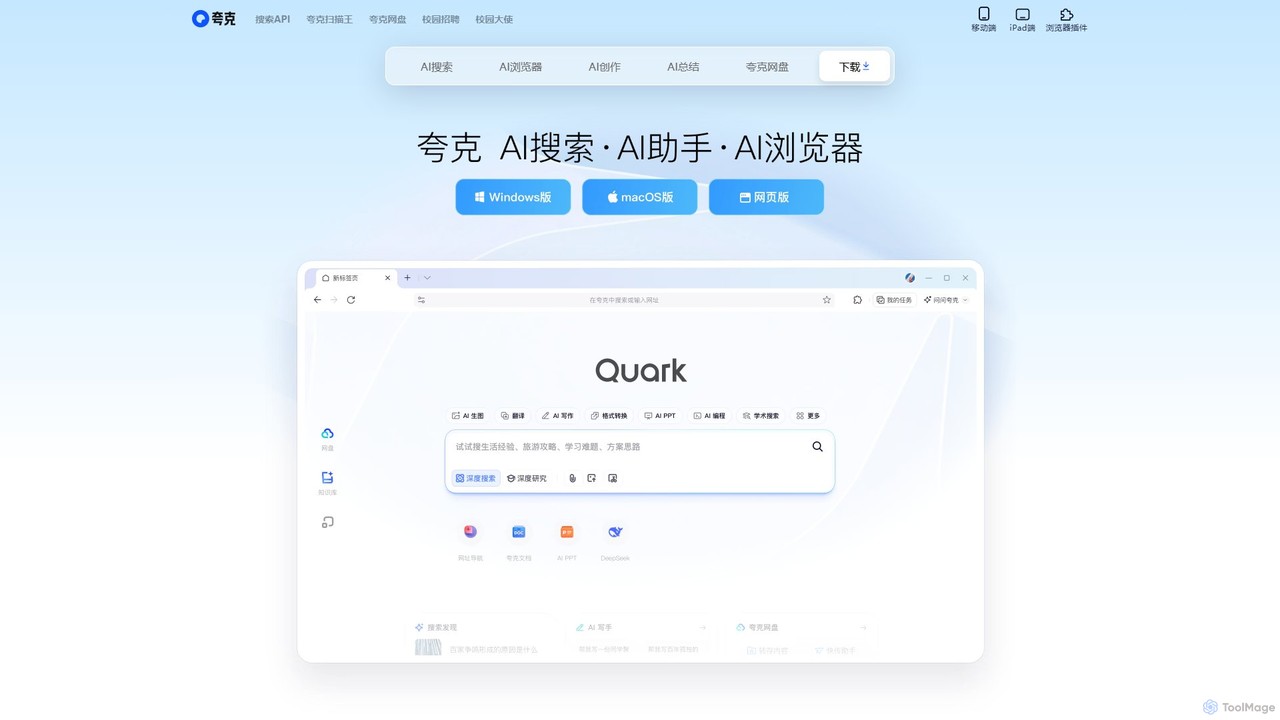
Quark
Quark is an all-in-one AI-powered suite from Alibaba, integrating a smart search engine, a fast browser, a massive cloud drive, and a suite of creative tools. It's designed to boost productivity for students and professionals with features like AI summarization, content generation, and seamless multi-device synchronization.
File Management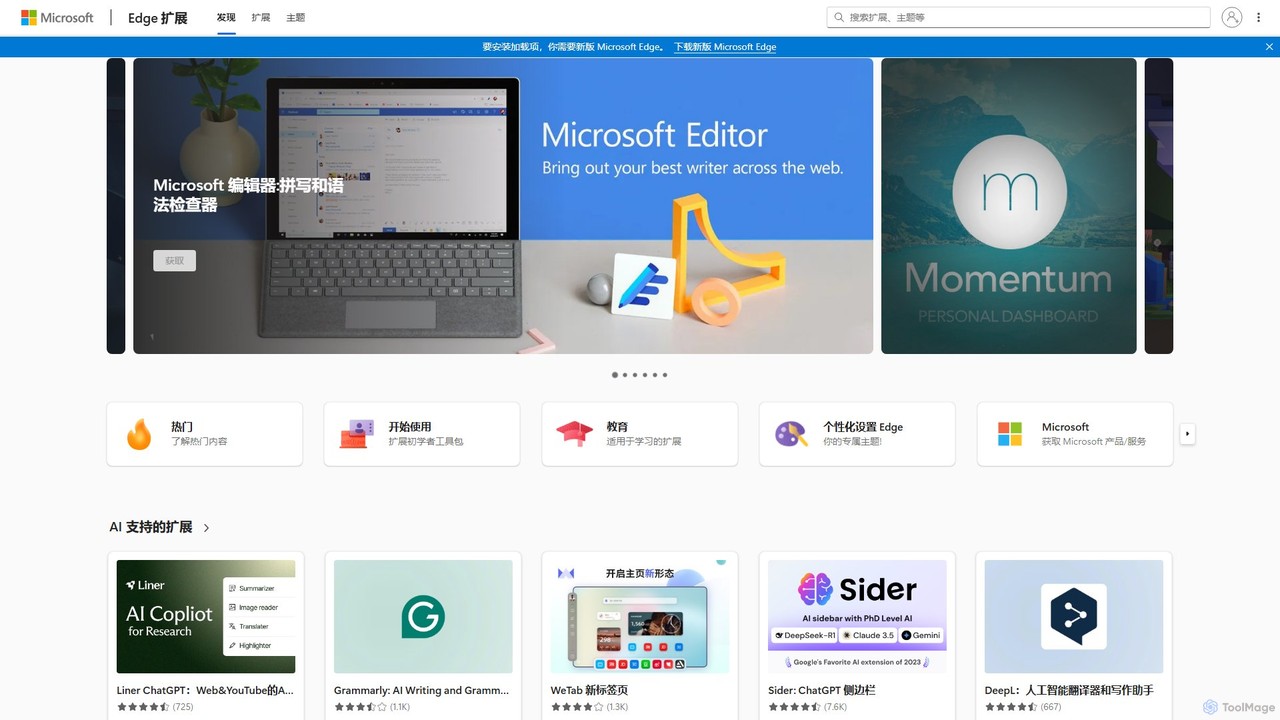
Microsoft Edge Add-ons
The official marketplace for Microsoft Edge extensions, offering a vast library of add-ons to enhance productivity, security, and personalization. Discover AI-powered tools, ad-blockers, password managers, and more to customize your browsing experience.
Extension Store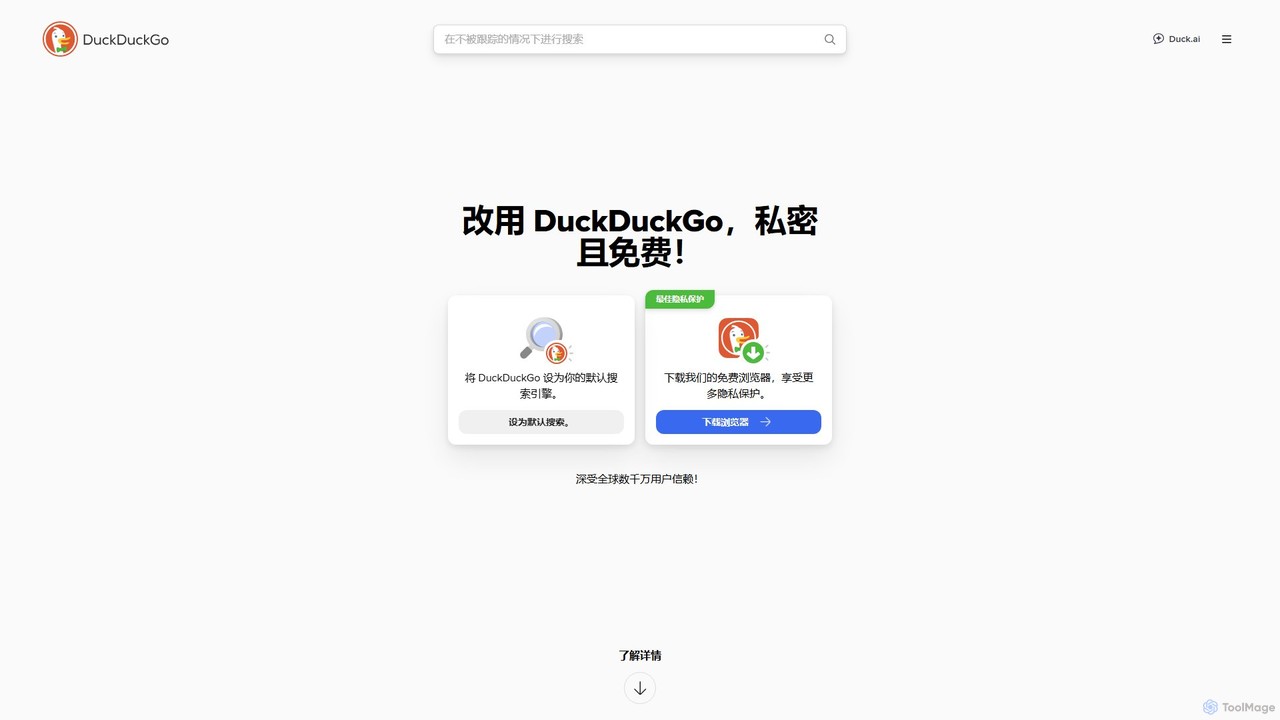
DuckDuckGo
DuckDuckGo is an all-in-one privacy-focused internet suite, featuring a private search engine, a secure browser, and the AI-powered Duck.ai. It protects your online activities by blocking trackers, managing cookie pop-ups, and offering tools like Email Protection and a VPN, all without collecting your personal data.
Chat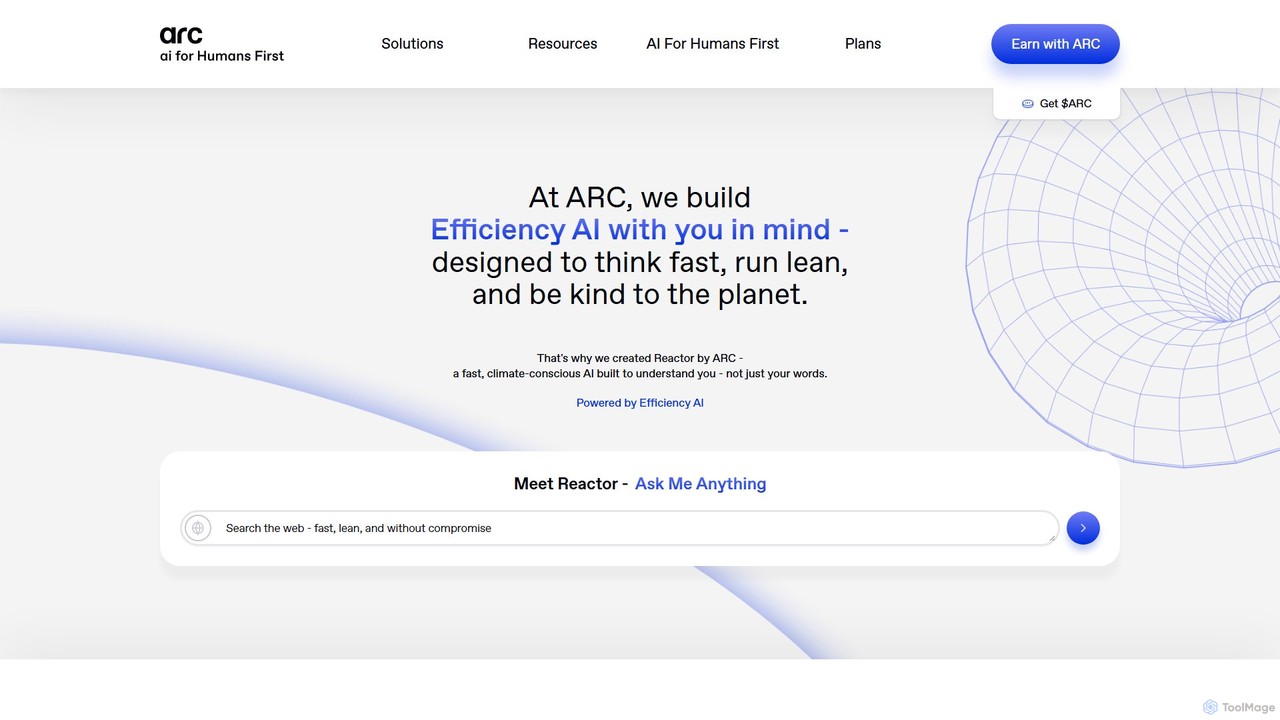
Arc
Arc is a revolutionary browser by The Browser Company, designed to be a smart, organized, and private alternative to Chrome. It integrates AI features to enhance productivity, offers unique organization tools like Spaces and Split View, and provides a seamless, ad-free experience across desktop and mobile.
Search Assistant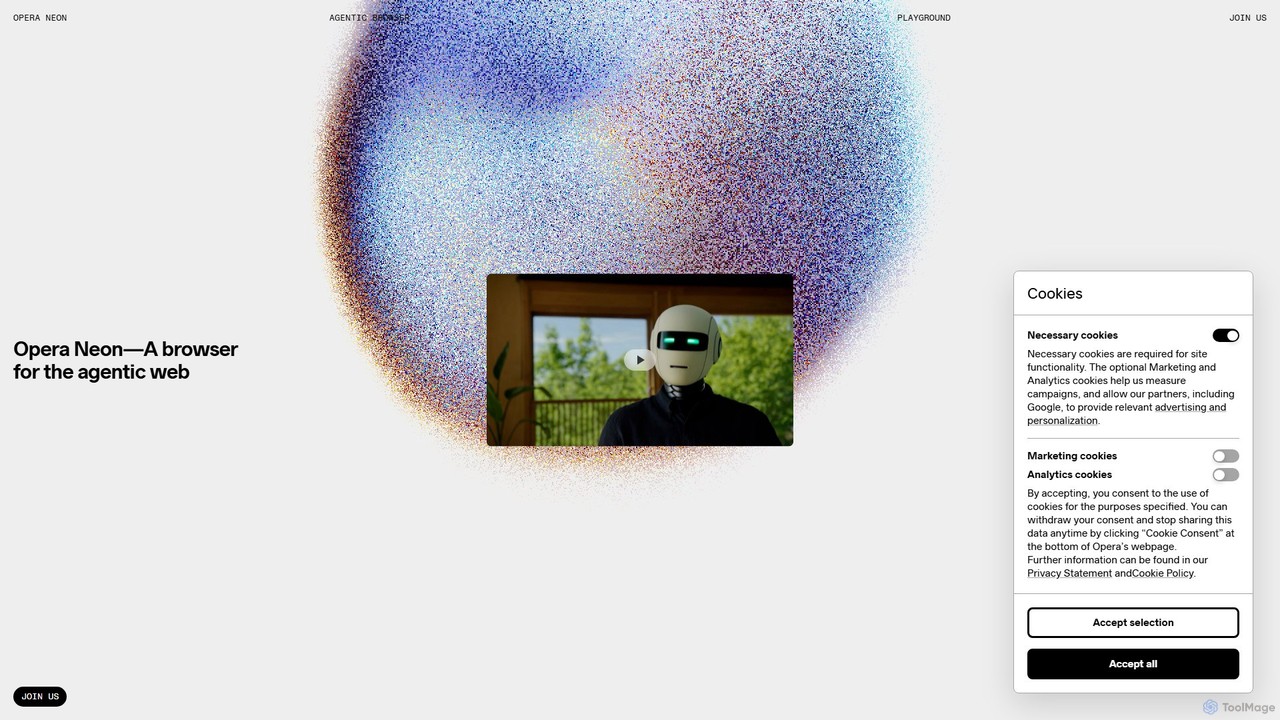
Opera Neon
Opera Neon is a next-generation agentic AI browser designed to understand user intent, automate complex tasks, and create digital content. It integrates AI chat, task automation, and creative generation into a single, seamless browsing experience, acting as a proactive digital assistant.
Low Code No Code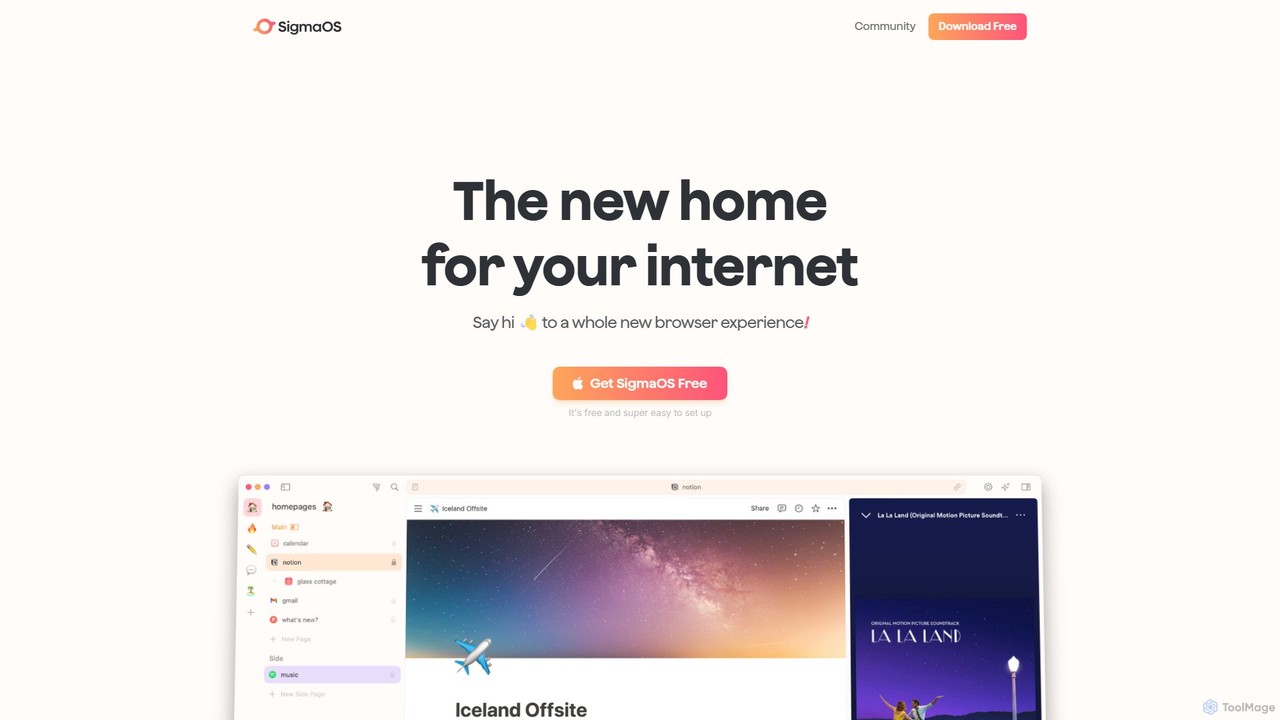
SigmaOS
SigmaOS is a revolutionary AI-powered web browser designed for work and productivity on macOS. It reimagines the browsing experience with features like workspaces for organization, vertical tabs managed as tasks, and an integrated AI assistant named Airis. It combines the speed and security of Safari's WebKit engine with the versatility of Chrome extensions, creating a focused, efficient, and intelligent environment for students, founders, and creatives.
Search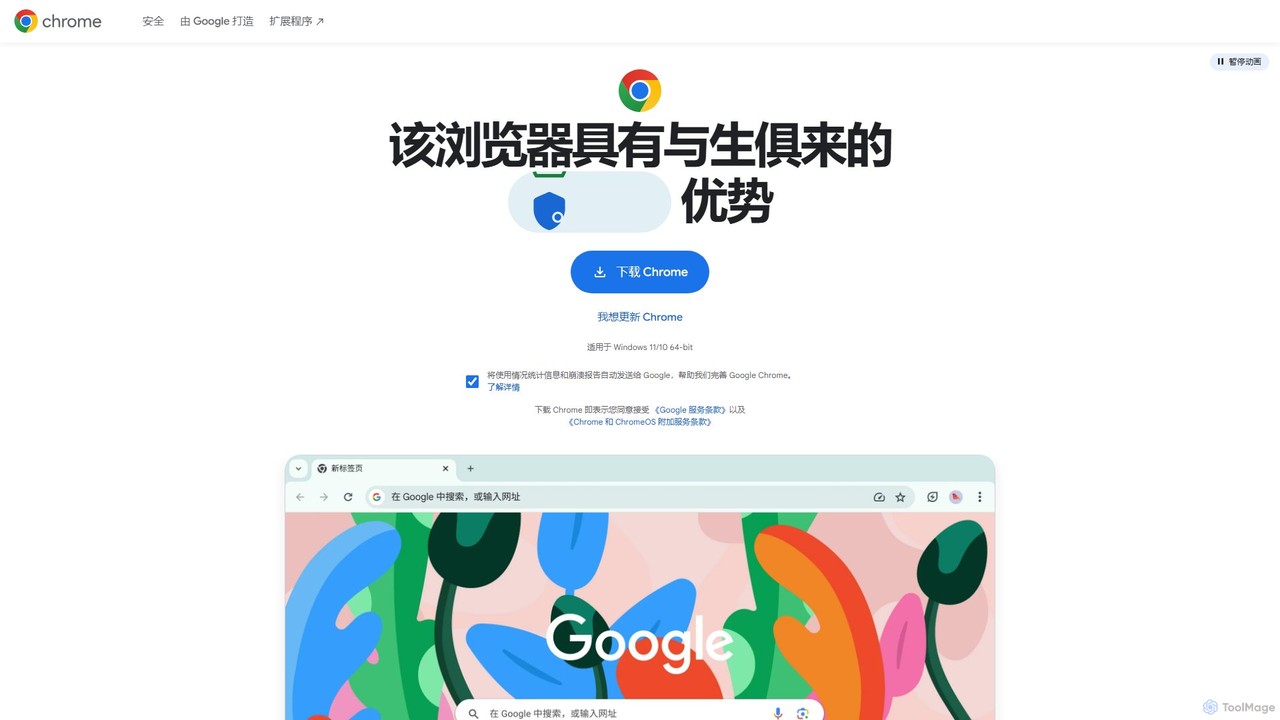
Google Chrome
Google Chrome is a fast, secure, and customizable web browser developed by Google. It features seamless cross-device syncing, a vast library of extensions, and robust security tools like a built-in password manager and safety checks. With integrated Google services and new AI-powered features, Chrome offers a personalized, intelligent, and efficient browsing experience on all major platforms.
Web Development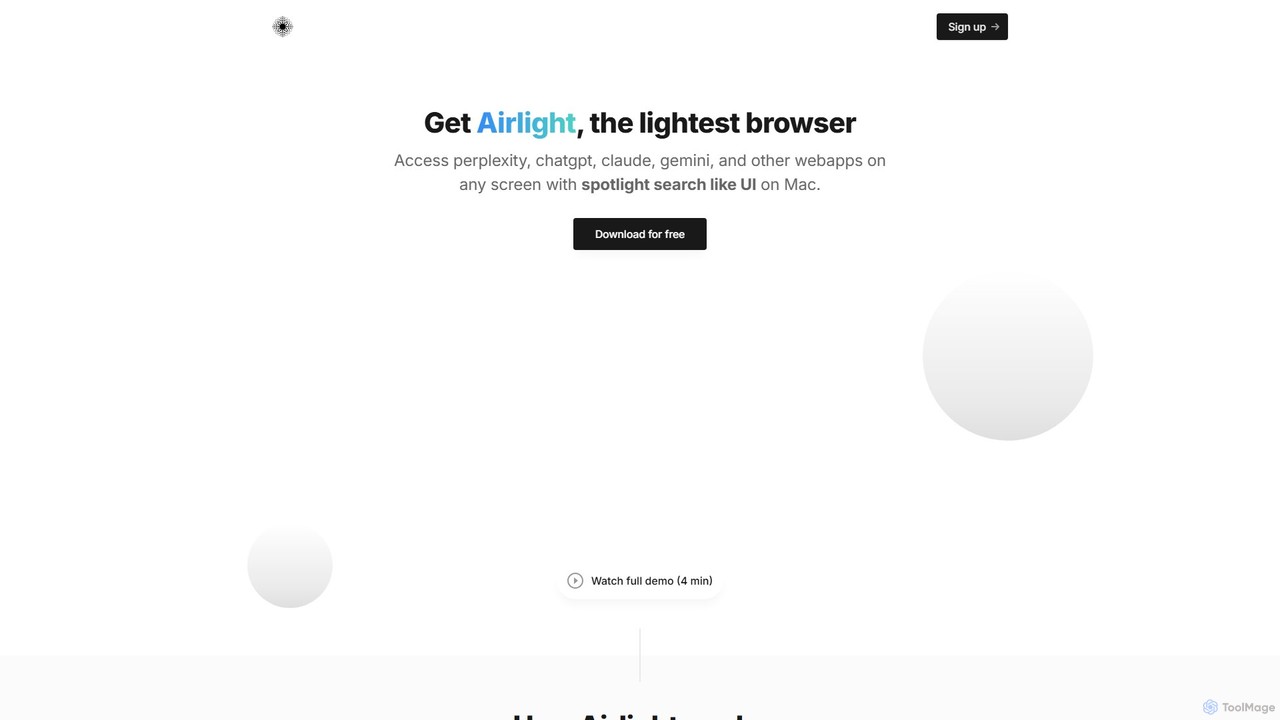
Airlight
Airlight is a lightweight "superbrowser" for macOS that provides instant access to web apps like ChatGPT, Perplexity, and Claude via a Spotlight-like interface. Activated by a simple shortcut (option + space), it overlays on any screen, eliminating the need for constant tab switching and boosting productivity for developers, writers, and researchers.
Chat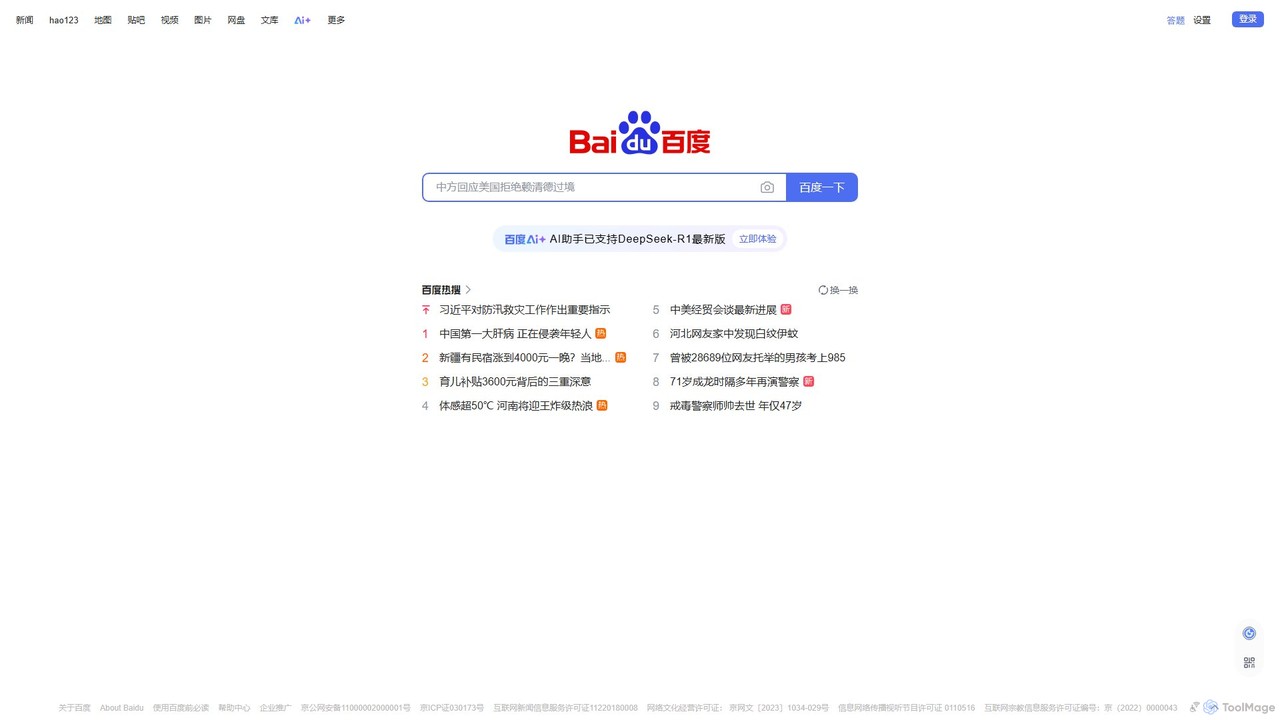
Baidu
Baidu is a comprehensive AI-powered platform that has evolved beyond a traditional search engine. It integrates the powerful ERNIE large language model to provide conversational search, content generation, in-depth Q&A, and a suite of intelligent tools, creating a unified ecosystem for information discovery and creation.
Ai Assistant
Bing
Bing is an AI-powered search engine by Microsoft, integrated with Copilot to provide direct answers, content creation, and image generation. It goes beyond traditional search by offering conversational AI to help users research, write, plan, and create, all in one place.
Generative Ai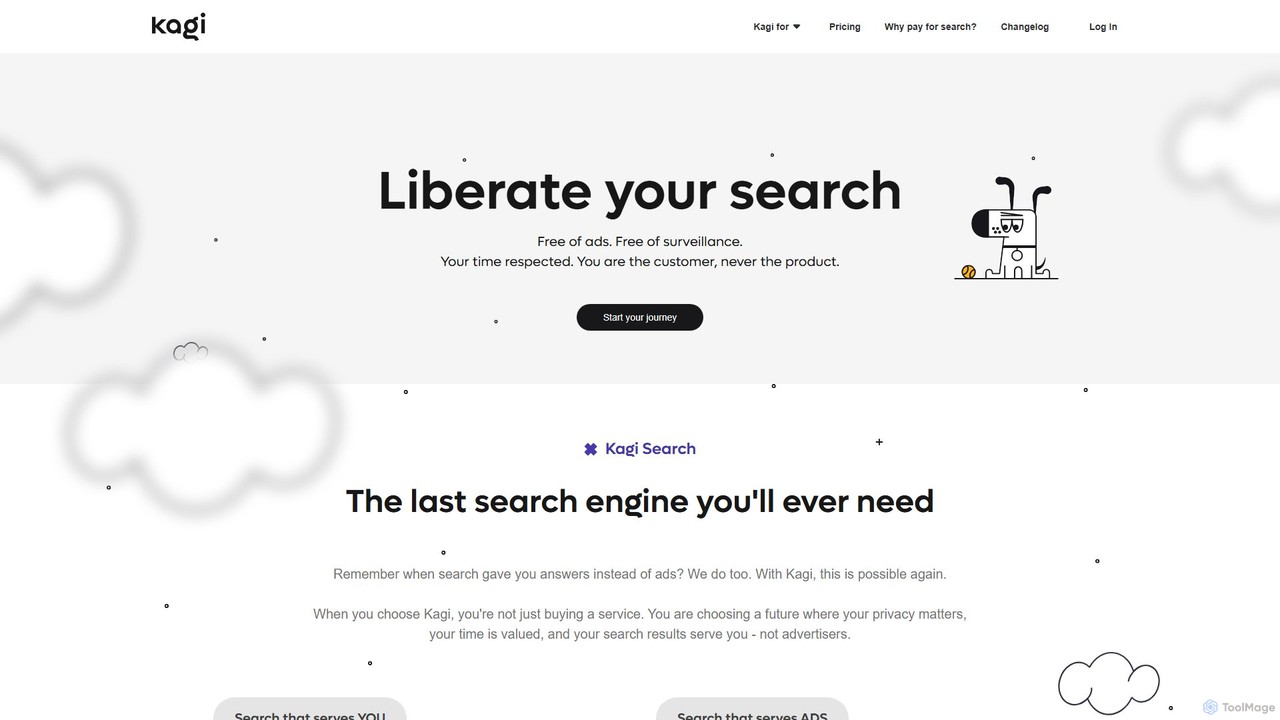
Kagi
Kagi is a premium, user-funded search engine that provides a 100% ad-free, private, and customizable search experience. It enhances productivity with high-quality, unbiased results and an integrated AI Assistant powered by leading large language models. Kagi puts users in control, allowing them to personalize search results and ensuring their data is never sold or used for advertising.
Ai Assistant
duckduckgpt
A free, open-source browser extension that enhances DuckDuckGo search with AI-powered chat and summaries. It integrates seamlessly, providing instant answers and concise summaries from the latest LLMs like GPT-4o, right alongside your search results.
Browser Extension
Opera Comments (0)
Sign in to comment.
Sign inNo comments yet.