

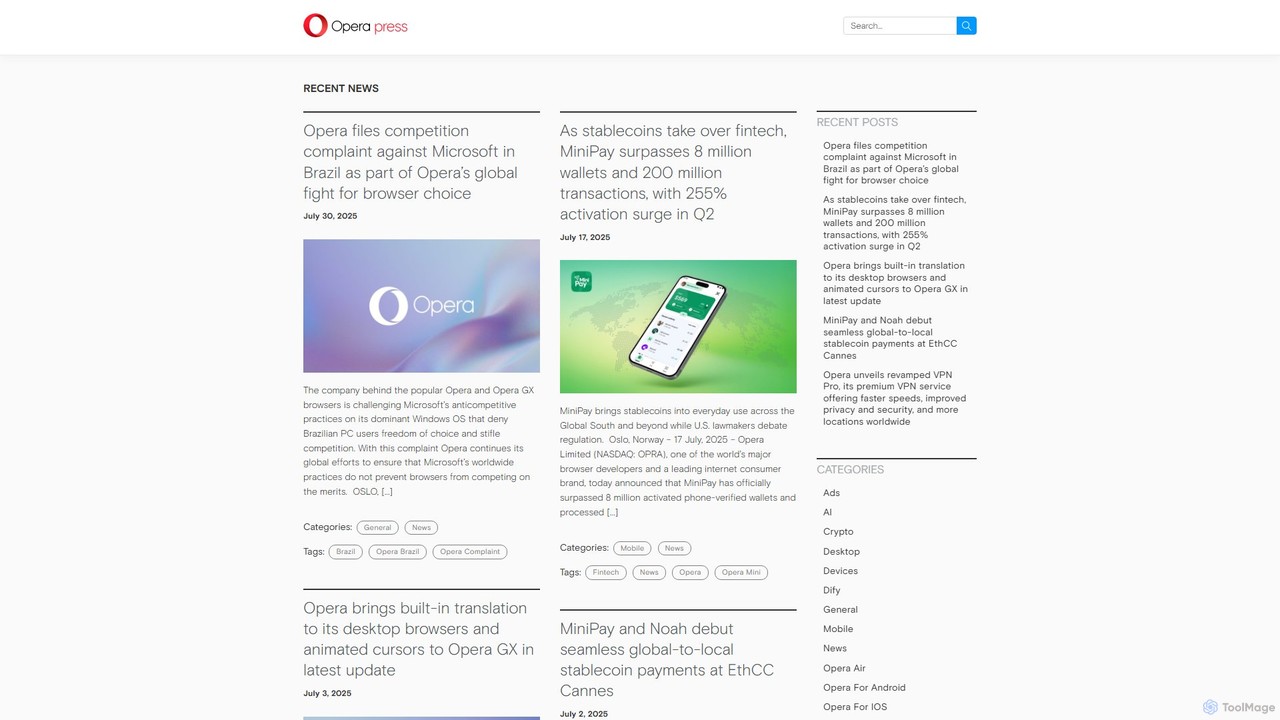
Opera Overview
Opera is a pioneering family of web browsers, renowned for its innovation, speed, and security for over 25 years. It has evolved from a simple browser into a comprehensive internet suite designed for the modern web. The platform includes the flagship Opera browser for desktop and mobile, the performance-oriented Opera GX for gamers, and the data-saving Opera Mini. At the heart of its modern experience is Aria, a powerful, free, and native browser AI developed in collaboration with OpenAI and Google. Aria is deeply integrated, providing users with smart, up-to-date information, content creation tools, and a more intuitive way to navigate the web.
Opera's core philosophy is to provide an all-in-one solution, reducing the need for third-party extensions. It comes with a free, no-log VPN, a powerful ad blocker, and a tracker blocker to enhance user privacy and security. The browser is also highly customizable, with features like Tab Islands for organization, sidebar integrations for popular messengers and social media, and extensive theming options.
How to use Opera
Getting started with Opera and its AI features is straightforward:
- Download and Install: Choose the browser version that suits your needs (Opera for general use, Opera GX for gaming) from the official website and install it on your Windows, macOS, Linux, Android, or iOS device.
- Access Aria AI: Aria is readily available in the browser sidebar. You can also use the command line shortcut (Ctrl+/ or Cmd+/) to open a chat overlay.
- Interact with AI: Ask Aria questions in natural language. You can request summaries of articles, ask for complex information, brainstorm ideas, or have it compose text for you.
- Generate Images: Simply describe the image you want to create in your chat with Aria (e.g., "create an image of a futuristic city at sunset"), and it will generate it using Google's Imagen2 model.
- Use Image Understanding: Upload an image to the Aria chat and ask questions about it. For example, you can upload a photo of a landmark and ask for its history.
- Enable Privacy Features: Go to Settings to easily toggle the free VPN, Ad Blocker, and Tracker Blocker for a more secure browsing experience.
- Organize Your Tabs: Opera's Tab Islands feature automatically groups tabs opened from the same context. You can also use the Split Screen view to work on two tabs simultaneously.
Core Features of Opera
- Aria AI Assistant: A free, native browser AI with access to live web results, powered by Opera's Composer engine and models from Google (Gemini) and OpenAI.
- AI-Powered Content Creation: Generate unique text and images directly within the browser, perfect for creators, students, and professionals.
- Advanced AI Capabilities: Includes image understanding, voice output for reading answers aloud, chat summarization, and AI-powered tab management.
- Built-in Free VPN: A no-log virtual private network that enhances your online privacy and security with a single click. A premium VPN Pro is also available for device-wide protection.
- Ad and Tracker Blocker: Speeds up page loading and protects you from intrusive ads and online tracking.
- Opera GX for Gamers: A special version with CPU, RAM, and Network limiters, Twitch and Discord integration, and deep customization including RGB lighting sync (LIGHTSYNC RGB, iCUE).
- Tab Islands & Split Screen: Innovative tab management features that automatically group related tabs and allow for side-by-side viewing to boost productivity.
- Integrated Messengers & Players: Sidebar access to WhatsApp, Telegram, Instagram, TikTok, Twitter, and music streaming services like Spotify and Apple Music.
- Web3 and Crypto Wallet: A built-in non-custodial crypto wallet with support for multiple blockchains, making it easy to interact with dApps and manage digital assets.
Use Cases for Opera
For Researchers and Students: Use Aria to quickly summarize lengthy academic papers, gather up-to-date information with cited sources, and keep research organized with Tab Islands.
For Content Creators: Brainstorm blog post ideas, draft social media copy, and generate unique, royalty-free images for articles and posts without leaving the browser.
For Gamers: Use Opera GX to ensure smooth gameplay by limiting browser resource usage. Stay connected with gaming communities through integrated Discord and Twitch, and customize the browser to match your gaming setup.
For the Privacy-Conscious User: Browse with confidence using the built-in VPN for anonymity and the ad/tracker blocker to prevent data collection by third parties.
For Everyday Multitasking: Manage a busy workflow by using Split Screen to compare products online, watch a tutorial while working on another tab, and keep different projects neatly separated with Tab Islands.
Advantages of Opera
Opera stands out by offering a feature-rich, integrated experience. Its main advantage is providing a comprehensive suite of tools—AI assistant, VPN, ad blocker, social integrations—natively, which enhances performance, security, and convenience. The free and unlimited nature of its core features, including the powerful Aria AI, provides immense value. Its specialization with Opera GX caters perfectly to the gaming community, a niche often overlooked by other browsers. Continuous innovation ensures users always have access to cutting-edge web technologies.
Pricing and Plans
The Opera browser, Opera GX, Opera Mini, and the integrated Aria AI assistant are completely free to use. The company follows a freemium model, offering an optional premium subscription:
- Free Plan: Includes all core browser features, Aria AI, built-in Ad Blocker, and the free Browser VPN.
- VPN Pro: A paid subscription that offers a premium, device-wide VPN service with more server locations, faster speeds, and the ability to protect up to six devices.
Traffic
Latest traffic
Status
Monthly traffic trend
- 2025-9: 247.5K
- 2026-1: 270.8K
- 2026-2: 186.7K
- 2026-3: 209.8K
- 2026-4: 251.6K
- 2026-5: 218.7K
Geography
Top 5 countries / regions
- 🇺🇸United States42.7%
- 🇬🇧United Kingdom20.3%
- 🇺🇦Ukraine13.4%
- 🇨🇳China12.9%
- 🇨🇦Canada10.7%
Traffic sources
| Source type | Percentage |
|---|---|
Referral | 63.5% |
Direct | 36.5% |
Top keywords
| Keyword | Cost per click |
|---|---|
| ai streamer reaction upload video game redbud | $0.00 |
| nte corner hub | $0.00 |
| opera 1 browser | $0.00 |
| opera reader mode android | $0.00 |
| opera浏览器 | $0.00 |
Opera Videos on YouTube

RB_Animation


Vaibhav Sisinty



Opera Alternatives
Brave
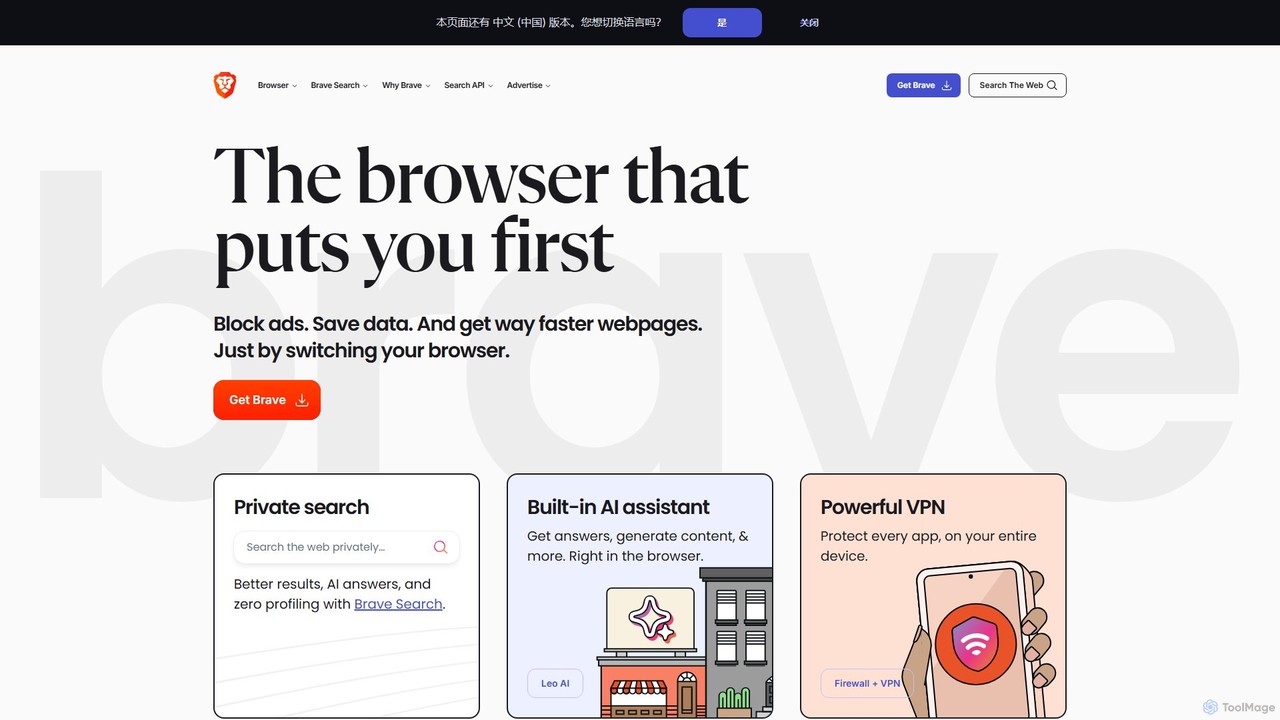
Brave is a privacy-first web browser that automatically blocks ads and trackers. It offers a faster, more secure browsing experience, complete with an independent search engine, a built-in crypto wallet, and an AI assistant named Leo. Users can also opt-in to earn cryptocurrency (BAT) for viewing privacy-respecting ads.
Crypto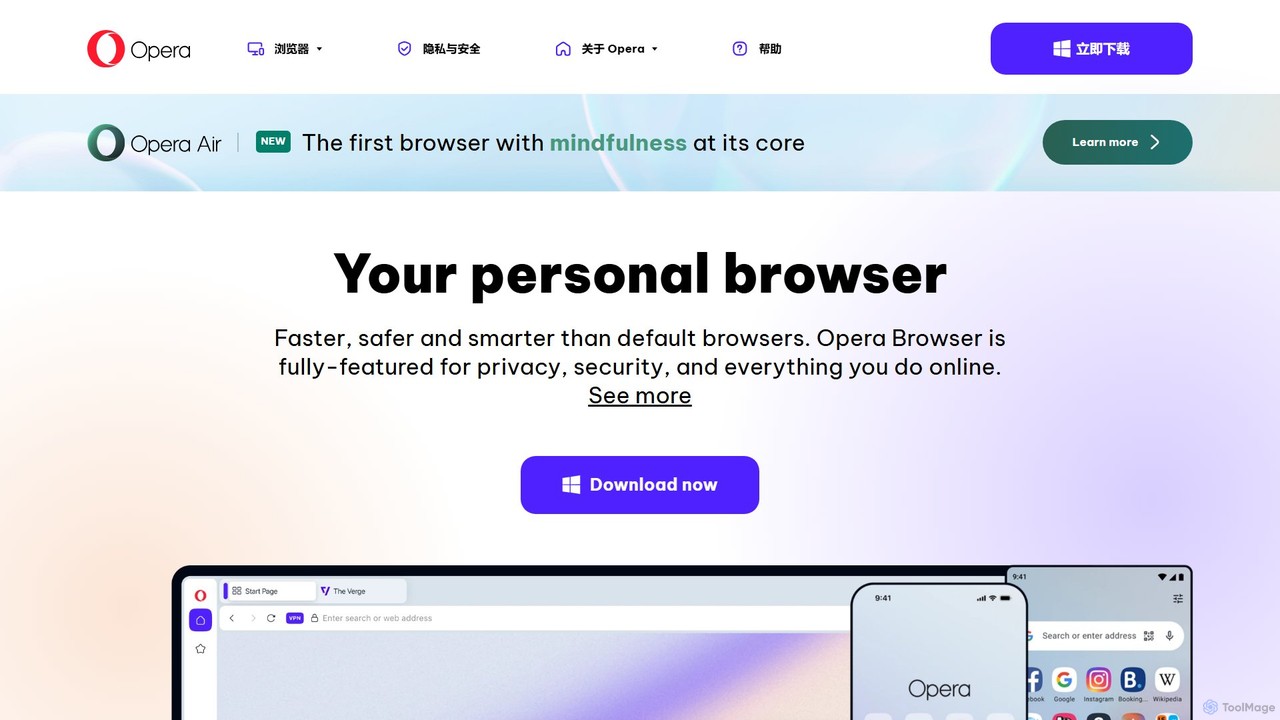
Opera
Opera is a smart, secure web browser with a native AI assistant, Aria. It offers innovative features like Tab Islands for organization, a free built-in VPN, and an ad blocker. Designed for speed and privacy, Opera provides a more productive and distraction-free browsing experience.
Browser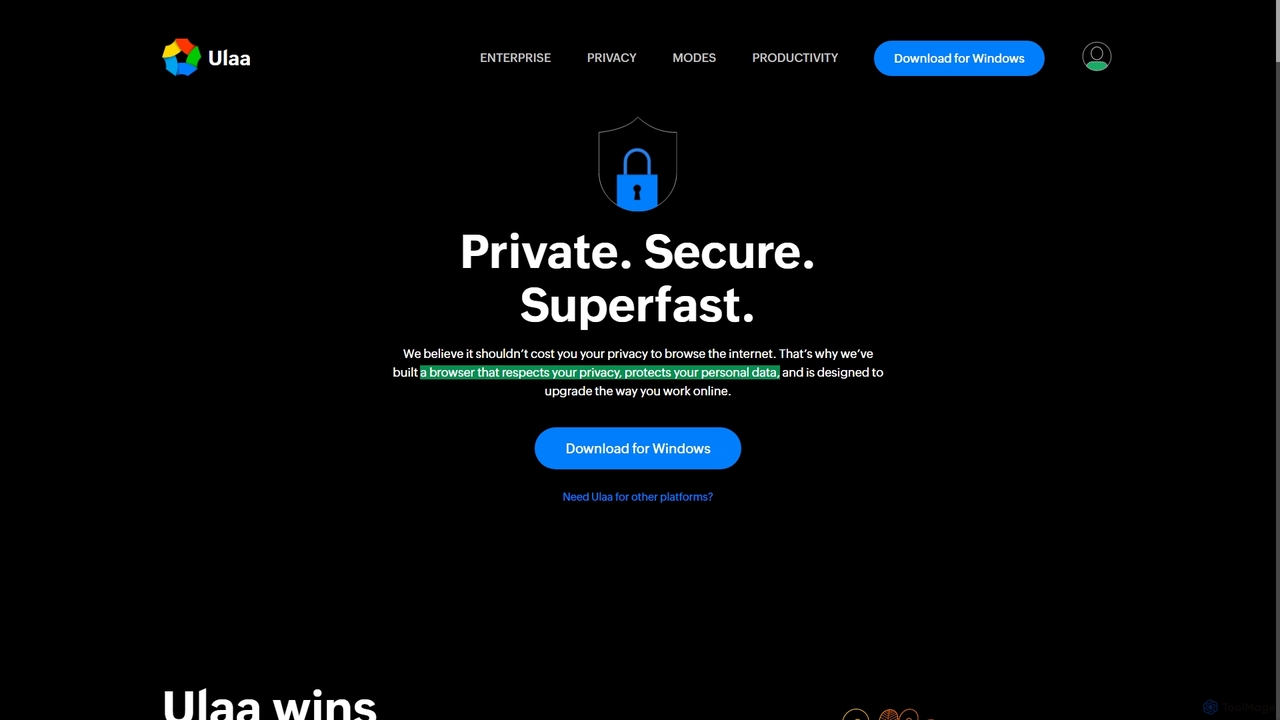
Ulaa Browser
Ulaa Browser, by Zoho, is a privacy-first, Chromium-based web browser designed for individuals and enterprises. It champions security with a built-in ad blocker, phishing protection, and unique browsing "Modes" to isolate work, personal, and other contexts. For businesses, Ulaa Enterprise offers advanced data loss prevention, centralized management, and AI-powered intelligence by Zia to create a secure and productive browsing environment.
Enterprise Software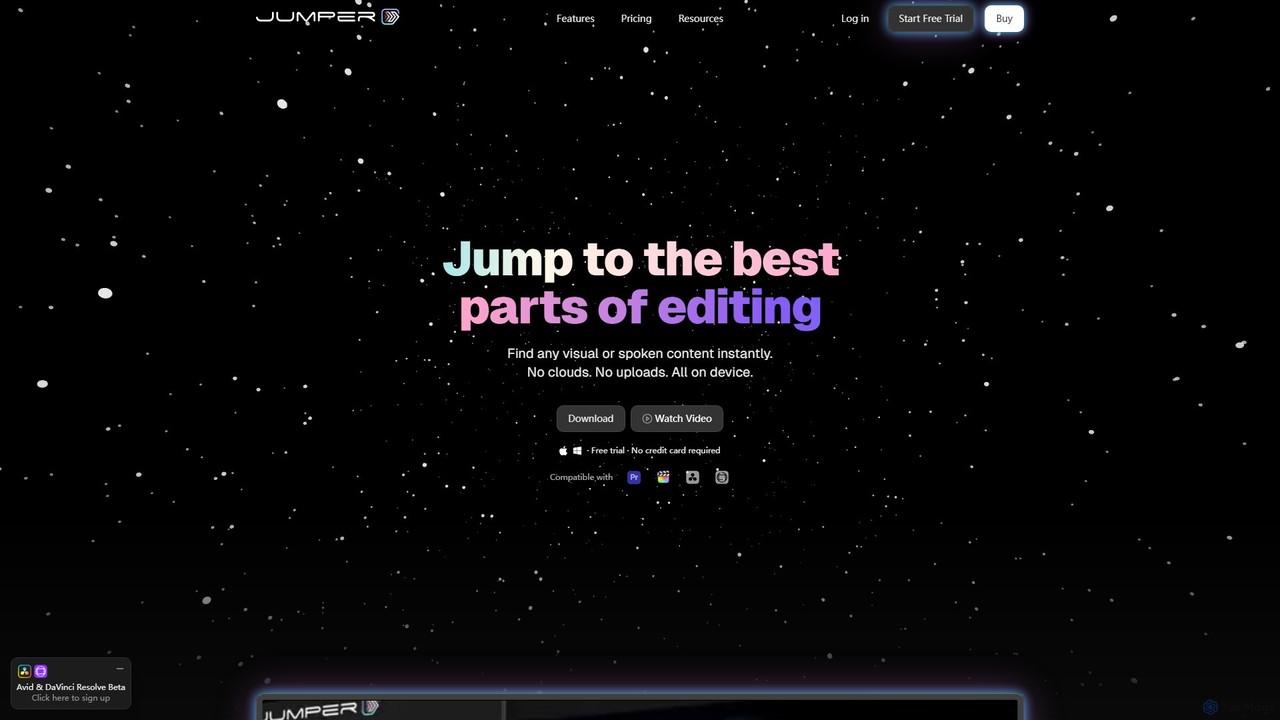
Jumper
Jumper is an AI-powered video editing assistant that integrates with professional editing software. It enables editors to instantly search through hours of footage for any visual or spoken content, all locally on their device. By eliminating cloud uploads, Jumper offers unparalleled speed, privacy, and a streamlined workflow, saving countless hours on every project.
Transcription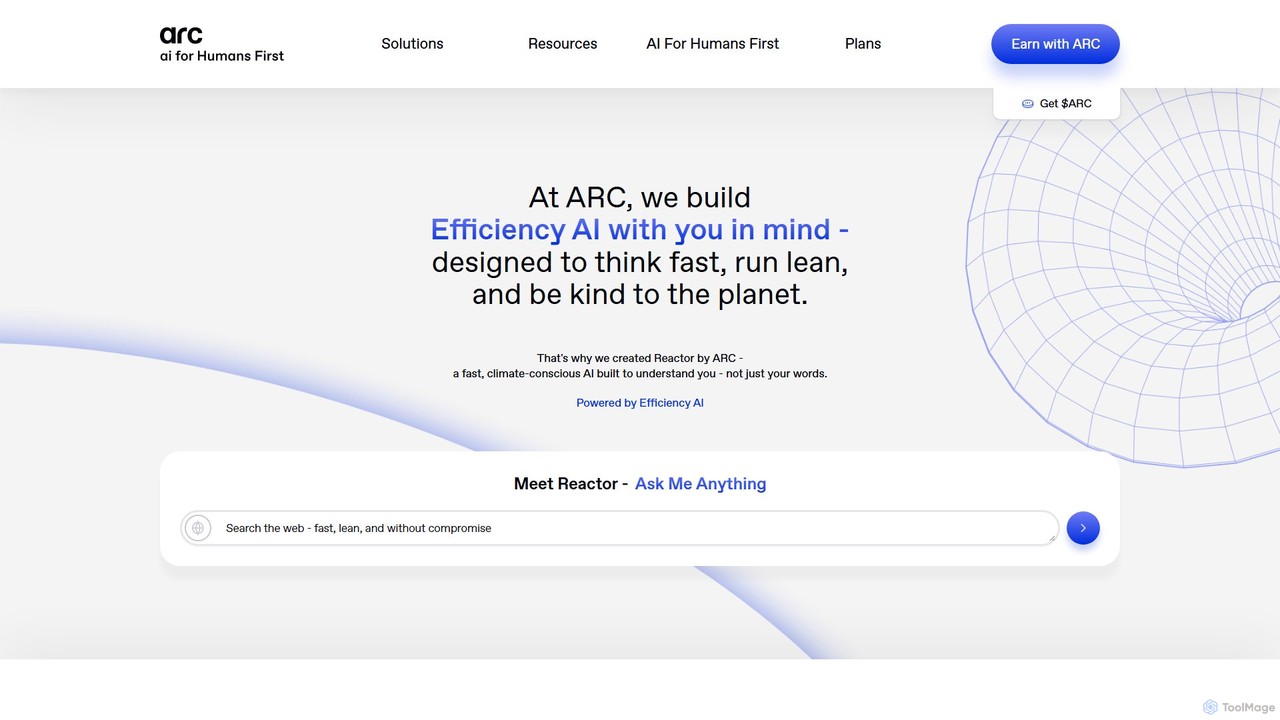
Arc
Arc is a revolutionary browser by The Browser Company, designed to be a smart, organized, and private alternative to Chrome. It integrates AI features to enhance productivity, offers unique organization tools like Spaces and Split View, and provides a seamless, ad-free experience across desktop and mobile.
Search AssistantOpera Categories
Opera Embed Widget
Copy this embed code to place the badge on your blog, article, or product site and send readers directly to this ToolMage detail page.

Related AI tools
Brave
Brave is a privacy-first web browser that automatically blocks ads and trackers. It offers a faster, more secure browsing experience, complete with an independent search engine, a built-in crypto wallet, and an AI assistant named Leo. Users can also opt-in to earn cryptocurrency (BAT) for viewing privacy-respecting ads.
CryptoOpera
Opera is a smart, secure web browser with a native AI assistant, Aria. It offers innovative features like Tab Islands for organization, a free built-in VPN, and an ad blocker. Designed for speed and privacy, Opera provides a more productive and distraction-free browsing experience.
Browser
Broearn
Broearn is a next-generation Web3 browser that integrates a GPT-4 powered AI assistant, a secure multi-chain crypto wallet, and a unique 'Use-to-Earn' model. It offers robust privacy features, including a free built-in VPN, anti-phishing protection, and decentralized storage, providing a comprehensive and rewarding browsing experience for the modern web.
Ai AssistantUlaa Browser
Ulaa Browser, by Zoho, is a privacy-first, Chromium-based web browser designed for individuals and enterprises. It champions security with a built-in ad blocker, phishing protection, and unique browsing "Modes" to isolate work, personal, and other contexts. For businesses, Ulaa Enterprise offers advanced data loss prevention, centralized management, and AI-powered intelligence by Zia to create a secure and productive browsing environment.
Enterprise SoftwareJumper
Jumper is an AI-powered video editing assistant that integrates with professional editing software. It enables editors to instantly search through hours of footage for any visual or spoken content, all locally on their device. By eliminating cloud uploads, Jumper offers unparalleled speed, privacy, and a streamlined workflow, saving countless hours on every project.
Transcription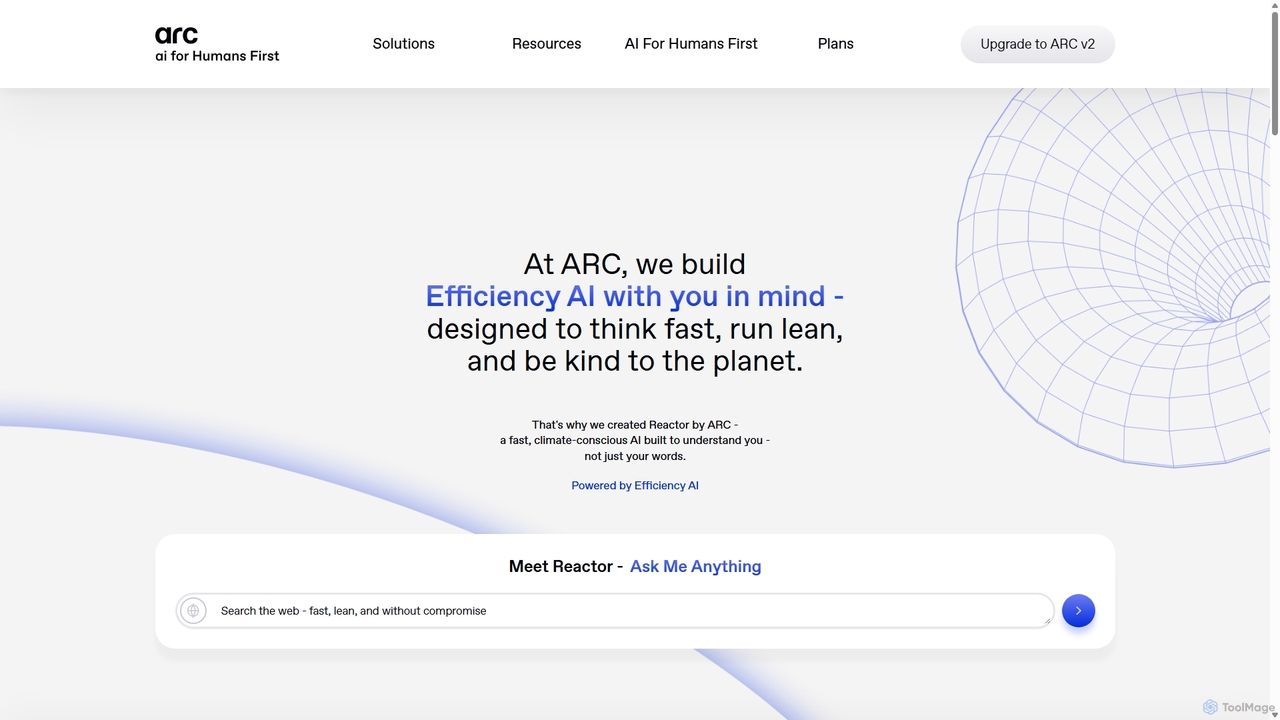
ARC
ARC is an "Efficiency AI" ecosystem focused on speed, privacy, and sustainability. It features Reactor, a fast AI assistant for search and creation; Matrix, an encryption shield for enterprise AI workflows; and Protocol, a real-time crypto auditing tool. ARC delivers high-performance AI with a minimal environmental footprint, prioritizing user data control and security.
Api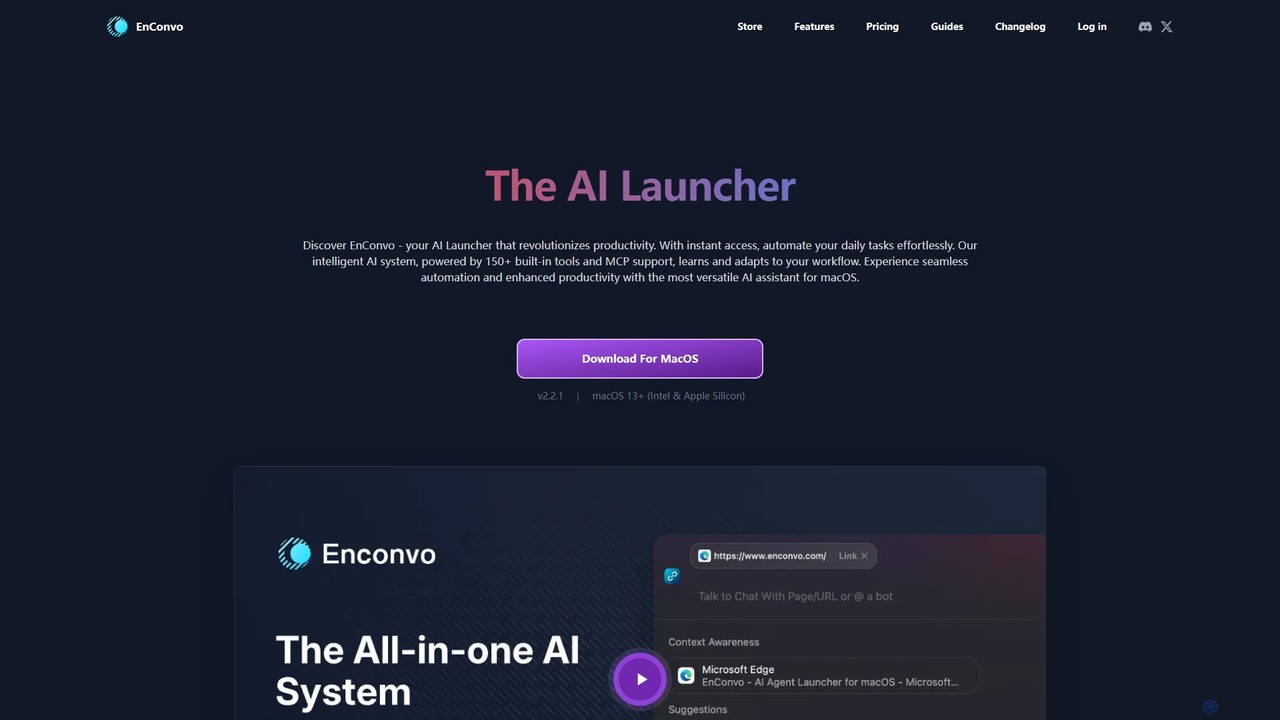
EnConvo
EnConvo is a powerful AI agent launcher for macOS designed to automate tasks and boost productivity. It integrates seamlessly into your workflow with a Spotlight-like interface, offering over 150 tools, custom workflows, context awareness, and support for local LLMs, transforming how you interact with your Mac.
Workflow Automation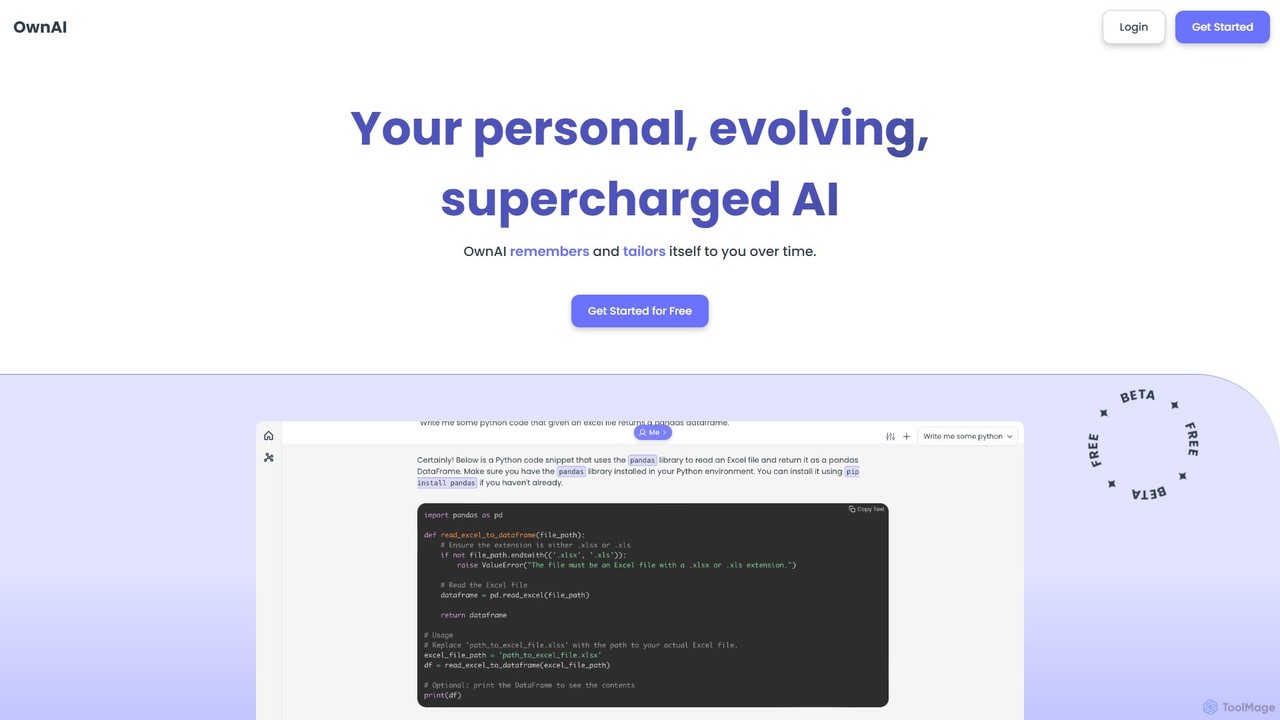
OwnAI
OwnAI is a personal, evolving AI companion that remembers your conversations and tailors itself to you over time. It integrates advanced features like a persistent memory system, free image generation, web search, and multi-modal interactions to provide a deeply personalized and supercharged AI experience.
Personalized ChatArc
Arc is a revolutionary browser by The Browser Company, designed to be a smart, organized, and private alternative to Chrome. It integrates AI features to enhance productivity, offers unique organization tools like Spaces and Split View, and provides a seamless, ad-free experience across desktop and mobile.
Search Assistant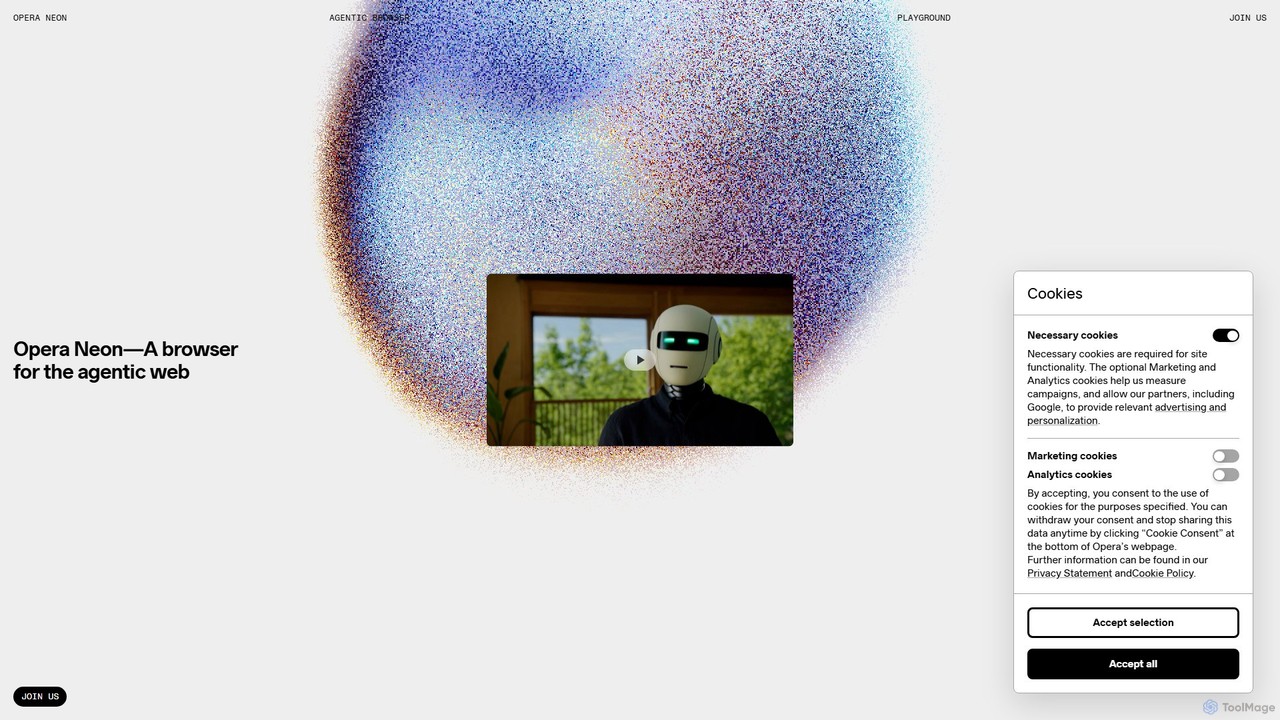
Opera Neon
Opera Neon is a next-generation agentic AI browser designed to understand user intent, automate complex tasks, and create digital content. It integrates AI chat, task automation, and creative generation into a single, seamless browsing experience, acting as a proactive digital assistant.
Low Code No Code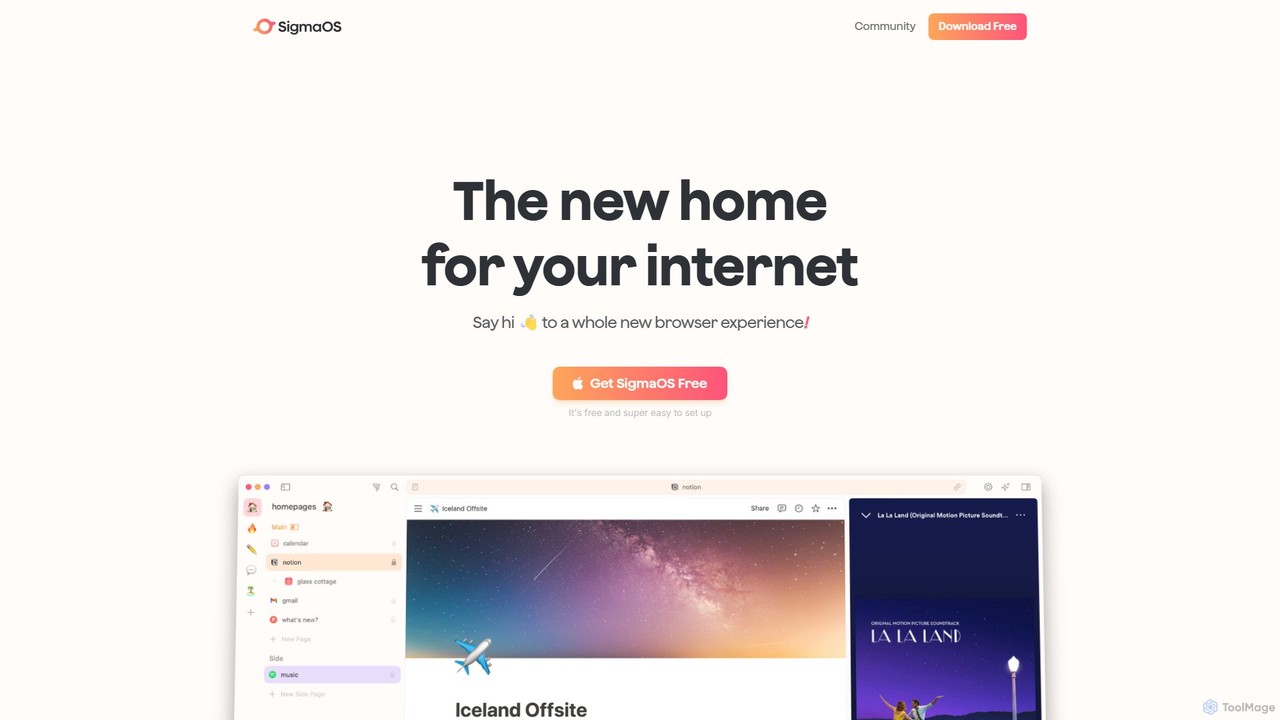
SigmaOS
SigmaOS is a revolutionary AI-powered web browser designed for work and productivity on macOS. It reimagines the browsing experience with features like workspaces for organization, vertical tabs managed as tasks, and an integrated AI assistant named Airis. It combines the speed and security of Safari's WebKit engine with the versatility of Chrome extensions, creating a focused, efficient, and intelligent environment for students, founders, and creatives.
Search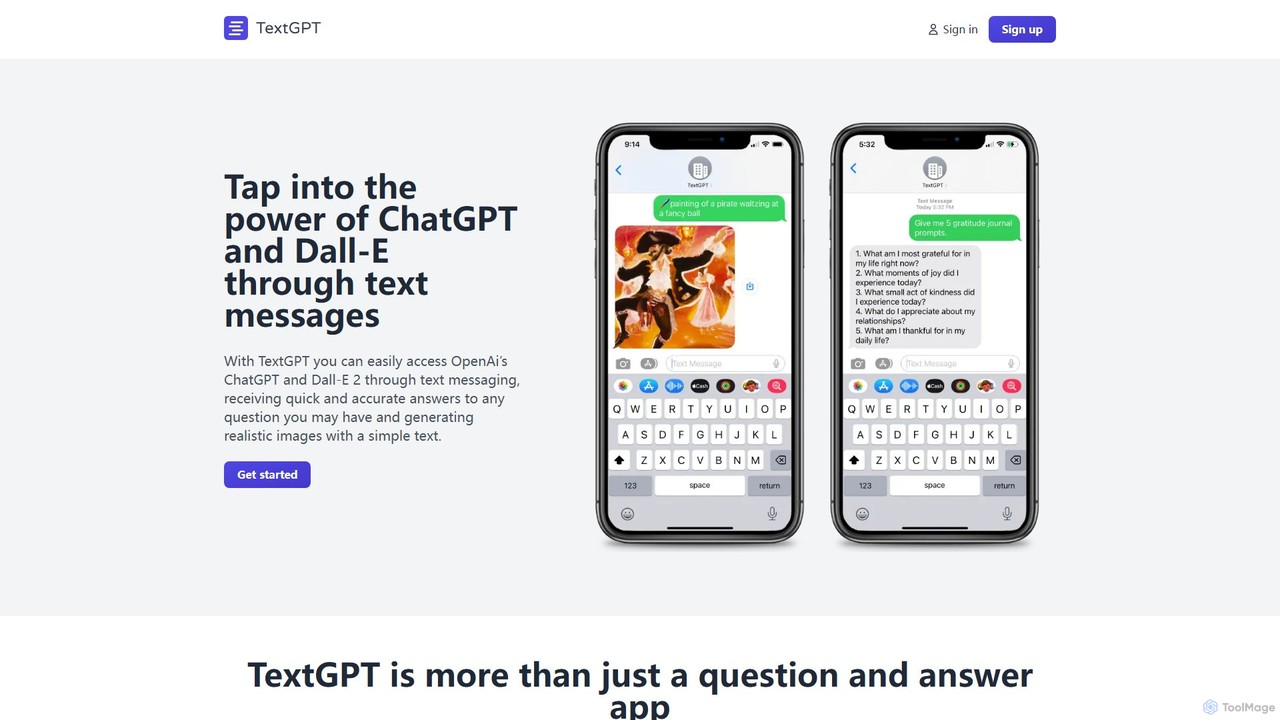
TextGPT
TextGPT allows you to access the power of OpenAI's GPT-4 and image generation models like DALL-E 2 and Stable Diffusion directly through SMS text messages. Get instant answers, generate realistic images, and brainstorm ideas without needing a smartphone app or internet connection. It's a simple, accessible AI assistant for everyone.
Messaging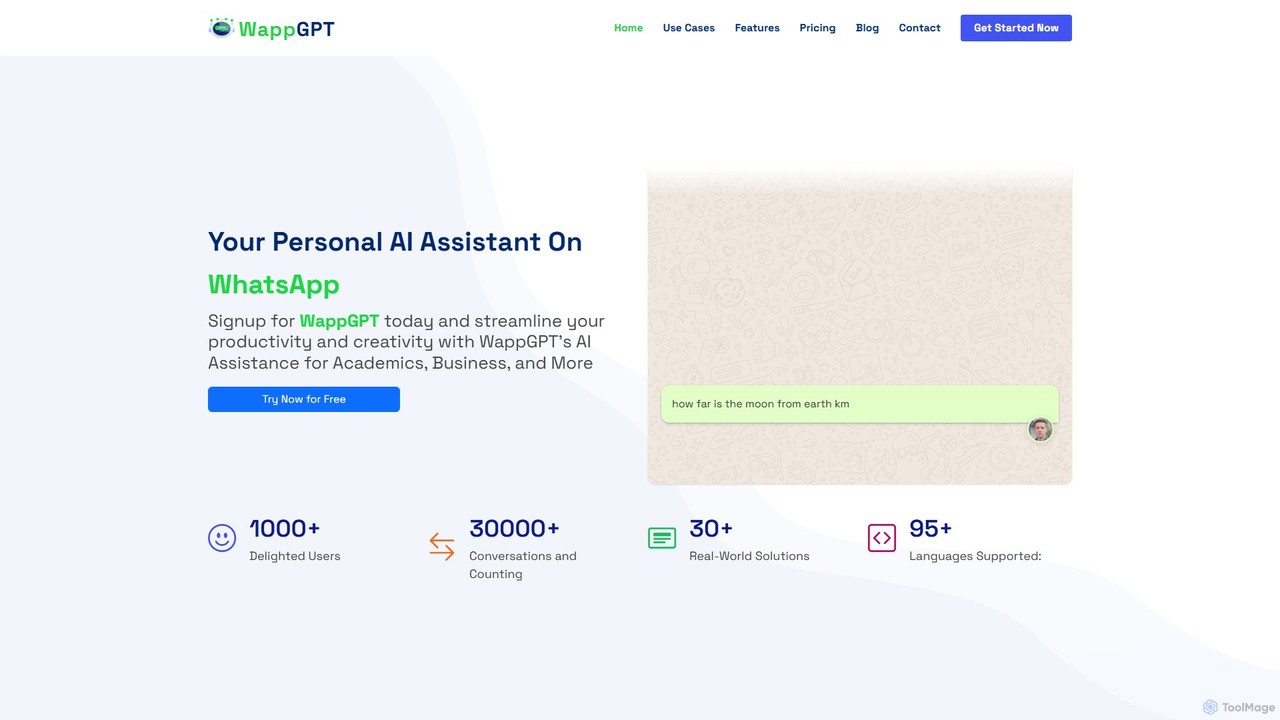
WappGPT
WappGPT is a powerful AI assistant that integrates OpenAI's ChatGPT and DALL-E 2 directly into your WhatsApp. Get instant answers, generate creative content, compose emails, translate languages, and create custom AI images, all within your favorite messaging app to boost productivity.
Learning Assistant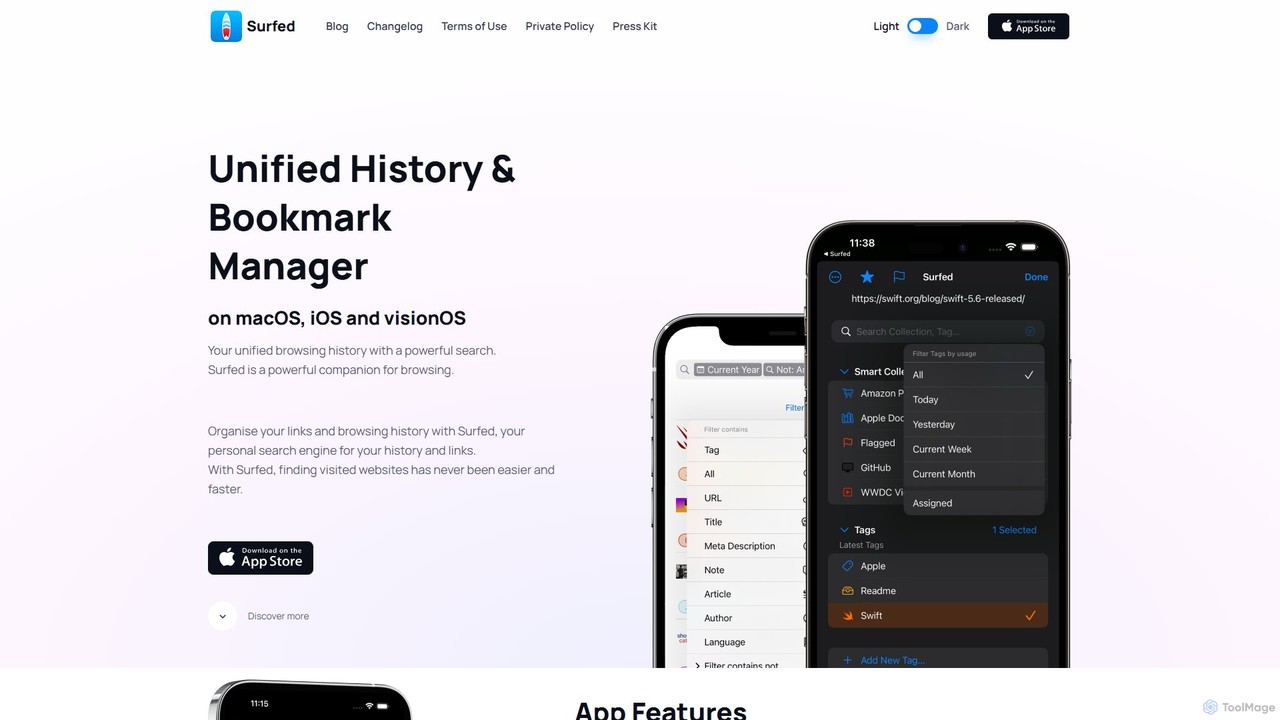
Surfed
Surfed is a powerful, privacy-focused history and bookmark manager for macOS, iOS, and visionOS. It unifies your browsing history from all major browsers, acting as your personal search engine. With features like AI-powered summarization, web automation, read-it-later, and cross-device sync, Surfed transforms how you organize, find, and interact with your web links and content.
Automation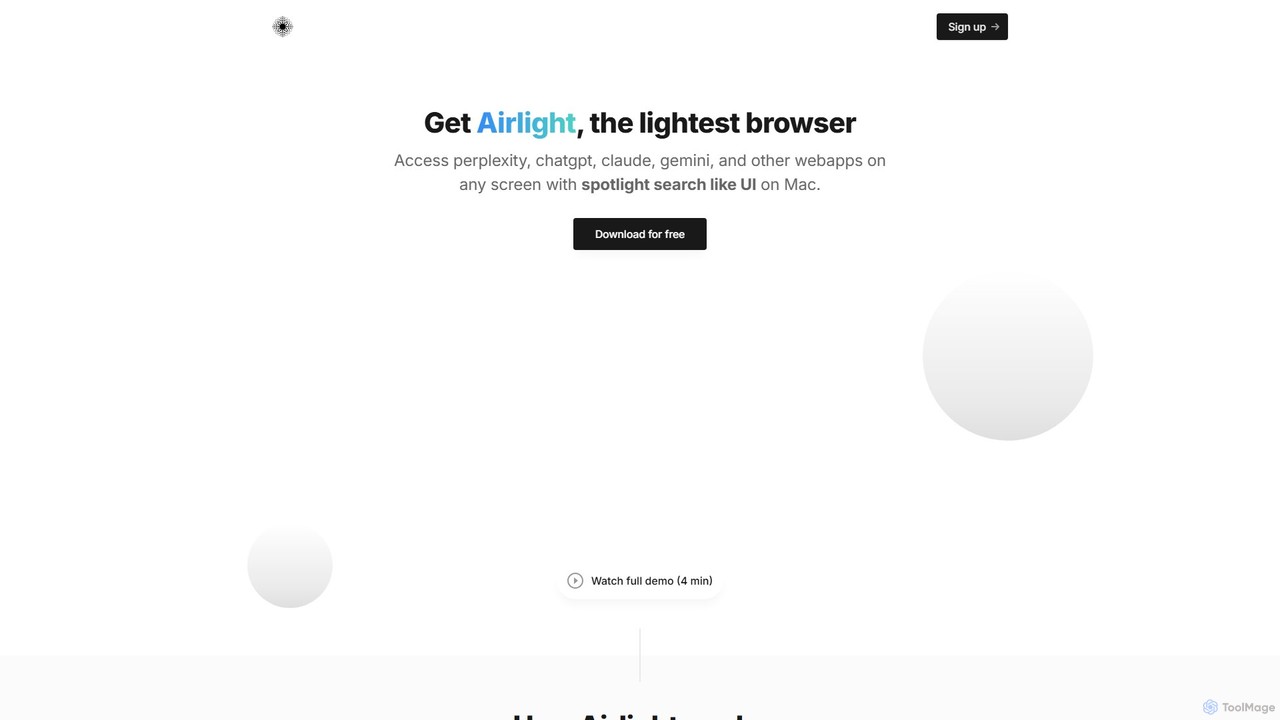
Airlight
Airlight is a lightweight "superbrowser" for macOS that provides instant access to web apps like ChatGPT, Perplexity, and Claude via a Spotlight-like interface. Activated by a simple shortcut (option + space), it overlays on any screen, eliminating the need for constant tab switching and boosting productivity for developers, writers, and researchers.
Chat
Opera Comments (0)
Sign in to comment.
Sign inNo comments yet.