

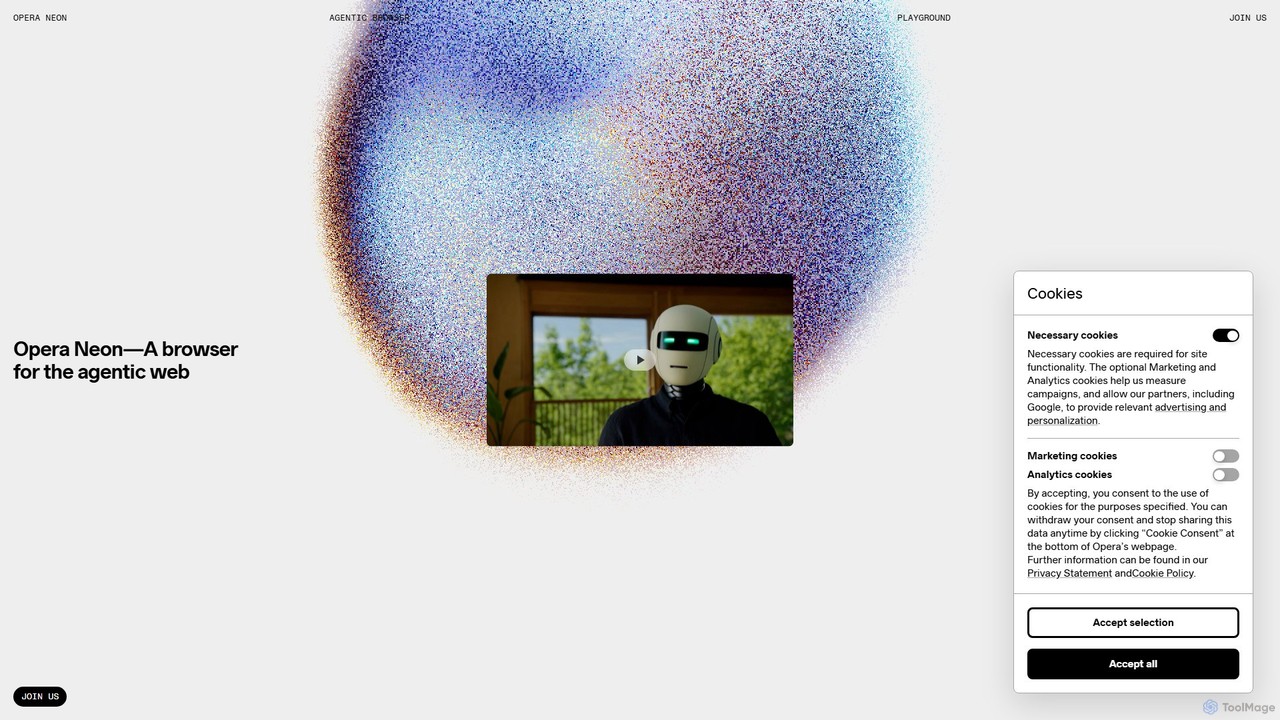
Opera Neon Overview
Opera Neon represents a significant leap forward in web browsing, positioning itself as an agentic AI browser. Unlike traditional browsers that simply display information, Opera Neon is engineered to understand your intentions, assist with tasks, and take autonomous actions on your behalf. It's built on the premise of a collaborative web where intelligent agents work alongside you to enhance productivity and creativity. The core of Opera Neon is divided into three powerful functionalities: Chat, Do, and Make.
The Chat feature is an ever-present AI assistant integrated directly into the browser. It provides instant, web-sourced answers, conducts research, generates written content, translates text, and more, eliminating the need to switch between applications. It can also generate and analyze images and supports over 50 languages through both text and voice, understanding natural human communication.
The Do function acts as your smart digital operator. This AI agent can navigate websites, fill out forms, and complete multi-step tasks autonomously. It's designed to handle the busywork, from booking a complex trip to ordering products online or even applying for jobs. Crucially, Opera Neon ensures the user remains in full control, providing a transparent view of every step the agent takes.
The Make feature transforms your complex ideas into tangible outputs. It goes beyond simple text generation to build full-scale results like interactive web games, data dashboards, and web applications directly from your prompts. Its multi-tool intelligence allows it to work across text, data, visuals, and code, selecting the right tools for the job. You can even review the entire creation process step-by-step with its replayable workflow feature.
How to use Opera Neon
Access to Opera Neon is currently exclusive and invite-only, available to early community members who join the waitlist. Once access is granted, using the browser is designed to be intuitive and conversational. You interact with its AI through natural language prompts.
1. For Information (Chat): Simply ask a question in the chat interface. For example, 'Summarize the latest AI articles on that blog' or 'Translate this page to German'. You can also upload an image and ask for an analysis.
2. For Automation (Do): Give the browser a command to complete a task. For instance, 'Find and order twelve pairs of white Nike socks, men's size 10, from Walmart for home delivery' or 'Plan a five-day romantic trip to Lisbon from Oslo within a $2000 budget, including flights and hotels'.
3. For Creation (Make): Describe what you want to build. For example, 'Create a retro HTML5 Pong game with a score tracker' or 'Build a web app that splits group expenses and tracks who owes whom'. The AI agent will then execute the steps to create the final product.
Core Features of Opera Neon
- Agentic AI Chat: Provides real-time, web-based answers, generates content, translates across 50+ languages, and offers voice and multilingual support.
- Image Generation & Analysis: Creates new images from text prompts or provides insights on uploaded visuals.
- Autonomous Web Interaction (Do): Navigates websites, inputs information, and completes tasks like booking, shopping, and filling out forms without constant user input.
- Smart Task Delegation: Automates repetitive and complex online chores, freeing up user time.
- User-in-Control Transparency: Shows each step the AI agent takes, ensuring the user is always informed and in command.
- Autonomous Creation (Make): Builds complex outputs like web apps, games, and data dashboards from simple prompts.
- Multi-Tool Intelligence: Intelligently selects and uses the appropriate tools (text, code, data, visuals) to accomplish a task.
- Replayable Workflows: Offers a step-by-step replay of the creation process for full transparency and understanding.
Use Cases for Opera Neon
Opera Neon is versatile enough to handle a wide range of personal and professional tasks:
- E-commerce: Finding a specific product (e.g., a portable blender on Temu), comparing specifications and reviews, and completing the entire checkout process.
- Travel Planning: Planning and booking a multi-day trip, including finding the best flight deals, suggesting activities, and booking hotels within a set budget.
- Job Applications: Analyzing your LinkedIn profile, matching skills to open roles, crafting a targeted résumé and cover letter, and submitting the application on your behalf.
- Data Analysis & Research: Crawling a blog or website, reading all posts on a topic, and organizing the information into a structured table.
- Web Development: Building interactive web apps and games like Minesweeper, Snake, or an expense splitter without writing a single line of code.
- Financial Analysis: Generating an in-depth stock intelligence report by blending financial data, market sentiment, and competitor benchmarking.
Advantages of Opera Neon
The primary advantage of Opera Neon is its evolution from a simple browser into a proactive, agentic partner. It saves significant time and mental energy by automating complex, multi-step processes that would normally require extensive manual effort. Its integrated, all-in-one design means users don't have to juggle multiple apps for research, automation, and creation. The emphasis on user control and transparency builds trust, while its ability to handle complex creative and logical tasks opens up new possibilities for users of all skill levels.
Pricing and Plans
Opera Neon is a subscription-based product. Specific pricing tiers and detailed plan information will be announced soon. Currently, access is available via an invite-only waitlist.
Traffic
Latest traffic
Status
Monthly traffic trend
- 2025-9: 181.5K
- 2026-1: 263.5K
- 2026-2: 239.8K
- 2026-3: 303.6K
- 2026-4: 341.9K
- 2026-5: 292.2K
Geography
Top 5 countries / regions
- 🇺🇸United States39.0%
- 🇮🇳India22.4%
- 🇷🇺Russia13.5%
- 🇲🇽Mexico13.4%
- 🇧🇷Brazil11.7%
Traffic sources
| Source type | Percentage |
|---|---|
Referral | 51.7% |
Direct | 48.3% |
Top keywords
| Keyword | Cost per click |
|---|---|
| opera | $0.32 |
| opera browser | $0.38 |
| opera gx | $1.29 |
| opera neon | $1.41 |
| zen browser | $1.44 |
Opera Neon Videos on YouTube

A Better Computer


Calderon Bridger

JimTechie Tutorials

AI Horizon Daily

GadgetGlow Podcast

Opera Neon Alternatives
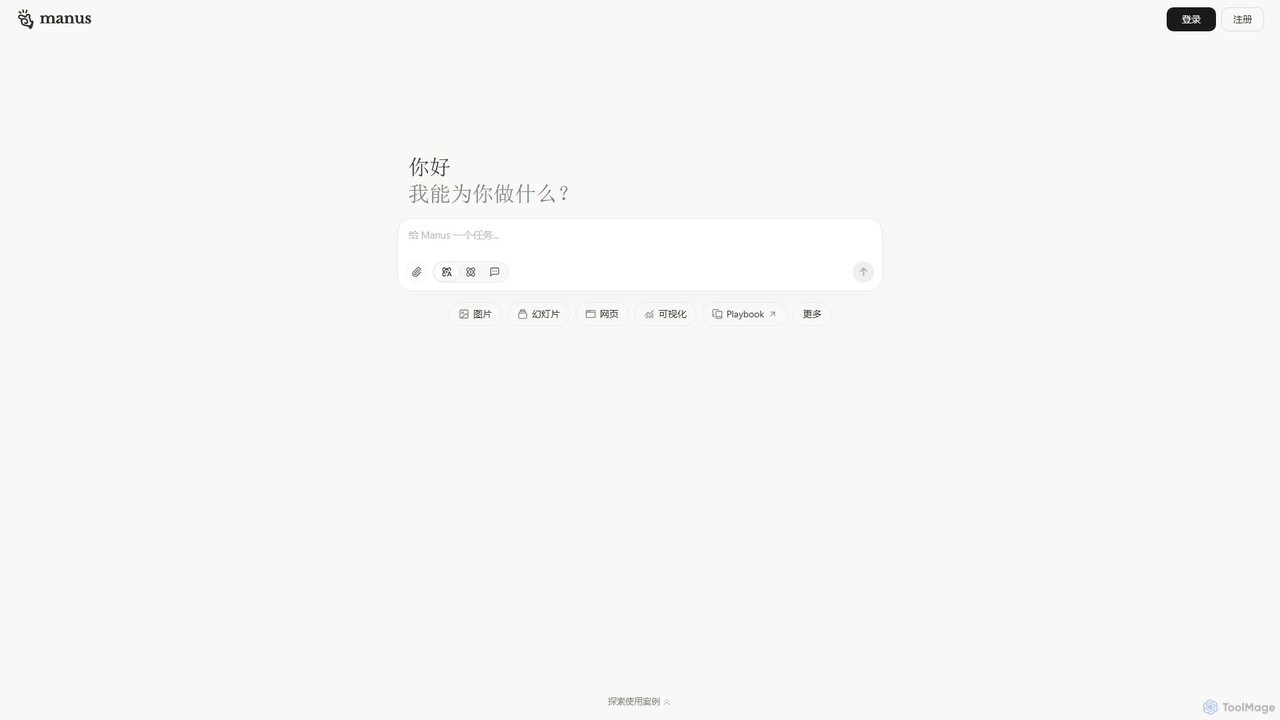
Manus
Manus is a universal AI agent that connects ideas and actions. It autonomously handles complex tasks like research, coding, design, and content creation, transforming natural language prompts into finished digital products like websites, videos, and presentations.
Web Design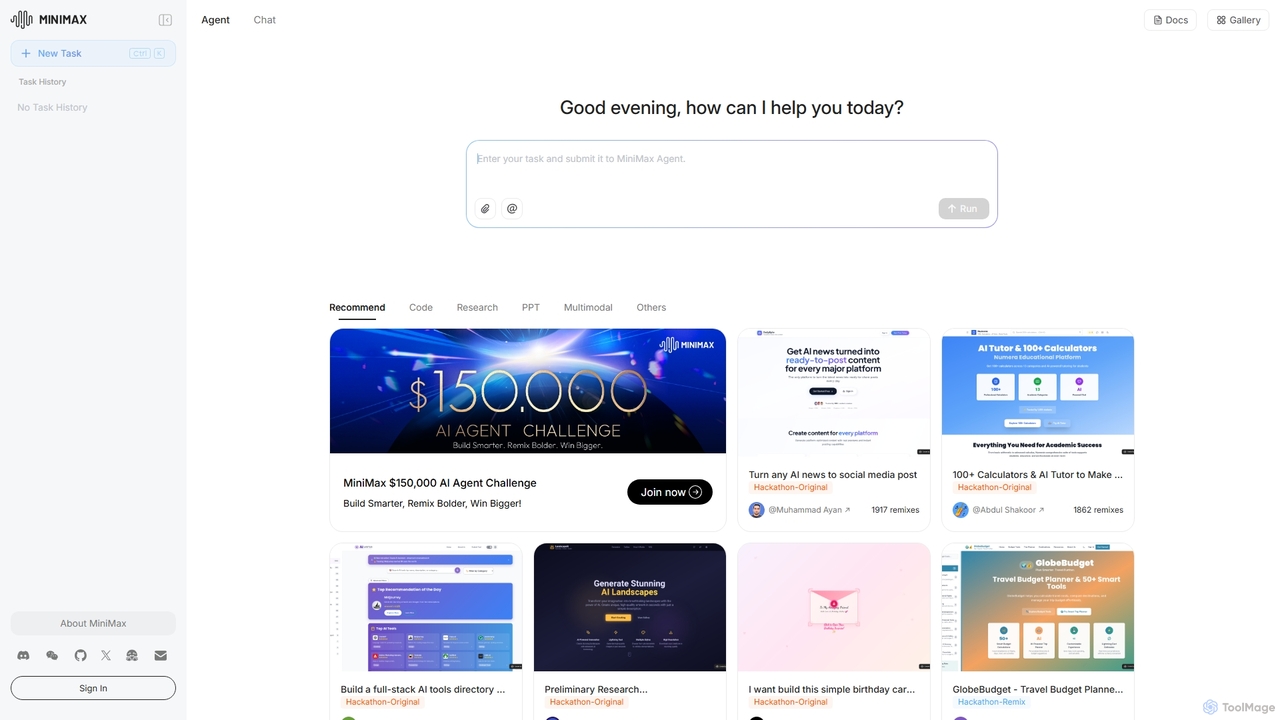
MiniMax Agent
MiniMax Agent is a powerful AI agent platform designed to automate complex tasks, from building full-stack websites and generating presentations to conducting in-depth research. By leveraging natural language prompts, users can minimize effort and maximize intelligence, creating sophisticated digital products and content with unprecedented speed and efficiency. The platform features a collaborative gallery for sharing and remixing projects.
Low Code No Code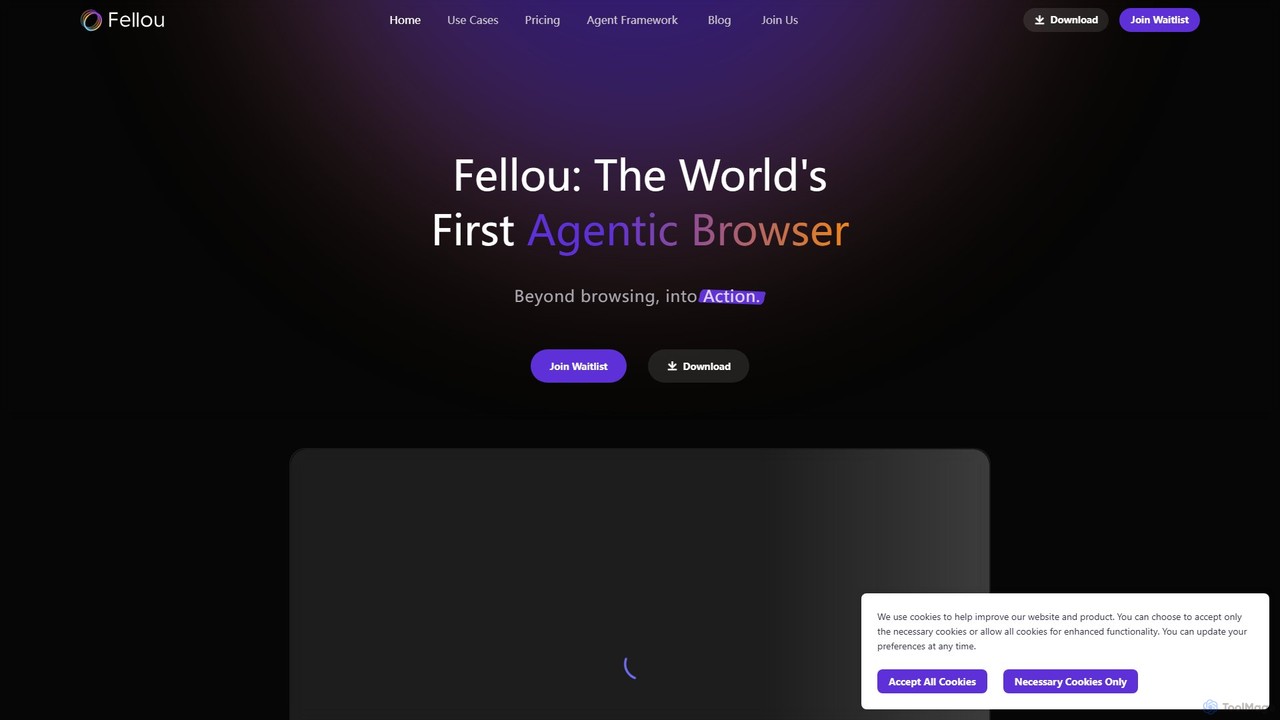
Fellou
Fellou is the world's first agentic browser, designed to transform browsing into action. It functions as an AI-powered digital partner that automates complex workflows, conducts deep research across public and private websites, and generates insightful reports. With no-code automation and a powerful developer framework, Fellou streamlines tasks from data analysis to social media management, significantly boosting productivity.
Ai Browser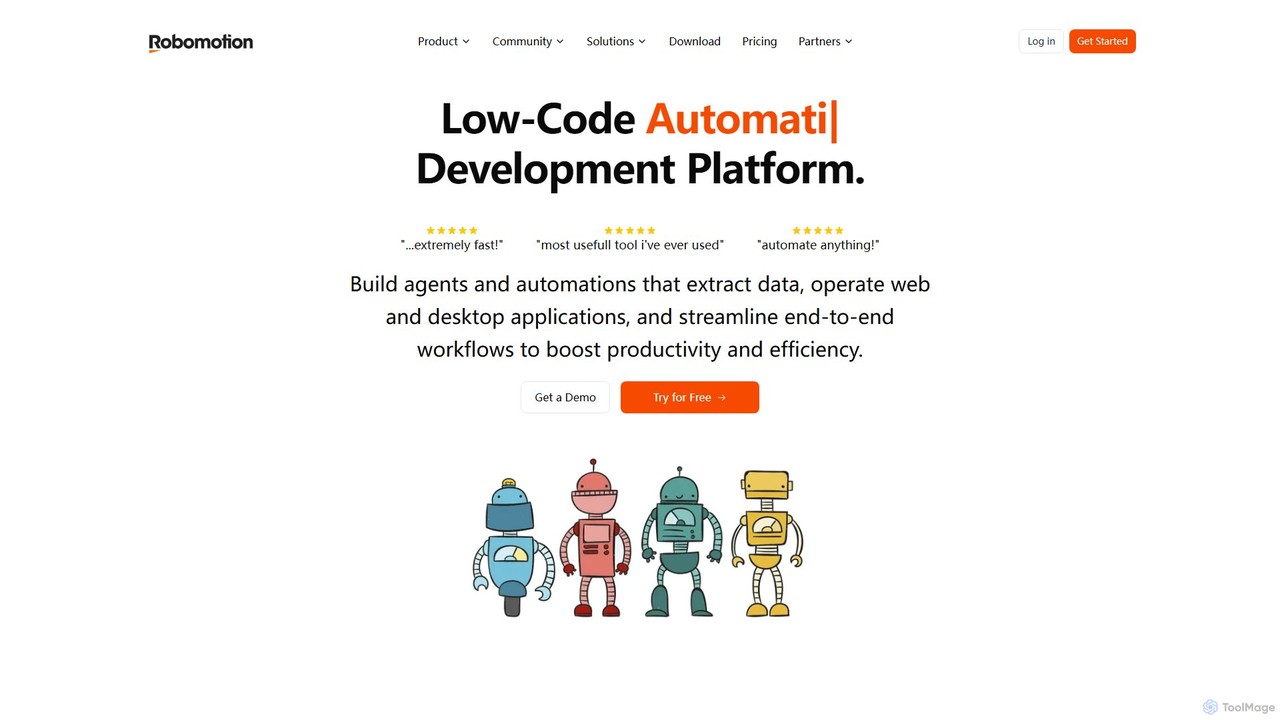
Robomotion
A low-code, cloud-native Robotic Process Automation (RPA) platform designed to automate repetitive tasks. Robomotion uses AI-powered software robots to extract data, operate web and desktop applications, and streamline workflows. It's built for developers, solopreneurs, and businesses of all sizes to boost productivity, reduce errors, and scale operations efficiently.
Workflow Management
MyGPT
MyGPT is an advanced platform offering a superior UI for ChatGPT, enhanced with powerful features like AutoGPT for autonomous tasks, EmbedAI for custom website chatbots, and GPT Actions for real-world API integrations. Build, automate, and deploy AI with ease.
ChatbotsOpera Neon Categories
Opera Neon Embed Widget
Copy this embed code to place the badge on your blog, article, or product site and send readers directly to this ToolMage detail page.

Related AI tools
H Company
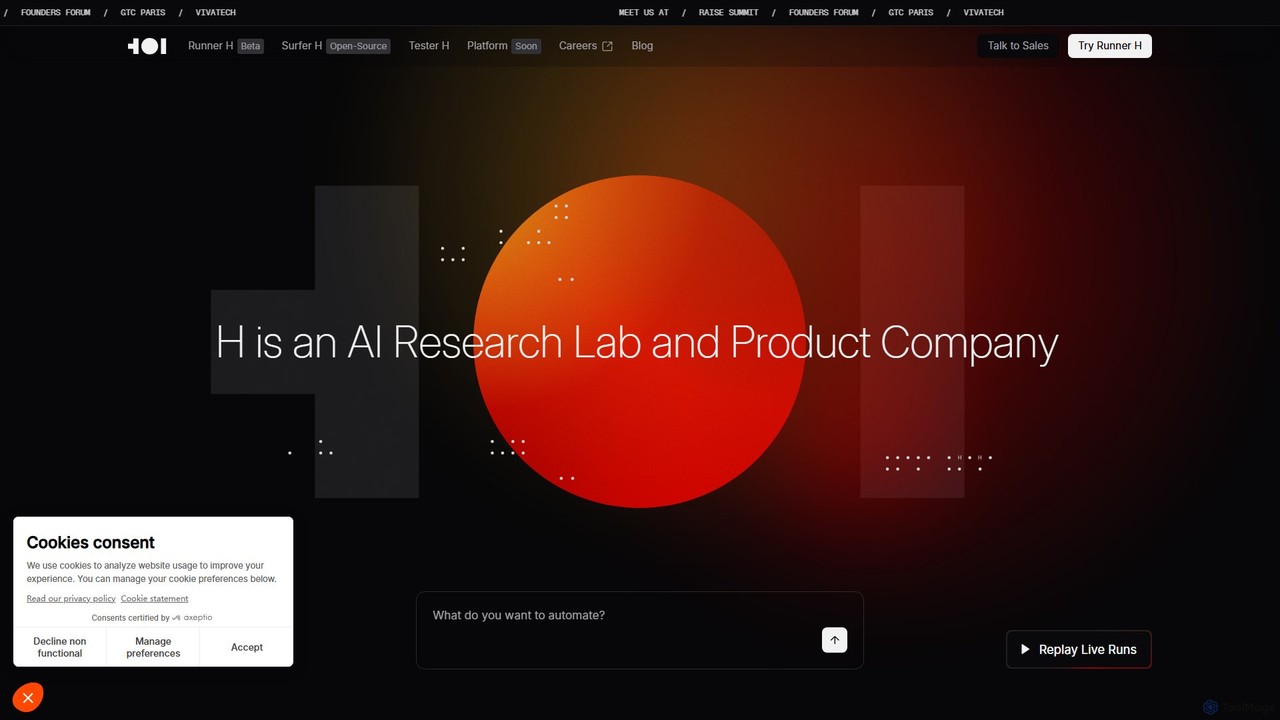
H Company is an AI research lab and product company developing Agentic AI. Their platform, featuring agents like Runner H, Surfer H, and Tester H, automates complex digital tasks by orchestrating AI agents that can navigate websites, integrate with apps, and execute multi-step workflows. It's designed to function as the next generation of autonomous teammates for individuals and enterprises.
Workflow Management
Google Gemini
Google Gemini is a powerful, multimodal AI assistant designed to enhance creativity and productivity. It can understand and process text, code, images, and video to help you write, plan, learn, and create. Integrated with Google's ecosystem, it offers features like advanced content generation, deep research, and seamless collaboration within Google apps.
Image Generator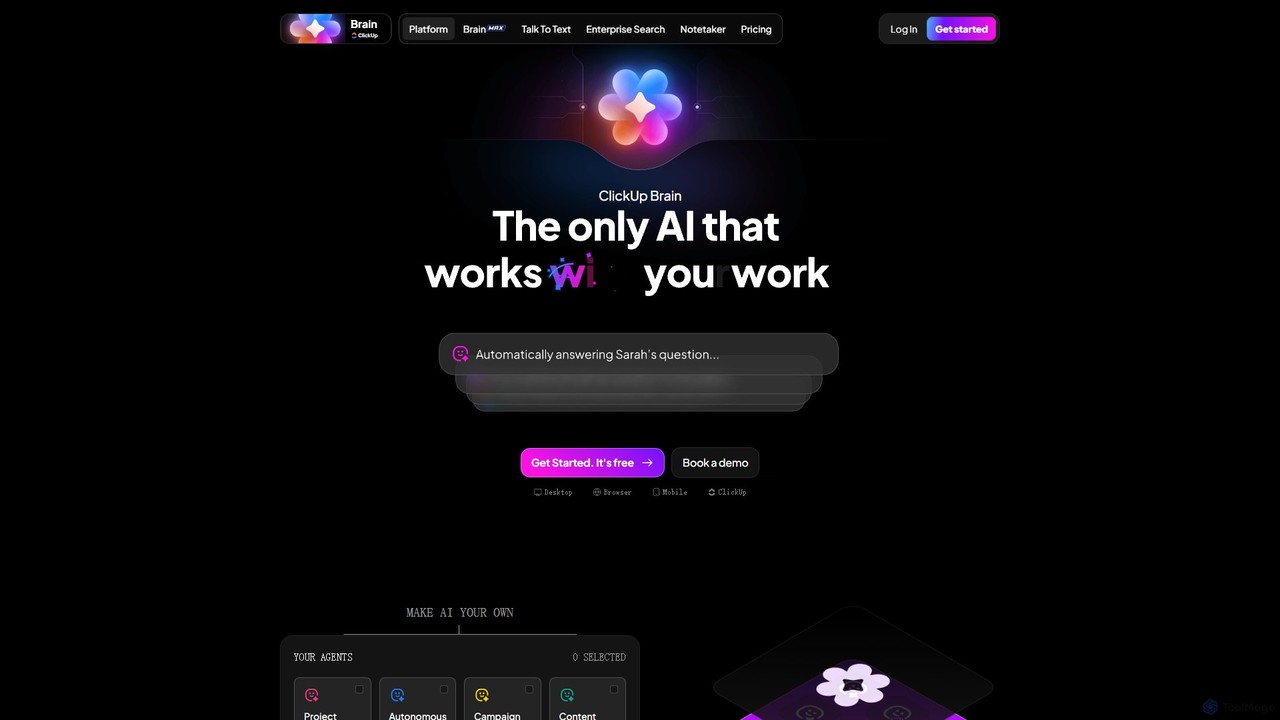
ClickUp Brain
ClickUp Brain is an all-in-one AI assistant integrated directly into the ClickUp productivity platform. It automates tasks, manages projects, summarizes meetings, and generates content by leveraging the full context of your work. It aims to replace multiple standalone AI tools by providing a unified, intelligent workspace that enhances team collaboration and accelerates project completion.
Collaboration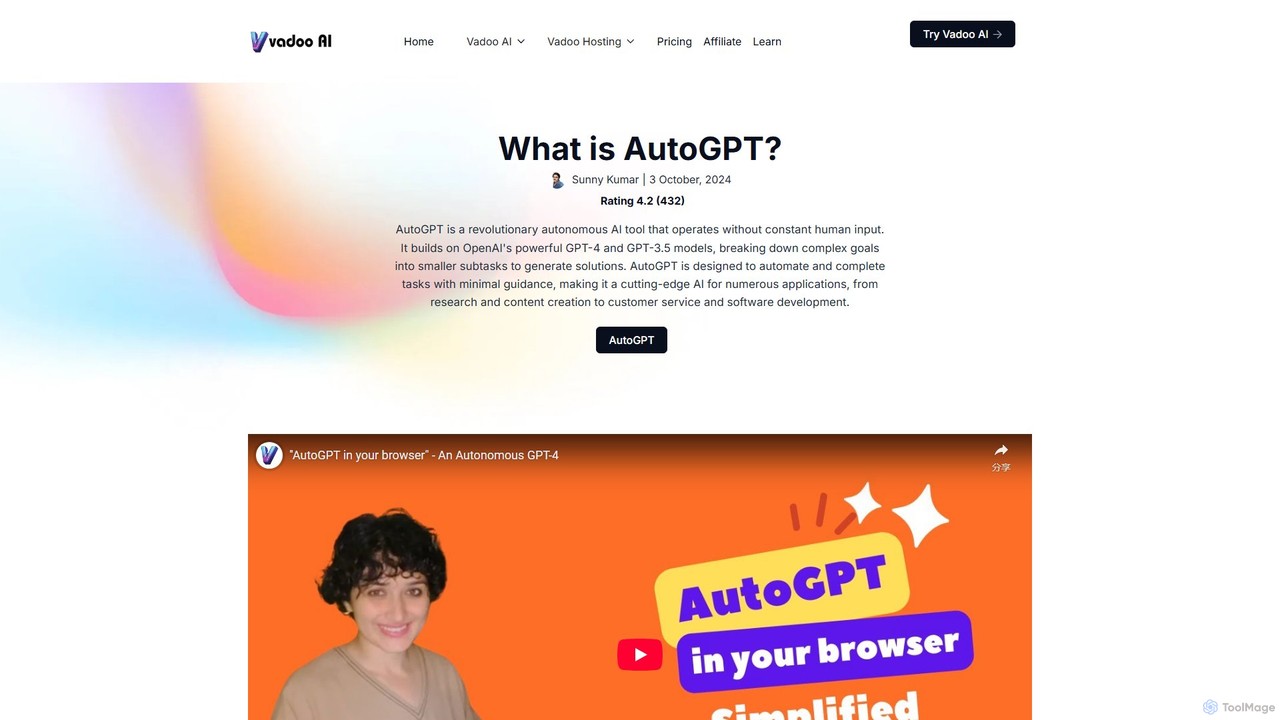
AutoGPT
AutoGPT is a revolutionary open-source autonomous AI agent that leverages GPT-4 and GPT-3.5 to independently achieve complex goals. By breaking down high-level objectives into smaller, manageable subtasks, it can browse the web, write code, manage files, and execute plans with minimal human intervention, dramatically boosting productivity and automating complex workflows.
Code Assistant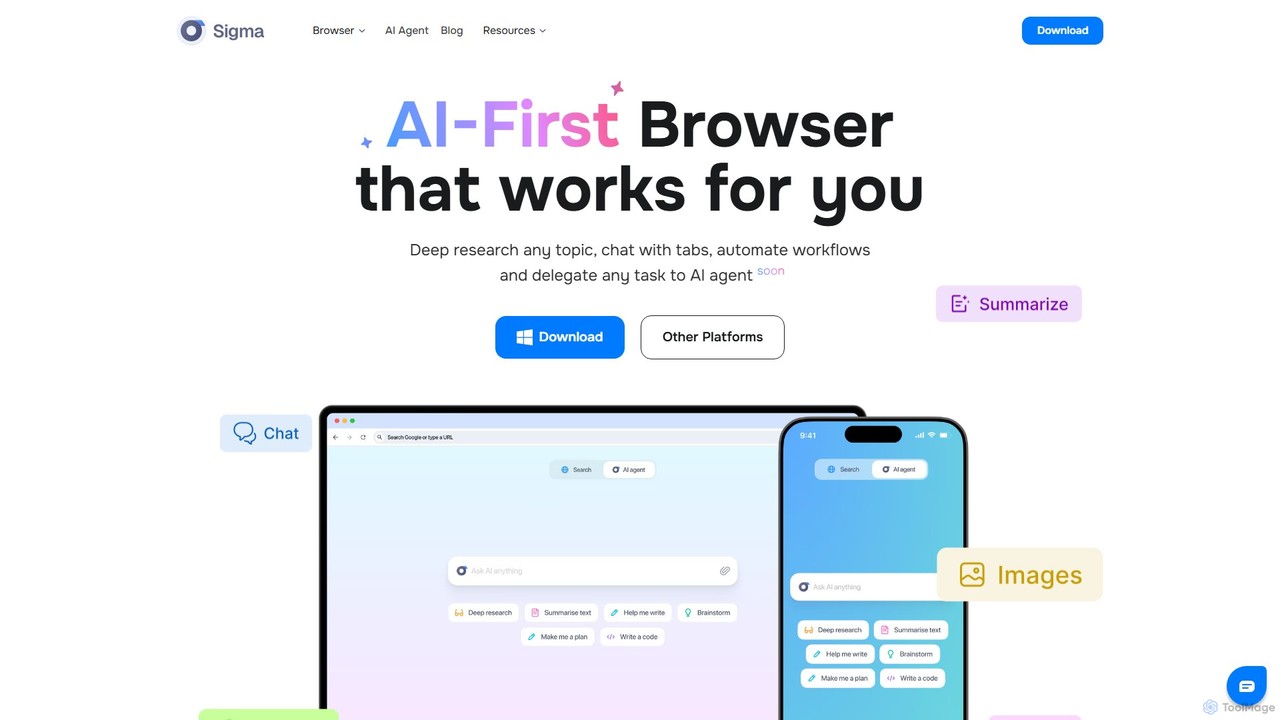
Sigmabrowser
Sigmabrowser is an AI-first browser built on Chromium, designed to automate workflows and enhance productivity. It features an autonomous AI Agent to handle tasks, SigmaGPT for in-browser chat and content generation, and robust privacy protections. It integrates a suite of AI tools for research, writing, and more, transforming your web interaction into an intelligent, efficient experience.
Workflow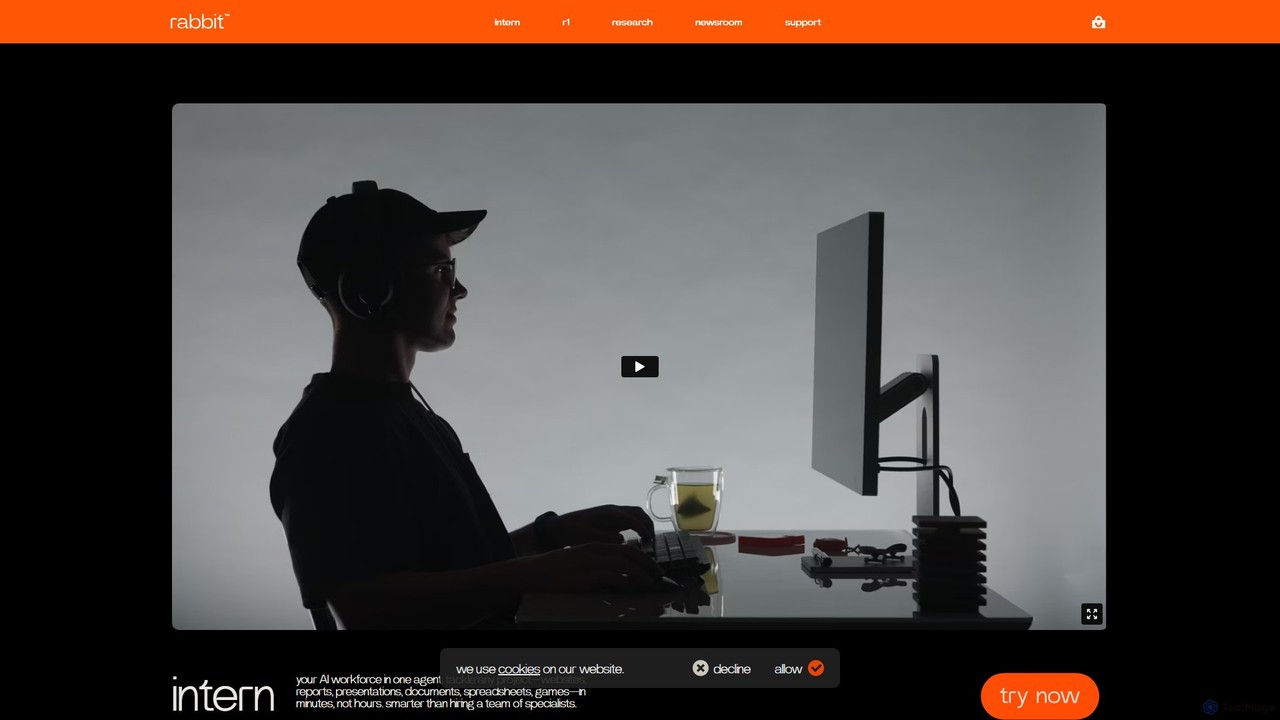
rabbit
rabbit is an AI ecosystem featuring the r1 hardware companion and the rabbit intern web agent. Powered by a proprietary Large Action Model (LAM), it's designed to understand natural language and execute complex tasks across websites and applications, simplifying digital workflows and moving beyond traditional app-based interfaces.
Personal Assistant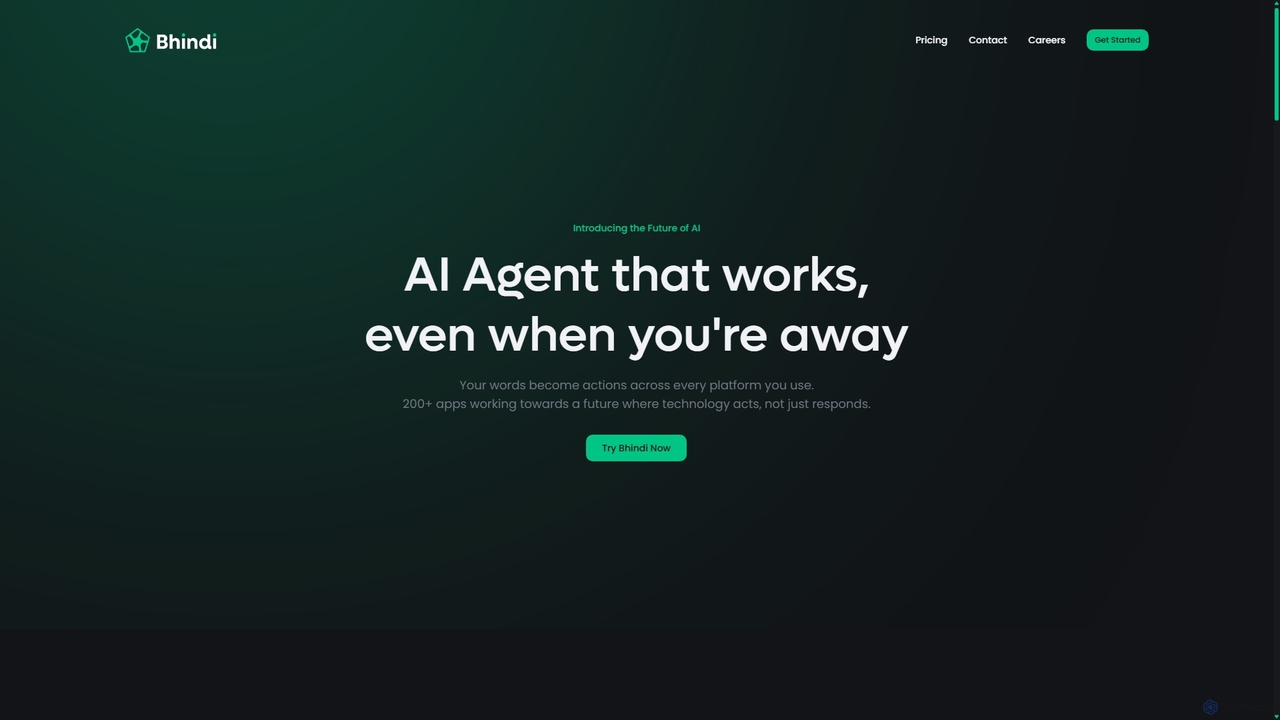
Bhindi
Bhindi is an AI agent platform that automates complex tasks and workflows across over 200 applications using simple natural language commands. It acts as an intelligent assistant that works in the background, connecting your favorite tools like Gmail, Slack, and Notion to execute multi-step actions, turning your words into a seamless, automated reality.
Personal Assistant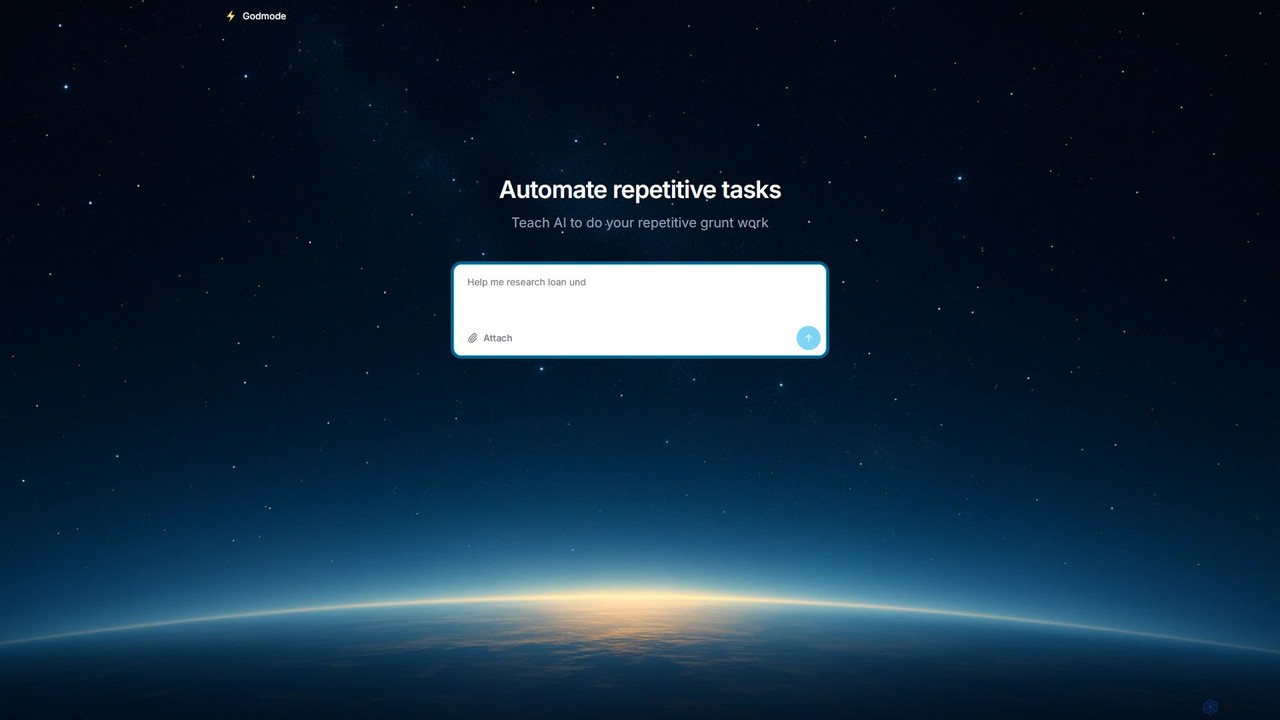
Godmode
Godmode is an AI agent platform that automates repetitive web tasks. Teach the AI to perform complex workflows, from data entry and web scraping to social media management, all through natural language instructions without writing any code.
Web Scraping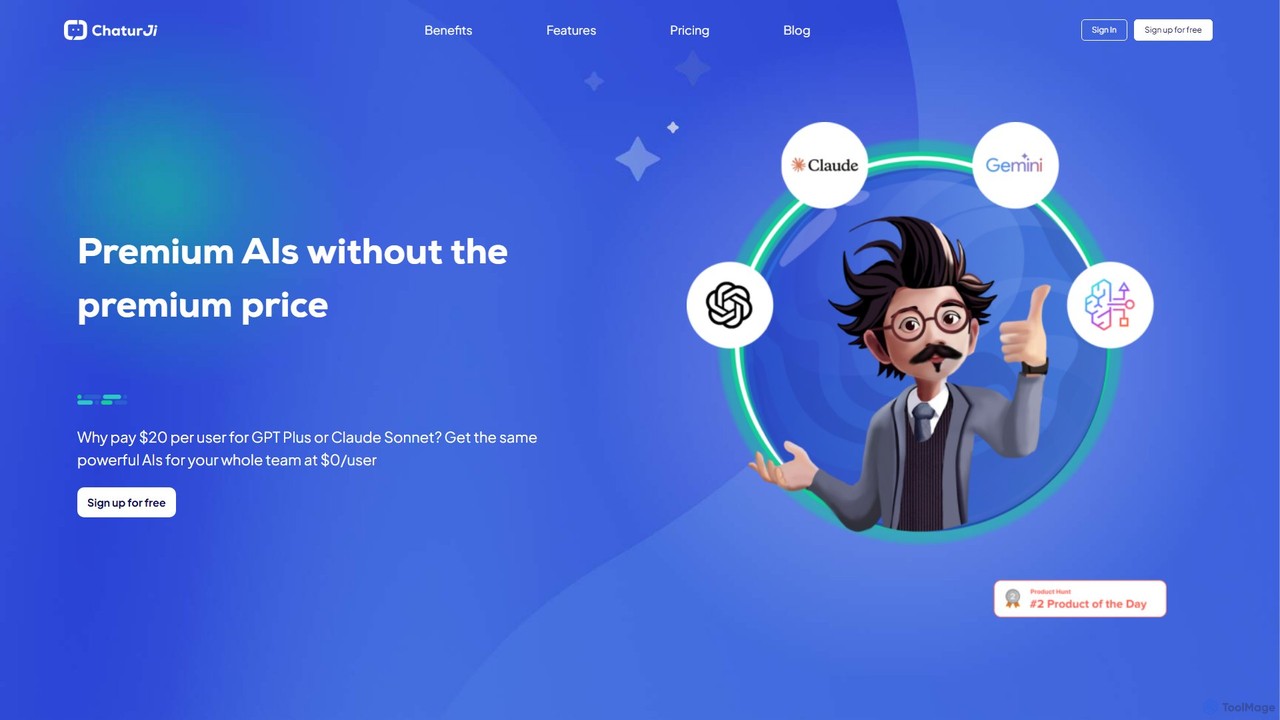
Chaturji
Chaturji is a powerful, multi-modal AI workspace designed to help you work smarter. Interact with advanced AI models using text, documents, spreadsheets, and images to streamline data analysis, content creation, and complex problem-solving. Its transparent credit-based system ensures you only pay for what you use.
Business Intelligence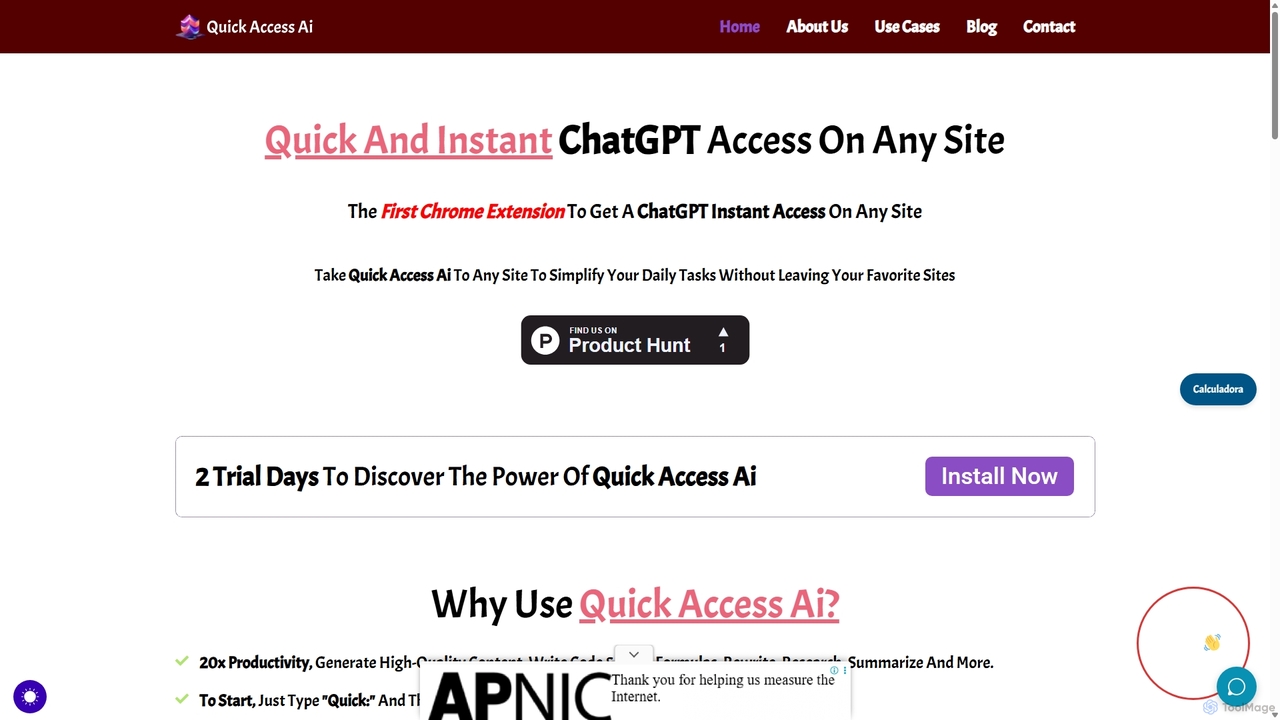
Quick Access Ai
Quick Access Ai is a Chrome extension that provides instant access to ChatGPT on any website. By simply typing a command, users can generate content, write code, summarize text, and perform research without switching tabs. It aims to boost productivity by integrating AI assistance directly into your existing workflow, making daily tasks faster and more efficient.
Code Assistant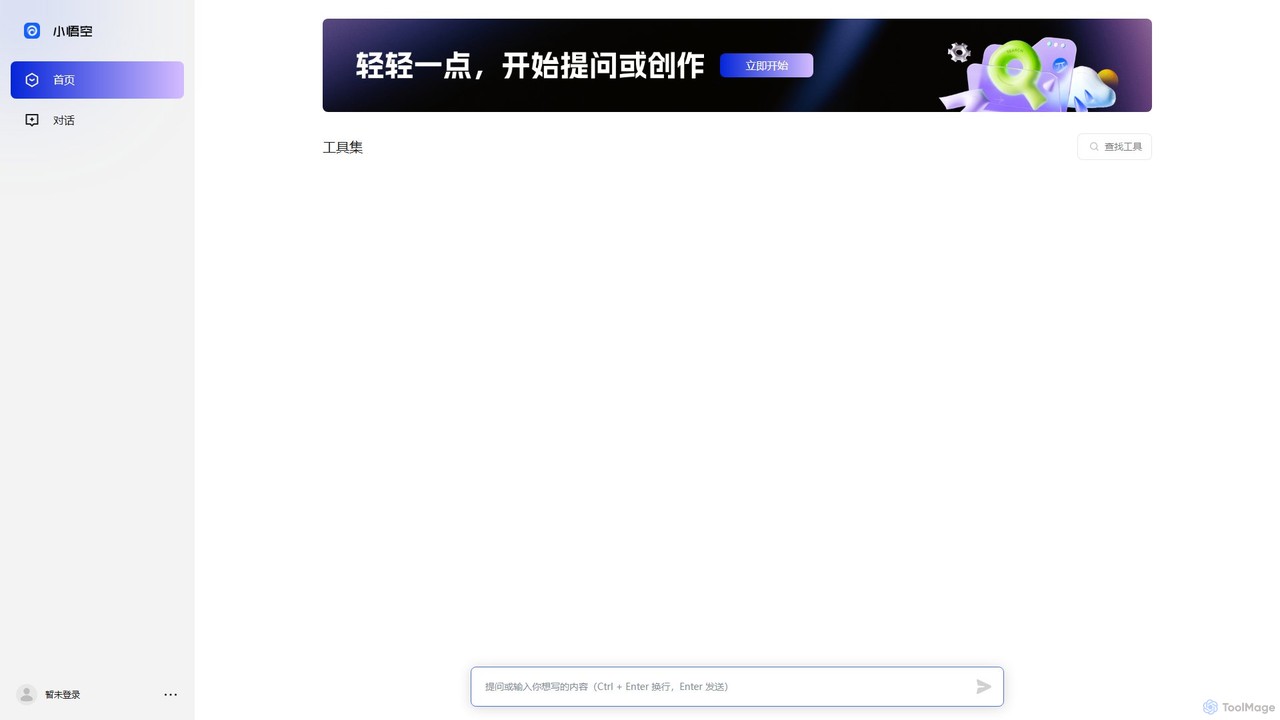
Wukong
Wukong is a powerful and versatile large language model (LLM) developed by ByteDance. Inspired by the legendary Monkey King, it excels at a wide range of tasks, including natural conversation, content creation, code generation, and complex problem-solving. It serves as an intelligent AI assistant designed to boost productivity and creativity for individuals and enterprises.
Api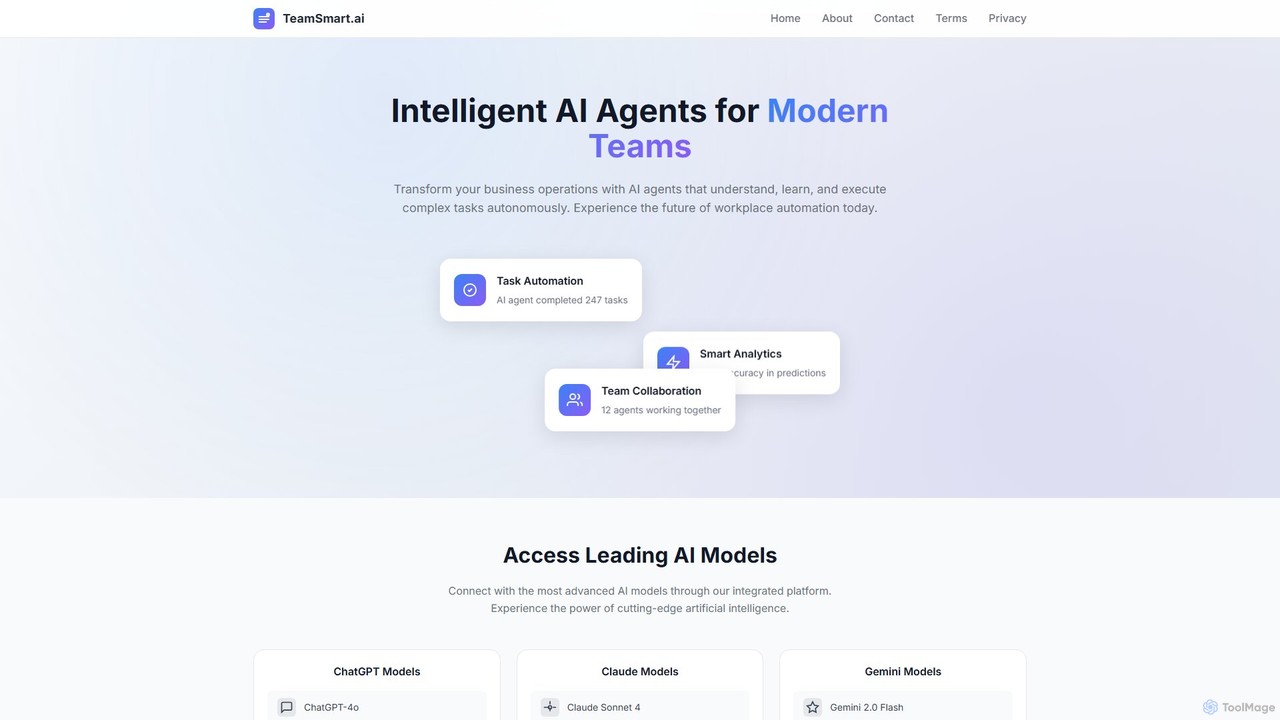
TeamSmart.ai
TeamSmart.ai is an all-in-one platform providing intelligent AI agents for modern teams. It integrates leading AI models like GPT-4o, Claude 3.5, and Gemini 1.5, offering specialized agents for professional fields (law, finance, health), advanced writing tools, and task automation capabilities to streamline business operations and enhance productivity.
Virtual AssistantManus
Manus is a universal AI agent that connects ideas and actions. It autonomously handles complex tasks like research, coding, design, and content creation, transforming natural language prompts into finished digital products like websites, videos, and presentations.
Web DesignMiniMax Agent
MiniMax Agent is a powerful AI agent platform designed to automate complex tasks, from building full-stack websites and generating presentations to conducting in-depth research. By leveraging natural language prompts, users can minimize effort and maximize intelligence, creating sophisticated digital products and content with unprecedented speed and efficiency. The platform features a collaborative gallery for sharing and remixing projects.
Low Code No CodeFellou
Fellou is the world's first agentic browser, designed to transform browsing into action. It functions as an AI-powered digital partner that automates complex workflows, conducts deep research across public and private websites, and generates insightful reports. With no-code automation and a powerful developer framework, Fellou streamlines tasks from data analysis to social media management, significantly boosting productivity.
Ai Browser
Opera Neon Comments (0)
Sign in to comment.
Sign inNo comments yet.