ToolMage
Sign in

Best 15 Browser AI tools for Productivity

Popular Browser AI tools in Productivity include Opera, Arc, diabrowser, Opera Neon, Sigmabrowser, Quetta, Ulaa Browser, SigmaOS, Google Chrome, and Kahana, helping you work more efficiently.

BrowserOS
Free

BrowserOS

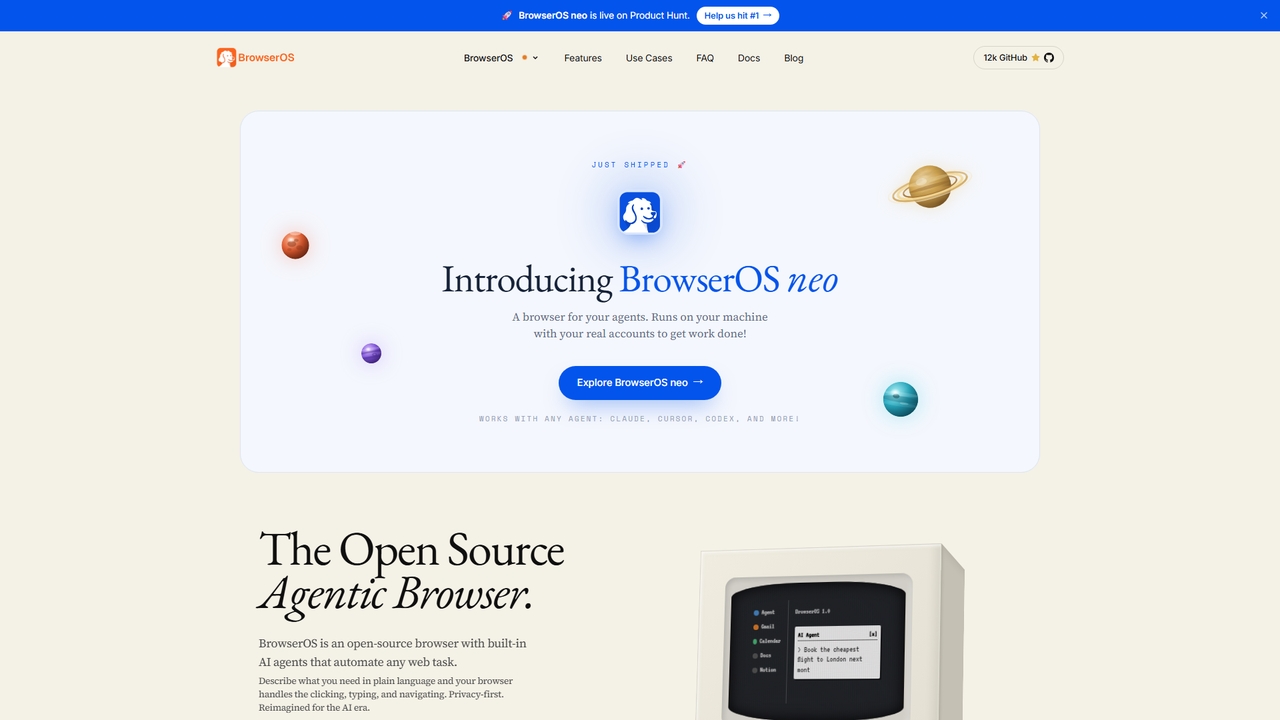
BrowserOS is an open-source, privacy-first AI browser with built-in AI agents that automate web tasks through natural language. It supports 13 AI providers, 40+ app integrations, and runs locally on macOS, Windows, and Linux.

Web Automation
Visits 3KFavorites 31Likes 29
Quetta
Free

Quetta

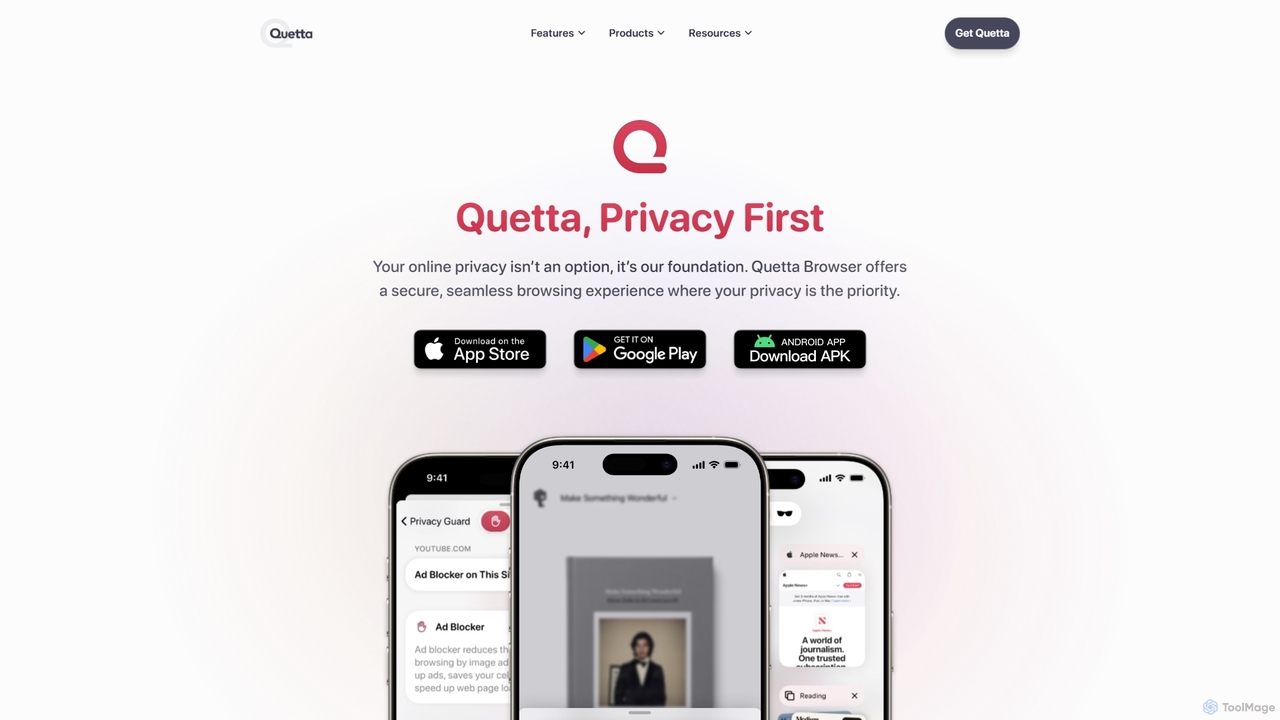
Quetta is a private mobile browser featuring a powerful AI-powered ad blocker, full extension support, and advanced privacy protection. It offers a fast, clean, and secure browsing experience with unique utilities like a video downloader, offline playlist, and magazine-style reader mode, all within a minimalist, user-friendly interface.

Browser
Visits 138.2KFavorites 136Likes 112
Ulaa Browser
Freemium

Ulaa Browser

Ulaa Browser, by Zoho, is a privacy-first, Chromium-based web browser designed for individuals and enterprises. It champions security with a built-in ad blocker, phishing protection, and unique browsing "Modes" to isolate work, personal, and other contexts. For businesses, Ulaa Enterprise offers advanced data loss prevention, centralized management, and AI-powered intelligence by Zia to create a secure and productive browsing environment.

Enterprise Software
Visits 134.5KFavorites 115Likes 107
Floutwork
Freemium

Floutwork

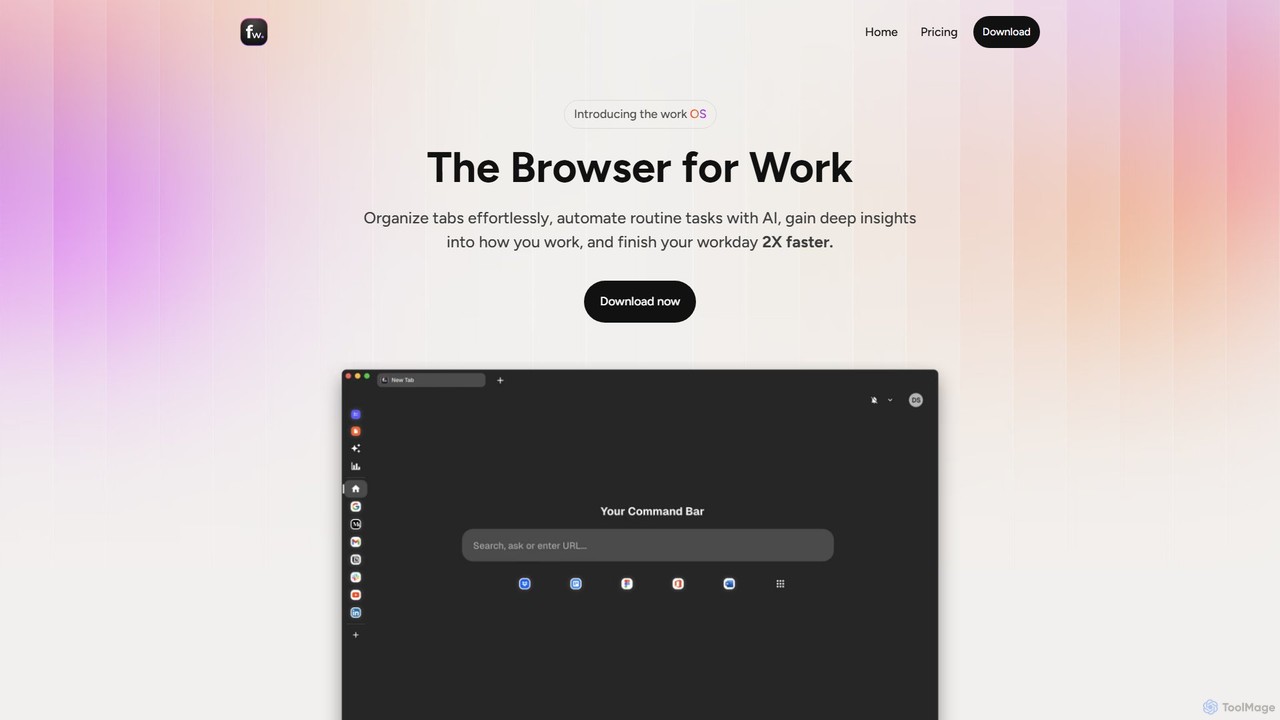
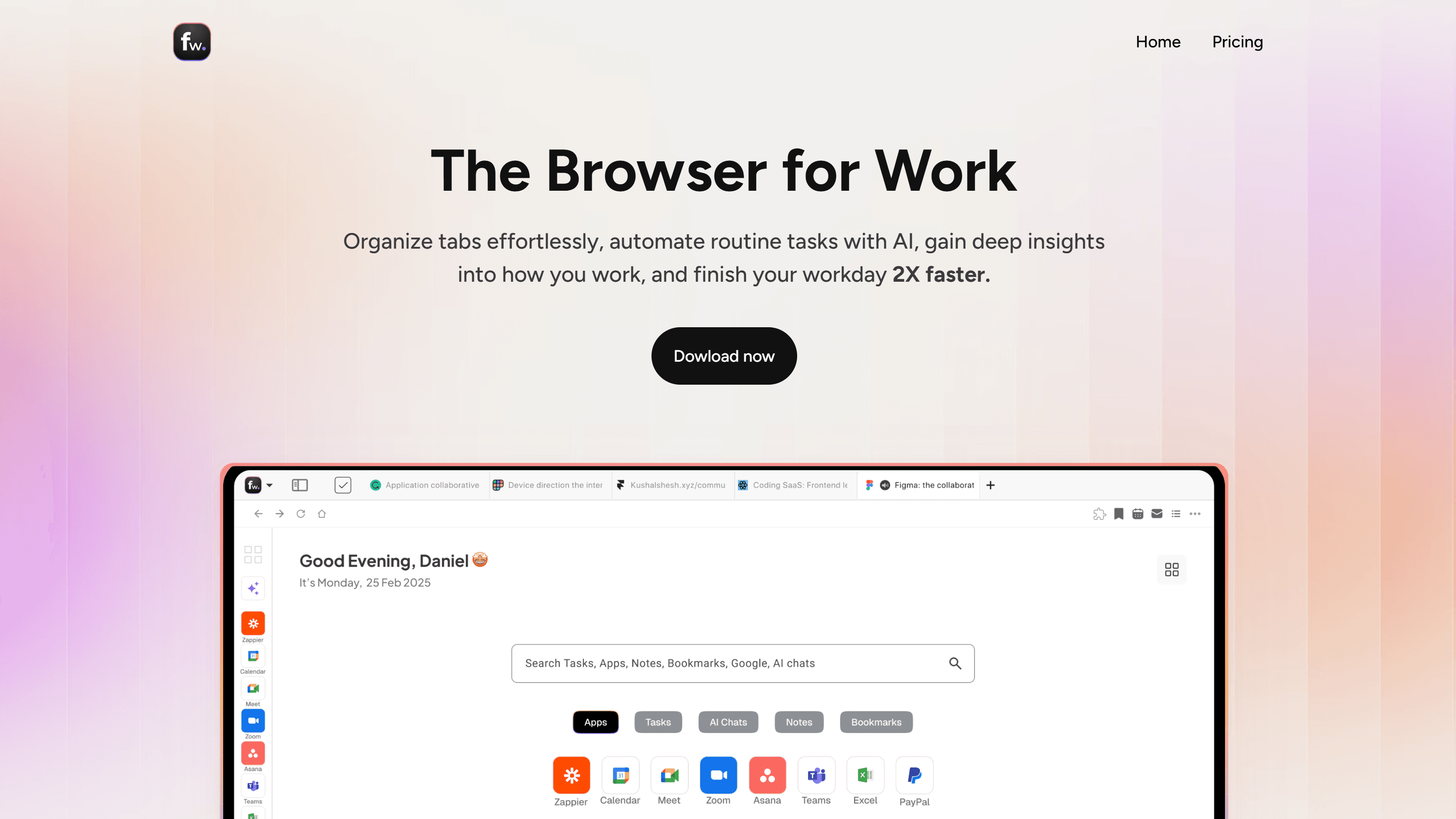
Floutwork is a productivity-focused browser designed for work, integrating contextual AI assistants, task management, and organized workspaces to eliminate tab chaos. It unifies leading AI models like GPT-4o and Gemini, providing automatic productivity metrics to enhance focus and efficiency.

Writing
Visits 6.4KFavorites 171Likes 170
Arc
Free

Arc

Arc is a revolutionary browser by The Browser Company, designed to be a smart, organized, and private alternative to Chrome. It integrates AI features to enhance productivity, offers unique organization tools like Spaces and Split View, and provides a seamless, ad-free experience across desktop and mobile.

Search Assistant
Visits 756.5KFavorites 167Likes 144
Airlight
Paid

Airlight

Airlight is a lightweight "superbrowser" for macOS that provides instant access to web apps like ChatGPT, Perplexity, and Claude via a Spotlight-like interface. Activated by a simple shortcut (option + space), it overlays on any screen, eliminating the need for constant tab switching and boosting productivity for developers, writers, and researchers.

Chat
Visits 7KFavorites 139Likes 137
Opera
Freemium

Opera

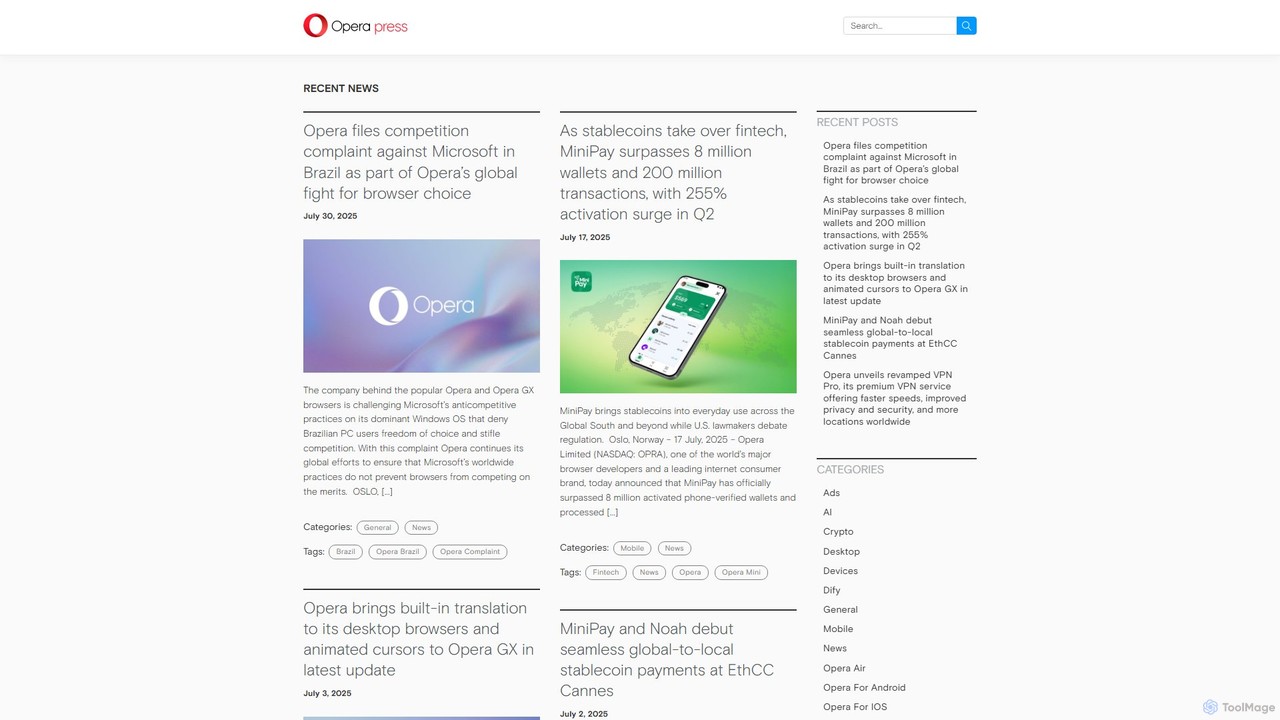
Opera is an innovative, multi-platform web browser supercharged with Aria, a native AI assistant. It offers a faster, safer, and smarter browsing experience with a free built-in VPN, ad blocker, and specialized versions like Opera GX for gamers. Aria provides real-time web information, image generation, and advanced productivity features, all integrated seamlessly.

Assistant
Visits 225.1KFavorites 138Likes 132
Google Chrome
Free

Google Chrome

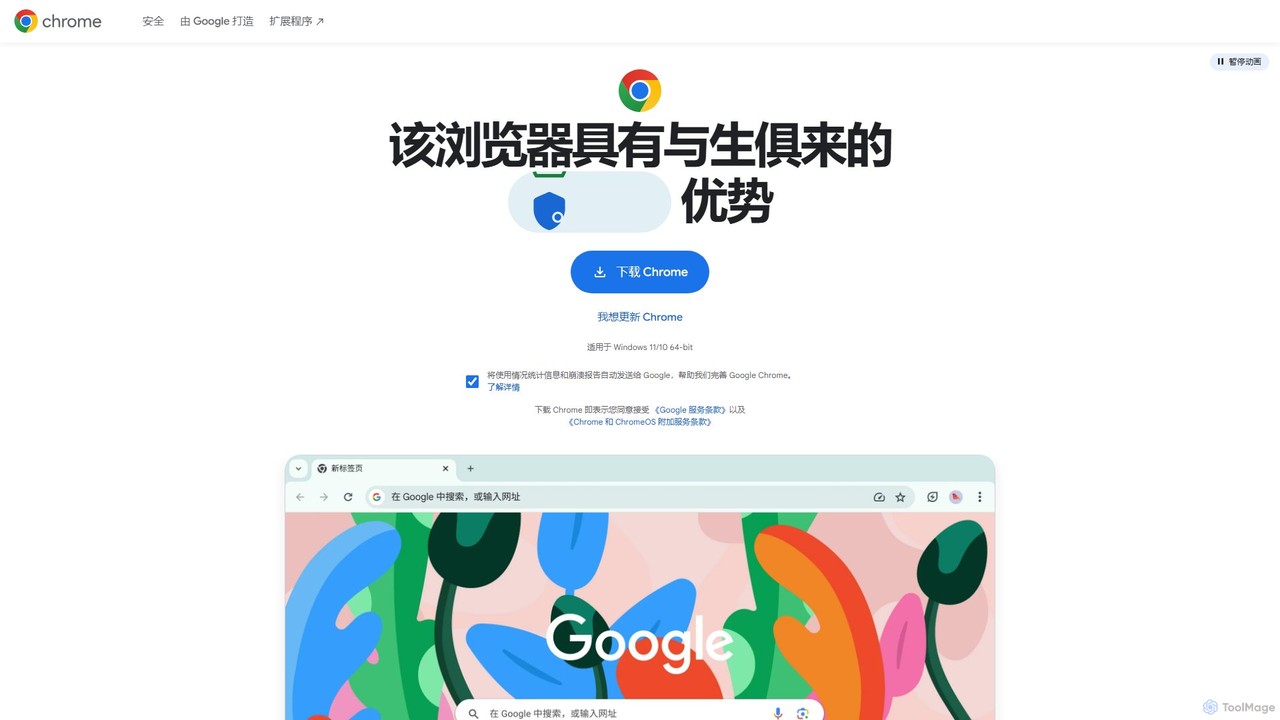
Google Chrome is a fast, secure, and customizable web browser developed by Google. It features seamless cross-device syncing, a vast library of extensions, and robust security tools like a built-in password manager and safety checks. With integrated Google services and new AI-powered features, Chrome offers a personalized, intelligent, and efficient browsing experience on all major platforms.

Web Development
Visits 58.7KFavorites 145Likes 135
diabrowser
Freemium

diabrowser

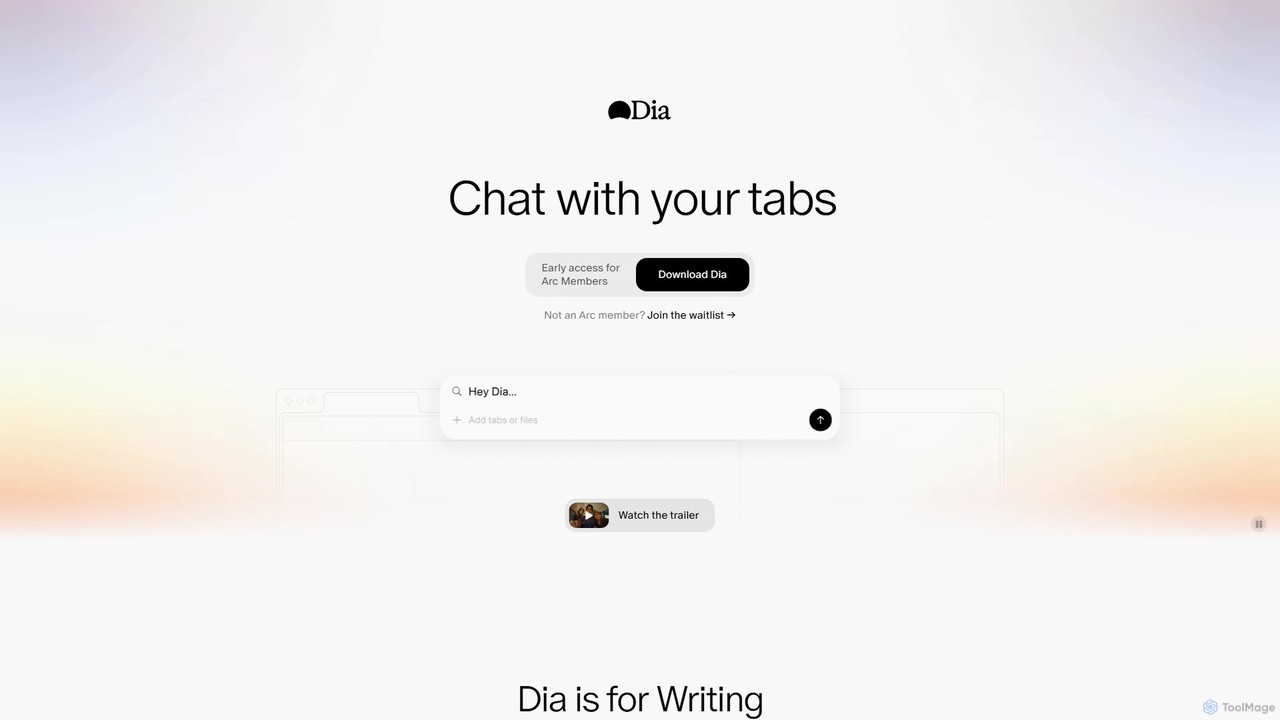
Dia is a revolutionary AI-powered browser for macOS that allows you to chat directly with your open tabs. It acts as a contextual assistant for writing, research, learning, and planning, synthesizing information across multiple pages to provide instant, relevant answers and content without constant copy-pasting.

Learning
Visits 636KFavorites 125Likes 127
Deta Surf
Free

Deta Surf

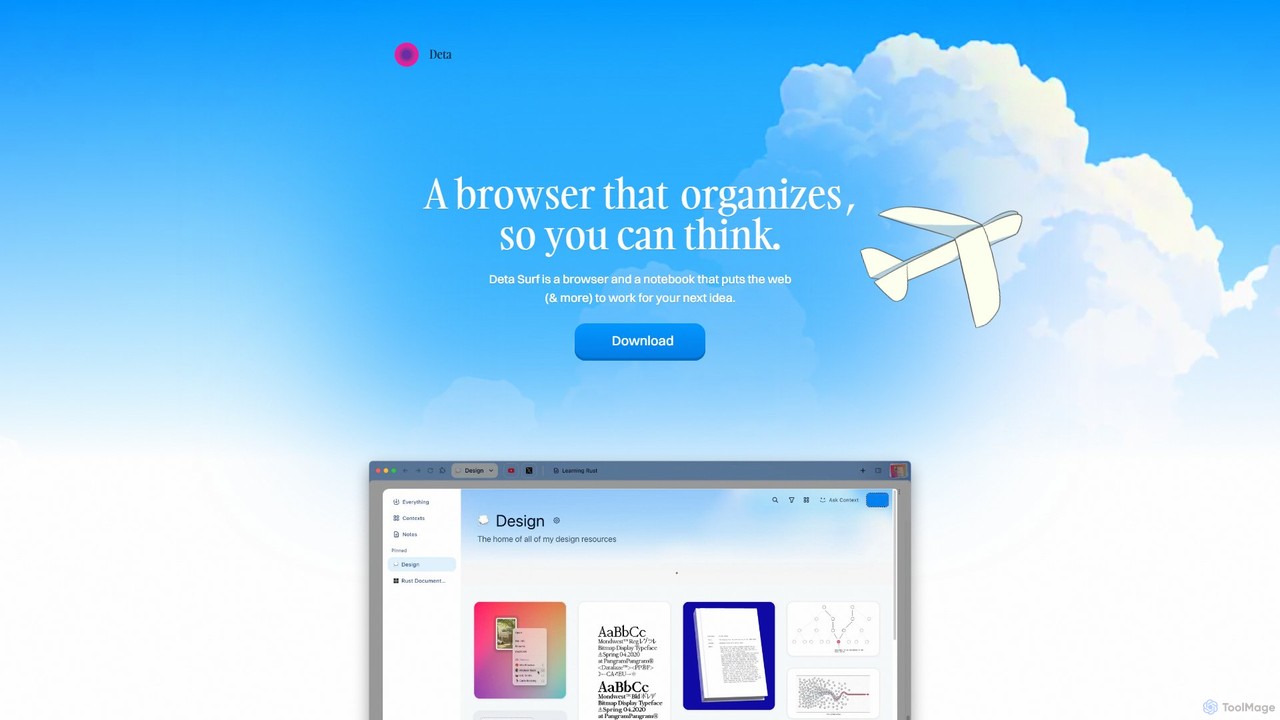
Deta Surf is an intelligent browser and notebook that organizes your web experience. It uses AI to help you collect, remember, and synthesize information, all while keeping your data private and local on your device. It's designed to reduce context switching and enhance your thinking and creativity.

Browser
Visits 23.5KFavorites 150Likes 158
Sigmabrowser
Freemium

Sigmabrowser

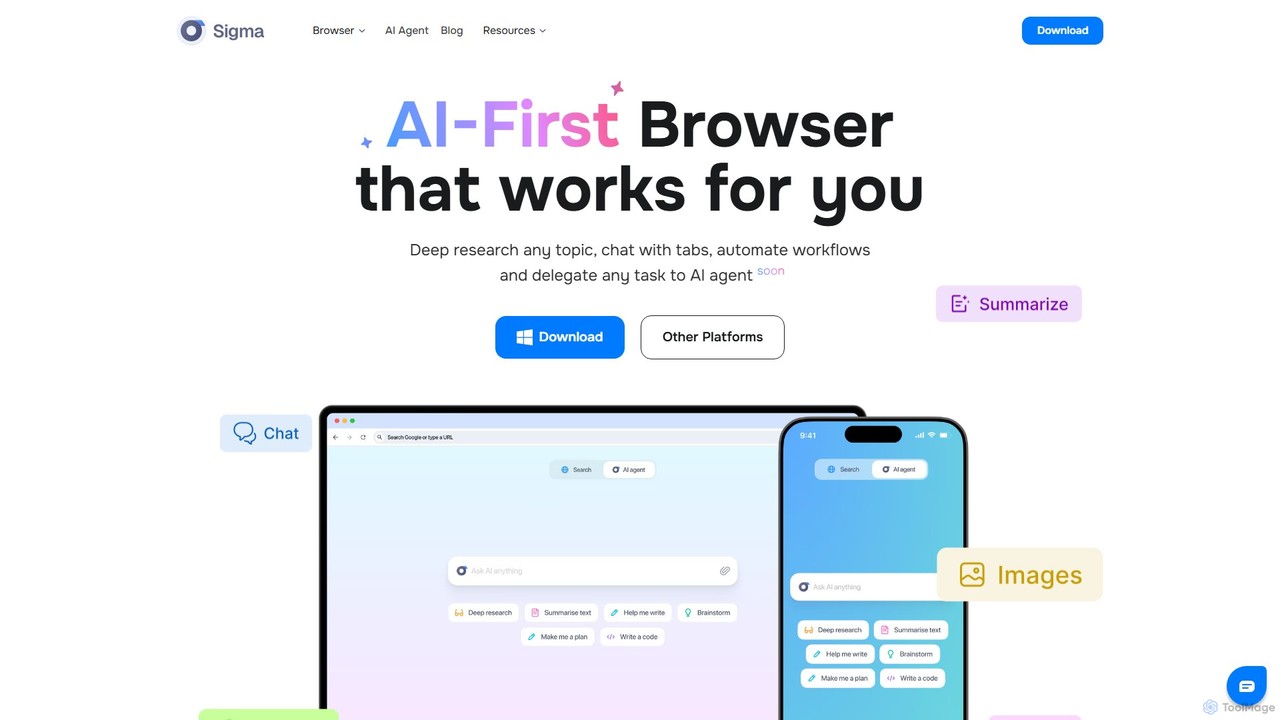
Sigmabrowser is an AI-first browser built on Chromium, designed to automate workflows and enhance productivity. It features an autonomous AI Agent to handle tasks, SigmaGPT for in-browser chat and content generation, and robust privacy protections. It integrates a suite of AI tools for research, writing, and more, transforming your web interaction into an intelligent, efficient experience.

Workflow
Visits 169.2KFavorites 171Likes 171
Kahana

Kahana

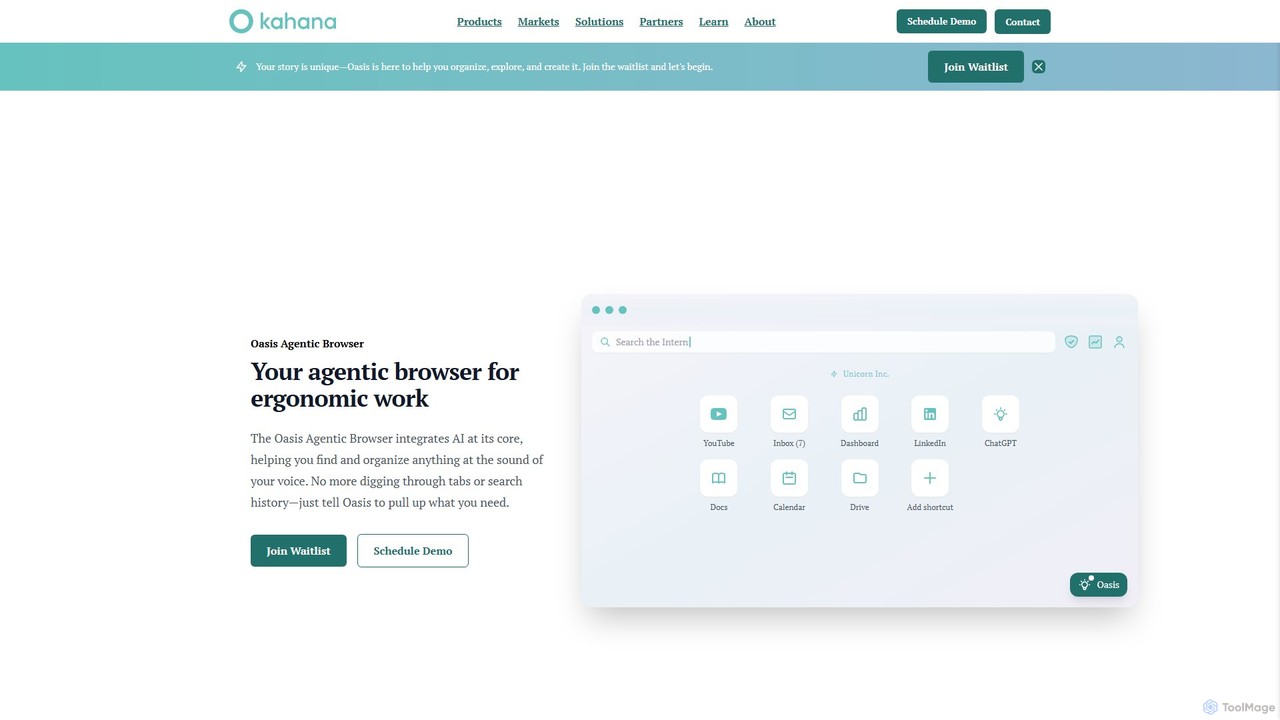
Kahana is an AI-powered agentic browser designed to enhance productivity, organization, and security. It replaces the chaos of modern browsing with an intelligent, voice-controlled workspace. Automate workflows, organize ideas into focused hubs, and collaborate securely, all within a browser that acts as your personal productivity companion.

Browser
Visits 24.5KFavorites 164Likes 166
Opera
Freemium

Opera

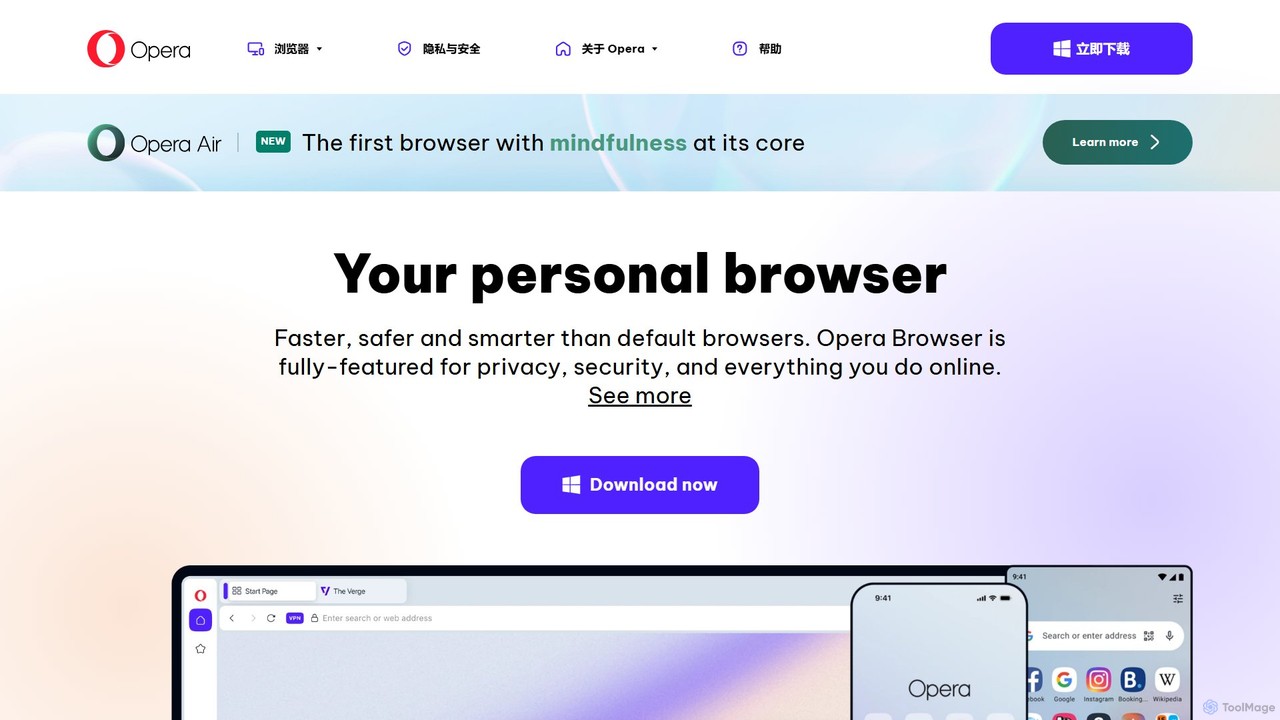
Opera is a smart, secure web browser with a native AI assistant, Aria. It offers innovative features like Tab Islands for organization, a free built-in VPN, and an ad blocker. Designed for speed and privacy, Opera provides a more productive and distraction-free browsing experience.

Browser
Visits 94.2MFavorites 140Likes 130
SigmaOS
Freemium

SigmaOS

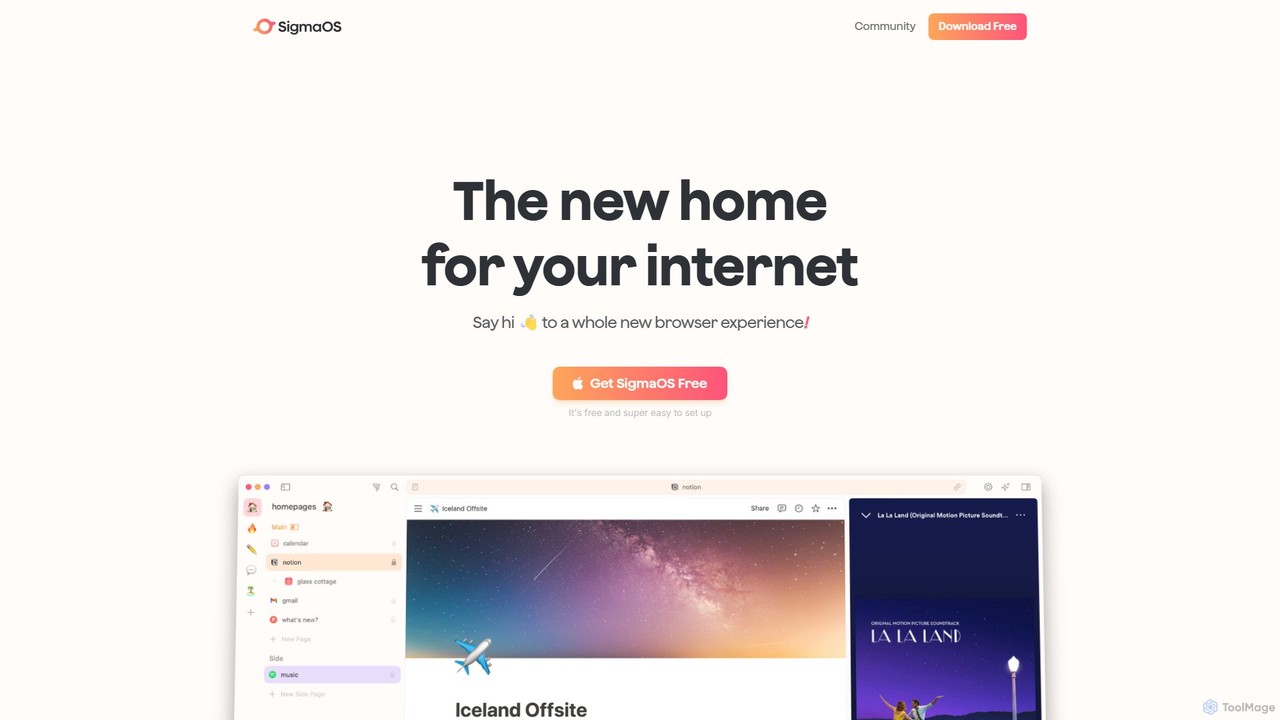
SigmaOS is a revolutionary AI-powered web browser designed for work and productivity on macOS. It reimagines the browsing experience with features like workspaces for organization, vertical tabs managed as tasks, and an integrated AI assistant named Airis. It combines the speed and security of Safari's WebKit engine with the versatility of Chrome extensions, creating a focused, efficient, and intelligent environment for students, founders, and creatives.

Search
Visits 89.5KFavorites 129Likes 132
Opera Neon
Paid

Opera Neon

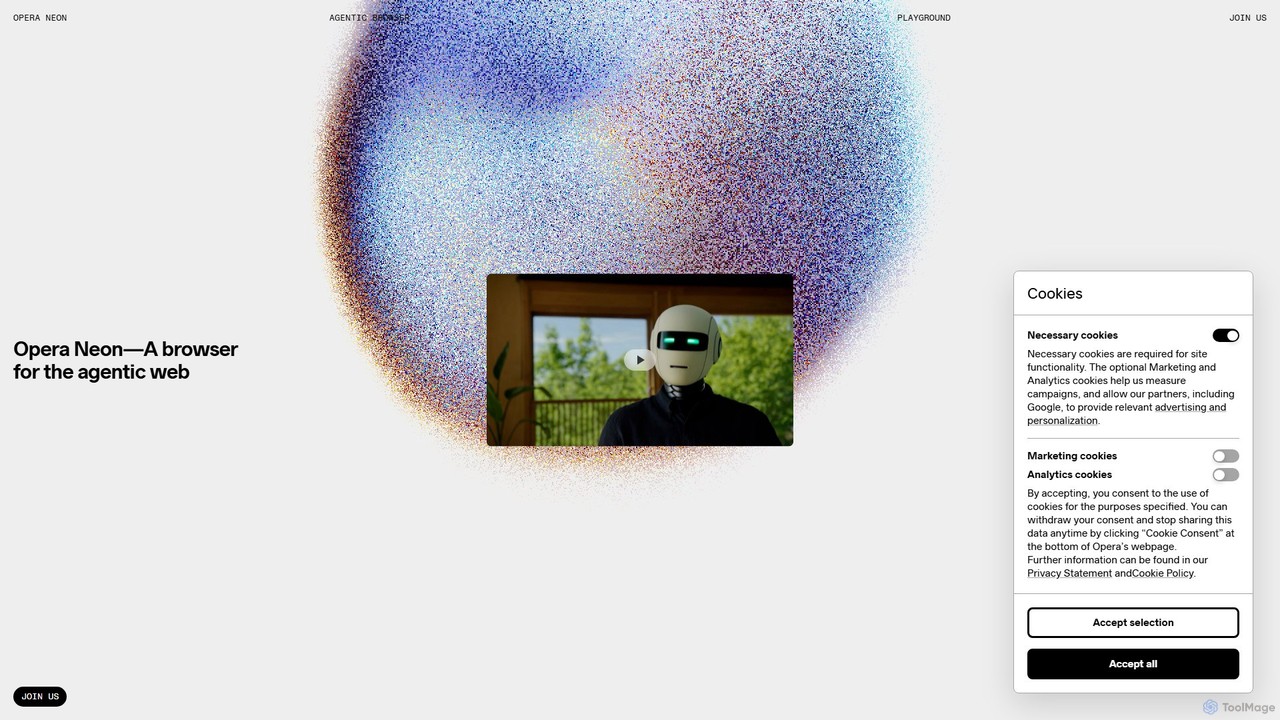
Opera Neon is a next-generation agentic AI browser designed to understand user intent, automate complex tasks, and create digital content. It integrates AI chat, task automation, and creative generation into a single, seamless browsing experience, acting as a proactive digital assistant.

Low Code No Code
Visits 298.6KFavorites 116Likes 115

About Browser

AI Browsers are web browsers enhanced with built-in artificial intelligence features to streamline online workflows. They integrate functionalities like content summarization, text generation, and intelligent tab management directly into the browsing experience, often eliminating the need for multiple separate extensions. This transforms the browser from a simple content viewer into a proactive productivity hub, ideal for researchers, content creators, and professionals who rely heavily on web-based information.

Core Features

  • Integrated AI Assistant: Access chatbots and content generators directly from a sidebar or context menu to ask questions or draft text.
  • On-Page Content Processing: Instantly summarize, translate, or rephrase text on any webpage without copy-pasting to another tool.
  • Smart Tab & Workspace Management: Automatically group tabs by context, create project-specific workspaces, and manage memory usage efficiently.
  • AI-Enhanced Search: Receive summarized answers and key insights directly within your search results page, accelerating information discovery.

Use Cases

AI Browsers are particularly valuable for professionals in research-intensive roles, such as market analysts and academics, who need to quickly digest large volumes of text. Content creators and marketers use them to accelerate brainstorming and drafting, while project managers leverage workspaces to organize complex projects and client information seamlessly.

How to Choose

When selecting an AI Browser, consider the underlying AI models it uses (e.g., GPT-4, Claude), its level of customizability, and its performance and resource consumption. Also, evaluate its privacy policy regarding your browsing data and check for integrations with other productivity tools you use. The user interface and workflow design are also key factors for daily usability.

Featured tool rankings

Browser use cases

1

Academic Research and Summarization

A university student writing a thesis can use an AI Browser to manage dozens of research papers. Instead of reading each 20-page document fully, they can use the integrated AI to generate a concise summary of the abstract, methodology, and conclusions directly on the page. This allows them to quickly assess the relevance of a paper, saving hours of reading time and helping them build an annotated bibliography more efficiently.

2

Efficient Content Creation and Curation

A content marketer browsing industry news can highlight a compelling statistic in an article. Using the AI browser's context menu, they can instantly ask the AI assistant to draft three different social media posts about that statistic, tailored for Twitter, LinkedIn, and Facebook. This eliminates the need to switch between tabs, copy-paste information, and open a separate AI writing tool, streamlining the content curation process significantly.

3

Streamlined Project and Client Management

A freelance web developer manages multiple client projects simultaneously. With an AI browser, they can create a dedicated 'Workspace' for each client. Each workspace contains all relevant tabs—project management boards, code repositories, client communication channels, and documentation. The AI can also help organize tabs within a workspace by automatically grouping related pages, such as all Stack Overflow tabs for a specific coding problem, allowing for seamless context switching without getting lost in a sea of tabs.

4

Competitor and Market Analysis

A business analyst is tasked with comparing the features of five competing software products. They can open each competitor's pricing and feature pages in an AI browser. Then, they can highlight the feature lists on each page and ask the integrated AI to 'extract this information into a comparison table'. The browser assistant can then generate a structured table, which can be easily copied into a report, turning a tedious manual data entry task into a quick, automated process.

5

Multilingual Communication and Support

A customer support agent needs to understand a user's problem posted on a German-language community forum. Using an AI browser, they can instantly translate the entire webpage to English. After understanding the issue, they can write a reply in English and use the AI assistant to translate it accurately back to German before posting. This entire workflow happens within a single browser window, enabling faster and more effective global customer support.

6

Code Comprehension for Developers

A software developer encounters a complex code snippet on a blog post while debugging an issue. Instead of searching for documentation separately, they can highlight the code directly on the page. The AI browser's assistant can then be prompted to 'explain this code', 'refactor it for better readability', or 'convert this Python code to JavaScript'. This provides immediate, contextual help, speeding up the development and learning process without leaving the original source of information.

Browser FAQ

What is an AI Browser?

An AI Browser is a web browser with deeply integrated artificial intelligence capabilities. Unlike standard browsers that rely on third-party extensions, AI browsers build features like page summarization, text generation, and smart tab organization directly into the core application. This creates a more seamless and efficient workflow for tasks involving research, writing, and information management online.

How do AI Browsers differ from Chrome with AI extensions?

The primary difference is the level of integration and optimization. AI Browsers are designed from the ground up with AI in mind, leading to:

  • Seamless Workflows: Features are part of a unified interface, not disparate pop-ups from various extensions.
  • Better Performance: A single, optimized application can be more resource-efficient than a standard browser running multiple, independent extensions.
  • Cohesive Feature Sets: The tools are designed to work together, such as using an AI search result to create a new note in a built-in workspace.
While extensions add functionality, AI Browsers aim to provide a more holistic and streamlined productivity experience.

How to choose the right AI Browser?

To choose the best AI Browser for your needs, evaluate the following factors:

  • Core Features: Does it excel at the tasks you perform most, such as summarization, tab management, or content creation?
  • AI Model: Check which AI models (e.g., GPT-4, Claude, Gemini) it uses and if they align with your quality expectations.
  • Performance: Test its speed and memory usage compared to your current browser. A productivity tool shouldn't slow you down.
  • Privacy Policy: Understand how the browser handles your data, especially since it has access to the content of webpages you visit.
  • Platform Availability: Ensure it is available on all your devices (Windows, macOS, Linux) for a consistent experience.

What are the main productivity features of AI Browsers?

The core productivity features of AI Browsers revolve around reducing manual work and context switching. Key features include:

  • On-the-fly Summarization: Quickly understand long articles or reports without reading them word-for-word.
  • Contextual AI Actions: Highlight any text to instantly translate, explain, rephrase, or use it as a prompt for content creation.
  • Workspace Organization: Group tabs, links, and notes by project or topic to keep workflows separate and focused.
  • Integrated Writing Assistance: Draft emails, posts, and documents directly in the browser's sidebar, using webpage content as a reference.

Who can benefit most from using an AI Browser?

While anyone can use an AI Browser, they are especially beneficial for 'power users' and professionals who spend a significant portion of their day working within a browser. This includes:

  • Researchers and Students: For quickly processing large amounts of information and organizing sources.
  • Content Creators and Marketers: For streamlining content ideation, drafting, and curation.
  • Developers: For understanding code snippets and accessing documentation more efficiently.
  • Project Managers and Freelancers: For managing multiple projects and client contexts without confusion.
Essentially, if you find yourself constantly juggling dozens of tabs and switching between web apps, an AI Browser can offer significant productivity gains.