
Floutwork Overview
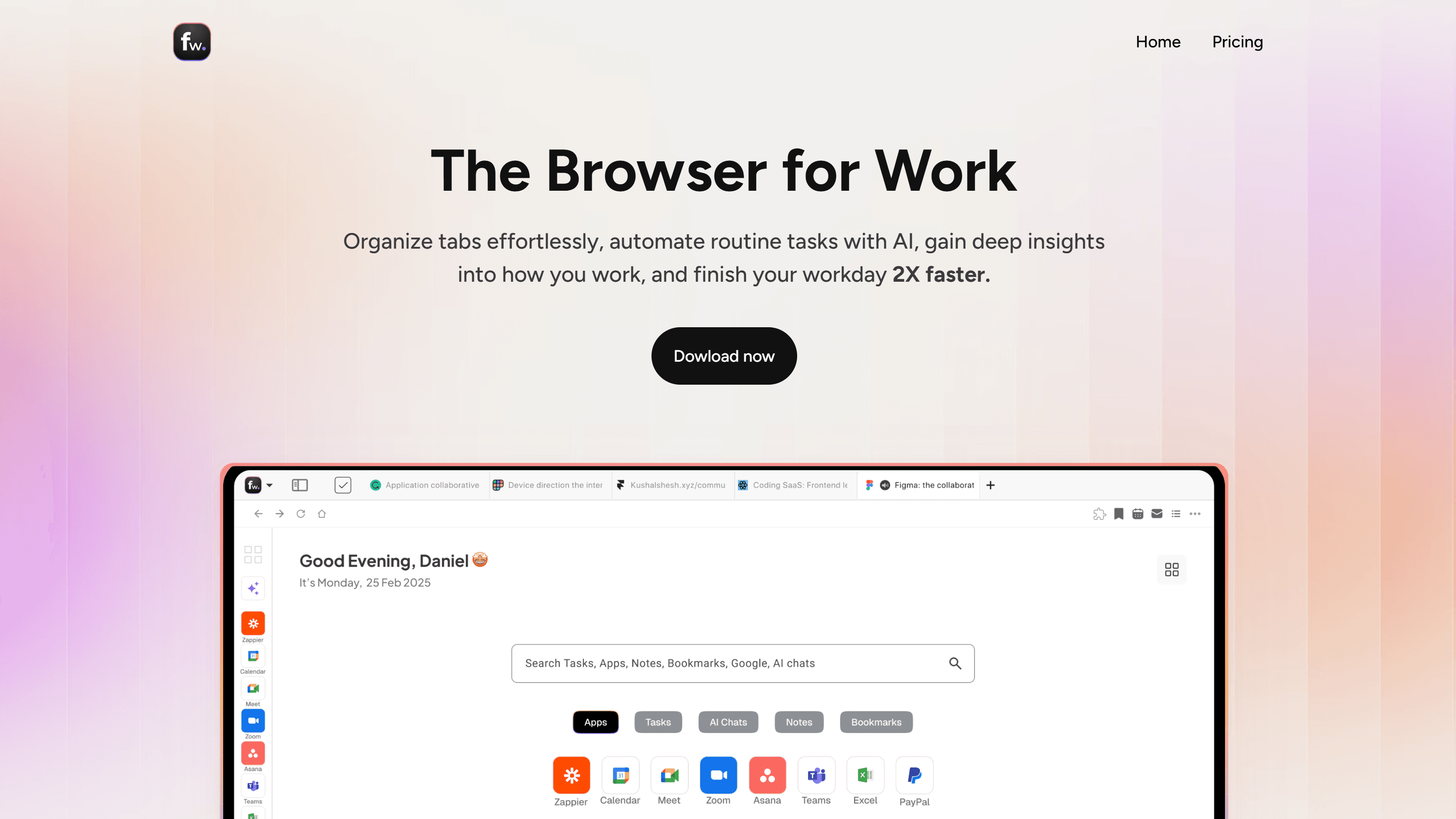
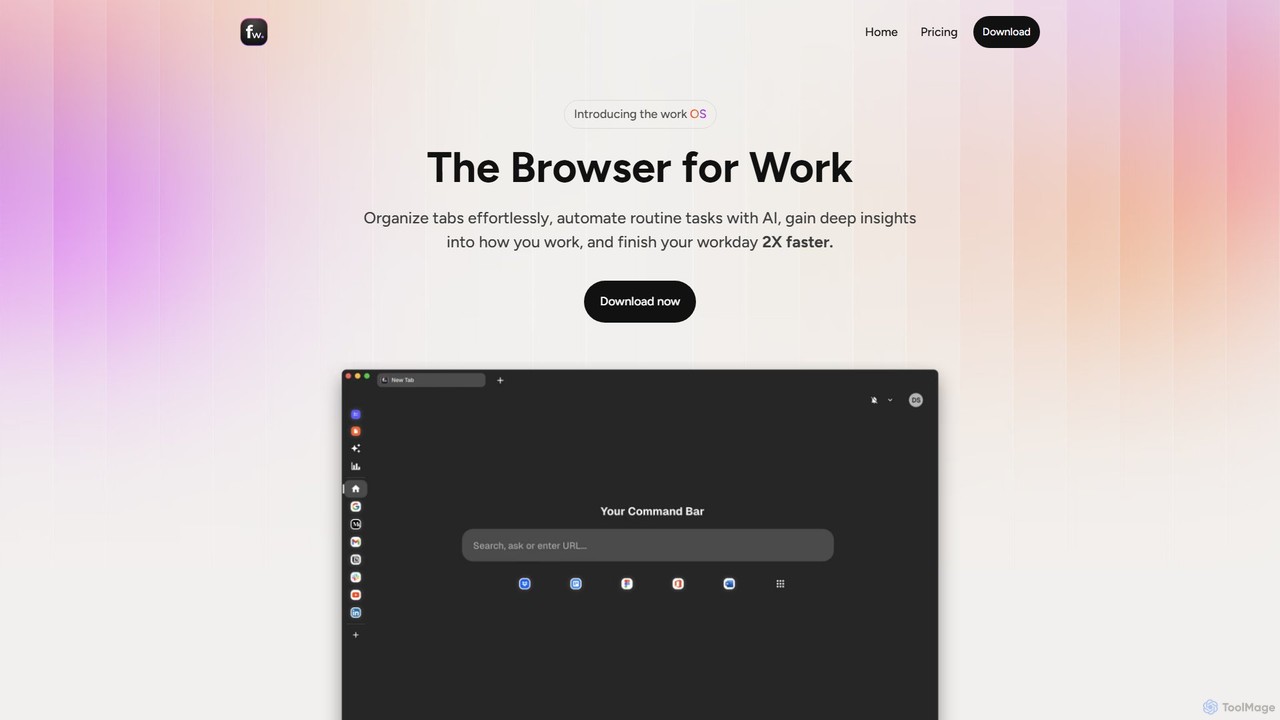
Floutwork is a revolutionary browser meticulously engineered for the modern professional. It directly addresses the shortcomings of traditional browsers, which are often sources of distraction and disorganization, by creating a focused, efficient, and intelligent work environment. Instead of being a tool for endless scrolling and shopping, Floutwork is your dedicated workspace, designed to streamline workflows, eliminate tab chaos, and integrate powerful AI capabilities directly where you need them.
The core philosophy of Floutwork is to bring order to the digital chaos of daily work. It achieves this through a unique system of app-based tabs and workspaces, which automatically group your tabs by application, preventing the clutter that plagues conventional browsers. You can create distinct workspaces for different projects, clients, or roles, each with its own set of apps and tabs, ensuring a clean separation of contexts and helping you maintain focus on the task at hand.
How to use Floutwork
Getting started with Floutwork is a seamless process designed to get you productive in minutes:
- Download and Install: Floutwork is a desktop application available for both macOS and Windows. Download it from the official website.
- Onboarding: Follow the simple onboarding guide to import your bookmarks, passwords, and history from your previous browser.
- Set Up Workspaces: Create different workspaces to organize your work. For example, you could have a workspace for 'Project Alpha', 'Marketing', and 'Personal Development'. Customize each with its own icon and color.
- Add Your Apps: Use the Launchpad to add all your essential web apps like Slack, Jira, Figma, Google Docs, and Notion. Pin your most-used apps to the navigation bar for instant access.
- Leverage AI Assistants: Explore the pre-built AI assistants for common tasks or create your own. Highlight text on any webpage to summarize, rewrite, or generate content. Use the AI Command Center to chat with multiple AI models without switching tabs.
- Integrate Your Tools: Connect your calendar and email accounts to manage tasks, events, and communications directly within the browser. Use the built-in Notes and Tasks apps to capture ideas and manage your to-do list.
- Monitor Your Productivity: Check the Productivity Metrics dashboard to see a detailed breakdown of your activity, understand your focus patterns, and identify opportunities for improvement.
Core Features of Floutwork
- AI Command Center: Access and switch between multiple leading AI models (including ChatGPT 4o Pro, Gemini 1.5 Pro, Claude 3.5 Sonnet, and Perplexity Sonar Pro) from a single, unified interface.
- Contextual AI Assistants: Use pre-built or create custom AI assistants that work directly within your apps and workflows. Generate Jira tickets, write UI copy, draft social media posts, or get help with code, all without leaving your current page.
- App-Based Tab Organization: Tabs are automatically grouped by application, eliminating clutter. Use Workspaces to create separate, focused environments for different projects.
- Integrated Productivity Suite: Floutwork comes with built-in tools for Tasks, Notes, Calendar integration, and a Smart Inbox Cleaner, keeping your entire workflow in one place.
- Automatic Productivity Metrics: Get a clear overview of your work habits with an automatically calculated productivity score and a detailed timeline of your activity. All data is private and can be disabled or deleted at any time.
- Distraction-Free Environment: Features like a Pomodoro timer, split views, full-screen mode, and a no-ad policy are designed to help you stay in a state of deep work.
- Enterprise Ready: Offers simple one-click onboarding for teams with no IT overhead, bringing AI, collaboration, and visibility to the entire organization.
Use Cases for Floutwork
Floutwork is versatile and benefits a wide range of professionals:
- Project Managers: Use the Jira Ticket Creator assistant to instantly generate detailed tickets from meeting notes or Slack conversations. Organize projects into separate workspaces to manage multiple initiatives simultaneously.
- Designers & UX Writers: Leverage the UI Copy Writer assistant to generate concise and effective microcopy for buttons, forms, and tooltips directly within Figma or other design tools.
- Marketing Professionals: Draft compelling social media posts for LinkedIn or Twitter using the Social Media Post Writer, and research competitors in a focused, organized environment.
- Software Developers: Generate clear and helpful commit messages with the Commit Message Helper. Use the AI Command Center to debug code, research solutions, and learn new technologies without context switching.
- Founders & Entrepreneurs: Manage the myriad aspects of a business, from task management and calendar scheduling to strategic planning and email, all within a single, streamlined application.
Advantages of Floutwork
Compared to traditional browsers like Chrome, Floutwork offers significant advantages for work:
- Built for Focus, Not Ads: Floutwork's business model is subscription-based, not ad-revenue. This means the entire experience is optimized for your productivity, not for tracking your data for advertisers.
- Inherent Organization: Automatic tab grouping and workspaces are a fundamental part of the browser, not a bolted-on extension. This provides a natively organized and less chaotic experience.
- Deeply Integrated AI: AI isn't just a chatbot in a sidebar. It's context-aware and woven into every part of your workflow, from writing text to managing tasks.
- All-in-One Tool Stack: By integrating tasks, notes, calendar, and email management, Floutwork reduces the need for multiple separate applications and subscriptions, saving both money and mental energy from constant app switching.
- Actionable Insights: The productivity metrics provide valuable, private feedback on your work habits, empowering you to build better routines and improve your focus over time.
Pricing and Plans
Floutwork offers a straightforward pricing model designed to provide maximum value.
- Free Version: A free-forever plan is available after the trial, providing access to most core features.
- Pro Plan: For users who need advanced capabilities, the Pro Plan is available for $12 per month (billed annually, saving $96 per year). This plan includes:
- Smart browser with all organizational features
- Productivity Metrics
- Access to Pro AI models (ChatGPT 4o Pro, Gemini 1.5 Pro, Claude 3.5 Sonnet, etc.)
- AI Assistants
- Work Launchpad
- Task Planner
- Instant Notepad
- Free Trial: A 14-day free trial of the Pro Plan is available to all new users, with no credit card required.
Floutwork Alternatives
Kahana
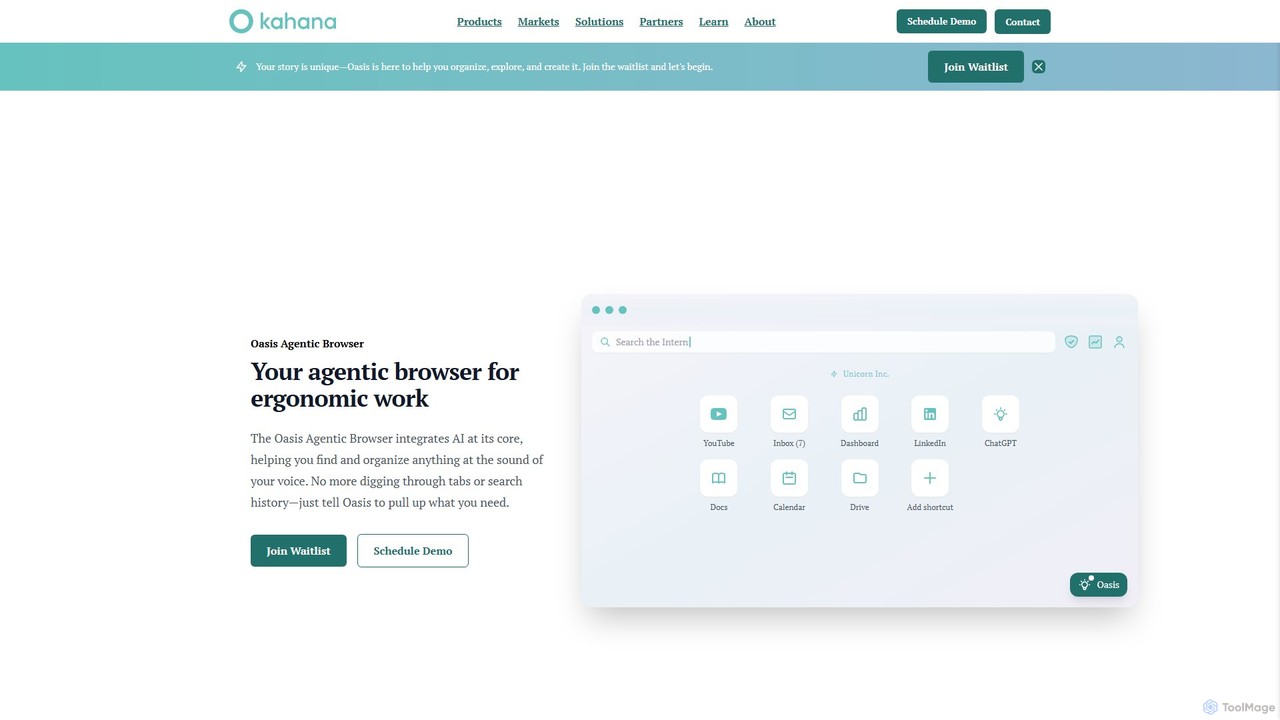
Kahana is an AI-powered agentic browser designed to enhance productivity, organization, and security. It replaces the chaos of modern browsing with an intelligent, voice-controlled workspace. Automate workflows, organize ideas into focused hubs, and collaborate securely, all within a browser that acts as your personal productivity companion.
Browser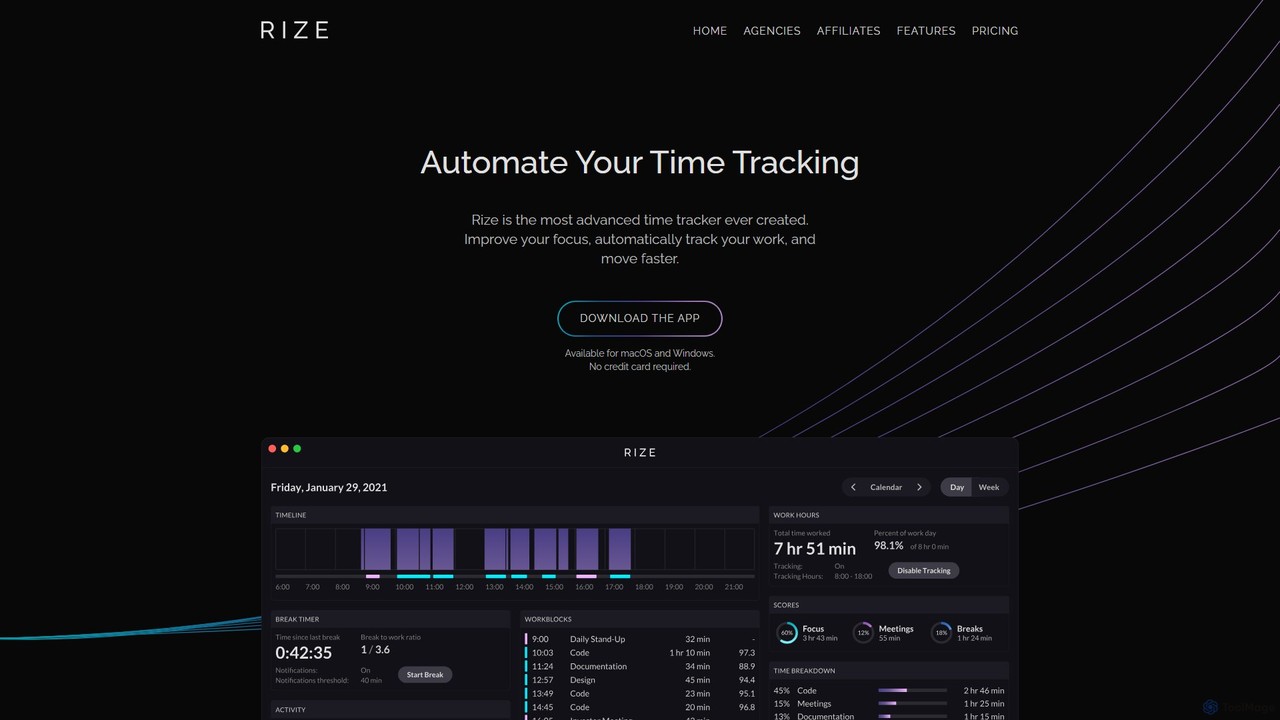
Rize
Rize is an intelligent, AI-powered time tracking application designed to boost your productivity and focus. It automatically monitors your computer activity without manual timers, providing deep insights into how you spend your time. Rize helps you build better work habits, prevent burnout with smart notifications, and achieve a healthier work-life balance. It's the ultimate fitness app for your productivity, tailored for founders, freelancers, managers, and anyone looking to optimize their workflow.
Personal Analytics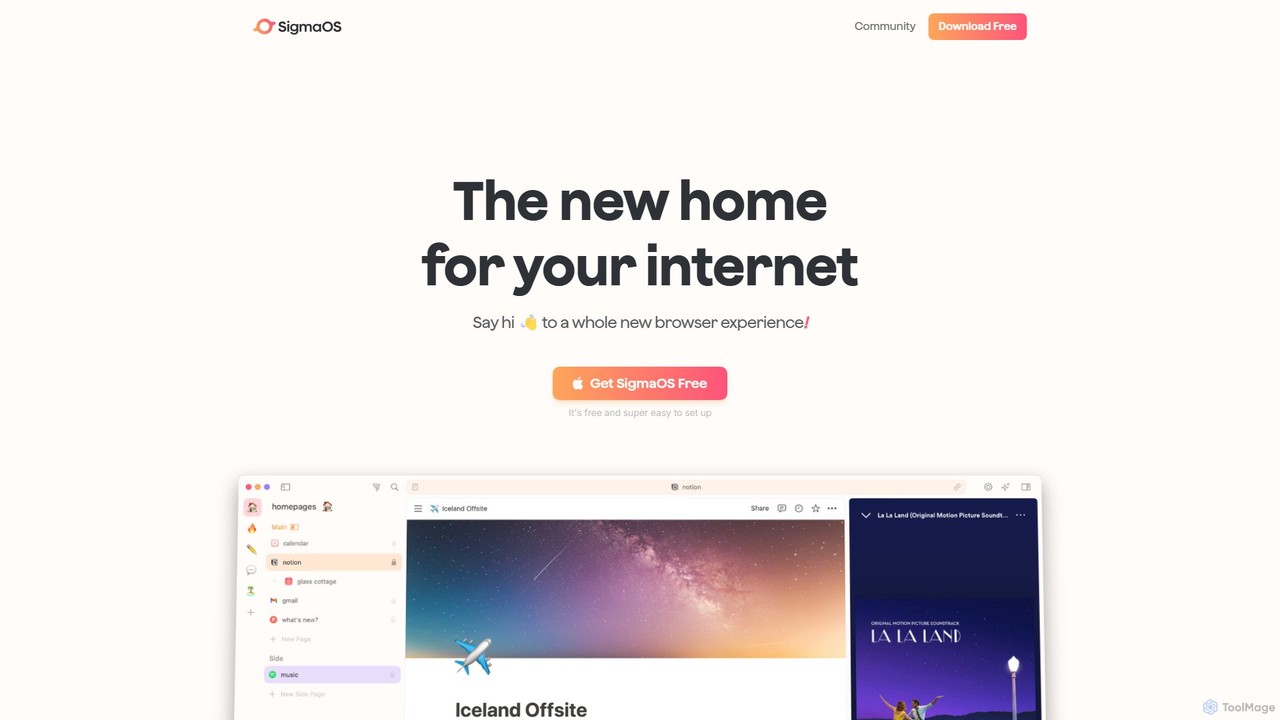
SigmaOS
SigmaOS is a revolutionary AI-powered web browser designed for work and productivity on macOS. It reimagines the browsing experience with features like workspaces for organization, vertical tabs managed as tasks, and an integrated AI assistant named Airis. It combines the speed and security of Safari's WebKit engine with the versatility of Chrome extensions, creating a focused, efficient, and intelligent environment for students, founders, and creatives.
Search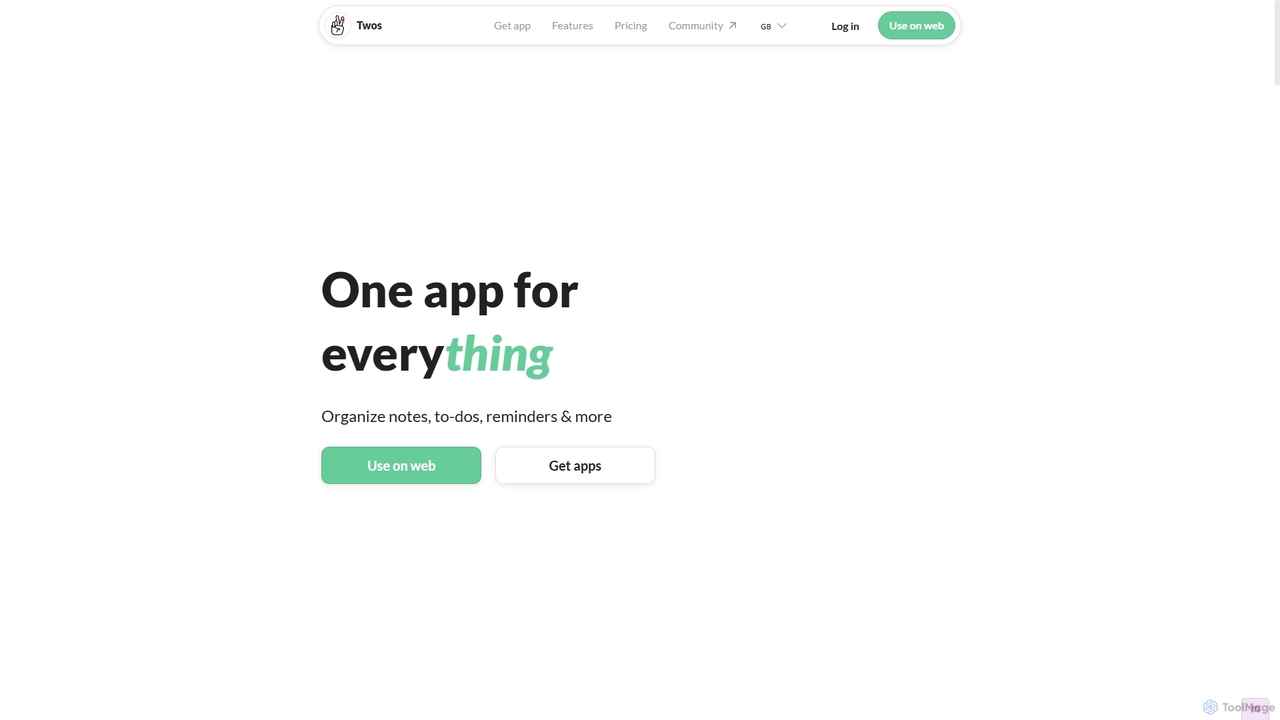
Twos
Twos is an all-in-one productivity app powered by AI that helps you organize notes, to-dos, reminders, lists, and calendar events in one simple place. Capture thoughts quickly as "things" and let the AI assistant, PALs, provide smart suggestions to help you stay organized and productive across all your devices.
Note Taking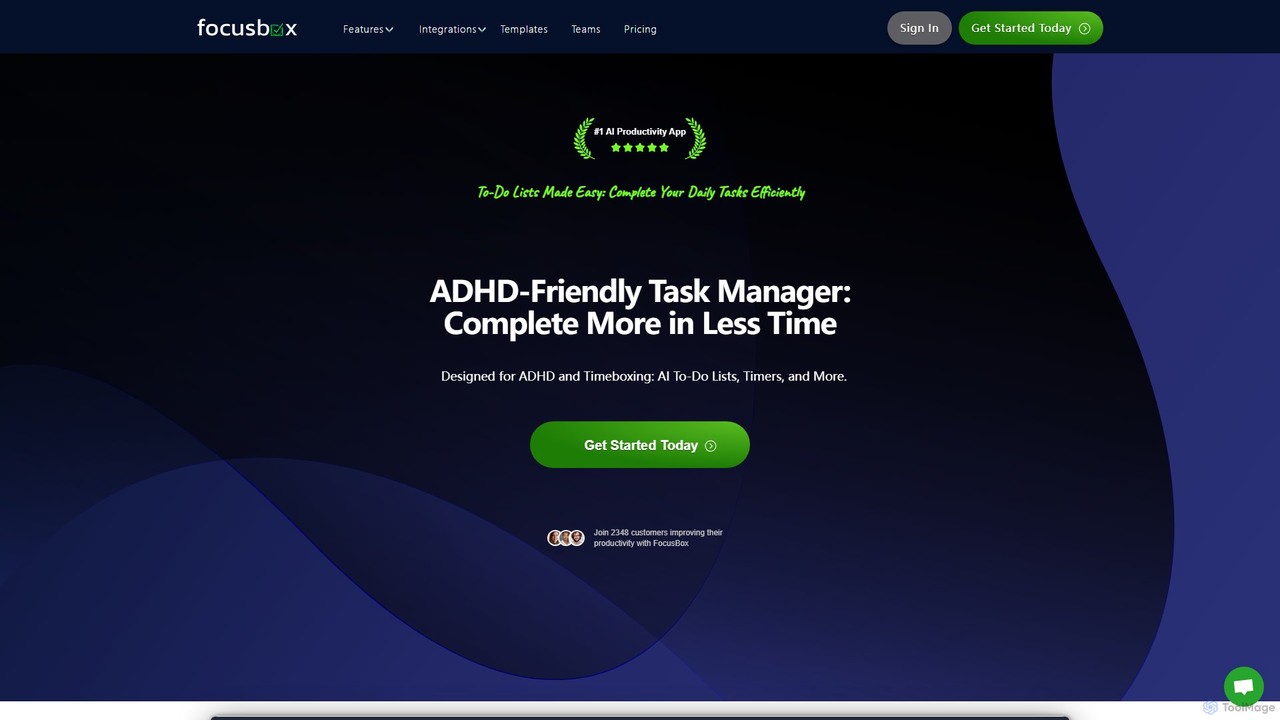
FocusBox
FocusBox is an AI-powered productivity app designed for ADHD and timeboxing. It creates smart to-do lists, uses timers to enhance focus, and offers features like ambient sounds and celebration modes to boost motivation. Ideal for individuals and teams looking to minimize distractions and complete tasks efficiently.
Mental HealthFloutwork Categories
Floutwork Embed Widget
Copy this embed code to place the badge on your blog, article, or product site and send readers directly to this ToolMage detail page.

Related AI tools
TiimoAI
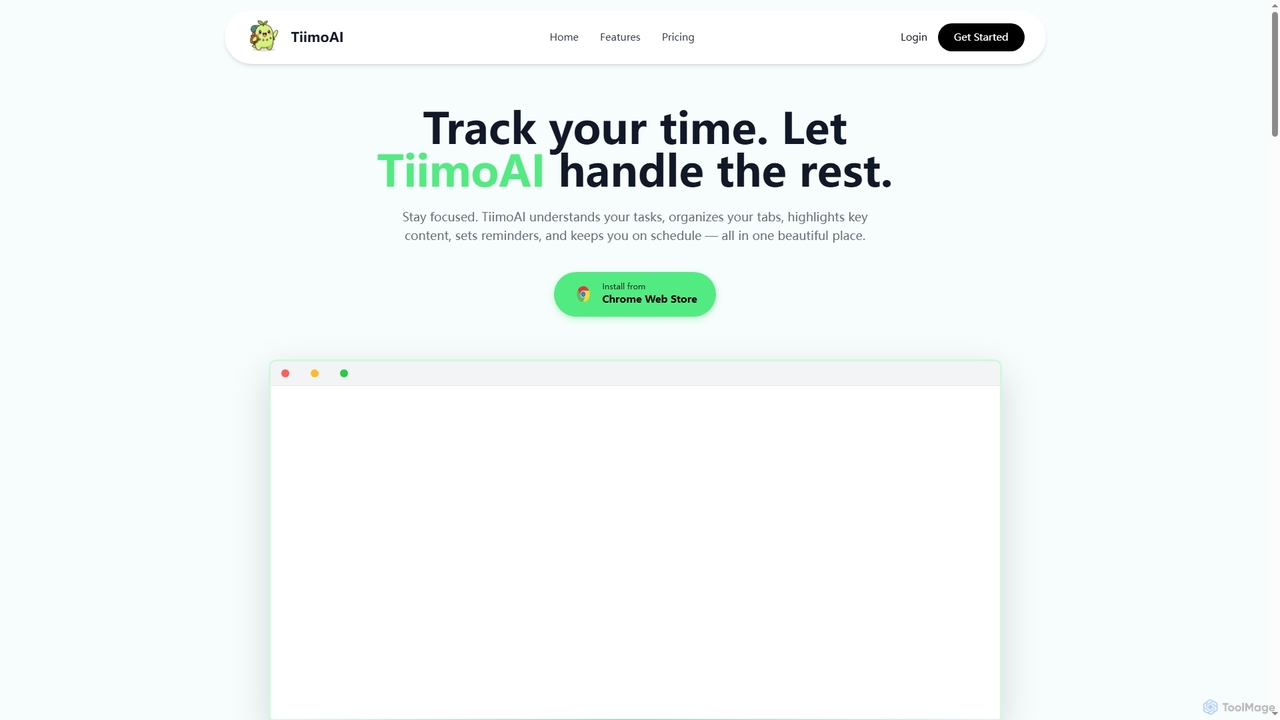
TiimoAI is an AI-powered Chrome extension designed to enhance productivity by intelligently tracking time, organizing browser tabs, and fostering deep focus. It provides detailed analytics on work patterns, helping users understand and optimize their daily output and achieve long-term goals.
Productivity TrackingKahana
Kahana is an AI-powered agentic browser designed to enhance productivity, organization, and security. It replaces the chaos of modern browsing with an intelligent, voice-controlled workspace. Automate workflows, organize ideas into focused hubs, and collaborate securely, all within a browser that acts as your personal productivity companion.
BrowserRize
Rize is an intelligent, AI-powered time tracking application designed to boost your productivity and focus. It automatically monitors your computer activity without manual timers, providing deep insights into how you spend your time. Rize helps you build better work habits, prevent burnout with smart notifications, and achieve a healthier work-life balance. It's the ultimate fitness app for your productivity, tailored for founders, freelancers, managers, and anyone looking to optimize their workflow.
Personal AnalyticsSigmaOS
SigmaOS is a revolutionary AI-powered web browser designed for work and productivity on macOS. It reimagines the browsing experience with features like workspaces for organization, vertical tabs managed as tasks, and an integrated AI assistant named Airis. It combines the speed and security of Safari's WebKit engine with the versatility of Chrome extensions, creating a focused, efficient, and intelligent environment for students, founders, and creatives.
SearchTwos
Twos is an all-in-one productivity app powered by AI that helps you organize notes, to-dos, reminders, lists, and calendar events in one simple place. Capture thoughts quickly as "things" and let the AI assistant, PALs, provide smart suggestions to help you stay organized and productive across all your devices.
Note TakingFocusBox
FocusBox is an AI-powered productivity app designed for ADHD and timeboxing. It creates smart to-do lists, uses timers to enhance focus, and offers features like ambient sounds and celebration modes to boost motivation. Ideal for individuals and teams looking to minimize distractions and complete tasks efficiently.
Mental Health
Fluidwave
Fluidwave is an AI-powered task management platform designed to boost productivity by intelligently organizing tasks, auto-prioritizing them, and connecting users with human virtual assistants for delegation. It helps individuals and teams stay focused and efficient.
Virtual Assistant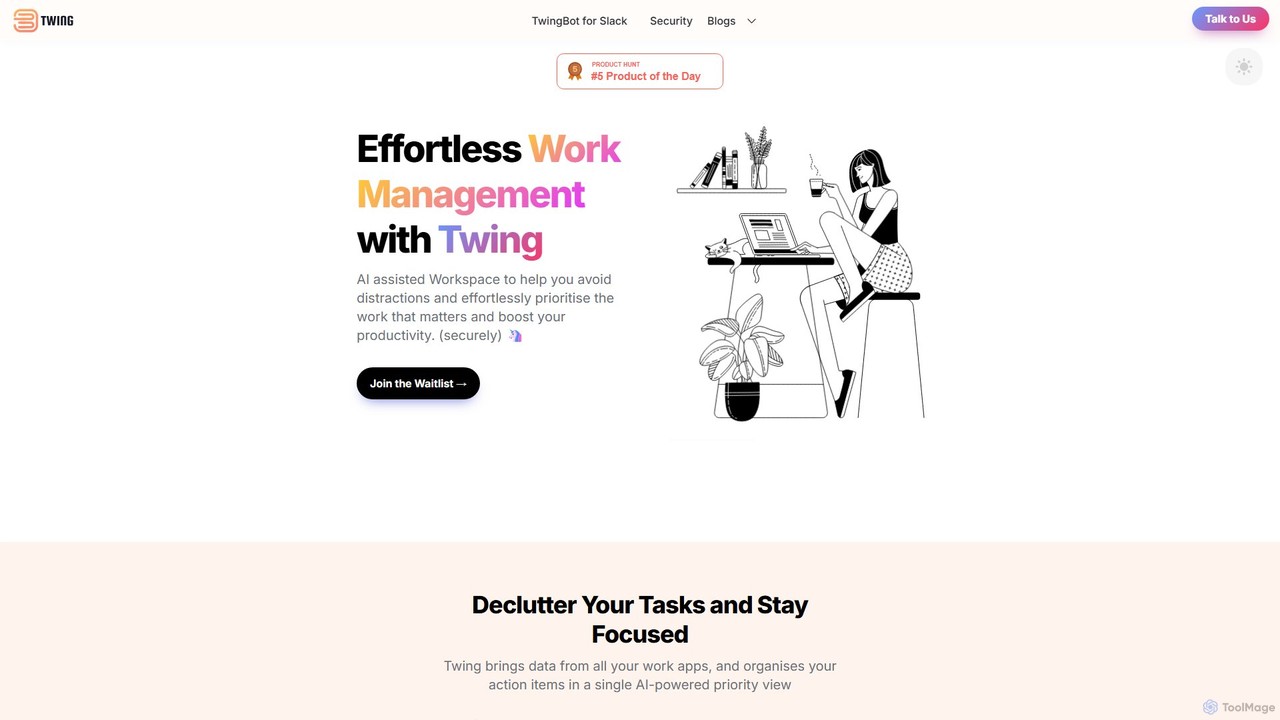
Twing
Twing is an AI-assisted workspace designed to combat information overload and distractions. It consolidates tasks, notifications, and communications from all your work apps into a single, intelligently prioritized view, helping you focus on what truly matters and boost your productivity.
Focus
Omniverse
Omniverse is an all-in-one AI-powered productivity platform designed to centralize your workflow. It integrates a powerful writing assistant, task management, knowledge base, and data analysis into a single, intuitive workspace. Streamline your projects, automate repetitive tasks, and unlock new levels of efficiency by leveraging a unified AI that understands the full context of your work.
All In One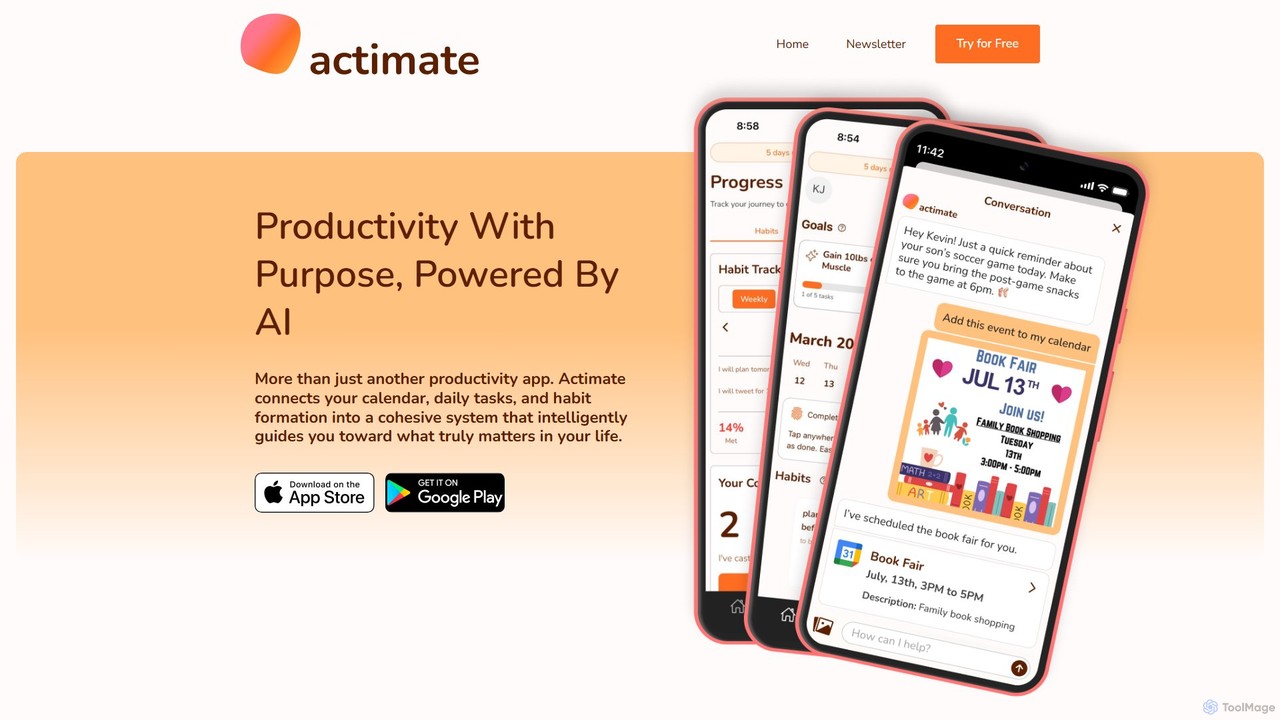
Actimate
Actimate is an AI-powered productivity partner designed to unify your calendar, daily tasks, and habit formation. It intelligently guides you to focus on what truly matters, reducing overwhelm and digital distractions. By acting as a proactive accountability coach, Actimate helps you manage your schedule, achieve your goals, and regain control over your time and energy.
Ai Assistant
ontezo
ontezo is an all-in-one, AI-powered business solution designed to streamline workflows and enhance team collaboration. It integrates project management, CRM, finance, and employee management into a single platform. Featuring the Flowra AI assistant, ontezo automates tasks like standups, code generation, and sprint planning, helping teams save time and boost productivity across various industries.
Crm
letsfocus
letsfocus is an AI-powered productivity tool designed to help you eliminate distractions and enhance concentration. By leveraging smart timers, intelligent website blocking, and personalized analytics, it creates an optimal environment for deep work, helping students, professionals, and creatives achieve their goals more efficiently.
Study Tools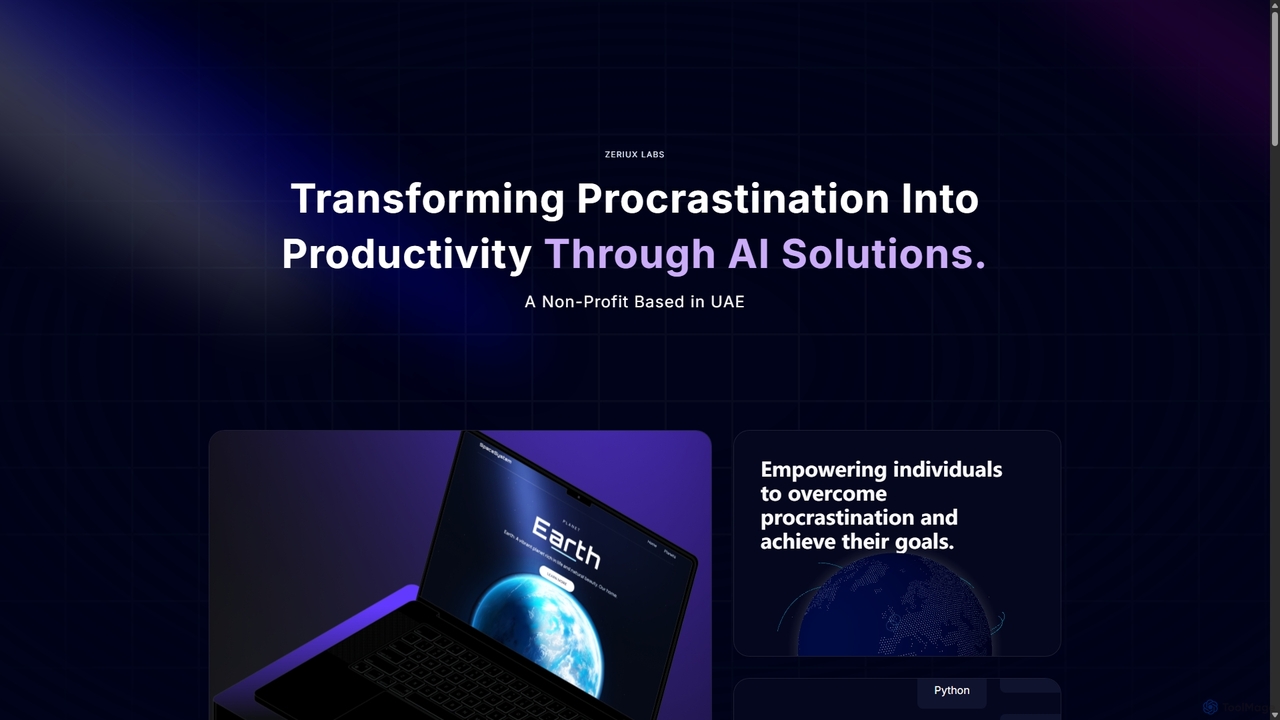
Zeriux Labs
Zeriux Labs is a non-profit organization developing a suite of AI-powered productivity tools designed to combat procrastination. Their solutions, including ProAct+, ProSync+, and Focus Forge, help users manage tasks, optimize schedules, and maintain focus. By leveraging AI, Zeriux Labs aims to make productivity accessible to everyone, transforming daunting goals into achievable daily actions.
Habit Formation
goalfocus
An AI-powered goal management and productivity platform. It helps individuals and teams set clear objectives, break them down into actionable tasks, and maintain focus. The AI provides intelligent suggestions, prioritizes tasks, and offers insights to optimize performance and accelerate goal achievement.
Goal Setting
azen
azen is an AI-powered productivity and mindfulness app that helps you organize tasks, manage your schedule, and find focus. It combines smart task management with guided mindfulness exercises to reduce stress and boost efficiency, creating a balanced workflow.
Mindfulness
Floutwork Comments (0)
Sign in to comment.
Sign inNo comments yet.