ToolMage
Sign in

Best 2 Web Automation AI tools for Developer Tools

Popular Web Automation AI tools in Developer Tools include Browserbase and BrowserOS, helping you work more efficiently.

BrowserOS
Free

BrowserOS

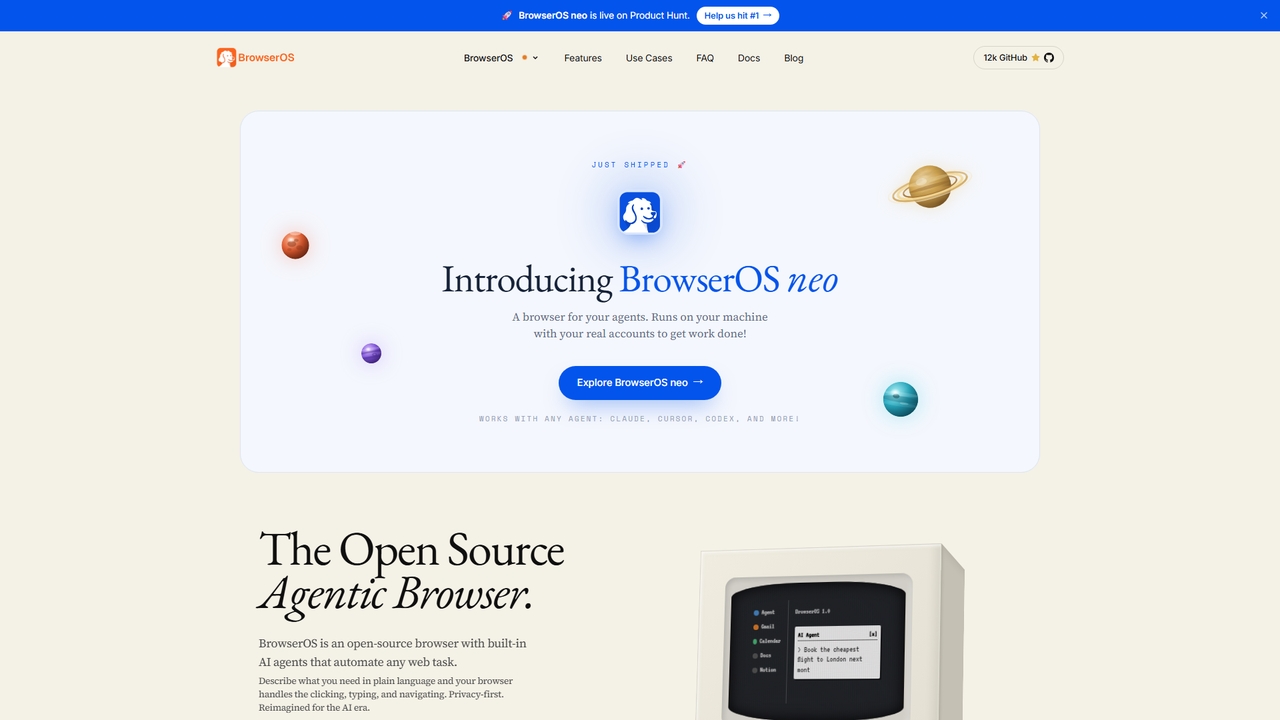
BrowserOS is an open-source, privacy-first AI browser with built-in AI agents that automate web tasks through natural language. It supports 13 AI providers, 40+ app integrations, and runs locally on macOS, Windows, and Linux.

Web Automation
Visits 0Favorites 0Likes 0
Browserbase
Freemium

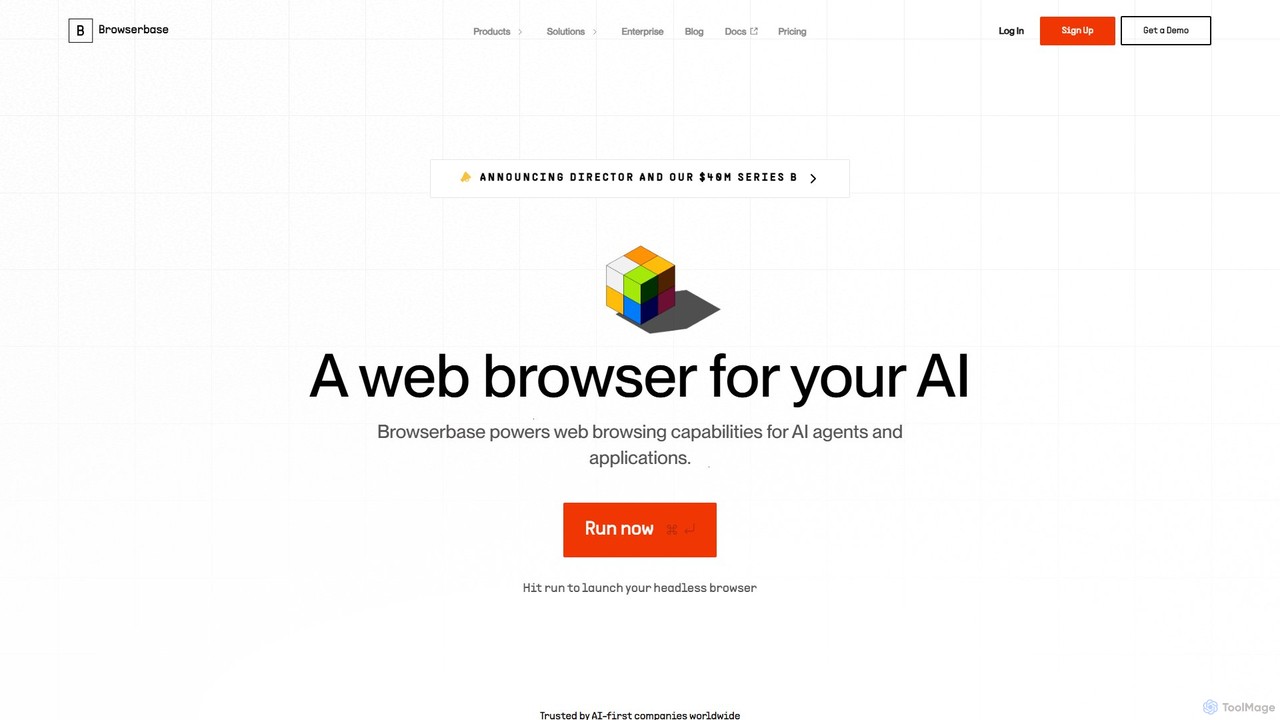
Browserbase

Browserbase provides a scalable cloud infrastructure for running and managing headless browsers. It's designed for developers to power AI agents, automate complex web workflows, and perform large-scale data scraping without managing the underlying infrastructure.

Web Scraping
Visits 291.9KFavorites 105Likes 100

About Web Automation

Web Automation tools are AI-powered solutions designed to automate repetitive and complex tasks performed on web browsers. Leveraging artificial intelligence, these tools can intelligently interact with web elements, extract data, fill forms, and navigate dynamic websites with greater adaptability than traditional scripting. They significantly enhance efficiency and accuracy across various web-based operations, making them indispensable for developers and businesses looking to streamline digital workflows within the broader category of developer tools.

Core Features

  • Intelligent Element Recognition: AI identifies and interacts with web elements even if their structure changes, reducing maintenance.
  • Dynamic Content Handling: Automatically manages pop-ups, infinite scrolls, and AJAX-loaded content for robust automation.
  • Natural Language Instructions: Some tools allow users to define automation flows using plain language, simplifying complex tasks.
  • Advanced Data Extraction: Precisely extracts structured and unstructured data from web pages, including tables, text, and images.
  • Error Handling & Recovery: AI-driven mechanisms to detect and recover from unexpected website behaviors or errors during automation.

Applicable Scenarios

These tools are widely adopted by data analysts for market intelligence, QA engineers for automated testing, and marketing teams for content distribution. They excel in scenarios requiring continuous interaction with web interfaces, such as monitoring competitor pricing, automating lead generation from online directories, or ensuring consistent data entry across multiple web applications.

How to Choose

When selecting a Web Automation tool, consider its AI capabilities for handling dynamic content and changes, the ease of defining automation workflows (code-based vs. no-code/low-code), integration options with existing systems, scalability for high-volume tasks, and the pricing model. Evaluate its robustness in error handling and its ability to adapt to evolving web environments.

Featured tool rankings

Web Automation use cases

1

Automated Market Data Collection

Market researchers and business analysts utilize AI web automation to continuously scrape pricing, product details, and customer reviews from competitor websites. The AI intelligently adapts to website layout changes, ensuring consistent data flow for competitive analysis and trend identification, saving hundreds of hours of manual data gathering.

2

E-commerce Product Information Synchronization

E-commerce managers employ these tools to automatically extract new product listings, specifications, and images from supplier websites. The automation then updates their own online store's inventory and product pages, ensuring real-time accuracy and reducing manual data entry errors for thousands of SKUs.

3

Intelligent Web Application Testing

QA engineers leverage AI web automation to create robust end-to-end test suites for web applications. AI-powered bots can navigate complex user journeys, fill forms, validate data, and identify visual regressions or functional bugs across different browsers and devices, significantly accelerating the testing cycle and improving software quality.

4

Automated Lead Generation and Contact Enrichment

Sales and marketing teams use AI web automation to scour professional networking sites, business directories, and public databases for potential leads. The tools automatically extract contact names, company details, email addresses, and phone numbers, then enrich CRM systems, streamlining the lead qualification process and expanding outreach capabilities.

5

Content Aggregation and Publishing

Content creators and digital marketers deploy AI web automation to aggregate relevant news articles, blog posts, or social media trends from various online sources. The tools can then automatically reformat, summarize, and publish this content to their own blogs, social media channels, or internal knowledge bases, maintaining a consistent content flow.

6

Automated Online Form Submission and Application

Individuals and businesses use these tools to automate the repetitive process of filling out and submitting online forms, such as job applications, grant proposals, or regulatory compliance documents. AI ensures accurate data entry and navigates multi-page forms, drastically reducing the time and effort involved in high-volume submissions.

Web Automation FAQ

What are AI-powered Web Automation tools?

AI-powered Web Automation tools are software solutions that use artificial intelligence to automate tasks on web browsers. Unlike traditional scripting, they can intelligently interact with dynamic web elements, adapt to website changes, and often understand natural language instructions, making web processes more robust and efficient.

How do AI Web Automation tools differ from traditional RPA or scripting?

AI Web Automation tools go beyond traditional Robotic Process Automation (RPA) or simple scripting by incorporating AI capabilities like computer vision and natural language processing. This allows them to handle unstructured data, adapt to UI changes, make intelligent decisions, and learn from interactions, making them more resilient and versatile for complex, dynamic web environments.

What types of tasks can AI Web Automation tools perform?

These tools can perform a wide range of web-based tasks, including:

  • Data Scraping: Extracting information from websites for market research or content aggregation.
  • Automated Testing: Running UI tests on web applications.
  • Form Filling: Automatically submitting data to online forms.
  • Content Publishing: Distributing content across various web platforms.
  • Lead Generation: Collecting contact information from online directories.

Who benefits most from using AI Web Automation tools?

A diverse range of users benefits, including:

  • Developers & QA Engineers: For automated testing and continuous integration.
  • Data Analysts & Researchers: For large-scale data collection and market intelligence.
  • Marketing & Sales Teams: For lead generation, content distribution, and competitor monitoring.
  • E-commerce Businesses: For product data synchronization and price monitoring.
  • Operations Teams: For automating repetitive administrative tasks on web portals.

What should I consider when choosing an AI Web Automation tool?

Key considerations include:

  • AI Capabilities: Look for intelligent element recognition and dynamic content handling.
  • Ease of Use: Evaluate if it's code-based, low-code, or no-code, matching your team's skill set.
  • Scalability: Ensure it can handle the volume and complexity of your automation needs.
  • Integration: Check compatibility with your existing tech stack (CRMs, databases, APIs).
  • Cost & Support: Compare pricing models and the level of technical support offered.