

BrowserOS Overview
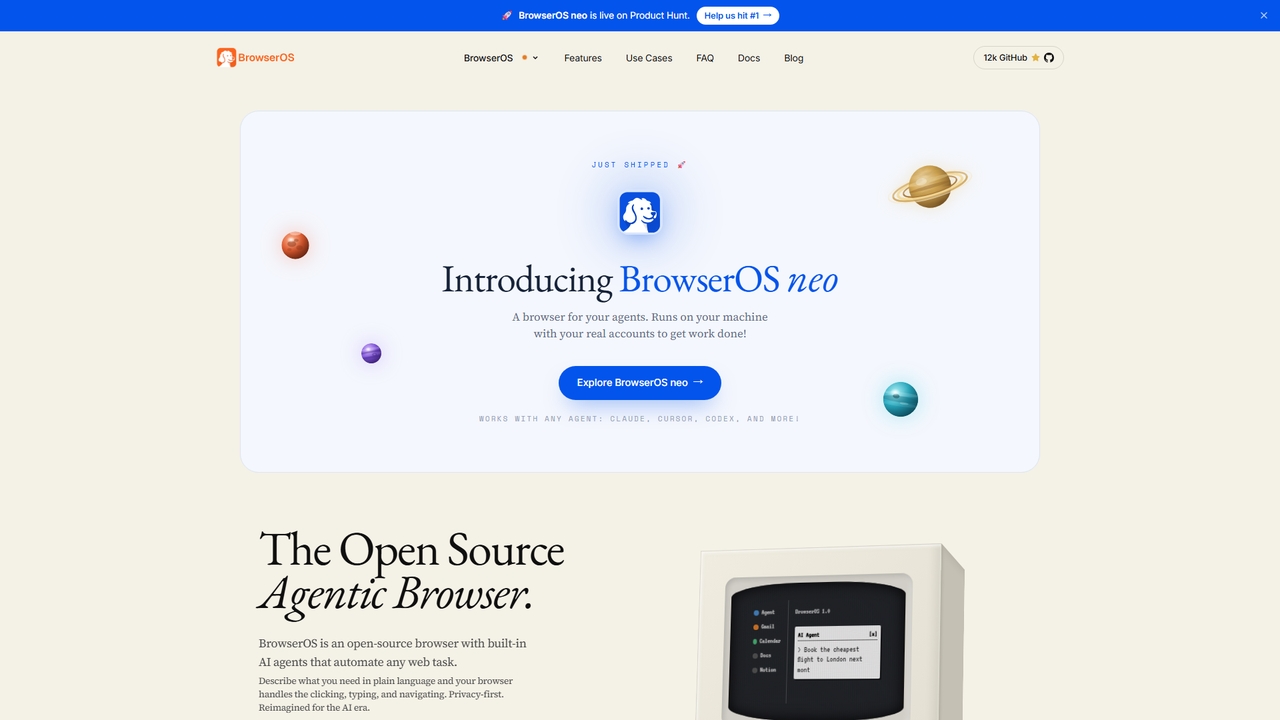
BrowserOS is the first open-source agentic browser built for the AI era. It puts AI agents directly inside the browser so you can describe any web task in plain language — such as "Book the cheapest flight to London next month" — and the browser handles the clicking, typing, and navigating automatically. Backed by Y Combinator and trusted by a community with 12,000+ GitHub stars, BrowserOS runs on your machine with your real accounts, ensuring your data and workflows remain private. It supports 13 AI providers, 53 built-in browser tools, 40+ app integrations via MCP, and is free and open source.
How to use BrowserOS
Using BrowserOS is simple: describe a task in natural language and the built-in agent handles multi-step workflows — browsing the web, reading local files, filling forms, and more. You can bring your own AI model by connecting providers such as Kimi K2.5, Claude Opus 4.6, or Gemini 3, or run local models via Ollama and LM Studio. BrowserOS also supports custom MCP servers for app integration, scheduled tasks for automation, and sandboxed filesystem access for reading and writing files or running shell commands.
Core Features of BrowserOS
- Natural language AI agent for browsing, clicking, typing, and navigating
- Support for 13+ AI providers: Moonshot Kimi, Anthropic Claude, Google Gemini (free tier available), OpenAI, OpenRouter (500+ models)
- Local model support via Ollama and LM Studio
- 40+ built-in app integrations via MCP: Gmail, Slack, Notion, Calendar, and more
- Custom MCP server support to extend functionality
- Agent Skills: 12 pre-installed skills — Deep Research, Compare Prices, Fill Form, and more
- SOUL.md: define agent personality, values, and communication style in a Markdown file
- Agent Memory: persistent context stored locally as plain editable Markdown files
- Scheduled tasks and workflows with loops, conditions, and hidden-window execution
- Sandboxed filesystem access for read/write and shell commands
- 53 built-in browser automation tools
- Chromium-based, fully compatible with Chrome extensions
Use Cases for BrowserOS
BrowserOS is designed for diverse professional workflows. Founders can automate daily briefings from Calendar, Slack highlights, and inbox summaries. Developers can control the browser from Claude Code or Gemini CLI to test staging sites, catch console errors, and file issues. Sales representatives can pull open deals from Salesforce, draft follow-up emails for stale leads, and keep HubSpot notes updated. Researchers can schedule competitor pricing scrapes and organize findings in Google Sheets. Marketers can draft and schedule social posts in brand voice and receive engagement summaries in Slack. Executive assistants can triage inboxes, flag urgent emails, create Notion tasks, and block focus time. Designers can turn Figma comments into Jira tickets and post summaries to Slack channels.
Advantages of BrowserOS
BrowserOS combines the familiarity of a traditional browser with AI agent power, eliminating the need for coding or terminal commands. It is privacy-first: your agent, memory, and data live in plain files on your machine. It is completely free and open source, with 13 AI providers and 40+ integrations out of the box. As a Chromium fork, your favorite Chrome extensions, bookmarks, and passwords work seamlessly. Built-in MCP server support enables terminal-based automation with Claude Code, Gemini CLI, or Codex.
Pricing and Plans
BrowserOS is completely free and open source. Google Gemini offers a free tier, and Kimi K2.5 includes extended free usage. Other cloud providers (OpenAI, Anthropic) charge based on your API usage. Local models via Ollama and LM Studio are always free.
BrowserOS FAQ
BrowserOS Alternatives
Bhindi
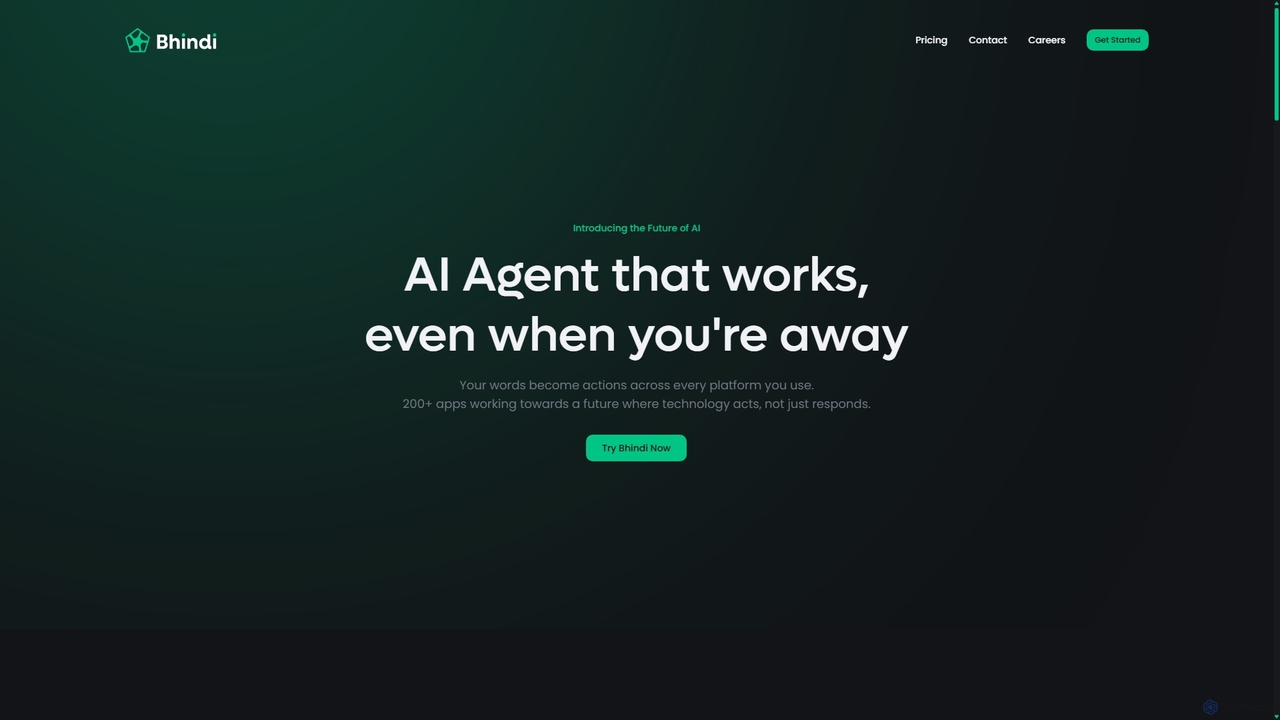
Bhindi is an AI agent platform that automates complex tasks and workflows across over 200 applications using simple natural language commands. It acts as an intelligent assistant that works in the background, connecting your favorite tools like Gmail, Slack, and Notion to execute multi-step actions, turning your words into a seamless, automated reality.
Personal Assistant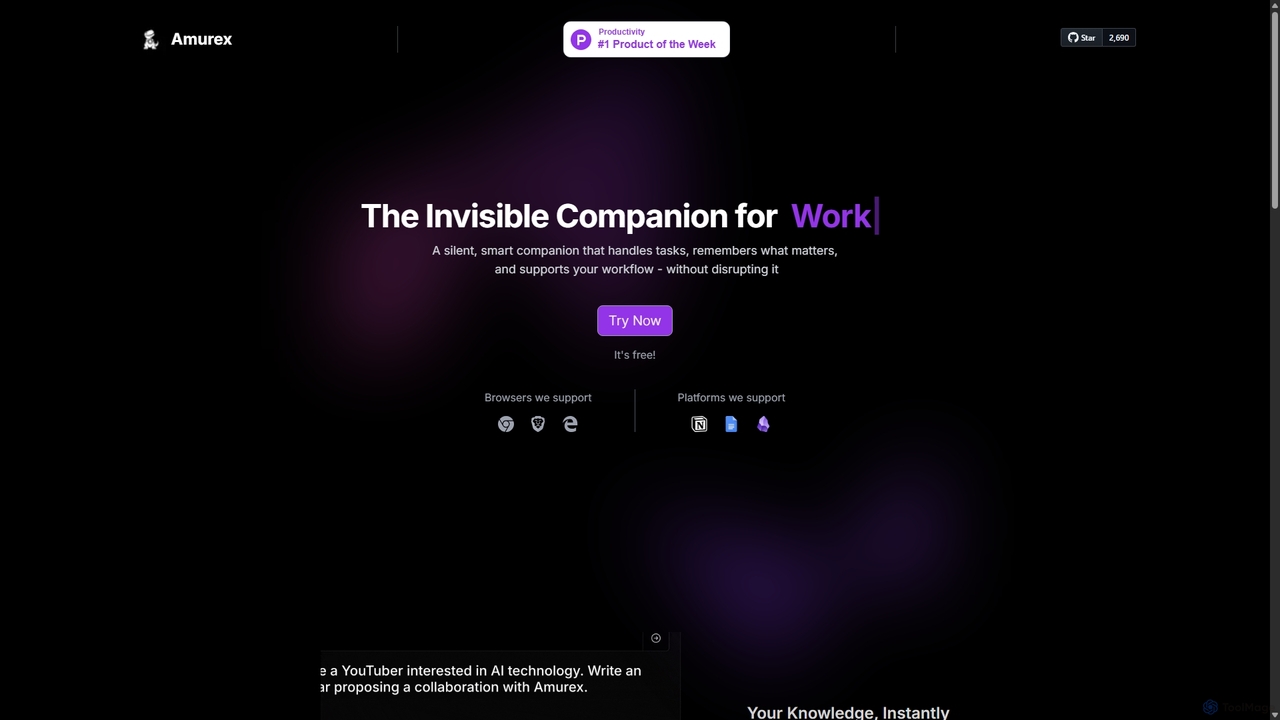
Amurex
Amurex is an open-source AI invisible companion that works silently in the background to streamline your workflow. It integrates with your existing apps like Notion, Google Drive, and Obsidian to create a searchable knowledge base, automates meeting transcriptions and summaries, and intelligently categorizes your inbox.
Automation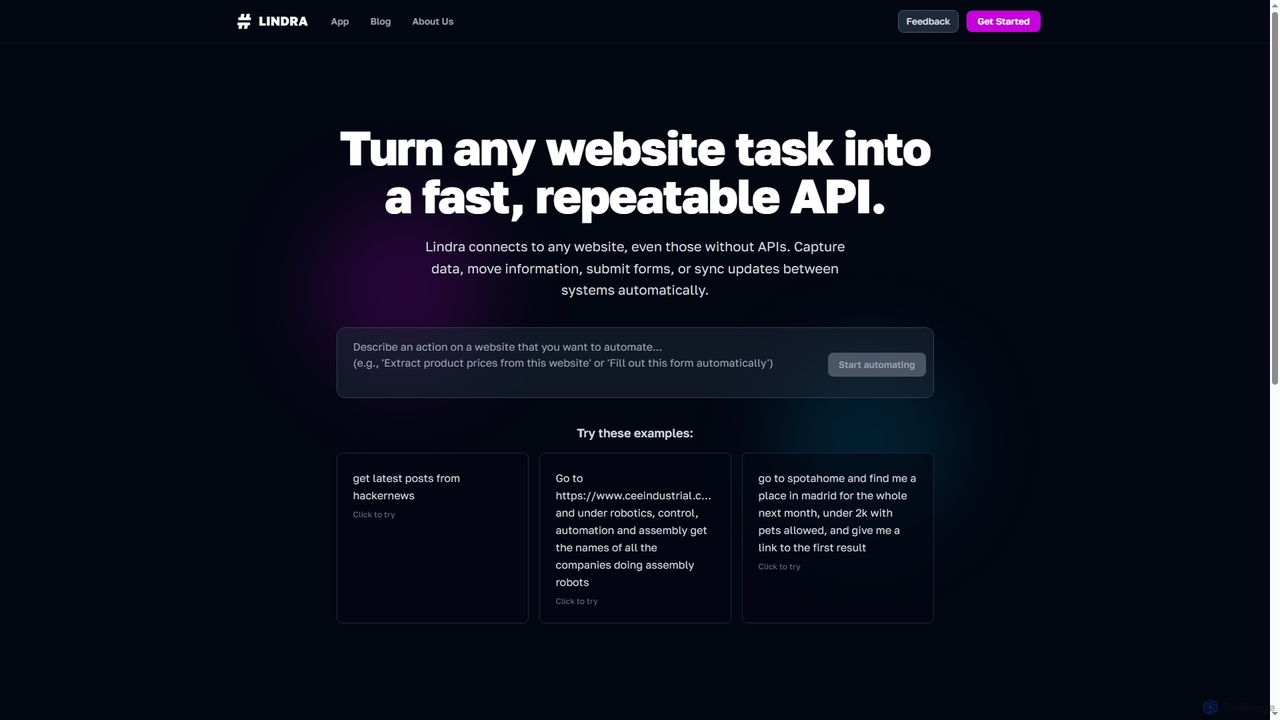
Lindra
Lindra transforms any website task into a fast, repeatable API, enabling automated data capture, information movement, form submissions, and system synchronization. It connects to websites even without existing APIs, democratizing web automation with intuitive, no-code interfaces. Ideal for businesses and power users seeking to program the web effortlessly.
No Code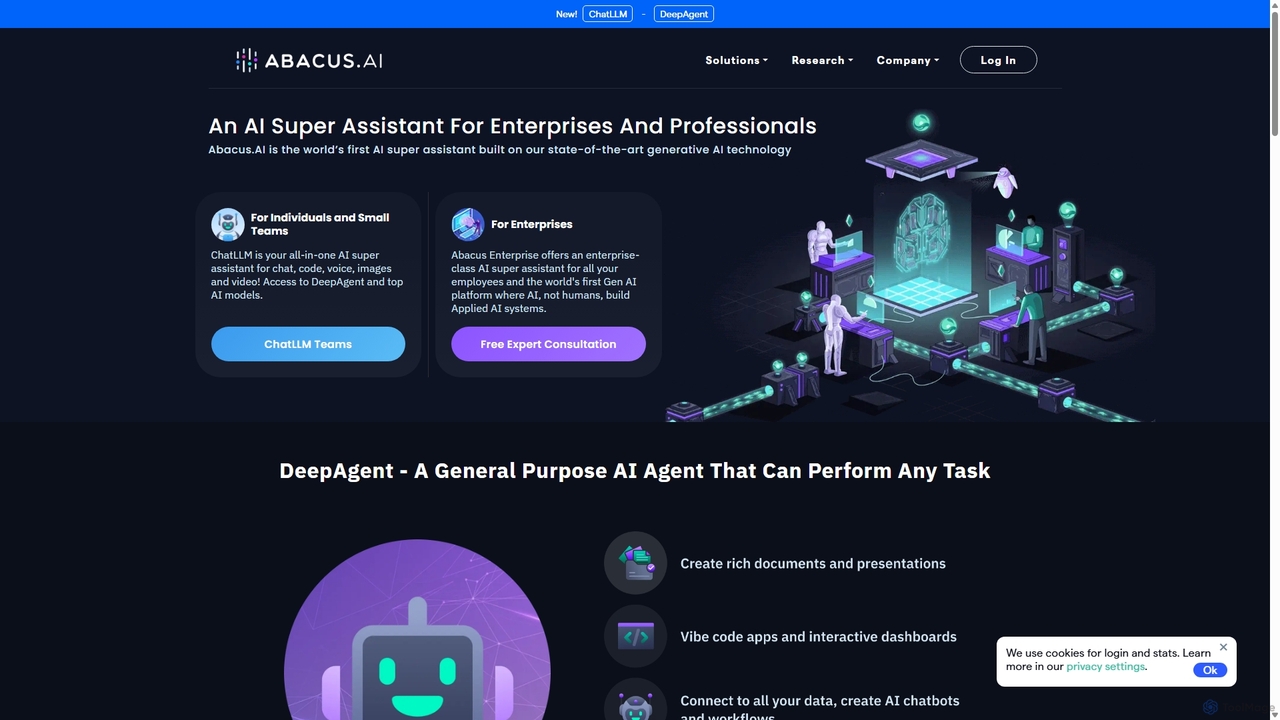
Abacus.AI
Abacus.AI is an advanced AI super assistant and generative AI platform designed for both enterprises and individuals. It enables the creation of AI agents, custom chatbots, and automated workflows to enhance productivity, analyze data, and build applied AI systems with minimal human intervention.
Chatbot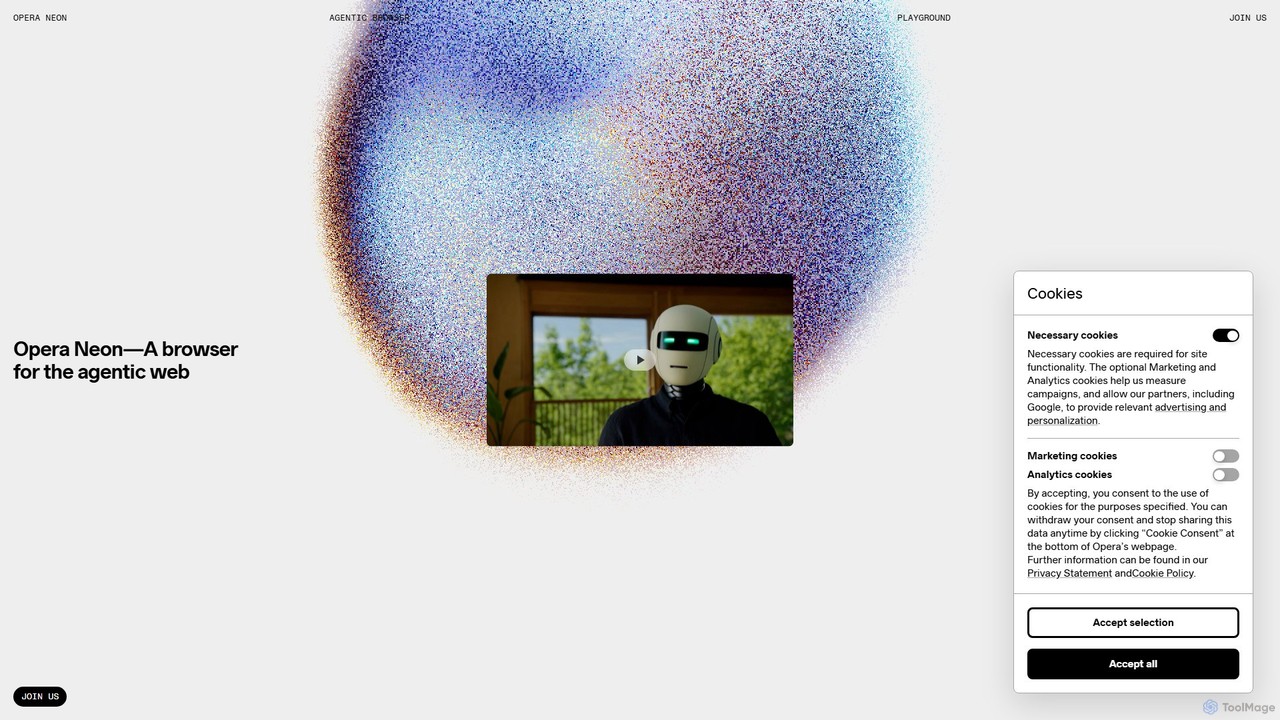
Opera Neon
Opera Neon is a next-generation agentic AI browser designed to understand user intent, automate complex tasks, and create digital content. It integrates AI chat, task automation, and creative generation into a single, seamless browsing experience, acting as a proactive digital assistant.
Low Code No CodeBrowserOS Categories
BrowserOS Jobs
BrowserOS Embed Widget
Copy this embed code to place the badge on your blog, article, or product site and send readers directly to this ToolMage detail page.

Related AI tools
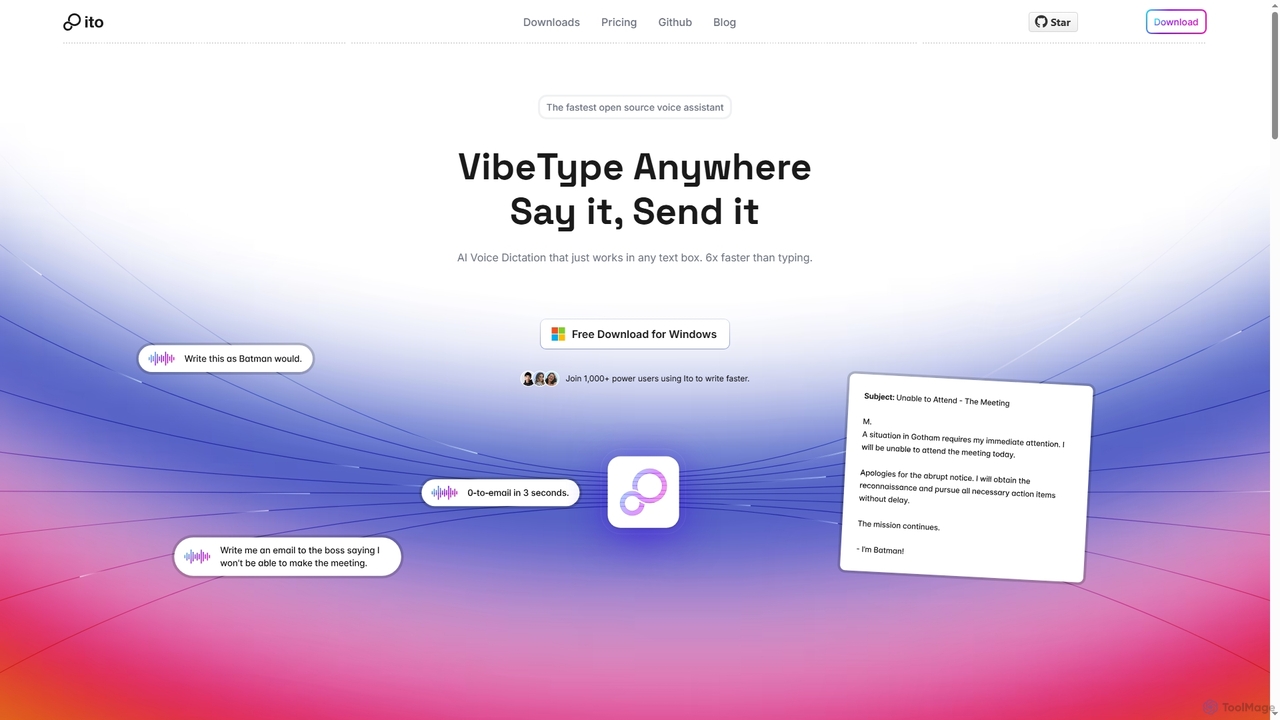
Ito
Ito is an open-source, voice-powered AI assistant for Mac and Windows that goes beyond simple dictation. Using "Vibe Typing," it understands your intent to generate polished text, smart responses, and even code, saving users significant time by allowing them to think, not type.
Email AssistantAmurex
Amurex is an open-source AI invisible companion that works silently in the background to streamline your workflow. It integrates with your existing apps like Notion, Google Drive, and Obsidian to create a searchable knowledge base, automates meeting transcriptions and summaries, and intelligently categorizes your inbox.
AutomationBhindi
Bhindi is an AI agent platform that automates complex tasks and workflows across over 200 applications using simple natural language commands. It acts as an intelligent assistant that works in the background, connecting your favorite tools like Gmail, Slack, and Notion to execute multi-step actions, turning your words into a seamless, automated reality.
Personal AssistantLindra
Lindra transforms any website task into a fast, repeatable API, enabling automated data capture, information movement, form submissions, and system synchronization. It connects to websites even without existing APIs, democratizing web automation with intuitive, no-code interfaces. Ideal for businesses and power users seeking to program the web effortlessly.
No Code
Compose AI
Compose AI is an AI-powered writing assistant and Chrome extension that accelerates your writing process. It offers intelligent autocompletion, text generation, and rephrasing capabilities across all your favorite sites, from emails to documents. By learning your personal writing style, it helps you write faster and more effectively, saving up to 40% of your time.
Chrome Extensions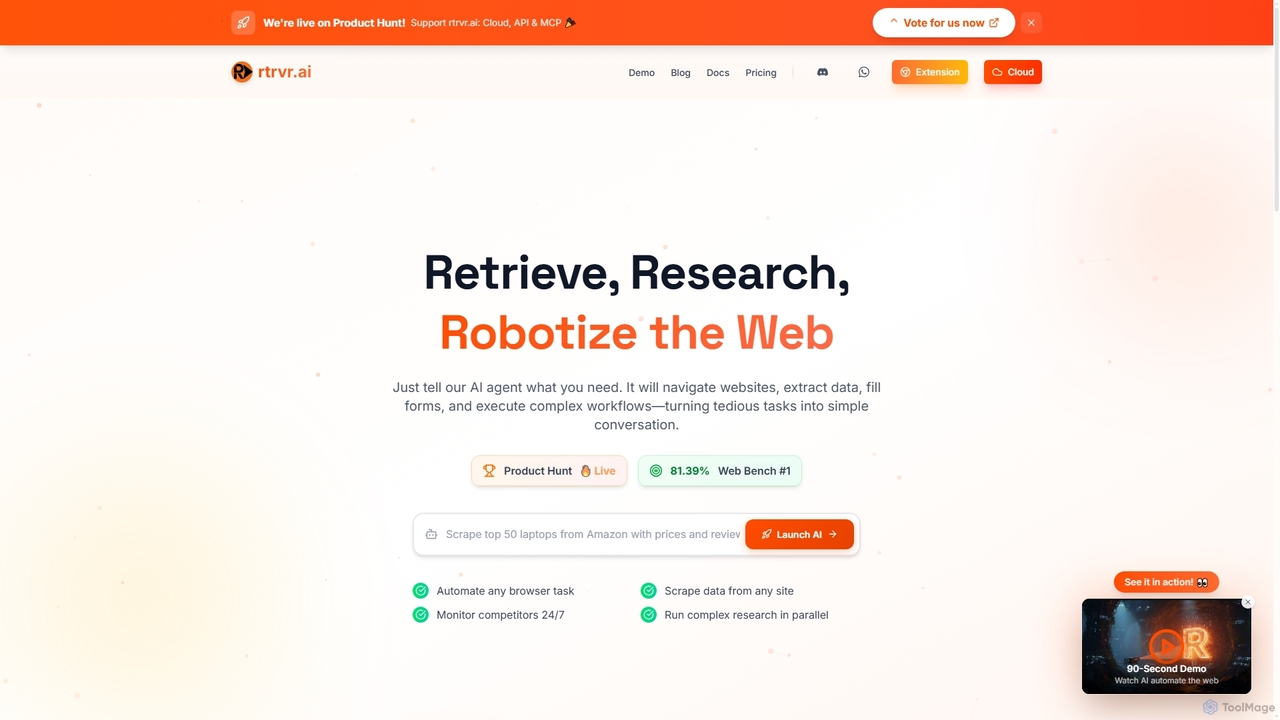
Rtrvr
Rtrvr is an advanced AI agent designed to automate complex web tasks using natural language. It navigates websites, extracts data, fills forms, and executes workflows, transforming tedious operations into simple conversations.
Web Automation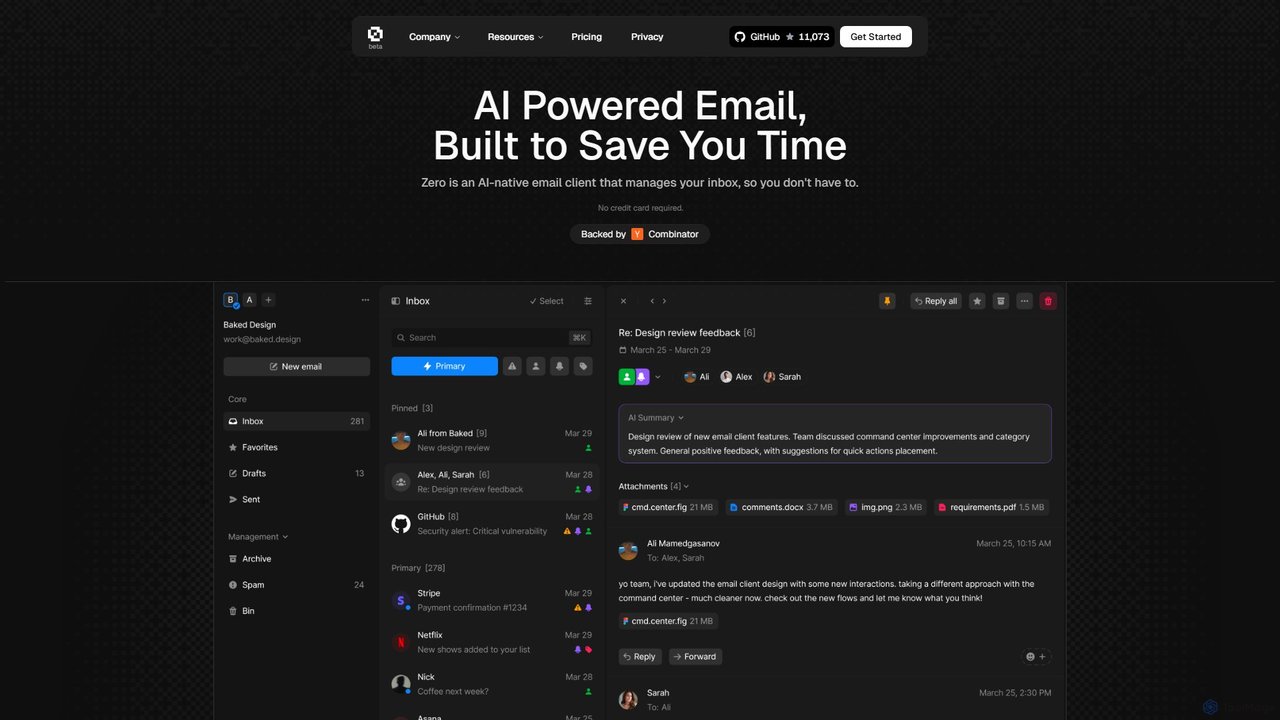
Zero
Zero is an AI-native email client designed to save you time. It automatically manages your inbox by summarizing threads, drafting replies, and extracting action items, allowing you to process emails at lightning speed with a keyboard-first interface.
Personal Assistant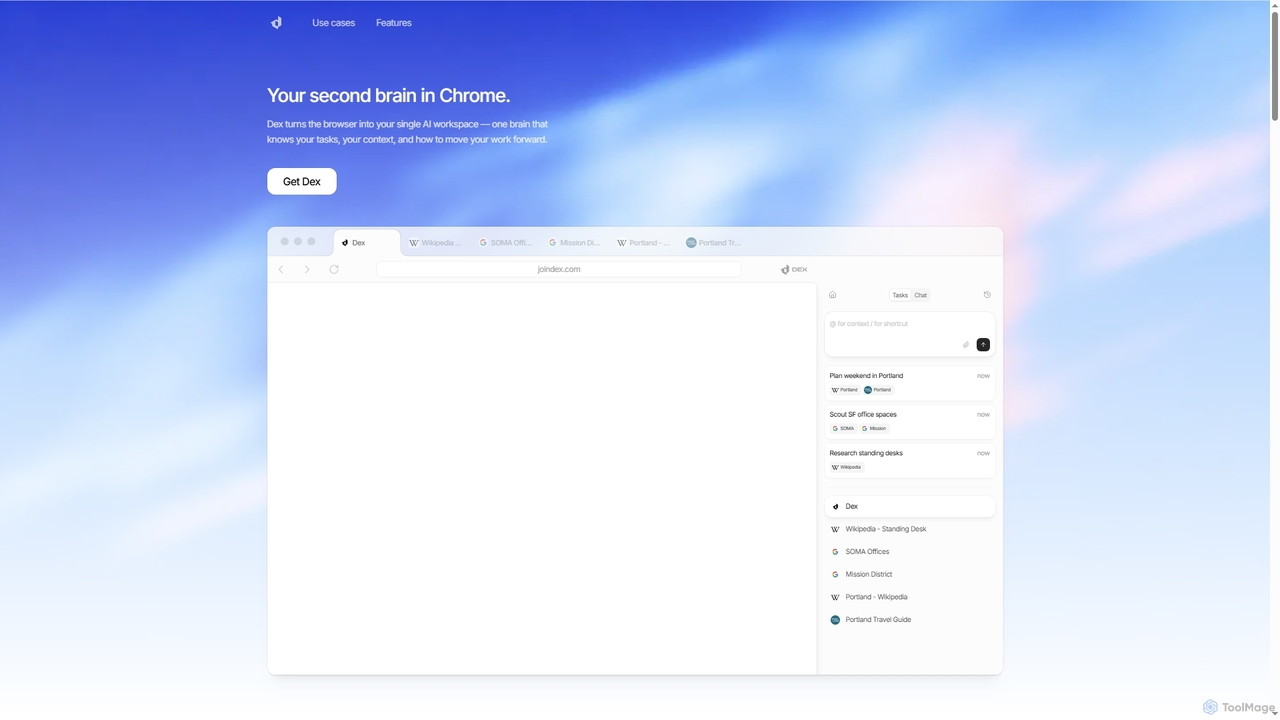
Dex
Dex is an AI-powered Chrome extension that transforms your browser into a smart, integrated workspace. It acts as your second brain, managing tasks, understanding context, and proactively moving your work forward by connecting with over 14 applications to eliminate context switching and boost productivity.
Workflow Automation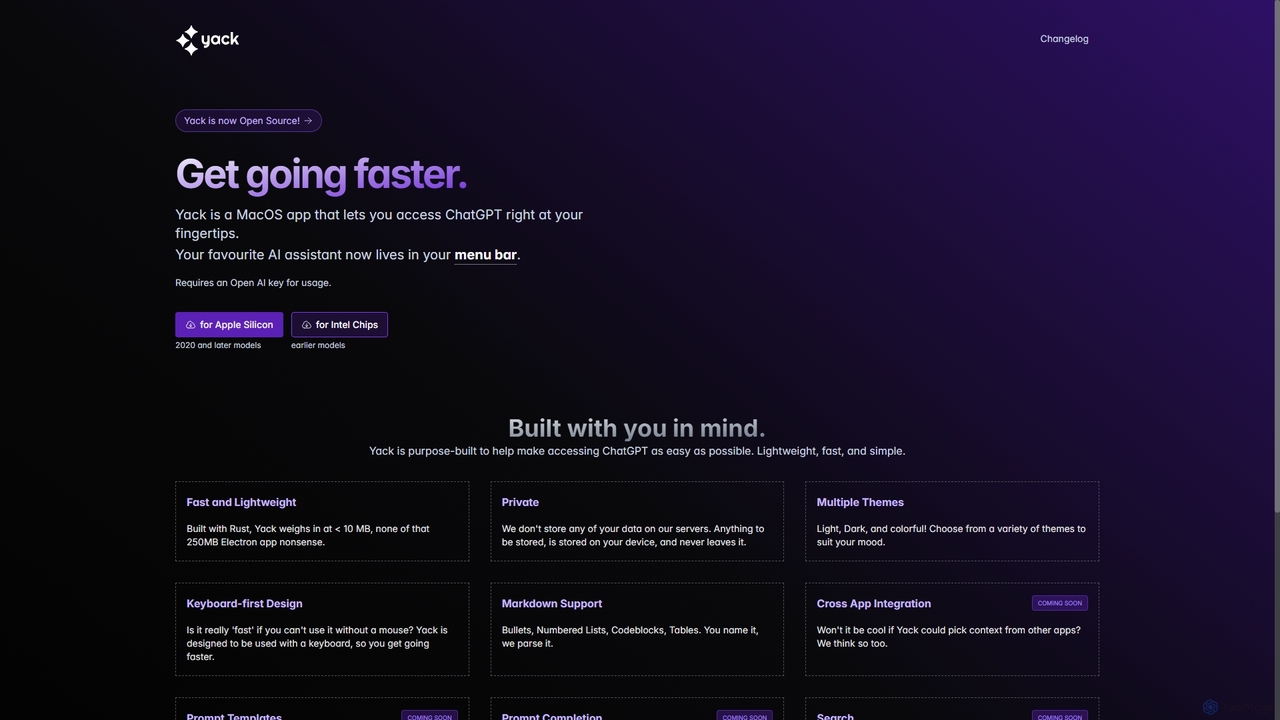
Yack
Yack is a lightweight, fast, and private open-source native macOS application that provides instant access to ChatGPT directly from your menu bar. Built with Rust, it's designed for efficiency with a keyboard-first approach, ensuring you can interact with AI without disrupting your workflow.
Api Client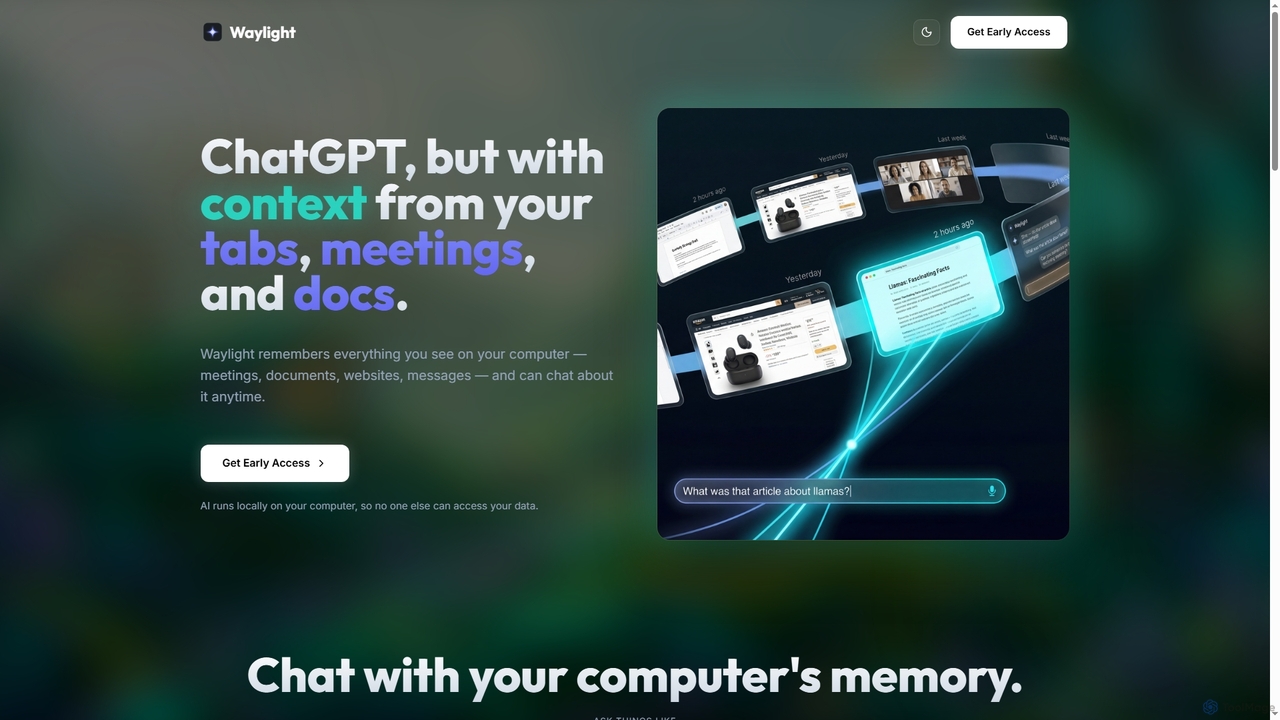
Waylight
Waylight is a privacy-first AI assistant that runs locally on your computer. It remembers everything you see—meetings, documents, and websites—creating a searchable memory you can chat with, without ever uploading your data to the cloud.
Desktop Assistant
Jyek
Jyek is an AI agent platform that understands objectives, creates execution plans, uses tools, and delivers verifiable results for complex, multi-step tasks.
Automation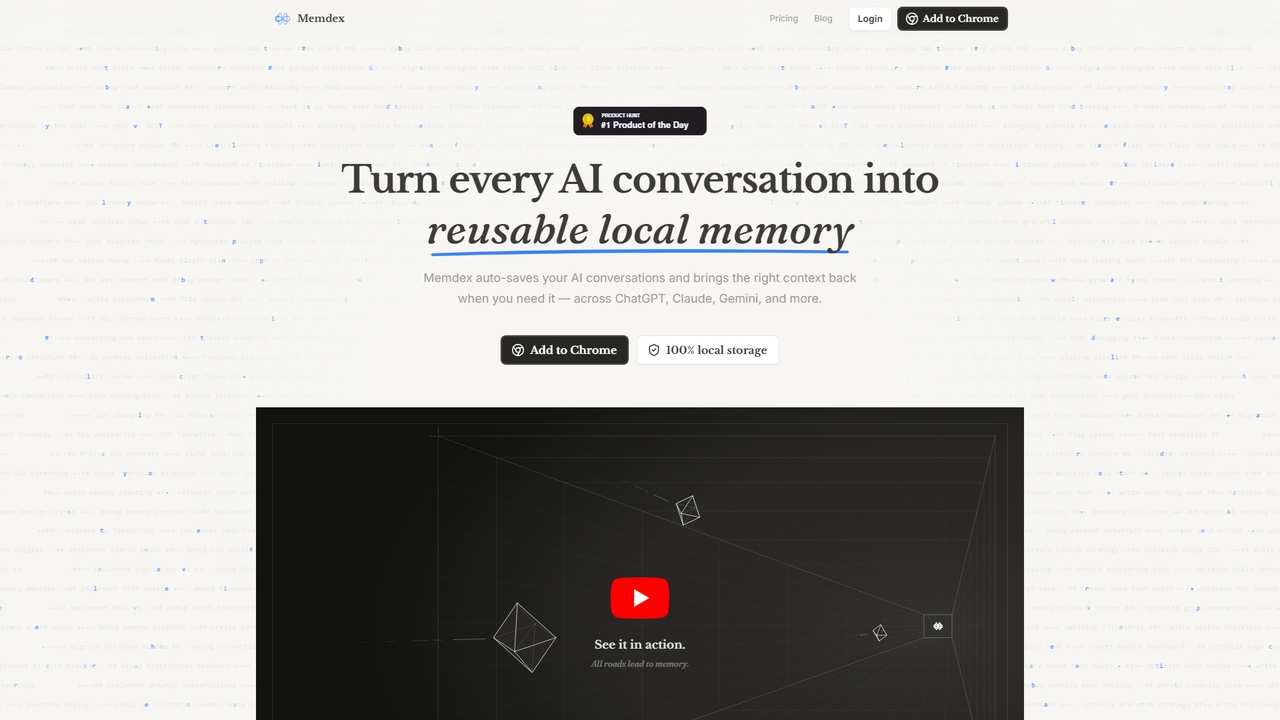
Memdex
A Chrome extension that saves your AI conversations from ChatGPT, Claude, and Gemini, automatically suggesting relevant context in new chats to enhance productivity.
Workflow Automation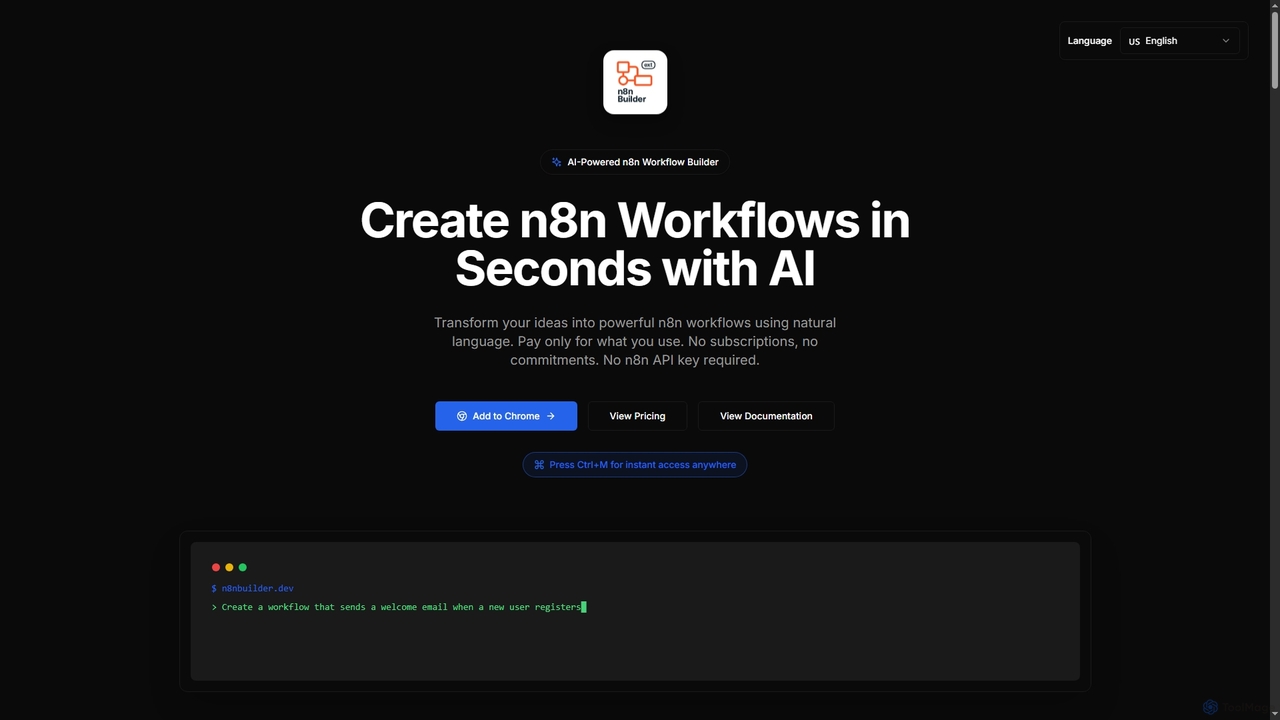
n8n Builder
n8n Builder is an AI-powered Chrome extension that transforms natural language descriptions into ready-to-import n8n workflows in seconds. It accelerates automation for freelancers, developers, and teams with features like API reference research, instant export, and flexible workflow enhancement modes, all on a transparent pay-as-you-go model.
Workflow Automation
Merlin AI
Merlin is an all-in-one AI assistant, available as a browser extension and app, that integrates top AI models like GPT-4, Claude 3, and Gemini. It allows you to research, write, summarize content, generate images, and code with a single click on any website, streamlining your workflow and boosting productivity without switching tabs.
Chrome Extensions
GPT Workspace
GPT Workspace integrates AI-powered features directly into Google Workspace applications like Docs, Sheets, Slides, and Gmail. It enhances productivity by automating content creation, data analysis, email drafting, and document editing, allowing users to leverage the power of models like GPT-4o seamlessly within their existing workflow.
Document Management
BrowserOS Comments (0)
Sign in to comment.
Sign inNo comments yet.