

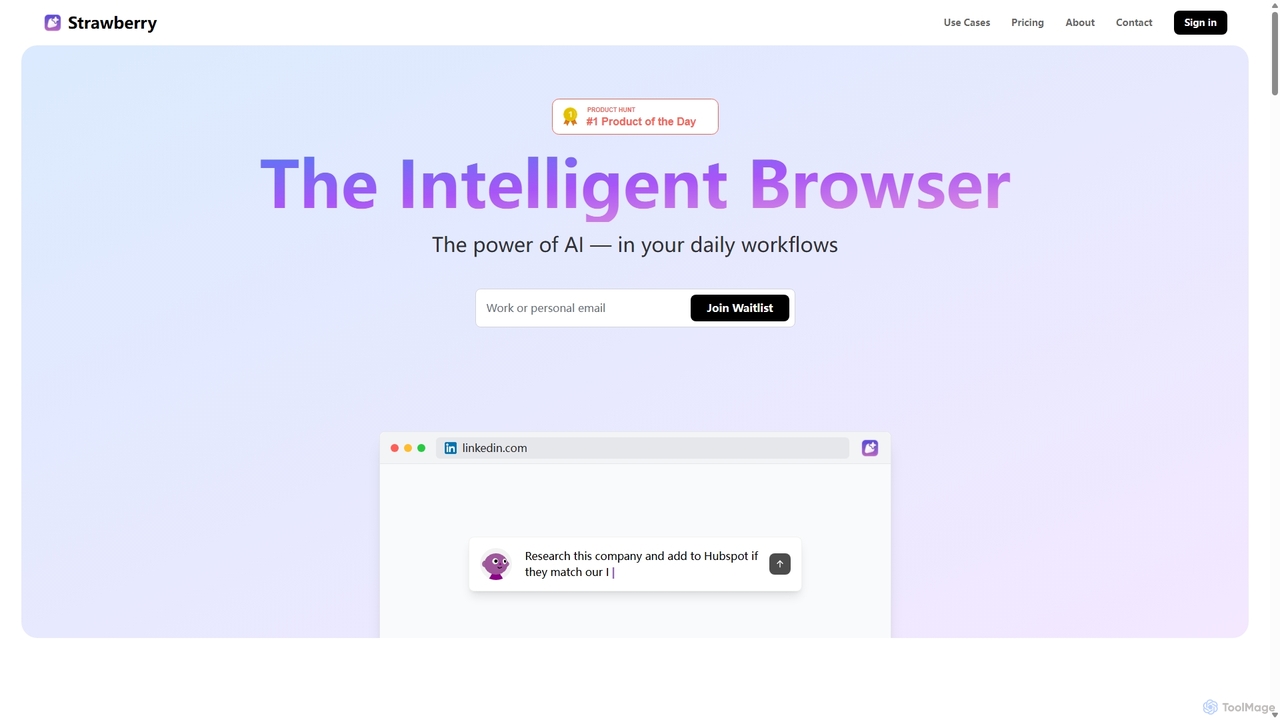
Strawberry Browser Overview
Strawberry Browser is a revolutionary intelligent browser that embeds the power of AI directly into your daily web activities. Developed to bridge the gap between advanced AI capabilities and everyday users, Strawberry aims to make everyone a '10x version of themselves' by automating tedious and repetitive tasks. Instead of switching between your work and a separate AI tool like ChatGPT, Strawberry's AI assistants, or 'Companions', live inside your browser, providing context-aware help and automating workflows on any website, even behind login screens.
How to use Strawberry Browser
Getting started with Strawberry Browser is intuitive. The core concept is to build and train a team of AI Companions tailored to your specific needs. You can start with pre-built assistants for common tasks or create your own from scratch. You teach these assistants by demonstrating a task once, and they learn to replicate it. For example, you can teach an assistant to research a list of companies, extract key information like their tech stack, and populate a Google Sheet. The browser ensures you remain in control by asking for approval before executing potentially sensitive actions like sending emails or posting content. Over time, these assistants learn your preferences, writing style, and workflows, becoming increasingly effective and personalized partners in your work.
Core Features of Strawberry Browser
- AI Companions: Build a team of customizable AI assistants. Use pre-built agents like Competition Camilla (competitor analysis), Data Extraction Denise (web scraping), LinkedIn Linus (LinkedIn automation), Newsletter Noel (content curation), and Web Master William (website maintenance), or create your own.
- Workflow Automation: Automate any repetitive task you perform in a browser, from data entry and research to content creation and outreach.
- Context-Aware Assistance: The AI understands the content of the page you are on, providing relevant and timely support without you having to copy-paste information.
- Seamless Operation: Assistants work in the background without disrupting your flow and can perform actions on websites using your own accounts, even behind login forms.
- User Control and Safety: Strawberry Browser prioritizes user control, requiring approval for critical actions. Its human-like operation minimizes the risk of being flagged as a bot.
- Privacy-Focused: All messages, profile data, and logs are stored locally on your device. Data sent to AI providers (Google, OpenAI, Anthropic) for processing is not used for training their models.
- Easy Migration: Supports migration of essential data like passwords from your existing browser, with support for bookmarks and other data coming soon.
Use Cases for Strawberry Browser
Strawberry Browser is versatile and can be applied across various professional domains:
- Sales & Business Development: Automate lead generation by researching companies, extracting contact information, and adding them to your CRM or spreadsheets.
- Marketing & Content Creation: Perform competitor analysis, find interesting content for newsletters, draft social media posts, and manage outreach campaigns.
- Recruitment & HR: Research and evaluate candidates from platforms like LinkedIn, extract relevant data, and populate tracking sheets.
- Data Analysis & Research: Scrape and structure data from multiple websites in parallel, augmenting it with further automated research.
- Website Management: Automatically identify typos, suggest website enhancements, and assist with simple coding tasks.
Advantages of Strawberry Browser
The primary advantage of Strawberry Browser is its deep integration of AI into the browsing experience, which eliminates the friction of context-switching. Unlike standalone AI chats, it acts as a proactive assistant that understands your work. It empowers non-technical users to leverage sophisticated automation without writing any code. The focus on privacy with local data storage and the ability to create highly personalized workflows makes it a powerful tool for boosting individual and team productivity.
Pricing and Plans
Strawberry Browser offers a freemium model to suit different levels of usage:
- Hobby Plan: $0/month. Includes 200k monthly credits and 15 monthly transcriptions (Mac only). Ideal for occasional users.
- Pro Plan: $20/month. Includes 800k monthly credits, 100 monthly transcriptions (Mac only), and priority support. Perfect for professionals and freelancers.
- Team Plan: Custom pricing. Offers custom usage limits, unified billing, and a dedicated account manager for teams.
Traffic
Latest traffic
Status
Monthly traffic trend
- 2025-9: 39.9K
- 2026-1: 56.2K
- 2026-2: 61.8K
- 2026-3: 67.0K
- 2026-4: 63.0K
- 2026-5: 59.9K
Geography
Top 5 countries / regions
- 🇸🇪Sweden51.0%
- 🇺🇸United States18.0%
- 🇳🇬Nigeria11.1%
- 🇬🇧United Kingdom10.1%
- 🇩🇪Germany9.8%
Traffic sources
| Source type | Percentage |
|---|---|
Direct | 90.8% |
Referral | 7.4% |
Email | 1.8% |
Top keywords
| Keyword | Cost per click |
|---|---|
| strawberry | $0.55 |
| strawberry ai | $0.38 |
| strawberry browser | $3.73 |
| strawberrybrowser | $0.00 |
| strawberry ia | $0.00 |
Strawberry Browser Videos on YouTube


Strawberry


Tool Use - AI Conversations



Strawberry Browser Alternatives
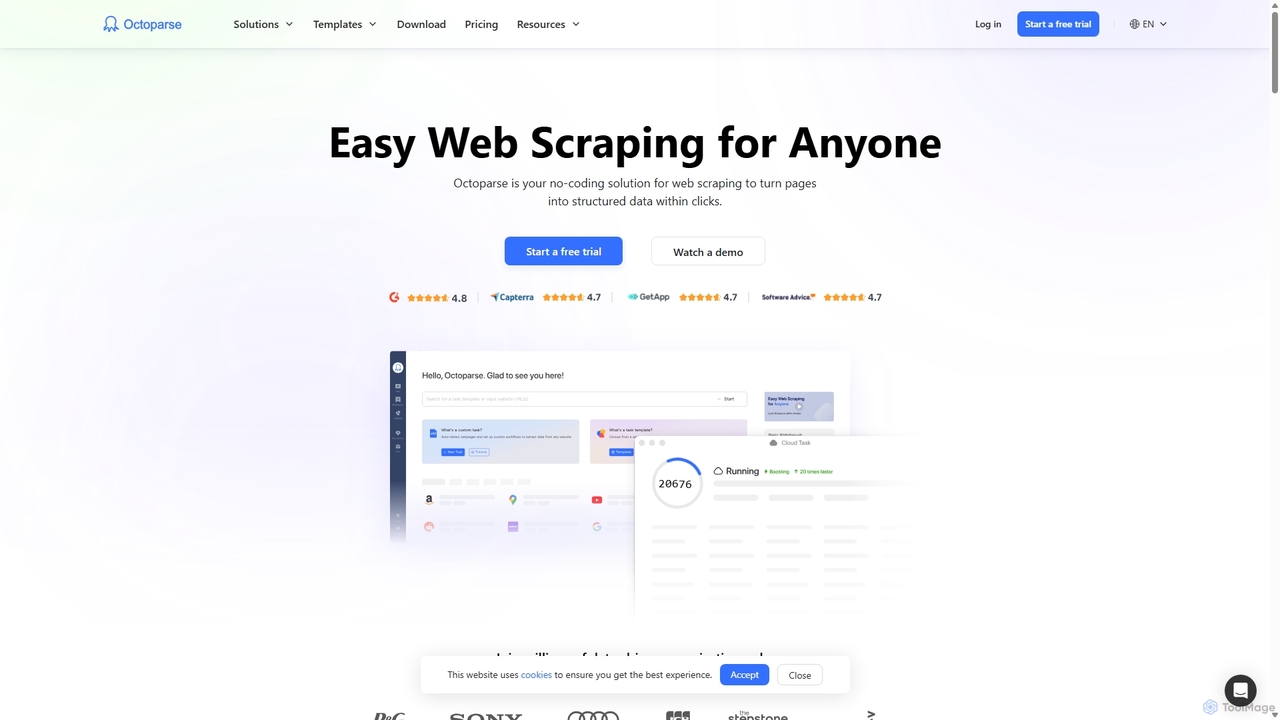
Octoparse
Octoparse is a powerful no-code web scraping tool that allows anyone to extract data from websites without programming. It features a visual workflow designer, an AI-powered assistant for easy setup, and hundreds of pre-built templates for popular sites. With cloud-based automation, IP rotation, and CAPTCHA solving, Octoparse handles complex scraping tasks efficiently, turning web pages into structured data for lead generation, market research, and more.
Web Scraping
TaskMagic
TaskMagic is a no-code Robotic Process Automation (RPA) tool that lets you automate any web-based task. Record your clicks and keystrokes to create powerful workflows for web scraping, data entry, and social media management without writing a single line of code. It simplifies repetitive browser actions, saving you time and effort.
Web Scraping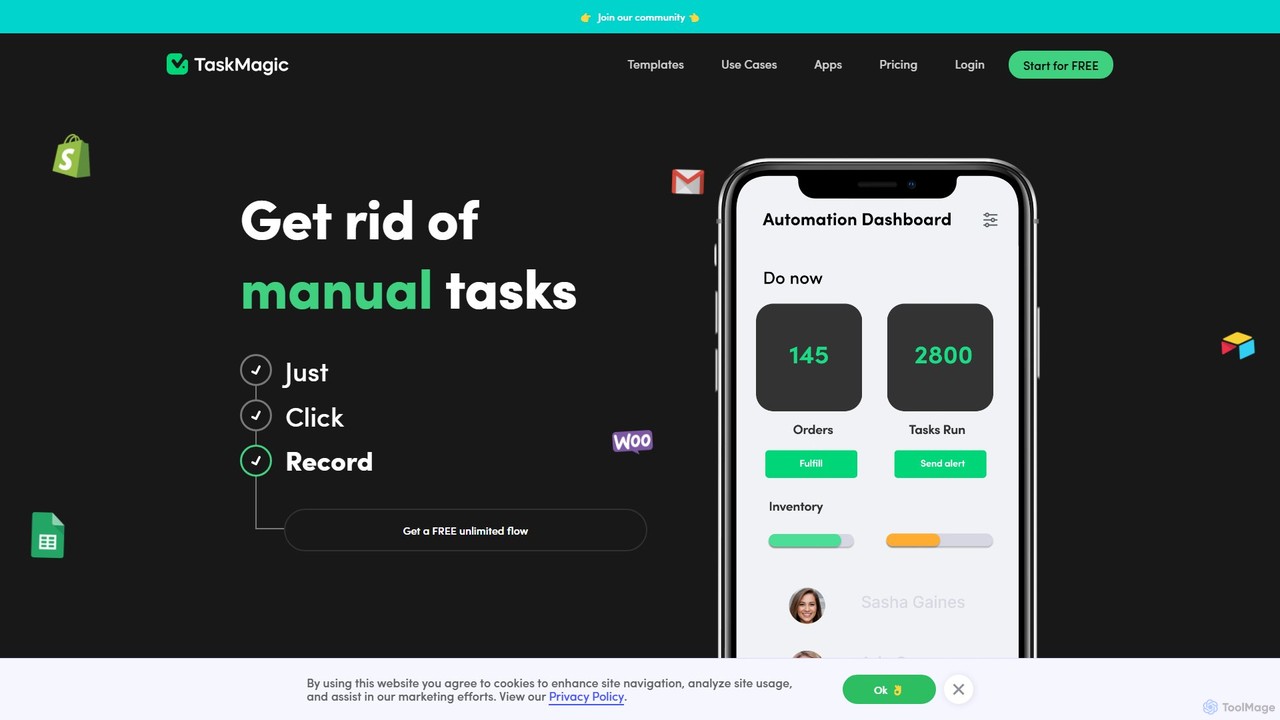
TaskMagic
TaskMagic is a no-code automation tool that records your web actions like clicks, typing, and scraping to create powerful workflows. It acts as a virtual assistant, automating repetitive tasks that traditional tools like Zapier can't handle due to API limitations. Simply record a task once, and let TaskMagic run it for you forever.
Web Scraping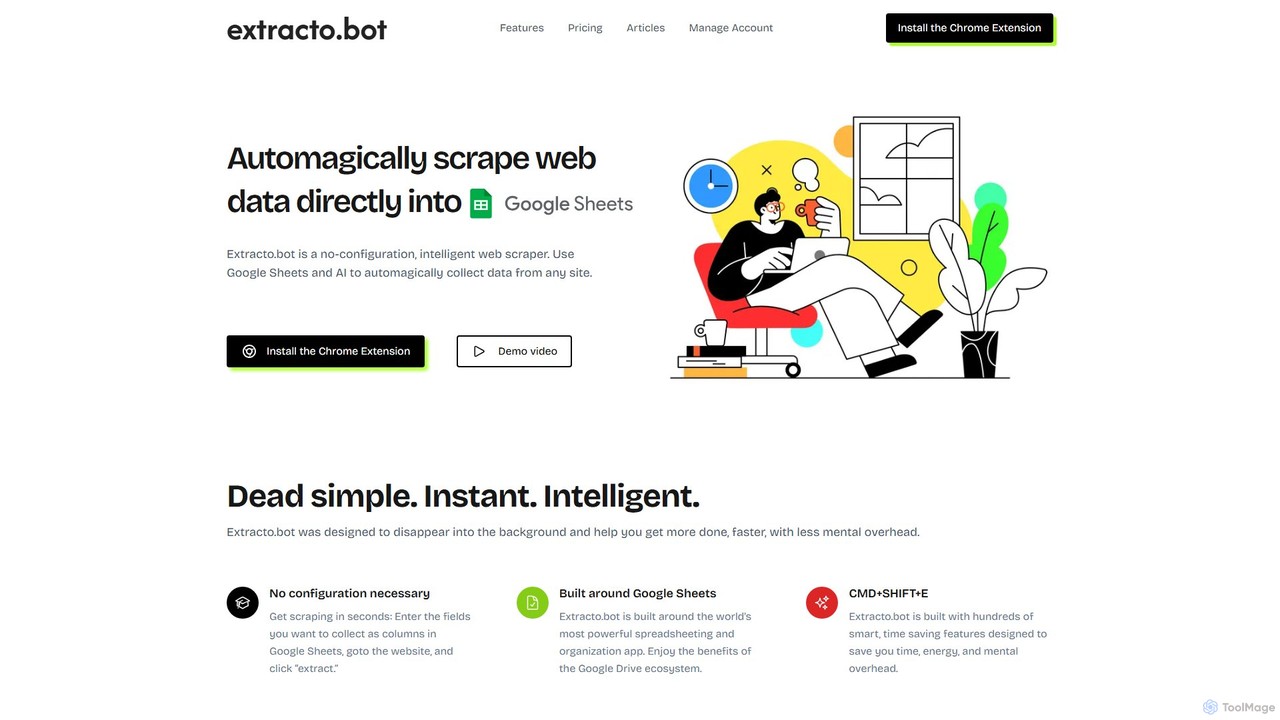
Extracto.bot
Extracto.bot is an AI-powered, no-code web scraper that operates as a Chrome extension. It allows users to effortlessly extract data from any website directly into Google Sheets without any configuration, making data collection simple, fast, and intelligent for various purposes like sales prospecting and market research.
Web Scraping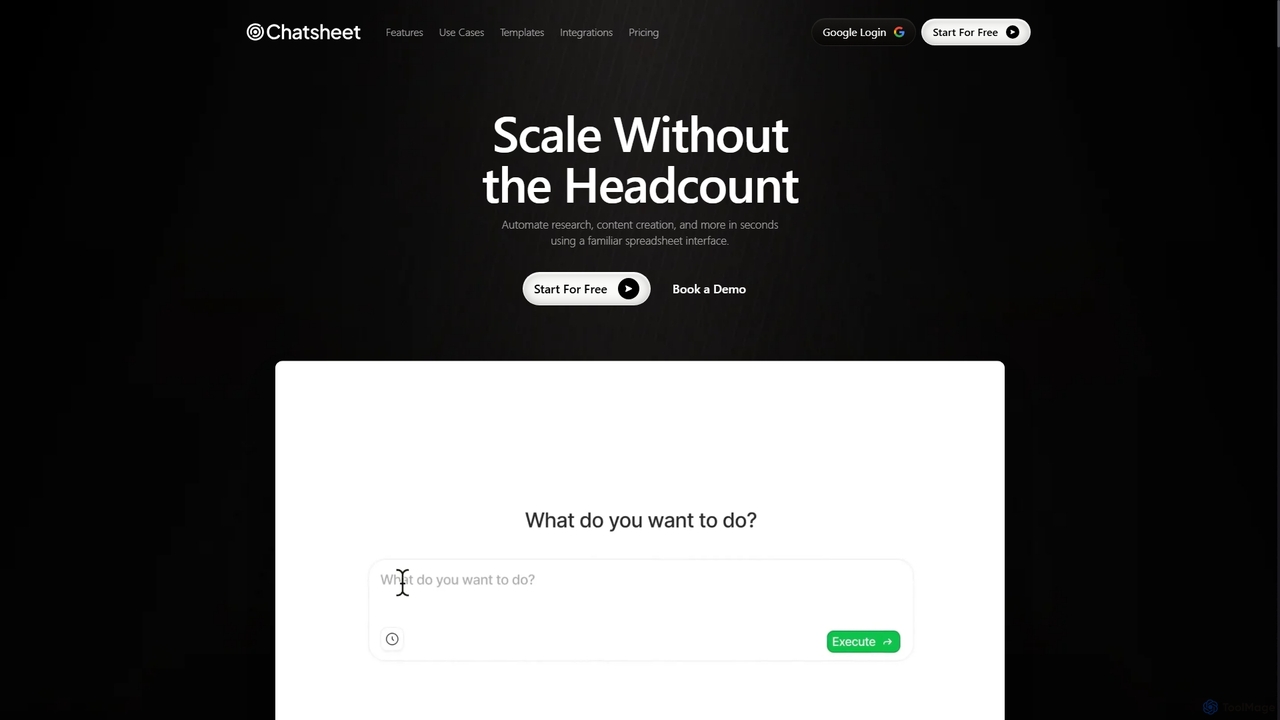
Chatsheet
Chatsheet is an AI-powered spreadsheet platform that automates research, content creation, and data analysis. Using a familiar spreadsheet interface, users can build complex, no-code workflows to process documents, scrape websites, and generate personalized content at scale, effectively turning each cell into a smart AI agent.
SpreadsheetsStrawberry Browser Categories
Strawberry Browser Jobs
Strawberry Browser Embed Widget
Copy this embed code to place the badge on your blog, article, or product site and send readers directly to this ToolMage detail page.

Related AI tools
Chatsheet
Chatsheet is an AI-powered spreadsheet platform that automates research, content creation, and data analysis. Using a familiar spreadsheet interface, users can build complex, no-code workflows to process documents, scrape websites, and generate personalized content at scale, effectively turning each cell into a smart AI agent.
SpreadsheetsTaskMagic
TaskMagic is a no-code Robotic Process Automation (RPA) tool that lets you automate any web-based task. Record your clicks and keystrokes to create powerful workflows for web scraping, data entry, and social media management without writing a single line of code. It simplifies repetitive browser actions, saving you time and effort.
Web Scraping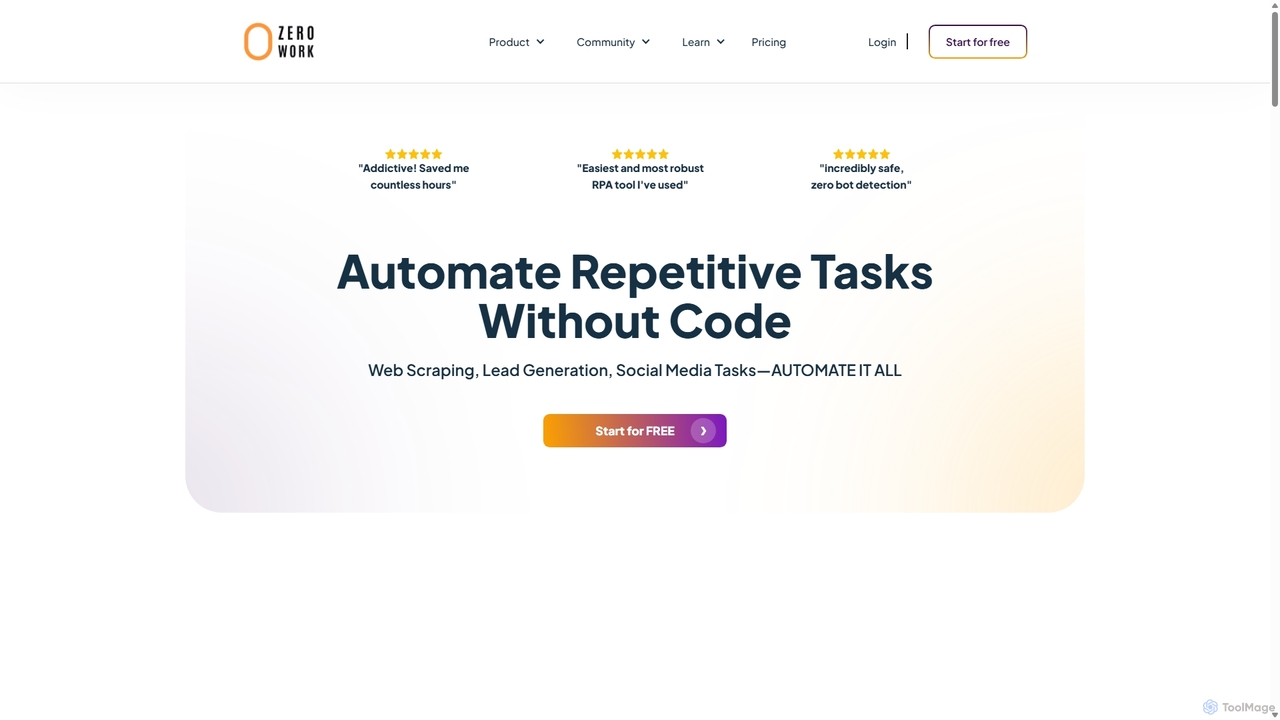
ZeroWork
A no-code Robotic Process Automation (RPA) tool to automate any repetitive web task. Build "TaskBots" with a visual drag-and-drop interface to scrape data, generate leads, manage social media, and more. Integrates AI for content generation and features robust anti-bot detection to ensure account safety.
No CodeOctoparse
Octoparse is a powerful no-code web scraping tool that allows anyone to extract data from websites without programming. It features a visual workflow designer, an AI-powered assistant for easy setup, and hundreds of pre-built templates for popular sites. With cloud-based automation, IP rotation, and CAPTCHA solving, Octoparse handles complex scraping tasks efficiently, turning web pages into structured data for lead generation, market research, and more.
Web Scraping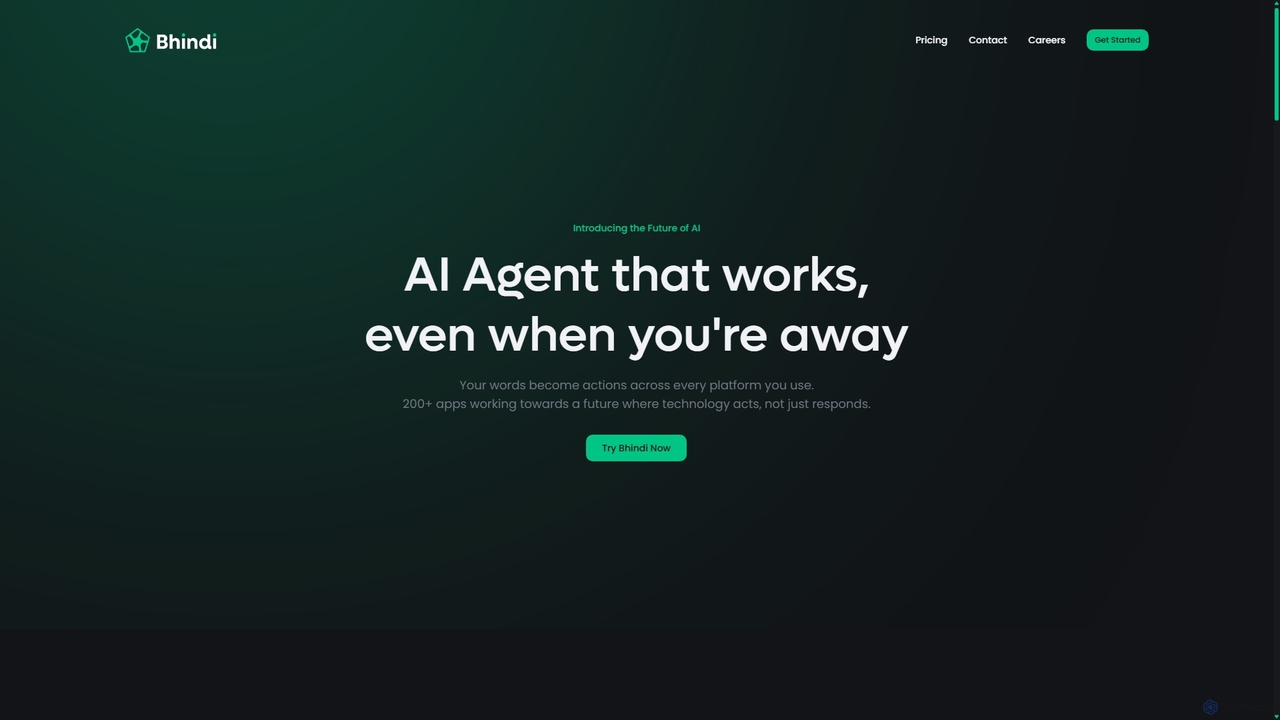
Bhindi
Bhindi is an AI agent platform that automates complex tasks and workflows across over 200 applications using simple natural language commands. It acts as an intelligent assistant that works in the background, connecting your favorite tools like Gmail, Slack, and Notion to execute multi-step actions, turning your words into a seamless, automated reality.
Personal Assistant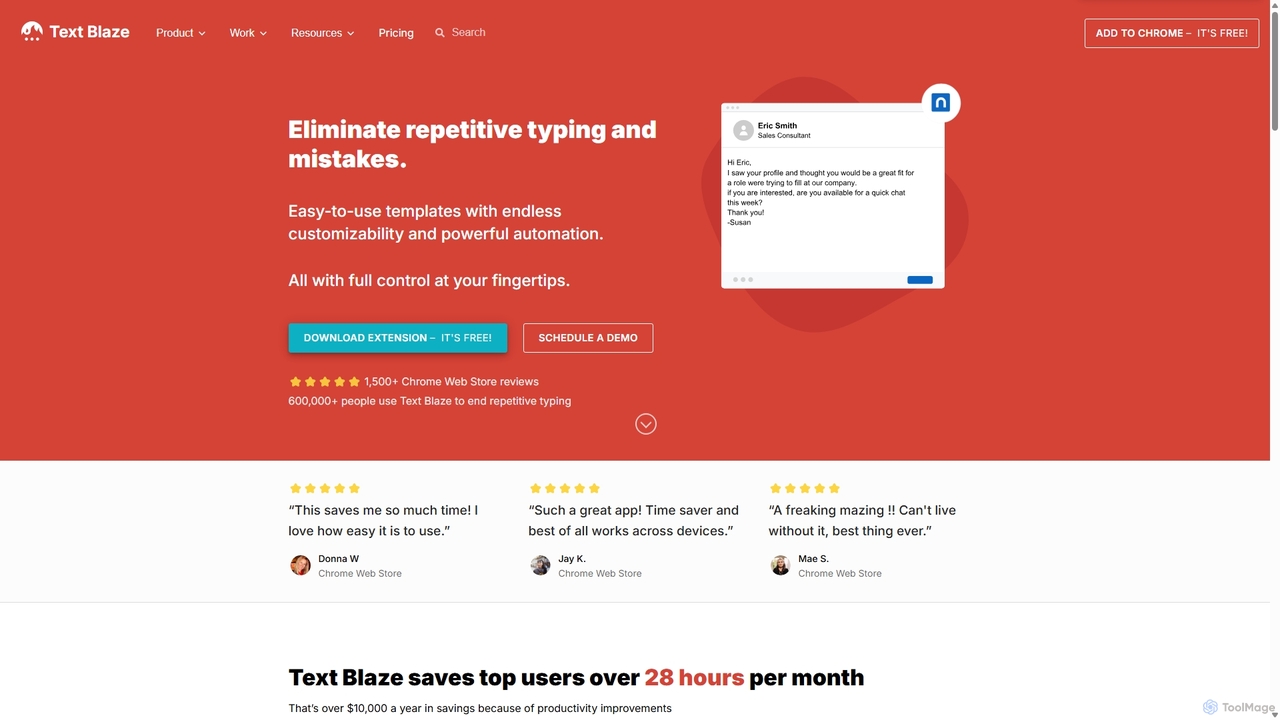
Blaze
Blaze (formerly Text Blaze) is a powerful text expander and automation tool that eliminates repetitive typing. Create customizable snippets and templates with dynamic formulas, forms, and team collaboration features to boost productivity across any website or application.
Response Management
Jarvis
Jarvis is an intelligent AI assistant designed to automate tasks, manage schedules, and streamline communication for busy professionals and teams. It acts as a central command hub, integrating with your existing tools to boost productivity and reclaim your time.
Workflow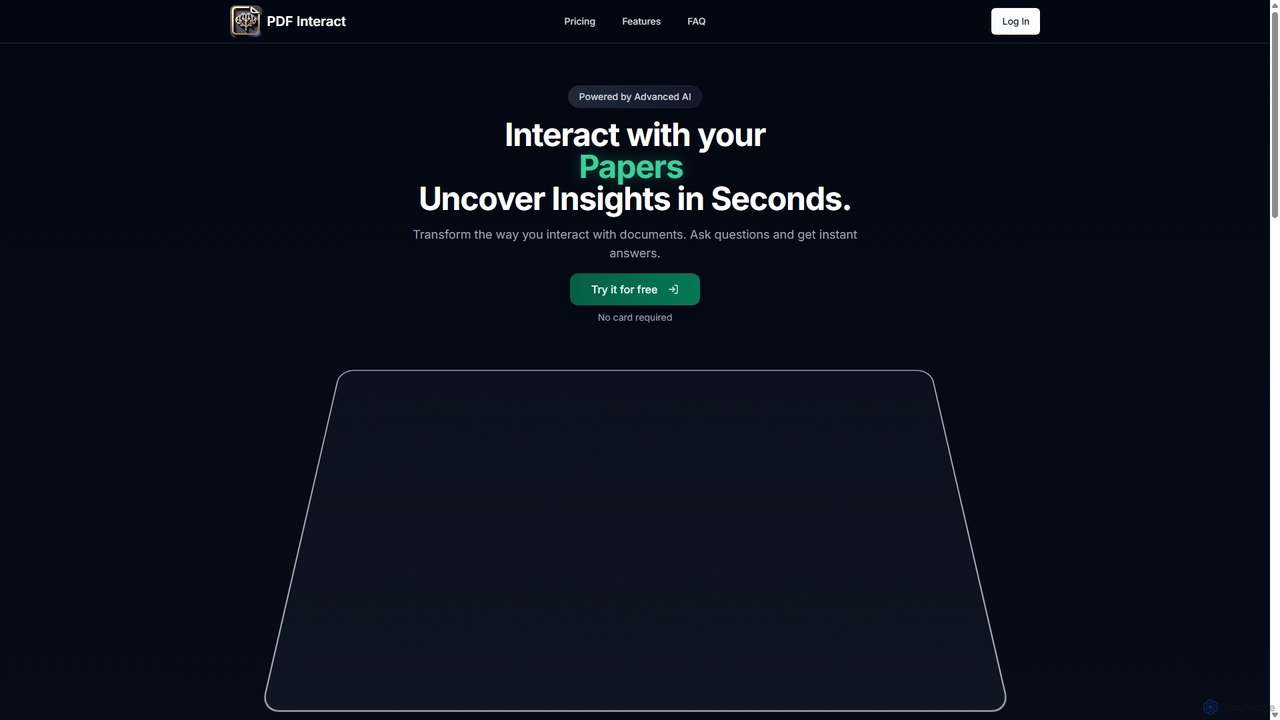
PDF Interact
PDF Interact is an AI-powered chat assistant that transforms how you engage with your documents. Simply upload a PDF and ask questions in natural language to get instant answers, summaries, and key insights. Ideal for students, researchers, and professionals looking to save time and analyze complex information efficiently.
Data Analysis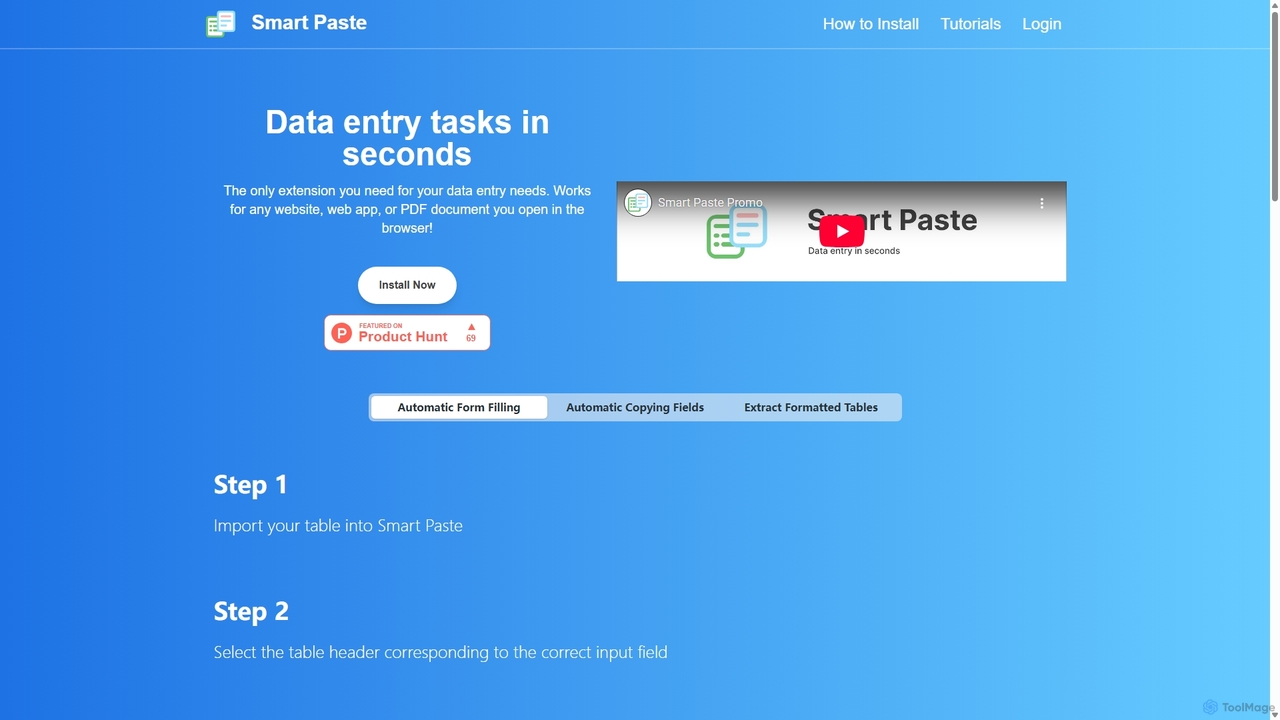
Smartpaste
smartpaste is a powerful browser extension designed to automate data entry tasks. It allows users to effortlessly extract tables and specific data fields from any website or PDF, and instantly paste them into spreadsheets. It also automates form filling from your data, saving hours of manual work and reducing errors, all while ensuring your data remains secure on your computer.
Chrome Extensions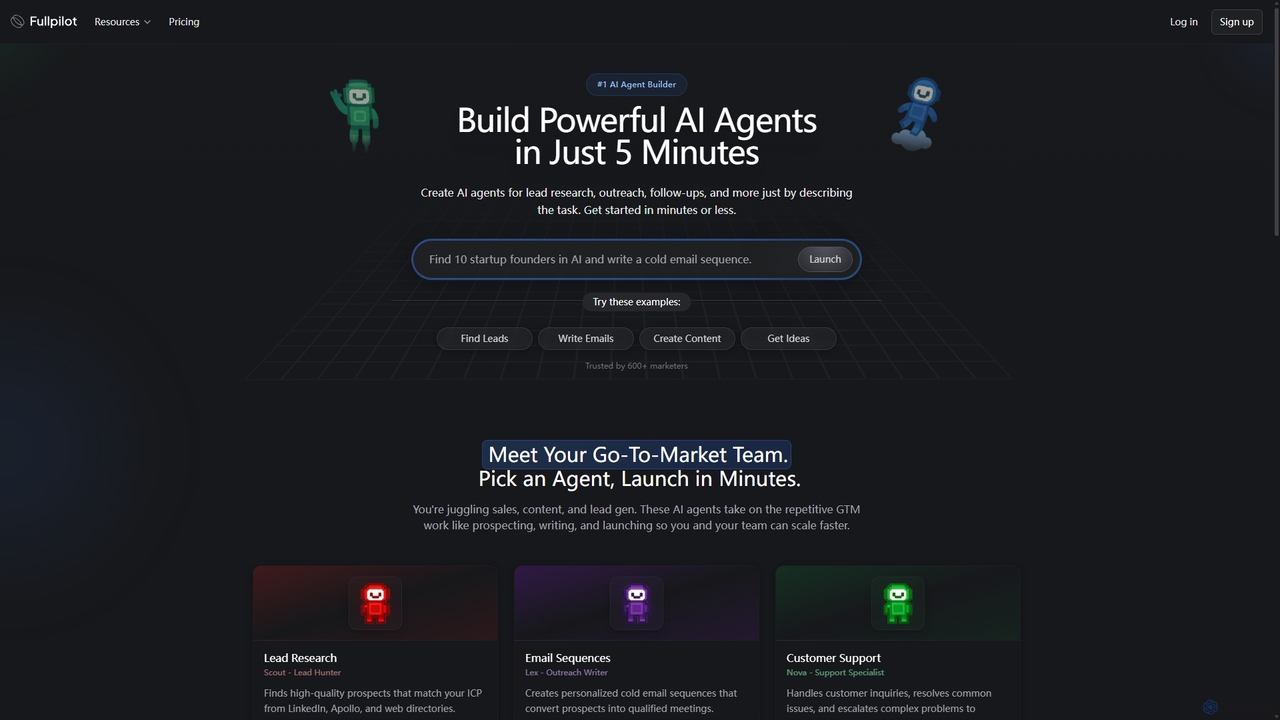
Fullpilot
Fullpilot is an AI agent builder that allows you to create powerful AI agents for Go-To-Market (GTM) tasks in minutes. Automate lead research, email outreach, content creation, and CRM updates simply by describing the task in natural language.
Automation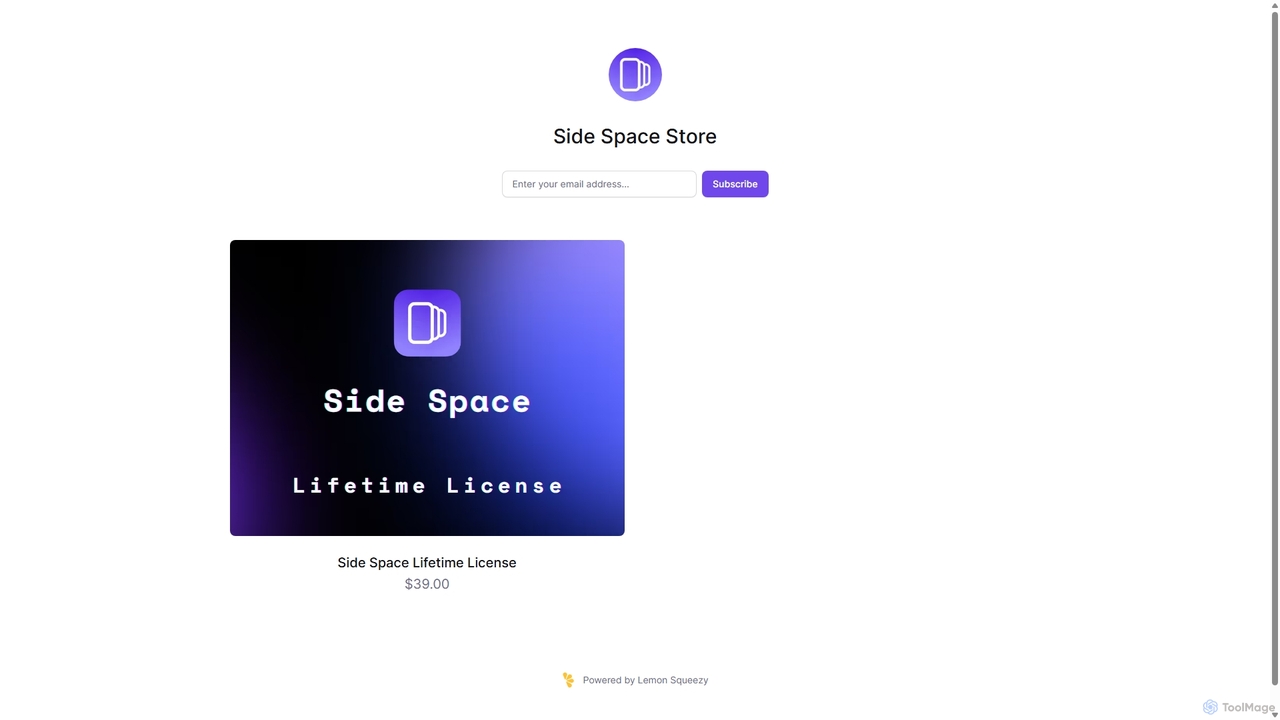
Side Space
Side Space is a powerful AI assistant that integrates seamlessly into your desktop workflow. It operates from a convenient sidebar, providing instant access to AI-powered tools for writing, coding, and general productivity without ever leaving your current application. Enhance your efficiency with contextual actions on selected text and customizable commands.
Code Assistant
carlos_app
carlos_app is an intelligent AI personal assistant designed to streamline your workflow, manage tasks, automate scheduling, and enhance communication. It acts as your proactive partner, helping you focus on what truly matters by handling the administrative details.
Task Management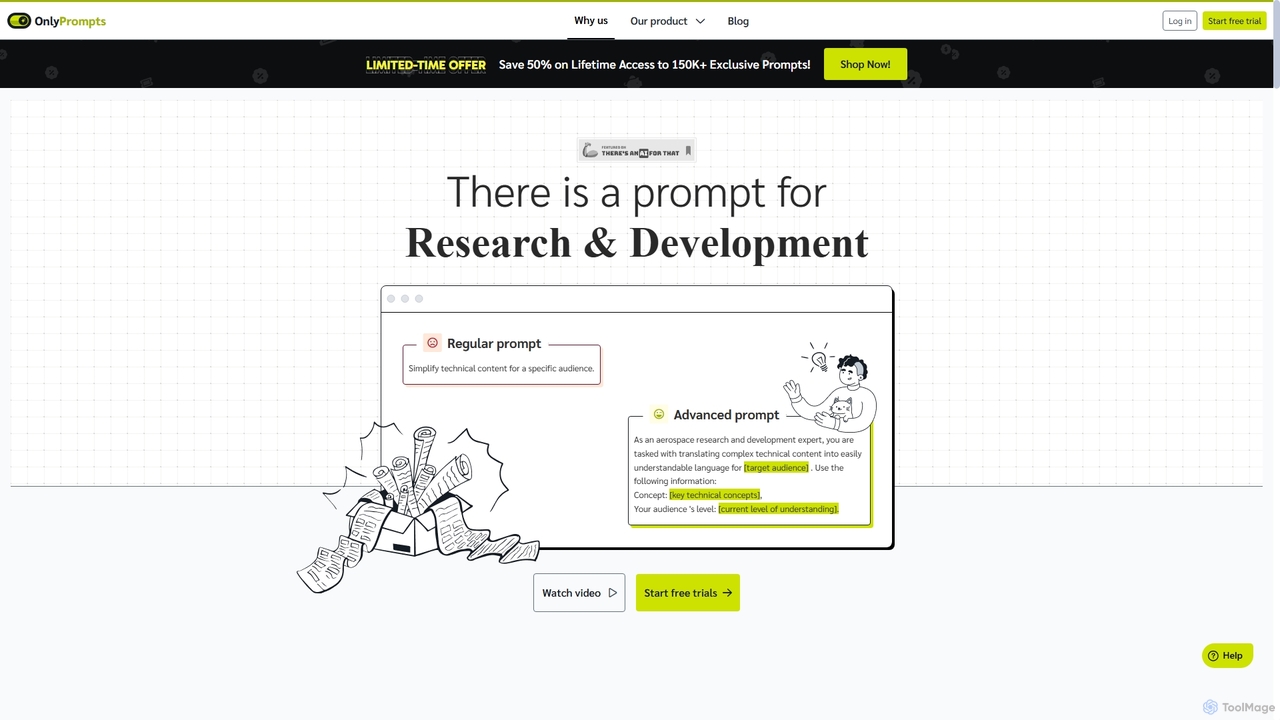
OnlyPrompts
OnlyPrompts is the ultimate AI prompt library, offering over 150,000 expertly crafted prompts for 37,000+ tasks. It features an integrated AI assistant compatible with GPT-4 and Claude 3, side-by-side prompt testing, and customizable templates. Designed for professionals in marketing, HR, finance, and more, it streamlines workflows, enhances productivity, and elevates the quality of AI-generated content.
Operations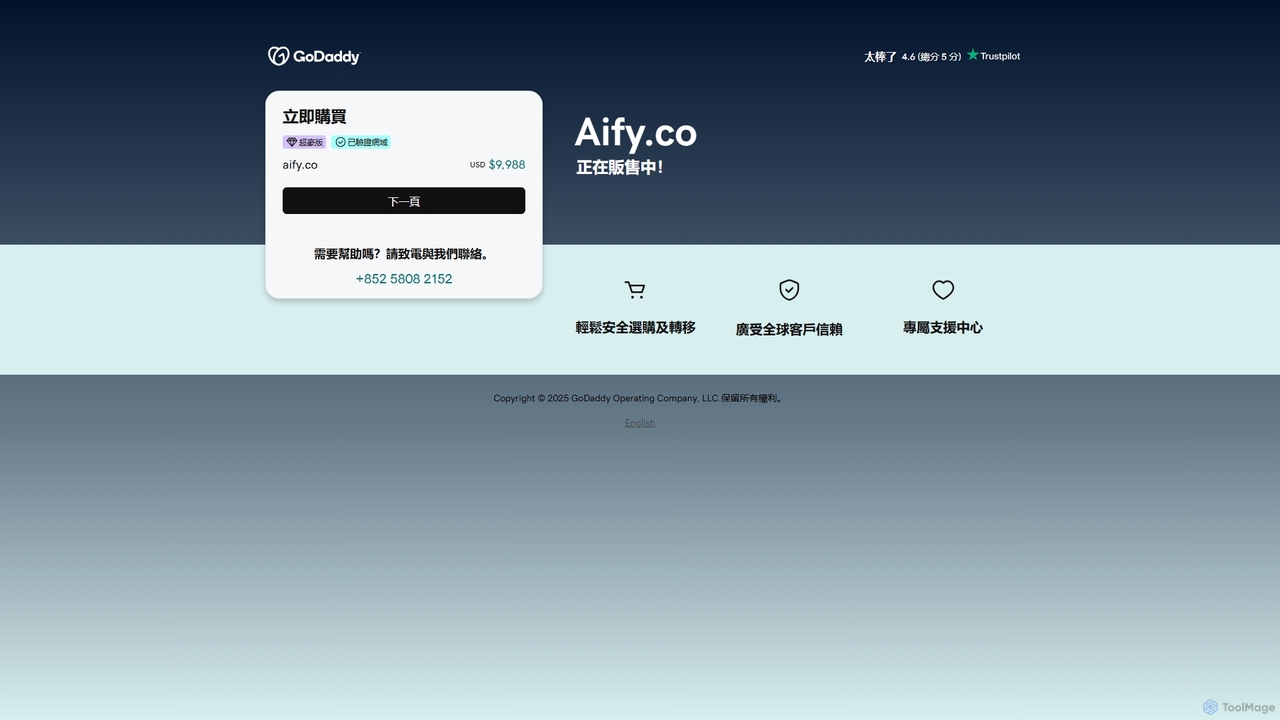
Aify
Aify is a no-code AI platform that empowers users to build custom AI-powered applications and automate complex workflows. Integrate top AI models through a visual drag-and-drop interface to create tools for content generation, data analysis, and process automation without writing any code.
Workflow Management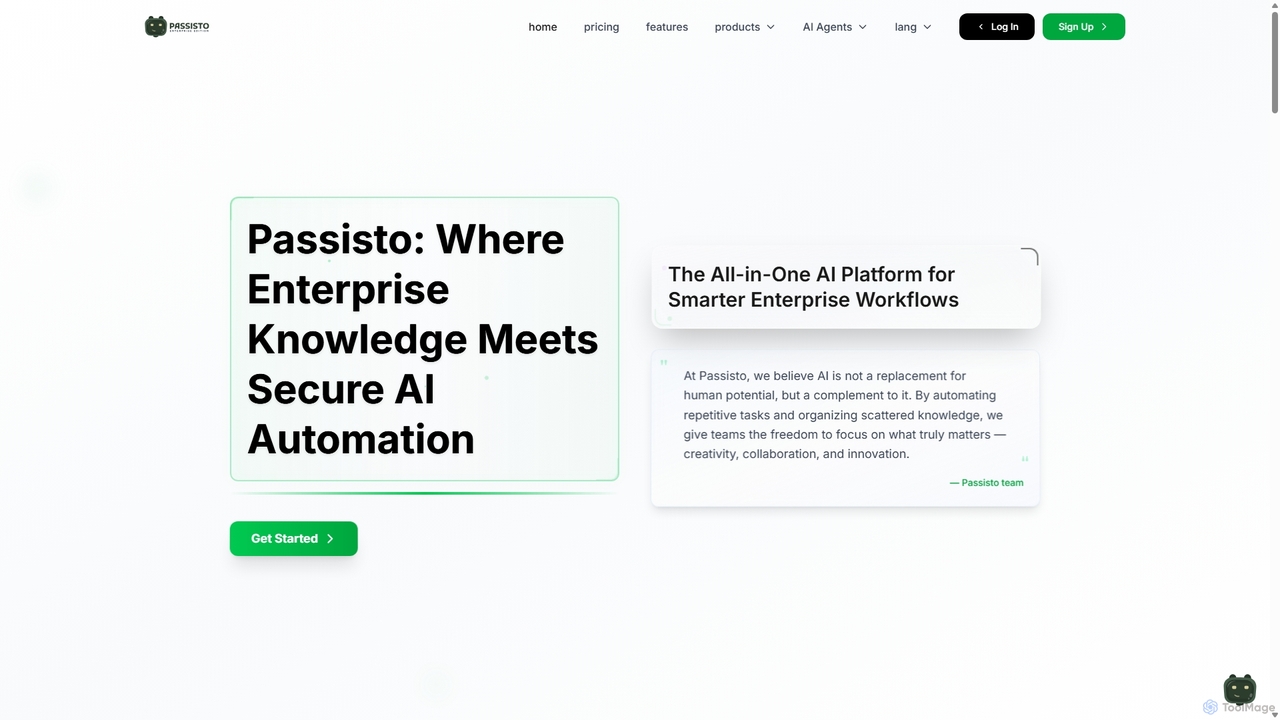
Passisto
Passisto is an enterprise-grade AI platform featuring built-in agents to enhance productivity. It includes an AI Email Builder for crafting context-aware communications, an AI Interviewer for streamlining recruitment, and an upcoming Form Builder. Passisto is designed to amplify human creativity, save time, and improve decision-making in business environments.
Operations
Strawberry Browser Comments (0)
Sign in to comment.
Sign inNo comments yet.