

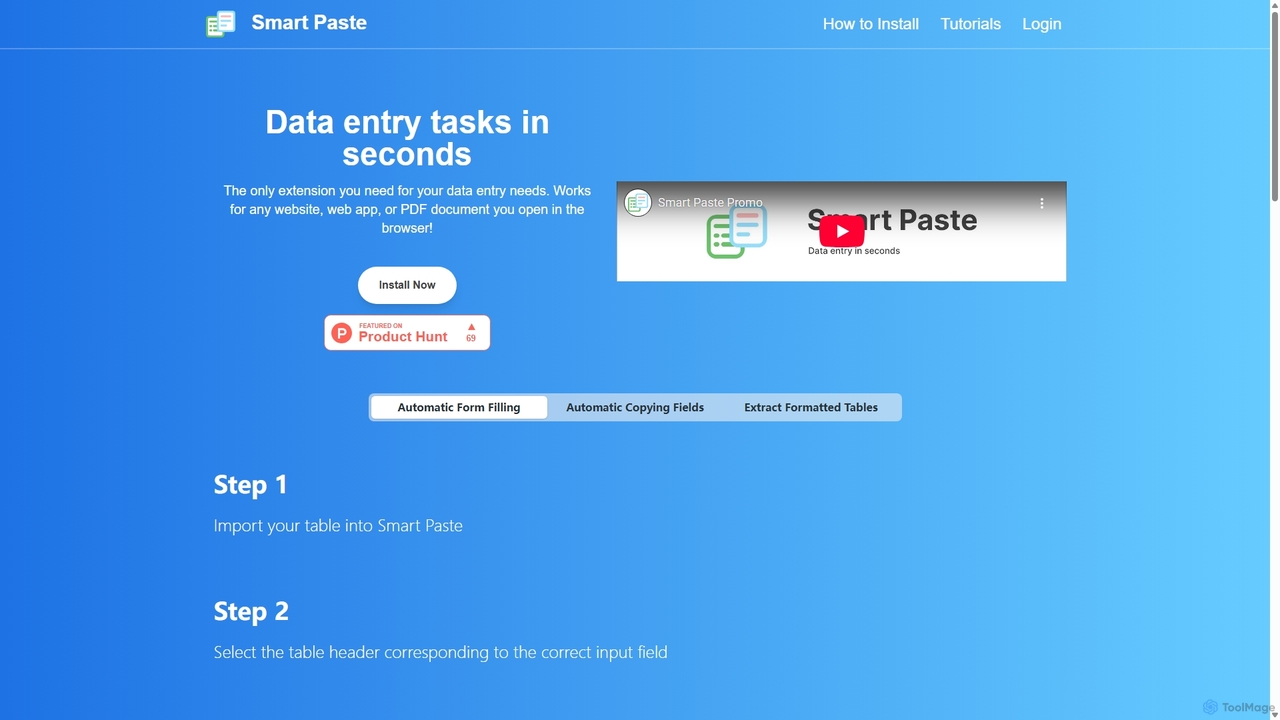
Smartpaste Overview
smartpaste is an innovative browser extension engineered to revolutionize data entry and data transfer workflows. It serves as an indispensable tool for anyone who frequently moves information from web pages or PDFs into spreadsheets like Excel or Google Sheets. By automating the tedious process of copying and pasting, smartpaste saves users countless hours, minimizes human error, and boosts overall productivity.
The core functionality of smartpaste revolves around three main capabilities: extracting entire tables, scraping specific data fields, and automatically filling web forms. Whether you're a researcher collecting data, a sales professional gathering leads, or an administrator processing invoices, smartpaste streamlines the entire process into a few simple clicks. The extension is designed to work seamlessly on any website, web application, or even local PDF files opened within your browser, making it a universally applicable solution. A key highlight is its commitment to security; all data processing occurs locally on your computer, meaning your sensitive information never leaves your device.
How to use smartpaste
smartpaste offers an intuitive and straightforward user experience. Here’s how to leverage its main functions:
- Extracting a Full Table:
- Open the smartpaste sidebar on a webpage or PDF containing a table.
- Click the "Select a table" button.
- Hover over and click on the desired table to highlight it.
- Press 'Copy table to clipboard'.
- Navigate to your spreadsheet (Excel, Google Sheets, etc.) and simply paste the data. The table structure, rows, and columns will be perfectly preserved. - Extracting Specific Data Fields:
- On a webpage with the data you need (e.g., a contact list), open the smartpaste sidebar.
- Click on the individual fields you want to extract, such as names, email addresses, or phone numbers.
- As you select them, smartpaste adds these fields into a structured table within its sidebar.
- Once you have collected all the necessary data, copy the newly created table and paste it into your spreadsheet. - Automating Form Filling:
- Prepare your data in a spreadsheet and import it into the smartpaste sidebar.
- Open the web form you need to fill.
- smartpaste will help you map the columns from your table to the corresponding input fields on the form (e.g., 'First Name' column to the 'First Name' field). It even provides auto-suggestions.
- Simply select the row of data you want to use, and smartpaste will instantly and accurately fill in the entire form, including text boxes, checkboxes, and radio buttons.
Core Features of smartpaste
- One-Click Table Extraction: Instantly copy tables from any website or PDF into your clipboard.
- Custom Data Scraping: Select and compile specific data points from a page into a custom table.
- Automated Form Filling: Populate complex web forms in seconds using data from your spreadsheets.
- Universal Compatibility: Works on any website, web app, and with PDF documents opened in the browser.
- Local Data Processing: Guarantees 100% data privacy and security as all operations are performed on your machine.
- Hotkey Support: Use keyboard shortcuts to automate repetitive extraction and pasting tasks for maximum efficiency.
- Intelligent Field Mapping: Automatically suggests which table column corresponds to which form field, speeding up the form-filling setup.
- Broad Form Element Support: Fills not just text inputs, but also checkboxes, radio buttons, and dropdown menus.
Use Cases for smartpaste
smartpaste is versatile and benefits a wide range of professionals:
- Data Analysts & Researchers: Quickly gather data from online reports, public databases, and articles for analysis.
- Sales & Marketing Teams: Effortlessly extract lead information from online directories or competitor websites and populate CRM forms.
- E-commerce Managers: Scrape product details, prices, and reviews for market analysis or migrate product data between platforms.
- HR Professionals: Streamline the processing of applicant data from various job portals into internal HR systems.
- Administrative Staff: Automate the entry of data from invoices, purchase orders, or registration forms into spreadsheets.
- Finance Professionals: Extract financial statements and stock data from web pages for financial modeling.
Advantages of smartpaste
Using smartpaste provides a significant competitive edge through:
- Drastic Time Savings: Reduces the time spent on manual data entry from hours to minutes.
- Enhanced Accuracy: Eliminates typos and copy-paste errors common in manual data transfer.
- Increased Productivity: Frees up valuable time for professionals to focus on more strategic, high-value tasks.
- Uncompromised Security: The local-first approach ensures that sensitive company or personal data is never exposed online.
- Ease of Use: A simple, intuitive interface makes it accessible to users of all technical skill levels without a steep learning curve.
Pricing and Plans
smartpaste offers a flexible pricing structure to suit different needs:
- Free Plan (Beta): Ideal for individuals and light users. This plan offers a generous number of interactions per week (currently unlimited during the beta phase) and works on both websites and PDFs.
- Pro Plan (Beta Pricing): Designed for professionals and power users who require unlimited capabilities. For a special beta price of $3.99/month (discounted from $9.99), users get unlimited copy and paste, dedicated email support, and early access to future upgrades, including collaboration tools and templates.
- Group Plan: Tailored for teams and organizations. This plan offers custom pricing based on the number of users and specific requirements. Interested parties can contact the sales team for a quote.
Traffic
Latest traffic
Status
Monthly traffic trend
- 2025-9: 1.2K
- 2026-1: 1.7K
- 2026-2: 1.2K
- 2026-3: 646
- 2026-4: 1.3K
- 2026-5: 1.5K
Geography
Top 5 countries / regions
- 🇺🇸United States60.7%
- 🇮🇳India33.6%
- 🇵🇭Philippines5.6%
Top keywords
| Keyword | Cost per click |
|---|---|
| online paste | $0.00 |
| paste | $0.89 |
| pastejet | $0.00 |
| paste website | $0.00 |
| smart paste extension | $0.00 |
Smartpaste Alternatives

Starizon
Starizon is an AI-powered Chrome extension that acts as an intelligent browser assistant. It simplifies web tasks by allowing users to extract and monitor data, create automation workflows, and interact with webpages through simple conversational commands. It's designed to boost productivity by automating repetitive online activities.
Chrome Extensions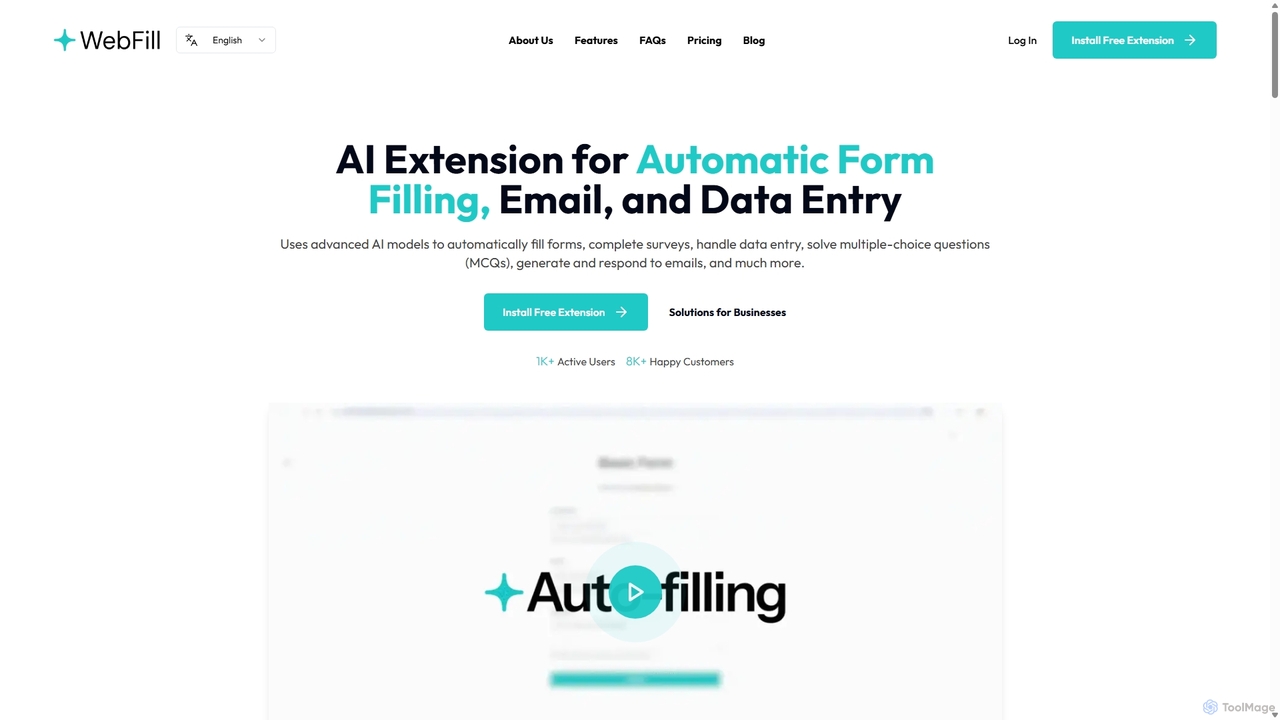
WebFill
WebFill is an AI-powered browser extension designed to automate daily digital tasks. It excels at automatically filling forms, completing surveys, handling data entry, and solving multiple-choice questions. It also features an AI assistant for generating and responding to emails, and a unique 'Vision' tool for instant answers from screen captures.
Assistant
TaskMagic
TaskMagic is a no-code Robotic Process Automation (RPA) tool that lets you automate any web-based task. Record your clicks and keystrokes to create powerful workflows for web scraping, data entry, and social media management without writing a single line of code. It simplifies repetitive browser actions, saving you time and effort.
Web Scraping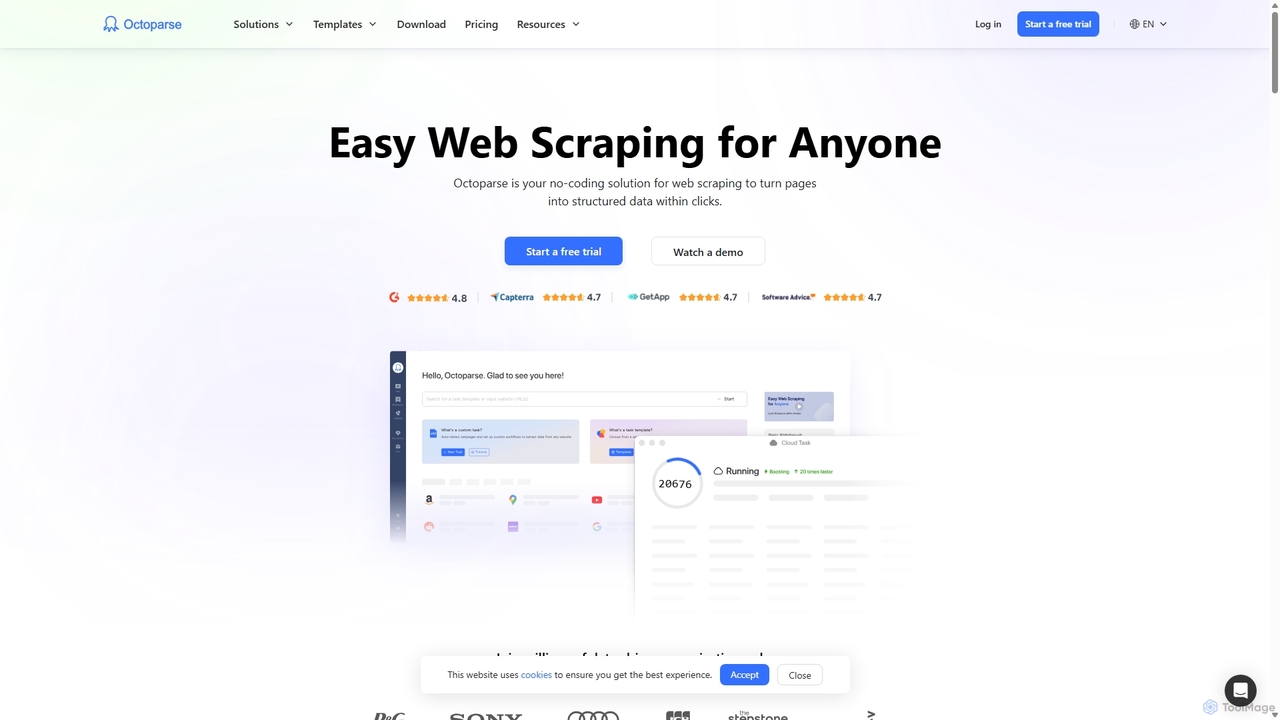
Octoparse
Octoparse is a powerful no-code web scraping tool that allows anyone to extract data from websites without programming. It features a visual workflow designer, an AI-powered assistant for easy setup, and hundreds of pre-built templates for popular sites. With cloud-based automation, IP rotation, and CAPTCHA solving, Octoparse handles complex scraping tasks efficiently, turning web pages into structured data for lead generation, market research, and more.
Web Scraping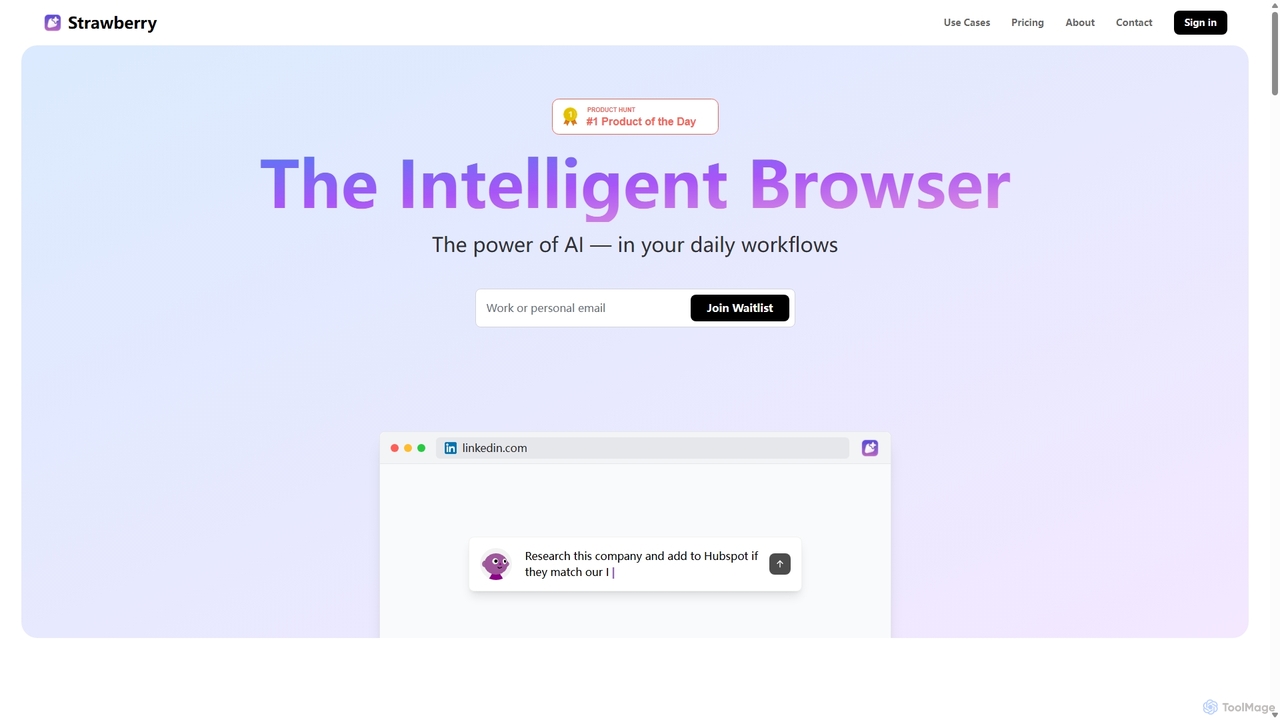
Strawberry Browser
Strawberry Browser is an intelligent, AI-powered browser designed to automate your daily workflows. It allows you to build a team of customizable AI assistants that handle repetitive tasks like research, data extraction, and lead generation directly within your browser. Eliminate grunt work, stay focused, and enhance your productivity.
Ai AssistantSmartpaste Categories
Smartpaste Jobs
Smartpaste Embed Widget
Copy this embed code to place the badge on your blog, article, or product site and send readers directly to this ToolMage detail page.

Related AI tools
WebFill
WebFill is an AI-powered browser extension designed to automate daily digital tasks. It excels at automatically filling forms, completing surveys, handling data entry, and solving multiple-choice questions. It also features an AI assistant for generating and responding to emails, and a unique 'Vision' tool for instant answers from screen captures.
Assistant
Sheet Copilot
Sheet Copilot is an AI-powered assistant that automates tasks and answers questions directly within Google Sheets. By using natural language commands, you can clean data, generate formulas, create summaries, and analyze information without writing complex functions. It's currently free in beta and operates using your own OpenAI API key for enhanced privacy and security.
AutomationTaskMagic
TaskMagic is a no-code Robotic Process Automation (RPA) tool that lets you automate any web-based task. Record your clicks and keystrokes to create powerful workflows for web scraping, data entry, and social media management without writing a single line of code. It simplifies repetitive browser actions, saving you time and effort.
Web ScrapingStrawberry Browser
Strawberry Browser is an intelligent, AI-powered browser designed to automate your daily workflows. It allows you to build a team of customizable AI assistants that handle repetitive tasks like research, data extraction, and lead generation directly within your browser. Eliminate grunt work, stay focused, and enhance your productivity.
Ai Assistant
Sheetplus
Sheetplus is an AI-powered toolkit designed to supercharge your spreadsheet experience in Google Sheets and Excel. By leveraging natural language, it allows users to generate complex formulas, clean and analyze data, automate tasks, and extract insights without writing code. It acts as an intelligent assistant, making data management faster, more intuitive, and accessible to everyone, regardless of their technical expertise.
AutomationOctoparse
Octoparse is a powerful no-code web scraping tool that allows anyone to extract data from websites without programming. It features a visual workflow designer, an AI-powered assistant for easy setup, and hundreds of pre-built templates for popular sites. With cloud-based automation, IP rotation, and CAPTCHA solving, Octoparse handles complex scraping tasks efficiently, turning web pages into structured data for lead generation, market research, and more.
Web Scraping
Crawlora
Crawlora is an AI-powered, no-code web scraping platform that enables users to effortlessly extract data from any website. Its intelligent point-and-click interface simplifies data extraction, allowing you to turn web pages into structured data (CSV, JSON) without writing a single line of code. Ideal for market research, lead generation, and price monitoring.
Data Extraction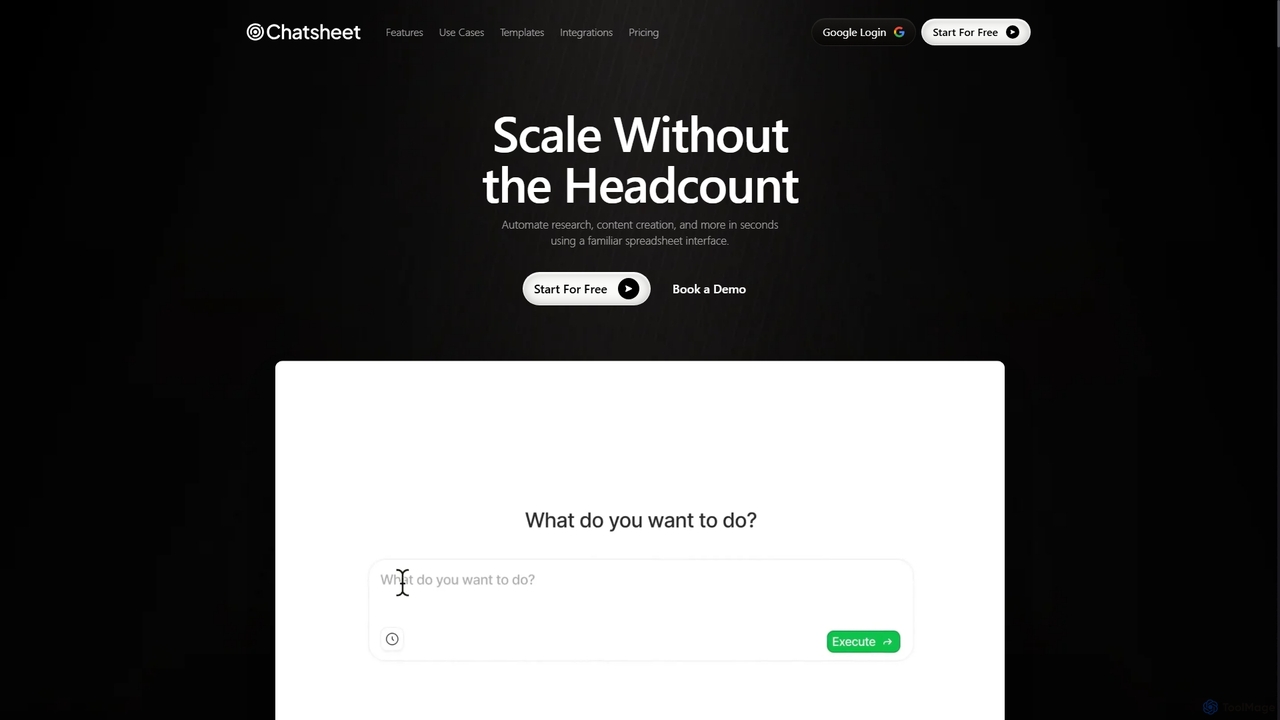
Chatsheet
Chatsheet is an AI-powered spreadsheet platform that automates research, content creation, and data analysis. Using a familiar spreadsheet interface, users can build complex, no-code workflows to process documents, scrape websites, and generate personalized content at scale, effectively turning each cell into a smart AI agent.
Spreadsheets
PDF AI Sheet
A Google Sheet add-on that allows you to chat with and extract information from multiple PDF documents in bulk directly within your spreadsheets. Automate data analysis and research by asking questions to your PDFs using a simple formula.
Extraction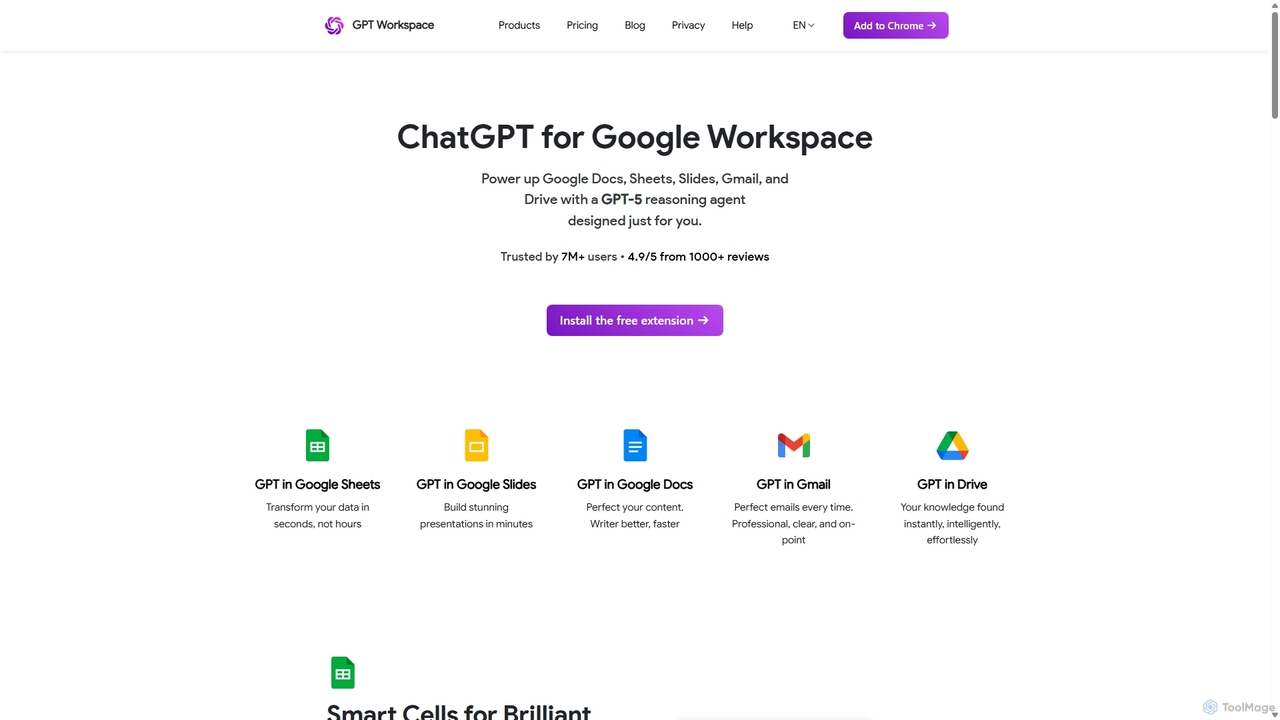
GPT Workspace
GPT Workspace integrates AI-powered features directly into Google Workspace applications like Docs, Sheets, Slides, and Gmail. It enhances productivity by automating content creation, data analysis, email drafting, and document editing, allowing users to leverage the power of models like GPT-4o seamlessly within their existing workflow.
Document Management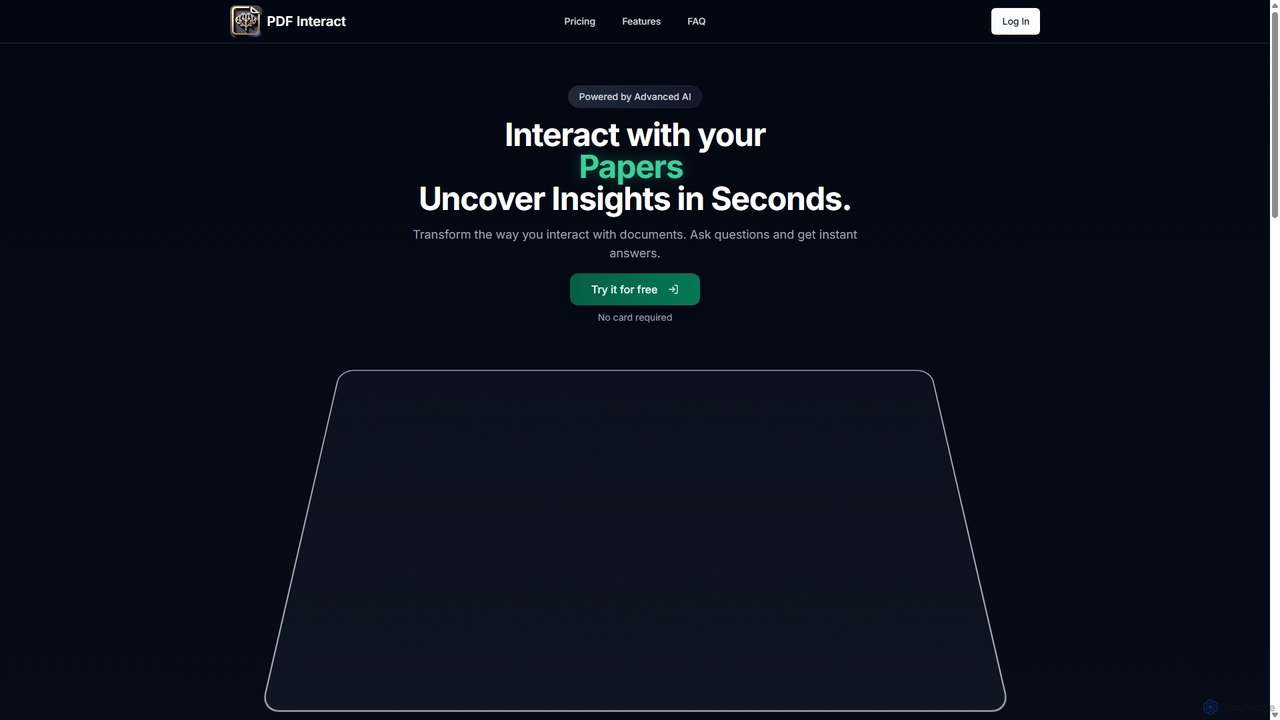
PDF Interact
PDF Interact is an AI-powered chat assistant that transforms how you engage with your documents. Simply upload a PDF and ask questions in natural language to get instant answers, summaries, and key insights. Ideal for students, researchers, and professionals looking to save time and analyze complex information efficiently.
Data Analysis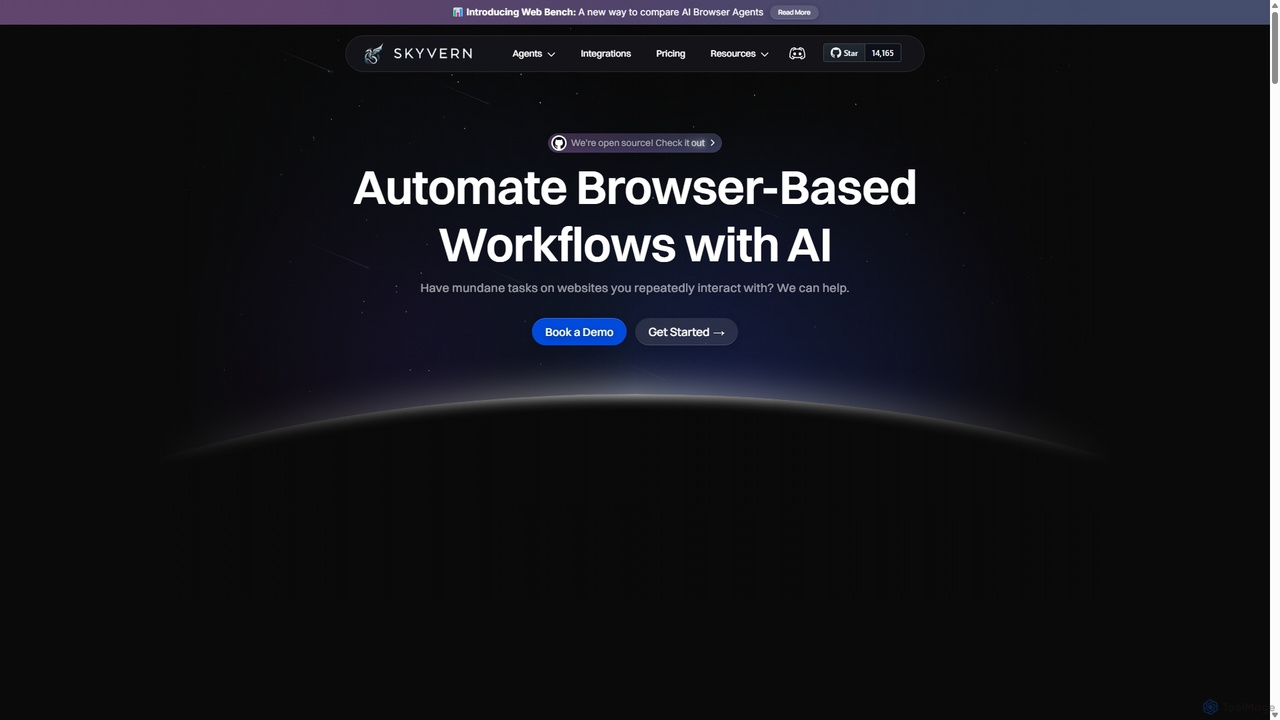
Skyvern
Skyvern is an AI-powered browser automation platform that uses computer vision and natural language to automate complex web workflows. It can handle data extraction, form submissions, invoice retrieval, and more on any website, adapting dynamically to changes without traditional scripting.
Api
Amurex
Amurex is an open-source AI invisible companion that works silently in the background to streamline your workflow. It integrates with your existing apps like Notion, Google Drive, and Obsidian to create a searchable knowledge base, automates meeting transcriptions and summaries, and intelligently categorizes your inbox.
Automation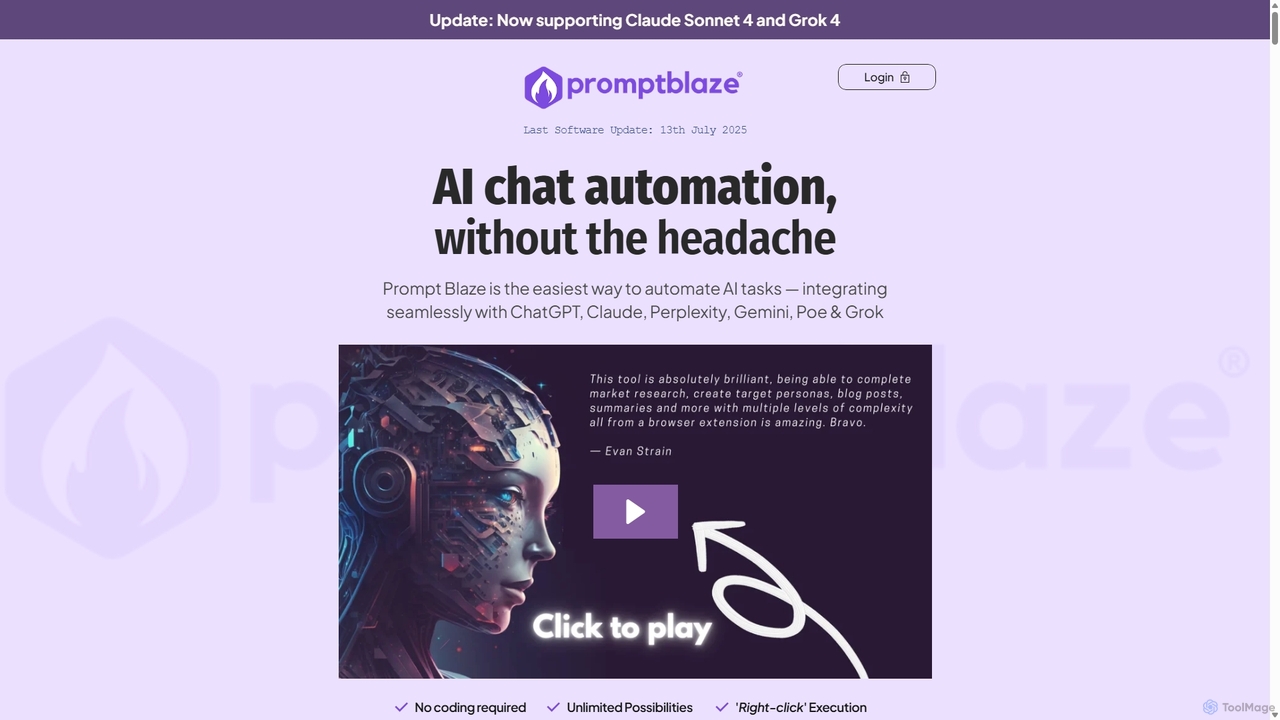
PromptBlaze
PromptBlaze is a browser extension that simplifies AI task automation. It allows users to store, manage, and chain prompts for platforms like ChatGPT, Claude, and Gemini without coding. Execute multi-step workflows directly from any webpage with a right-click, enhancing productivity and ensuring 100% data privacy with local storage.
Prompt Engineering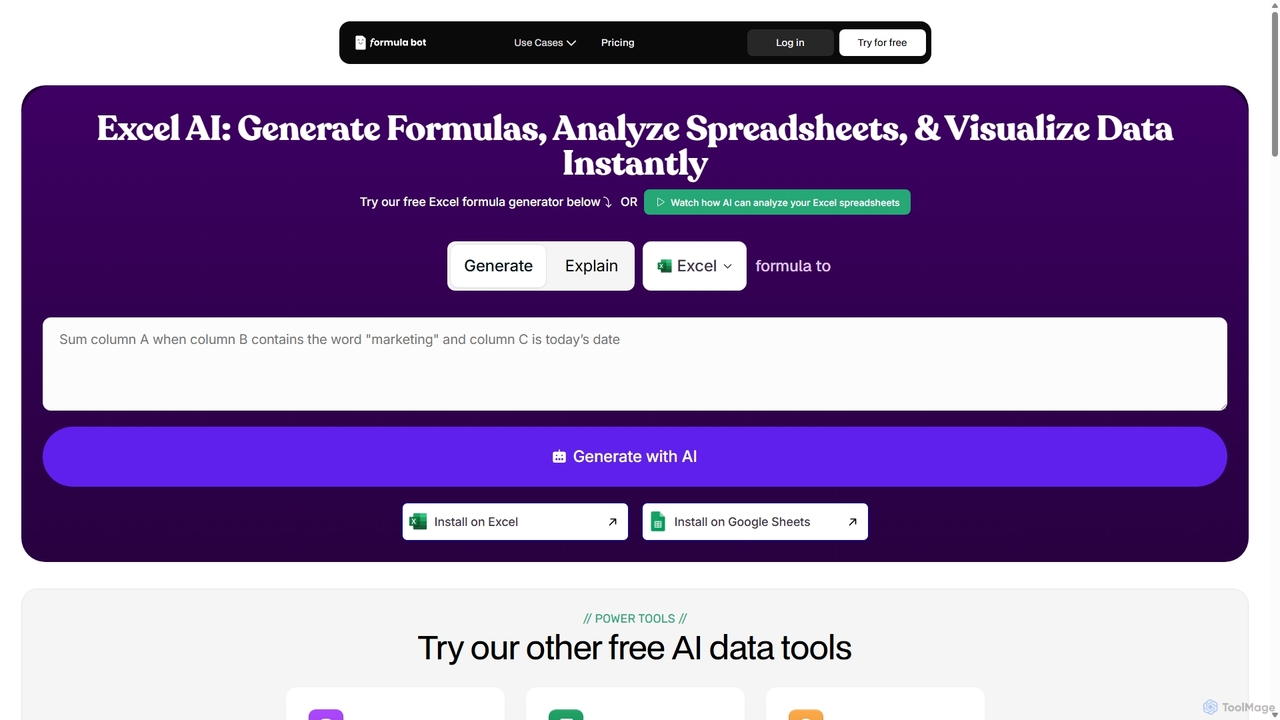
ExcelFormulaBot
ExcelFormulaBot is an AI-powered tool that generates complex Excel and Google Sheets formulas from text instructions in seconds. It also analyzes data, creates charts, generates VBA/SQL code, and explains formulas, making spreadsheet tasks faster and more accessible for everyone, from beginners to experts.
Data Analysis
Smartpaste Comments (0)
Sign in to comment.
Sign inNo comments yet.