

Metatable Overview
Metatable is an innovative AI-powered platform designed to serve as an intelligent copilot for all your tabular data needs. It fundamentally changes the way users interact with spreadsheets, databases, and other structured data formats. Instead of relying on complex formulas, pivot tables, or coding, Metatable allows you to use simple, conversational English to perform sophisticated data operations. This makes it an indispensable tool for professionals across various fields who need to derive insights from data quickly and efficiently, without a steep learning curve.
The platform is built to understand user intent from natural language queries. Whether you need to merge datasets, clean inconsistent entries, calculate key performance indicators, or generate insightful charts, Metatable's AI engine interprets your request and executes it in seconds. It streamlines the entire data workflow, from initial data preparation and cleaning to advanced analysis and visualization, significantly boosting productivity and reducing the potential for human error.
How to use Metatable
Using Metatable is designed to be intuitive and straightforward, even for users with no technical background. The process typically follows these simple steps:
- Connect Your Data: Start by uploading your data file (e.g., CSV, XLSX) or connecting directly to a data source like Google Sheets, Airtable, or a SQL database. The platform supports a wide range of integrations.
- Issue Commands in Natural Language: Once your data is loaded, you can interact with it using the chat-like interface. Type commands as if you were talking to a data assistant. For example, you could type "Remove all duplicate rows," "Standardize the 'Country' column to ISO codes," or "Show me the total sales for each product category."
- AI-Powered Execution: Metatable's AI processes your command, understands the context of your data, and performs the requested action. The changes are reflected in your data table in real-time.
- Analyze and Visualize: Continue asking questions to explore your data. You can ask for summaries ("What's the average customer lifetime value?"), trends ("Create a line chart showing monthly revenue growth"), or correlations. The AI can also suggest relevant visualizations to help you better understand the data.
- Export Your Results: Once you're satisfied with the cleaned and analyzed data, you can easily export it back to a file or your connected data source.
Core Features of Metatable
- Natural Language Processing (NLP) Interface: Interact with your data using plain English, eliminating the need for complex formulas or code.
- Automated Data Cleaning: Automatically detect and fix inconsistencies, handle missing values, remove duplicates, and standardize formats with simple commands.
- Intelligent Data Transformation: Effortlessly perform complex transformations, such as splitting or merging columns, creating calculated fields, and restructuring tables.
- AI-Driven Analysis & Insights: Ask questions about your data and receive instant summaries, calculations, and key insights without manual analysis.
- Automatic Visualization: Generate appropriate charts and graphs (bar charts, line graphs, heatmaps) based on your data and queries to visualize trends and patterns effectively.
- Seamless Integrations: Connect with a variety of popular data sources, including Excel, Google Sheets, CSV files, and major SQL/NoSQL databases.
- Version Control & History: Track all changes made to your dataset, allowing you to easily revert to previous versions if needed.
Use Cases for Metatable
Metatable is versatile and can be applied in numerous professional scenarios:
- Marketing Teams: Analyze marketing campaign performance by quickly consolidating data from different platforms (e.g., Google Analytics, Facebook Ads) and visualizing ROI.
- Sales Operations: Clean and segment lead lists, analyze sales pipelines, and generate reports on team performance without spending hours in spreadsheets.
- Financial Analysts: Streamline the process of cleaning financial statements, performing variance analysis, and preparing data for financial modeling.
- Product Managers: Analyze user feedback from surveys or app stores by quickly categorizing comments and identifying key themes.
- Business Owners & Entrepreneurs: Gain quick insights into business operations, sales trends, and customer behavior without needing a dedicated data analyst.
Advantages of Metatable
Metatable offers a significant competitive edge by democratizing data analysis. Its primary advantages include a massive boost in efficiency by automating tedious data prep tasks, enhanced accessibility for non-technical team members, improved data accuracy by minimizing manual errors, and faster decision-making by providing immediate insights. It empowers every member of an organization to become data-literate and leverage data in their daily work.
Pricing and Plans
Metatable is expected to offer a tiered pricing structure to cater to different user needs, including a free plan for individuals and small projects.
- Free Plan: Ideal for individuals and small-scale use, offering basic features with limitations on data processing volume and the number of projects.
- Pro Plan: Designed for professionals and small teams, providing access to advanced features, higher data limits, and priority support.
- Business Plan: A comprehensive solution for larger teams and organizations, featuring unlimited projects, advanced collaboration tools, enterprise-grade security, and dedicated support.
(Note: This is a projected pricing model, as official details may not be available. Please visit the official website for the most current information.)
Metatable Alternatives

Chatsheet
Chatsheet is an AI-powered spreadsheet platform that automates research, content creation, and data analysis. Using a familiar spreadsheet interface, users can build complex, no-code workflows to process documents, scrape websites, and generate personalized content at scale, effectively turning each cell into a smart AI agent.
Spreadsheets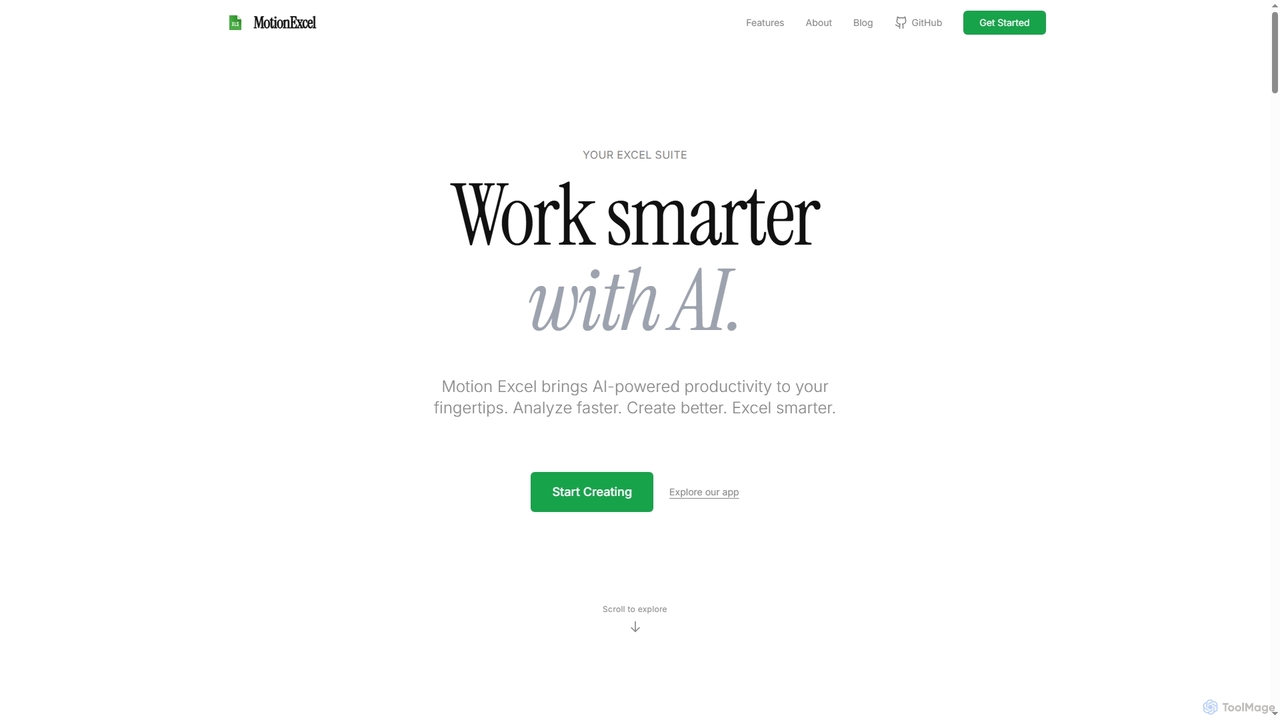
MotionExcel
MotionExcel is an AI-powered spreadsheet editor that integrates artificial intelligence, Python, and SQL to transform data analysis and automation. It helps users analyze data faster, create better insights, and work smarter with intelligent agents and advanced features.
Spreadsheet
Sheet Copilot
Sheet Copilot is an AI-powered assistant that automates tasks and answers questions directly within Google Sheets. By using natural language commands, you can clean data, generate formulas, create summaries, and analyze information without writing complex functions. It's currently free in beta and operates using your own OpenAI API key for enhanced privacy and security.
Automation
7gc
7gc is a next-generation AI-powered platform for business intelligence and workflow automation. It integrates disparate data sources, provides predictive analytics, and enables users to build intelligent, automated processes without code, transforming raw data into actionable insights and operational efficiency.
Business Intelligence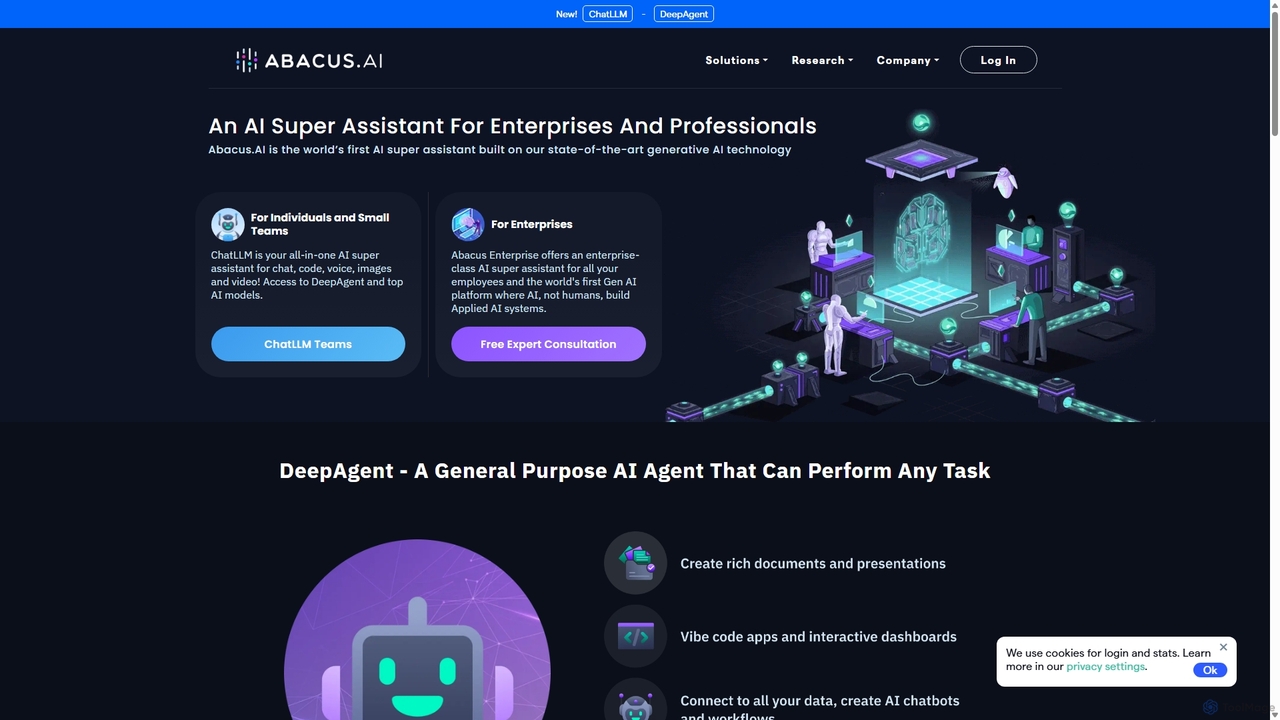
Abacus.AI
Abacus.AI is an advanced AI super assistant and generative AI platform designed for both enterprises and individuals. It enables the creation of AI agents, custom chatbots, and automated workflows to enhance productivity, analyze data, and build applied AI systems with minimal human intervention.
ChatbotMetatable Categories
Metatable Jobs
Metatable Embed Widget
Copy this embed code to place the badge on your blog, article, or product site and send readers directly to this ToolMage detail page.

Related AI tools
Sheet Copilot
Sheet Copilot is an AI-powered assistant that automates tasks and answers questions directly within Google Sheets. By using natural language commands, you can clean data, generate formulas, create summaries, and analyze information without writing complex functions. It's currently free in beta and operates using your own OpenAI API key for enhanced privacy and security.
Automation
Sheetplus
Sheetplus is an AI-powered toolkit designed to supercharge your spreadsheet experience in Google Sheets and Excel. By leveraging natural language, it allows users to generate complex formulas, clean and analyze data, automate tasks, and extract insights without writing code. It acts as an intelligent assistant, making data management faster, more intuitive, and accessible to everyone, regardless of their technical expertise.
AutomationMotionExcel
MotionExcel is an AI-powered spreadsheet editor that integrates artificial intelligence, Python, and SQL to transform data analysis and automation. It helps users analyze data faster, create better insights, and work smarter with intelligent agents and advanced features.
Spreadsheet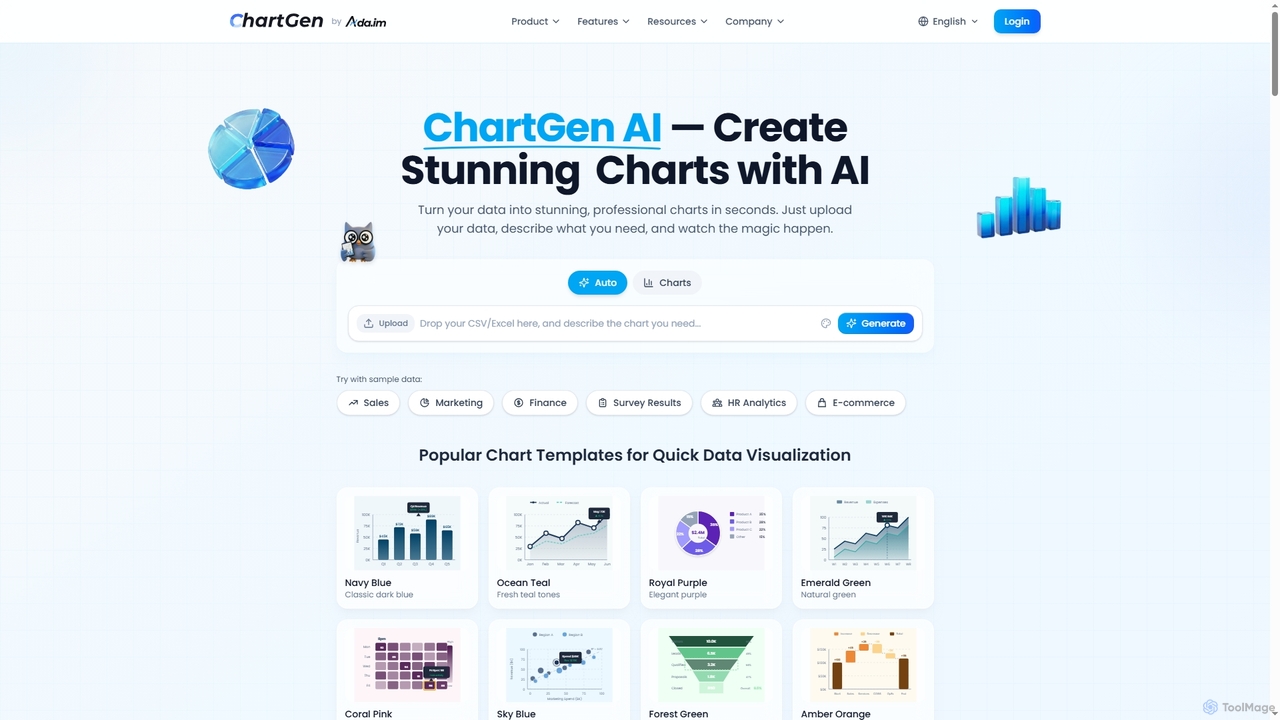
ChartGen
ChartGen is an AI-powered chart generator that transforms raw data into stunning, professional visualizations in seconds. Users simply upload CSV or Excel files, describe their desired chart in plain English, and the AI instantly creates various chart types like bar, line, and pie charts. It's designed for quick, effortless data visualization without requiring design or coding skills.
Charts & Graphs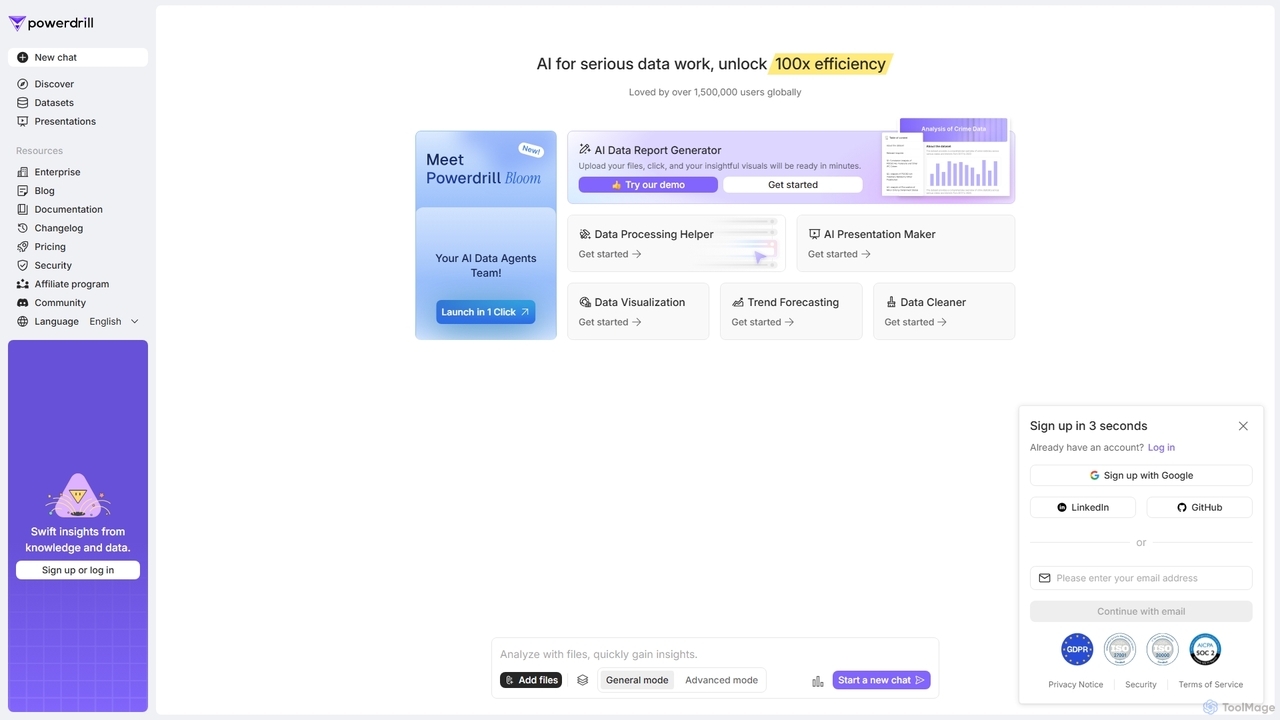
Powerdrill
Powerdrill is an AI-powered data analysis platform designed for serious data work, enabling users to unlock 100x efficiency. It automates the entire process from data processing and cleaning to visualization, report generation, and trend forecasting. Simply upload your files (Excel, CSV, PDF) or connect to a database, and let the AI generate actionable insights, interactive charts, and comprehensive presentations in minutes.
Business Intelligence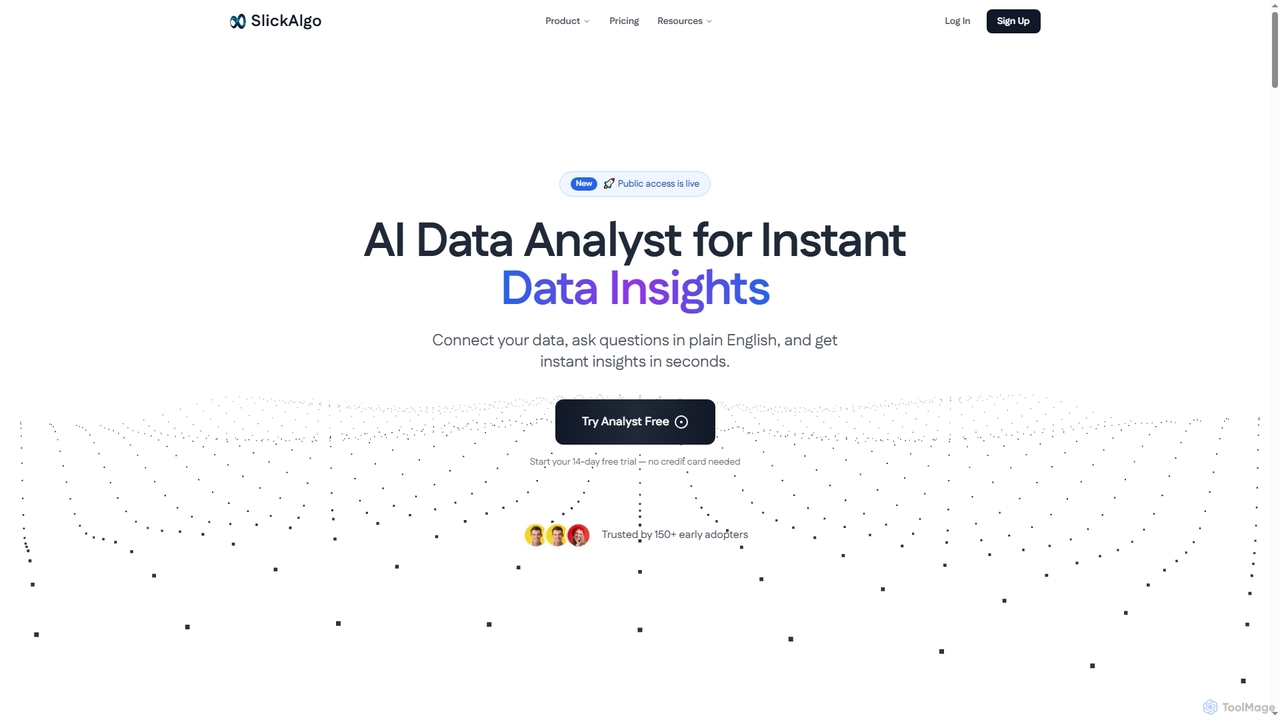
Cotera
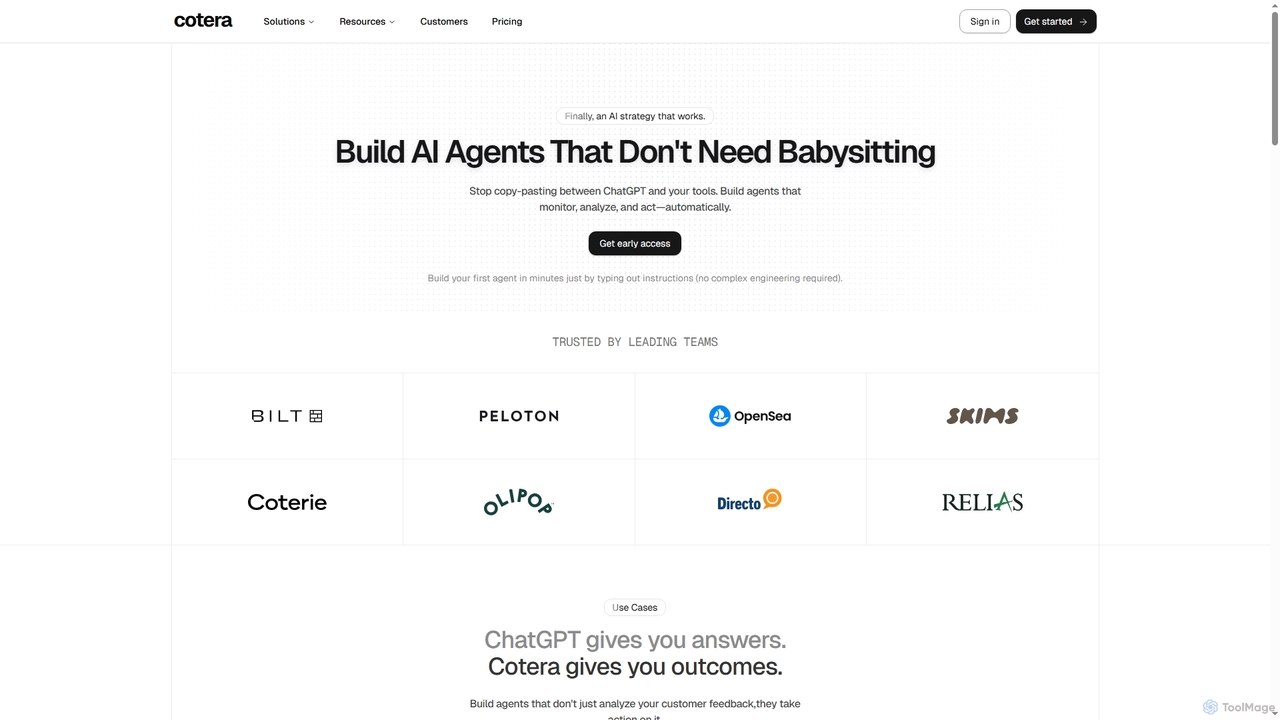
Cotera is an AI platform that empowers businesses to build autonomous AI agents capable of monitoring, analyzing, and acting automatically across various operations. It eliminates manual busywork by enabling users to create sophisticated agents with plain English instructions, integrating seamlessly with existing tools and data warehouses.
Support Automation
Viewit Ai Chatbot
An AI-powered chatbot that transforms your data into insightful visualizations and summaries through simple, natural language conversations. Upload your dataset, ask questions, and instantly receive charts, graphs, and key metrics, making data analysis accessible to everyone without needing complex software or coding skills.
Business Intelligence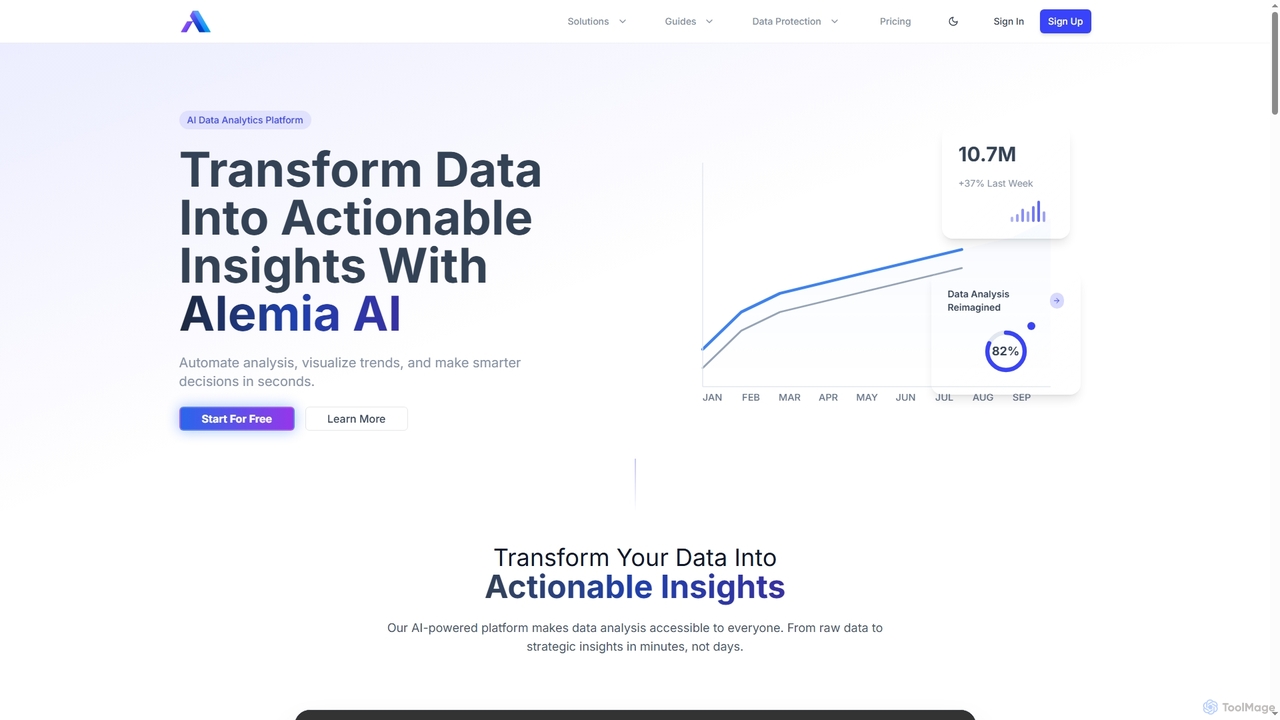
Alemia
Alemia is an AI-powered data analytics platform that transforms raw data into actionable insights, visualizations, and reports. It enables users to ask questions in plain English and receive instant, intelligent analysis, making data-driven decision-making accessible to everyone without requiring technical skills.
3D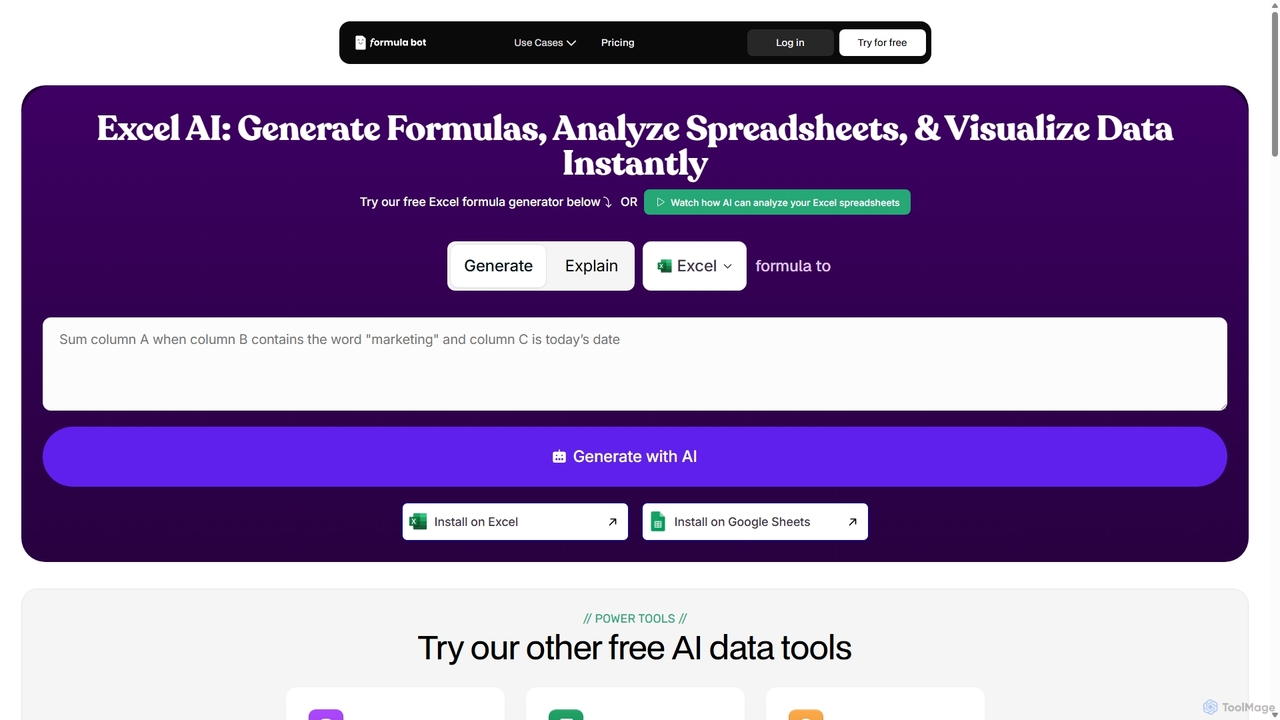
ExcelFormulaBot
ExcelFormulaBot is an AI-powered tool that generates complex Excel and Google Sheets formulas from text instructions in seconds. It also analyzes data, creates charts, generates VBA/SQL code, and explains formulas, making spreadsheet tasks faster and more accessible for everyone, from beginners to experts.
Data AnalysisChatsheet
Chatsheet is an AI-powered spreadsheet platform that automates research, content creation, and data analysis. Using a familiar spreadsheet interface, users can build complex, no-code workflows to process documents, scrape websites, and generate personalized content at scale, effectively turning each cell into a smart AI agent.
Spreadsheets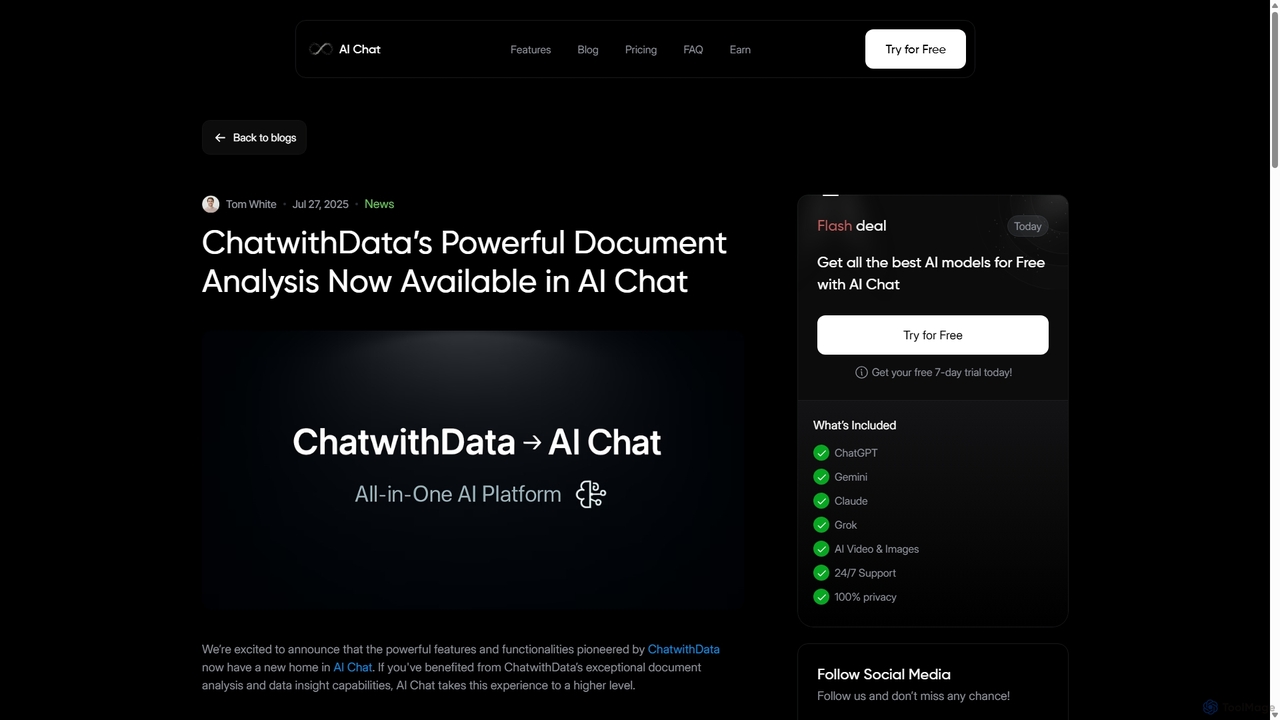
ChatwithData
ChatwithData is a powerful AI tool designed for interactive document analysis. It allows users to upload various file types, including PDFs, Word, CSV, Excel, and SQL databases, and extract insights using natural language queries. Its features have now been integrated and enhanced within the AI Chat platform.
Ai Chatbot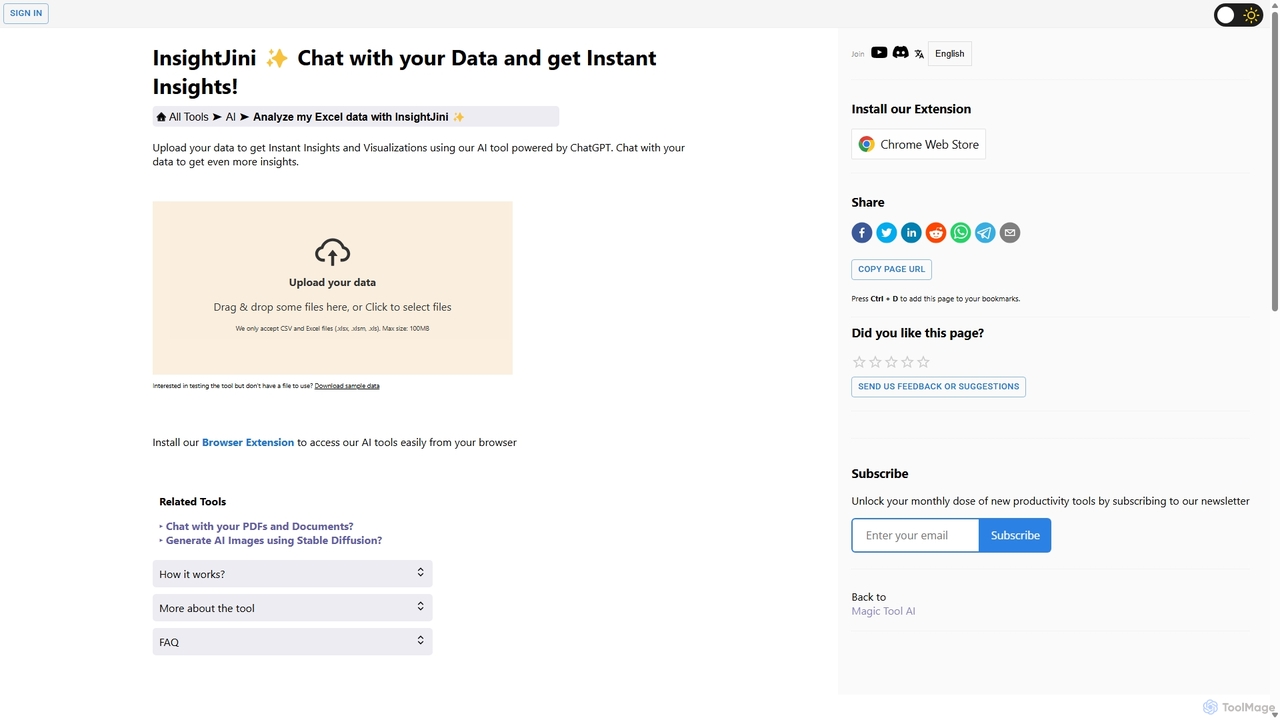
InsightJini
InsightJini is an AI-powered data analysis tool that lets you chat with your Excel and CSV files. Upload your data to instantly generate visualizations and insights without any coding. Its conversational interface, powered by ChatGPT, makes data exploration intuitive and accessible for everyone.
Business Intelligence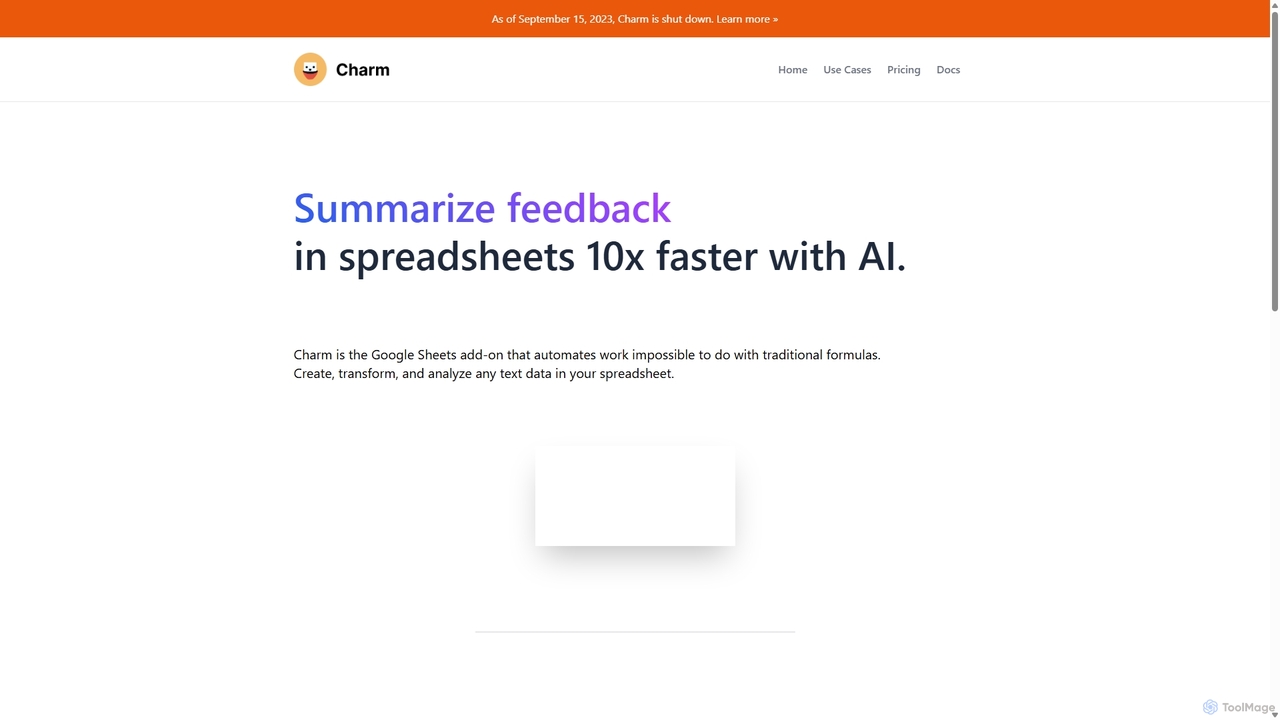
Charm
Charm was an AI-powered assistant integrated directly into Google Sheets as an add-on. It was designed to automate complex text-based tasks, such as cleaning messy data, generating content, summarizing text, and classifying information, without requiring traditional formulas or coding. Please note: Charm was officially shut down on September 15, 2023.
Automation
Jyek
Jyek is an AI agent platform that understands objectives, creates execution plans, uses tools, and delivers verifiable results for complex, multi-step tasks.
Automation
Metatable Comments (0)
Sign in to comment.
Sign inNo comments yet.