

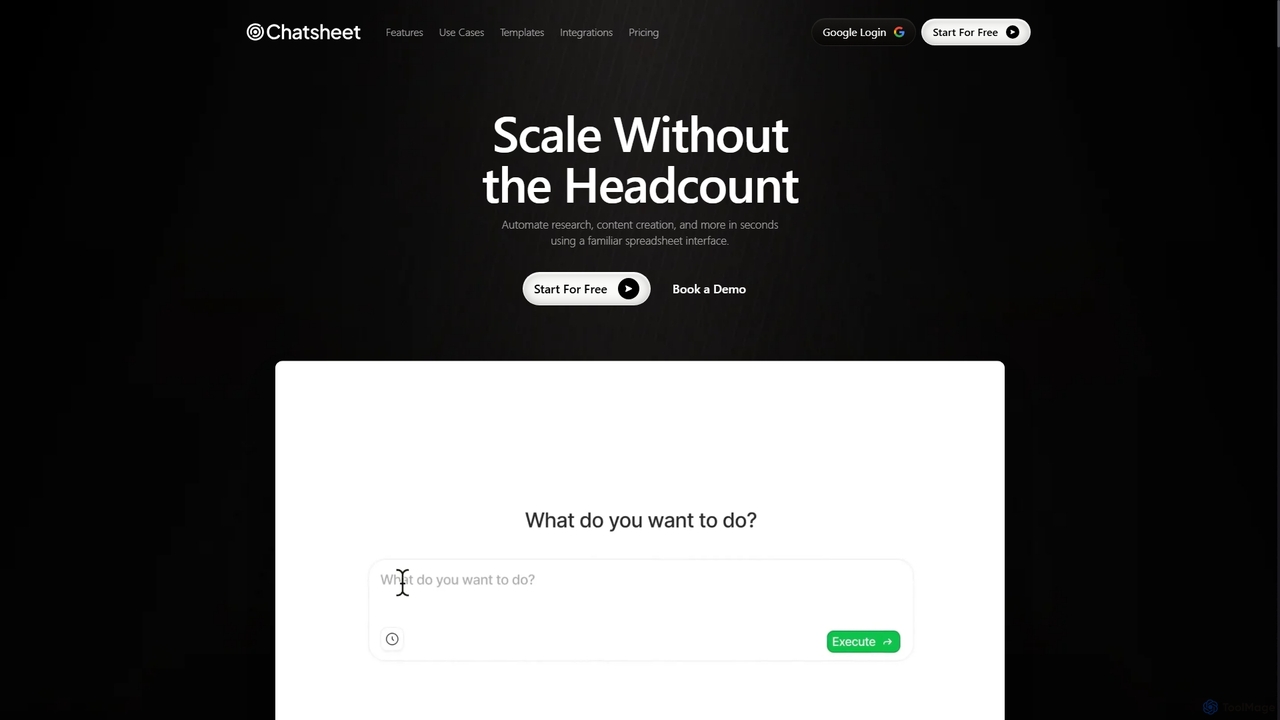
Chatsheet Overview
Chatsheet is a revolutionary AI spreadsheet platform designed to automate and scale business operations without the need for extensive technical skills. It leverages a familiar spreadsheet interface, empowering users to build complex workflows for a wide range of tasks, from market research to content creation. The core concept of Chatsheet is to transform each cell into an intelligent agent capable of processing data, summarizing documents, scraping websites, and generating content. This approach eliminates the tedious manual work of copying and pasting information into separate AI tools, streamlining processes and boosting productivity significantly.
The platform is built for scalability, allowing individuals and teams to handle thousands of tasks simultaneously, as if they had a dedicated team of AI assistants. Whether it's analyzing prospect data for a sales team, extracting key information from hundreds of PDFs for legal or financial analysis, or generating tailored marketing copy for different channels, Chatsheet provides a powerful, integrated solution.
How to use Chatsheet
Getting started with Chatsheet is designed to be intuitive, especially for those familiar with spreadsheets. The process generally follows these steps:
- Sign Up and Start Free: Create an account to get started. Chatsheet offers a free plan with starting credits to allow users to experiment with its features.
- Choose a Task or Template: You can start from a blank sheet or use one of the pre-built templates for common use cases like sales outreach, content creation, or competitor analysis.
- Input Your Data: Populate the spreadsheet cells with your source data. This could be a list of prospect websites, uploaded PDF documents (invoices, resumes, contracts), or keywords for content generation. You can simply drag and drop files into cells.
- Apply AI Functions: In adjacent cells, use Chatsheet's AI functions. These are like spreadsheet formulas but are powered by AI. For example, you could write a prompt like "Summarize the content of the PDF in cell A1" or "Scrape the company description from the website in cell B1."
- Run the Workflow: Execute the workflow. Chatsheet's AI agents will process each row of data in parallel, performing the requested actions at scale.
- Export the Results: Once the processing is complete, the results will appear in the designated output cells. You can then review the data, make adjustments, or export it as a CSV or JSON file for use in other systems.
Core Features of Chatsheet
- AI Spreadsheet Interface: Build and manage complex automation workflows within a familiar, intuitive spreadsheet environment. No coding required.
- Action Cells: Each cell functions as an independent AI agent that can process data, execute commands, and deliver results at scale.
- AI PDF Processing: Automatically extract structured data from invoices, contracts, resumes, and reports. Convert PDFs to text or CSV, summarize content, and identify trends across thousands of documents.
- AI Web Scraping: Effortlessly scan websites to extract data, track competitors, monitor industry trends, and gather leads without manual effort.
- Content Generation: Create high-quality content at scale, including blog posts, ads, emails, and product descriptions, tailored for various channels.
- Seamless Integrations: Connects with leading AI models and platforms like ChatGPT, Claude, and Gemini, as well as data sources like LinkedIn, Amazon, and YouTube to enhance your workflows.
- Real-time Collaboration: Team-based plans allow for seamless collaboration, sharing of workflows, and centralized management of tasks and credits.
Use Cases for Chatsheet
Chatsheet is versatile and can be applied across various industries and roles:
- Sales & Marketing: Automate lead generation by scraping prospect data, analyze competitors, and generate personalized outreach emails and social media messages.
- Operations: Streamline document processing by extracting data from invoices, purchase orders, and contracts, reducing manual data entry and errors.
- Human Resources: Accelerate recruitment by automatically screening thousands of resumes, extracting key qualifications, and shortlisting candidates.
- Finance & Legal: Analyze financial reports, summarize complex legal contracts, and extract critical information from legal documents with high accuracy.
- E-commerce: Monitor competitor pricing, track product inventory on Amazon, and generate compelling product descriptions.
- Research & Academia: Process and summarize large volumes of academic papers, reports, and articles to quickly identify trends, quotes, and key data points.
Advantages of Chatsheet
Chatsheet offers a significant competitive edge over traditional methods and other AI tools. Instead of processing tasks one by one with tools like ChatGPT, Chatsheet allows for massive parallel processing. Its no-code, spreadsheet-based interface makes powerful AI automation accessible to everyone, regardless of their technical background. This democratizes AI, enabling teams to achieve extraordinary outcomes, save hundreds of hours, and scale their operations efficiently without increasing headcount.
Pricing and Plans
Chatsheet offers a freemium model with several tiers to suit different needs:
- Free Plan: $0/month. Includes 500 credits upon sign-up, perfect for individuals and solo professionals to experiment with AI workflows. Features AI PDF Processing and Web Scraping.
- Plus Plan: $19/month. Provides 5,000 credits per month, optimized for sales professionals and marketers who need balanced accuracy and cost. Includes all AI features.
- Team Plan: $29/person/month (minimum 5 people). Offers 50,000 credits per month for the team, designed for collaboration with volume-based savings.
- Scale Plan: $99/person/month (minimum 20 people). The ultimate solution for large teams, providing 900,000 credits per month for maximum scalability and performance.
Chatsheet Alternatives
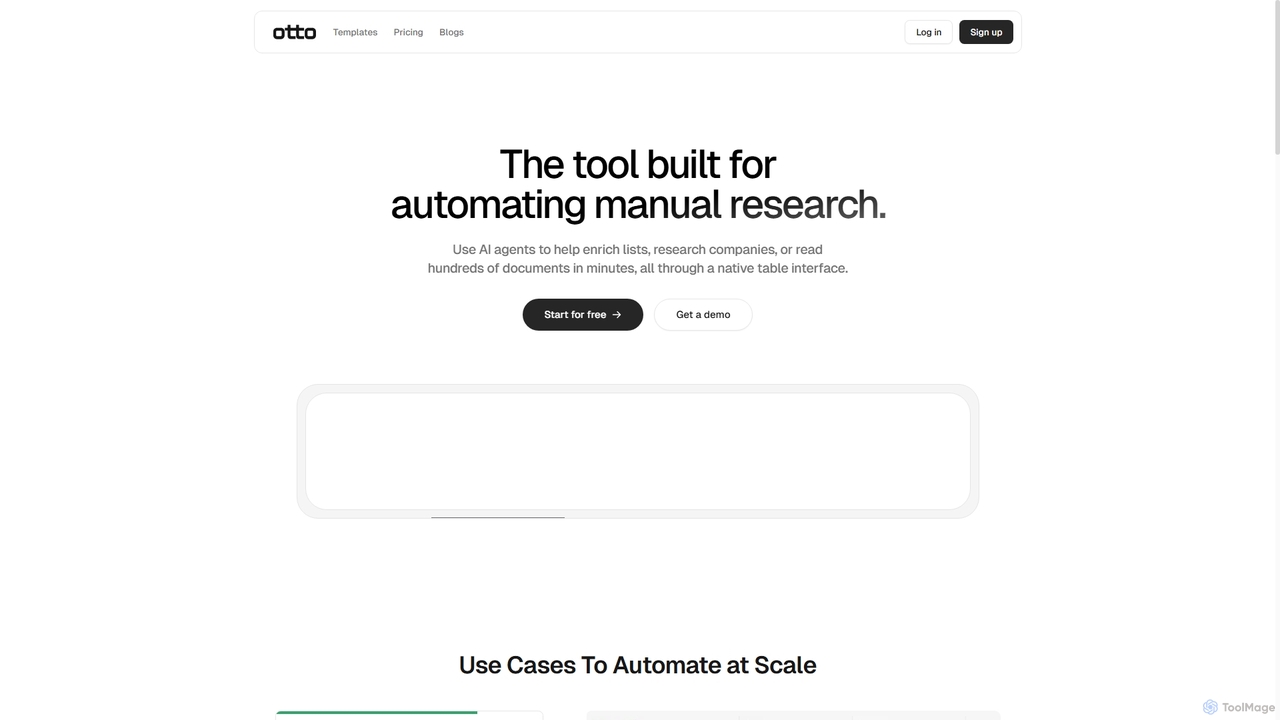
Ottogrid
Ottogrid is an AI-powered platform designed to automate manual research tasks. Using AI agents within a native table interface, it helps users enrich lists, research companies, scrape websites with plain English, and analyze hundreds of documents in minutes, streamlining data collection and analysis workflows.
Data Extraction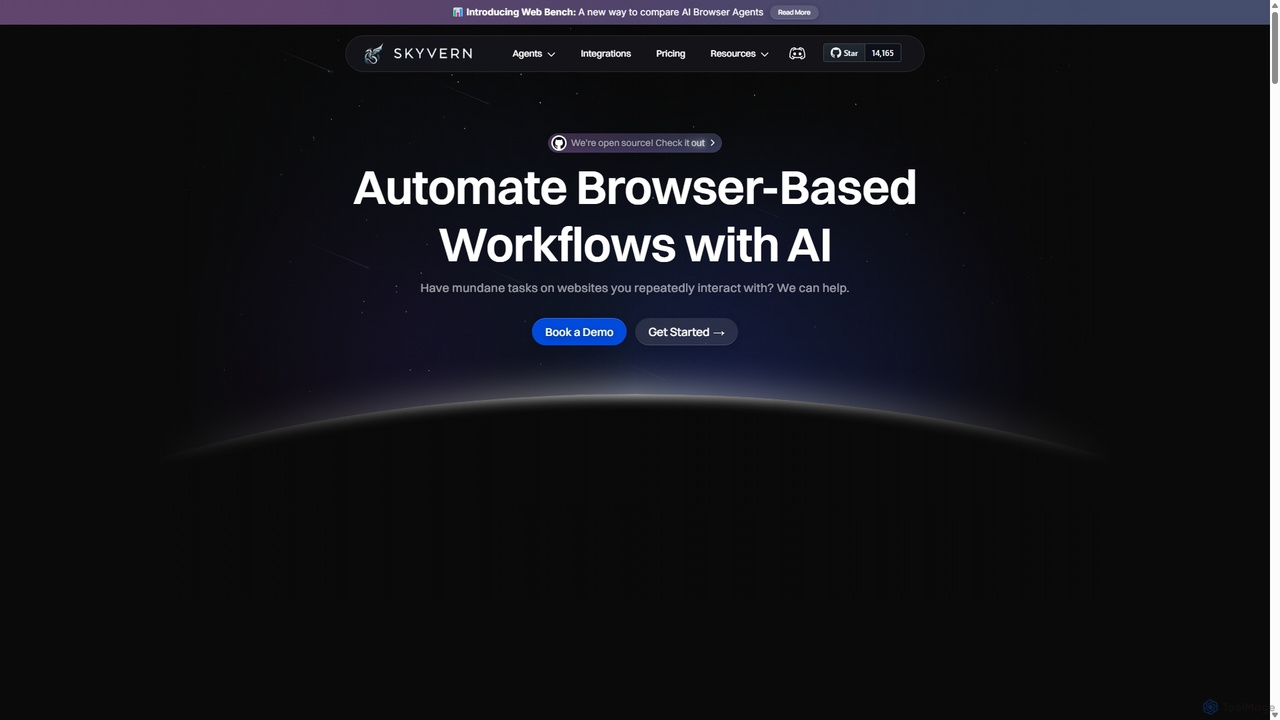
Skyvern
Skyvern is an AI-powered browser automation platform that uses computer vision and natural language to automate complex web workflows. It can handle data extraction, form submissions, invoice retrieval, and more on any website, adapting dynamically to changes without traditional scripting.
Api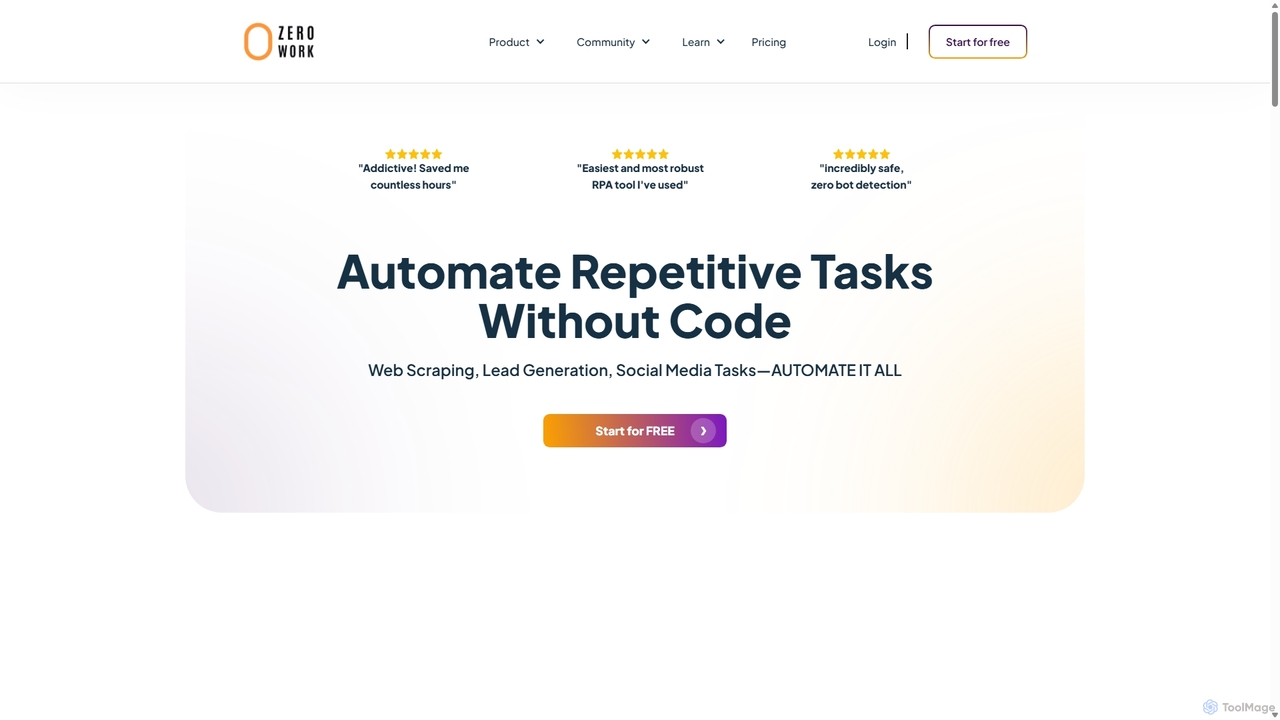
ZeroWork
A no-code Robotic Process Automation (RPA) tool to automate any repetitive web task. Build "TaskBots" with a visual drag-and-drop interface to scrape data, generate leads, manage social media, and more. Integrates AI for content generation and features robust anti-bot detection to ensure account safety.
No Code
Metatable
Metatable is an AI-powered data assistant that revolutionizes how you interact with spreadsheets and tabular data. Simply use natural language prompts to clean, analyze, transform, and visualize your data instantly. It eliminates complex formulas and manual tasks, making data analysis accessible to everyone, from data analysts to business managers.
Analytics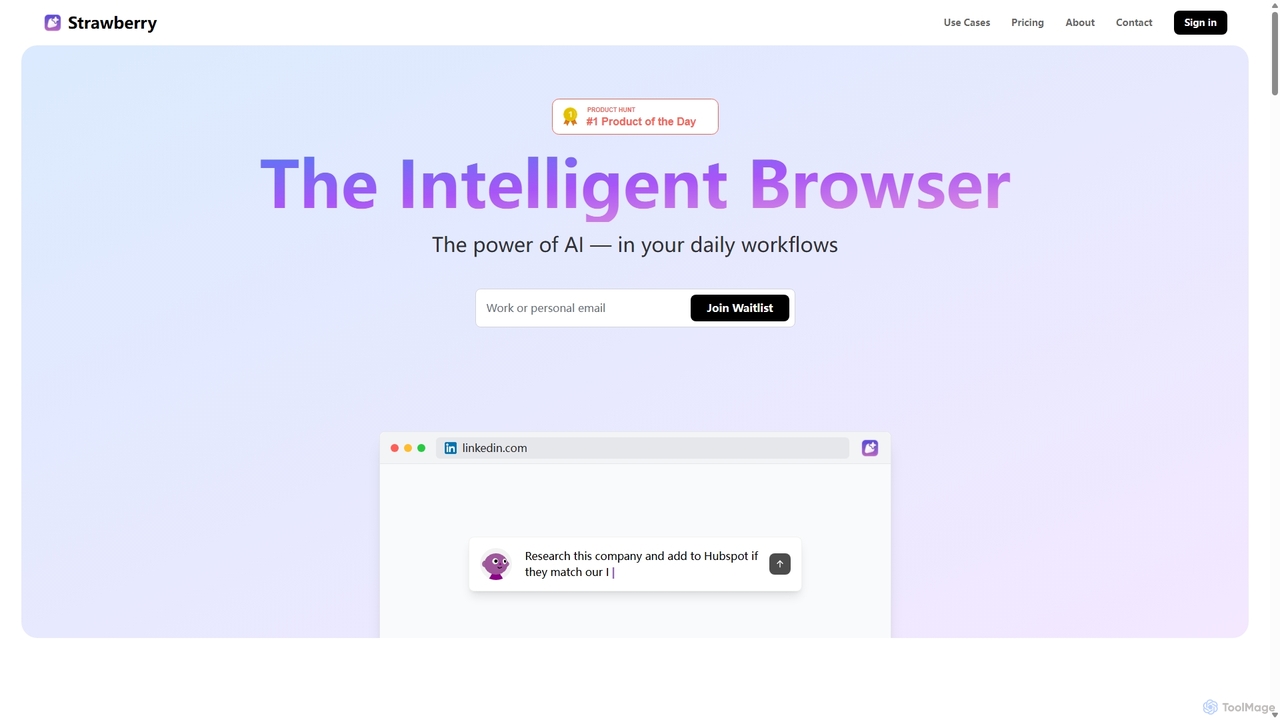
Strawberry Browser
Strawberry Browser is an intelligent, AI-powered browser designed to automate your daily workflows. It allows you to build a team of customizable AI assistants that handle repetitive tasks like research, data extraction, and lead generation directly within your browser. Eliminate grunt work, stay focused, and enhance your productivity.
Ai AssistantChatsheet Categories
Chatsheet Jobs
Chatsheet Embed Widget
Copy this embed code to place the badge on your blog, article, or product site and send readers directly to this ToolMage detail page.

Related AI tools
Strawberry Browser
Strawberry Browser is an intelligent, AI-powered browser designed to automate your daily workflows. It allows you to build a team of customizable AI assistants that handle repetitive tasks like research, data extraction, and lead generation directly within your browser. Eliminate grunt work, stay focused, and enhance your productivity.
Ai AssistantOttogrid
Ottogrid is an AI-powered platform designed to automate manual research tasks. Using AI agents within a native table interface, it helps users enrich lists, research companies, scrape websites with plain English, and analyze hundreds of documents in minutes, streamlining data collection and analysis workflows.
Data Extraction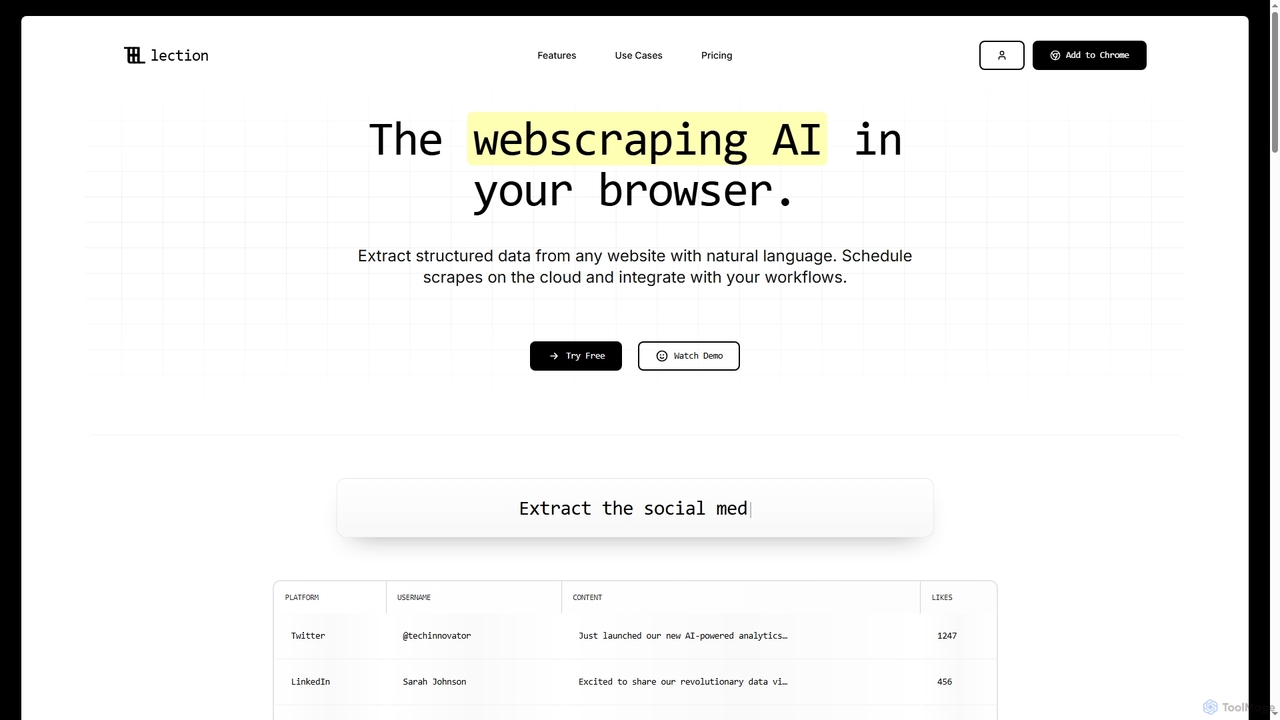
Lection
Lection is an AI-powered web scraping agent that allows users to extract structured data from any website using natural language. It automates data collection, integrates with popular workflows, and provides clean, validated data without requiring any coding expertise.
3D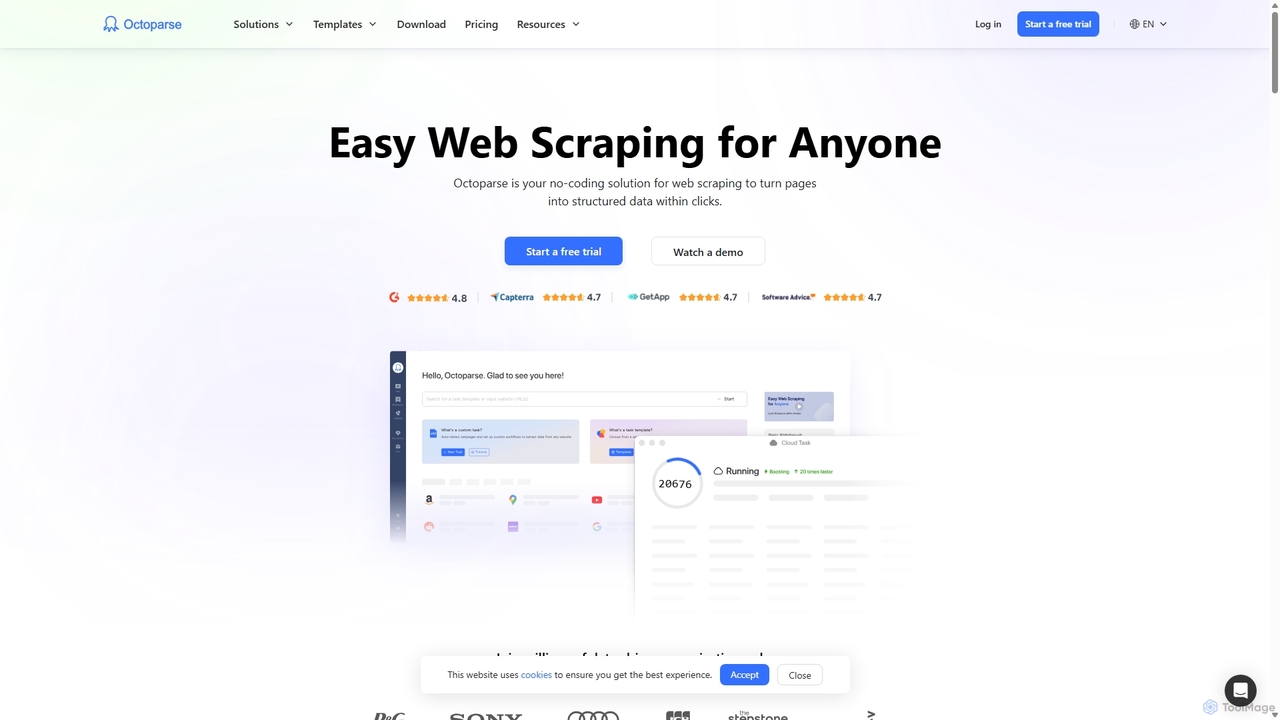
Octoparse
Octoparse is a powerful no-code web scraping tool that allows anyone to extract data from websites without programming. It features a visual workflow designer, an AI-powered assistant for easy setup, and hundreds of pre-built templates for popular sites. With cloud-based automation, IP rotation, and CAPTCHA solving, Octoparse handles complex scraping tasks efficiently, turning web pages into structured data for lead generation, market research, and more.
Web Scraping
Spreadsheet Daddy
Spreadsheet Daddy is an advanced AI-driven add-on for Google Sheets that automates complex tasks. It allows users to generate formulas, Apps Script, and regular expressions from simple text prompts. The tool also excels at bulk content generation, data analysis, and even allows for the creation of custom AI models, transforming your spreadsheet into a powerful productivity hub.
Low Code No Code
TaskMagic
TaskMagic is a no-code Robotic Process Automation (RPA) tool that lets you automate any web-based task. Record your clicks and keystrokes to create powerful workflows for web scraping, data entry, and social media management without writing a single line of code. It simplifies repetitive browser actions, saving you time and effort.
Web Scraping
ExcelFormulaBot
ExcelFormulaBot is an AI-powered tool that generates complex Excel and Google Sheets formulas from text instructions in seconds. It also analyzes data, creates charts, generates VBA/SQL code, and explains formulas, making spreadsheet tasks faster and more accessible for everyone, from beginners to experts.
Data Analysis
Abacus.AI
Abacus.AI is an advanced AI super assistant and generative AI platform designed for both enterprises and individuals. It enables the creation of AI agents, custom chatbots, and automated workflows to enhance productivity, analyze data, and build applied AI systems with minimal human intervention.
ChatbotZeroWork
A no-code Robotic Process Automation (RPA) tool to automate any repetitive web task. Build "TaskBots" with a visual drag-and-drop interface to scrape data, generate leads, manage social media, and more. Integrates AI for content generation and features robust anti-bot detection to ensure account safety.
No Code
Lula
Lula is an AI-powered workflow automation platform designed to enhance team productivity. It integrates seamlessly with your existing tools to automate repetitive tasks, summarize meetings and communications, generate content, and provide actionable insights, acting as a central intelligence hub for your team.
Team CollaborationSkyvern
Skyvern is an AI-powered browser automation platform that uses computer vision and natural language to automate complex web workflows. It can handle data extraction, form submissions, invoice retrieval, and more on any website, adapting dynamically to changes without traditional scripting.
Api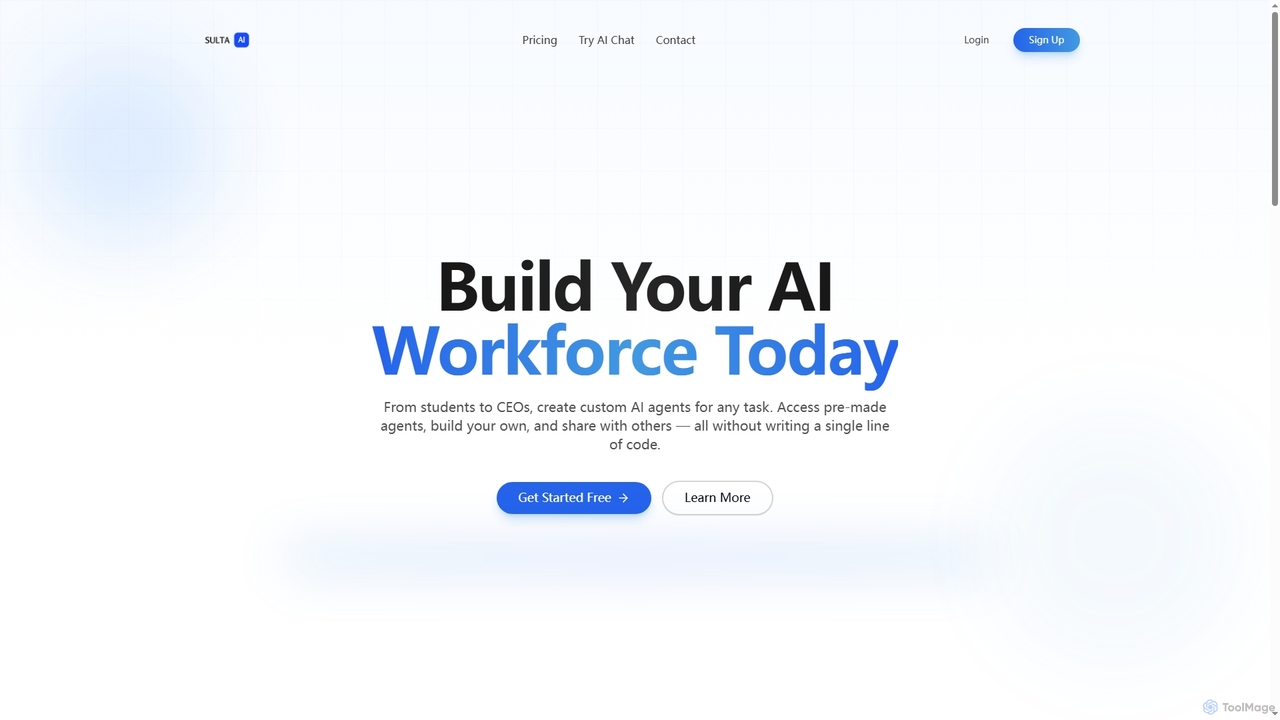
Sulta AI
Sulta AI is a no-code platform empowering users to build and deploy custom AI agents for any task, from student research to business operations. It offers a rich library of pre-built agents, community sharing, and data training capabilities to revolutionize individual and team workflows without writing a single line of code.
Content GenerationMetatable
Metatable is an AI-powered data assistant that revolutionizes how you interact with spreadsheets and tabular data. Simply use natural language prompts to clean, analyze, transform, and visualize your data instantly. It eliminates complex formulas and manual tasks, making data analysis accessible to everyone, from data analysts to business managers.
Analytics
Crawlora
Crawlora is an AI-powered, no-code web scraping platform that enables users to effortlessly extract data from any website. Its intelligent point-and-click interface simplifies data extraction, allowing you to turn web pages into structured data (CSV, JSON) without writing a single line of code. Ideal for market research, lead generation, and price monitoring.
Data Extraction
Jyek
Jyek is an AI agent platform that understands objectives, creates execution plans, uses tools, and delivers verifiable results for complex, multi-step tasks.
Automation
Chatsheet Comments (0)
Sign in to comment.
Sign inNo comments yet.