

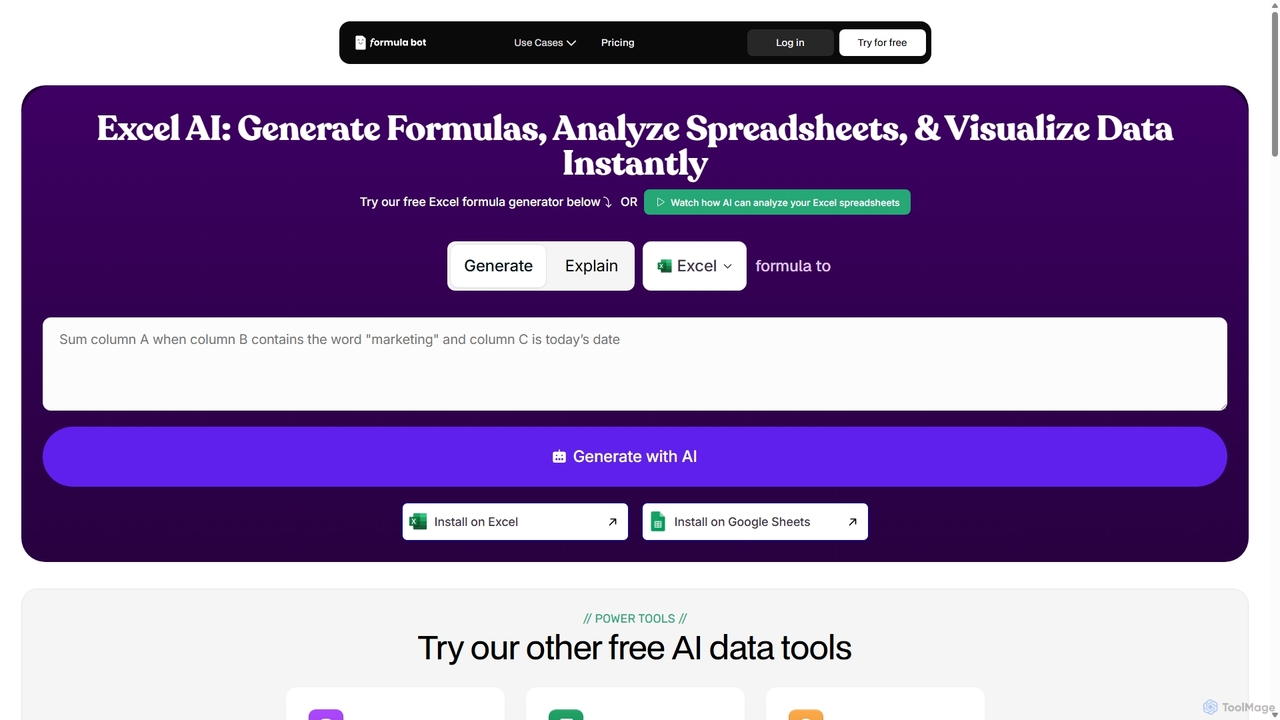
ExcelFormulaBot Overview
ExcelFormulaBot, also known as Formula Bot, is a comprehensive AI-powered platform designed to revolutionize the way users interact with spreadsheets. It serves as an intelligent assistant for Microsoft Excel and Google Sheets, significantly reducing the time and complexity associated with data management and analysis. By translating plain language instructions into complex formulas, scripts, and data visualizations, it empowers users of all skill levels to unlock the full potential of their data without needing to memorize hundreds of functions.
The platform addresses common challenges faced by spreadsheet users, such as the time-consuming nature of writing complex formulas, the high probability of syntax errors, and the general unfamiliarity with the vast array of available functions. Studies show that a vast majority of spreadsheets contain errors, many of which stem from these manual creation issues. ExcelFormulaBot mitigates these risks by automating the process, ensuring accuracy and efficiency.
How to use ExcelFormulaBot
Using ExcelFormulaBot is designed to be intuitive and straightforward, integrating seamlessly into your workflow:
- Formula Generation: Simply type a description of what you want to achieve in the input box. For example, "Calculate the average of column C for all rows where column A is 'Sales' and column B is after January 1, 2023." The AI will instantly provide the correct formula.
- Formula Explanation: If you encounter a complex or unfamiliar formula, paste it into the tool. ExcelFormulaBot will break it down and explain each component in simple, understandable language, turning it into a valuable learning tool.
- Data Analysis and Visualization: Upload your entire spreadsheet (Excel or CSV file). You can then use the AI chat feature to ask questions about your data, such as "What are the sales trends over the last quarter?" or "Create a bar chart showing revenue by product category." The AI will perform the analysis and generate insights and visualizations automatically.
- Code Generation: For automation, describe the task you want to automate. For instance, "Create a VBA macro that copies data from Sheet1 to Sheet2 and then sorts it by date." The tool will generate the necessary VBA or Google Apps Script code.
- Integration: For maximum convenience, install the ExcelFormulaBot add-in for Microsoft Excel or Google Sheets to access its features directly within your spreadsheet environment.
Core Features of ExcelFormulaBot
- AI Formula Generator: Converts natural language text into accurate Excel and Google Sheets formulas.
- AI Formula Explainer: Deconstructs and explains any formula to help users understand its logic and function.
- AI Data Analysis Chat: An interactive chat interface to upload spreadsheets, ask questions, and receive instant insights, summaries, and advanced analysis.
- Automated Chart & Graph Generation: Creates various types of visualizations like line charts, bar graphs, and pie charts based on user prompts.
- VBA & Google Apps Script Generator: Generates code to automate repetitive tasks and create custom functions in Excel and Google Sheets.
- AI SQL Query Generator: Translates text instructions into SQL queries for database management.
- Additional Data Tools: Includes a suite of other utilities such as a Regex Generator, PDF to Excel Converter, Sentiment Analysis Tool, and an AI Spreadsheet Data Generator.
Use Cases for ExcelFormulaBot
ExcelFormulaBot is versatile and valuable across numerous professional domains:
- Sales & Retail: Calculating monthly revenue, tracking sales performance against targets, and computing salesperson commissions.
- Marketing: Analyzing campaign data, measuring conversion rates, and tracking engagement metrics from exported social media data.
- Project Management: Creating dynamic project timelines, tracking task progress, and calculating deadlines or durations.
- Finance & Accounting: Building complex financial models, tracking budgets vs. actuals, and generating expense reports.
- Human Resources: Monitoring employee work hours, calculating payroll adjustments based on performance, and analyzing employee data.
- Academics & Research: Cleaning and analyzing research data, performing statistical calculations, and visualizing experimental results.
Advantages of ExcelFormulaBot
The primary advantage of ExcelFormulaBot is its ability to democratize data analysis. It saves immense amounts of time, reduces the likelihood of costly errors, and significantly lowers the learning curve for advanced spreadsheet functionalities. Users can focus on interpreting data and making decisions rather than getting bogged down in technical details. Its comprehensive suite of tools makes it a single platform for a wide range of data-related tasks, from simple calculations to complex automation scripts.
Pricing and Plans
ExcelFormulaBot operates on a freemium model, offering different tiers to suit various user needs:
- Free Plan: Provides a limited number of formula generations and basic features per month, perfect for occasional users or those wanting to try the service.
- Pro Plan: A paid monthly subscription offering a higher number of requests, access to premium features like the data analysis chat, and priority support. Ideal for professionals and frequent users.
- Premium/Business Plan: Designed for teams and businesses, this tier includes unlimited requests, advanced collaboration features, and dedicated support for extensive usage.
ExcelFormulaBot Alternatives
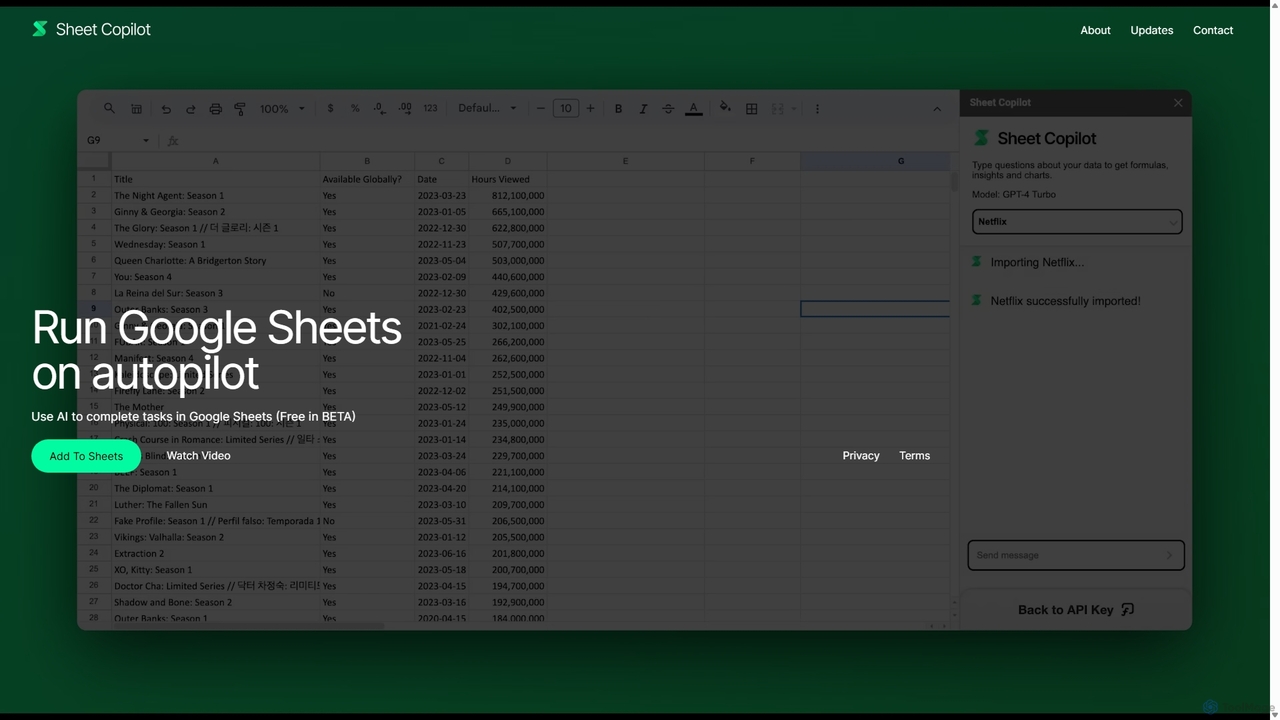
Sheet Copilot
Sheet Copilot is an AI-powered assistant that automates tasks and answers questions directly within Google Sheets. By using natural language commands, you can clean data, generate formulas, create summaries, and analyze information without writing complex functions. It's currently free in beta and operates using your own OpenAI API key for enhanced privacy and security.
Automation
Sheetplus
Sheetplus is an AI-powered toolkit designed to supercharge your spreadsheet experience in Google Sheets and Excel. By leveraging natural language, it allows users to generate complex formulas, clean and analyze data, automate tasks, and extract insights without writing code. It acts as an intelligent assistant, making data management faster, more intuitive, and accessible to everyone, regardless of their technical expertise.
Automation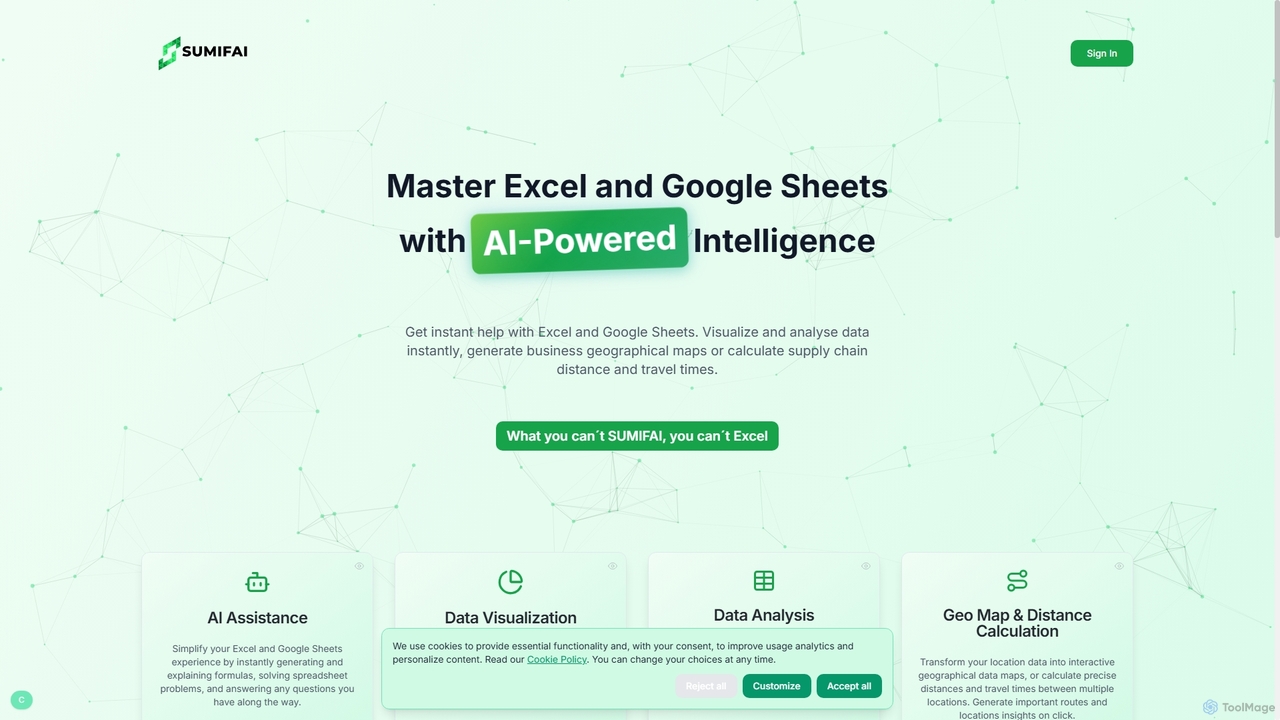
Sumifai
Sumifai is an AI-powered assistant for Excel and Google Sheets that simplifies spreadsheet tasks. It instantly generates and explains formulas, analyzes data, creates visualizations, and even builds interactive geographical maps from location data. Designed for all skill levels, it helps users uncover insights and streamline workflows without requiring technical expertise.
Business Intelligence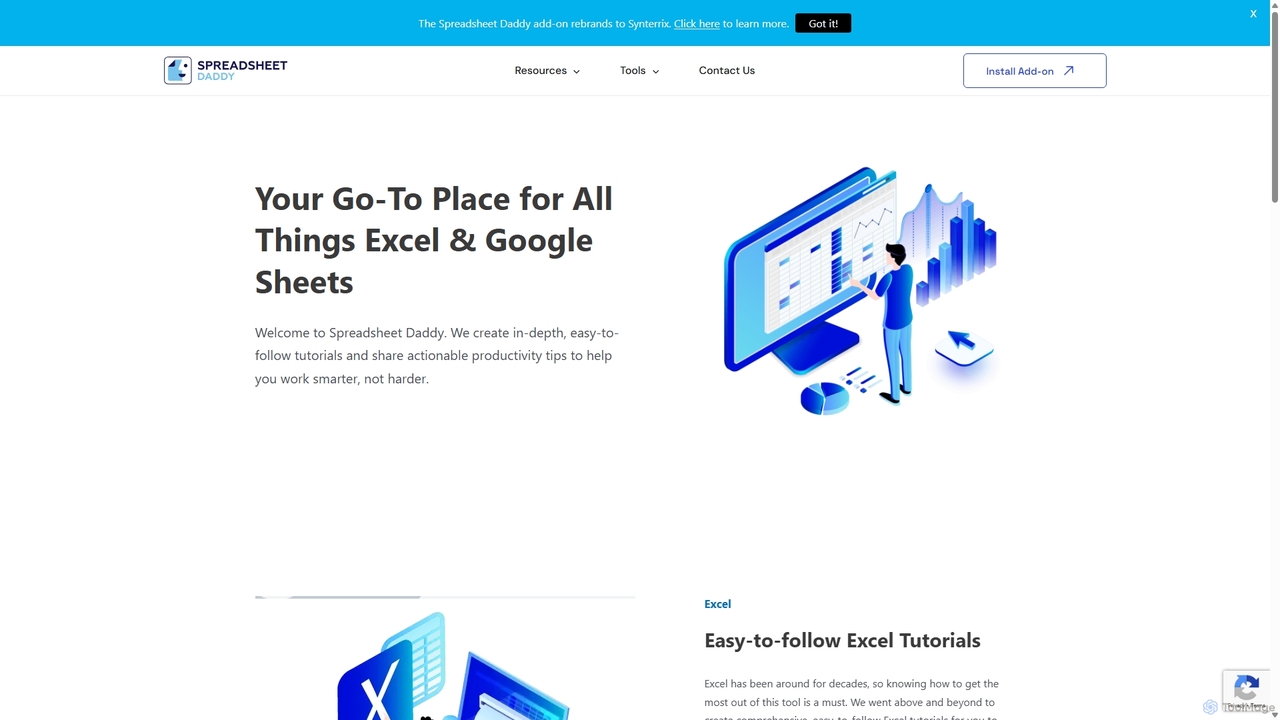
Spreadsheet Daddy
Spreadsheet Daddy is an advanced AI-driven add-on for Google Sheets that automates complex tasks. It allows users to generate formulas, Apps Script, and regular expressions from simple text prompts. The tool also excels at bulk content generation, data analysis, and even allows for the creation of custom AI models, transforming your spreadsheet into a powerful productivity hub.
Low Code No Code
GPT Workspace
GPT Workspace integrates AI-powered features directly into Google Workspace applications like Docs, Sheets, Slides, and Gmail. It enhances productivity by automating content creation, data analysis, email drafting, and document editing, allowing users to leverage the power of models like GPT-4o seamlessly within their existing workflow.
Document ManagementExcelFormulaBot Categories
ExcelFormulaBot Jobs
ExcelFormulaBot Embed Widget
Copy this embed code to place the badge on your blog, article, or product site and send readers directly to this ToolMage detail page.

Related AI tools
Sheet Copilot
Sheet Copilot is an AI-powered assistant that automates tasks and answers questions directly within Google Sheets. By using natural language commands, you can clean data, generate formulas, create summaries, and analyze information without writing complex functions. It's currently free in beta and operates using your own OpenAI API key for enhanced privacy and security.
AutomationSheetplus
Sheetplus is an AI-powered toolkit designed to supercharge your spreadsheet experience in Google Sheets and Excel. By leveraging natural language, it allows users to generate complex formulas, clean and analyze data, automate tasks, and extract insights without writing code. It acts as an intelligent assistant, making data management faster, more intuitive, and accessible to everyone, regardless of their technical expertise.
AutomationSumifai
Sumifai is an AI-powered assistant for Excel and Google Sheets that simplifies spreadsheet tasks. It instantly generates and explains formulas, analyzes data, creates visualizations, and even builds interactive geographical maps from location data. Designed for all skill levels, it helps users uncover insights and streamline workflows without requiring technical expertise.
Business IntelligenceSpreadsheet Daddy
Spreadsheet Daddy is an advanced AI-driven add-on for Google Sheets that automates complex tasks. It allows users to generate formulas, Apps Script, and regular expressions from simple text prompts. The tool also excels at bulk content generation, data analysis, and even allows for the creation of custom AI models, transforming your spreadsheet into a powerful productivity hub.
Low Code No Code
Chatsheet
Chatsheet is an AI-powered spreadsheet platform that automates research, content creation, and data analysis. Using a familiar spreadsheet interface, users can build complex, no-code workflows to process documents, scrape websites, and generate personalized content at scale, effectively turning each cell into a smart AI agent.
Spreadsheets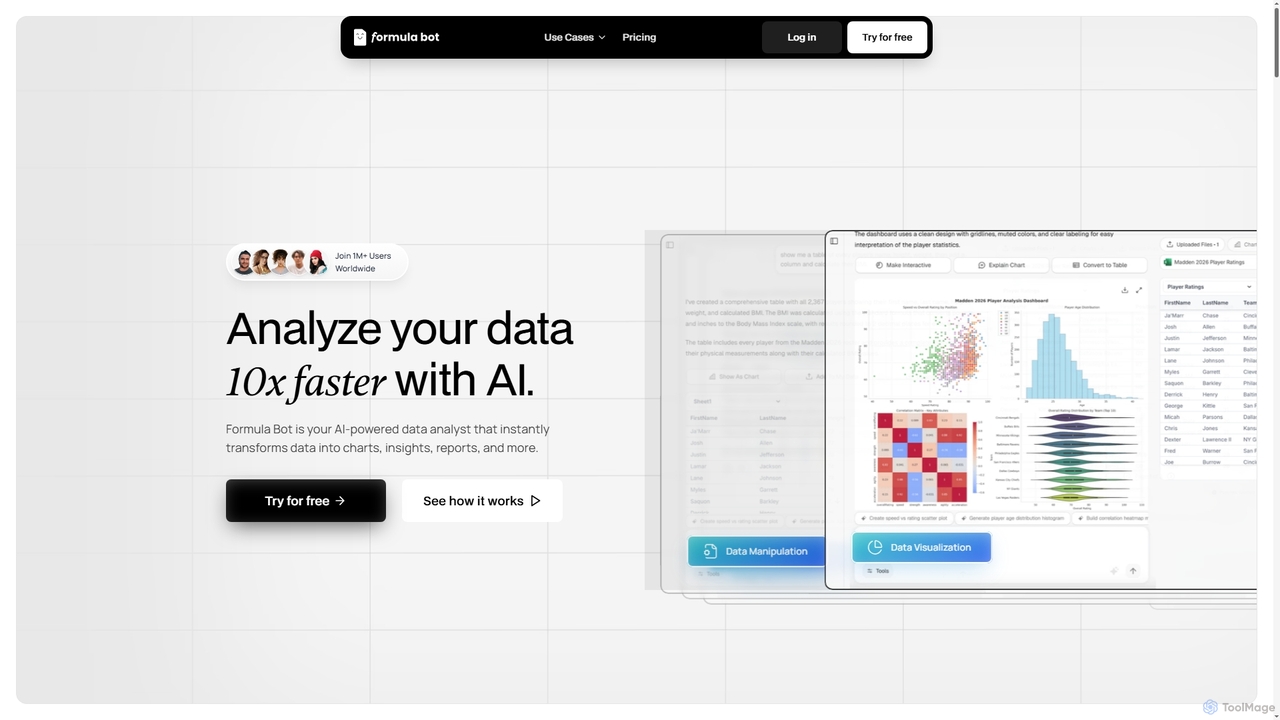
Formula Bot
Formula Bot is an AI-powered data analyst that instantly transforms raw data into actionable insights, stunning charts, and comprehensive reports. It also offers specialized AI tools for generating Excel formulas, converting PDFs to Excel, and providing step-by-step homework assistance across various subjects, streamlining data handling and learning processes for users worldwide.
Visualization
Metatable
Metatable is an AI-powered data assistant that revolutionizes how you interact with spreadsheets and tabular data. Simply use natural language prompts to clean, analyze, transform, and visualize your data instantly. It eliminates complex formulas and manual tasks, making data analysis accessible to everyone, from data analysts to business managers.
Analytics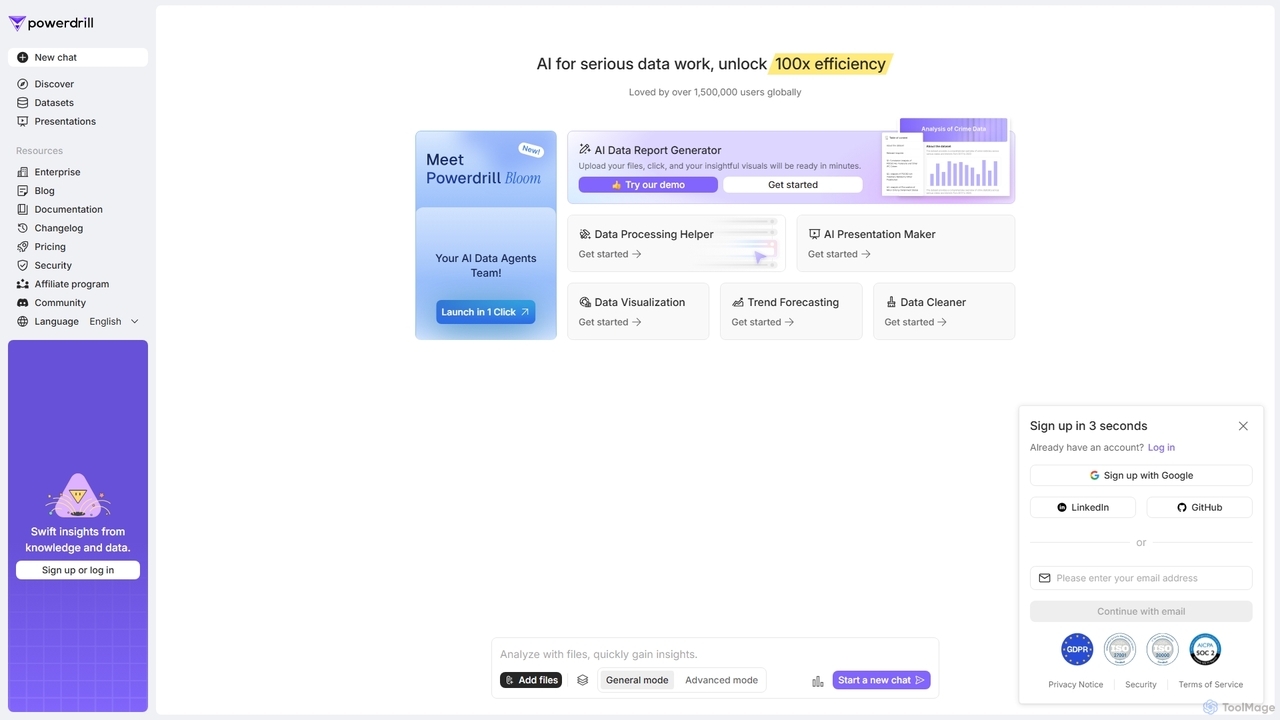
Powerdrill
Powerdrill is an AI-powered data analysis platform designed for serious data work, enabling users to unlock 100x efficiency. It automates the entire process from data processing and cleaning to visualization, report generation, and trend forecasting. Simply upload your files (Excel, CSV, PDF) or connect to a database, and let the AI generate actionable insights, interactive charts, and comprehensive presentations in minutes.
Business Intelligence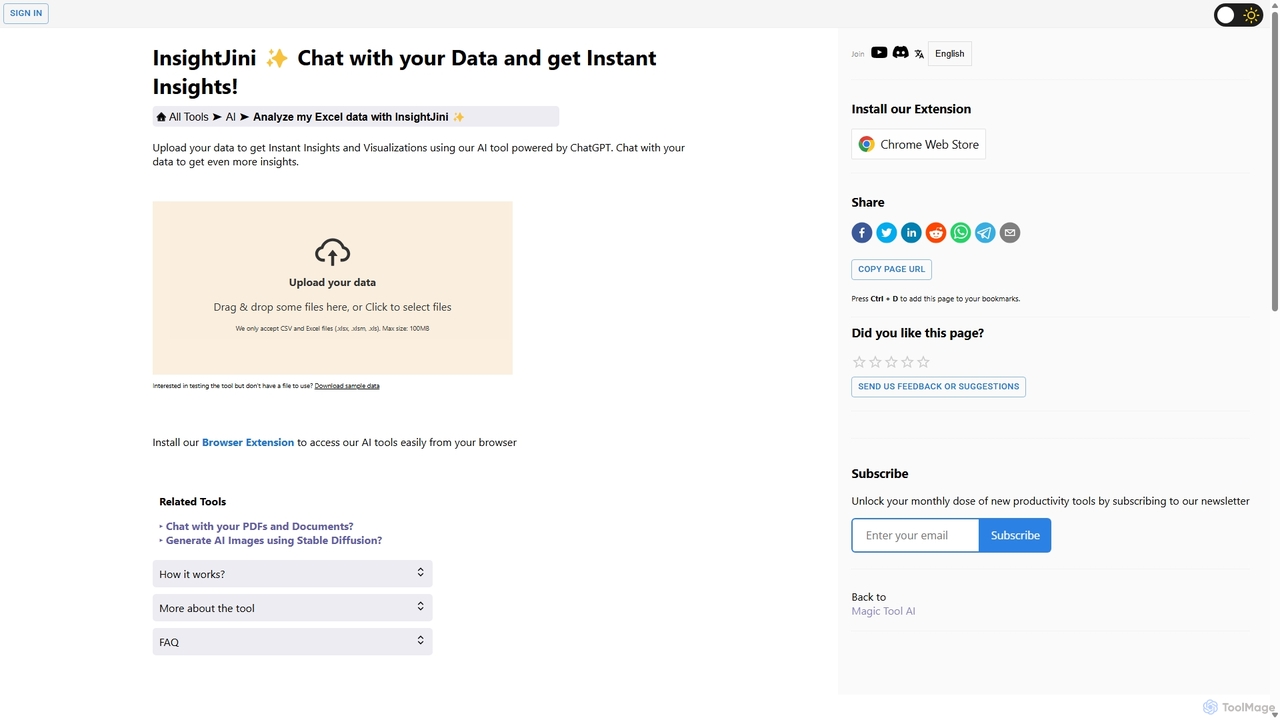
InsightJini
InsightJini is an AI-powered data analysis tool that lets you chat with your Excel and CSV files. Upload your data to instantly generate visualizations and insights without any coding. Its conversational interface, powered by ChatGPT, makes data exploration intuitive and accessible for everyone.
Business Intelligence
EasyAIBridge
EasyAIBridge transforms your spreadsheets into instant, actionable insights using advanced AI. Simply type your questions in natural language, and AI automatically generates charts, reports, and data extractions from Google Sheets, Excel, and CSV files, making complex data analysis effortless and secure.
Business IntelligenceGPT Workspace
GPT Workspace integrates AI-powered features directly into Google Workspace applications like Docs, Sheets, Slides, and Gmail. It enhances productivity by automating content creation, data analysis, email drafting, and document editing, allowing users to leverage the power of models like GPT-4o seamlessly within their existing workflow.
Document Management
ChatBiReport
ChatBiReport is an AI-powered business intelligence assistant that transforms raw data into stunning, interactive charts and reports using natural language descriptions. It simplifies data visualization and reporting for businesses.
3D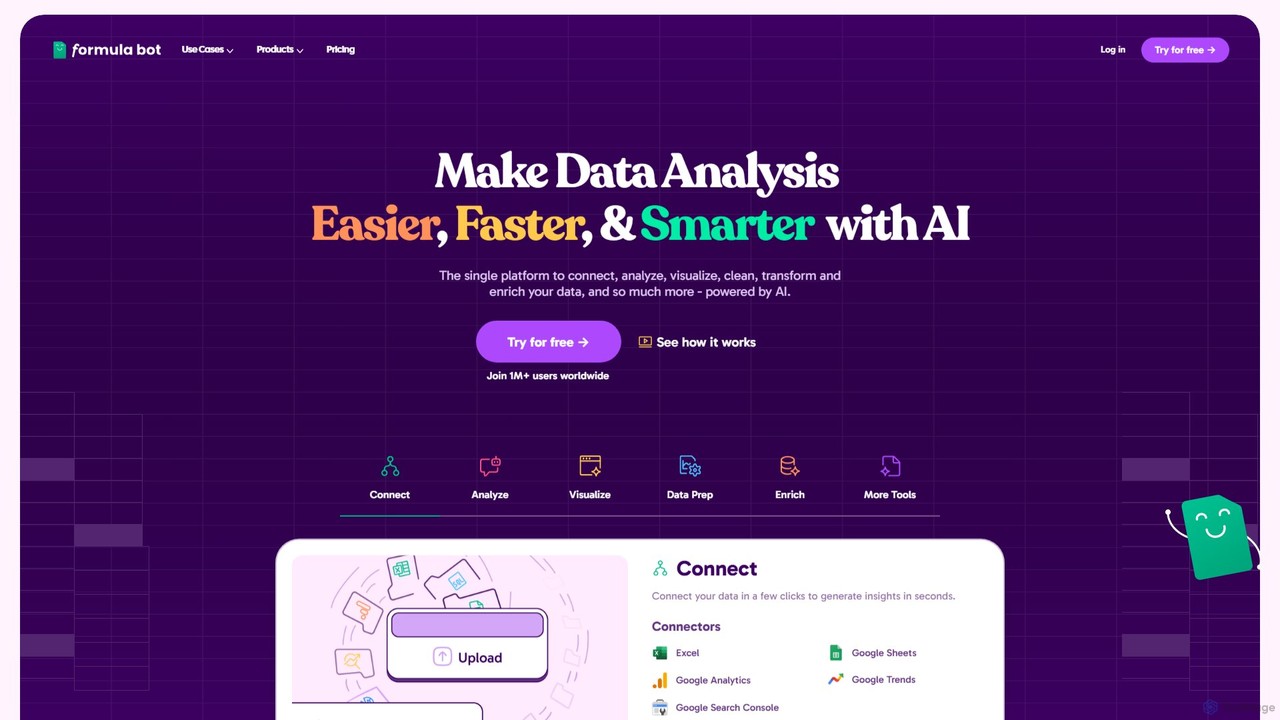
Formula Bot
Formula Bot is an AI-powered data analysis platform that simplifies working with spreadsheets and data. It allows users to generate Excel formulas, SQL queries, and VBA code from simple text instructions, analyze data through a conversational chat interface, and automate tasks like data cleaning and enrichment.
Data Visualization
Ajelix
Ajelix is an AI-powered suite of tools designed to enhance productivity for Excel and Google Sheets users. It acts as an AI data analyst, automating tasks, generating formulas and VBA scripts, creating insightful reports, and providing advanced data analysis through a simple chat interface.
Business Intelligence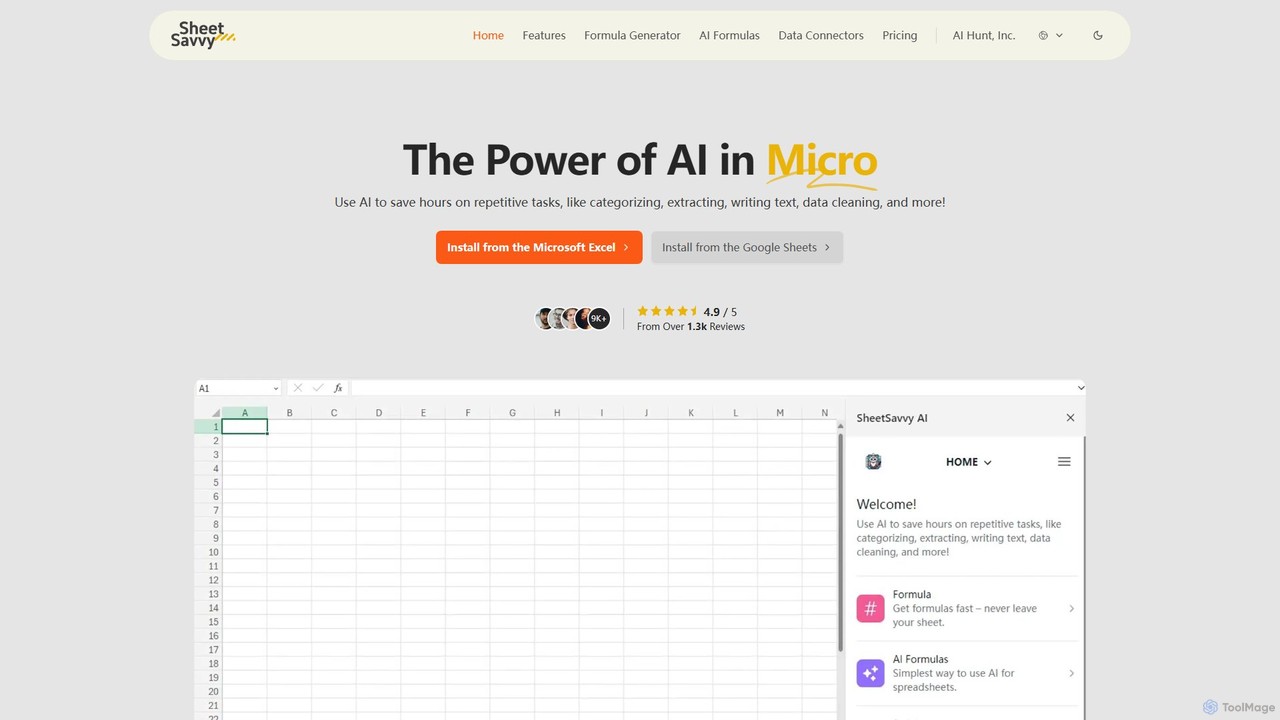
SheetSavvy AI
SheetSavvy AI is an AI-powered assistant for Google Sheets and Microsoft Excel, designed to automate repetitive tasks. It features a formula generator, AI-driven formulas for data cleaning and analysis, and seamless data connectors to import live data, significantly boosting spreadsheet productivity.
Finance
ExcelFormulaBot Comments (0)
Sign in to comment.
Sign inNo comments yet.