


Sheetplus Overview
Sheetplus is a revolutionary AI-powered assistant designed to transform the way you work with spreadsheets like Google Sheets and Excel. It eliminates the steep learning curve and tedious manual processes associated with complex data tasks. By integrating directly into your spreadsheet environment, Sheetplus allows you to communicate your needs in plain English and watch as it executes them instantly. Whether you're a data analyst, a marketing manager, or a small business owner, Sheetplus empowers you to unlock the full potential of your data with unprecedented ease and efficiency.
How to use Sheetplus
Using Sheetplus is designed to be simple and intuitive, seamlessly integrating into your existing workflow. Here’s a typical step-by-step guide:
- Installation: Start by installing the Sheetplus add-on from the Google Workspace Marketplace for Google Sheets or the Microsoft AppSource for Excel.
- Launch the Tool: Once installed, open your spreadsheet and launch the Sheetplus sidebar from the 'Extensions' or 'Add-ins' menu.
- Describe Your Task: In the Sheetplus input field, type what you want to achieve in natural language. For example, you could type "Generate a formula to sum values in column C for rows where column A contains 'Q4 Report'" or "Clean this data by removing duplicate rows and trimming whitespace."
- Generate & Apply: Sheetplus will instantly process your request and provide the corresponding formula, script, or a preview of the cleaned data.
- Execute: With a single click, you can apply the generated formula to the selected cell or execute the data cleaning and analysis operations on your sheet.
Core Features of Sheetplus
- AI Formula Generator: Convert plain English descriptions into complex and accurate formulas for both Google Sheets and Excel, including VLOOKUP, SUMIFS, REGEX, and more.
- Automated Data Cleaning: Instantly identify and fix common data issues such as duplicates, inconsistencies, extra spaces, and incorrect formatting.
- One-Click Data Analysis: Select a data range and ask Sheetplus to generate summaries, identify trends, create charts, or build pivot tables automatically.
- Text Analysis & Extraction: Perform advanced text operations directly within your cells, such as sentiment analysis on customer feedback, keyword extraction from product reviews, or pulling specific information like emails and phone numbers from unstructured text.
- Task Automation (Script Generation): Describe a repetitive workflow, and Sheetplus will generate the necessary Google Apps Script or VBA code to automate it, such as sending emails based on cell values or sorting data automatically.
- Smart Template Creation: Generate structured spreadsheet templates for various business needs—like budgets, project plans, or content calendars—simply by describing your requirements.
Use Cases for Sheetplus
Sheetplus is versatile and can be applied across numerous professional domains:
- Marketing Professionals: Analyze marketing campaign ROI, perform sentiment analysis on social media comments, and clean lead lists from web forms.
- Sales Teams: Generate sales forecast reports, clean and segment customer data, and track performance metrics with dynamic dashboards.
- Financial Analysts: Build complex financial models, automate expense tracking, and reconcile accounts without manually writing intricate formulas.
- Operations Managers: Track inventory, manage project timelines, and analyze supply chain data to identify bottlenecks.
- HR Managers: Analyze employee survey data, manage payroll spreadsheets, and track recruitment pipelines efficiently.
Advantages of Sheetplus
Integrating Sheetplus into your workflow provides significant benefits:
- Boost Productivity: Drastically reduce the time spent on manual spreadsheet tasks, freeing you up to focus on strategic analysis and decision-making.
- Democratize Data Skills: Empower team members without advanced spreadsheet skills to perform complex data operations, fostering a more data-driven culture.
- Reduce Human Error: Minimize the risk of errors that come from manually writing complex formulas or cleaning data.
- Seamless Integration: Works as an add-on directly within the familiar environment of Google Sheets and Excel, requiring no context switching.
- Cost-Effective: Provides access to powerful data analysis and automation capabilities at a fraction of the cost of specialized business intelligence software.
Pricing and Plans
Sheetplus typically offers a freemium model to allow users to experience its power:
- Free Plan: Ideal for individuals and casual users, offering a limited number of AI requests per month to access core features like formula generation.
- Pro Plan: A monthly or annual subscription designed for professionals who rely heavily on spreadsheets. It includes a high volume of AI requests, access to all advanced features, and priority customer support.
- Business Plan: Custom pricing for teams and organizations. This plan offers unlimited requests, centralized billing, team management features, and dedicated support.
Traffic
Latest traffic
Status
Monthly traffic trend
- 2025-8: 101
- 2025-9: 569
- 2026-2: 0
- 2026-3: 0
- 2026-4: 843
- 2026-5: 958
Top keywords
| Keyword | Cost per click |
|---|---|
| sheetplus | $0.00 |
Sheetplus Alternatives

Sheet Copilot
Sheet Copilot is an AI-powered assistant that automates tasks and answers questions directly within Google Sheets. By using natural language commands, you can clean data, generate formulas, create summaries, and analyze information without writing complex functions. It's currently free in beta and operates using your own OpenAI API key for enhanced privacy and security.
Automation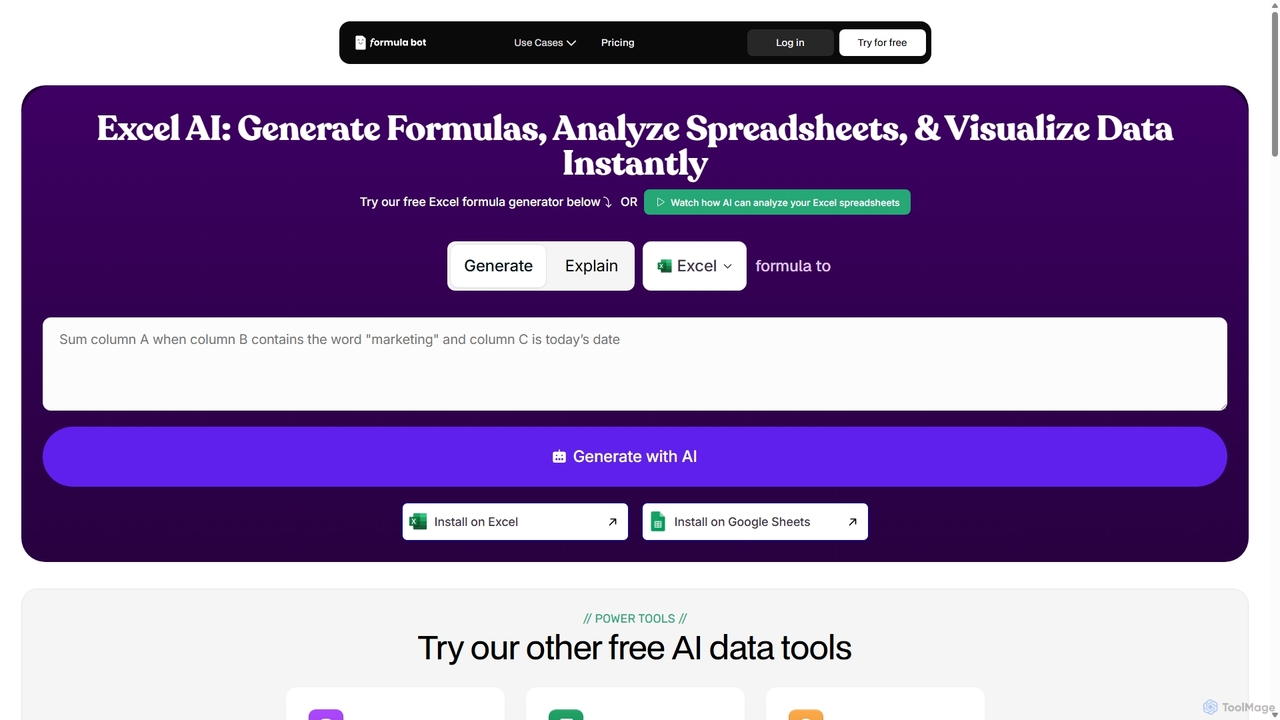
ExcelFormulaBot
ExcelFormulaBot is an AI-powered tool that generates complex Excel and Google Sheets formulas from text instructions in seconds. It also analyzes data, creates charts, generates VBA/SQL code, and explains formulas, making spreadsheet tasks faster and more accessible for everyone, from beginners to experts.
Data Analysis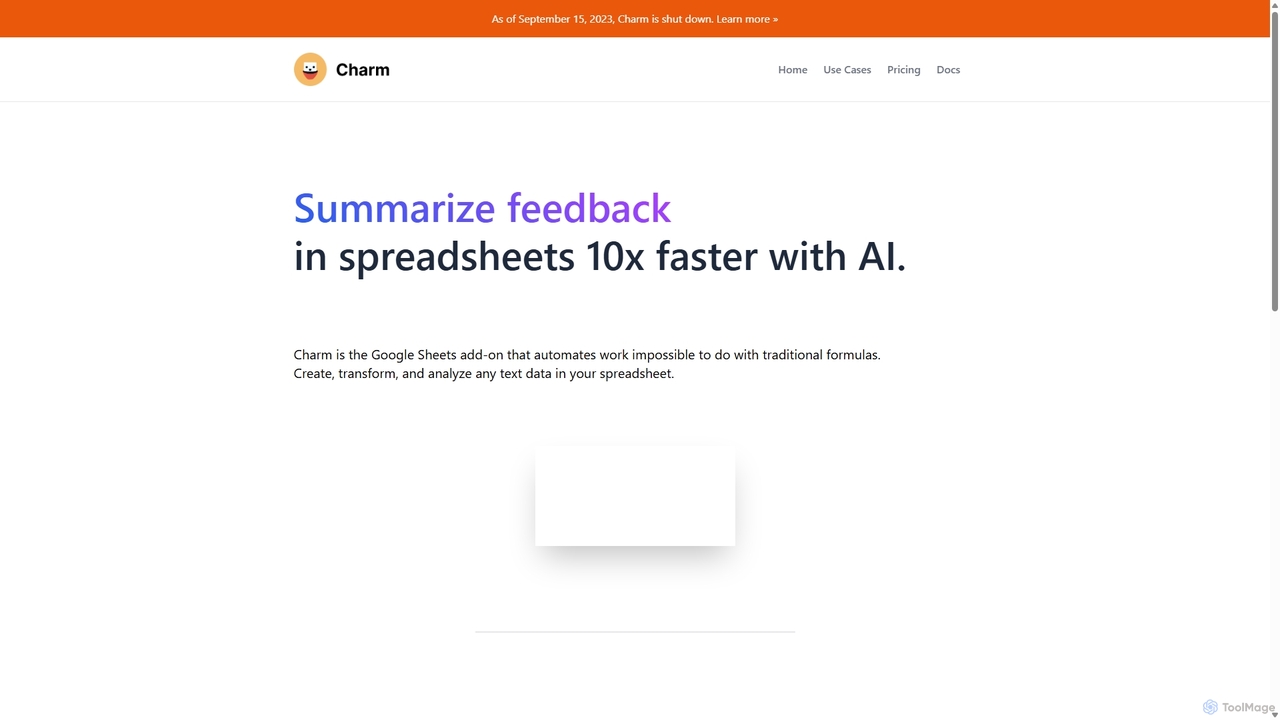
Charm
Charm was an AI-powered assistant integrated directly into Google Sheets as an add-on. It was designed to automate complex text-based tasks, such as cleaning messy data, generating content, summarizing text, and classifying information, without requiring traditional formulas or coding. Please note: Charm was officially shut down on September 15, 2023.
Automation
Spreadsheet Daddy
Spreadsheet Daddy is an advanced AI-driven add-on for Google Sheets that automates complex tasks. It allows users to generate formulas, Apps Script, and regular expressions from simple text prompts. The tool also excels at bulk content generation, data analysis, and even allows for the creation of custom AI models, transforming your spreadsheet into a powerful productivity hub.
Low Code No Code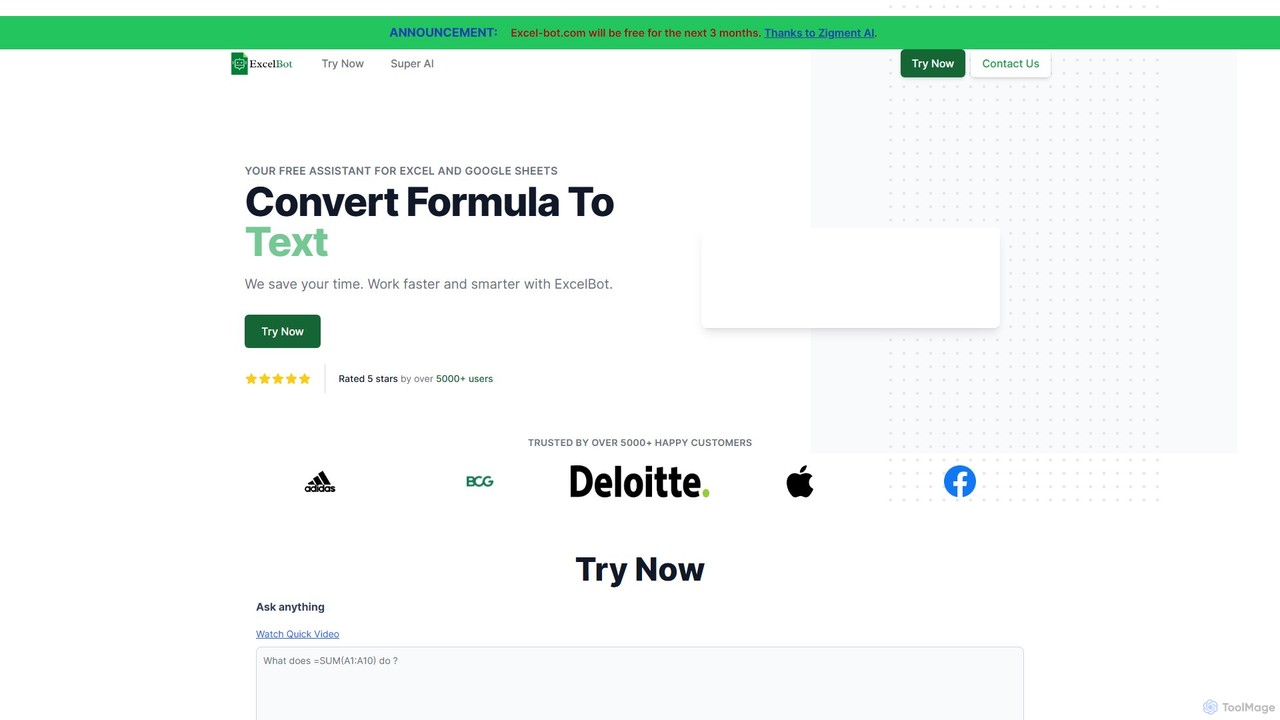
Excel Bot
Excel Bot is an AI-powered assistant for Microsoft Excel and Google Sheets. It converts your plain text instructions into complex formulas instantly, saving you time and reducing errors. Simply describe what you need, and the AI generates the correct formula for you.
FinanceSheetplus Categories
Sheetplus Jobs
Sheetplus Embed Widget
Copy this embed code to place the badge on your blog, article, or product site and send readers directly to this ToolMage detail page.

Related AI tools
Sheet Copilot
Sheet Copilot is an AI-powered assistant that automates tasks and answers questions directly within Google Sheets. By using natural language commands, you can clean data, generate formulas, create summaries, and analyze information without writing complex functions. It's currently free in beta and operates using your own OpenAI API key for enhanced privacy and security.
AutomationExcelFormulaBot
ExcelFormulaBot is an AI-powered tool that generates complex Excel and Google Sheets formulas from text instructions in seconds. It also analyzes data, creates charts, generates VBA/SQL code, and explains formulas, making spreadsheet tasks faster and more accessible for everyone, from beginners to experts.
Data Analysis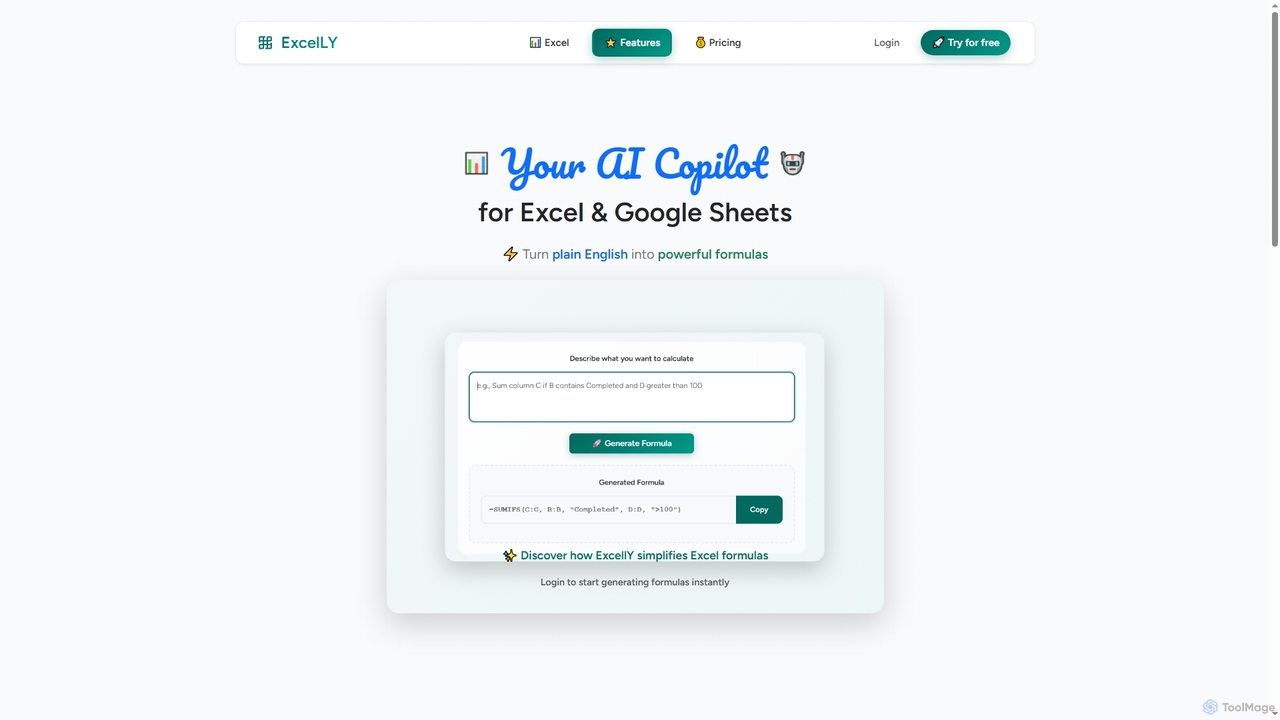
Excelly
Excelly is an AI copilot for Excel and Google Sheets that transforms plain English descriptions into complex formulas instantly. It also provides step-by-step explanations, boosting productivity and simplifying spreadsheet tasks for users of all skill levels.
Formula Generation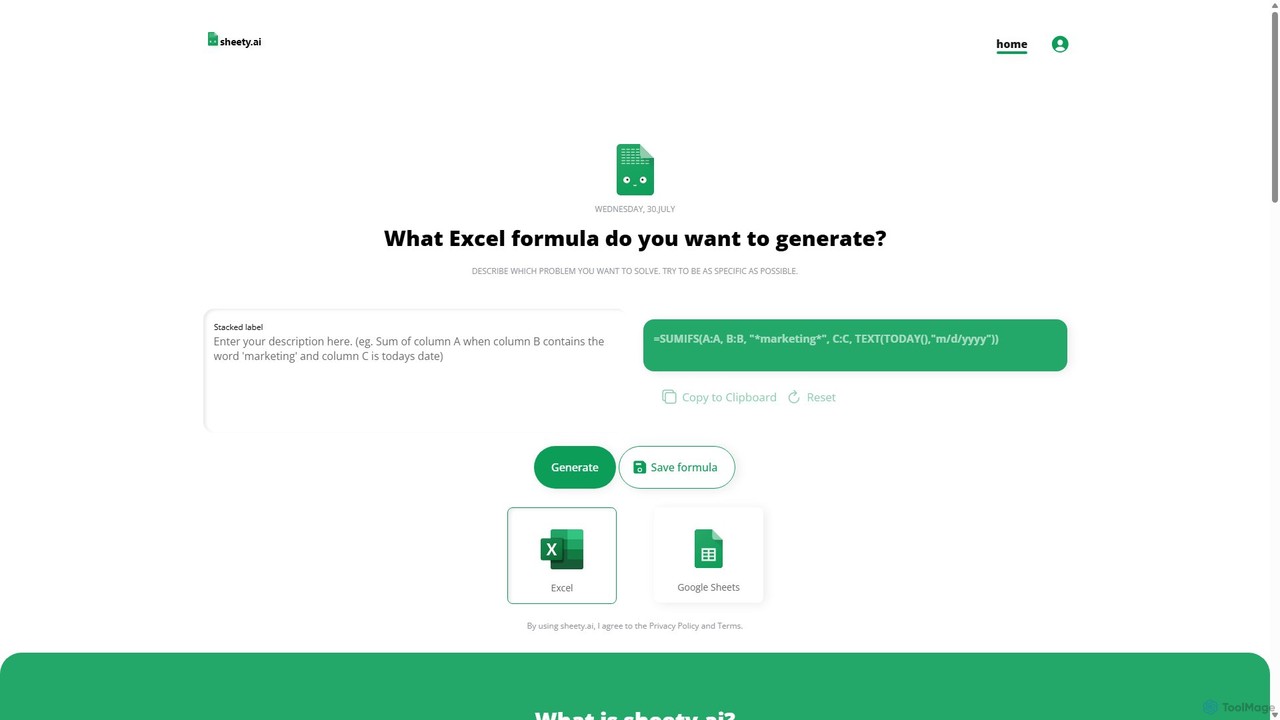
sheety.ai
sheety.ai is an AI-powered tool that instantly generates complex spreadsheet formulas for Excel and Google Sheets from natural language descriptions. Simply describe the problem you want to solve, and the AI will provide the correct formula, saving you time and eliminating the need to memorize syntax. It's designed for everyone from students to financial analysts, boosting productivity and data accuracy.
Data Processing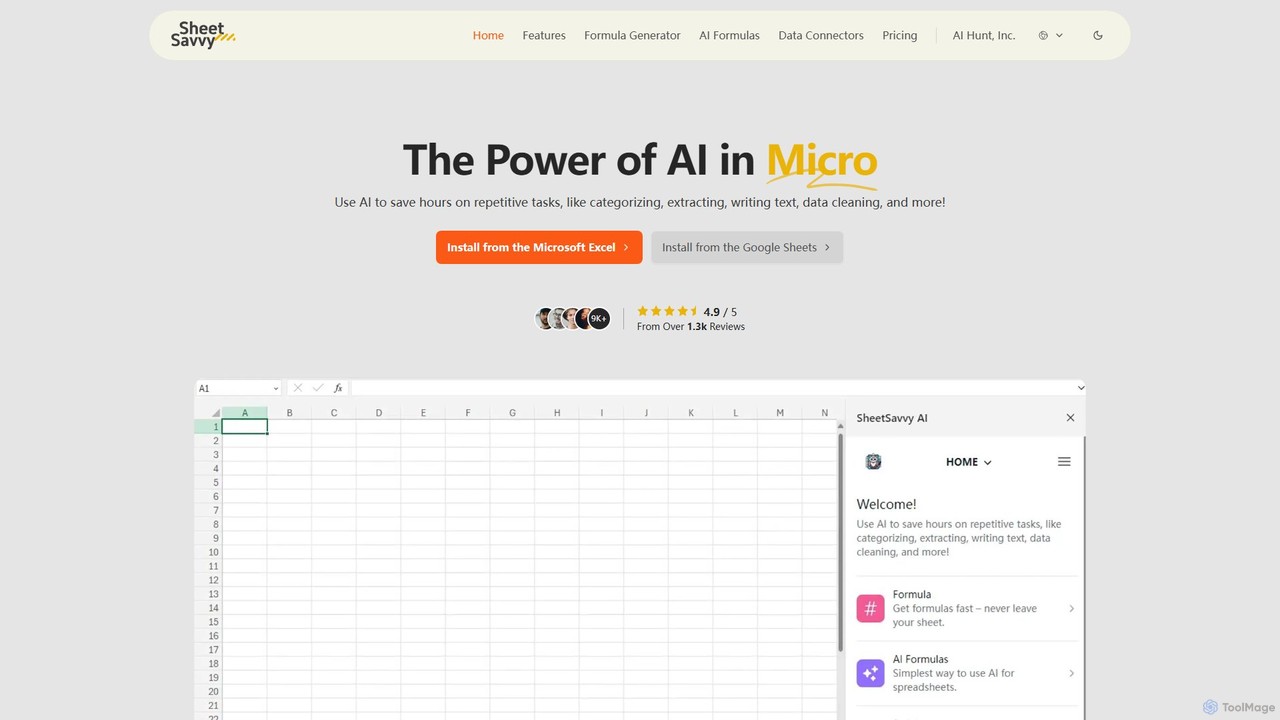
SheetSavvy AI
SheetSavvy AI is an AI-powered assistant for Google Sheets and Microsoft Excel, designed to automate repetitive tasks. It features a formula generator, AI-driven formulas for data cleaning and analysis, and seamless data connectors to import live data, significantly boosting spreadsheet productivity.
Finance
Metatable
Metatable is an AI-powered data assistant that revolutionizes how you interact with spreadsheets and tabular data. Simply use natural language prompts to clean, analyze, transform, and visualize your data instantly. It eliminates complex formulas and manual tasks, making data analysis accessible to everyone, from data analysts to business managers.
AnalyticsSpreadsheet Daddy
Spreadsheet Daddy is an advanced AI-driven add-on for Google Sheets that automates complex tasks. It allows users to generate formulas, Apps Script, and regular expressions from simple text prompts. The tool also excels at bulk content generation, data analysis, and even allows for the creation of custom AI models, transforming your spreadsheet into a powerful productivity hub.
Low Code No CodeCharm
Charm was an AI-powered assistant integrated directly into Google Sheets as an add-on. It was designed to automate complex text-based tasks, such as cleaning messy data, generating content, summarizing text, and classifying information, without requiring traditional formulas or coding. Please note: Charm was officially shut down on September 15, 2023.
Automation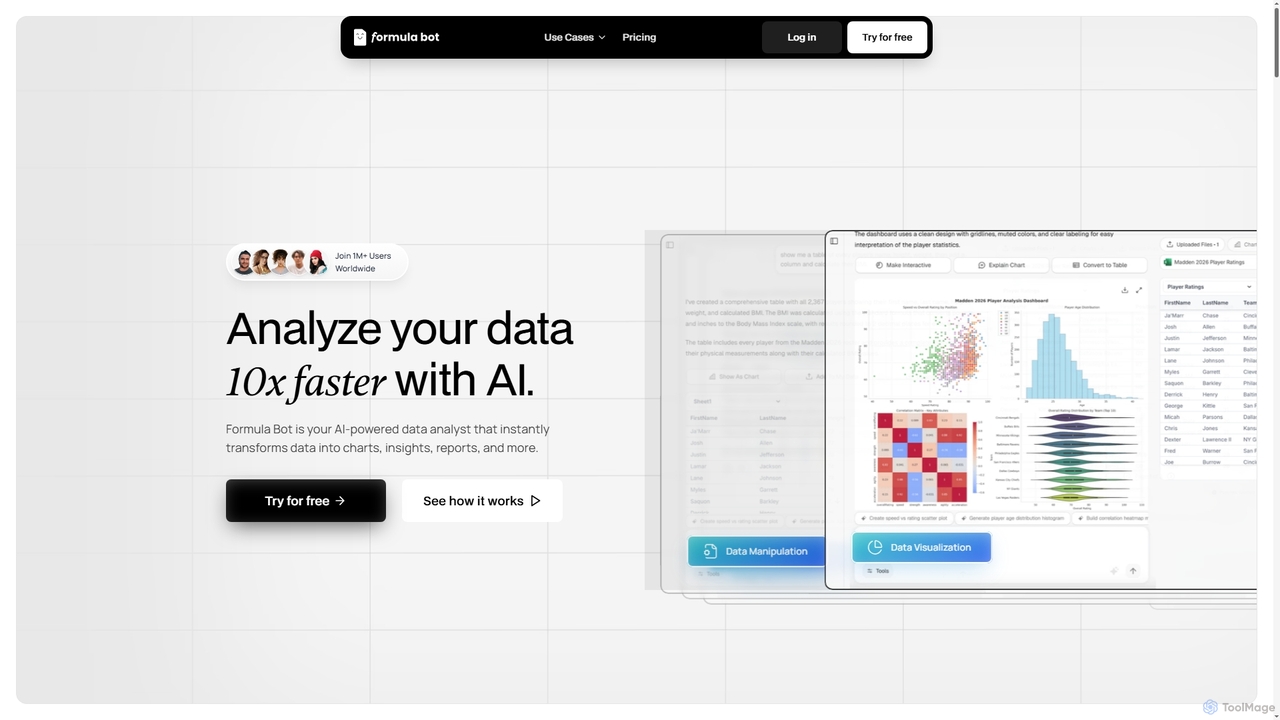
Formula Bot
Formula Bot is an AI-powered data analyst that instantly transforms raw data into actionable insights, stunning charts, and comprehensive reports. It also offers specialized AI tools for generating Excel formulas, converting PDFs to Excel, and providing step-by-step homework assistance across various subjects, streamlining data handling and learning processes for users worldwide.
Visualization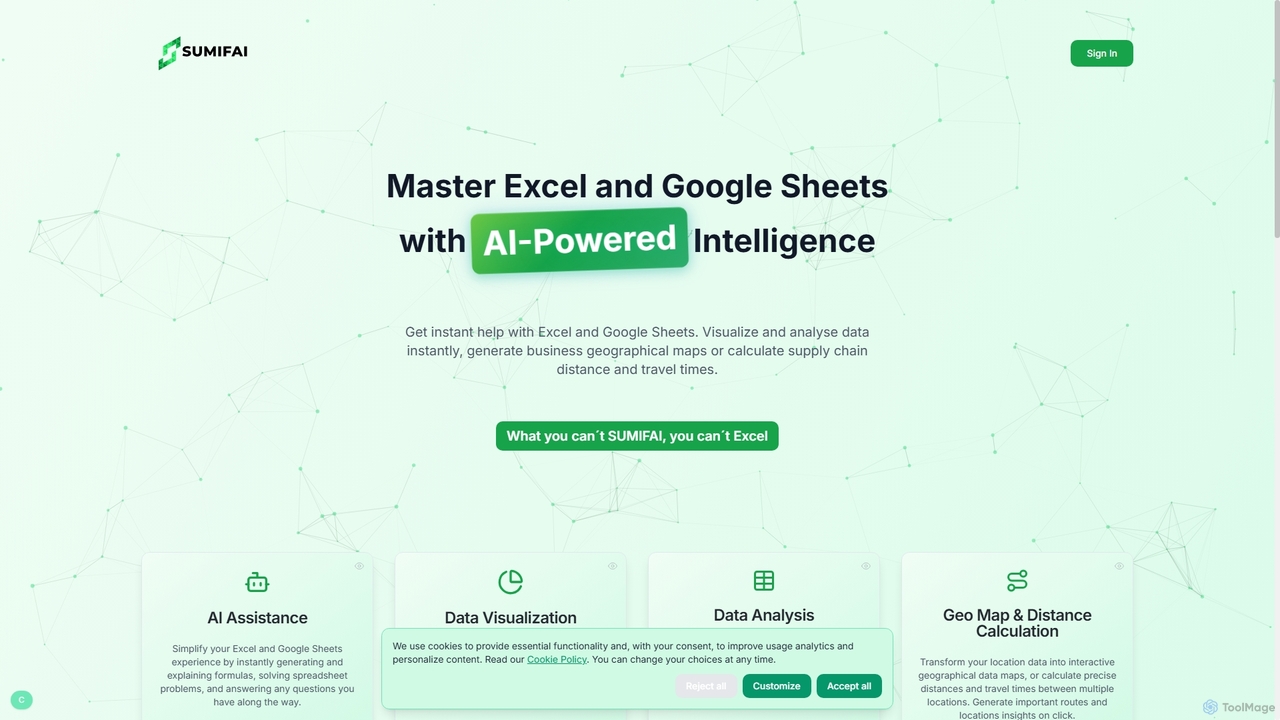
Sumifai
Sumifai is an AI-powered assistant for Excel and Google Sheets that simplifies spreadsheet tasks. It instantly generates and explains formulas, analyzes data, creates visualizations, and even builds interactive geographical maps from location data. Designed for all skill levels, it helps users uncover insights and streamline workflows without requiring technical expertise.
Business Intelligence
Jyek
Jyek is an AI agent platform that understands objectives, creates execution plans, uses tools, and delivers verifiable results for complex, multi-step tasks.
Automation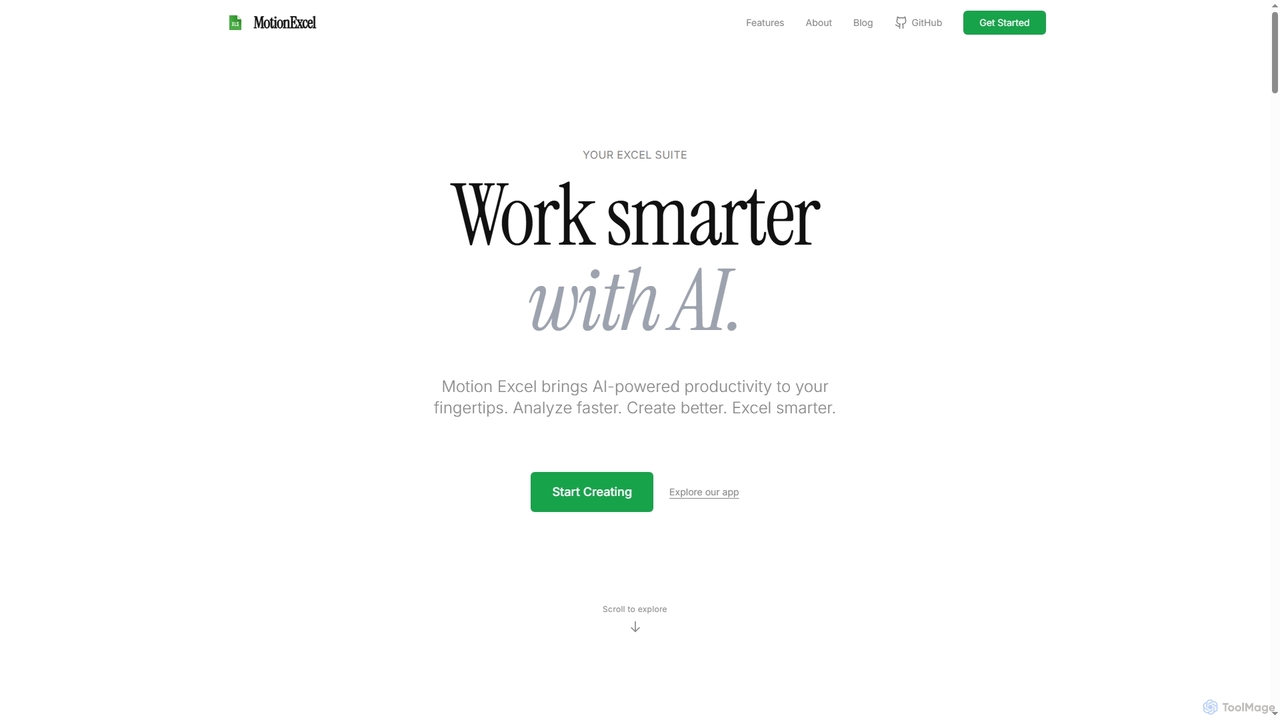
MotionExcel
MotionExcel is an AI-powered spreadsheet editor that integrates artificial intelligence, Python, and SQL to transform data analysis and automation. It helps users analyze data faster, create better insights, and work smarter with intelligent agents and advanced features.
Spreadsheet
Ajelix
Ajelix is an AI-powered suite of tools designed to enhance productivity for Excel and Google Sheets users. It acts as an AI data analyst, automating tasks, generating formulas and VBA scripts, creating insightful reports, and providing advanced data analysis through a simple chat interface.
Business Intelligence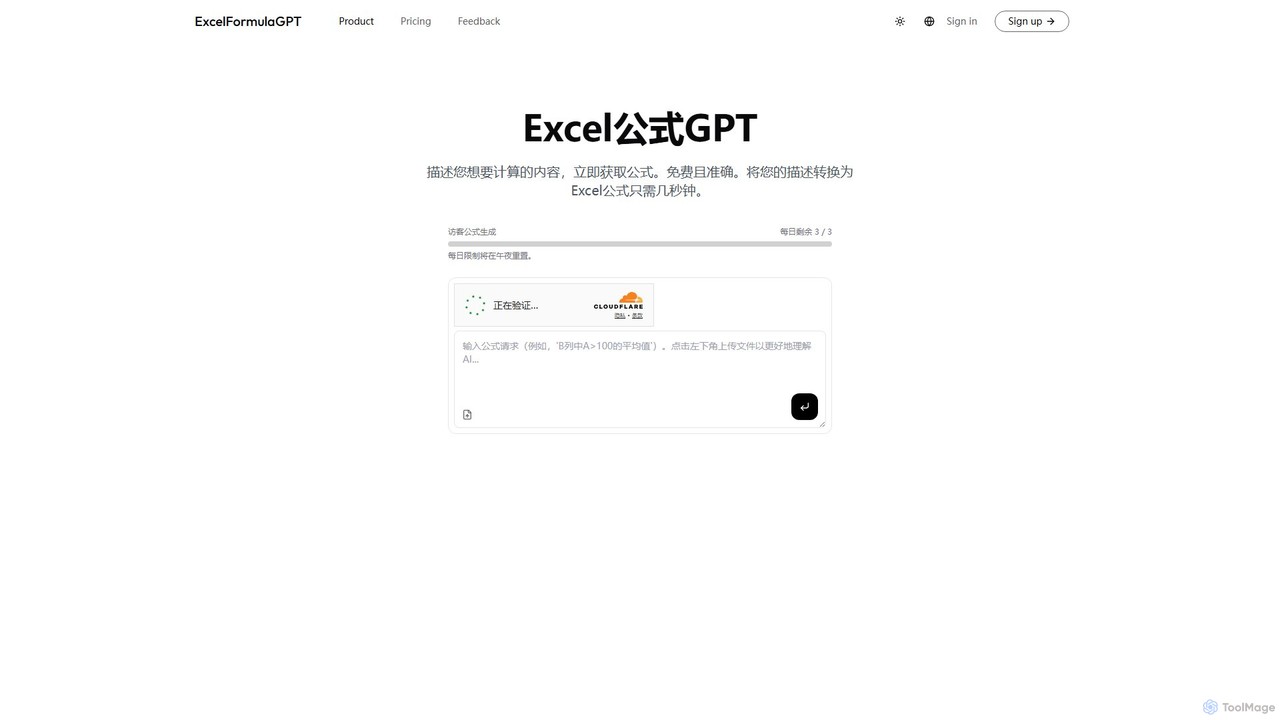
excelformulagpt
excelformulagpt is an AI-powered tool that instantly converts natural language descriptions into complex Excel and Google Sheets formulas. It helps users save time, reduce errors, and boost productivity without needing to memorize complex syntax. Features include formula generation, context-aware suggestions from uploaded files, and formula explanations.
Automation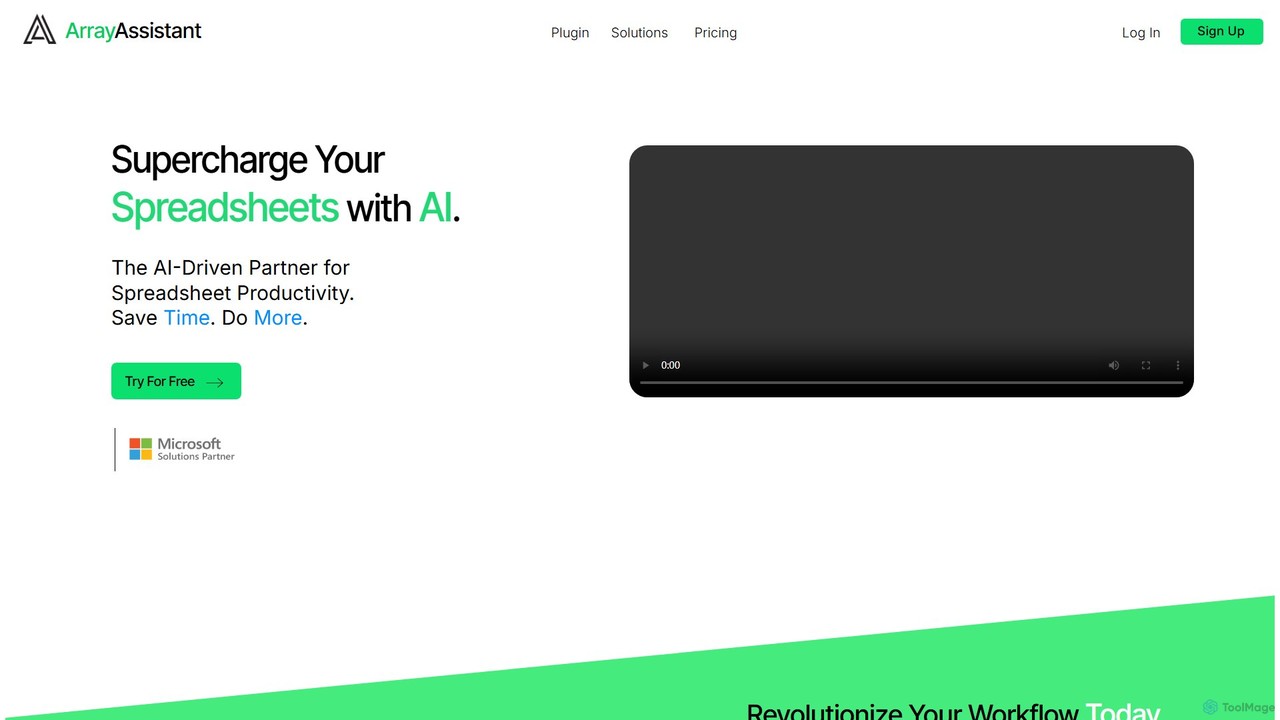
Array Assistant
Array Assistant is an AI-powered plugin for spreadsheets that supercharges your productivity. It helps you generate complex formulas, clean and organize data, summarize text, explain problems, and design automations, all within your existing workflow. Ideal for professionals, students, and anyone who uses spreadsheets.
Finance
Sheetplus Comments (0)
Sign in to comment.
Sign inNo comments yet.