

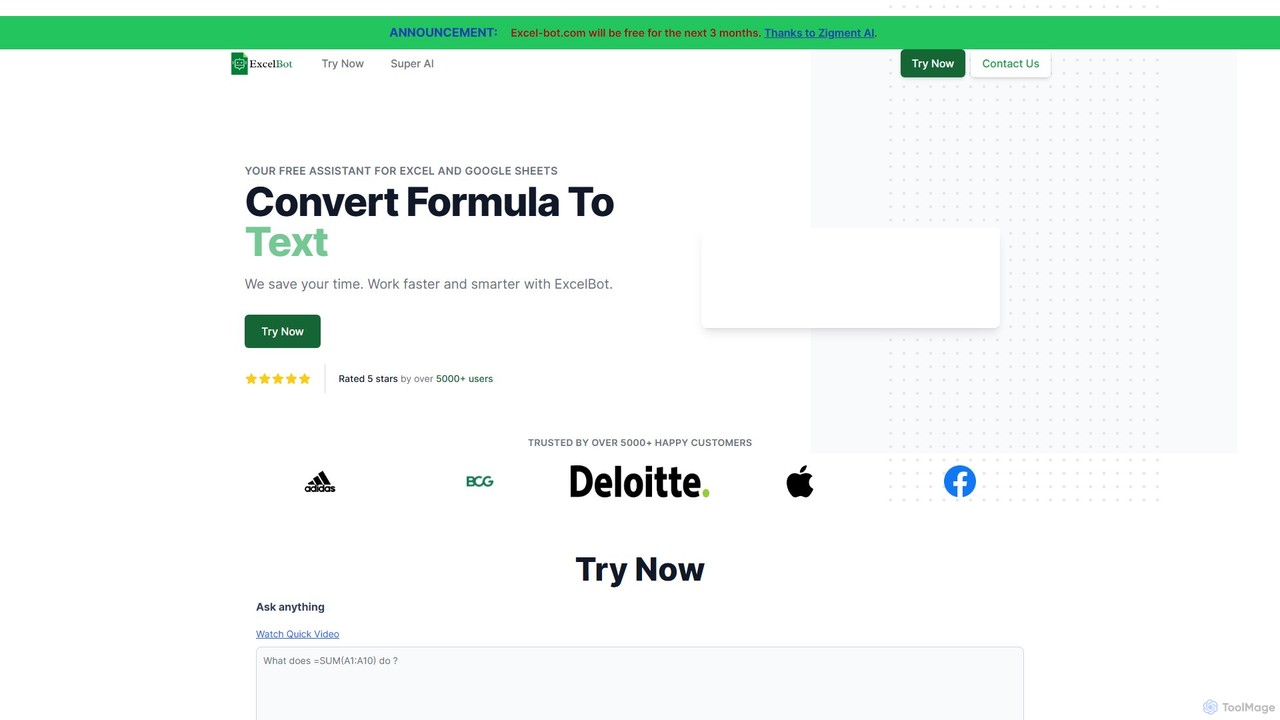
Excel Bot Overview
Excel Bot is a powerful AI assistant designed to streamline your workflow in both Microsoft Excel and Google Sheets. It acts as your personal spreadsheet expert, capable of understanding natural language and converting your text-based requests into accurate, ready-to-use formulas. This eliminates the tedious process of searching for the right function syntax or debugging complex formulas, allowing users of all skill levels to work faster and smarter. Whether you're a financial analyst, a marketer, a student, or a small business owner, Excel Bot empowers you to harness the full potential of your spreadsheets without needing to be a formula guru.
The tool is built by Zigment AI and trusted by thousands of users, aiming to enhance productivity by making spreadsheet operations more intuitive. It's not just about generating formulas; it's about breaking down the barriers between your ideas and their execution in a spreadsheet environment. The platform also offers custom AI solutions for businesses, providing tailored automation for sales, marketing, and other operations.
How to use Excel Bot
Using Excel Bot is designed to be incredibly simple and intuitive. Follow these steps to get started:
- Navigate to the Excel Bot website.
- You will see a text input box labeled 'Ask anything'.
- Type your request in plain English. Be as descriptive as possible. For example, instead of 'sum', write 'Sum the values in column A from row 2 to row 20'. Another example could be 'If the value in C2 is greater than 50, show 'High', otherwise show 'Low''.
- Click the 'Submit' button.
- The AI will process your request and display the generated Excel or Google Sheets formula in the response area below.
- You can then click the 'Copy' button to copy the formula and paste it directly into your spreadsheet.
- The tool also asks for feedback on whether the formula was correct, which helps improve the AI model over time.
Core Features of Excel Bot
- Text-to-Formula Generation: The primary feature that converts natural language descriptions into complex spreadsheet formulas for Excel and Google Sheets.
- Support for Both Platforms: Seamlessly generates formulas compatible with both Microsoft Excel and Google Sheets, catering to a wider user base.
- Natural Language Processing (NLP): Employs advanced AI to understand user intent from plain English, making it accessible to non-technical users.
- Instant Formula Generation: Provides immediate responses, significantly speeding up data analysis and reporting tasks.
- User Feedback Loop: Incorporates a system for users to rate the accuracy of generated formulas, contributing to the continuous improvement of the AI model.
- Custom Business Solutions: Offers tailored AI automation for businesses through its parent company, Zigment AI, for tasks beyond spreadsheets.
Use Cases for Excel Bot
Excel Bot is versatile and can be applied across various professional and personal scenarios:
- Financial Analysis: Analysts can quickly generate formulas for calculating loan amortizations, net present value (NPV), internal rate of return (IRR), or complex conditional summaries.
- Sales and Marketing: Marketing professionals can create formulas to track campaign ROI, calculate conversion rates, segment customer data, and analyze sales performance from raw data.
- Academic and Research: Students and researchers can use it to perform statistical analysis, manage datasets, and solve complex problems for assignments without getting stuck on formula syntax.
- Small Business Management: Business owners can easily create formulas for inventory management, sales tracking, expense reporting, and employee timesheet calculations.
- Everyday Productivity: Anyone can use it for personal budgeting, project planning, or organizing data, making advanced spreadsheet functions accessible to all.
Advantages of Excel Bot
The main advantage of Excel Bot is its ability to democratize data analysis. It saves a significant amount of time that would otherwise be spent on searching for functions and debugging. It reduces the likelihood of human error in formula creation, leading to more accurate data. Furthermore, it serves as an excellent learning tool, helping users understand the structure of various formulas by seeing them generated from a simple description. Its support for both Excel and Google Sheets makes it a flexible tool for any environment.
Pricing and Plans
Excel Bot offers a straightforward pricing structure:
- Free Plan: The core text-to-formula generator is available for free. The website has announced a promotional period where the tool is completely free for 3 months, sponsored by Zigment AI.
- Custom Business AI: For businesses requiring more advanced, integrated solutions, Zigment AI provides custom AI automation services. This is a premium offering designed to automate various business processes like sales and marketing. Pricing for these custom solutions starts at $99 per month. Interested parties are encouraged to contact their sales team for a consultation.
This model allows individual users and small teams to leverage the power of the formula generator at no cost, while larger organizations can opt for comprehensive, paid automation solutions.
Traffic
Latest traffic
Status
Monthly traffic trend
- 2025-9: 1.2K
- 2026-1: 0
- 2026-2: 420
- 2026-3: 284
- 2026-4: 711
- 2026-5: 82
Geography
Top 5 countries / regions
- 🇹🇷Türkiye100.0%
Top keywords
| Keyword | Cost per click |
|---|---|
| ai excel bot | $0.00 |
| excelbot | $0.00 |
Excel Bot Alternatives

Sheetplus
Sheetplus is an AI-powered toolkit designed to supercharge your spreadsheet experience in Google Sheets and Excel. By leveraging natural language, it allows users to generate complex formulas, clean and analyze data, automate tasks, and extract insights without writing code. It acts as an intelligent assistant, making data management faster, more intuitive, and accessible to everyone, regardless of their technical expertise.
Automation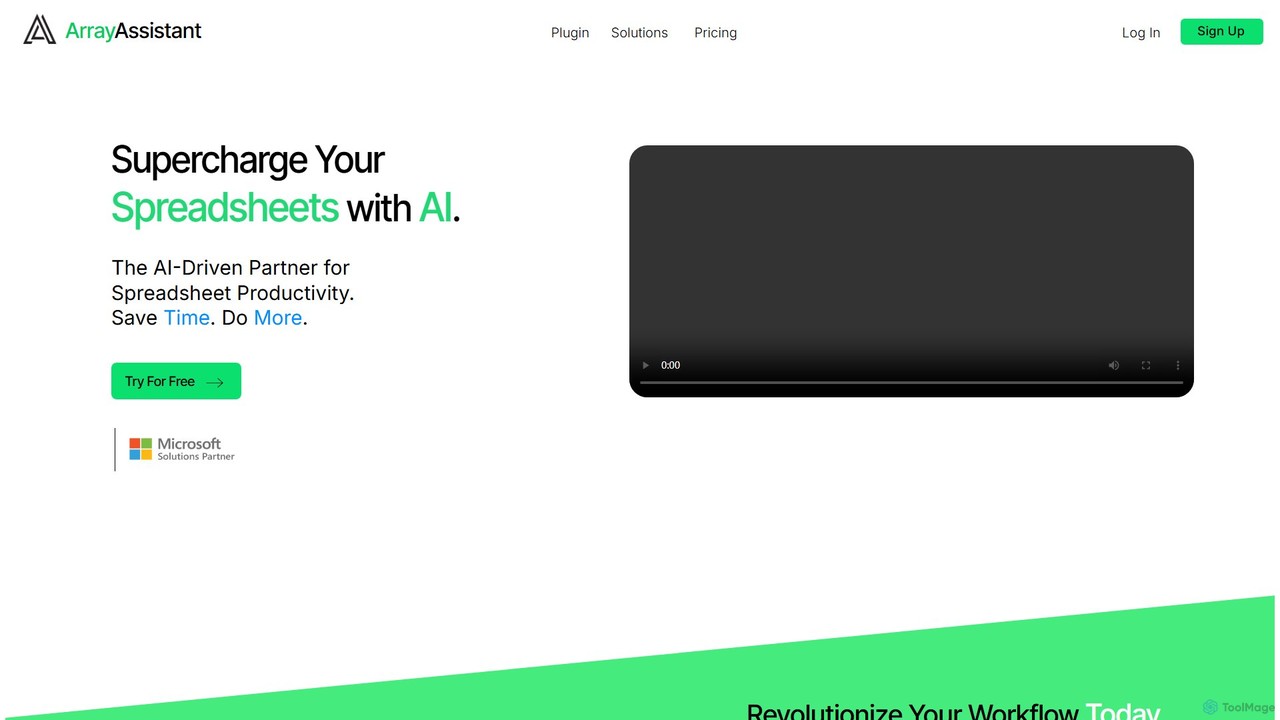
Array Assistant
Array Assistant is an AI-powered plugin for spreadsheets that supercharges your productivity. It helps you generate complex formulas, clean and organize data, summarize text, explain problems, and design automations, all within your existing workflow. Ideal for professionals, students, and anyone who uses spreadsheets.
Finance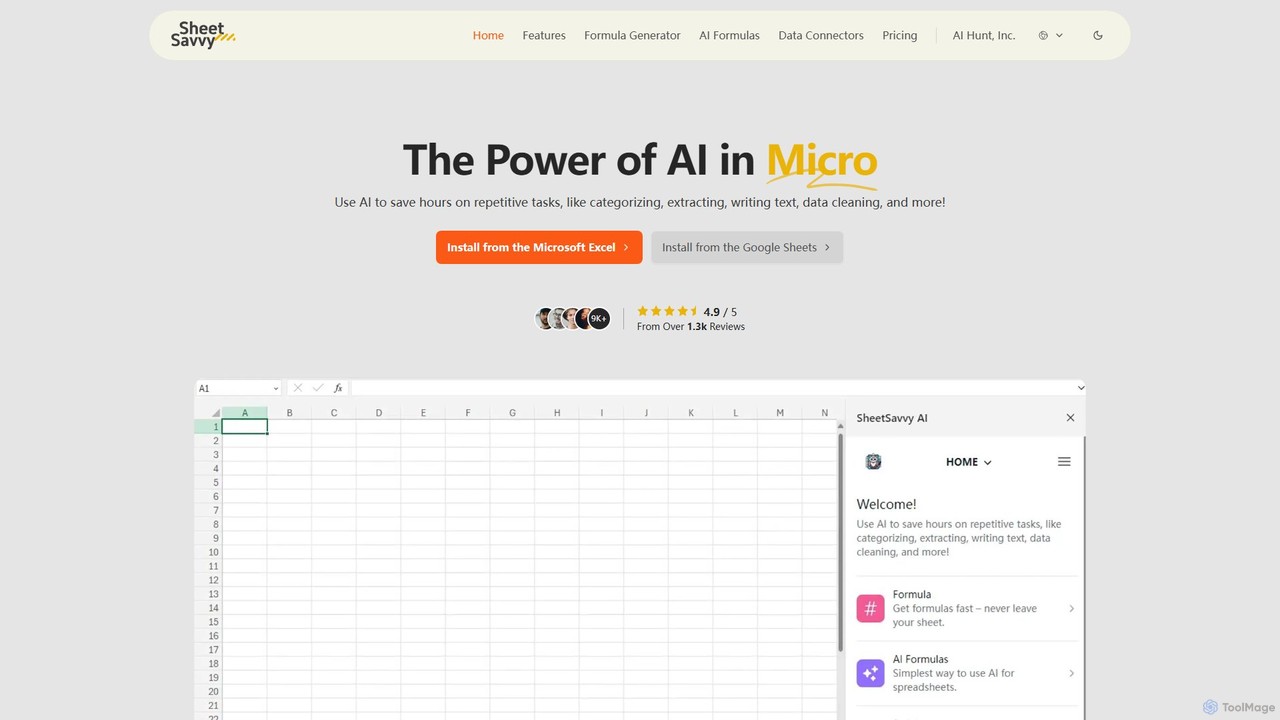
SheetSavvy AI
SheetSavvy AI is an AI-powered assistant for Google Sheets and Microsoft Excel, designed to automate repetitive tasks. It features a formula generator, AI-driven formulas for data cleaning and analysis, and seamless data connectors to import live data, significantly boosting spreadsheet productivity.
Finance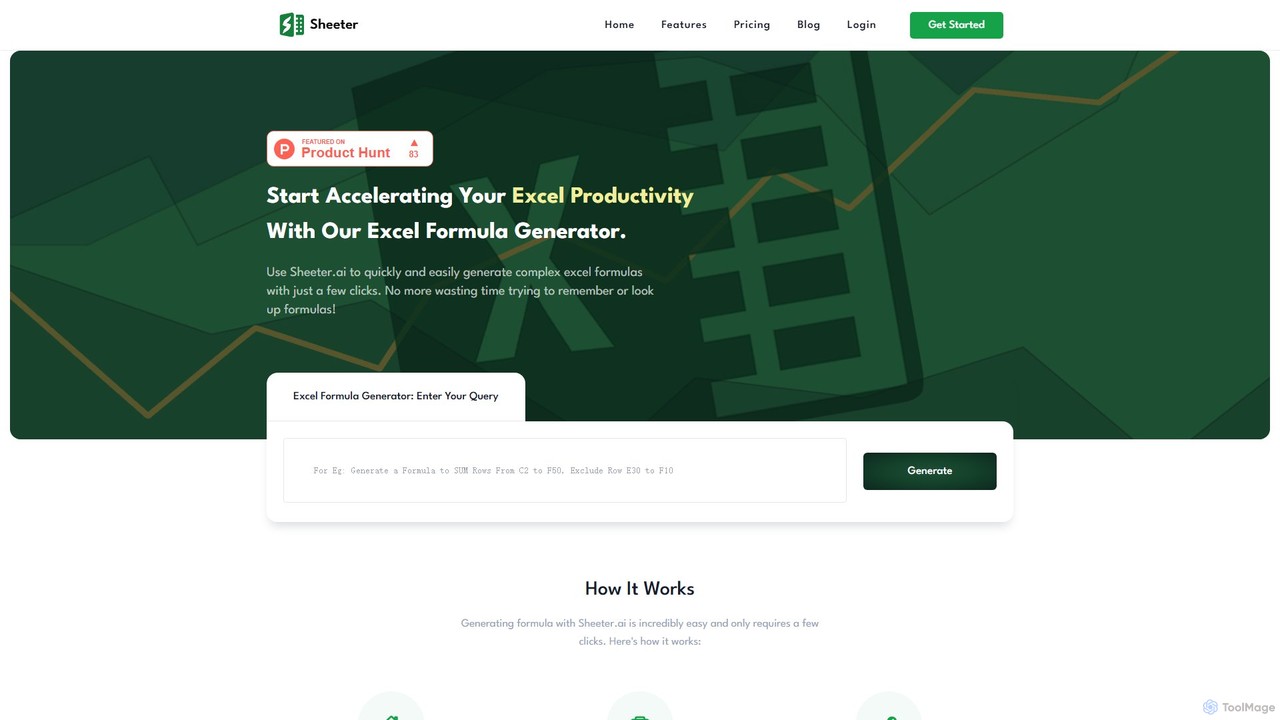
sheeter
Sheeter is an AI-powered tool that generates complex formulas for Excel and Google Sheets from plain English descriptions. It also creates VBA scripts, Google Apps Scripts, and Regex, significantly boosting spreadsheet productivity and saving users time by eliminating the need to memorize or look up formulas.
Data Analysis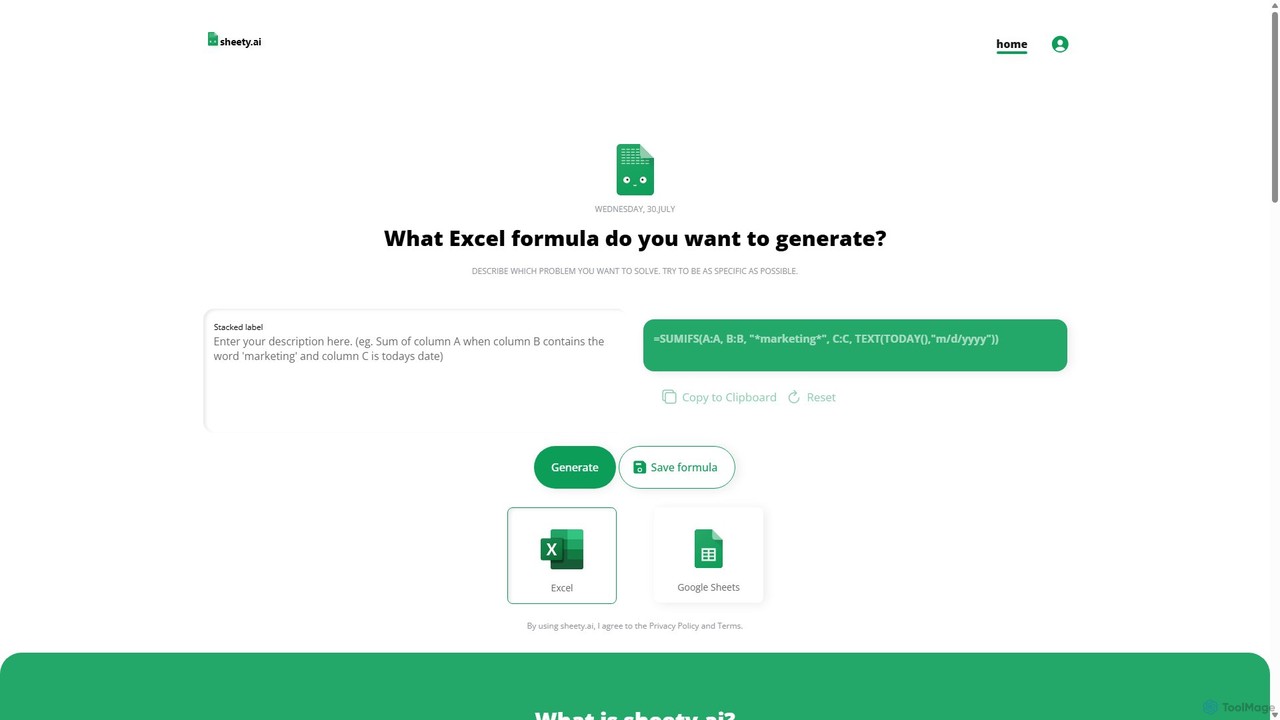
sheety.ai
sheety.ai is an AI-powered tool that instantly generates complex spreadsheet formulas for Excel and Google Sheets from natural language descriptions. Simply describe the problem you want to solve, and the AI will provide the correct formula, saving you time and eliminating the need to memorize syntax. It's designed for everyone from students to financial analysts, boosting productivity and data accuracy.
Data ProcessingExcel Bot Categories
Excel Bot Embed Widget
Copy this embed code to place the badge on your blog, article, or product site and send readers directly to this ToolMage detail page.

Related AI tools
sheeter
Sheeter is an AI-powered tool that generates complex formulas for Excel and Google Sheets from plain English descriptions. It also creates VBA scripts, Google Apps Scripts, and Regex, significantly boosting spreadsheet productivity and saving users time by eliminating the need to memorize or look up formulas.
Data AnalysisSheetplus
Sheetplus is an AI-powered toolkit designed to supercharge your spreadsheet experience in Google Sheets and Excel. By leveraging natural language, it allows users to generate complex formulas, clean and analyze data, automate tasks, and extract insights without writing code. It acts as an intelligent assistant, making data management faster, more intuitive, and accessible to everyone, regardless of their technical expertise.
Automationsheety.ai
sheety.ai is an AI-powered tool that instantly generates complex spreadsheet formulas for Excel and Google Sheets from natural language descriptions. Simply describe the problem you want to solve, and the AI will provide the correct formula, saving you time and eliminating the need to memorize syntax. It's designed for everyone from students to financial analysts, boosting productivity and data accuracy.
Data Processing
Jyek
Jyek is an AI agent platform that understands objectives, creates execution plans, uses tools, and delivers verifiable results for complex, multi-step tasks.
Automation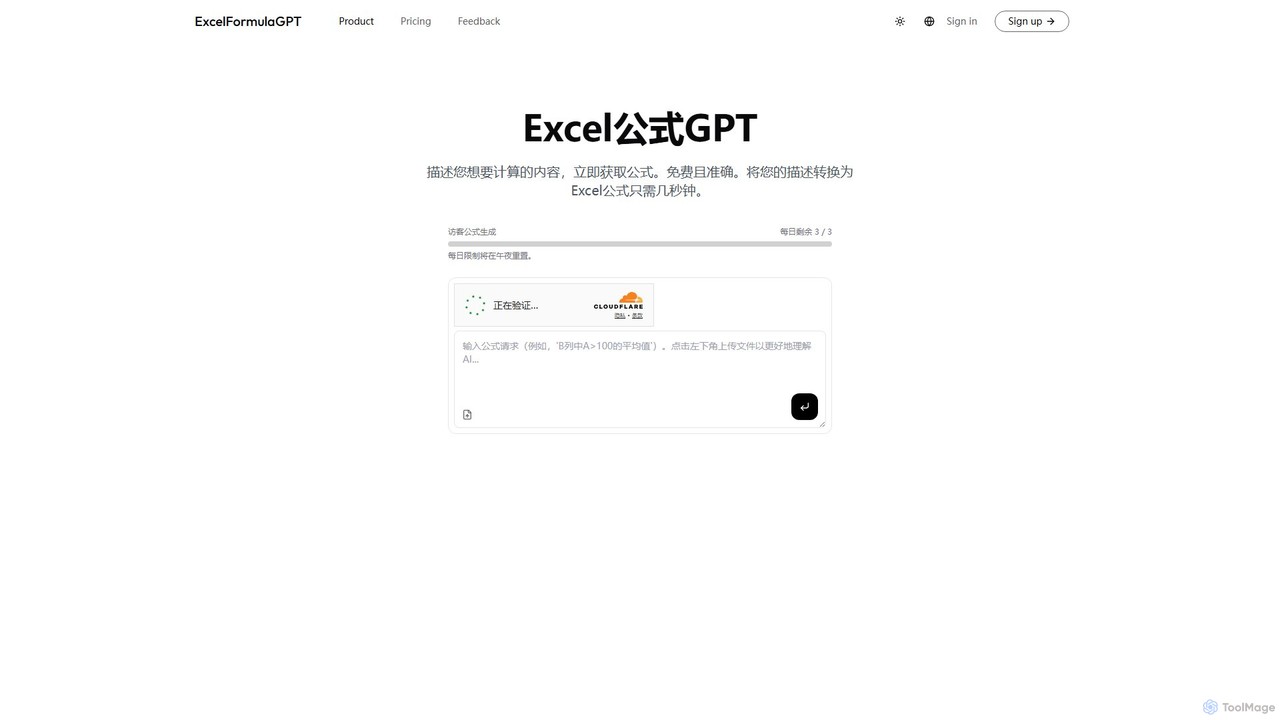
excelformulagpt
excelformulagpt is an AI-powered tool that instantly converts natural language descriptions into complex Excel and Google Sheets formulas. It helps users save time, reduce errors, and boost productivity without needing to memorize complex syntax. Features include formula generation, context-aware suggestions from uploaded files, and formula explanations.
Automation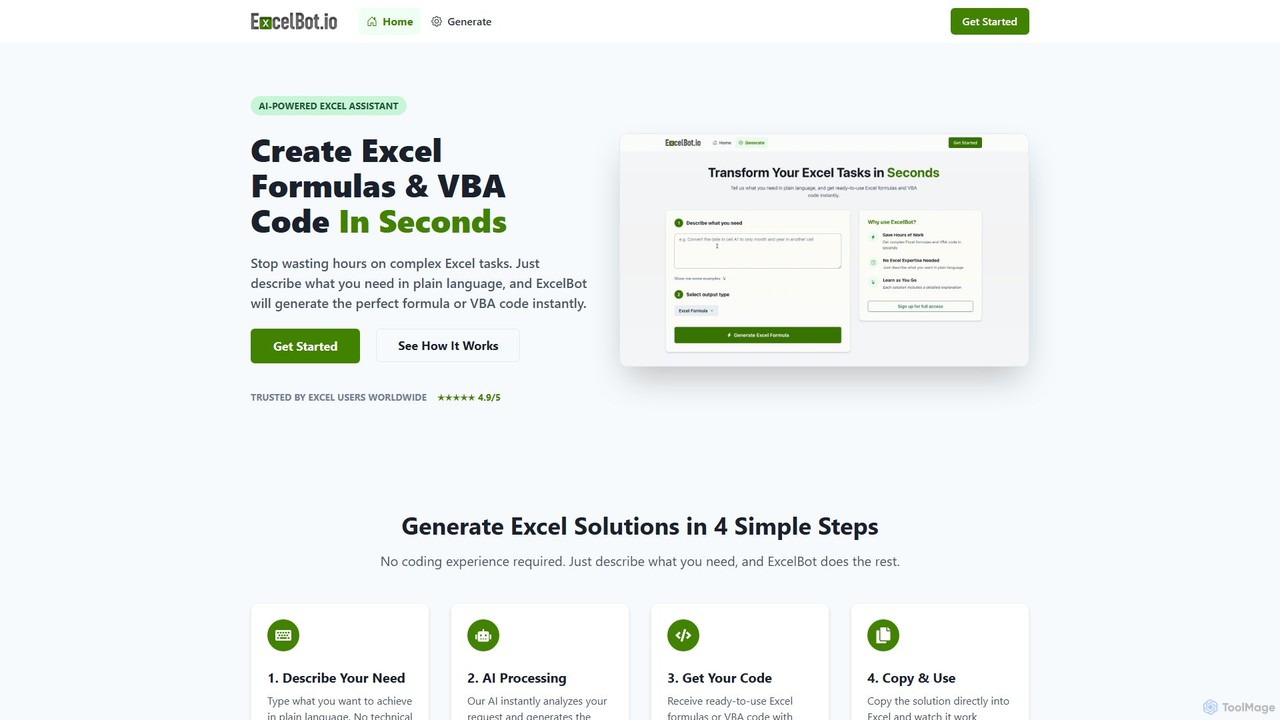
ExcelBot
ExcelBot is an AI-powered assistant that instantly generates complex Excel formulas and VBA code from plain English descriptions. Designed for users of all skill levels, from beginners to data analysts, it saves hours of manual work, boosts productivity, and helps users learn by providing detailed explanations for every solution. Simply describe your task, and ExcelBot delivers the ready-to-use code in seconds.
Data AutomationArray Assistant
Array Assistant is an AI-powered plugin for spreadsheets that supercharges your productivity. It helps you generate complex formulas, clean and organize data, summarize text, explain problems, and design automations, all within your existing workflow. Ideal for professionals, students, and anyone who uses spreadsheets.
FinanceSheetSavvy AI
SheetSavvy AI is an AI-powered assistant for Google Sheets and Microsoft Excel, designed to automate repetitive tasks. It features a formula generator, AI-driven formulas for data cleaning and analysis, and seamless data connectors to import live data, significantly boosting spreadsheet productivity.
Finance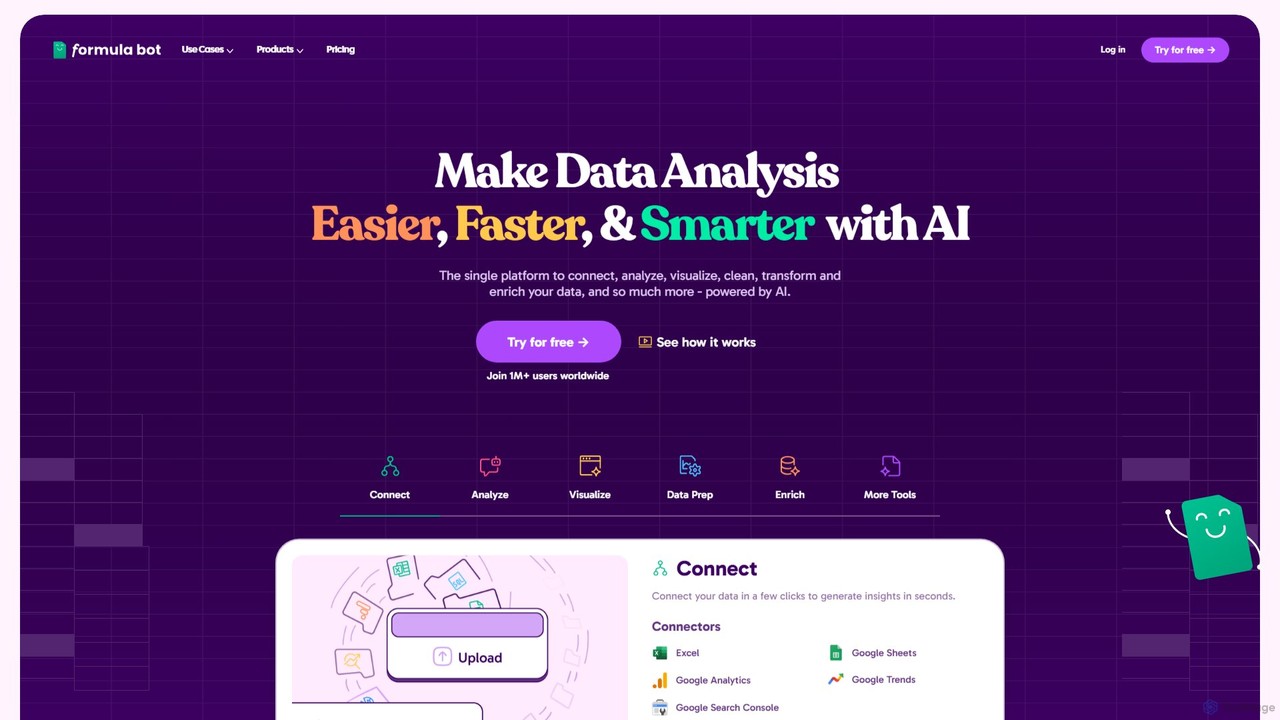
Formula Bot
Formula Bot is an AI-powered data analysis platform that simplifies working with spreadsheets and data. It allows users to generate Excel formulas, SQL queries, and VBA code from simple text instructions, analyze data through a conversational chat interface, and automate tasks like data cleaning and enrichment.
Data Visualization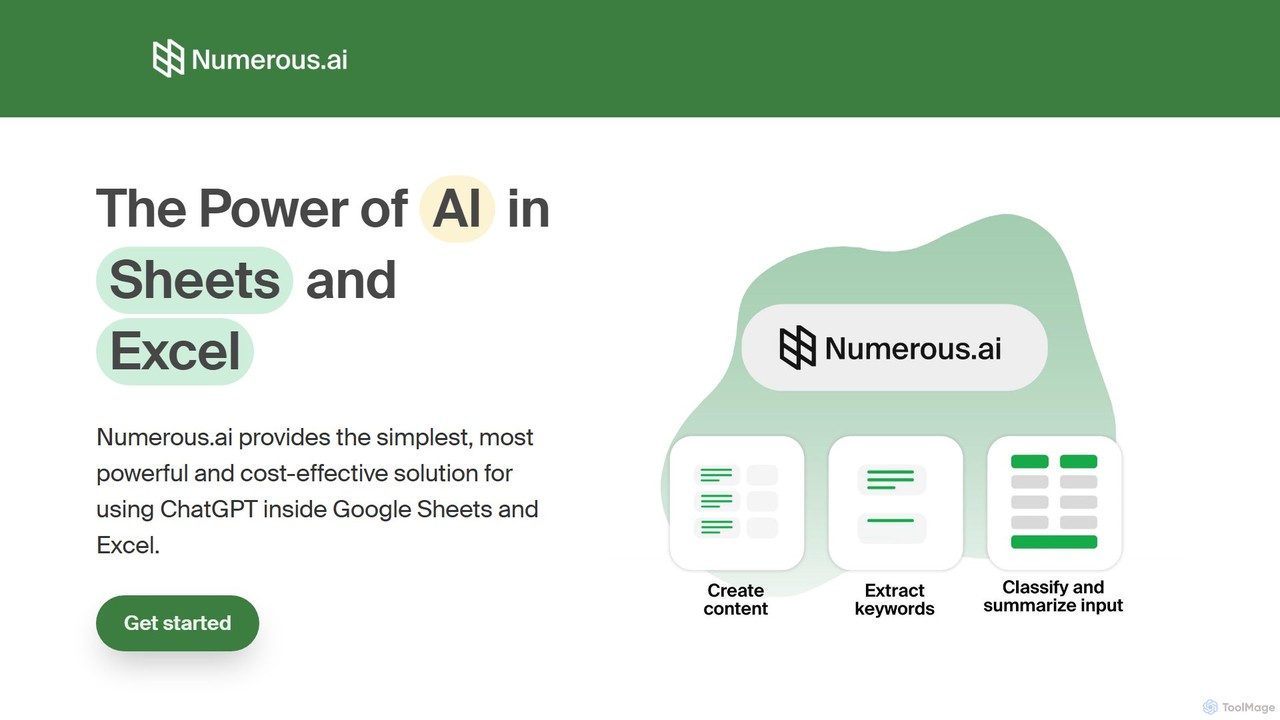
Numerous.ai
Numerous.ai is a powerful AI assistant that integrates directly into Google Sheets and Excel. It allows users to automate tasks, generate content, clean and classify data, and perform complex analysis using a simple '=AI()' function, without needing any API keys or coding skills.
Data Analysis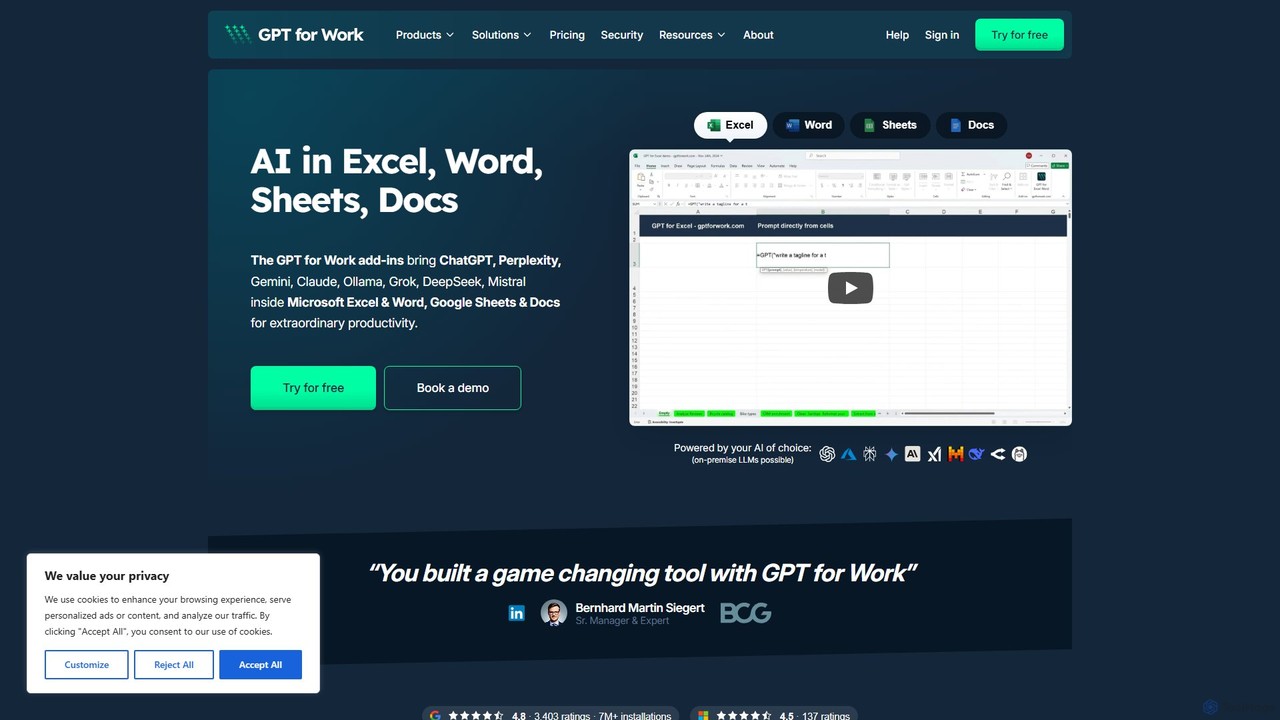
GPT for Work
A powerful AI add-on that integrates GPT capabilities directly into Google Sheets, Docs, Microsoft Excel, and Word. Automate tasks, generate text, analyze data, and create formulas using simple commands, boosting your productivity without leaving your documents.
Document Assistant
Ajelix
Ajelix is an AI-powered suite of tools designed to enhance productivity for Excel and Google Sheets users. It acts as an AI data analyst, automating tasks, generating formulas and VBA scripts, creating insightful reports, and providing advanced data analysis through a simple chat interface.
Business Intelligence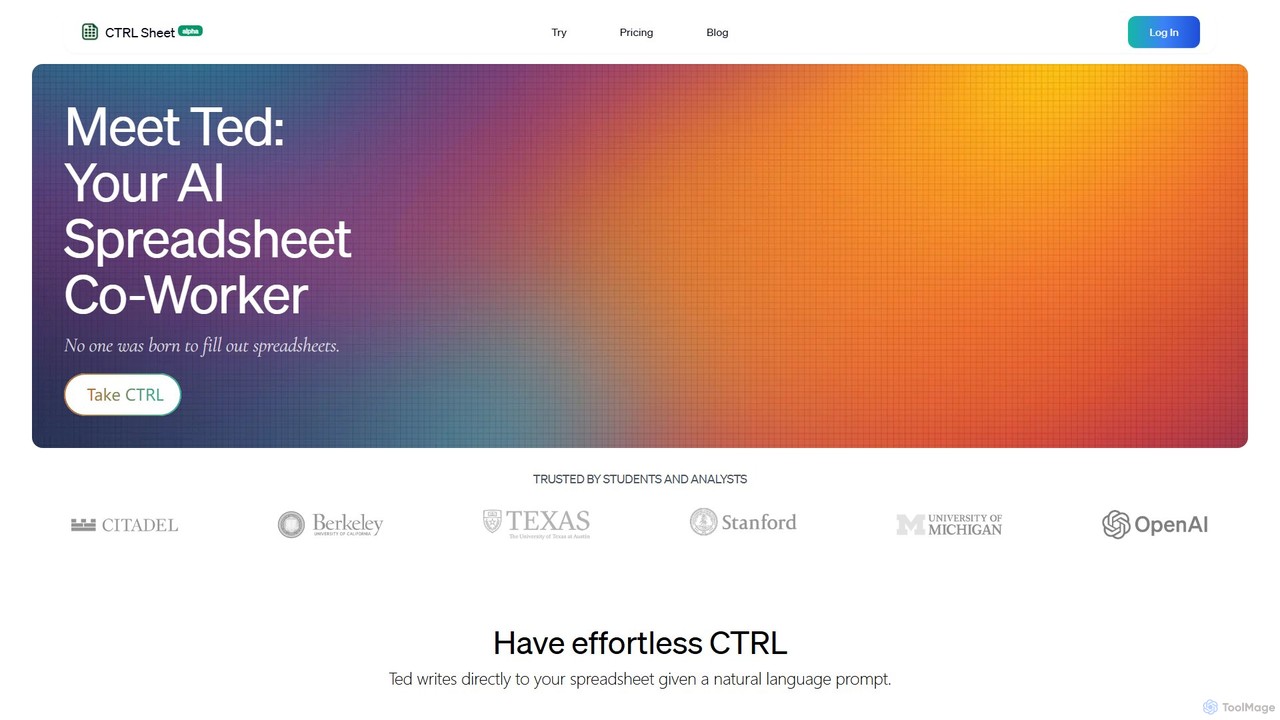
CTRL Sheet
CTRL Sheet is an AI-powered spreadsheet co-worker named Ted that automates data tasks. It allows users to interact with spreadsheets using natural language, extract data from various files like PDFs and images, and generate complex formulas effortlessly. It's designed to save time and reduce errors for students, analysts, and professionals.
Task Automation
AIColumns
AIColumns is an AI-powered data assistant that supercharges your spreadsheets. It integrates seamlessly with platforms like Google Sheets and Excel, allowing you to use natural language to clean data, generate complex formulas, create visualizations, and uncover actionable insights instantly.
Intelligence
ChatExcel
ChatExcel is an AI-powered data analysis tool that allows users to process spreadsheets and analyze data through a simple chat interface. It automates tasks like data cleaning, merging, and analysis, and generates over 100 types of charts and visualizations from natural language commands. No coding or complex formulas required, boosting productivity by up to 90%.
Business Intelligence
Excel Bot Comments (0)
Sign in to comment.
Sign inNo comments yet.