
ExcelBot Overview
ExcelBot is an advanced AI-powered assistant designed to revolutionize the way you work with Microsoft Excel. It eliminates the steep learning curve and tedious hours spent on crafting complex formulas and writing VBA scripts. By simply describing your needs in plain, everyday language, you can instantly receive accurate, ready-to-use Excel formulas or VBA code. This powerful tool is built to serve a wide range of users, from students and office workers who are new to Excel, to seasoned data analysts, financial modelers, and business teams who need to automate repetitive tasks and enhance their data processing capabilities. ExcelBot acts as your personal Excel expert, available 24/7 to solve any spreadsheet challenge you face, thereby boosting your efficiency and allowing you to focus on what truly matters: deriving insights from your data.
How to use ExcelBot
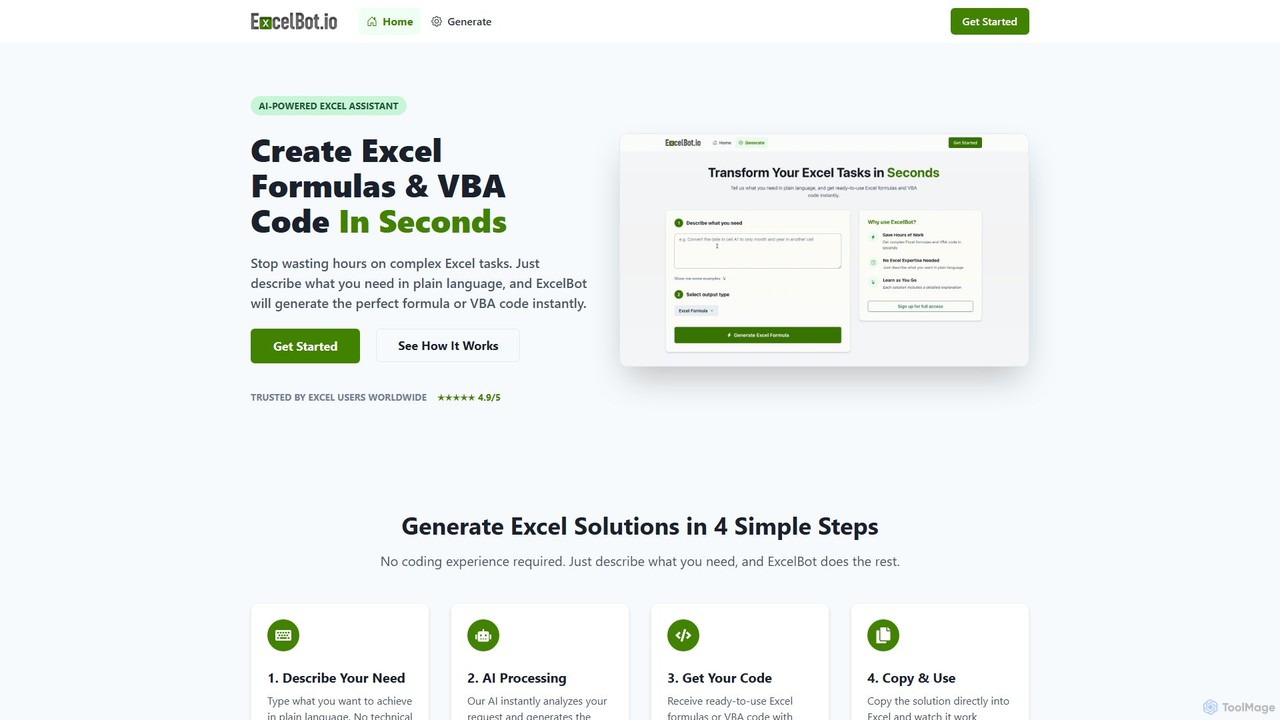
Using ExcelBot is an incredibly straightforward and intuitive process, requiring no prior coding or advanced Excel knowledge. You can generate your desired solution in just four simple steps:
- Describe Your Need: In the input box, type a clear and simple description of what you want to achieve. For example, 'Sum the values in column A if column B says "Sales"' or 'Create a VBA script to copy data from Sheet1 to Sheet2'.
- AI Processing: Once you submit your request, ExcelBot's advanced AI engine analyzes your text, understands the context and logic, and begins to formulate the most optimal solution.
- Get Your Solution: Within seconds, the tool generates the precise Excel formula or VBA code. Crucially, each solution is accompanied by a clear, step-by-step explanation, helping you understand how it works.
- Copy & Use: Simply click the copy button and paste the solution directly into your Excel spreadsheet or VBA editor. Watch as it works instantly to accomplish your task.
Core Features of ExcelBot
- AI-Powered Formula Generation: Translates natural language prompts into complex Excel formulas, including VLOOKUP, INDEX-MATCH, SUMIFS, and more.
- VBA Code Generation: Creates custom VBA scripts to automate repetitive tasks, manipulate data, and create custom functions, saving hours of manual effort.
- Natural Language Input: No need to learn specific syntax or jargon. Just describe your problem as you would to a colleague.
- Detailed Explanations: Every generated formula and code snippet comes with a clear explanation of its components and logic, turning the tool into a valuable learning resource.
- Instant Results: Eliminates the time spent on trial-and-error and searching for solutions online, providing accurate code in seconds.
- Support for All Skill Levels: Empowers beginners to perform advanced tasks while serving as a productivity-boosting assistant for experienced professionals.
Use Cases for ExcelBot
ExcelBot is versatile and can be applied across various roles and industries:
- Data Analysts: Save hours on data cleaning, transformation, and analysis. Quickly generate complex formulas to aggregate data or create scripts to automate reporting workflows.
- Financial Analysts: Accelerate the creation of financial models, generate formulas for forecasting and variance analysis, and automate data consolidation from multiple sources.
- Marketing Professionals: Easily analyze campaign data, track key performance indicators (KPIs), and create formulas to calculate ROI and manage marketing budgets.
- Business Teams & Operations: Automate repetitive administrative tasks, manage inventory, create schedules, and streamline workflows across the organization.
- Students & Beginners: A powerful learning aid to understand how Excel formulas work, complete assignments more efficiently, and build foundational spreadsheet skills without frustration.
Advantages of ExcelBot
ExcelBot offers a significant competitive edge by making spreadsheet tasks faster, easier, and more accessible. Key advantages include a massive boost in productivity, the ability for non-experts to achieve professional-grade results, a reduction in human error from manual formula writing, and its function as an on-demand learning tool that improves your own Excel skills over time. It democratizes data analysis, empowering anyone to harness the full potential of Excel.
Pricing and Plans
ExcelBot operates on a flexible pay-as-you-go credit system, allowing you to purchase credits as needed. Credits never expire.
- Basic: $5 for 1,000 credits (approximately 10 formula/VBA generations).
- Standard (Most Popular): $23 for 5,000 credits (approximately 50 formula/VBA generations).
- Premium: $48 for 10,000 credits (approximately 100 formula/VBA generations).
Each generation consumes 80-120 credits depending on complexity. All purchases are non-refundable. Custom plans for teams and enterprises are available by contacting sales.
Traffic
Latest traffic
Status
Monthly traffic trend
- 2025-9: 2.0K
- 2026-1: 963
- 2026-2: 1.6K
- 2026-3: 1.5K
- 2026-4: 390
- 2026-5: 491
Geography
Top 5 countries / regions
- 🇲🇽Mexico100.0%
Top keywords
| Keyword | Cost per click |
|---|---|
| ai excel bot | $0.00 |
| ai vba code generator free | $0.00 |
| ai vba creator | $0.00 |
| formula bot | $1.80 |
| formula bot excel | $0.25 |
ExcelBot Alternatives
sheeter
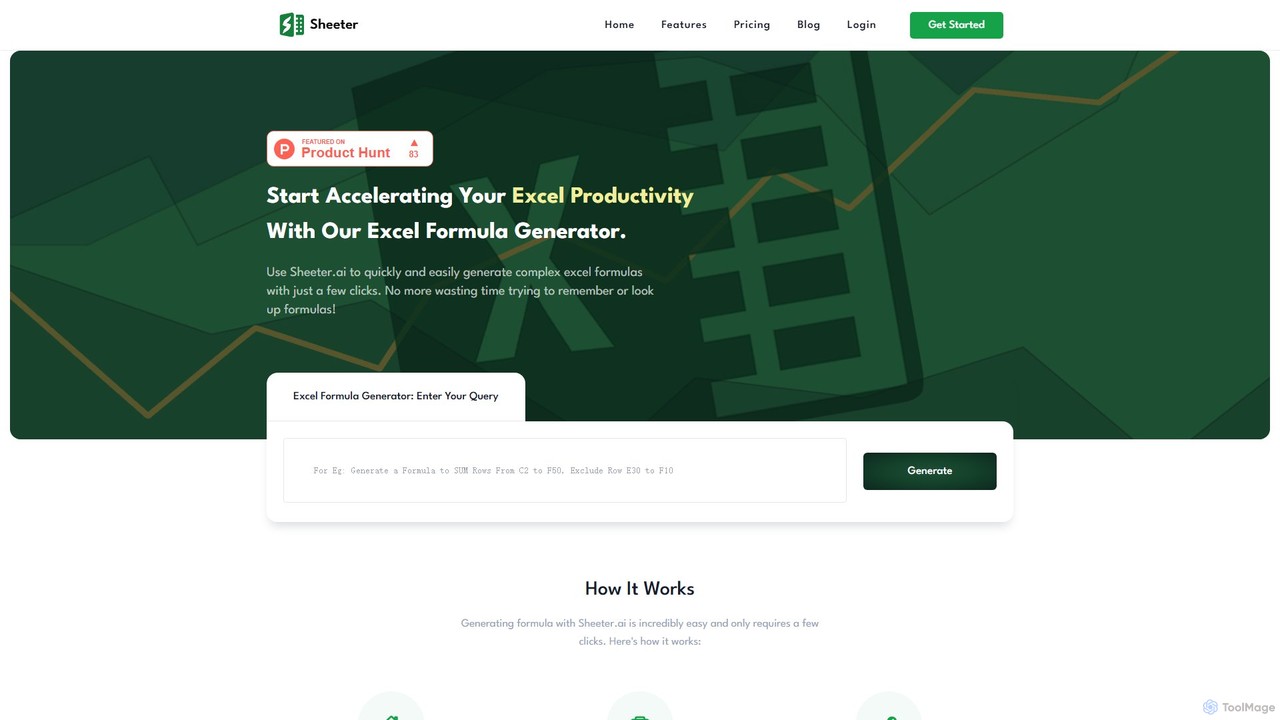
Sheeter is an AI-powered tool that generates complex formulas for Excel and Google Sheets from plain English descriptions. It also creates VBA scripts, Google Apps Scripts, and Regex, significantly boosting spreadsheet productivity and saving users time by eliminating the need to memorize or look up formulas.
Data Analysis
Ajelix
Ajelix is an AI-powered suite of tools designed to enhance productivity for Excel and Google Sheets users. It acts as an AI data analyst, automating tasks, generating formulas and VBA scripts, creating insightful reports, and providing advanced data analysis through a simple chat interface.
Business Intelligence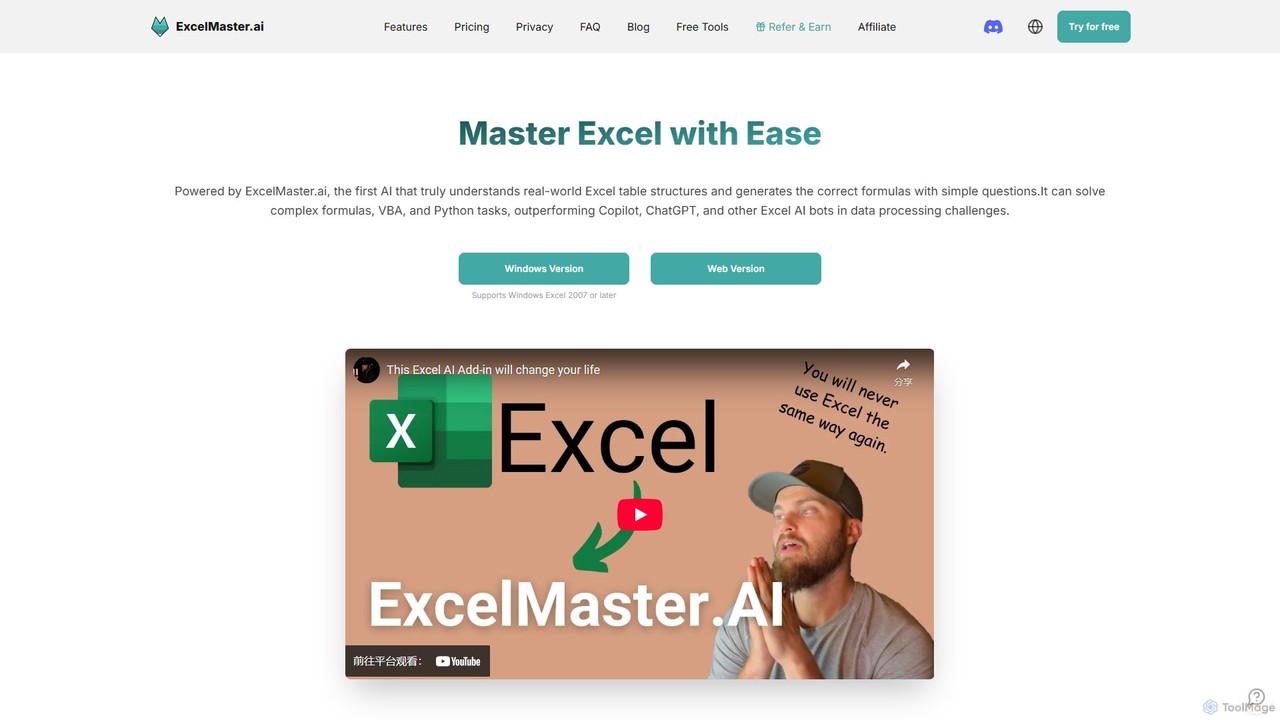
ExcelMaster.ai
ExcelMaster.ai is an advanced AI assistant designed to master Microsoft Excel. It generates accurate formulas, VBA code, and Python scripts from simple natural language questions. It excels at understanding complex, multi-sheet structures and provides one-click automation, making it a powerful tool for both beginners and expert Excel users to enhance productivity and streamline data-heavy tasks.
Code Assistant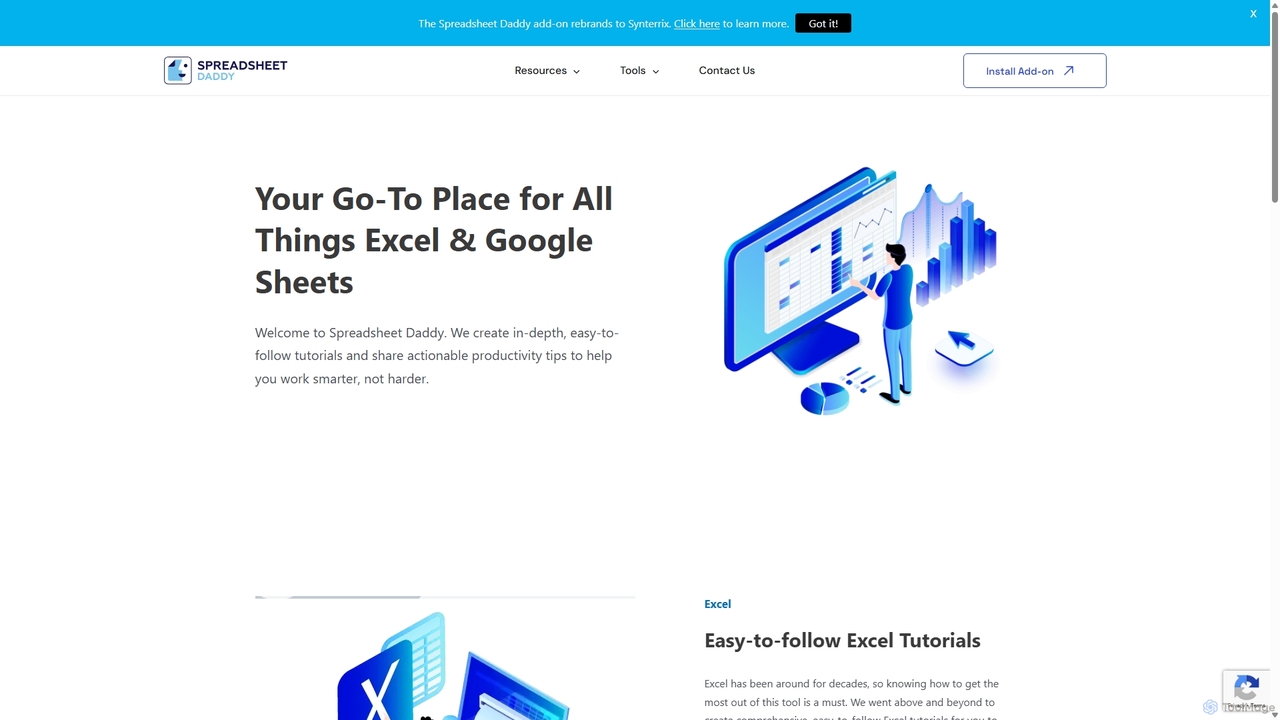
Spreadsheet Daddy
Spreadsheet Daddy is an advanced AI-driven add-on for Google Sheets that automates complex tasks. It allows users to generate formulas, Apps Script, and regular expressions from simple text prompts. The tool also excels at bulk content generation, data analysis, and even allows for the creation of custom AI models, transforming your spreadsheet into a powerful productivity hub.
Low Code No Code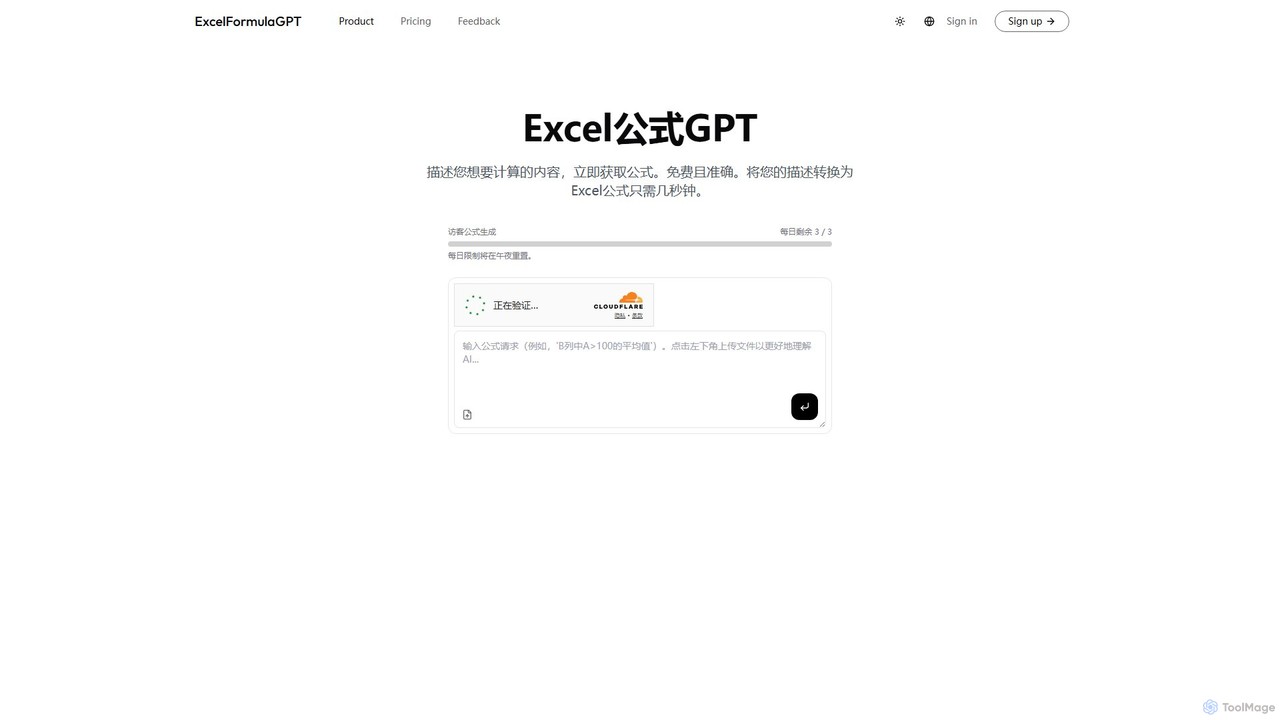
excelformulagpt
excelformulagpt is an AI-powered tool that instantly converts natural language descriptions into complex Excel and Google Sheets formulas. It helps users save time, reduce errors, and boost productivity without needing to memorize complex syntax. Features include formula generation, context-aware suggestions from uploaded files, and formula explanations.
AutomationExcelBot Categories
ExcelBot Embed Widget
Copy this embed code to place the badge on your blog, article, or product site and send readers directly to this ToolMage detail page.

Related AI tools
sheeter
Sheeter is an AI-powered tool that generates complex formulas for Excel and Google Sheets from plain English descriptions. It also creates VBA scripts, Google Apps Scripts, and Regex, significantly boosting spreadsheet productivity and saving users time by eliminating the need to memorize or look up formulas.
Data AnalysisExcelMaster.ai
ExcelMaster.ai is an advanced AI assistant designed to master Microsoft Excel. It generates accurate formulas, VBA code, and Python scripts from simple natural language questions. It excels at understanding complex, multi-sheet structures and provides one-click automation, making it a powerful tool for both beginners and expert Excel users to enhance productivity and streamline data-heavy tasks.
Code Assistantexcelformulagpt
excelformulagpt is an AI-powered tool that instantly converts natural language descriptions into complex Excel and Google Sheets formulas. It helps users save time, reduce errors, and boost productivity without needing to memorize complex syntax. Features include formula generation, context-aware suggestions from uploaded files, and formula explanations.
Automation
Sheetplus
Sheetplus is an AI-powered toolkit designed to supercharge your spreadsheet experience in Google Sheets and Excel. By leveraging natural language, it allows users to generate complex formulas, clean and analyze data, automate tasks, and extract insights without writing code. It acts as an intelligent assistant, making data management faster, more intuitive, and accessible to everyone, regardless of their technical expertise.
Automation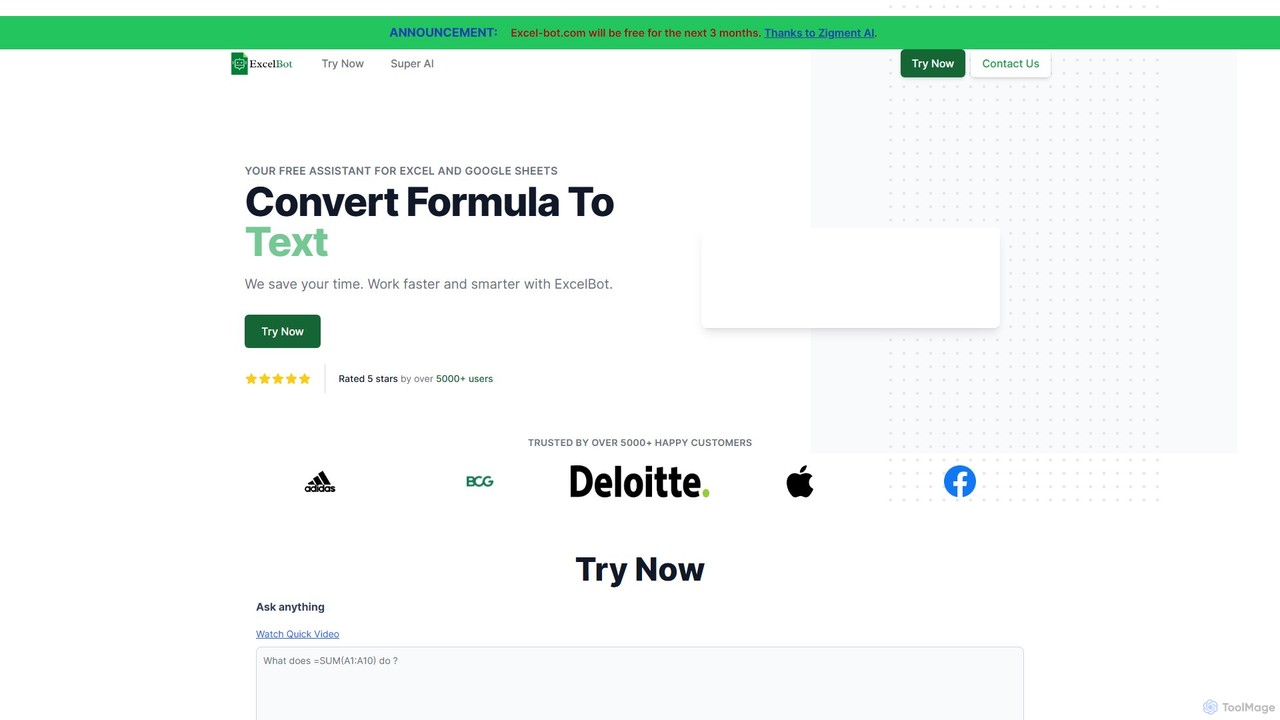
Excel Bot
Excel Bot is an AI-powered assistant for Microsoft Excel and Google Sheets. It converts your plain text instructions into complex formulas instantly, saving you time and reducing errors. Simply describe what you need, and the AI generates the correct formula for you.
Finance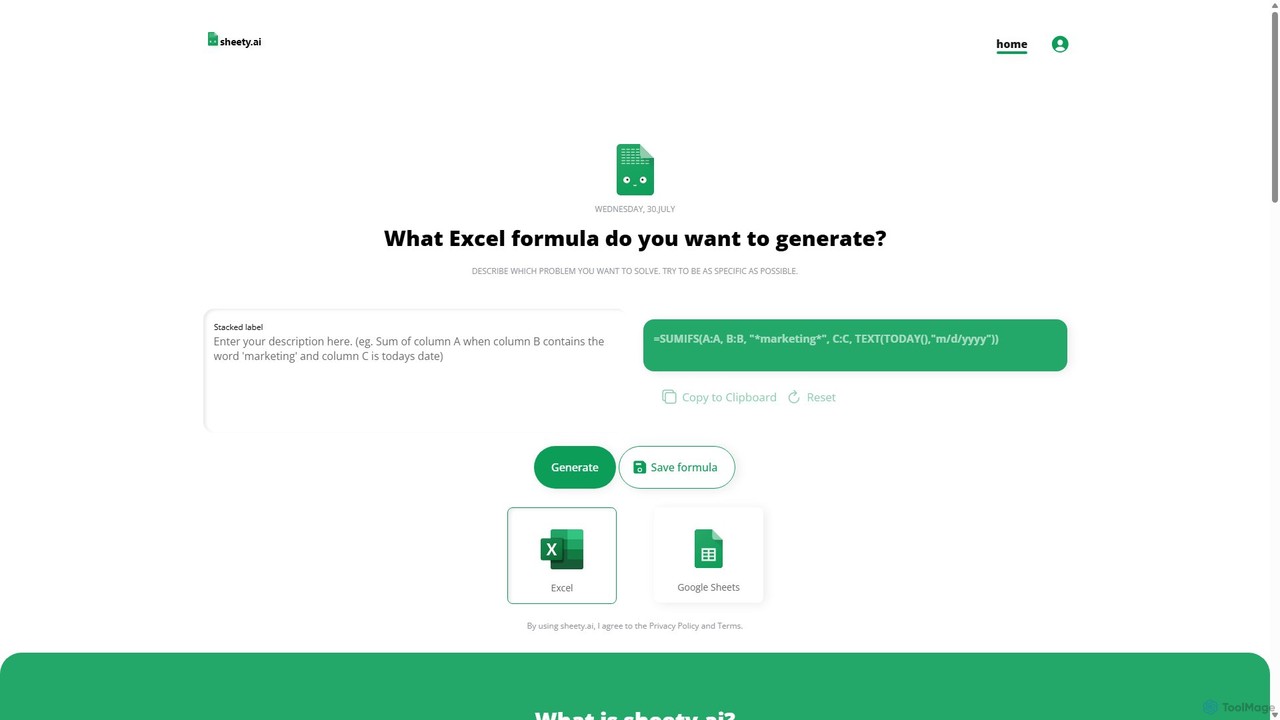
sheety.ai
sheety.ai is an AI-powered tool that instantly generates complex spreadsheet formulas for Excel and Google Sheets from natural language descriptions. Simply describe the problem you want to solve, and the AI will provide the correct formula, saving you time and eliminating the need to memorize syntax. It's designed for everyone from students to financial analysts, boosting productivity and data accuracy.
Data ProcessingAjelix
Ajelix is an AI-powered suite of tools designed to enhance productivity for Excel and Google Sheets users. It acts as an AI data analyst, automating tasks, generating formulas and VBA scripts, creating insightful reports, and providing advanced data analysis through a simple chat interface.
Business Intelligence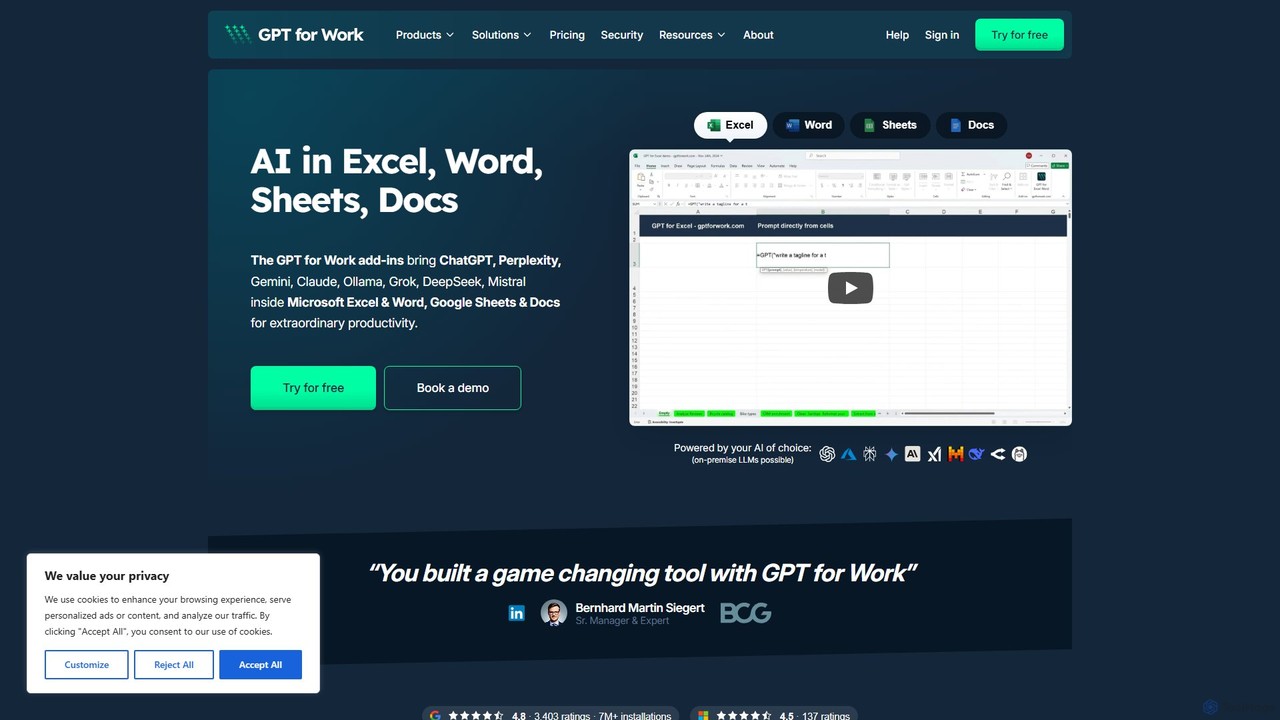
GPT for Work
A powerful AI add-on that integrates GPT capabilities directly into Google Sheets, Docs, Microsoft Excel, and Word. Automate tasks, generate text, analyze data, and create formulas using simple commands, boosting your productivity without leaving your documents.
Document Assistant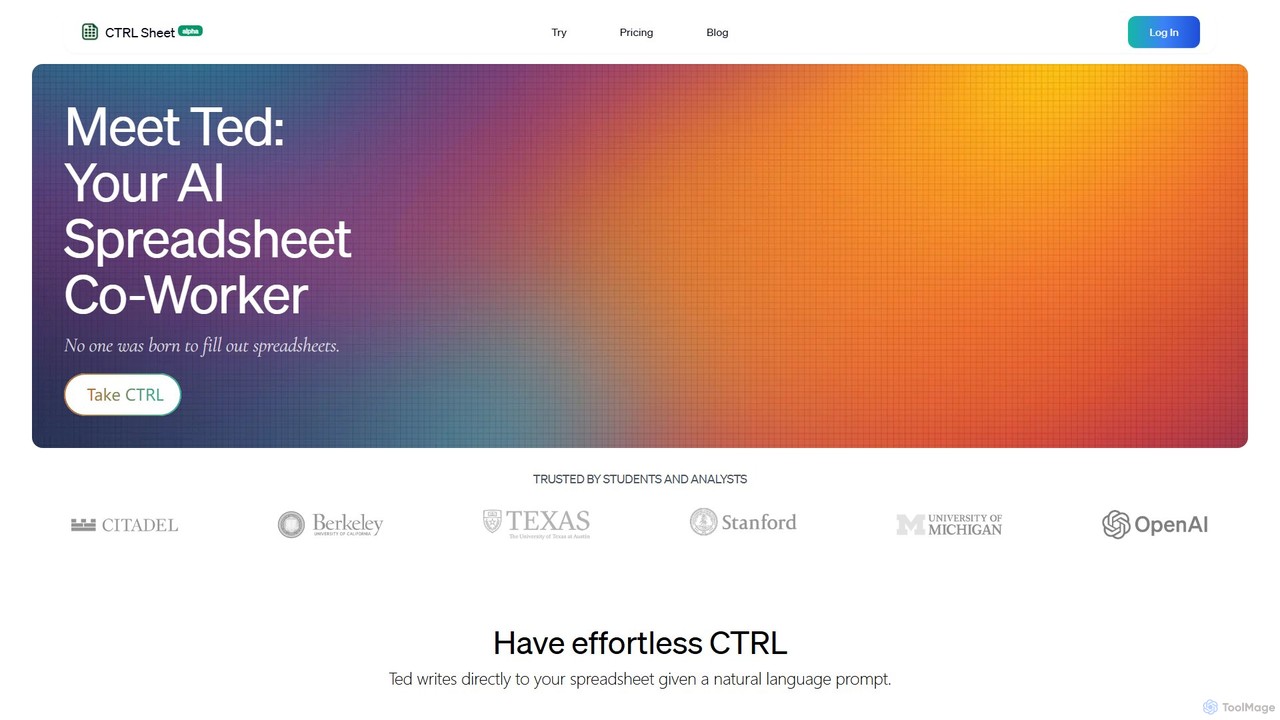
CTRL Sheet
CTRL Sheet is an AI-powered spreadsheet co-worker named Ted that automates data tasks. It allows users to interact with spreadsheets using natural language, extract data from various files like PDFs and images, and generate complex formulas effortlessly. It's designed to save time and reduce errors for students, analysts, and professionals.
Task Automation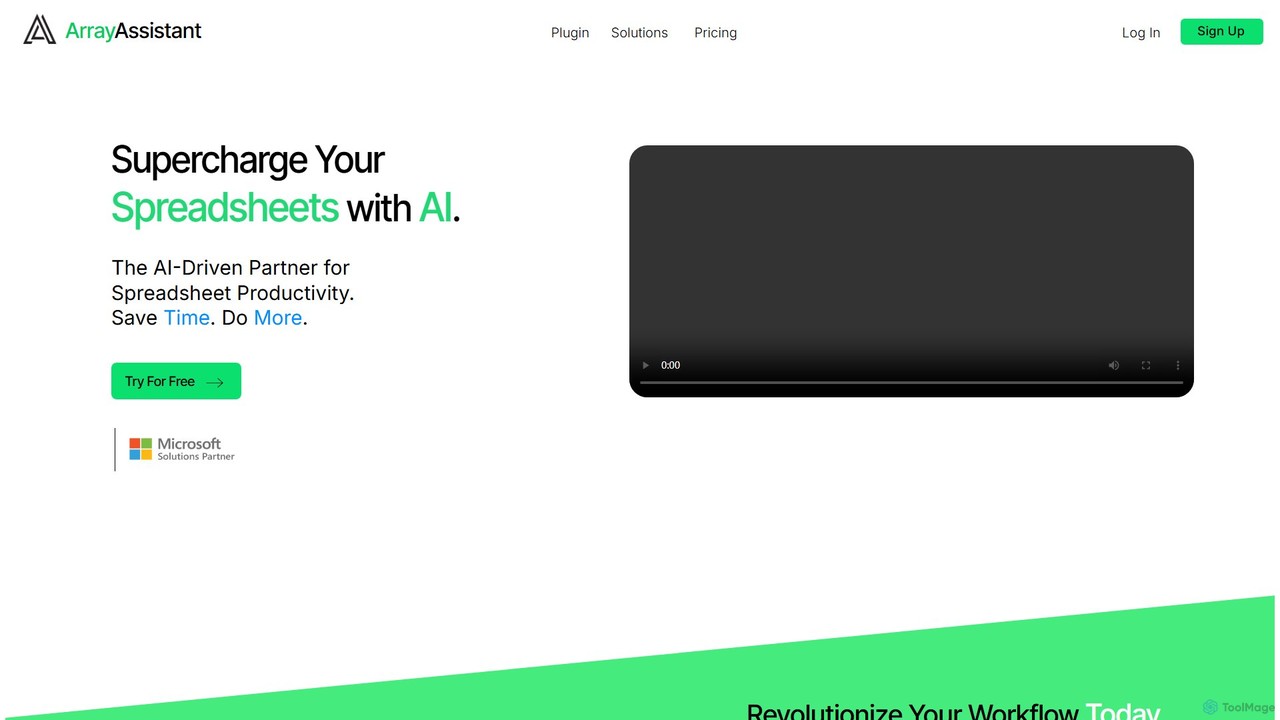
Array Assistant
Array Assistant is an AI-powered plugin for spreadsheets that supercharges your productivity. It helps you generate complex formulas, clean and organize data, summarize text, explain problems, and design automations, all within your existing workflow. Ideal for professionals, students, and anyone who uses spreadsheets.
Finance
Jyek
Jyek is an AI agent platform that understands objectives, creates execution plans, uses tools, and delivers verifiable results for complex, multi-step tasks.
Automation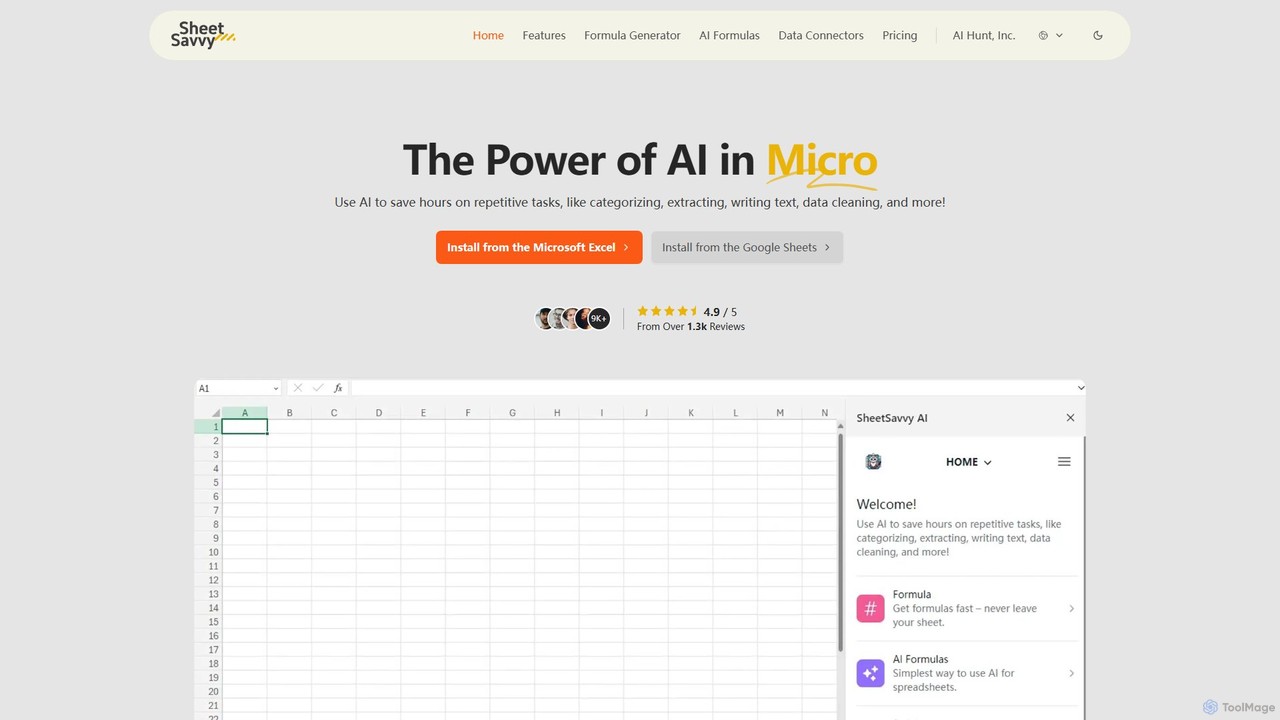
SheetSavvy AI
SheetSavvy AI is an AI-powered assistant for Google Sheets and Microsoft Excel, designed to automate repetitive tasks. It features a formula generator, AI-driven formulas for data cleaning and analysis, and seamless data connectors to import live data, significantly boosting spreadsheet productivity.
Finance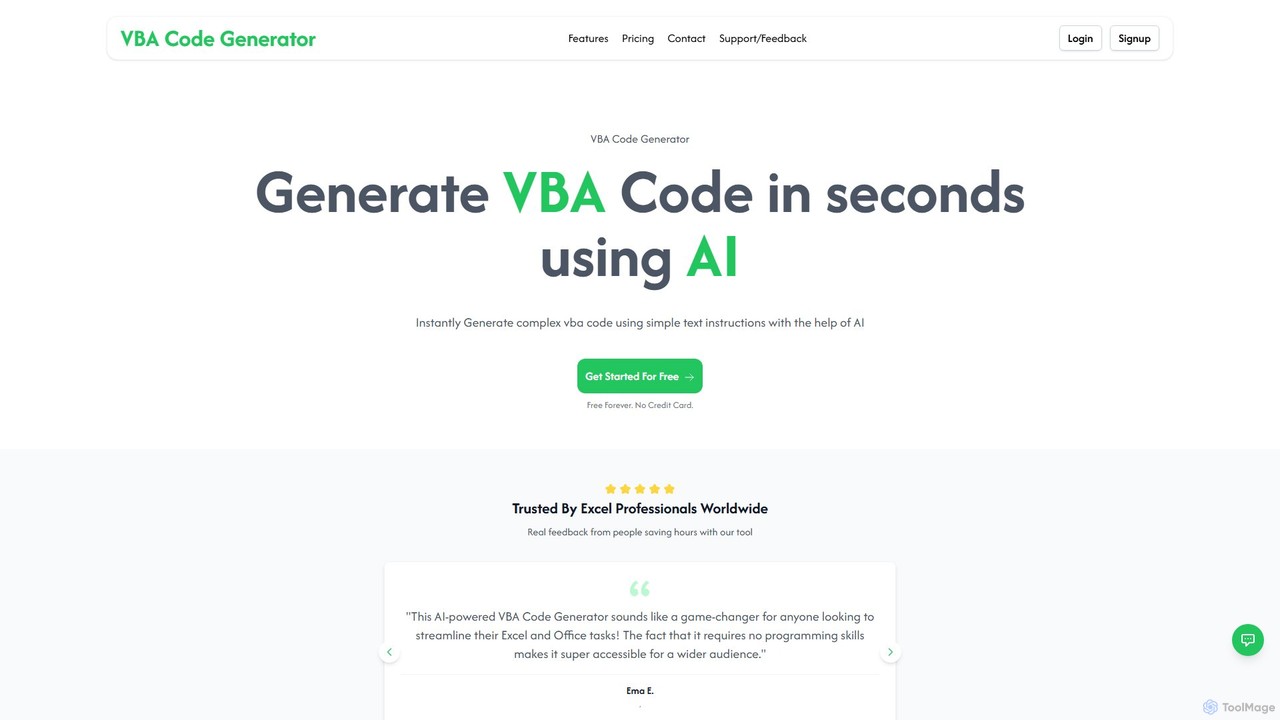
vbacodegenerator
vbacodegenerator is an AI-powered tool that instantly generates Visual Basic for Applications (VBA) code from simple text instructions. Designed for both beginners and experts, it streamlines tasks in Excel, Access, and other Office applications. Eliminate manual coding and save hours by automating complex operations, data management, and report generation with a user-friendly interface. It's a game-changer for anyone looking to boost their productivity in the Microsoft Office suite.
Spreadsheet
ChatExcel
ChatExcel is an AI-powered data analysis tool that allows users to process spreadsheets and analyze data through a simple chat interface. It automates tasks like data cleaning, merging, and analysis, and generates over 100 types of charts and visualizations from natural language commands. No coding or complex formulas required, boosting productivity by up to 90%.
Business Intelligence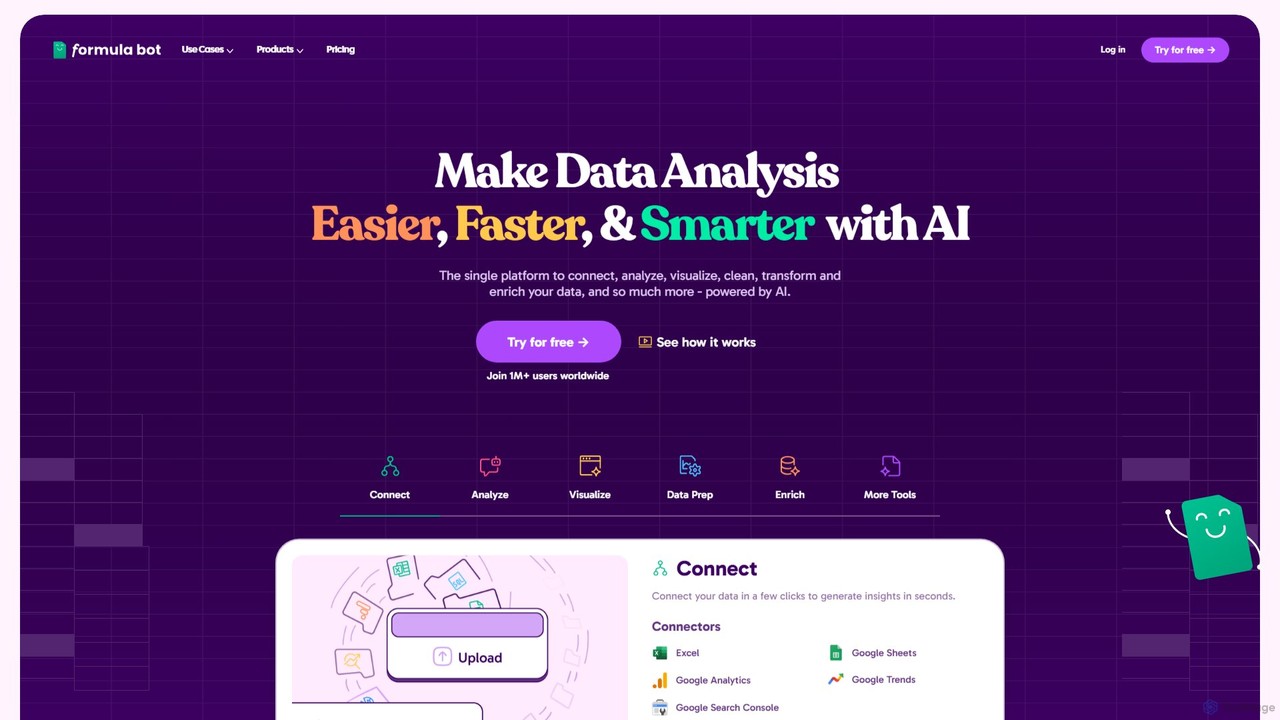
Formula Bot
Formula Bot is an AI-powered data analysis platform that simplifies working with spreadsheets and data. It allows users to generate Excel formulas, SQL queries, and VBA code from simple text instructions, analyze data through a conversational chat interface, and automate tasks like data cleaning and enrichment.
Data Visualization
ExcelBot Comments (0)
Sign in to comment.
Sign inNo comments yet.