


ChatExcel Overview
ChatExcel is a revolutionary AI tool designed to transform how users interact with spreadsheets and data. Recognized as a leader in intelligent office solutions, it empowers anyone to perform complex data processing, analysis, and visualization simply by chatting. Trusted by over 20 million users worldwide, ChatExcel eliminates the need for memorizing complex formulas or writing code. You can merge tables, split worksheets, clean data, and run advanced queries using simple, conversational language. The platform is engineered for efficiency, capable of increasing data processing speeds by up to 90% and turning raw data into actionable insights in seconds.
How to use ChatExcel
Using ChatExcel is incredibly intuitive and straightforward. The process involves three simple steps:
1. Upload Your File: Simply drag and drop your spreadsheet file onto the platform. ChatExcel supports various formats, including CSV, XLS, and XLSX, and can handle batch uploads and workbooks with multiple sheets.
2. Chat with Your Data: In the chatbox, type your request in plain English. For example, you can say, "Calculate the total sales for the second quarter," "Analyze the salary distribution by department and create a pie chart," or "Merge the data from Sheet1 and Sheet2 based on the 'Employee ID' column."
3. Get Instant Results: ChatExcel's AI will immediately process your command, perform the required operations, and present the results. This could be a modified table, a calculated value, a detailed analytical report, or a dynamic, presentation-ready chart. The entire process, from command to insight, often takes less than 10 seconds.
Core Features of ChatExcel
- Conversational Data Processing: Use natural language to perform over 400 Excel functions, including multi-table merging, worksheet splitting, data cleaning, advanced lookups, and complex calculations without writing a single formula.
- Intelligent Data Analysis: Effortlessly conduct various types of analysis, such as comparative, statistical, cross-tabulation, and correlation analysis. Generate comprehensive, professional reports with a single command.
- Advanced Data Visualization: Instantly create more than 100 types of dynamic and interactive charts. Options include bar charts, line graphs, pie charts, scatter plots, heatmaps, area charts, and sophisticated combination charts.
- Versatile File Handling: Supports CSV, XLS, and XLSX formats. Users can upload multiple files at once and work with multi-sheet workbooks seamlessly.
- Format Conversion: Easily convert files from other formats like PDF, PNG, JPG, and JPEG directly into structured Excel spreadsheets.
- Multi-Source Data Integration: Connect to and analyze data not just from files, but also from various databases, live web pages, and APIs, centralizing your data analysis workflow.
- Flexible Deployment Options: Caters to diverse user needs with multiple versions, including a web-based SaaS platform, an AI PC version for secure local processing, on-premise private deployment for enterprises, and API access for custom integrations.
Use Cases for ChatExcel
ChatExcel is a versatile tool applicable across numerous industries and roles:
Finance: Accountants and analysts can instantly calculate sales totals with specific conditions, summarize quarterly expenses, and generate financial performance charts.
Human Resources: HR professionals can analyze salary proportions across departments, visualize employee performance data, and track recruitment metrics by simply describing the desired outcome.
E-commerce & Sales: Teams can plot sales trends over time, create dynamic heatmaps of regional performance, and analyze customer segmentation data to drive strategy.
Education: Educators and administrators can extract and compare student scores, visualize performance distributions, and identify academic trends without manual data wrangling.
Government & Research: Analysts can create complex combination charts for economic data (e.g., GDP vs. growth rate) and efficiently process large public datasets for research purposes.
Advantages of ChatExcel
The primary advantage of ChatExcel is its ability to democratize data analysis. It empowers non-technical users to perform tasks that were once the domain of data experts. Key benefits include a massive efficiency boost, reducing hours of manual work to mere seconds. Its accessibility removes the steep learning curve associated with traditional spreadsheet software. The tool consistently produces high-quality, professional outputs, from cleaned data tables to sophisticated visualizations, enhancing the quality of reports and presentations. Furthermore, with options for local and on-premise deployment, ChatExcel addresses the critical need for data security and privacy in sensitive corporate environments.
Pricing and Plans
ChatExcel operates on a freemium model, making it accessible to a wide range of users. A free version is available for individuals and small-scale tasks, allowing users to experience the core functionalities. For professional and enterprise use, ChatExcel offers several advanced plans:
- SaaS Enterprise Edition: Includes features like SSO integration and enhanced security protocols.
- AI PC Version: A downloadable application that runs models locally on compatible PCs (Lenovo, HP, Huawei), ensuring data never leaves the user's machine.
- On-Premise Private Deployment: A fully private version for large organizations requiring maximum control and security, deployable on their own servers.
- API Access: Allows developers to integrate ChatExcel's powerful capabilities into their own applications and workflows.
Detailed pricing for enterprise and deployment plans is available upon request from the sales team.
Traffic
Latest traffic
Status
Monthly traffic trend
- 2025-9: 145.0K
- 2026-1: 323.5K
- 2026-2: 192.9K
- 2026-3: 410.6K
- 2026-4: 362.4K
- 2026-5: 317.3K
Geography
Top 5 countries / regions
- 🇨🇳China85.2%
- 🇲🇾Malaysia5.7%
- 🇺🇸United States3.5%
- 🇭🇰Hong Kong SAR China2.9%
- 🇹🇼Taiwan2.7%
Traffic sources
| Source type | Percentage |
|---|---|
Direct | 79.8% |
Referral | 19.1% |
Email | 1.2% |
Top keywords
| Keyword | Cost per click |
|---|---|
| chat excel | $0.00 |
| chatexcel | $4.15 |
| 在线ppt生成 | $0.00 |
| 日常办公文件处理用什么ai | $0.00 |
| 最适合大学生的ai | $0.00 |
ChatExcel Alternatives
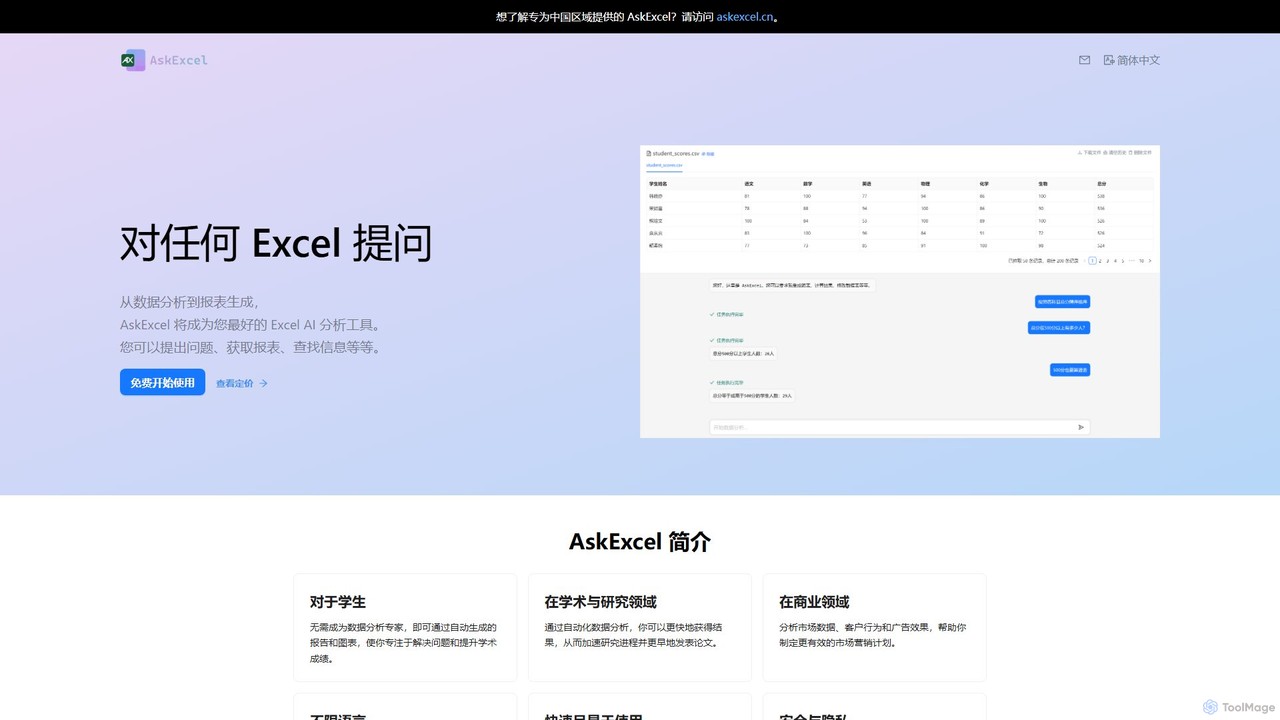
AskExcel
AskExcel is an AI-powered data analysis tool that transforms your Excel spreadsheets into interactive conversations. Simply upload your file, ask questions in natural language, and instantly receive data analysis, reports, and visualizations without writing any formulas or code.
Business Intelligence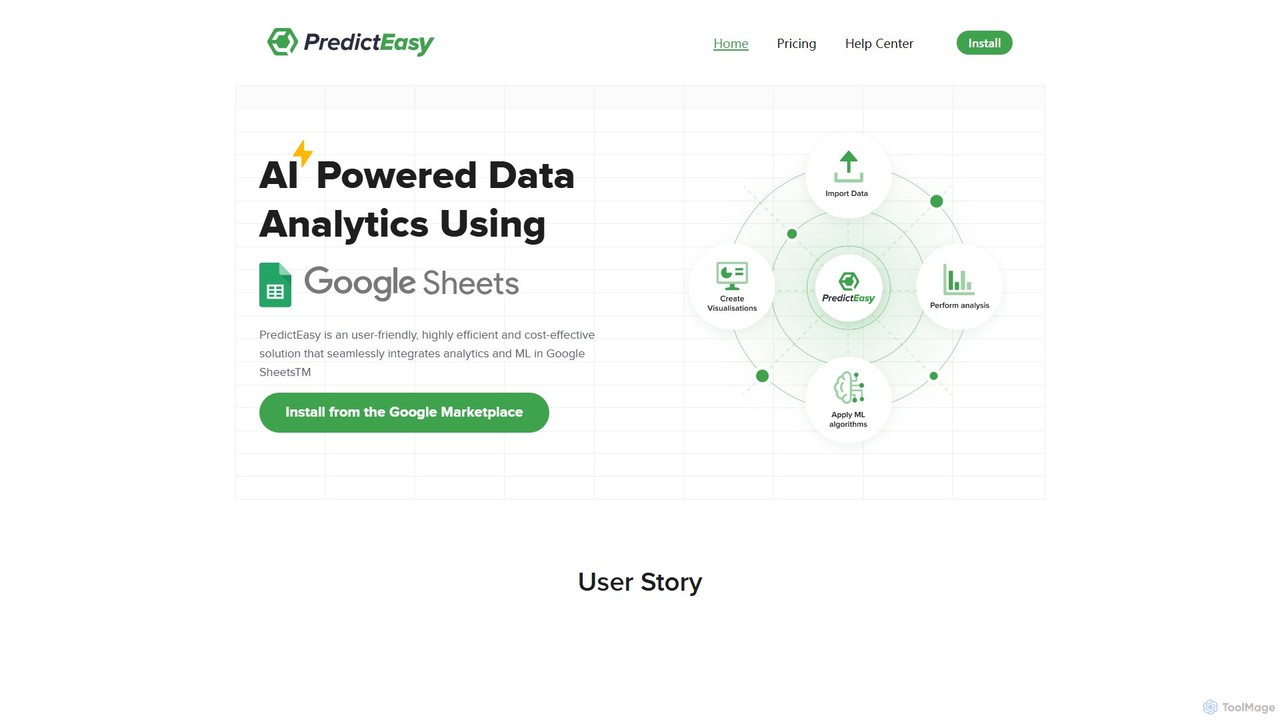
PredictEasy
PredictEasy is a powerful no-code AI add-on for Google Sheets that democratizes data analytics. It allows users to perform advanced tasks like predictive modeling, time-series forecasting, NLP, and statistical analysis with just a few clicks. Ideal for business professionals, researchers, and data analysts, it transforms your spreadsheet into a sophisticated data science tool, enabling data-driven decisions without writing any code.
Business Intelligence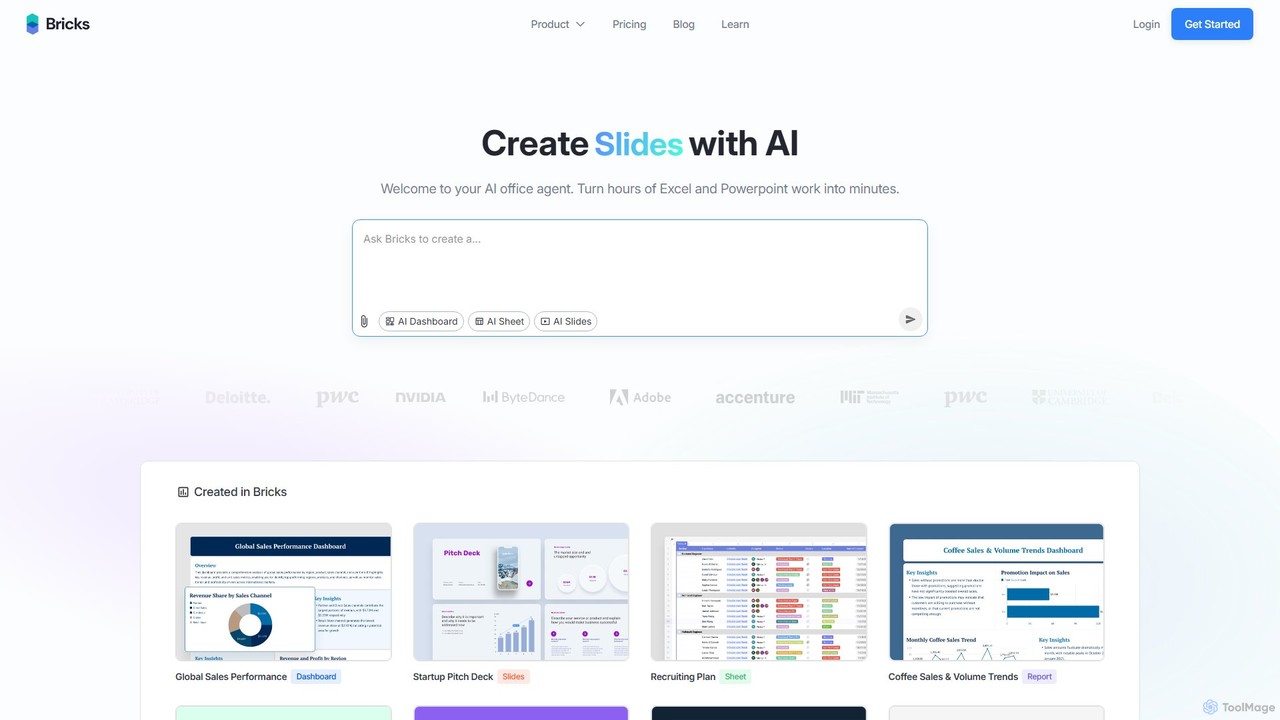
thebricks
thebricks is an AI-powered workspace that transforms data analysis and reporting. It allows users to create interactive dashboards, dynamic spreadsheets, and professional slides using simple natural language prompts. Turn hours of manual work in Excel and PowerPoint into minutes, streamlining your workflow and boosting productivity.
Business Intelligence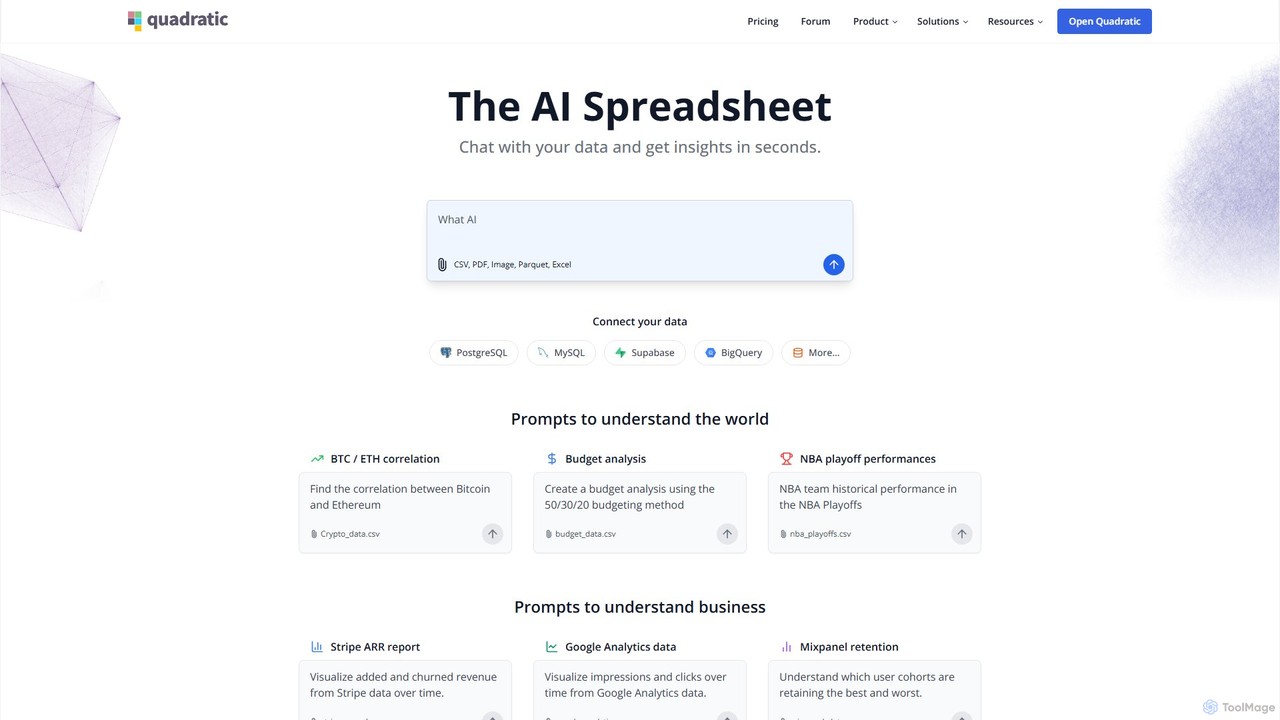
Quadratic
Quadratic is a powerful AI spreadsheet that integrates a familiar interface with Python, SQL, and natural language prompts. Connect directly to live databases, analyze data, extract information from PDFs, and create visualizations instantly. It's a secure, collaborative platform for data analysts, business professionals, and developers.
Business Intelligence
Ajelix
Ajelix is an AI-powered suite of tools designed to enhance productivity for Excel and Google Sheets users. It acts as an AI data analyst, automating tasks, generating formulas and VBA scripts, creating insightful reports, and providing advanced data analysis through a simple chat interface.
Business IntelligenceChatExcel Categories
ChatExcel Embed Widget
Copy this embed code to place the badge on your blog, article, or product site and send readers directly to this ToolMage detail page.

Related AI tools
AskExcel
AskExcel is an AI-powered data analysis tool that transforms your Excel spreadsheets into interactive conversations. Simply upload your file, ask questions in natural language, and instantly receive data analysis, reports, and visualizations without writing any formulas or code.
Business Intelligencethebricks
thebricks is an AI-powered workspace that transforms data analysis and reporting. It allows users to create interactive dashboards, dynamic spreadsheets, and professional slides using simple natural language prompts. Turn hours of manual work in Excel and PowerPoint into minutes, streamlining your workflow and boosting productivity.
Business IntelligenceAjelix
Ajelix is an AI-powered suite of tools designed to enhance productivity for Excel and Google Sheets users. It acts as an AI data analyst, automating tasks, generating formulas and VBA scripts, creating insightful reports, and providing advanced data analysis through a simple chat interface.
Business Intelligence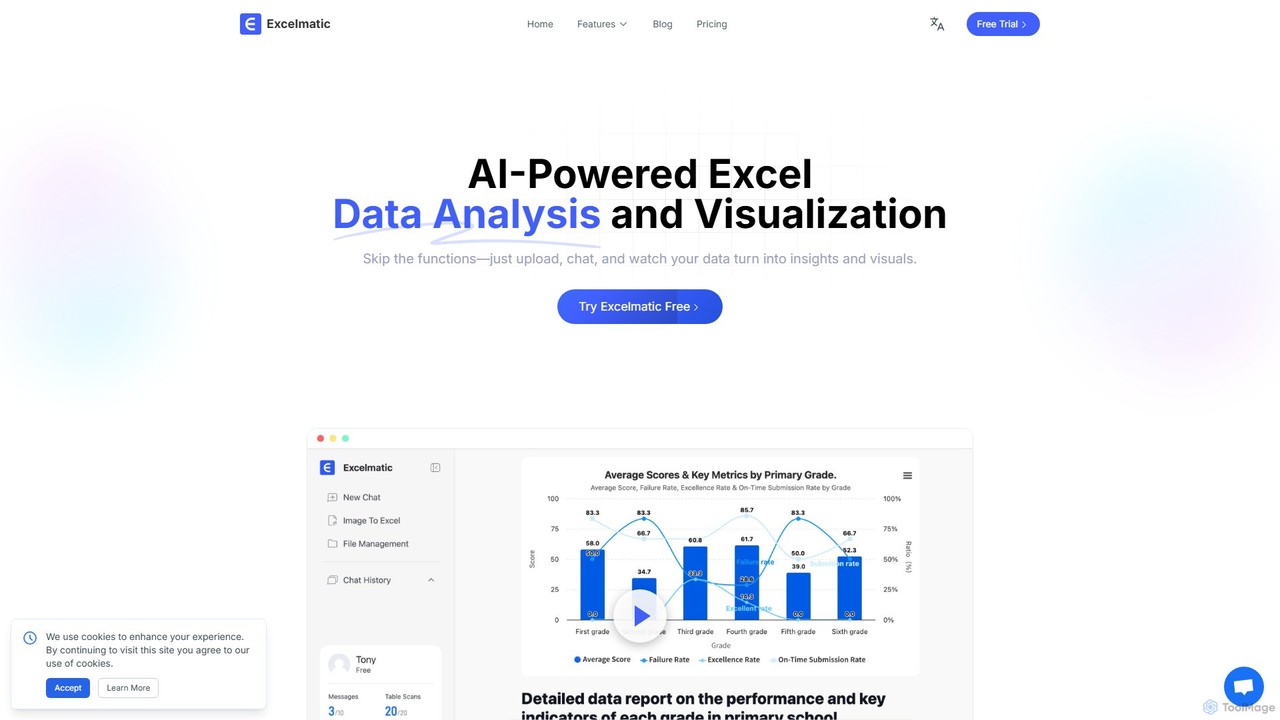
excelmatic
Excelmatic is an AI-powered assistant that transforms your Excel and spreadsheet tasks. Simply upload your data, ask questions in plain English, and instantly get data analysis, visualizations, and generated formulas. It's a no-code solution designed to automate data cleaning, chart creation, and insight discovery, making data accessible to everyone.
Business Intelligence
Jyek
Jyek is an AI agent platform that understands objectives, creates execution plans, uses tools, and delivers verifiable results for complex, multi-step tasks.
Automation
Sheetplus
Sheetplus is an AI-powered toolkit designed to supercharge your spreadsheet experience in Google Sheets and Excel. By leveraging natural language, it allows users to generate complex formulas, clean and analyze data, automate tasks, and extract insights without writing code. It acts as an intelligent assistant, making data management faster, more intuitive, and accessible to everyone, regardless of their technical expertise.
Automation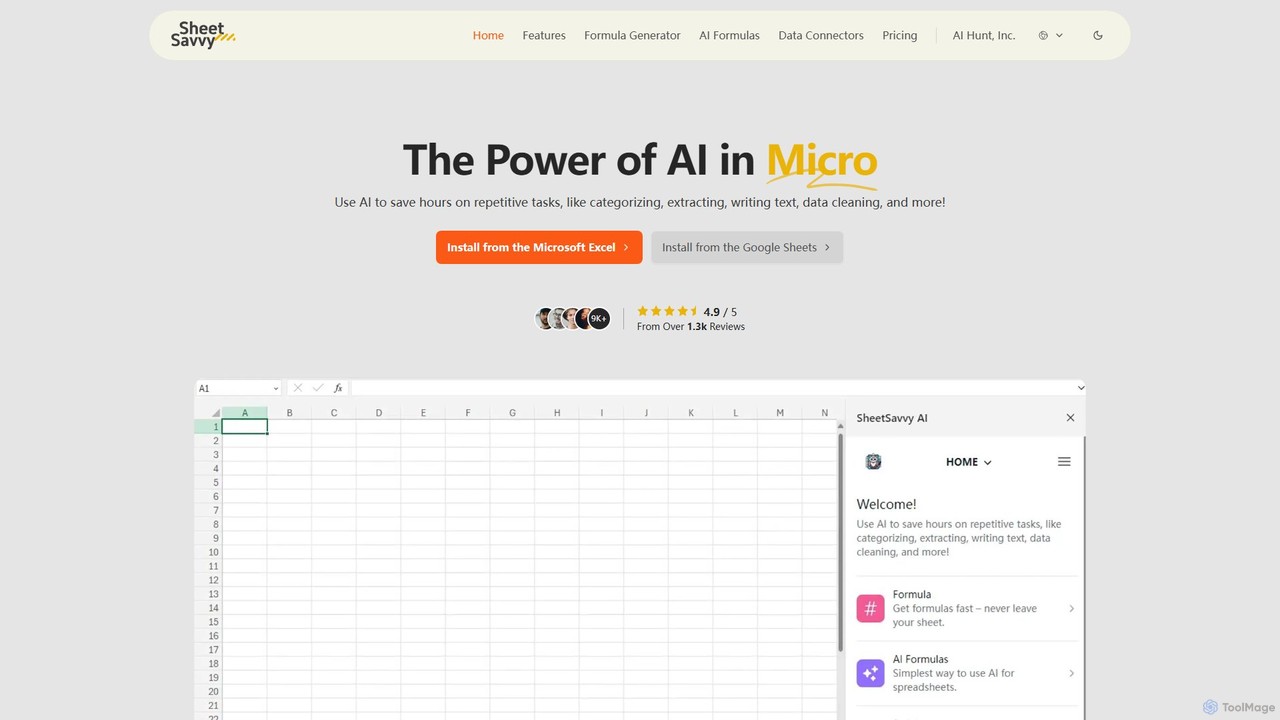
SheetSavvy AI
SheetSavvy AI is an AI-powered assistant for Google Sheets and Microsoft Excel, designed to automate repetitive tasks. It features a formula generator, AI-driven formulas for data cleaning and analysis, and seamless data connectors to import live data, significantly boosting spreadsheet productivity.
Finance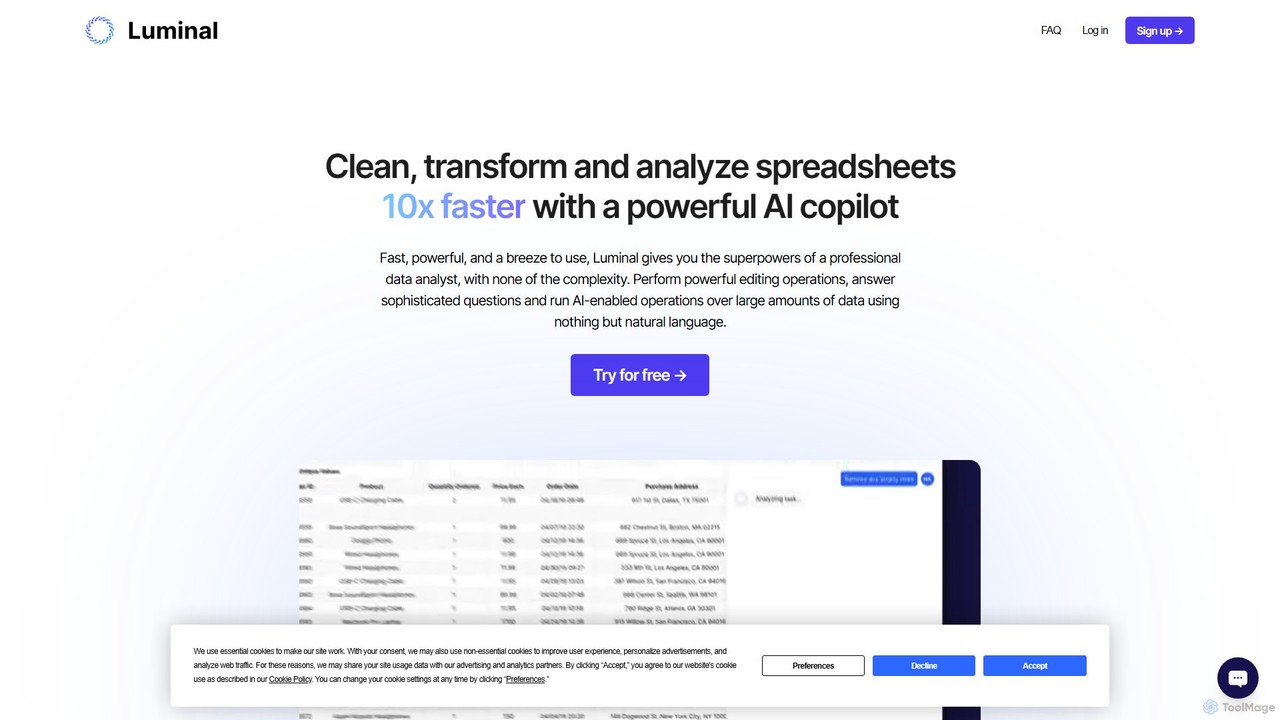
Luminal
Luminal is a powerful AI copilot that revolutionizes spreadsheet management. It allows users to clean, transform, analyze, and visualize data up to 10x faster using simple, natural language commands. Eliminate complex formulas and manual data processing, saving hours of work on large datasets.
Data Management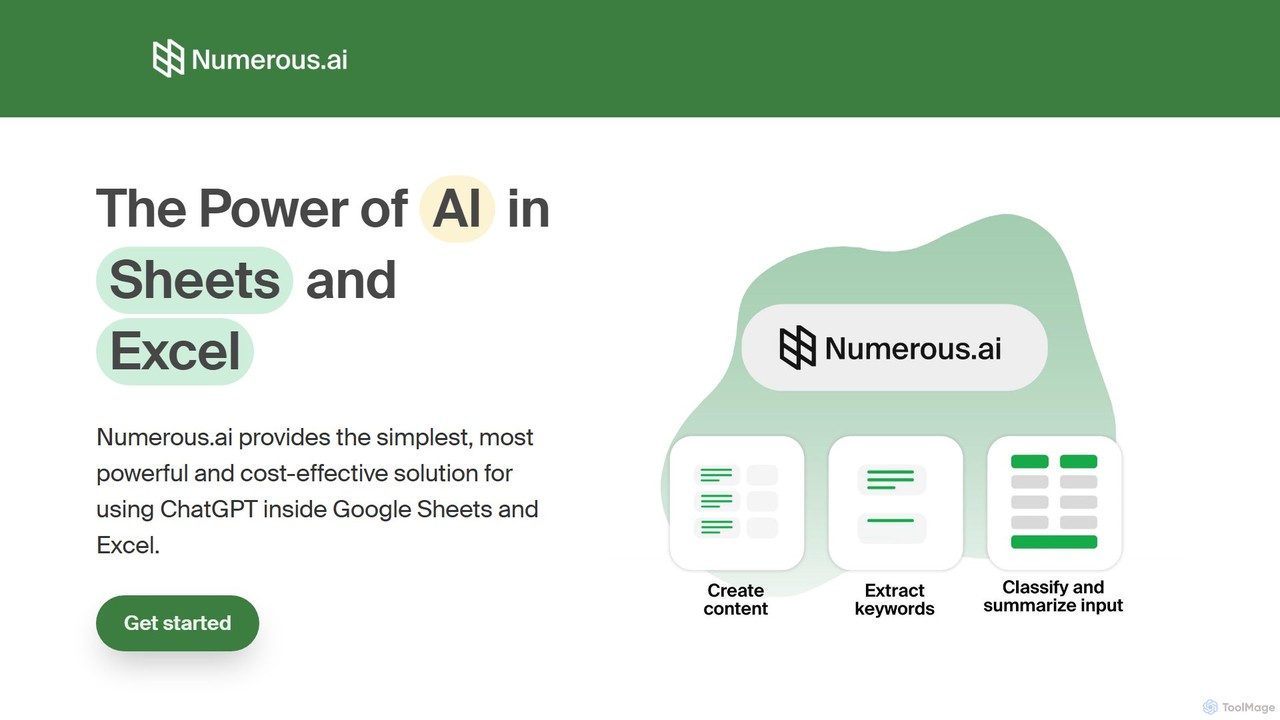
Numerous.ai
Numerous.ai is a powerful AI assistant that integrates directly into Google Sheets and Excel. It allows users to automate tasks, generate content, clean and classify data, and perform complex analysis using a simple '=AI()' function, without needing any API keys or coding skills.
Data Analysis
AIColumns
AIColumns is an AI-powered data assistant that supercharges your spreadsheets. It integrates seamlessly with platforms like Google Sheets and Excel, allowing you to use natural language to clean data, generate complex formulas, create visualizations, and uncover actionable insights instantly.
Intelligence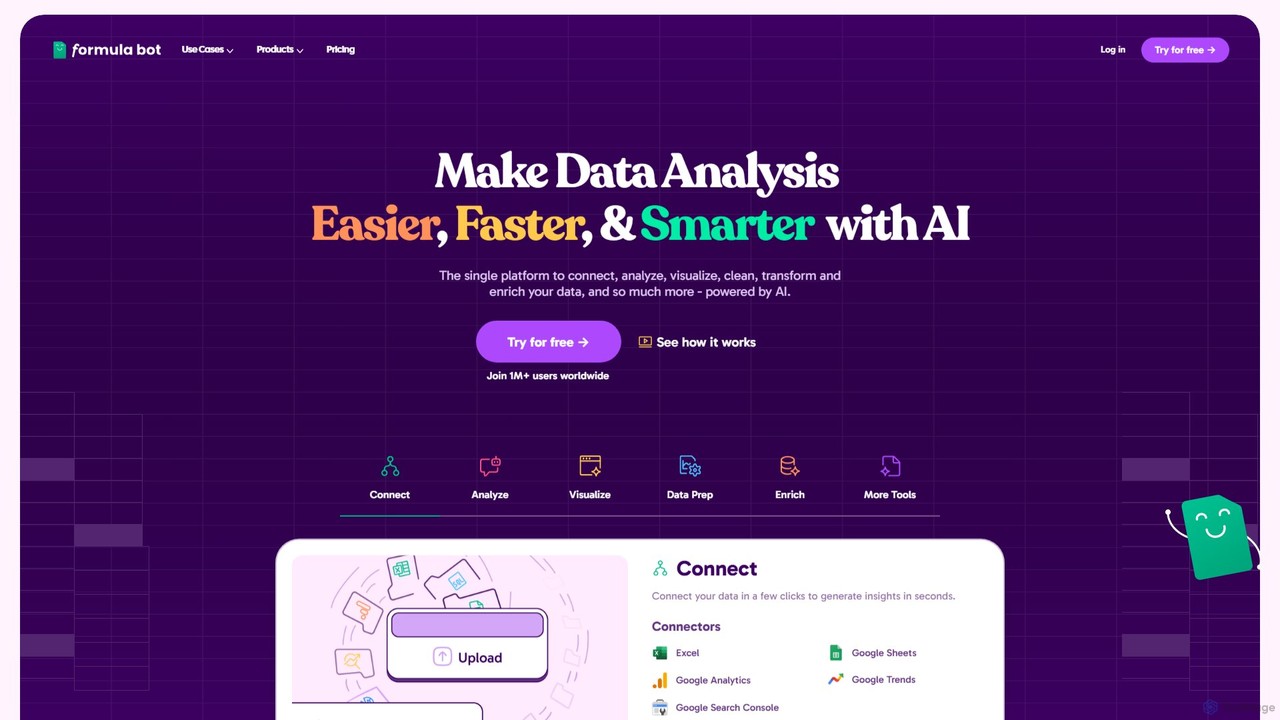
Formula Bot
Formula Bot is an AI-powered data analysis platform that simplifies working with spreadsheets and data. It allows users to generate Excel formulas, SQL queries, and VBA code from simple text instructions, analyze data through a conversational chat interface, and automate tasks like data cleaning and enrichment.
Data Visualization
Sourcetable
Sourcetable is an AI-powered spreadsheet that combines the functionality of traditional spreadsheets with an AI data analyst. It allows users to connect to live data sources, ask questions in plain English, generate formulas, create charts, and automate reports. By integrating AI, Python, and SQL capabilities directly into the spreadsheet interface, Sourcetable empowers users of all skill levels to perform complex data analysis, cleaning, and visualization tasks effortlessly, turning raw data into actionable insights in seconds.
No Code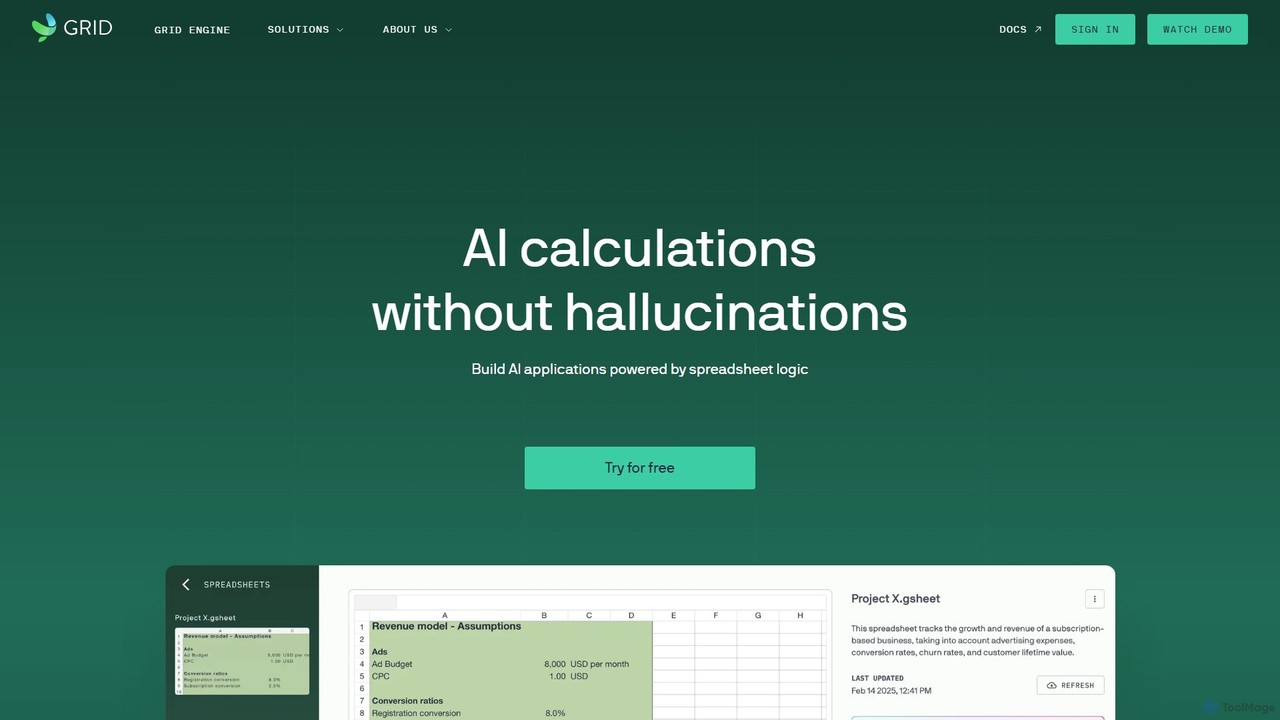
GRID
GRID is an AI-first platform that transforms your existing spreadsheets into powerful, interactive web applications and AI-driven tools. It leverages the logic and data within your Excel and Google Sheets files to build reliable calculators, dashboards, and models that can be queried using natural language, eliminating AI hallucinations.
Business Intelligence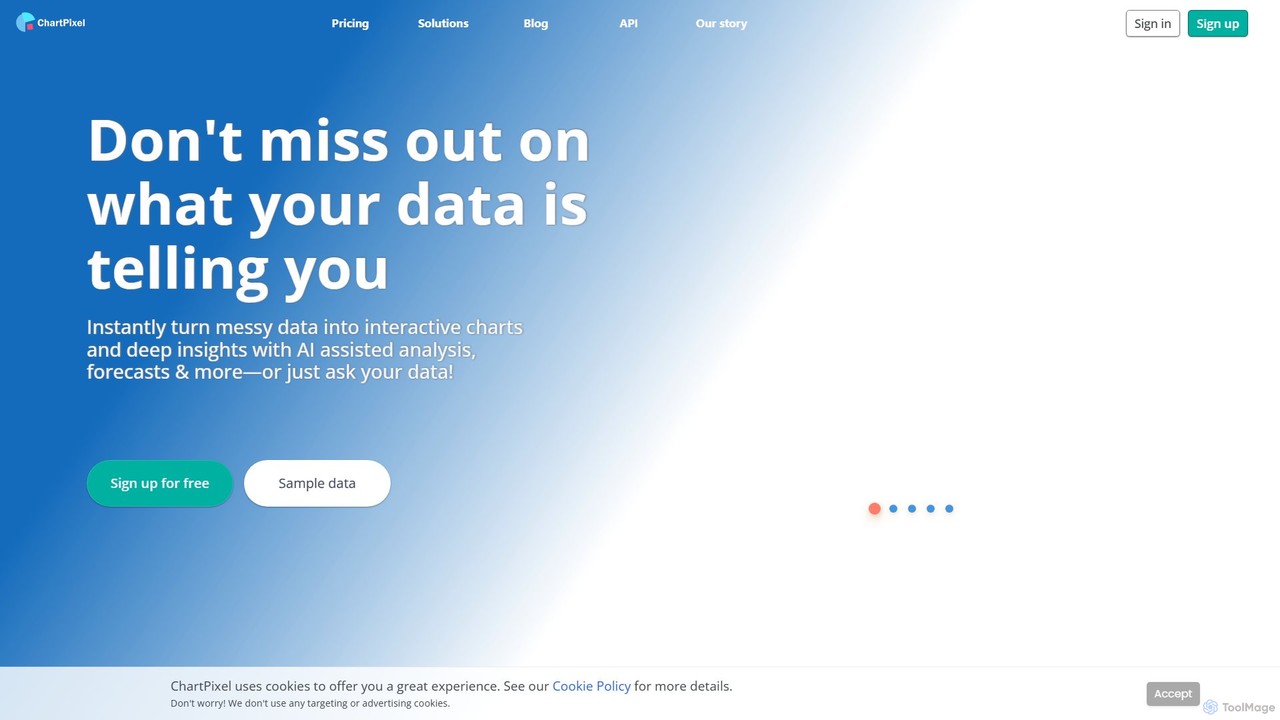
ChartPixel
ChartPixel is an AI-powered data analysis and visualization platform that instantly transforms raw, messy data into interactive charts and actionable insights. With a no-code interface, it allows users to chat with their data, generate forecasts, and uncover statistical patterns effortlessly. It's designed for everyone from students and researchers to business professionals, ensuring secure and reliable data-driven decision-making.
Business Intelligence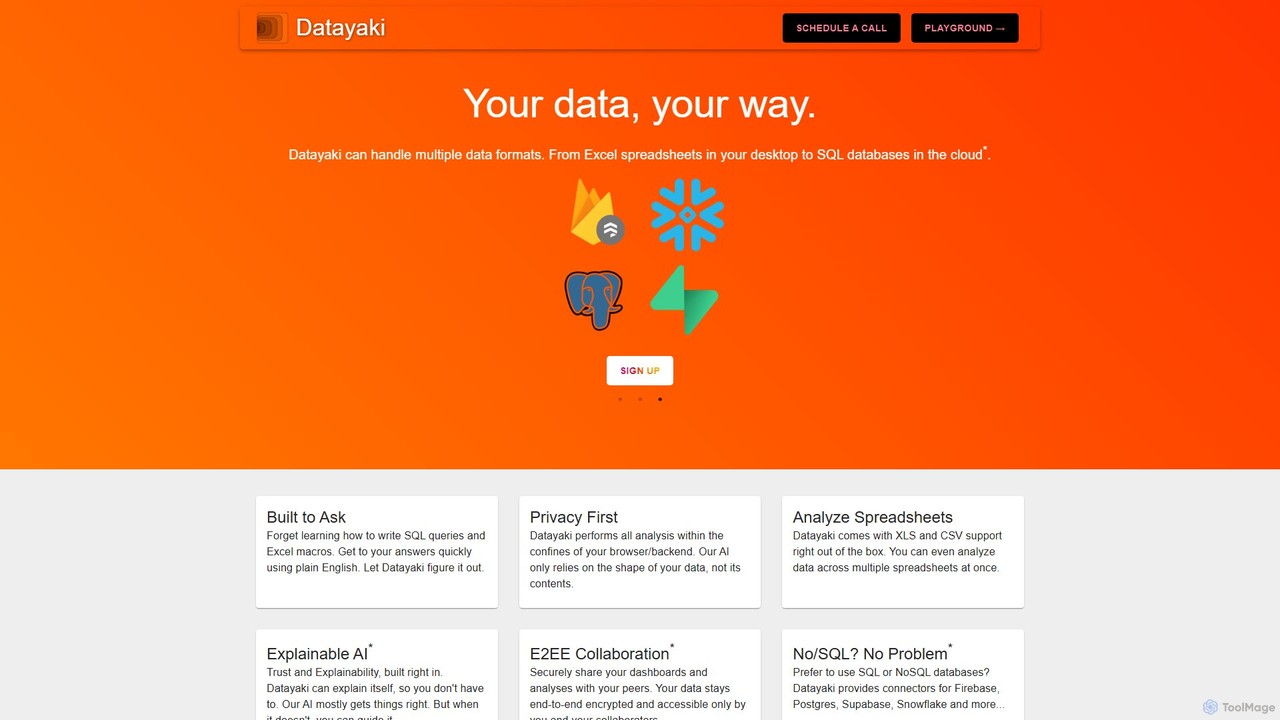
Datayaki
Datayaki is an AI-powered data analyst that lets you find insights from your data by asking questions in plain English. It supports formats like Excel and CSV, eliminating the need for SQL or complex formulas. With a strong focus on privacy, all analysis is performed locally in your browser, ensuring your data remains secure and confidential. It's designed for professionals and teams who need fast, accessible, and secure data analysis.
Data Visualization
ChatExcel Comments (0)
Sign in to comment.
Sign inNo comments yet.