

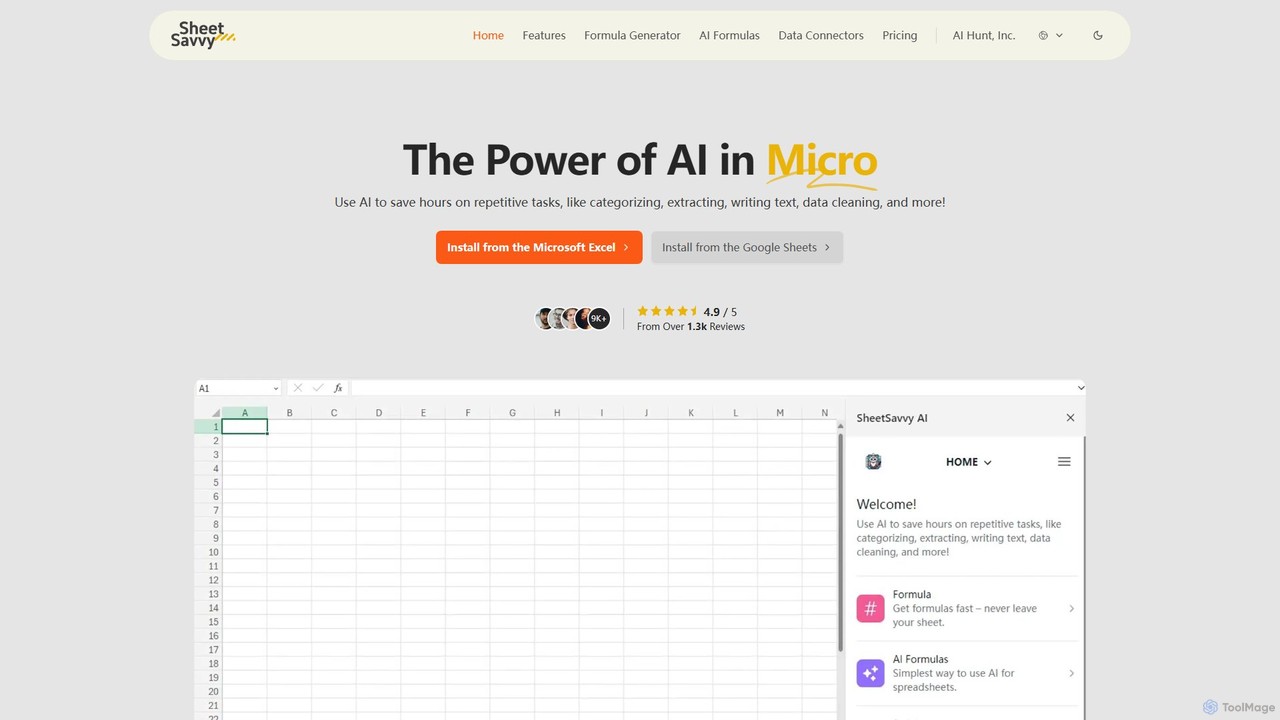
SheetSavvy AI Overview
SheetSavvy AI is a revolutionary tool designed to integrate the power of artificial intelligence directly into your spreadsheets, transforming the way you work with Google Sheets and Microsoft Excel. It acts as an intelligent assistant, aimed at eliminating tedious, repetitive tasks and unlocking new levels of efficiency and data insight. By automating complex processes, SheetSavvy AI allows users, from HR specialists to data analysts, to save countless hours and focus on more strategic work.
The platform is built to supercharge your spreadsheet capabilities, making data analysis, cleaning, and manipulation more intuitive and accessible than ever before. Whether you're struggling with complex formulas, spending too much time on manual data entry, or needing to quickly generate insights from your data, SheetSavvy AI provides a comprehensive suite of tools to streamline your entire workflow.
How to use SheetSavvy AI
Getting started with SheetSavvy AI is a straightforward process designed for immediate productivity gains:
- Installation: Begin by installing the SheetSavvy AI add-on from the Google Sheets Marketplace or the plug-in from the Microsoft Excel store. The integration is seamless and places the AI tools directly within your familiar spreadsheet environment.
- Formula Generation: To create a complex formula, simply open the Formula Generator. Describe the calculation you need in plain English (e.g., "Sum all values in column B where column A is 'Sales'"). The AI will instantly generate the correct formula for you to use.
- Using AI Formulas: Access special AI-powered formulas directly in your cells, such as =AI.CATEGORIZE() to sort text data or =AI.SENTIMENT() to analyze feedback. These functions perform complex tasks with a simple command.
- Leveraging the AI Assistant: Use the AI Assistant to automate broader tasks. Ask it to create a project timeline template, generate a summary of your quarterly sales data, or build a chart to visualize customer demographics.
- Connecting Data: With Data Connectors, you can link your spreadsheets to external tools like CRMs or databases. Select your source, authenticate, and set up automatic data refreshes to ensure your spreadsheet data is always live and up-to-date, with no coding required.
Core Features of SheetSavvy AI
- AI Assistant: A comprehensive assistant that automates high-level tasks. It can create entire spreadsheet templates, analyze datasets to find trends, generate executive summaries, and build stunning, presentation-ready visualizations and charts.
- AI Formulas: A unique set of intelligent formulas that go beyond standard spreadsheet functions. These can be used to effortlessly summarize large amounts of data, categorize text-based information, clean up messy and inconsistent entries, and even perform sentiment analysis on customer reviews or employee feedback.
- Formula Generator: An AI-powered tool that translates natural language descriptions into complex and accurate spreadsheet formulas. This eliminates the steep learning curve of advanced Excel or Google Sheets functions and prevents time-consuming errors.
- Data Connectors: A no-code feature that enables automatic, live data importation from your favorite applications and data sources directly into your spreadsheets. This keeps your data fresh without the hassle of manual exporting and importing.
Use Cases for SheetSavvy AI
SheetSavvy AI is versatile and benefits a wide range of professionals:
- Project Managers: Automate the creation of project status reports, categorize task lists by priority or team member, and generate Gantt charts or progress visualizations automatically.
- HR Specialists: Analyze employee survey feedback using sentiment analysis, clean and organize HR data from multiple sources, and generate summaries for workforce planning reports.
- Operations Managers: Connect to inventory systems for live stock updates, analyze operational metrics with AI-generated formulas, and create automated dashboards to monitor key performance indicators.
- Data Analysts: Accelerate data cleaning and preparation, generate complex analytical models with ease, and import data from various sources into a single spreadsheet for comprehensive analysis, boosting productivity by up to 2.5x.
Advantages of SheetSavvy AI
The primary advantage of SheetSavvy AI is a massive boost in productivity. Users report creating spreadsheets 80% faster and reducing time spent on manual data import by 50%. It democratizes data analysis by making complex functions accessible to users of all skill levels. This leads to increased accuracy by reducing human error in formula writing and data handling. Its seamless integration into existing spreadsheet software means there is no need to learn a new, standalone application.
Pricing and Plans
SheetSavvy AI offers a clear, value-driven pricing structure with a 50% discount on the first-time subscription.
- Personal (Free): $0/month. Includes GPT-3.5 support, 10 Word/Docs requests, 5 PPT/Slides requests, 10 formula generations, 100 AI formula requests, 1 data connector (1000 rows), and community support.
- Pro: $4.99/month. For individual users. Includes GPT-4 support, 100 Word/Docs requests, 50 PPT/Slides requests, 100 formula generations, 1000 AI formula requests, 3 data connectors (5000 rows), and email support.
- Premium (Best Value): $9.99/month. For professionals and small teams. Includes GPT-4 support, 2500 Word/Docs requests, 100 PPT/Slides requests, 1000 formula generations, 2500 AI formula requests, 5 data connectors (unlimited rows), and email support.
- Ultimate: $29.99/month. For organizations with extensive needs. Includes GPT-4 support, 10000 Word/Docs requests, 1000 PPT/Slides requests, unlimited formula generations, 10000 AI formula requests, 10+ data connectors (unlimited rows), and priority support.
- Enterprise: Custom pricing is available for large organizations with specific requirements.
SheetSavvy AI Alternatives
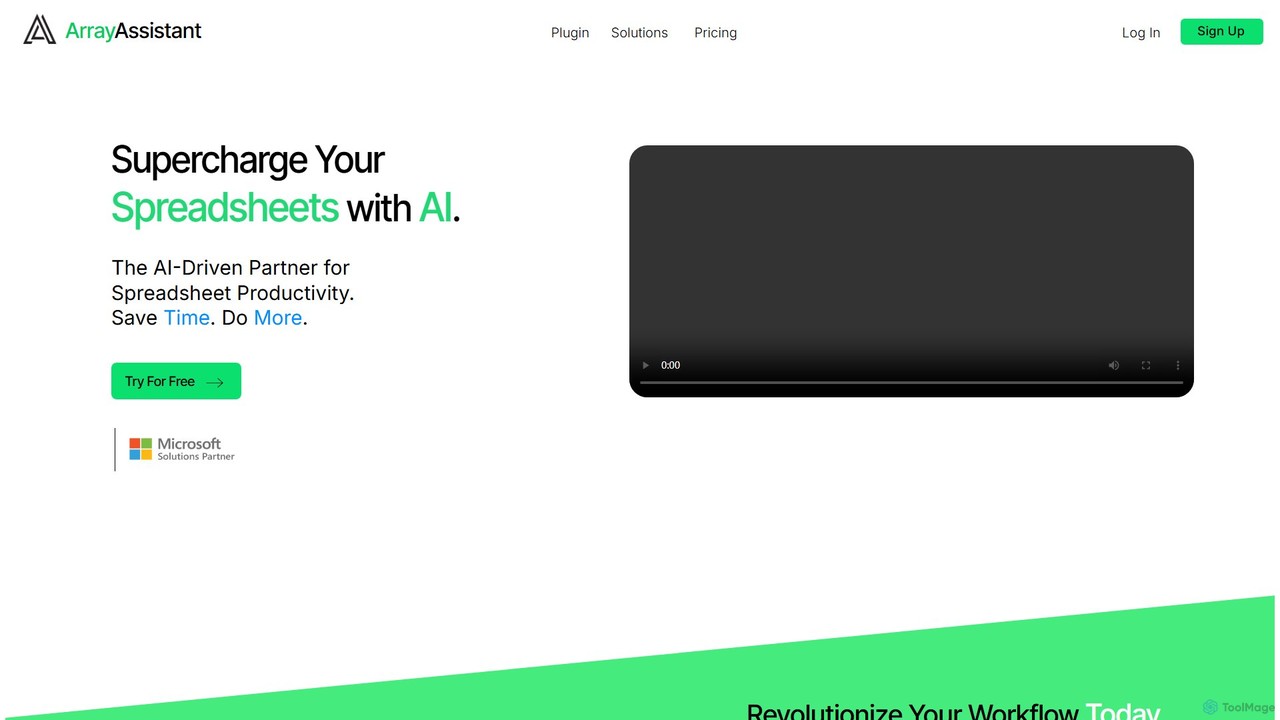
Array Assistant
Array Assistant is an AI-powered plugin for spreadsheets that supercharges your productivity. It helps you generate complex formulas, clean and organize data, summarize text, explain problems, and design automations, all within your existing workflow. Ideal for professionals, students, and anyone who uses spreadsheets.
Finance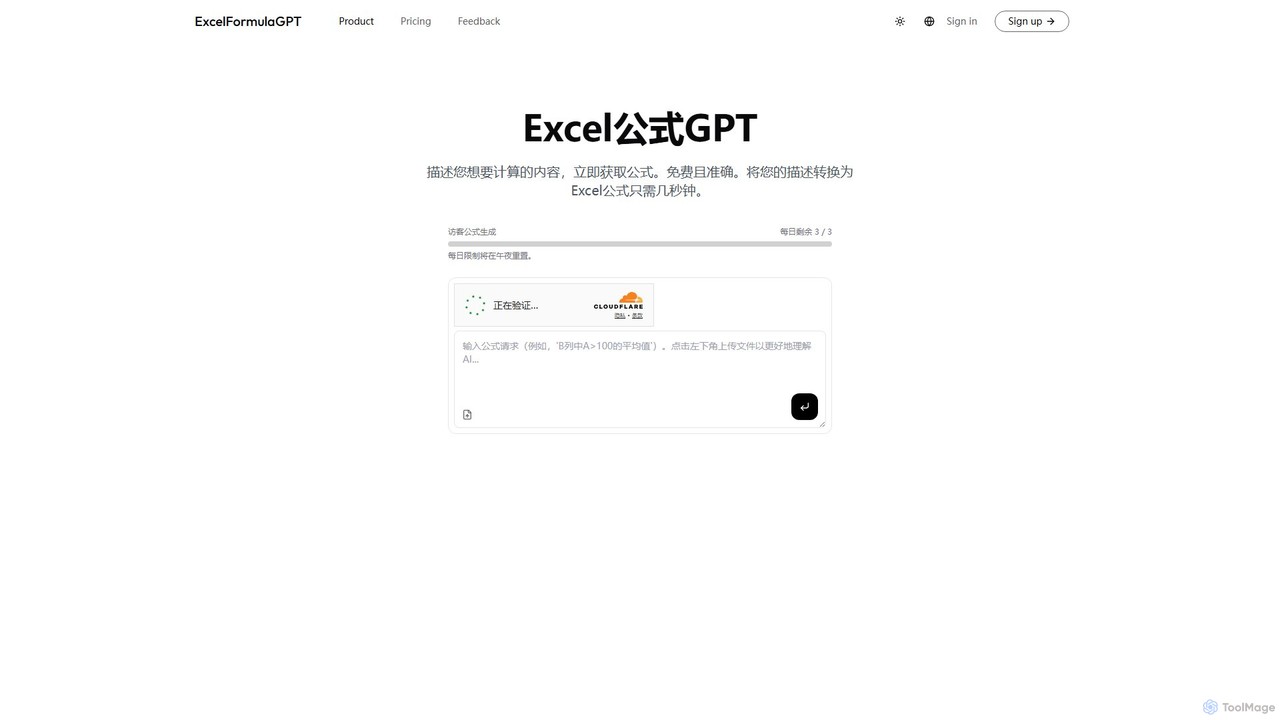
excelformulagpt
excelformulagpt is an AI-powered tool that instantly converts natural language descriptions into complex Excel and Google Sheets formulas. It helps users save time, reduce errors, and boost productivity without needing to memorize complex syntax. Features include formula generation, context-aware suggestions from uploaded files, and formula explanations.
Automation
Sheetplus
Sheetplus is an AI-powered toolkit designed to supercharge your spreadsheet experience in Google Sheets and Excel. By leveraging natural language, it allows users to generate complex formulas, clean and analyze data, automate tasks, and extract insights without writing code. It acts as an intelligent assistant, making data management faster, more intuitive, and accessible to everyone, regardless of their technical expertise.
Automation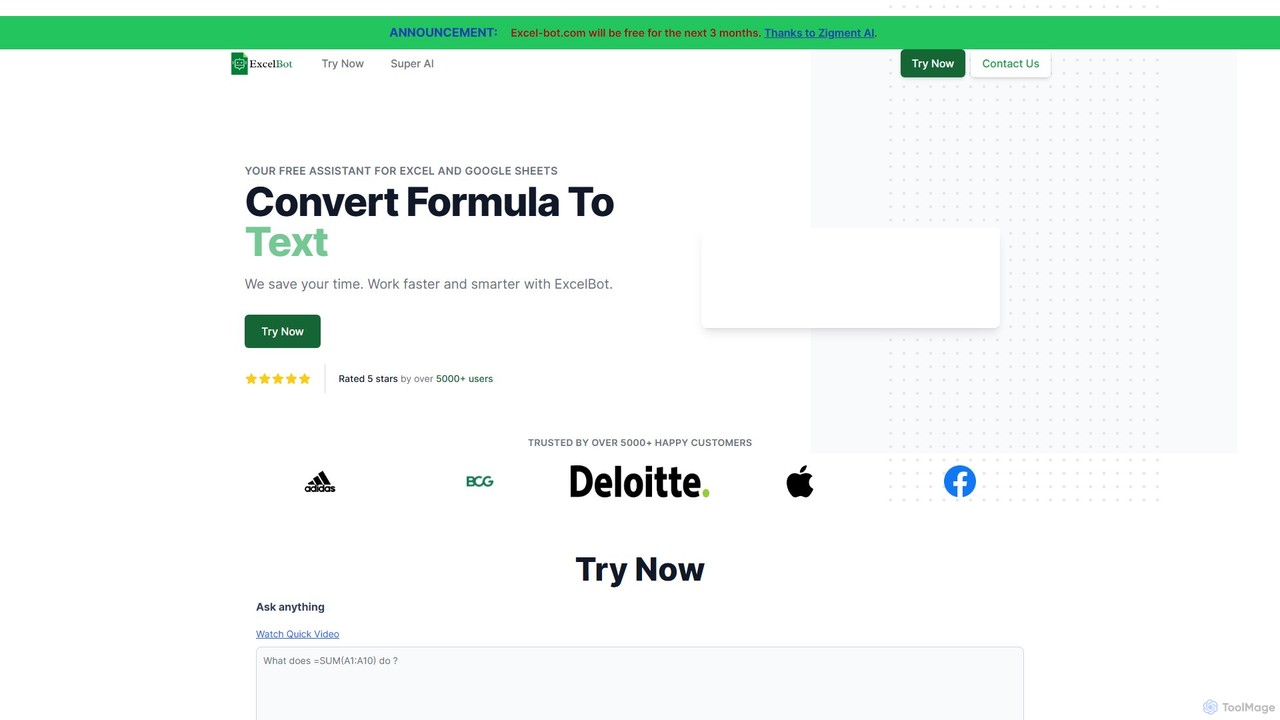
Excel Bot
Excel Bot is an AI-powered assistant for Microsoft Excel and Google Sheets. It converts your plain text instructions into complex formulas instantly, saving you time and reducing errors. Simply describe what you need, and the AI generates the correct formula for you.
Finance
AIColumns
AIColumns is an AI-powered data assistant that supercharges your spreadsheets. It integrates seamlessly with platforms like Google Sheets and Excel, allowing you to use natural language to clean data, generate complex formulas, create visualizations, and uncover actionable insights instantly.
IntelligenceSheetSavvy AI Categories
SheetSavvy AI Embed Widget
Copy this embed code to place the badge on your blog, article, or product site and send readers directly to this ToolMage detail page.

Related AI tools
Sheetplus
Sheetplus is an AI-powered toolkit designed to supercharge your spreadsheet experience in Google Sheets and Excel. By leveraging natural language, it allows users to generate complex formulas, clean and analyze data, automate tasks, and extract insights without writing code. It acts as an intelligent assistant, making data management faster, more intuitive, and accessible to everyone, regardless of their technical expertise.
AutomationArray Assistant
Array Assistant is an AI-powered plugin for spreadsheets that supercharges your productivity. It helps you generate complex formulas, clean and organize data, summarize text, explain problems, and design automations, all within your existing workflow. Ideal for professionals, students, and anyone who uses spreadsheets.
FinanceAIColumns
AIColumns is an AI-powered data assistant that supercharges your spreadsheets. It integrates seamlessly with platforms like Google Sheets and Excel, allowing you to use natural language to clean data, generate complex formulas, create visualizations, and uncover actionable insights instantly.
Intelligence
Ajelix
Ajelix is an AI-powered suite of tools designed to enhance productivity for Excel and Google Sheets users. It acts as an AI data analyst, automating tasks, generating formulas and VBA scripts, creating insightful reports, and providing advanced data analysis through a simple chat interface.
Business Intelligence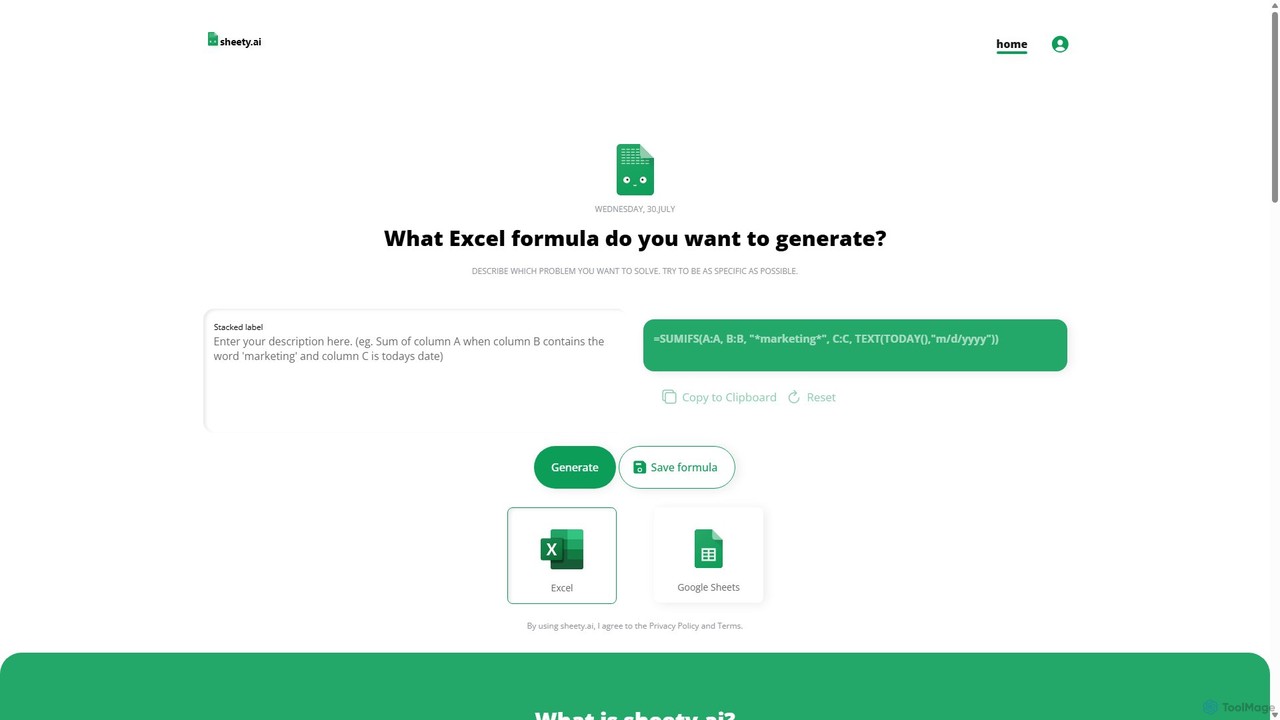
sheety.ai
sheety.ai is an AI-powered tool that instantly generates complex spreadsheet formulas for Excel and Google Sheets from natural language descriptions. Simply describe the problem you want to solve, and the AI will provide the correct formula, saving you time and eliminating the need to memorize syntax. It's designed for everyone from students to financial analysts, boosting productivity and data accuracy.
Data Processingexcelformulagpt
excelformulagpt is an AI-powered tool that instantly converts natural language descriptions into complex Excel and Google Sheets formulas. It helps users save time, reduce errors, and boost productivity without needing to memorize complex syntax. Features include formula generation, context-aware suggestions from uploaded files, and formula explanations.
Automation
ChatExcel
ChatExcel is an AI-powered data analysis tool that allows users to process spreadsheets and analyze data through a simple chat interface. It automates tasks like data cleaning, merging, and analysis, and generates over 100 types of charts and visualizations from natural language commands. No coding or complex formulas required, boosting productivity by up to 90%.
Business Intelligence
Formula Bot
Formula Bot is an AI-powered data analysis platform that simplifies working with spreadsheets and data. It allows users to generate Excel formulas, SQL queries, and VBA code from simple text instructions, analyze data through a conversational chat interface, and automate tasks like data cleaning and enrichment.
Data Visualization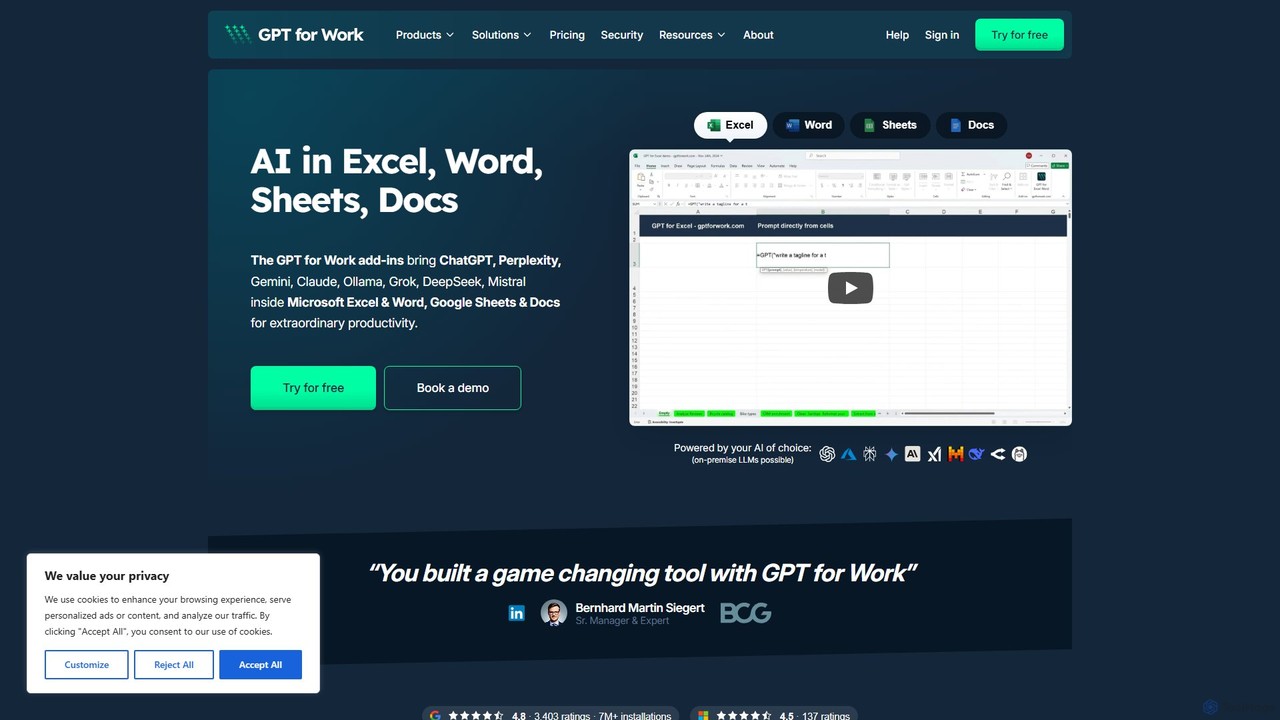
GPT for Work
A powerful AI add-on that integrates GPT capabilities directly into Google Sheets, Docs, Microsoft Excel, and Word. Automate tasks, generate text, analyze data, and create formulas using simple commands, boosting your productivity without leaving your documents.
Document Assistant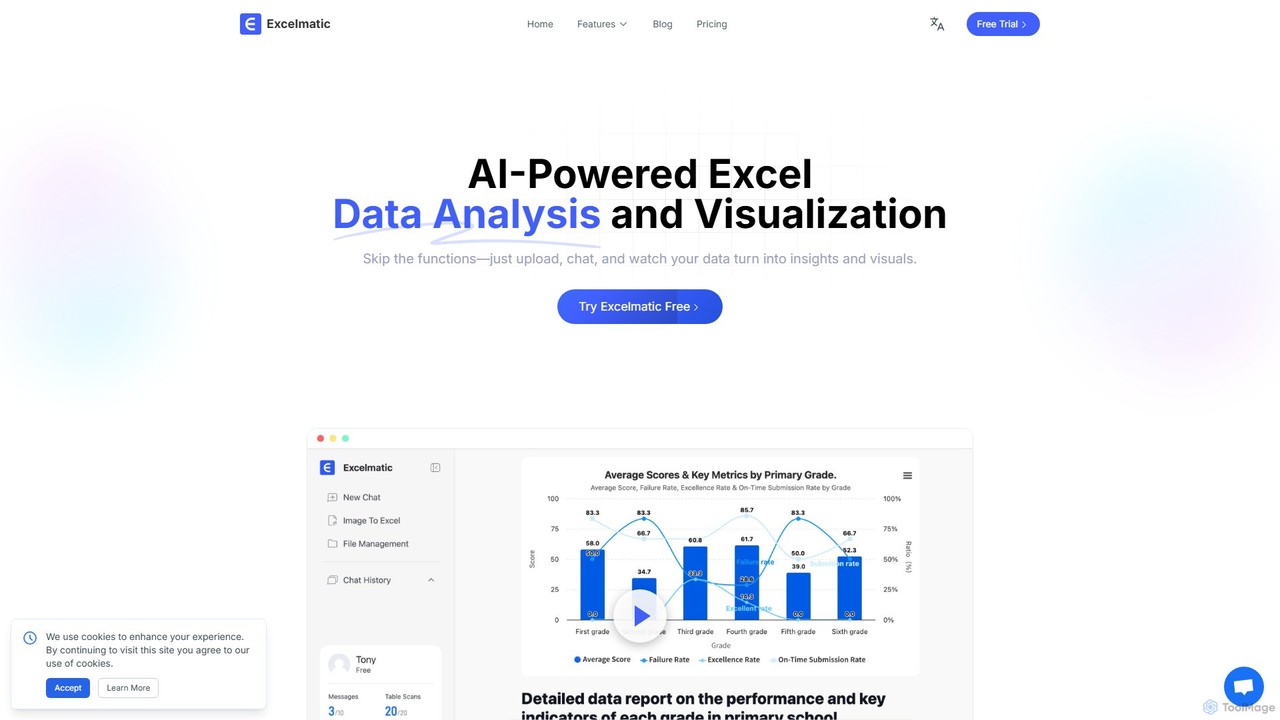
excelmatic
Excelmatic is an AI-powered assistant that transforms your Excel and spreadsheet tasks. Simply upload your data, ask questions in plain English, and instantly get data analysis, visualizations, and generated formulas. It's a no-code solution designed to automate data cleaning, chart creation, and insight discovery, making data accessible to everyone.
Business Intelligence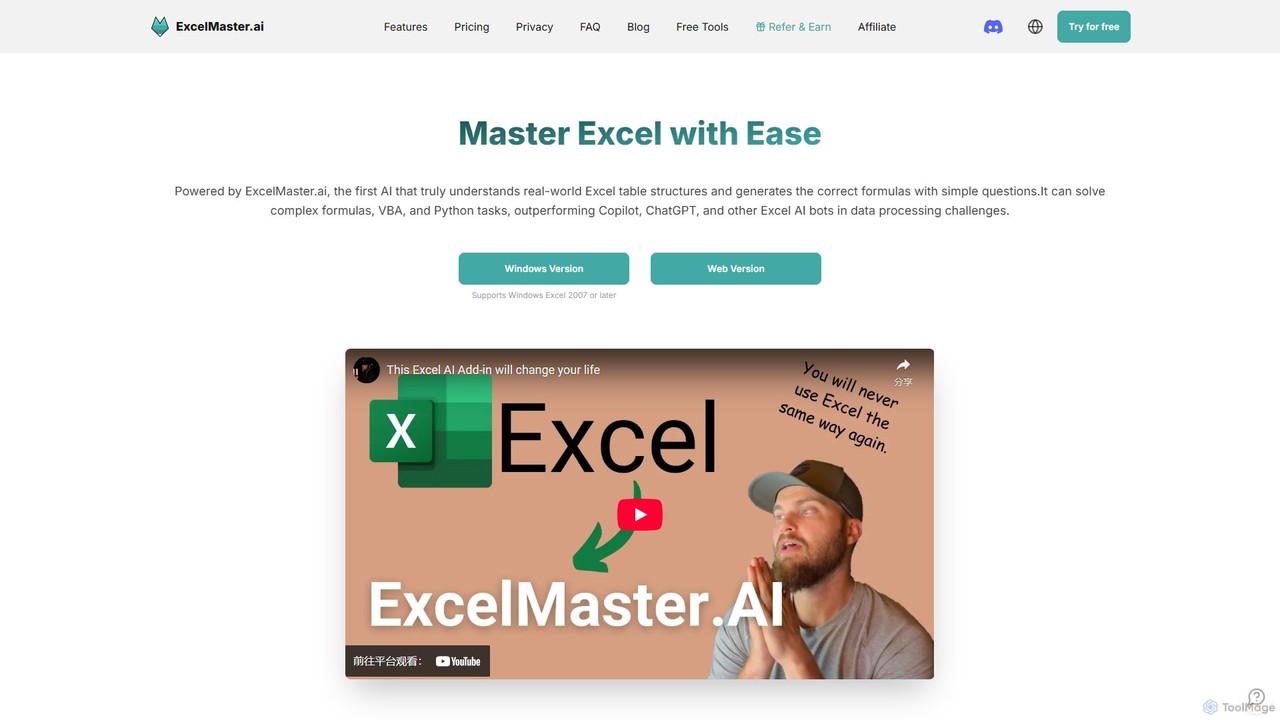
ExcelMaster.ai
ExcelMaster.ai is an advanced AI assistant designed to master Microsoft Excel. It generates accurate formulas, VBA code, and Python scripts from simple natural language questions. It excels at understanding complex, multi-sheet structures and provides one-click automation, making it a powerful tool for both beginners and expert Excel users to enhance productivity and streamline data-heavy tasks.
Code Assistant
Sheet Copilot
Sheet Copilot is an AI-powered assistant that automates tasks and answers questions directly within Google Sheets. By using natural language commands, you can clean data, generate formulas, create summaries, and analyze information without writing complex functions. It's currently free in beta and operates using your own OpenAI API key for enhanced privacy and security.
Automation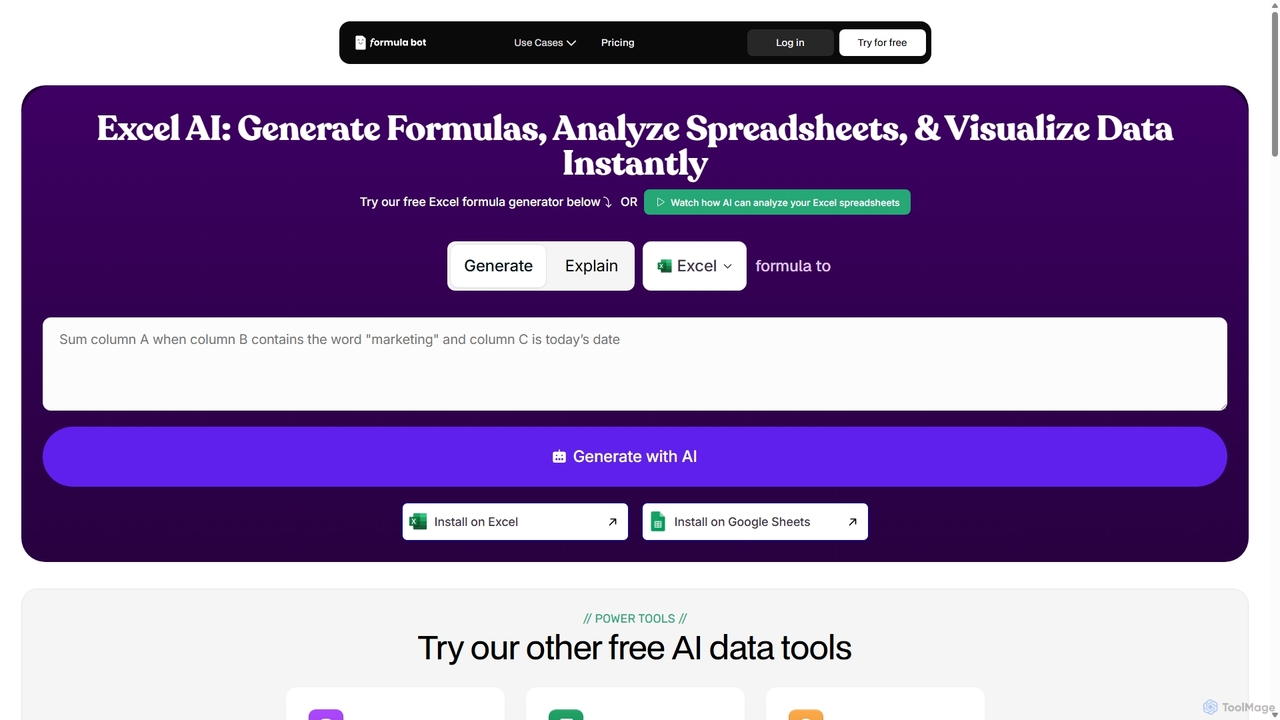
ExcelFormulaBot
ExcelFormulaBot is an AI-powered tool that generates complex Excel and Google Sheets formulas from text instructions in seconds. It also analyzes data, creates charts, generates VBA/SQL code, and explains formulas, making spreadsheet tasks faster and more accessible for everyone, from beginners to experts.
Data AnalysisExcel Bot
Excel Bot is an AI-powered assistant for Microsoft Excel and Google Sheets. It converts your plain text instructions into complex formulas instantly, saving you time and reducing errors. Simply describe what you need, and the AI generates the correct formula for you.
Finance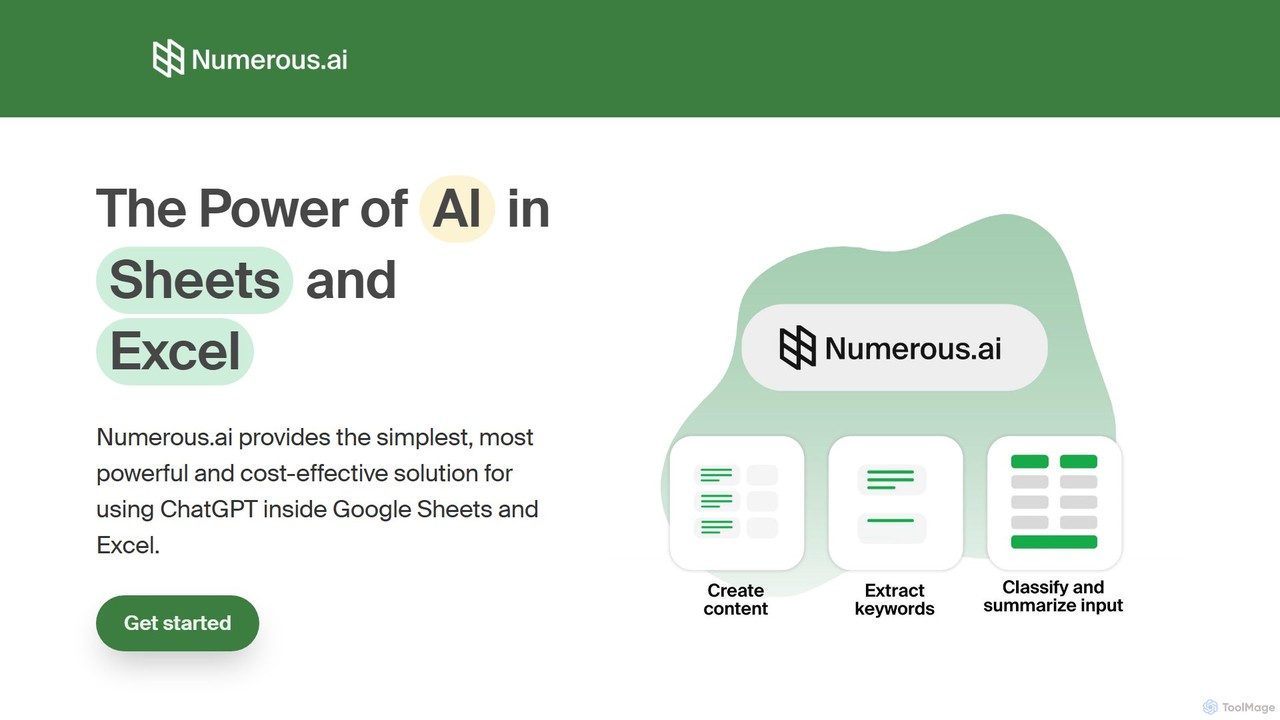
Numerous.ai
Numerous.ai is a powerful AI assistant that integrates directly into Google Sheets and Excel. It allows users to automate tasks, generate content, clean and classify data, and perform complex analysis using a simple '=AI()' function, without needing any API keys or coding skills.
Data Analysis
SheetSavvy AI Comments (0)
Sign in to comment.
Sign inNo comments yet.