

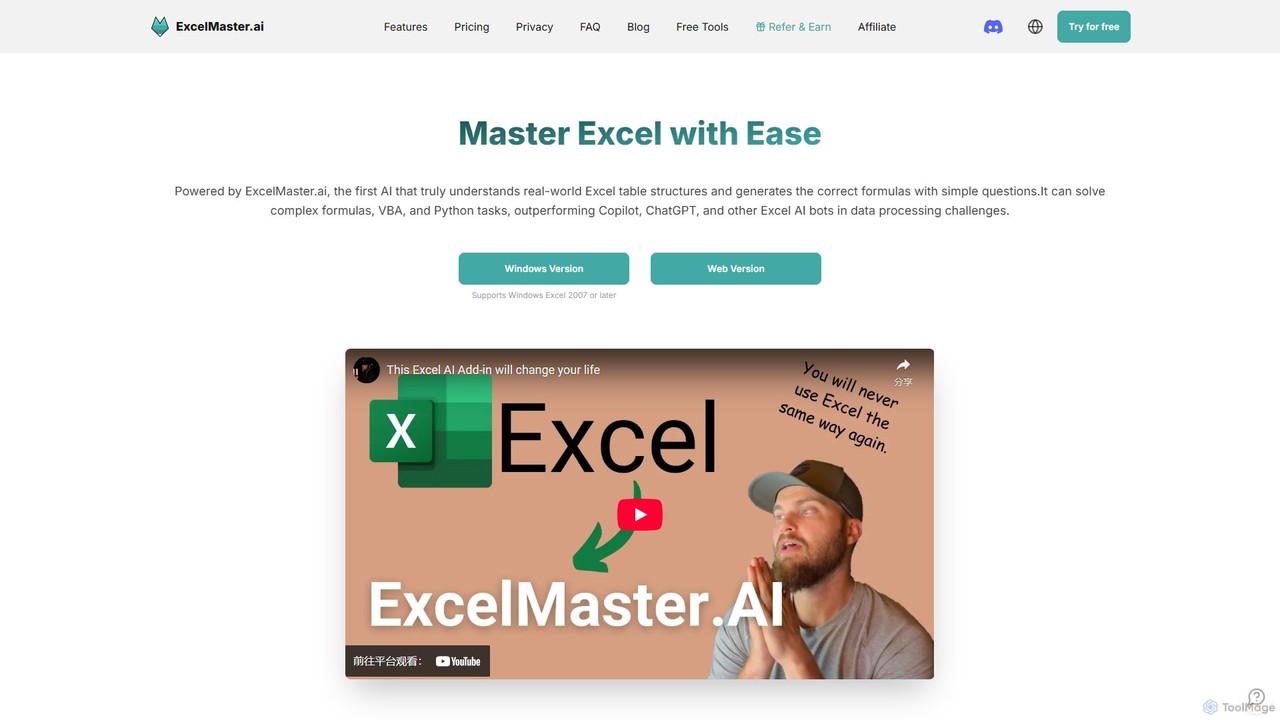
ExcelMaster.ai Overview
ExcelMaster.ai is a pioneering AI-powered tool designed to revolutionize how users interact with Microsoft Excel. It serves as an intelligent assistant that deeply understands the real-world structure of Excel files, including multiple sheets, complex cell references, and intricate formula relationships. By simply asking questions in natural language, users can receive highly accurate Excel formulas, fully functional VBA code, and Python scripts, significantly outperforming general AI assistants like ChatGPT and even specialized tools like Microsoft Copilot. Whether you're a financial analyst building complex models, a student working on academic assignments, or a business professional handling data-heavy reports, ExcelMaster.ai provides instant, expert-level solutions, eliminating the need for tedious manual work and extensive online searches.
How to use ExcelMaster.ai
Using ExcelMaster.ai is straightforward and designed for all skill levels. It is available as both a web version and a dedicated Windows add-in compatible with Excel 2007 or later.
1. **Connect Your Data:** Start by either using the web interface or installing the Windows add-in. The tool securely analyzes the structure of your Excel file locally, understanding sheet names, headers, and cell layouts.
2. **Ask in Plain English:** In the chat interface, describe the task you want to accomplish. For example, you could ask, "Create a formula in cell G2 to sum the values in column F for all rows where column B says 'Sales'" or "Write a VBA macro to copy data from Sheet1 to Sheet2 based on a specific condition and then email the result."
3. **Refine and Iterate:** The AI provides a solution. If it's not perfect, you can engage in a multi-turn conversation to refine it. Provide feedback like, "That's close, but can you also make it ignore blank rows?" The AI remembers the context and improves the code.
4. **One-Click Execution:** For non-coders, the Pro and Premium plans offer a unique one-click execution feature for VBA and Python. The AI not only generates the code but can also run it directly in your spreadsheet and even self-debug if issues arise, making automation accessible to everyone.
Core Features of ExcelMaster.ai
- Advanced Formula Generation: The AI deeply understands Excel's structure, including multi-sheet contexts and merged cells, to generate correct and complex formulas that other tools struggle with.
- Smart VBA & Python Automation: It creates fully customized and functional VBA/Python code. For non-coders, it acts as a virtual assistant that automates tasks with one-click execution and auto-debugging. For coders, it's a powerful assistant that accelerates development.
- Complex Structure Understanding: A key differentiator is its ability to comprehend relationships across up to 15 sheets in a workbook, which is essential for building robust financial models and automation features.
- Cell AI Suite: A versatile set of tools within a single click, offering five AI powers: Data Classification, Keyword Extraction, Format Conversion, Sentiment Analysis, and Real-time Translation.
- Data Cleaning and Preparation: Automate the tedious process of cleaning, converting, and transforming data with the help of the VBA assistant, saving up to 90% of your prep time.
Use Cases for ExcelMaster.ai
ExcelMaster.ai is versatile and can be applied across various professional and academic fields.
• Financial Analysis: Build and debug complex financial models, automate the generation of financial reports, and create custom formulas for investment analysis.
• Business Operations: Automate repetitive tasks like generating weekly sales reports, cleaning customer data lists, and transferring information between different sheets or workbooks.
• Data Science & Analytics: Use the Python assistant for advanced data manipulation and analysis directly within Excel. Clean and prepare large datasets for analysis efficiently.
• Academic Research: Assist students and researchers in organizing and analyzing research data, generating complex statistical formulas, and automating data formatting.
• For Non-Coders: Empower team members without programming skills to create their own automation tools, such as a button to format a report or a script to archive old data.
Advantages of ExcelMaster.ai
ExcelMaster.ai stands out from the competition with several key advantages. Its accuracy in generating formulas and VBA code is significantly higher than general AI and even Microsoft's own Copilot, primarily due to its specialized training and deep understanding of spreadsheet structures. It supports a wide range of Excel versions (2007+), making it accessible to users who do not have a Microsoft 365 subscription. The one-click execution and auto-debugging features democratize automation for non-coders. Finally, it prioritizes data security with a strict zero-data-retention policy, ensuring user data is never stored or used for training.
Pricing and Plans
ExcelMaster.ai operates on a freemium model with a 3-day free trial for its paid plans.
• Starter Plan: $6.9/month (billed monthly) or a discounted yearly rate. Includes 2000 responses per month, AI functions, and multi-sheet understanding for up to 3 sheets.
• Pro Plan: $14.9/month (billed monthly) or a discounted yearly rate. Includes 2000 GPT-4.1 mini responses plus 100 premium model responses, one-click VBA/Python execution and auto-debug, and multi-sheet understanding for up to 15 sheets.
• Premium Plan: $29.9/month (billed monthly) or a discounted yearly rate. Offers unlimited GPT-4.1 mini responses, 300 premium model responses, and all features from the Pro plan.
Traffic
Latest traffic
Status
Monthly traffic trend
- 2025-9: 13.8K
- 2026-1: 23.6K
- 2026-2: 19.5K
- 2026-3: 29.0K
- 2026-4: 26.3K
- 2026-5: 30.7K
Geography
Top 5 countries / regions
- 🇮🇳India22.4%
- 🇷🇺Russia19.9%
- 🇺🇸United States19.7%
- 🇰🇷South Korea19.5%
- 🇻🇳Vietnam18.4%
Top keywords
| Keyword | Cost per click |
|---|---|
| excel 保護強制解除 オンライン | $0.00 |
| excel 開く パスワード 強制 解除 オンライン | $0.00 |
| xlsb to xlsx | $0.00 |
| восстановить excel файл онлайн | $0.00 |
| هل يمكن تحويل ملف excel الى صيغة md | $0.00 |
ExcelMaster.ai Alternatives
Array Assistant
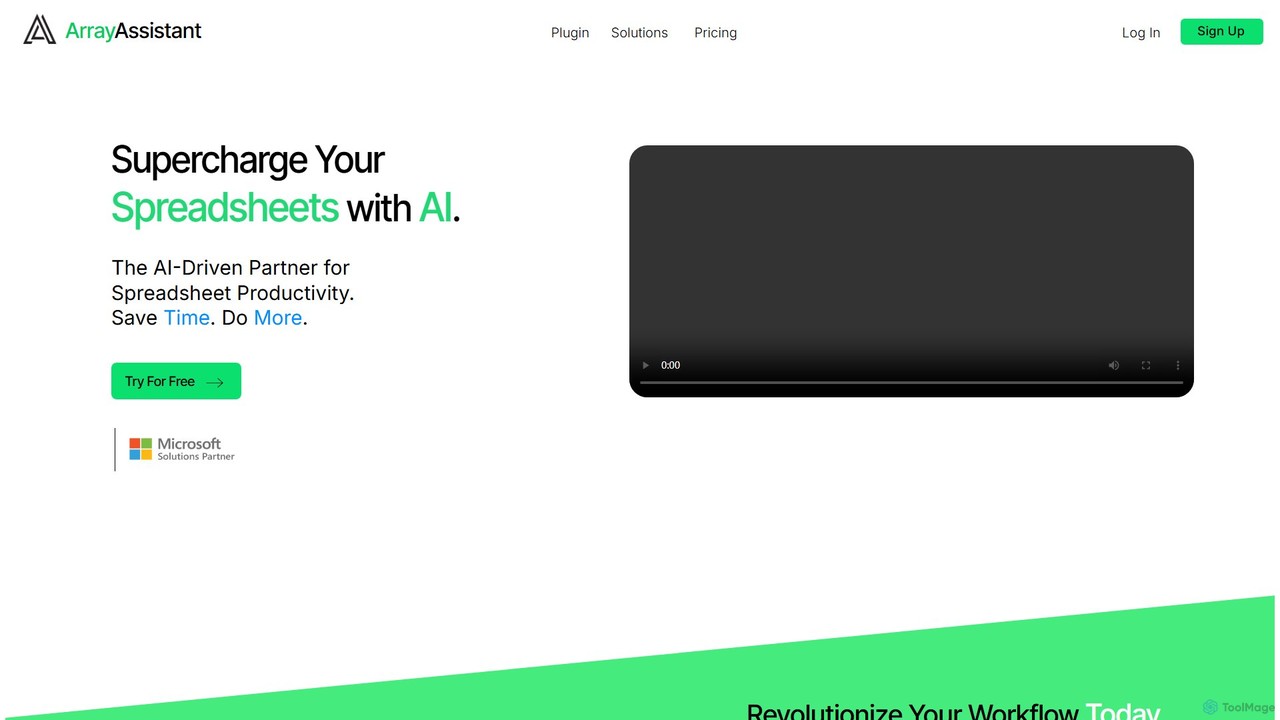
Array Assistant is an AI-powered plugin for spreadsheets that supercharges your productivity. It helps you generate complex formulas, clean and organize data, summarize text, explain problems, and design automations, all within your existing workflow. Ideal for professionals, students, and anyone who uses spreadsheets.
Finance
Sheet Copilot
Sheet Copilot is an AI-powered assistant that automates tasks and answers questions directly within Google Sheets. By using natural language commands, you can clean data, generate formulas, create summaries, and analyze information without writing complex functions. It's currently free in beta and operates using your own OpenAI API key for enhanced privacy and security.
Automation
ChatExcel
ChatExcel is an AI-powered data analysis tool that allows users to process spreadsheets and analyze data through a simple chat interface. It automates tasks like data cleaning, merging, and analysis, and generates over 100 types of charts and visualizations from natural language commands. No coding or complex formulas required, boosting productivity by up to 90%.
Business Intelligence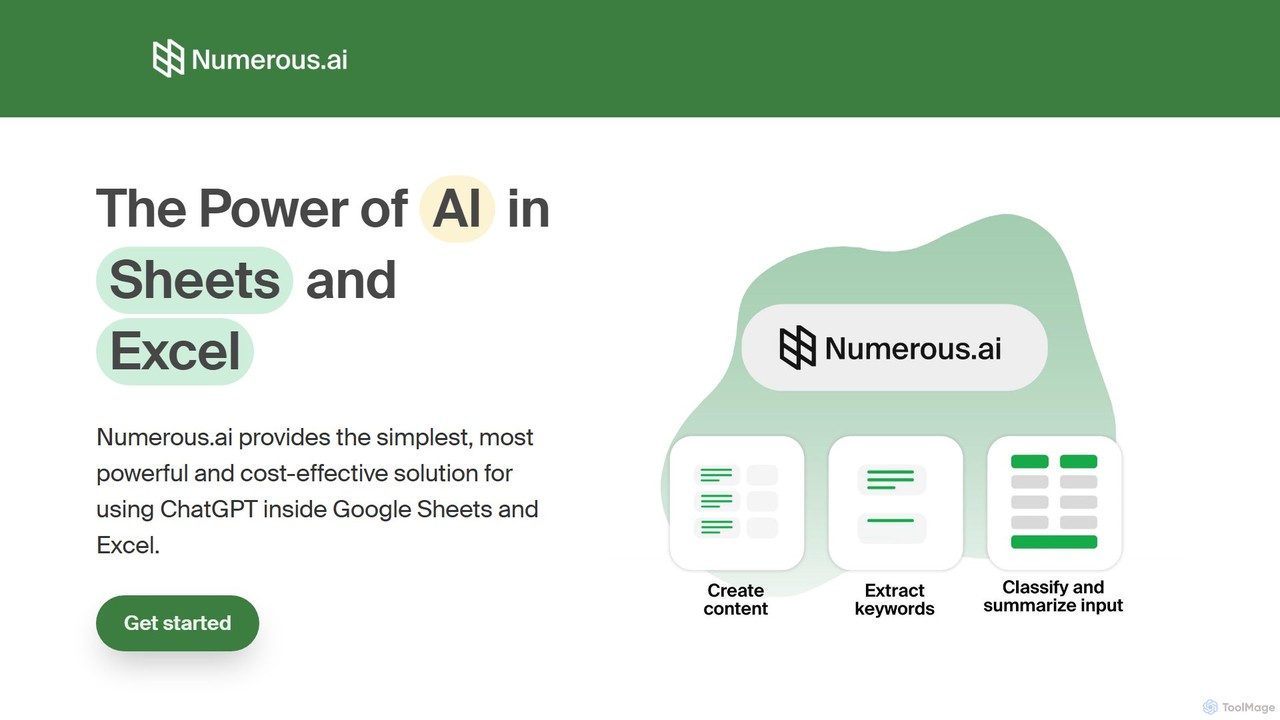
Numerous.ai
Numerous.ai is a powerful AI assistant that integrates directly into Google Sheets and Excel. It allows users to automate tasks, generate content, clean and classify data, and perform complex analysis using a simple '=AI()' function, without needing any API keys or coding skills.
Data Analysis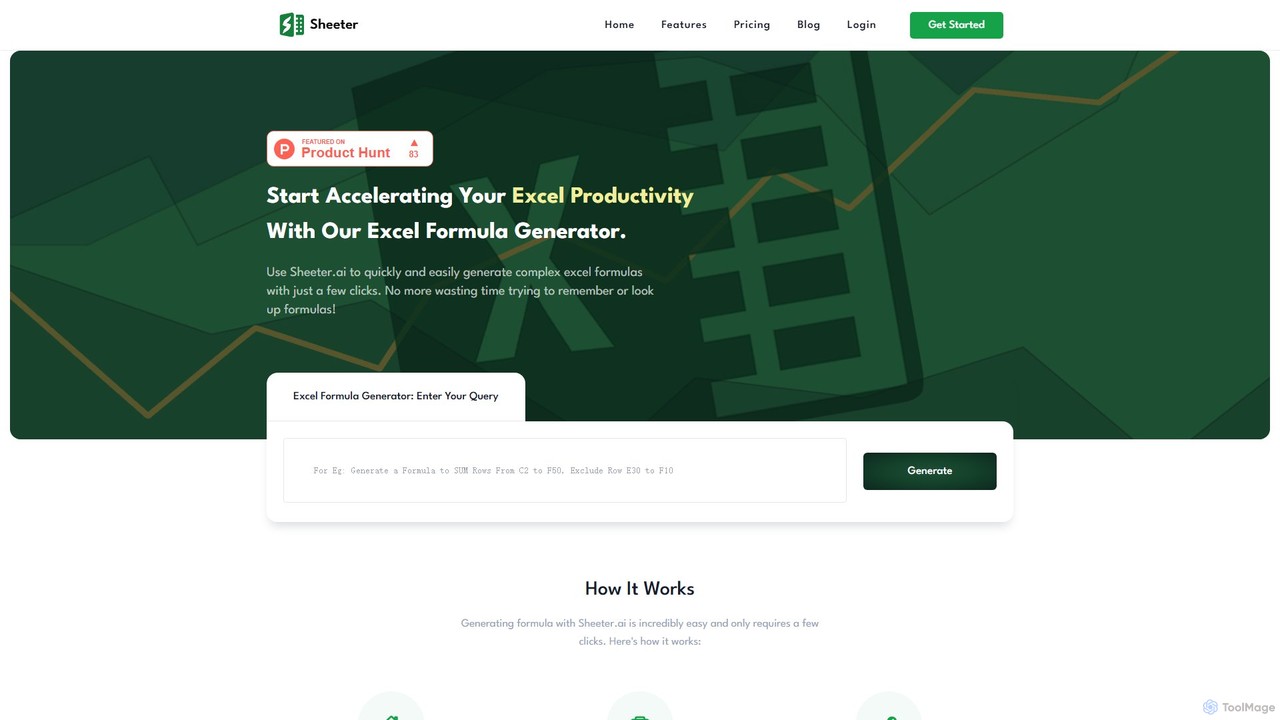
sheeter
Sheeter is an AI-powered tool that generates complex formulas for Excel and Google Sheets from plain English descriptions. It also creates VBA scripts, Google Apps Scripts, and Regex, significantly boosting spreadsheet productivity and saving users time by eliminating the need to memorize or look up formulas.
Data AnalysisExcelMaster.ai Categories
ExcelMaster.ai Embed Widget
Copy this embed code to place the badge on your blog, article, or product site and send readers directly to this ToolMage detail page.

Related AI tools
Array Assistant
Array Assistant is an AI-powered plugin for spreadsheets that supercharges your productivity. It helps you generate complex formulas, clean and organize data, summarize text, explain problems, and design automations, all within your existing workflow. Ideal for professionals, students, and anyone who uses spreadsheets.
Finance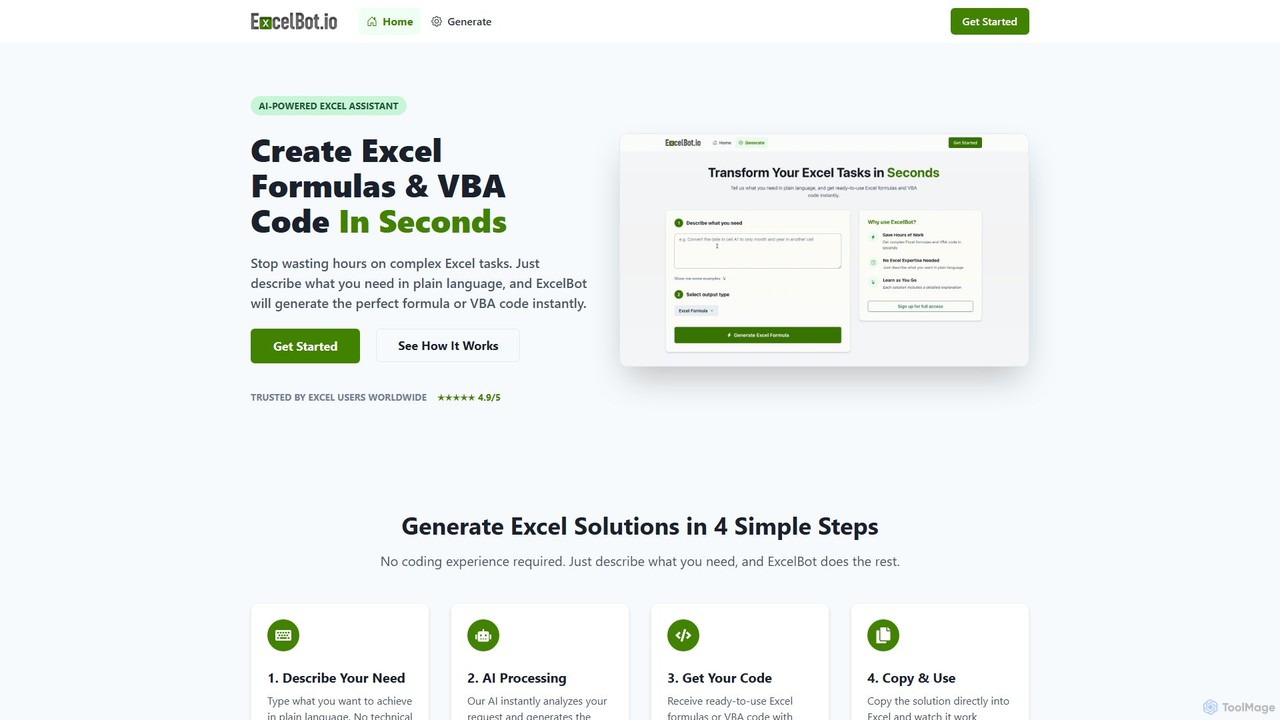
ExcelBot
ExcelBot is an AI-powered assistant that instantly generates complex Excel formulas and VBA code from plain English descriptions. Designed for users of all skill levels, from beginners to data analysts, it saves hours of manual work, boosts productivity, and helps users learn by providing detailed explanations for every solution. Simply describe your task, and ExcelBot delivers the ready-to-use code in seconds.
Data Automation
Sheetplus
Sheetplus is an AI-powered toolkit designed to supercharge your spreadsheet experience in Google Sheets and Excel. By leveraging natural language, it allows users to generate complex formulas, clean and analyze data, automate tasks, and extract insights without writing code. It acts as an intelligent assistant, making data management faster, more intuitive, and accessible to everyone, regardless of their technical expertise.
Automation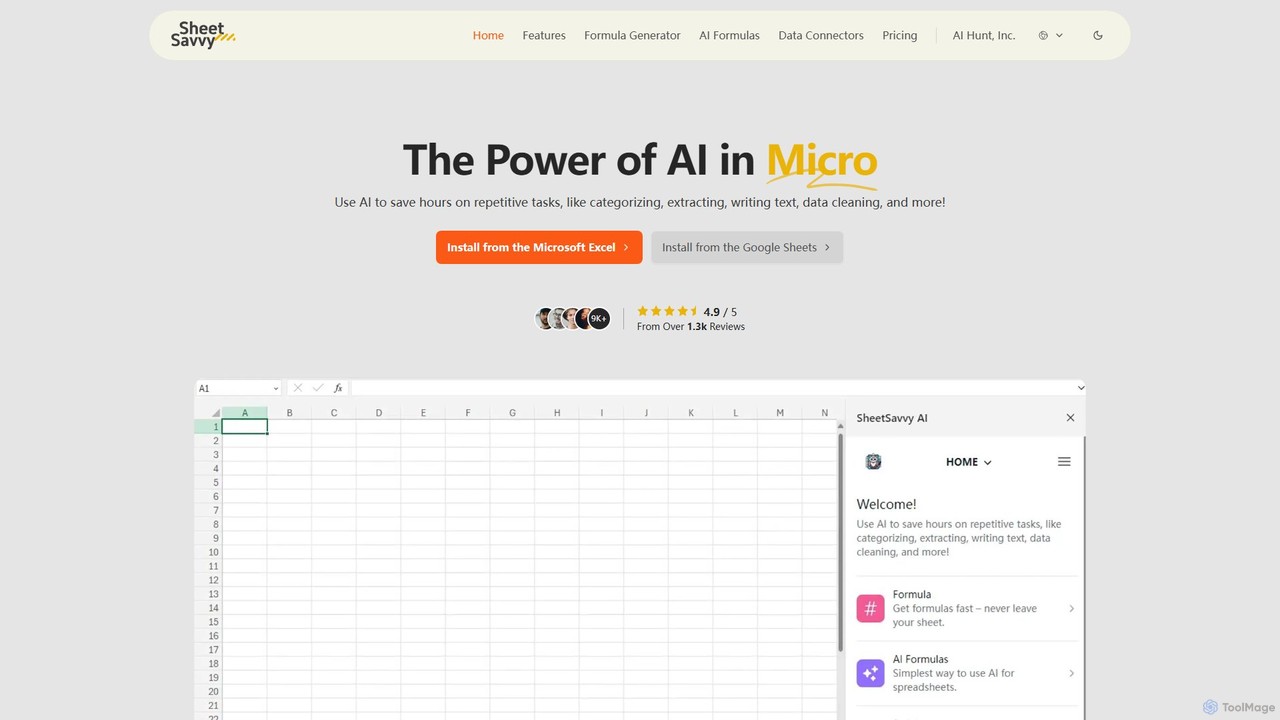
SheetSavvy AI
SheetSavvy AI is an AI-powered assistant for Google Sheets and Microsoft Excel, designed to automate repetitive tasks. It features a formula generator, AI-driven formulas for data cleaning and analysis, and seamless data connectors to import live data, significantly boosting spreadsheet productivity.
FinanceSheet Copilot
Sheet Copilot is an AI-powered assistant that automates tasks and answers questions directly within Google Sheets. By using natural language commands, you can clean data, generate formulas, create summaries, and analyze information without writing complex functions. It's currently free in beta and operates using your own OpenAI API key for enhanced privacy and security.
Automation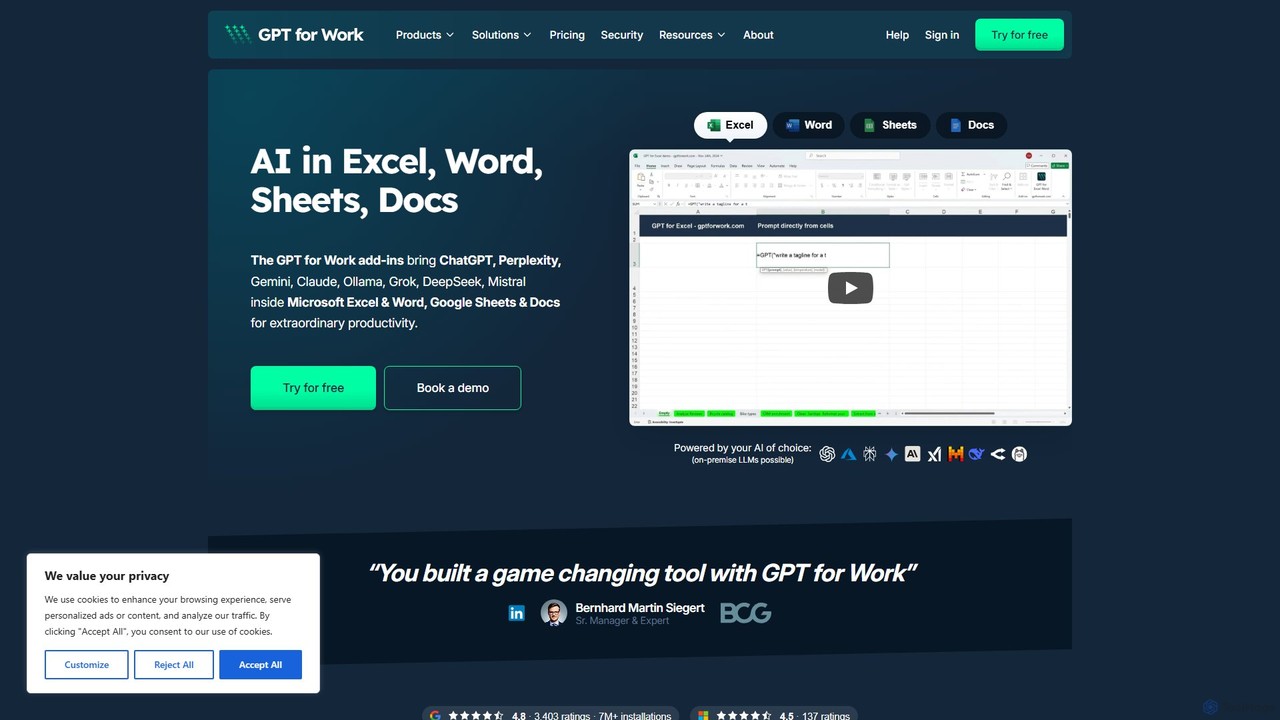
GPT for Work
A powerful AI add-on that integrates GPT capabilities directly into Google Sheets, Docs, Microsoft Excel, and Word. Automate tasks, generate text, analyze data, and create formulas using simple commands, boosting your productivity without leaving your documents.
Document Assistant
Jyek
Jyek is an AI agent platform that understands objectives, creates execution plans, uses tools, and delivers verifiable results for complex, multi-step tasks.
Automation
Ajelix
Ajelix is an AI-powered suite of tools designed to enhance productivity for Excel and Google Sheets users. It acts as an AI data analyst, automating tasks, generating formulas and VBA scripts, creating insightful reports, and providing advanced data analysis through a simple chat interface.
Business Intelligence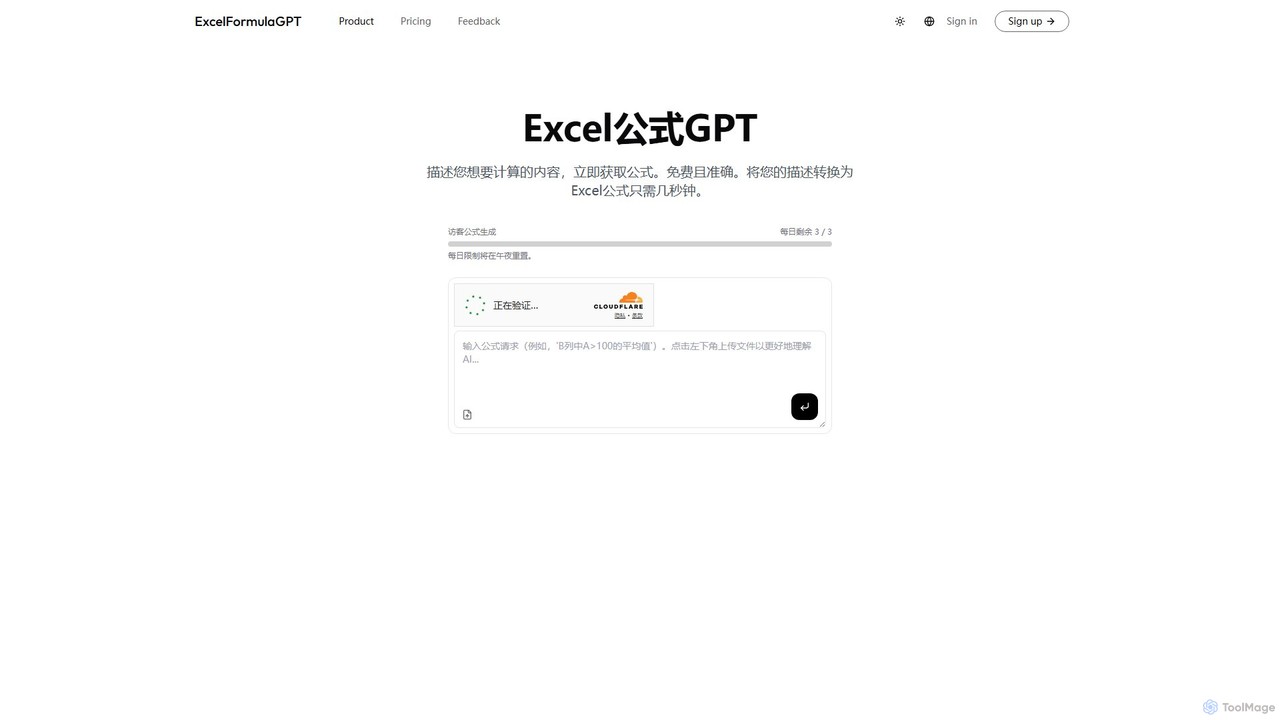
excelformulagpt
excelformulagpt is an AI-powered tool that instantly converts natural language descriptions into complex Excel and Google Sheets formulas. It helps users save time, reduce errors, and boost productivity without needing to memorize complex syntax. Features include formula generation, context-aware suggestions from uploaded files, and formula explanations.
Automation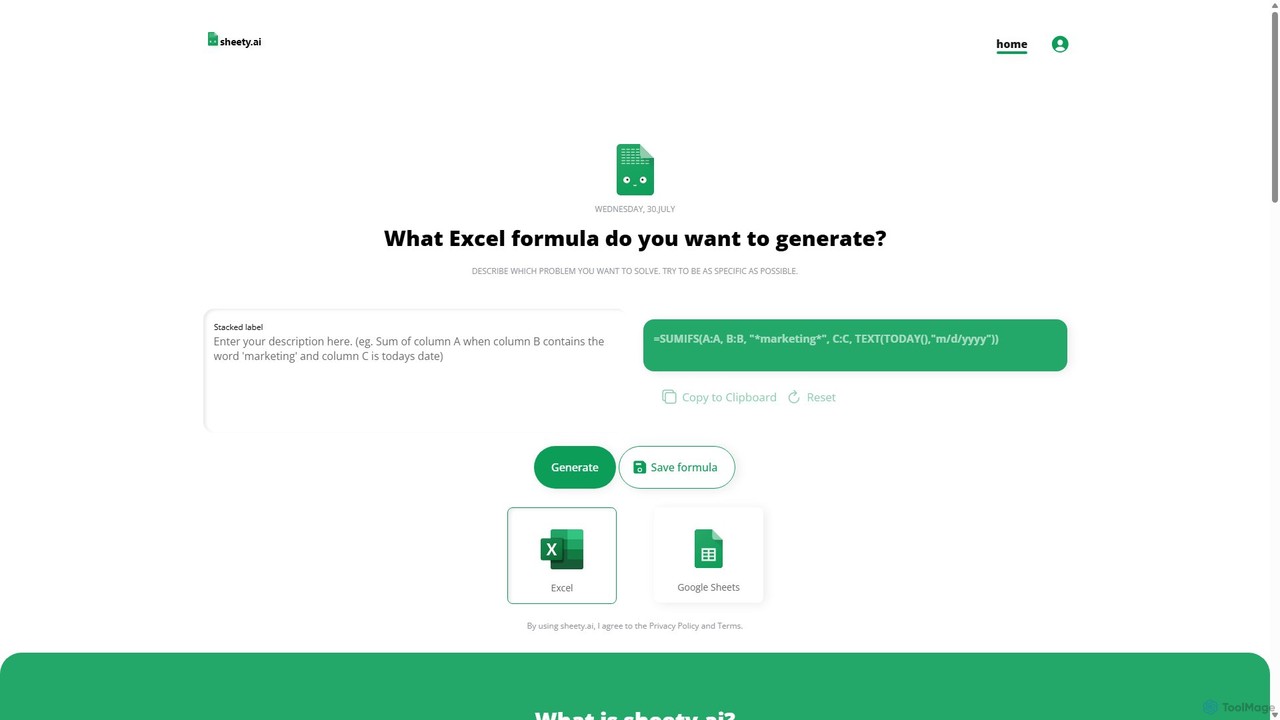
sheety.ai
sheety.ai is an AI-powered tool that instantly generates complex spreadsheet formulas for Excel and Google Sheets from natural language descriptions. Simply describe the problem you want to solve, and the AI will provide the correct formula, saving you time and eliminating the need to memorize syntax. It's designed for everyone from students to financial analysts, boosting productivity and data accuracy.
Data ProcessingChatExcel
ChatExcel is an AI-powered data analysis tool that allows users to process spreadsheets and analyze data through a simple chat interface. It automates tasks like data cleaning, merging, and analysis, and generates over 100 types of charts and visualizations from natural language commands. No coding or complex formulas required, boosting productivity by up to 90%.
Business IntelligenceNumerous.ai
Numerous.ai is a powerful AI assistant that integrates directly into Google Sheets and Excel. It allows users to automate tasks, generate content, clean and classify data, and perform complex analysis using a simple '=AI()' function, without needing any API keys or coding skills.
Data Analysissheeter
Sheeter is an AI-powered tool that generates complex formulas for Excel and Google Sheets from plain English descriptions. It also creates VBA scripts, Google Apps Scripts, and Regex, significantly boosting spreadsheet productivity and saving users time by eliminating the need to memorize or look up formulas.
Data Analysis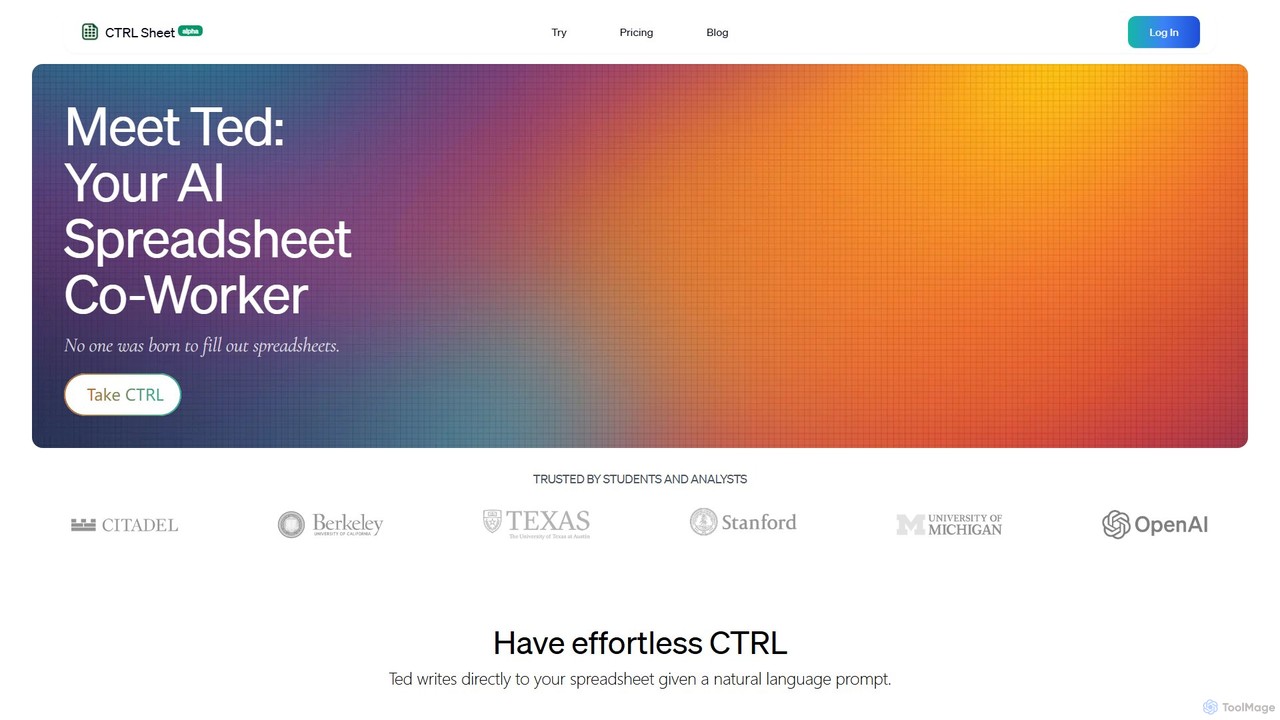
CTRL Sheet
CTRL Sheet is an AI-powered spreadsheet co-worker named Ted that automates data tasks. It allows users to interact with spreadsheets using natural language, extract data from various files like PDFs and images, and generate complex formulas effortlessly. It's designed to save time and reduce errors for students, analysts, and professionals.
Task Automation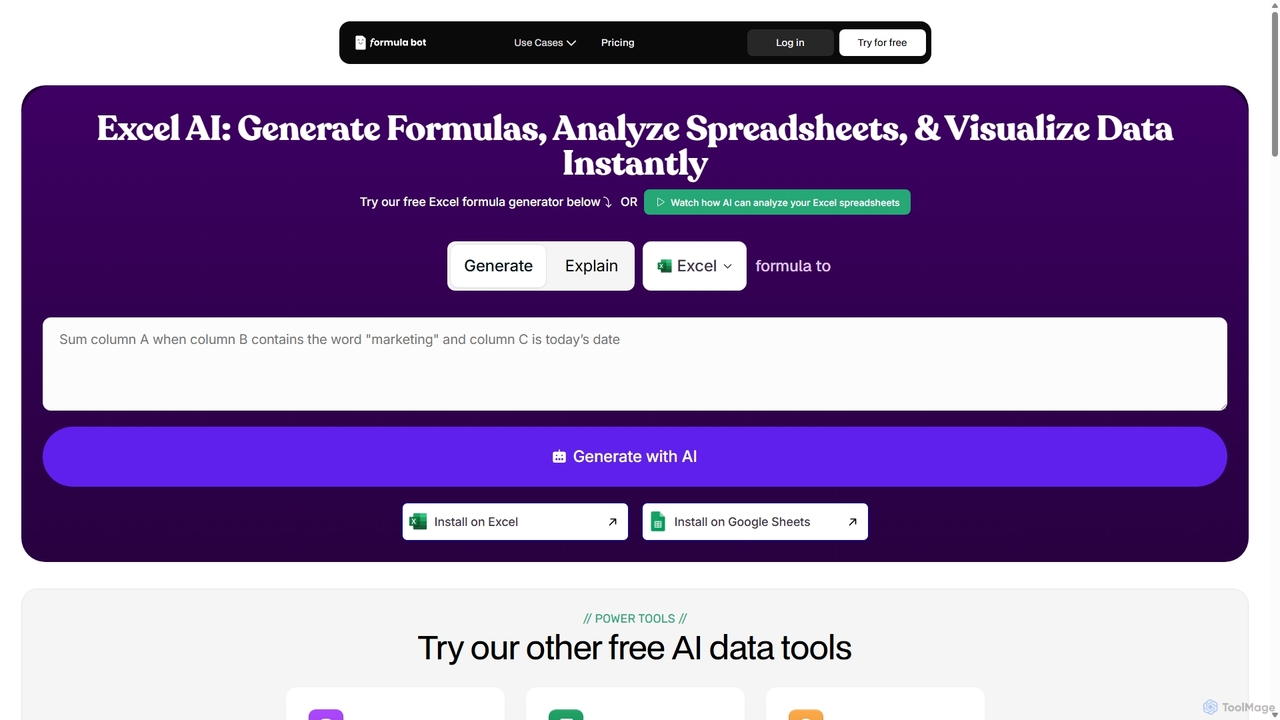
ExcelFormulaBot
ExcelFormulaBot is an AI-powered tool that generates complex Excel and Google Sheets formulas from text instructions in seconds. It also analyzes data, creates charts, generates VBA/SQL code, and explains formulas, making spreadsheet tasks faster and more accessible for everyone, from beginners to experts.
Data Analysis
ExcelMaster.ai Comments (0)
Sign in to comment.
Sign inNo comments yet.