
Array Assistant Overview
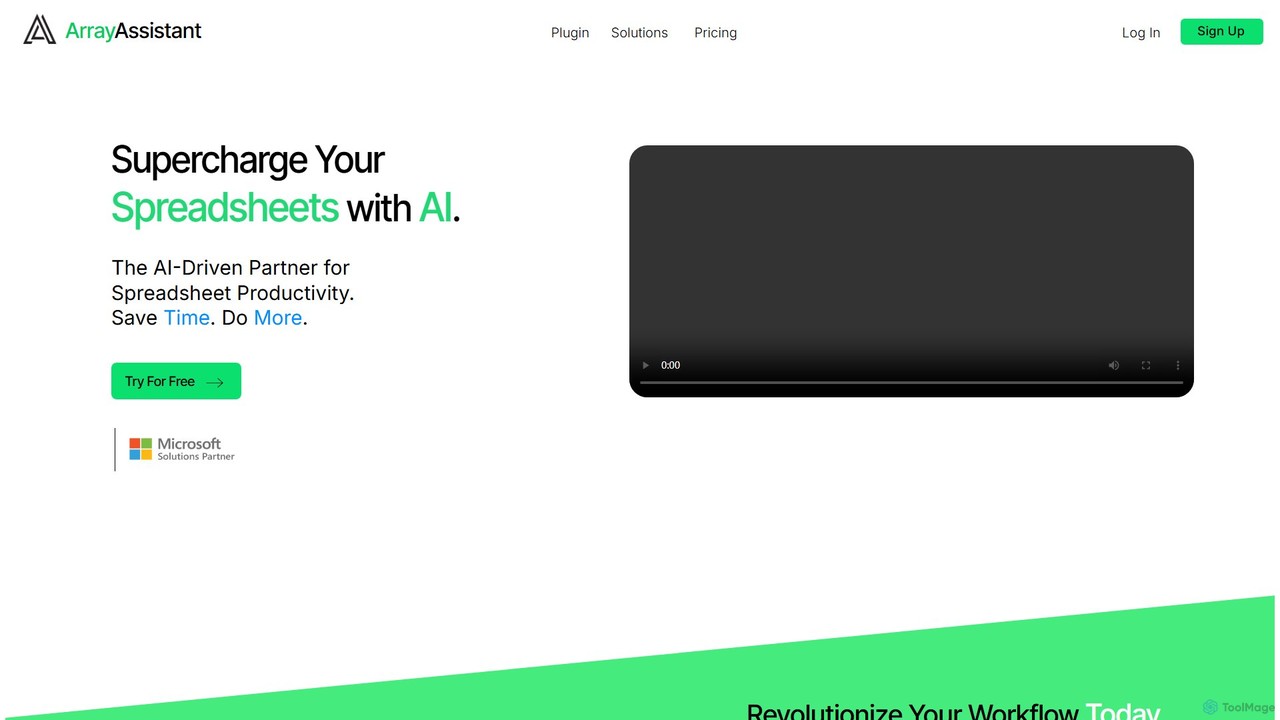
Array Assistant is a cutting-edge AI-driven partner designed to revolutionize your spreadsheet experience. It integrates directly into your spreadsheet software (like Microsoft Excel or Google Sheets) as a plugin, putting a powerful suite of tools at your fingertips. The core mission of Array Assistant is to help you work smarter, not harder, by automating tedious and complex tasks. Whether you're grappling with intricate formulas, messy datasets, or repetitive processes, this AI assistant streamlines your workflow, saves significant time, and reduces the potential for human error.
By leveraging advanced artificial intelligence, Array Assistant can understand natural language prompts, allowing you to simply describe what you need, and the tool will execute it. This makes advanced data manipulation and analysis accessible to everyone, regardless of their technical expertise. From finance professionals building complex models to marketers analyzing campaign data, Array Assistant is built to enhance productivity across a wide range of roles and industries.
How to use Array Assistant
Getting started with Array Assistant is simple and intuitive. Follow these steps to integrate AI into your spreadsheets:
- Sign Up & Install: First, visit the Array Assistant website to sign up for an account. Choose a plan that suits your needs, including the free basic plan. Then, download and install the Array Assistant plugin or add-in for your preferred spreadsheet application (e.g., Microsoft Excel or Google Sheets).
- Open the Assistant: Once installed, open a spreadsheet. You will find the Array Assistant icon in your toolbar or add-ins menu. Click it to open the assistant panel.
- Select Your Task: In the panel, choose the function you want to perform. Options include 'Generate Formula', 'Clean Data', 'Summarize Text', 'Explain Formula', and more.
- Describe Your Need: Select the cells or data range you want to work on. In the input box, type a clear, natural language instruction. For example, you could type "Create a formula to sum values in column C for rows where column A contains 'Q4 Sales'" or "Remove all duplicate rows based on the email column."
- Apply the Solution: Array Assistant will process your request and provide a solution instantly. This could be a ready-to-use formula, a preview of the cleaned data, or a concise summary. With a single click, you can apply this solution directly to your sheet.
Core Features of Array Assistant
- AI Formula Generator: Describe the calculation you need in plain English, and the AI will generate the correct, complex formula for you. It can also explain existing formulas to help you understand what they do.
- Data Cleaning & Formatting: Automatically clean large datasets by removing duplicates, trimming whitespace, standardizing date and number formats, correcting typos, and filling in missing values.
- Text Summarization & Generation: Select a block of text within your cells and get a concise summary. You can also use it to generate written content, such as product descriptions or email drafts, based on data points.
- Data Classification & Organization: Intelligently categorize your data based on its content. This is useful for tasks like sentiment analysis of customer feedback or classifying expenses into categories.
- Automation Design: Describe a repetitive task, and Array Assistant can help design an automation or generate a script (like VBA or Google Apps Script) to perform it automatically, saving you hours of manual work.
Use Cases for Array Assistant
Array Assistant is versatile and benefits a wide range of users:
- Financial Analysts: Quickly build complex financial models, generate formulas for forecasting, and clean large sets of transactional data for reporting.
- Marketing Professionals: Analyze marketing campaign ROI, clean and segment customer lists, and perform sentiment analysis on survey responses.
- Operations Managers: Automate inventory tracking, create dynamic schedules, and generate daily performance reports from raw data.
- Students and Researchers: Organize research data, perform statistical analysis without needing to memorize formulas, and clean survey results for academic papers.
- Small Business Owners: Manage budgets, track sales performance, clean customer contact lists, and create invoices with ease.
Advantages of Array Assistant
The primary advantage of Array Assistant is its ability to boost efficiency and accuracy. It saves countless hours by automating manual processes. It democratizes data analysis, empowering users without advanced spreadsheet skills to perform complex tasks. By reducing the need to search for formula syntax or manually clean data, it minimizes errors and ensures data integrity. Its seamless integration as a plugin means you never have to leave your spreadsheet, keeping your workflow uninterrupted.
Pricing and Plans
Array Assistant offers flexible pricing to suit different needs:
- Basic Plan: Free, includes 200 requests per month. Ideal for students and casual users.
- Pro Plan: $14.99 per month, includes 1000 requests per month. Best for professionals and heavy users.
- Enterprise Plan: $49.99 per month, offers unlimited requests. Suited for power users and small teams.
- Corporate Solutions: Custom pricing and solutions are available for businesses needing large-scale deployment, dedicated support, or API access. Interested parties can contact the sales team for more information.
Traffic
Latest traffic
Status
Monthly traffic trend
- 2025-9: 822
- 2026-1: 0
- 2026-2: 17
- 2026-3: 69
- 2026-4: 0
- 2026-5: 234
Geography
Top 5 countries / regions
- 🇺🇸United States100.0%
Top keywords
| Keyword | Cost per click |
|---|---|
| arrayrayray arayas | $0.00 |
Array Assistant Alternatives
Sheet Copilot
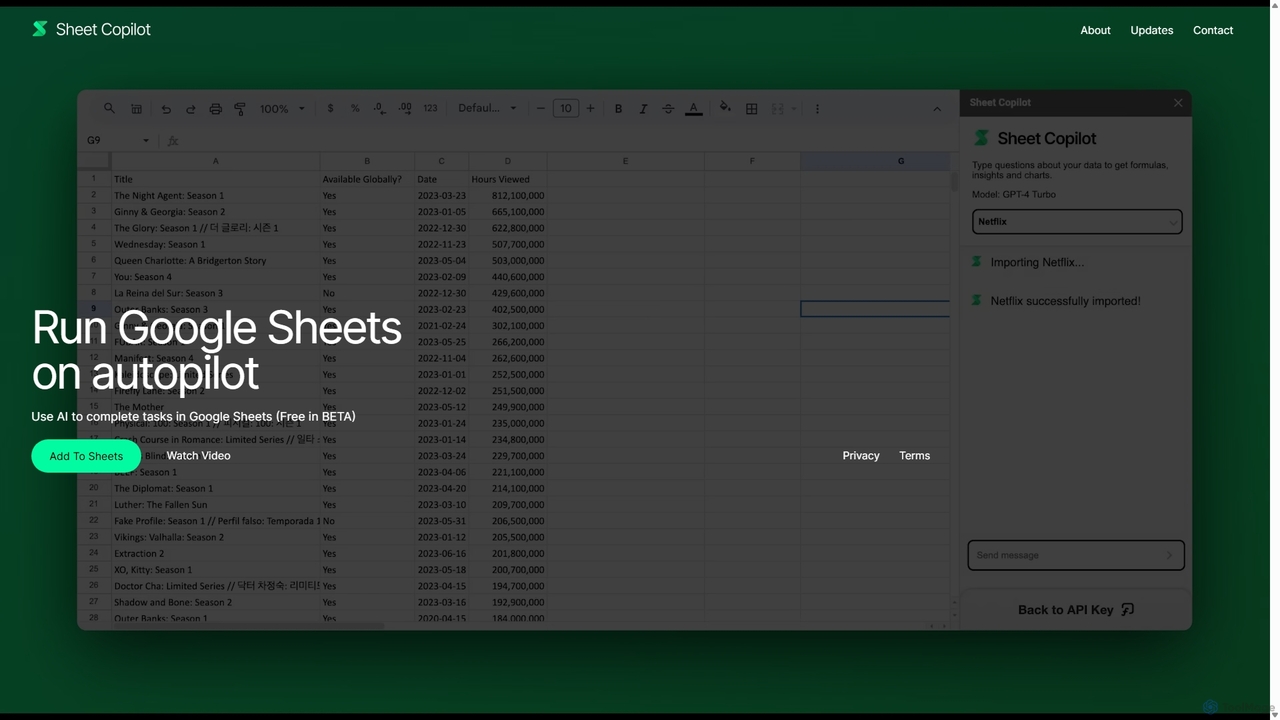
Sheet Copilot is an AI-powered assistant that automates tasks and answers questions directly within Google Sheets. By using natural language commands, you can clean data, generate formulas, create summaries, and analyze information without writing complex functions. It's currently free in beta and operates using your own OpenAI API key for enhanced privacy and security.
Automation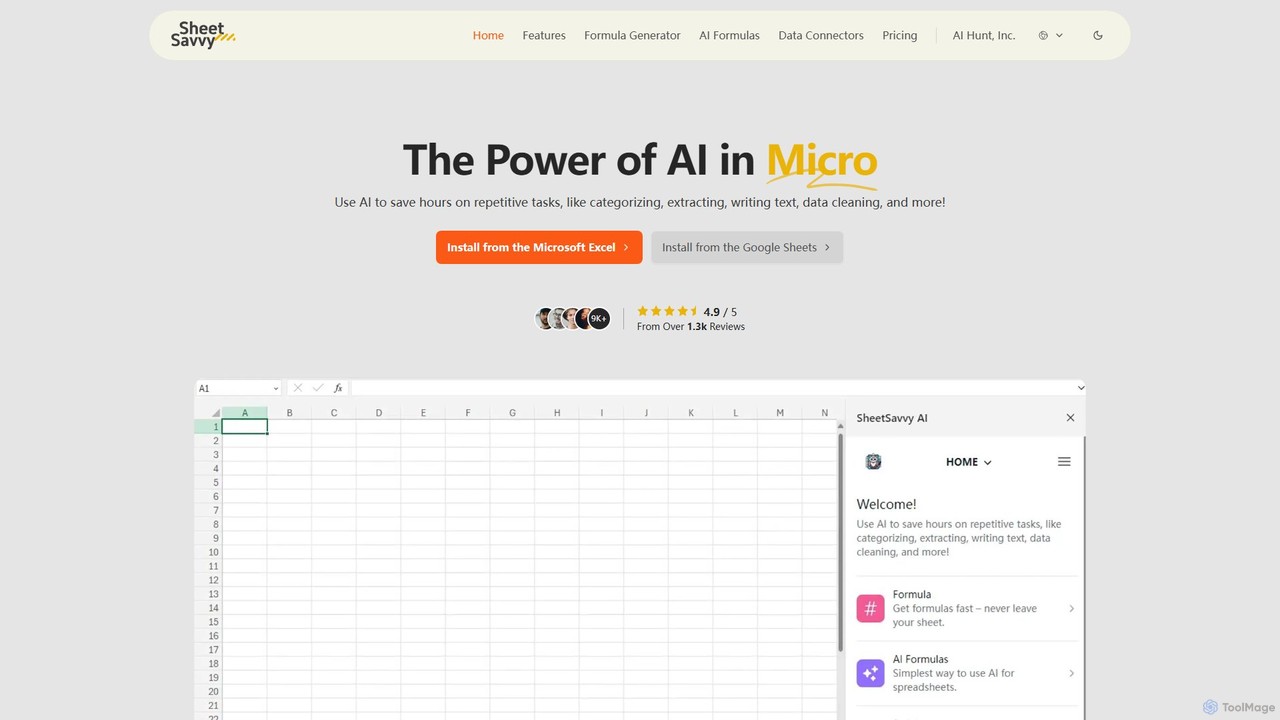
SheetSavvy AI
SheetSavvy AI is an AI-powered assistant for Google Sheets and Microsoft Excel, designed to automate repetitive tasks. It features a formula generator, AI-driven formulas for data cleaning and analysis, and seamless data connectors to import live data, significantly boosting spreadsheet productivity.
Finance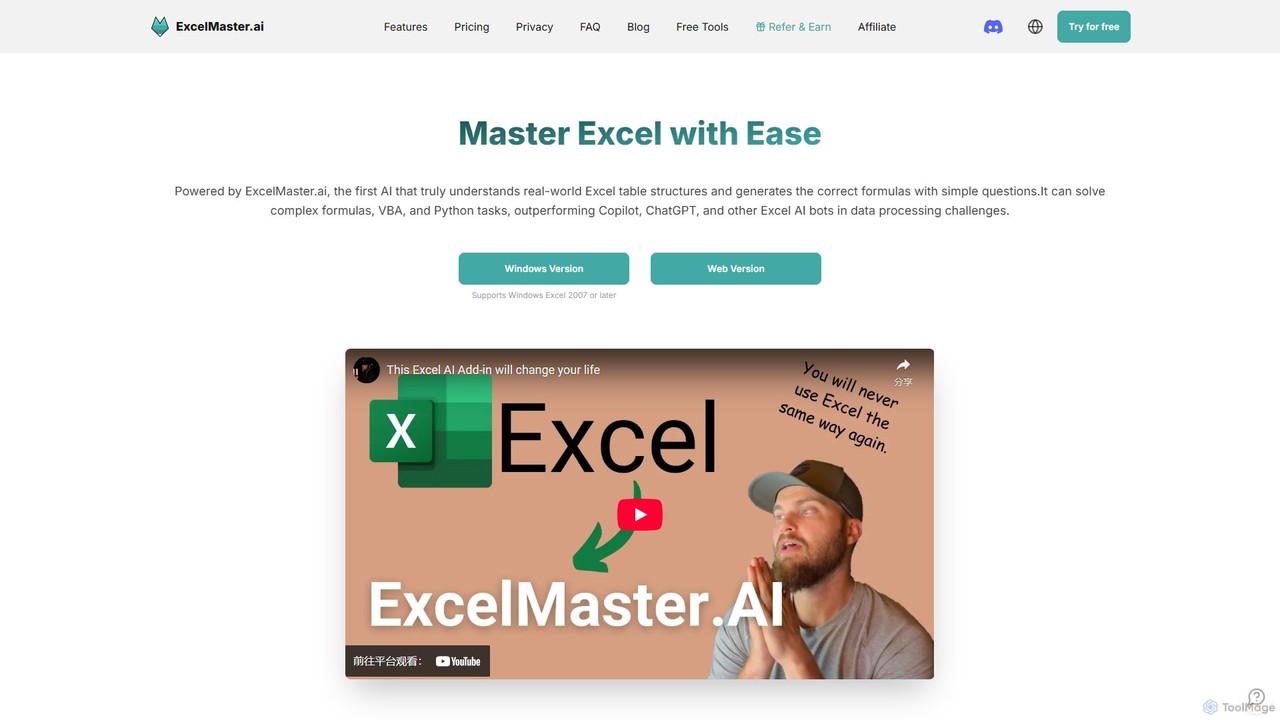
ExcelMaster.ai
ExcelMaster.ai is an advanced AI assistant designed to master Microsoft Excel. It generates accurate formulas, VBA code, and Python scripts from simple natural language questions. It excels at understanding complex, multi-sheet structures and provides one-click automation, making it a powerful tool for both beginners and expert Excel users to enhance productivity and streamline data-heavy tasks.
Code Assistant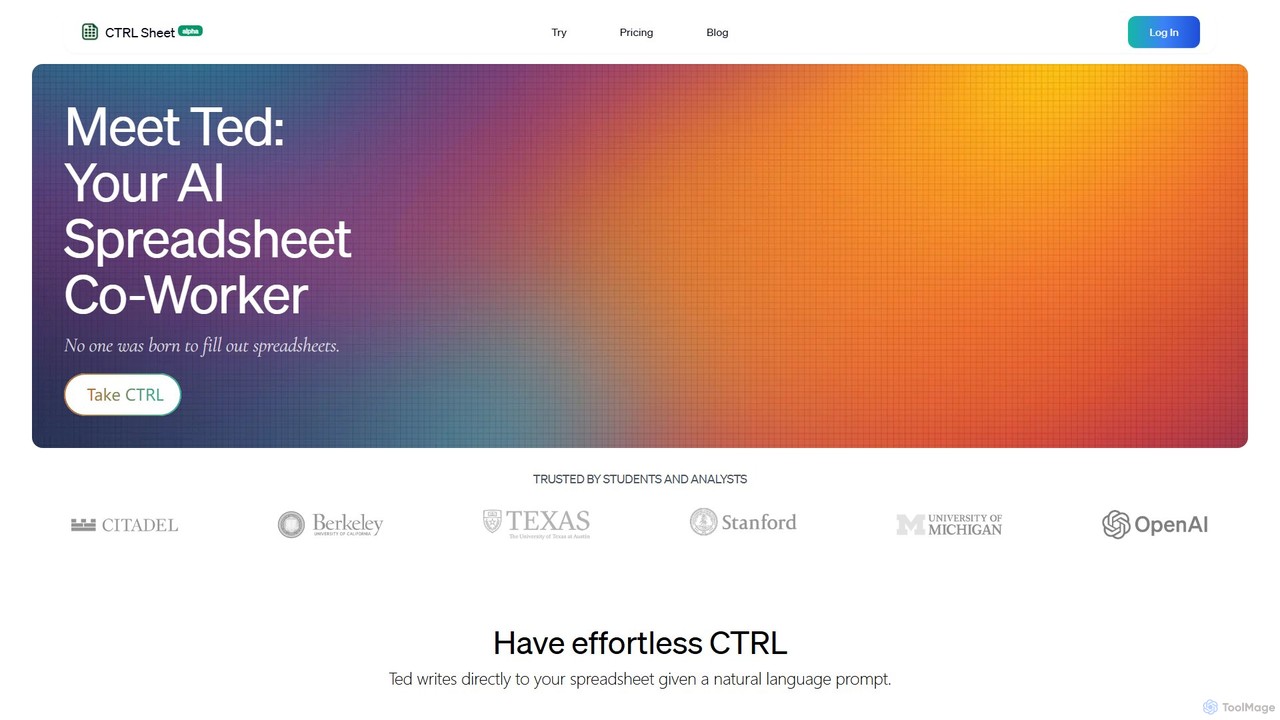
CTRL Sheet
CTRL Sheet is an AI-powered spreadsheet co-worker named Ted that automates data tasks. It allows users to interact with spreadsheets using natural language, extract data from various files like PDFs and images, and generate complex formulas effortlessly. It's designed to save time and reduce errors for students, analysts, and professionals.
Task Automation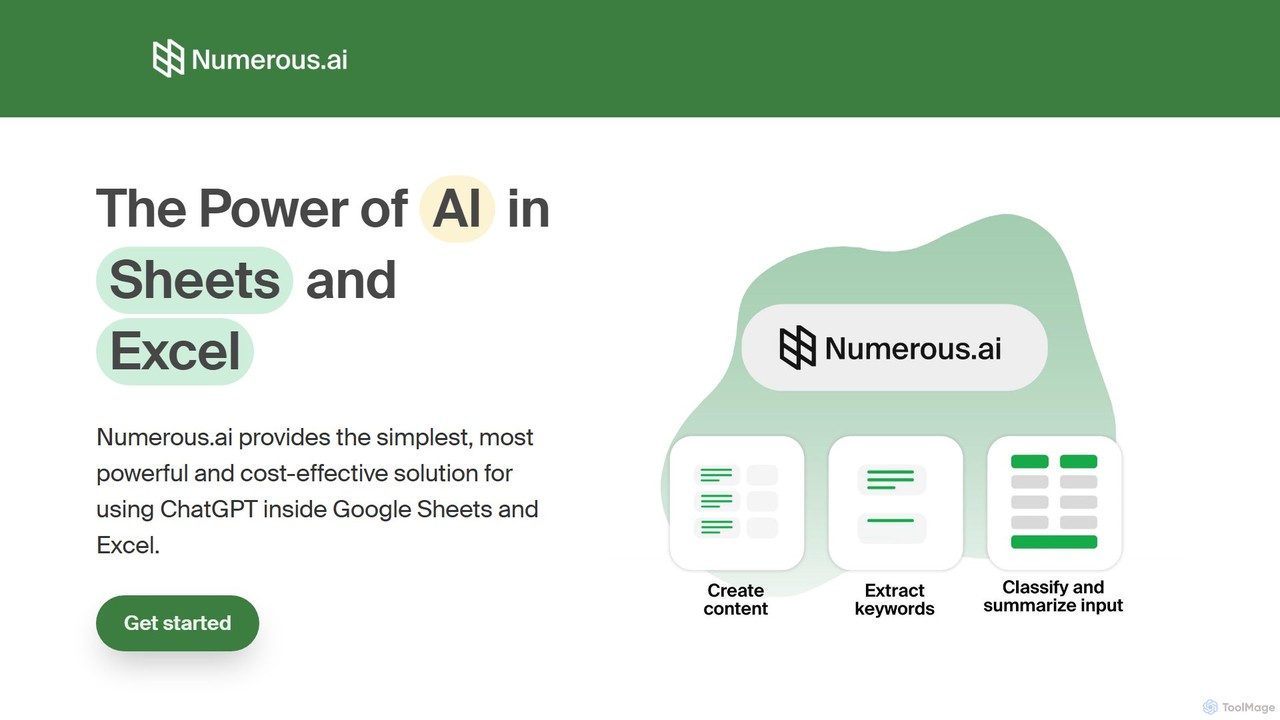
Numerous.ai
Numerous.ai is a powerful AI assistant that integrates directly into Google Sheets and Excel. It allows users to automate tasks, generate content, clean and classify data, and perform complex analysis using a simple '=AI()' function, without needing any API keys or coding skills.
Data AnalysisArray Assistant Categories
Array Assistant Embed Widget
Copy this embed code to place the badge on your blog, article, or product site and send readers directly to this ToolMage detail page.

Related AI tools
Sheet Copilot
Sheet Copilot is an AI-powered assistant that automates tasks and answers questions directly within Google Sheets. By using natural language commands, you can clean data, generate formulas, create summaries, and analyze information without writing complex functions. It's currently free in beta and operates using your own OpenAI API key for enhanced privacy and security.
AutomationSheetSavvy AI
SheetSavvy AI is an AI-powered assistant for Google Sheets and Microsoft Excel, designed to automate repetitive tasks. It features a formula generator, AI-driven formulas for data cleaning and analysis, and seamless data connectors to import live data, significantly boosting spreadsheet productivity.
Finance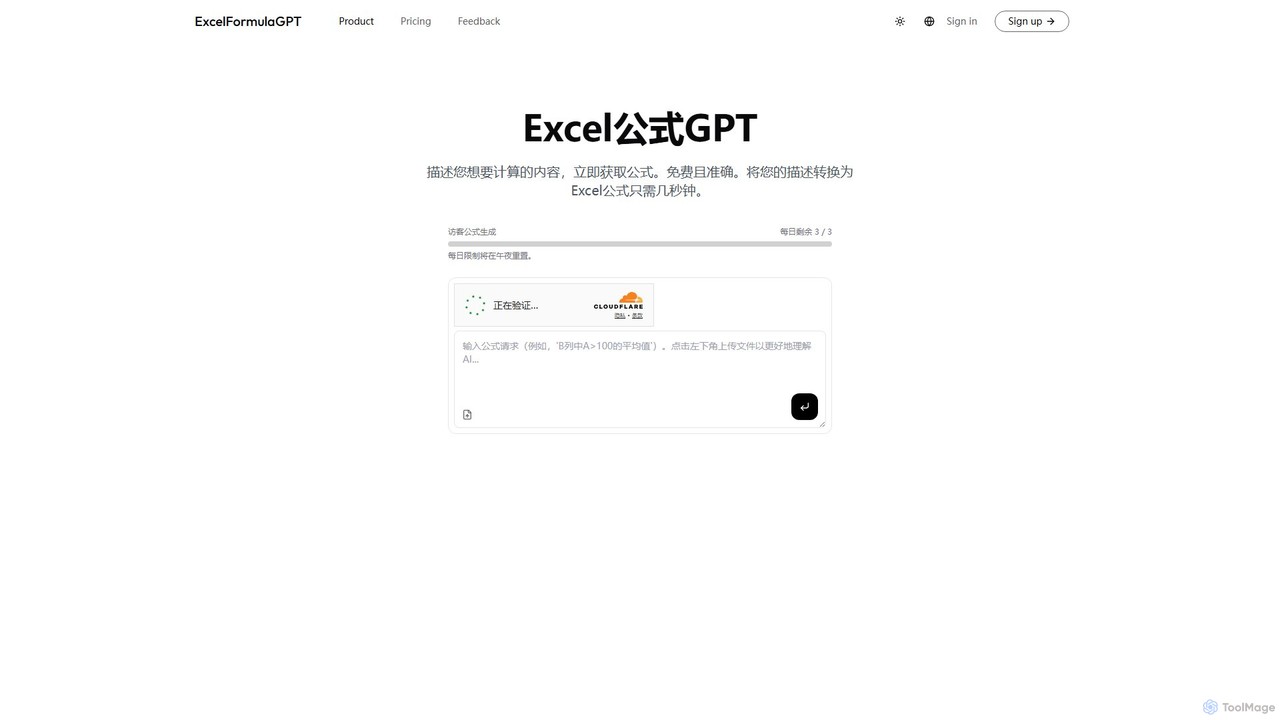
excelformulagpt
excelformulagpt is an AI-powered tool that instantly converts natural language descriptions into complex Excel and Google Sheets formulas. It helps users save time, reduce errors, and boost productivity without needing to memorize complex syntax. Features include formula generation, context-aware suggestions from uploaded files, and formula explanations.
Automation
Sheetplus
Sheetplus is an AI-powered toolkit designed to supercharge your spreadsheet experience in Google Sheets and Excel. By leveraging natural language, it allows users to generate complex formulas, clean and analyze data, automate tasks, and extract insights without writing code. It acts as an intelligent assistant, making data management faster, more intuitive, and accessible to everyone, regardless of their technical expertise.
AutomationExcelMaster.ai
ExcelMaster.ai is an advanced AI assistant designed to master Microsoft Excel. It generates accurate formulas, VBA code, and Python scripts from simple natural language questions. It excels at understanding complex, multi-sheet structures and provides one-click automation, making it a powerful tool for both beginners and expert Excel users to enhance productivity and streamline data-heavy tasks.
Code AssistantCTRL Sheet
CTRL Sheet is an AI-powered spreadsheet co-worker named Ted that automates data tasks. It allows users to interact with spreadsheets using natural language, extract data from various files like PDFs and images, and generate complex formulas effortlessly. It's designed to save time and reduce errors for students, analysts, and professionals.
Task Automation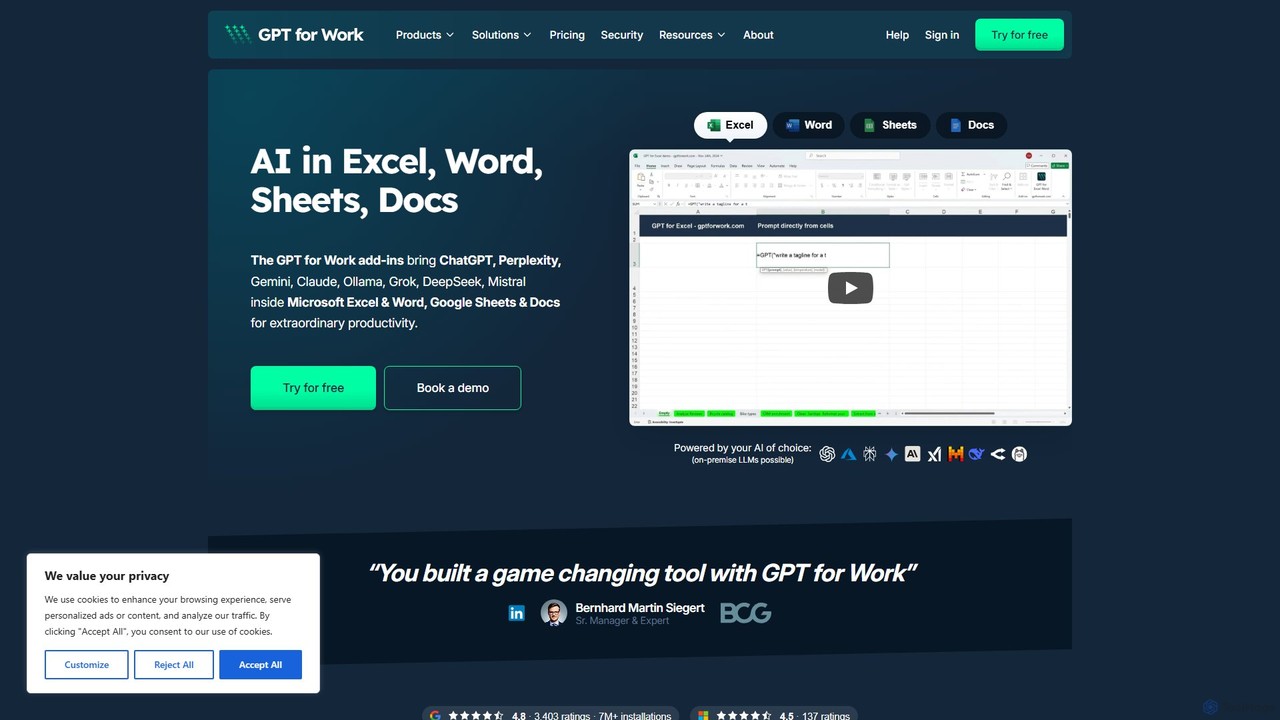
GPT for Work
A powerful AI add-on that integrates GPT capabilities directly into Google Sheets, Docs, Microsoft Excel, and Word. Automate tasks, generate text, analyze data, and create formulas using simple commands, boosting your productivity without leaving your documents.
Document Assistant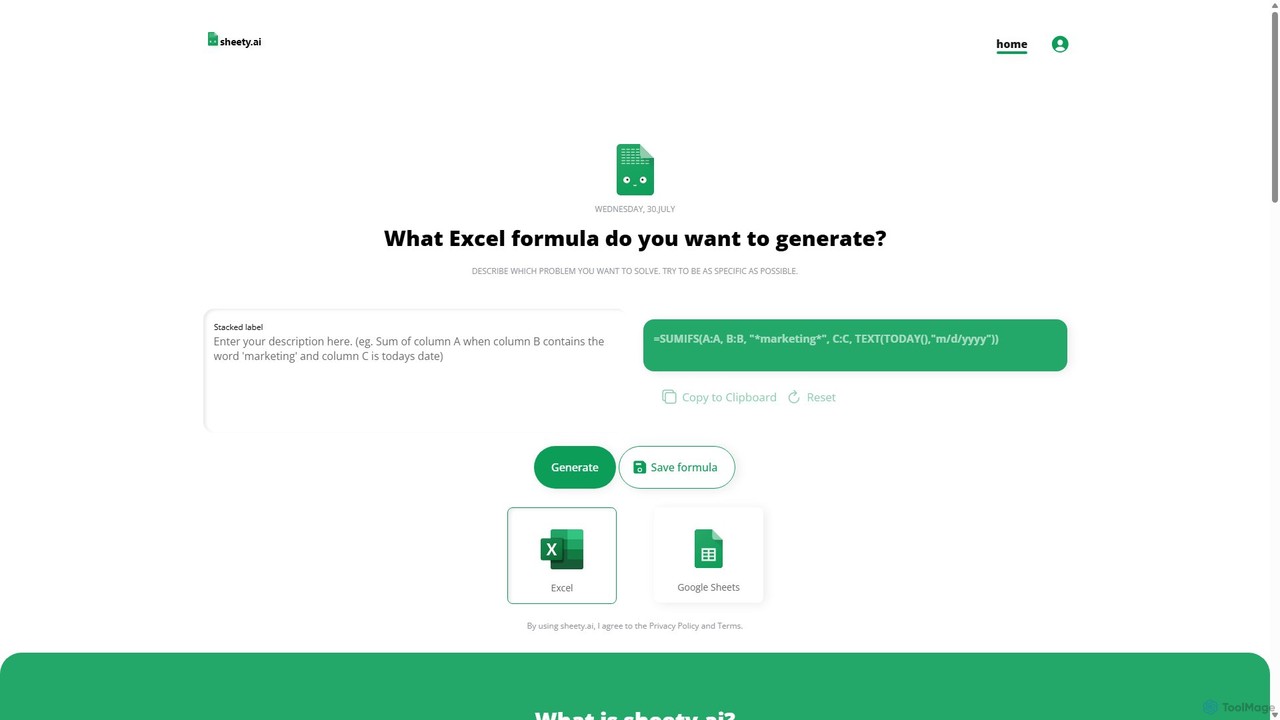
sheety.ai
sheety.ai is an AI-powered tool that instantly generates complex spreadsheet formulas for Excel and Google Sheets from natural language descriptions. Simply describe the problem you want to solve, and the AI will provide the correct formula, saving you time and eliminating the need to memorize syntax. It's designed for everyone from students to financial analysts, boosting productivity and data accuracy.
Data ProcessingNumerous.ai
Numerous.ai is a powerful AI assistant that integrates directly into Google Sheets and Excel. It allows users to automate tasks, generate content, clean and classify data, and perform complex analysis using a simple '=AI()' function, without needing any API keys or coding skills.
Data Analysis
sheeter
Sheeter is an AI-powered tool that generates complex formulas for Excel and Google Sheets from plain English descriptions. It also creates VBA scripts, Google Apps Scripts, and Regex, significantly boosting spreadsheet productivity and saving users time by eliminating the need to memorize or look up formulas.
Data Analysis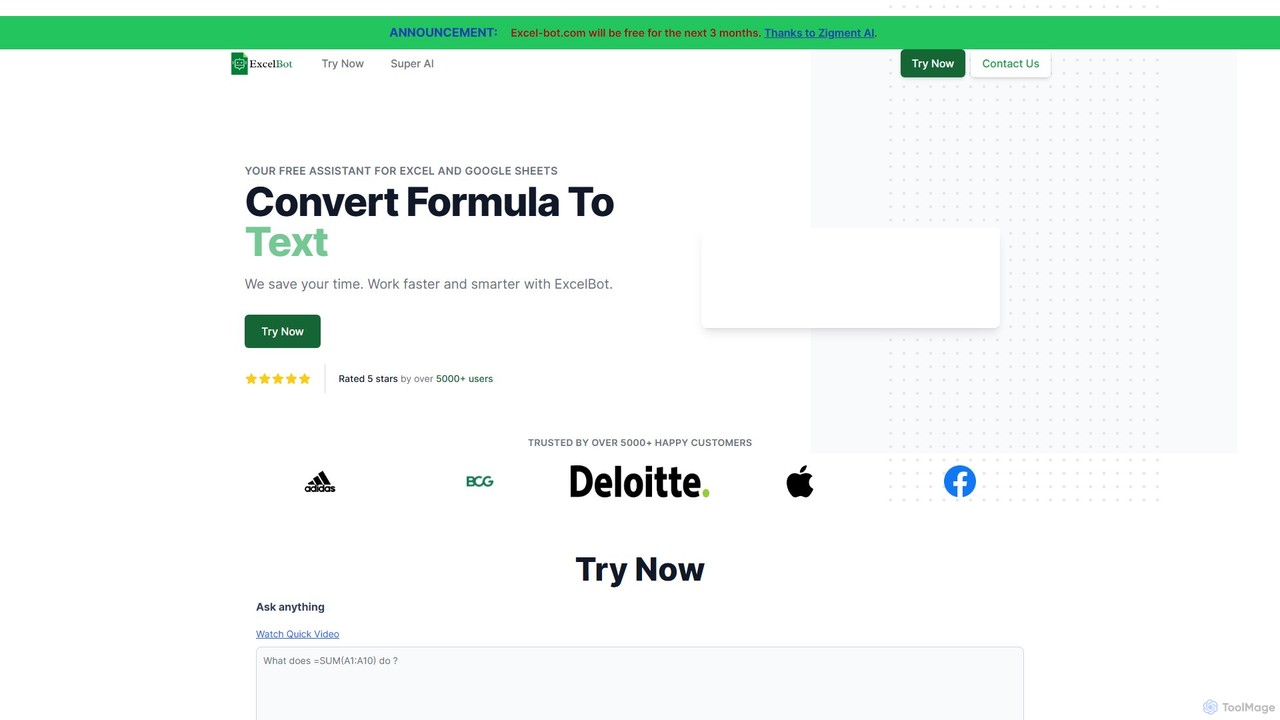
Excel Bot
Excel Bot is an AI-powered assistant for Microsoft Excel and Google Sheets. It converts your plain text instructions into complex formulas instantly, saving you time and reducing errors. Simply describe what you need, and the AI generates the correct formula for you.
Finance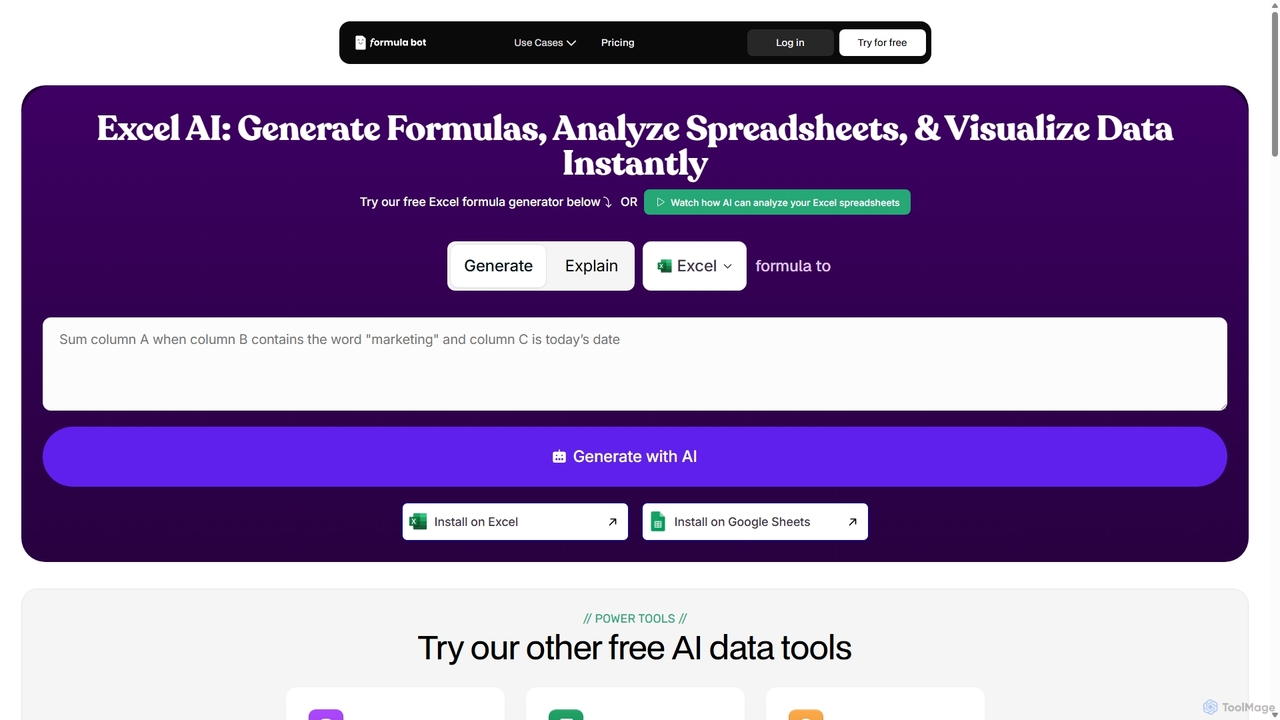
ExcelFormulaBot
ExcelFormulaBot is an AI-powered tool that generates complex Excel and Google Sheets formulas from text instructions in seconds. It also analyzes data, creates charts, generates VBA/SQL code, and explains formulas, making spreadsheet tasks faster and more accessible for everyone, from beginners to experts.
Data Analysis
AIColumns
AIColumns is an AI-powered data assistant that supercharges your spreadsheets. It integrates seamlessly with platforms like Google Sheets and Excel, allowing you to use natural language to clean data, generate complex formulas, create visualizations, and uncover actionable insights instantly.
Intelligence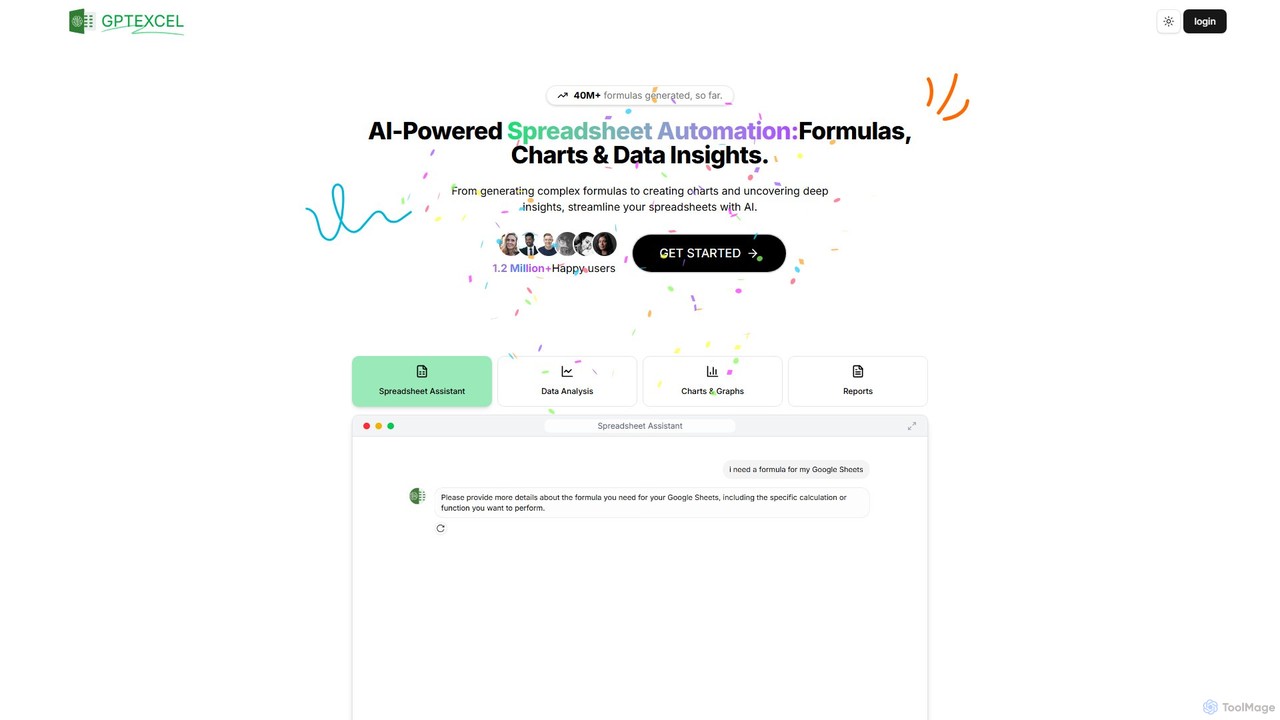
GPTExcel
GPTExcel is an AI-powered assistant that revolutionizes spreadsheet workflows. It generates complex formulas, automation scripts (VBA, Apps Script), SQL queries, and Regex from natural language. It also enables users to chat with their data, convert images to tables, create charts, and perform in-depth data analysis, supporting platforms like Excel, Google Sheets, and Airtable.
Sql
Ajelix
Ajelix is an AI-powered suite of tools designed to enhance productivity for Excel and Google Sheets users. It acts as an AI data analyst, automating tasks, generating formulas and VBA scripts, creating insightful reports, and providing advanced data analysis through a simple chat interface.
Business Intelligence
Array Assistant Comments (0)
Sign in to comment.
Sign inNo comments yet.