


sheeter Overview
Sheeter is an advanced AI-powered productivity tool designed to revolutionize the way users interact with spreadsheets. Built for both beginners and seasoned professionals, Sheeter serves as a personal assistant for Microsoft Excel, Google Sheets, and more. By leveraging the power of advanced AI algorithms like GPT-4, it translates natural language queries into accurate and complex formulas, scripts, and expressions. This eliminates the tedious and often frustrating process of manually writing, debugging, or searching for the right syntax, allowing users to focus on data analysis and strategic tasks rather than technical minutiae.
The platform was founded in 2022 by Excel automation experts who experienced firsthand the challenges of spreadsheet management. Their mission is to provide a faster, more efficient, and intuitive way to handle data tasks. Beyond simple formula generation, Sheeter extends its capabilities to include a formula explainer, which breaks down complex formulas into understandable steps, as well as generators for VBA (Visual Basic for Applications), Google Apps Script, and Regex (Regular Expressions). This comprehensive suite of tools makes Sheeter an indispensable resource for marketers, data analysts, developers, and anyone looking to enhance their workflow and unlock their full productivity potential.
How to use sheeter
Using Sheeter is designed to be incredibly simple and intuitive, requiring just a few steps to get from a plain English request to a ready-to-use formula or script.
- Enter Your Query: Start by typing your request into the input bar. Be descriptive and clear about what you want to achieve. For example, instead of just "sum," you could write, "Calculate the total sum of values in column C from C5 to C50, but only include values greater than 100."
- Generate Formula/Script: After entering your query, click the generate button. The AI engine will process your request and instantly produce the corresponding formula for Excel or Google Sheets, or the script for VBA or Google Apps Script.
- Copy and Use: The generated output is ready for immediate use. You can copy the formula with a single click and paste it directly into your spreadsheet cell. For even greater efficiency, Sheeter also offers an add-on that allows you to insert the formula directly into your sheet without leaving the application.
Core Features of sheeter
- AI Formula Generator: Translates natural language text into formulas for both Microsoft Excel and Google Sheets.
- Formula Explainer: Takes an existing complex formula and provides a step-by-step explanation of how it works, making it a great learning tool.
- VBA Script Generator: Automates tasks in Excel by generating VBA code from simple descriptions.
- Google Apps Script Generator: Creates custom scripts to extend the functionality of Google Sheets and other Google Workspace apps.
- Regex Generator: Simplifies the creation of complex Regular Expressions for pattern matching and text validation.
- Cross-Platform Compatibility: Formulas and solutions are designed to work seamlessly across both Excel and Google Sheets.
- Productivity Add-on: An available add-on for Excel and Google Sheets that integrates Sheeter's functionality directly into your workflow for one-click formula insertion.
- Powered by GPT-4: Utilizes cutting-edge AI to ensure high accuracy and understanding of complex user queries.
Use Cases for sheeter
Sheeter is versatile and can be applied in numerous scenarios across different professions:
- Financial Analysis: Generating formulas for calculating loan amortization, net present value (NPV), or complex conditional sums for budget tracking.
- Marketing & Sales: Creating formulas to extract domain names from a list of URLs, filtering leads from a master sheet based on specific criteria (e.g., 'region' or 'last contacted date'), or calculating conversion rates.
- Data Cleaning: Using Regex or text manipulation formulas to clean up inconsistent data, such as removing extra spaces, standardizing date formats, or splitting full names into first and last names.
- Inventory Management: Developing formulas to track stock levels, automatically reorder products when stock falls below a threshold, or find items using VLOOKUP or INDEX/MATCH from a product catalog.
- Project Management: Calculating the number of business days between two dates, creating conditional formatting rules to highlight overdue tasks, or filtering tasks assigned to a specific team member.
Advantages of sheeter
Sheeter offers a significant competitive edge for anyone working with data:
- Efficiency: Drastically reduces the time spent on creating and troubleshooting formulas, accelerating overall workflow.
- Accessibility: Empowers users with limited technical knowledge to perform complex data operations like a pro.
- Accuracy: Minimizes human error that can occur when writing formulas manually.
- Learning Tool: The formula explainer helps users understand the logic behind formulas, improving their spreadsheet skills over time.
- Reliability and Focus: A highly focused tool dedicated to solving one of the biggest pain points in spreadsheet usage, ensuring reliable and relevant results.
Pricing and Plans
Sheeter offers a paid, credit-based subscription model with options for both monthly and lifetime plans, catering to different usage levels.
- Credit System: The service operates on a credit system where 1 credit is consumed for each formula or script generation.
- Monthly Plans: Designed for regular users, with plans like the 'Basic Plan' offering a set number of credits per month.
- Lifetime Deals: For power users, freelancers, and businesses, Sheeter provides one-time payment lifetime plans (e.g., 'Diamond Plan') that offer a large or unlimited number of credits for long-term use.
- Refund Policy: A 14-day money-back guarantee is available if you are not satisfied with the service.
- Free Trial: While a standard free trial is not publicly offered, prospective users can contact the support team to inquire about trial possibilities.
Traffic
Latest traffic
Status
Monthly traffic trend
- 2025-9: 8.9K
- 2026-1: 3.3K
- 2026-2: 7.6K
- 2026-3: 9.8K
- 2026-4: 11.1K
- 2026-5: 10.5K
Geography
Top 5 countries / regions
- 🇺🇸United States59.4%
- 🇮🇳India30.7%
- 🇬🇧United Kingdom9.9%
Top keywords
| Keyword | Cost per click |
|---|---|
| combine first and last name in excel | $0.00 |
| excel formula generator | $1.16 |
| excel new line in cell | $0.00 |
| how to combine a first and last name in excel | $0.00 |
| new line in excel cell | $0.00 |
sheeter Alternatives
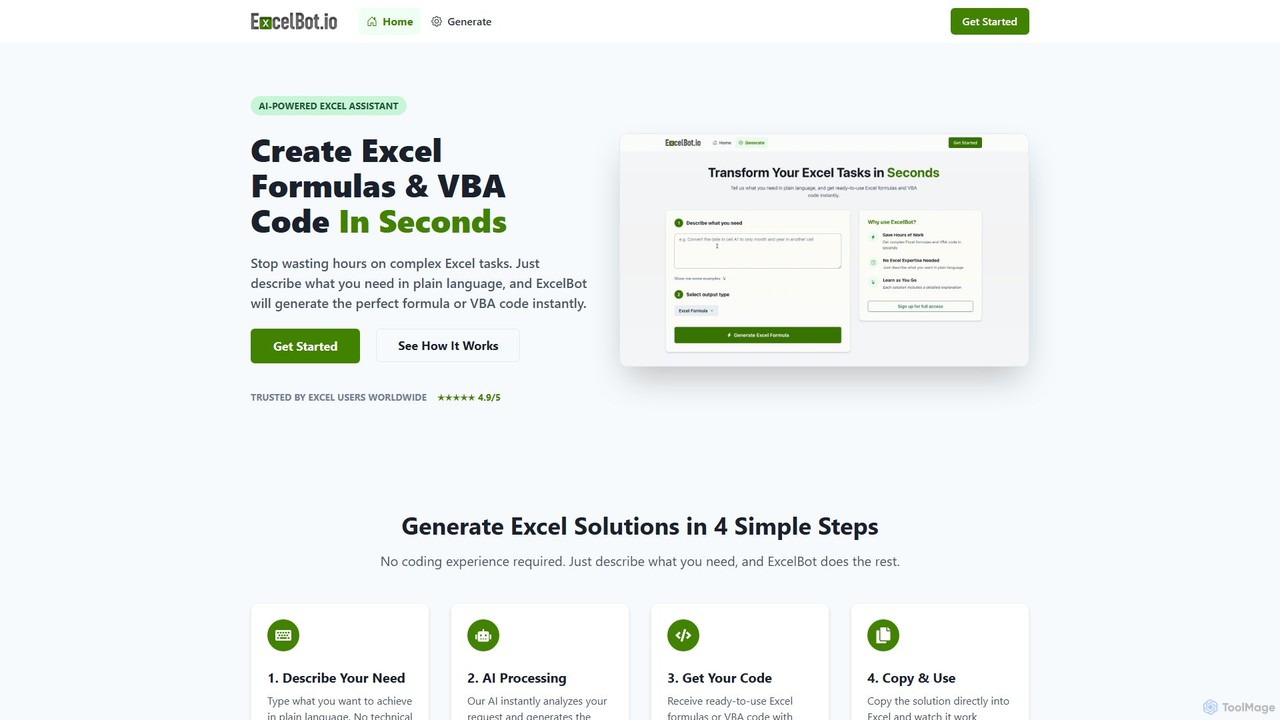
ExcelBot
ExcelBot is an AI-powered assistant that instantly generates complex Excel formulas and VBA code from plain English descriptions. Designed for users of all skill levels, from beginners to data analysts, it saves hours of manual work, boosts productivity, and helps users learn by providing detailed explanations for every solution. Simply describe your task, and ExcelBot delivers the ready-to-use code in seconds.
Data Automation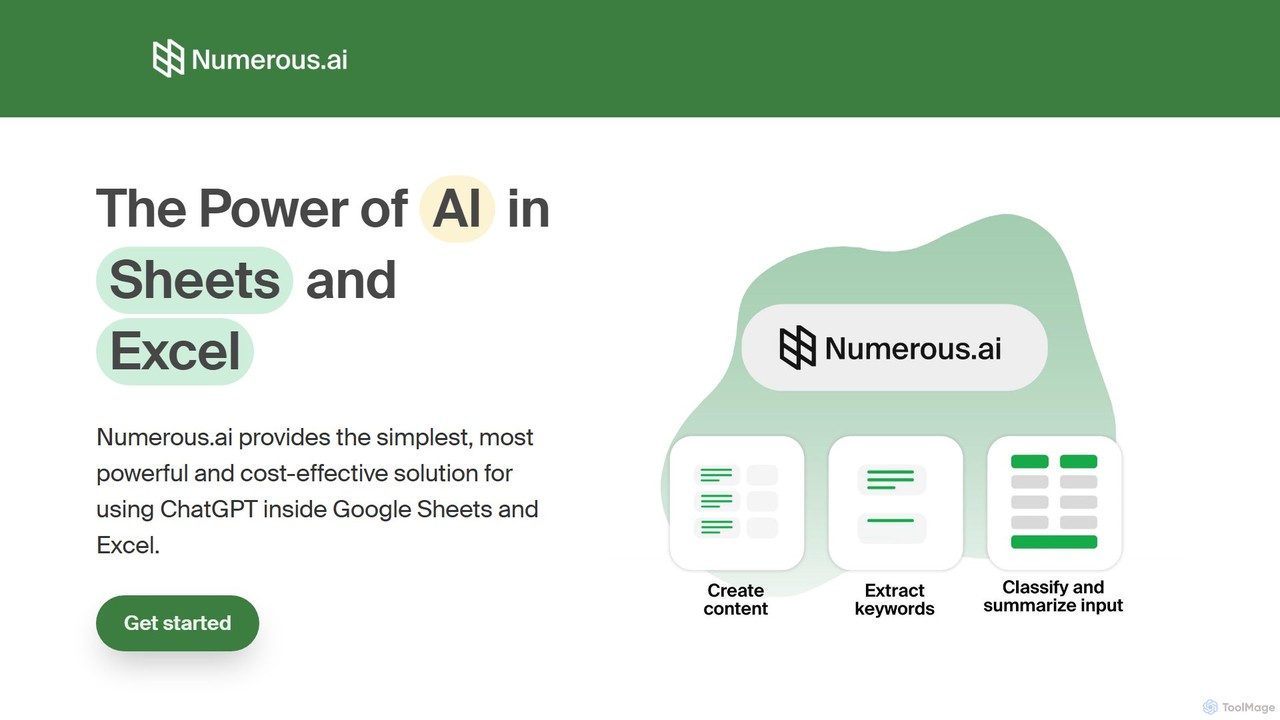
Numerous.ai
Numerous.ai is a powerful AI assistant that integrates directly into Google Sheets and Excel. It allows users to automate tasks, generate content, clean and classify data, and perform complex analysis using a simple '=AI()' function, without needing any API keys or coding skills.
Data Analysis
Ajelix
Ajelix is an AI-powered suite of tools designed to enhance productivity for Excel and Google Sheets users. It acts as an AI data analyst, automating tasks, generating formulas and VBA scripts, creating insightful reports, and providing advanced data analysis through a simple chat interface.
Business Intelligence
Spreadsheet Daddy
Spreadsheet Daddy is an advanced AI-driven add-on for Google Sheets that automates complex tasks. It allows users to generate formulas, Apps Script, and regular expressions from simple text prompts. The tool also excels at bulk content generation, data analysis, and even allows for the creation of custom AI models, transforming your spreadsheet into a powerful productivity hub.
Low Code No Code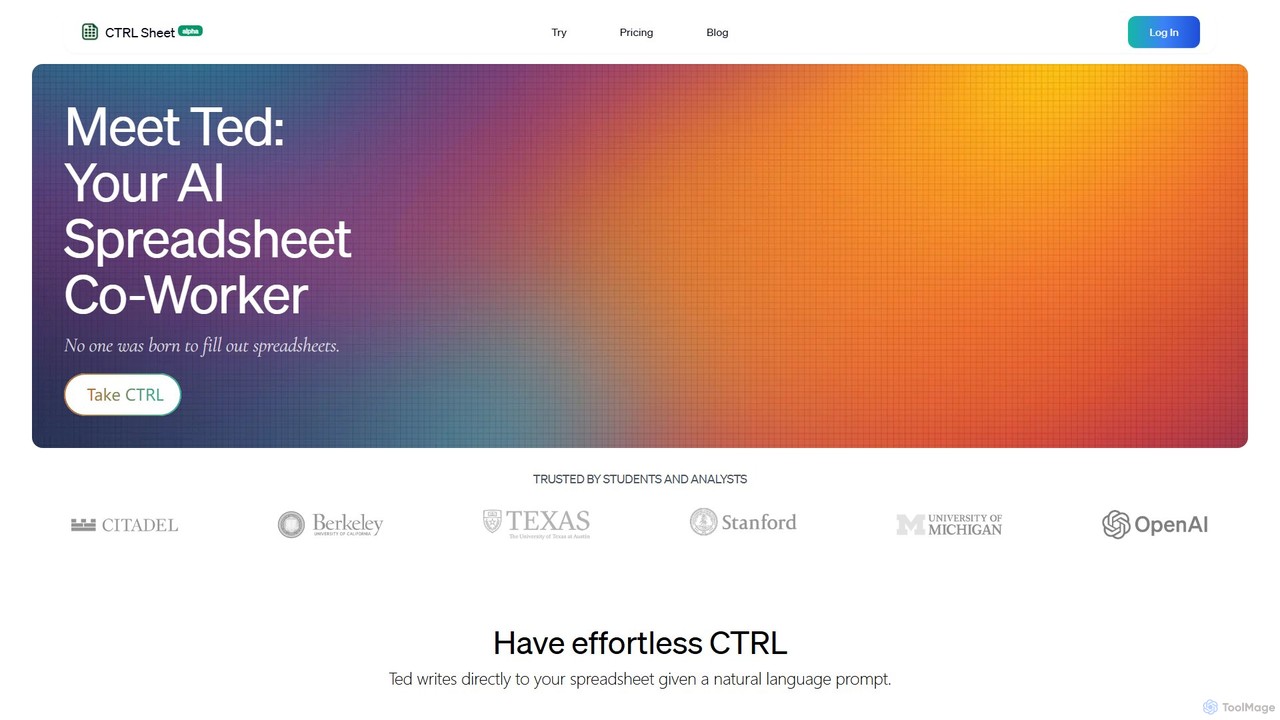
CTRL Sheet
CTRL Sheet is an AI-powered spreadsheet co-worker named Ted that automates data tasks. It allows users to interact with spreadsheets using natural language, extract data from various files like PDFs and images, and generate complex formulas effortlessly. It's designed to save time and reduce errors for students, analysts, and professionals.
Task Automationsheeter Categories
sheeter Embed Widget
Copy this embed code to place the badge on your blog, article, or product site and send readers directly to this ToolMage detail page.

Related AI tools
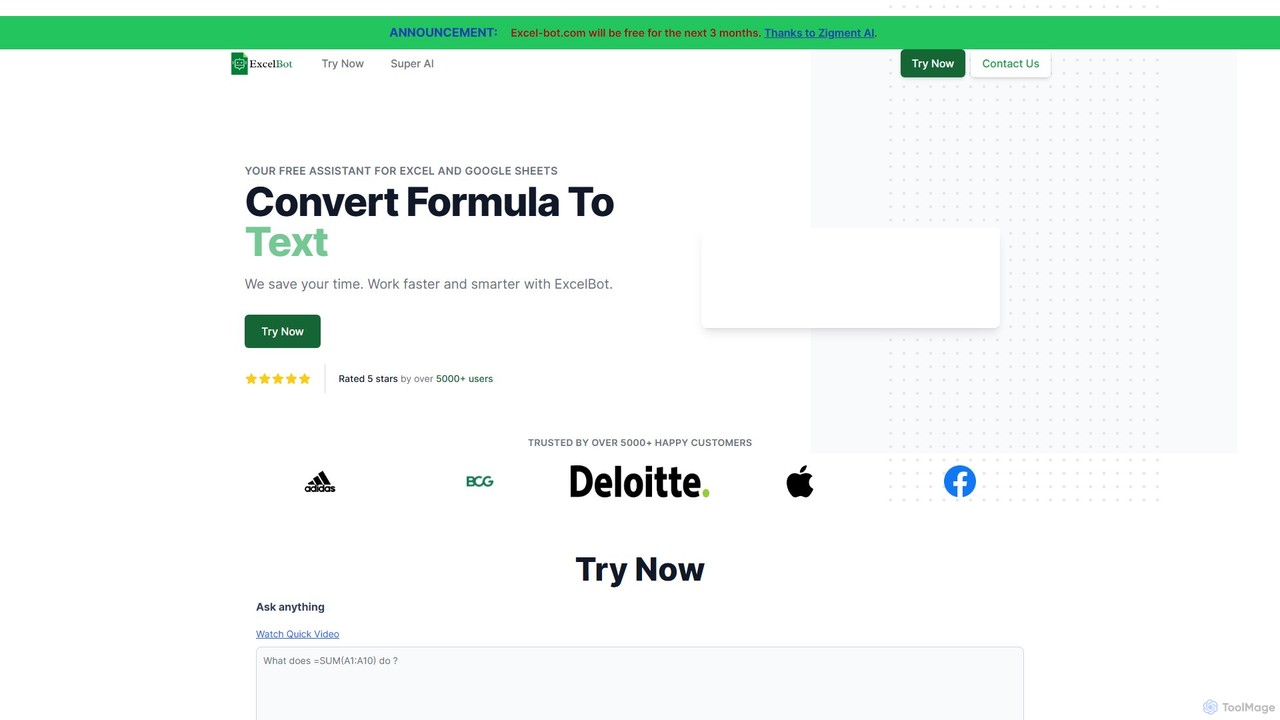
Excel Bot
Excel Bot is an AI-powered assistant for Microsoft Excel and Google Sheets. It converts your plain text instructions into complex formulas instantly, saving you time and reducing errors. Simply describe what you need, and the AI generates the correct formula for you.
FinanceExcelBot
ExcelBot is an AI-powered assistant that instantly generates complex Excel formulas and VBA code from plain English descriptions. Designed for users of all skill levels, from beginners to data analysts, it saves hours of manual work, boosts productivity, and helps users learn by providing detailed explanations for every solution. Simply describe your task, and ExcelBot delivers the ready-to-use code in seconds.
Data Automation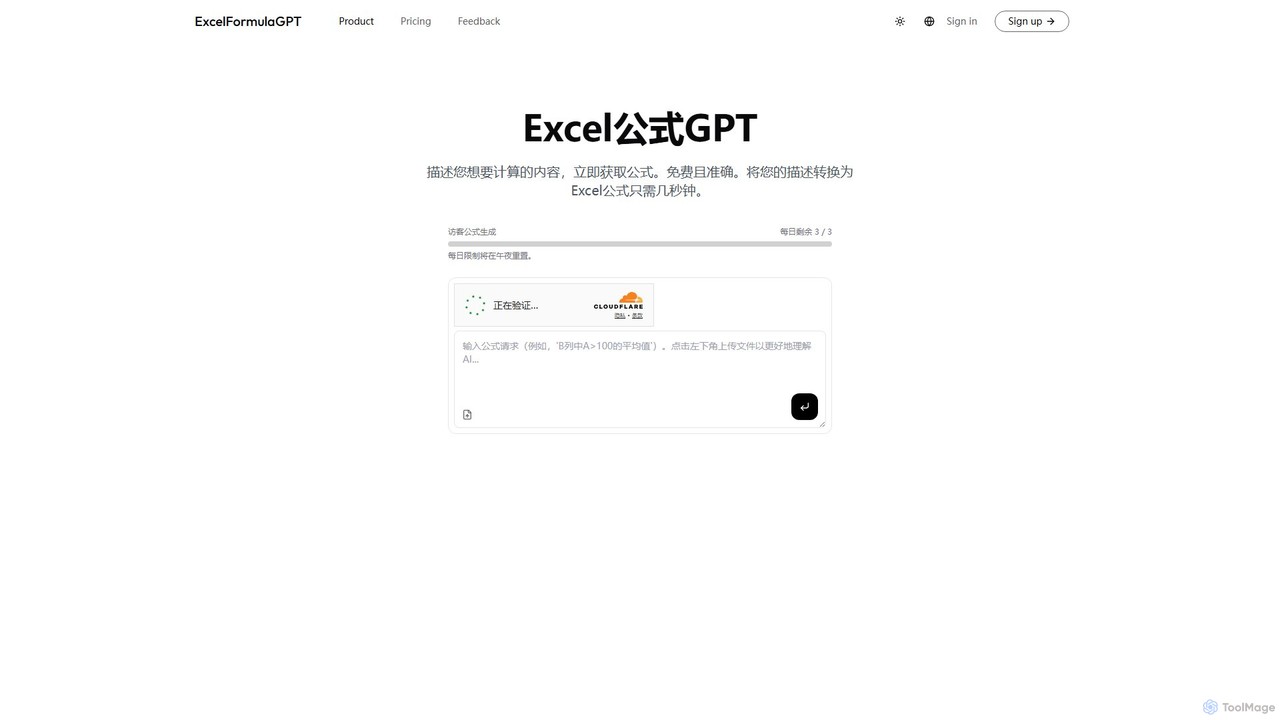
excelformulagpt
excelformulagpt is an AI-powered tool that instantly converts natural language descriptions into complex Excel and Google Sheets formulas. It helps users save time, reduce errors, and boost productivity without needing to memorize complex syntax. Features include formula generation, context-aware suggestions from uploaded files, and formula explanations.
Automation
Sheetplus
Sheetplus is an AI-powered toolkit designed to supercharge your spreadsheet experience in Google Sheets and Excel. By leveraging natural language, it allows users to generate complex formulas, clean and analyze data, automate tasks, and extract insights without writing code. It acts as an intelligent assistant, making data management faster, more intuitive, and accessible to everyone, regardless of their technical expertise.
Automation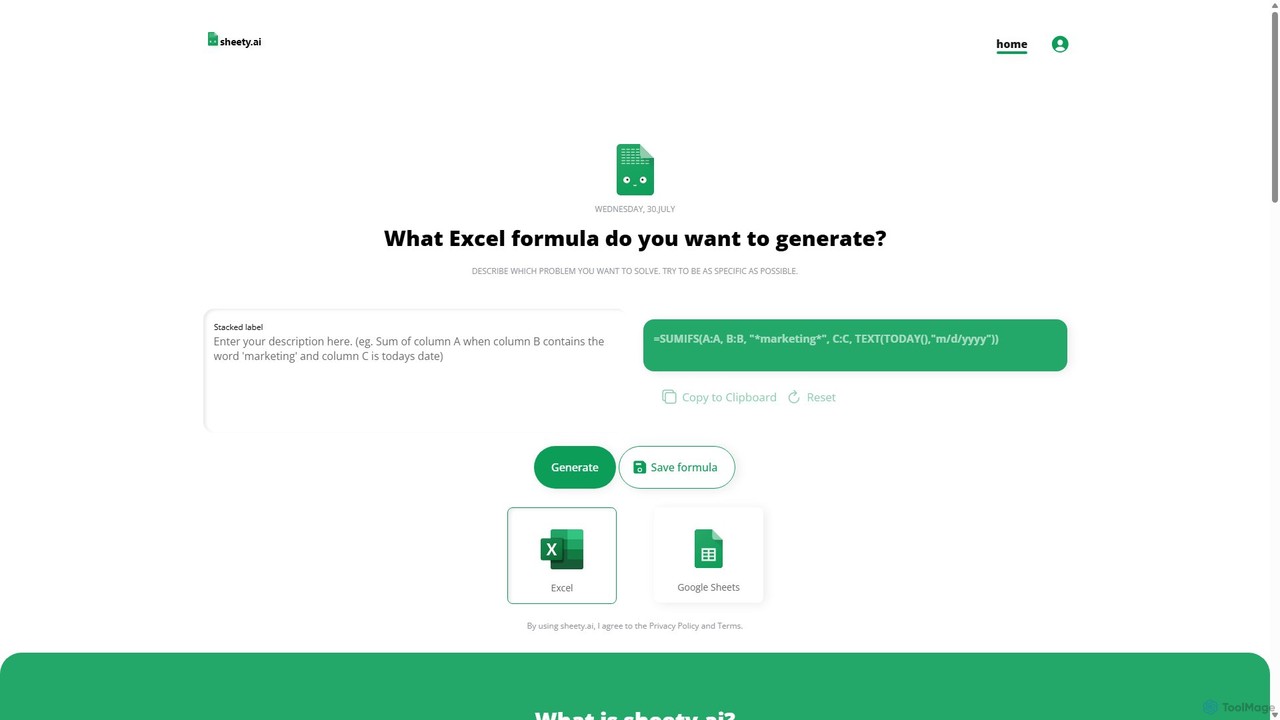
sheety.ai
sheety.ai is an AI-powered tool that instantly generates complex spreadsheet formulas for Excel and Google Sheets from natural language descriptions. Simply describe the problem you want to solve, and the AI will provide the correct formula, saving you time and eliminating the need to memorize syntax. It's designed for everyone from students to financial analysts, boosting productivity and data accuracy.
Data ProcessingNumerous.ai
Numerous.ai is a powerful AI assistant that integrates directly into Google Sheets and Excel. It allows users to automate tasks, generate content, clean and classify data, and perform complex analysis using a simple '=AI()' function, without needing any API keys or coding skills.
Data AnalysisAjelix
Ajelix is an AI-powered suite of tools designed to enhance productivity for Excel and Google Sheets users. It acts as an AI data analyst, automating tasks, generating formulas and VBA scripts, creating insightful reports, and providing advanced data analysis through a simple chat interface.
Business IntelligenceSpreadsheet Daddy
Spreadsheet Daddy is an advanced AI-driven add-on for Google Sheets that automates complex tasks. It allows users to generate formulas, Apps Script, and regular expressions from simple text prompts. The tool also excels at bulk content generation, data analysis, and even allows for the creation of custom AI models, transforming your spreadsheet into a powerful productivity hub.
Low Code No CodeCTRL Sheet
CTRL Sheet is an AI-powered spreadsheet co-worker named Ted that automates data tasks. It allows users to interact with spreadsheets using natural language, extract data from various files like PDFs and images, and generate complex formulas effortlessly. It's designed to save time and reduce errors for students, analysts, and professionals.
Task Automation
Jyek
Jyek is an AI agent platform that understands objectives, creates execution plans, uses tools, and delivers verifiable results for complex, multi-step tasks.
Automation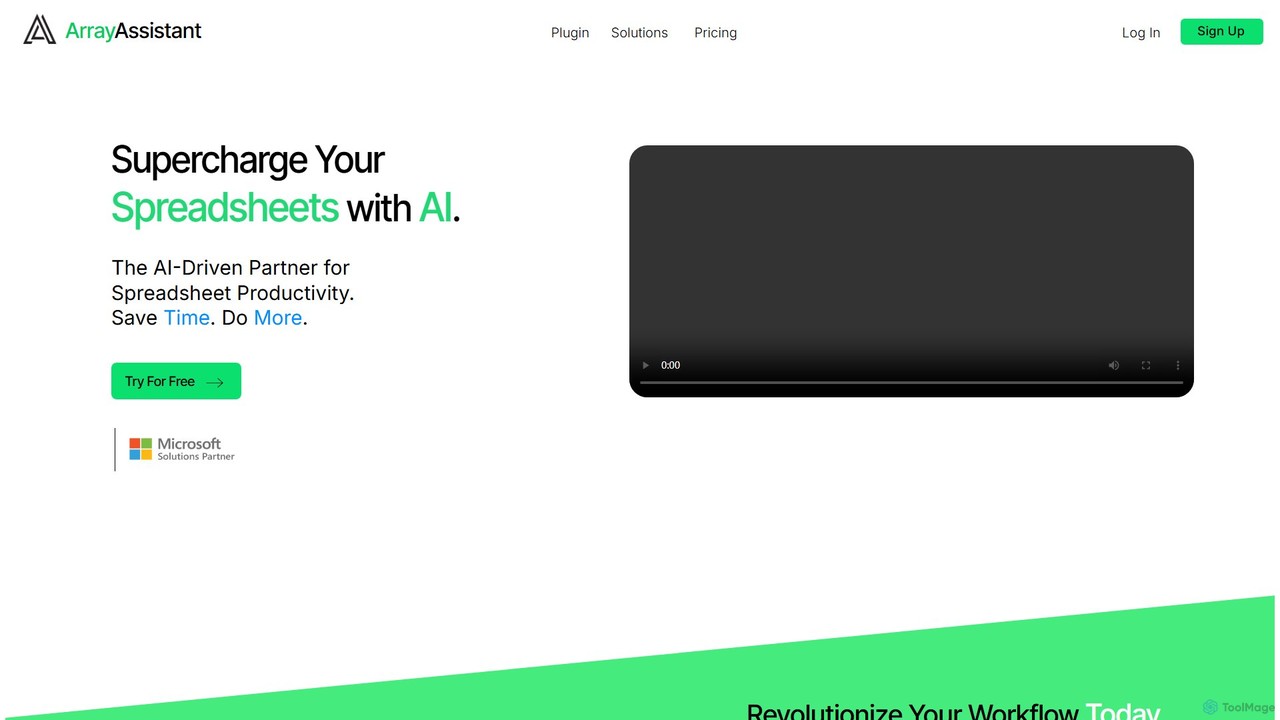
Array Assistant
Array Assistant is an AI-powered plugin for spreadsheets that supercharges your productivity. It helps you generate complex formulas, clean and organize data, summarize text, explain problems, and design automations, all within your existing workflow. Ideal for professionals, students, and anyone who uses spreadsheets.
Finance
Formula Bot
Formula Bot is an AI-powered data analysis platform that simplifies working with spreadsheets and data. It allows users to generate Excel formulas, SQL queries, and VBA code from simple text instructions, analyze data through a conversational chat interface, and automate tasks like data cleaning and enrichment.
Data Visualization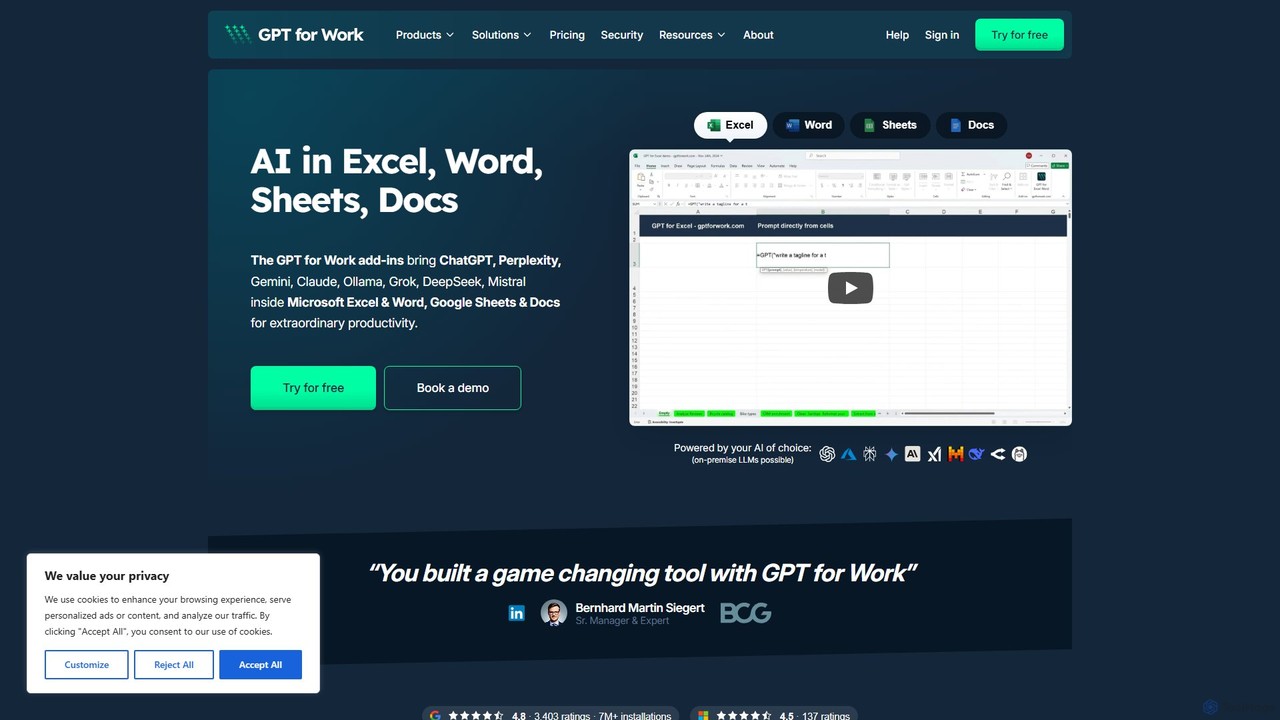
GPT for Work
A powerful AI add-on that integrates GPT capabilities directly into Google Sheets, Docs, Microsoft Excel, and Word. Automate tasks, generate text, analyze data, and create formulas using simple commands, boosting your productivity without leaving your documents.
Document Assistant
neuralformula
NeuralFormula is an AI-powered assistant that instantly translates natural language into complex spreadsheet formulas, SQL queries, and Regex. Boost your productivity by describing your data task in plain English, and let the AI generate the precise, error-free code or formula you need for Excel, Google Sheets, and more.
Sql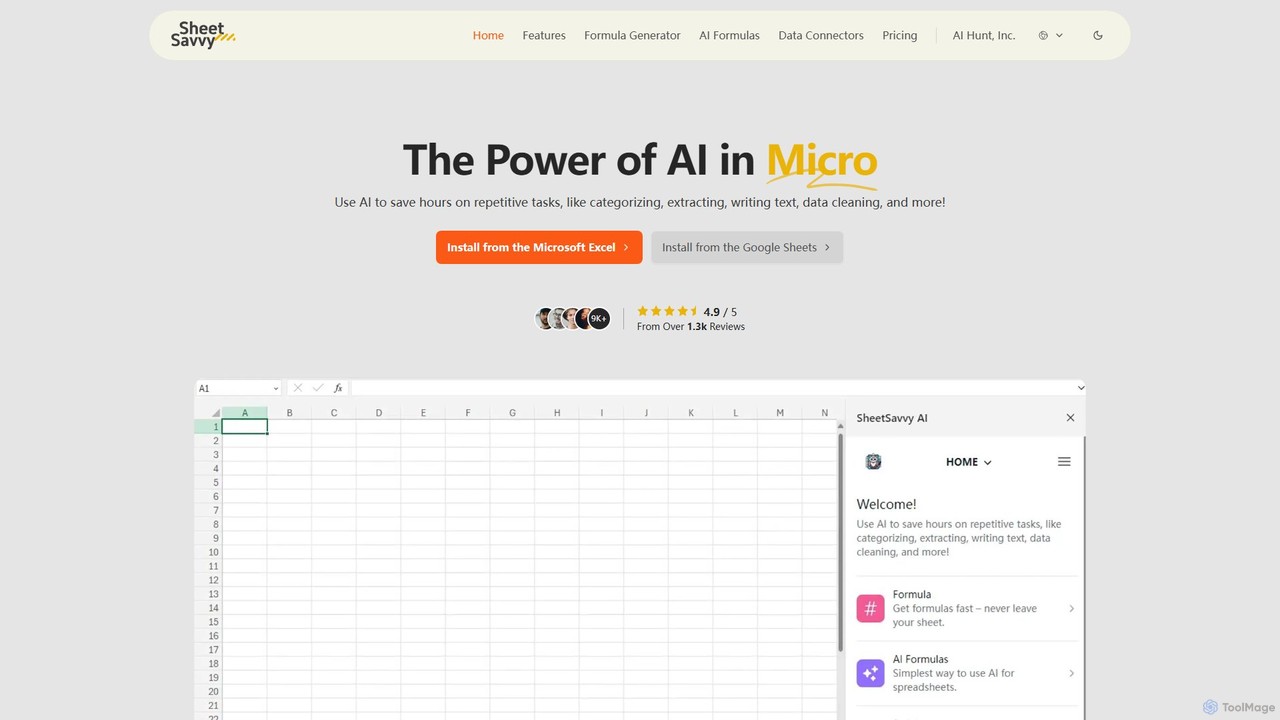
SheetSavvy AI
SheetSavvy AI is an AI-powered assistant for Google Sheets and Microsoft Excel, designed to automate repetitive tasks. It features a formula generator, AI-driven formulas for data cleaning and analysis, and seamless data connectors to import live data, significantly boosting spreadsheet productivity.
Finance
sheeter Comments (0)
Sign in to comment.
Sign inNo comments yet.