ToolMage
Sign in

Best 3 Sql AI tools for Developer Tools

Popular Sql AI tools in Developer Tools include Formula Bot, GPTExcel, and neuralformula, helping you work more efficiently.

neuralformula
Freemium

neuralformula

NeuralFormula is an AI-powered assistant that instantly translates natural language into complex spreadsheet formulas, SQL queries, and Regex. Boost your productivity by describing your data task in plain English, and let the AI generate the precise, error-free code or formula you need for Excel, Google Sheets, and more.

Sql
Visits 6.3KFavorites 143Likes 150
Formula Bot
Freemium

Formula Bot

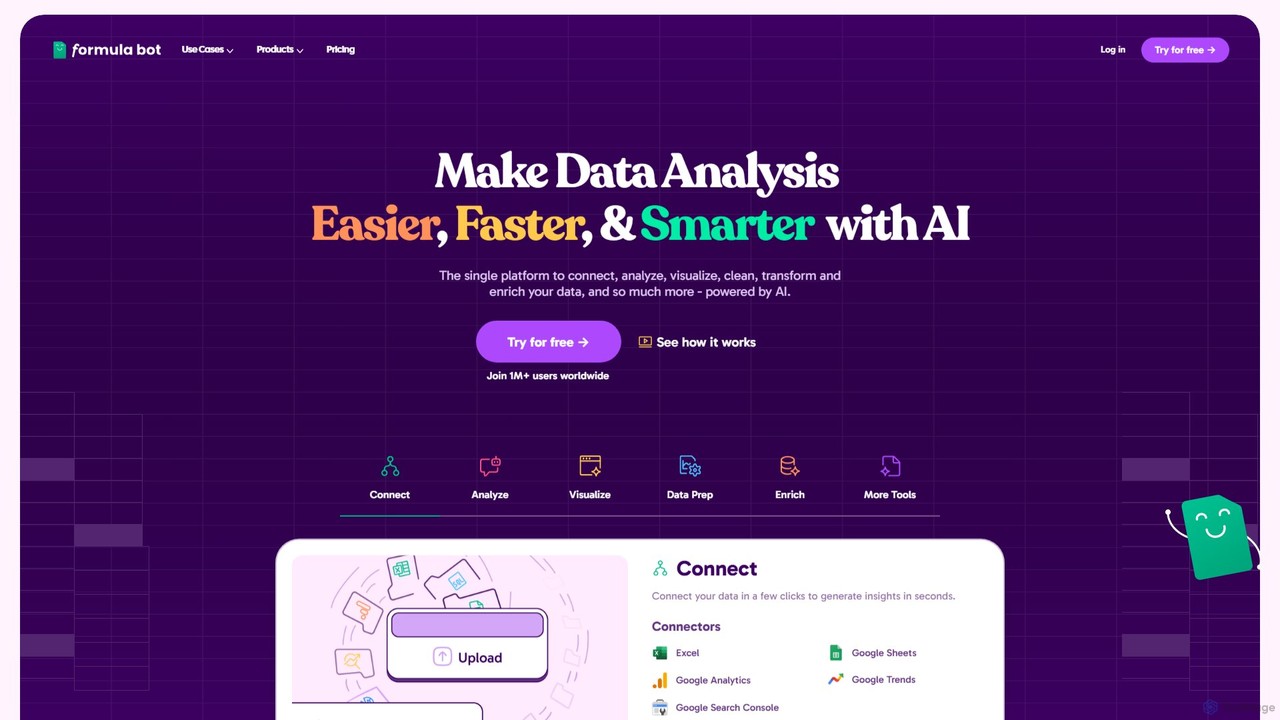
Formula Bot is an AI-powered data analysis platform that simplifies working with spreadsheets and data. It allows users to generate Excel formulas, SQL queries, and VBA code from simple text instructions, analyze data through a conversational chat interface, and automate tasks like data cleaning and enrichment.

Data Visualization
Visits 319.5KFavorites 126Likes 121
GPTExcel
Freemium

GPTExcel

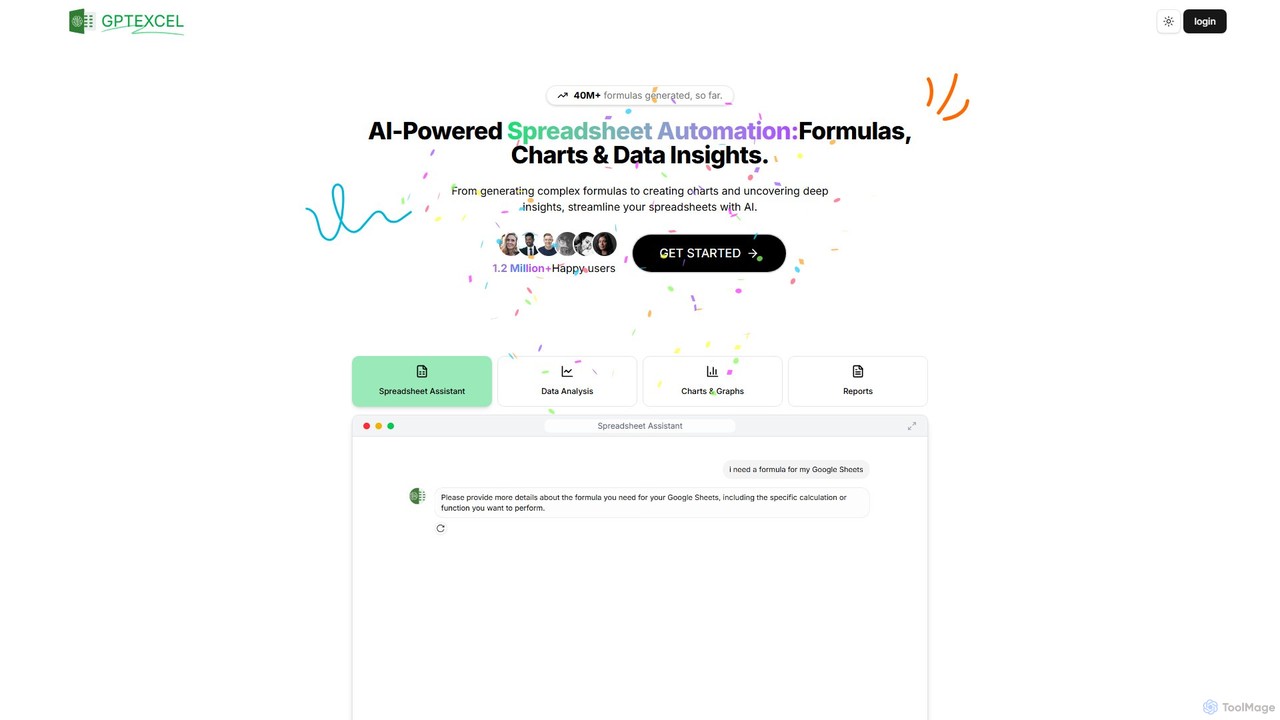
GPTExcel is an AI-powered assistant that revolutionizes spreadsheet workflows. It generates complex formulas, automation scripts (VBA, Apps Script), SQL queries, and Regex from natural language. It also enables users to chat with their data, convert images to tables, create charts, and perform in-depth data analysis, supporting platforms like Excel, Google Sheets, and Airtable.

Sql
Visits 251.4KFavorites 134Likes 123

About Sql

SQL (Structured Query Language) is a specialized programming language designed for managing and manipulating relational databases. It serves as the standard interface for interacting with database systems, enabling users to define, query, update, and control data. Essential for developers, data analysts, and database administrators, SQL facilitates efficient data retrieval, robust data management, and the maintenance of data integrity across various applications.

Core Features

  • Data Querying (SELECT): Retrieves specific data based on defined criteria from one or more database tables.
  • Data Manipulation (INSERT, UPDATE, DELETE): Adds new records, modifies existing data, or removes records from tables.
  • Data Definition (CREATE, ALTER, DROP): Defines, modifies, or deletes database objects like tables, views, and indexes.
  • Data Control (GRANT, REVOKE): Manages user permissions and access rights to database objects and operations.
  • Transaction Management: Ensures data consistency and integrity through atomic, consistent, isolated, and durable (ACID) operations.

Applicable Scenarios

SQL is fundamental in backend development for web and mobile applications, where it manages user data, product catalogs, and transactional information. Data analysts extensively use SQL for extracting, transforming, and loading data into data warehouses for business intelligence and reporting. Database administrators rely on SQL for system maintenance, performance tuning, and security management of relational databases.

How to Choose

When selecting SQL tools or learning resources, consider compatibility with your target Relational Database Management System (RDBMS) like MySQL, PostgreSQL, or SQL Server. Evaluate the tool's feature set for advanced querying, indexing, and security capabilities. Assess its performance optimization features, such as query profiling and execution plan analysis. Finally, check its integration capabilities with your existing development environments and business intelligence platforms.


Sql use cases

1

Database Schema Design and Creation

Backend developers and database architects utilize SQL's Data Definition Language (DDL) to meticulously design and create the foundational structure of new databases. This involves defining tables, specifying data types for columns, establishing primary and foreign keys for relationships, and setting constraints to ensure data integrity. This process is crucial for building robust and scalable data storage solutions for applications.

2

Data Retrieval for Business Intelligence

Data analysts and business intelligence professionals frequently employ complex SQL queries to extract, filter, and aggregate vast amounts of data from operational databases. They craft queries to generate reports, populate dashboards, and identify key business trends, transforming raw data into actionable insights. This enables informed decision-making across various departments, from sales to marketing.

3

Application Backend Development

Software developers integrate SQL queries directly into their application's backend code (e.g., using ORMs or raw SQL) to manage persistent data. This includes storing user profiles, handling product inventories, processing orders, and retrieving dynamic content for web and mobile applications. SQL acts as the bridge between the application logic and the underlying data storage, ensuring seamless data flow.

4

Database Administration and Maintenance

Database administrators (DBAs) leverage SQL extensively for the ongoing management and maintenance of database systems. Their tasks include granting and revoking user permissions, performing regular backups and restores, monitoring database performance, and optimizing slow-running queries. SQL commands are essential for ensuring database security, availability, and optimal operational efficiency.

5

Data Migration and Transformation

Data engineers use SQL as a primary tool for Extract, Transform, Load (ETL) processes, especially when migrating data between different systems or preparing it for analytical purposes. They write SQL scripts to clean, reshape, and combine data from various sources, ensuring consistency and accuracy before loading it into data warehouses or new databases. This is vital for data consolidation projects.

6

Ad-hoc Data Analysis and Exploration

Researchers, data scientists, and even technically proficient business users employ SQL for spontaneous, on-demand data exploration. They write quick queries to investigate specific hypotheses, validate data points, or gain immediate insights into datasets without needing to build formal reports or dashboards. This flexibility allows for rapid iteration and discovery in data-driven investigations.

Sql FAQ

What is SQL and why is it important for data management?

SQL (Structured Query Language) is the standard language for managing and querying relational databases. It's crucial because it provides a powerful, standardized way to interact with data, allowing users to define database structures, retrieve specific information, modify records, and control access. Its importance lies in enabling efficient data storage, retrieval, and analysis, forming the backbone of most data-driven applications and business intelligence systems.

What are the main types of SQL commands?

SQL commands are broadly categorized into four types: Data Definition Language (DDL) for defining database structures (e.g., CREATE, ALTER, DROP TABLE); Data Manipulation Language (DML) for managing data within tables (e.g., SELECT, INSERT, UPDATE, DELETE); Data Control Language (DCL) for managing user permissions (e.g., GRANT, REVOKE); and Transaction Control Language (TCL) for managing transactions (e.g., COMMIT, ROLLBACK).

How does SQL differ from NoSQL databases?

SQL databases are relational, using structured tables with predefined schemas and strong consistency, ideal for complex queries and transactional applications. NoSQL databases are non-relational, offering flexible schemas, horizontal scalability, and high availability, suited for large, unstructured data and real-time applications. SQL enforces ACID properties, while NoSQL often prioritizes BASE properties, reflecting different trade-offs in data consistency and availability.

What are common challenges when working with SQL?

Common challenges include writing inefficient queries that lead to poor performance, especially with large datasets; managing complex joins across multiple tables; ensuring data integrity through proper constraint definition; dealing with SQL injection vulnerabilities in application development; and debugging complex stored procedures or triggers. Understanding database indexing and query optimization is key to overcoming these.

How can I optimize SQL query performance?

To optimize SQL query performance, focus on several key strategies: use appropriate indexes on frequently queried columns; avoid `SELECT *` and only retrieve necessary columns; minimize the use of subqueries and temporary tables where possible; optimize `JOIN` conditions; use `WHERE` clauses effectively to filter data early; and analyze query execution plans to identify bottlenecks. Regular database maintenance, like updating statistics, also helps.