
GPTExcel Overview
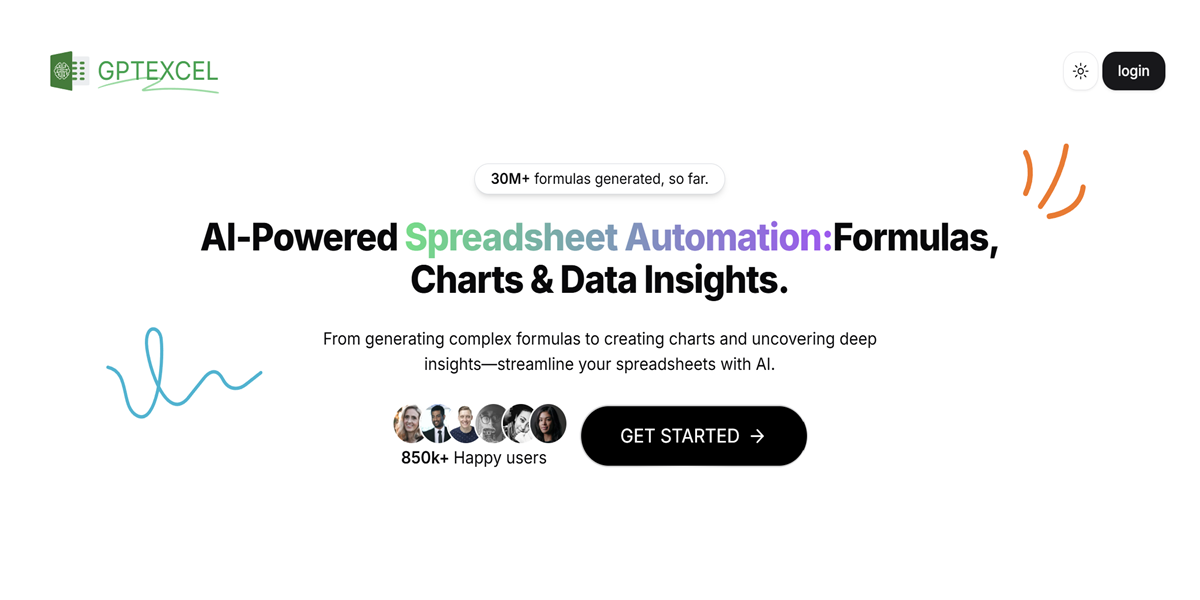
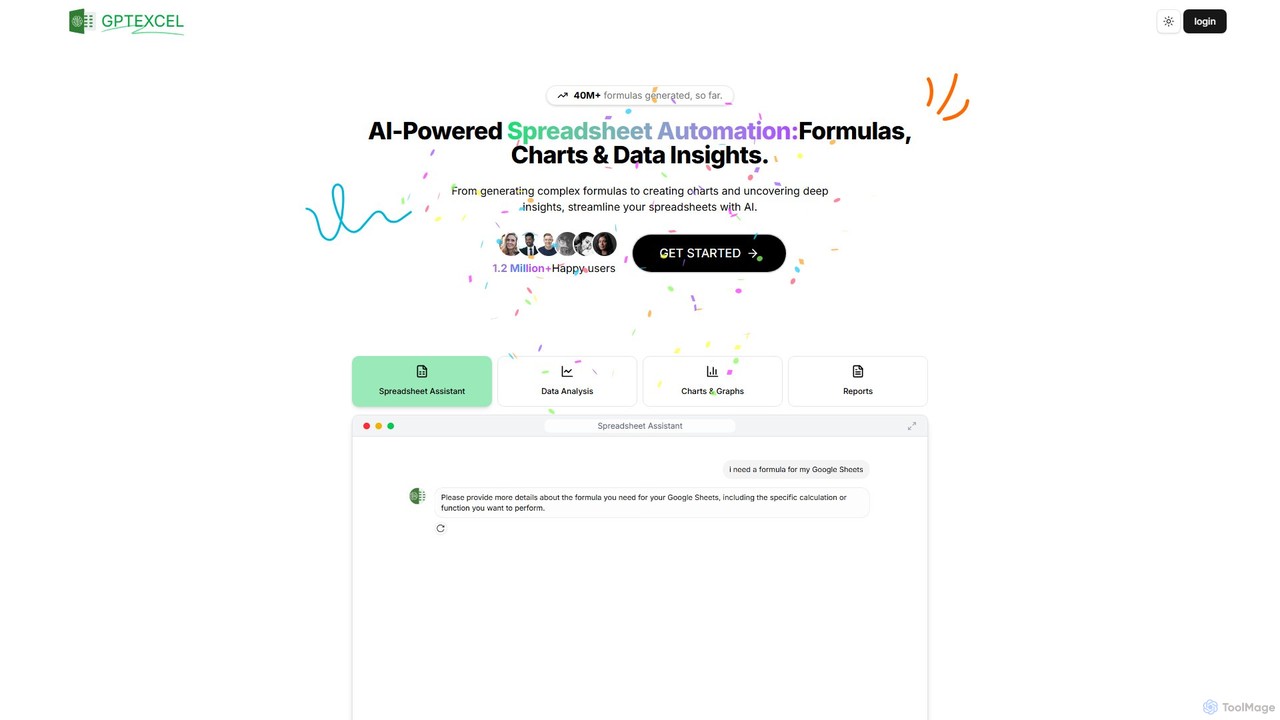
GPTExcel is a comprehensive AI-powered assistant designed to revolutionize how you work with spreadsheets. It goes far beyond simple formula generation, offering a suite of tools to automate tasks, analyze data, and unlock insights from your files. Whether you're a seasoned data analyst, a business professional, or a student, GPTExcel streamlines your workflow across platforms like Microsoft Excel, Google Sheets, LibreOffice Calc, and Airtable, making complex operations accessible to everyone. With over 40 million formulas generated, it's a trusted tool for more than 1.2 million users worldwide, aiming to significantly boost productivity and reduce manual effort.
How to use GPTExcel
Using GPTExcel is designed to be intuitive and straightforward, catering to users of all skill levels. Here’s how to leverage its main features:
- Formula/Script/SQL/Regex Generation: Navigate to the specific generator tool on the platform. In the provided text box, describe your requirement in plain English. For example, type "Sum all values in column C for rows where column A is 'Q4 Sales'" for a formula, or "Create a VBA script to copy data from Sheet1 to Sheet2" for automation. The AI instantly processes your request and provides the correct code snippet, ready to be copied and pasted into your application.
- Data Analysis & Chat: Upload your Excel (.xlsx) or CSV file directly to the platform. Once uploaded, you can engage with your data through a conversational chat interface. Ask direct questions like, "What were the total sales for October?", "Identify the top 5 performing products by revenue," or "Provide a summary of this dataset." The AI will analyze the file and provide answers and insights in real-time.
- Image-to-Table Conversion: If you have data in a non-editable format like a photo or screenshot, simply upload the image file. GPTExcel's advanced Optical Character Recognition (OCR) and AI algorithms will analyze the image, detect the table structure, and convert it into a fully editable Excel table that you can download and use.
- Chart & Graph Generation: After uploading your data file, you can ask the AI to visualize it. Make requests such as, "Generate a bar chart showing sales by region" or "Create a line graph to track monthly user growth." The tool will automatically generate and display the appropriate chart for your analysis.
Core Features of GPTExcel
- AI Formula Generator: Instantly generates complex formulas for Excel, Google Sheets, LibreOffice Calc, and Airtable from simple text descriptions. It can also explain existing formulas to help you understand them.
- AI Script Generator: Creates automation scripts, including VBA for Excel, Apps Scripts for Google Workspace, and Airtable scripts, to handle repetitive tasks and streamline workflows.
- AI SQL Query Generator: Simplifies database management by generating, debugging, and refining complex SQL queries for various database systems from natural language prompts.
- AI Regex Generator: Generates and explains regular expression (Regex) patterns for sophisticated data validation, text searching, and filtering tasks.
- Chat with Data: An interactive chat feature that allows you to upload Excel/CSV files and ask questions, request summaries, and get insights directly from your data in a conversational manner.
- Image-to-Table Converter: Utilizes advanced OCR to accurately convert tables from images into editable and usable spreadsheet formats.
- Automated Chart & Graph Generation: Automatically creates a variety of charts and graphs from your data to provide clear visual insights.
- Data Analysis & Reporting: Analyzes your data to identify trends, summarize key metrics, and generate concise reports with actionable insights.
- Table Template Generator: Quickly generates structured table templates for Excel and Google Sheets to help you organize your data efficiently.
Use Cases for GPTExcel
- Financial Analysts: Can rapidly build complex financial models, generate formulas for forecasting, and analyze large datasets for quarterly reports without manually writing every formula.
- Marketing Professionals: Can analyze campaign performance from CSV exports, generate SQL queries to pull data from marketing databases, and create charts to visualize key metrics for presentations.
- Small Business Owners: Can manage inventory, track sales, and create business reports in Excel or Google Sheets, even with limited spreadsheet expertise.
- Students & Researchers: Can convert data tables from academic papers or textbooks into editable formats for analysis and generate complex statistical formulas for their projects.
- Administrators & Operations Managers: Can automate repetitive reporting tasks by generating VBA or Apps Scripts, saving hours of manual work each week.
Advantages of GPTExcel
- Enhanced Productivity: Automates the most time-consuming and repetitive aspects of spreadsheet work, freeing up users to focus on strategic analysis.
- Accessibility for All: Empowers users with no coding or advanced formula knowledge to perform complex tasks, democratizing data analysis.
- Improved Accuracy: Reduces the risk of human error by generating precise and validated formulas, scripts, and queries.
- Multi-Platform Support: Offers flexibility by working seamlessly across major spreadsheet applications, including Microsoft Excel, Google Sheets, and Airtable.
- Comprehensive Solution: Provides an all-in-one toolset for the entire data workflow, from generation and automation to analysis and visualization.
Pricing and Plans
GPTExcel offers a freemium model with plans to suit different needs:
- Free Plan: $0/month. Perfect for getting started. Includes up to 10 AI chat messages (refreshed every 30 days) and 4 tool usages (refreshed every 12 hours). The file upload limit is 5MB.
- Pro Plan: $9.00 per month (or a discounted rate of $6.30/month when billed annually at $75.60). This plan offers up to 3,000 AI chat messages and 3,000 tool usages per month, with a 50MB file upload limit.
- Pro Plus Plan: $18.00 per month (or a discounted rate of $12.60/month when billed annually at $151.20). Designed for heavy users, this plan provides up to 10,000 AI chat messages and 10,000 tool usages per month, with a 100MB file upload limit.
All paid plans provide access to the full suite of AI tools and priority customer support. You can start with the free plan without a credit card and upgrade at any time.
Traffic
Latest traffic
Status
Monthly traffic trend
- 2025-9: 317.9K
- 2026-1: 374.2K
- 2026-2: 281.3K
- 2026-3: 276.7K
- 2026-4: 275.5K
- 2026-5: 245.0K
Geography
Top 5 countries / regions
- 🇮🇳India29.7%
- 🇺🇸United States21.8%
- 🇮🇩Indonesia19.1%
- 🇧🇷Brazil16.1%
- 🇮🇹Italy13.4%
Traffic sources
| Source type | Percentage |
|---|---|
Direct | 70.9% |
Referral | 26.3% |
Email | 2.8% |
GPTExcel Videos on YouTube


Blue Chip Education
GPTExcel Alternatives
Formula Bot
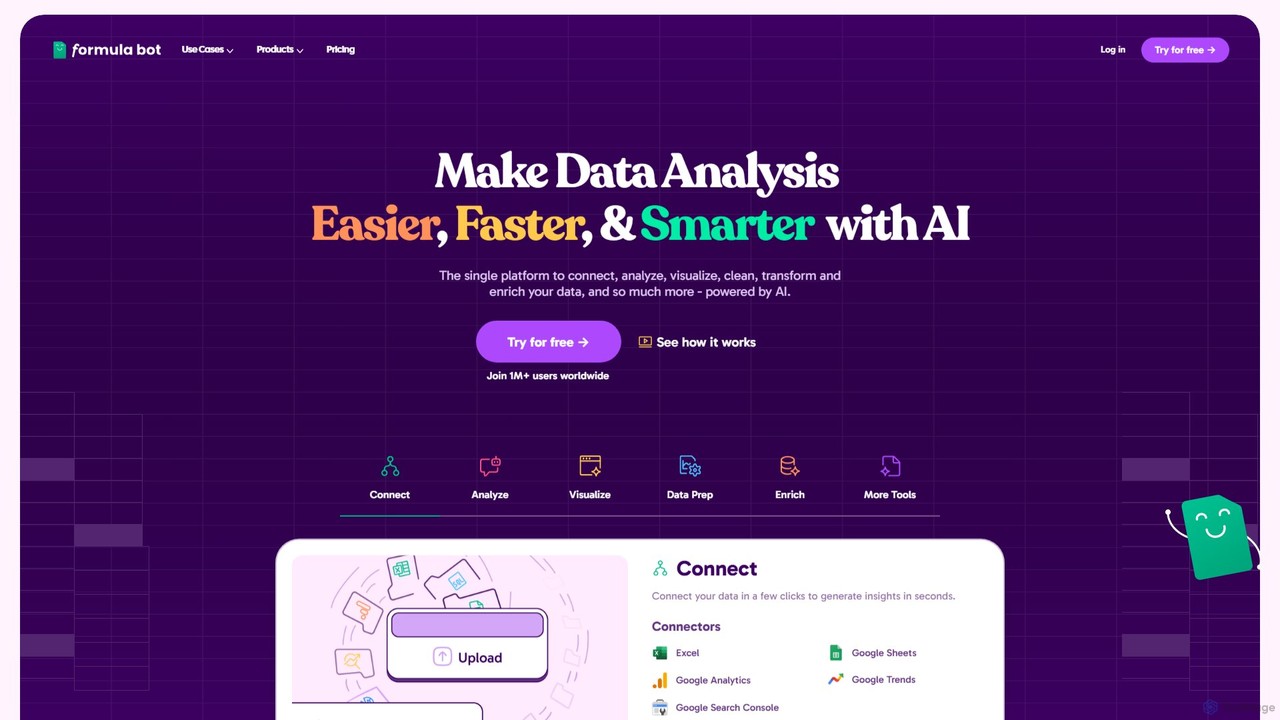
Formula Bot is an AI-powered data analysis platform that simplifies working with spreadsheets and data. It allows users to generate Excel formulas, SQL queries, and VBA code from simple text instructions, analyze data through a conversational chat interface, and automate tasks like data cleaning and enrichment.
Data Visualization
neuralformula
NeuralFormula is an AI-powered assistant that instantly translates natural language into complex spreadsheet formulas, SQL queries, and Regex. Boost your productivity by describing your data task in plain English, and let the AI generate the precise, error-free code or formula you need for Excel, Google Sheets, and more.
Sql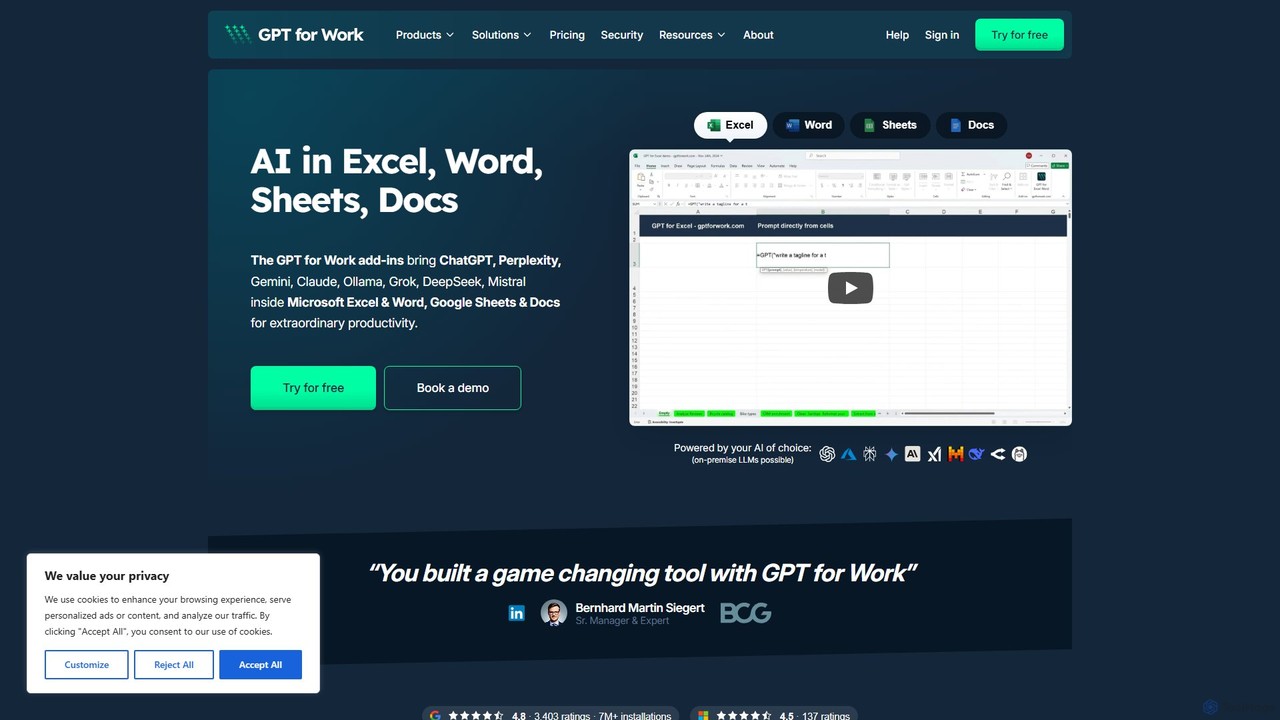
GPT for Work
A powerful AI add-on that integrates GPT capabilities directly into Google Sheets, Docs, Microsoft Excel, and Word. Automate tasks, generate text, analyze data, and create formulas using simple commands, boosting your productivity without leaving your documents.
Document Assistant
Ajelix
Ajelix is an AI-powered suite of tools designed to enhance productivity for Excel and Google Sheets users. It acts as an AI data analyst, automating tasks, generating formulas and VBA scripts, creating insightful reports, and providing advanced data analysis through a simple chat interface.
Business Intelligence
table.studio
table.studio is an AI-powered data workspace that combines the simplicity of a spreadsheet with the power of a database and AI. Use natural language to query, analyze, and visualize your data, automating tedious tasks and uncovering insights instantly. It's designed for teams to collaborate on data projects in real-time.
Database ManagementGPTExcel Categories
GPTExcel Embed Widget
Copy this embed code to place the badge on your blog, article, or product site and send readers directly to this ToolMage detail page.

Related AI tools
GPT for Work
A powerful AI add-on that integrates GPT capabilities directly into Google Sheets, Docs, Microsoft Excel, and Word. Automate tasks, generate text, analyze data, and create formulas using simple commands, boosting your productivity without leaving your documents.
Document AssistantAjelix
Ajelix is an AI-powered suite of tools designed to enhance productivity for Excel and Google Sheets users. It acts as an AI data analyst, automating tasks, generating formulas and VBA scripts, creating insightful reports, and providing advanced data analysis through a simple chat interface.
Business Intelligence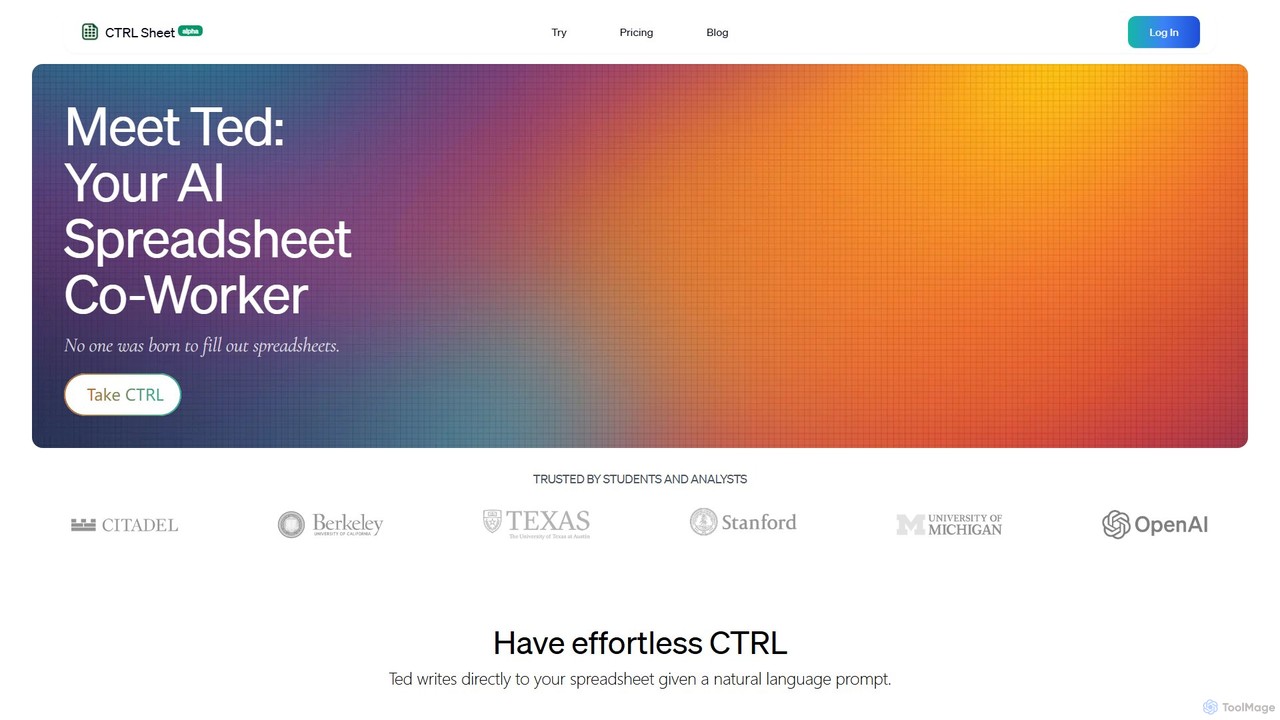
CTRL Sheet
CTRL Sheet is an AI-powered spreadsheet co-worker named Ted that automates data tasks. It allows users to interact with spreadsheets using natural language, extract data from various files like PDFs and images, and generate complex formulas effortlessly. It's designed to save time and reduce errors for students, analysts, and professionals.
Task Automation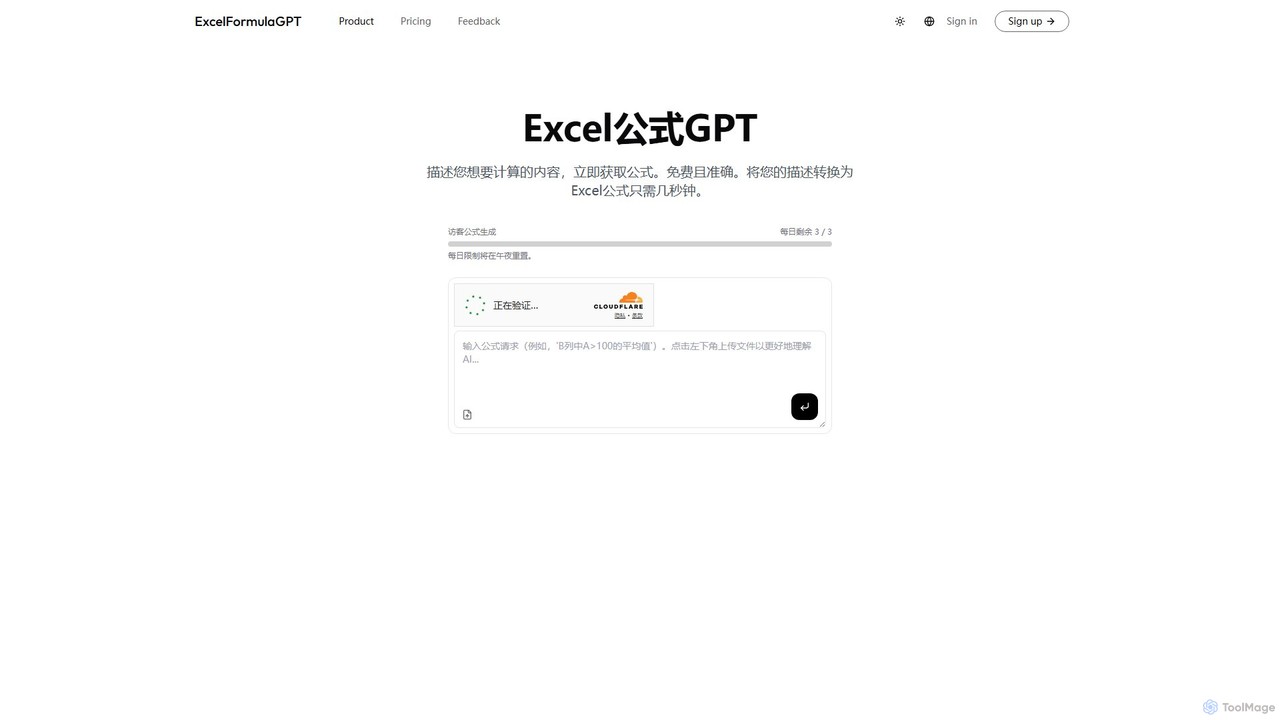
excelformulagpt
excelformulagpt is an AI-powered tool that instantly converts natural language descriptions into complex Excel and Google Sheets formulas. It helps users save time, reduce errors, and boost productivity without needing to memorize complex syntax. Features include formula generation, context-aware suggestions from uploaded files, and formula explanations.
Automation
Sheetplus
Sheetplus is an AI-powered toolkit designed to supercharge your spreadsheet experience in Google Sheets and Excel. By leveraging natural language, it allows users to generate complex formulas, clean and analyze data, automate tasks, and extract insights without writing code. It acts as an intelligent assistant, making data management faster, more intuitive, and accessible to everyone, regardless of their technical expertise.
Automation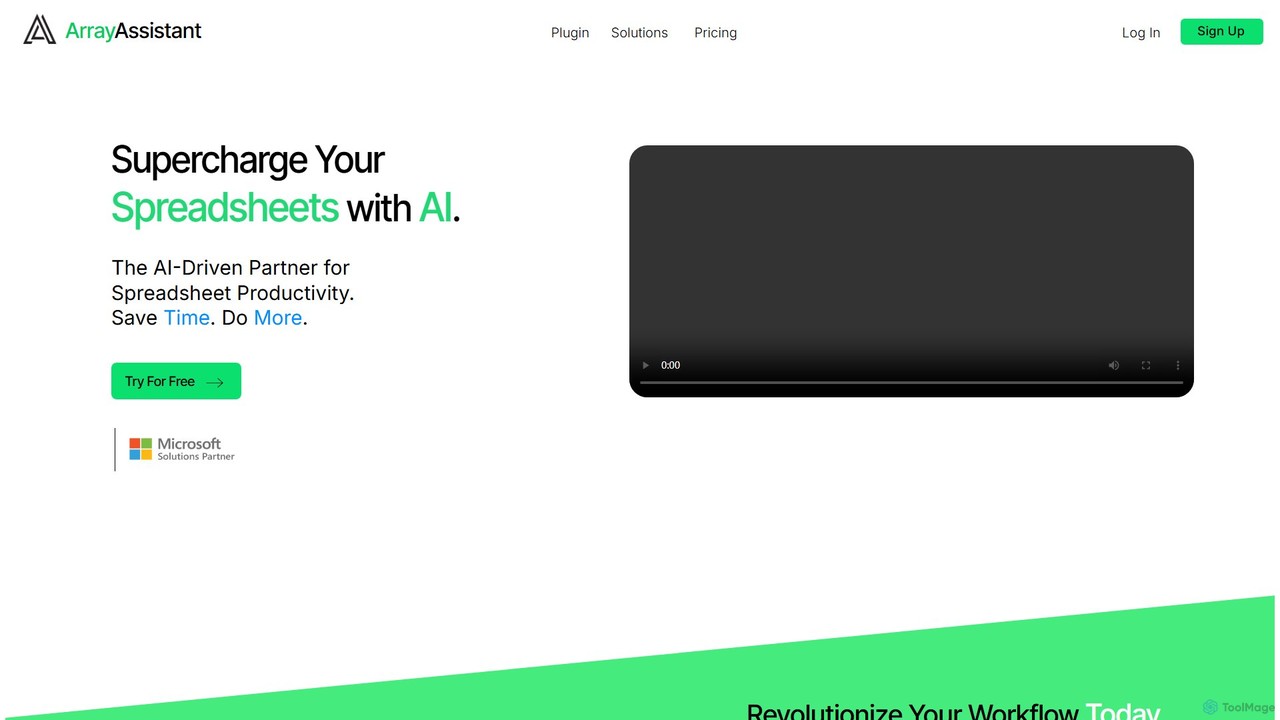
Array Assistant
Array Assistant is an AI-powered plugin for spreadsheets that supercharges your productivity. It helps you generate complex formulas, clean and organize data, summarize text, explain problems, and design automations, all within your existing workflow. Ideal for professionals, students, and anyone who uses spreadsheets.
Finance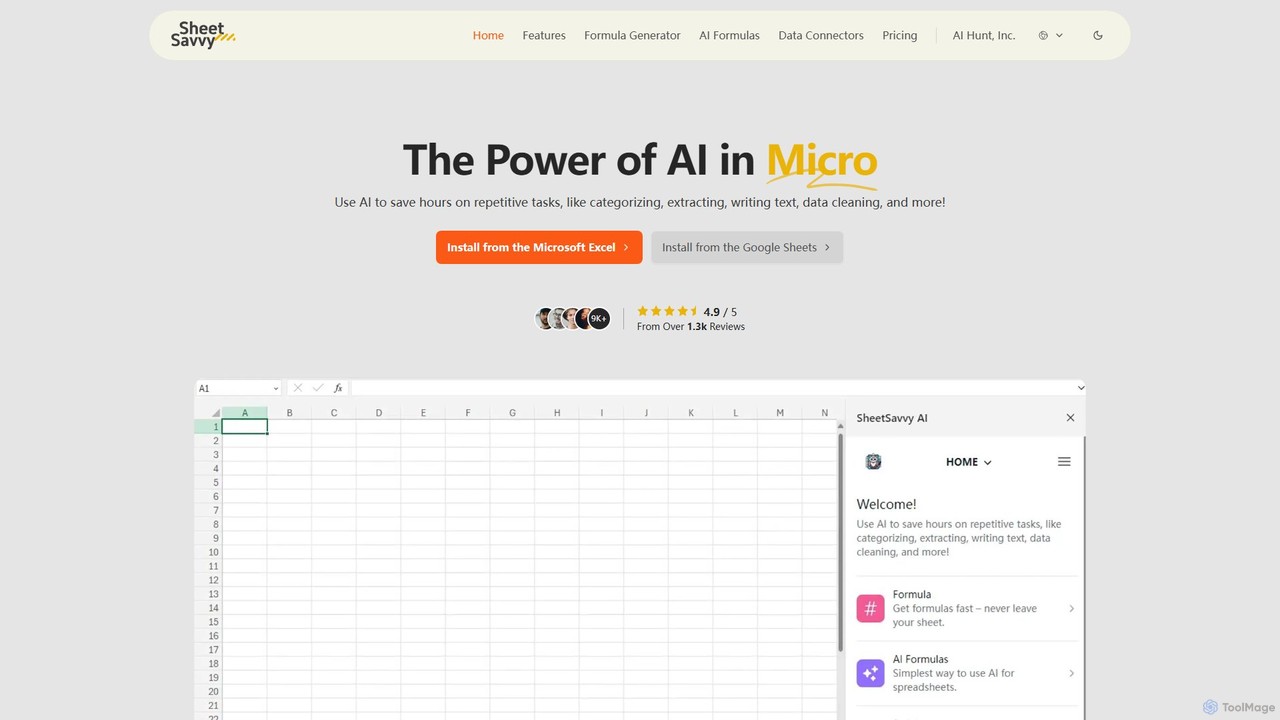
SheetSavvy AI
SheetSavvy AI is an AI-powered assistant for Google Sheets and Microsoft Excel, designed to automate repetitive tasks. It features a formula generator, AI-driven formulas for data cleaning and analysis, and seamless data connectors to import live data, significantly boosting spreadsheet productivity.
Finance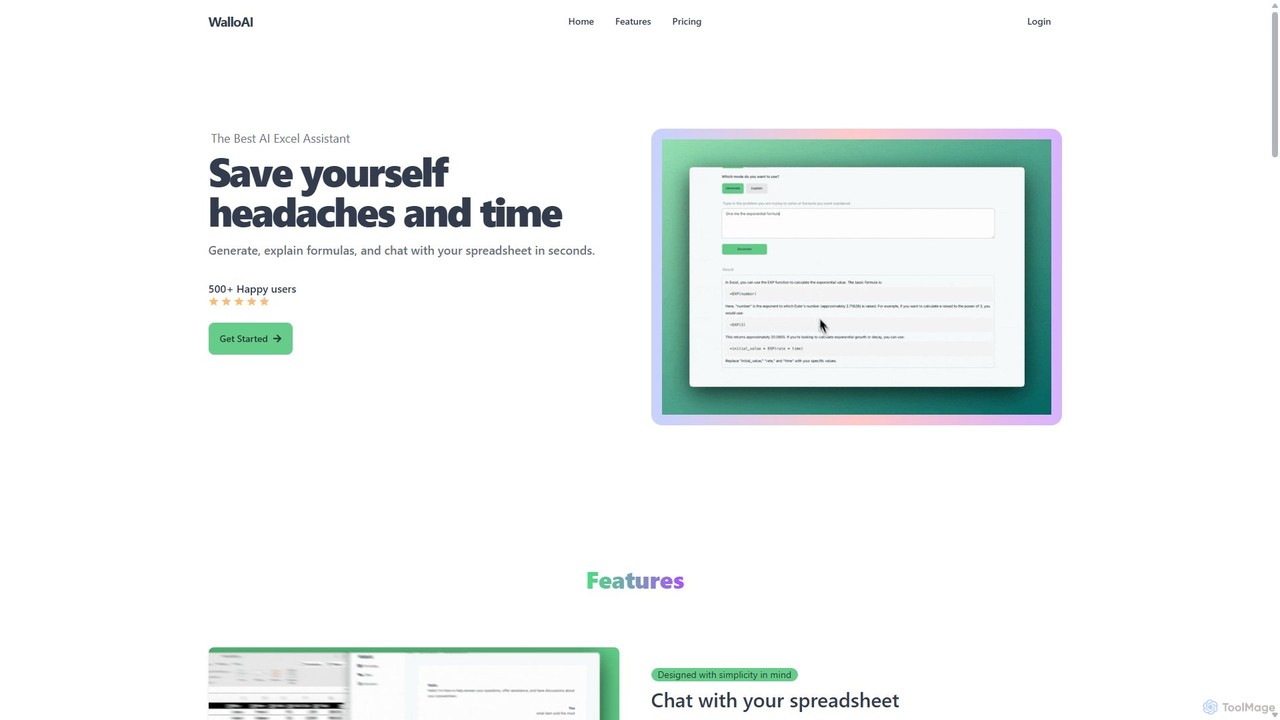
Wallo
Wallo is an AI-powered assistant for Excel and Google Sheets designed to streamline your spreadsheet tasks. It allows you to generate complex formulas, explain existing ones, and even create VBA scripts simply by describing your needs in plain English. You can also chat directly with your spreadsheets, asking questions about your data to get instant answers. Wallo aims to save you time and eliminate the frustration of working with complex data, making spreadsheet management more intuitive and efficient for users of all skill levels.
Automation
Jyek
Jyek is an AI agent platform that understands objectives, creates execution plans, uses tools, and delivers verifiable results for complex, multi-step tasks.
Automation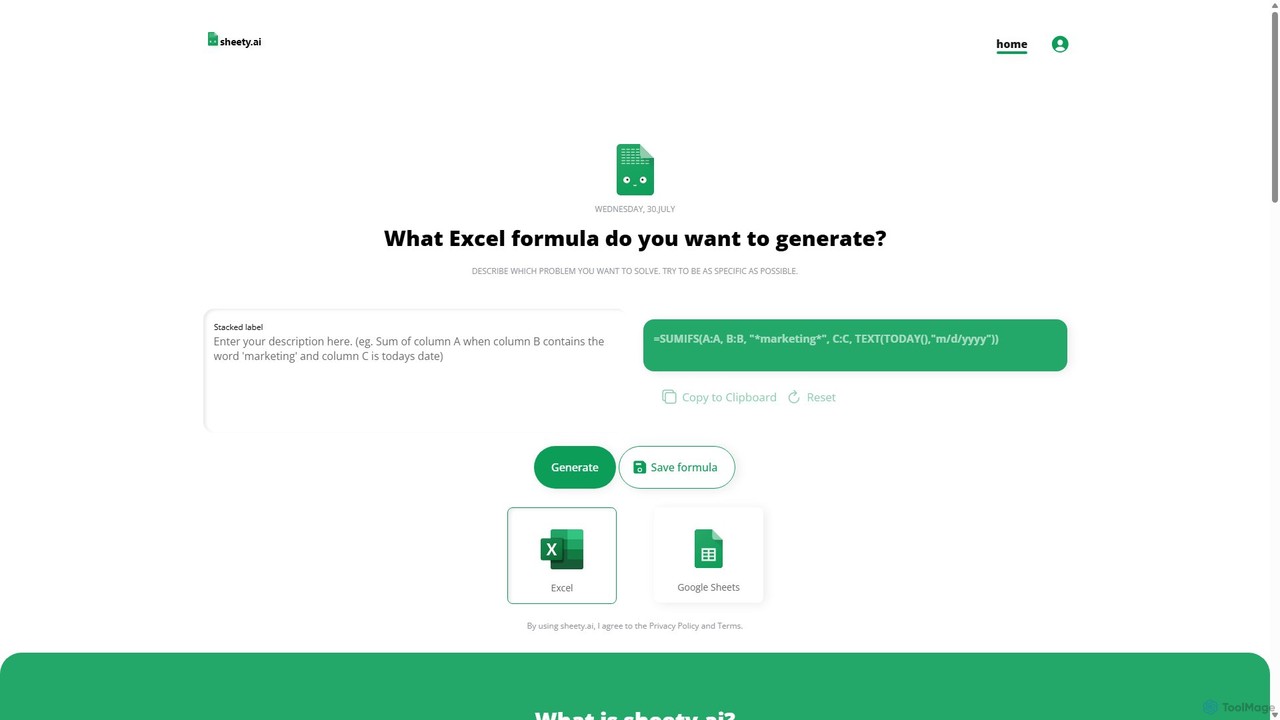
sheety.ai
sheety.ai is an AI-powered tool that instantly generates complex spreadsheet formulas for Excel and Google Sheets from natural language descriptions. Simply describe the problem you want to solve, and the AI will provide the correct formula, saving you time and eliminating the need to memorize syntax. It's designed for everyone from students to financial analysts, boosting productivity and data accuracy.
Data ProcessingFormula Bot
Formula Bot is an AI-powered data analysis platform that simplifies working with spreadsheets and data. It allows users to generate Excel formulas, SQL queries, and VBA code from simple text instructions, analyze data through a conversational chat interface, and automate tasks like data cleaning and enrichment.
Data Visualization
AIColumns
AIColumns is an AI-powered data assistant that supercharges your spreadsheets. It integrates seamlessly with platforms like Google Sheets and Excel, allowing you to use natural language to clean data, generate complex formulas, create visualizations, and uncover actionable insights instantly.
Intelligence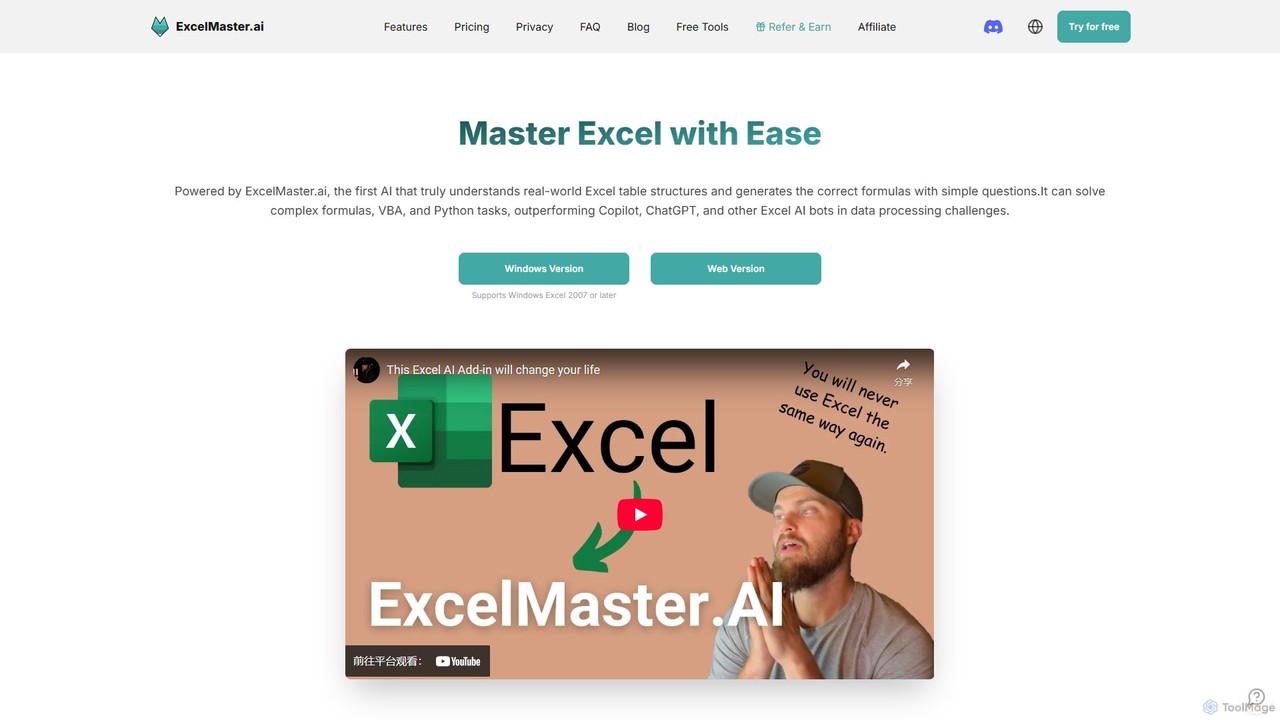
ExcelMaster.ai
ExcelMaster.ai is an advanced AI assistant designed to master Microsoft Excel. It generates accurate formulas, VBA code, and Python scripts from simple natural language questions. It excels at understanding complex, multi-sheet structures and provides one-click automation, making it a powerful tool for both beginners and expert Excel users to enhance productivity and streamline data-heavy tasks.
Code Assistant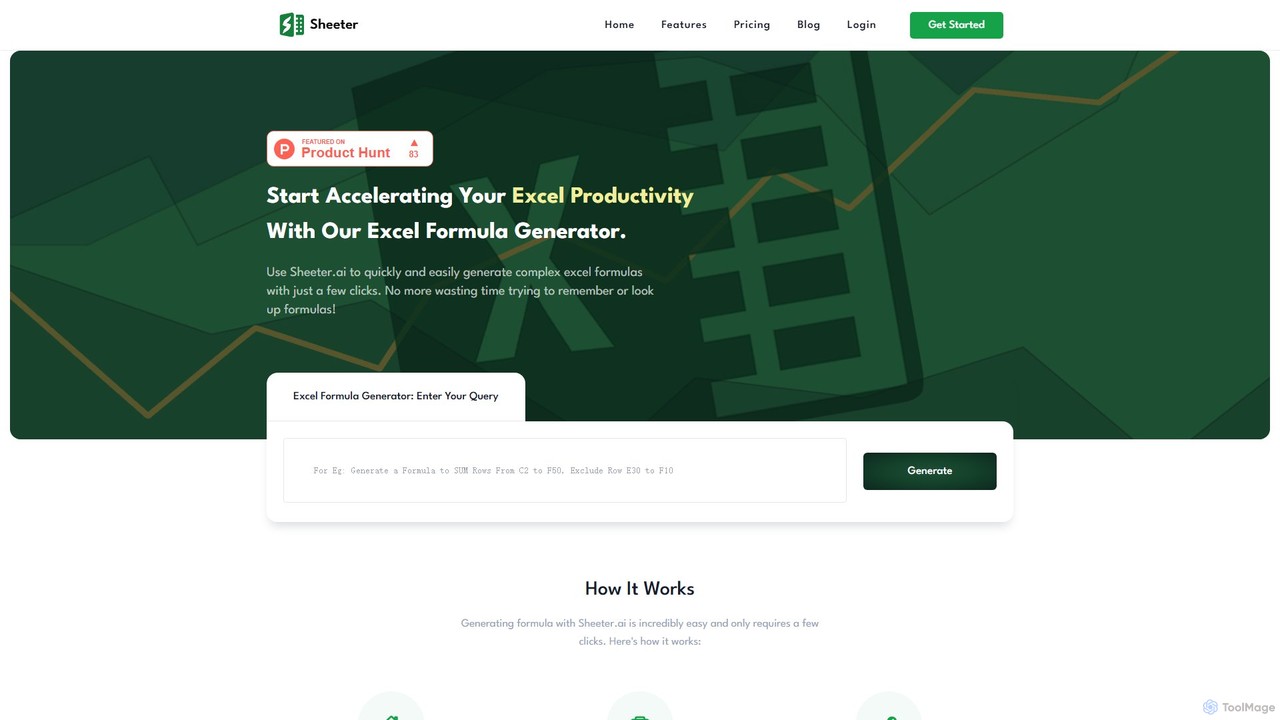
sheeter
Sheeter is an AI-powered tool that generates complex formulas for Excel and Google Sheets from plain English descriptions. It also creates VBA scripts, Google Apps Scripts, and Regex, significantly boosting spreadsheet productivity and saving users time by eliminating the need to memorize or look up formulas.
Data Analysis
Sheet Copilot
Sheet Copilot is an AI-powered assistant that automates tasks and answers questions directly within Google Sheets. By using natural language commands, you can clean data, generate formulas, create summaries, and analyze information without writing complex functions. It's currently free in beta and operates using your own OpenAI API key for enhanced privacy and security.
Automation
GPTExcel Comments (0)
Sign in to comment.
Sign inNo comments yet.