


table.studio Overview
table.studio is a revolutionary data workspace designed to redefine how individuals and teams interact with data. It moves beyond the limitations of traditional spreadsheets by integrating a powerful AI core, allowing users to perform complex data operations using simple, natural language. This platform serves as an intelligent hub where you can import, clean, analyze, visualize, and collaborate on datasets without writing a single line of code or complex formulas. It's built for the modern data-driven professional who needs speed, accuracy, and actionable insights without the steep learning curve of specialized BI tools.
How to use table.studio
Getting started with table.studio is an intuitive process designed for maximum efficiency:
- Import Your Data: Connect and import data from various sources, including CSV files, Excel spreadsheets, Google Sheets, or directly from databases and APIs. The platform intelligently parses and structures your data upon import.
- Ask Questions in Natural Language: This is where table.studio shines. Instead of writing formulas like `VLOOKUP` or SQL queries, simply type your question in the query bar, such as "What were the total sales by product category last quarter?" or "Show me the top 5 performing marketing campaigns based on ROI."
- AI-Powered Analysis & Cleaning: The AI assistant helps you clean your data by identifying duplicates, handling missing values, and standardizing formats. It also proactively suggests analyses, identifies trends, correlations, and anomalies you might have missed.
- Visualize and Build Dashboards: Based on your query and data, table.studio automatically suggests the most effective chart types (bar charts, line graphs, pie charts, etc.). You can easily assemble these visualizations into interactive, real-time dashboards.
- Collaborate and Share: Invite team members to your workspace to view, edit, and comment on data and dashboards in real-time. Share your findings with stakeholders through public links or by exporting reports.
Core Features of table.studio
- Natural Language Processing (NLP) Querying: Interact with your data by asking questions in plain English.
- AI-Assisted Data Cleaning: Automatically detect and fix inconsistencies, duplicates, and missing data.
- Automated Insight Generation: The AI proactively analyzes your dataset to surface key trends, patterns, and outliers.
- Intelligent Chart Suggestions: Get automatic recommendations for the best way to visualize your data.
- Real-time Collaboration: Work with your team on the same dataset simultaneously, with live cursors and comments.
- No-Code/Low-Code Interface: A user-friendly environment that combines the familiarity of a spreadsheet with the power of a database.
- Seamless Integrations: Connect to a wide range of data sources and third-party applications to create a unified data workflow.
- Template Library: Start quickly with pre-built templates for common use cases like sales tracking, project management, and financial reporting.
Use Cases for table.studio
table.studio is versatile and can be used by various professionals:
- Business Analysts: To rapidly prototype analyses, explore datasets, and generate reports for stakeholders without deep technical expertise.
- Marketing Teams: To track campaign performance, analyze customer segmentation, and measure marketing ROI in a centralized dashboard.
- Product Managers: To analyze user behavior data, track feature adoption rates, and manage product roadmaps based on quantitative insights.
- Founders & Small Business Owners: To manage operations, from CRM and inventory to financial planning, in a single, intelligent, and affordable platform.
- Operations Teams: To build internal tools, automate reporting, and streamline data-driven workflows across the organization.
Advantages of table.studio
The primary advantage of table.studio is its ability to democratize data analysis. It empowers non-technical users to derive powerful insights that were previously accessible only to data scientists. It significantly reduces the time spent on manual data preparation and analysis, allowing teams to focus on decision-making. The collaborative environment breaks down data silos and ensures everyone is working with the most up-to-date information, fostering a truly data-driven culture.
Pricing and Plans
table.studio operates on a freemium model, making it accessible to everyone.
- Free Plan: Ideal for individuals and small projects, offering a generous number of records, core AI features, and community support.
- Pro Plan: Designed for professionals and small teams, this plan includes a higher record limit, advanced AI capabilities, priority support, and more integrations.
- Enterprise Plan: A custom solution for large organizations requiring advanced security features, SSO, dedicated support, unlimited records, and bespoke integrations. Pricing is available upon request.
Traffic
Latest traffic
Status
Monthly traffic trend
- 2026-1: 24.9K
- 2026-2: 17.4K
- 2026-3: 10.8K
- 2026-4: 459
- 2026-5: 18.3K
Geography
Top 5 countries / regions
- 🇺🇸United States33.6%
- 🇮🇳India21.6%
- 🇩🇪Germany20.3%
- 🇷🇺Russia12.4%
- 🇫🇷France12.2%
Top keywords
| Keyword | Cost per click |
|---|---|
| jsonl to json | $4.45 |
| ndjson to excel | $0.00 |
| text to excel to csv converter | $0.00 |
| text to xml | $0.00 |
| txt to xml | $2.83 |
table.studio Alternatives
Metatable
Metatable is an AI-powered data assistant that revolutionizes how you interact with spreadsheets and tabular data. Simply use natural language prompts to clean, analyze, transform, and visualize your data instantly. It eliminates complex formulas and manual tasks, making data analysis accessible to everyone, from data analysts to business managers.
Analytics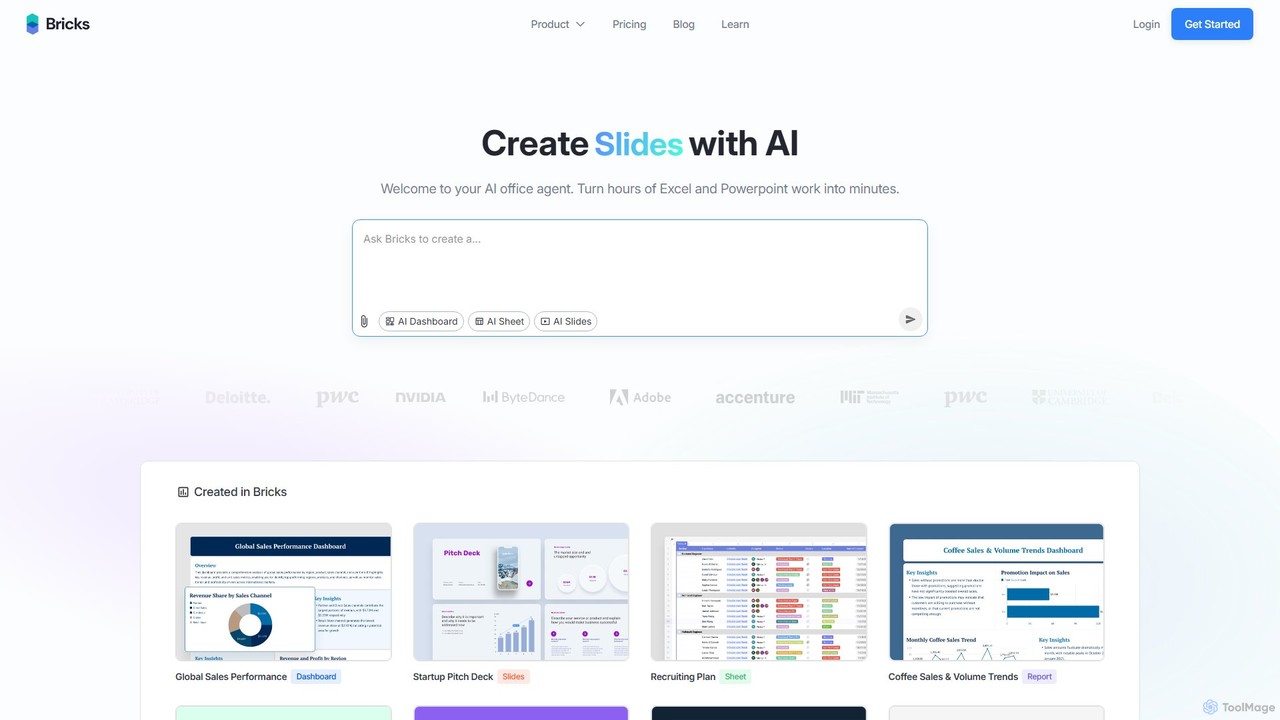
thebricks
thebricks is an AI-powered workspace that transforms data analysis and reporting. It allows users to create interactive dashboards, dynamic spreadsheets, and professional slides using simple natural language prompts. Turn hours of manual work in Excel and PowerPoint into minutes, streamlining your workflow and boosting productivity.
Business Intelligence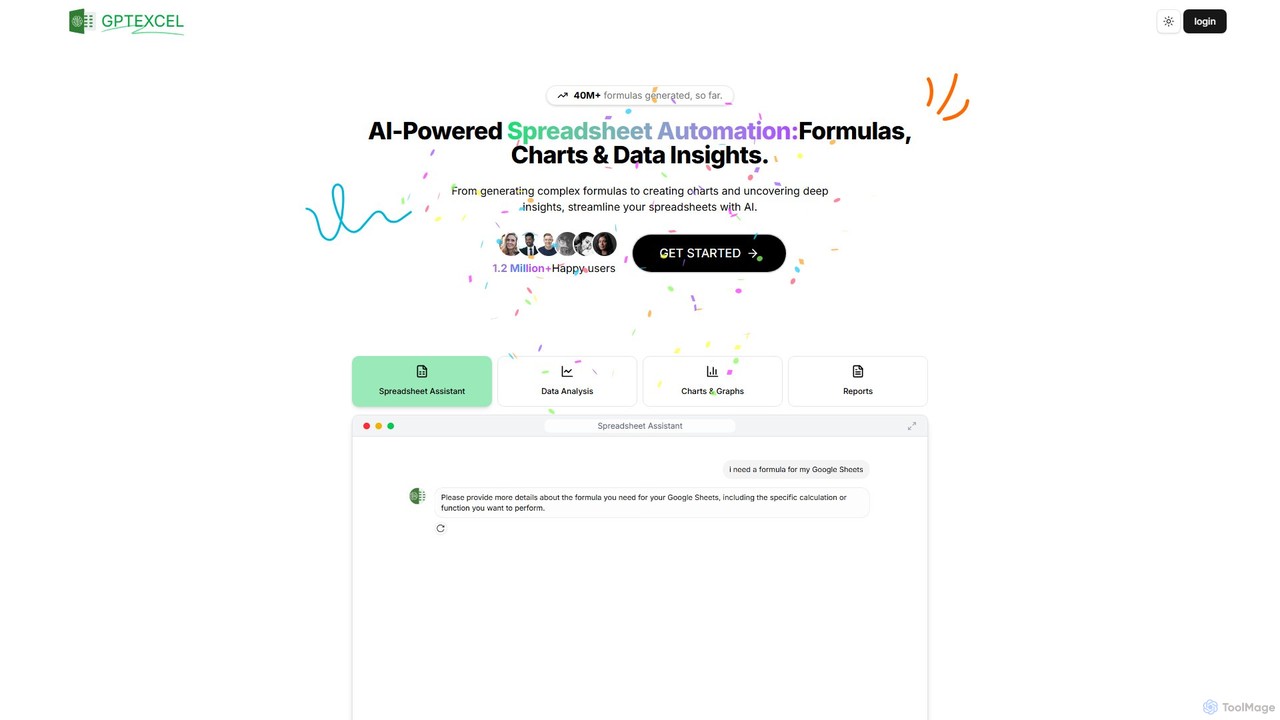
GPTExcel
GPTExcel is an AI-powered assistant that revolutionizes spreadsheet workflows. It generates complex formulas, automation scripts (VBA, Apps Script), SQL queries, and Regex from natural language. It also enables users to chat with their data, convert images to tables, create charts, and perform in-depth data analysis, supporting platforms like Excel, Google Sheets, and Airtable.
Sql
Ajelix
Ajelix is an AI-powered suite of tools designed to enhance productivity for Excel and Google Sheets users. It acts as an AI data analyst, automating tasks, generating formulas and VBA scripts, creating insightful reports, and providing advanced data analysis through a simple chat interface.
Business Intelligence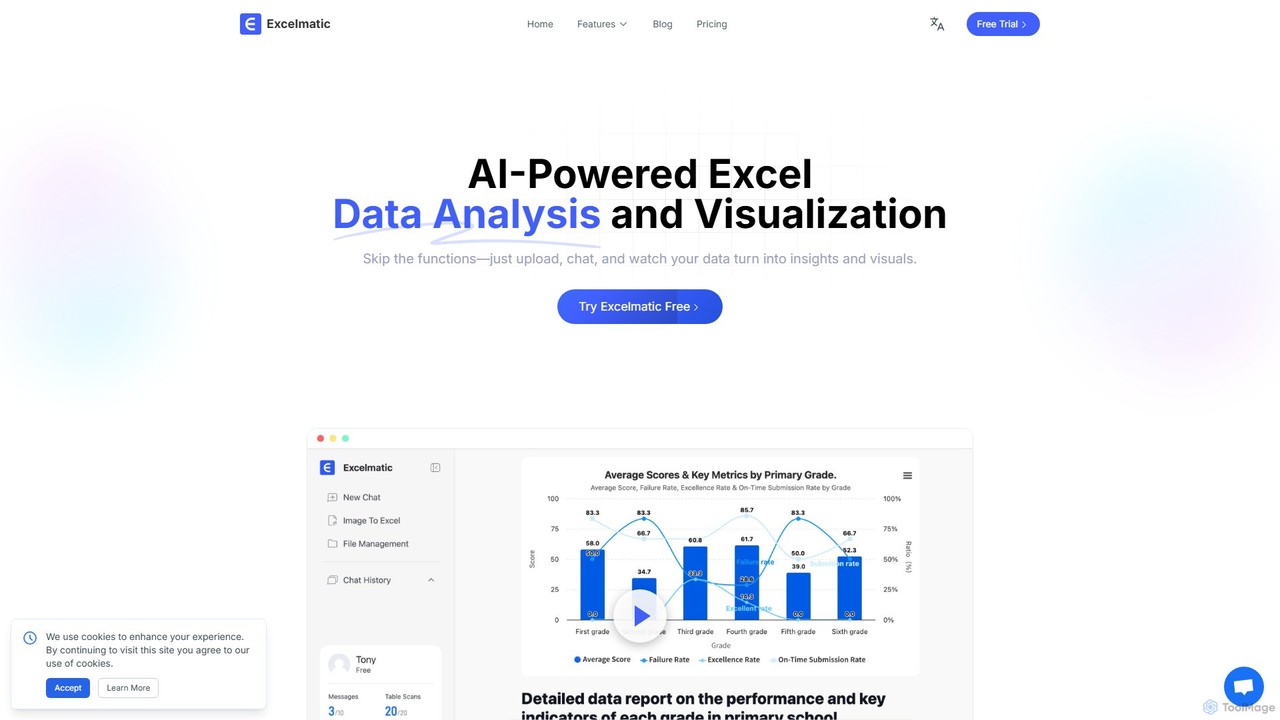
excelmatic
Excelmatic is an AI-powered assistant that transforms your Excel and spreadsheet tasks. Simply upload your data, ask questions in plain English, and instantly get data analysis, visualizations, and generated formulas. It's a no-code solution designed to automate data cleaning, chart creation, and insight discovery, making data accessible to everyone.
Business Intelligencetable.studio Categories
table.studio Embed Widget
Copy this embed code to place the badge on your blog, article, or product site and send readers directly to this ToolMage detail page.

Related AI tools
Metatable
Metatable is an AI-powered data assistant that revolutionizes how you interact with spreadsheets and tabular data. Simply use natural language prompts to clean, analyze, transform, and visualize your data instantly. It eliminates complex formulas and manual tasks, making data analysis accessible to everyone, from data analysts to business managers.
Analytics
Feishu Base
Feishu Base is an AI-powered no-code platform that combines the flexibility of a spreadsheet with the power of a database. It enables teams to build custom business systems, automate workflows, and analyze data through intuitive dashboards without writing any code. It's designed for seamless collaboration and data management.
Data Analysisthebricks
thebricks is an AI-powered workspace that transforms data analysis and reporting. It allows users to create interactive dashboards, dynamic spreadsheets, and professional slides using simple natural language prompts. Turn hours of manual work in Excel and PowerPoint into minutes, streamlining your workflow and boosting productivity.
Business IntelligenceAjelix
Ajelix is an AI-powered suite of tools designed to enhance productivity for Excel and Google Sheets users. It acts as an AI data analyst, automating tasks, generating formulas and VBA scripts, creating insightful reports, and providing advanced data analysis through a simple chat interface.
Business Intelligence
Jyek
Jyek is an AI agent platform that understands objectives, creates execution plans, uses tools, and delivers verifiable results for complex, multi-step tasks.
Automationexcelmatic
Excelmatic is an AI-powered assistant that transforms your Excel and spreadsheet tasks. Simply upload your data, ask questions in plain English, and instantly get data analysis, visualizations, and generated formulas. It's a no-code solution designed to automate data cleaning, chart creation, and insight discovery, making data accessible to everyone.
Business Intelligence
Sourcetable
Sourcetable is an AI-powered spreadsheet that combines the functionality of traditional spreadsheets with an AI data analyst. It allows users to connect to live data sources, ask questions in plain English, generate formulas, create charts, and automate reports. By integrating AI, Python, and SQL capabilities directly into the spreadsheet interface, Sourcetable empowers users of all skill levels to perform complex data analysis, cleaning, and visualization tasks effortlessly, turning raw data into actionable insights in seconds.
No Code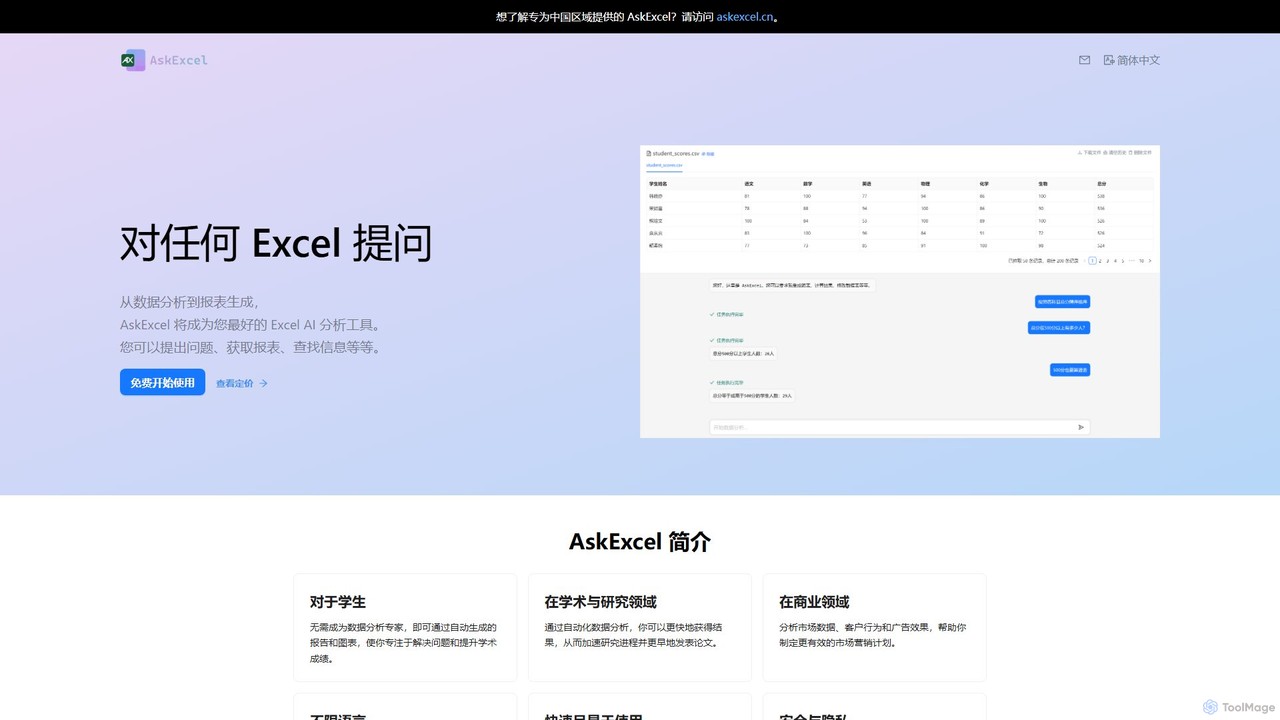
AskExcel
AskExcel is an AI-powered data analysis tool that transforms your Excel spreadsheets into interactive conversations. Simply upload your file, ask questions in natural language, and instantly receive data analysis, reports, and visualizations without writing any formulas or code.
Business Intelligence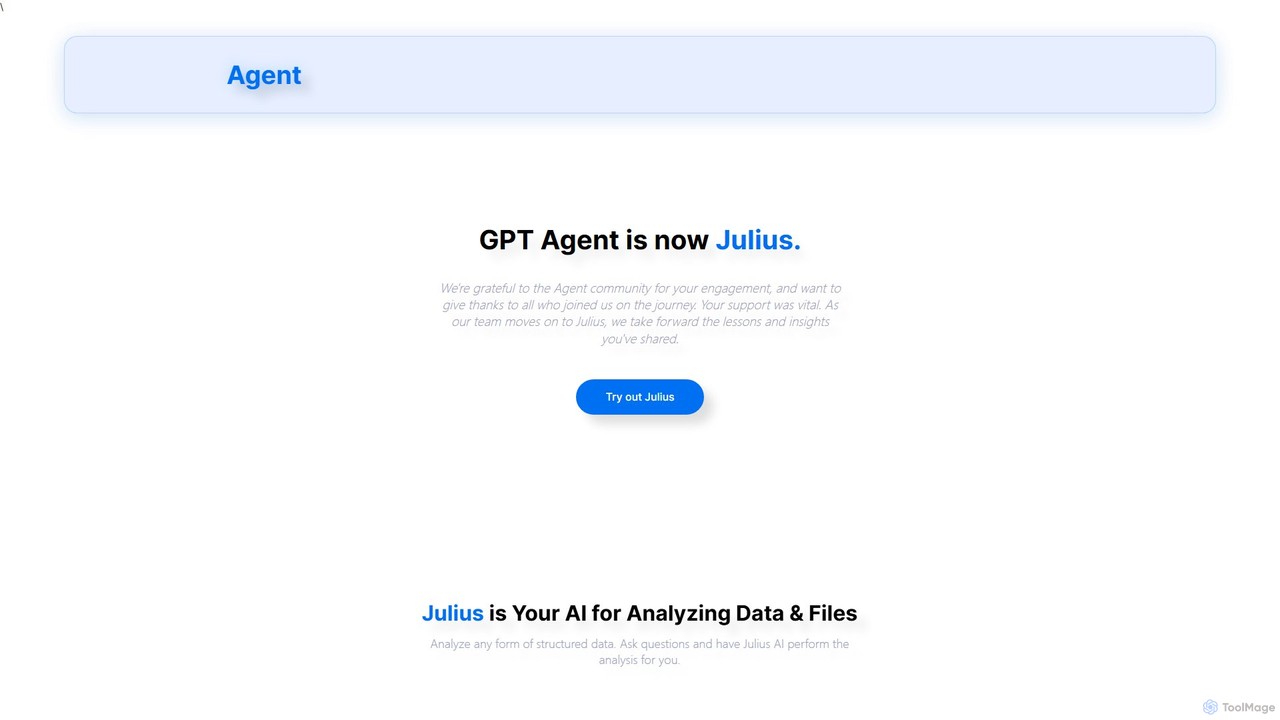
gptagent
gptagent has rebranded to Julius, an AI data analyst that allows you to analyze data and files using natural language. Upload structured data, ask questions, and instantly generate visualizations, perform statistical analysis, and build models without writing any code. It transforms complex data tasks into simple conversations.
Business Intelligence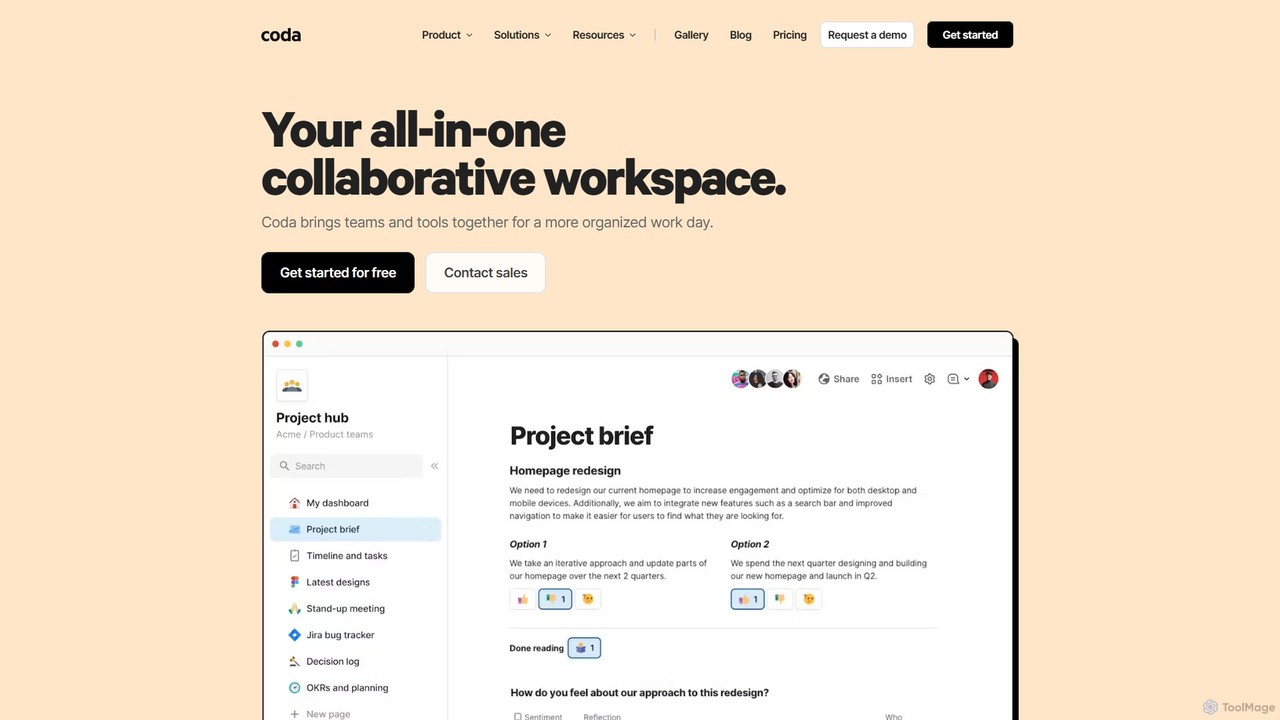
Coda
Coda is an all-in-one collaborative workspace that blends documents, spreadsheets, and applications into a single, flexible surface. Powered by Coda AI, it helps teams centralize information, automate workflows, and make faster decisions. Replace your scattered tool stack with a unified platform for writing, tracking, and building custom solutions.
Knowledge Base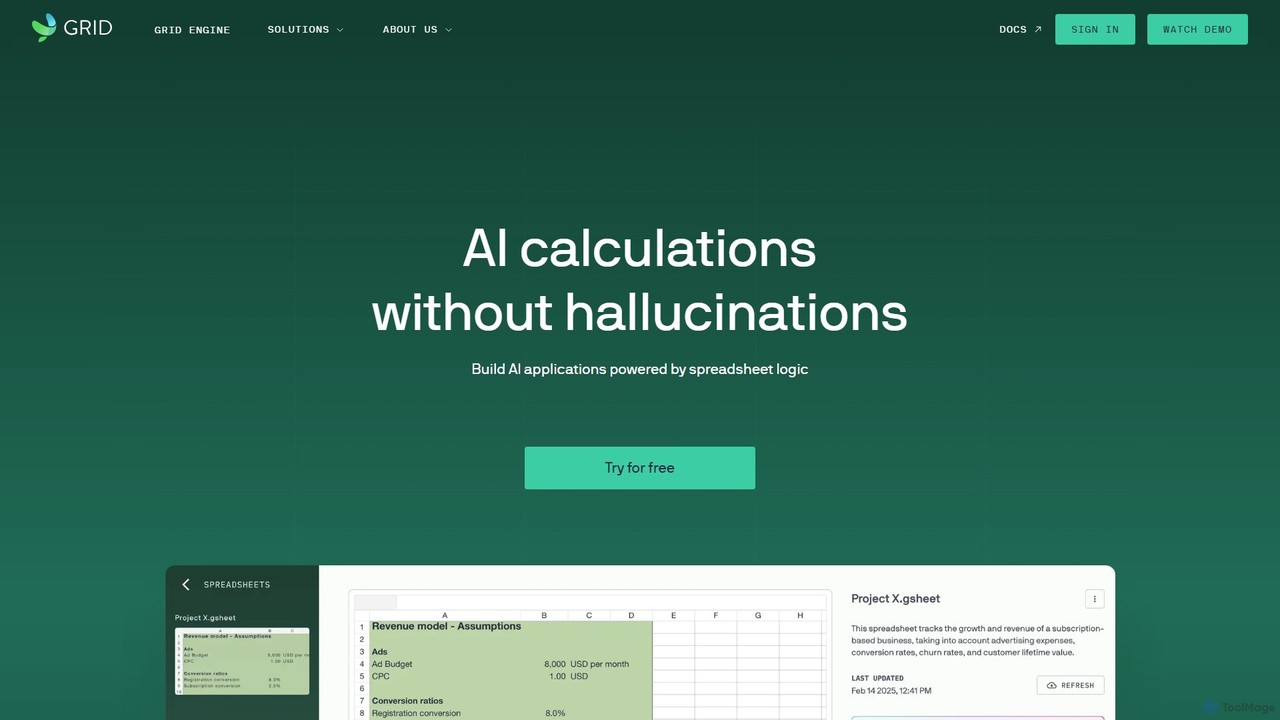
GRID
GRID is an AI-first platform that transforms your existing spreadsheets into powerful, interactive web applications and AI-driven tools. It leverages the logic and data within your Excel and Google Sheets files to build reliable calculators, dashboards, and models that can be queried using natural language, eliminating AI hallucinations.
Business Intelligence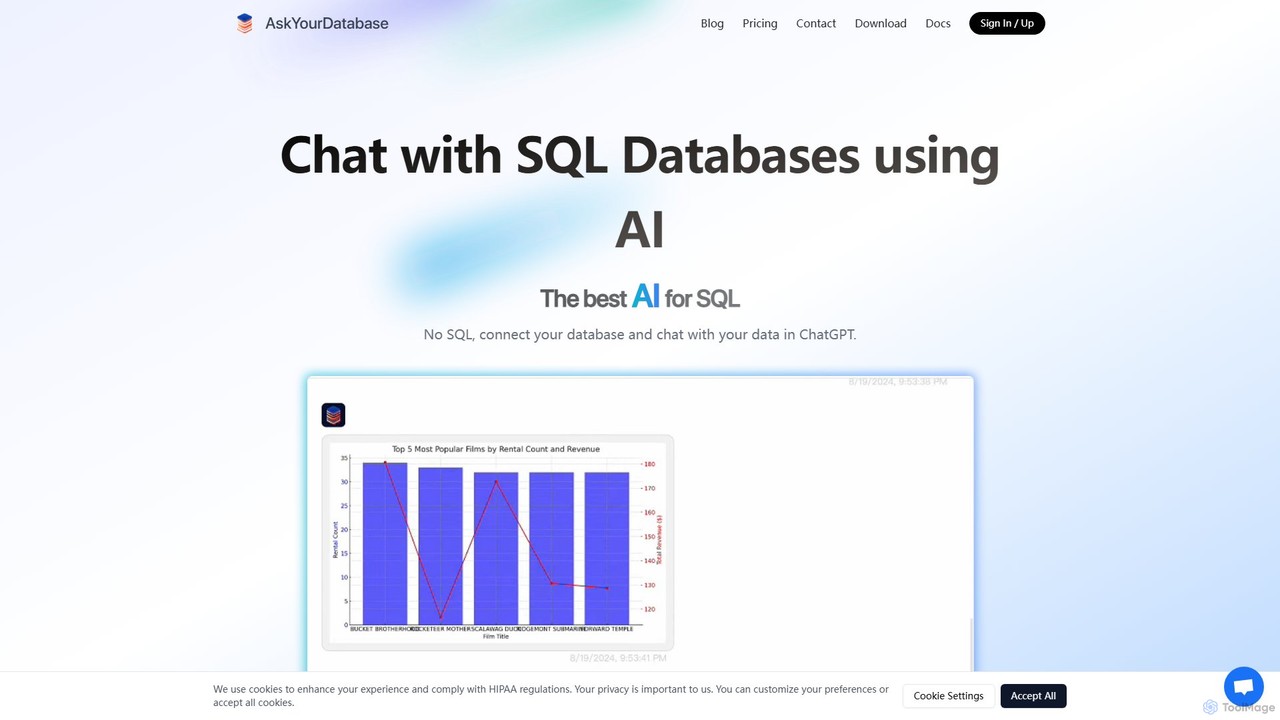
AskYourDatabase
AskYourDatabase is a powerful AI SQL assistant that allows you to interact with your databases using natural language. Query data, create visualizations, and build interactive dashboards without writing a single line of SQL. It supports various databases, offers both desktop and embeddable chatbot versions, and prioritizes data security with on-premise deployment options.
Data Analysis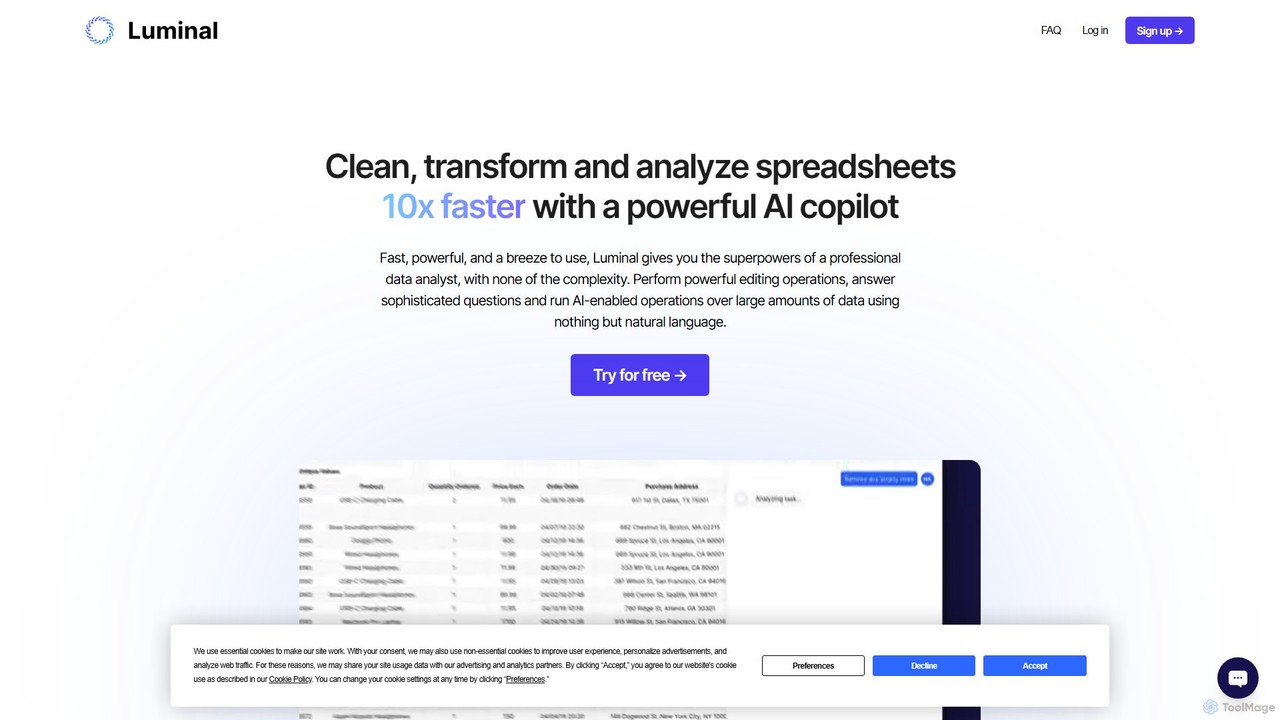
Luminal
Luminal is a powerful AI copilot that revolutionizes spreadsheet management. It allows users to clean, transform, analyze, and visualize data up to 10x faster using simple, natural language commands. Eliminate complex formulas and manual data processing, saving hours of work on large datasets.
Data Management
SheetBot
SheetBot is an AI-powered data analysis platform that enables users to analyze, visualize, and transform data without writing any code. Simply upload your dataset or connect a data source, ask questions in plain English, and receive instant insights, trends, and dynamic visualizations. Powered by advanced models like GPT-4o and Claude 3.5 Sonnet, it streamlines complex analyses, turning hours of work into minutes.
Business Intelligence
AIColumns
AIColumns is an AI-powered data assistant that supercharges your spreadsheets. It integrates seamlessly with platforms like Google Sheets and Excel, allowing you to use natural language to clean data, generate complex formulas, create visualizations, and uncover actionable insights instantly.
Intelligence
table.studio Comments (0)
Sign in to comment.
Sign inNo comments yet.