

gptagent Overview
Please note: gptagent has officially rebranded and evolved into Julius. This platform is now a sophisticated AI data analyst designed to make data interaction intuitive and powerful for everyone, regardless of their technical background. Julius acts as your personal data assistant, capable of analyzing various forms of structured data, answering complex questions, and generating insightful visualizations on command.
The core mission of Julius is to democratize data analysis, transforming tasks that would typically require hours of manual work in spreadsheets like Excel into a matter of minutes. By simply uploading a file and asking questions in plain English, users can uncover trends, patterns, and insights hidden within their data. The platform handles the heavy lifting of data processing, statistical calculations, and chart creation, presenting the results in a clear and understandable format.
How to use gptagent
Using Julius (formerly gptagent) is designed to be a straightforward, conversational experience:
- Upload Your Data: Start by uploading your structured data file. Julius supports common formats like CSV, Excel (XLSX), and can connect to Google Sheets.
- Ask Questions: In the chat interface, type your questions or commands in natural language. For example, you could ask, "What were the total sales per month last year?" or "Show me a bar chart of customer distribution by country."
- Analyze and Iterate: Julius will instantly process your request, perform the necessary analysis, and provide answers, tables, or charts. You can continue the conversation with follow-up questions to drill down deeper into the data.
- Generate Visualizations: Request specific types of visualizations, such as line graphs, pie charts, or heatmaps, by simply describing what you want to see.
- Export Your Findings: Once you have the insights you need, you can easily export the charts, data, or analysis summaries for your reports and presentations.
Core Features of gptagent
- Natural Language Processing (NLP): Interact with your data through a simple, conversational chat interface. No need for complex formulas or programming languages.
- Advanced Data Analysis: Perform a wide range of analyses, from basic calculations to advanced statistical modeling, including linear regression, forecasting, and clustering.
- Automated Data Visualization: Instantly generate a variety of clean, professional graphs and charts to visually represent your data and findings.
- Multi-Format Support: Analyze data from various sources, including CSV files, Excel spreadsheets, and Google Sheets.
- Code Generation: For transparency and learning, Julius can show the Python code (using libraries like Pandas and Matplotlib) it generated to perform the analysis.
- Machine Learning Capabilities: Train simple machine-learning models on your data directly within the platform to make predictions and classifications.
Use Cases for gptagent
Julius is a versatile tool for various professionals and use cases:
- Business Analysts: Quickly analyze business performance, track KPIs, and generate reports without spending hours in Excel.
- Marketers: Analyze marketing campaign results, perform customer segmentation, and understand customer behavior from survey data.
- Sales Teams: Forecast sales trends, analyze sales pipeline data, and identify top-performing regions or products.
- Students & Researchers: Conduct statistical analysis on research data, visualize experimental results, and simplify complex datasets for academic papers.
- Small Business Owners: Gain insights into financial health, track inventory, and make data-driven decisions without hiring a dedicated analyst.
Advantages of gptagent
The primary advantage of Julius is its ability to make data analysis accessible and efficient. It empowers non-technical users to perform complex data tasks that were once the domain of data scientists. Key benefits include a significant reduction in analysis time, elimination of manual errors, and the ability to quickly discover actionable insights that drive better decision-making. Its conversational approach makes the process of data exploration more intuitive and engaging.
Pricing and Plans
Julius offers a freemium model with several tiers to suit different needs:
- Free Plan: Ideal for individuals and small projects, offering a limited number of queries per month to explore the platform's core features.
- Basic Plan: Priced around $20/month, this plan is designed for professionals and offers a higher query limit, priority support, and access to more advanced features.
- Pro Plan: Priced around $45/month, this plan is for power users and teams, providing a very high query limit, advanced analysis capabilities, and premium support.
(Note: Prices are approximate and subject to change. Please visit the official Julius.ai website for the most current pricing information.)
gptagent Alternatives

Sourcetable
Sourcetable is an AI-powered spreadsheet that combines the functionality of traditional spreadsheets with an AI data analyst. It allows users to connect to live data sources, ask questions in plain English, generate formulas, create charts, and automate reports. By integrating AI, Python, and SQL capabilities directly into the spreadsheet interface, Sourcetable empowers users of all skill levels to perform complex data analysis, cleaning, and visualization tasks effortlessly, turning raw data into actionable insights in seconds.
No Code
Sheetplus
Sheetplus is an AI-powered toolkit designed to supercharge your spreadsheet experience in Google Sheets and Excel. By leveraging natural language, it allows users to generate complex formulas, clean and analyze data, automate tasks, and extract insights without writing code. It acts as an intelligent assistant, making data management faster, more intuitive, and accessible to everyone, regardless of their technical expertise.
Automation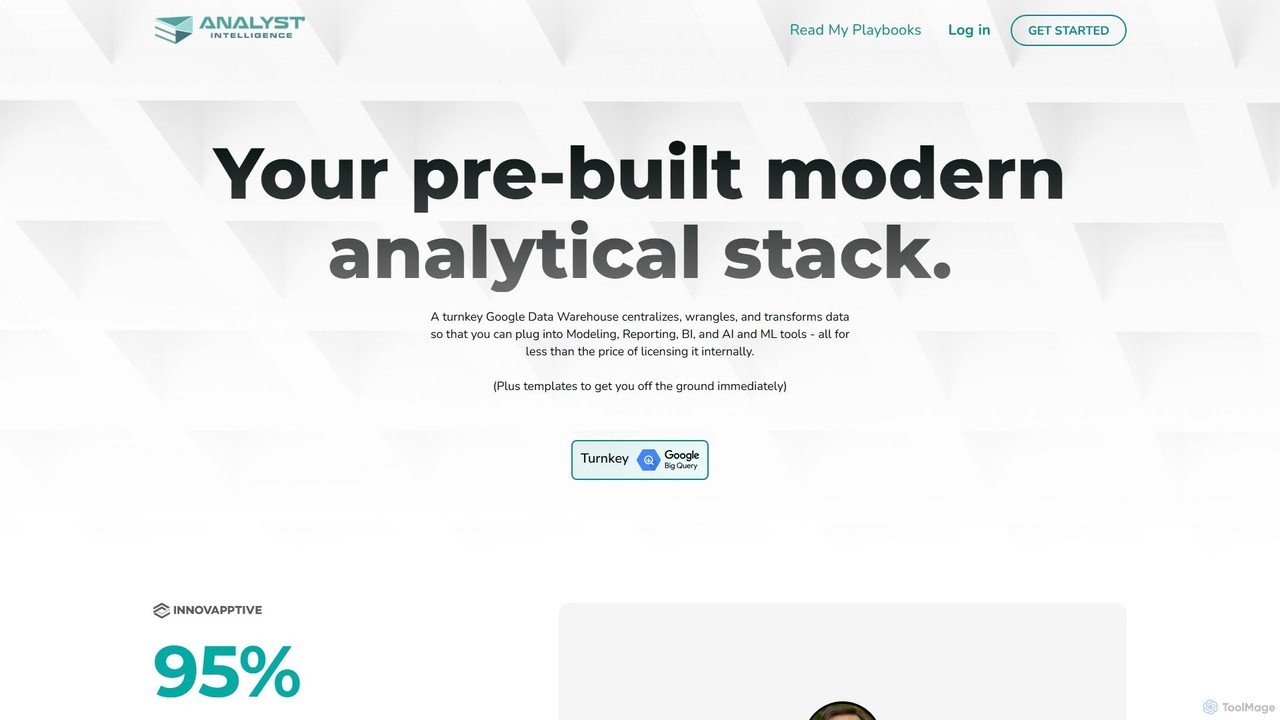
Analyst Intelligence
Analyst Intelligence is an AI-powered data analytics platform built on Google Cloud, designed for FP&A, Rev Ops, and BI teams. It simplifies data consolidation, cleaning, and analysis through a no-code interface and AI-assisted SQL. The platform centralizes data in a secure Google BigQuery warehouse, enabling advanced forecasting, automated reporting, and seamless integration with tools like Google Sheets, without requiring engineering resources.
Business Intelligence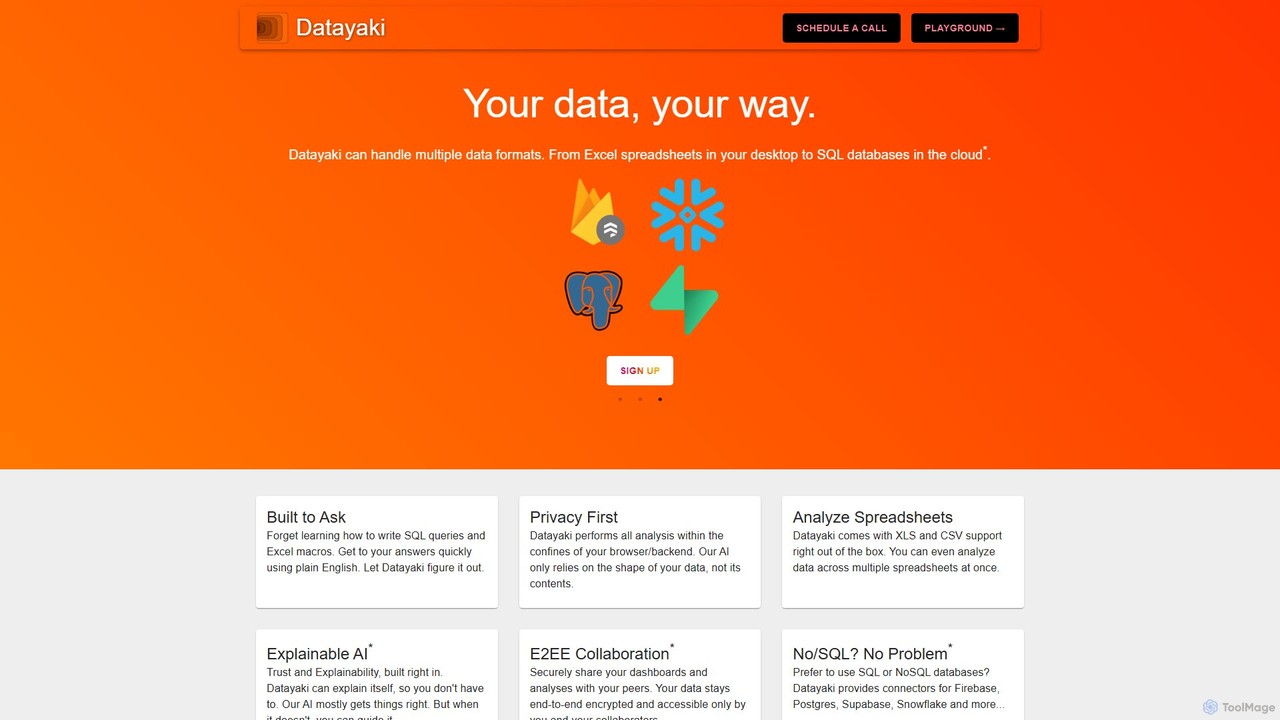
Datayaki
Datayaki is an AI-powered data analyst that lets you find insights from your data by asking questions in plain English. It supports formats like Excel and CSV, eliminating the need for SQL or complex formulas. With a strong focus on privacy, all analysis is performed locally in your browser, ensuring your data remains secure and confidential. It's designed for professionals and teams who need fast, accessible, and secure data analysis.
Data Visualization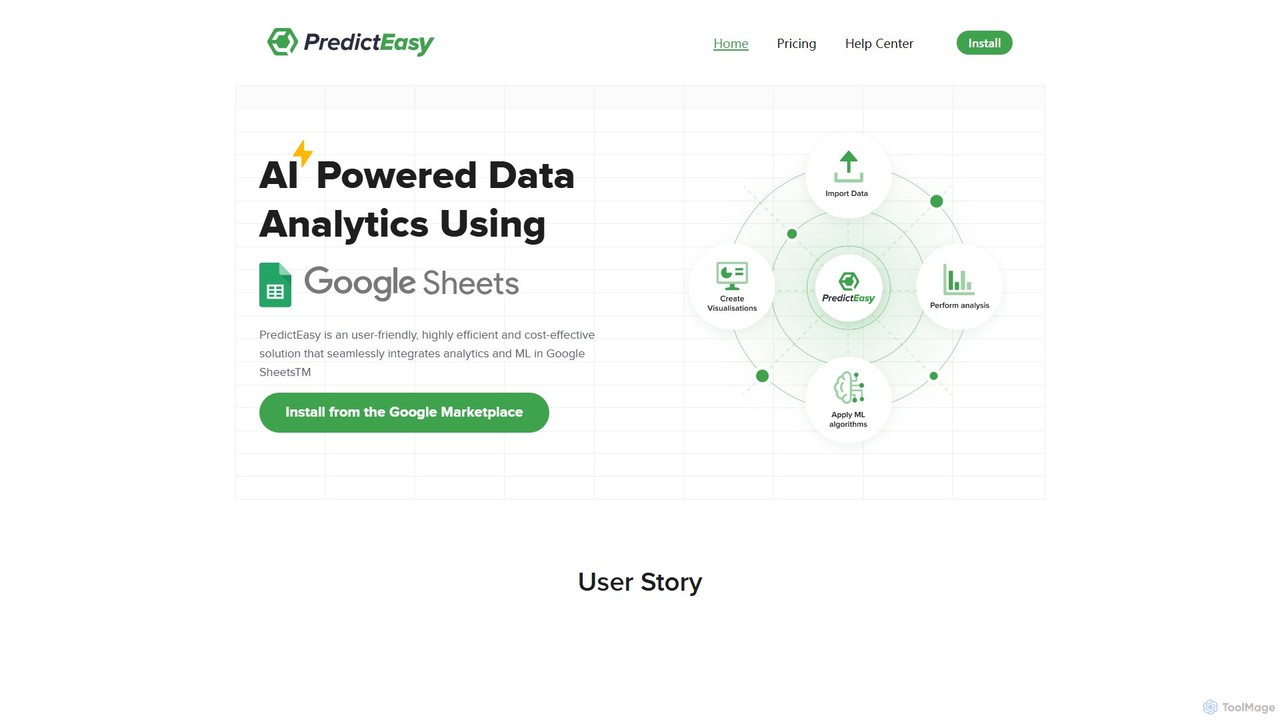
PredictEasy
PredictEasy is a powerful no-code AI add-on for Google Sheets that democratizes data analytics. It allows users to perform advanced tasks like predictive modeling, time-series forecasting, NLP, and statistical analysis with just a few clicks. Ideal for business professionals, researchers, and data analysts, it transforms your spreadsheet into a sophisticated data science tool, enabling data-driven decisions without writing any code.
Business Intelligencegptagent Categories
gptagent Embed Widget
Copy this embed code to place the badge on your blog, article, or product site and send readers directly to this ToolMage detail page.

Related AI tools
PredictEasy
PredictEasy is a powerful no-code AI add-on for Google Sheets that democratizes data analytics. It allows users to perform advanced tasks like predictive modeling, time-series forecasting, NLP, and statistical analysis with just a few clicks. Ideal for business professionals, researchers, and data analysts, it transforms your spreadsheet into a sophisticated data science tool, enabling data-driven decisions without writing any code.
Business Intelligence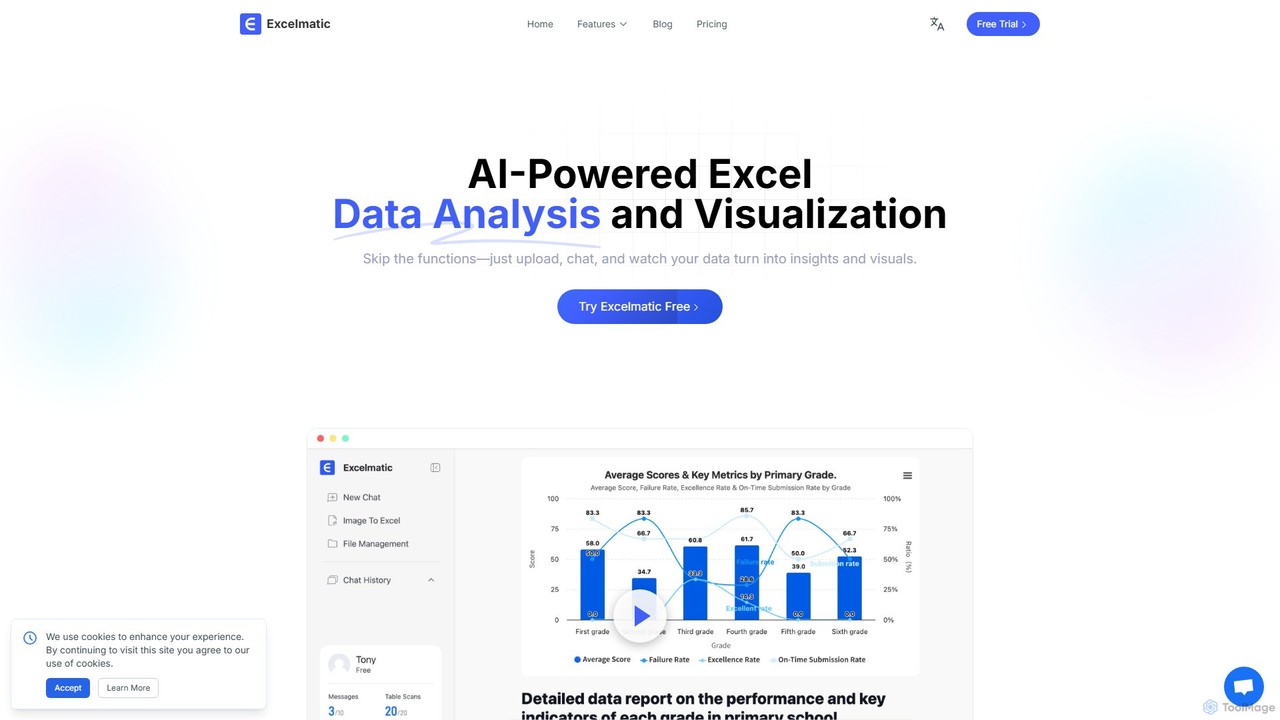
excelmatic
Excelmatic is an AI-powered assistant that transforms your Excel and spreadsheet tasks. Simply upload your data, ask questions in plain English, and instantly get data analysis, visualizations, and generated formulas. It's a no-code solution designed to automate data cleaning, chart creation, and insight discovery, making data accessible to everyone.
Business IntelligenceSourcetable
Sourcetable is an AI-powered spreadsheet that combines the functionality of traditional spreadsheets with an AI data analyst. It allows users to connect to live data sources, ask questions in plain English, generate formulas, create charts, and automate reports. By integrating AI, Python, and SQL capabilities directly into the spreadsheet interface, Sourcetable empowers users of all skill levels to perform complex data analysis, cleaning, and visualization tasks effortlessly, turning raw data into actionable insights in seconds.
No Code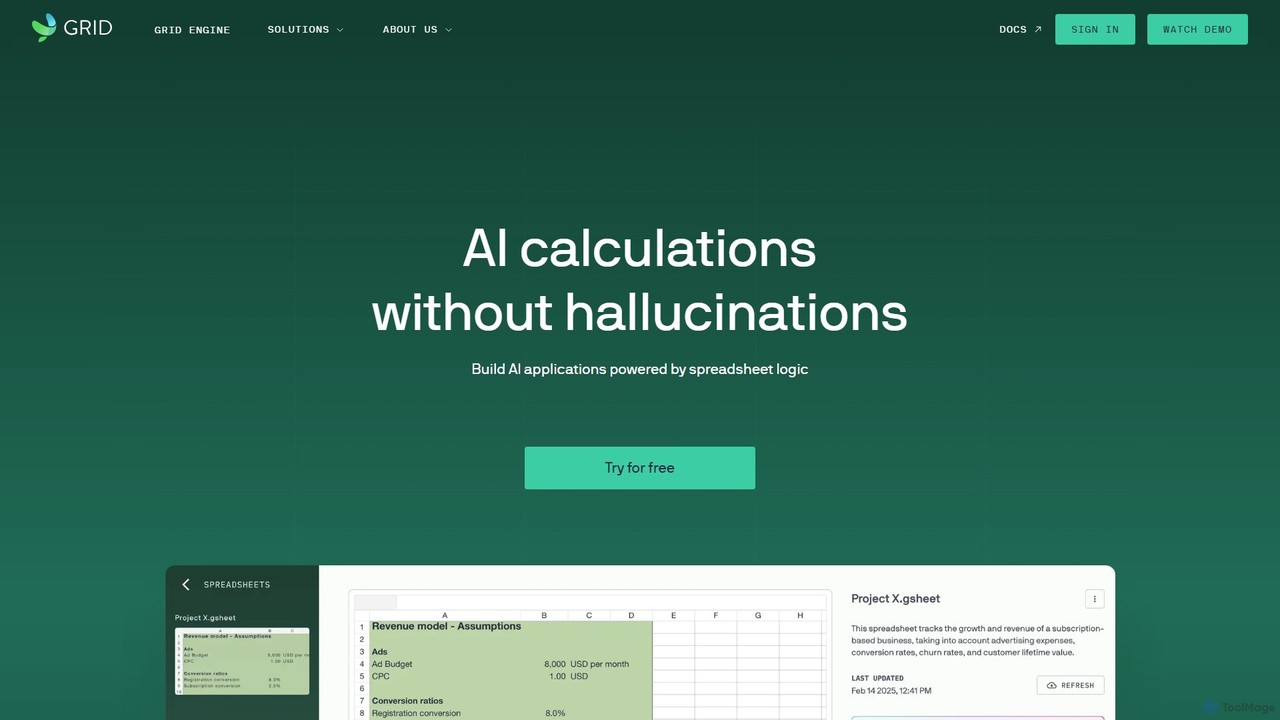
GRID
GRID is an AI-first platform that transforms your existing spreadsheets into powerful, interactive web applications and AI-driven tools. It leverages the logic and data within your Excel and Google Sheets files to build reliable calculators, dashboards, and models that can be queried using natural language, eliminating AI hallucinations.
Business Intelligence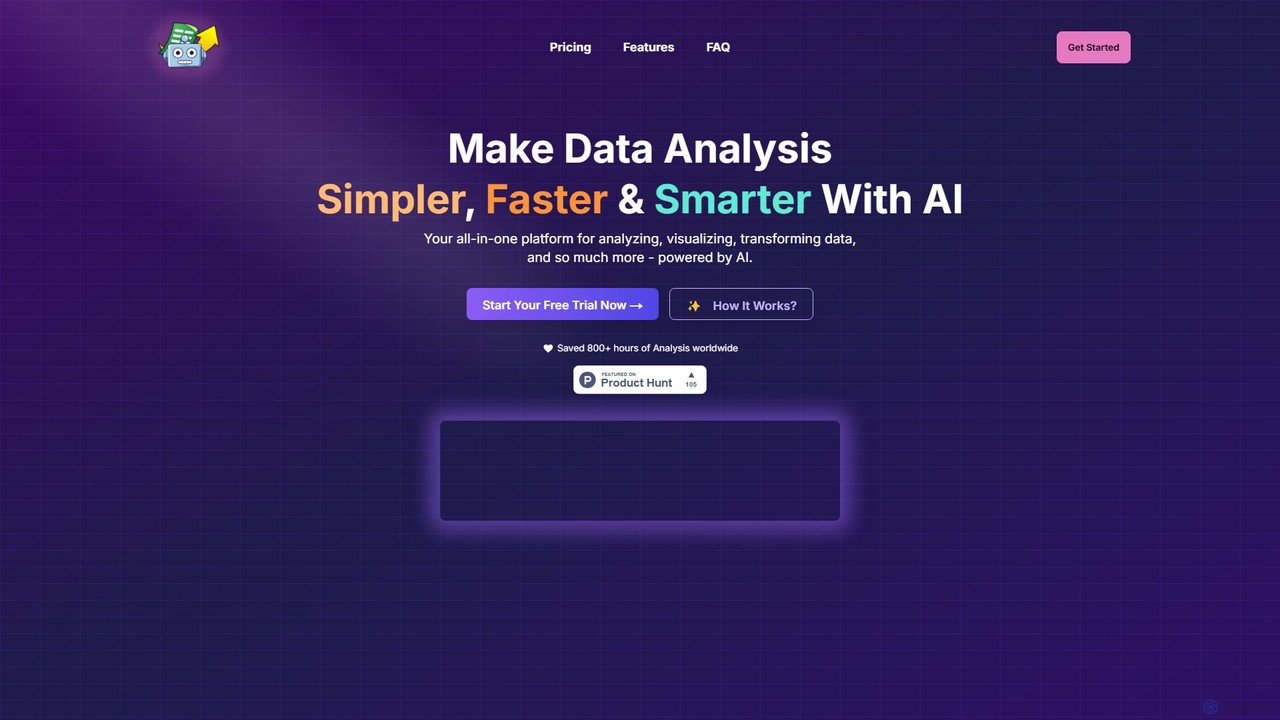
SheetBot
SheetBot is an AI-powered data analysis platform that enables users to analyze, visualize, and transform data without writing any code. Simply upload your dataset or connect a data source, ask questions in plain English, and receive instant insights, trends, and dynamic visualizations. Powered by advanced models like GPT-4o and Claude 3.5 Sonnet, it streamlines complex analyses, turning hours of work into minutes.
Business Intelligence
ChatExcel
ChatExcel is an AI-powered data analysis tool that allows users to process spreadsheets and analyze data through a simple chat interface. It automates tasks like data cleaning, merging, and analysis, and generates over 100 types of charts and visualizations from natural language commands. No coding or complex formulas required, boosting productivity by up to 90%.
Business Intelligence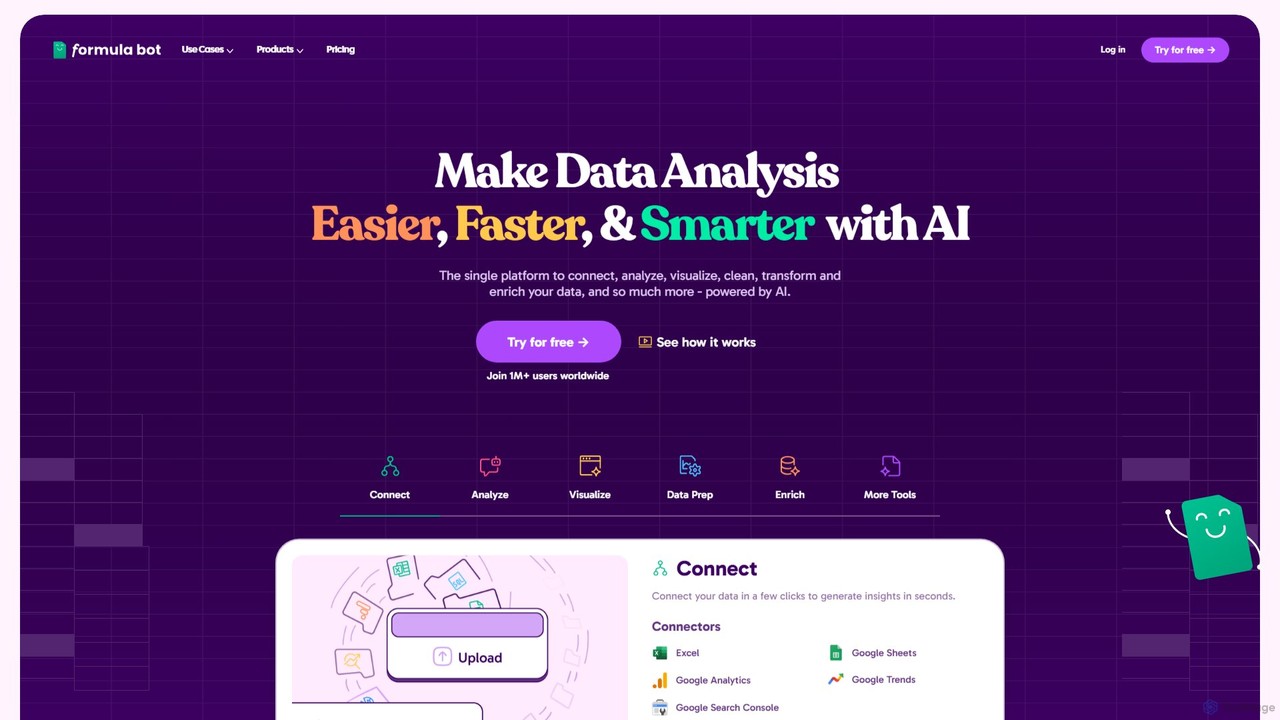
Formula Bot
Formula Bot is an AI-powered data analysis platform that simplifies working with spreadsheets and data. It allows users to generate Excel formulas, SQL queries, and VBA code from simple text instructions, analyze data through a conversational chat interface, and automate tasks like data cleaning and enrichment.
Data Visualization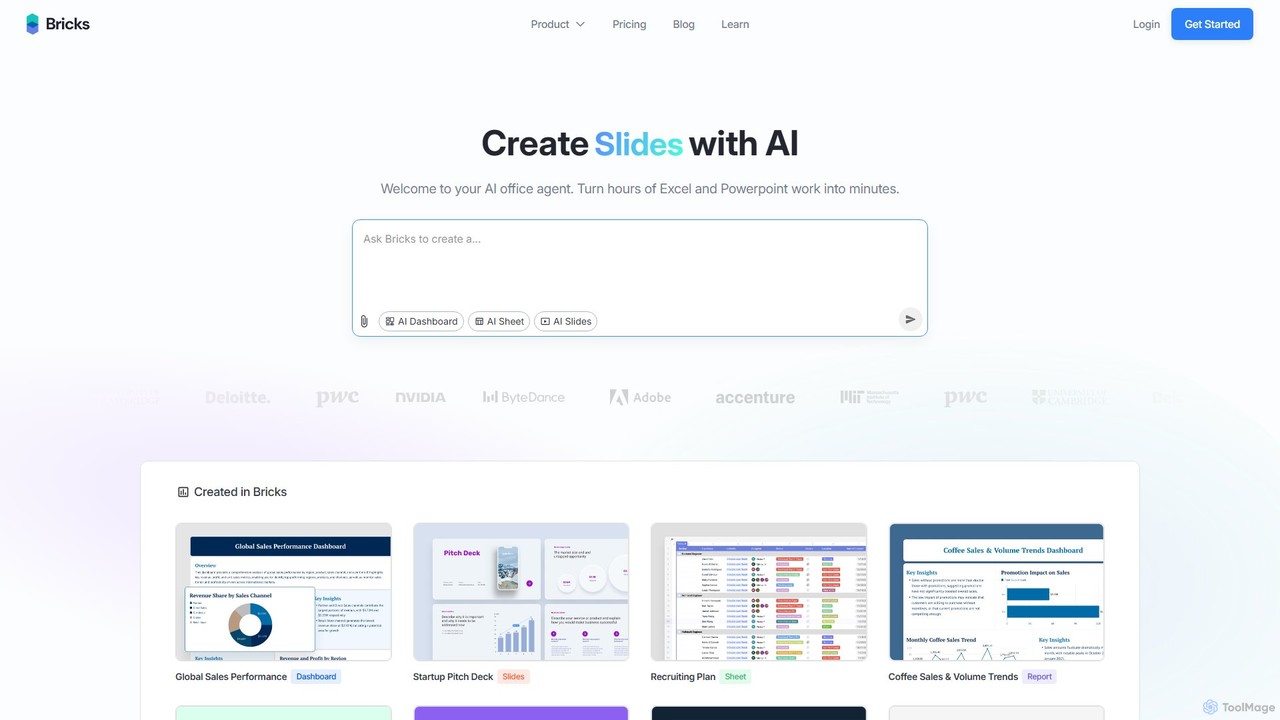
thebricks
thebricks is an AI-powered workspace that transforms data analysis and reporting. It allows users to create interactive dashboards, dynamic spreadsheets, and professional slides using simple natural language prompts. Turn hours of manual work in Excel and PowerPoint into minutes, streamlining your workflow and boosting productivity.
Business Intelligence
Ajelix
Ajelix is an AI-powered suite of tools designed to enhance productivity for Excel and Google Sheets users. It acts as an AI data analyst, automating tasks, generating formulas and VBA scripts, creating insightful reports, and providing advanced data analysis through a simple chat interface.
Business Intelligence
Jyek
Jyek is an AI agent platform that understands objectives, creates execution plans, uses tools, and delivers verifiable results for complex, multi-step tasks.
Automation
table.studio
table.studio is an AI-powered data workspace that combines the simplicity of a spreadsheet with the power of a database and AI. Use natural language to query, analyze, and visualize your data, automating tedious tasks and uncovering insights instantly. It's designed for teams to collaborate on data projects in real-time.
Database Management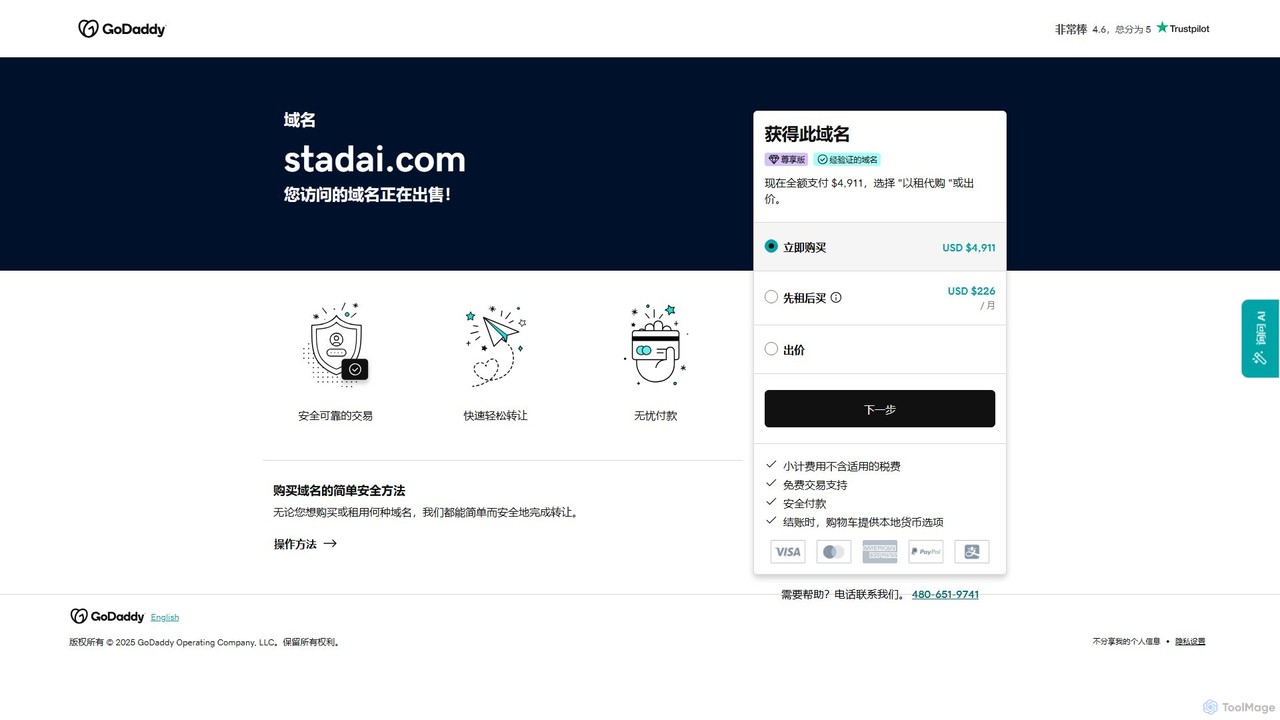
Stadai
Stadai is an advanced AI-powered platform for data analysis, business intelligence, and predictive modeling. It empowers users to transform complex data into actionable insights, automate reporting, and forecast trends through an intuitive, no-code interface.
Business Intelligence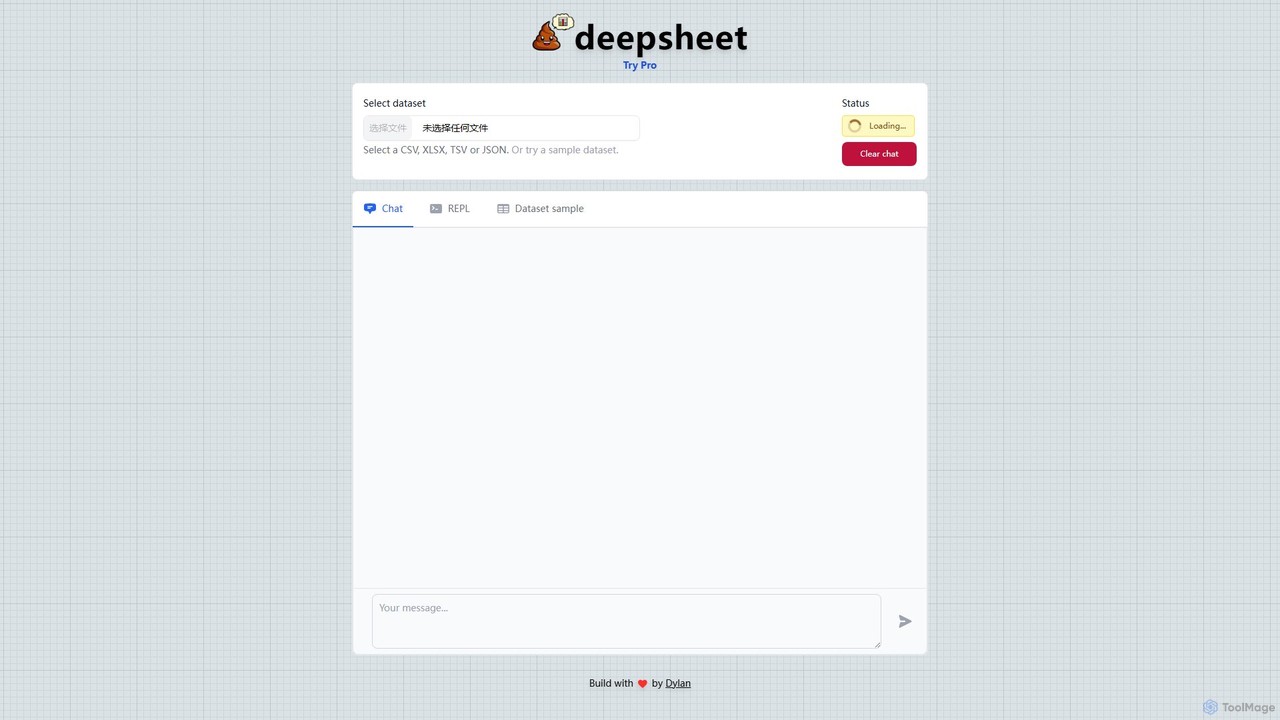
deepsheet
deepsheet is an AI-powered data analysis tool that allows users to interact with spreadsheets and datasets using natural language. Upload CSV, XLSX, or JSON files and ask questions in a chat interface to get insights, generate visualizations, and perform data transformations without writing code.
3D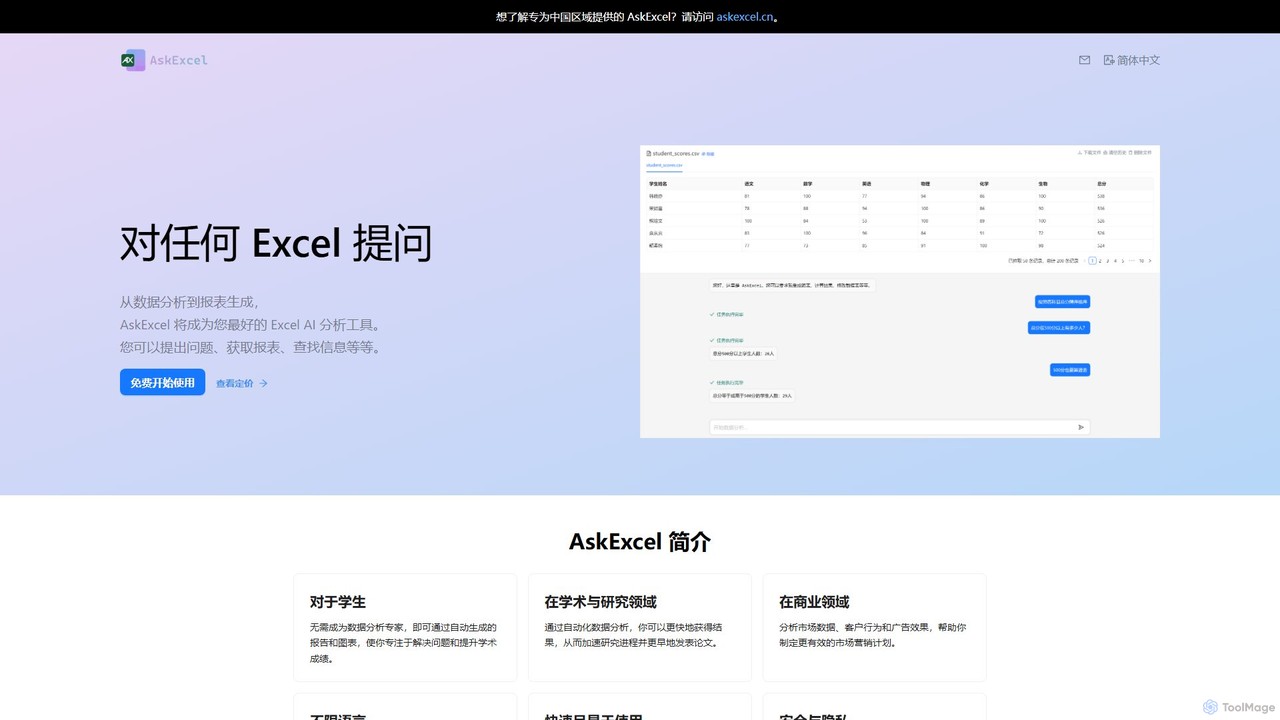
AskExcel
AskExcel is an AI-powered data analysis tool that transforms your Excel spreadsheets into interactive conversations. Simply upload your file, ask questions in natural language, and instantly receive data analysis, reports, and visualizations without writing any formulas or code.
Business Intelligence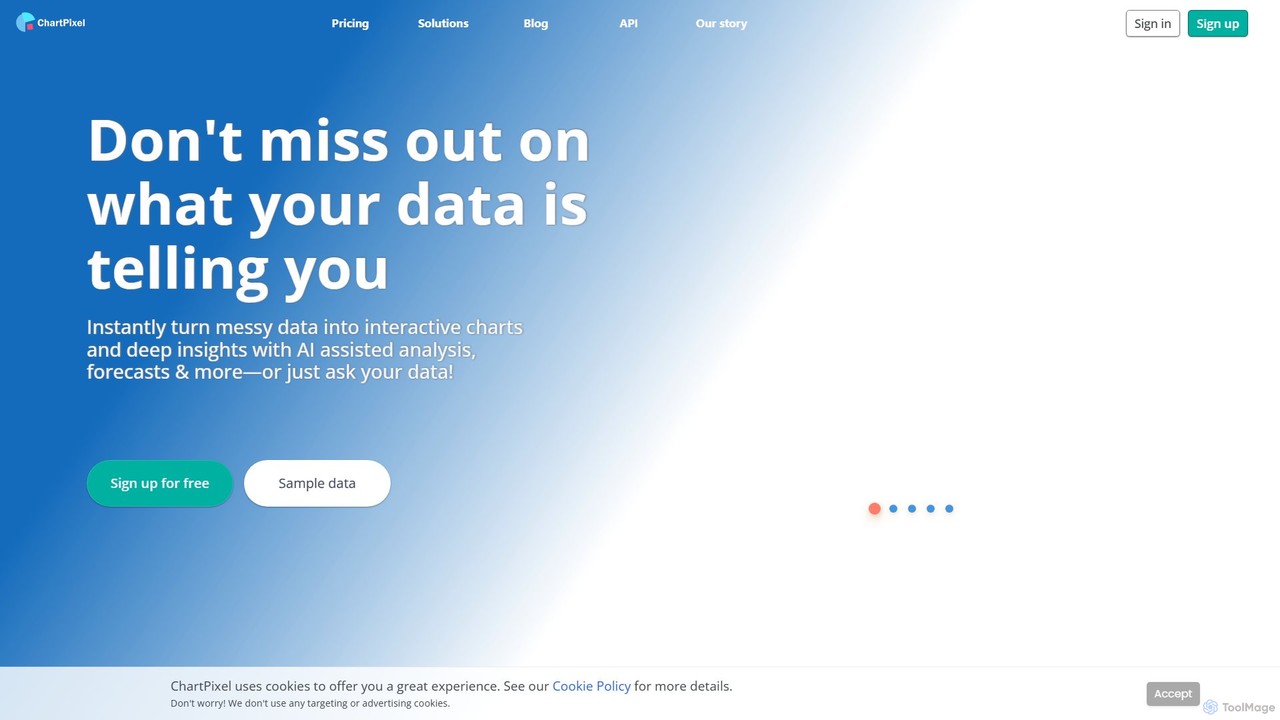
ChartPixel
ChartPixel is an AI-powered data analysis and visualization platform that instantly transforms raw, messy data into interactive charts and actionable insights. With a no-code interface, it allows users to chat with their data, generate forecasts, and uncover statistical patterns effortlessly. It's designed for everyone from students and researchers to business professionals, ensuring secure and reliable data-driven decision-making.
Business Intelligence
gptagent Comments (0)
Sign in to comment.
Sign inNo comments yet.