
thebricks Overview
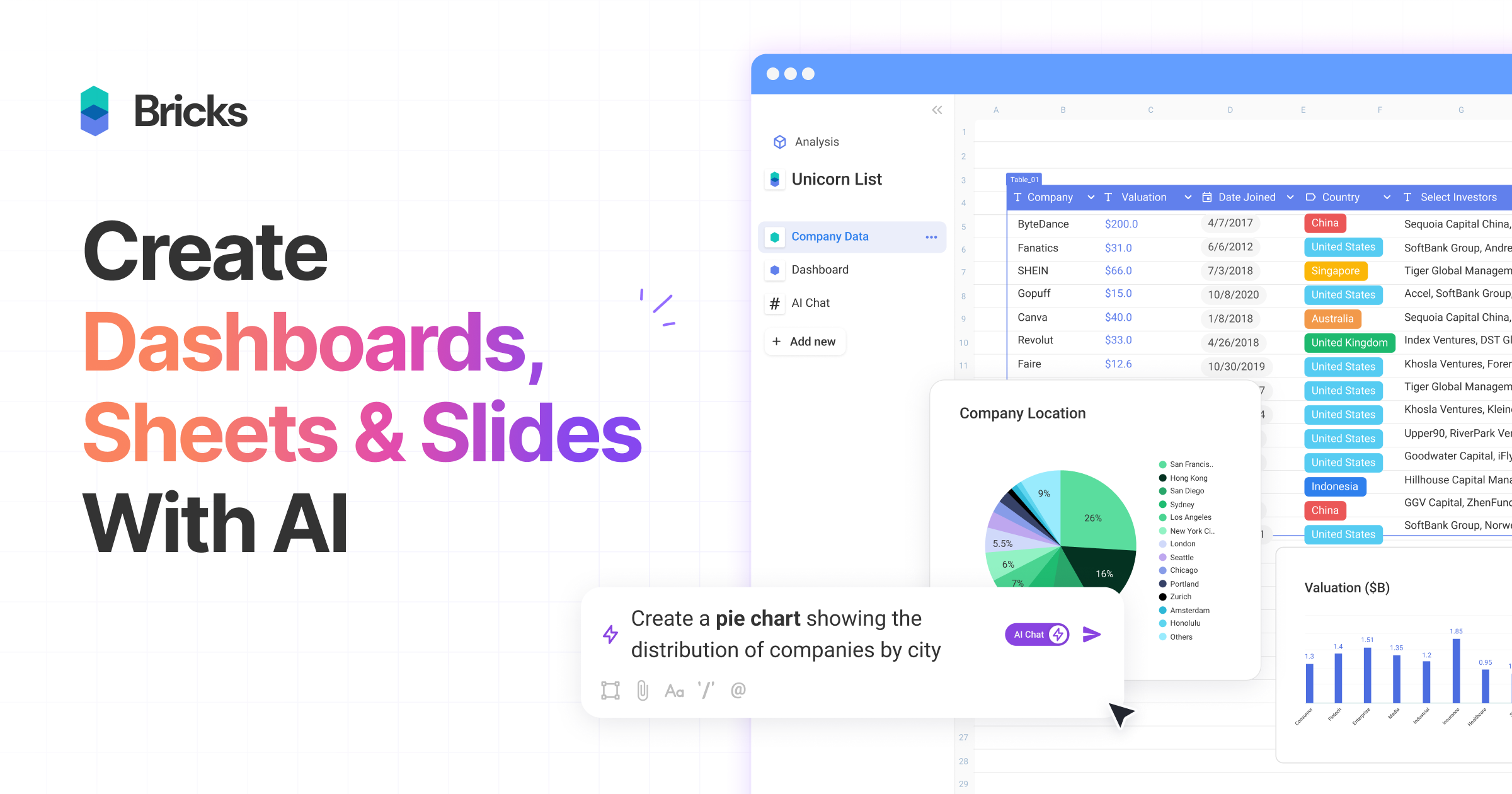
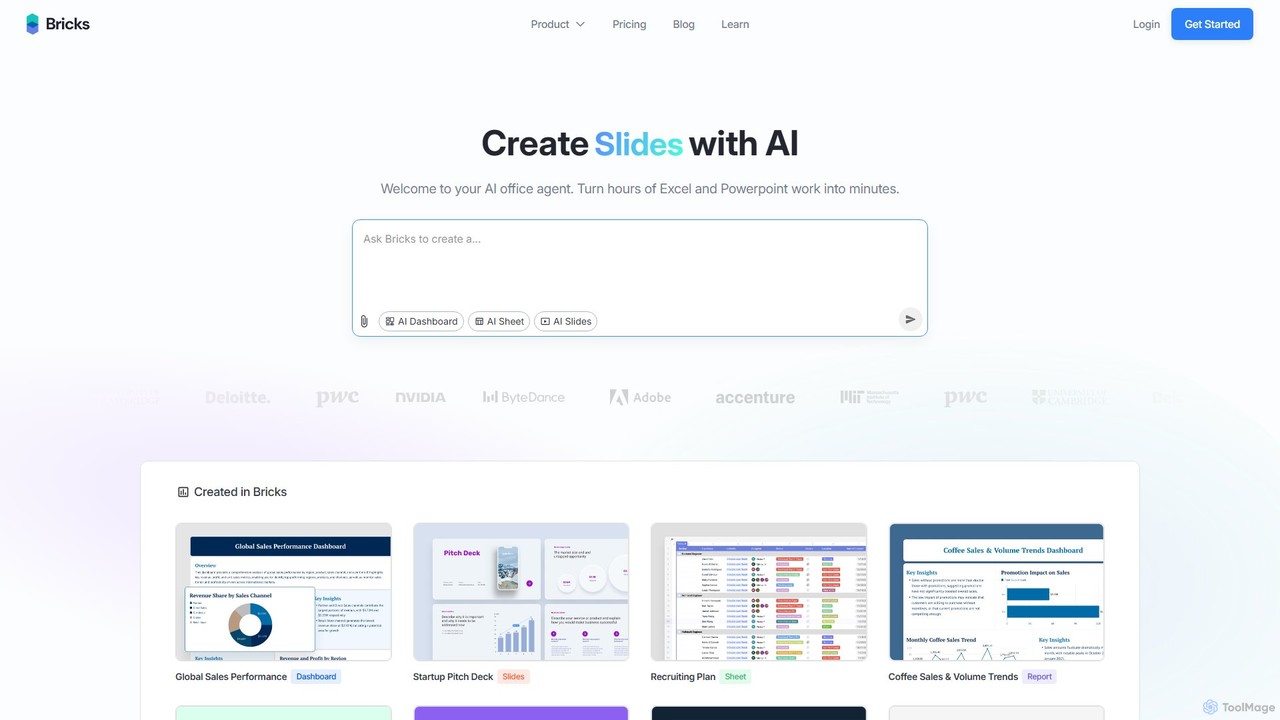
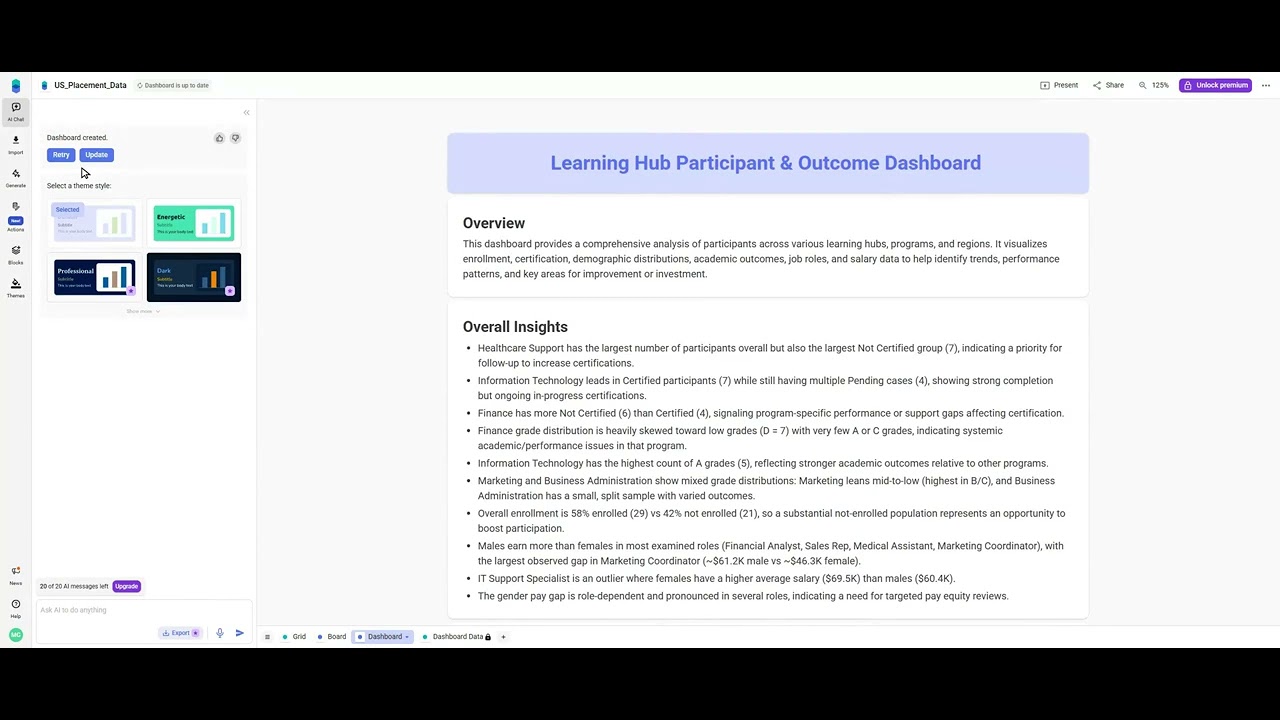
thebricks is a revolutionary, all-in-one workspace designed to redefine productivity for modern professionals. It seamlessly integrates the functionalities of spreadsheets, dashboards, and presentations into a single, intuitive platform powered by artificial intelligence. The core mission of thebricks is to eliminate the tedious, time-consuming tasks associated with data manipulation, analysis, and visualization. Instead of wrestling with complex formulas, pivot tables, or slide designs, users can simply describe their needs in plain English, and the AI agent handles the rest, transforming raw data into polished, actionable insights in minutes.
This platform is built for anyone who works with data, from financial analysts and marketing managers to project leads and startup founders. It addresses the common pain point of spending the majority of the workday bogged down in spreadsheets and presentation software. By automating these processes, thebricks frees up valuable time for users to focus on strategic thinking and decision-making. Security and privacy are paramount, with all user data being fully encrypted, kept private, and never used for AI model training, ensuring a safe and trustworthy environment.
How to use thebricks
Using thebricks is designed to be an intuitive and straightforward process, even for those without technical expertise. The workflow generally follows these simple steps:
- Upload Your Data: Start by importing your data into the platform. thebricks supports common file formats like CSV and XLSX, making it easy to get your information into the system.
- Use Natural Language Prompts: This is where the magic happens. Instead of writing formulas or manually creating charts, you simply type a command or question in natural language. For example, you could ask it to "Show me the monthly sales trend for Q3," "Create a pie chart of sales by region," or "Generate a summary of our top 10 performing products."
- Generate and Refine: The AI instantly processes your request and generates the corresponding output, whether it's a new data table, a chart, a full dashboard, or a presentation slide. You can then further refine the results with additional prompts, such as "Change the chart type to a bar graph" or "Add a column for profit margin."
- Build Dashboards and Slides: Assemble your generated charts, tables, and text blocks into a cohesive dashboard or a professional slide deck. thebricks offers pre-built blocks like calendars, timelines, and diagrams to enrich your reports and presentations.
- Collaborate and Share: Work with your team in real-time. You can co-edit documents, leave comments, and tag colleagues. Once your work is complete, you can export it to various formats like PDF, PNG, or XLSX, or even publish it as a live webpage to share with stakeholders.
Core Features of thebricks
- AI Spreadsheet: A fully functional spreadsheet environment supercharged with AI. It can automatically generate complex formulas, analyze data, create pivot tables, and apply conditional formatting based on text commands.
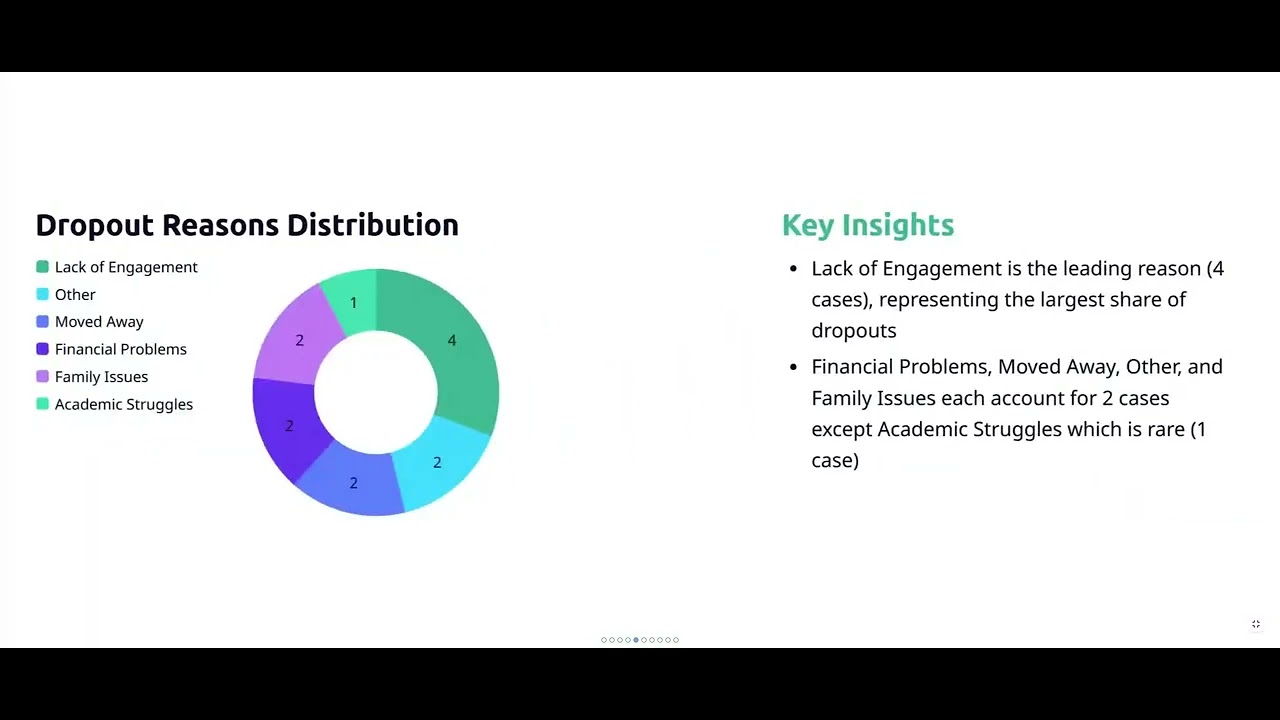
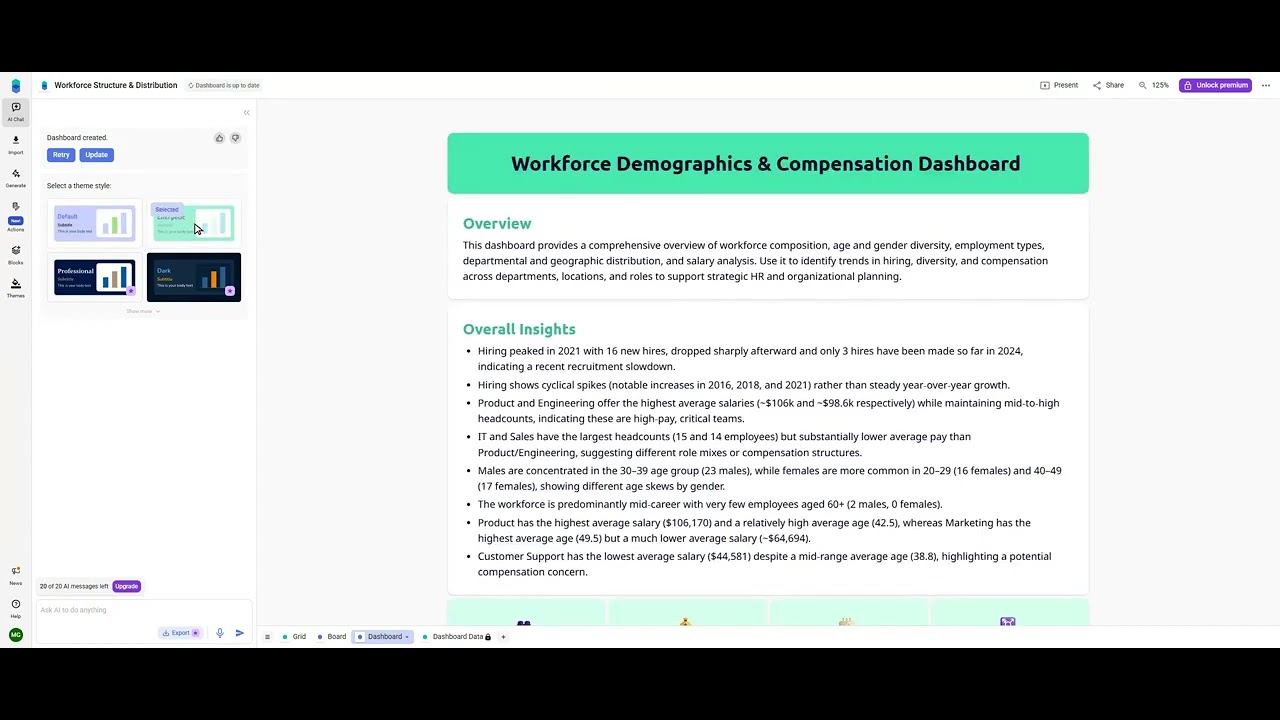
- AI Dashboards: Build dynamic, live-updating dashboards from your data. Use AI to generate entire dashboards or create individual charts and visualizations. Customize layouts and styling with ease.
- AI Slides: Create professional and visually appealing presentations directly from your data. The AI can generate slides, suggest layouts, and create visuals, eliminating the need to switch to separate presentation software.
- Natural Language Processing (NLP): The core engine that allows you to interact with your data using plain English, making data analysis accessible to everyone.
- Pre-Built Blocks: A rich library of components like calendars, timelines, flow charts, org charts, and Kanban boards that can be easily added to your dashboards and reports.
- Team Collaboration: Features real-time co-editing, comments and tagging, roles and permissions, and revision history to facilitate seamless teamwork.
- Data Security: Industry-leading encryption and data protection measures ensure your data is always private, secure, and never used for AI training.
- Import/Export Functionality: Easily import data from CSV and XLSX files and export your work to XLSX, PDF, and PNG formats.
Use Cases for thebricks
thebricks is versatile and can be applied across various departments and industries:
- Sales & Marketing: Create sales performance dashboards, analyze marketing campaign ROI, track opportunity pipelines, and generate weekly update reports.
- Finance & Operations: Build financial models, analyze cash flow, manage budgets, track facility issues, and create reports for board meetings.
- Human Resources: Develop recruiting plans, visualize team composition and diversity metrics, and create onboarding presentations.
- Project Management: Use project trackers, roadmaps, and Kanban boards to manage tasks and timelines, and create status update slides for stakeholders.
- Startups & Entrepreneurs: Quickly build investor pitch decks, analyze market data, and manage venture portfolios without a dedicated data analyst.
Advantages of thebricks
The primary advantage of thebricks is its massive boost to productivity. It transforms tasks that would normally take hours into a matter of minutes. Its simplicity makes advanced data analysis accessible to non-technical users, democratizing business intelligence. By integrating spreadsheets, dashboards, and slides, it creates a seamless, all-in-one workflow, reducing context switching and improving focus. Furthermore, its strong commitment to data privacy and security provides peace of mind for businesses handling sensitive information. The collaborative features make it an ideal tool for teams, ensuring everyone is aligned and working with the most up-to-date information.
Pricing and Plans
thebricks offers a freemium model with plans designed for individuals and teams of all sizes:
- Free Plan: Includes 20 AI messages per month, core access to AI Sheets, Slides, and Dashboards, and support for up to 3 teammates. Ideal for individuals or small teams wanting to try the platform.
- Premium Plan: Offers 500 AI messages per month, all features of the Free plan, plus general support and collaboration for up to 200 teammates. Suited for growing teams and regular users.
- Pro Plan: Provides unlimited AI messages, all features of the Premium plan, priority support, and advanced collaboration tools. Designed for power users and large organizations that rely heavily on data analysis and reporting.
Traffic
Latest traffic
Status
Monthly traffic trend
- 2025-9: 706.4K
- 2026-1: 493.4K
- 2026-2: 382.0K
- 2026-3: 414.7K
- 2026-4: 329.3K
- 2026-5: 251.6K
Geography
Top 5 countries / regions
- 🇺🇸United States51.5%
- 🇨🇦Canada19.4%
- 🇮🇳India11.5%
- 🇬🇧United Kingdom10.1%
- 🇻🇳Vietnam7.4%
Traffic sources
| Source type | Percentage |
|---|---|
Direct | 78.9% |
Referral | 16.4% |
Email | 4.6% |
Top keywords
| Keyword | Cost per click |
|---|---|
| bricks | $1.00 |
| bricks ai | $3.70 |
| portrait spreadsheet | $0.00 |
| remove extra enters in cell excel | $0.00 |
| thebricks | $0.45 |
thebricks Videos on YouTube


Bricks


Bricks
Bricks

thebricks Alternatives

ChatExcel
ChatExcel is an AI-powered data analysis tool that allows users to process spreadsheets and analyze data through a simple chat interface. It automates tasks like data cleaning, merging, and analysis, and generates over 100 types of charts and visualizations from natural language commands. No coding or complex formulas required, boosting productivity by up to 90%.
Business Intelligence
Ajelix
Ajelix is an AI-powered suite of tools designed to enhance productivity for Excel and Google Sheets users. It acts as an AI data analyst, automating tasks, generating formulas and VBA scripts, creating insightful reports, and providing advanced data analysis through a simple chat interface.
Business Intelligence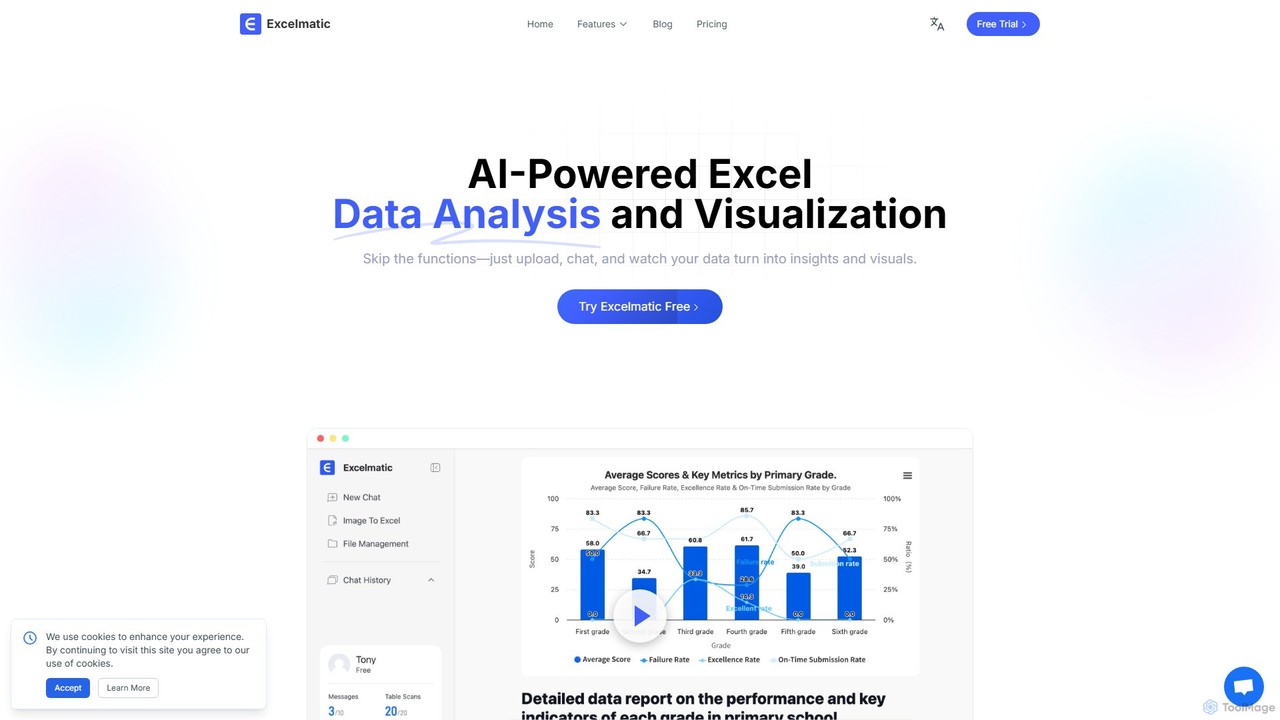
excelmatic
Excelmatic is an AI-powered assistant that transforms your Excel and spreadsheet tasks. Simply upload your data, ask questions in plain English, and instantly get data analysis, visualizations, and generated formulas. It's a no-code solution designed to automate data cleaning, chart creation, and insight discovery, making data accessible to everyone.
Business Intelligence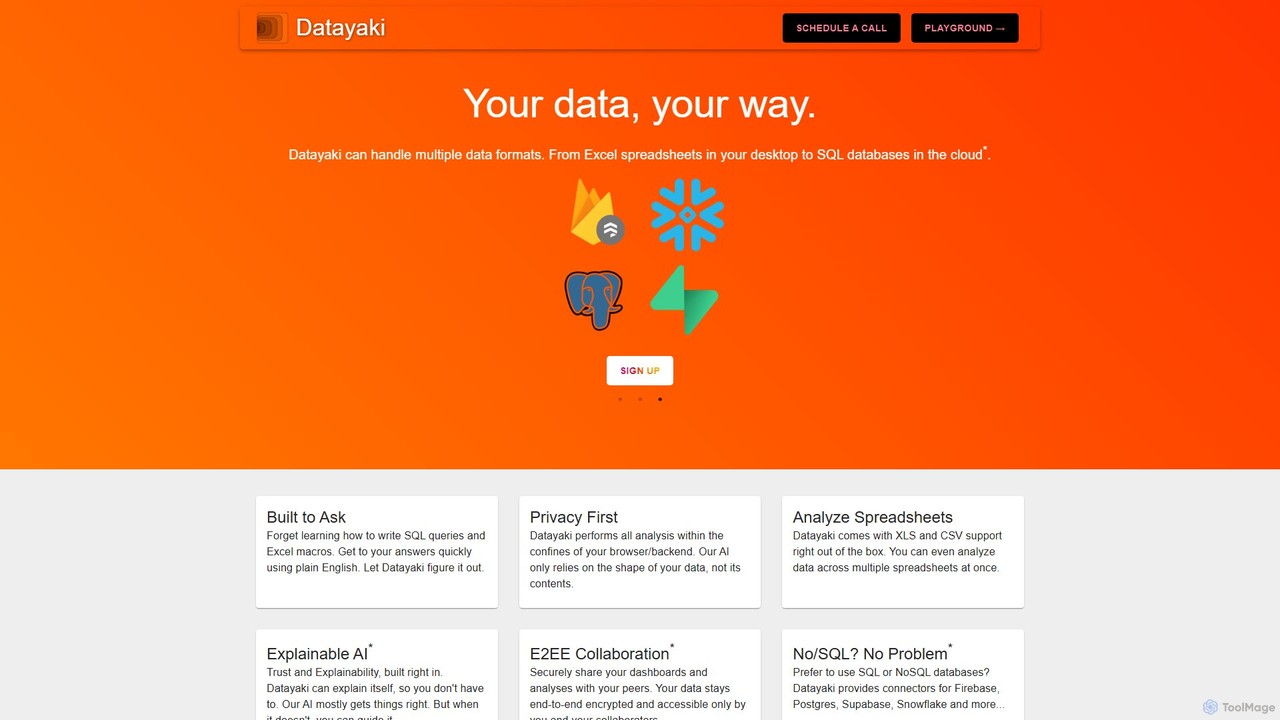
Datayaki
Datayaki is an AI-powered data analyst that lets you find insights from your data by asking questions in plain English. It supports formats like Excel and CSV, eliminating the need for SQL or complex formulas. With a strong focus on privacy, all analysis is performed locally in your browser, ensuring your data remains secure and confidential. It's designed for professionals and teams who need fast, accessible, and secure data analysis.
Data Visualization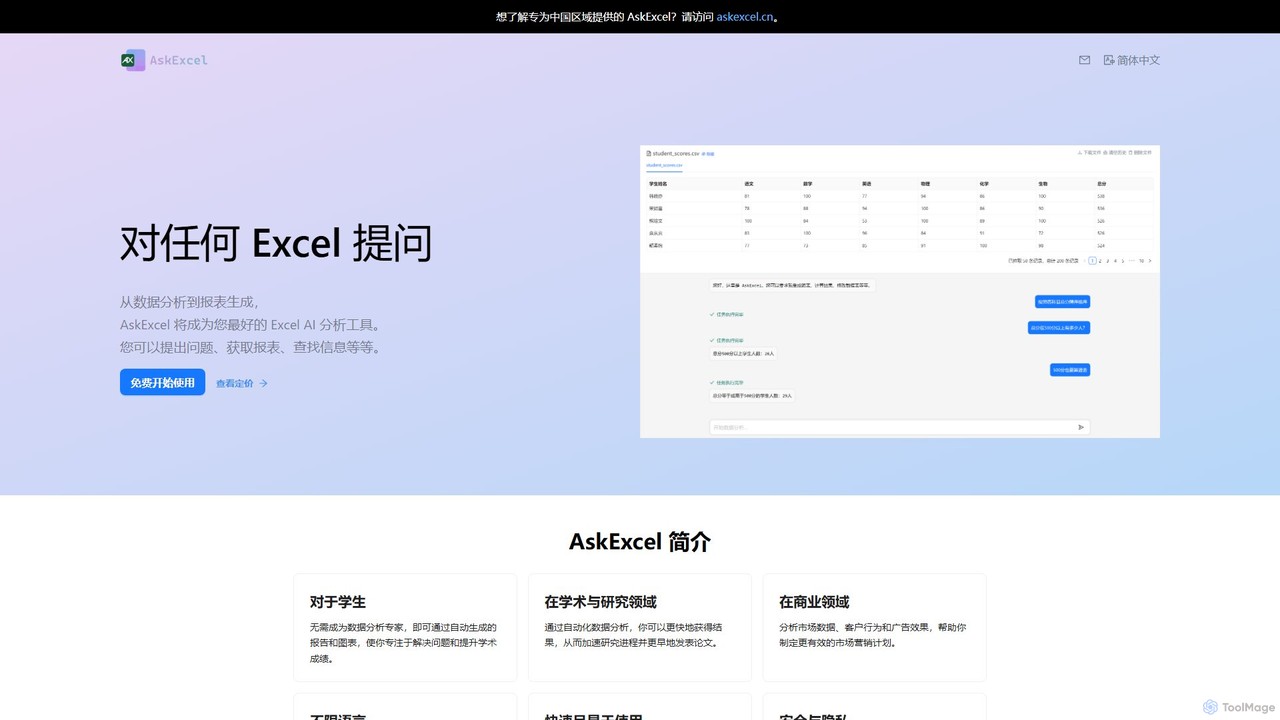
AskExcel
AskExcel is an AI-powered data analysis tool that transforms your Excel spreadsheets into interactive conversations. Simply upload your file, ask questions in natural language, and instantly receive data analysis, reports, and visualizations without writing any formulas or code.
Business Intelligencethebricks Categories
thebricks Embed Widget
Copy this embed code to place the badge on your blog, article, or product site and send readers directly to this ToolMage detail page.

Related AI tools
ChatExcel
ChatExcel is an AI-powered data analysis tool that allows users to process spreadsheets and analyze data through a simple chat interface. It automates tasks like data cleaning, merging, and analysis, and generates over 100 types of charts and visualizations from natural language commands. No coding or complex formulas required, boosting productivity by up to 90%.
Business Intelligence
Jyek
Jyek is an AI agent platform that understands objectives, creates execution plans, uses tools, and delivers verifiable results for complex, multi-step tasks.
AutomationAjelix
Ajelix is an AI-powered suite of tools designed to enhance productivity for Excel and Google Sheets users. It acts as an AI data analyst, automating tasks, generating formulas and VBA scripts, creating insightful reports, and providing advanced data analysis through a simple chat interface.
Business Intelligence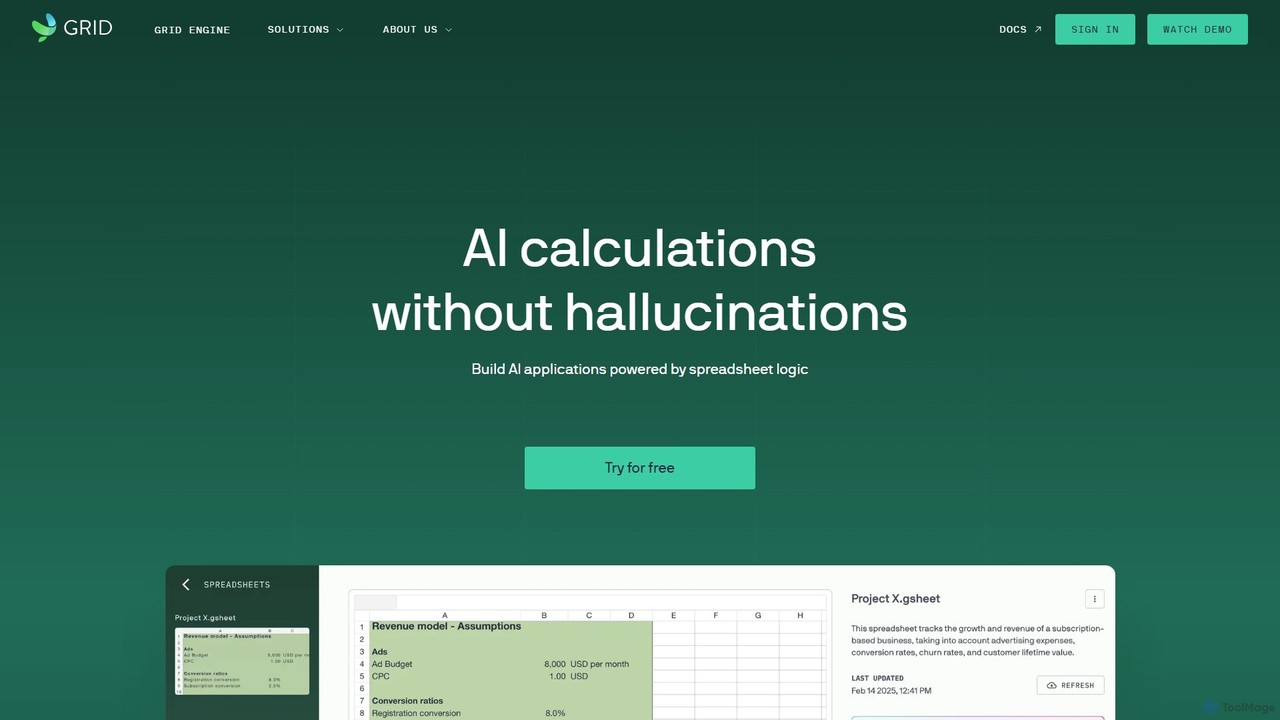
GRID
GRID is an AI-first platform that transforms your existing spreadsheets into powerful, interactive web applications and AI-driven tools. It leverages the logic and data within your Excel and Google Sheets files to build reliable calculators, dashboards, and models that can be queried using natural language, eliminating AI hallucinations.
Business Intelligence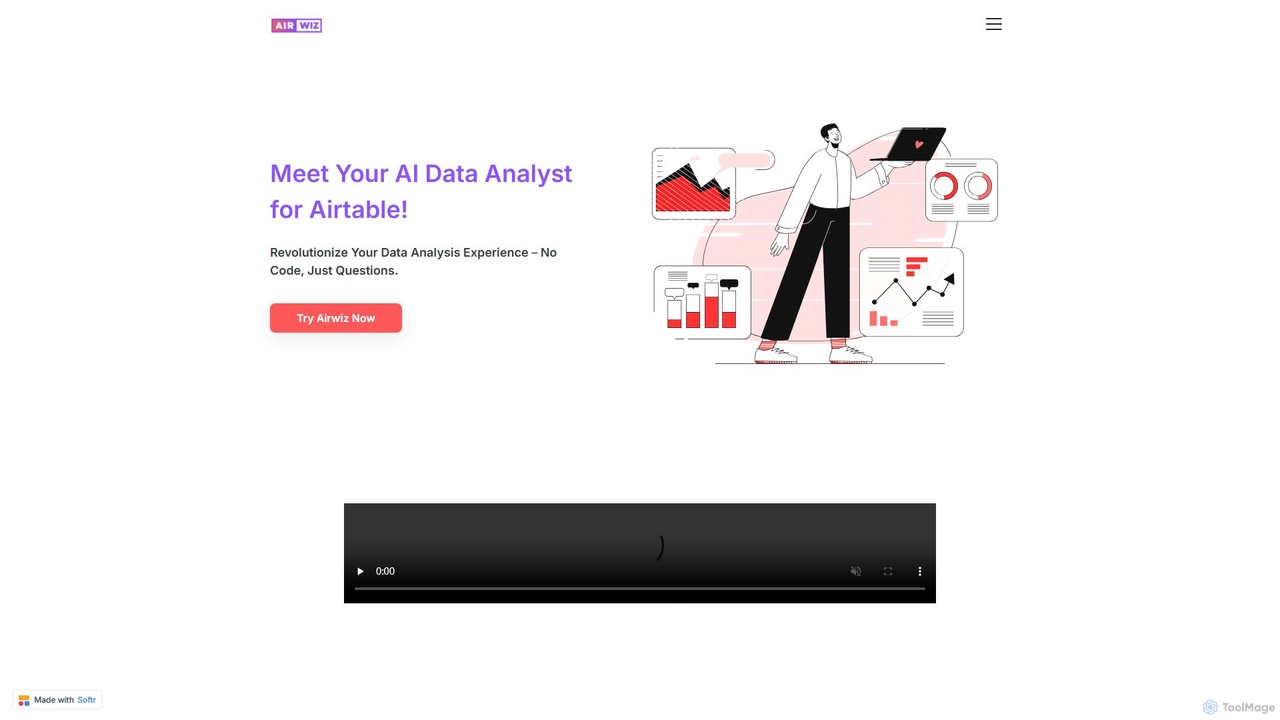
airwiz
Airwiz is an AI-powered data analyst designed specifically for Airtable. It allows users to ask complex questions about their data in plain English and receive instant, actionable insights. With seamless integration and no coding required, Airwiz democratizes data analysis, enabling teams in product, finance, and operations to make faster, data-driven decisions directly from their Airtable bases.
No Codeexcelmatic
Excelmatic is an AI-powered assistant that transforms your Excel and spreadsheet tasks. Simply upload your data, ask questions in plain English, and instantly get data analysis, visualizations, and generated formulas. It's a no-code solution designed to automate data cleaning, chart creation, and insight discovery, making data accessible to everyone.
Business IntelligenceDatayaki
Datayaki is an AI-powered data analyst that lets you find insights from your data by asking questions in plain English. It supports formats like Excel and CSV, eliminating the need for SQL or complex formulas. With a strong focus on privacy, all analysis is performed locally in your browser, ensuring your data remains secure and confidential. It's designed for professionals and teams who need fast, accessible, and secure data analysis.
Data VisualizationAskExcel
AskExcel is an AI-powered data analysis tool that transforms your Excel spreadsheets into interactive conversations. Simply upload your file, ask questions in natural language, and instantly receive data analysis, reports, and visualizations without writing any formulas or code.
Business Intelligence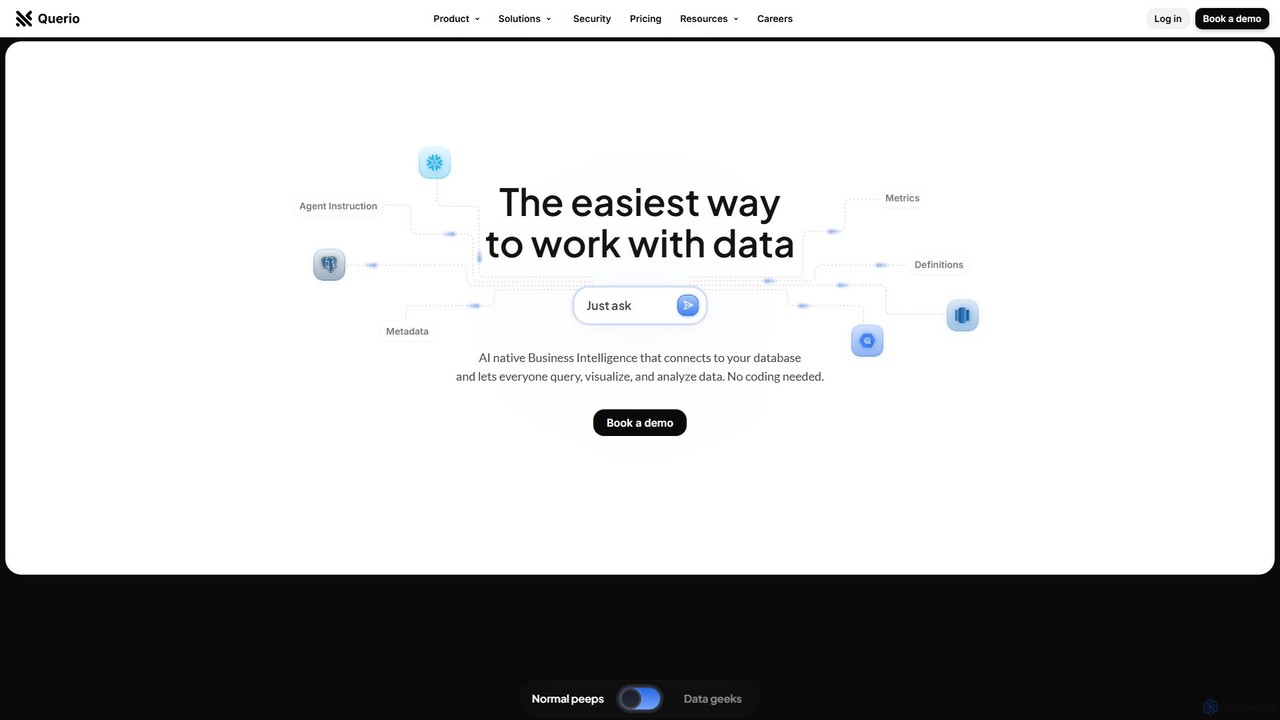
Querio
Querio is an AI-native Business Intelligence (BI) platform that allows teams to analyze their data using natural language. Connect directly to your database and ask questions to generate queries, visualizations, and reports without writing any code. It's designed for both technical and non-technical users to make data-driven decisions quickly.
Business Intelligence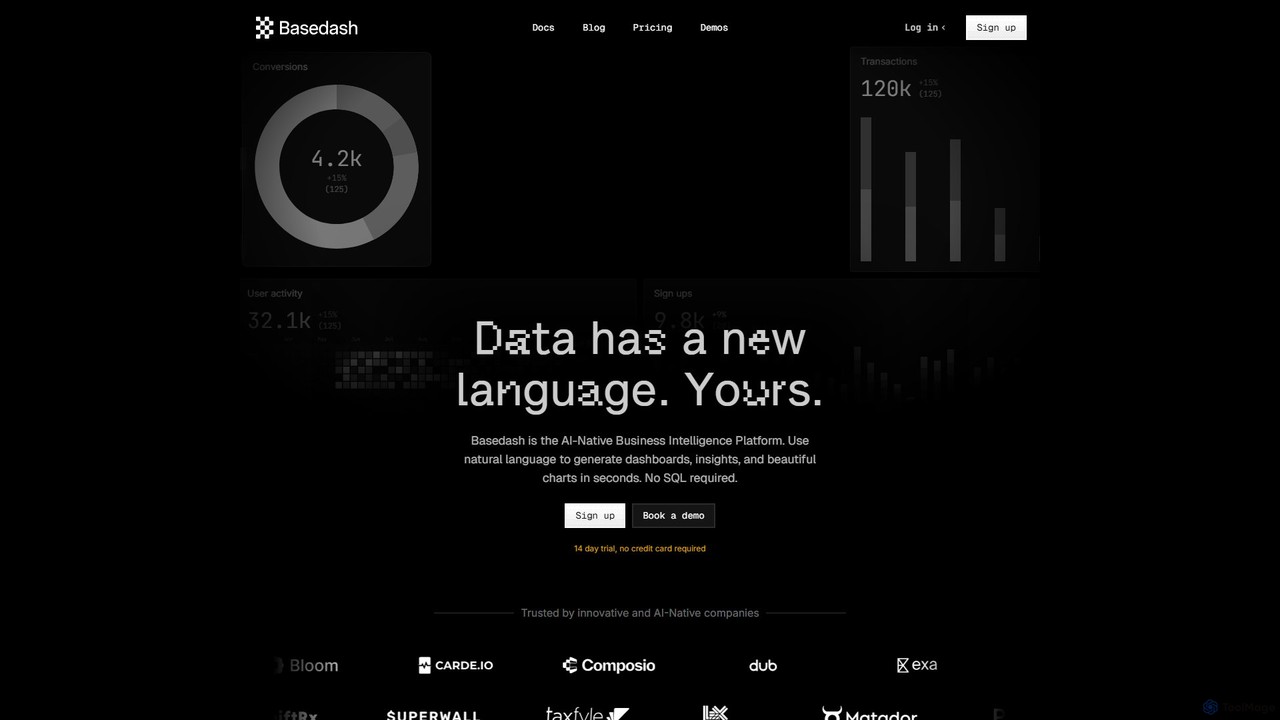
Basedash
Basedash is an AI-native business intelligence platform that allows teams to interact with their data using natural language. Generate beautiful dashboards, charts, and insights in seconds without writing any SQL code. Connect your data sources and simply ask questions to get answers.
Business Intelligence
Sourcetable
Sourcetable is an AI-powered spreadsheet that combines the functionality of traditional spreadsheets with an AI data analyst. It allows users to connect to live data sources, ask questions in plain English, generate formulas, create charts, and automate reports. By integrating AI, Python, and SQL capabilities directly into the spreadsheet interface, Sourcetable empowers users of all skill levels to perform complex data analysis, cleaning, and visualization tasks effortlessly, turning raw data into actionable insights in seconds.
No Code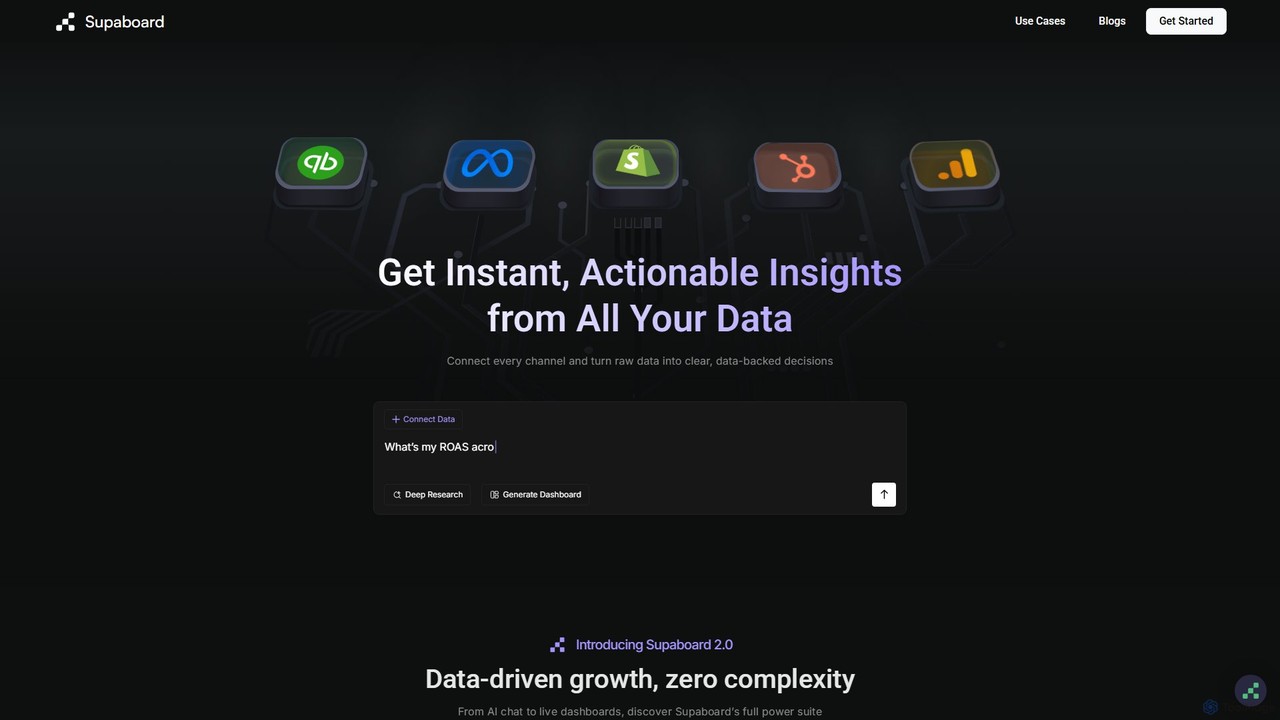
Supaboard
Supaboard is an AI-powered business intelligence platform that connects all your data sources into a unified hub. It transforms raw data into actionable insights and live dashboards, allowing teams to make data-backed decisions quickly without needing to write code or wrangle spreadsheets.
Business Intelligence
table.studio
table.studio is an AI-powered data workspace that combines the simplicity of a spreadsheet with the power of a database and AI. Use natural language to query, analyze, and visualize your data, automating tedious tasks and uncovering insights instantly. It's designed for teams to collaborate on data projects in real-time.
Database Management
Fabi.ai
Fabi.ai is an AI-powered business intelligence and data analysis platform designed for lean teams. It integrates SQL, Python, and AI to help users build dashboards, automate workflows, and explore data 10x faster. The platform offers an all-in-one collaborative environment, reducing context switching and enabling both technical and non-technical users to derive insights from their data sources like data warehouses, Google Sheets, and more.
Business Intelligence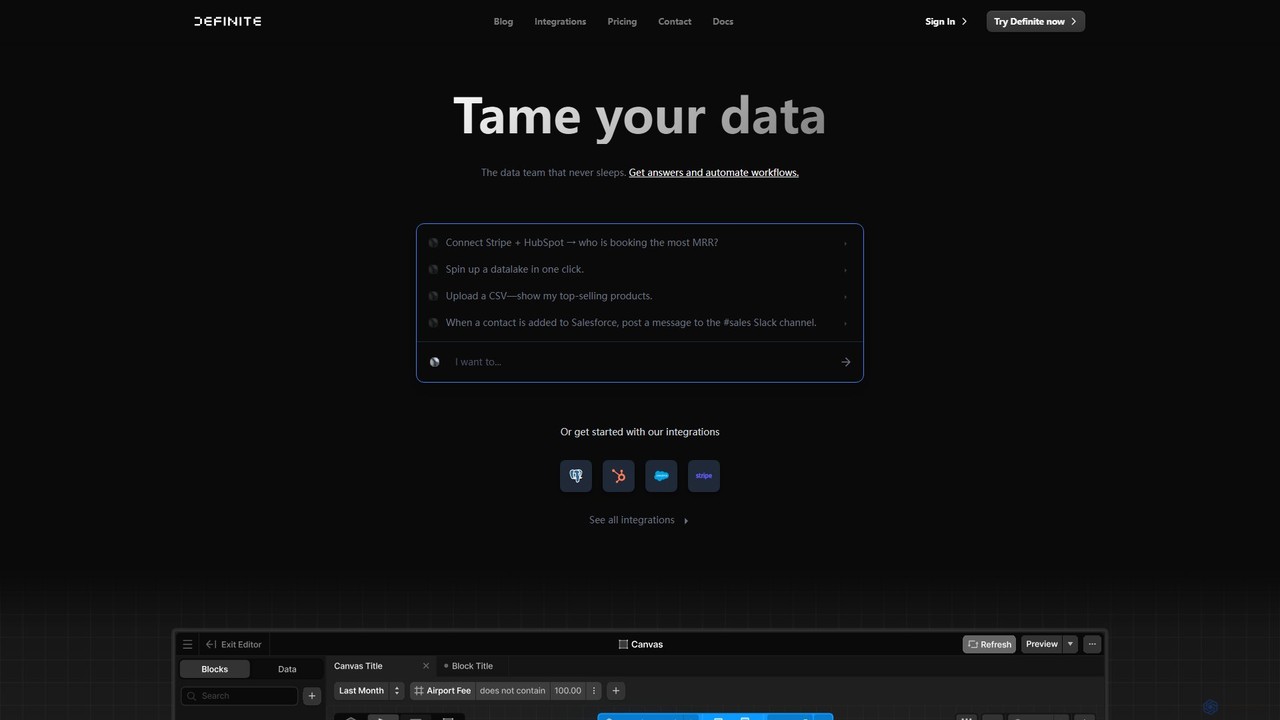
Definite
Definite is an AI-powered, all-in-one data analytics platform that combines data integration, warehousing, and business intelligence. It enables teams to connect hundreds of data sources, ask questions in plain English, and build dashboards without engineering support, turning scattered data into actionable insights in minutes.
Business Intelligence
thebricks Comments (0)
Sign in to comment.
Sign inNo comments yet.